[Course]3dvideocreator,popurika_포프리카JP Details
Intro
Class Intro
3D Video Creator, Popurika
Tips on Animation Production Using Only Blender, from Top-Tier Video Creator
Popurika, a seasoned video creator with vast experience in film, commercial, and music video production, takes you through every step of the animation production process, from initial proposals to compositing and animation.
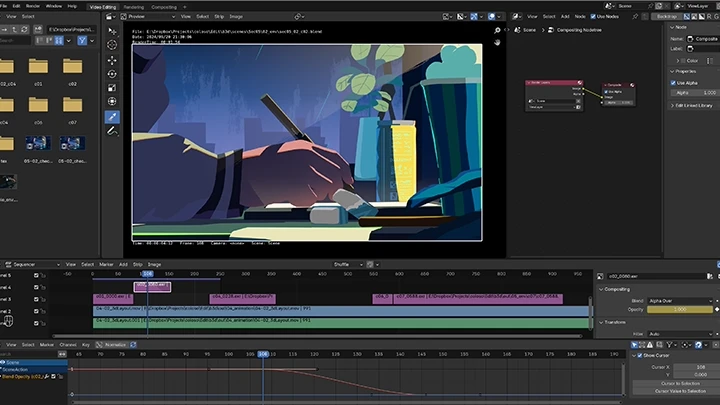
In this course, Popurika shares exclusive techniques for animation production using Blender. Learn how to create an entire project with Blender, covering everything from modeling and rigging to animation and compositing.
In this course, Popurika shares exclusive techniques for animation production using Blender. Learn how to create an entire project with Blender, covering everything from modeling and rigging to animation and compositing.
Start by mastering Blender's basic functions and shortcuts to build a strong foundation for animation. Then, dive into V-storyboarding with the grease pencil and character modeling and rigging exercises.
Finally, gain a deep understanding of each stage of animation production, including creating background elements and compositing, to complete your own animated project.
Unlock the secrets to crafting your own animation using only Blender, available exclusively on Coloso!
Finally, gain a deep understanding of each stage of animation production, including creating background elements and compositing, to complete your own animated project.
Unlock the secrets to crafting your own animation using only Blender, available exclusively on Coloso!
Class Perks
Get These Coloso Exclusives
-
 Unlimited Access to 51 Chapters of Content
 -
 1 Project Completed by Chapter’s End
 -
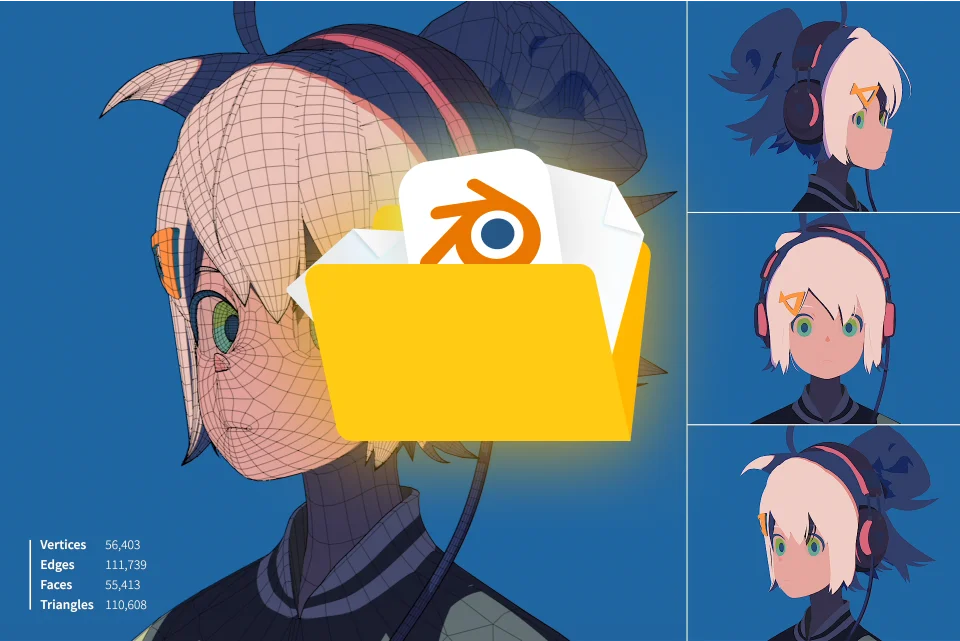 Blender Files for Exercises, Music Data for Video Production, and Additional Resources
Class Material Details
-
 Data for Exercise Project Production- Blender files for exercise projects created in each section
- Illustrations and video data used in exercise projects
- Hand models used for modeling -
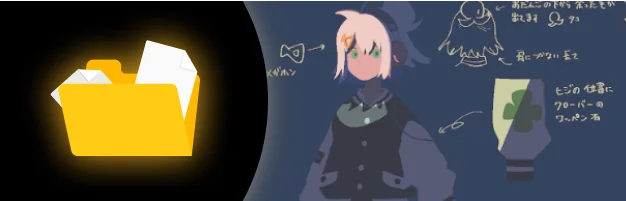 Data for Project Completion- Concept art (produced by Magotsuki)
- Music for video production (produced by vivi) -
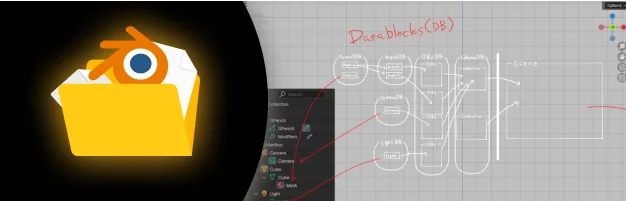 Data for Video Production- Popurika's collection of Blender shortcuts
- Compositing node groups created for exercises
Expert 3D Video Creator Popurika's Portfolio


Why Take This Class?
Join Popurika, an experienced video creator, as she guides you through the entire animation process using Blender. With her extensive background in film, commercials, and music videos, Popurika shows you how to bring a project to life from start to finish.
In this course, you'll master Blender basics, character modeling, rigging, animation, and compositing, while also creating storyboards with the grease pencil and gaining hands-on experience through each stage of production. By the end, you'll have the skills to complete your own animated project using only Blender.

5 Class Exercises
-
 V-storyboards
 -
 Character modeling
 -
 Character rigging
-
 Animation
 -
 Background object
Instructor
3D Video Creator
Popurika
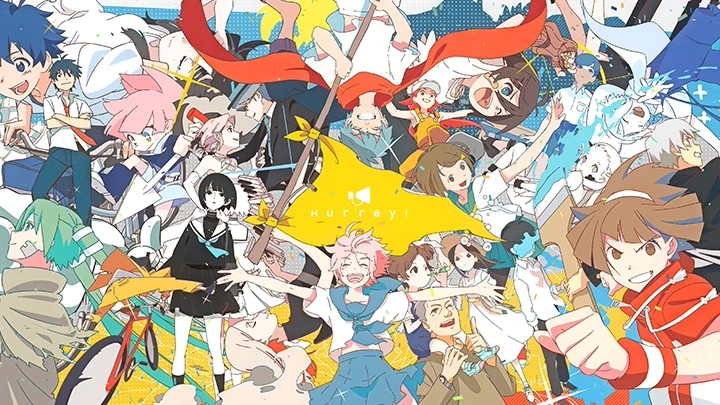





Hi, I'm Popurika, a 3D video creator and leader of the video production team "Hurray!" Hurray! has produced a music video for Yorushika, public service ads for Bicycle Association (Japan), the ending sequence for the TV animation, "Shikimori's Not Just a Cutie," and the animated film "A Few Moments of Cheers."
In this chapter, I'll be sharing my know-how on using Blender for video production, from storyboarding to finalizing the production. Creating a video, including the modeling and character animation process, isn't easy to achieve alone, but seeing your imagination come to life is incredibly rewarding. Let's get started and achieve that goal!


3D Video Creator
Popurika
[Current]
3D Video Creator
Projects & Awards
[Participated Projects]
2024 Director of animated film "A Few Moments of Cheers"
2021-2024 Director of public service advertisements for Bicycle Association (Japan)
2022 Director of ending sequence for TV animation, "Shikimori's Not Just a Cutie"
2018-2020 Director of Yorushika’s music videos, including "Moonlight" and "Rain with Cappuccino"
Highlights
Class Highlights

Master Blender Functions Essential for Animation Production
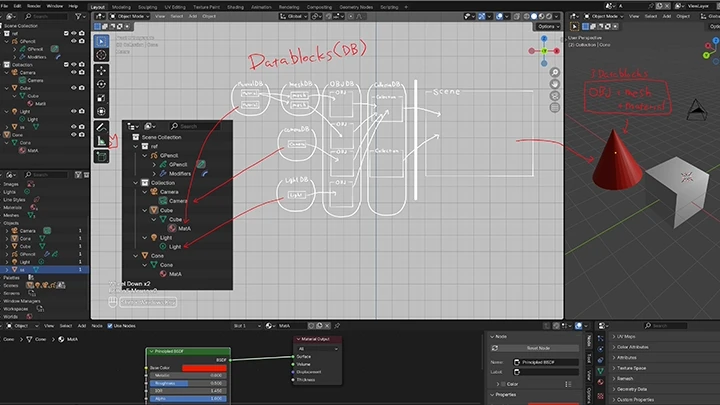
This chapter covers Blender functions essential for animation production. Specifically, it covers polygon modeling, sculpting, shader nodes, grease pencil, geometry nodes, compositing, and other functions along with their operations, in line with the actual production process.

Learn Non-photorealistic, Free Style Drawing Techniques
Non-photorealistic videos that captivate audiences require a variety of elements, from unique color schemes and appealing character designs to innovative effects, camera work, and character animations. This chapter explores techniques to transform these elements into distinctive modes of expression.
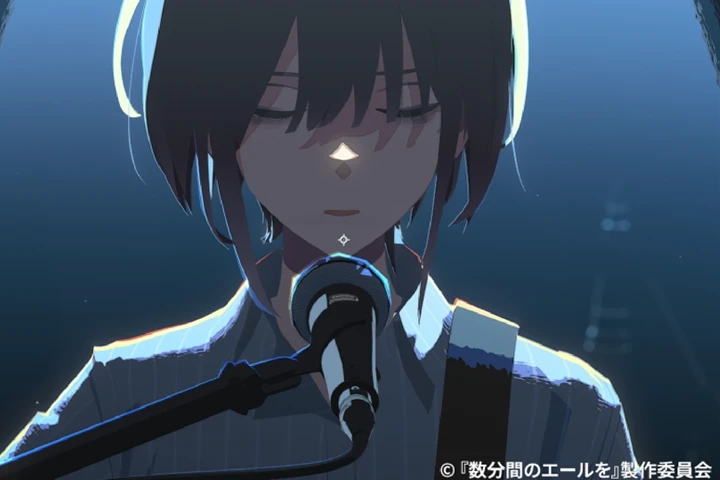
Streamlining Tips from Popurika, Based on Years of Video Production Experience
Popurika stresses the importance of boldly omitting less noticeable details to efficiently create high-quality videos. Popurika shares valuable production insights and approaches, all rooted in real-world workflows, that only someone with extensive experience can provide.
Class Details
You'll Learn
-
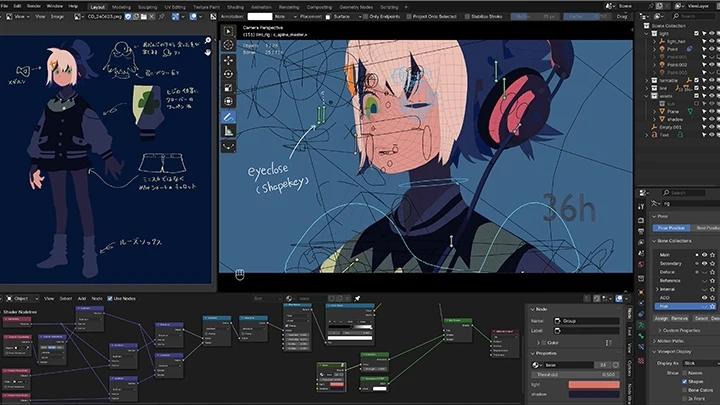
 Workflow and Basics of Character ModelingLearn character modeling through two approaches: polygon modeling and sculpting. This section covers the entire process, from animation to lighting, allowing you to identify areas for improvement that may not be evident during the modeling phase alone.
 -
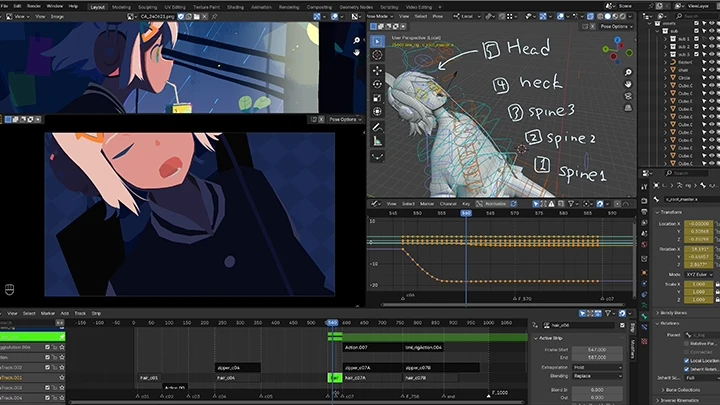
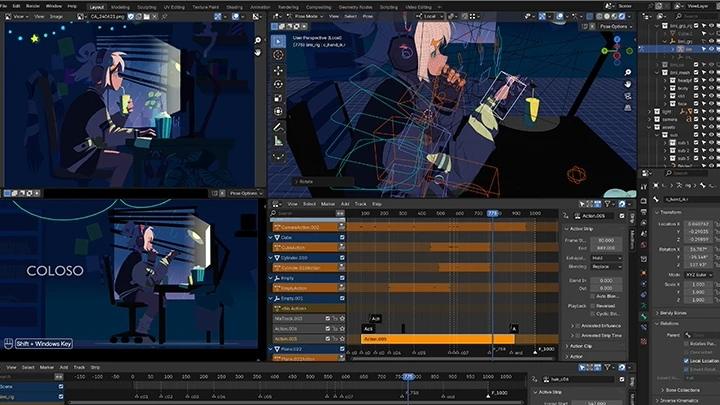
 Techniques for Producing Easily Adjustable Character AnimationsGain the skills necessary to create high-quality animations that are easy to adjust by developing a deep understanding of both animation systems and the structure and movements of the human body.
 -
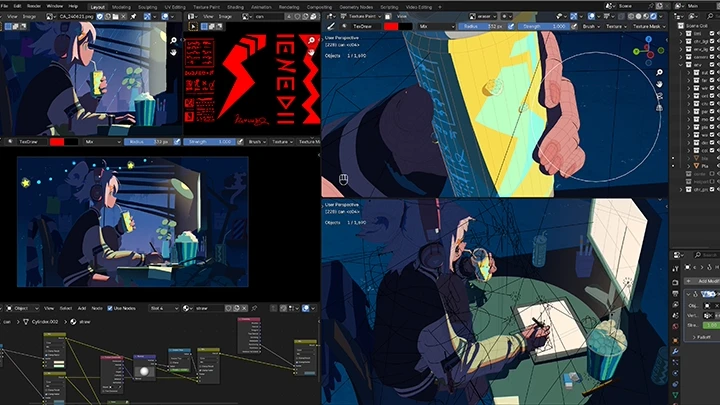
 Explanations on Applicable NPR Shader Node StructuresLearn the fundamentals of shader node structures and rendering techniques. By understanding shader node structures, you'll be able to adapt and enhance them on your own and even create a unique style and aesthetic.
-
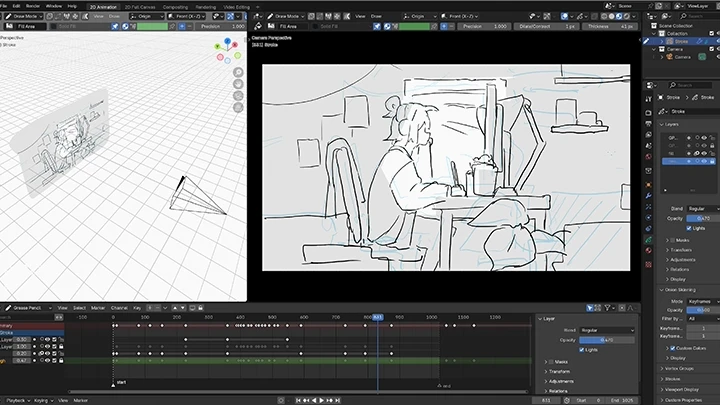
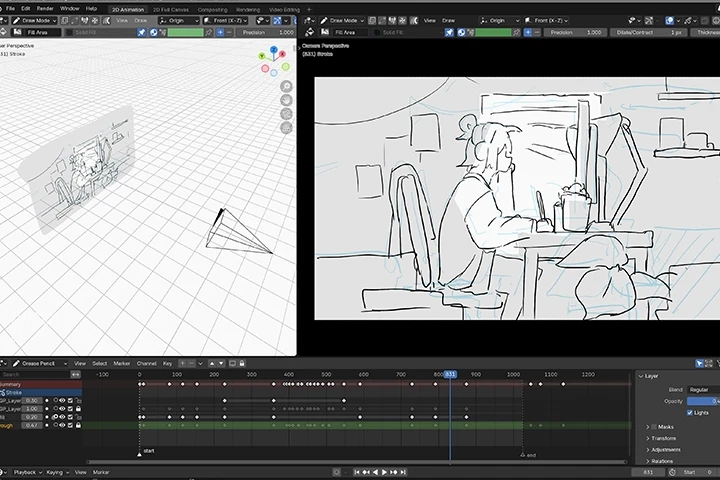 Grease Pencil Basics Through V-Storyboard CreationLearn how to use the "grease pencil" function, which allows you to draw in 3D space. By creating V-storyboards, you'll master the basic operations and structure of the grease pencil. Only beginner-friendly functions necessary!
 -
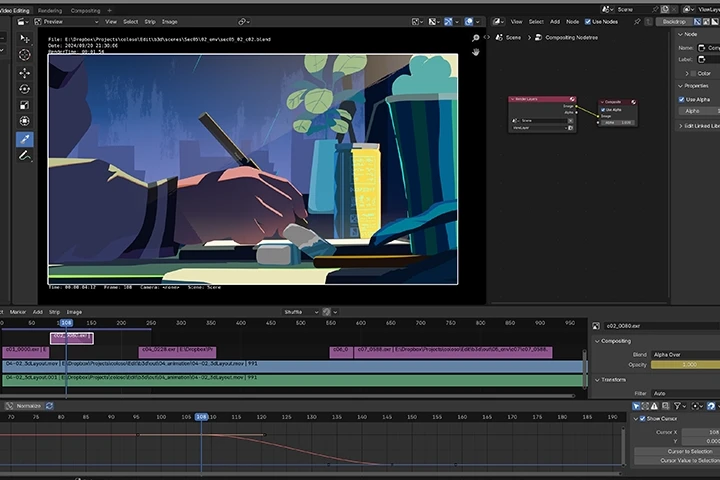 Effect Creation and Compositing Using Only BlenderLearn compositing techniques using Blender. Gain insights on how to complement processes that shader nodes can't address alone, and improve the overall visual appeal of your project.
 -
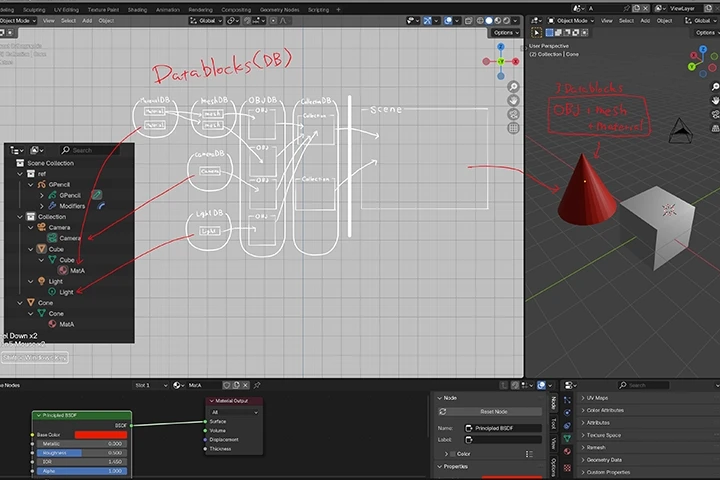 Basic Operations and Customization in BlenderDiscover how to manage data in Blender, understand the functions of each window, and master the basics of its operations. Learn key efficiency tips, such as customizing work panels and shortcut keys.
Interview with
Video Creator Popurika

Question.01
What are some challenges encountered by those learning video production, and how does this chapter address those challenges?
Many people start learning Blender for video production but often give up at the tutorial stage. To excel at video production, the ability to use Blender is essential. Achieving this requires completing at least one video project from start to finish. In this chapter, I've structured the curriculum to guide students through the video production process and inspire them to create videos independently.
Question.02
What were the difficulties you faced while learning, and what efforts did you make to overcome them?
Often, what you want to express is clear in your mind, but utilizing the techniques available to you to translate those images into a production can be challenging. When this happens, it's important to conduct thorough research and experiment with different approaches to find a solution. Even when you're unable to solve that particular problem, the trial-and-error process will build valuable knowledge that you can apply in future situations.
Question.03
What are some key points you consider important when producing videos?
What's important may vary from person to person, but as a creator, what I prioritize is whether the intended message is effectively conveyed. To summarize video production in one phrase, I'd say it's about "expressing your ideas in the desired aesthetic." This includes elements like the background and supporting characters, the appeal of the main character, the atmosphere created on screen, the volume and timing of transitions... The list goes on. Ultimately, whether the video is long or short, keeping this phrase in mind will ensure quality.
Question.04
Lastly, what would you like to say to your students and aspiring creators?
I've created this chapter to assist a wide range of people: those already using another 3D tool but want to learn Blender, those who want to incorporate 3DCG into their drawings, those who wish to improve their drawing skills while creating animations, those who want to try creating characters in addition to backgrounds, or those who are pursuing this as a hobby, total beginners, whoever they may be. I wanted this course to serve as a stepping stone or a source of inspiration. I sincerely hope this chapter helps many people.
Required Programs
This course will use
- Blender
*Please purchase and install these program(s) for an optimized class experience.
**Version 4.2 or above is recommended.
[Required Add-on (Paid)]
Auto-Rig Pro
*These programs and/or materials will not be provided with the course.