3DMotionGraphicDesigner,daeikKim_3D모션그래픽디자이너 김대익 Details
Class introduction
Class Intro
3D Motion Graphic Designer, Daeik Kim
“Implement space visuals for each medium with a 3D guide, showcased in an actual exhibition hall.”
Expertise in 3D motion graphics for signage, anamorphic displays, and large media design
Do you want to build key competencies in TV commercials, commercial film production, and related practical applications?
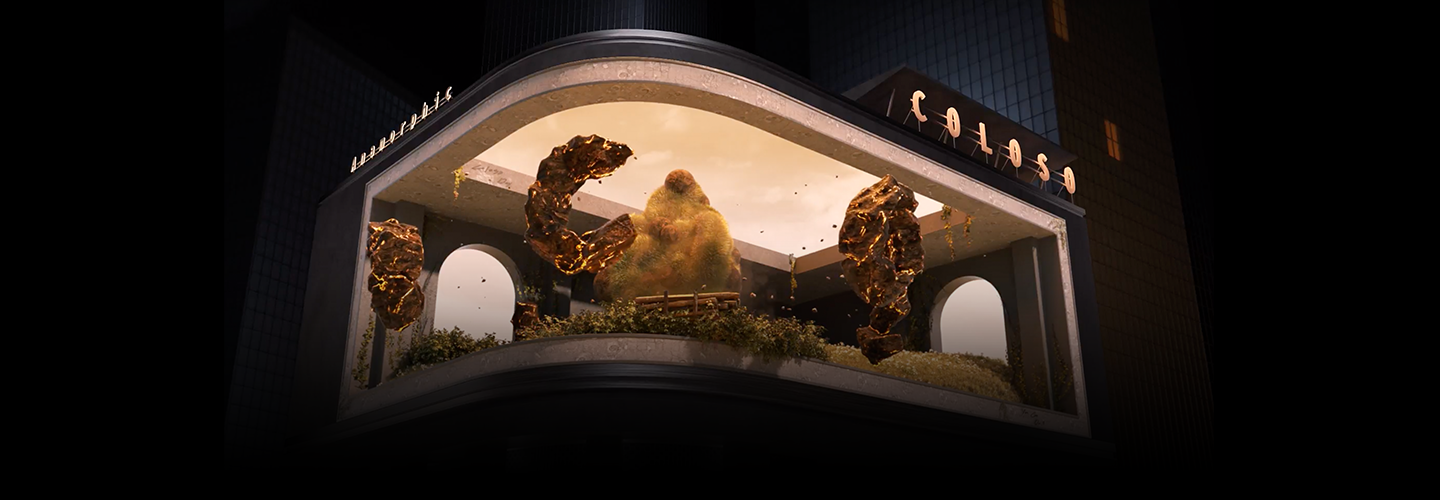
With signage and anamorphic displays gaining attention recently, are you interested in the know-how for working with large screens?
To become a skilled designer in practical work and expand your design capabilities, learn from Mill artist Daeik Kim.
To become a skilled designer in practical work and expand your design capabilities, learn from Mill artist Daeik Kim.
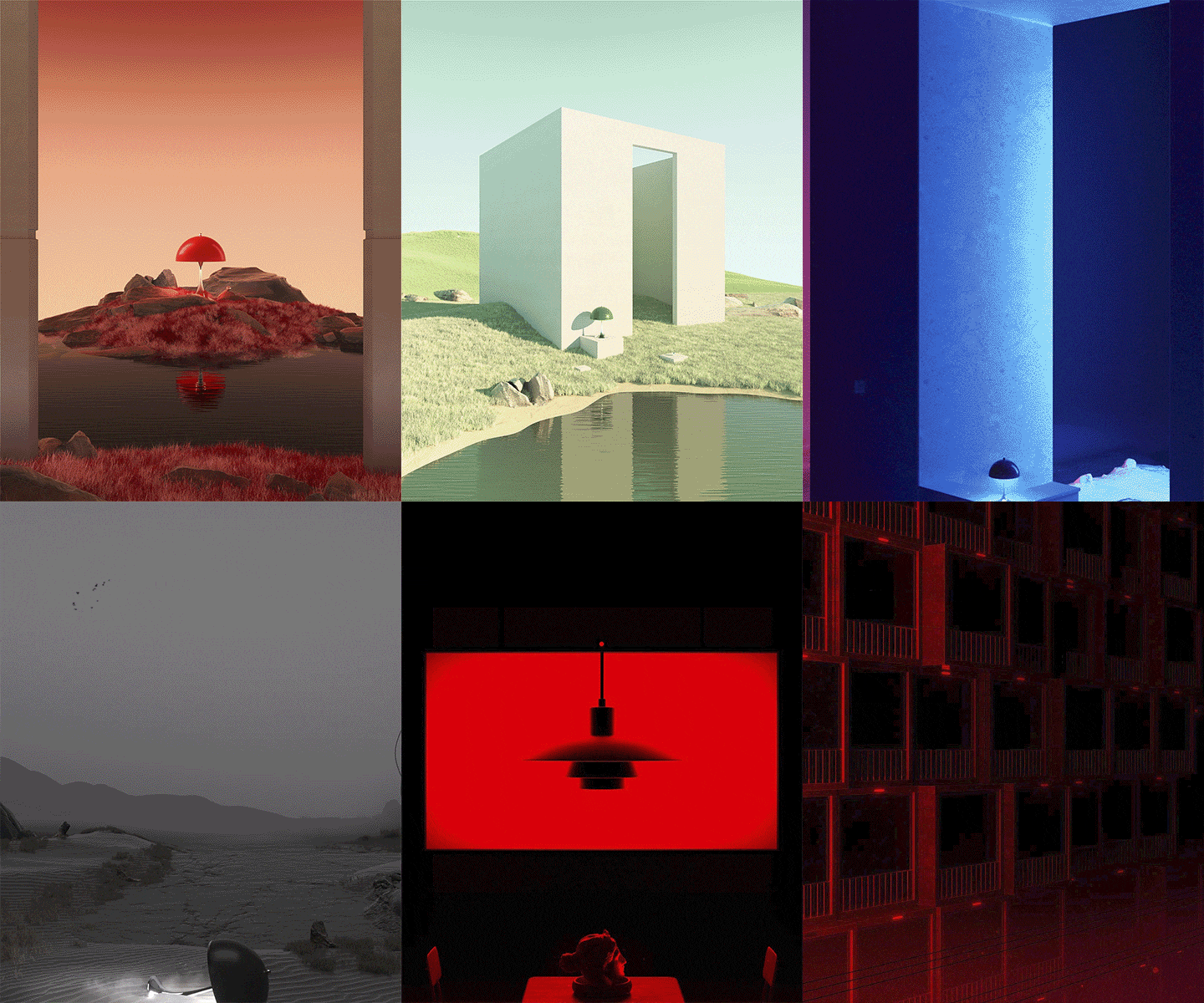
In this class, you'll learn the fundamentals of artwork, including organizing 'space' in a modern way. You'll sequentially expand into commercial areas, LED signboards, outdoor advertising, and more, exploring visual implementation methods for each medium. Learn 3D anamorphic techniques and create media art as emerging trends in the advertising industry.
Experience the new world of motion graphics and seize the opportunity to expand your capabilities.
Experience the new world of motion graphics and seize the opportunity to expand your capabilities.
Expert 3D Motion Graphics Designer
Daeik Kim's Portfolio
-
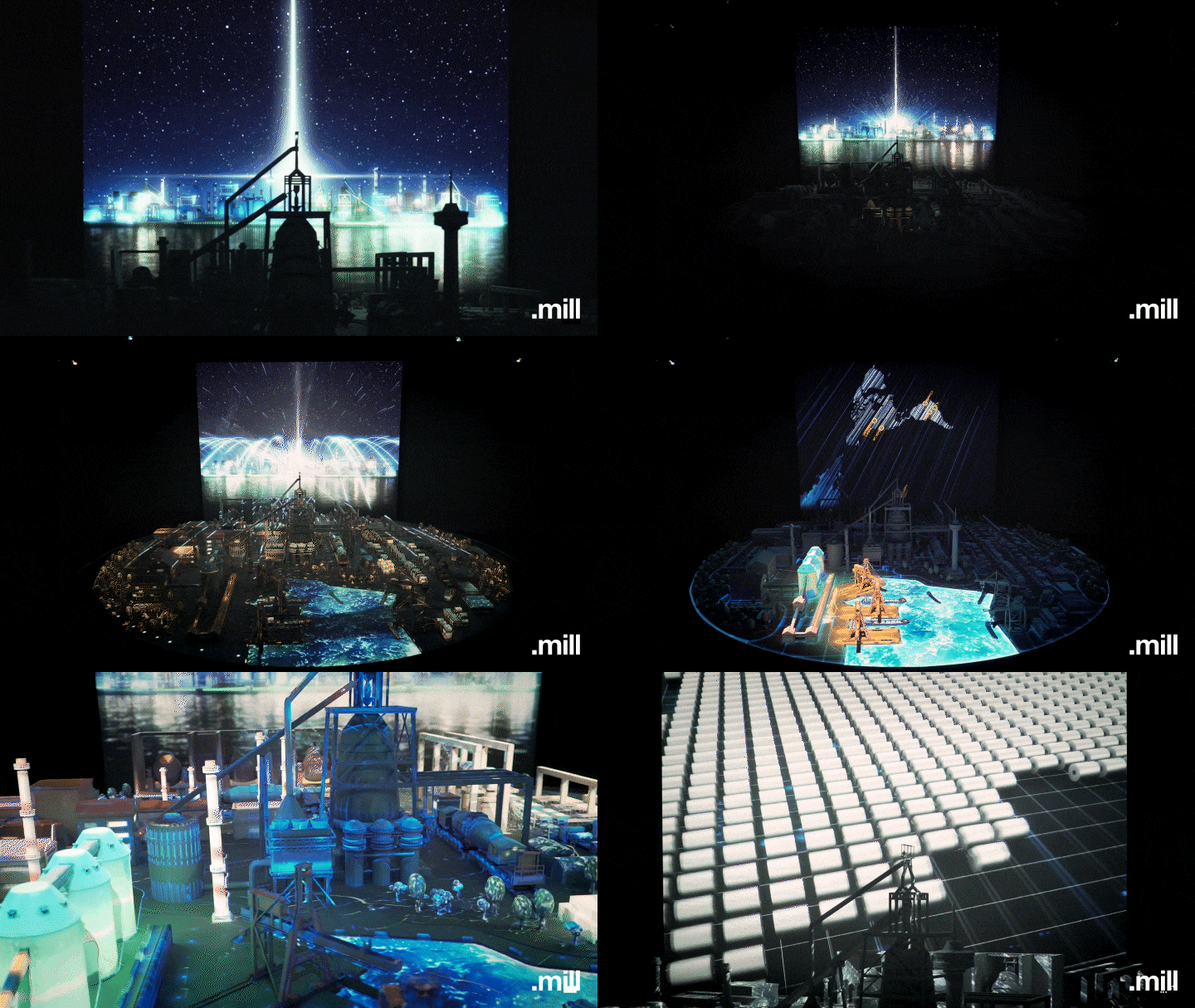 POSCO
POSCO -
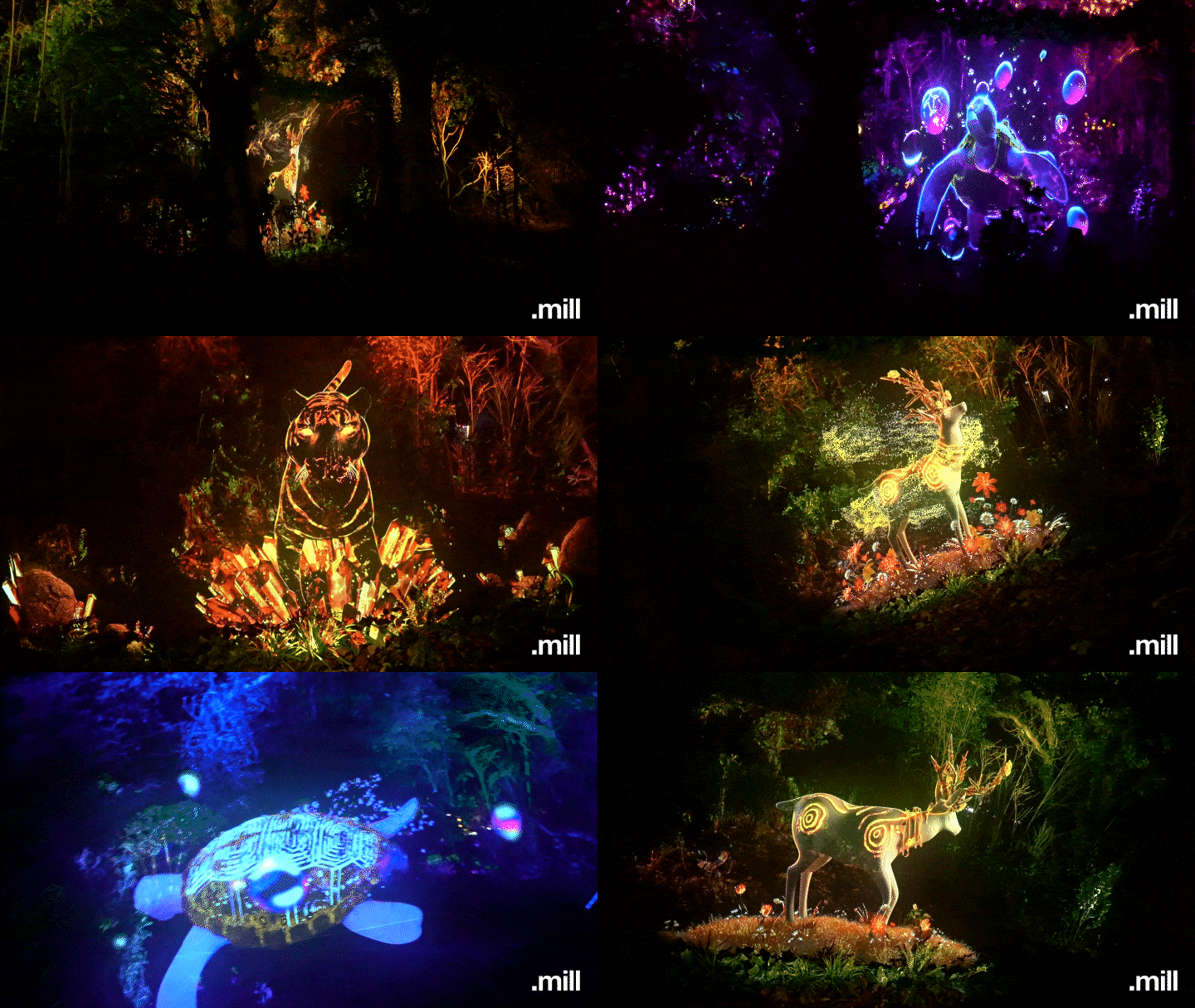 Ulju Myeongseondo Island
-
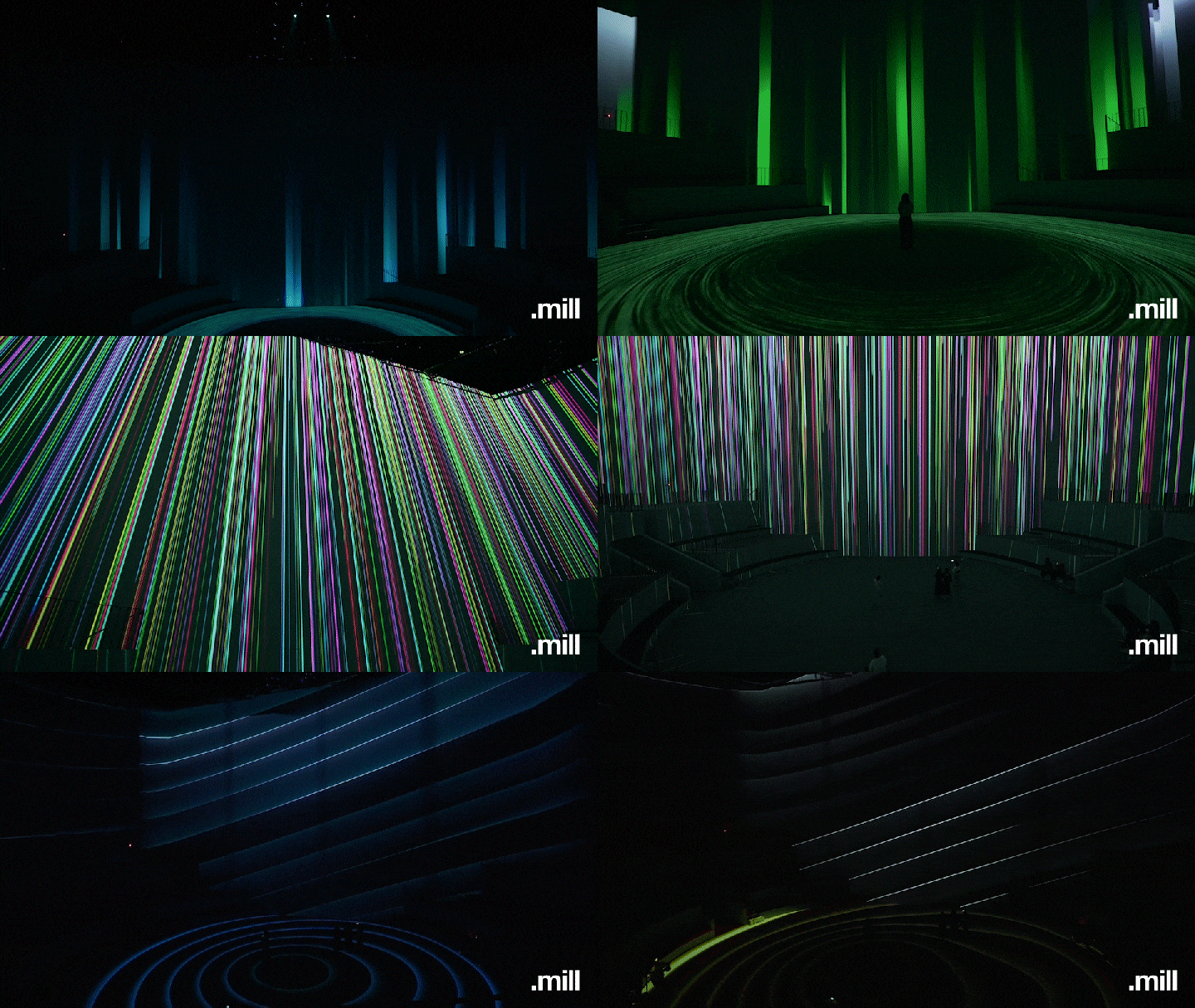 Nohyung Supermarket
 -
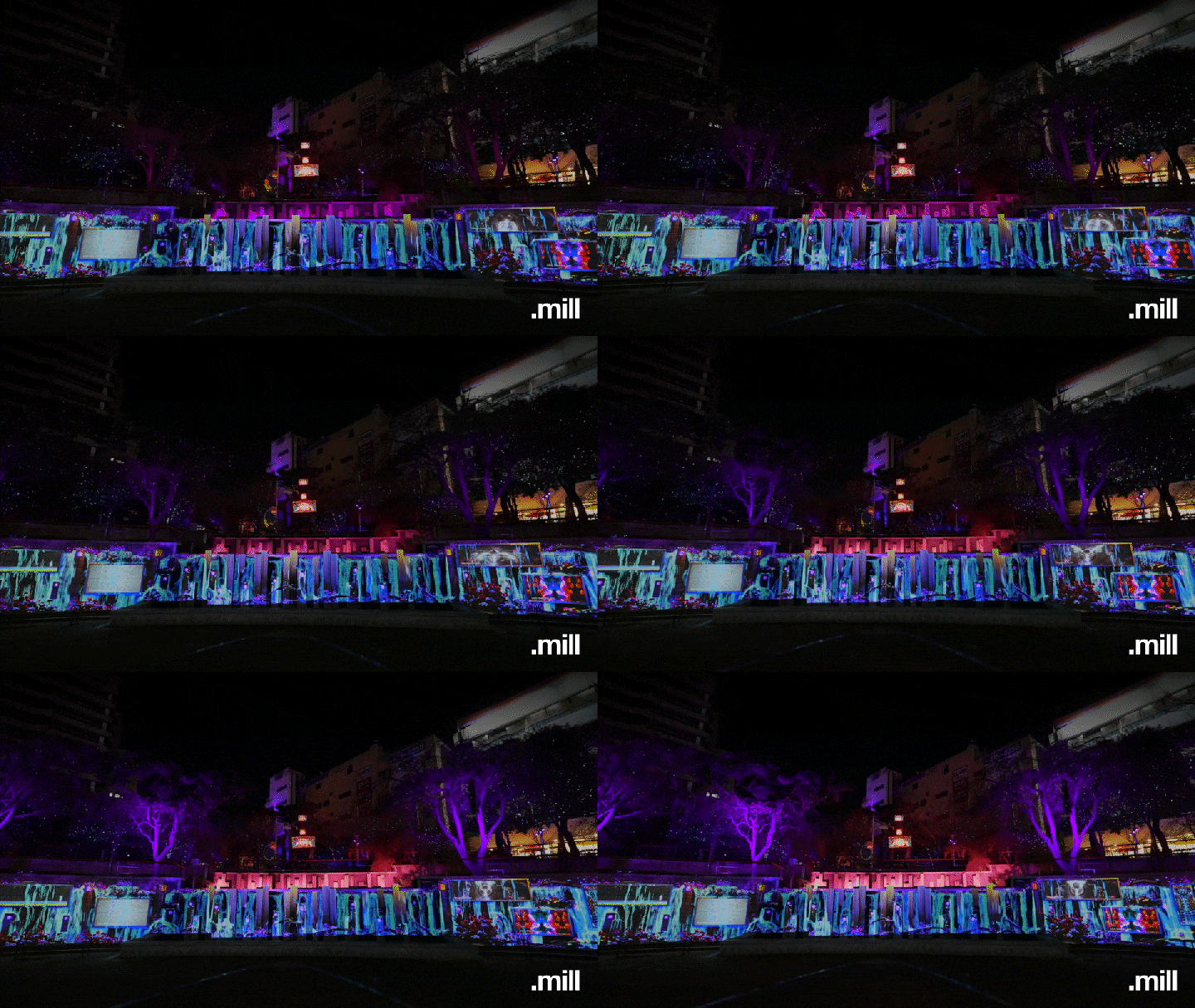 Gwangju Geumnam Butterfly Garden
2018 PyeongChang Winter Olympics Opening and Closing Ceremony
A memorable memory
Shinbi Apartment
Eighteen Eyes, Nine People
Why Take This Class?
The key to effectively conveying concepts through various media—such as TV, monitors, outdoor advertising, and LED screens—is 'space design.' Even with a clear concept, if you don't understand how to use space as a direct medium with the audience, it’s challenging to communicate your message precisely.
In this class, Daeik Kim, an affiliated designer from top-tier media art studios that have worked on major projects like the PyeongChang Olympics, Paradise City, Lotte World, and POSCO, will teach you systematic space arrangement skills. Learn to specialize in various media, from LED outdoor advertising to round LED displays.
In addition to creating simple artwork, this class will show you how your work looks in an exhibition hall and provide a 3D guide for visual reference. If you want to create high-quality media art beyond traditional frames, don’t miss this opportunity!
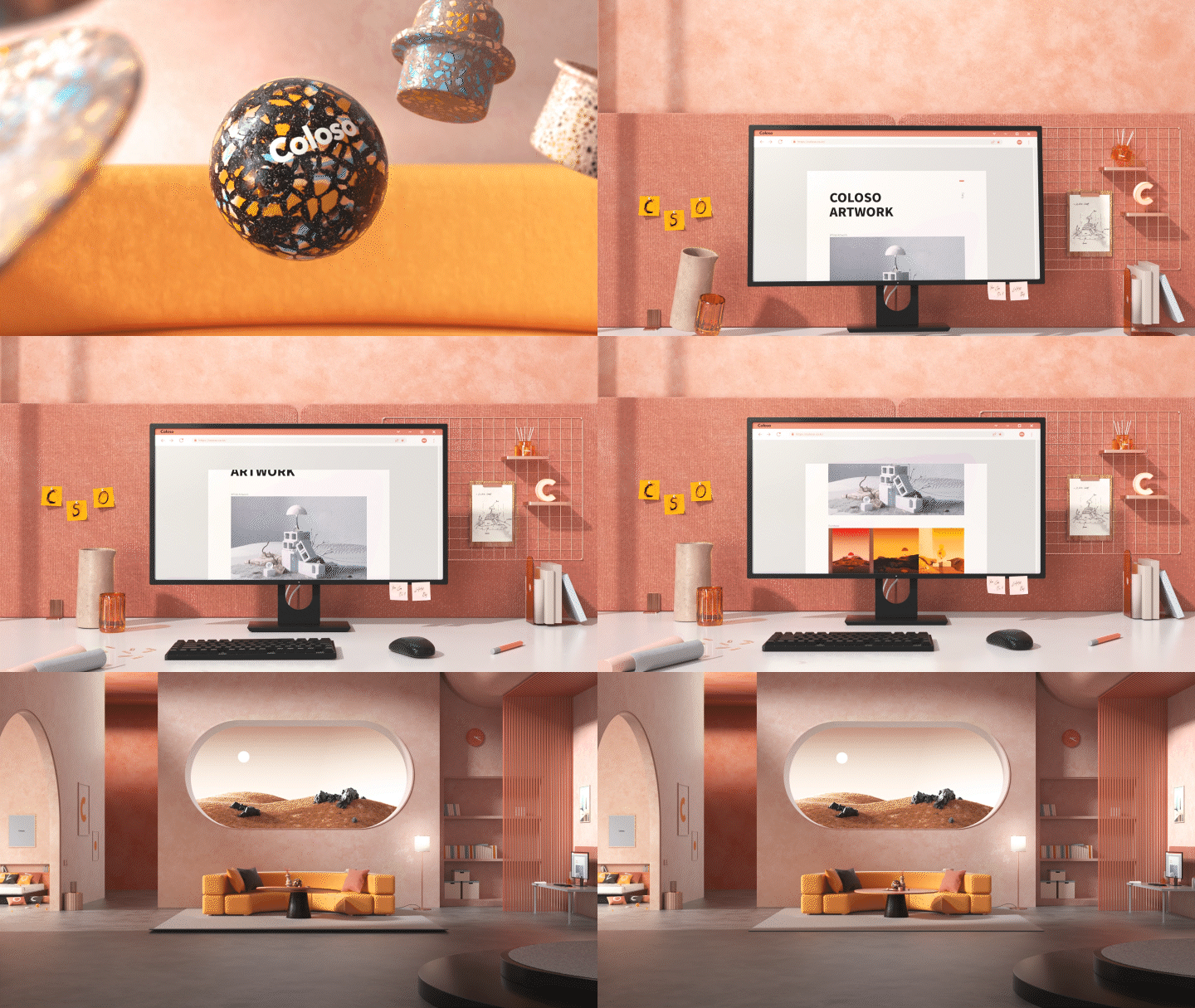
3 Class Exercises
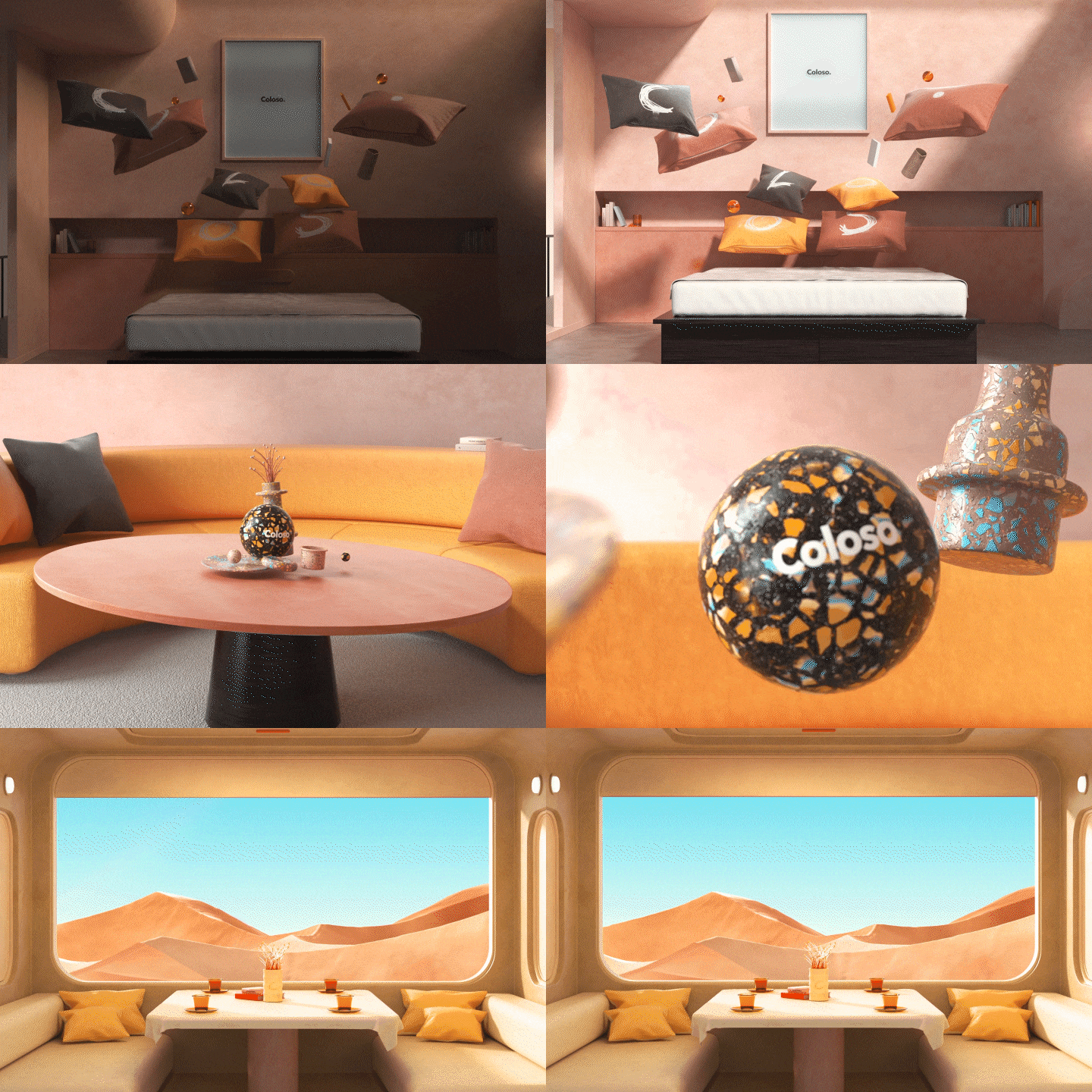
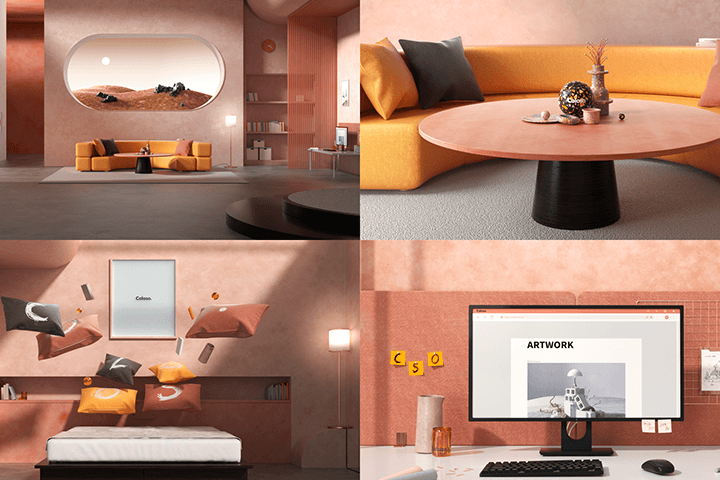
01. Coloso Room
Motion graphics with a clean and neat interior look used in commercial films
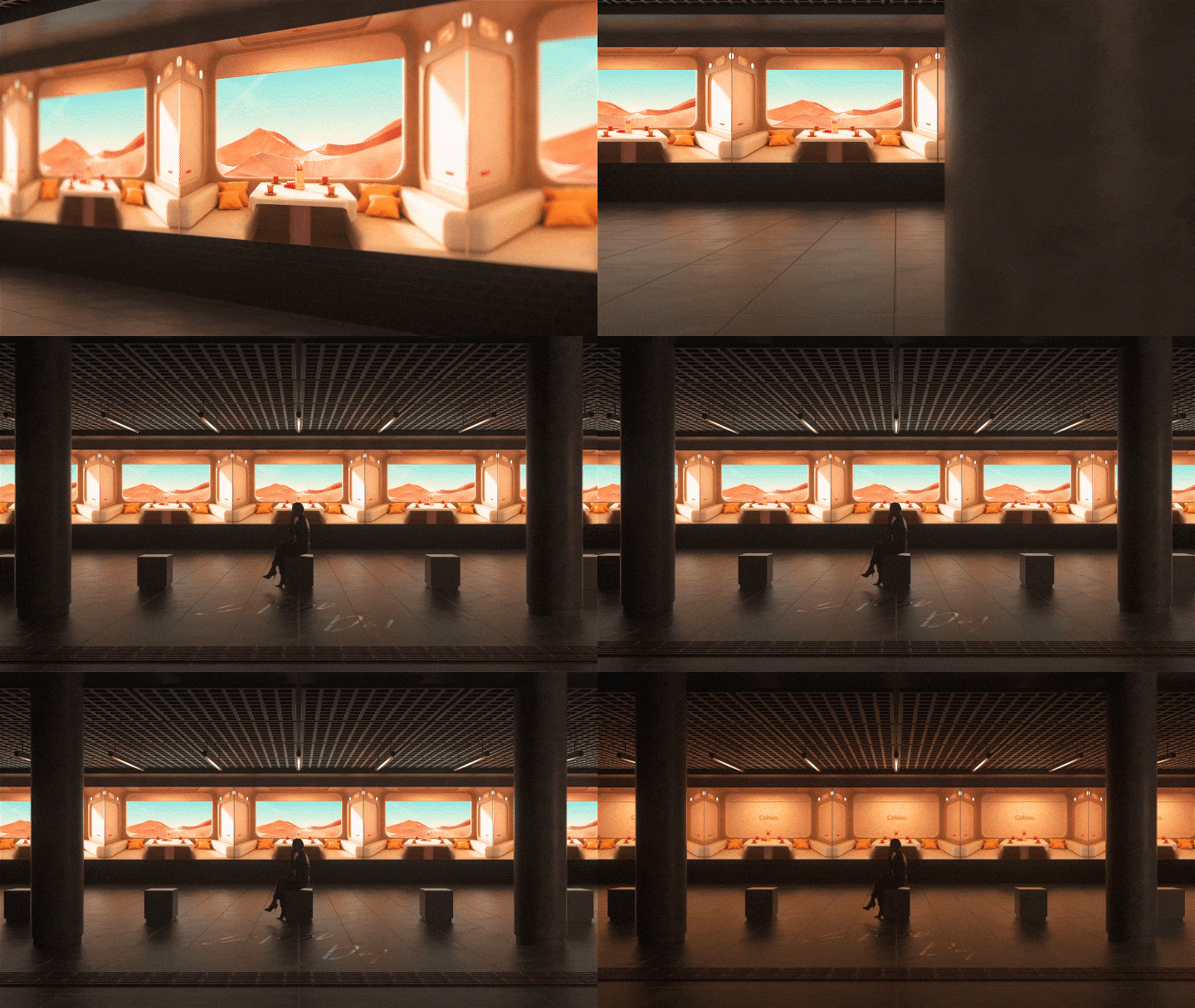
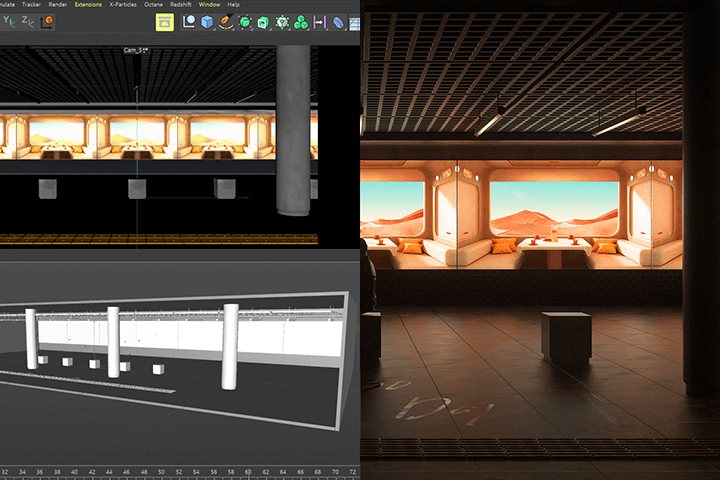
02. Train
Internal train room motion graphics used in exhibitions and LED outdoor advertising
03. Anmp Screen
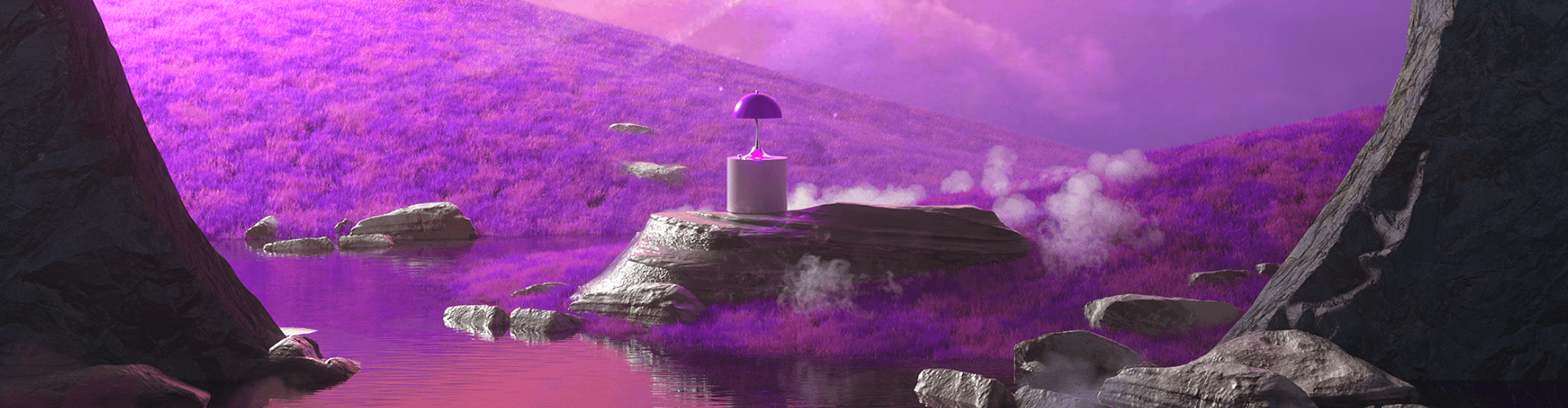
3D anamorphic content realized on a round LED display board
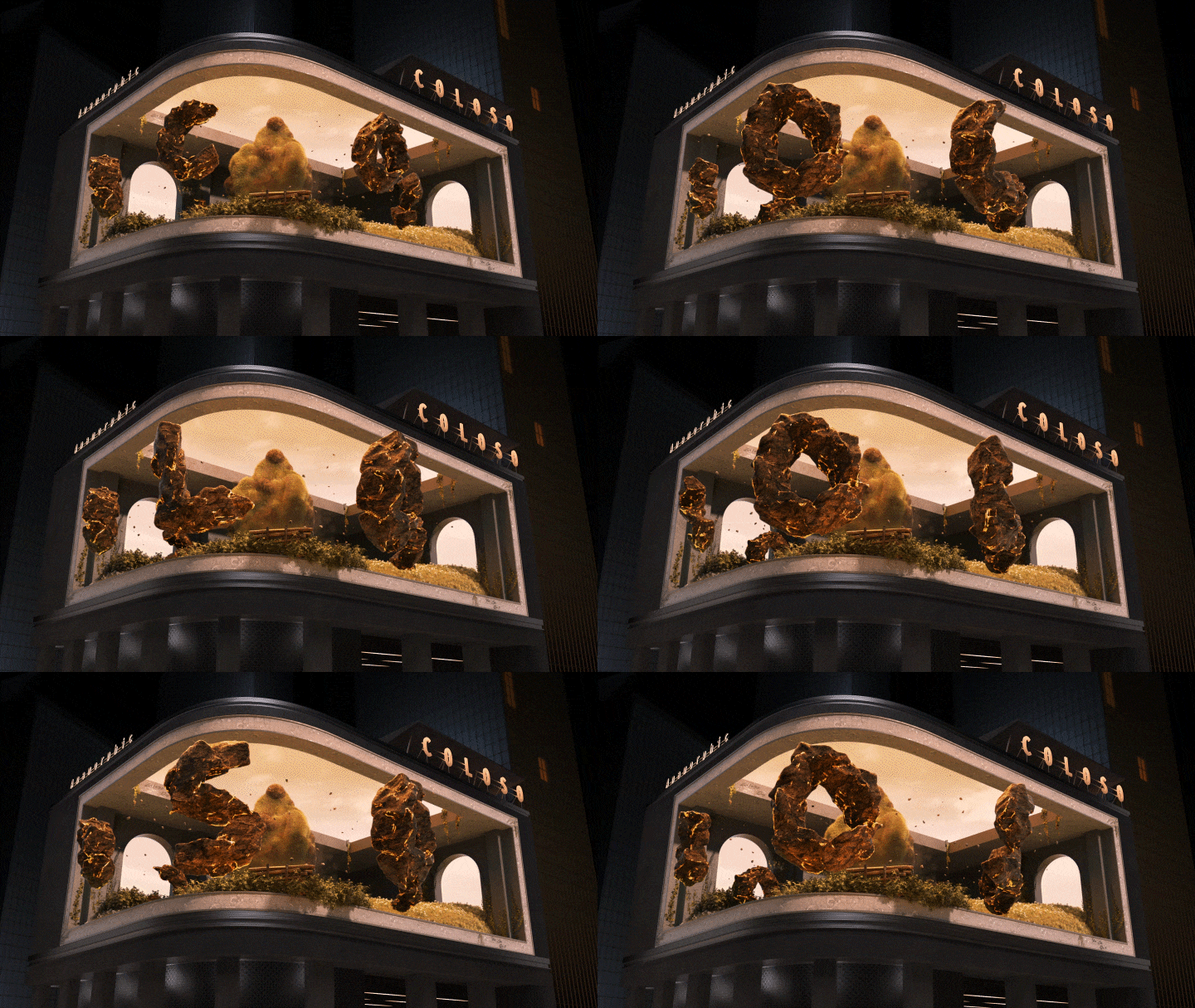
*The images above are examples to help understand the content of this class.
Speaker introduction
3D Motion Graphics Designer
Daeik Kim
Hello, I am Daeik Kim, a 3D motion graphic designer. I am working on Lotte World, Nohyung Supermarket, Pyeongchang Olympics, and DP Rang projects. While working at '.Mill', I worked in the commercial area as well as I have been working on a wide range of media art.
In this class, you will learn practical 3D motion graphics. From the most trendy and clean interior look Established as a new paradigm in motion graphics Experience all media art The lectures were organized according to the curriculum.
C4D Octane texturing, lighting, etc. From basic skills to 3 artwork example exercises Master all the overall skills of media art. Through this class Break away from the square frames of TVs and monitors Even areas of media art that I have never experienced before. To help you expand your capabilities I will pass on all of my know-how. In addition, my SNS channels are always open, If you have any questions beyond the lecture Please feel free to ask questions.
3D Motion Graphic
Designer Daeik Kim
[Current]
Media Art Studio .mill motion graphic designer
Projects & Awards
[Participated Projects]
PyeongChang Olympics Opening and Closing Ceremony Mapping Show LotteWorld 30th Indoor Mapping Show
Shinbi Apartment MEDIA EXPERIENCE
POSCO Park1538 ‘Iron Present’
AEOL branding and product video
2018 S/S Metro City Fashion Show
‘Spring is Coming’, a performance praying for inter-Korean peace and cooperation
Inter-Korean Summit Farewell Event ‘One Spring’
Gwangju Theme Park Geumnam Butterfly Garden
Ulju Theme Park Myeongseondo
AEOL branding and product video
[Personal work]
A memorable memory
Go Forward
Grow
class features
Class Highlights
Complete with Solid Examples of Sensuous Spatial Visual Artwork
Let's create the artwork look that is most commonly used in the commercial field through five examples. Even if you lack a sense of design, if you follow the examples step by step, you will soon be able to implement a layout of much higher quality than before.
Visual Check Know-How on How Your Work in the Field Should Look Like
Beyond just implementing the artwork, you can see how it will appear on the actual medium through 3D guide work. From LED walls to round LED displays, you'll learn to create your own exhibition space across various media.
Expanding the Media Art Spectrum through 3D Anamorphic Technology
By learning about both general LED signs and specialized 3D anamorphic media art for round LEDs, you can explore some of the most popular media art content currently.
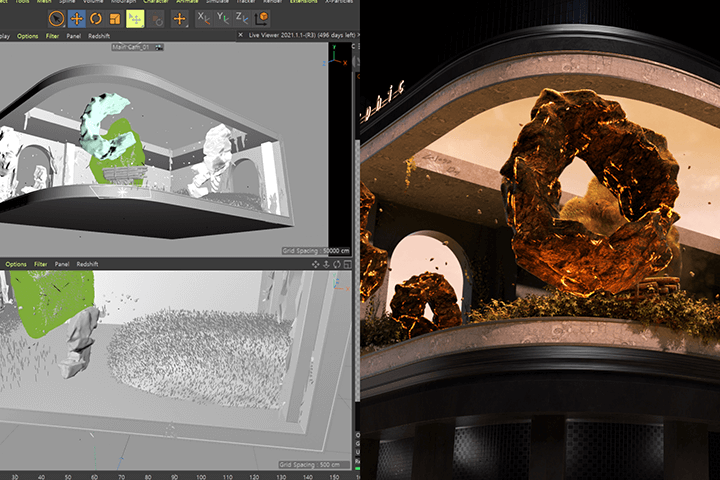
Class Details
You'll Learn
-
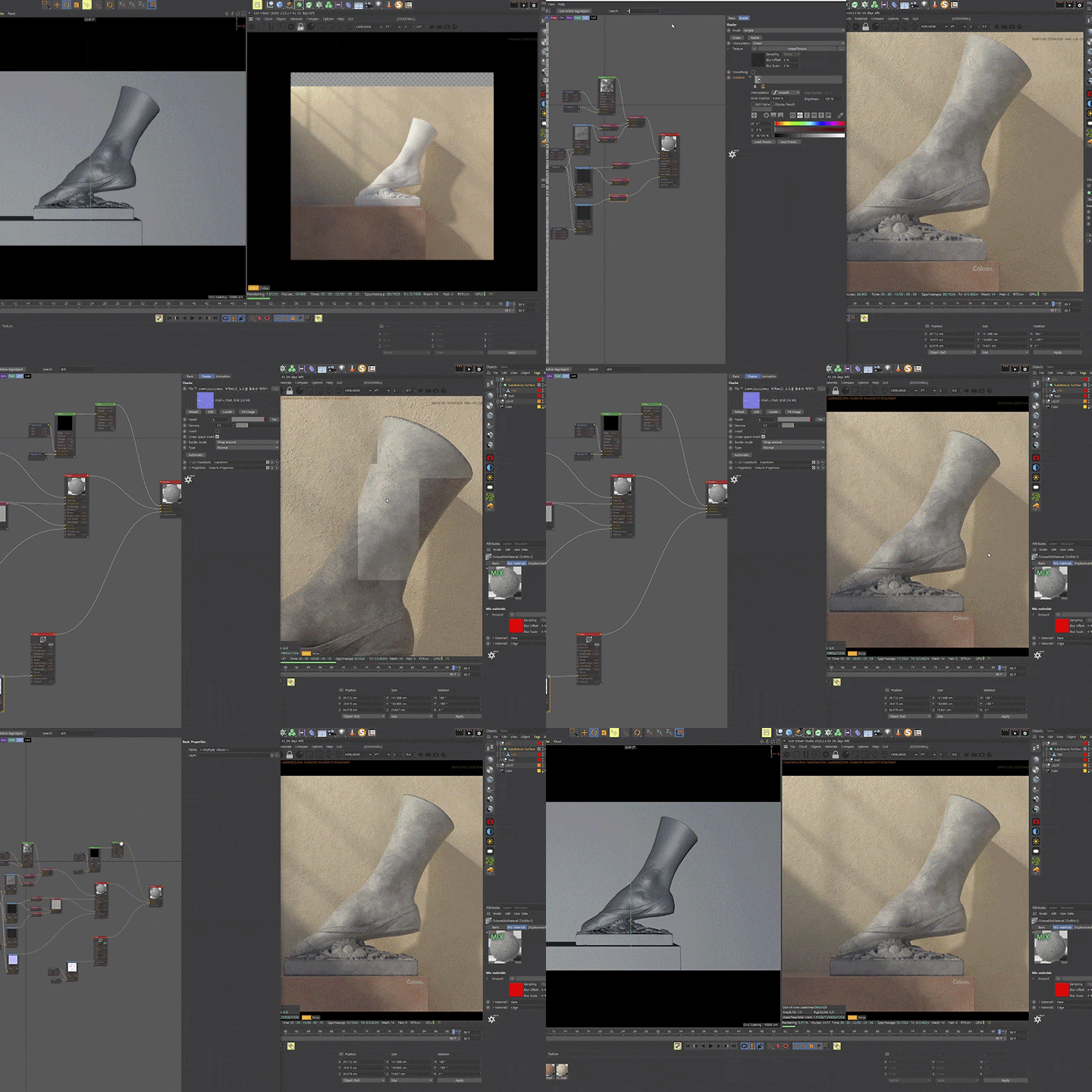 Creating Various Materials
with Octane RendererYou will learn everything about material production, from basic materials to materials using nodes, through the Octane Renderer, which is essential for motion graphics designers. -
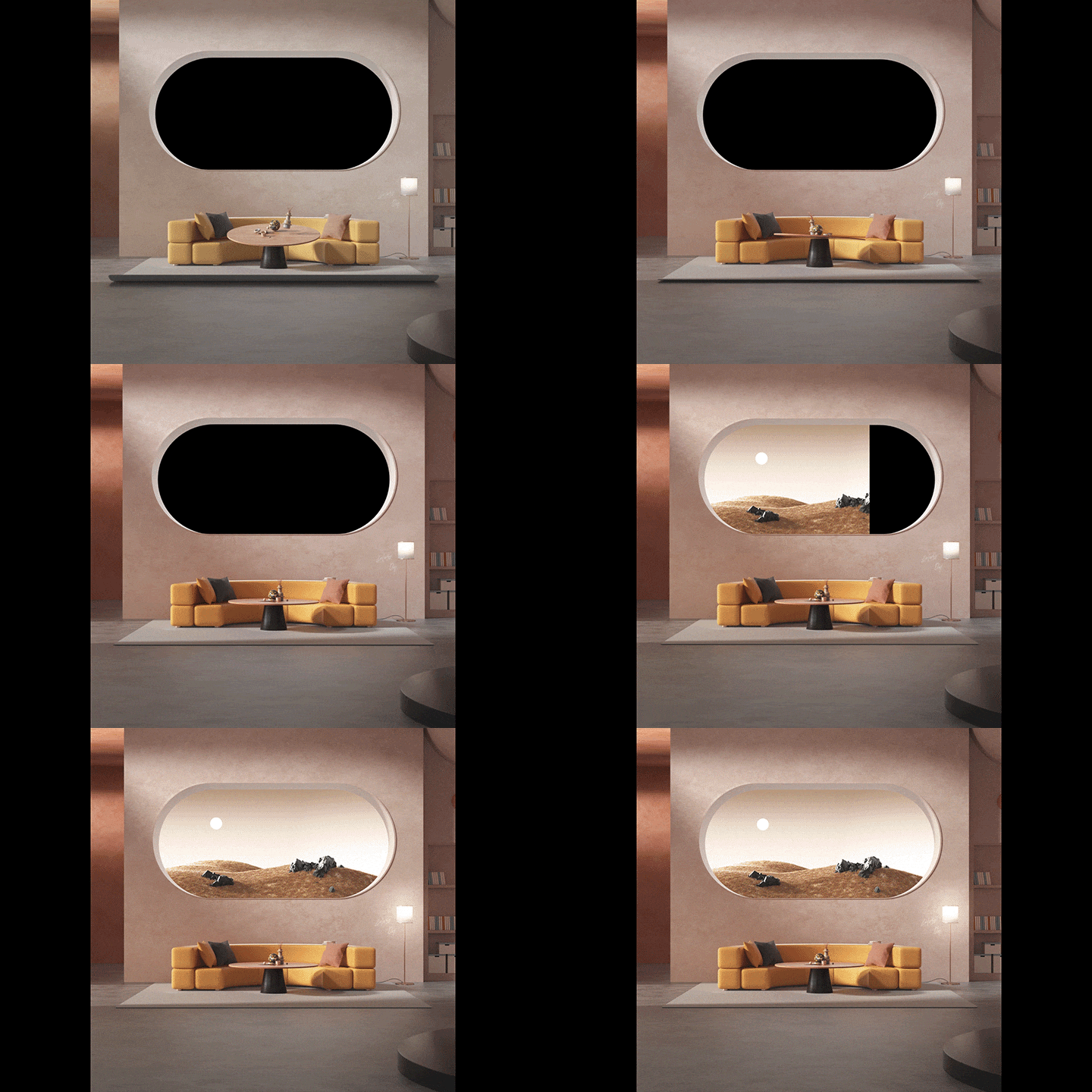 Into Interior Lighting:
Layout CompositionWe will look at basic 3-point lighting and Octane Renderer light types one by one to get a feel for lighting, and implement a complete layout through 5 examples. -
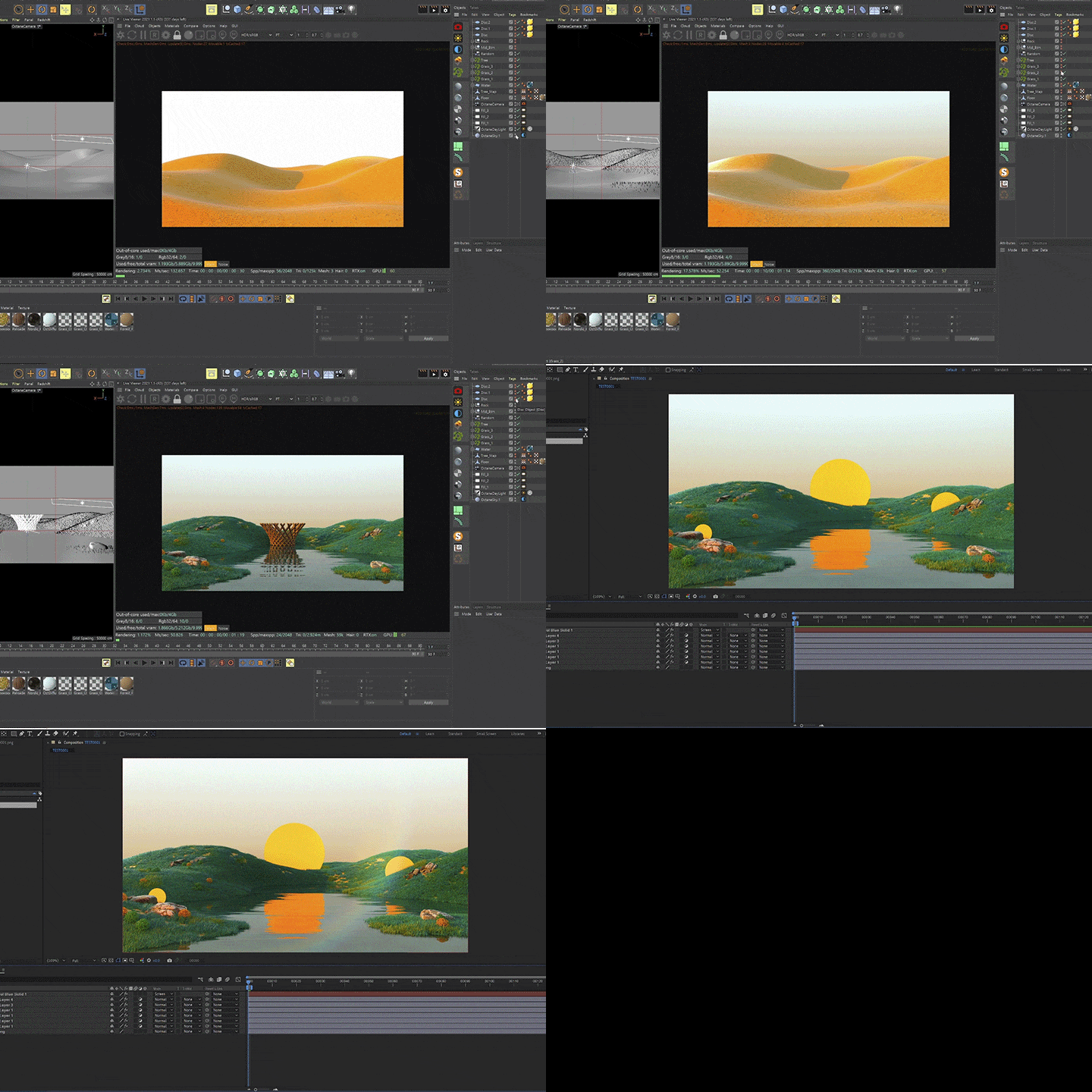 Most Commonly Used In
Practice: Trendy ArtworkWe create a variety of terrain using backgrounds, landscapes, and octane scatterers commonly seen in recent motion graphics videos, and even complete trendy background artwork using the Quixel bridge asset.
-
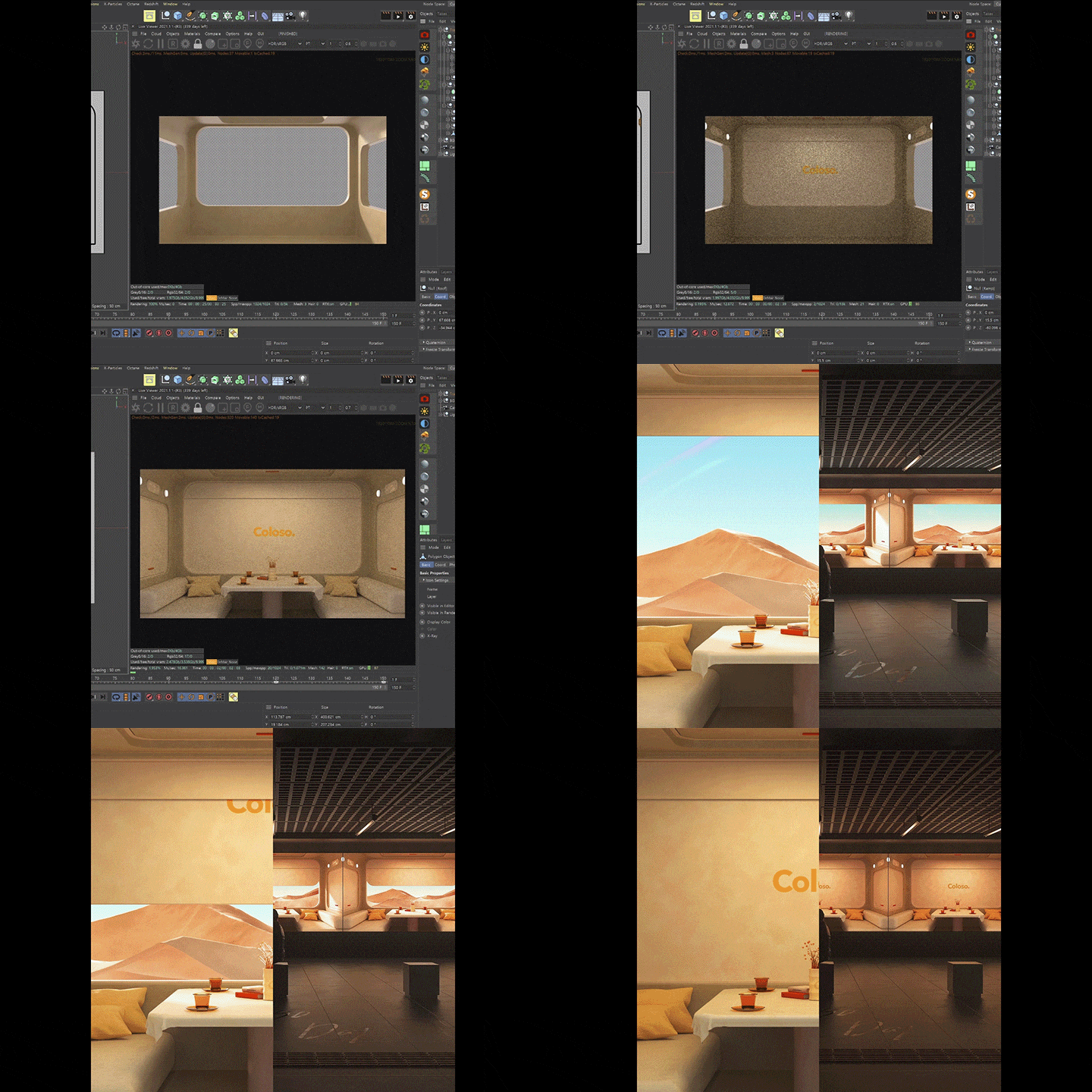 Designing Your Own Exhibition Space to Create a PortfolioAfter creating artwork and looping videos of the train's interior space, you will create your own exhibition space using a 3D guide and create a media art portfolio.
 -
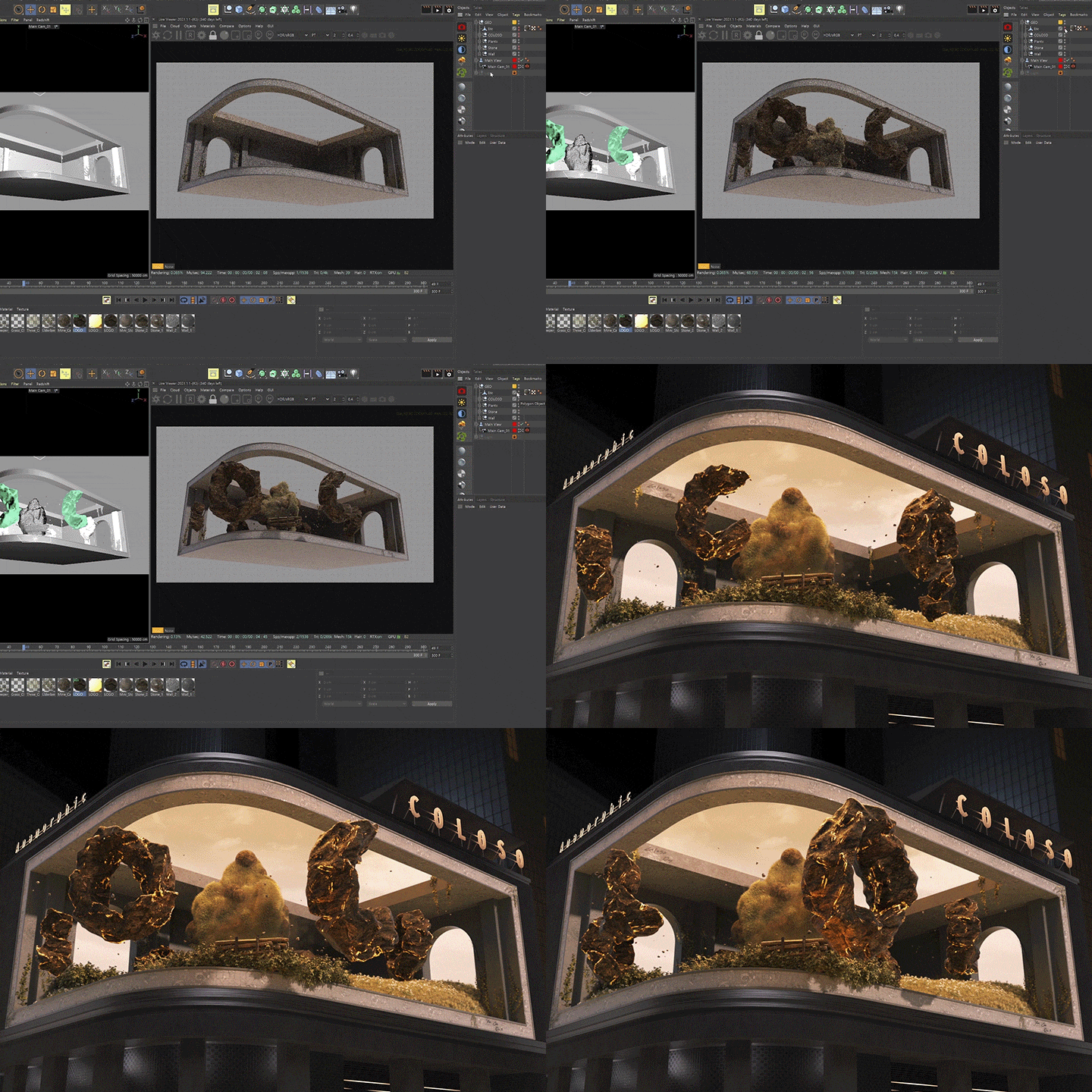 The Pinnacle of Media Art:
a to Z of 3D Anamorphic ArtWe will solidify the basic theory of 3D anamorphic art, which has recently been attracting attention in the advertising industry, and build practical media art capabilities by creating artwork and guides ourselves. -
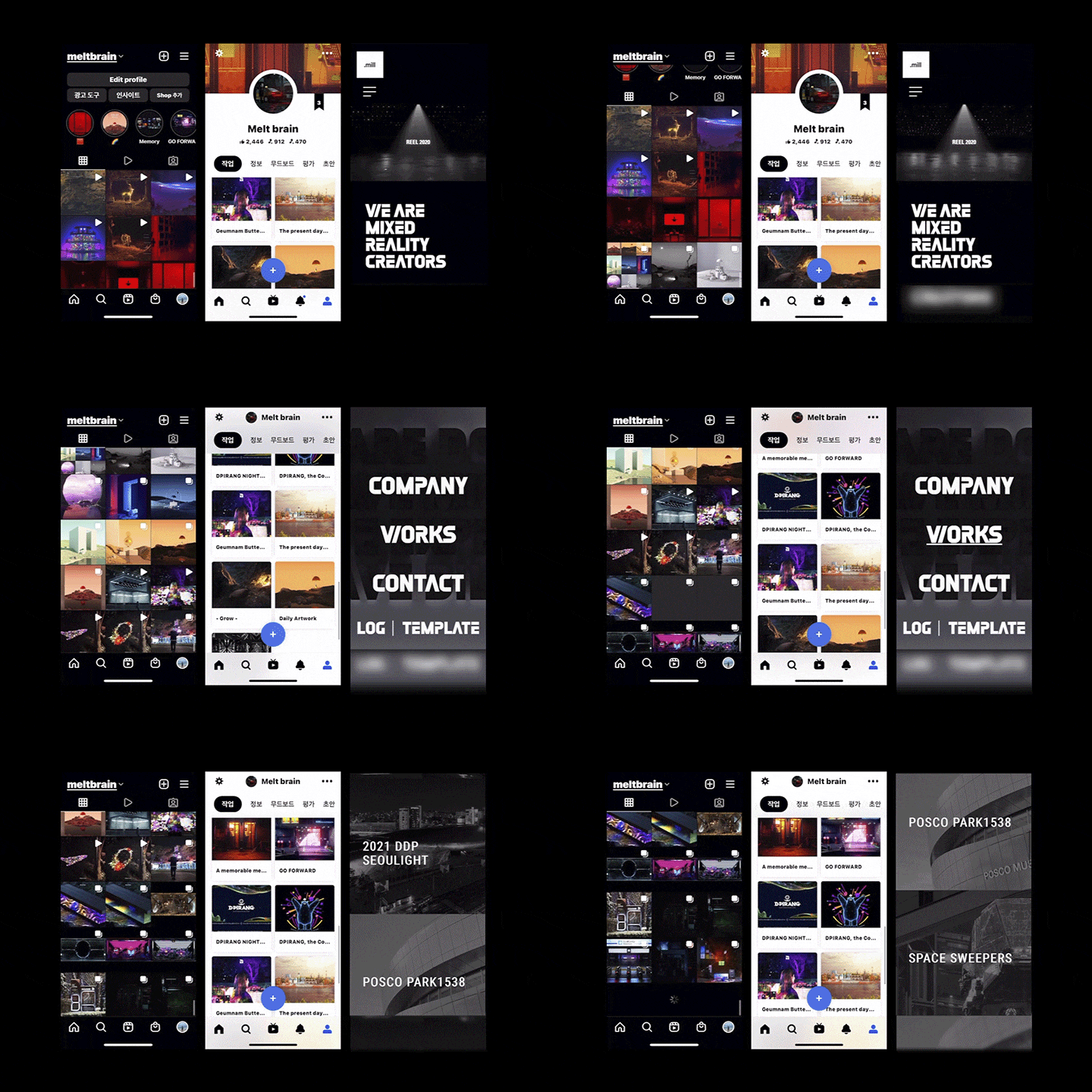 Revealing Tips for Success as a Competitive Media ArtistWe'll hear everything from portfolio organization tips to future direction to transform from a motion graphics job seeker to a successful media artist.
curriculum
Curriculum
In-Depth Look
SECTION 01. OT
01.Orientation
- Instructor introduction
- Class content and curriculum introduction
SECTION 02. Learn about Octane
02. Installing Octane
- Install and run Octane
- Computer specifications and benchmarking
03. Live Viewer Options and Kernel Options Overview
- Octane Render's Live Viewer Options
- Learn about kernel options that can produce different results depending on your settings.
04. Material Basics
- Diffuse
- Glossy
- Specular
- Mixed materials
05. Material Using Nodes (1)
- Various types of nodes
- Node usage
- Stone and plastic material production
06. Material Using Nodes (2)
- Various types of nodes
- Node usage
- Metal, SSS material production
07. Types of 3-Point Lighting and Octane Light
- Octane light types and 3-point lighting
- Free Statue Access
- Lighting using HDRI
08. Collecting References and Using Pur Ref
- Reference searching through Behance, Vimeo, Pinterest, etc.
- Download Pure Ref
SECTION 03. Artwork A: Coloso Room
09. How to Install and Use the Quixel Bridge
- Introducing and using Quixel
- Mood board using Pure Ref
10. Artwork A: Background Creation Using Quixel Bridge
- Creating terrain using displacer deformers
- Exporting natural assets for use in terrain
- Understanding Octane Scatter
- Create a simple background with solid (gradient)
11. Artwork A: Coloso Room
- Design Basics: Layout
- Reference searching (using Pure Ref)
- Layout and space organization
- Lighting and Texturing
12. Artwork A: Coloso Bedroom
- Layout and space organization
- Making a pillow using cloth tags
- Making a quilt using cloth tags
- Coloso print on pillow
- Lighting and Texturing
13. Artwork A: Coloso Table
- Layout and space organization
- Lighting and Texturing
- Creating trendy sofa modeling
- Pattern design using octane noise
14. Artwork A: Coloso Desk
- Layout and space organization
- Create a monitor page
- Adding a moving sequence to the monitor screen
- Apply actual scribbled images to 3D
- Lighting and Texturing
15. Animation
- Provisional editing (hardware preview)
- Editing using direction of force
- Using keyframes and graphs
16. Compositing
- Explore Octane camera options
- Compositing using multipass
- Frequently used effects
SECTION 04. Artwork B: Producing exhibition and advertising videos
17. Various Media Content
- What is media art?
- Various examples of media art
18. Artwork B: 3D Train Space Artwork
- Create artwork to be displayed or advertised
- Modeling using various mographs
19. Artwork B: Desert Background Artwork
- Creating a desert area using landscapes
- Lighting and Desert Texturing
- Create various terrain using Displacer Deformer and Field
20. Artwork B: Creating a 3D Guide
- Reference searching
- Creating a space for actual advertising (exhibition)
- Grab the camera with various views
21. Compositing and Uploading the Completed Sequence to the 3D Guide
- Drawing completed artwork and space output
- Compositing using After Effects
SECTION 05. Artwork C: Anamorphic
22. What is Anamorphic?
- What is anamorphic?
- Examples of using anamorphic
- Anamorphic production pipeline in Cinema 4D
23. Artwork C: Anamorphic 3D Guide Production
- Create your own space where videos will actually be shown
- Anamorphic Golden View
- Camera settings for anamorphic
24. Artwork C: Creating Anamorphic Artwork
- Creating artwork using Quixel ‘Bridge’
- Arrange in space using various assets
25. Artwork C: Creating a Looping Animation
- Creating the Coloso logo using volume modeling
- Effective anamorphic directing method
- Logo animation
- Create looping animation in a simple way
26. Extract Output Using Bake Material Tags
- Outputting using bake material tags
- Check the completed output with the 3D guide
SECTION 06. Conclusion
27. Conclusion
- How to become a media artist?
- Portfolio preparation and employment
- Future outlook for the motion industry
Interview with
3D Motion Graphic Designer, Daeik Kim

Question.01
What benefit does this class have for learners?
What benefit does this class have for learners?
Through this class, students will be able to go beyond structured frames such as TVs and monitors to experience new media art mediums. As cutting-edge technology continues to advance, the field of motion graphics is expanding infinitely. By exploring new content, such as 3D anamorphic art, students can further enhance their design capabilities and expressiveness.
Question.02
What differenciates this class from others?
What differenciates this class from others?
What differentiates me is that I can pass on my know-how based on extensive experience with the most emerging mediums in media art, beyond just creating artwork. I have successfully executed projects using cutting-edge media such as large LED screens, diorama mapping, holograms, and projection mapping. I will generously share the practical tips and insights gained from various projects, helping you apply this knowledge to your own work.
Question.03
What are your strengths as a 3D motion graphics designer?
What are your strengths as a 3D motion graphics designer?
My strength is that I have created new content across various media that audiences have never experienced before, beyond just commercial videos. In this class, I aim to teach you how to implement innovative artwork, such as 3D anamorphic art, using our know-how, rather than just producing visually spectacular pieces.
Question.04
Why should you learn space design as a 3D motion graphic designer?
Why should you learn space design as a 3D motion graphic designer?
This is because ‘space’ is the most crucial medium for conveying concepts and content to viewers, regardless of the medium. In this class, you will learn how to create spatial visuals tailored for each medium to effectively embody your concepts. Beyond commercial artwork, you will also see how your work is displayed in actual exhibition settings and learn techniques for creating impactful spatial visuals, enhancing your design capabilities.
Required Programs
This course will use
- Cinema 4D S24
- Octane Render 2020
- Adobe After Effects 2021.
Please purchase and install the latest versions of the programs for an optimized lecture experience.
- Cinema 4D S19 or higher
- Adobe After Effects cc 2021 or later
*These programs and/or materials will not be provided with the course.