3DCharacterArtist,JaeyeonNam_3D 캐릭터 아티스트 남재연 Details
Class introduction
Will my modeling skills automatically improve just because I know how to use Maya tools?
No matter how much you memorize the interface and repeat the model, you will not be able to create the best modeling if you do not know the core of how to approach creating a character and the principles of modeling.
Jaeyeon Nam, a 3D character artist who has worked on many character modeling projects for major companies such as Naver, LG, Netmarble, and Nexon, systematically explains the secret to completing character modeling that will satisfy clients 200%.
How to implement ideas through modeling that cannot be learned at a factory-like academy, model optimization methods that can be used immediately in practice, and even toon rendering skills to work quickly and efficiently! Learn character modeling skills to upgrade your portfolio with Jaeyeon Nam-how, who works in various fields such as 3D character branding, cinematic promotional videos, movies and dramas, and more!
How to implement ideas through modeling that cannot be learned at a factory-like academy, model optimization methods that can be used immediately in practice, and even toon rendering skills to work quickly and efficiently! Learn character modeling skills to upgrade your portfolio with Jaeyeon Nam-how, who works in various fields such as 3D character branding, cinematic promotional videos, movies and dramas, and more!
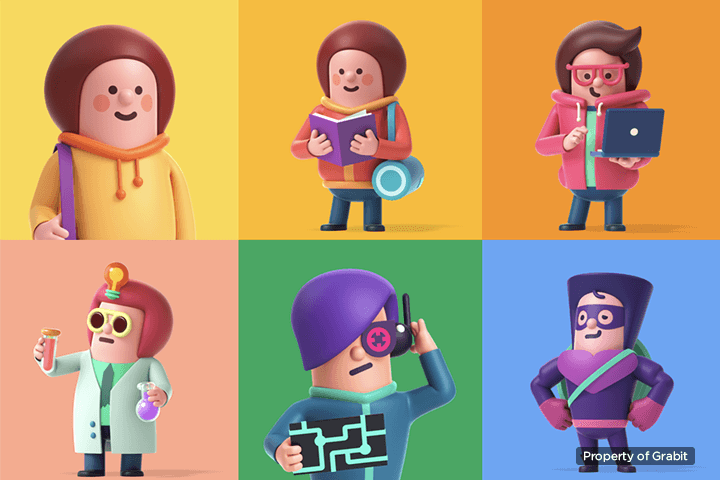
Expert 3D Character Artist Jaeyeon Nam's Portfolio

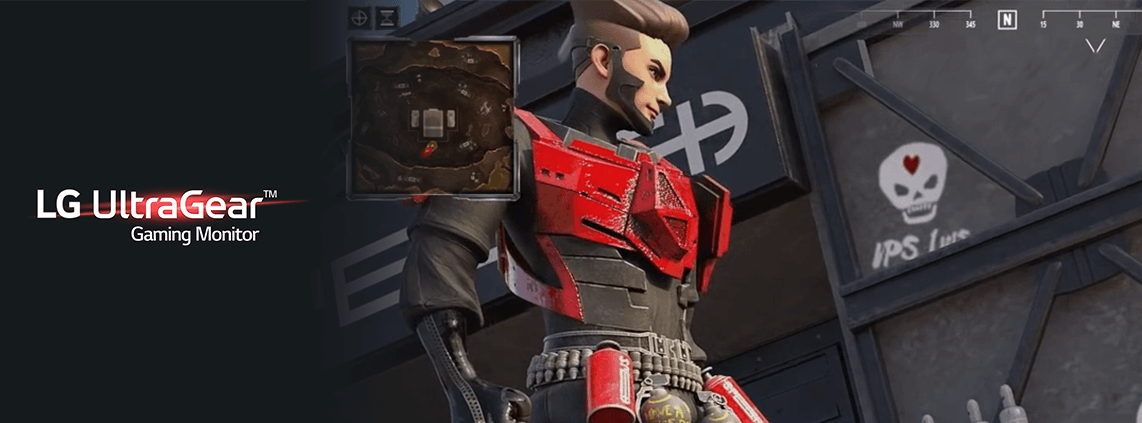
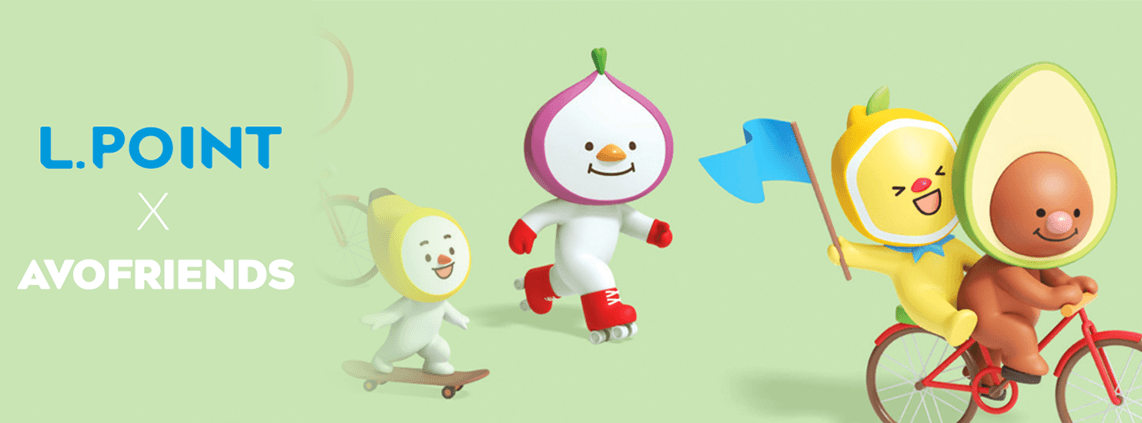
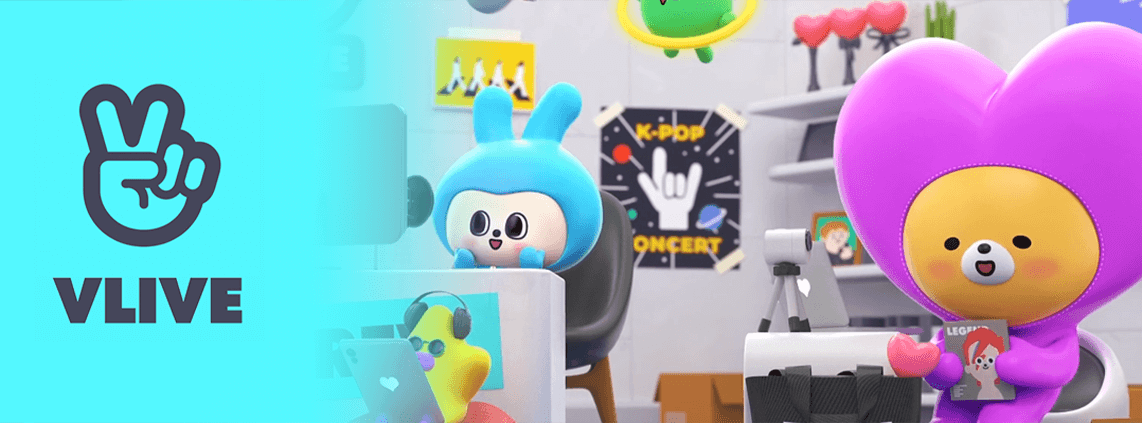
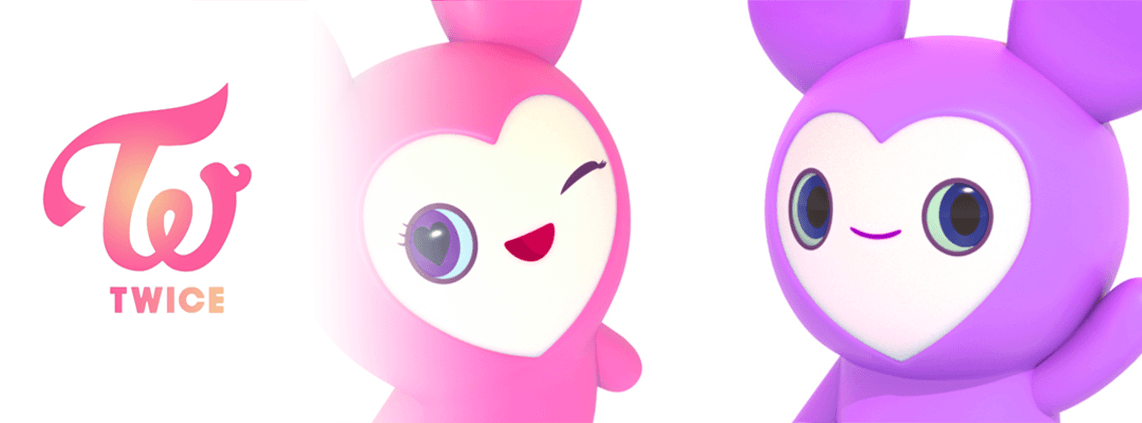
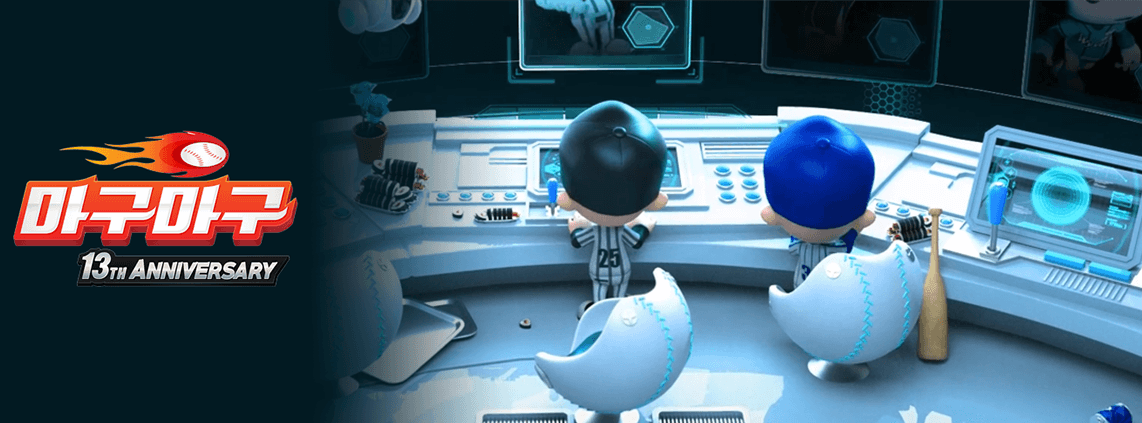
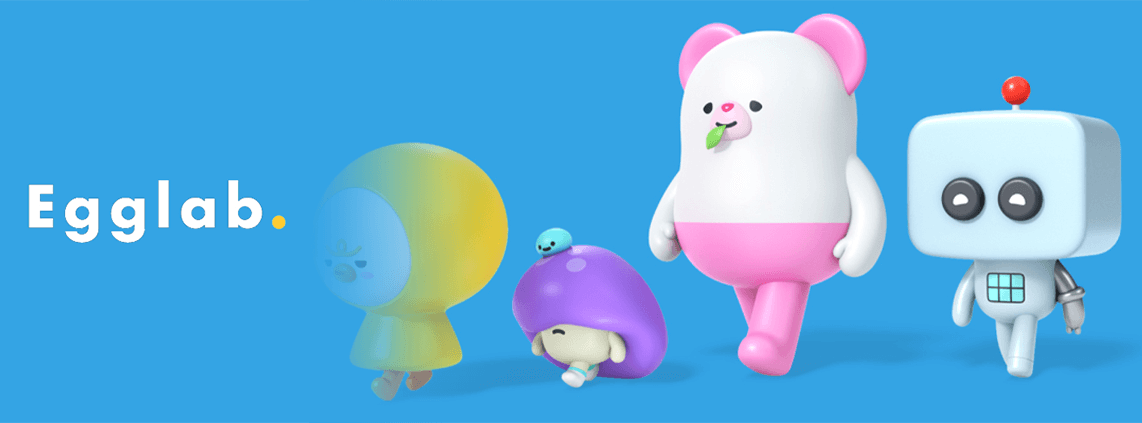
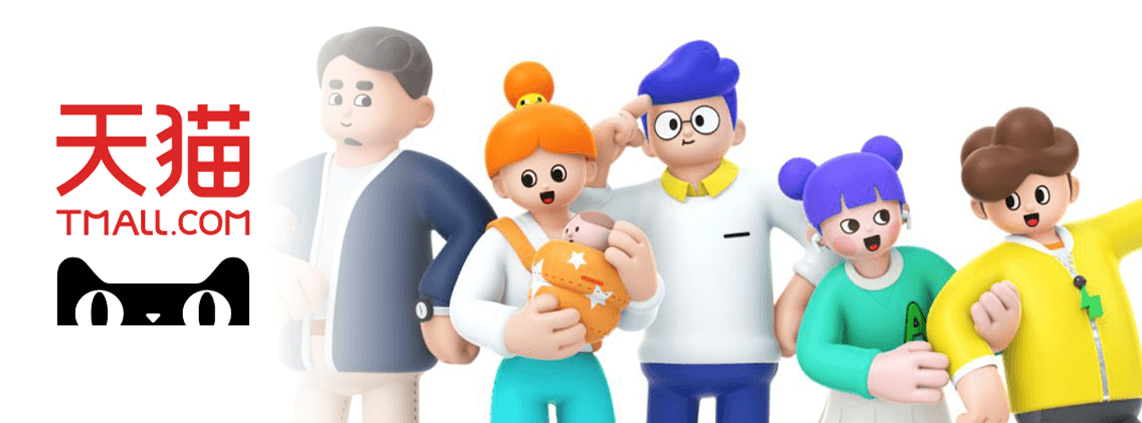
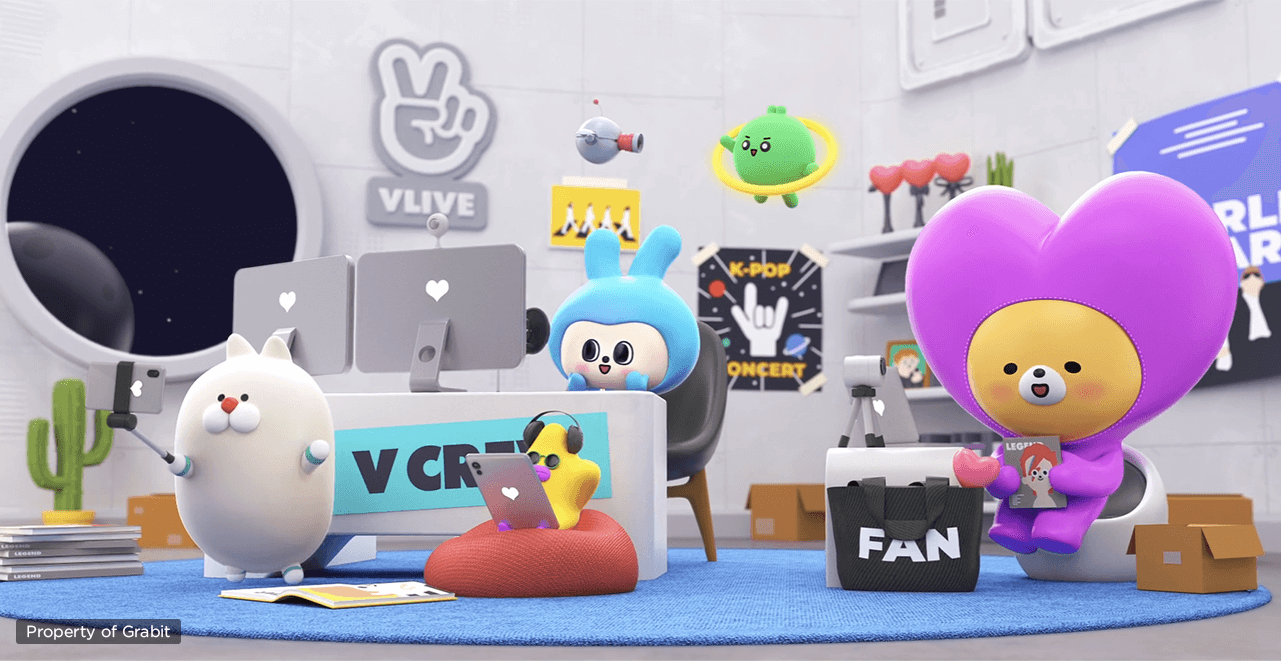
*The portfolio above is a project of creative studio ' GRABIT', and artist Jaeyeon Nam was in charge of the modeling part of each project.
Why Take This Class?
There are various types of work methods to create character modeling, such as polygon modeling using the subdivision method like Maya, sculpting using intuitive shaping like ZBrush, and creating using simulation principles like Marvelous Designer. The efficiency varies greatly depending on the object being produced.
However, because Maya is a core program that makes up the overall project pipeline such as rigging, animating, and rendering after modeling, it is essential to learn it first, and in Jaeyeon Nam's class, you will learn how to implement 3D character modeling with Maya as well as how to use Maya for games. , you can learn toon rendering know-how, which is popular among animation practitioners, and even turntable videos that will improve the quality of your portfolio, all at once.
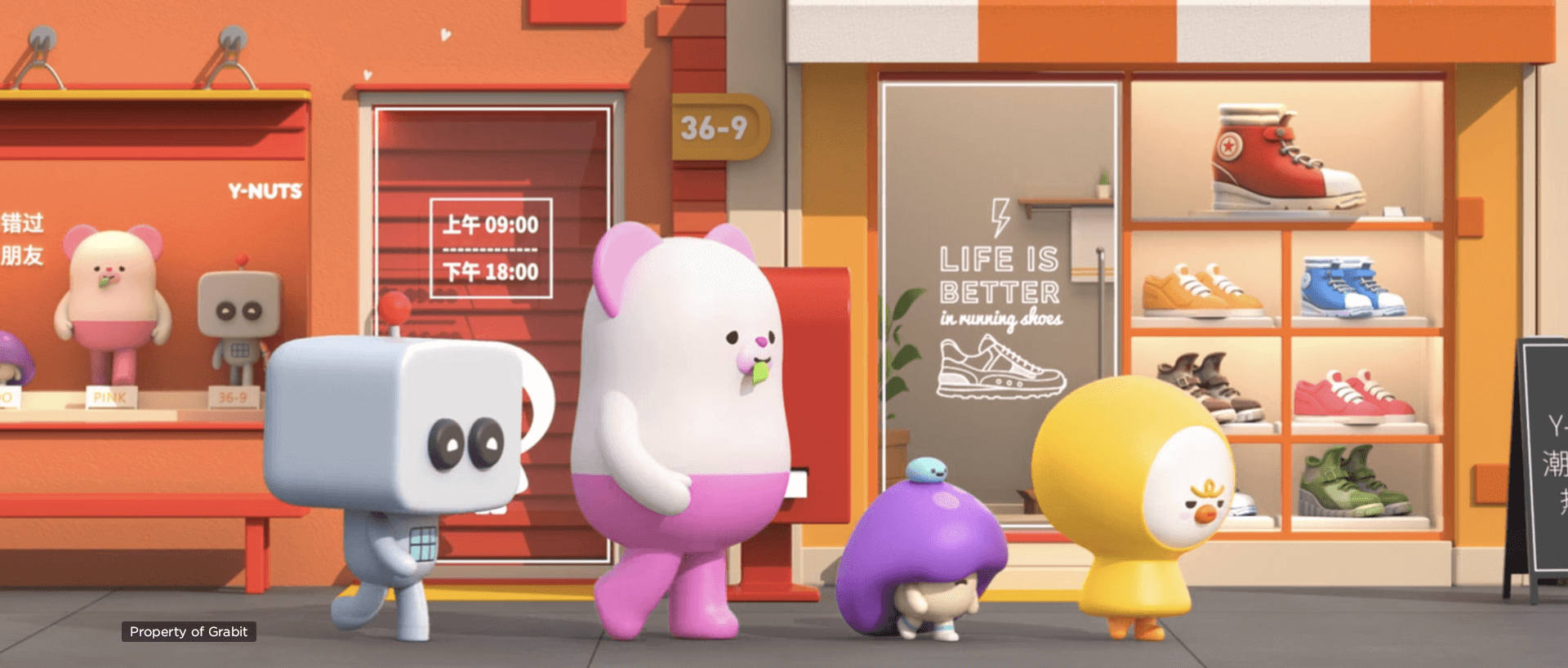
12 Class Exercises
PART 01. Cute SD characters
PART 02. 4-head character & toon render
PART 03. Stylize Character
Speaker introduction
3D Character Artist
Miacat
Hello, I am Jaeyeon Nam, a 3D character artist. I have participated as a modeler in a number of 3D character branding projects such as NAVER Knowledge iN and TWICE BDZ produced by Grabit, as well as projects in various fields such as movies and cinematics, and am currently working as a freelancer with famous domestic and international studios.
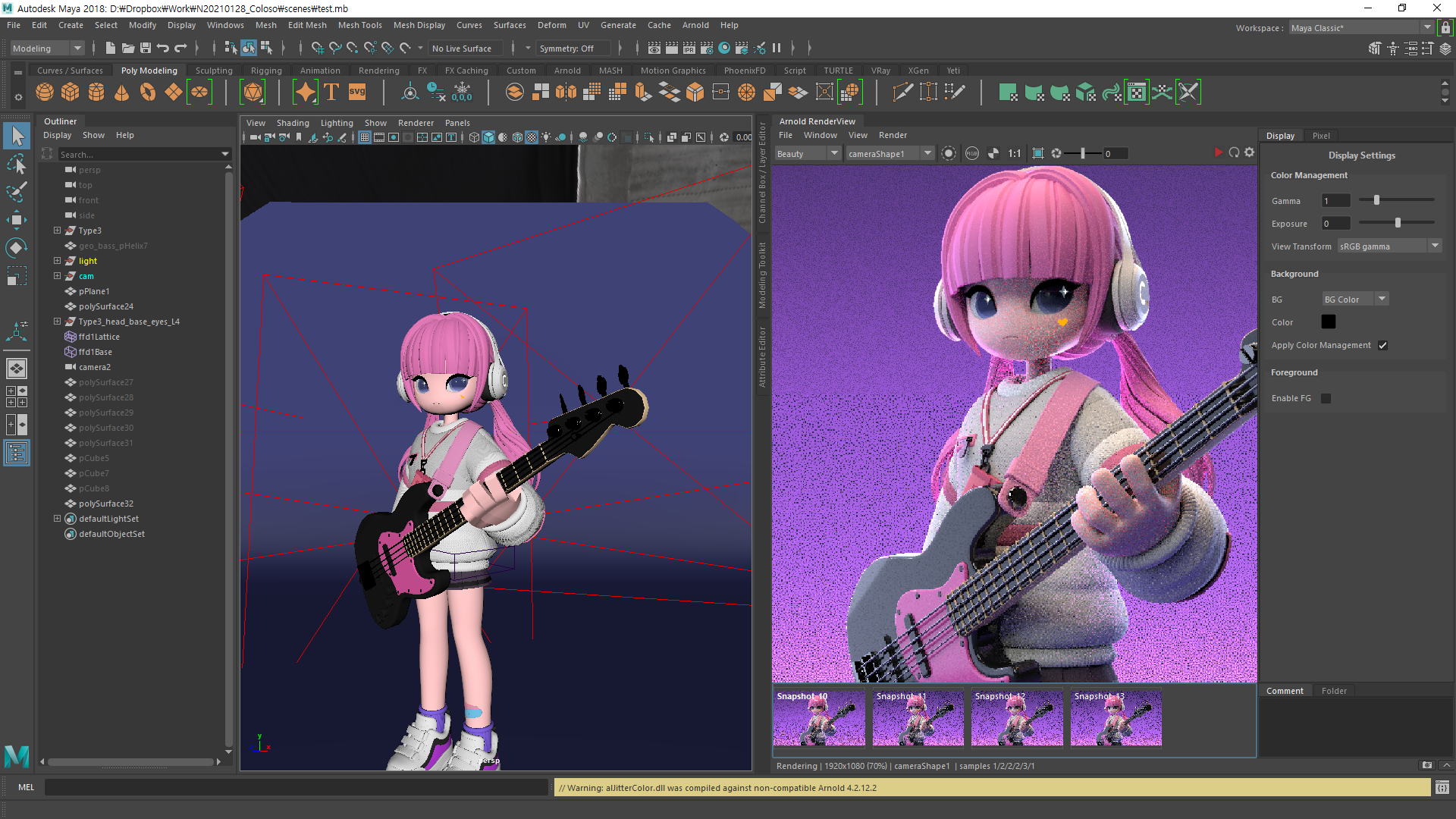
In this class, you can focus on learning the modeling part of Maya. We will model characters that vary depending on the level of difficulty and teach you how to render toons that are often used in practice.
If you have some basic knowledge of Maya, you will have no trouble taking the course, so don't worry and come see me.
Based on my many years of experience as a 3D character artist, I will share with you my practical know-how to create high-quality character modeling.

3D Character Artist,
Jaeyeon Nam
Current) Freelance 3D character artist
Projects & Awards
jeon)
[3D Character Branding]
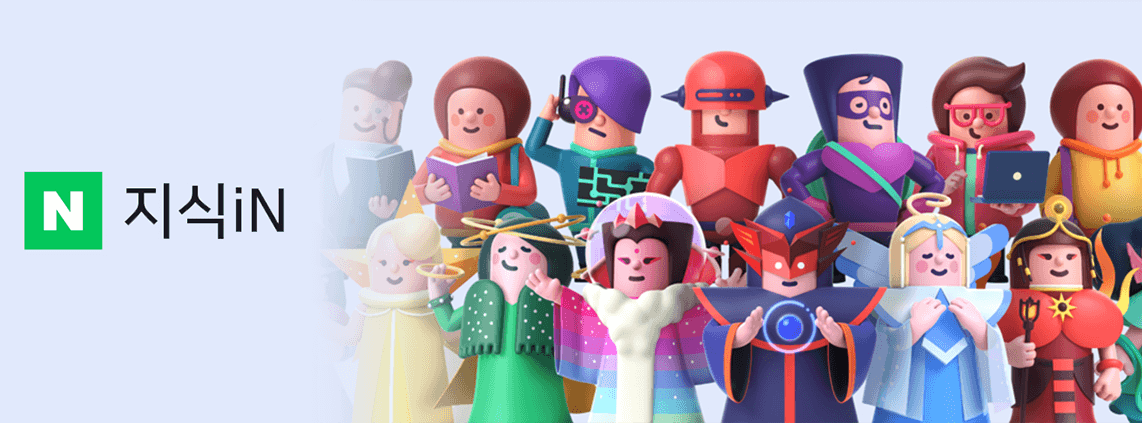
NAVER, Knowledge iN (2020)
Alibaba, Tmall Mart (2020)
amz studio, Amazing Family (2020)
V LIVE, V-CREW (2019)
Egglab, Y-Nuts (2019)
JYP Japan, TWICE BDZ (2018)
AVOFRIENDS (2018)
[Cinematic/Promotion]
SMASH LEGENDS PV (2021)
NAVER, LINEWORKS Promotional Film (2019)
LG Global, LG UltraGear Promotional Film (2019)
SUNDAYTOZ, Disneypop PV (2019)
Netmarble, Magumagu Cinematic Trailer (2018)
Gyeongju World, Draken Valley Promotional Film (2018)
Nexon, Returners (2018)
Nexon, Dragon Nest II: Legend Cinematic Trailer (2017)
Lvmama, App Commercial Video (2016)
[Movie/Drama]
Vanguard Movie Trailer (2020)
Shanghai Fortress (2019)
Parallel Tokyo (2019)
Steel Rain (2017)
Legend of the Ancient Sword (2017)
The Thousand Faces of Dunjia (2017)
[Courses]
VDAS, special course on character modeling part
MOTION DESIGNER 71st (2021)
MOTION DESIGNER 70th (2020-2021)
MOTION DESIGNER 69th (2020)
class features
Class Highlights
Conquer the Maya character modeling workflow based on an understanding of modeling principles
In this class, rather than simply explaining the functions of the tool and following the work, you will understand what methods to approach and try when modeling, and make your own the professional skills of Jaeyeon Nam, who has extensive experience in modeling at large corporations. can.
Solve character modeling for each level of difficulty in one class!
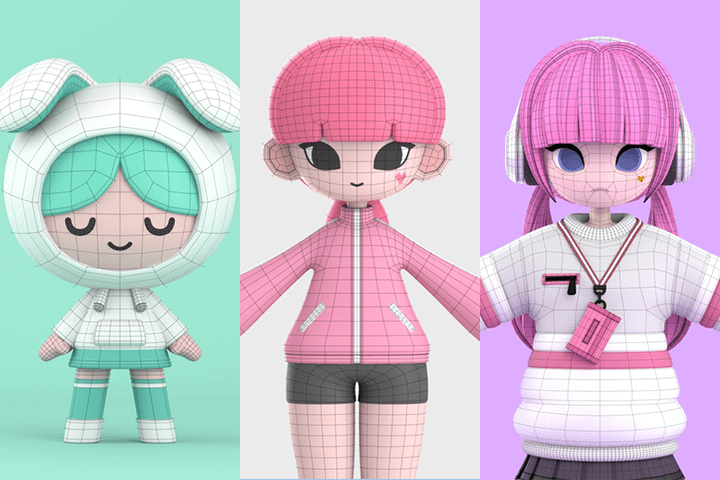
In this class, you can naturally upgrade your skills by creating characters with the same concept, from easy SD characters to difficult characters, at three different levels of quality and rendering them in four different ways.
Provides course summary files and modeling data to aid understanding
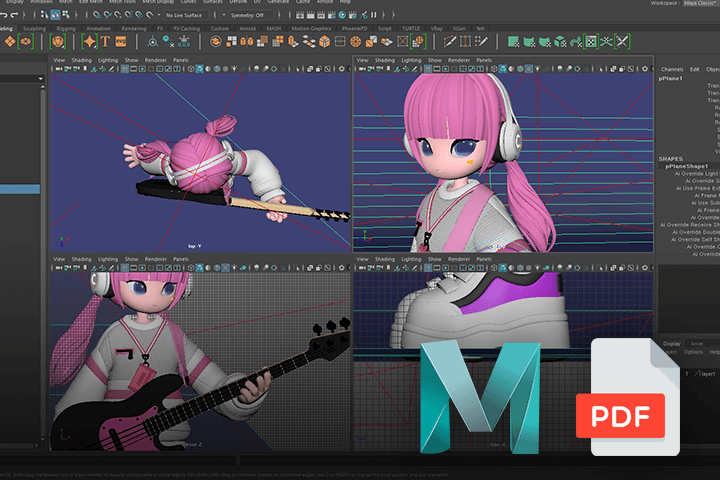
In this class, PDF files that summarize the key functions learned in each chapter, character modeling data created as course examples, and render scene files are provided.
Class Details
You'll Learn
-
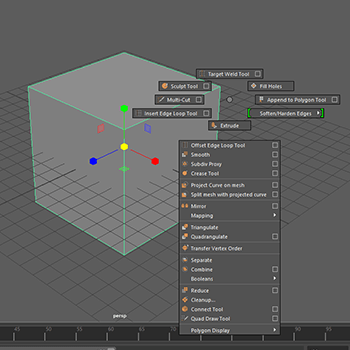 Basic interface settings for smooth modeling workPrior to full-scale modeling work, class points and character modeling workflow are introduced and understanding of optimization methods from the practical modeling stage is improved.
 -
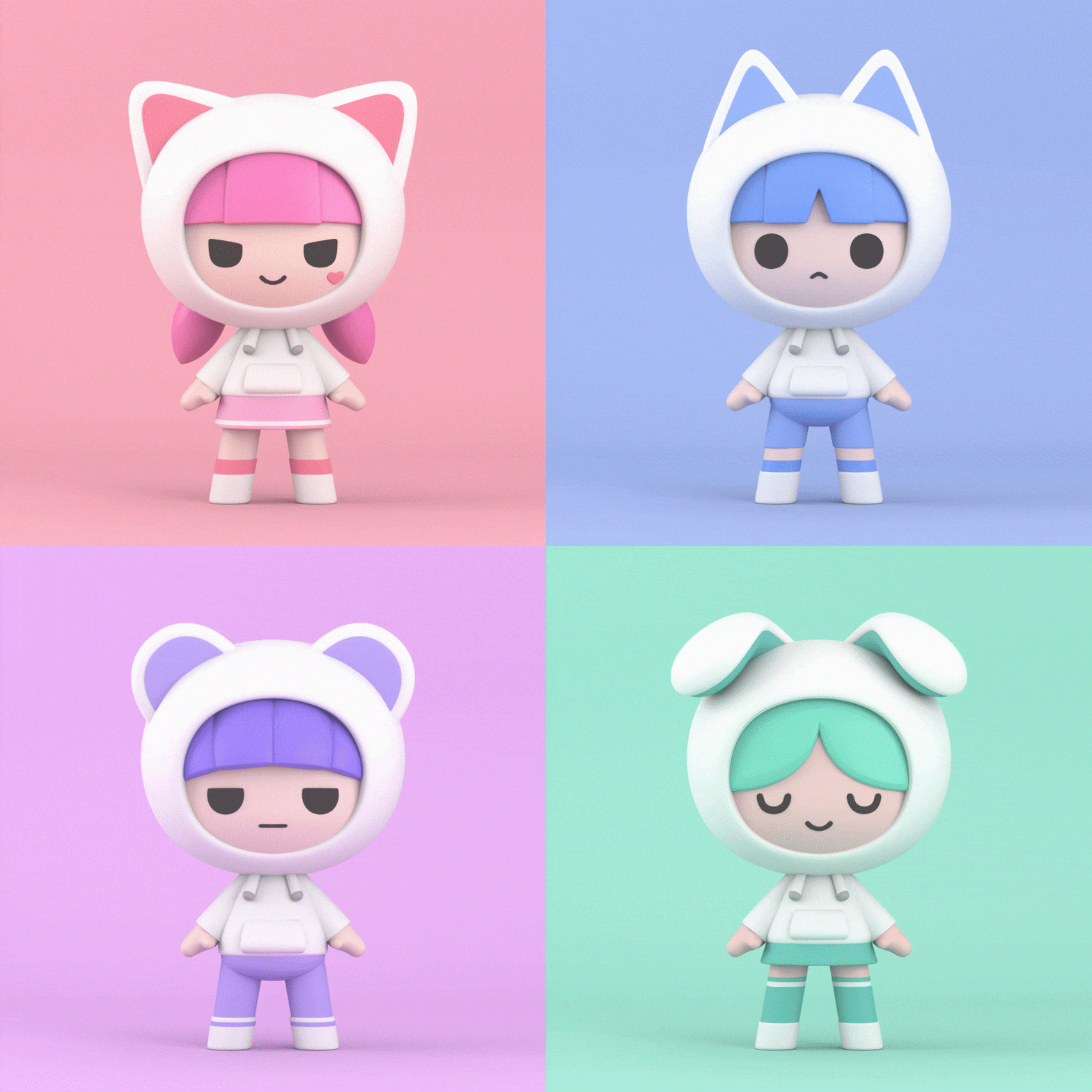 Creating an SD character with a 2-head to body ratioLearn the basics of modeling and how to create a simple character with a two-head-to-body ratio, use Arnold lighting and rendering, and learn about frequently occurring errors and solutions.
 -
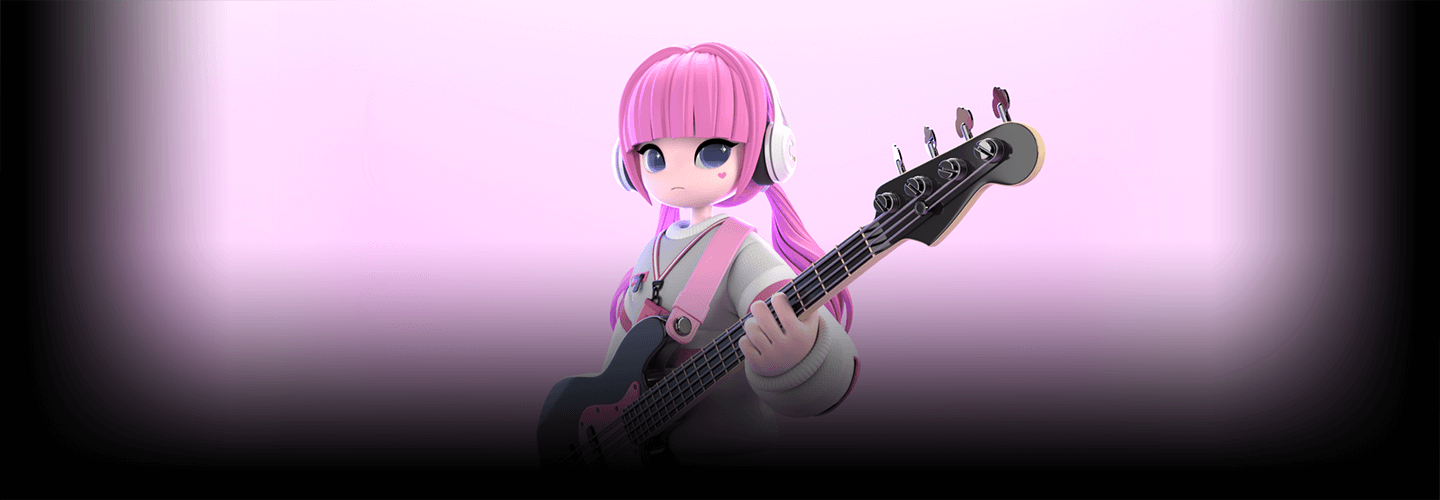
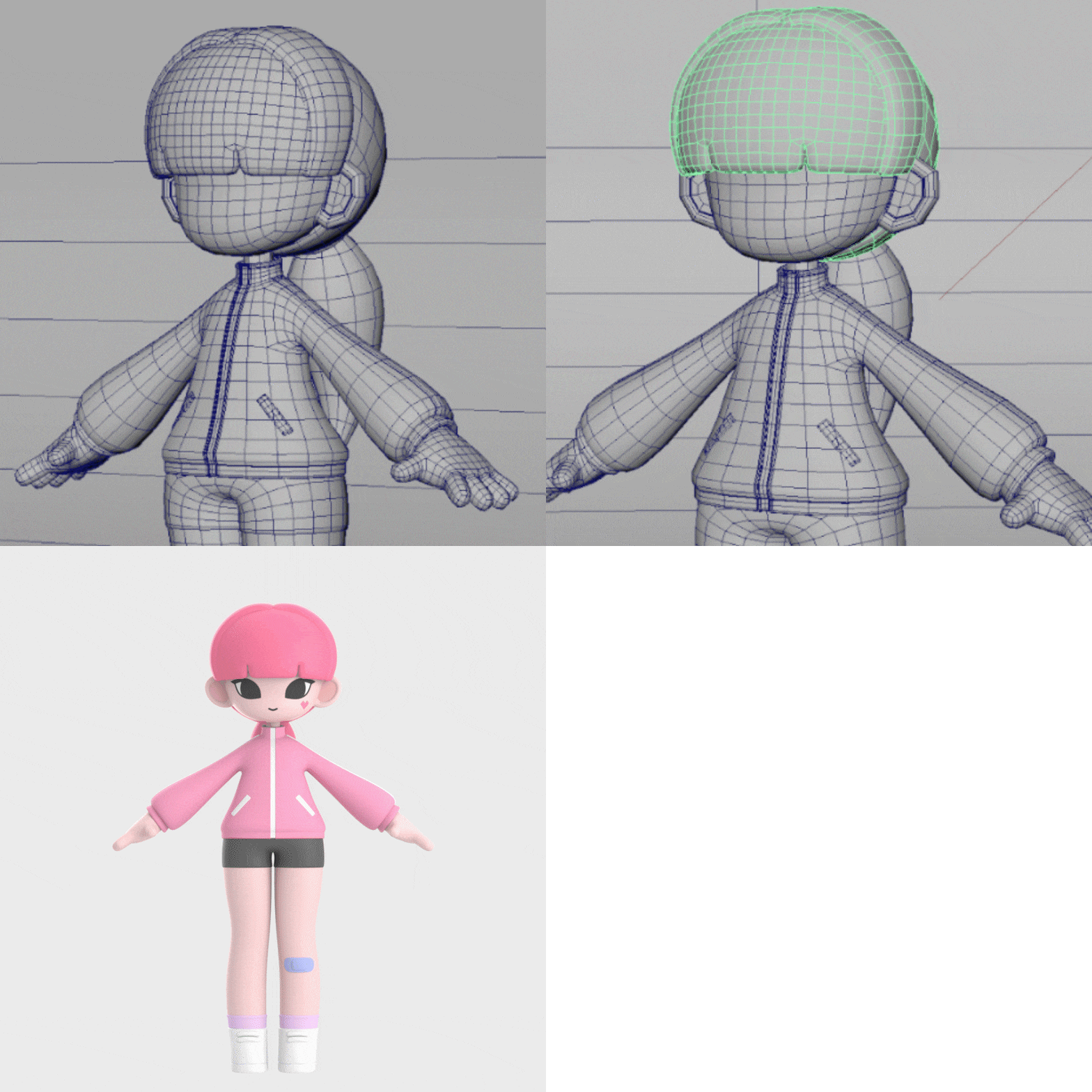 Creating a simple female characterStarting from basic shapes, we model the character's body, clothing, and hair sequentially to complete a character with a 4-head-to-body ratio, and learn how to create textures using UV work and UV sources.
-
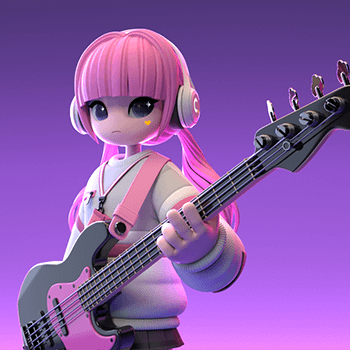 Creating a Stylized female characterUsing modeling functions, we will create props that decorate the character, such as body, clothing, hair, as well as base and headphones, and use basic nodes in Maya to perform shading work and lighting settings.
 -
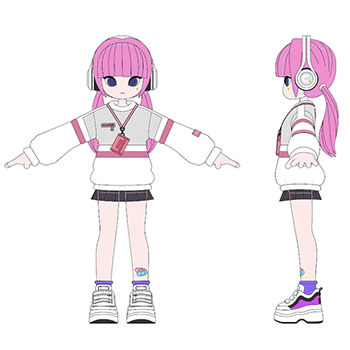 Know-how to use toon rendering to work efficientlyLearn how to create rendered images using Arnold Toon Render and tips for creating your work quickly and efficiently to create detailed results.
 -
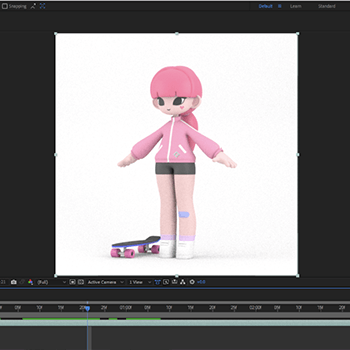 Complete turntable video to improve the quality of your portfolioYou will learn how to create a turntable video of the character modeling results created in Maya, and an efficient routine from the basics of After Effects to completing the turntable video.
curriculum
Curriculum
In-Depth Look
SECTION 01. Intro
01. Orientation
- Instructor Introduction
- Course points and curriculum introduction
- Software license introduction and installation
02. Modeling workflow
- Modeling production method for each program
- Classification of character types
- Concept art and 3D work
SECTION 02. Interface
03. Maya basic interface
- Viewports and UI
- Reset layout and work environment
- Basic function description
04. Job settings
- Maya Shortcuts
- Scene settings for modeling work
SECTION 03. Character Creation: Type 1
05. Type 1 Modeling Part1
- Modeling basic functions
- Approach to Modeling Creation
- Character creation using basic functions
06. Type 1 Modeling Part 2
- Character creation using basic functions
- Character Variation Guide
07. Type 1 lighting & rendering
- Arnold Lighting & Rendering Basics
- Character rendering using basic features
- Common errors and solutions
- Save rendered image
SECTION 04. Character Creation: Type 2
08. Type 2 basic body type modeling Part 1
- Create base modeling with basic shapes
- Basics of combining objects using Boolean
- Symmetric modeling using instances
09. Type 2 basic body type modeling Part 2
- Creating a character's ears and combining them using Boolean
- Character hand creation
10. Type 2 costume modeling
- Clothing production using a base model
- Detail creation using Quad Draw Tool
- Modeling modification using Lattice
11. Type 2 hair modeling
- Clothing modeling details finalization
- Stylize hair production
12. Type 2 board modeling
- Hard surface modeling basics
- Finish modeling before UV work
13. Type 2 UV & modeling completion
- UV editing function description
- Cleaning up UV operations and outliner
- Modeling finish
14. Texture creation using Photoshop
- Creating modeling sources to be used for texture work
- photoshop interface
- Texture creation
15. Type 2 lighting & rendering
- Lighting detailed function description
- Character pose work
- Character rendering work
- Subdivision Render using Script
SECTION 05. Character Creation: Toon Render
16. Toon-Style Character Rendering
- Arnold Toon Shader Function Description
- Rendering a toon with a Type 2 character
- Introduction to Arnold Documents
SECTION 06. Character Creation: Type 3
17. Review & use of modeling functions
- Review of modeling features
- Introduction to function utilization
- Notes for each function
18. Type 3 basic body type modeling
- Explanation of camera and image plan principles
- Creating body shape modeling using Boolean
19. Type 3 face modeling
- Creating faces using Boolean
- Guide to making eye, teeth, and tongue modeling
- Heart prop production
20. Type 3 Costume Modeling Part 1
- sweater making
- Shibori detail production
- Zipper detail production
21. Type 3 Costume Modeling Part 2
- Sweater seam detail production
- Socks and lower body finish
- Band-Aid Making
- Making a pleated skirt
22. Type 3 hand modeling
- Character hand creation
- Modeling production through step-by-step wire flow control
23. Type 3 sneaker modeling Part 1
- Sneaker body construction
- Modeling production through step-by-step wire flow control
24. Type 3 sneaker modeling Part 2
- Creating details that attach to the silhouette
- Finished sneaker modeling production
25. Type 3 headphone & card wallet modeling
- headphone production
- Card wallet production
26. Type 3 hair modeling
- Hair modeling production approach for pigtail hair type
- Tail hair production using Extrude Twist
- Finishing hair production using Bevel
27. Type 3 bass guitar modeling
- bass guitar making
- Hard surface modeling tips
28. Type 3 UV & modeling completion Part 1
- UV operation detailed function description
- Outliner Cleanup
- Modeling optimization and finalization
29. Type 3 UV & modeling completion Part 2
- Bass guitar UV work
- Organizing the outline and finishing modeling
30. Rendering workflow for personal use
- Shading operations using basic nodes
- Character pose work
- lighting work
- Rendering and final image production
SECTION 07. Making a turntable
31. Building a turntable
- Setting up for making a turntable
- Rendering frames with Render Sequence
- After Effects Interface
- Create and export video in After Effects
SECTION 08. Outro
32. Conclusion
- Modeler’s outlook and direction
- What I would like to ask you to say
Interview with
3D Character Artist Jaeyeon Nam

Question.01
What is the marketability/prospect of 3D character modeling?
What is the marketability/prospect of 3D character modeling?
The CG industry includes various industries such as movies, animation, advertising, and games. The modeling part is the foundation and commonly needed position in all these industries, and among them, character modeling is the main part of many projects. Character modeling is a very advantageous position to produce a variety of outputs, and it is an attractive field that can create great synergy by combining various fields and technologies other than the CG industry.
Question.02
What do you consider most important when working on 3D character modeling?
What do you consider most important when working on 3D character modeling?
Personally, I think the most important things in modeling work are 'proficiency' with the tool and 'ideas' for the production approach. In this class, rather than simply presenting work methods to memorize, we plan to create an opportunity for students to grow on their own by emphasizing the reasons for coming up with these ideas and the principles of approach so that they are fully aware of them.
Question.03
What are your strengths as a 3D character modeling artist?
What are your strengths as a 3D character modeling artist?
Wire cleanup and optimization. When creating a character, data must be optimized so that modeling can be used well in texturing and rigging parts. If this optimization is not appropriate, a situation may arise where modeling cannot be used in future positions. In this class, I will present an efficient modeling production approach that I have researched and used, and will introduce methods to optimize both shape and wire at once. .
Required Programs
This class is conducted using the tools specified below.
To ensure smooth course participation, please install the corresponding version of the program separately.
- Maya 2018
- Photoshop
-After Effects
* Recommended installation of the 2017~2020 version of the Maya program (information about the Maya Indie version will be provided in the course)
* Programs and materials are not provided separately.