3DModeker,SoyeonKim_3D 모델러 김소연 Details
Class introduction
introduction video
3D modeler, Soyeon Kim
“Modeling in various styles, By extracting the common denominator, we will help you lay the foundation for proper 3D modeling.”
Everyone has a beginning. If your goal is 3D modeling We will help you implement it
Right from the zero base stage Just as it is impossible to produce high-quality results, In order to model at the highest level of difficulty, You have to build up step by step starting from the basics.
Soyeon Kim yeon, a 3D modeler with top skills, In the Maya modeling introductory class, Even people with no 3D knowledge can use Maya's core functions are appropriate for practical use. We will inform you so that you can utilize it.
Learn properly from Maya, which specializes in 3D modeling. Build a solid foundation.
Learn properly from Maya, which specializes in 3D modeling. Build a solid foundation.
3D professional modeler,
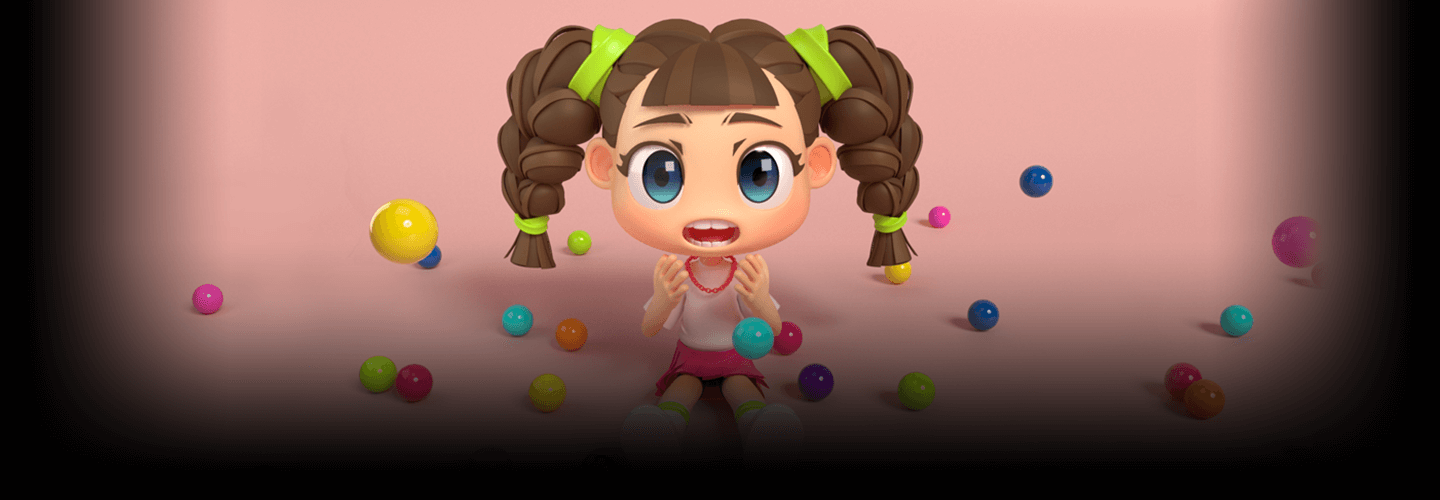
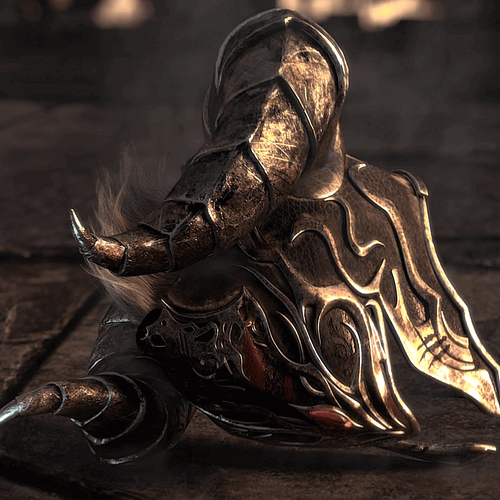
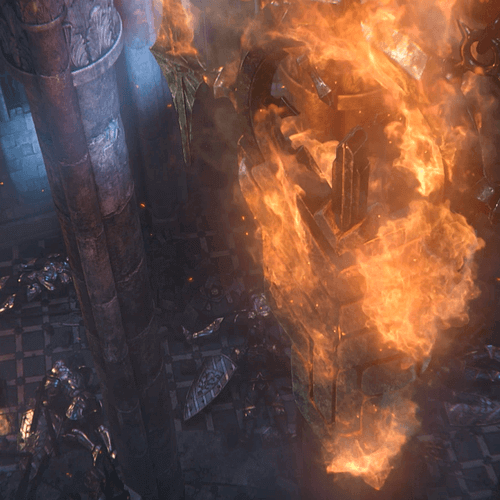
Speaker Soyeon Kim ’s portfolio

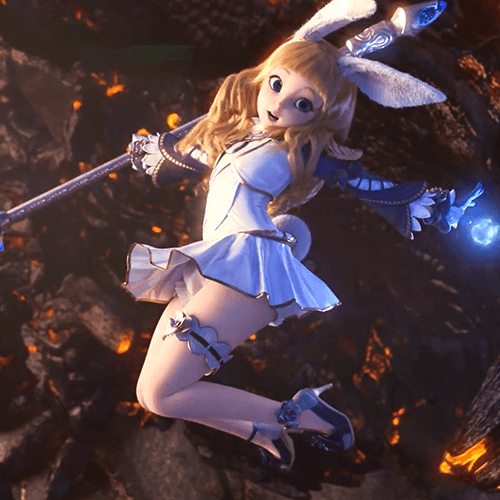

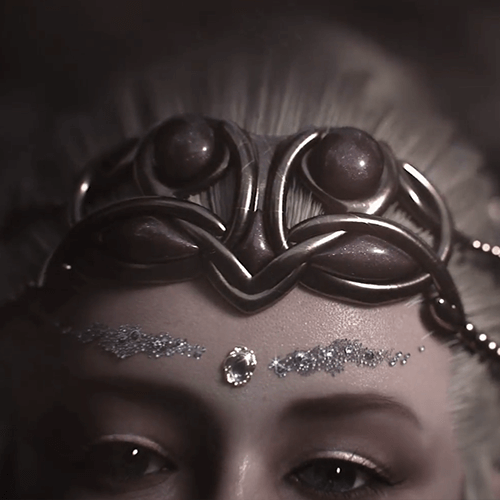
Why Take This Class?
Now that the 3D industry is expanding, If you have professional skills, this is your unrivaled strength! Optimized for organic and structural object implementation A tool with a bright outlook in many fields with a highly usable pipeline! If your goal is to have a successful 3D career, Maya is your best choice.
Active in the fields of games, movies, and TV advertisements If you analyze and study example files created by current 3D modelers, Various functions used in the field for modeling and Wireframes, etc. can be implemented as is.
Step by step, you will learn the basics appropriate for 3D characteristics. > Regardless of the field or type, the silhouette is alive. We will help you make modeling possible. Get started with Maya 3D modeling today at Coloso.
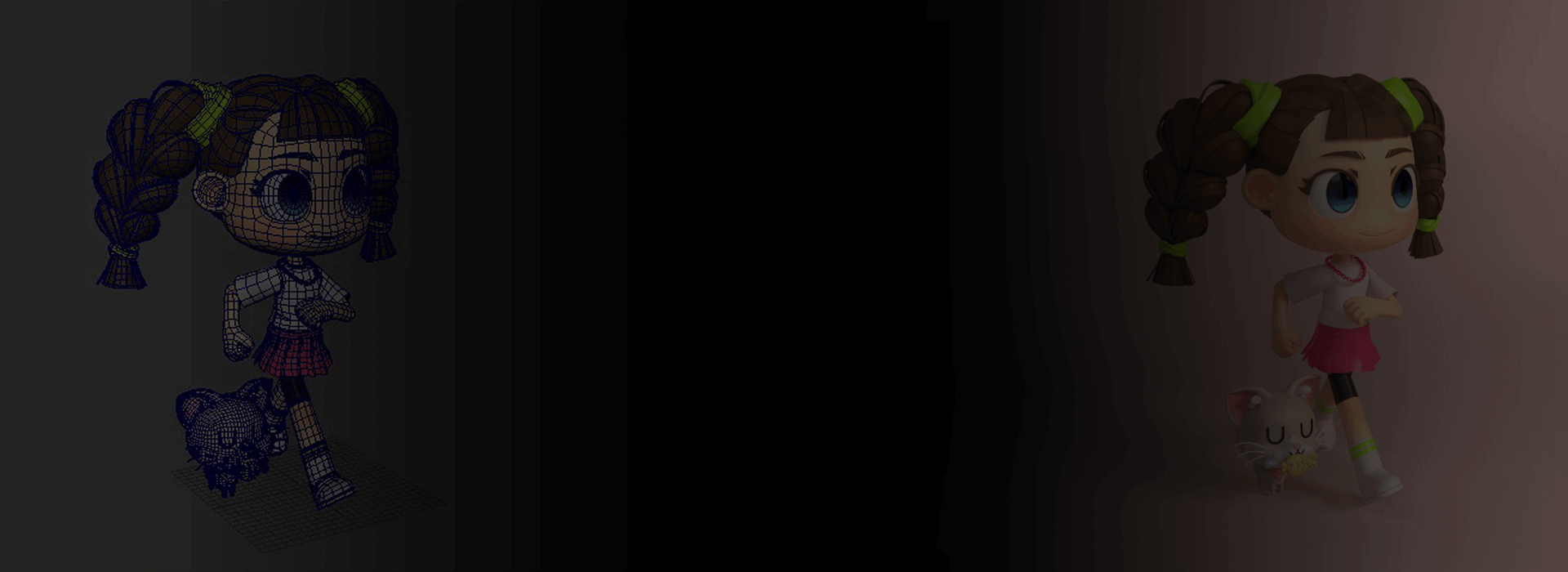
Through various modeling examples Learn the core features of Maya.
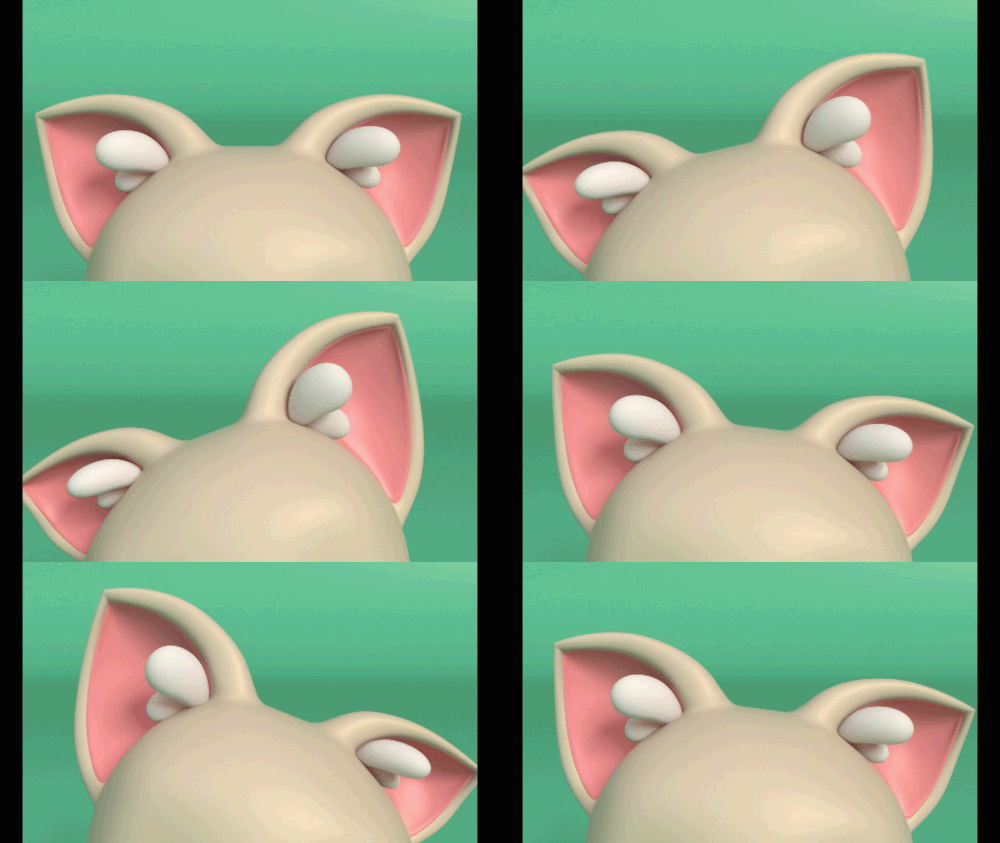
Curved Extrude Modeling

organism modeling
Pattern modeling
Deformer modeling
Extrude Face Modeling
Constraint modeling
Speaker introduction
3D modeler
Soyeon Kim
Hello, I am Soyeon Kim, a 3D modeler. He was in charge of the part leader at Locus. After working at companies such as NetEase and Studio Lennon, I started my career as a modeler. Representative examples include collaboration with Samsung and LG. I worked on Lineage 2 Revolution, Terra M, Onmyoji, etc.
Currently, we continue to try various assets and new styles. Wide range of fields such as TV advertisements, exhibitions, and game cinematics I am working as a professional modeler.

class features
class features
Step by step from the basics Learn Maya
Those who are zero-based even on 3D concepts are welcome! We will teach you everything from Maya's basic interface to the basic theories for modeling.
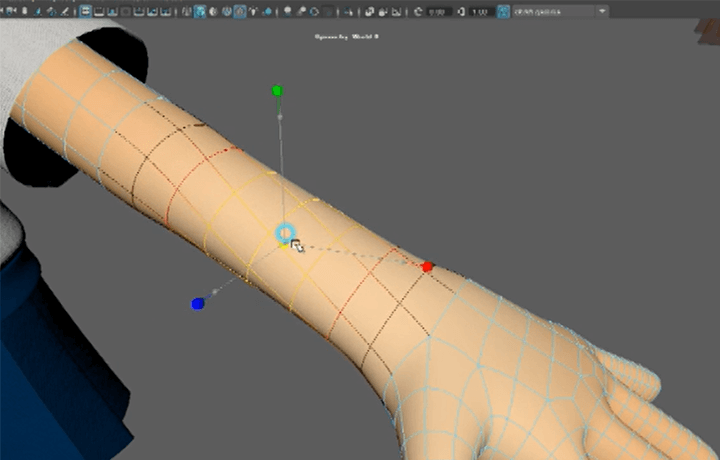
Organized by difficulty level Different types of modeling
It contains everything from essential objects such as chairs and watches to character modeling! We reveal not only what you have learned but also all the essential skills to implement new objects by applying them.
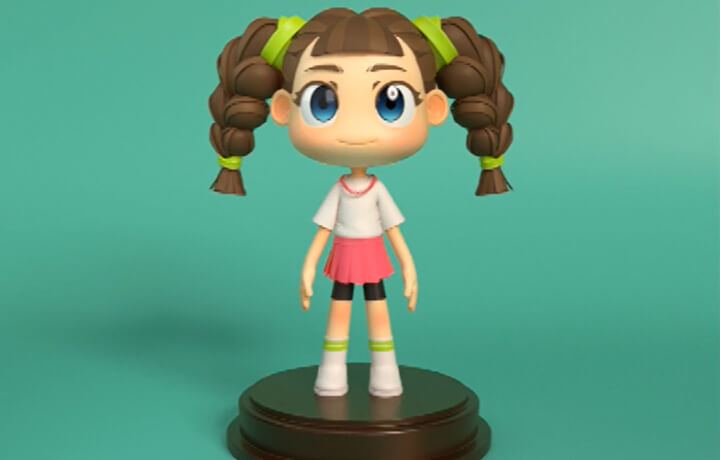
The quality stands out Practical work know-how
Learn core functions and usage methods such as deformers and wireframes based on numerous practical experiences through the 9 Maya example files provided with the class.
* Please refer to the curriculum below for the types of files provided for each example.
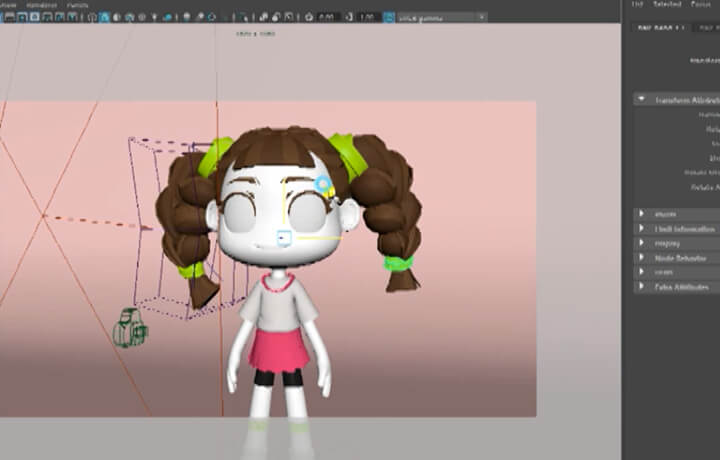
Class composition
learn this
-
 Understanding Maya's basic interface for modelingLearn everything you need to know about modeling, including Maya's basic interface and how to set up image plans.
 -
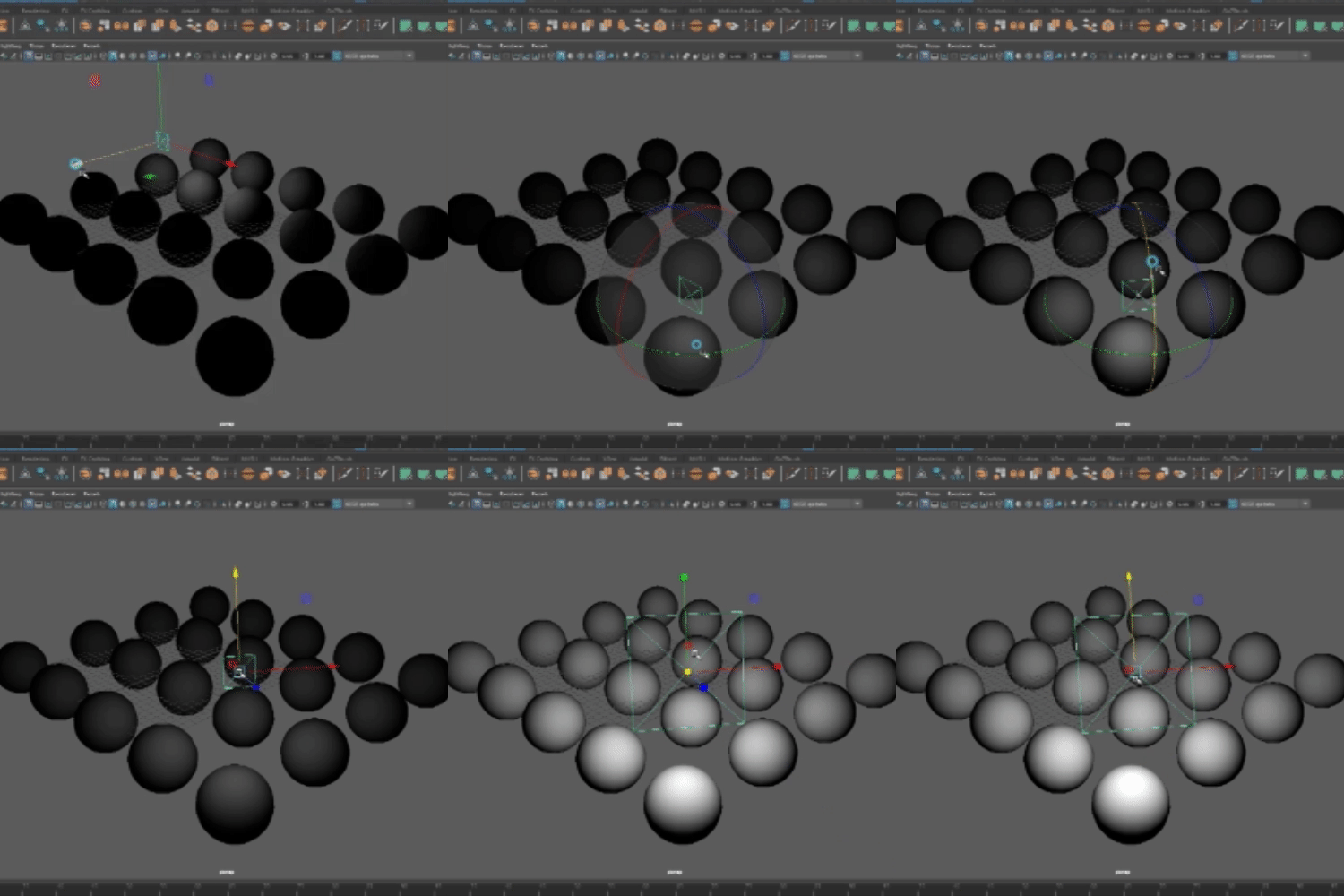
 Various modeling from essential objects to charactersFrom simple props to character modeling, we create various step-by-step examples with different applied functions and lighting.
 -
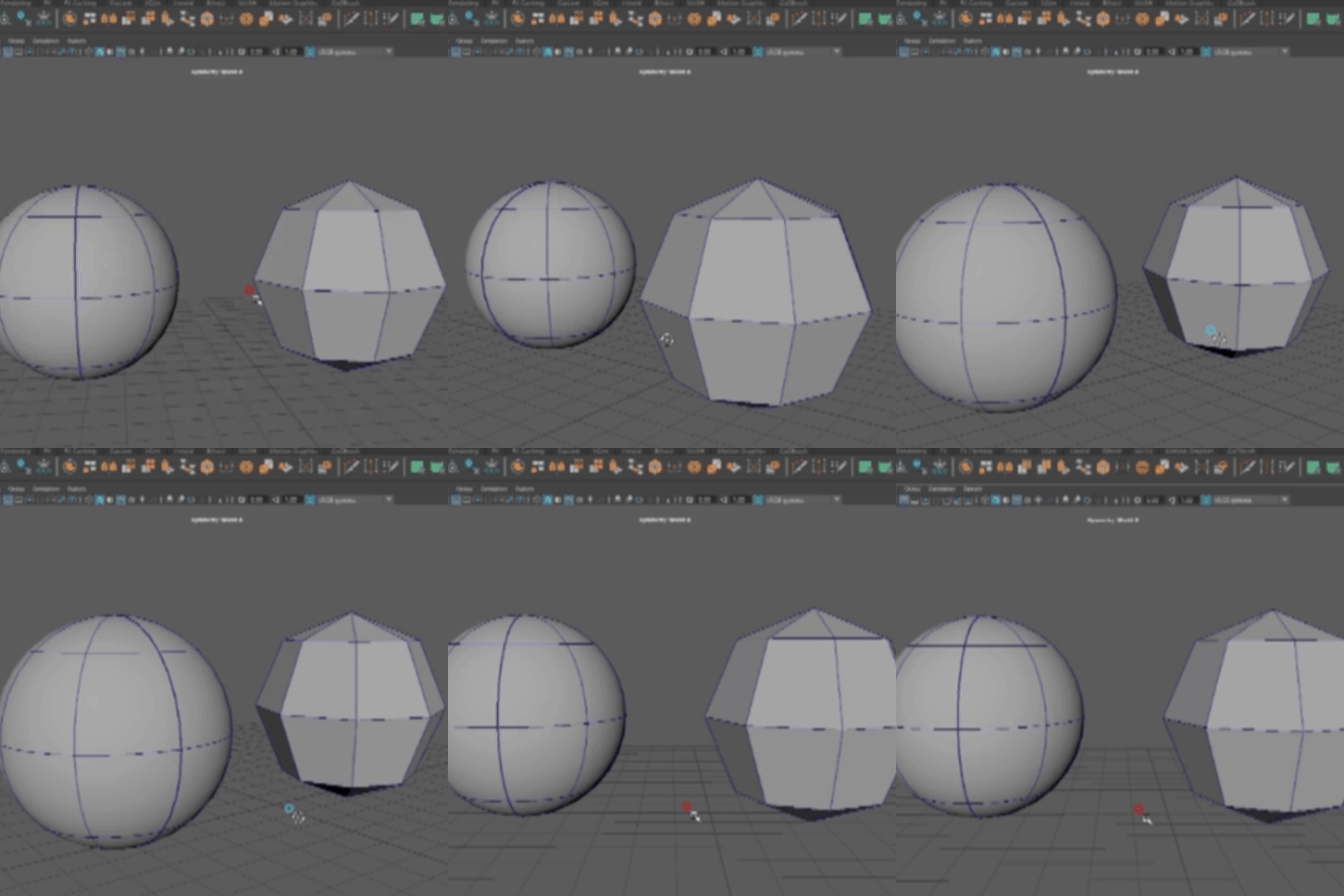 How to use Polygon/NURBS modelingUnderstand polygon modeling, which is most commonly used, and NURBS modeling, which is specialized for curved surface expression, and learn how to use it in practical situations.
-
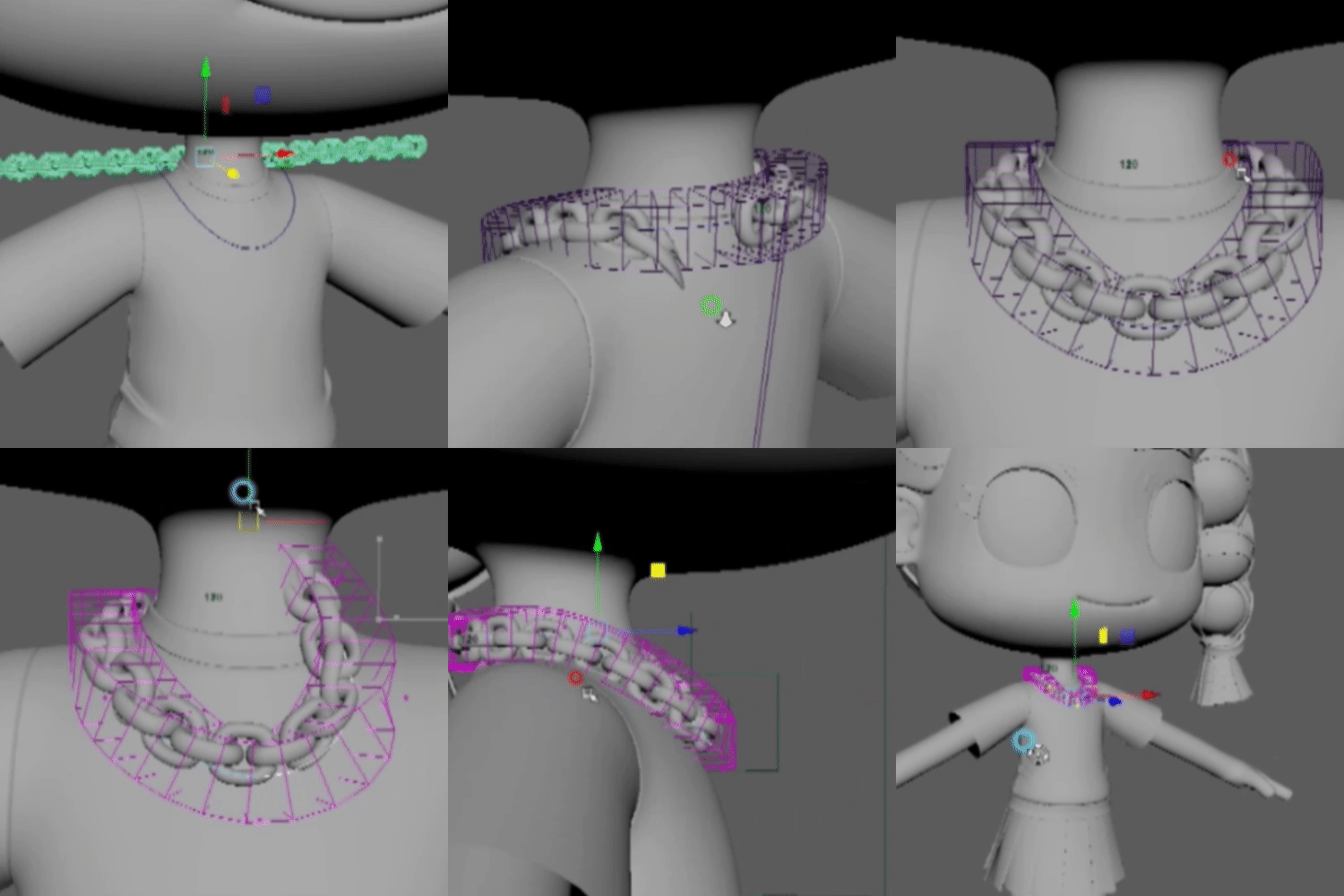
 How to use Maya core functions according to modeling typeLearn how to apply various methods such as Instance copy, Duplicate special, Bend, and Lattice to modeling.
 -
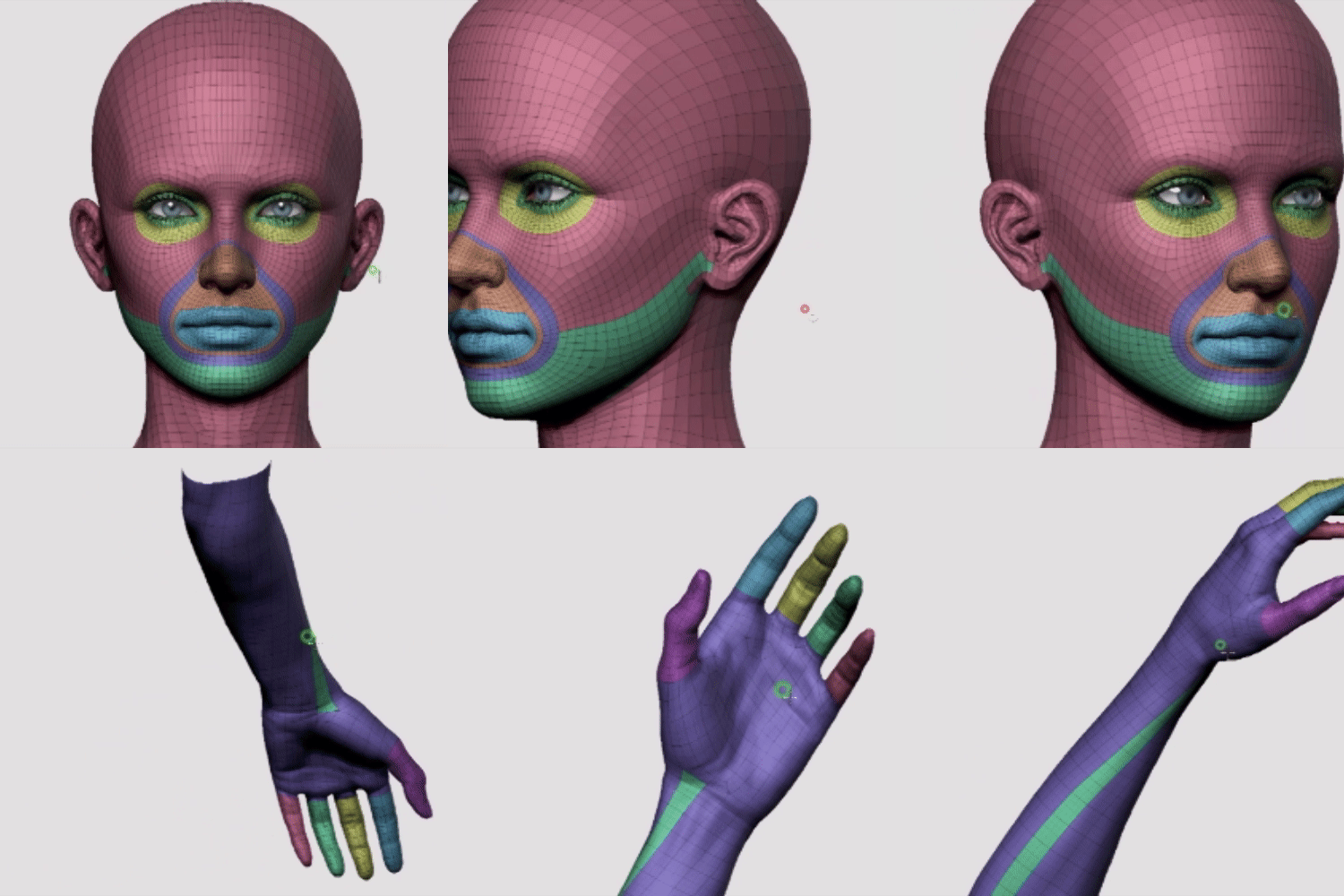 Wireframes for efficient workWe will learn how to use wireframes that vary depending on the field and type, such as games, advertisements, and movies, and will teach you the wireframe flow and points that are essential for collaboration.
 -
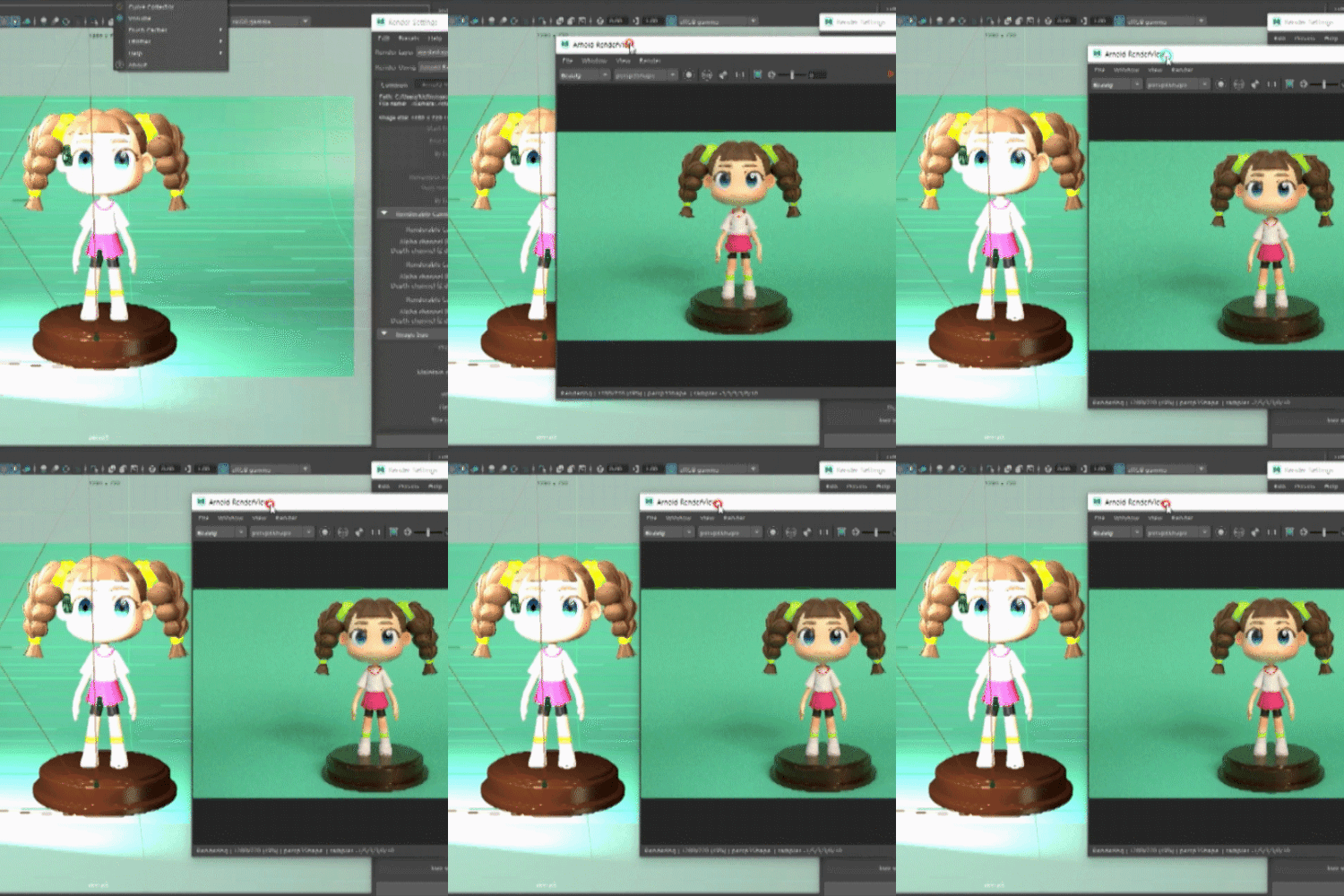 A sense of shape and silhouette composition with unique detailsWe will implement high-quality modeling through good-looking shapes and silhouette compositions that cannot be easily learned during practical work.
* The results above are actual examples using the functions you will learn in the class.
In this class 8+ step-by-step examples Let's make it.
-
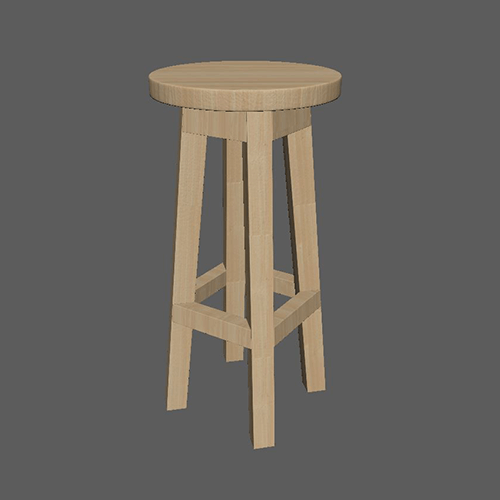
Example 01: Chair Based on the theory of wire Learn how to apply it effectively. -
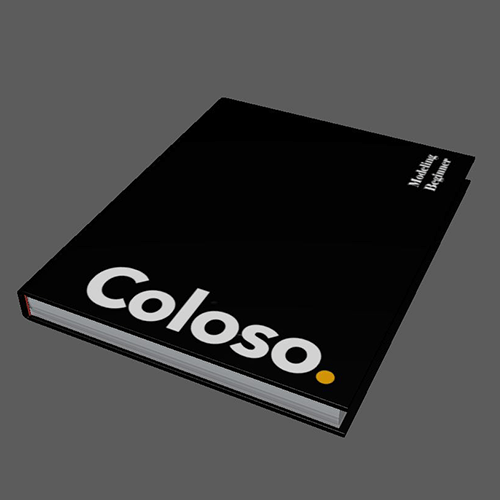
Example 02: Book using images Let's connect UV and Texture. -
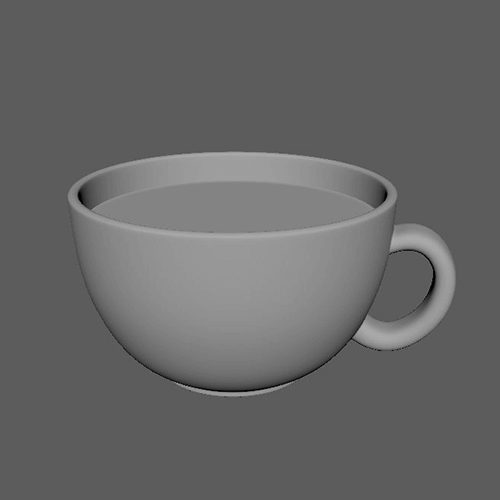
Example 03: Cup Focusing on Boolean features Let’s implement it using it.
-
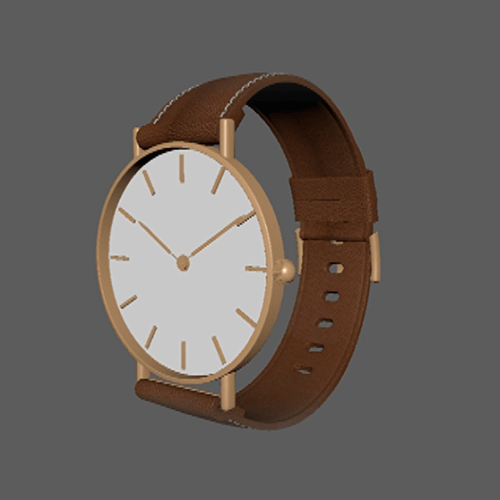
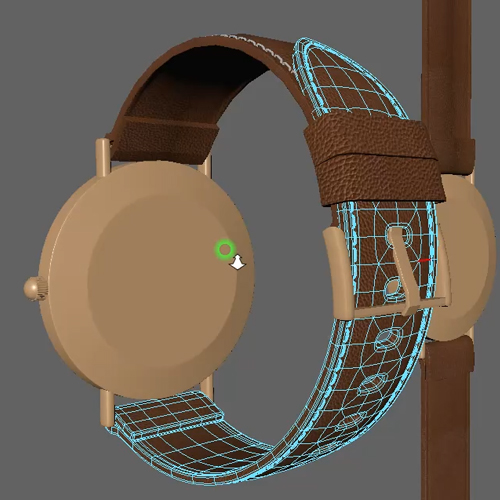
Example 04: Clock Using the band function Let’s implement in-depth modeling. -
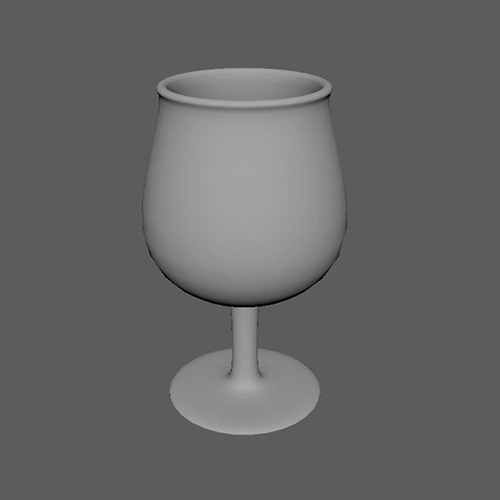
Example 05: Wine glass NURBS modeling and curve functions Let's learn about it. -

Example 06: Cat Modeling joints of organisms and Learn character wire.
-
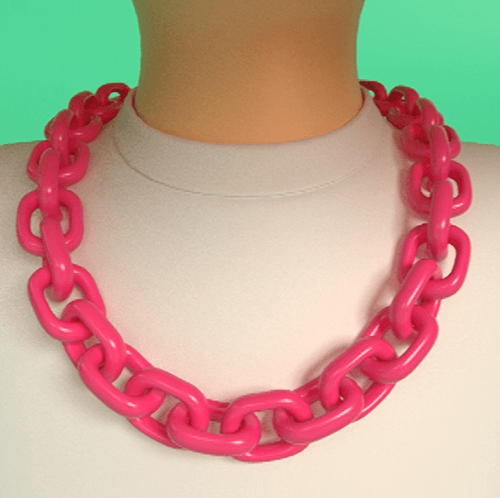
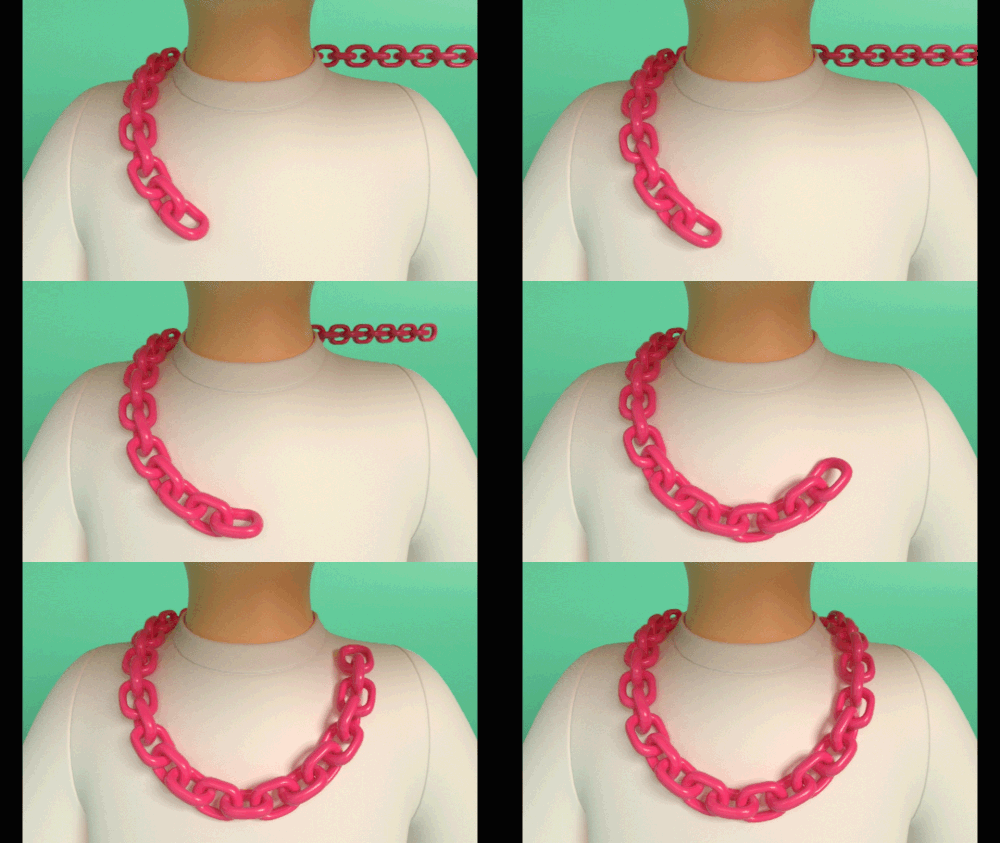
Example 07: Necklace Using the Curve function Let's make character props. -
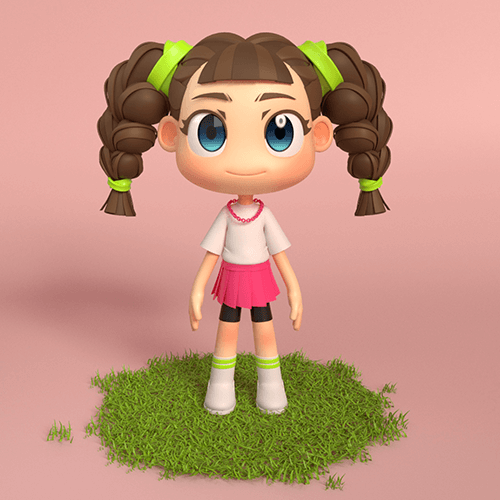
Example 08: Character For final character output Learn essential wire flow points and modeling processes. -

curriculum
curriculum
Show me the curriculum
SECTION 01. Understanding Maya and Modeling
01. Orientation
- Basic modeling theory for structures, dotted lines, etc.
- Maya default windows and tool descriptions
SECTION 02. Maya Basics
02. Maya basic interface
- Maya basic UI description
- Learn about viewports, workspaces, and basic settings
SECTION 03. Polygon modeling
03. Maya modeling features
- Shortcut key description and how to add shortcut keys
- Understand the difference between Duplicate special, Copy, and Instance copy functions
- Creating a dandelion flower example using the Pivot function
SECTION 04. Wire
04. Understanding wires
- Explain the importance of wire and the theory of effective wire
- Creating a chair example using wire
SECTION 05. UV / Texture
05. Understanding UV/Texture
- Basic theory about UV/Texture
- How to Avoid UV
- Texture connection shading using images
- Creating a book example with UV/Texture applied
06. Basic modeling
- Text Modeling Methods
- Boolean functions
- Creating a mug example
SECTION 06. Hard surface modeling
07. Complex modeling
- How to use a band and make a hole
- Creating a clock example
08. How to utilize in-depth modeling functions
- How to apply UV/Texture
- Clock example modeling in depth
SECTION 07. Curve / NURBS
09. Use of Curves / NURBS
- Curve function learning and NURBS modeling
- Creating a wine glass example
SECTION 08. Character modeling
10. Cat character modeling
- Joint representation method for organism modeling
- Description of Character Wire
- Creating a cat example 1
11. Character prop modeling
- Tying a handkerchief around a cat's neck 2
- Shading and lighting using the Arnold renderer
- Creating a cat example 2
12. Face modeling 1
- Wire flow theory in face modeling
- Compare with complex characters
- Wire flow points that must be observed
13. Face Modeling 2
- Creating a character face object
- Modeling eyelashes, eyebrows, teeth and tongue
14. Body/Hand Modeling
- body wire flow theory
- Simple understanding of muscles
- Points to keep in mind when creating a casual character
- finger modeling
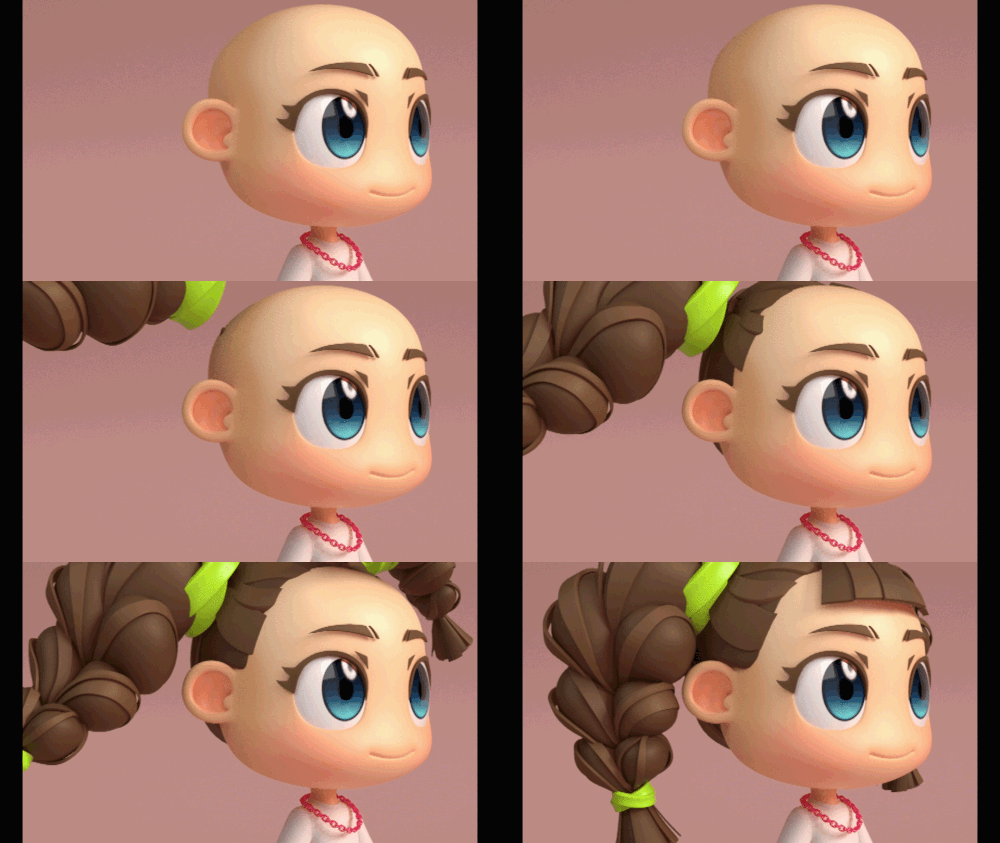
15. Hair Modeling
- hairstyle modeling
- making pigtails
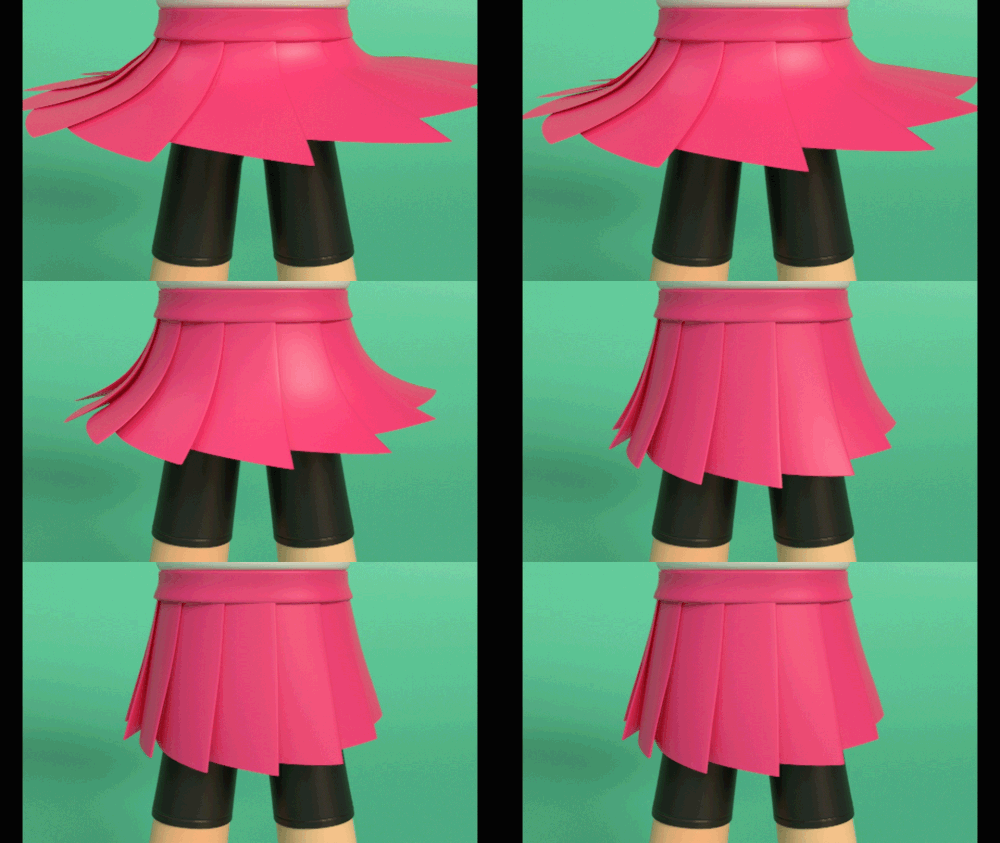
16. Costume modeling
- Easy to create high-quality casual outfits
- How to express natural wrinkles
- Learn how to increase your reference utilization
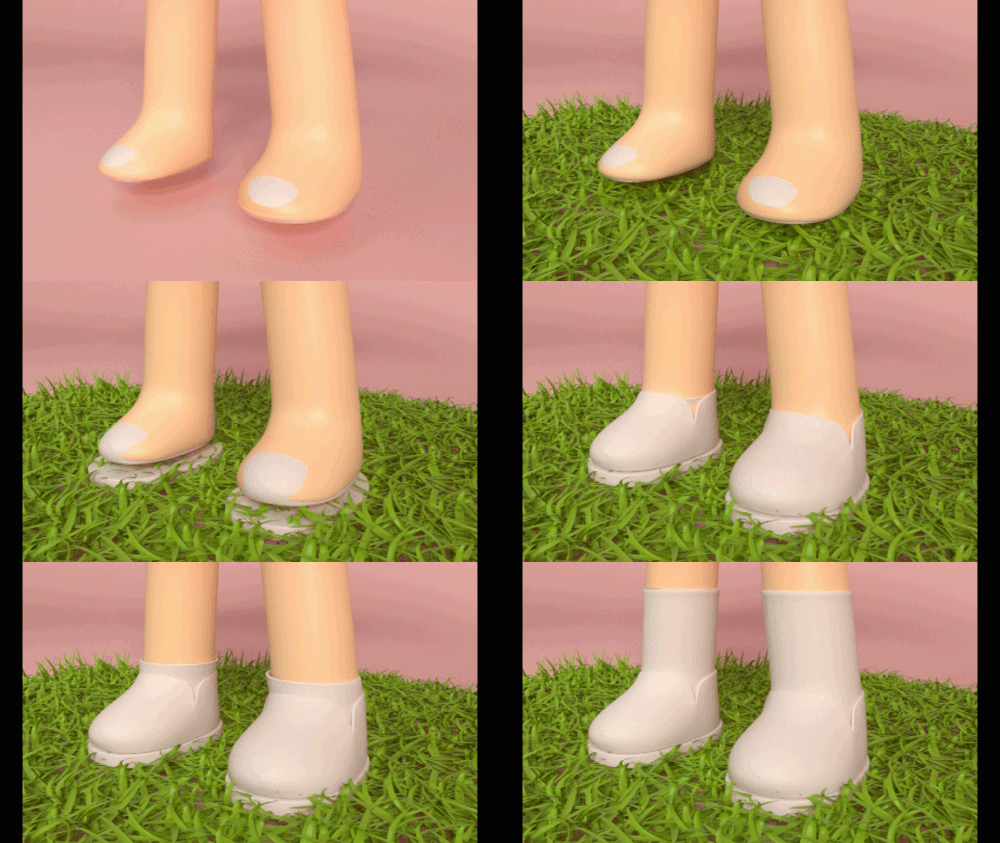
17. Prop modeling
- Small items, shoes, necklace modeling
- How to make a necklace using the Curve function
- How to put a watch on your wrist
- Learn about import methods and Name Space
18. Character UV / Texture
- How to apply UV/Texture
- How to use Photoshop
19. Character posing and podium setting
- Step setting method for simple poses and character posing
- How to decorate a podium
20. Character shading/lighting and final output
- How to apply character lighting/shading
- Character Turntable Animation
- Final output rendering
interview
3D modeler Soyeon Kim story I want to tell

Question.01
What are the benefits of Maya?
What are the benefits of Maya?
Recently, there is a trend of movie, animation, advertising, exhibition, and game companies changing to the Maya pipeline , making it the most advantageous tool for finding a job as it broadens the range of companies you can choose from . Maya is used when working on high-quality or large-scale work, so if you master the basics well, it will be useful to improve the quality of your work in the future.
Question.02
As a 3D modeler, What are your strengths?
As a 3D modeler, What are your strengths?
Until college, I didn't study as a modeler, but studied all aspects of work, from concept to modeling, rigging, animation, lighting, and comp . Thanks to this, I was able to model with an understanding of the overall work, such as what parts to pay attention to while modeling and why to pay attention to those parts, and being able to model more actively became my strength.
Question.03
When modeling with Maya What do you care most about?
When modeling with Maya What do you care most about?
From a modeler's perspective , references, wireframes, and silhouettes are key points. As a reference to the character or object to be modeled , more realistic aspects such as texture, time, and curvature can be expressed , and the efficiency of actual use is determined by the number of wireframes, so wire flow is essential. Lastly, I think it is most important to pay attention to the silhouette that reflects 3D interpretation in the form of modeling because it can improve quality.
Question.04
What is unique about this class What are the points?
What is unique about this class What are the points?
Although it is a basic lecture, it also covers the character part . The examples used in the class were also created so that they could be completed using all the functions necessary for modeling, from the very basics to characters. We plan to easily explain why this part works like this while working on various objects by connecting it with practical workflow.
Question.05
What is this class like? Do you recommend it to people?
What is this class like? Do you recommend it to people?
The class was designed so that even people who know nothing about 3D can easily follow and learn. We expect that anyone will be able to do this as we proceed repeatedly by increasing the level of examples. This will be a class where you will learn step by step from 3D principles to core functions so that you can use Maya to do 3D modeling on your own at a beginner to intermediate level .
Program used We will guide you.
This class is conducted using the tools specified below.
To ensure smooth course participation, please install the corresponding version of the program separately.
– Maya version 18
– Adobe Photoshop CC
* Versions 18, 19, and 20 are recommended for Maya and CC versions for Photoshop.
* To ensure smooth course participation, please separately install the 2018 or later version of the Maya program.
* Programs and materials are not provided separately.
1-year free trial link for Maya students: https://autodesk.co.kr/education/edu-software/overview
How to apply for a free 1-year trial of Maya for students: https://vipperart.tistory.com/64