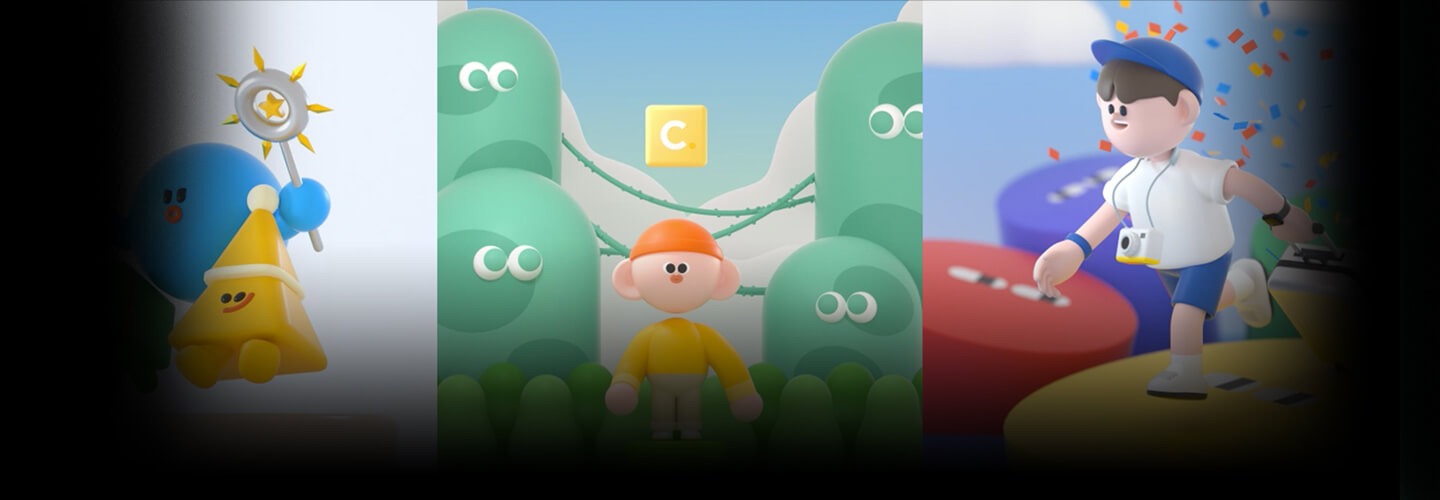
3DGraphicDesigner,KiwoongByeon_변기웅 Details
Intro
Class Intro
3D Graphic Designer, Kiwoong Byeon
Want to create cute characters to post on social media but aren't sure where to start? Try giving C4D a try!
The class goes beyond just skipping through the basics of C4D. It's an in-depth introduction to Cinema 4D, which covers everything you need to know to easily master its main tools while modeling cute characters.
Kiwoong Byeon, a 3D graphic designer who has attracted attention from the public as well as large corporations such as Samsung Electronics, Hyundai Motor Company, and CJ, is here to tell you his story.
Unleash your ideas by learning how to sketch and use modeling, texturing, and lighting to set the mood for your character. Then, render your work using Octane Render to create high-quality images and take your first step into creating infinite loop animations.
Unleash your ideas by learning how to sketch and use modeling, texturing, and lighting to set the mood for your character. Then, render your work using Octane Render to create high-quality images and take your first step into creating infinite loop animations.
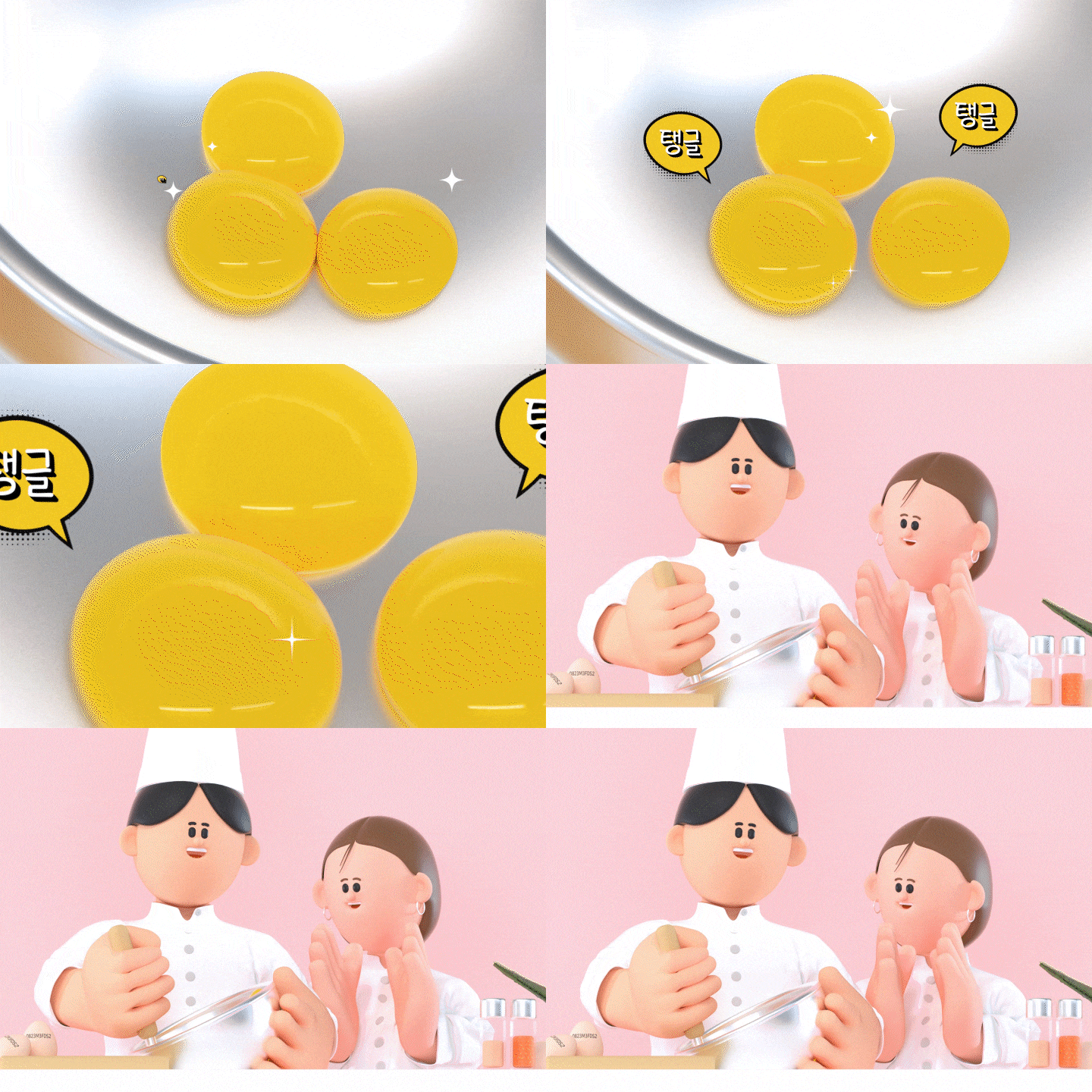
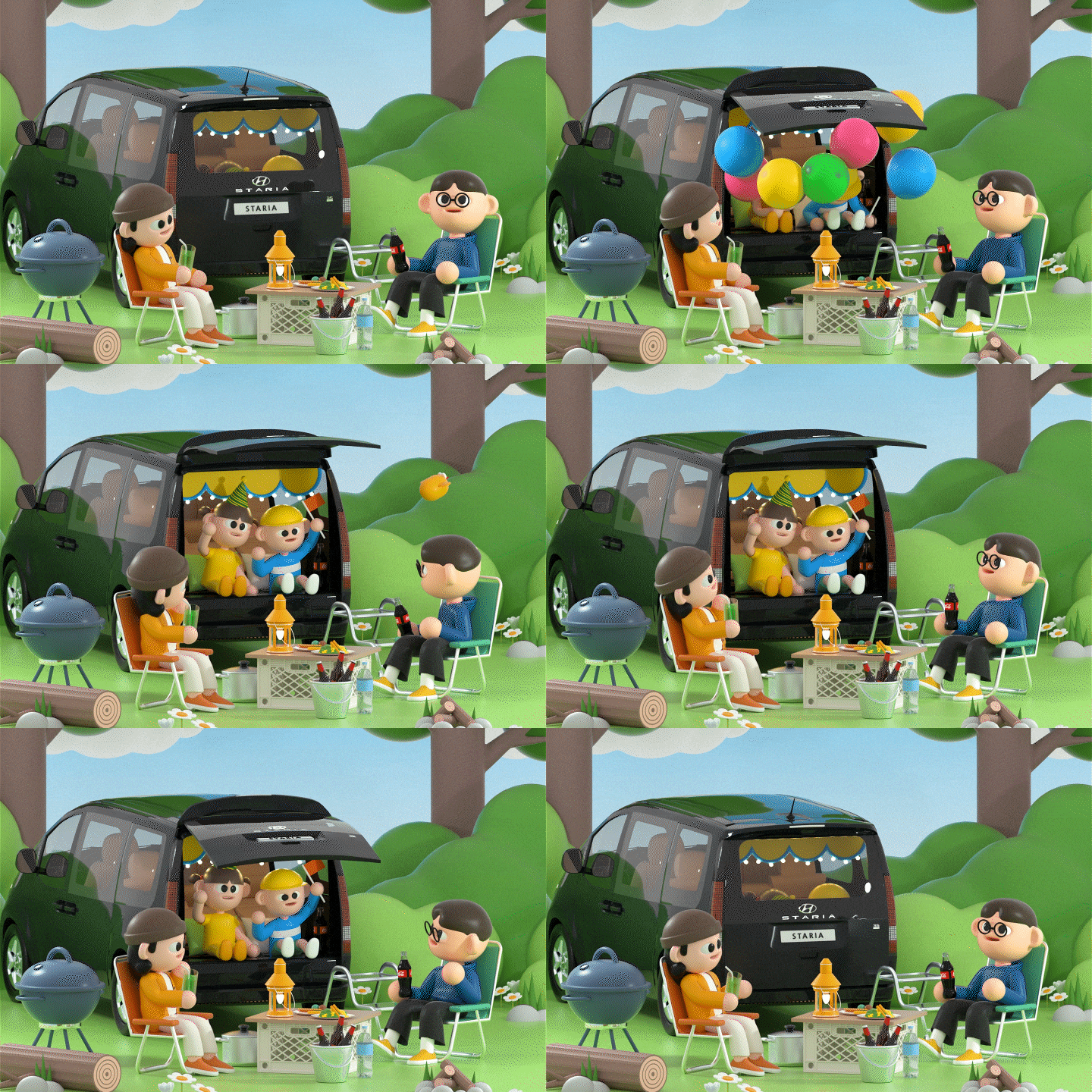
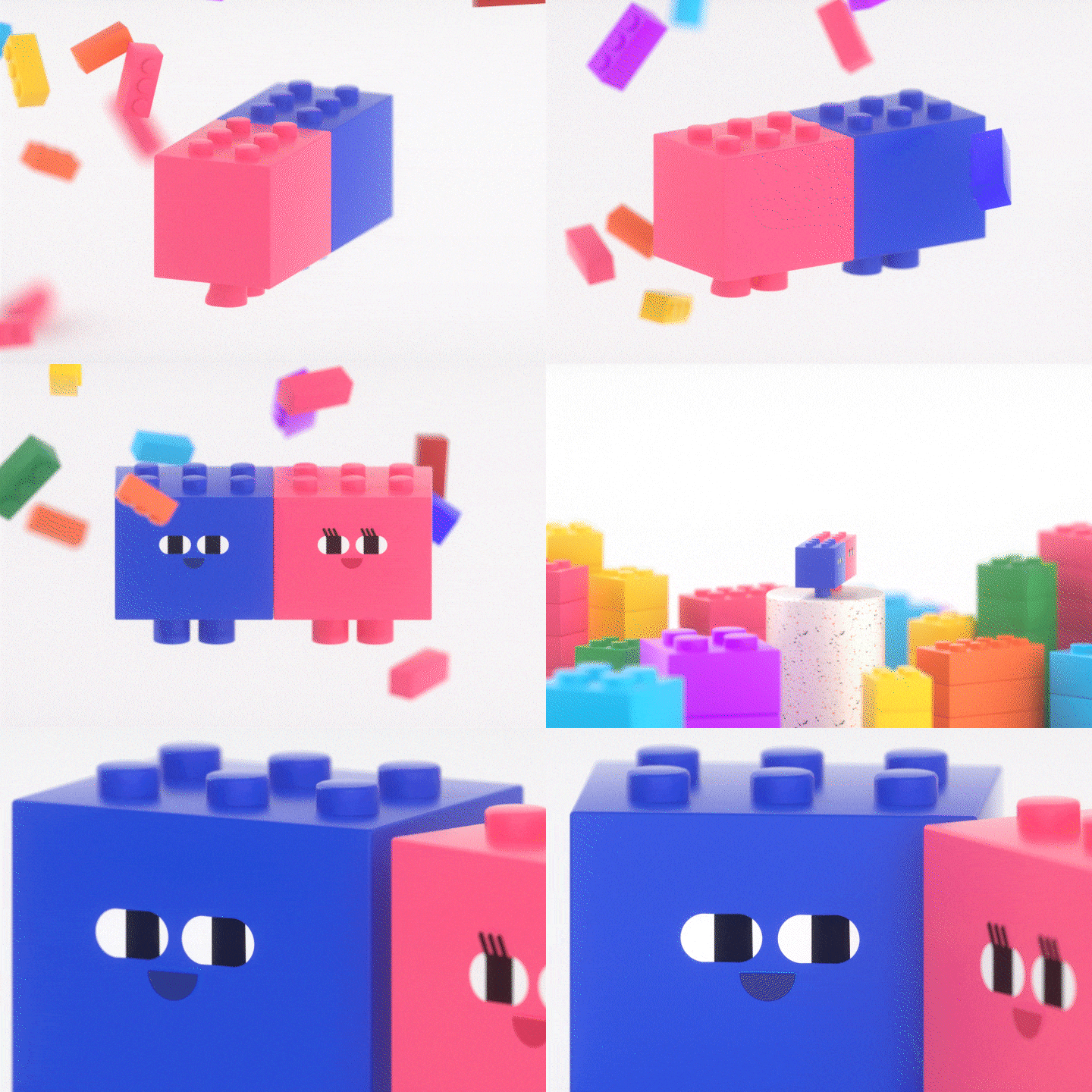
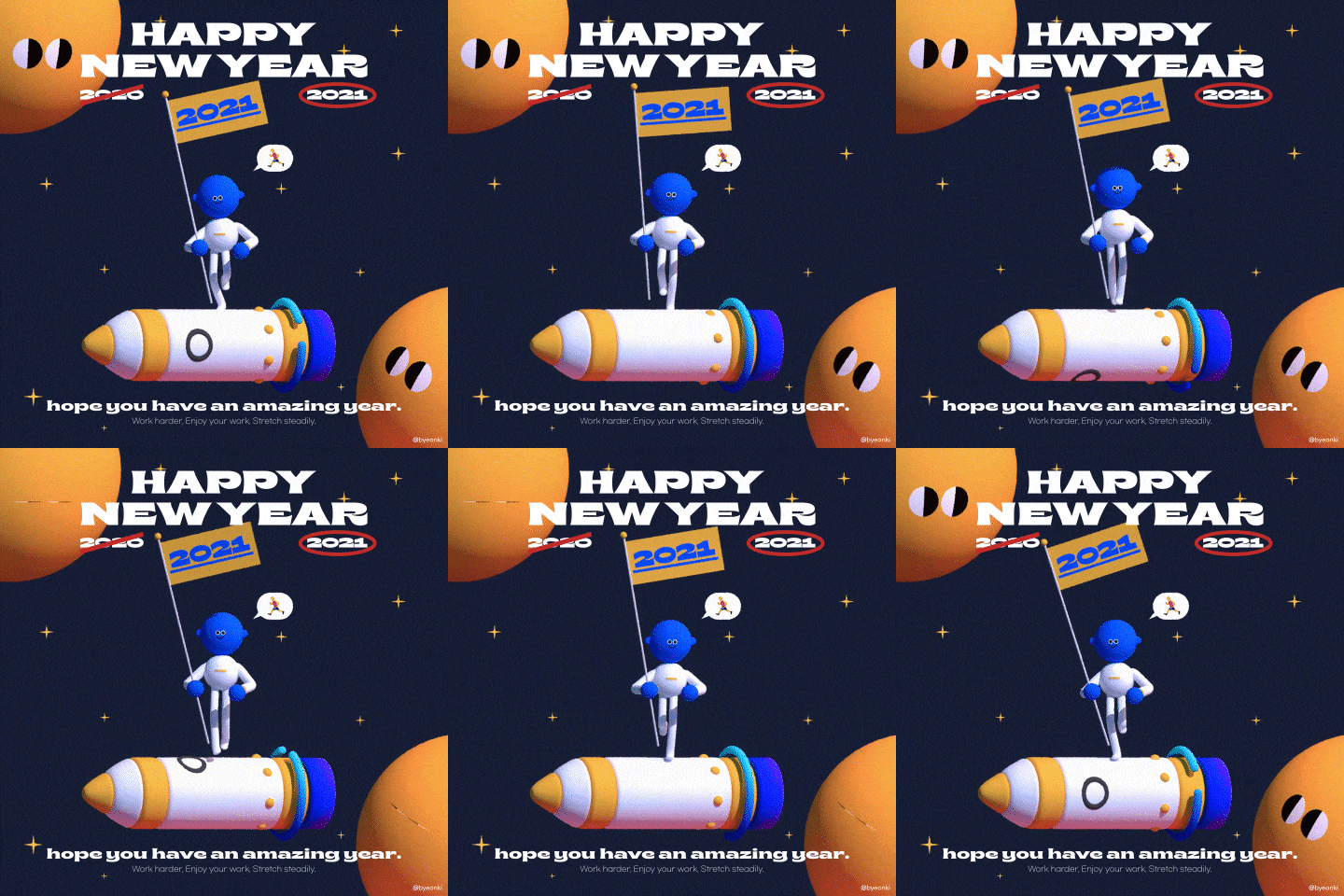
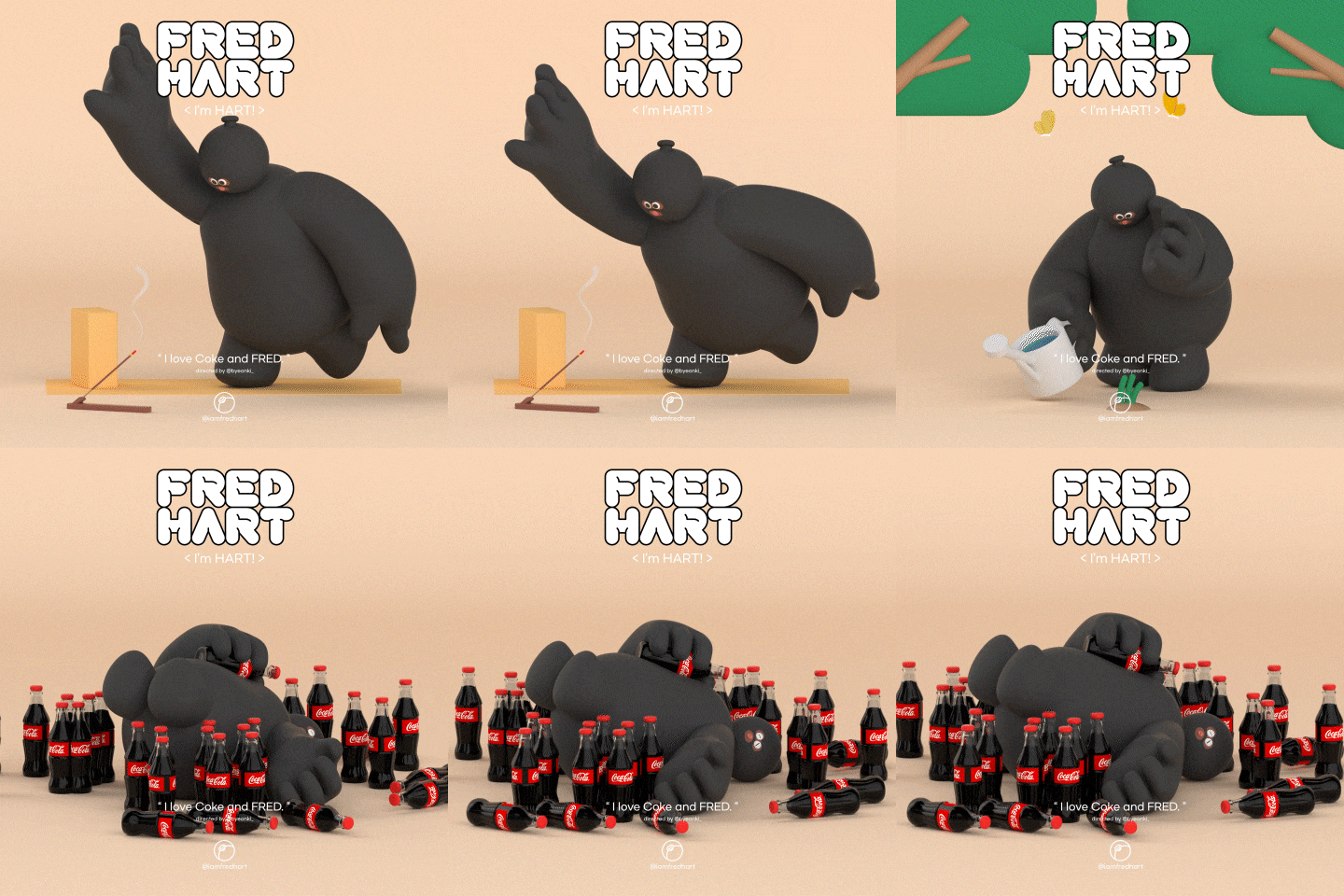
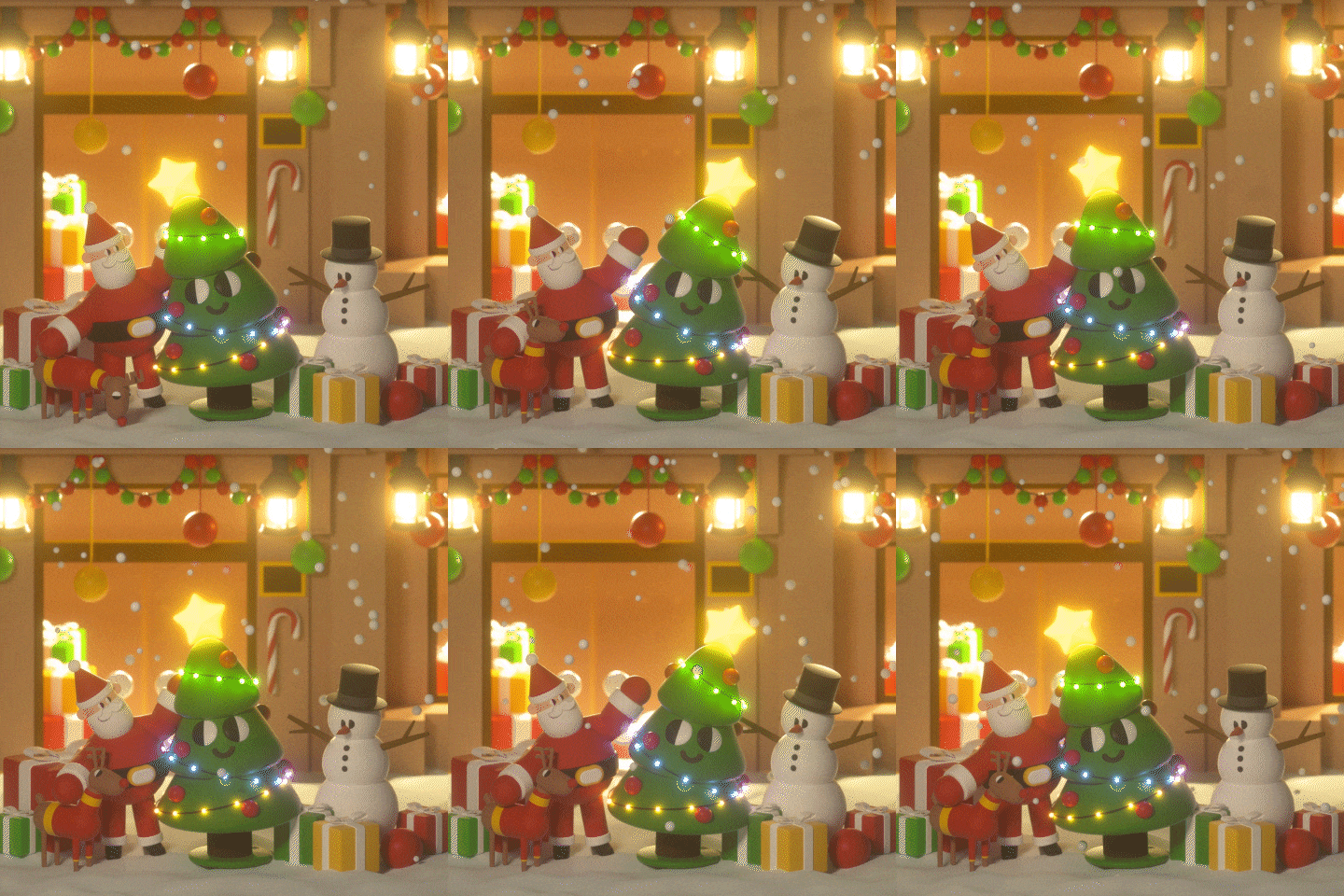
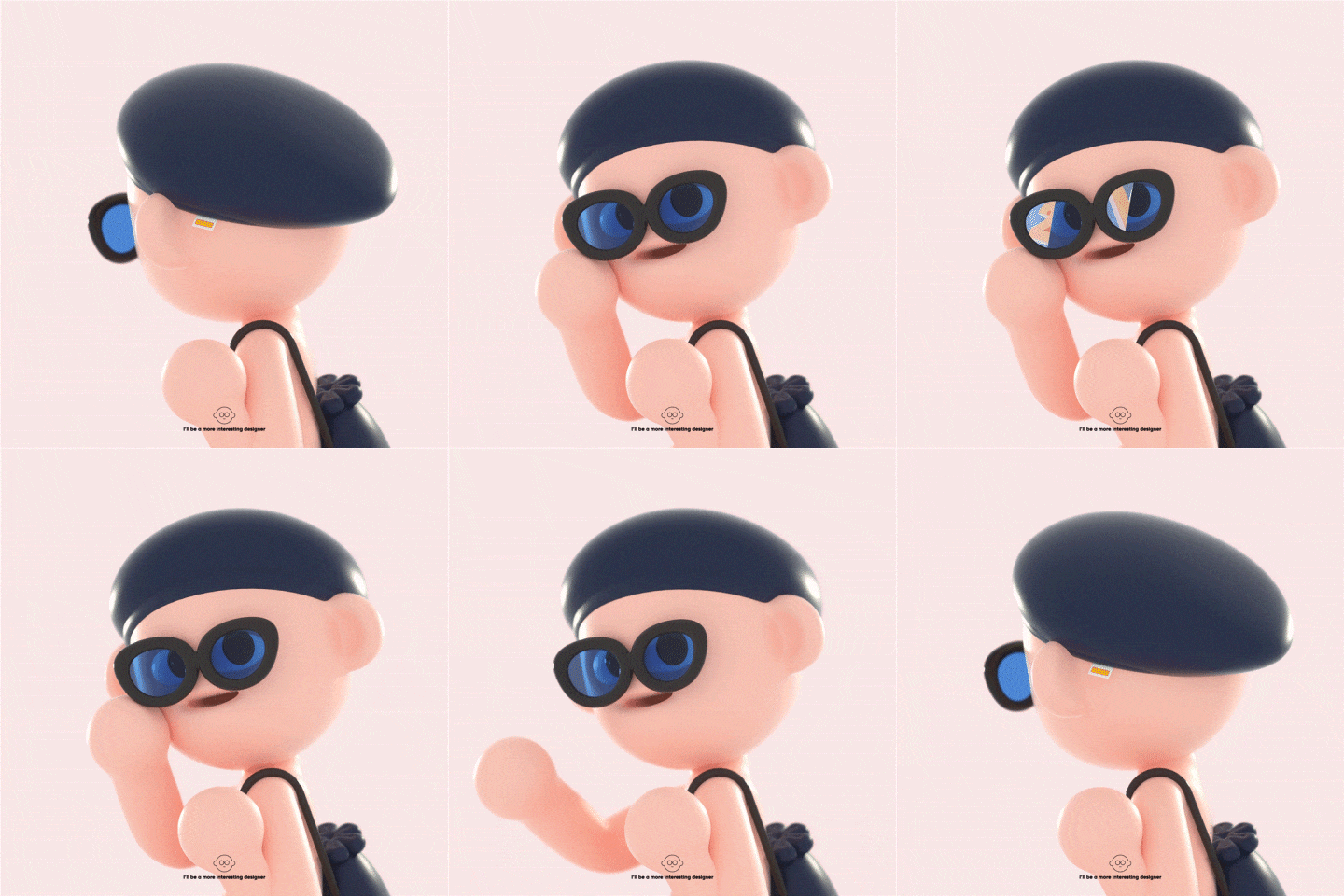
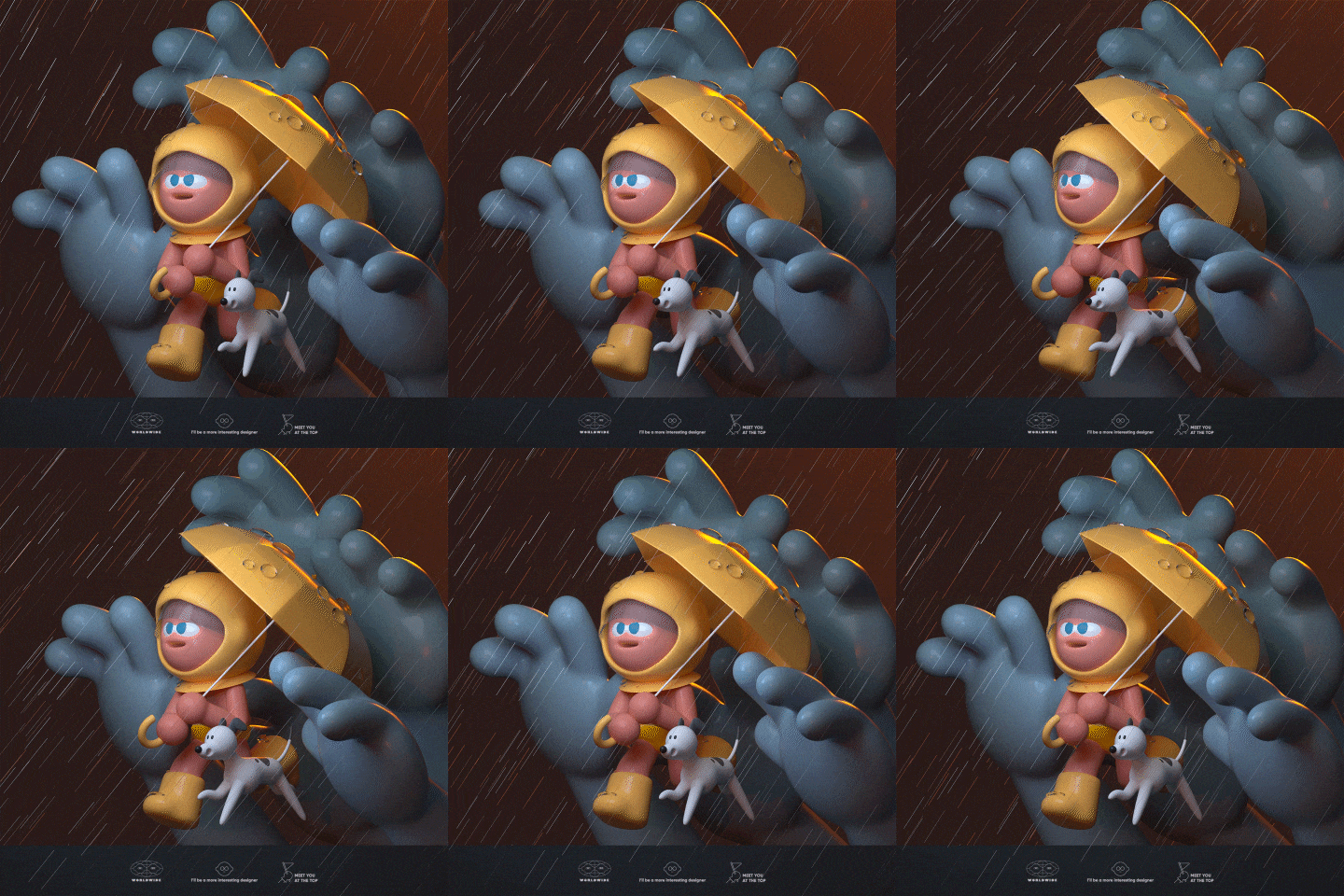
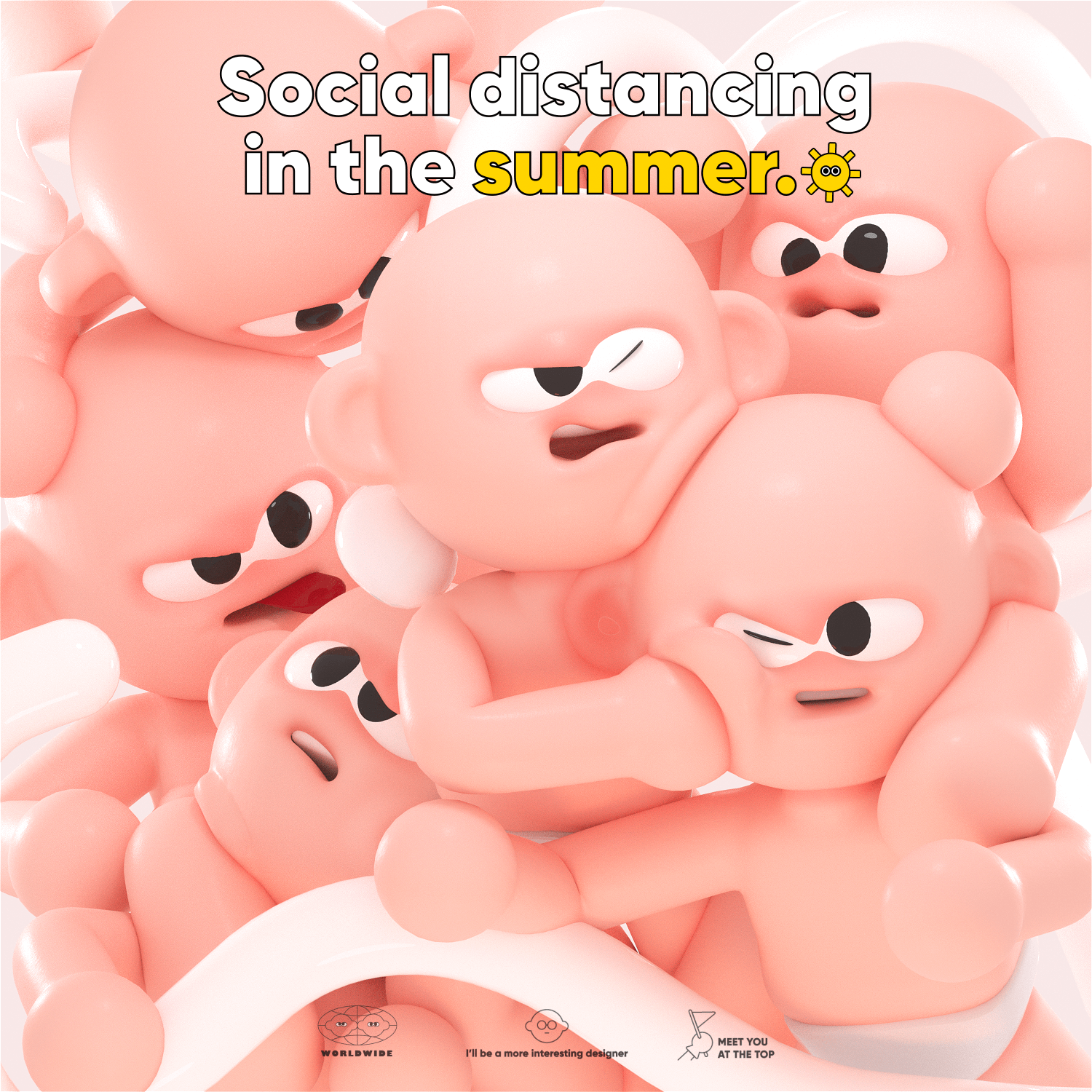
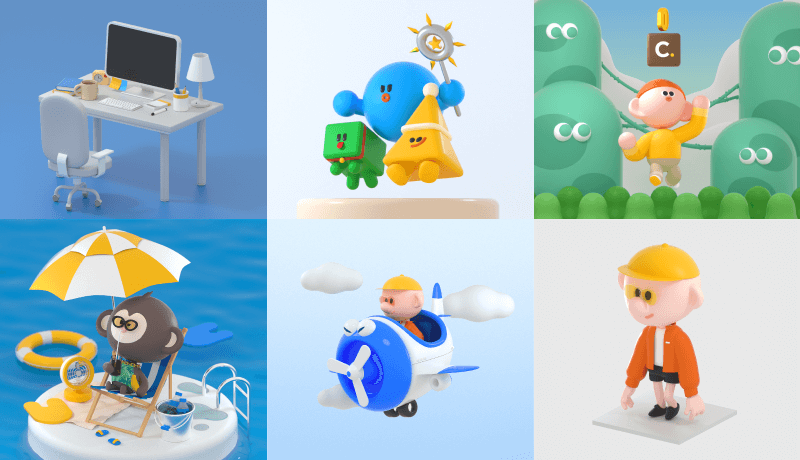
Expert 3D Graphic Designer Kiwoong Byeon's Portfolio


Instructor
3D Graphic Designer
Kiwoong Byeon
Hello, I am a 3D graphic designer Kiwoong Byun.
I have worked as a private freelance designer for 6 years now, and I have been actively working with various clients such as Samsung, Hyundai Motors, Hyundai Outlet, CJ, and LG U+ using 2D and 3D graphics.
Not limited to working only for clients, I have also been engaged in steady artist activities such as exhibitions and collaborations for my personal brand.
In this class, I prepared various examples that even beginners in C4D can easily learn while having fun at the same time. I will also help you learn the overall process of creating your own appealing characters through the practice of frequently used functions.
3D Graphic Designer,
Kiwoong Byeon
[Current]
Freelance 3D graphic designer
Recognizable
Projects & Awards
[Projects]
SAMSUNG SERO TV – Content Design
HYUNDAI STARIA – 3D content creation
HYUNDAI Outlet – Created the main graphic for their spring season
CJ CheilJedang – The No. 1 Taste Main Character Design
K-Bank – Created 3D illustration source
PLAYIO – Created application main character and asset
LG U+ – Created kids Country Promotional Animation
CJ EnM – Created V commerce content ‘Triple Black Z5 RED Christmas’
Ministry of Public Administration and Security – Created ‘Gongongnuri’ infographic animation
Ministry of Food and Drug Safety – Created 3D animation for 'The spawning date that reveals the egg's birthday'
[Lectures]
2018 – Lecturer, Daegu Catholic University
2019 – Lecturer, Motionis Academy Motion Graphics
8 Class Exercises





Highlights
Class Highlights
Learn C4D with 8 Fun Class Exercises
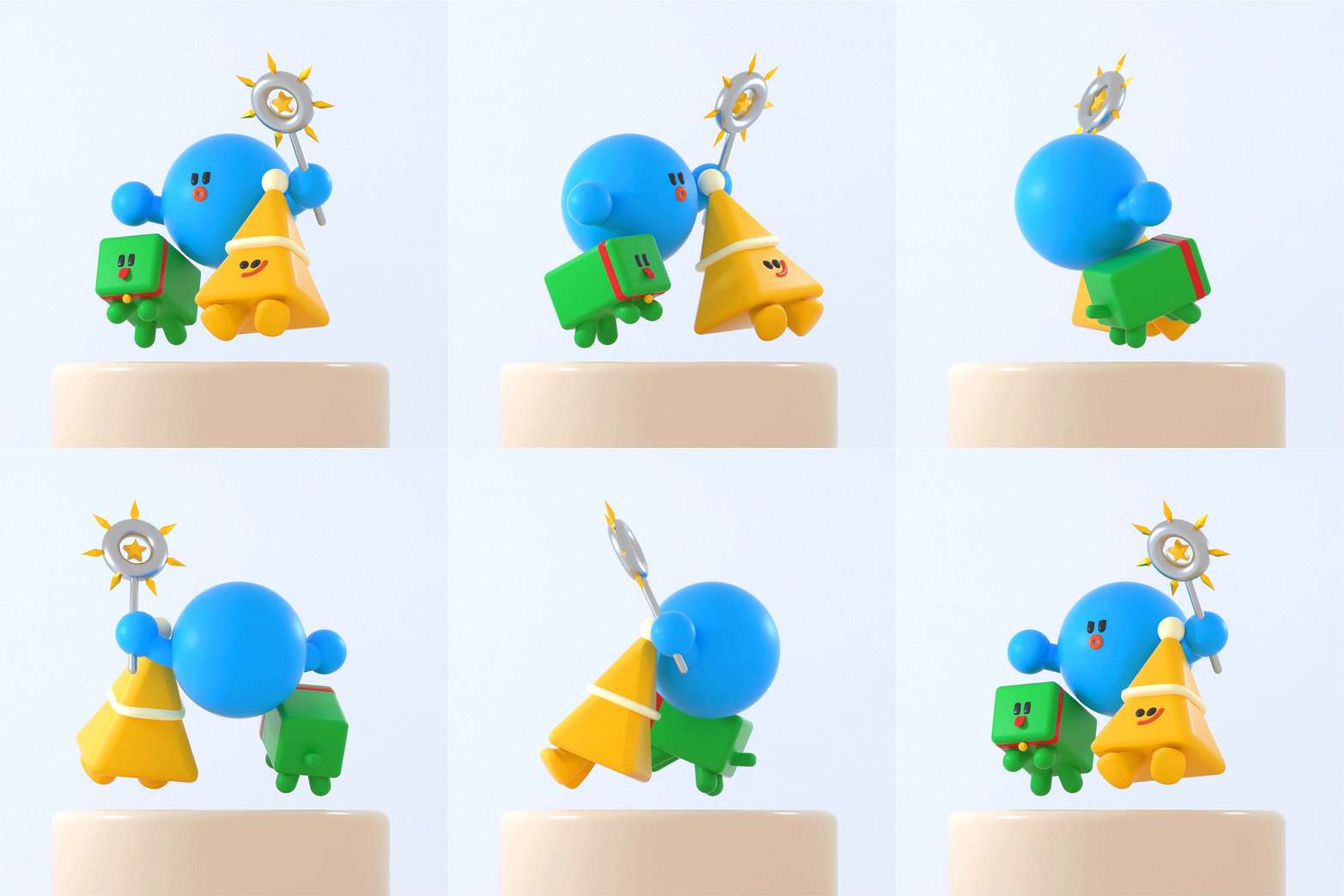
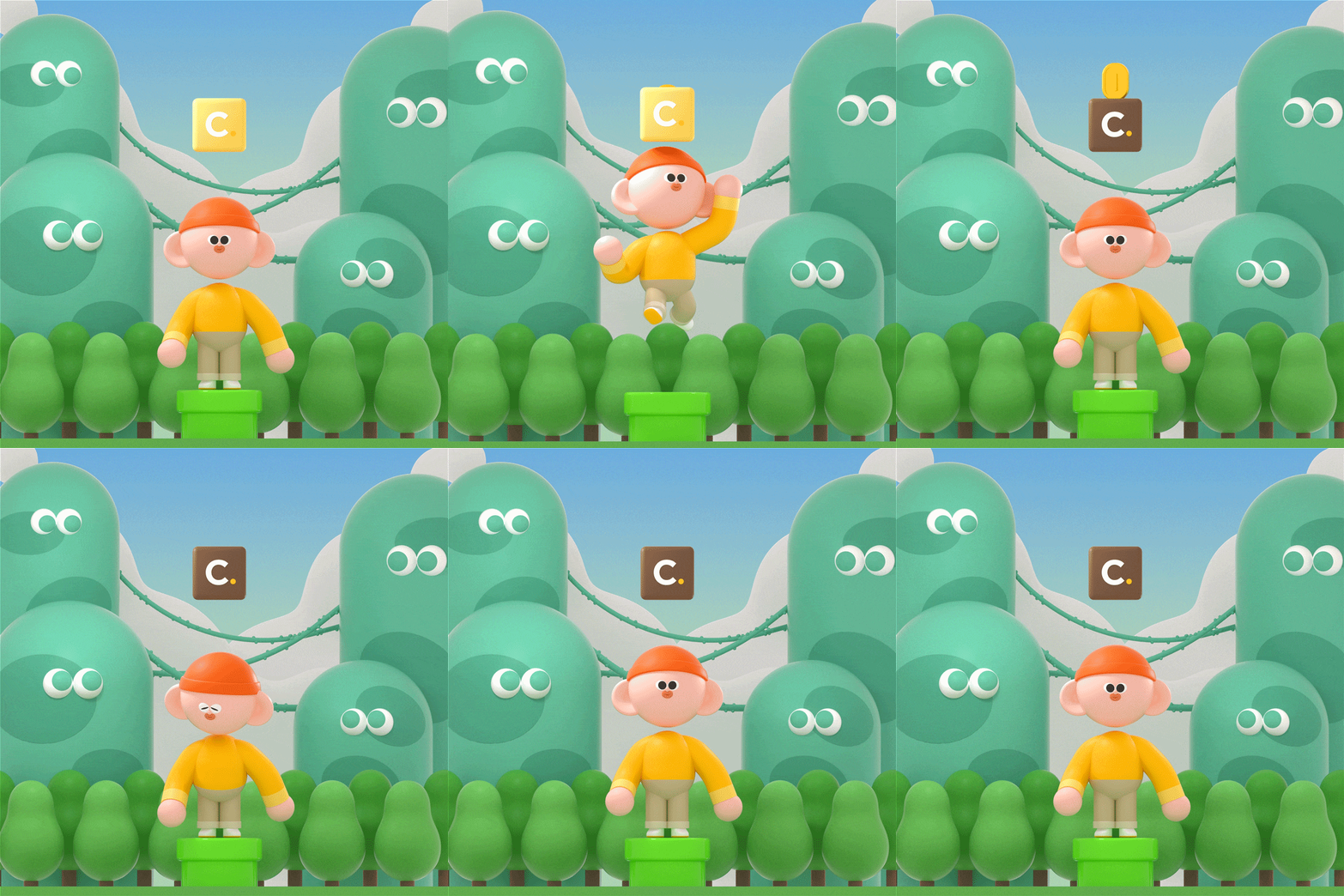
A great place to start, even if you've never tried C4D before. You'll practice various functions of C4D and take on 8 class exercises: from simple modeling to directing different motions, rendering with Octane Render, and post-effects editing.
Turn Small Ideas into High-Quality Artwork
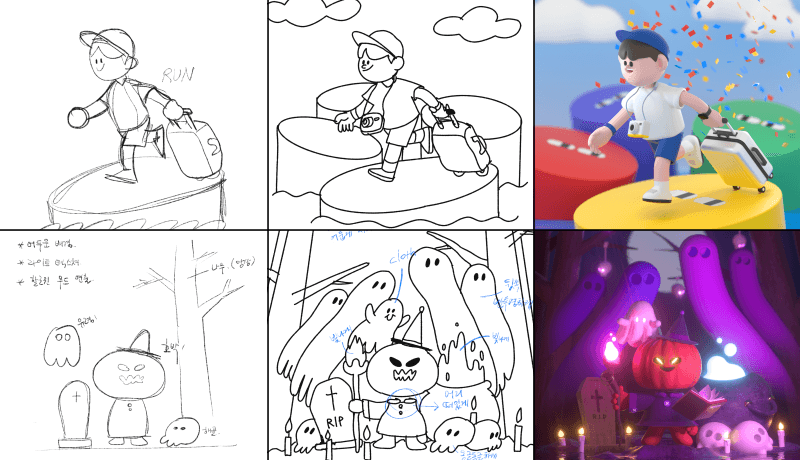
Are you experiencing difficulty turning vague ideas into concrete realities? Develop the skill you need to prepare concept sketches that let you visualize your ideas and start making models that fit the characteristics and concept of your artwork. Make everything from characters, backgrounds, and even props! You'll finally be able to bring the ideas stuck in your head to life.
Design Cute Character Models Often Loved by the Public
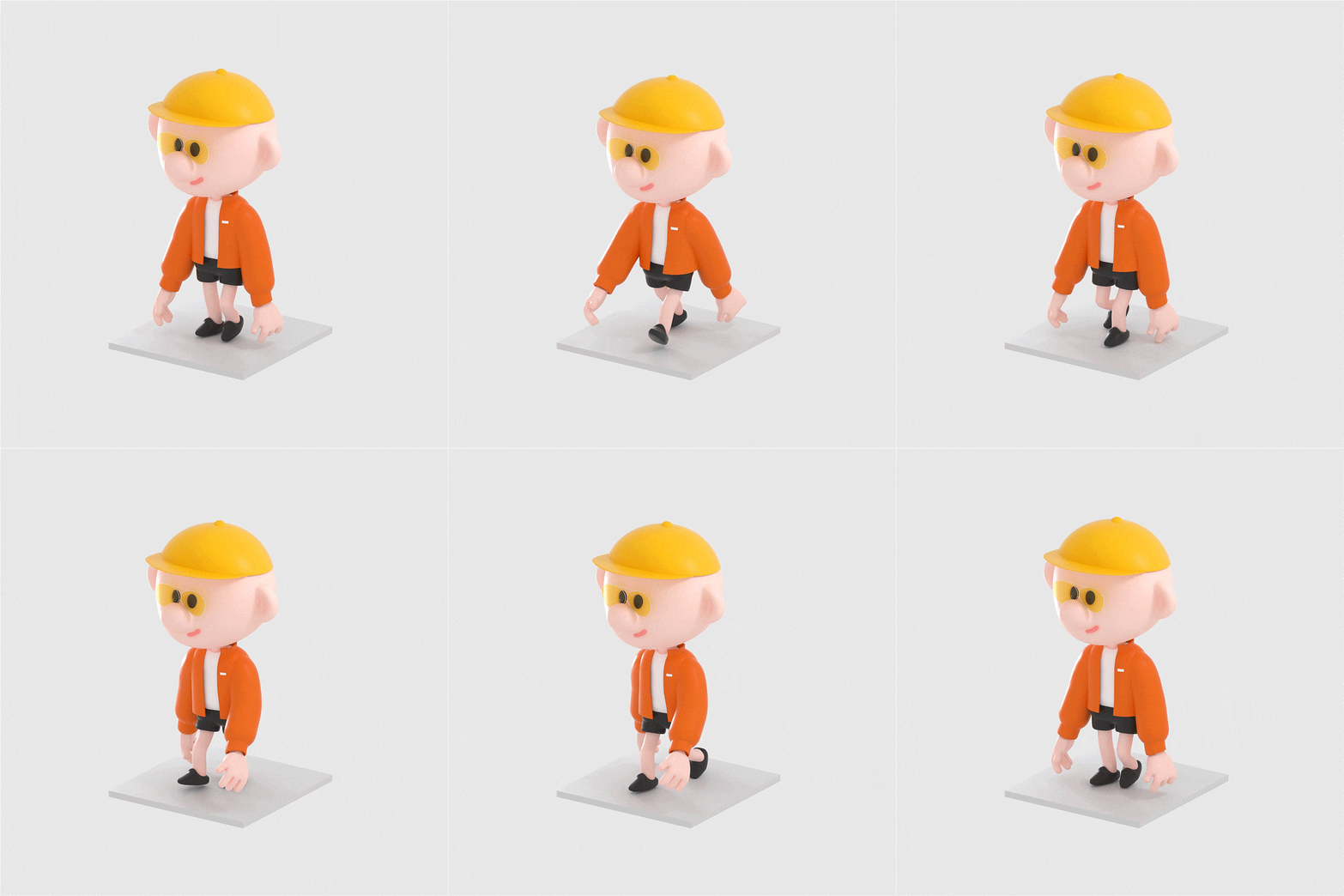
Let's design a character with a casual style that everybody likes. I will also tell you how to use tone and manner, which are the basis of production, and show you a layout to make a character even more attractive.

Class Details
You'll Learn
-
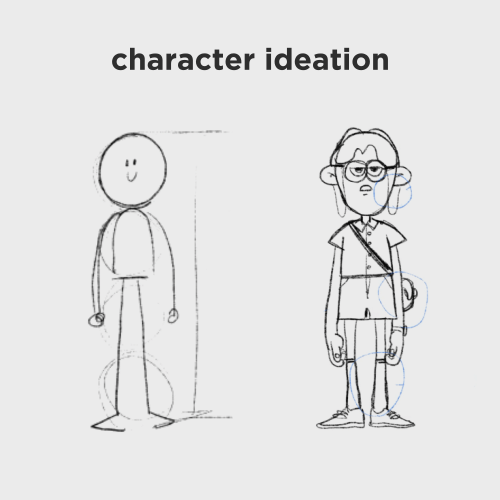 The Process of Character Design and IdeationFrom how to organize and sketch abstract ideas in detail to how to create them using C4D, you will learn the overall process of character design.
 -
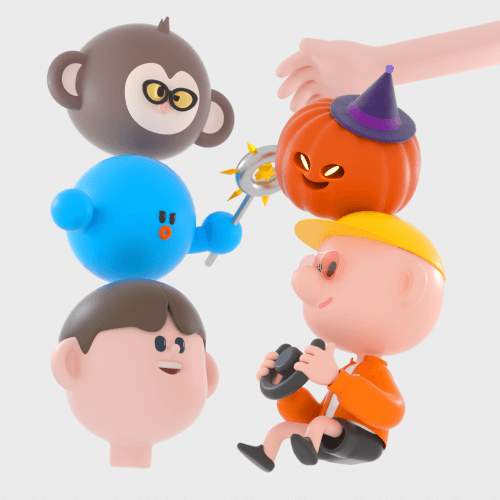 Various Characters and Source ModelingFrom simple modeling with features that don't require much knowledge, to detailed object modeling! Learn various types of modeling that cover unique characters and cute props.
 -
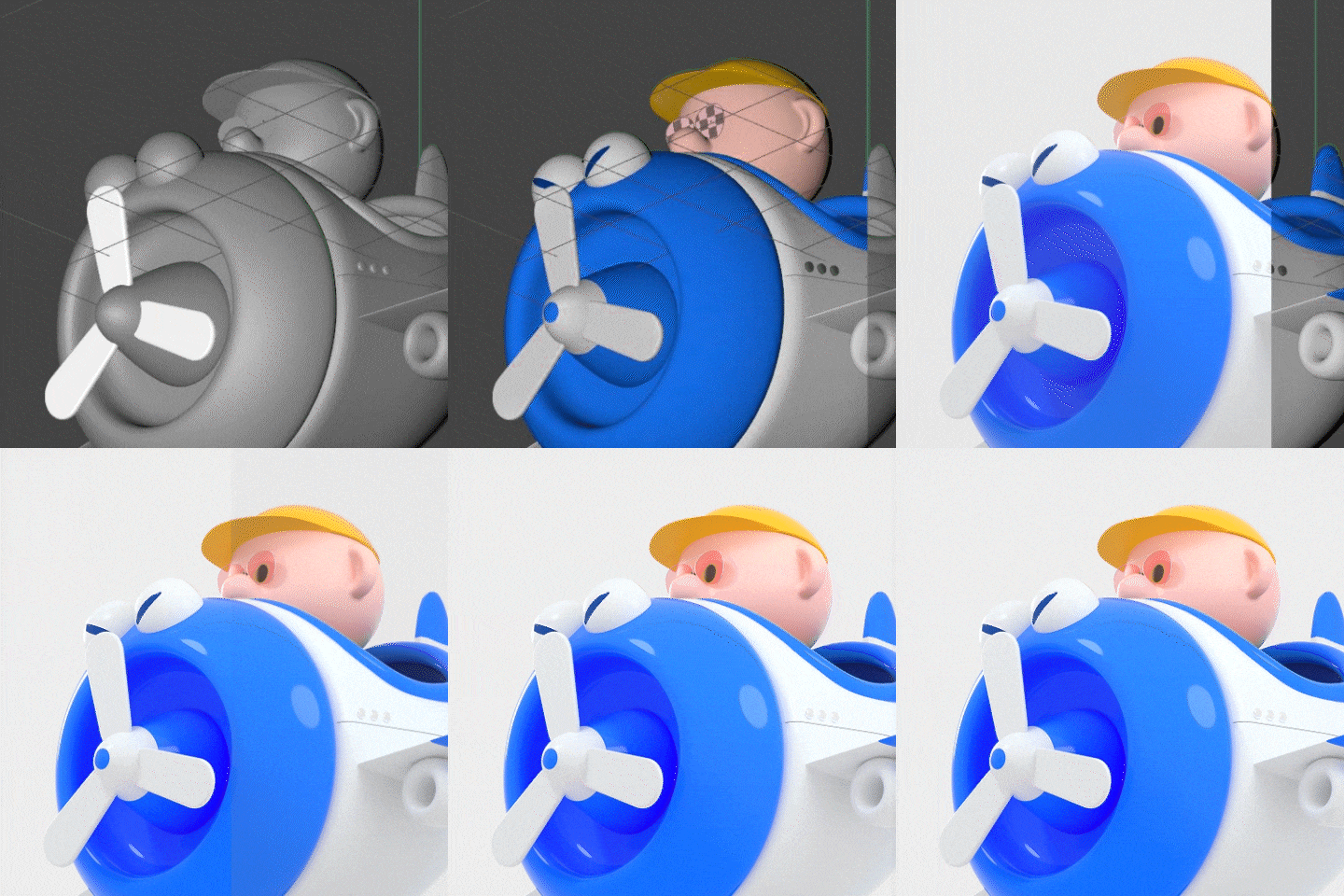 Octane Rendering Tips for Clean and Smooth ImagesLearn how to select textures that bring your image to life, set up your Octane Render, and get helpful lighting tips. You will also learn various ways to use Octane textures, including liquid, glossy, and metallic textures.
-
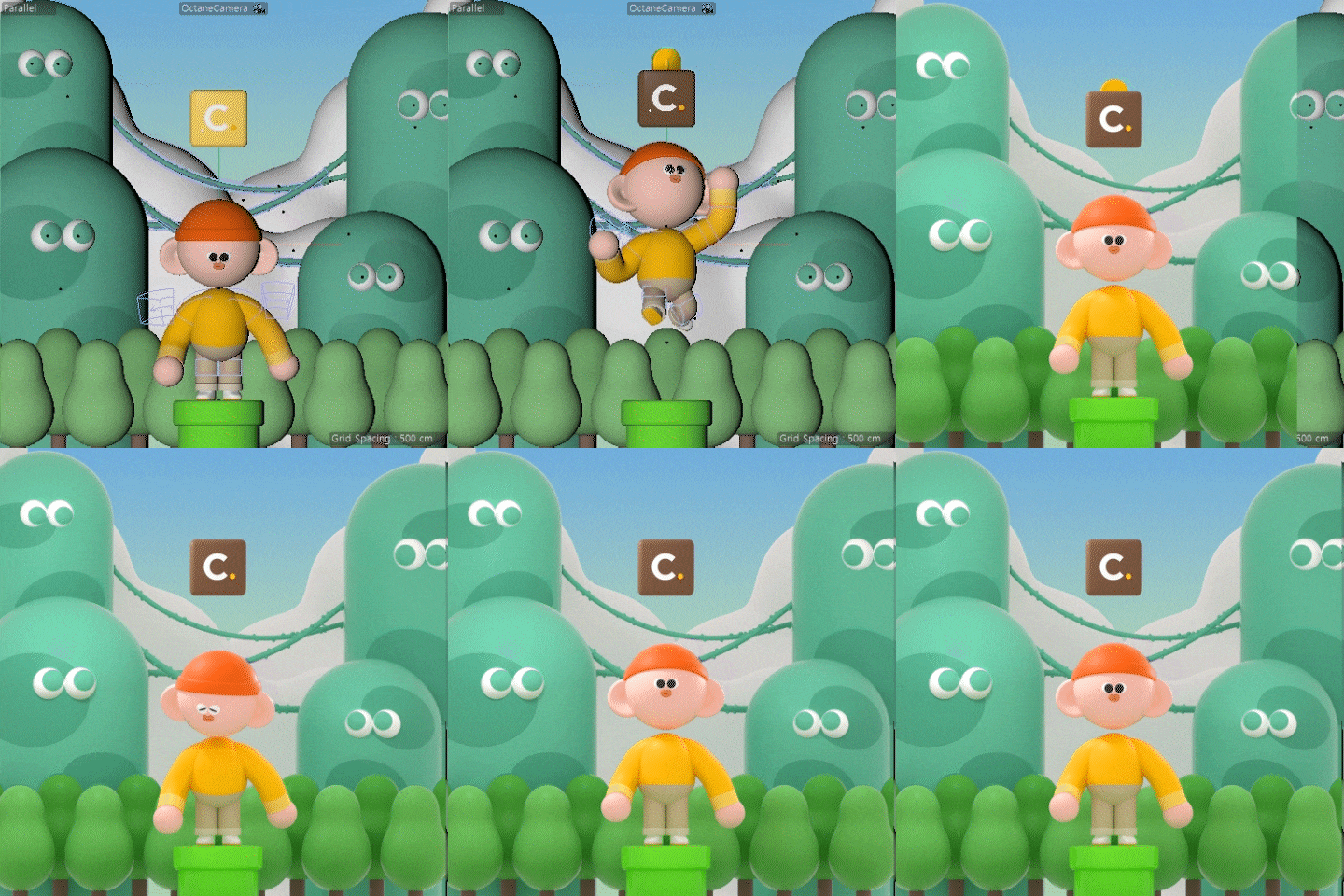 How to Use "Deformer" and "Mixamo"From the deformer function that can give you your desired motion to Loop Animation frequently used on social media and in Mixamo Auto Rigging, learn different ways to bring your characters to life.
 -
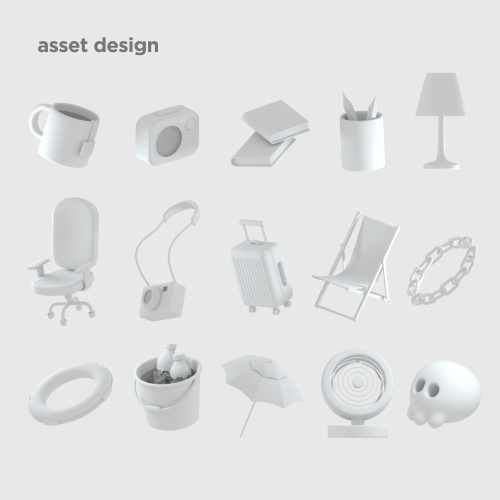 Asset Design That Fits AnywhereDesign and model the casual assets that are often used on the web, in apps, and are even used as standalone illustrations.
 -
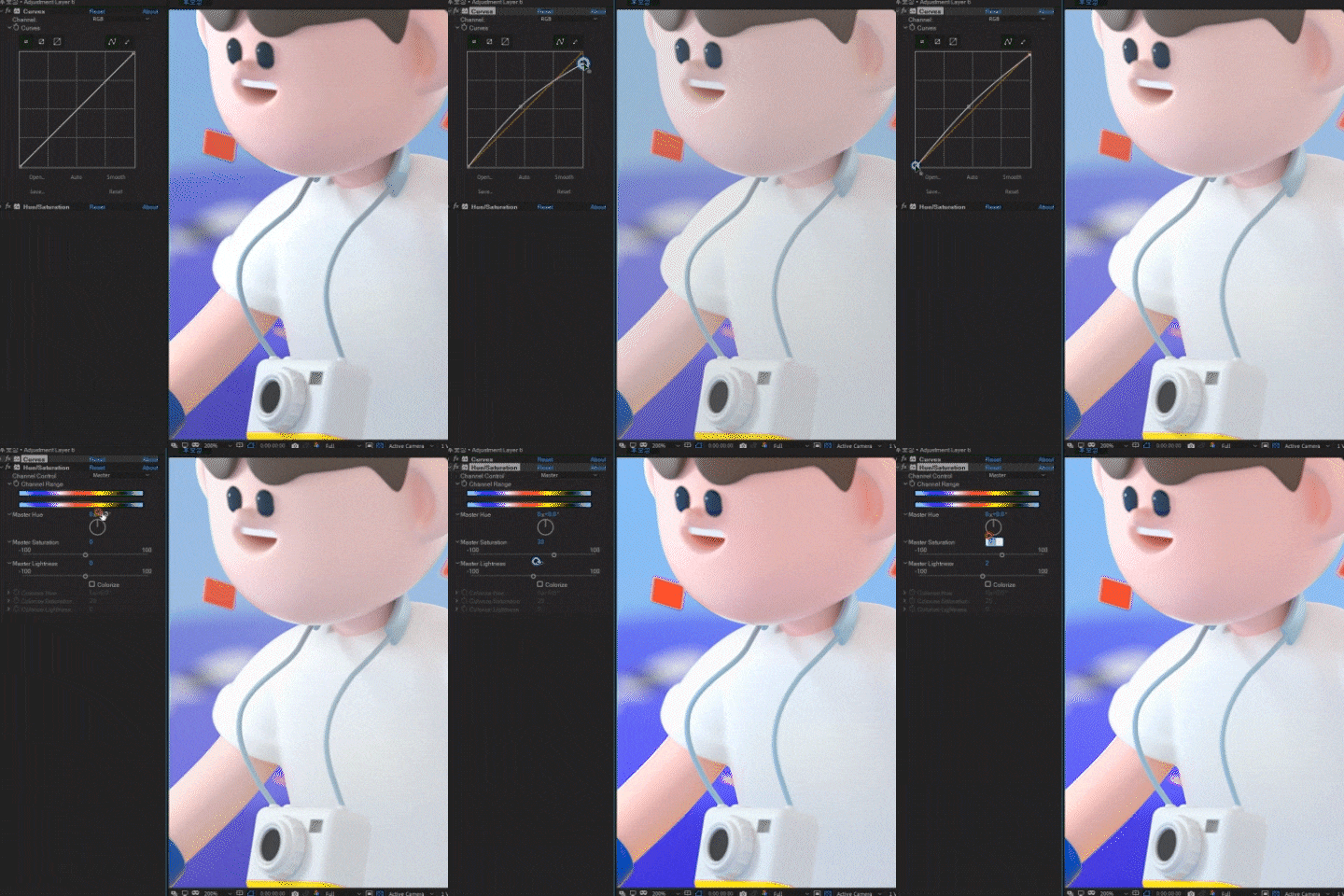 After Effects Post-editing to Enhance PerfectionDon't simply finish Cinema 4D Modeling with Octane Rendering. You can learn the After Effects post-editing process that upgrades the quality of your animation to the next level.
- Unlimited Access
- Best Price
Buy now, get unlimited access.
12/31 (Sat) (UTC-7) Special offer ends soon.
This special offer ends soon.
Buy now and save!
Curriculum
Curriculum
In-depth Look
SECTION 01. OT
01. Orientation
- Explain the Outline and Goals of the Class
02. Taking Notes and Scribbling
- Writing Habits and the Process of Expressing Ideas Through Scribbling
SECTION 02. Creating a Workroom Desk
03. Work Settings
- C4D Default Interface & Octane Render Default Settings
04. Making Desks and Chairs
- Low Polygon Modeling
- Learn How To Produce Each Element in a Casual Form, Basic Modeling, Texturing, and Lighting Skills
05. Making the Rest of the Props
- Low Polygon Modeling
- Learn How To Produce Each Element in a Casual Form, Basic Modeling, Texturing, and Lighting Skills
06. Appearing Animation
- Understand Basic Transforms and Keyframe Animations
- Apply a Keyframe to Each Element To Produce Animation
SECTION 03. Create a Figure Character
07. Producing a Character Source
- How To Turn a Basic Shape Into a Character
- How To Bring Life to Basic Shapes To Turn Them Into Characters
08. Turntable Animation and Post-editing
- Produce a Turntable Video
- How To Use Octane Denoiser and After Effects Post-editing
SECTION 04. Human Form Character Creation
09. Work Prep - The Human Form: Part 1
- From Ideating to Sketching & Setting Up the Tone and Manner
- Approach to Ideas and Sketches
- Overall Tone and Manner-setting Process
10. Character Creation
- Create Characters in Human Form With Faces, Arms, and Legs
11. Create a Background
- Create Background Elements That Increase the Density
12. Animation
- Produce an Animation Using Deformer
SECTION 05. Human Form Character Creation 2
13. Work Prep - The Human Form: Part 2
- From Ideating to Sketching & Setting Up the Tone and Manner
- Approach to Ideas and Sketches
- Overall Tone and Manner-setting Process
14. Character Creation
- Leverage Volume Builder
- How To Use F.F.D Deformer and Other Frequently Used Deformers
- More Detailed Modeling of Hands and Feet
15. Movement Production and Props Production
- Make Movements That Fit the Concept of a Deformer Character
- Produce a Costume
- Use Spline and Sweep
16. Creating a Background
- Create Background Source
- Use Cloner
SECTION 06. Creating a Pilot Character
17. Preparation
- Ideation and Sketch
- Set Tone and Manner
18. Building an Airplane
- Utilize Object Modeling Skills with Volume Builder
- A Vehicle That Matches the Character
19. Creating Characters
- Unique Character Modeling
- Utilize Cloth Surface
20. Animation
- Make Cute Loop Animation That Fits the Atmosphere of the Artwork
SECTION 07. Making a Monkey on Vacation
21. Preparation
- Ideation and Sketch
- Set Tone and Manner
22. Creating Characters
- Modeling Using Tracer and Spline Warp
- Make a Chain Necklace with Matrix
- Utilize Image Textures
23. Creating Peripheral Elements
- Make an Umbrella Using Mospline
- Frequently Used Effects Such as Bend and Cloner
- How to Use Mesh Tool
24. Animation
- Make Loop Animation
- Utilize Displacer
SECTION 08. Producing Halloween Artwork
25. Preparation
- Ideation and Sketch
- Set Tone and Manner
26. Creating Characters 1
- Create a Pumpkin Using Cloner and Volume Builder
- Create Clothes Using Lathe
27. Creating Characters 2
- Create a Ghost Character Using Cloth Simulation
- Various Types of Modeling Skills
- Various Ways to Use Texture Settings
28. Creating a Background
- Express the Floor Using Landscape & Wood Texture
29. Lighting
- Lighting Method for Dark Base
- Utilize Blackbody Emission Texture
SECTION 09. Taste Mixamo
30. Using Mixamo
- Mixamo Auto Rigging
- Prepare for Auto-Rigging
- Import an Auto-Rigging File
* Curriculum details may change before or after the video is released.
Interview with
3D Graphic Designer Kiwoong Byeon

Question.01
What are the prospects for the C4D & character field?
What are the prospects for the C4D & character field?
The use of characters in the media continues to expand, not only for commercial purposes but also for corporate branding. Among them, 3D characters are known for exuding a different type of charm compared to their 2D counterparts, making them quite valuable in many areas. Thus, there is a bright future for the character creators out there.
Question.02
What aspects make this class unique?
What aspects make this class unique?
Because you will learn by creating cute characters, you will have fun while getting familiar with the 3D tools. When people start learning the basics tools for the first time, they often lose interest easily. I have also had similar experiences that ended in what felt like failure. However, if you stick to it and are motivated by your interest in the field, you are less likely to give up until you reach the finish line.
Question.03
Who would you recommend this class to?
Who would you recommend this class to?
I would recommend it to those who are completely new to Cinema 4D. The field of 3D animation itself has a high entry barrier and is perceived as a tall order for many. In this class, I will teach you about all the tools, the overall ideation process, and concept sketches, using cute characters in an easy and fun way.
Question.04
Any final words for prospective students?
Any final words for prospective students?
I welcome all students who have taken their first steps into the field of 3D. I like to immerse myself in work by viewing it as a hobby rather than work itself. I hope this lecture will also give you a chance to help you along on your journey to make yourself more immersed in the fun of creating animation.
Required Programs
This course will use Cinema 4D r23, After Effects CC, and Octane 2020.
Please purchase and install these program(s) for an optimized lecture experience.
* You can use any Octane compatible with your C4D.
* You can take the course with a lower version of Cinema 4D than r23, but the location of each function mentioned may vary.
* For After Effects, we recommend Version CC or higher.
*These programs and/or materials will not be provided with the course.
Recommended
Recommended Classes
Like this class?
Then check these out!