



Question.01
What are the prospects for
digital video production?
[FreeCourse]Layout/PrevisArtistShaunKim_션킴 Details
Intro
Class Intro
Layout/Previs Artist Shaun Kim
Do you want to know more
about the video production basics
and how the Layout & Previs plays a role
in the real-life media industry?
Learn the basics of video production
that are essential in making immersive animations,
advertisements, cinematics, and movies,
and apply them in a variety of videos!
An artist involved in producing global content
Get step-by-step on everything
from analyzing a script to the process of
converting it into a video format.
Take part in practice exercises that
go beyond just simple examples
on your journey to learning
the basic theories and principles
of video production. All while
geting insights into production workflow
that you won't find anywhere else.
Layout/Previs Artist
Shaun Kim's Profile & Portfolio
Instructor
Shaun Kim
Layout/Previs Artist
Hi, this is layout/previs artist Shaun Kim.
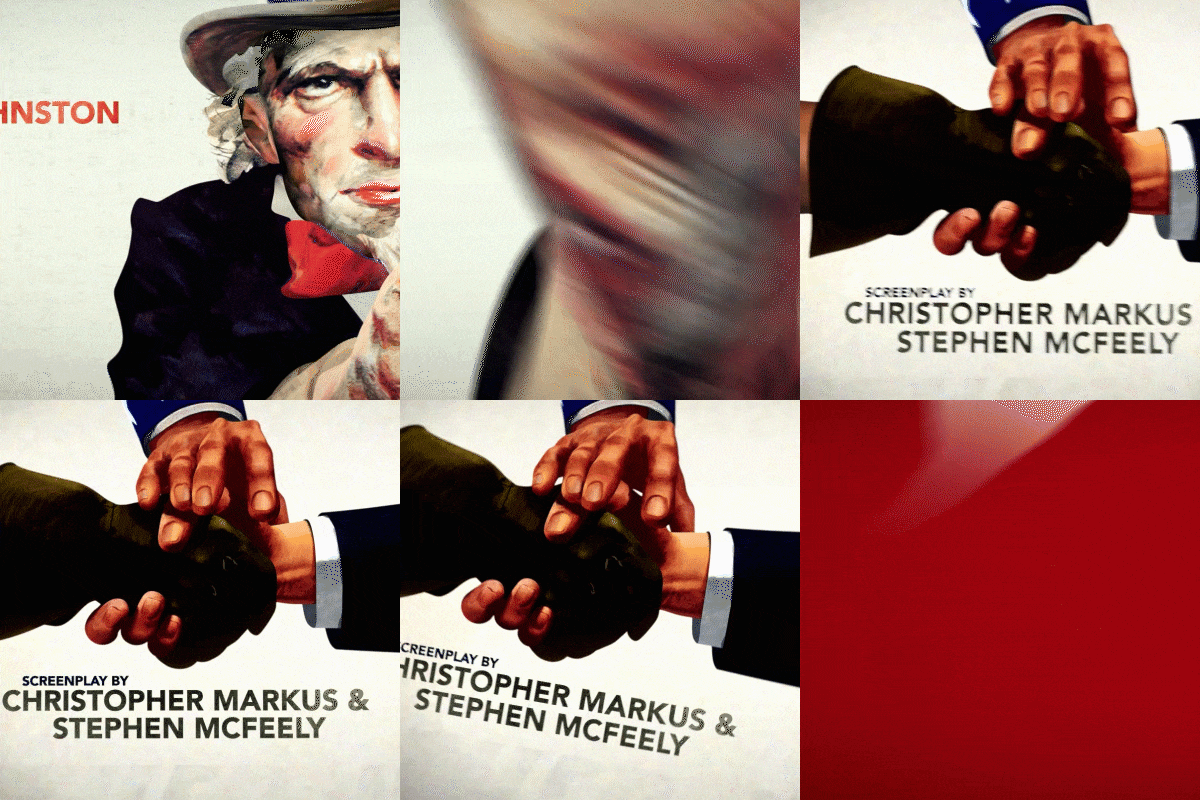
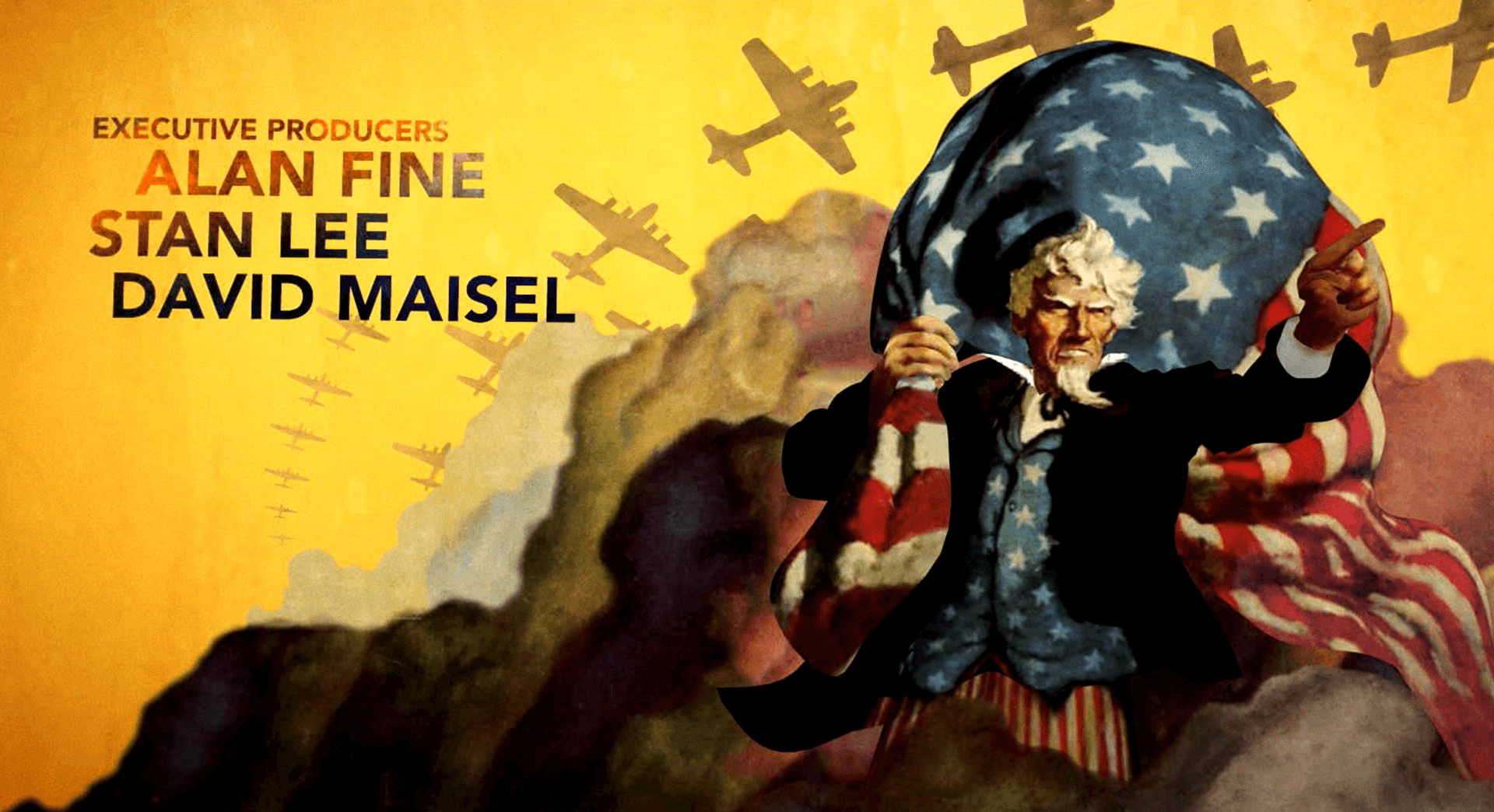
I produced the title sequence for Captain America:
The First Avenger (camera production) at
Method Studios located in Santa Monica,
and my six short productions have been screened
and awarded at international festivals
including Ottawa, Hiroshima, and SIGGRAPH.
Since 2012, I have participated in
more than 10 animated features
at Pixar,
including Soul, Coco, Toy Story 4,
and Finding Dory and now,
as the first Korean lead layout artist,
I am in charge of various projects.
In this class, I will let you know
how to
implement video production
in a systematic way,
which is one of the most important elements
in delivering a story to the audience
through digital video.

Layout/Previs Artist
Shaun Kim
[Current]
Pixar Animation Studios Lead Layout Artist
SKIMATION Director & Founder
[Former]
EA Game Innovation Lab Lead Artist
JCE Game Cinematic Director and Animator
VOOZ Lead Animator
Sieun Design Animator
Recognizable
Projects & Awards
[Projects]
Pixar – Layout Artist
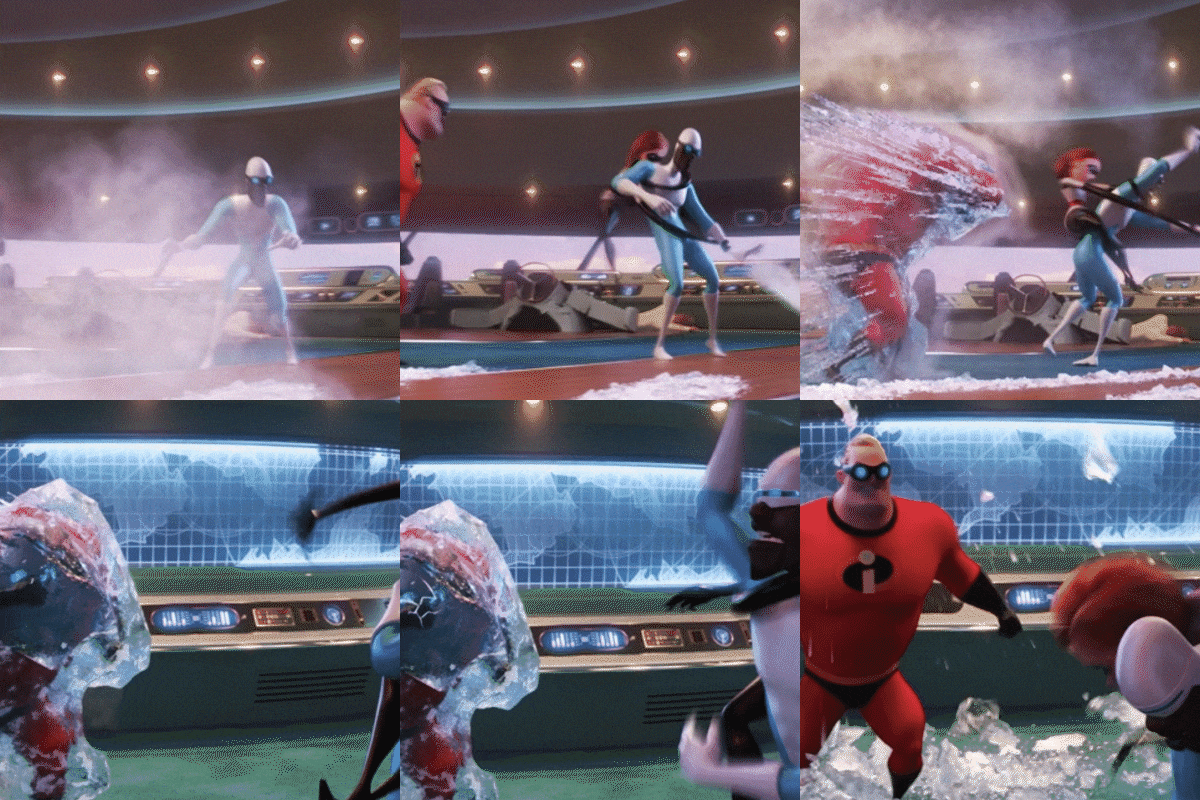
Monsters University, Good Dino, Finding Dory, Coco, Soul, Incredibles 2, Toy Story 4, Luca, etc.
Pixar – Director of Photography
Float (short)
Pixar – Lead Layout Artist
Win or Lose (2023)
Method Studios
Captain America Title Sequence - Camera production
[Screening]
New World Symphony
A short production for Ballet of Unhatched Chicks
[Other]
In charge of YouTube channel Skim on West
Invited to world-class film festivals such as SIGGRAPH, Hiroshima, and Ottawa
Multiple online/offline lectures
Involved in numerous digital video production projects
In-depth Class Exercises
Part 01. Theoretical Examples
Learn how to apply the theory of cinematography,
a basic essential skill in the film & video industries,
to digital photography production.
-
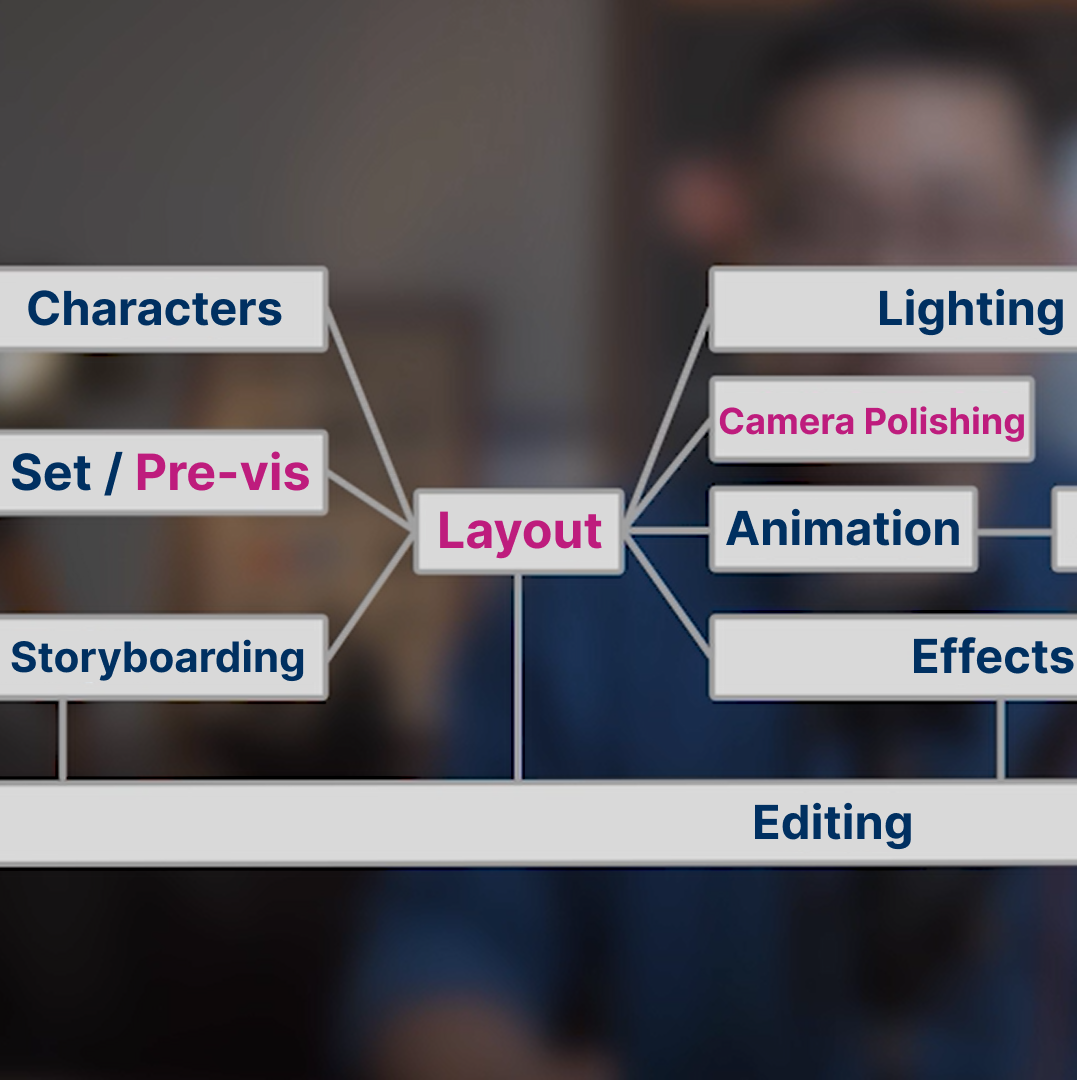 Understanding Pipelines
 -
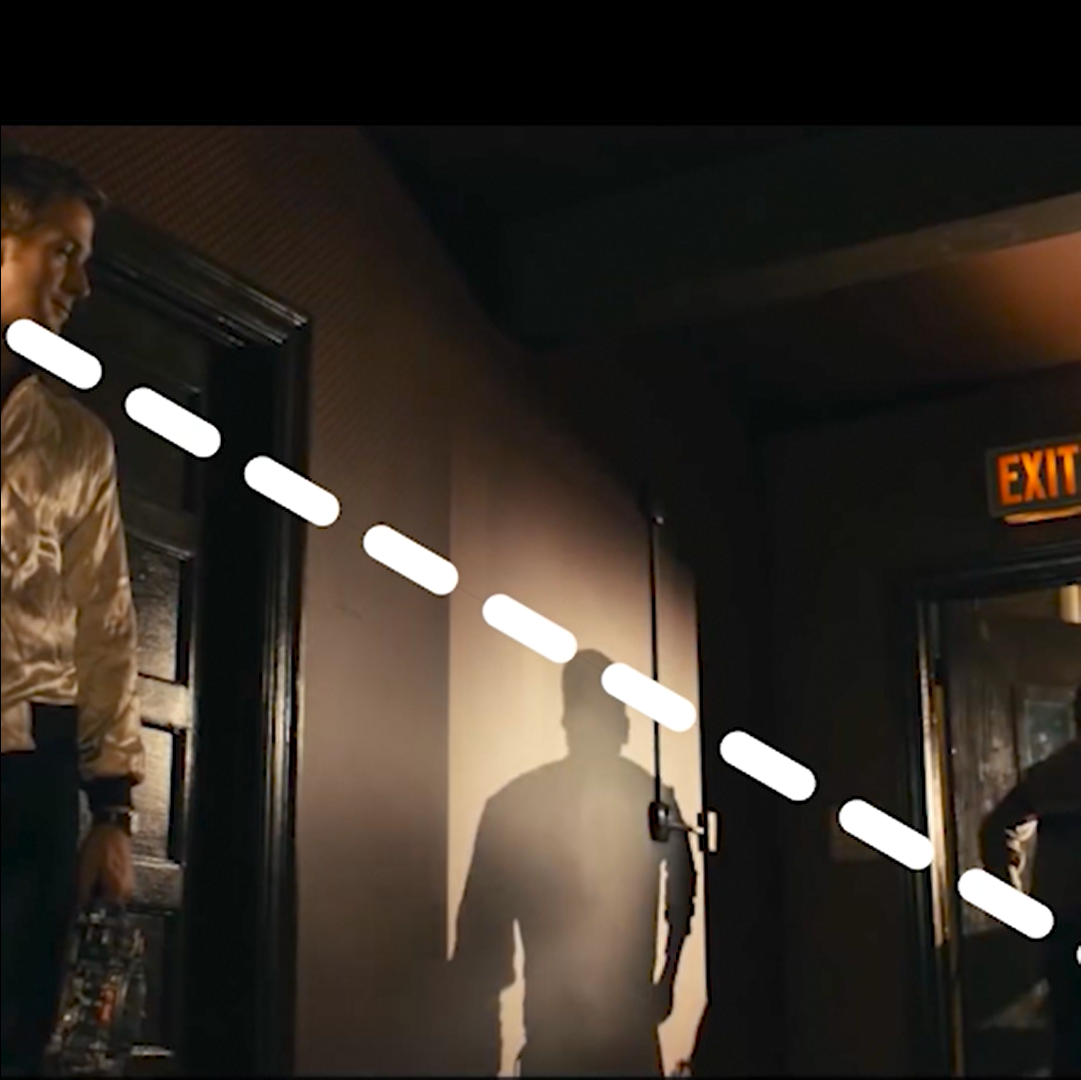 Aspect Ratio
 -
 Basic Shot Types
-
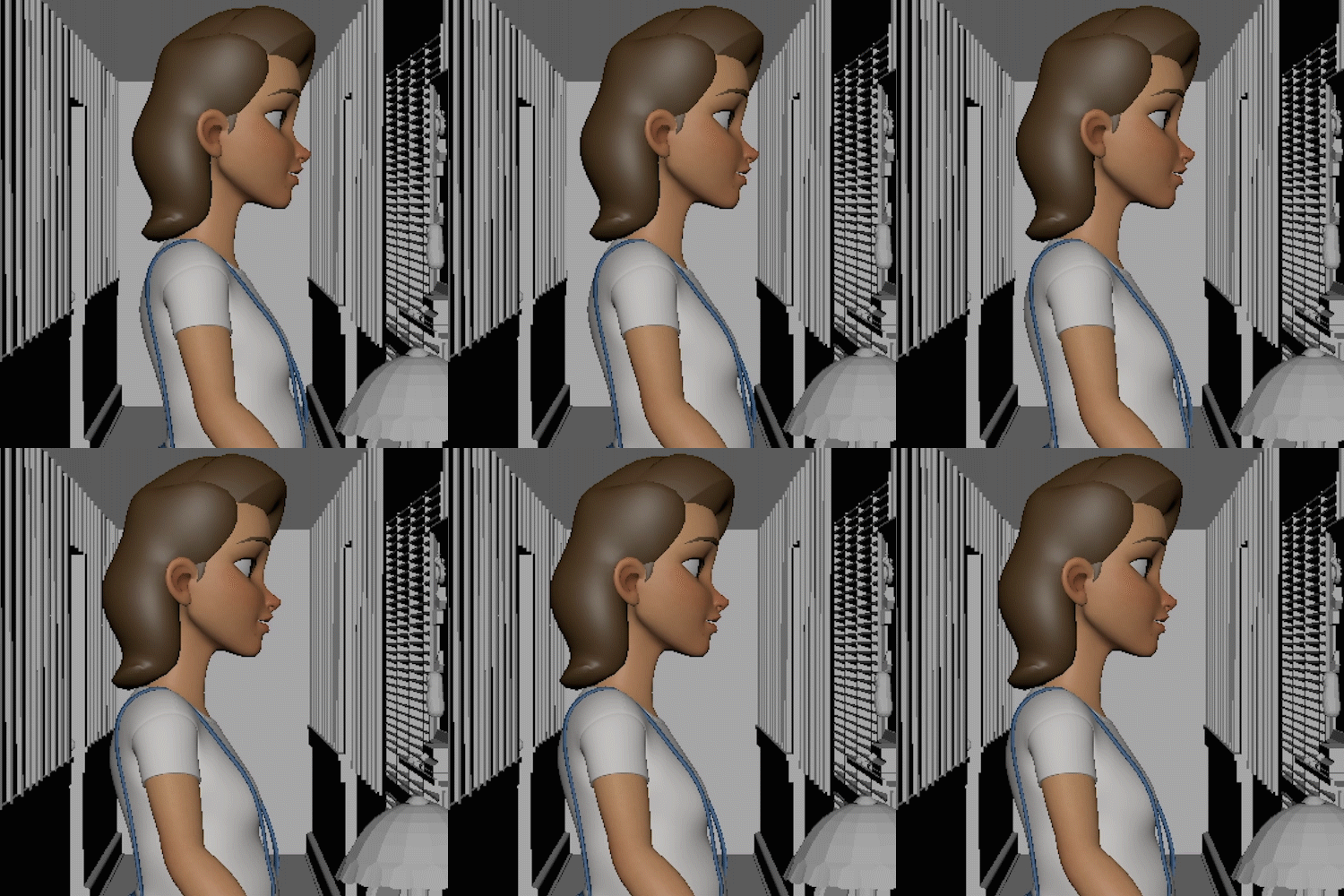 Things to Keep in Mind
for Basic Shots -
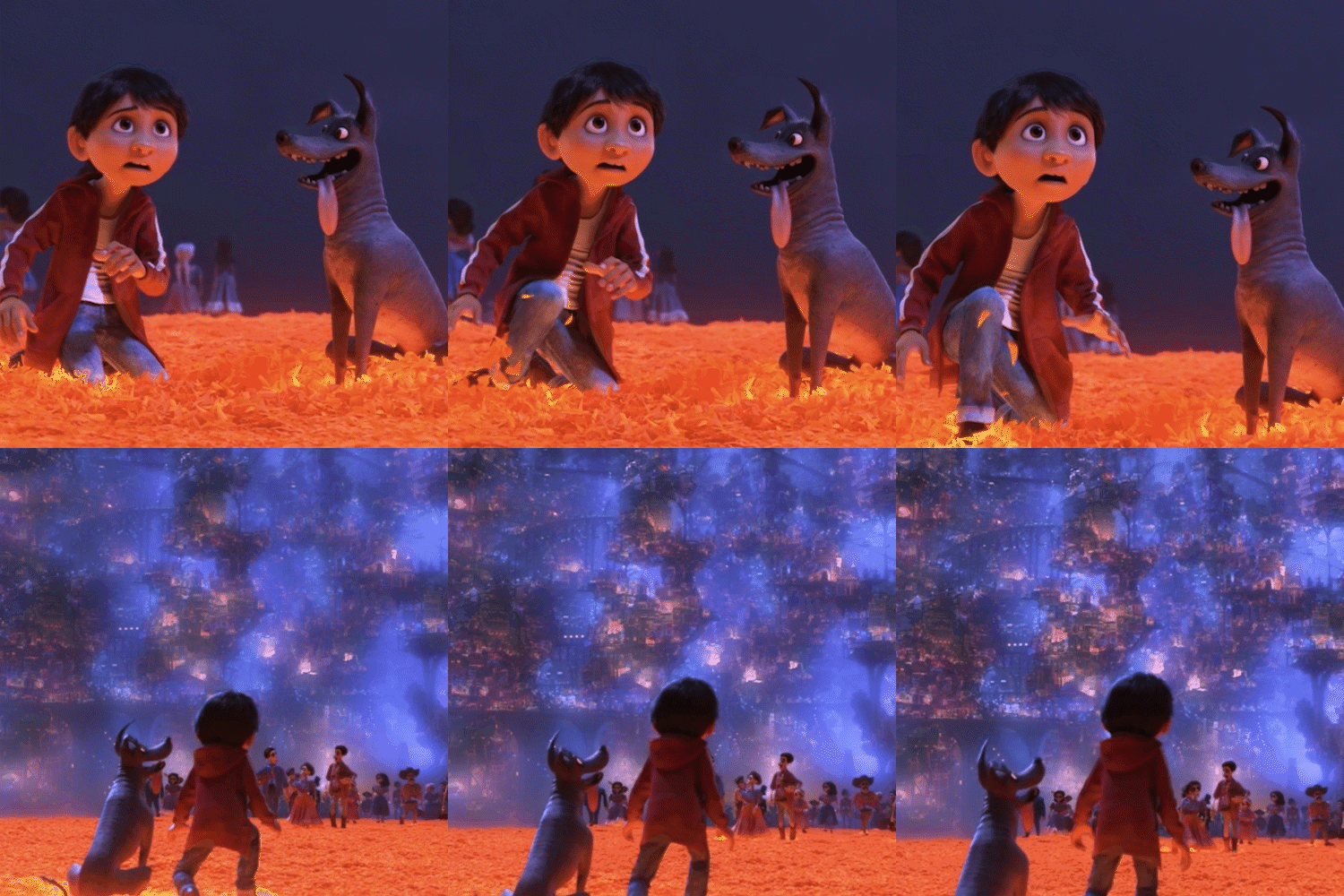 Camera Plan Concepts
 -
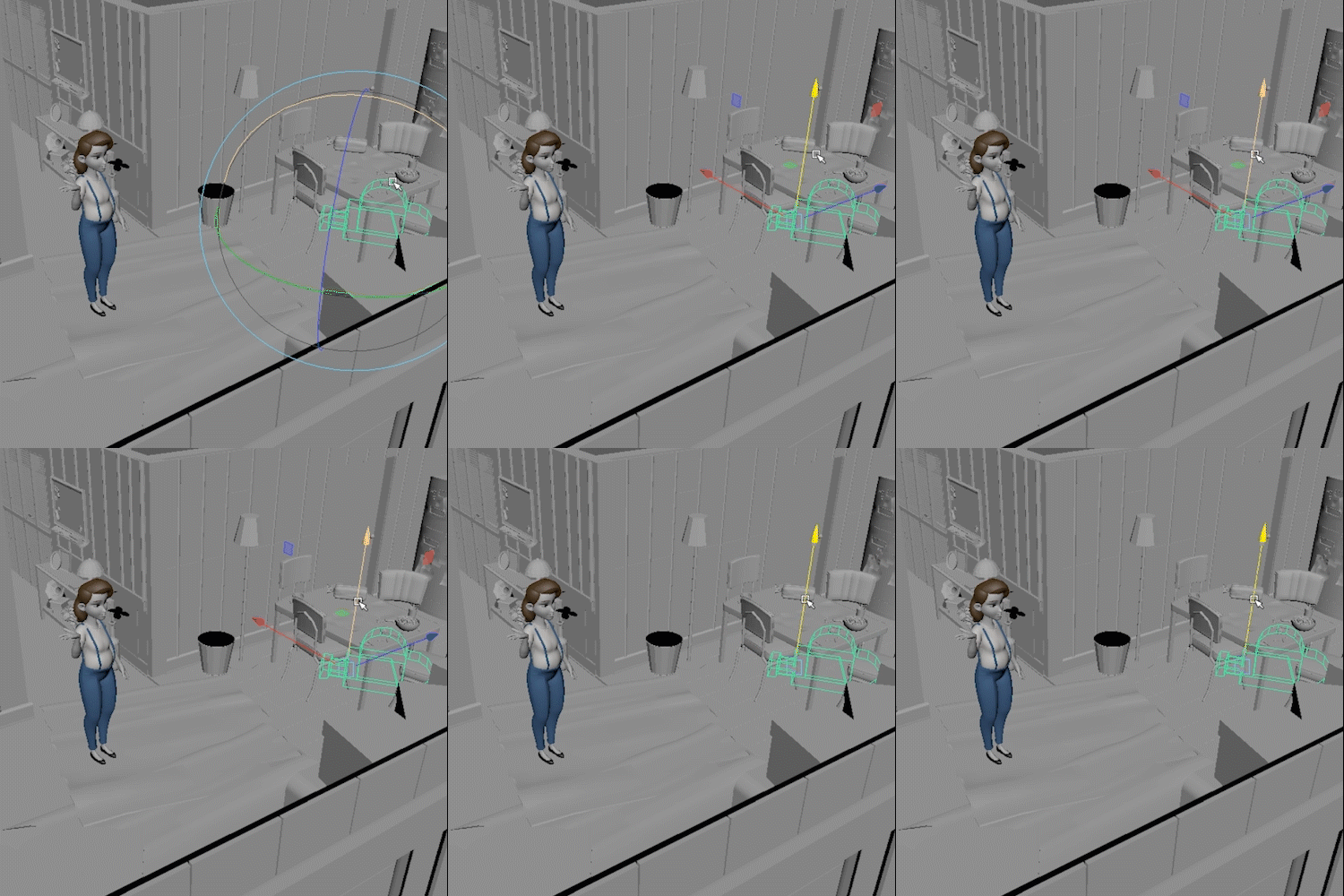 The Meaning of Camera Position
-
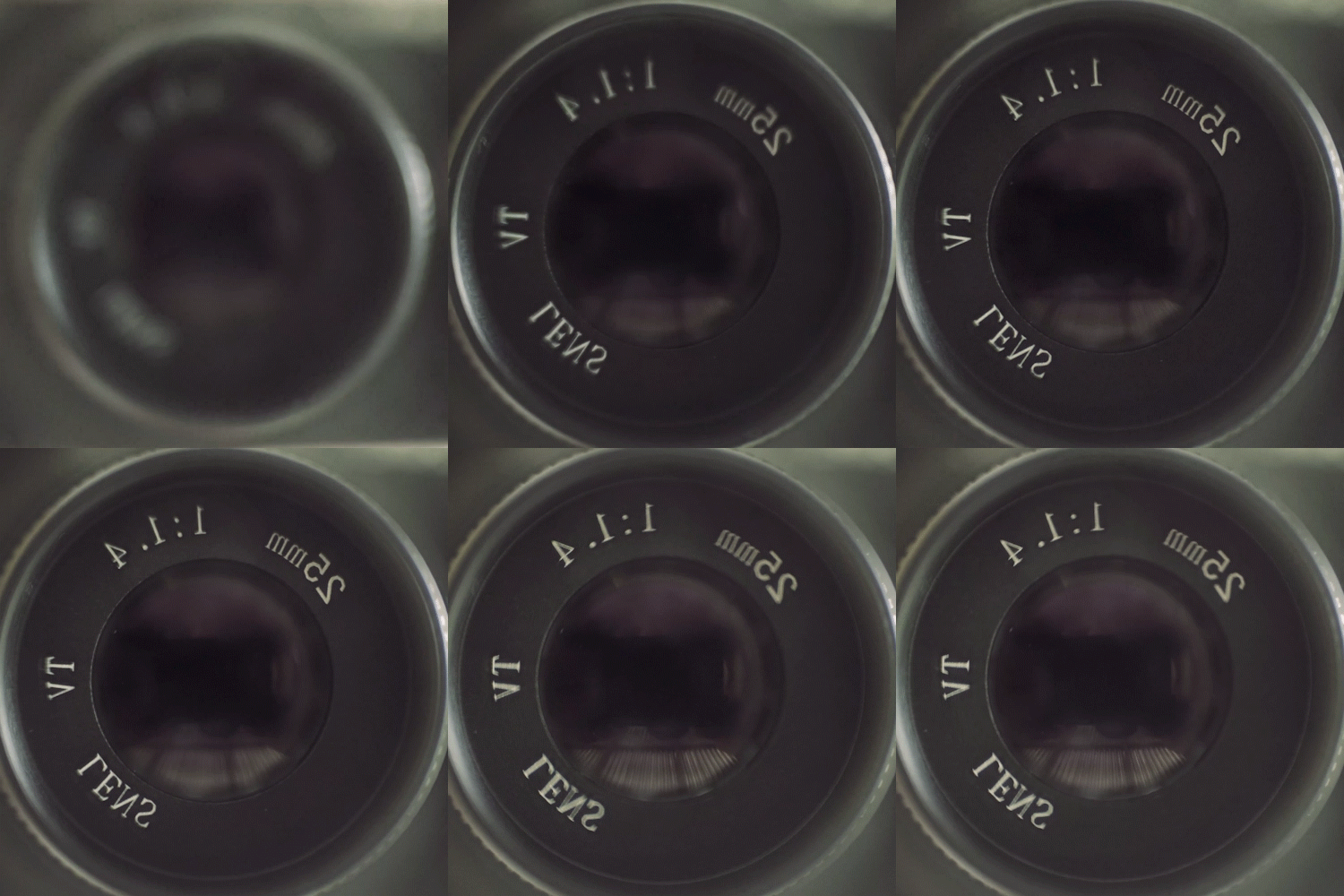 Camera Lens
 -
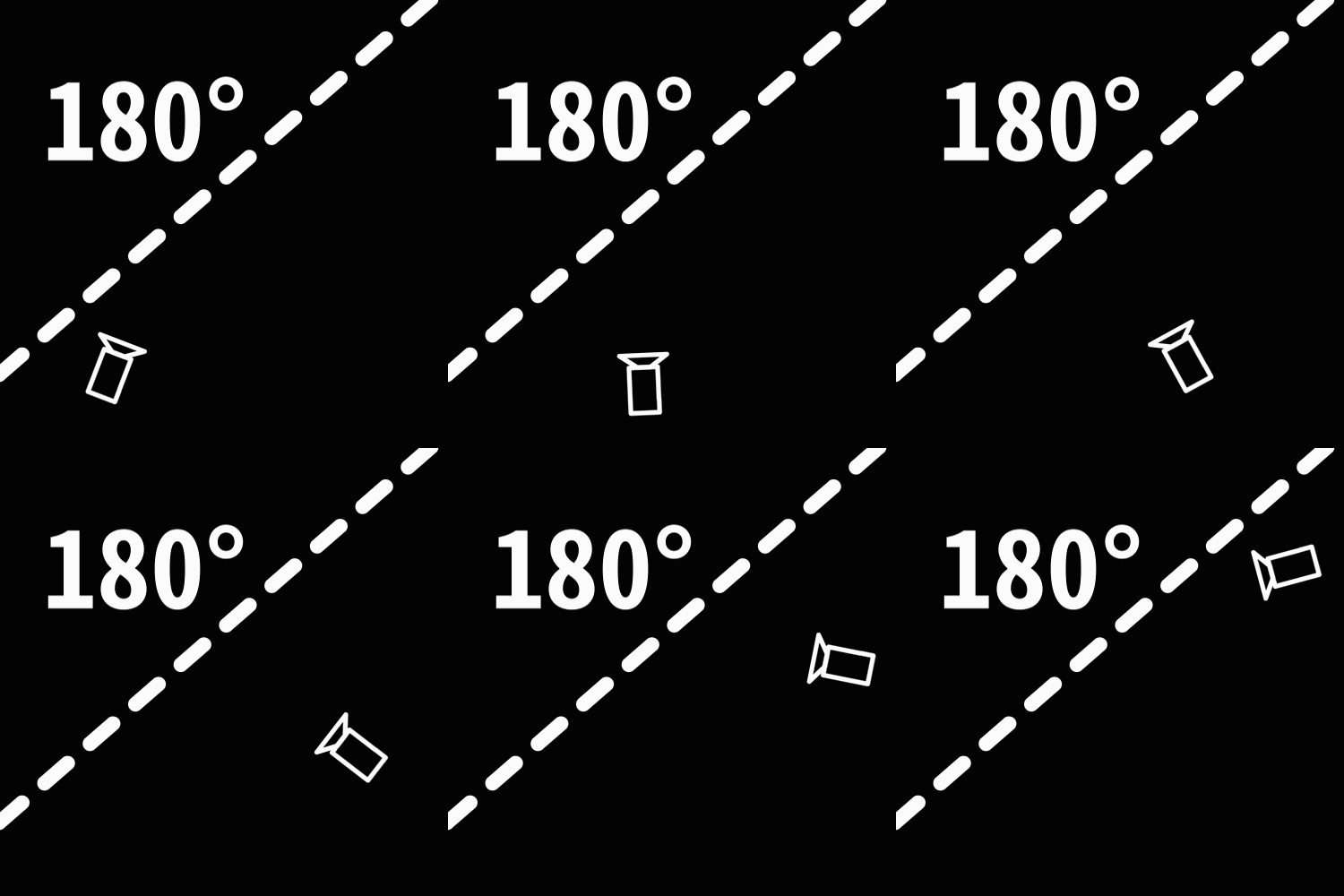 180-Degree Rule
 -
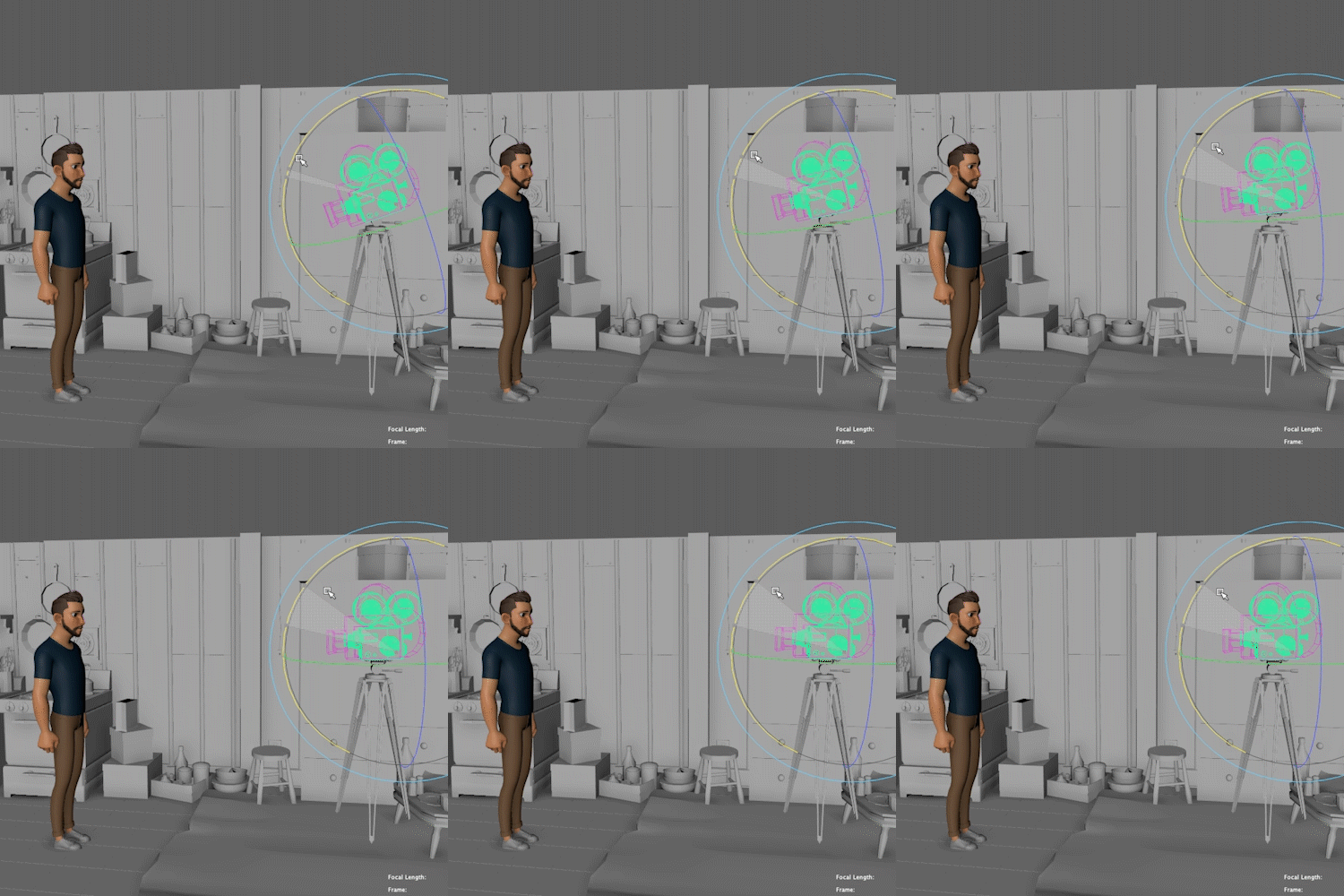 Types of Camera Movement
-
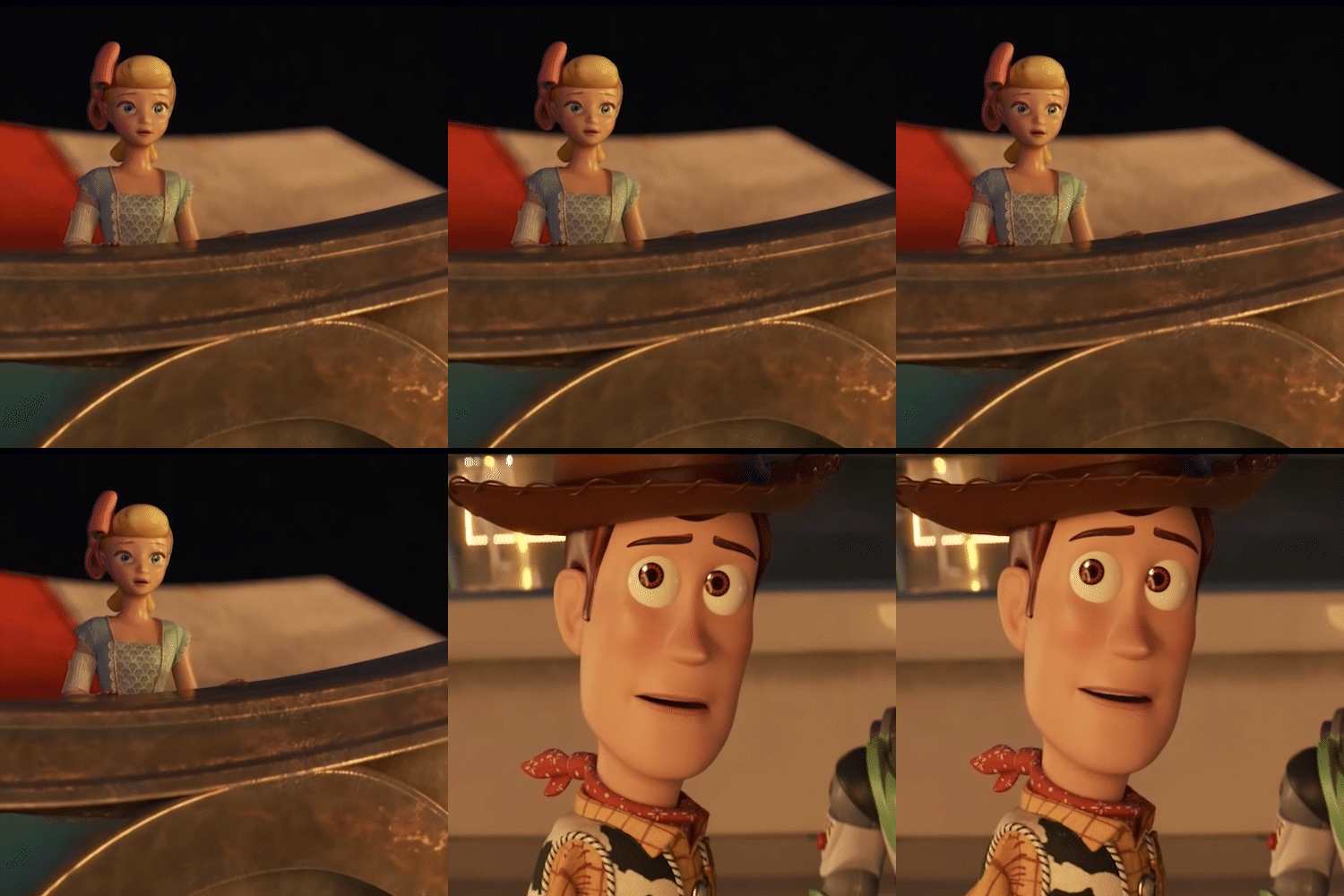 Production of Gaze Direction
 -
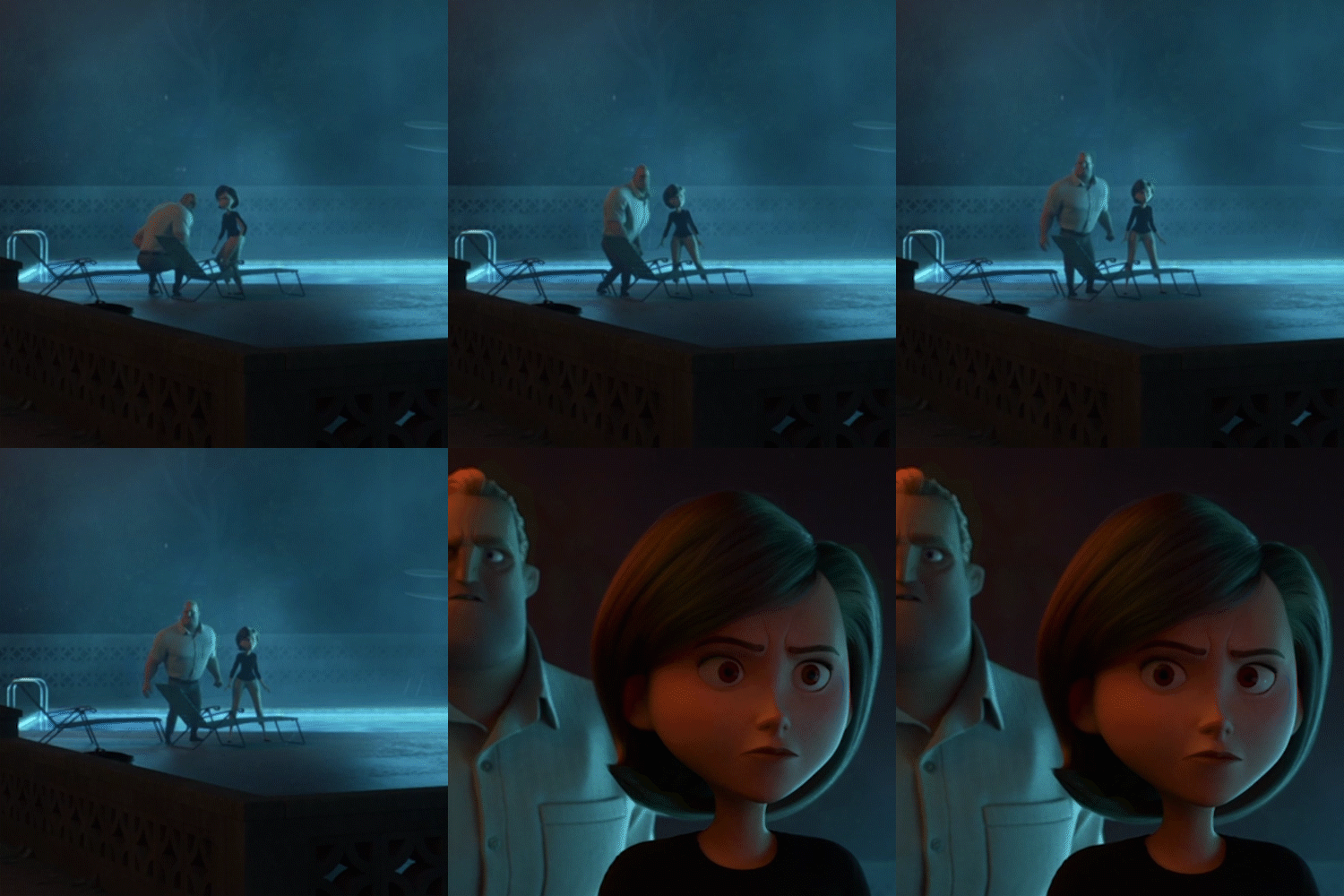 Preparation
 -
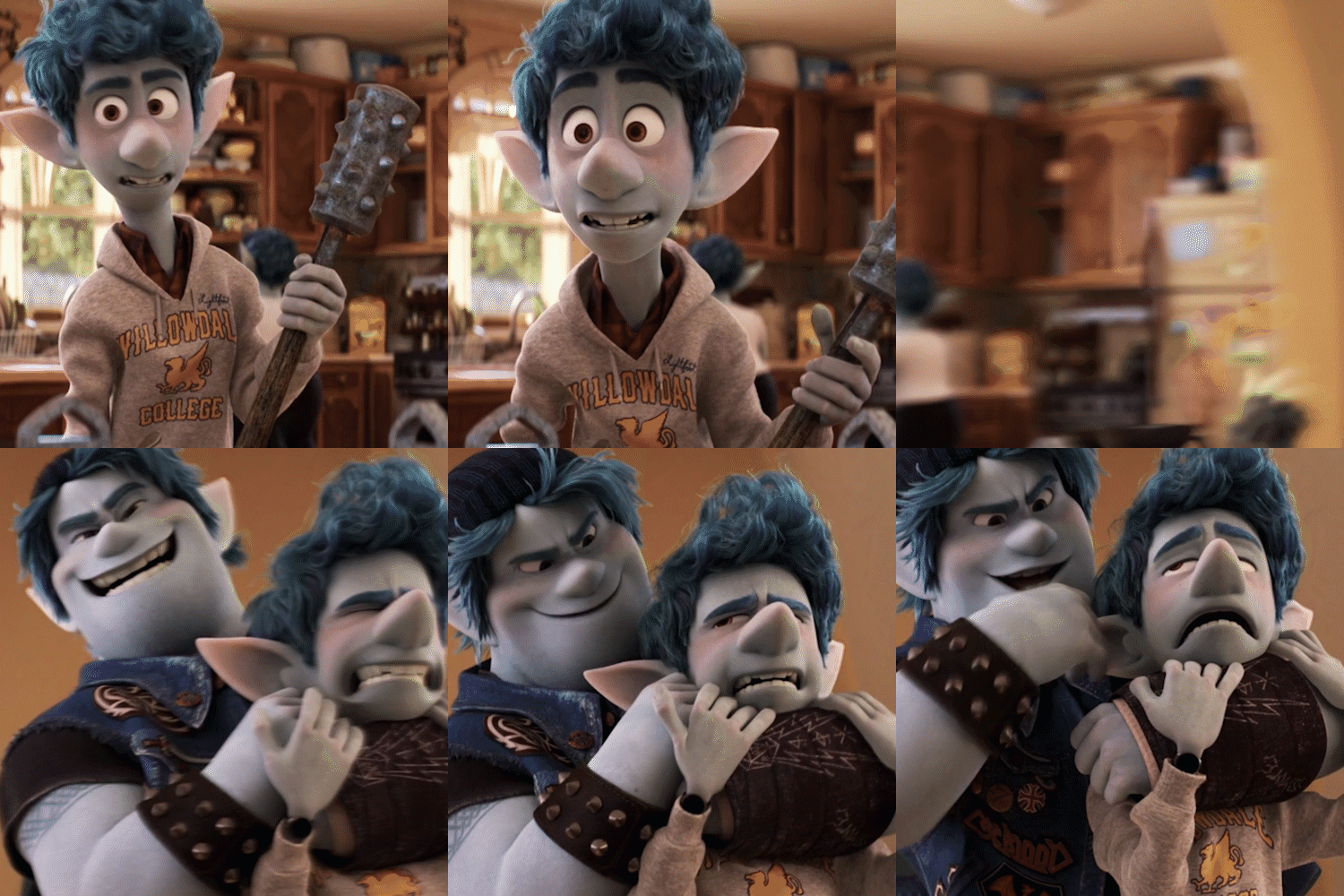 Types of Cuts/Edits
-
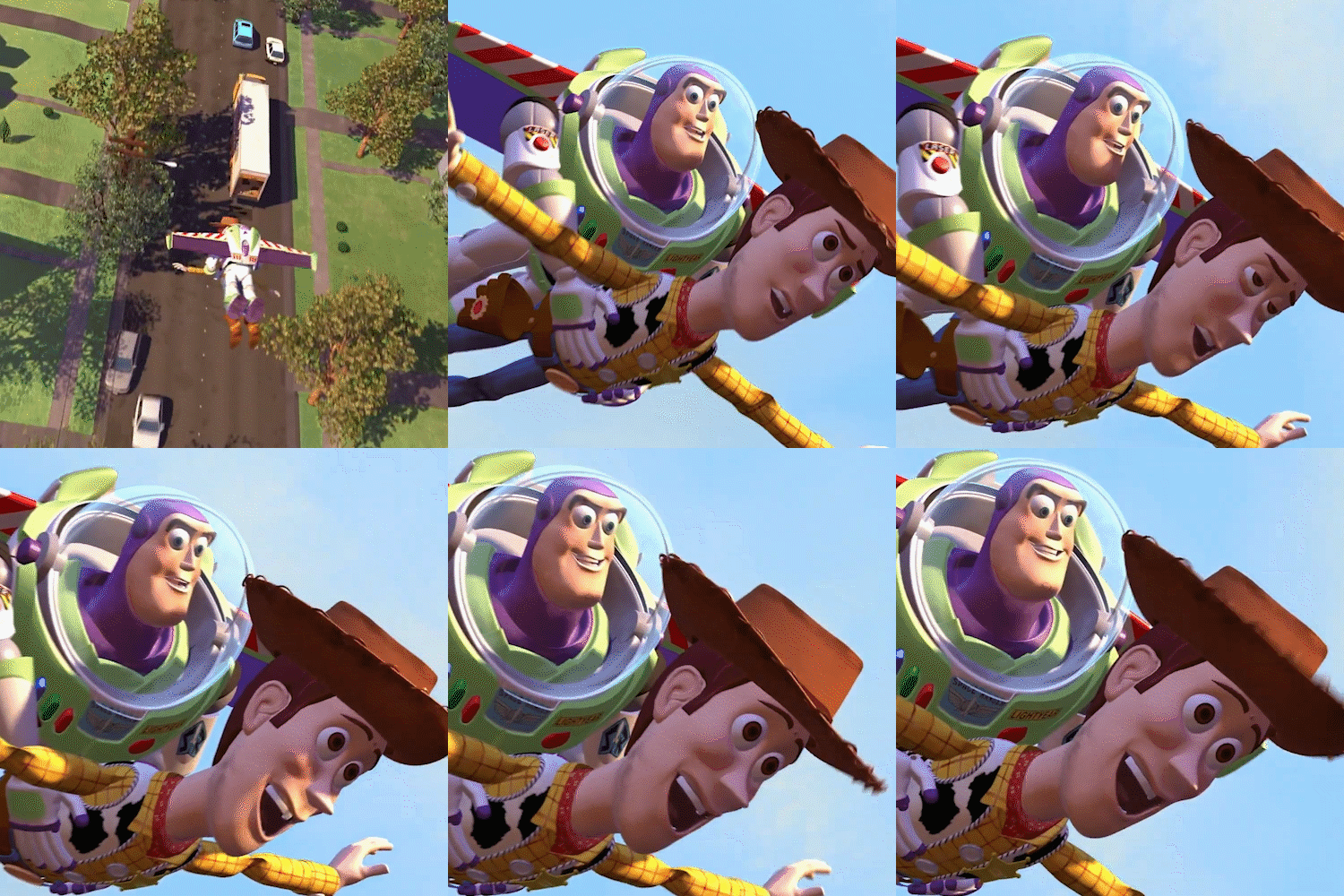 Production With the Viewers in Mind
 -
 Camera Polishing
 -
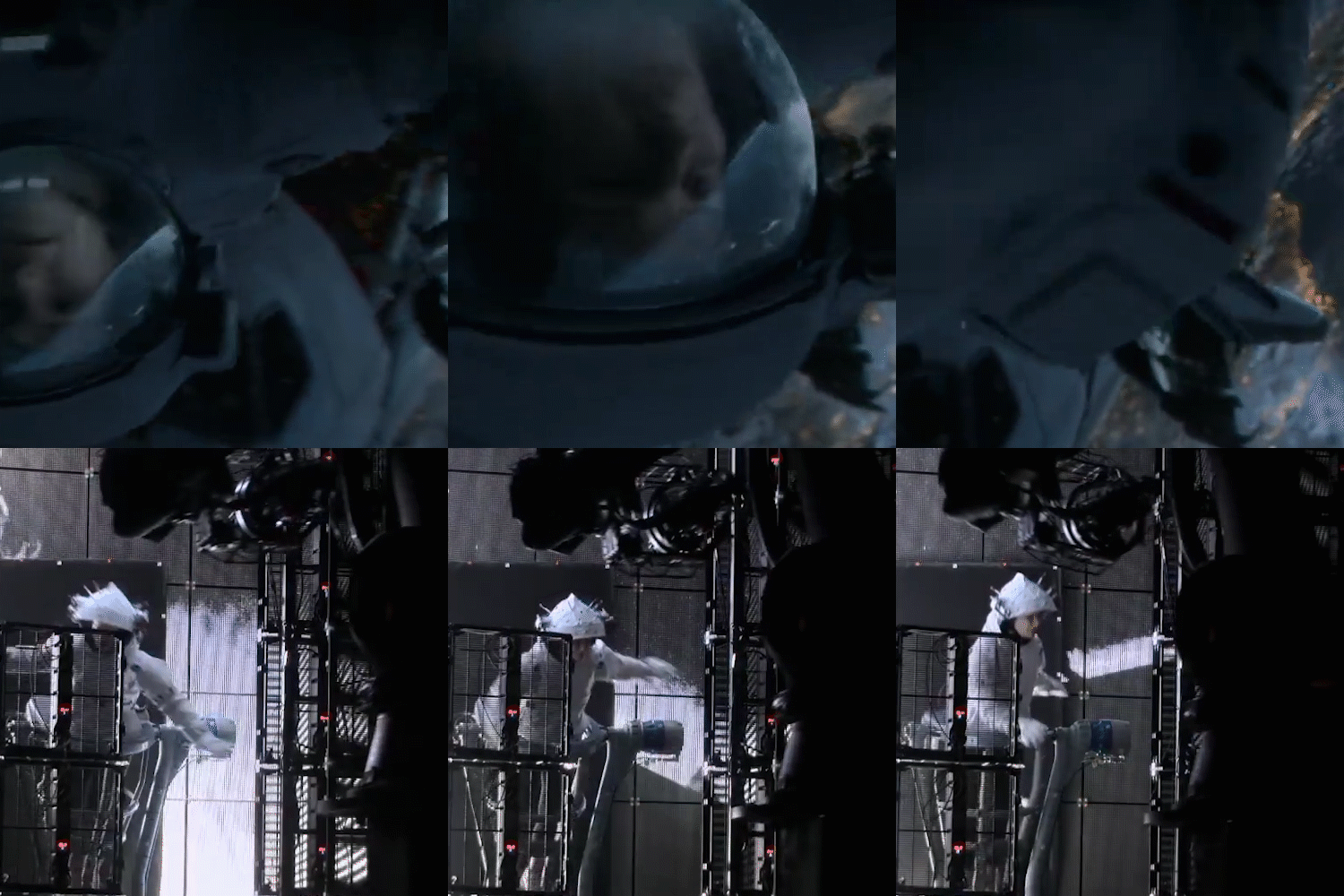 Future Cinematography
Part 02. Practice Examples
Based on what you learned earlier, you will practice
with the exact pipelines that are used in the field using Maya.
-
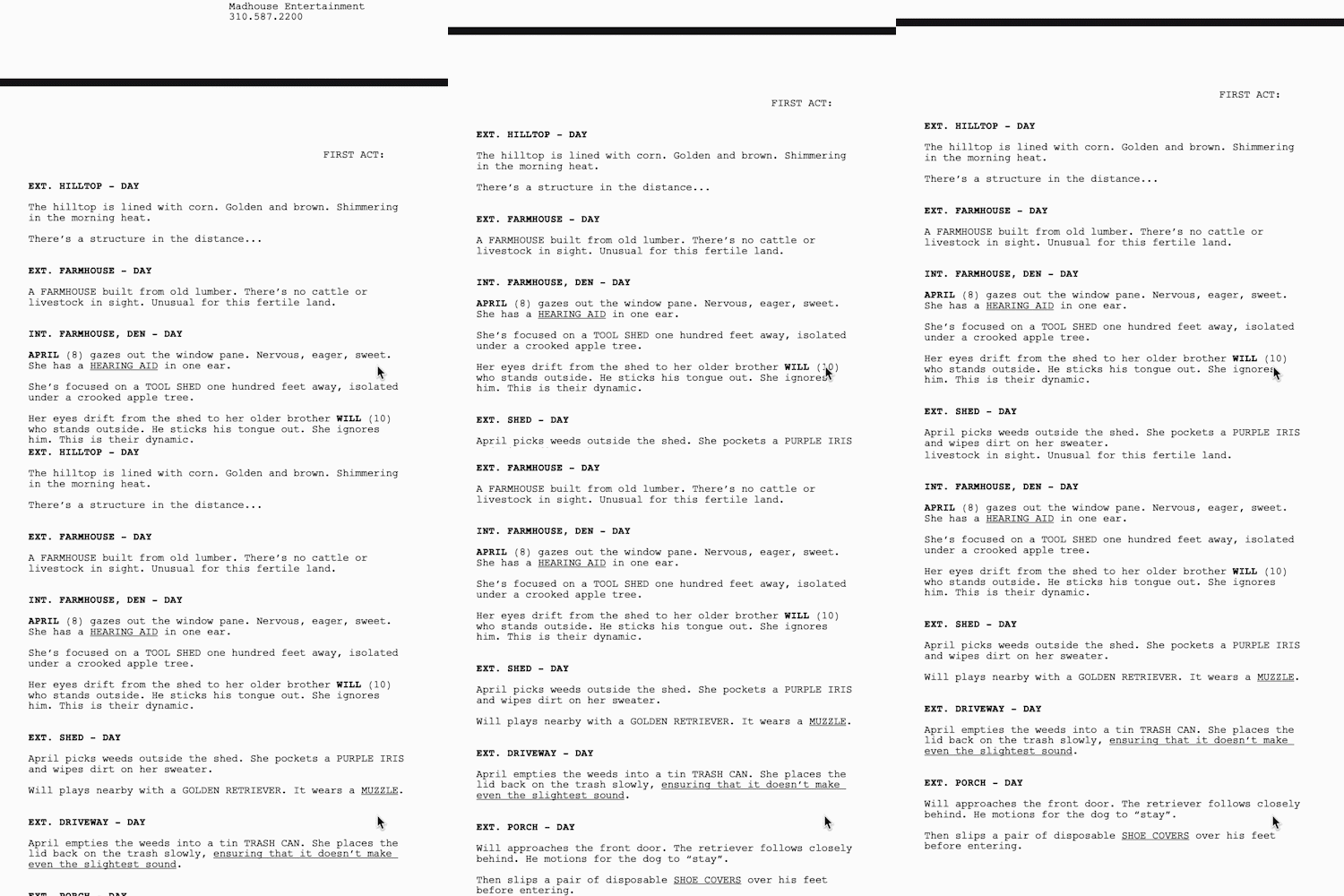 Deciding on the Script
 -
 Analysis of the Scenario
 -
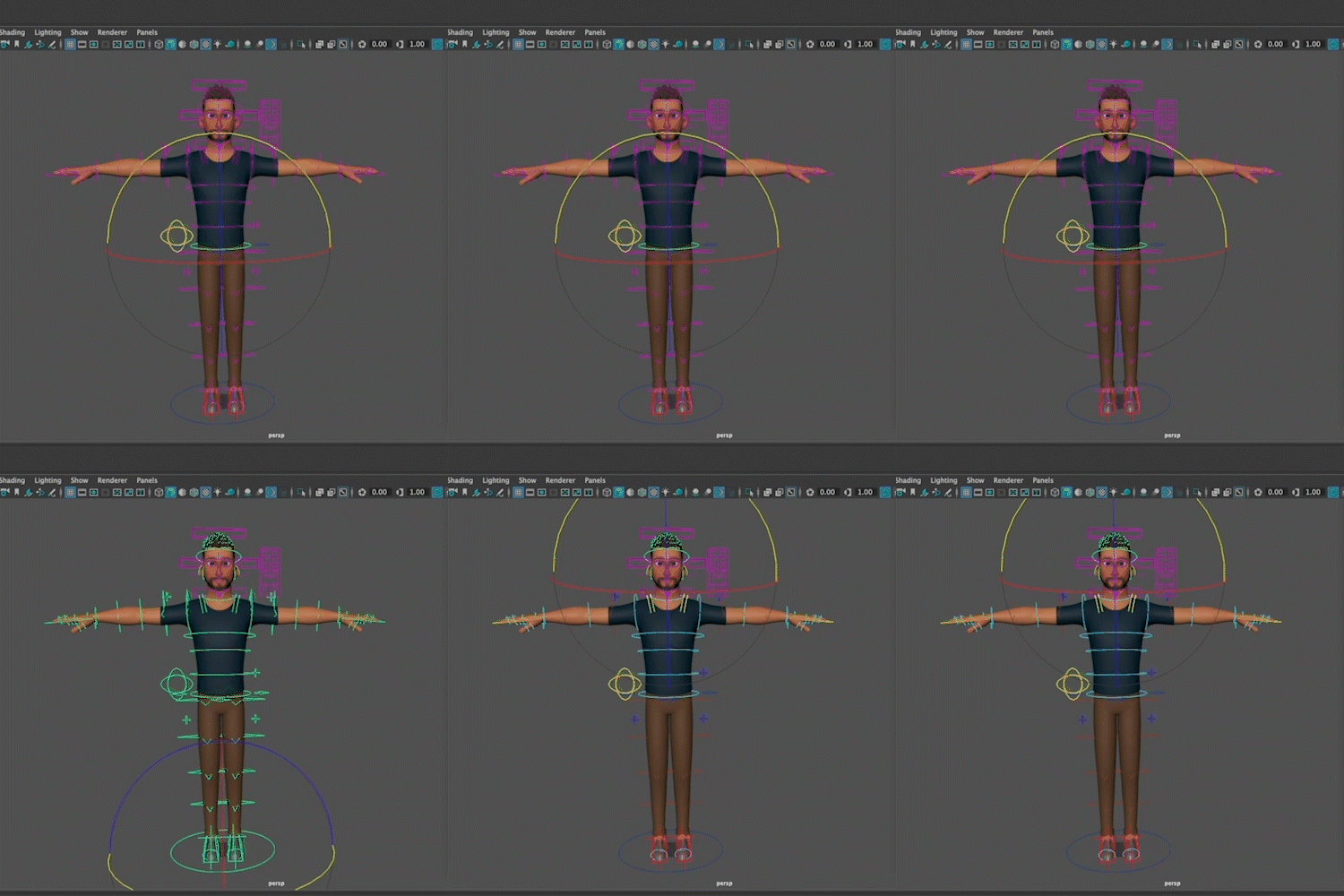 Asset Preparation
-
 Start Storyboarding
 -
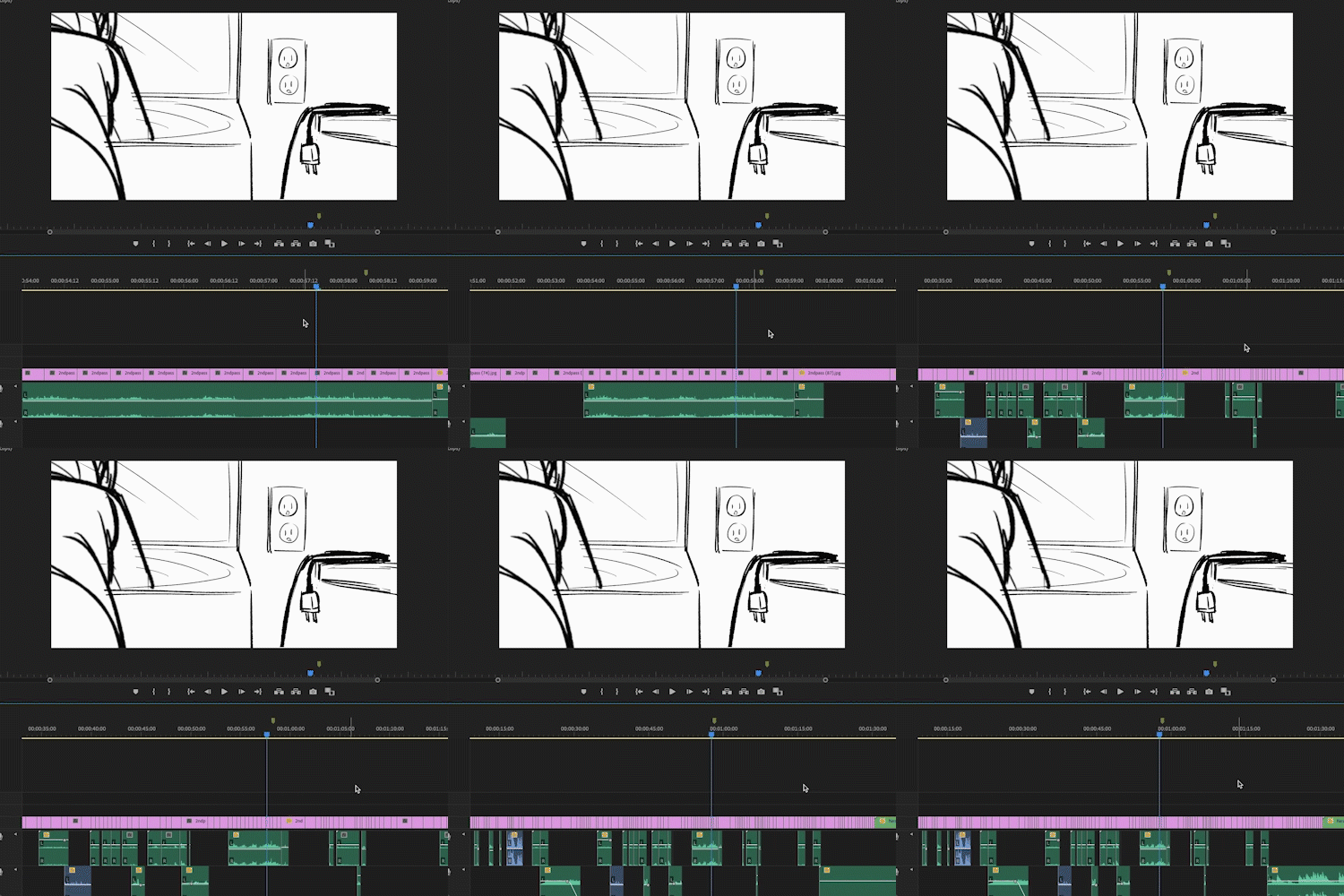 Editing a Story Reel
 -
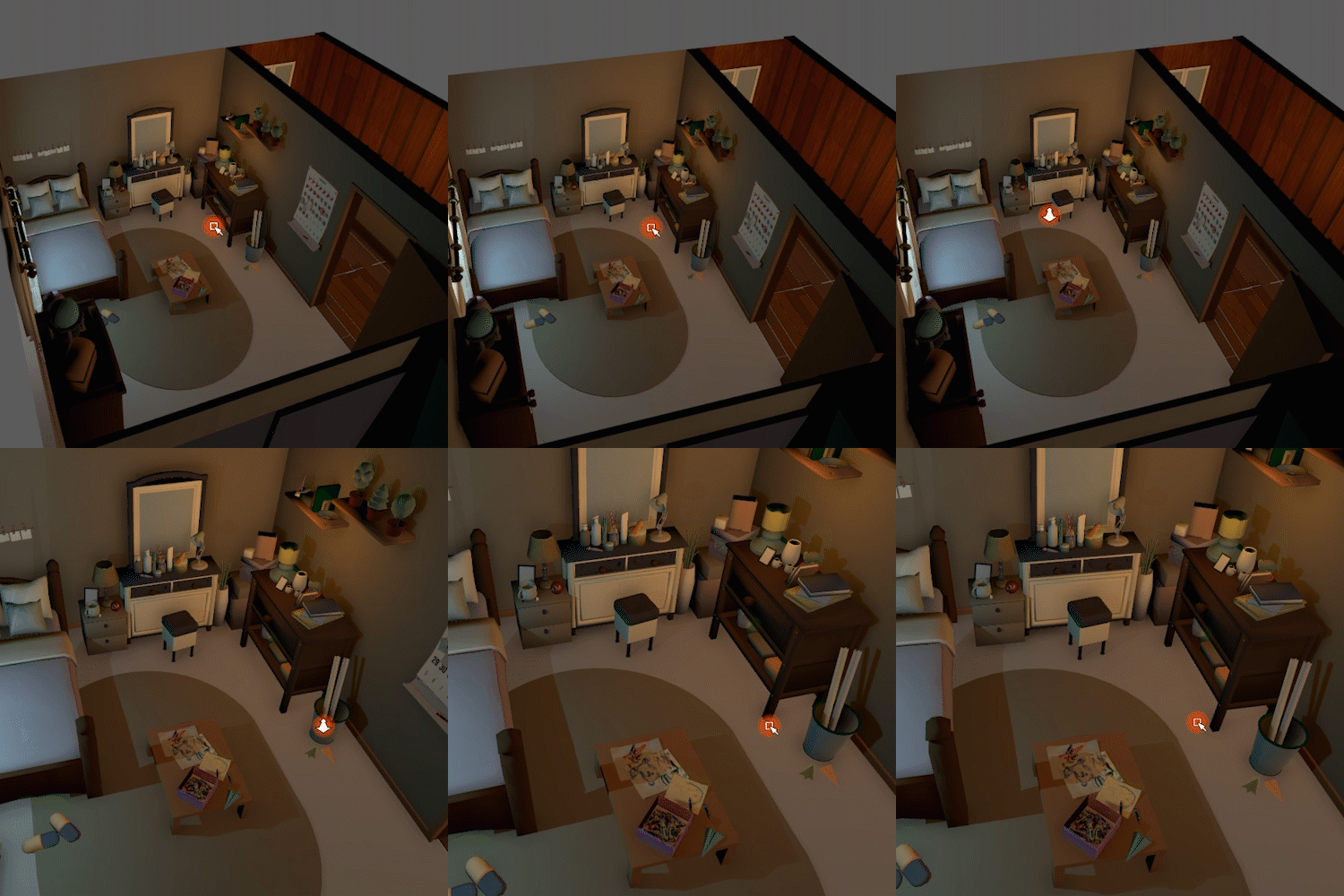 Location Scouting
-
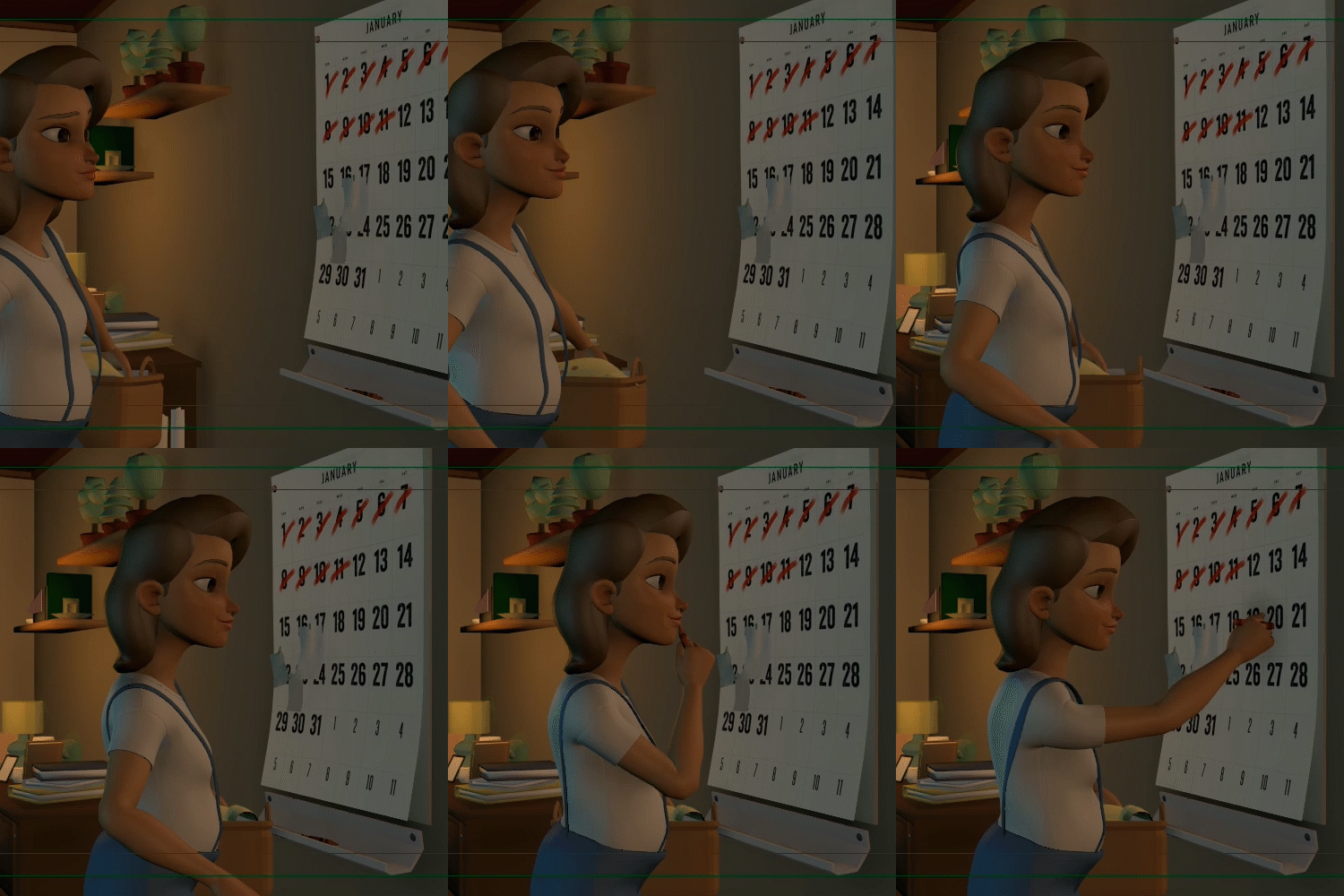 Location Scout Production
 -
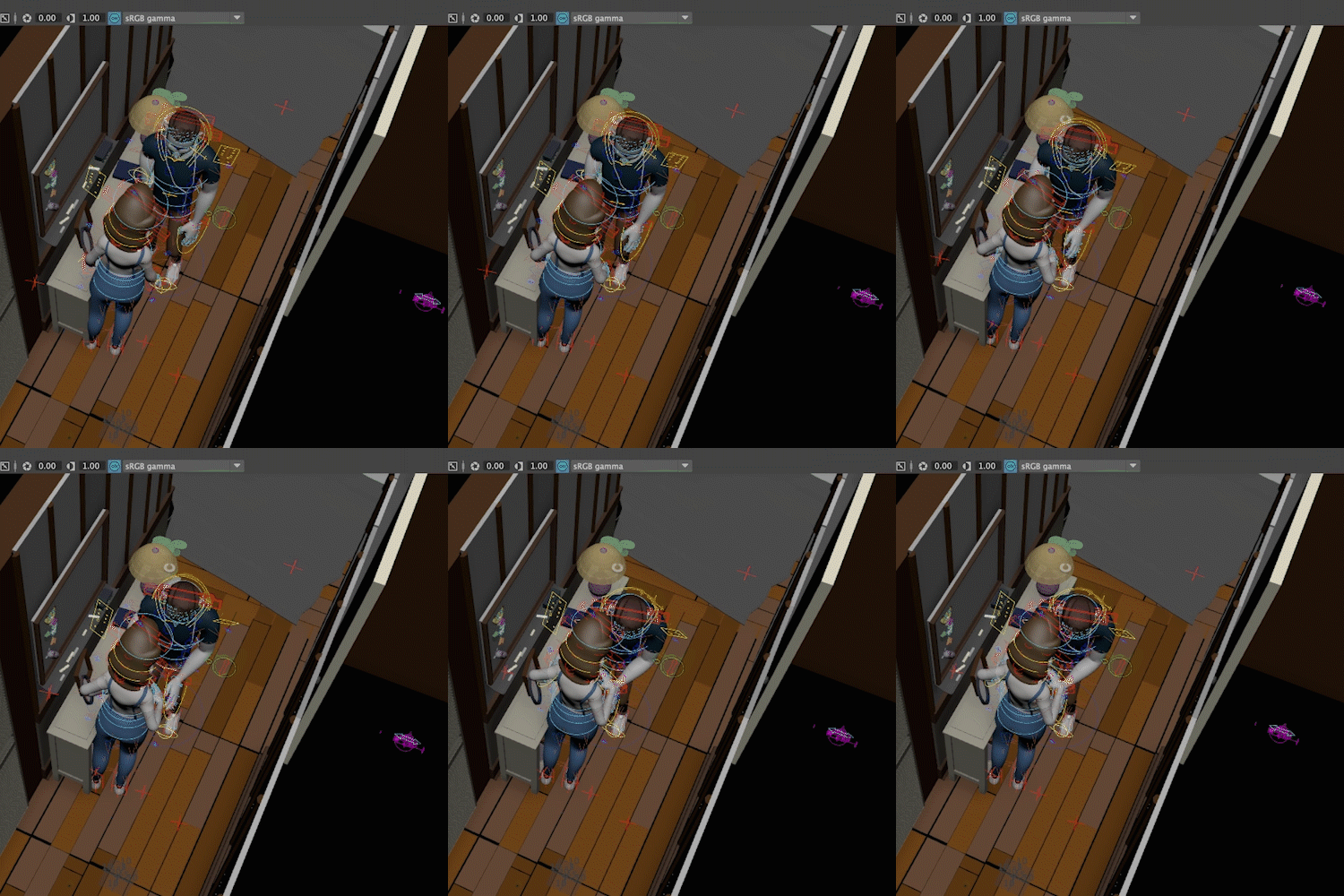 Preparing a Shot Build
 -
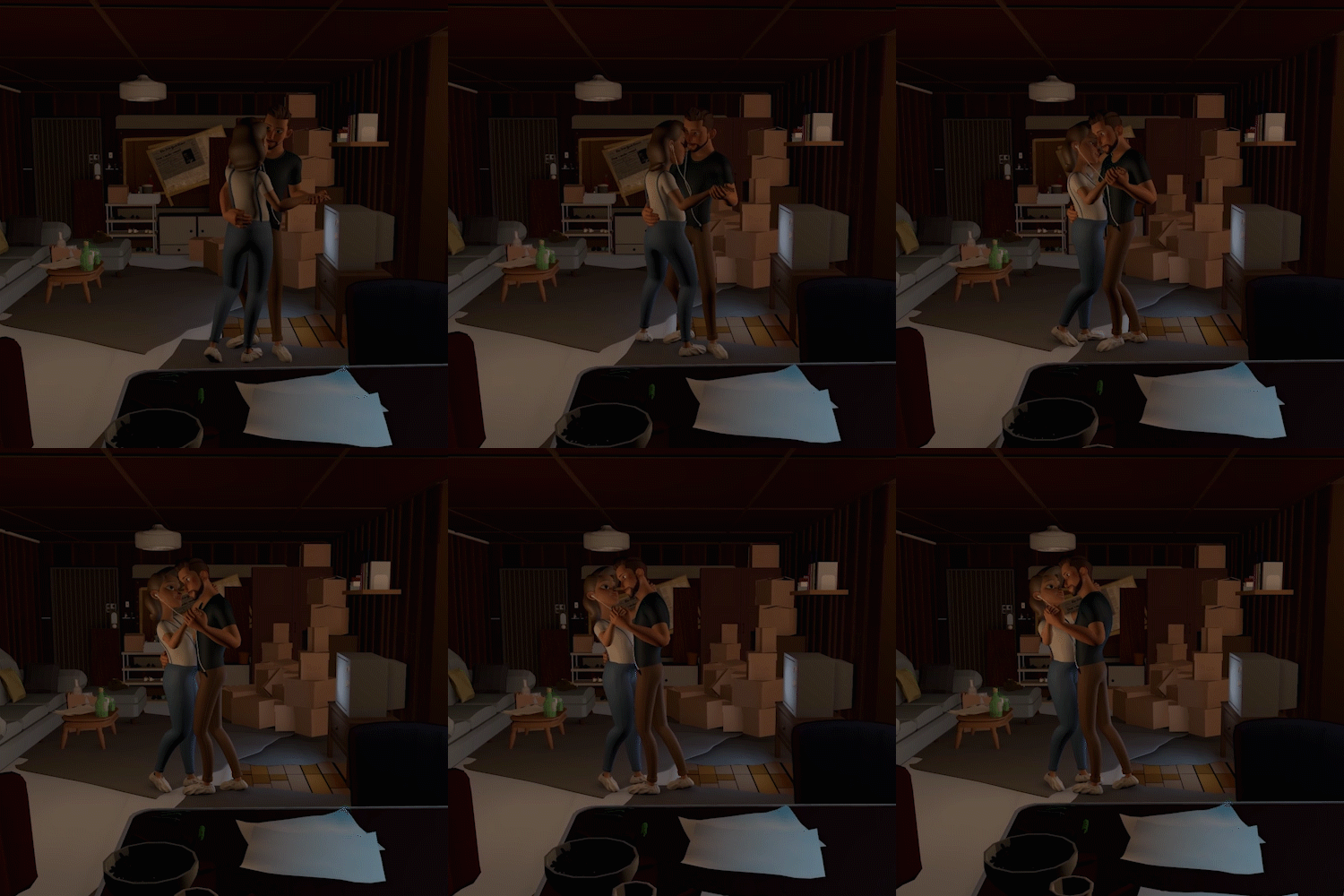 The Need for Coverage Shots
-
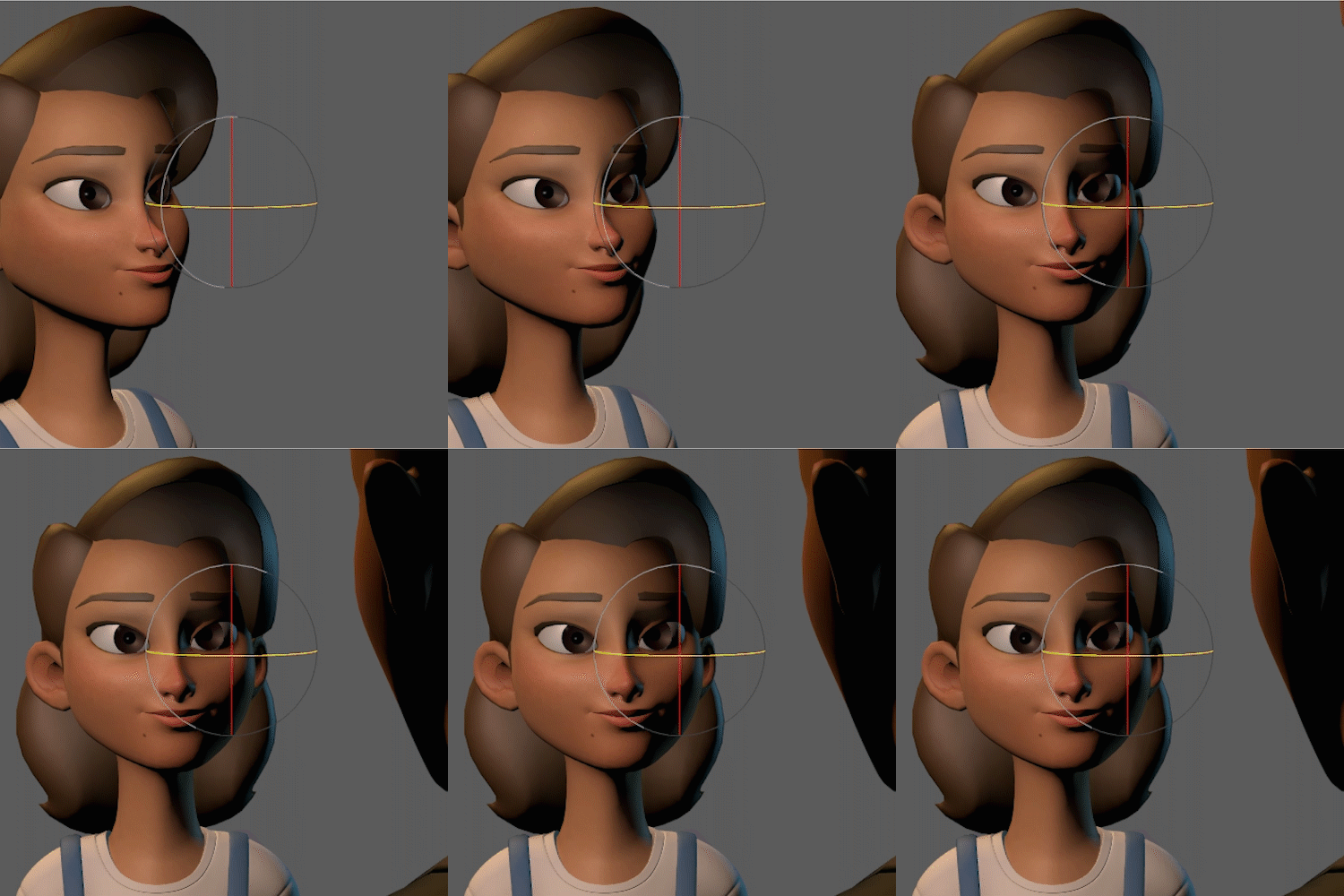 Practical Composition Tips
 -
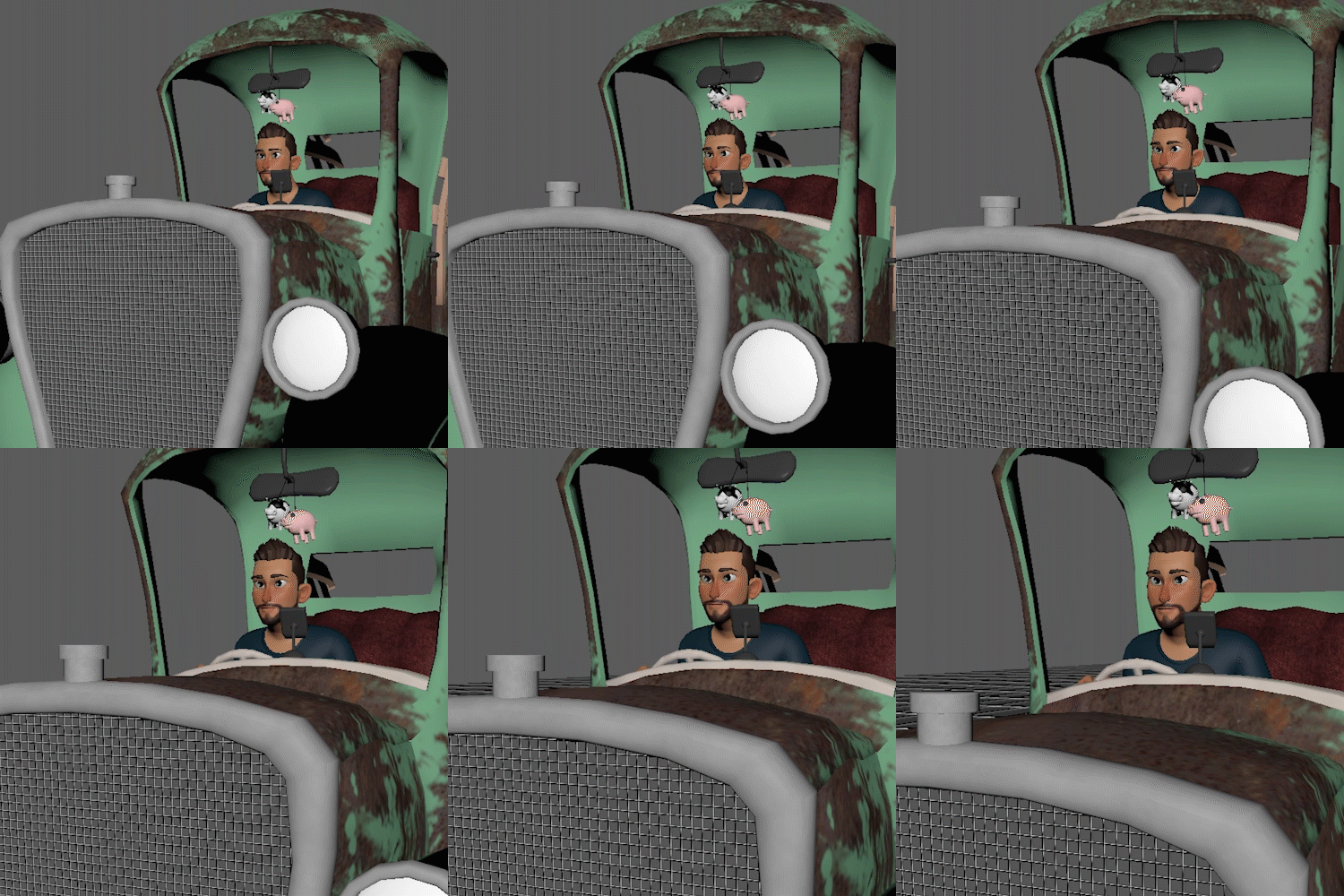 Camera Movement 1
 -
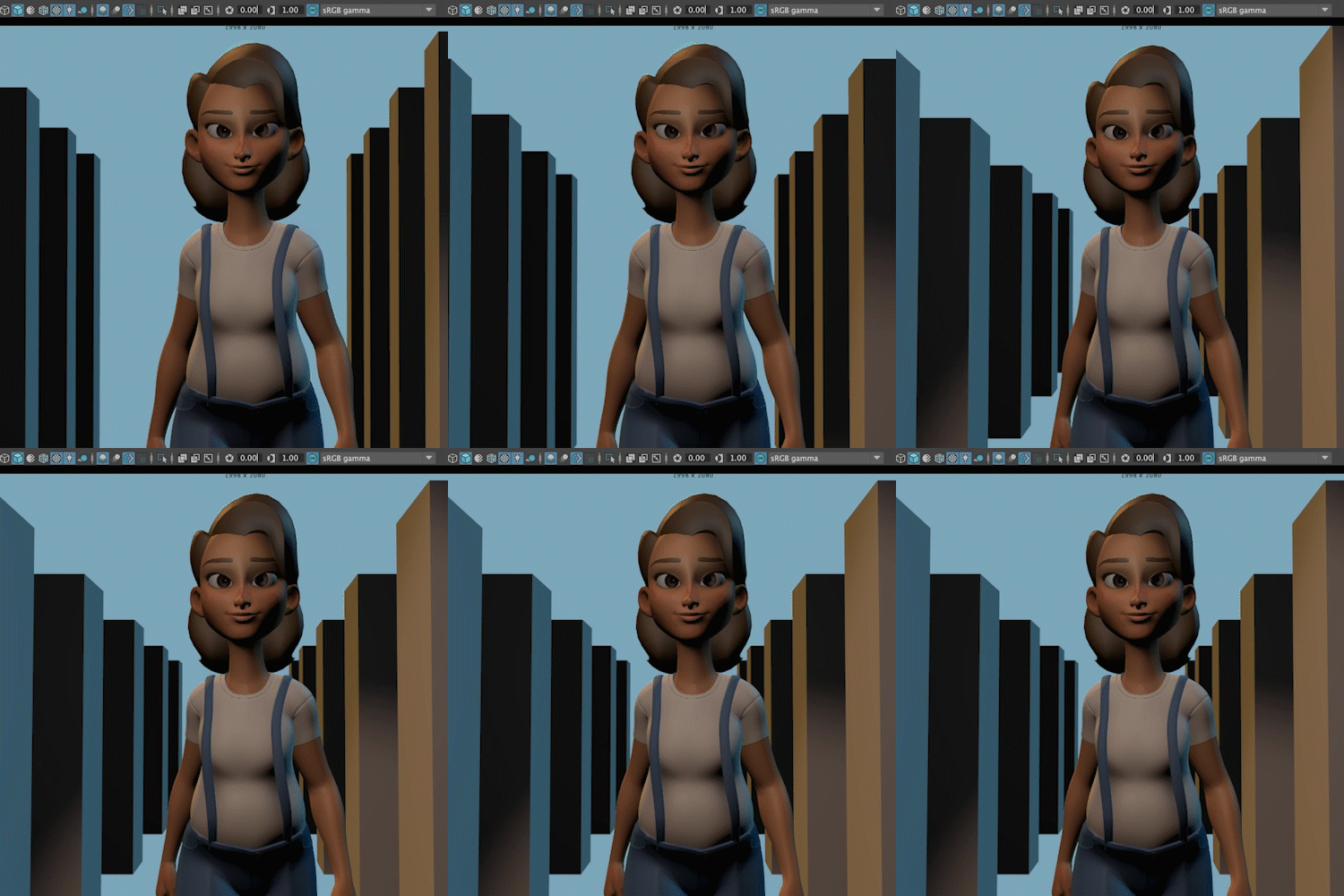 Camera Movement 2
-
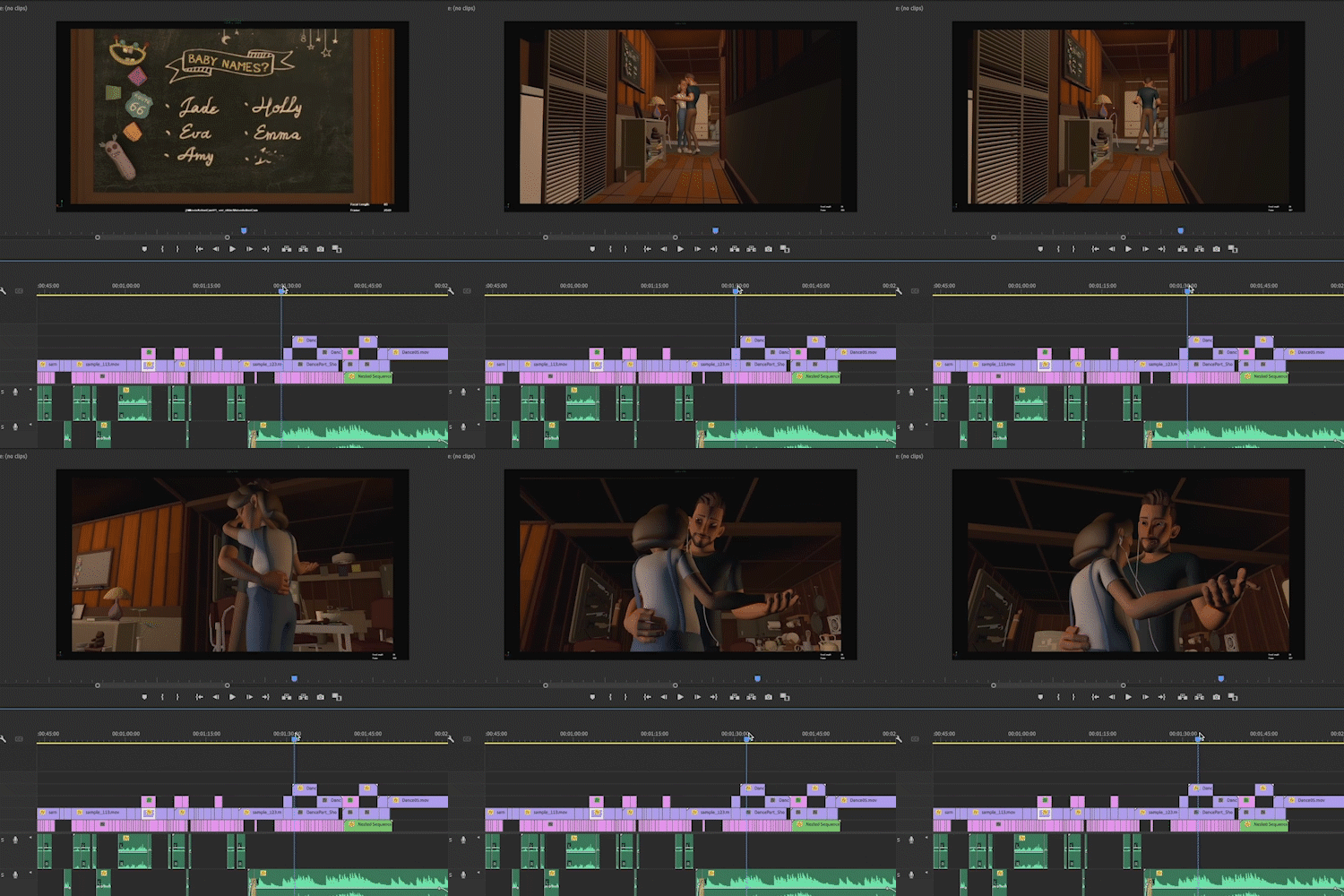 Edit Layout Shots
 -
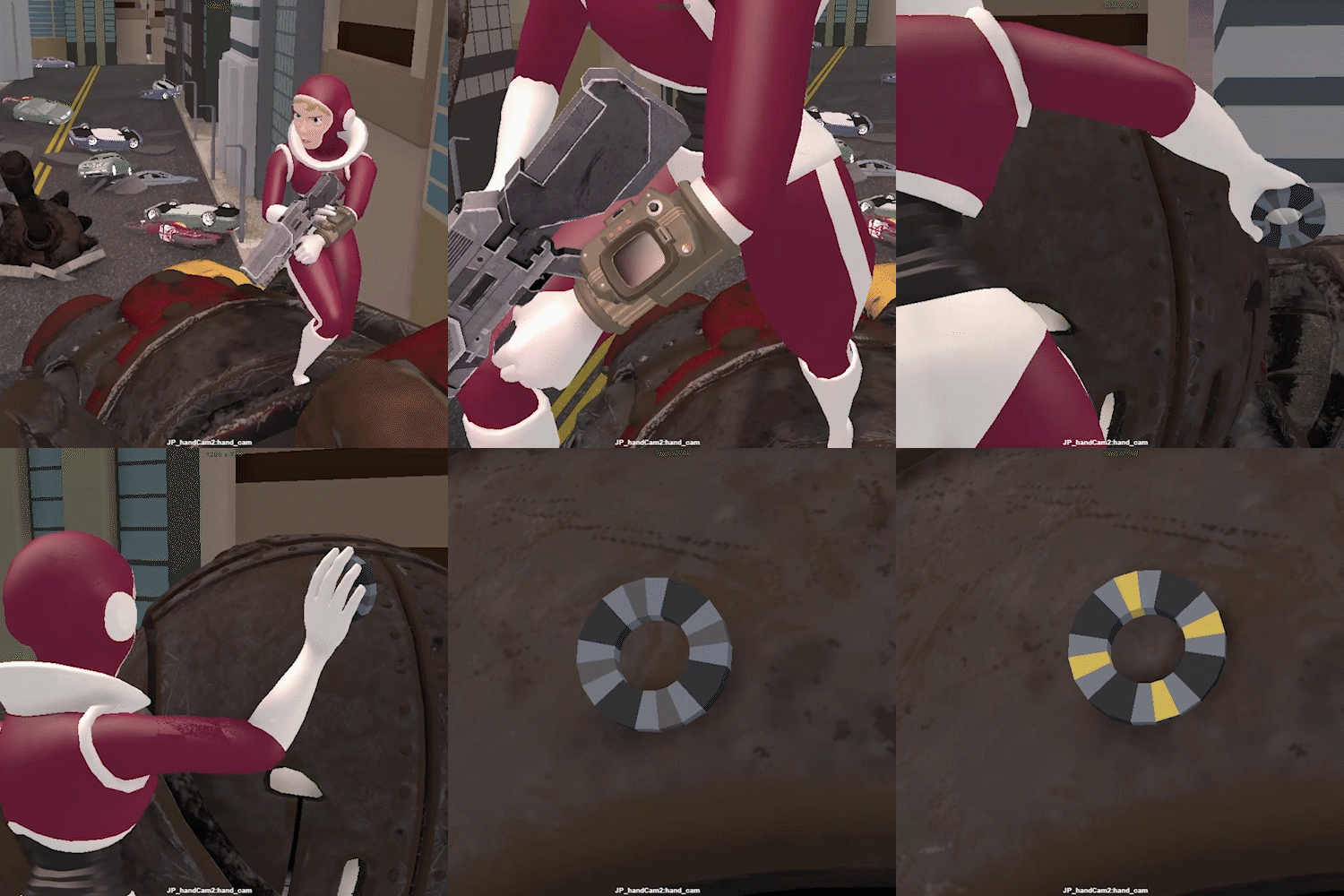 Sample Portfolio for Applying to a Pixar Internship
 -
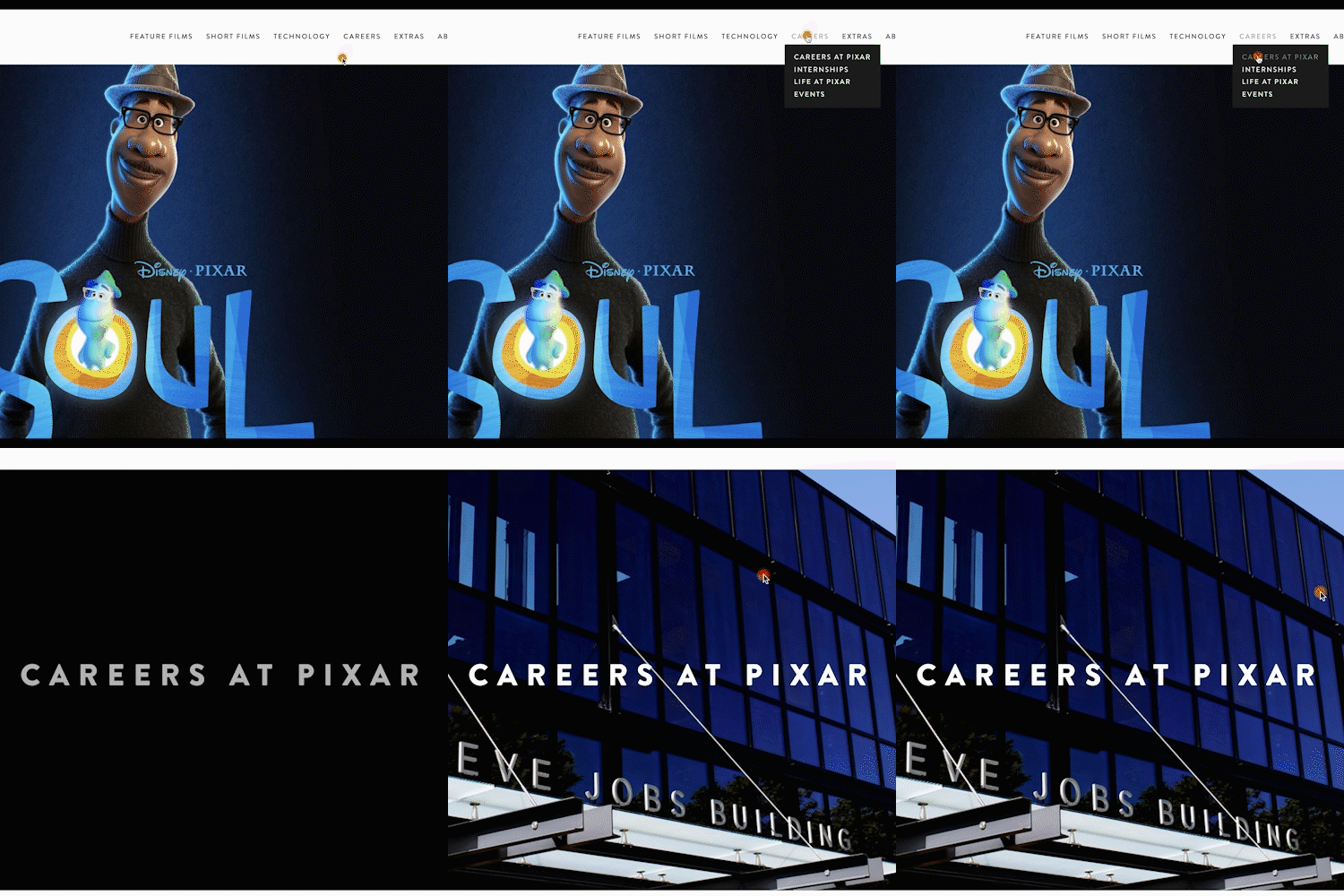 Tips on Employment for Layouts/Previs
Highlights
Class Highlights
Learn Essential Video Production Theories
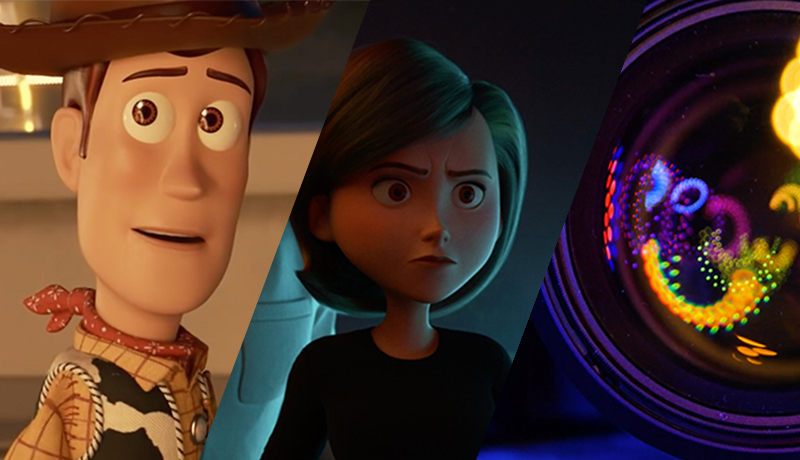
We will discuss the theories, along with appropriate examples, that you will use for a lifetime in all fields of video-related business, such as shot types, lens usage, the 180-degree rule, and types of camera movement.
The Key to Layouts/Previs and Creating a Portfolio
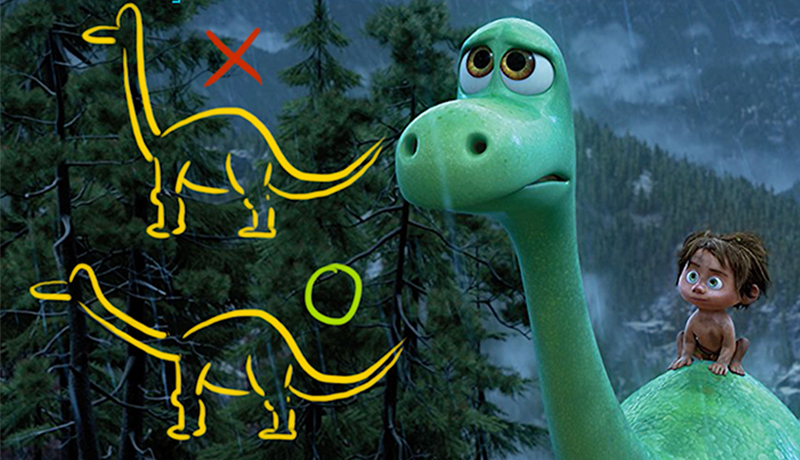
We will talk in detail about the process of selecting the right story to create a portfolio specialized for camera production, as well as how to use assets that are easily available on the internet.
Discover a Work Pipeline Optimized for Digital Video Production
We will try to produce a sample video with exactly the same workflow as in actual camera production, and you will learn about the technical aspects of creating camera movements that look professional.
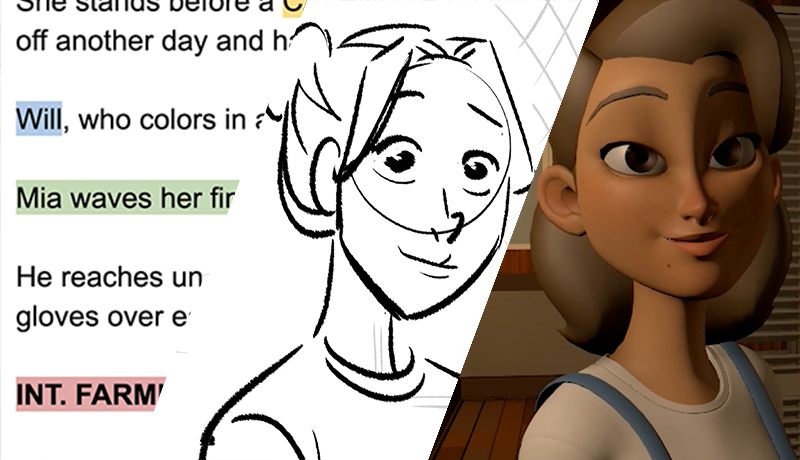
Class Details
You'll Learn
-
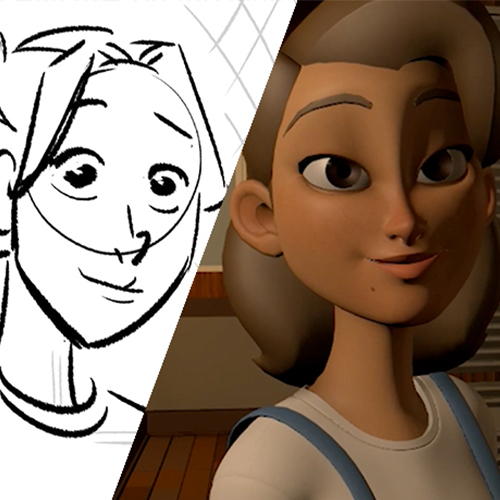 From Scenario to LayoutLearn the overall flow, such as what to understand for a given scenario, how to interpret a storyboard, and how to proceed with layout creation.
 -
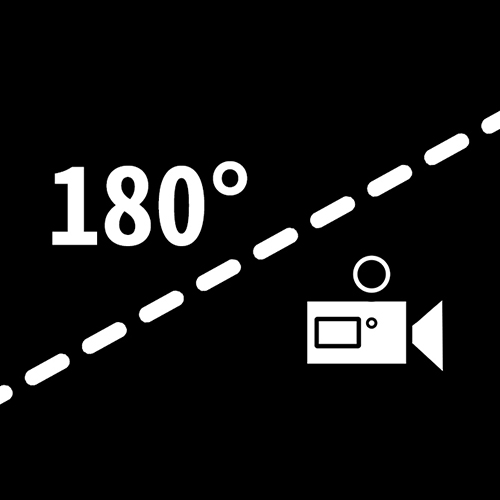 Essential Theories for Digital Video ProductionThere are theories that you must learn if you are involved in the video industry and we provide practical examples, not just armchair explanations, on how such theories are applied in practice.
 -
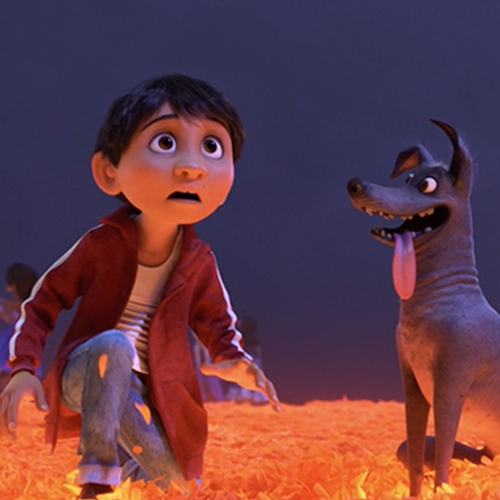 Professional-Looking Camera Angles and MovementsLet's look at what basics you need to learn to create a shot that looks like ones made at a top-class studio, and what kind of camera setups and details you should pay attention to.
-
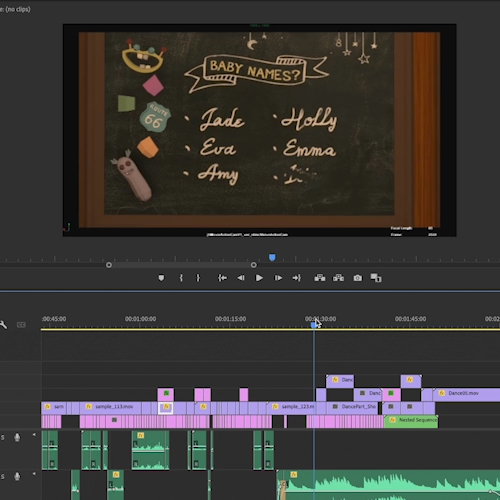 Tips on How to Deliver a Story, Not Just TechniqueYou will learn how to break up a scenario unit-by-unit to deliver a story in the form of a video; camera movement and composition that further amplify the emotions of the characters; and how to do natural edits.
 -
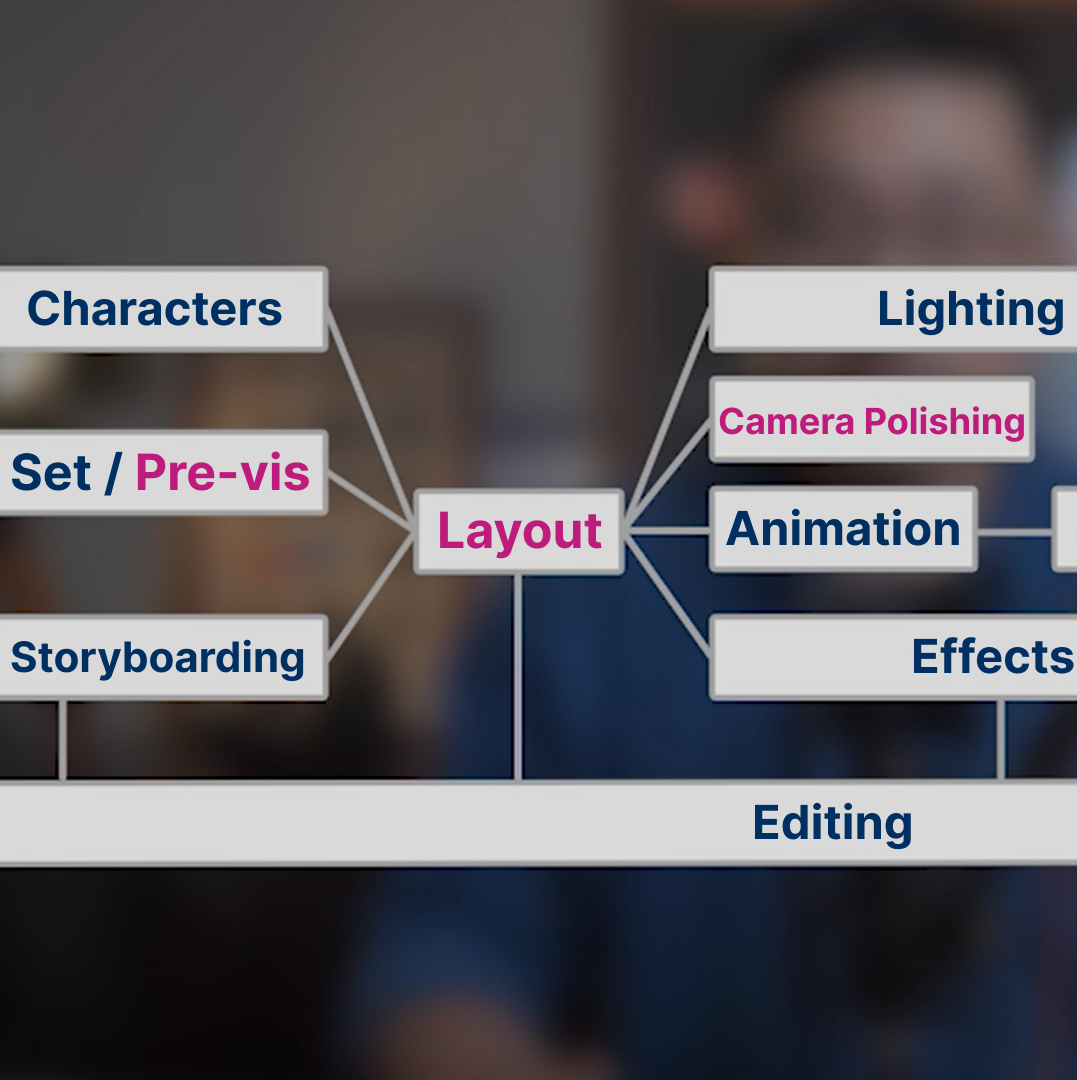 A Global Studio’s Systematic Practical Pipeline and Layout Process DisclosedWe will go over in detail the layout-related processes that lead to location scouting, shot building, and camera polishing from the digital cinematography pipelines that have been refined over decades.
 -
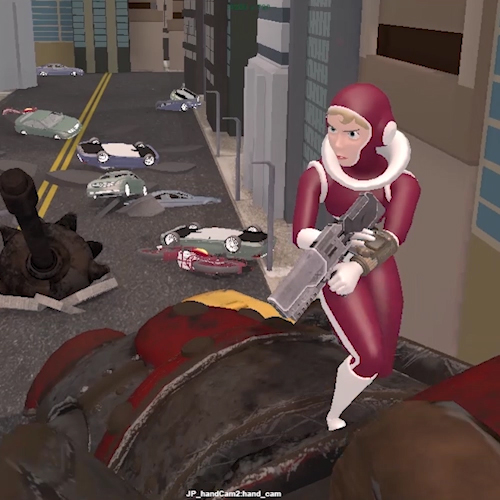 Key Information and Portfolio for Layout/Previs-Related EmploymentWe will go over the portfolios of students who have been accepted to Pixar, and have a practical talk about the conditions for a good layout/pre-vis showreel, future digital cinematography, and more.
Curriculum
Curriculum
In-depth Look
SECTION 01. OT
01. Prologue
- Overview of the class
Interview
with Layout/Previs artist
Shaun Kim

Digital video production is the process of planning and realizing what form of video should be used to deliver the story in digital video, so that the audience can better digest the story or receive a stronger impact. It may be a blue ocean as there is an increasing use of VFX in the media field and an increasing demand for layouts and previsualization.
Question.02
What are your strengths
as a layout/previs artist?
What are your strengths
as a layout/previs artist?
Although there are various theories on cinematography for movies, there seems to be only a handful of people in Korea who are familiar with how to apply them to digital images. Since I have an experience of leading a team at Pixar, a top-notch global company in the field of digital video, I think I will be able to talk about not only the tricks and tips for high-quality video production, but also the work method in which other departments are considered and the qualifications of the applicants that previs/layout departments are seeking.
Question.03
What are the main points
in this class?
What are the main points
in this class?
Since video production-related fields such as storyboarding and layout are hardly affected by new technologies or software, it is important to have solid basics in video theory. Therefore, the curriculum is structured so that you can get familiar with both theory and practice as well as how to analyze images from various angles.
Question.04
Who would you recommend
this class to?
Who would you recommend
this class to?
This class will be very helpful for the following people: Beginners in digital photography and production, and animators working on layouts in the field, as well as those who are curious about the workflow that enables smooth communication between the storyboard department and the animation department, and directors who want to expand their shooting skills not only in real-time filming but also in digital imaging.
Required Programs
Software Required
– Maya
– Adobe Premiere Pro
* Any version can be used in class.
* In class, it is fine to use Soft Image, Blender, 3ds Max, cut editing programs, etc.
* Programs and materials are not provided separately.
Recommended
Recommended Classes
Like this class?
Then check these out!
[IMPORTANT NOTICE]
*Please note that the information on this page is subject to change without prior notice.
*Would you like to learn more about our refund policy? Please check here.
*Please check our FAQ for Copyright and Proprietary Rights, User-Generated Content, Security, and Violation information.