3DArtist,YuhwanJang_후디니 아티스트 장유환 Details
Class introduction
\ introduction video
Houdini artist, Yuhwan Jang
“If you get good at Houdini, By utilizing technology applied in FX, Beyond existing motion graphics tools Free to create new and colorful works “We can make it happen.”
Houdini + motion graphics, With artist Yuhwan Jang -Hwan You too can get started.
Overwhelming quality compared to existing 3D tools With gorgeous effects, Starting with the Western world Gradually becoming a trend Motion graphics using Houdini!
Now you too, get on the bandwagon and Significantly different from others Create your artwork.
Basic interface and From understanding the work process Modeling, particle, fluid/smoke simulation, Advanced rendering using Redshift!
From Houdini's introduction Helps improve artwork quality Learn up to 9 killer examples The best online classes Check it out right now.
From Houdini's introduction Helps improve artwork quality Learn up to 9 killer examples The best online classes Check it out right now.
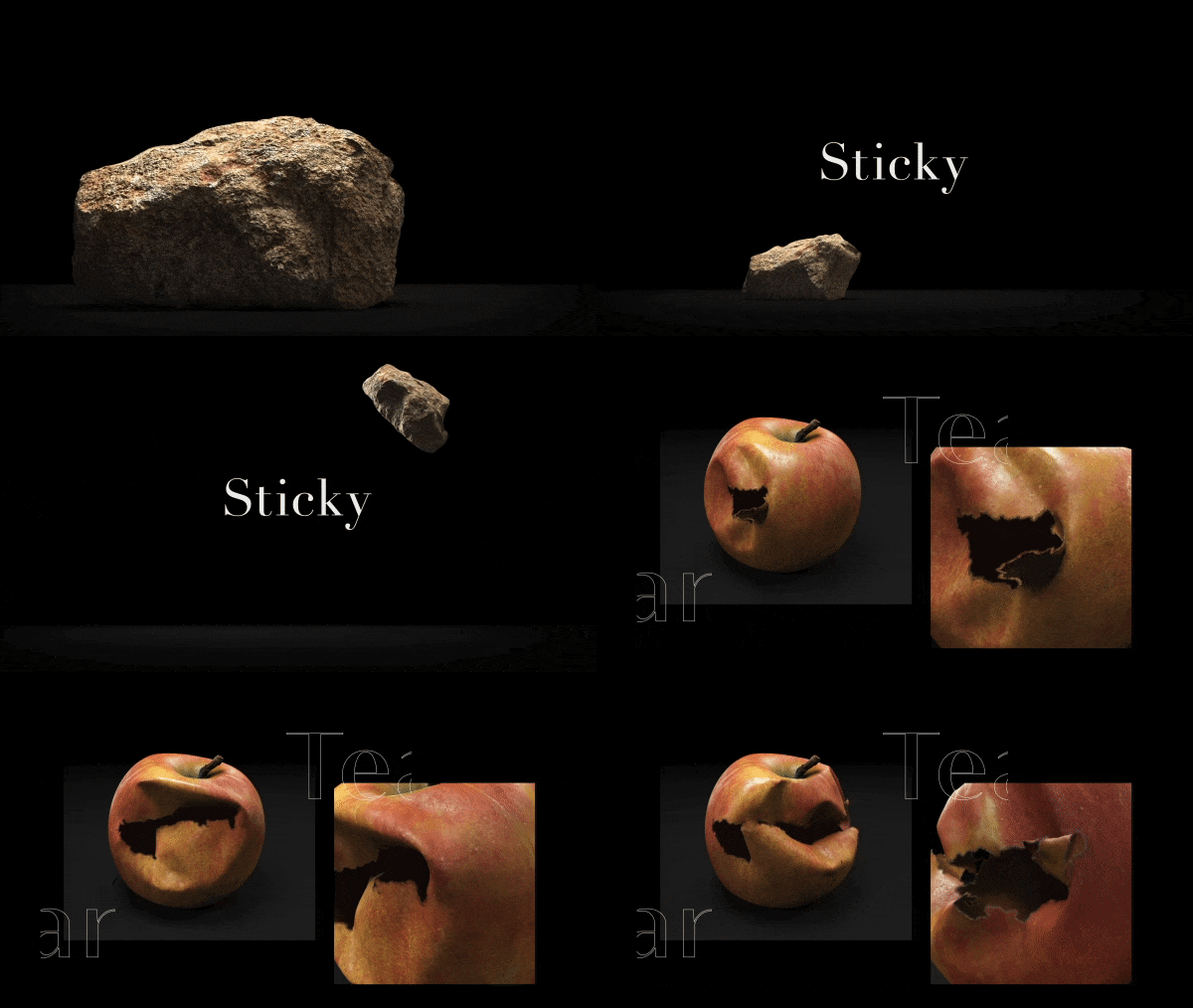
Representative Houdini artist in Korea Yuhwan Jang Jang's portfolio



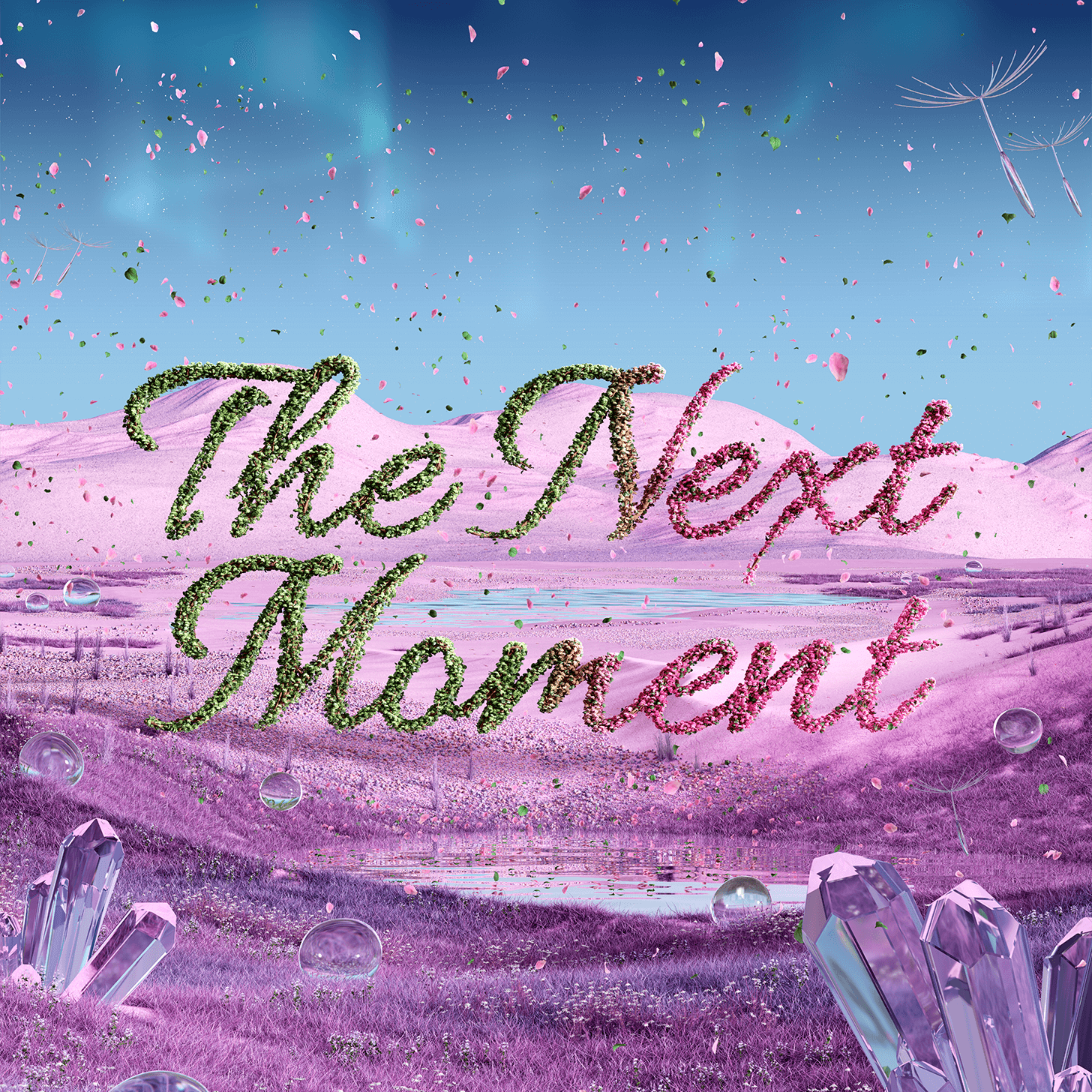
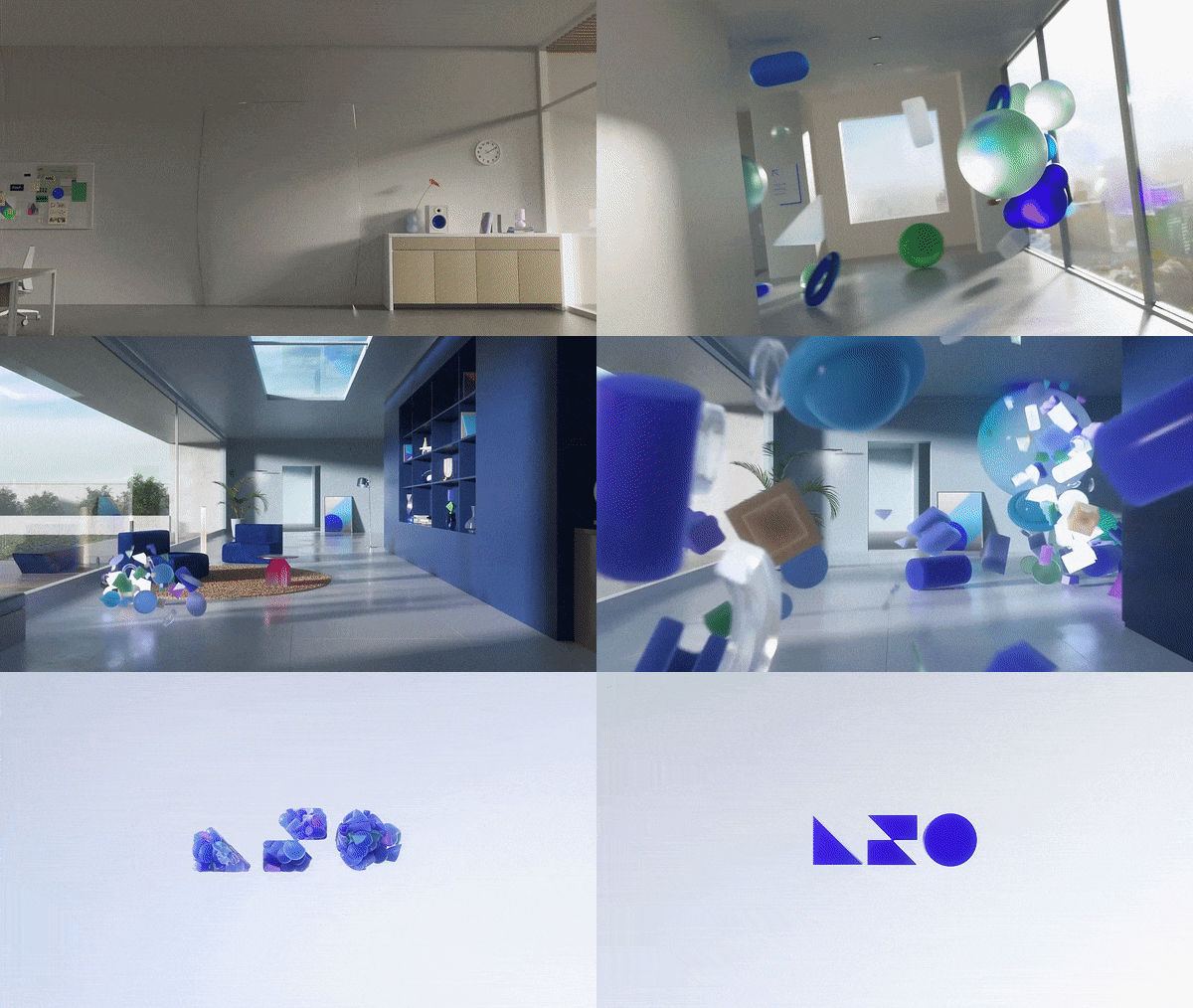
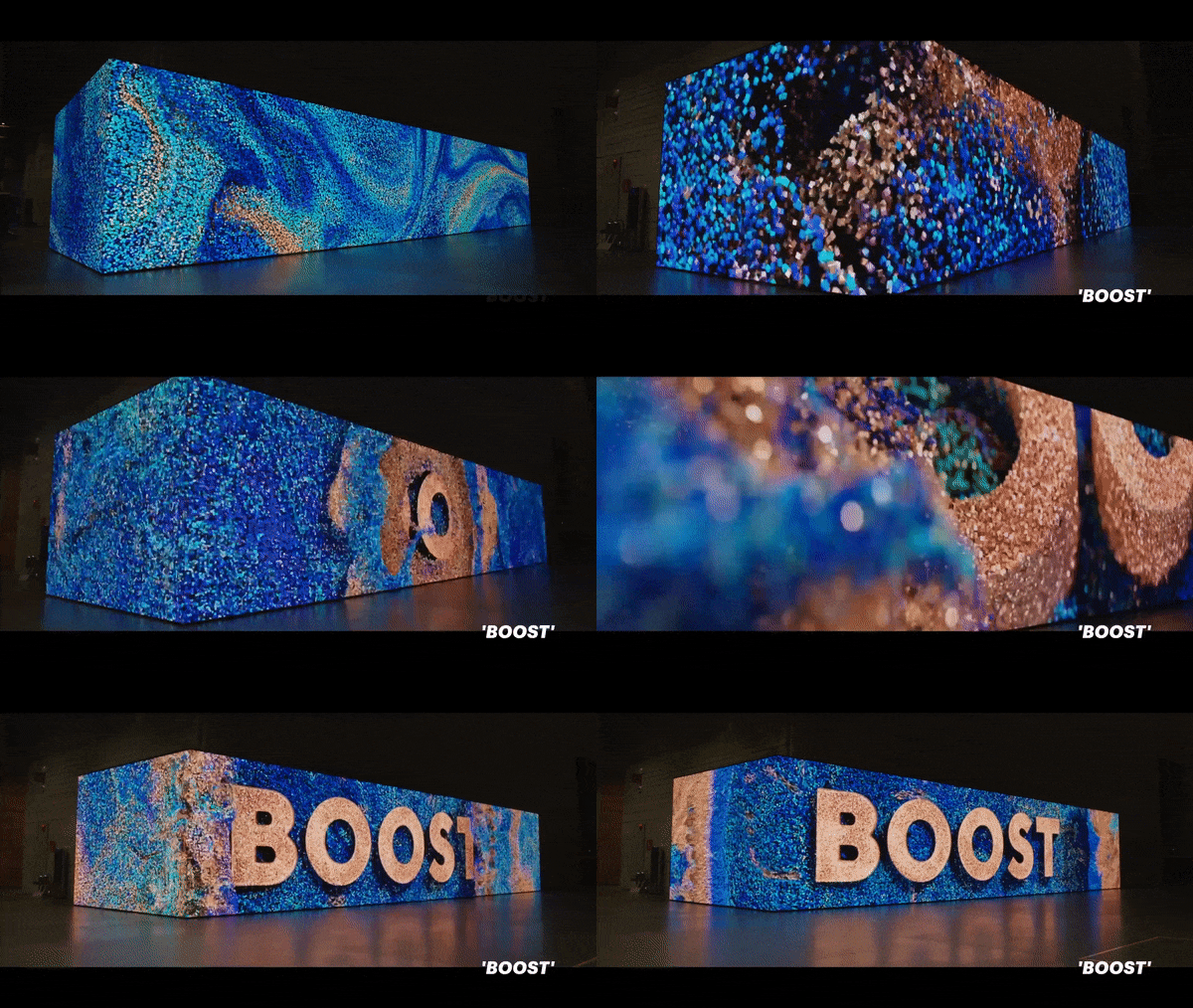



Why Take This Class?
Existing free lectures have language barriers as well as Because the curriculum is limited to VFX implementation, Wanted by prospective/current motion graphic designers Houdini skills and work processes It was bound to be difficult to learn.
This class Currently the most used in the motion graphics industry Based on 9 key examples You can use it immediately after learning it Houdini artwork know-how It is filled with 47 curricula.
Based on motion graphics work process From introduction to tools to implementation of practical examples Korean Houdini online class that contains everything, Coloso is the only one.
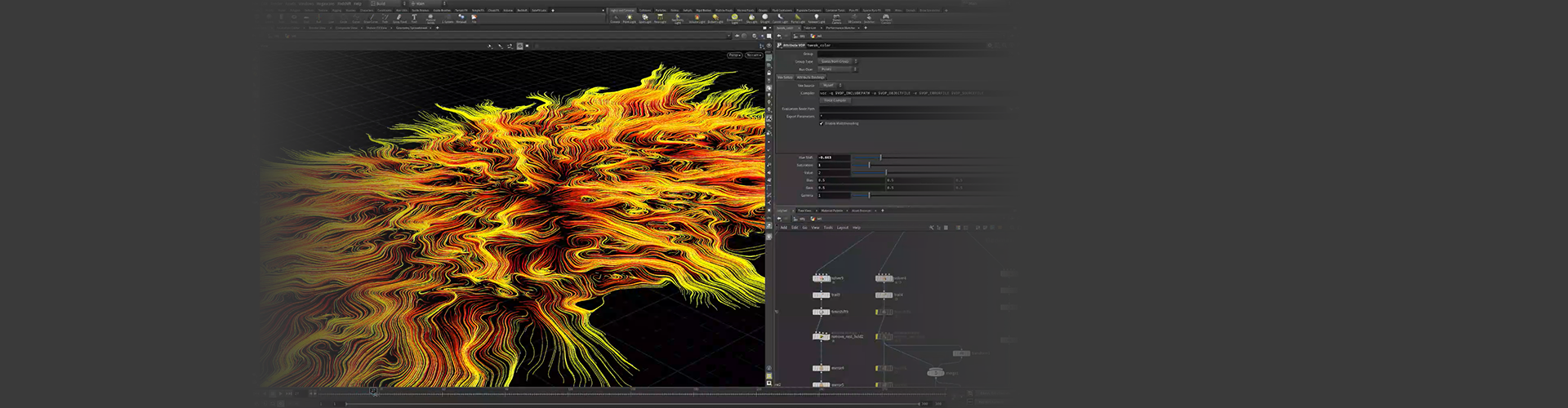
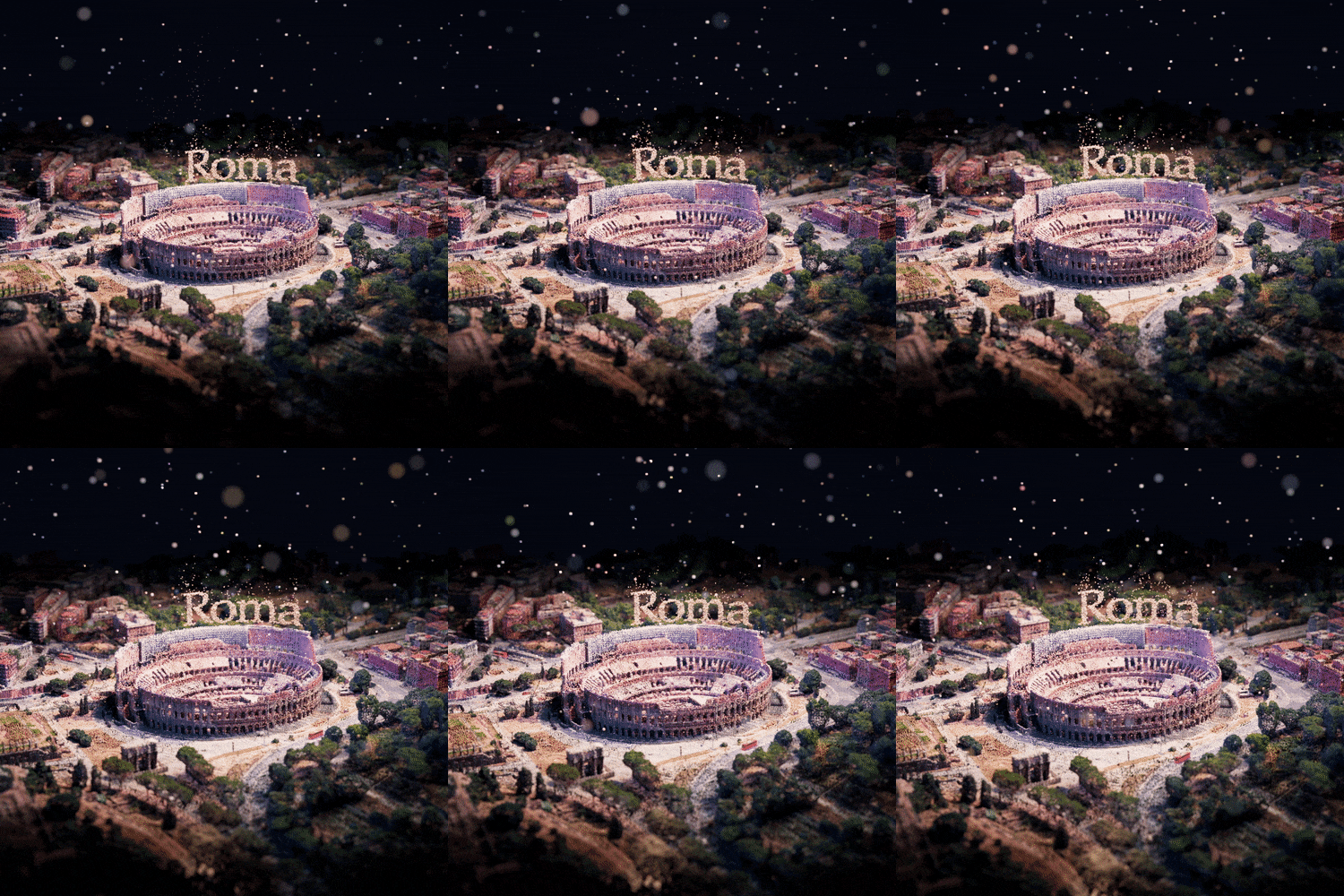
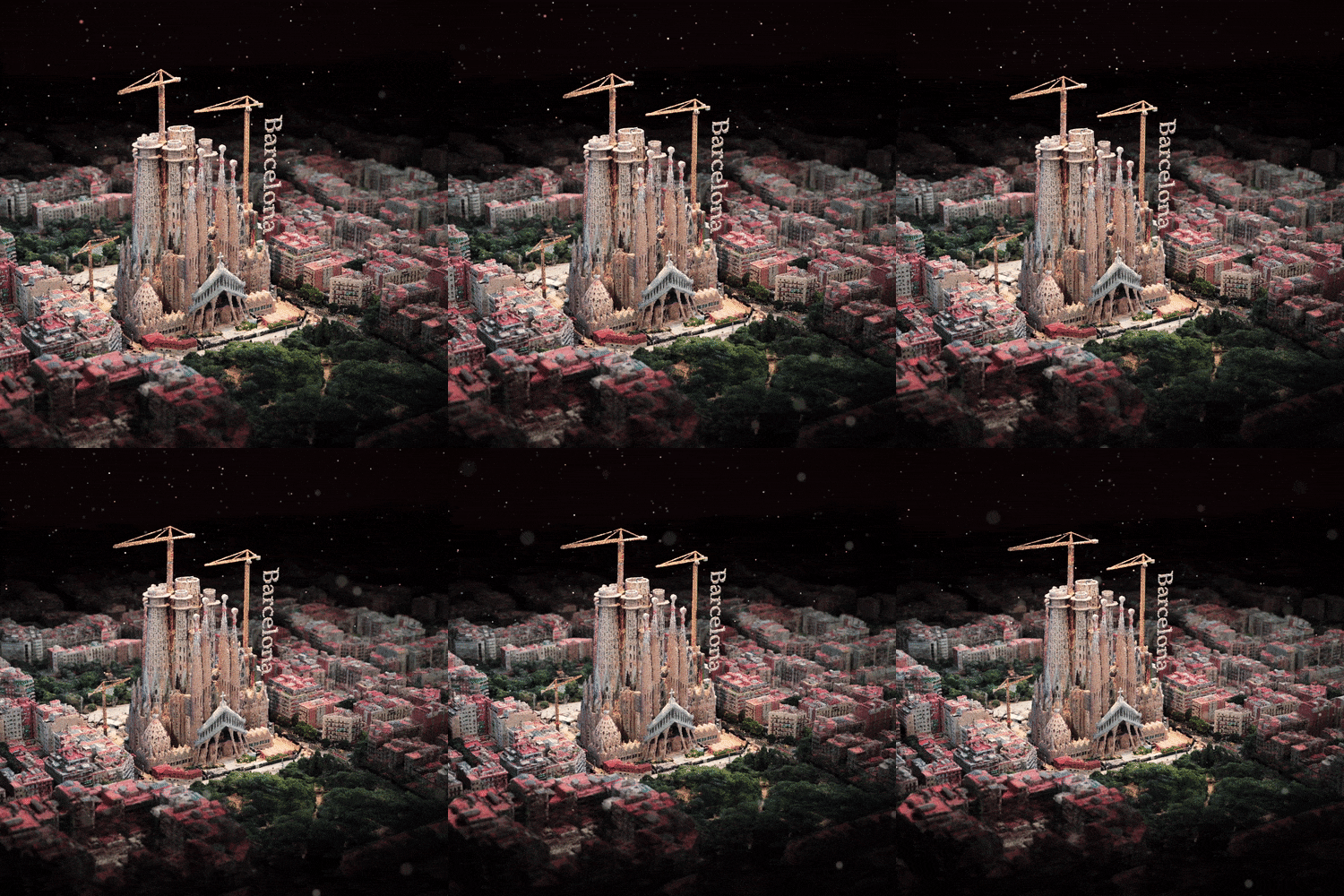
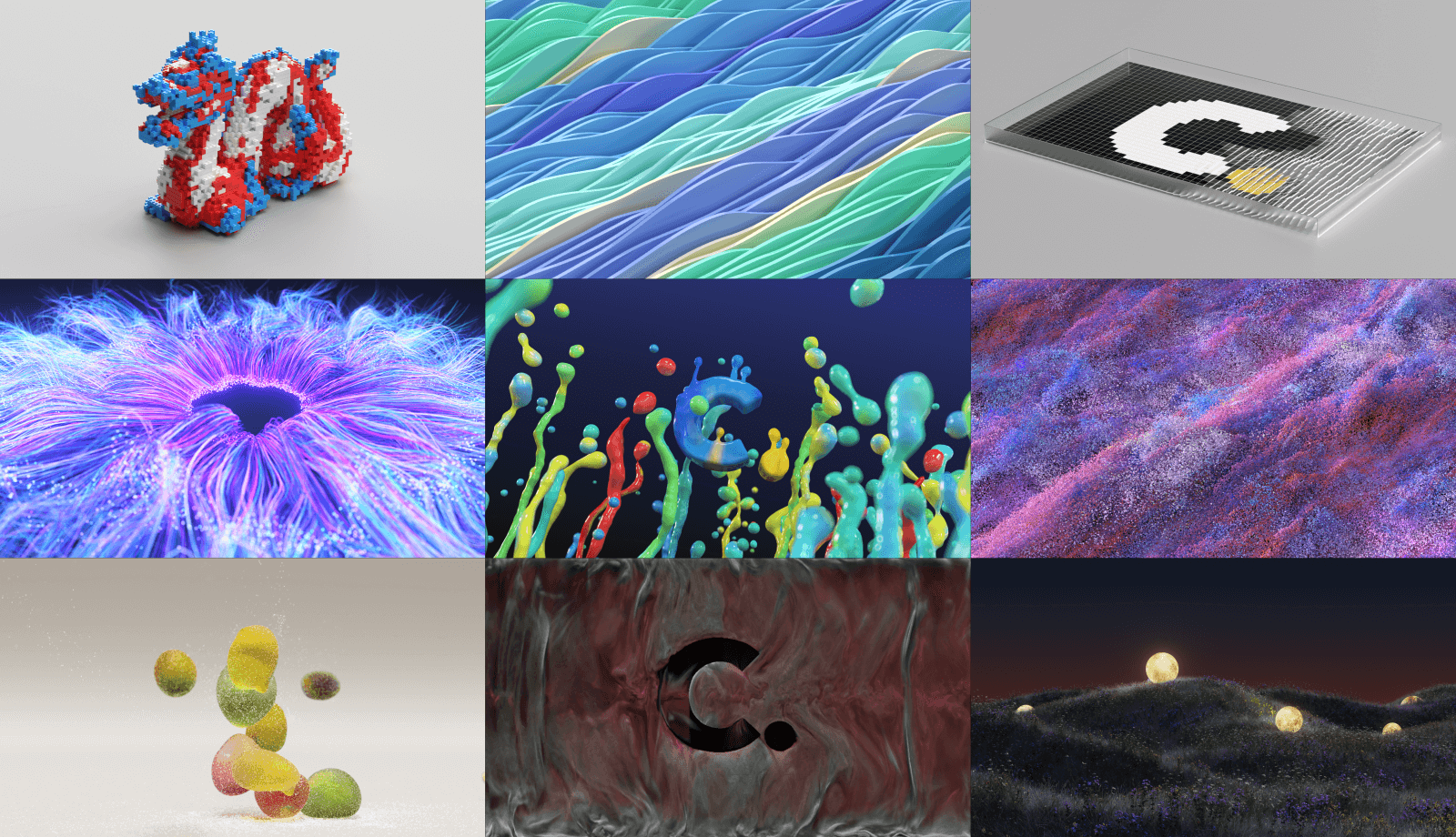
In this class 9+ artwork examples Try making it yourself.
Step 01. Mini example
-
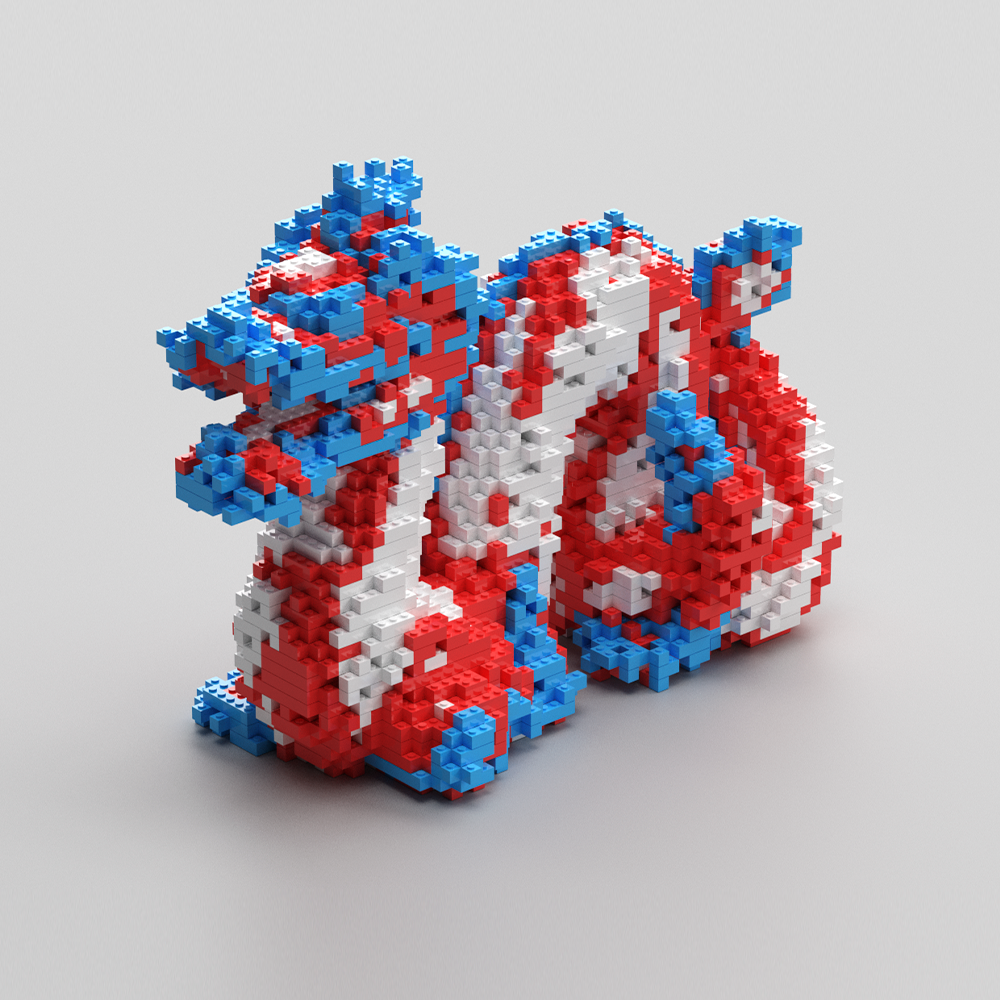 01.Lego
 -
 02. Abstract Wave
 -
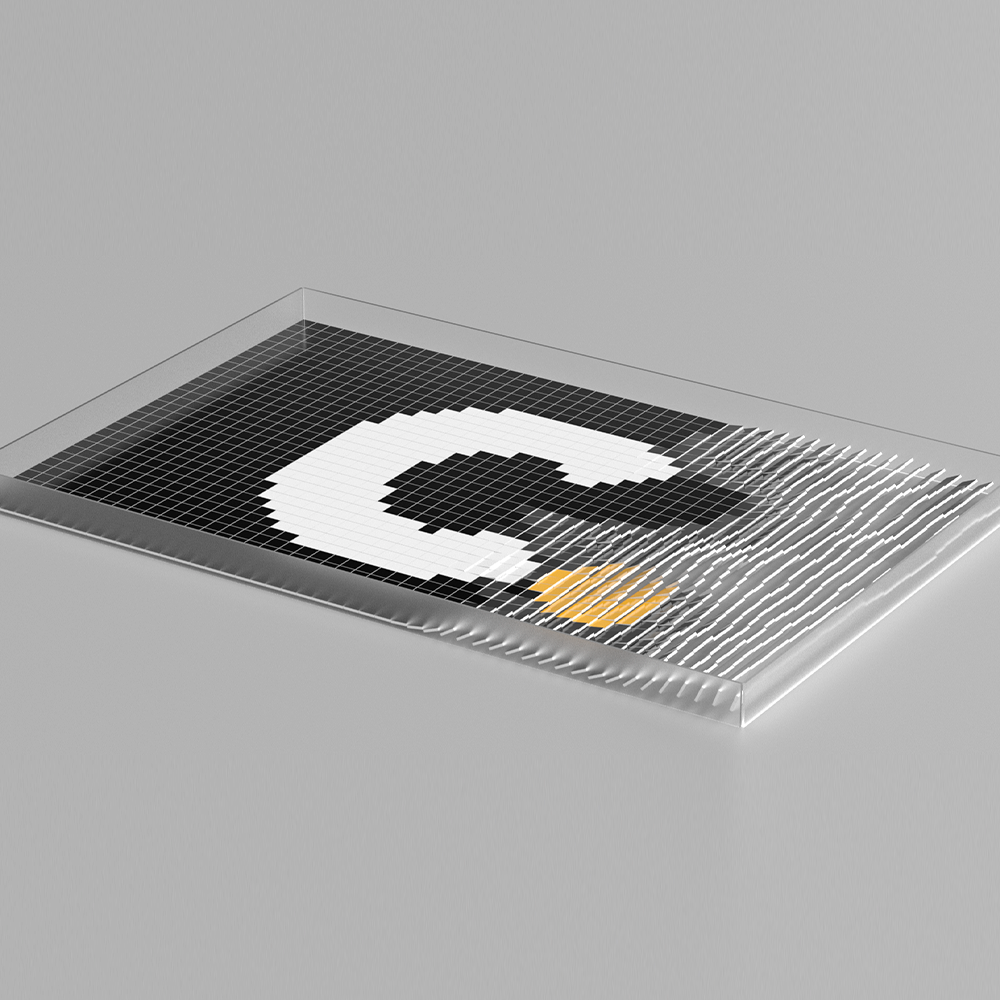 03. Card Section
Step 02. Main example
-
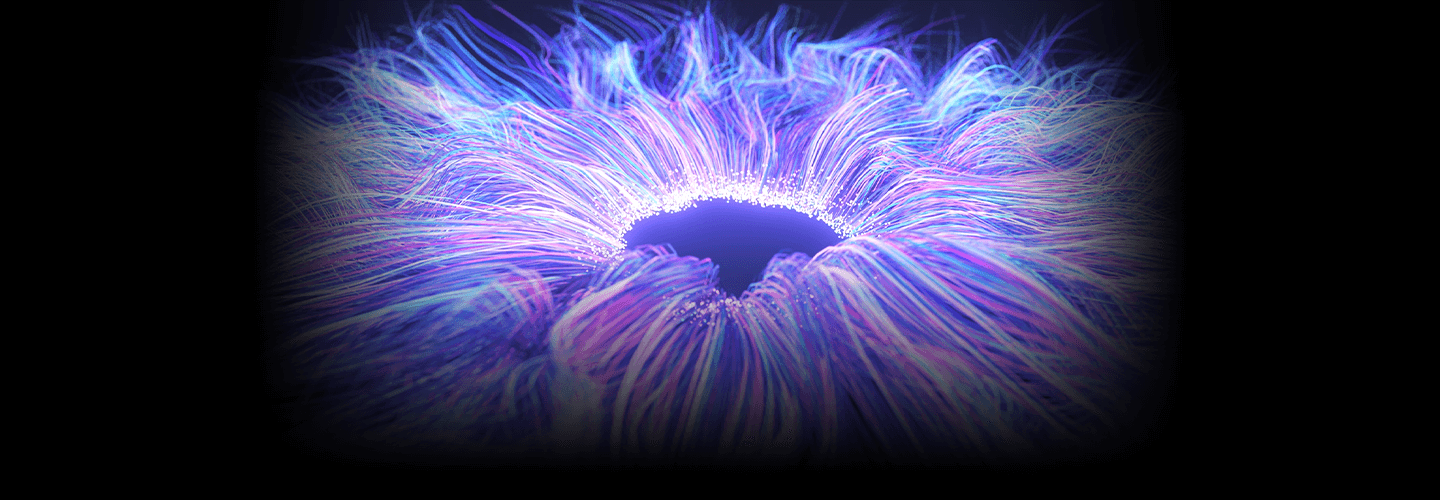
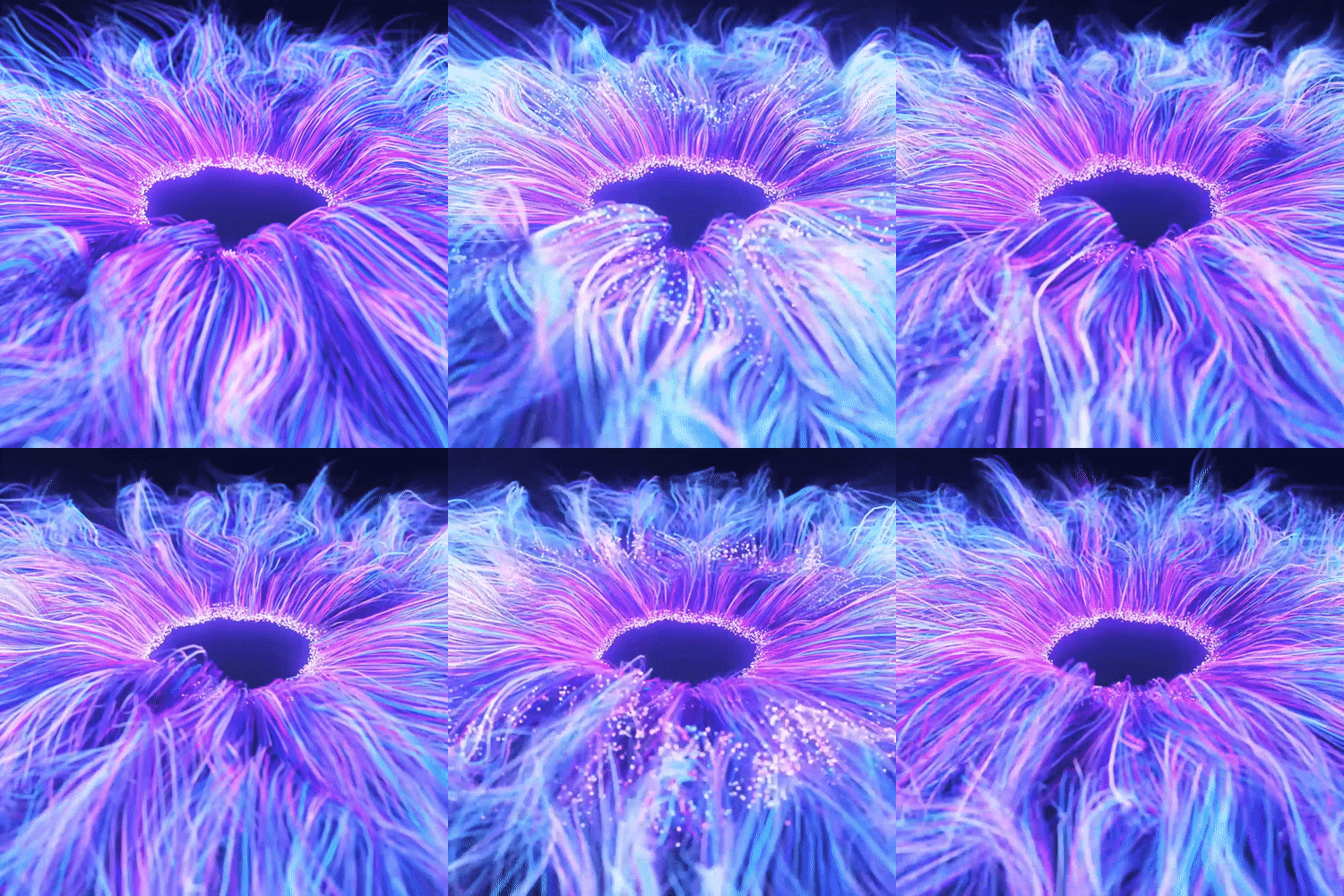 01. Iris
 -
 02.Tendril
 -
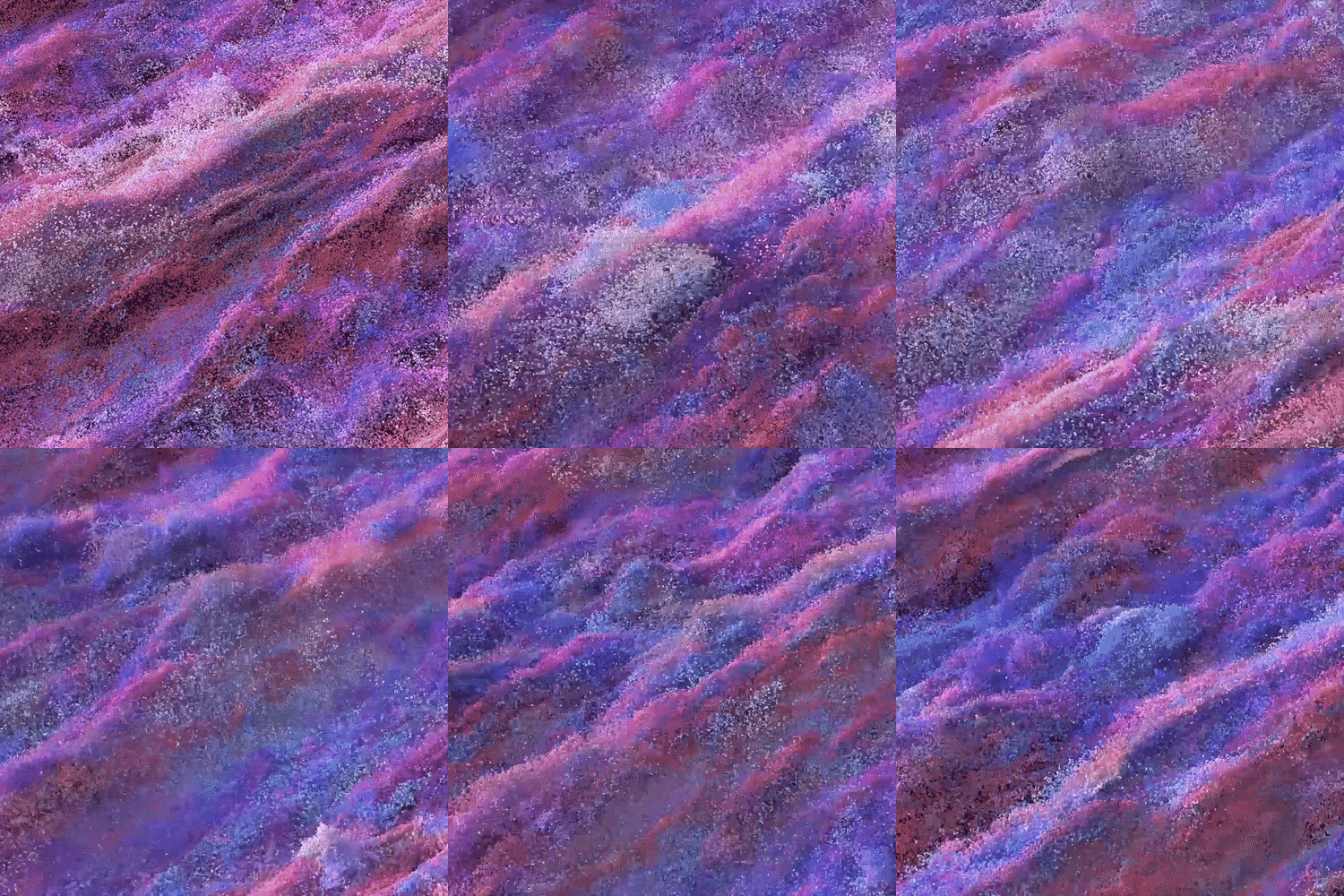 03.Particle
-
 04. Jelly
 -
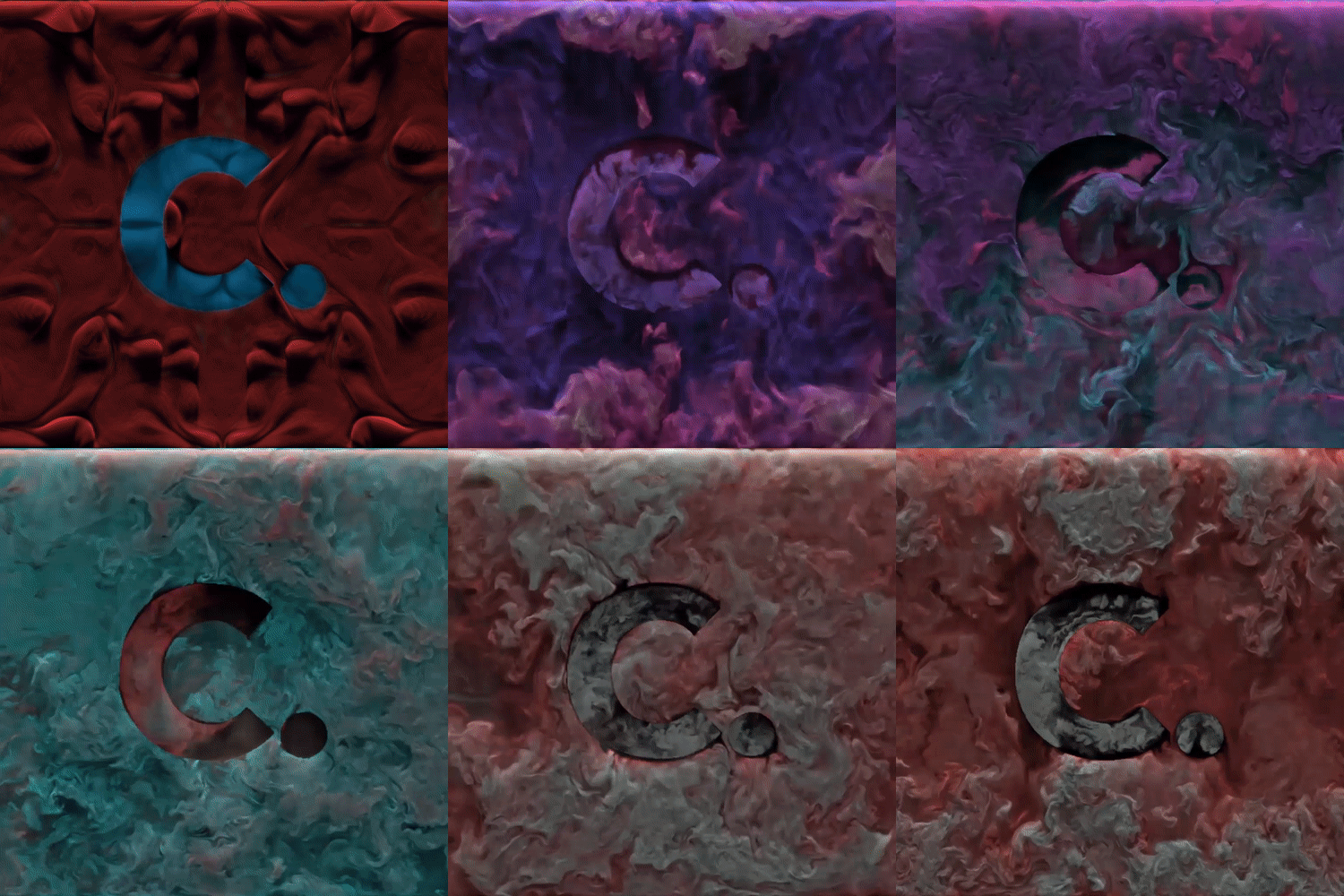 05.Smoke
 -
 06.Nature
Speaker introduction
Houdini Artist
Yuhwan Jang
Hello, I am Yuhwan Jang, a Houdini artist. I have worked for companies such as Two Gray and Four by Four, and am currently a freelance artist using Houdini for motion graphics and media art. I have worked on advertisements and media art content for numerous companies such as Samsung, LG, SK, Lotte, Kakao, Naver, and Amore Pacific.
In Korea, Houdini tends to be recognized only as an FX tool. However, if you are good at using Houdini, you can create splendid and diverse motion graphics and media art works by utilizing the technology applied to existing FX. I prepared this lecture in the hope that many motion graphic designers will be able to create diverse and uncommon works beyond existing motion graphic tools.

Houdini Artist
Yuhwan Jang
[Current]
AnT Houdini Artist
LED.ART Artist
[Former]
2GREY Houdini Artist
Four By Four Houdini Artist
Houdini instructor at the Korea Creative Content Agency New Media Academy
View more history
[Participatory Project]
Naver Connect 2020
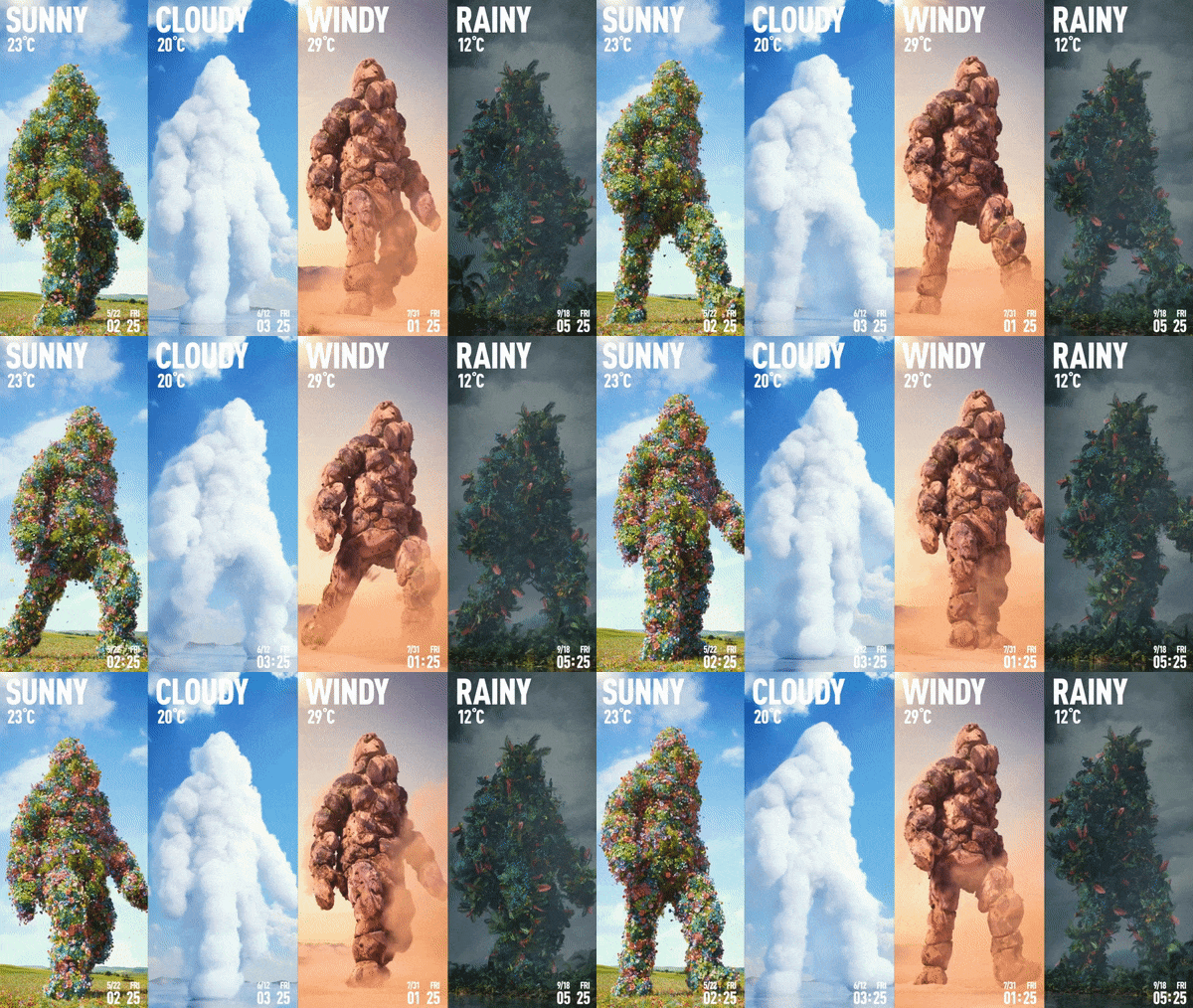
Coex Media Tower The Weather Giant
Parnas Hotel Seasonal ID
LGU+ Daily TEUM: Blossom Room
Gentle Monster The Revolution Beijing Flagship Store
Lotte Department Store Spring/Summer Season ID
Studio Dragon Leader Film
Asia Culture Center New Technology-Based Content Lab Exhibition
KRX Korea Exchange Lobby Media
Kakao Space PORTDOT Media
Times Square Summer Season ID
class features
class features
Getting to know Houdini 9 various example exercises
Learn Houdini's work process directly with a total of 9 examples, 3 mini examples and 6 main examples, where you can directly experience and understand the high degree of freedom of the tool.
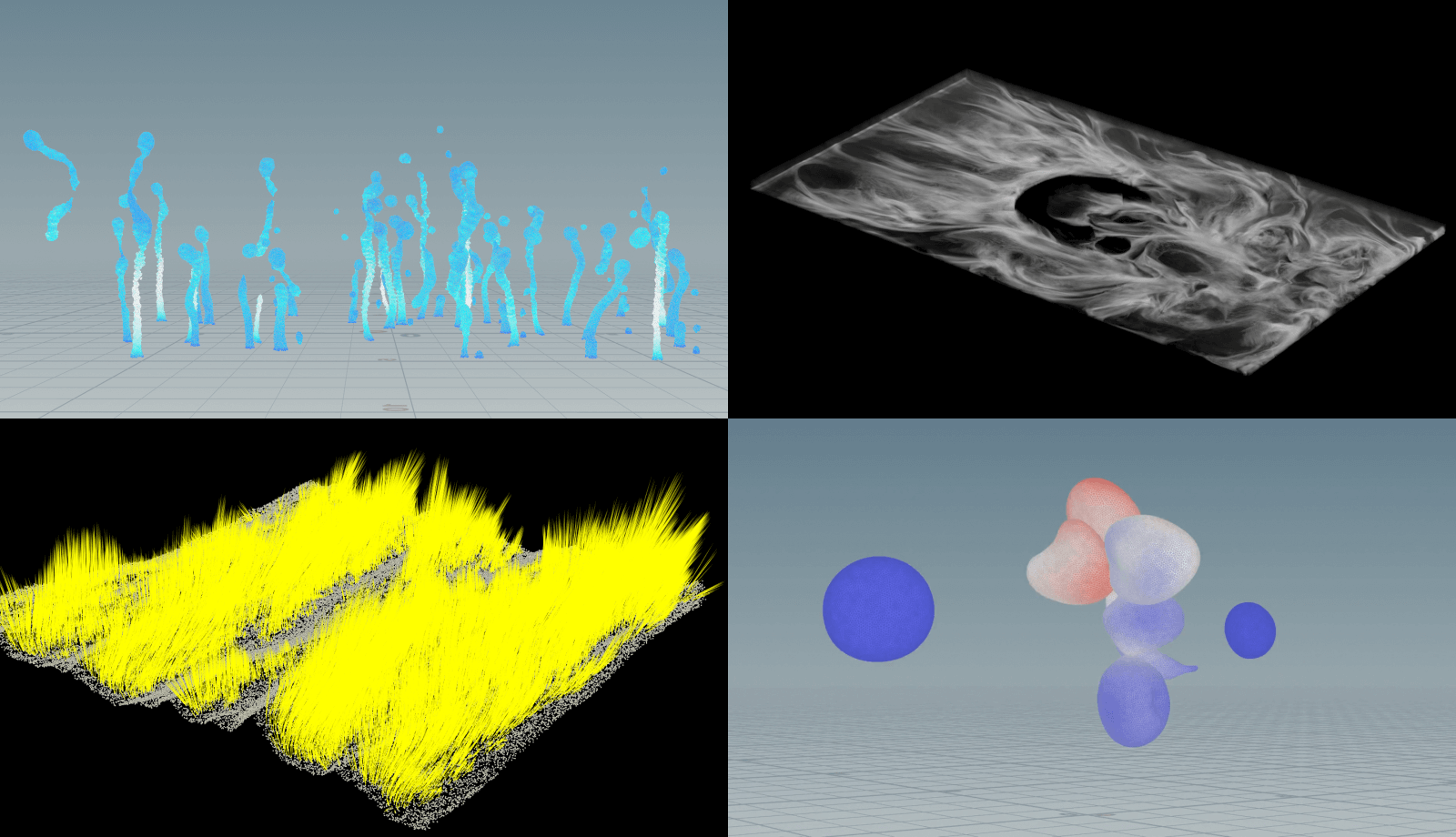
Beyond the limits of motion graphics Houdini effect skills
Houdini has various built-in functions to implement effects that occur in reality. By using these features, you can create new looks that have never been seen before. We create various effects that were difficult to implement with existing tools and create new artwork that is different from before.
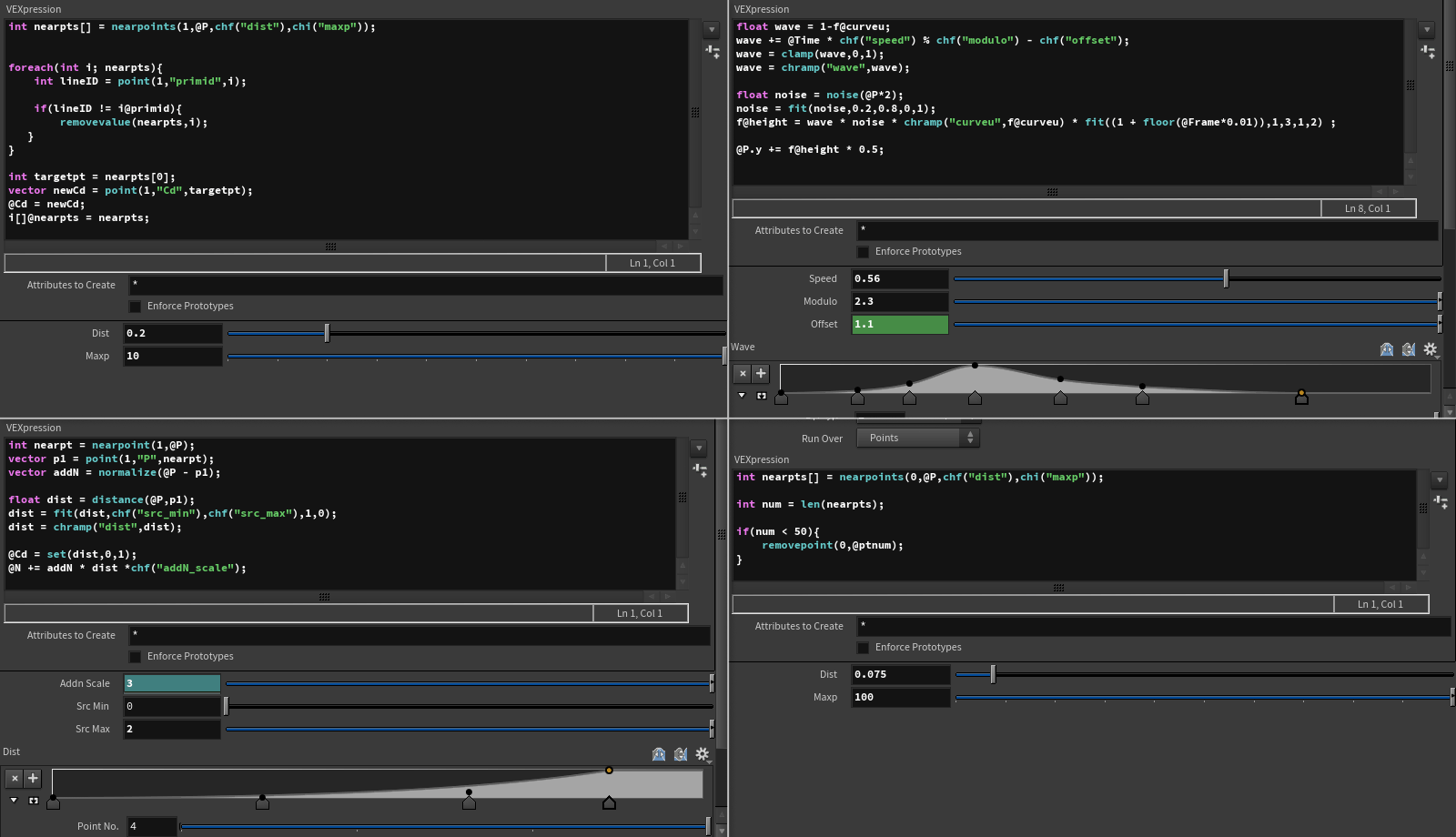
Houdini's greatest strength, Learn VEX coding
VEX coding that enables efficient work processes by storing and using data at each point! You will learn about programming languages through hands-on experience, from basic concepts to practical applications through various examples.
Class composition
learn this
-
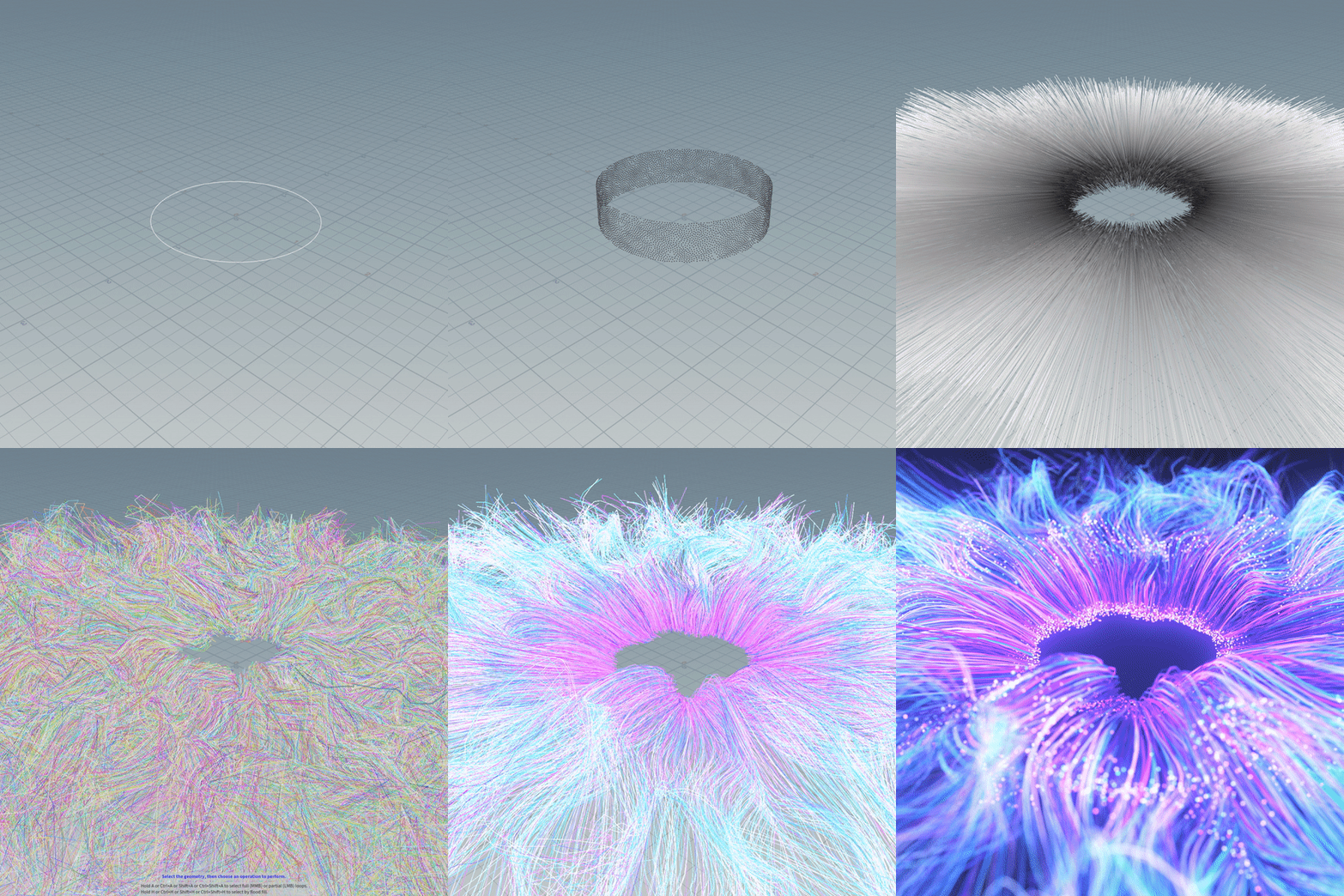 Procedural work process and Understanding AttributesAlong with learning the procedural work process, you will learn the concept of attributes that individually control lines, particles, colors, etc.
 -
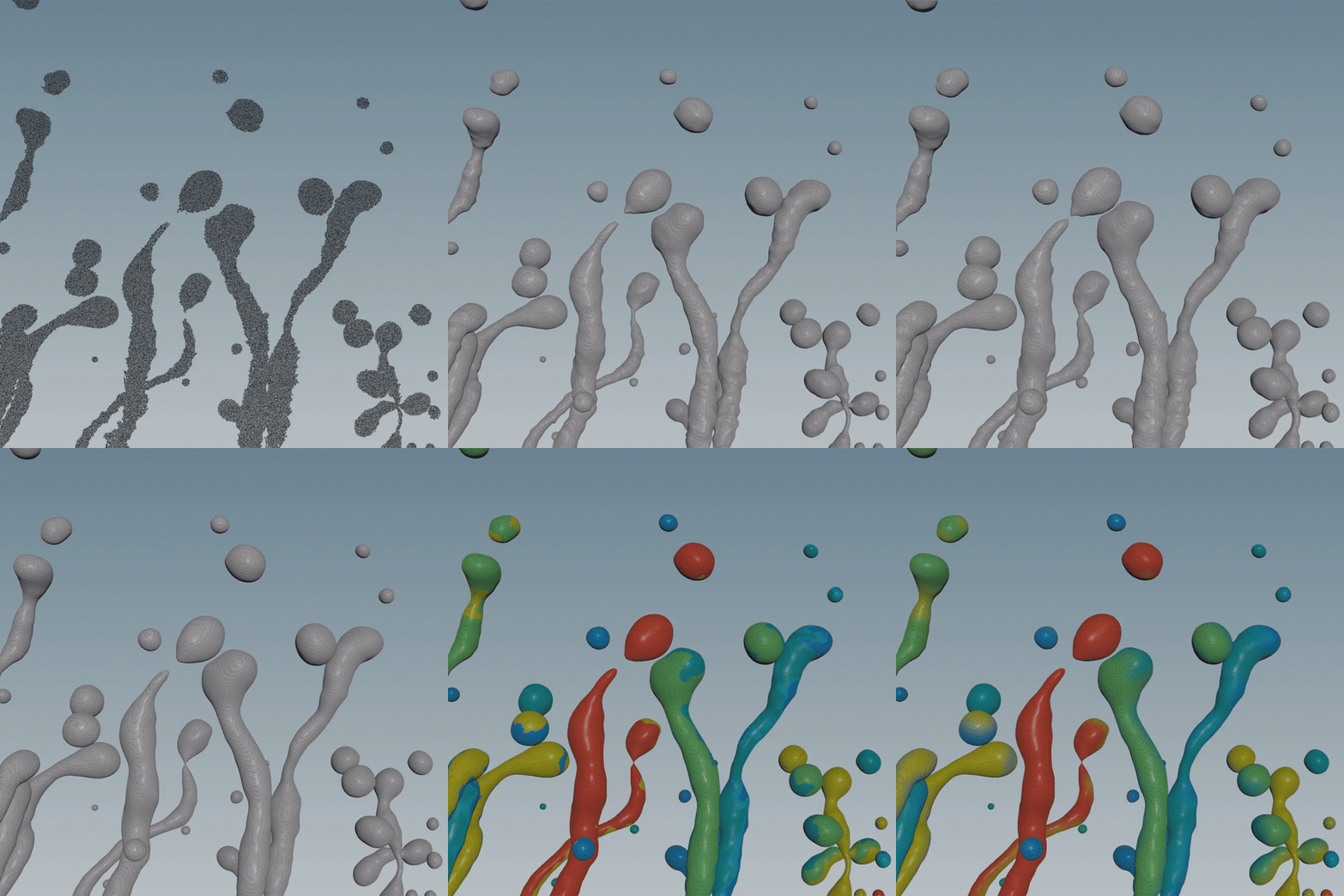 fluid simulationLearn how to modify surface tension values and objects to simulate bouncy fluids.
 -
 POP Net & VEX CodingLearn how to use Popnet, the basics of particle production, and learn how to control each particle through simple VEX coding.
-
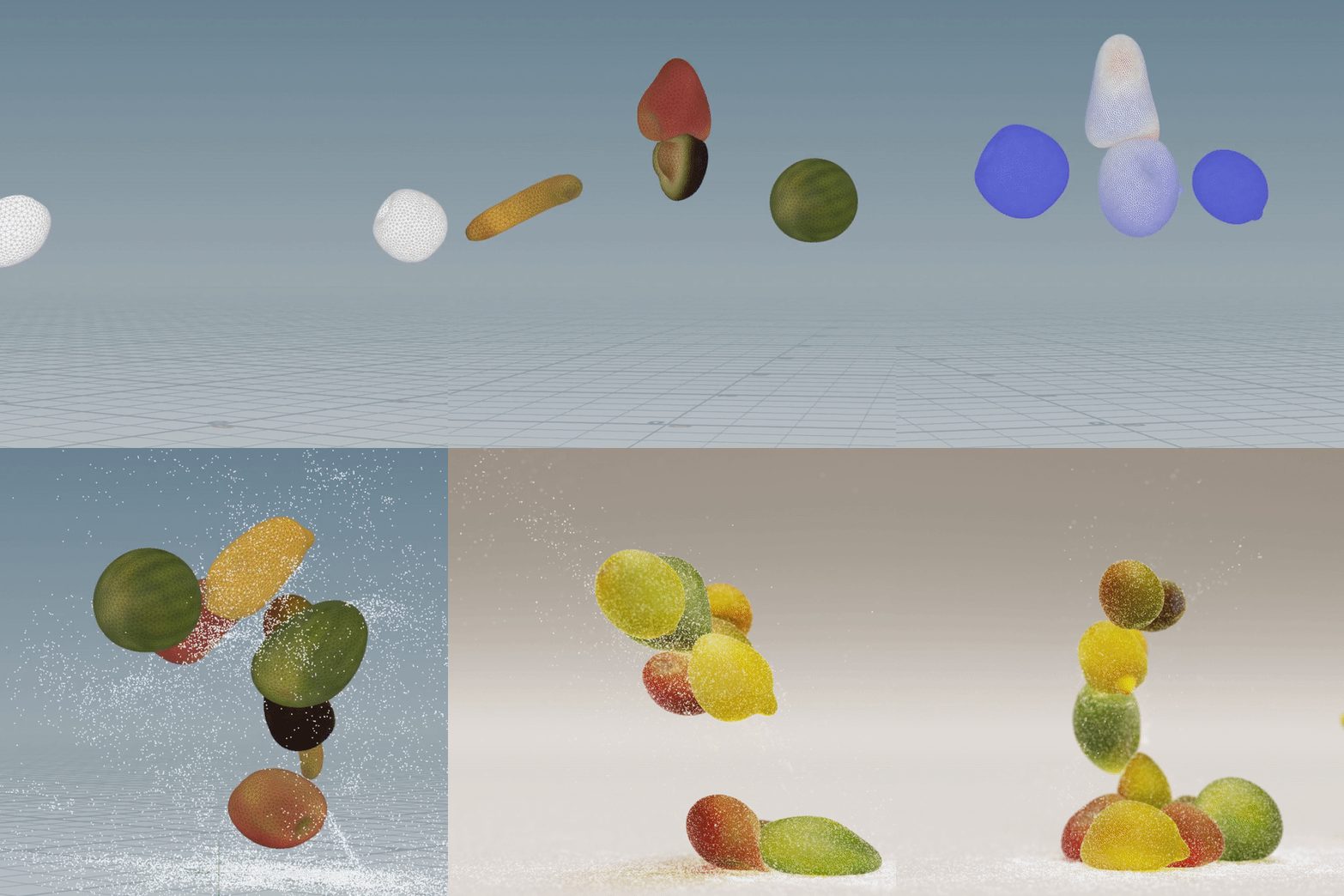 Using the Vellum function Soft body simulationBy adjusting the parameter values, we simulate soft jellies sticking together and falling, and add details by adding sugar on the jelly surface as particles.
 -
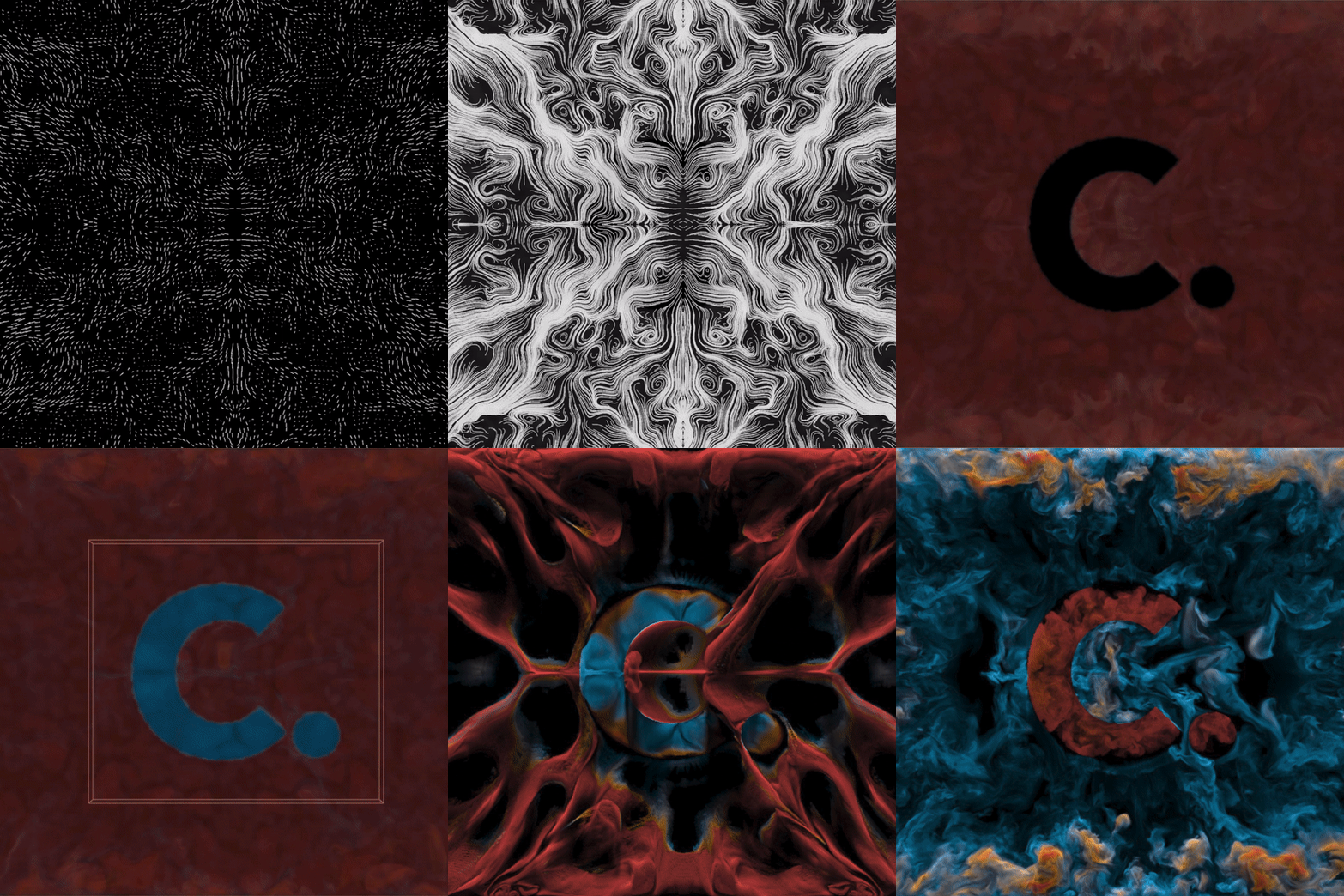 Smoke & Custom Velocity FieldBased on the basic functions of the Pyro solver, you will create a smoke simulation that makes the center logo stand out, and learn how to create and apply a velocity field of the shape you want.
 -
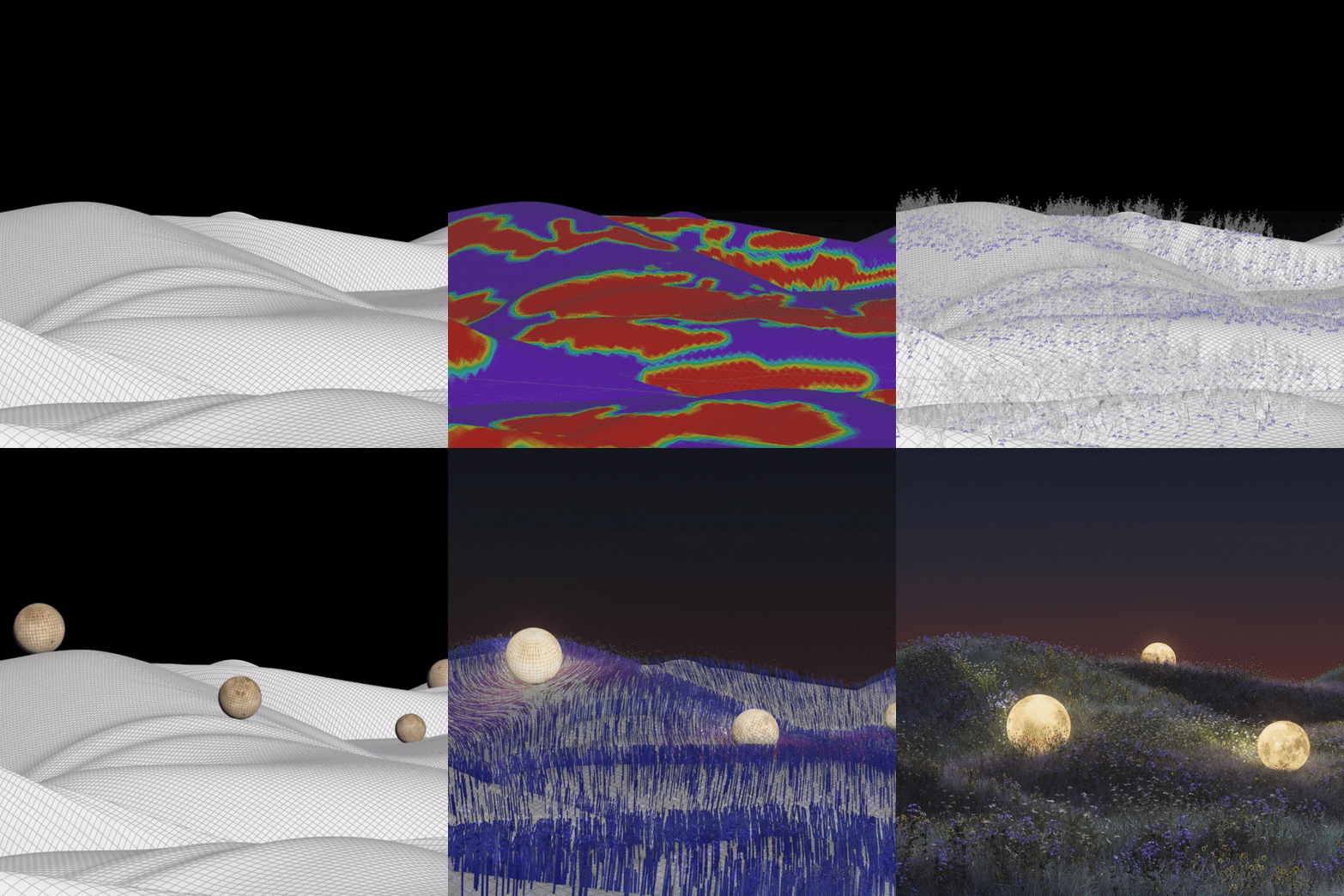 Redshift InstanceLearn how to easily copy numerous objects and place them in the desired area using the instance function of the Redshift renderer.
curriculum
curriculum
Show me the curriculum
SECTION 01. Getting familiar with Houdini
01.Intro
- About Houdini
- Interface introduction
- Understanding points, vertices, and primitives
- Understanding Attributes
02. Mini example 01: Lego
- Creating Lego shapes using copy nodes
03. Mini Example 02: Abstract Wave
- Noise production with VOP nodes
04. Mini example 03: Card Section
- Create card section effects with the for each node
05. A quick look at Redshift
- Redshift Basics
- red shift camera
- Light/Texture/Render Settings
06. Introduction to frequently used nodes
- Introduction to over 120 nodes frequently used in Houdini
SECTION 02. Main Example 01: IRIS
07. What is a procedural? (Procedural)
- Procedural concepts and advantages
- Channel reference, expression demonstration
08. Basic shape composition and animation
- Creating the basic form of an iris
- Adding noise
- Looping animation based on modulo
09. Increasing details using attributes
- Add various colors depending on the length, height, and position of the line
- Create particles based on the shape of the line
10. Creating particles that travel along a line
- Bring line color to particle color using VEX foreach, nearpoints, and point
11. Redshift rendering
- Lighting, Shading and Rendering
- Apply Depth of Field
SECTION 03. VEX
12. Learn various VEX functions frequently used in Houdini
- chf, chramp, chv, chi, chs
- set, rand, lerp
- addpoint, addvertex, addprim
- fit01, fit, fit11
- point, prim, removepoint, removeprim
- setpointattrib, getbbox, distance
13. Learn VEX functions using nearby points
- nearpoint, nearpoints, primuv, xyzdist
14. Understanding conditional and loop statements
- if/for
15. Understanding repetitive statements
- for each / while
16. Introduction to frequently used Expressions
- bbox / centroid / detail / stamp
SECTION 04. Main Example 02: Tendril
17. Introduction to Fluid
- Use of various types of fluid shelf tools
18. Preparing Fluid Sauce
- logo modeling
- Prepare emitter source
- Random speed setting at emitter stage
19. Creating custom velocity
- Velocity production for tendril shape
- Application to velocity fluid simulation
20. Redshift rendering
- Creating uv valuesfor fluid and applying noise patterns
- Lighting, Shading and Rendering
SECTION 05. Main Example 03: Particle
21. Introduction to POP Net
- Structure of PopNet
- Learn about the functions needed to control particles
22. Creating a wave-shaped base
- Create a wave-shaped base using ocean nodes
23. Creating Velocity
- Creation of wave-shaped velocity using VEX in Popnet
- Understanding VEX xyzdist and primuv concepts
24. Increasing details in particle movement and shape
- Add details using various nodes in PopNet
- Apply after modeling individual sand to attach to particles
25. Rendering
- Lighting, Shading and Rendering
SECTION 06. Mathematics in Houdini
26. Simple VEX functions related to mathematics
- clamp / abs / ceil / floor / pow / exp
27. Using trigonometric functions
- sin / cos / tan / rad / degrees
28. Understanding vector multiplication
- Vector multiplication: dot product and cross product
29. Movement expression
- Matrix / Quaternion
SECTION 07. Main example 04: JELLY
30. Introduction to Vellum
- Experience various Vellum simulations
31. Preparing simulation sources
- Introduction to MegaScan Bridge and explanation of how to use it
- Learn how to simulate continuous firing
32. Setting up simulation
- Refine your modeling
- Emitter settings
- Constraint settings
33. Creating sugar-shaped particles
- Setting the part where the sugar falls off
- Making sugar particles with PopNet
- Attaching to Sugar Modeling Particles
34. Redshift rendering
- Lighting, Shading and Rendering
SECTION 08. Main example 5: Smoke
35. Introduction to Pyro
- Learn about the pyro solver to create fire, smoke, explosions, and more
36. Custom Velocity Basics
- custom velocity using sop
- Custom velocity using volume vop
37. Setting up Pyro Simulation
- emitter source production
- Touching properties in pyrosolver
- Simple custom velocity application
38. Creating Custom Velocity
- collision settings
- Create various custom velocities using solver and vector addition
- A taste of another artwork using custom velocity
39. Complete Pyro Simulation
- Apply custom velocity
- Complete logo interior/exterior simulation
- Lighting, shading and rendering settings
SECTION 09. Main Example 06: Nature
40. Preparing terrain and modeling
- Create Terrain
- Import flowers and plants from Megascan
- Moon texture modification
41. Arrange flowers and create wind effects
- Place flowers and grass using the paint node
- Create a wind blowing effect using noise
42. Use the movement of the moon
- Creating the effect of flowers and grass interacting with the moon
- Create sparkling flower and grass effects that follow the movement of the moon
43. Understanding matrices and quaternions
- Matrices and Quaternions
- VEX maketransform, rotate, quaternion
44. Replicate an object to a Redshift instance
- Understanding Redshift Instance Features
- Convert points into flowers and grass by setting instance values with VEX
45. Rendering
- Lighting, Shading and Rendering
SECTION 10. APPENDIX
46.Outro
- Tips for linking Houdini and Cinema 4D
- Easily save as Preview MP4
- Introduction to path deformer
- Houdini motion study tips
* Curriculum details may change before or after the video is released.
Interview
Houdini artist Yuhwan Jang Yu-hwan story I want to tell

Question 01
In the motion graphics industry How marketable is Houdini?
In the motion graphics industry How marketable is Houdini?
Most studios still mainly use Cinema 4D and Octane, but demand for Houdini is increasing significantly, especially for exhibition videos. In the Western world, various motion graphics using Houdini are already being produced, and as a result, the expectations of clients and consumers are rising , and the need for high-level artwork is growing . In the motion graphics market, which has already been upgraded, Houdini is being seen as an opportunity to increase his value .
Question 02
As a Houdini motiongrapher What are your strengths?
As a Houdini motiongrapher What are your strengths?
I would like to point out that Houdini's strengths include producing motion graphics using the high degree of freedom and high-difficulty technology. A variety of works using Houdini are already being created overseas, and in the domestic motion graphics industry, the number of places that require Houdini's various technologies is increasing. However, Houdini is not a tool that can be learned simply by following a tutorial; It requires understanding Houdini as a whole and logical thinking to derive results. Therefore, I think that just producing motion graphics with Houdini is a strength that sets me apart from other motion designers .
Question 03
Of this class What are the main points?
Of this class What are the main points?
The focus was on directly 'experiencing' Houdini's numerous functions and various artworks. Houdini has a very high degree of freedom compared to other tools, and there are many areas that you need to experience. What I focused on while planning this lecture was to allow those taking the lecture to experience as many things as possible in Houdini. Therefore , we structured the curriculum in a way to directly experience the work process through various results such as Houdini's basic SOP, simulation, vellum, and instance functions.
Question 04
To some people Do I recommend this class?
To some people Do I recommend this class?
I think learning a tool for a designer or artist is like learning a language. The more you know how to use various tools, the more you can express. Those who want to create new artwork outside of the existing production style, those who have always wanted to express something but found it technically difficult to implement, those who want to increase their competitiveness in the motion graphics industry, and a series of their own unique works as an NFT artist. I would like to recommend it to those who want to make it.
Program used We will guide you.
This class is conducted using the tools specified below.
Houdini 18.5.672 / Redshift 3.0.54
- Recommended version: Houdini 18.5.351 or higher / Redshift 3.0.51 or higher
- Accepted versions: Houdini 17.0.506 or higher / Redshift 3.0.0 or higher
* Both Houdini and Redshift are available as free versions.
(When using the free version of Houdini, there is no problem in proceeding with the class content, but rendering to convert to a sequence file may not be possible.)
* Programs and materials are not provided separately.