

Question.01
What is the marketability and outlook
for 3D character artwork?
3Dvisualartists,JunbeomPark_3D비주얼아티스트 박진범 Details
Class introduction
Class Intro
3D Visual Artist, Jinbeom Park
“We will help you complete everything on your own, from realistic characters to matching fashion and backgrounds.”
The secret to creating 3D
character artwork coveted by
global fashion brands
character artwork coveted by
global fashion brands
Today's world where virtual influencers make advertisements and debut as idols. It's a thing of the past that all you need is good character design!
Master not only the realistic characters themselves but also fashionable outfits and accessories all at once.
Coloso exclusively reveals how to freely implement trendy 3D character content, which is being attempted not only by the fashion industry but also by various companies.
Master not only the realistic characters themselves but also fashionable outfits and accessories all at once.
Coloso exclusively reveals how to freely implement trendy 3D character content, which is being attempted not only by the fashion industry but also by various companies.
3D visual artist Jinbeom Park has prepared the skills to complete 3D character artwork with realistic faces and expressions and sensuous clothing coordination.
After learning the overall character creation workflow using C4D and Daz 3D, how to create sophisticated styling, and the know-how to promote on social media, present a character work that fully reflects your own style.
After learning the overall character creation workflow using C4D and Daz 3D, how to create sophisticated styling, and the know-how to promote on social media, present a character work that fully reflects your own style.
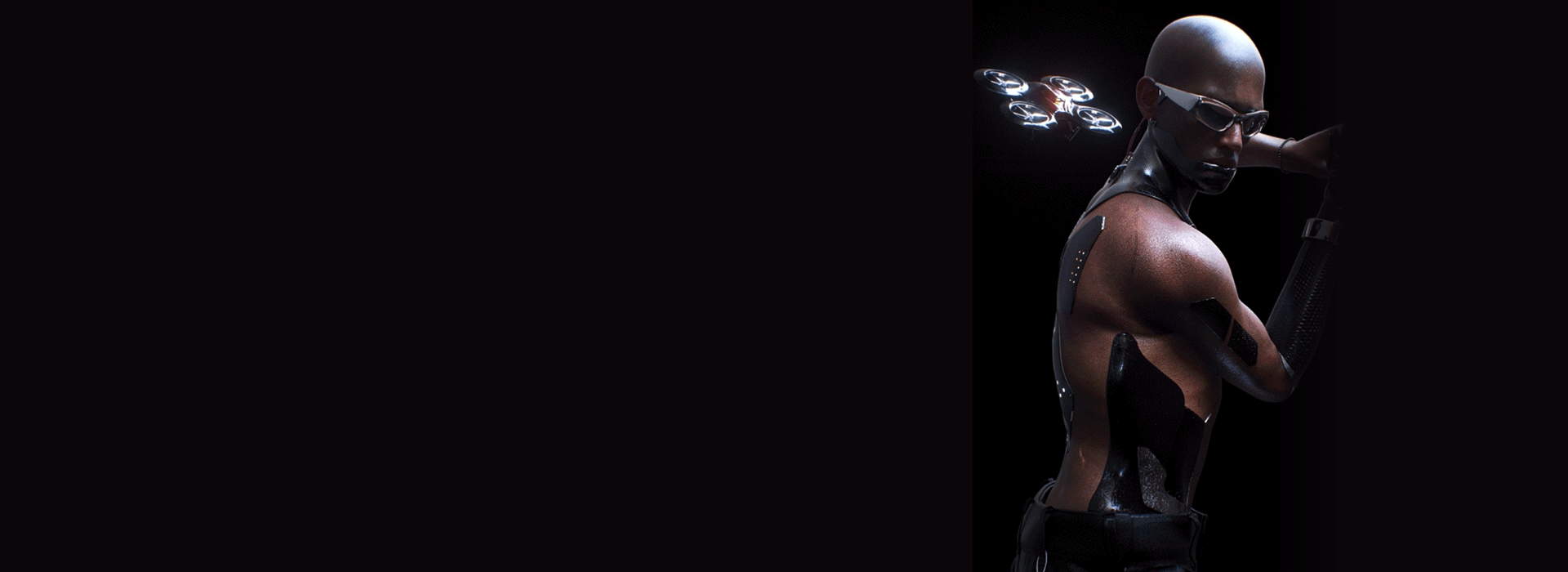
Expert 3D Visual Artist Jinbeom Park's Portfolio
Why Take This Class?
This 3D course, which has a wide range of applications and is already widely used overseas, but was rarely seen in Korea, has finally been born.
Learn how to use Daz 3D, which is essential for creating stylized character artwork, as well as the core functions of Marvelous Designer and Octane, which facilitate costume creation, and then connect them efficiently with C4D.
3D visual artist Jinbeom Park will help you learn everything from character concept planning, realistic facial texturing and lighting, differentiated costume and background production methods, and animation directing know-how.
Become a globally recognized artist by equipping yourself with tool capabilities that handle not only character artwork but also motion graphics, as well as a trendy visual sense.
6 Class Exercises
Part 01. Daz 3D Basics & Assets
Learn about the basic use of tools and prepare various modeling assets to create realistic 3D characters.
-
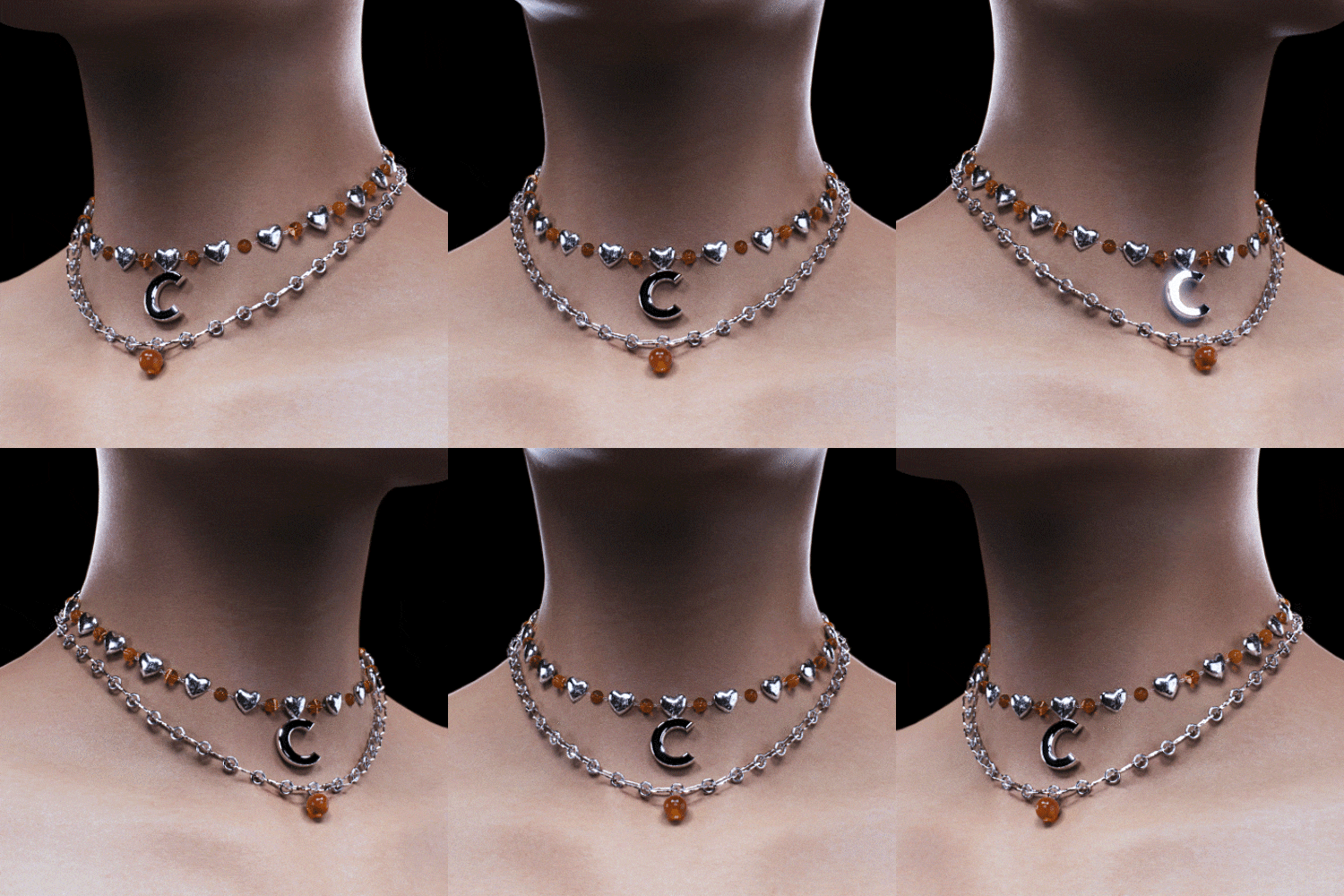
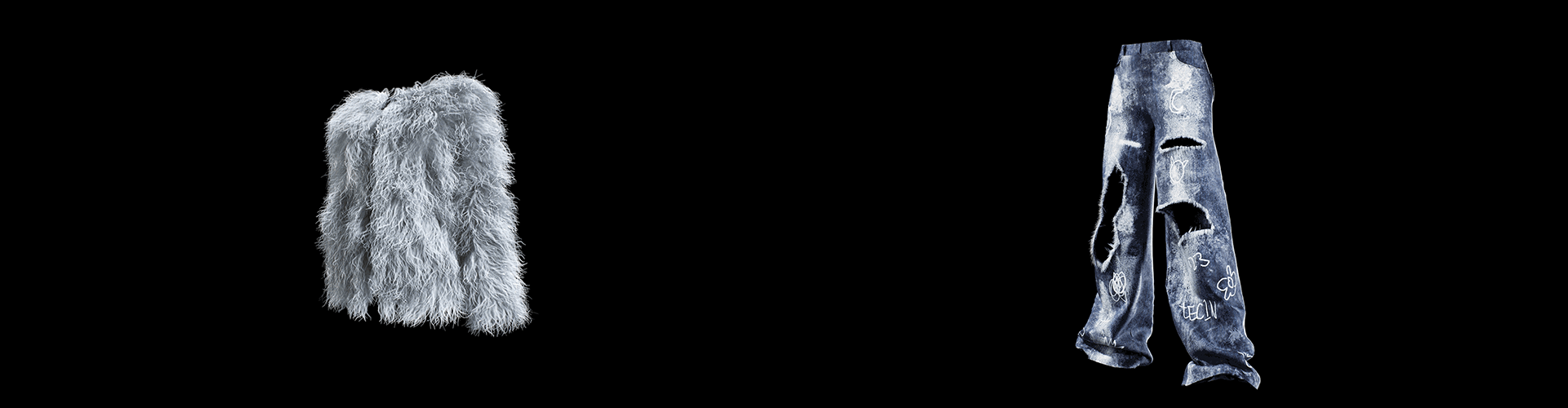
Asset 01: Necklace -
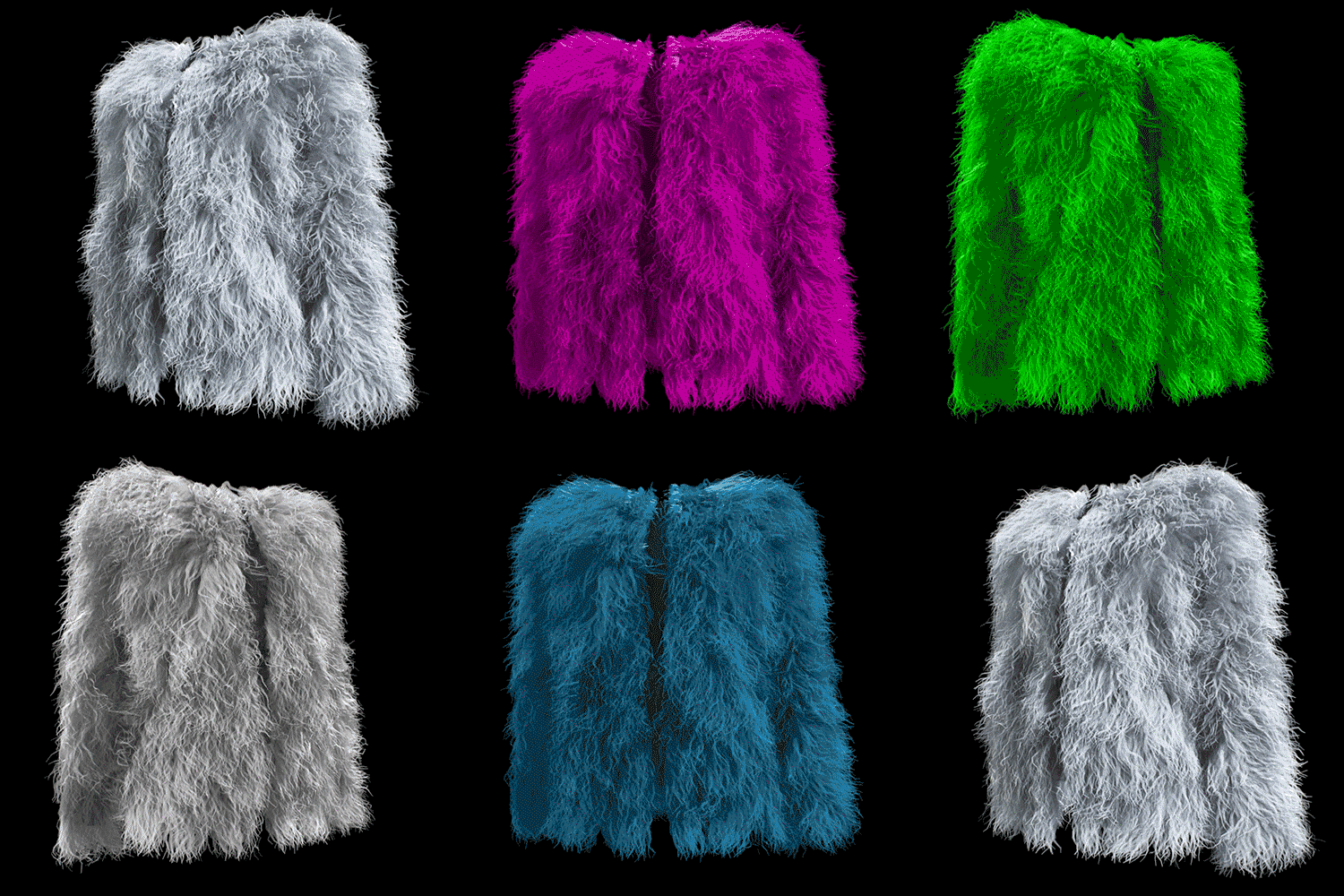
Asset 02: Fur Jacket -
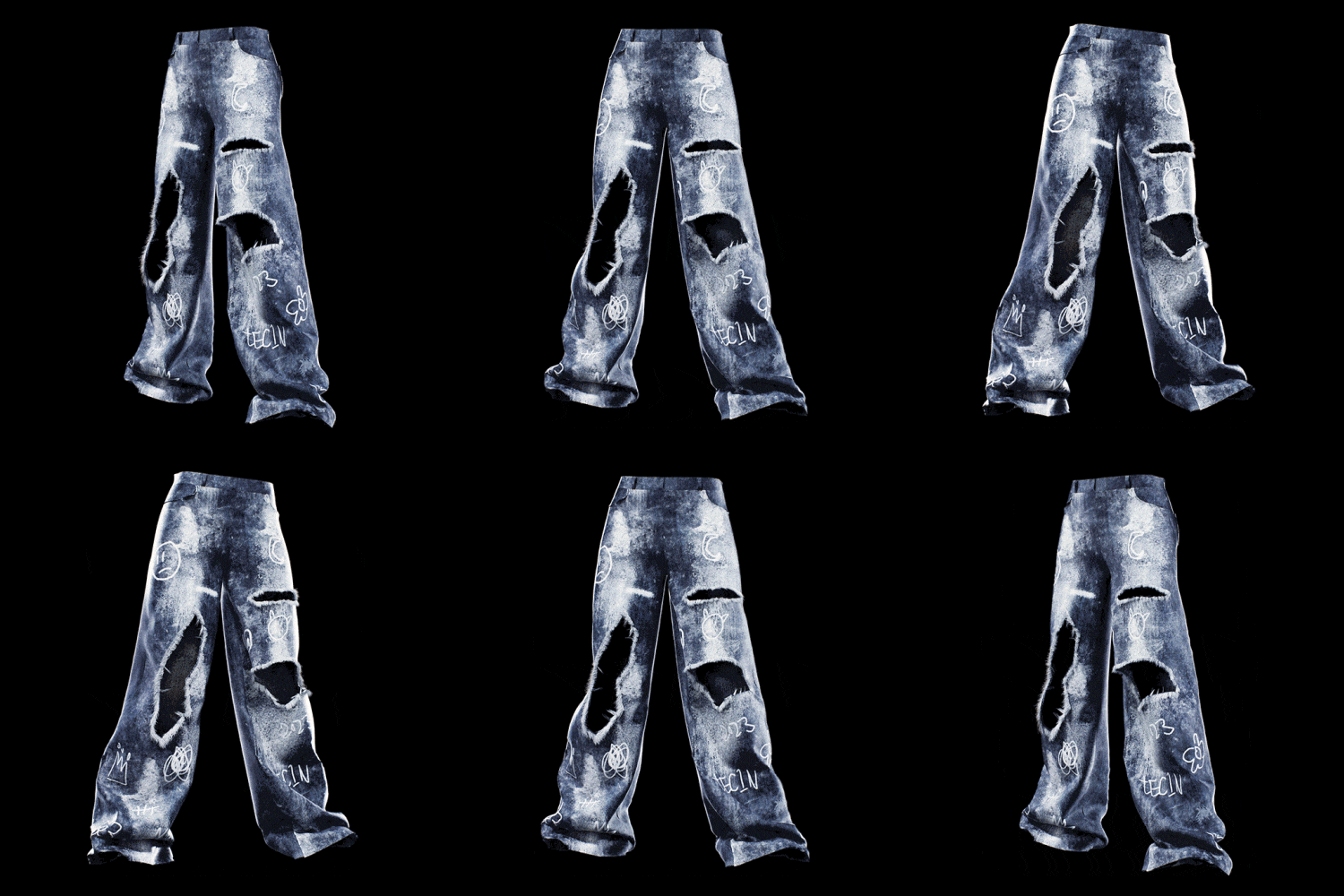
Asset 03: Destroyed Jean
Part 02. Character creation
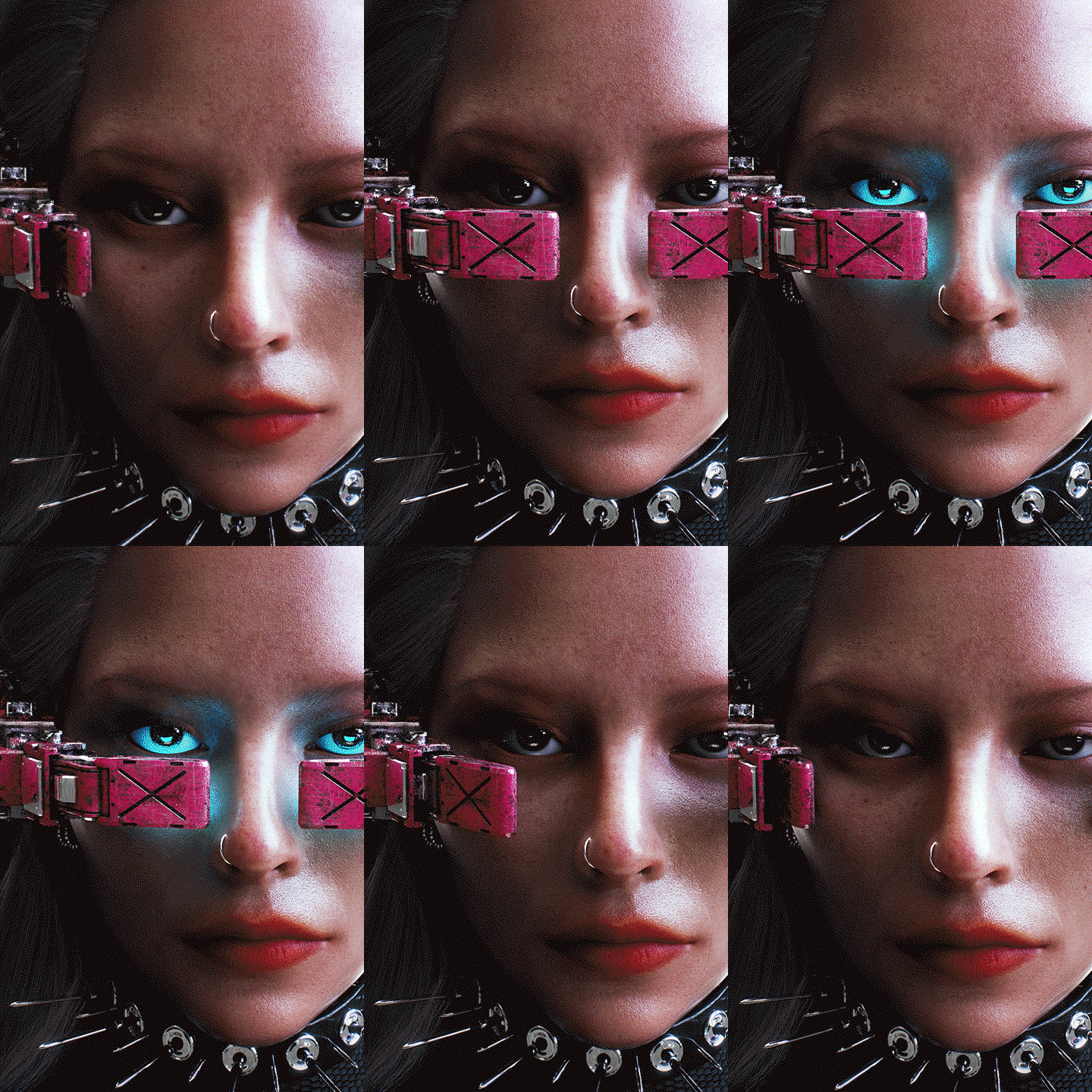
We will complete everything from realistic character faces to props using C4D, and create the final concept shot by applying costumes created with Marvelous Designer.
-
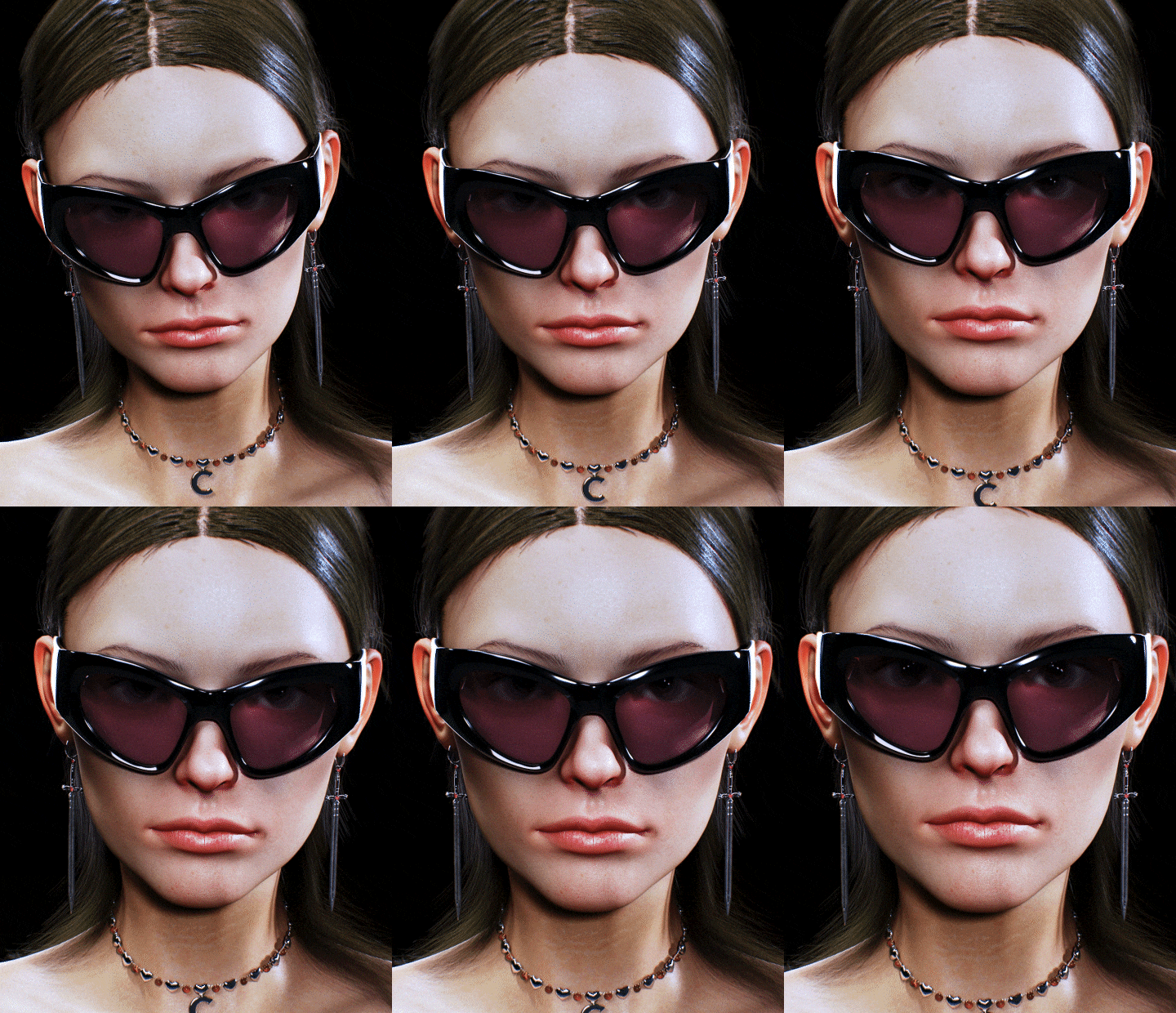
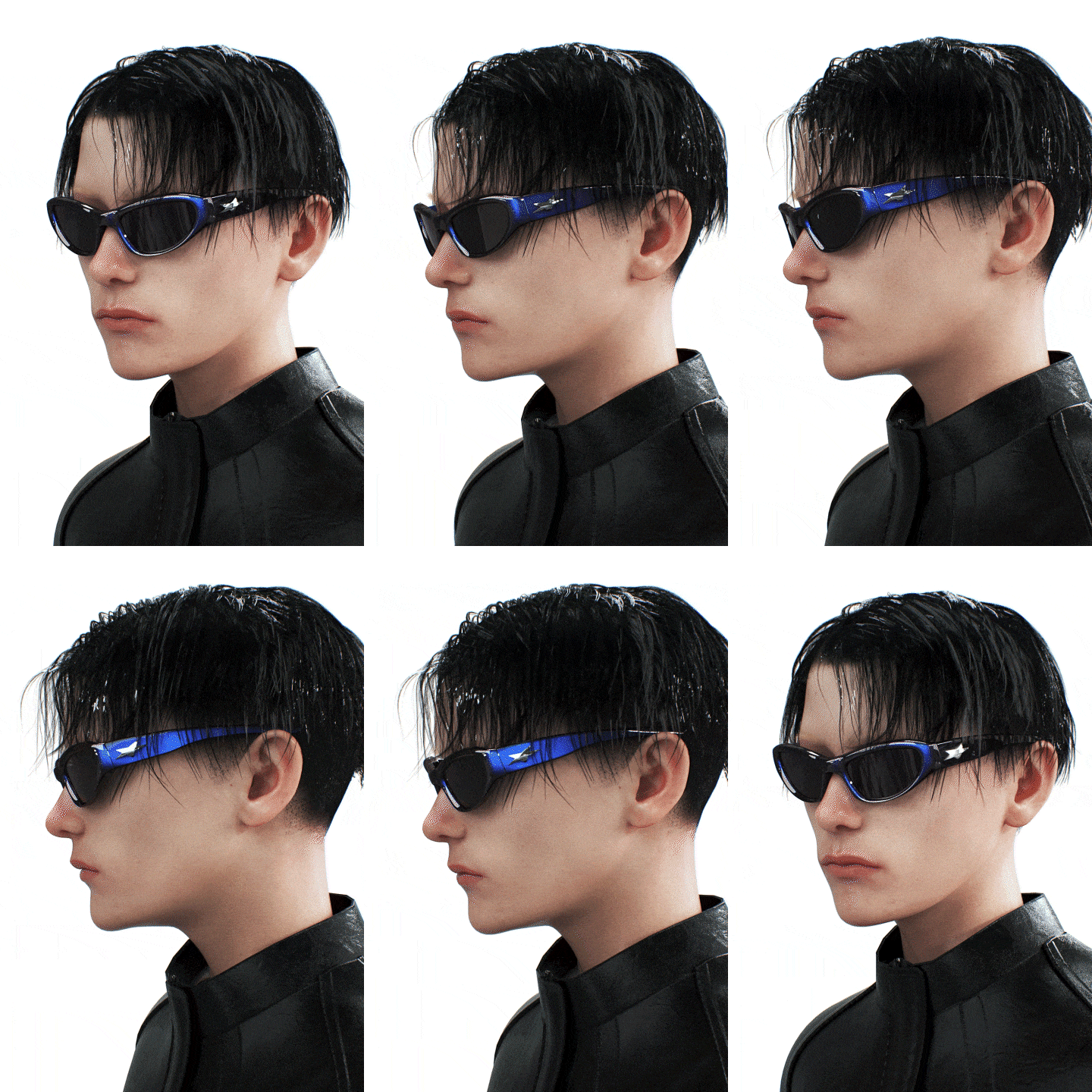
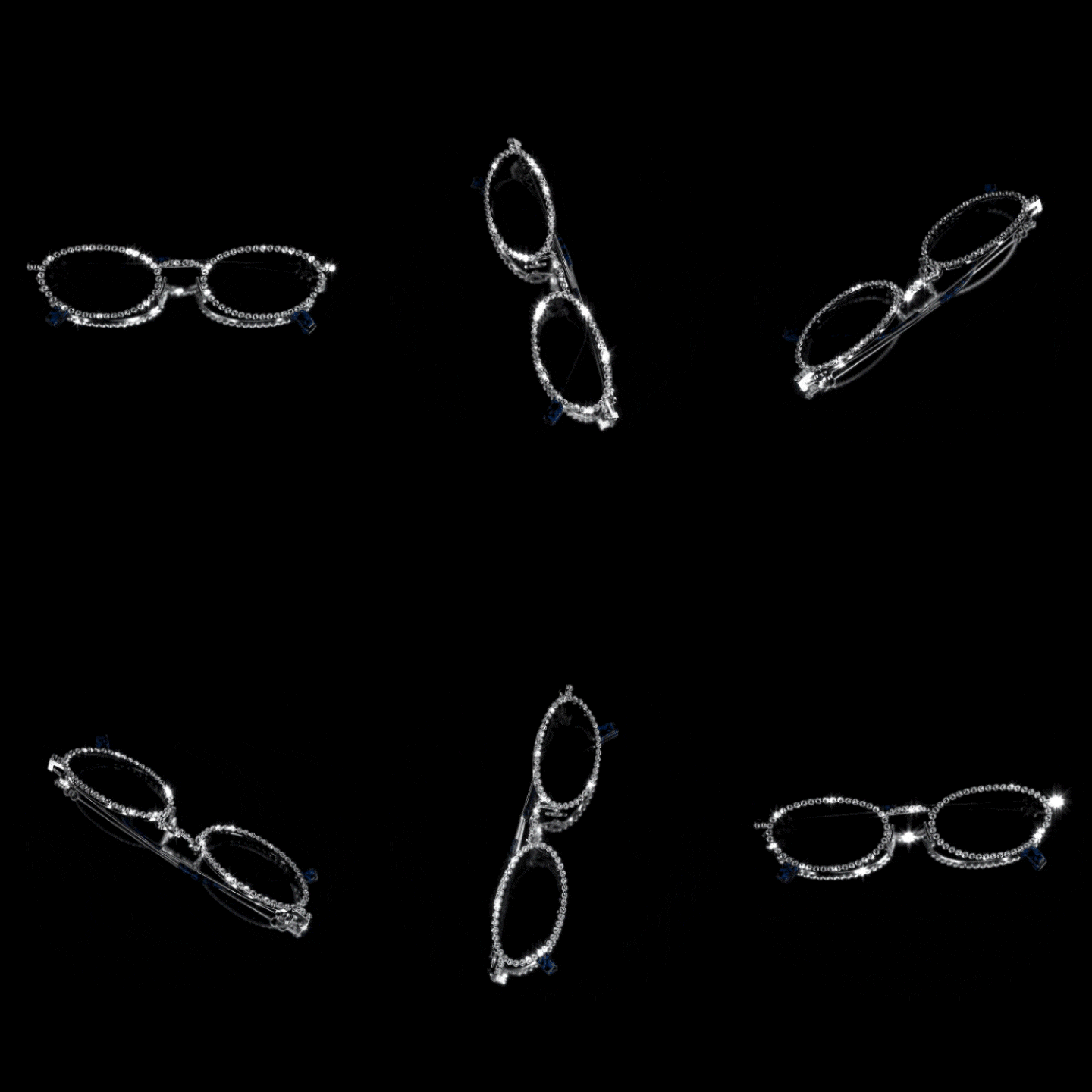
Character Face & Accessories -
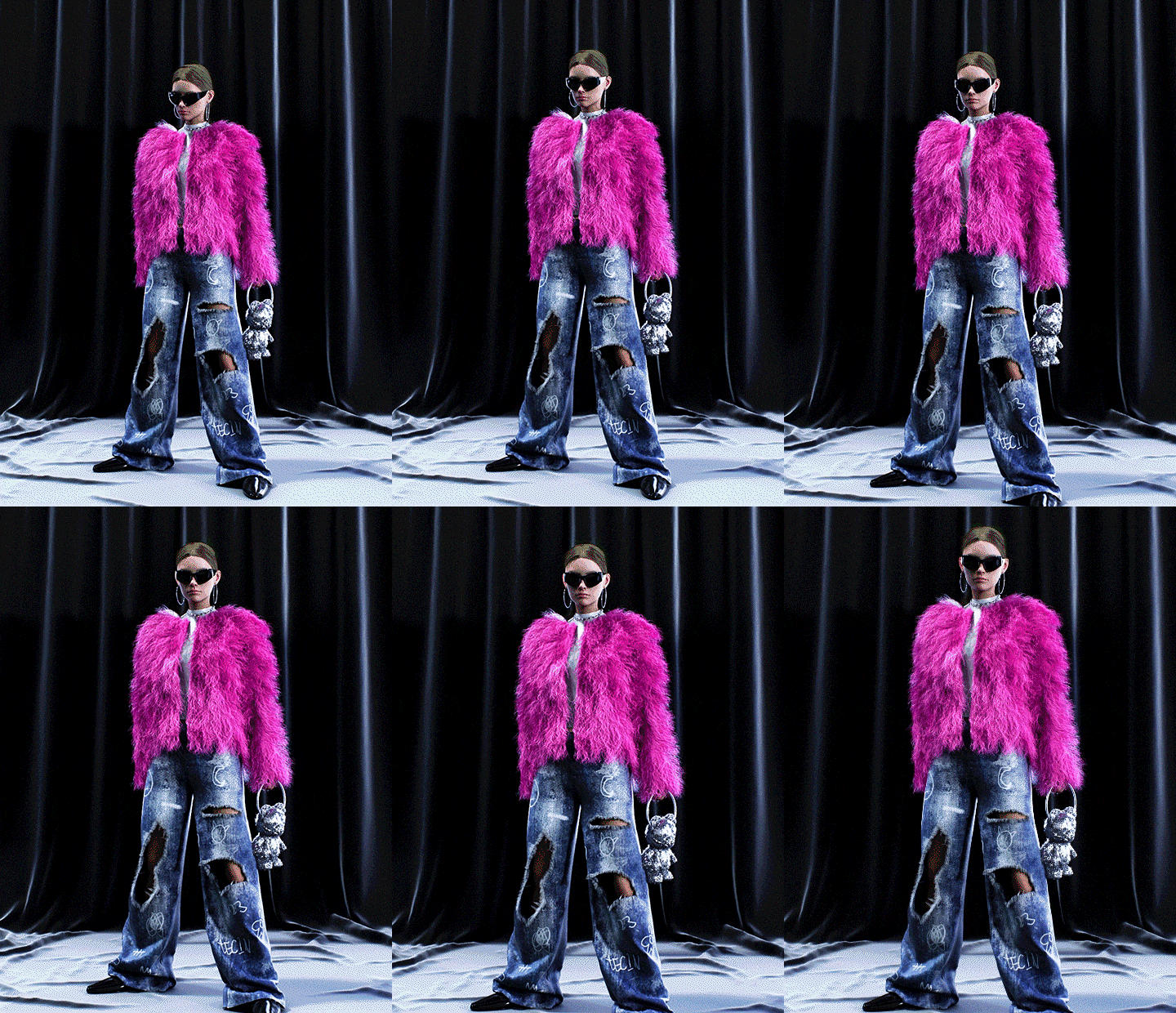
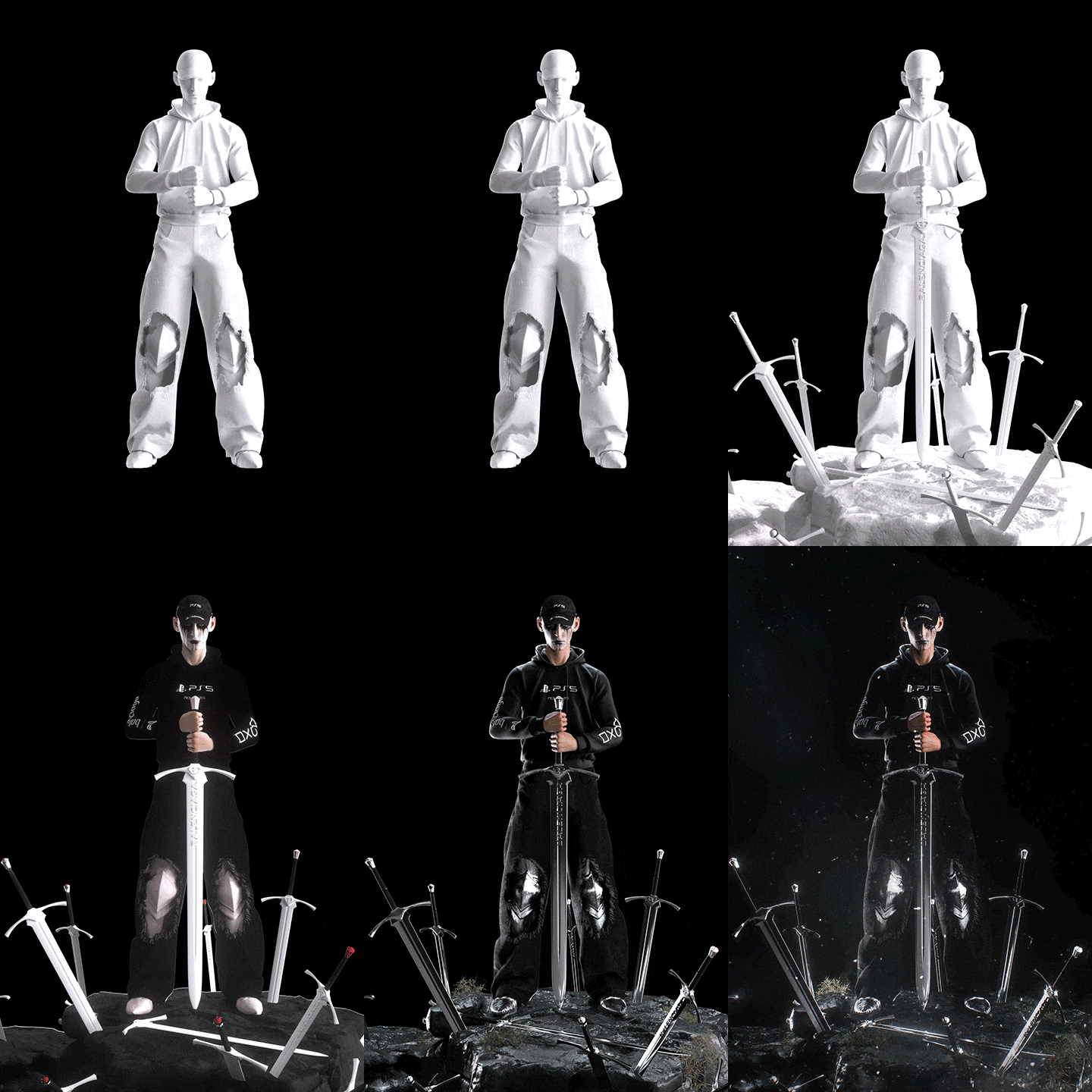
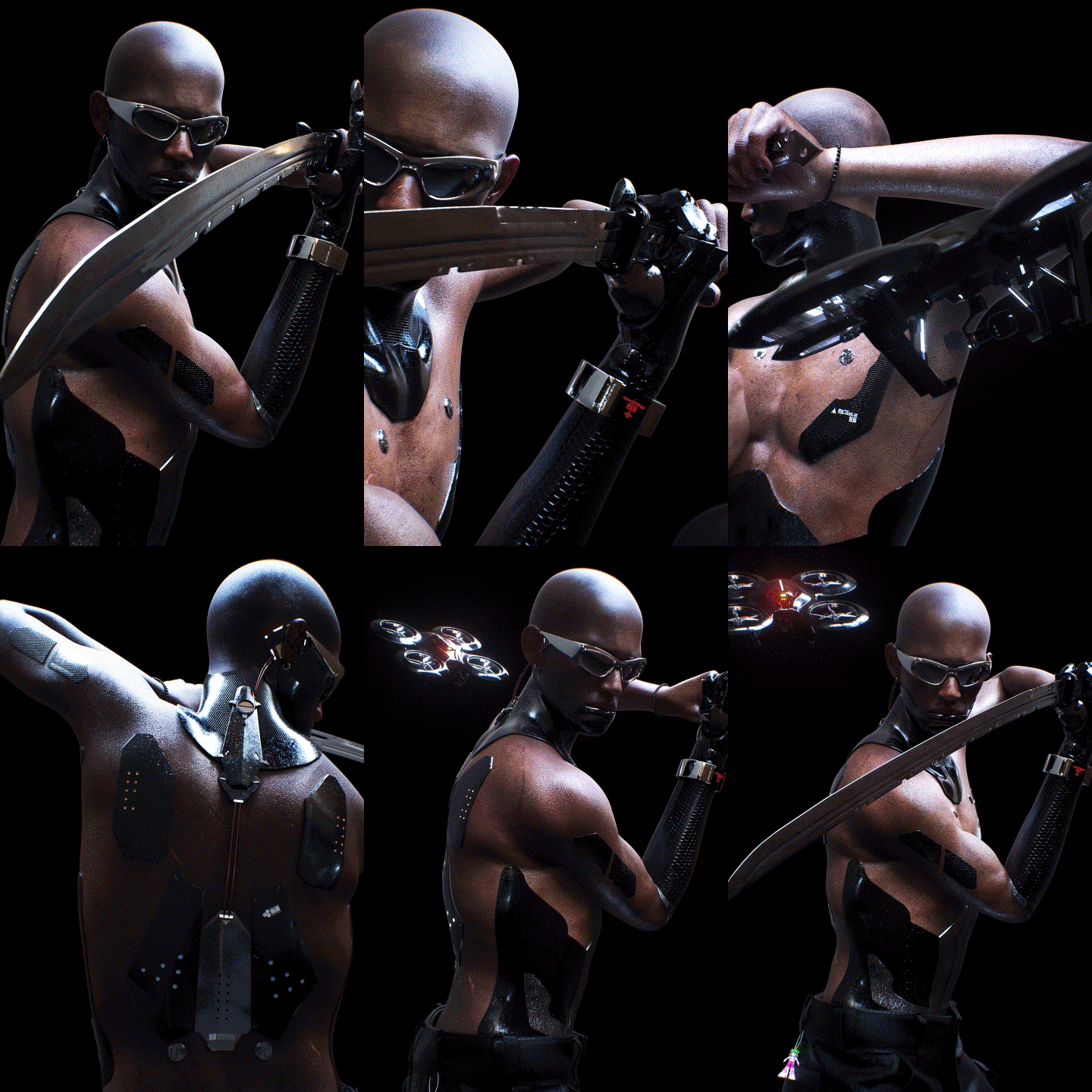
Character Costume & Full Body -
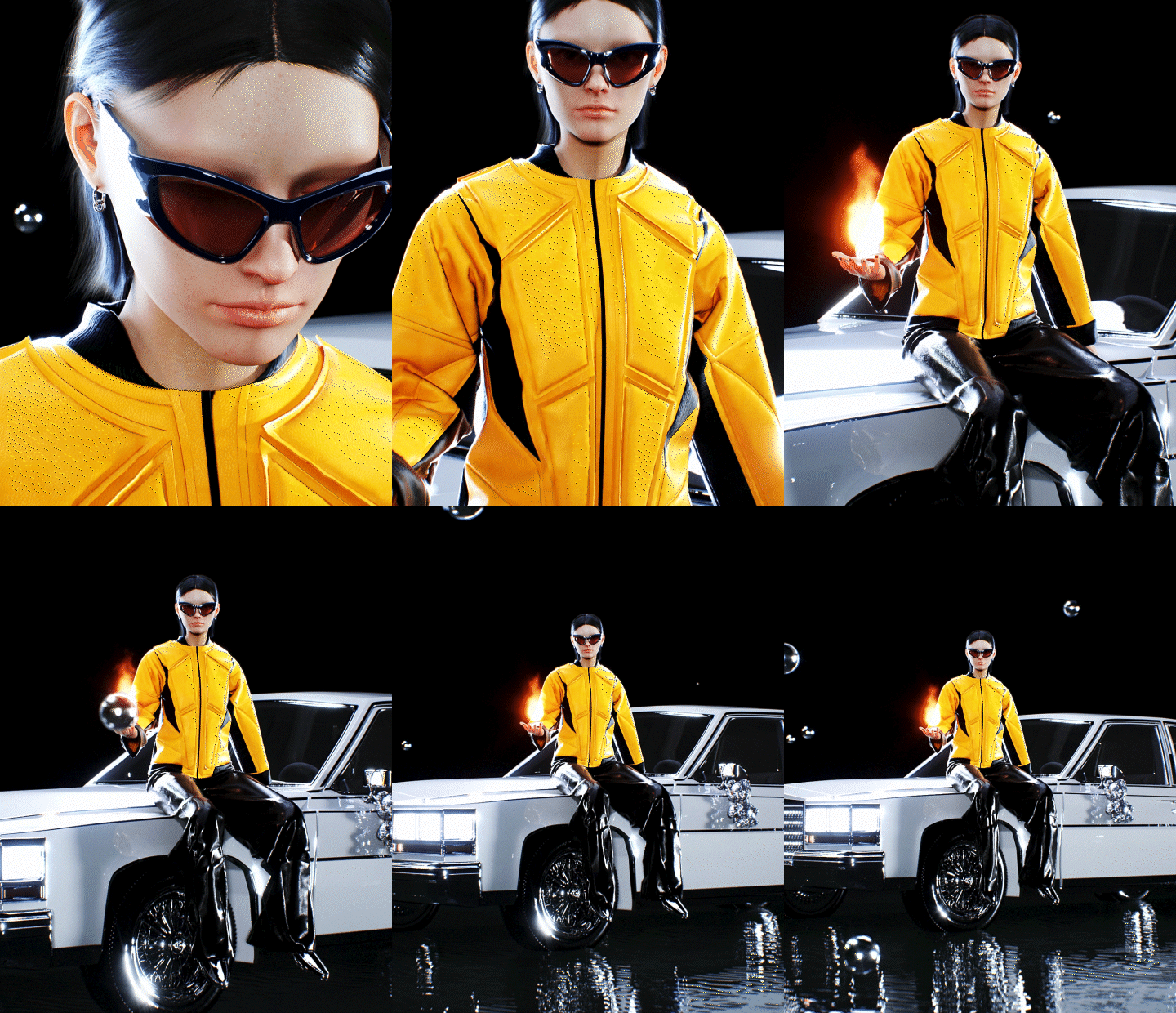
Final concept shot
*The image is an example to help understand the course and may be slightly modified later.
Speaker introduction
3D visual artist
Jinbeom Park
Hello, this is Jinbeom Park, a 3D Visual Artist.
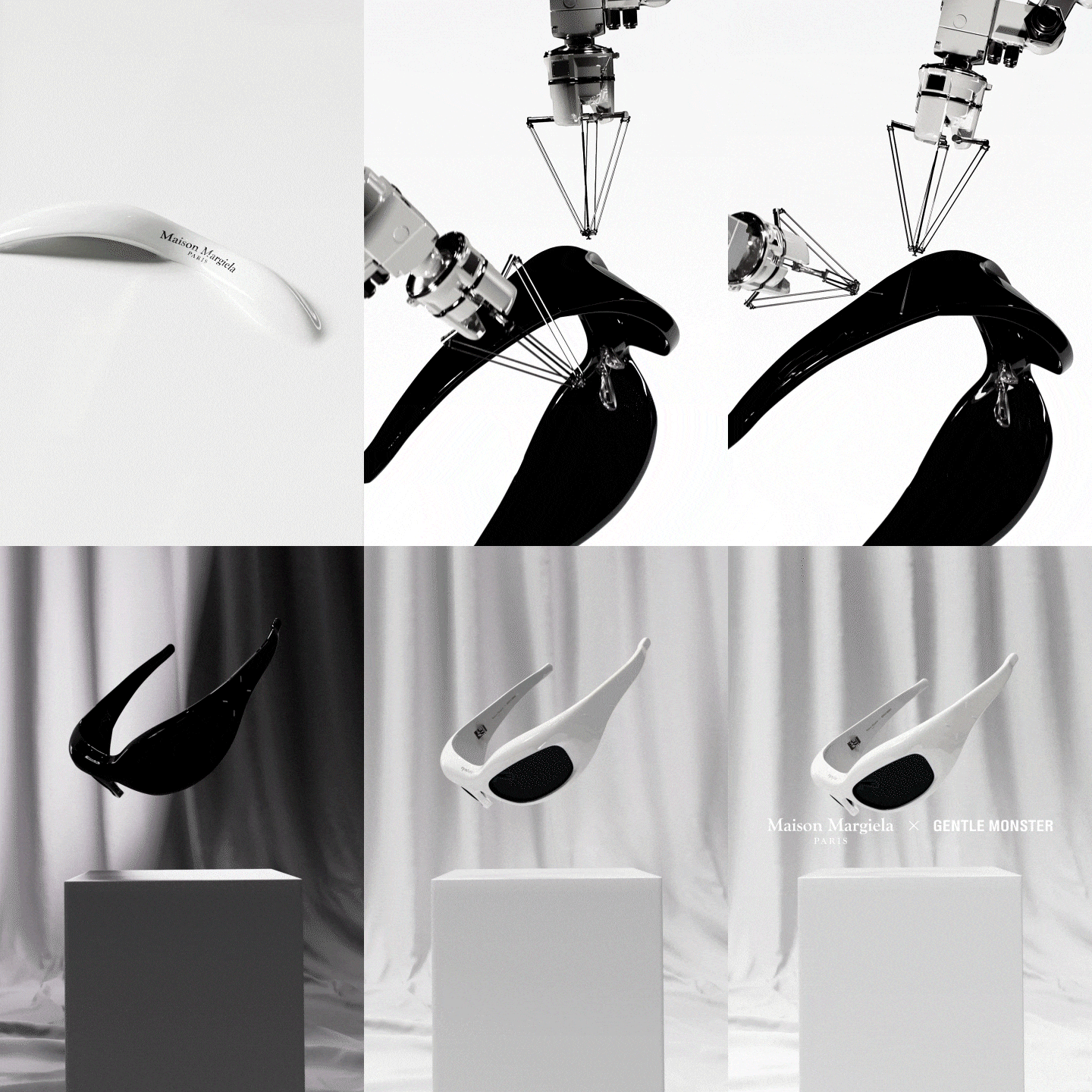
Through Gentle Monster, a global fashion eyewear brand, I have consistently worked with high-level fashion companies such as Margiela and Moncler.
In addition, we have carried out various projects with famous overseas artists such as Jenny and Espa.
Currently, I am working as a freelancer while actively displaying my personal work.
Through this class, I will teach you the process of using various tools essential for creating character artwork, which I am most confident in, and help anyone create unique 3D content.
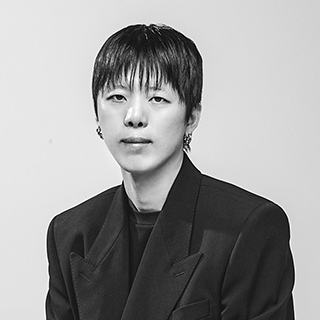
3D Visual Artist
Jinbeom Park
Current) Freelance 3D artist
Former) Gentle Monster 3D visual artist
Projects & Awards
Gentle Monster
Maison Margiela x Gentle Monster ”MM002”
GENTLE MONSTER 2023 BOLD Collection
Moncler Collaboration 2022 “Swipe 01.02 Product 3d”
Jennie Collaboration "JENTLE GARDEN"
Yoongi Jeong Collaboration
Gentle Monster Qingdao Digital Human Display
motion design
Samsung Galaxy Z Flip 5 Maison Margiela Edition
Espa - The 1st Mini Album '3D Weapon Motion Video'
LMC
CLONE
exhibition
[The Art Plaza: Euljimiro by IBK]
class features
Class Highlights
Know-how for creating 3D character content filled with individuality revealed
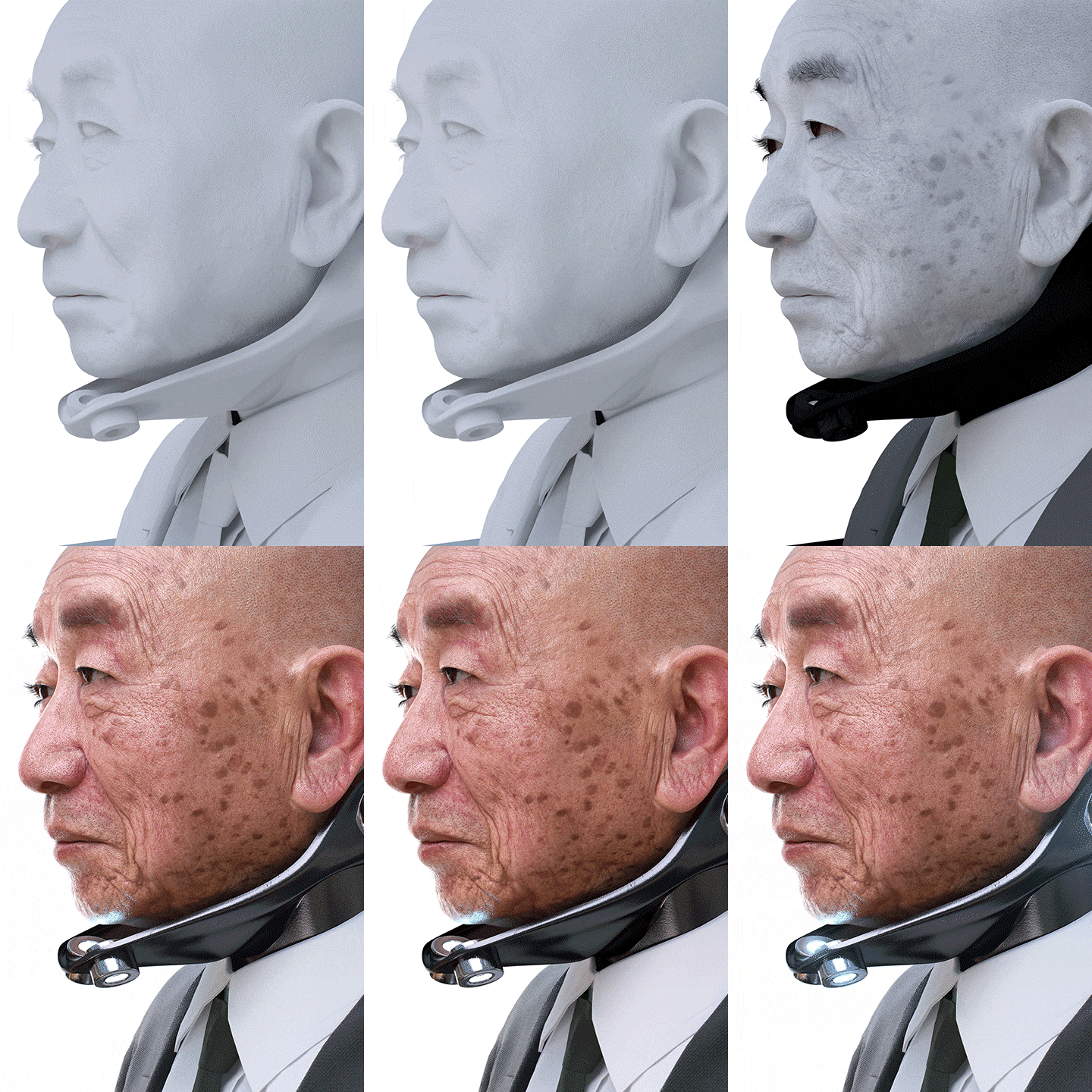
Learn how to create realistic characters through photo-realistic skin expression as well as detailed depictions. In addition, we will apply character styling to complete artwork with a trendy feel.
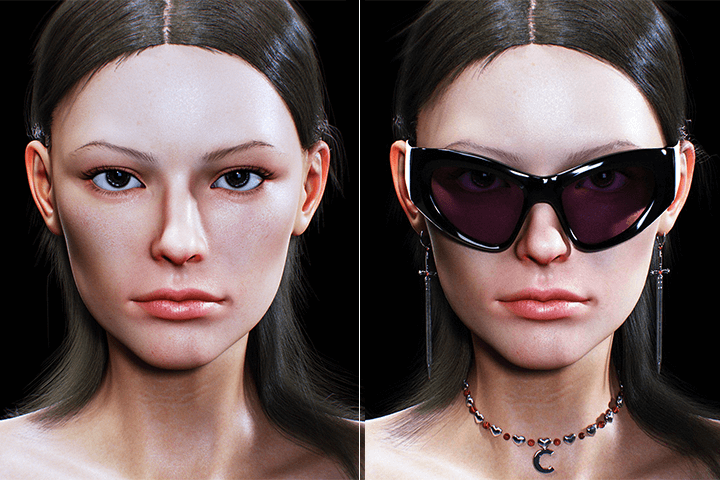
Process linking Daz 3D and Marvelous Designer to C4D
Rather than only partially showing some processes, you will learn systematic linked work capabilities that are not well taught in other domestic courses, and learn techniques for using tools in the right place as well as how to read trends and create results as desired.
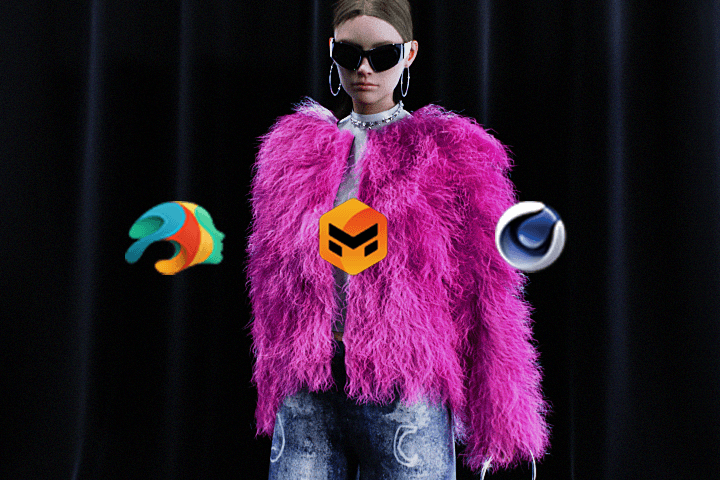
SNS PR method using stylized character artwork
By gaining conceptual directing and promotional know-how using layout techniques and artwork expression methods that have been recognized overseas for their sensuous visuals, you will grow into a practitioner who receives love calls not only from the character field but also from various brands and the fashion industry.
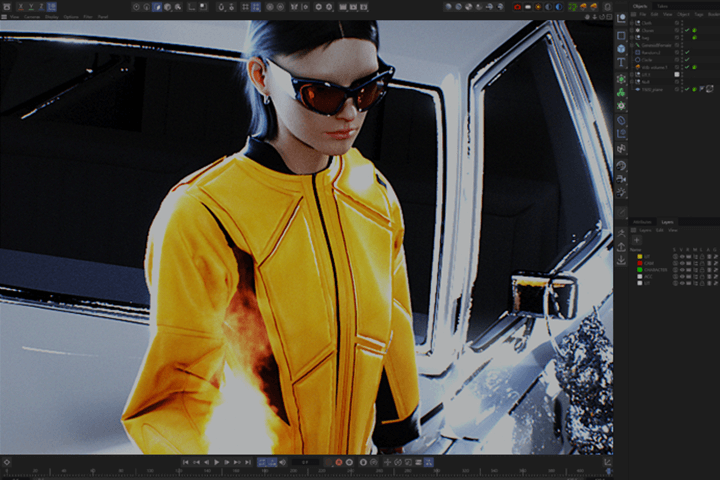
Class Details
You'll Learn
-
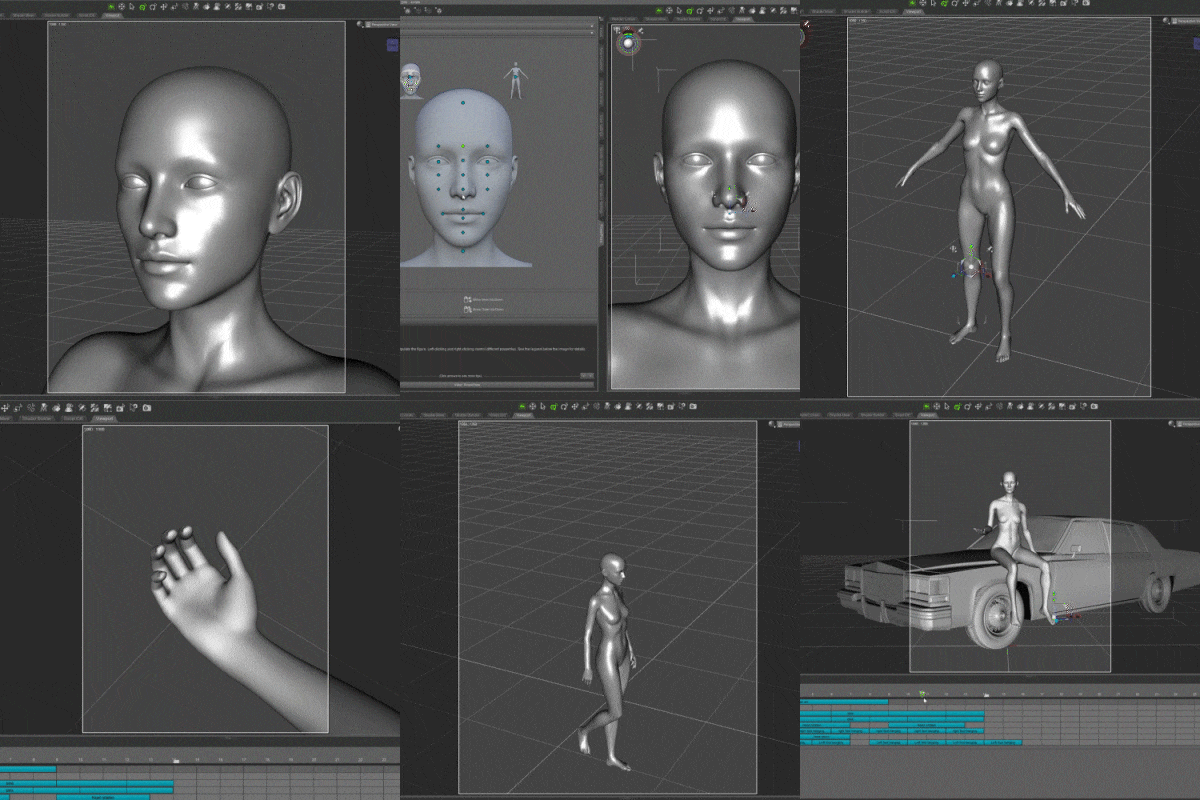 Daz 3D basics for beginnersWe will start by installing the Daz 3D program specialized in creating 3D characters, go through the interface and basic settings, and finally learn how to use the tools so that we can freely implement character animation.
 -
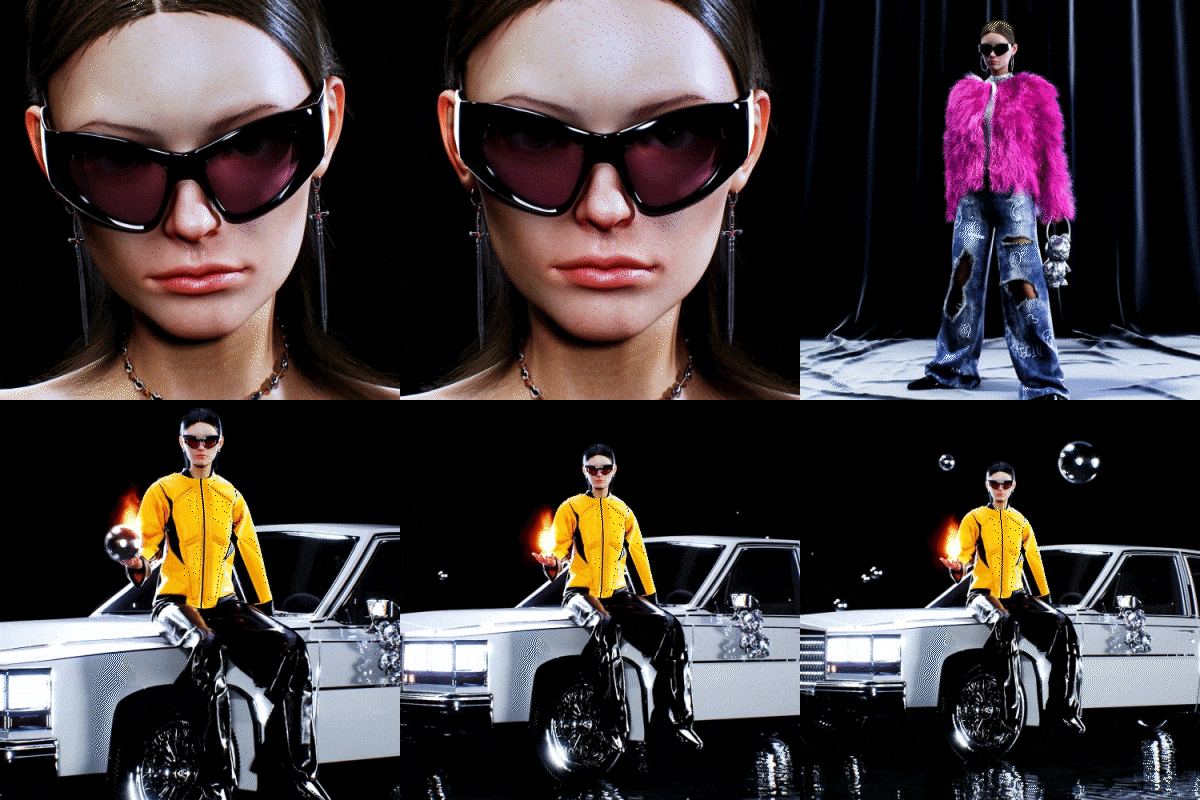 Realistic character expression methodWe will perform character sculpting and texturing through Daz 3D, create clothes that suit the character using Marvelous Designer, which is easy to create costumes, and effectively utilize C4D camera animation.
 -
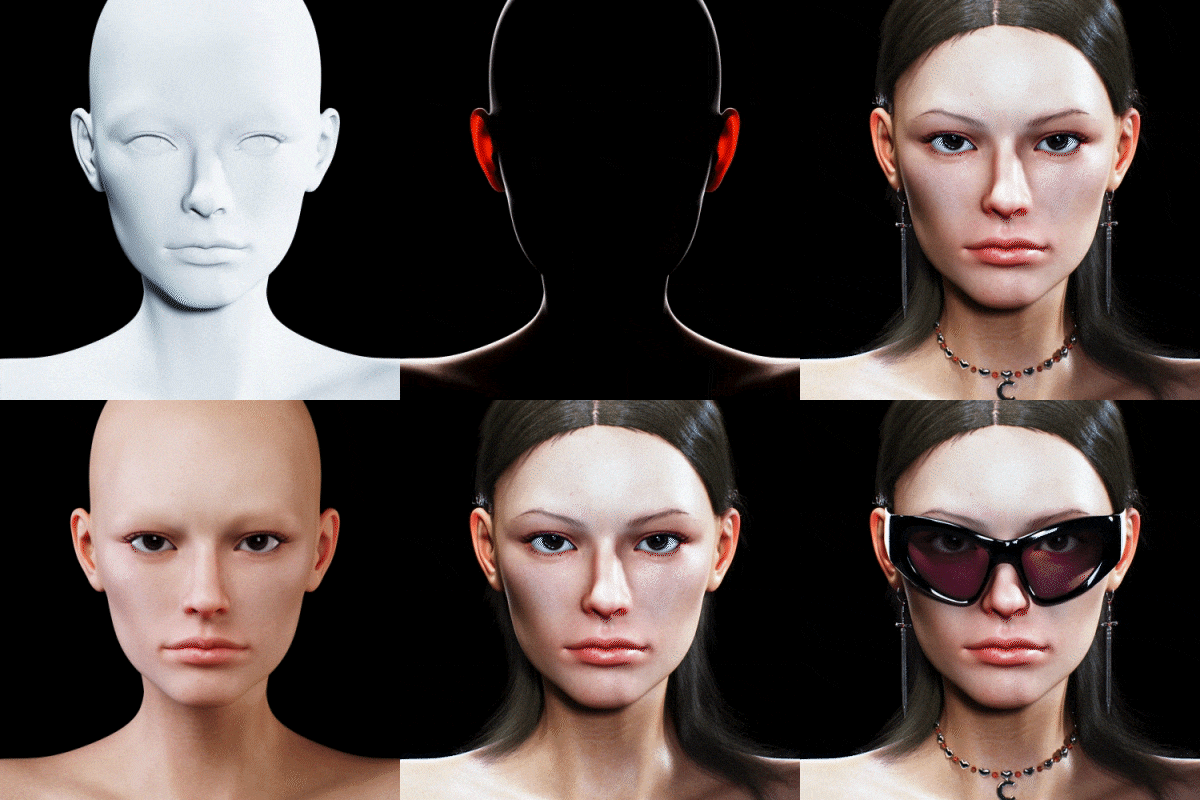 Octane lighting based on basic theoryLet's learn more about the three-point lighting that must be known in a 3D environment, and set up studio lighting and Octane camera images that help express a natural atmosphere.
-
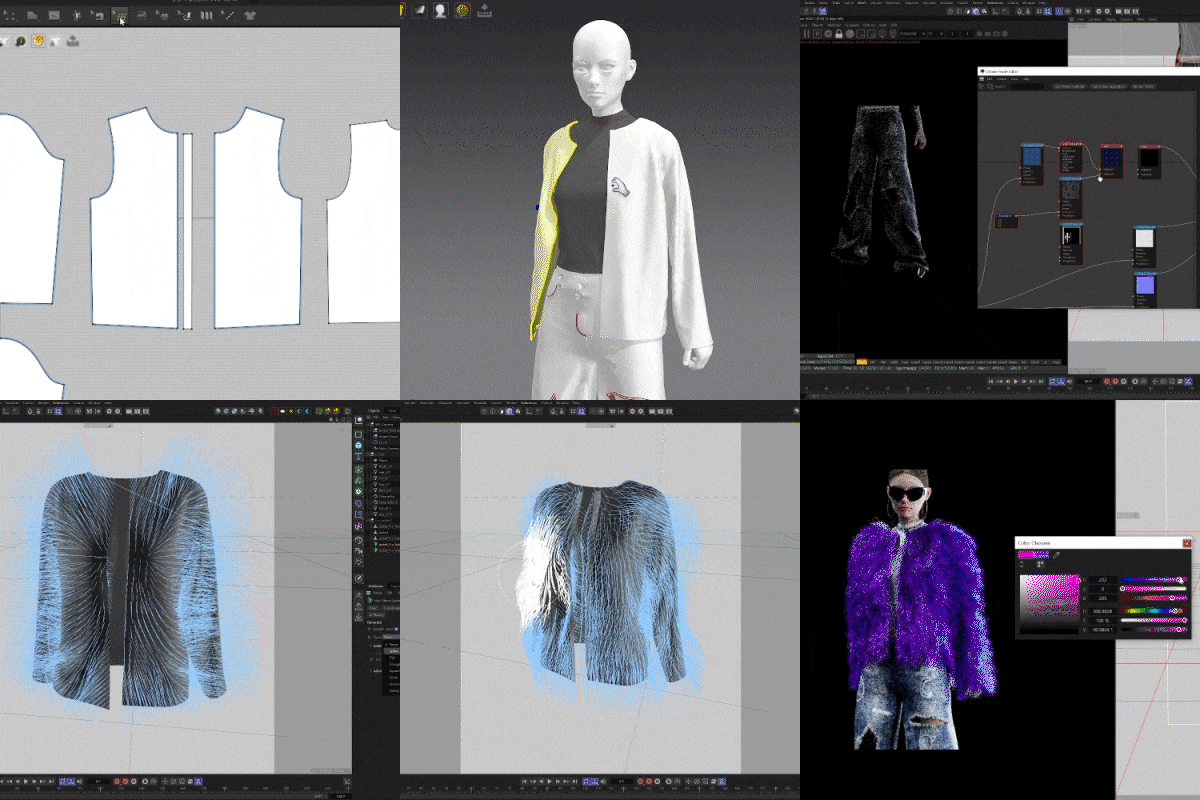 Accessories and Outfit Styling TipsBased on the fashion campaign visual plan, you will style the character with stylish props and clothing such as fur jackets and destroyed jeans that you have created, and adjust them to enhance the visual completeness of the artwork.
 -
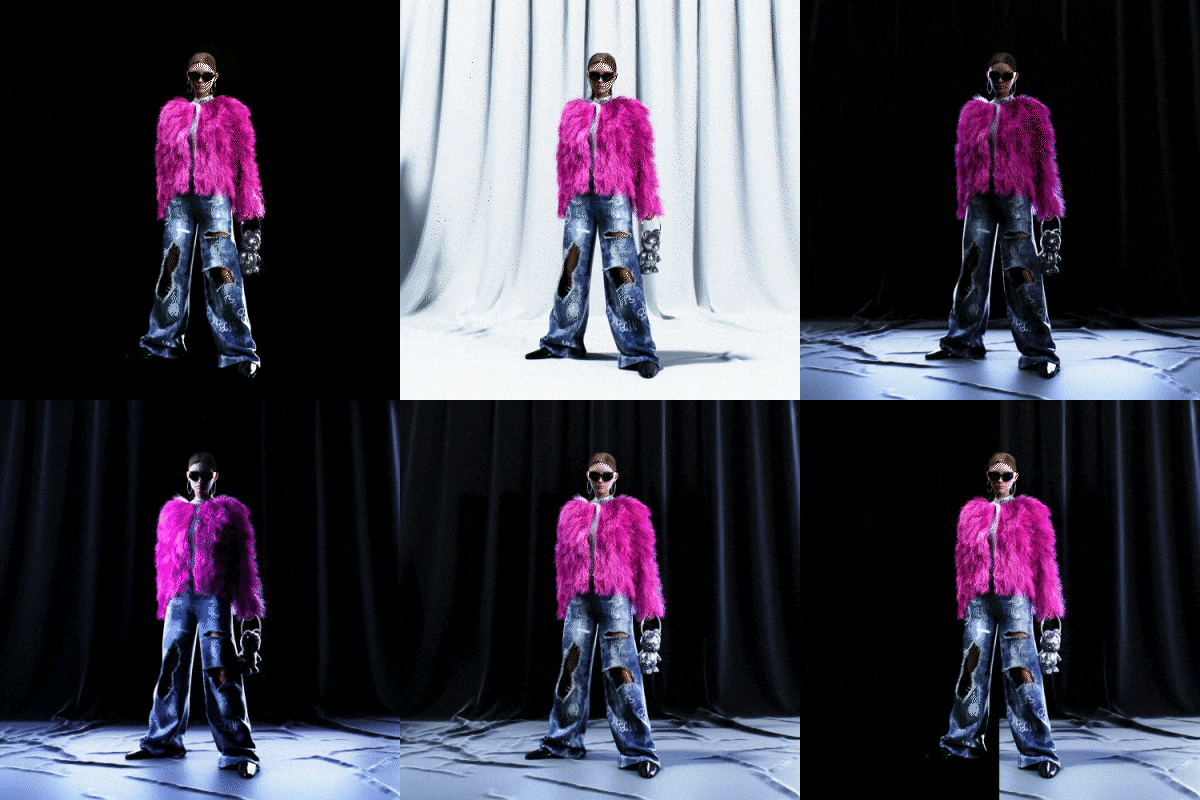 An environment that makes the character stand outWe will create a virtual studio background suitable for the character concept to further emphasize accessories and costumes, and then learn specific skills and know-how to further enhance the atmosphere of the 3D character artwork.
 -
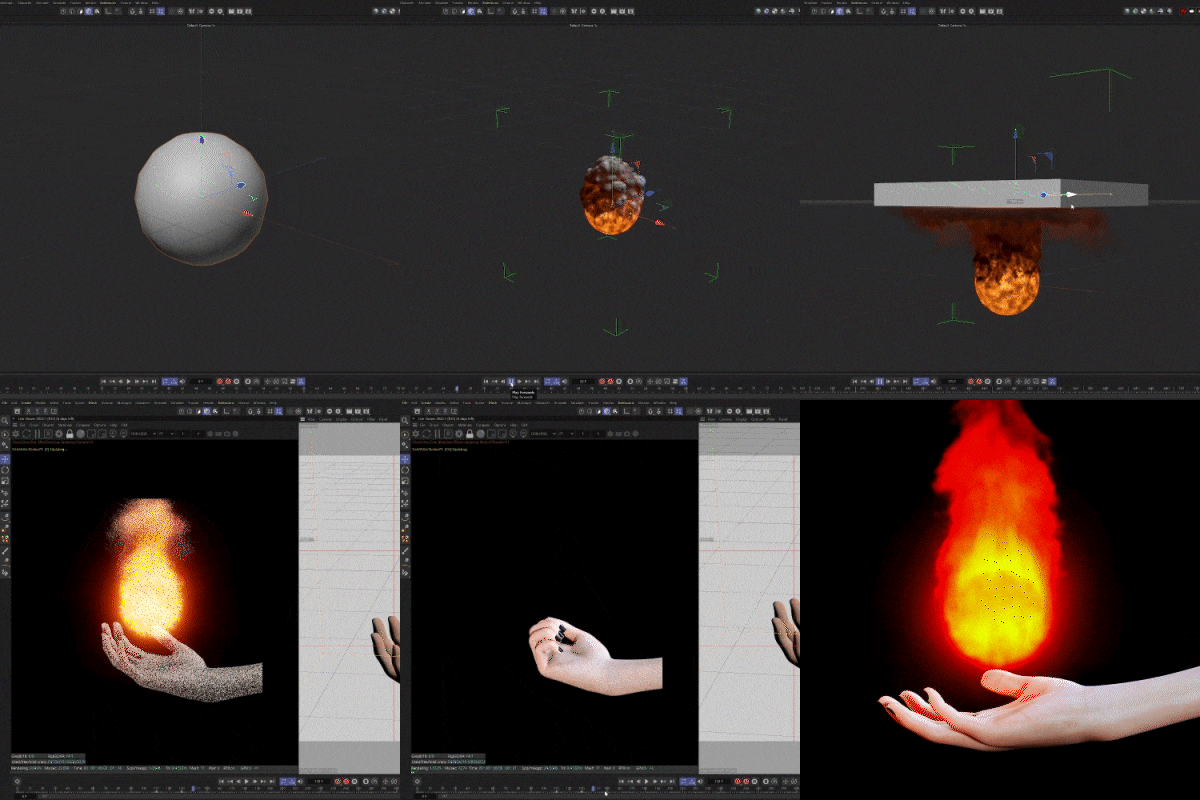 Fire simulation using PyroWe will learn step by step about Pyro, a very useful new feature in C4D 2023 that is optimized for fire, smoke, and explosion simulation, and add it to actual artwork to express differentiated visuals in a variety of ways.
curriculum
Curriculum
In-Depth Look
SECTION 01. Intro
01. Orientation
- Speaker and class introduction
- Curriculum Objective Description
02. 3D content combining characters and fashion
- 3D character content using Daz 3D
- SNS 3D character content using Daz 3D
SECTION 02. Basic usage of Daz 3D for C4D users
03. Daz 3D introduction and installation
- Discover Daz 3D
- Daz 3D installation and basic settings
- A quick look at the UI
04. Assets for character creation
- Explore Daz 3D Market
- Purchase and apply Daz 3D Market assets
- Introducing free and low-cost modeling sources
SECTION 03. Character created with Daz 3D 01: Face & Accessories
05. Creating a basic character face
- character face sculpting
06. Character skin texturing
- Expressing realistic skin
07. Character hair production
- Create character hair using C4D hair tools
08. Character accessory production
- Making earrings and necklaces
- Expressing Accessory Materials
09. Studio lighting and facial completion
- 3 point lighting
- Character lighting settings
- Octane Camera Image
SECTION 04. Character created with Daz 3D 02: Full body & costume
10. Create a full-body shot of your character
- Come up with a pose that matches your character
- Fashion campaign visual planning
11. Character posing
- Posing suitable for full body shot
12. Creating character costumes using Marvelous Designer
- Marvelous Designer Introduction
- Obtain Clothing Simulation Using Marvelous Designer
13. Costume production using C4D hair
- Making a fur jacket
- Know-how to make it light without being heavy
14. Create a stylish outfit
- Making Destroyed Jeans
- Adding Cloth Texturing and Graphics
15. Create a virtual studio environment
- Studio environment using Marvelous Designer
- HDRI and studio lighting
16. Rendering and post-processing
- Octane Custom Rendering Pass
- AE post-processing using EXR
SECTION 05. Final concept shot using C4D
17. Creating trendy concept characters
- Ideas for producing 3D content
- A presentation that highlights fashion
18. Character animation
- Character animation using Daz 3D’s aniblock
19. Cloth Simulation
- Create a character costume
20. Concept background production A
- Creating an indoor studio environment
- Visual artwork using PYRO
21. Camera direction and post-processing that make the video stand out
- Create natural camera animations that follow people
- Increasing realism through post-processing using AE
22. Concept background production B
- Creating a natural environment using Quixel
23.Outro
- Why I started doing 3D
- About character work
- Effective SNS PR strategy
Interview with
3D Visual Artist Jinbeom Park

Character artwork with the artist's unique personality is currently in the spotlight in various fields overseas . We are using 3D character content in various fields as well as working with fashion brands , and if you learn C4D, Daz 3D, and Mavelous Designer tools for production in advance, you will be able to dream of entering the global market .
Question.02
What are your strengths as a 3D visual
artist?
What are your strengths as a 3D visual
artist?
The point is that we carefully work on artwork that includes detailed expressions and descriptions that pursue realism . Lively 3D works stimulate the public's curiosity and raise issues, attracting attention even among the countless contents, so I have acquired the know-how to create a sophisticated and sensuous style .
Question.03
What are the main points of this class?
What are the main points of this class?
We will teach you how to create your own 3D artwork that mixes realistic characters with trendy fashion elements . In addition to the overall use of Daz 3D, this curriculum consists of theory and practice, allowing you to learn how to link Marvelous Designer, Octane, etc. with C4D and how to create stylish motion graphics .
Question.04
Who do you recommend this class to?
Who do you recommend this class to?
Job seekers who want to efficiently learn the programs and linking processes actually used in the fashion industry , C4D users who want to create realistic character content that is currently popular, and those who want to expand the spectrum of 3D artwork and create work in their own unique style. I recommend it to current artists who want to go viral .
Required Programs
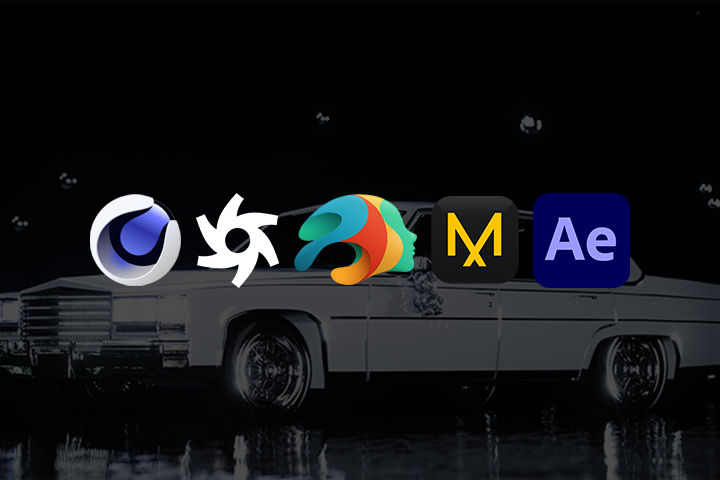
This course will be conducted using Cinema 4D 2023, Octane Render 2022.1-R8, DAZ Studio 4.21, Marvelous Designer 12, and Adobe After Effects 2023 .
To ensure smooth course participation, please separately purchase and install the latest version of the program.
* We recommend installing Cinema 4D R23, Pyro Cinema 4D 2023.1.0, Octane Render 2022.1-R6, and Adobe After Effects 2021 or later versions.
* There is no problem taking the course even if you use Marvelous Designer 10 or higher or the 30-day free trial version.
* Programs and materials are not provided separately.