MediaArtist,SeongeunKim_뉴미디어아티스트 김성은 Details
Class introduction
introduction video
New media artist, Seongeun Kim
“An interactive work that communicates with the audience, New media artwork right now Try it with Unity.”
Leading the new media industry Trendy interactive artwork!
Going beyond flat work Broadening the scope of an artist's activities new media artwork, It's not difficult at all. Real-time exhibition space or AR/VR, Often seen on branding platforms, etc. Interactive content using a real-time engine Make it easily with Unity.
Using your own creations Generated based on an algorithm In addition to learning generative skills, Interactive and realistic content New media artist to create Seongeun Kim will tell you this.
Unity tools and visual effects basics In addition to how to use, various combinations and Learn VFX techniques and expressive skills The new era that is coming by expanding Design your career appropriately.
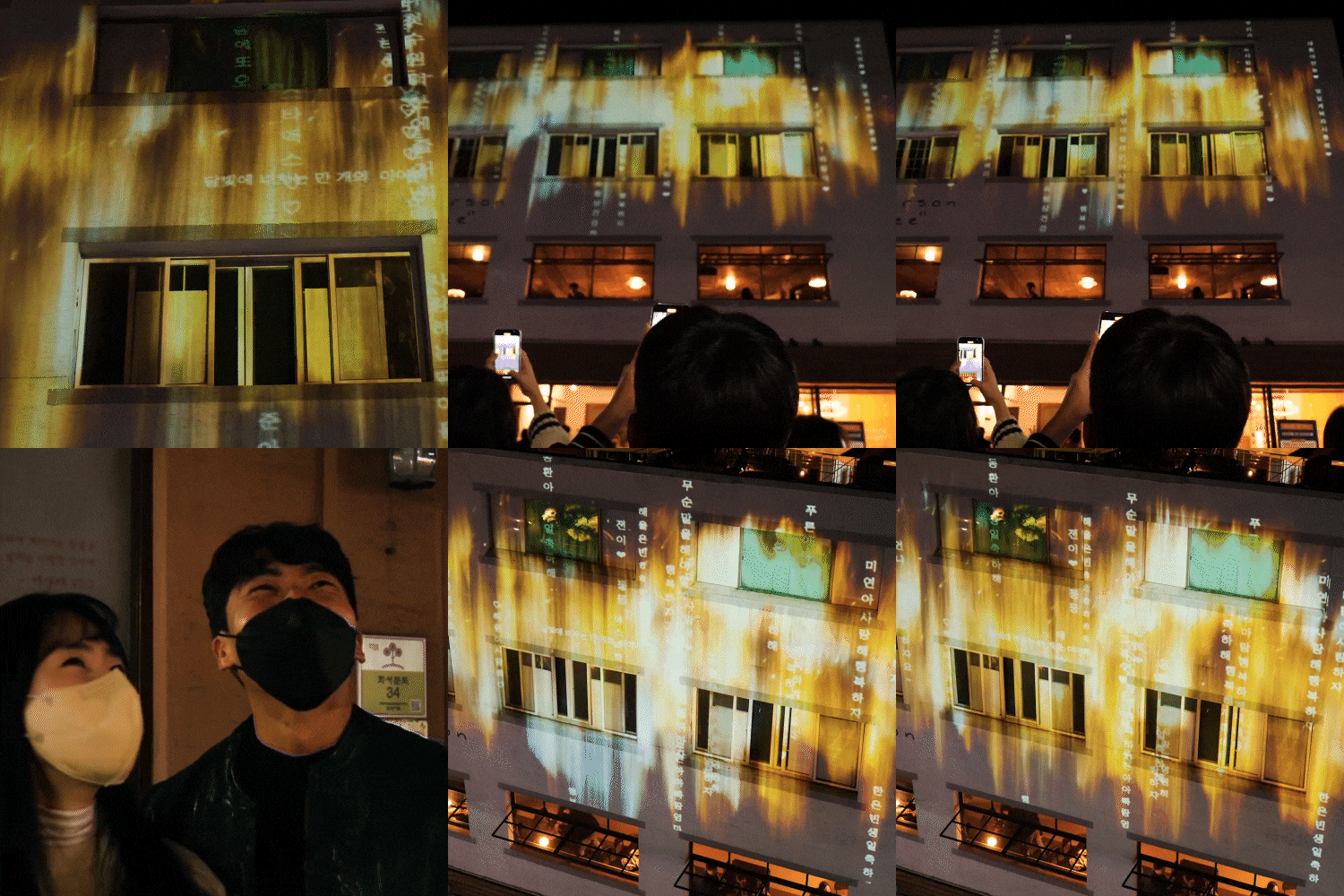
New media artist Seongeun Kim’s portfolio
Why Take This Class?
The audience and the work react to each other Interactive content exchanged Did you want to produce it? Active participation and high immersion Advertising and commercial features provided by A new concept mainly used in the field Learn artwork right now.
Develop technical tool capabilities, To gain an upper hand in the job market Unity Korea certified expert group New media from ‘Unity Masters’ Artist Seongeun Kim prepared this. It can be changed in many ways, so if you know it, Useful particle effects and block styles After learning about directing methods, Images, videos, 3D, sample code and plugins Complete various artworks through.
In this class VFX and interactive artwork Let's create an example ourselves.
Part 01. Visual effect basics
Learn about development structure and Unity, Blocks that play each role and various Let's understand particle functions.
-
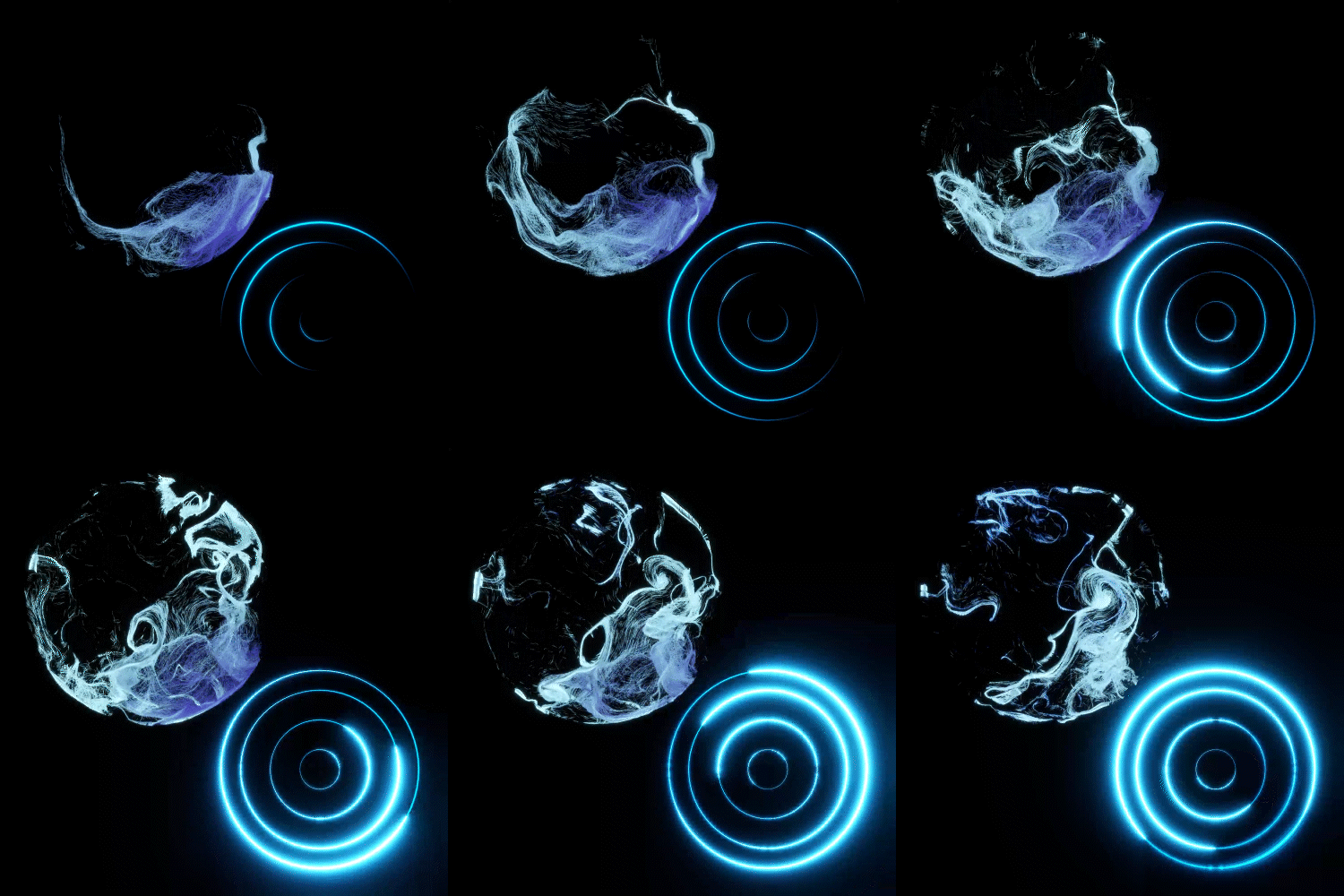 creation block
 -
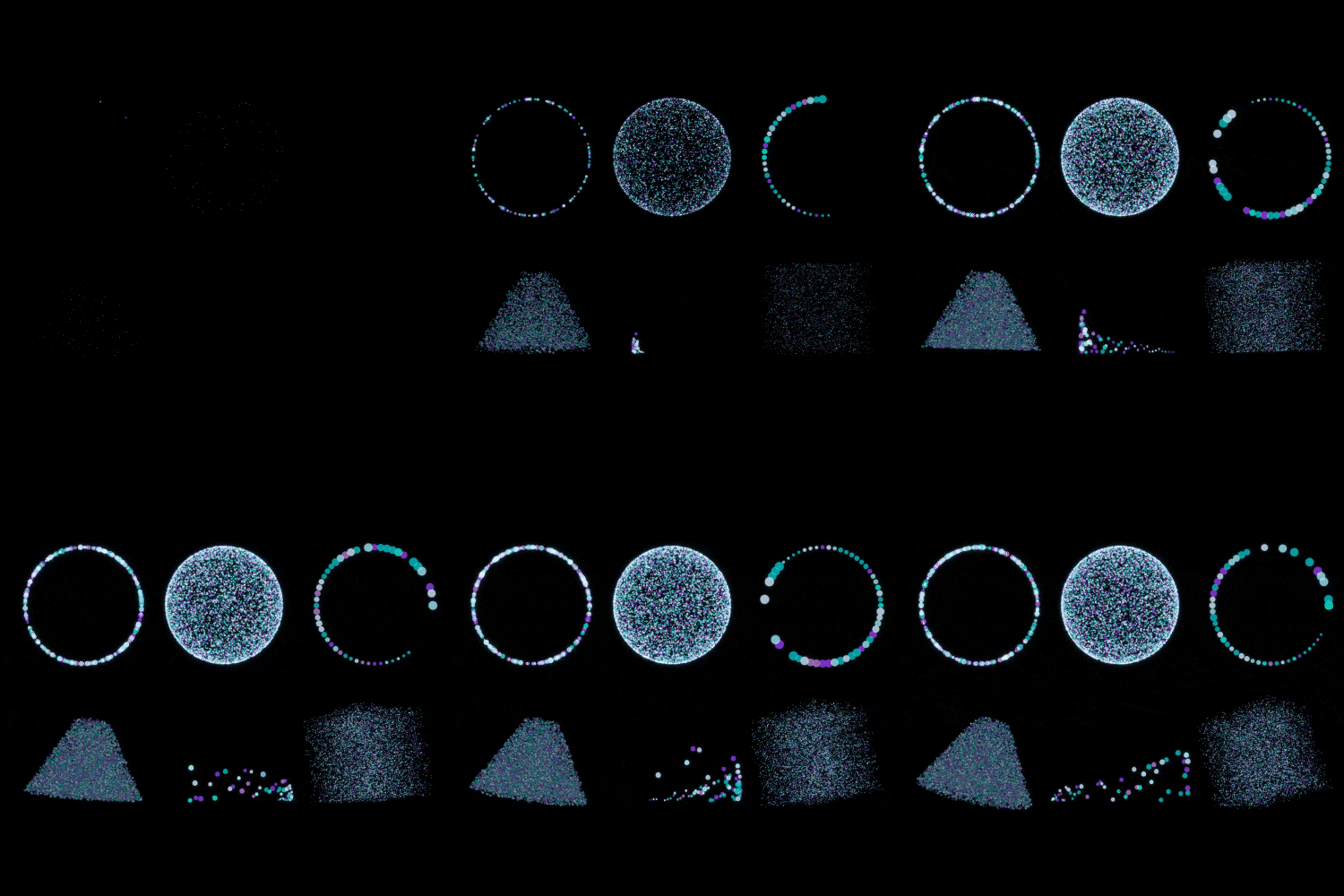 initialization block
 -
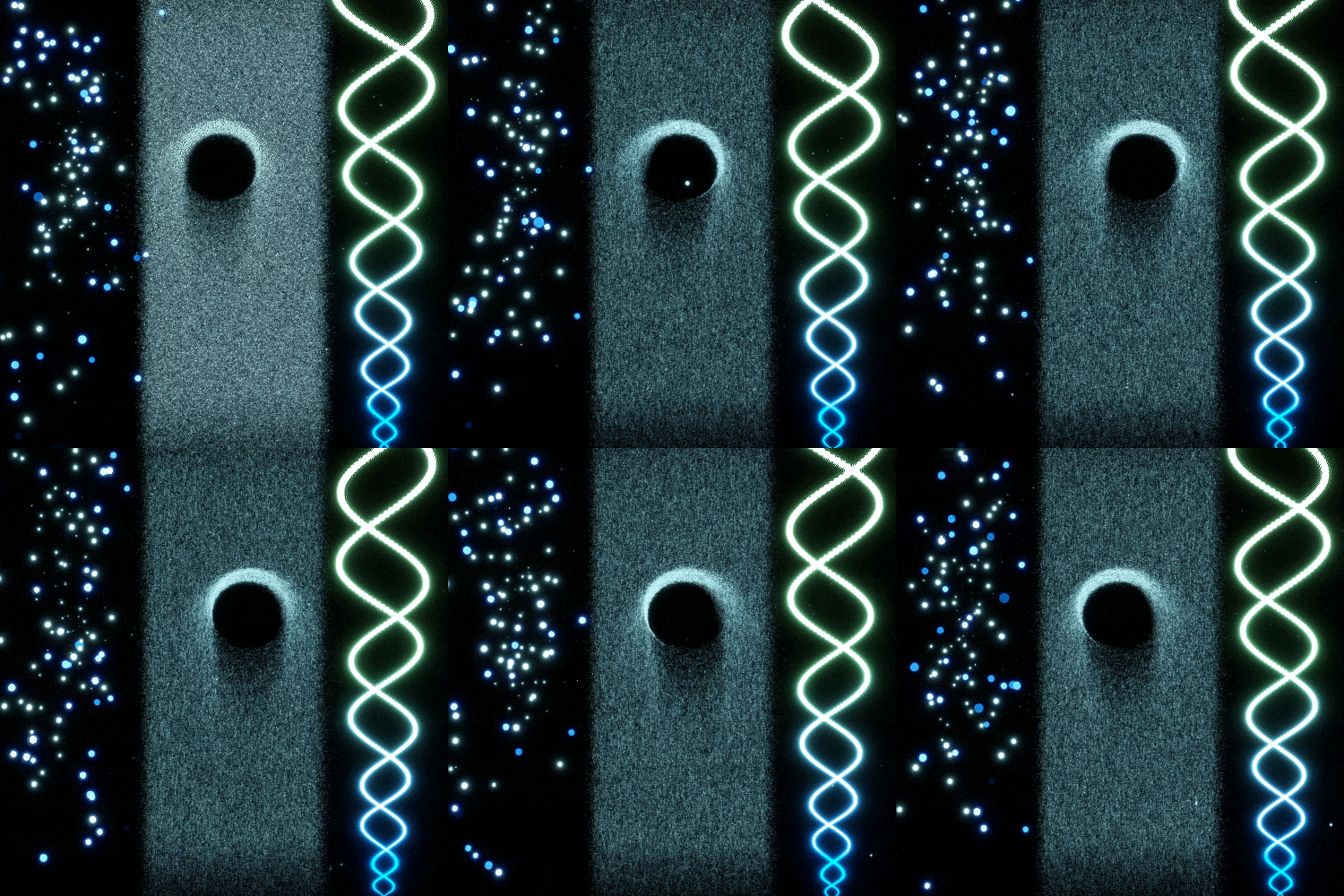 update block
 -
 output block
-
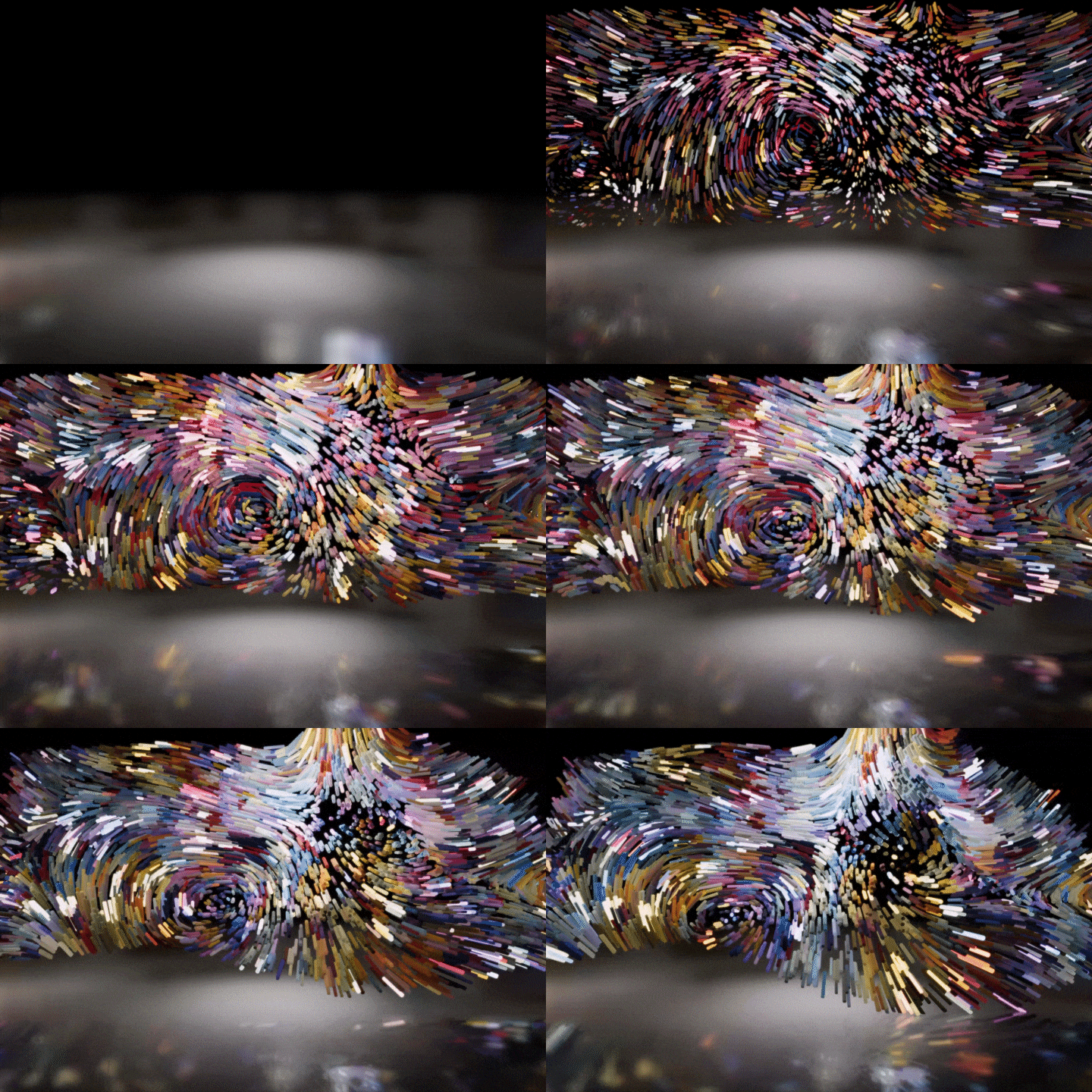 fluttering particles
 -
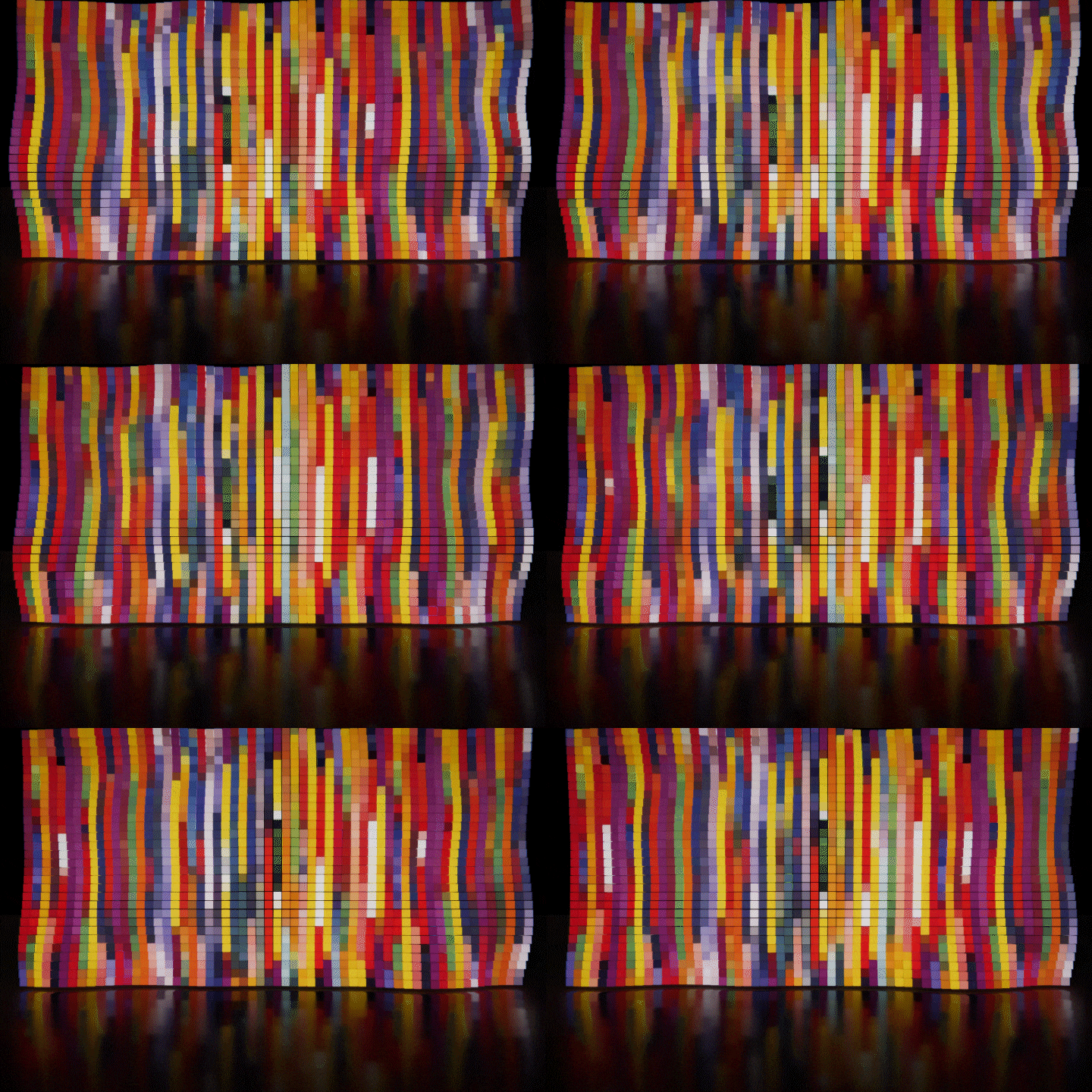 block particle
Part 02. Generative artwork using images
Logos and photos as point cache data After conversion, a combination of several nodes and Let’s express the effect using textures, etc.
-
 Use of logo images
 -
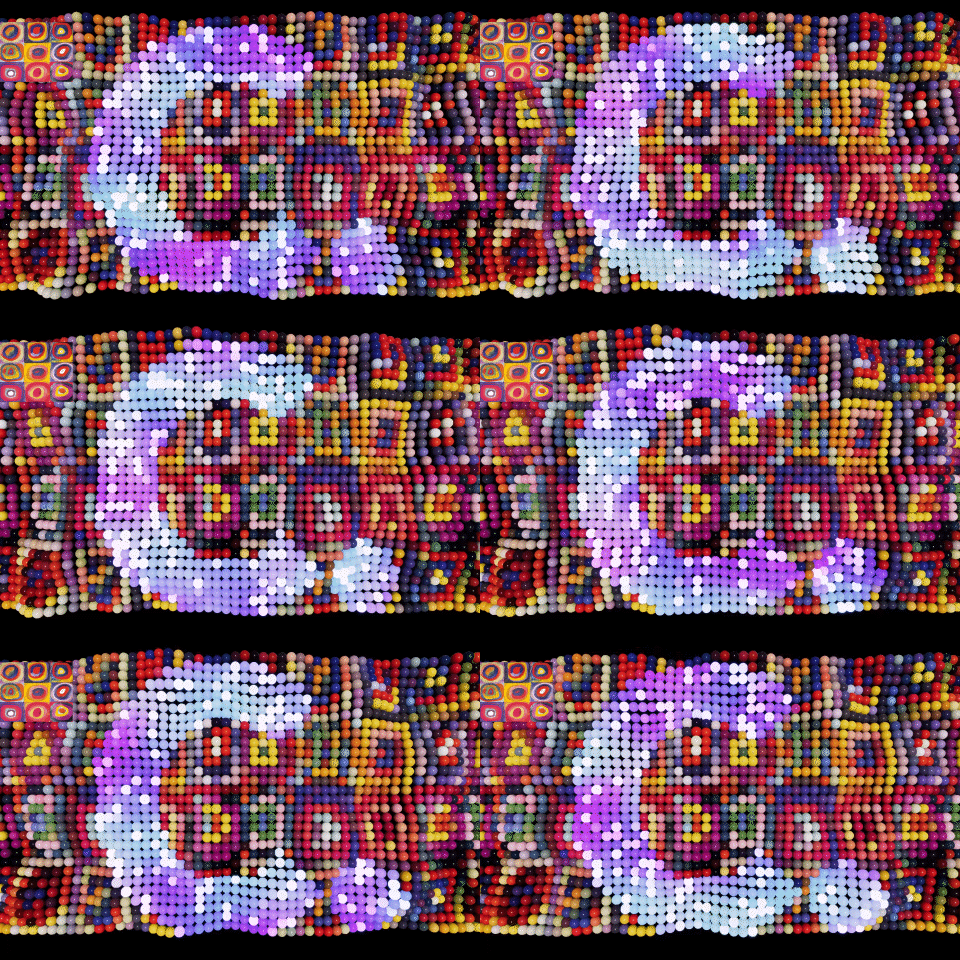 Use of Kandinsky's works
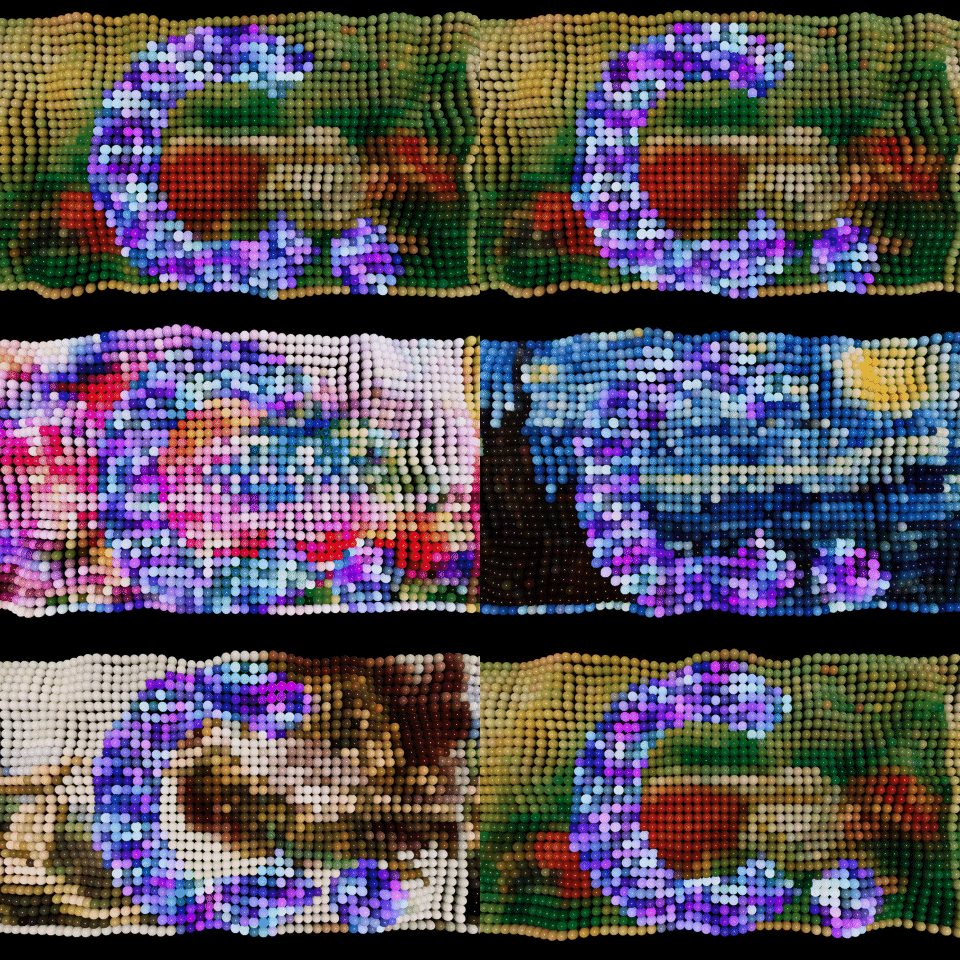
Use of various photographic images
Part 03. Generative artwork using video
Videos such as animation and motion graphics Select and combine it with data, Let's create different types of effects.
-
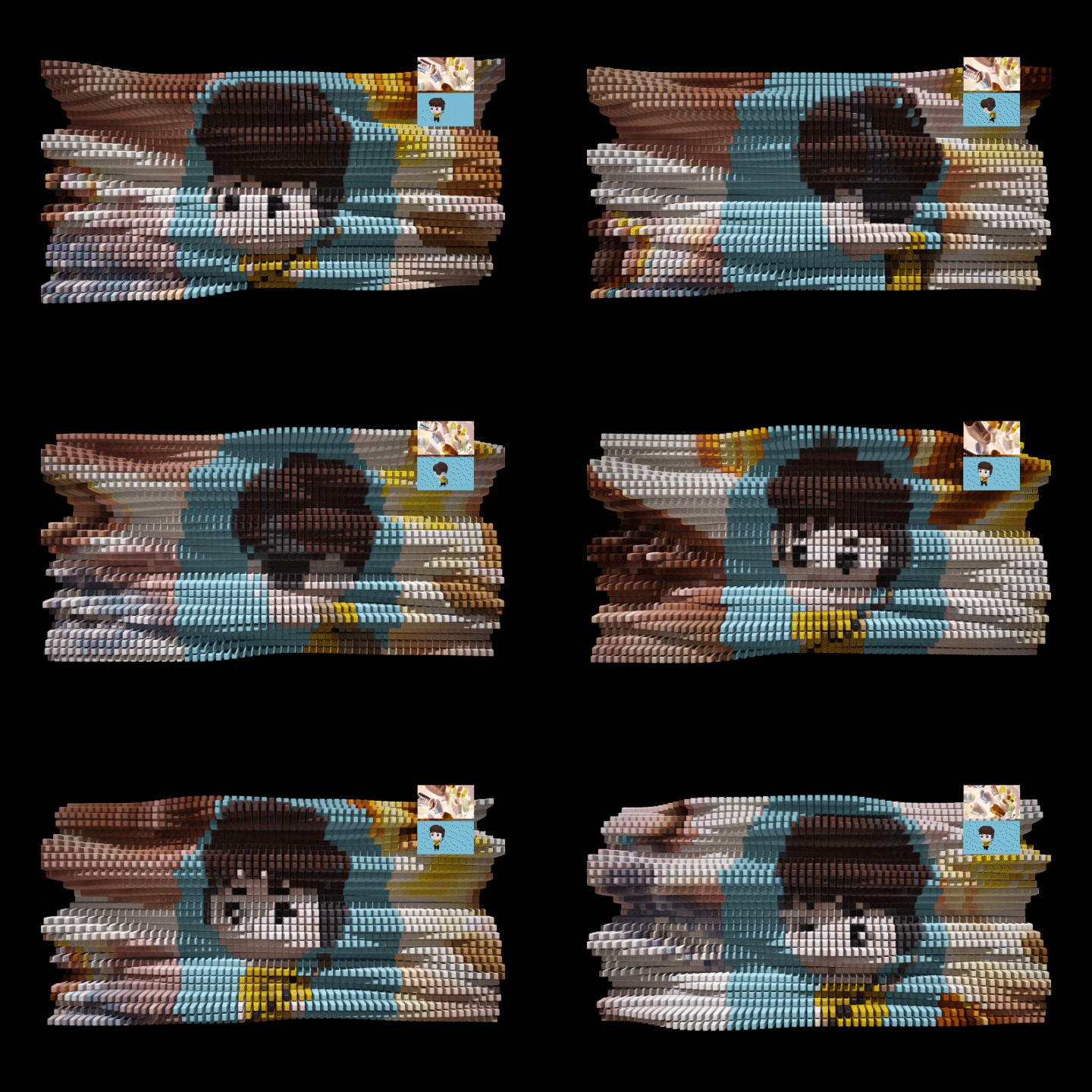 Use of video files
 -
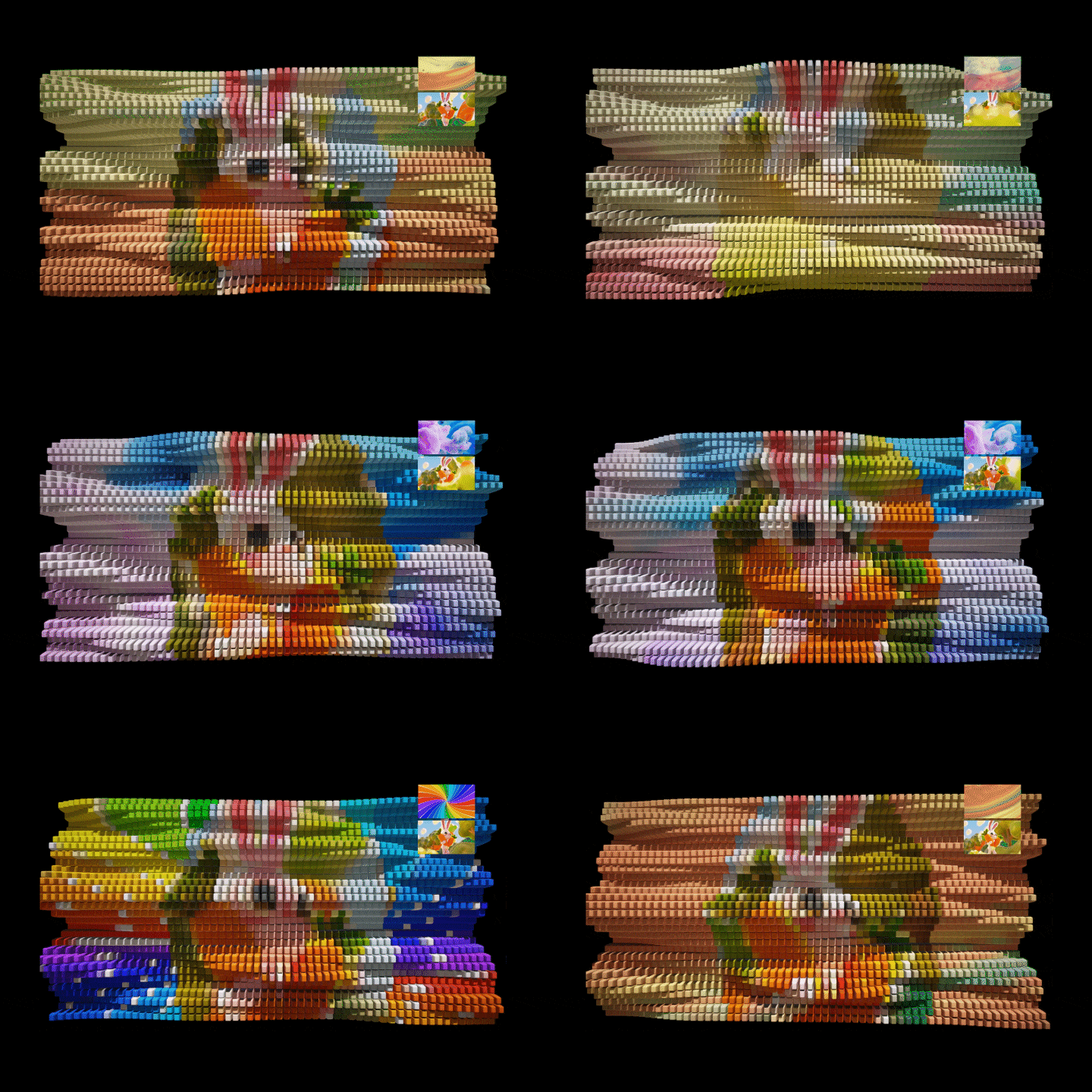 Utilization of video and image data
Part 04. Generative artwork using 3D
Apply color texture using UV data. Morphing that changes based on position Let's add a new particle effect.
-
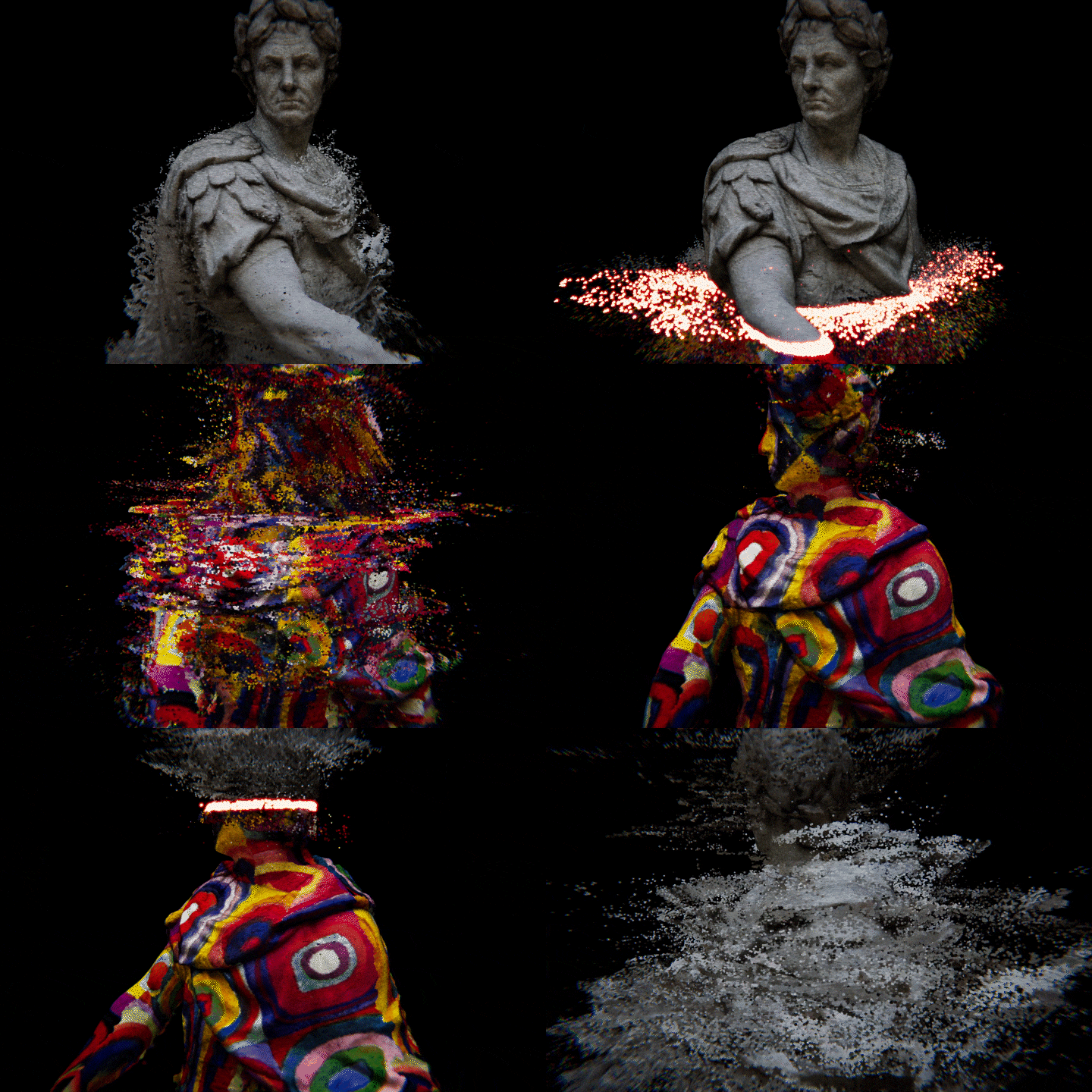 Morphing effect using 3D modeling
 -
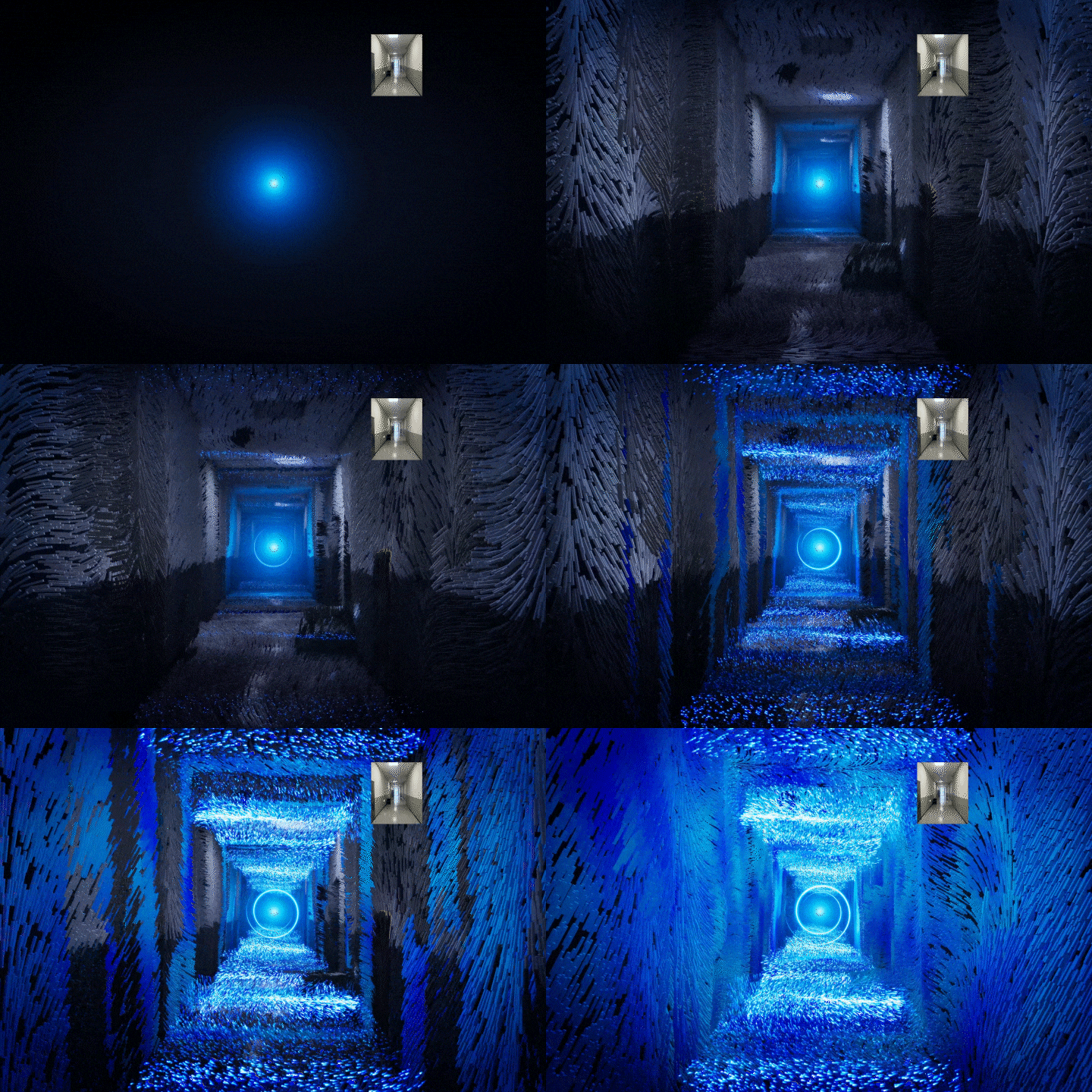 Particle effects using 3D spatial data
Part 05. Interactive artwork
By inputting microphone and sound In real time according to movement Complete interactive content.
sound interactive
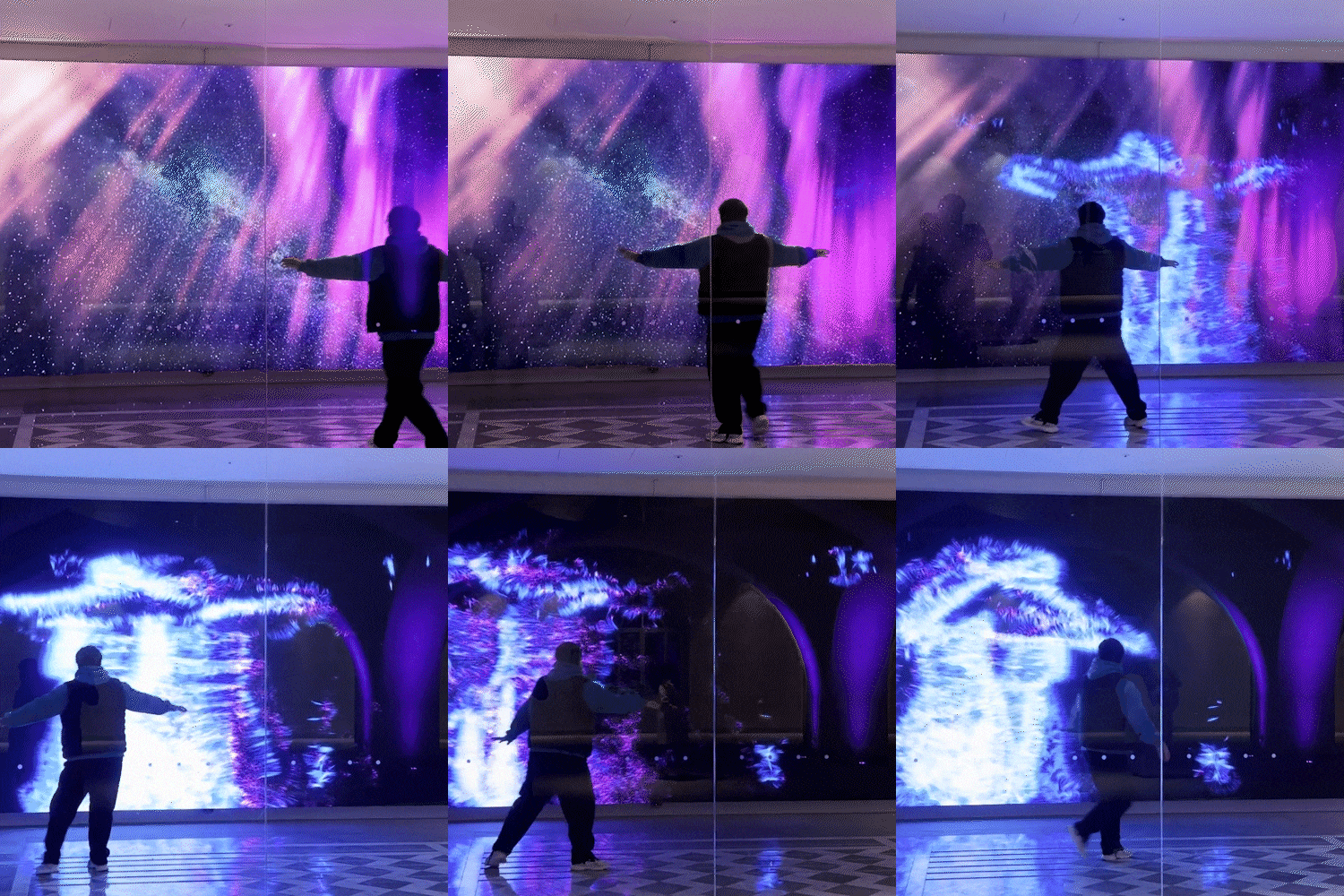
webcam interactive
*The image is an example to help understand the lecture and may be slightly modified later.
Speaker introduction
new media artist
Seongeun Kim
Hello, I am Seongeun Kim, a new media artist. I'm currently working on 'Scenes'. We operate a new media studio, Recently, Netflix, Laneige, The Hyundai Working with companies such as Zinus We have been working on projects steadily.
Above all, for me Attracting the attention of passersby ‘Real-time interactive artwork’ Because it is the field in which I am most confident. Collaborating with various national and public exhibition halls We are actively producing content.
Through this class In the growing media art market Demand is growing in line with We alleviate the difficulties of using the latest techniques, Turn your own work into interactive content We will let you know so you can implement it.
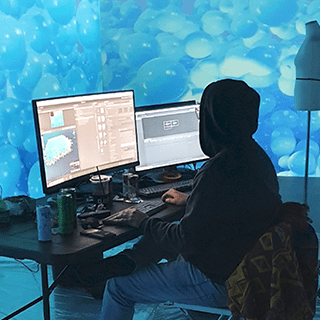
Seongeun Kim
Current) CEO of New Media Studio Scenes
View more history
[Participating Project]
Generative Art
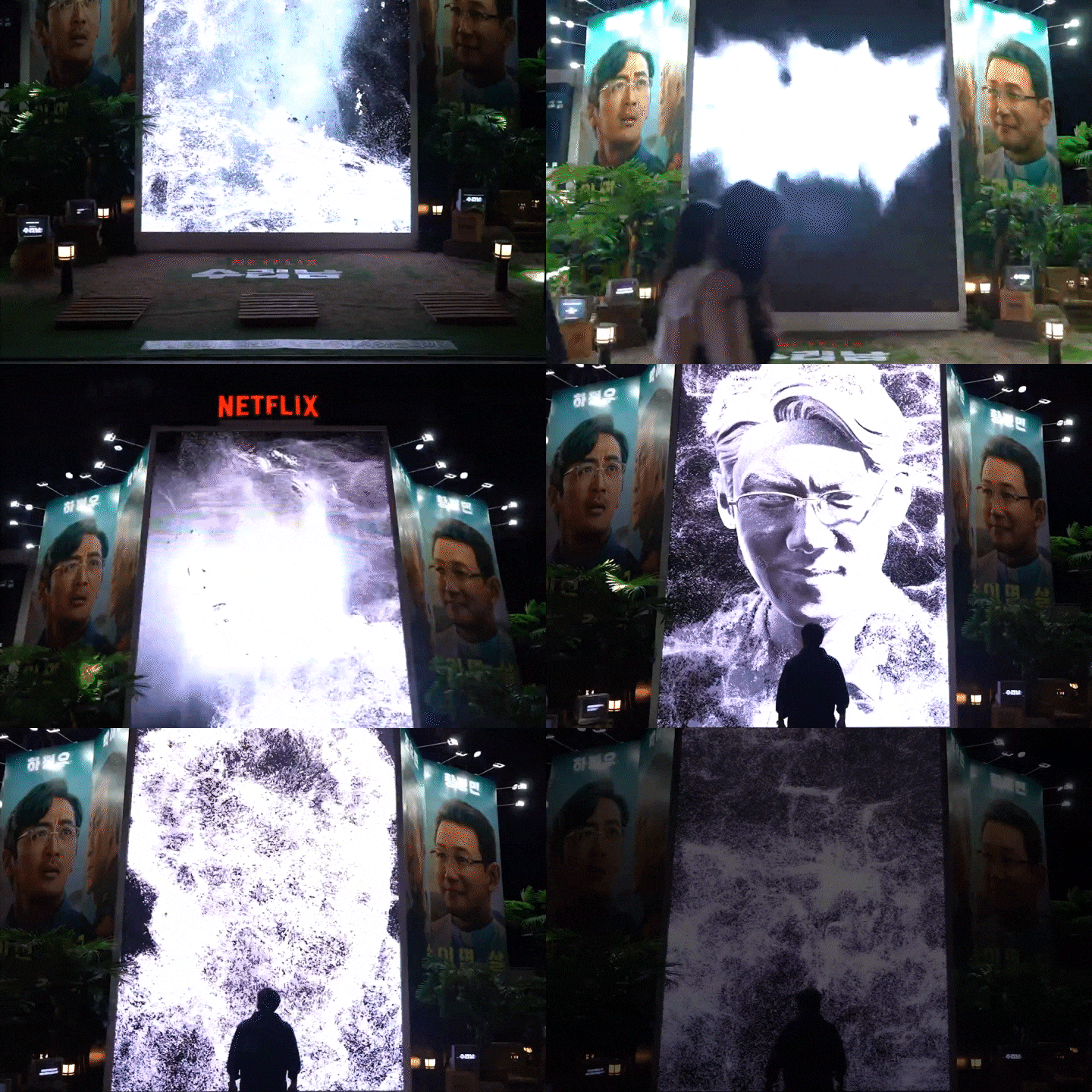
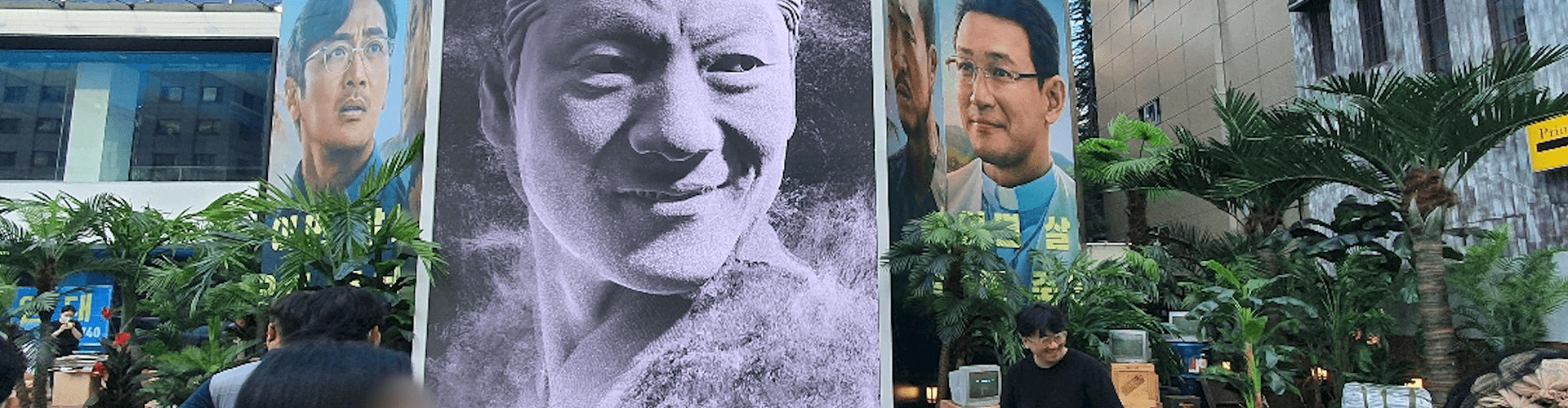
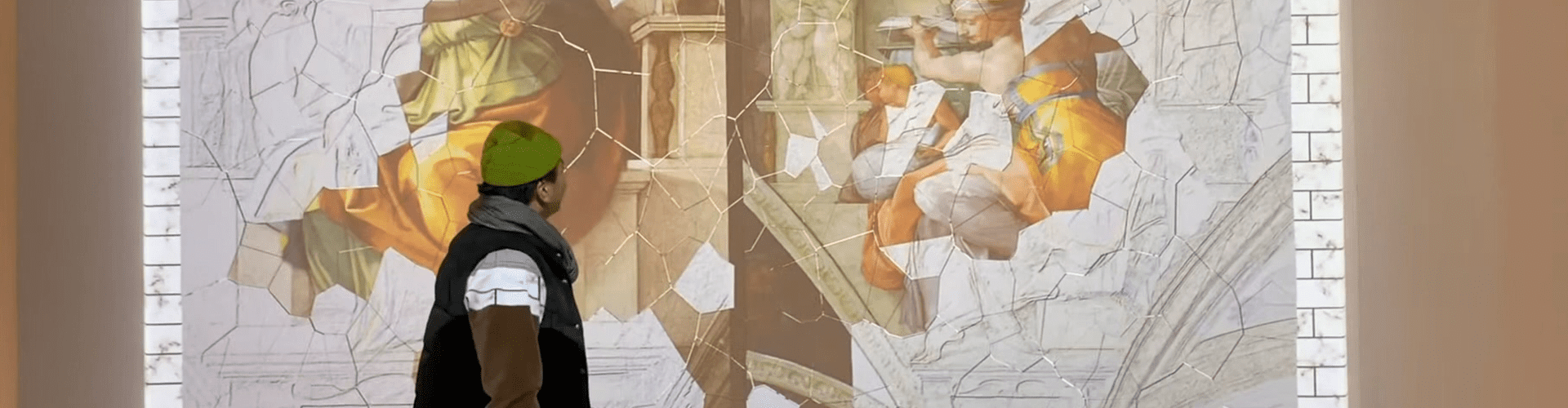
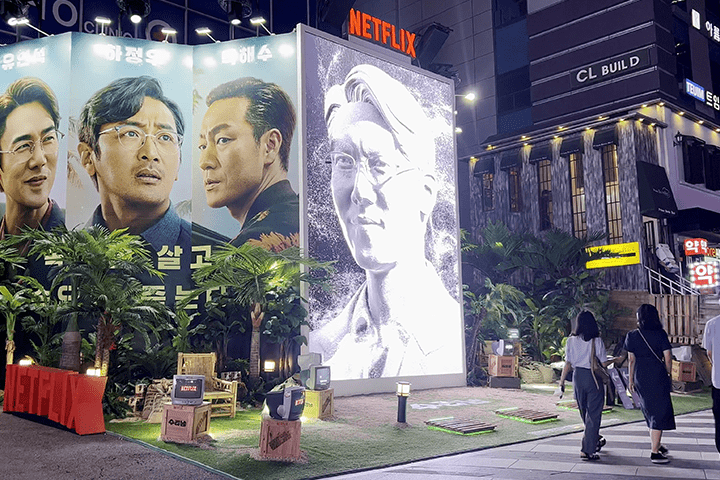
Netflix Suriname OOH - Real-time interactivity using actors' faces
Zinus Mia Branch - Visual creation and aurora lighting production using lasers
Gwangju Information and Culture Center - Gwangju 100 years of photo data use and data visualization
Hyundai Glovis - Introduction media art using data visualization
interactive content
Zinus The Hyundai Yeouido Branch - The Hyundai Zinus Pop-up Store
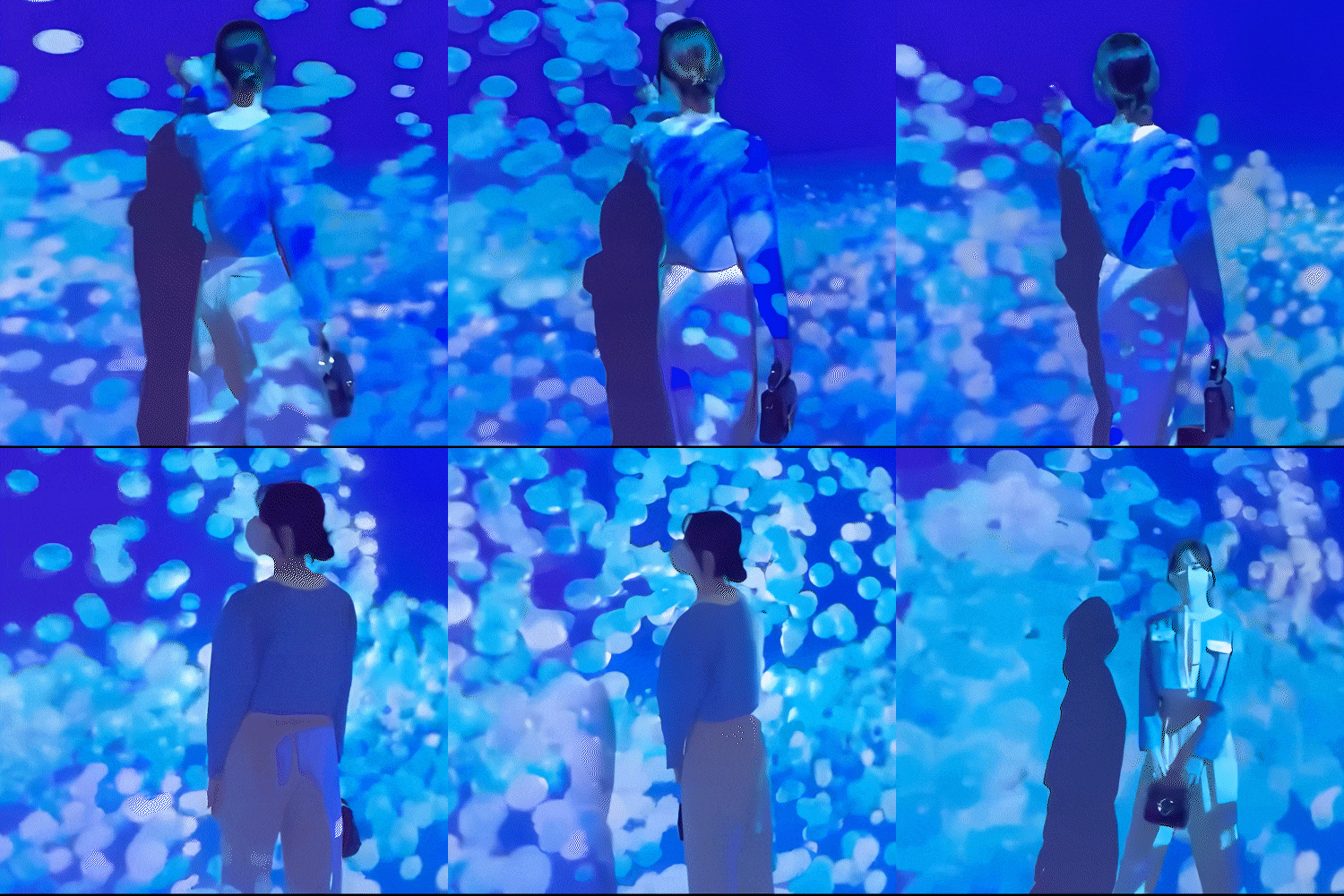
Laneige - Life Oasis 2.0, big wave of recovery in 3 zones and visual production
Incheon International Airport - Large Shiny, In to the frame using webcam
[etc]
Development of interactive contents such as national and public exhibition halls and large corporate advertisements and promotions
class features
class features
Easily with Unity with a great view Creating real-time 3D content
Learn Unity's visual technical art skills that can be continuously used in various markets such as exhibitions, media art, and realistic content. We check and create new media content in real time that creates a bond between creators and audiences.
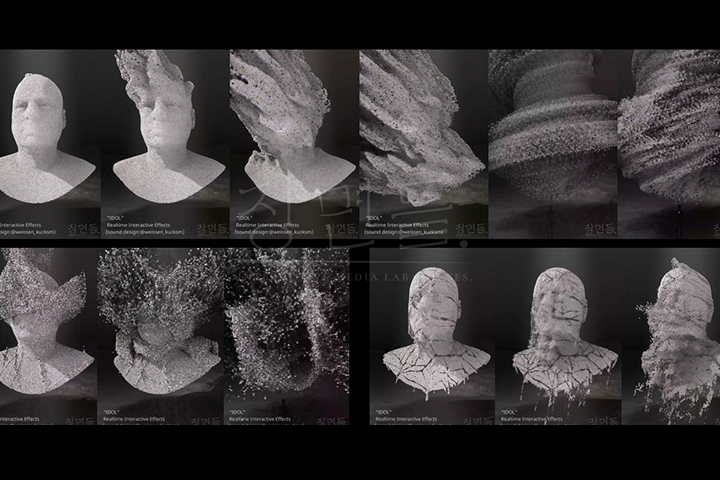
Full of originality Interactive techniques that breathe
Regardless of the type, we use artwork such as logos, pictures, videos, and 3D that we have created ourselves as a source and expand it into interactive content. In addition, you will learn how to create unique and creative works that stand out.
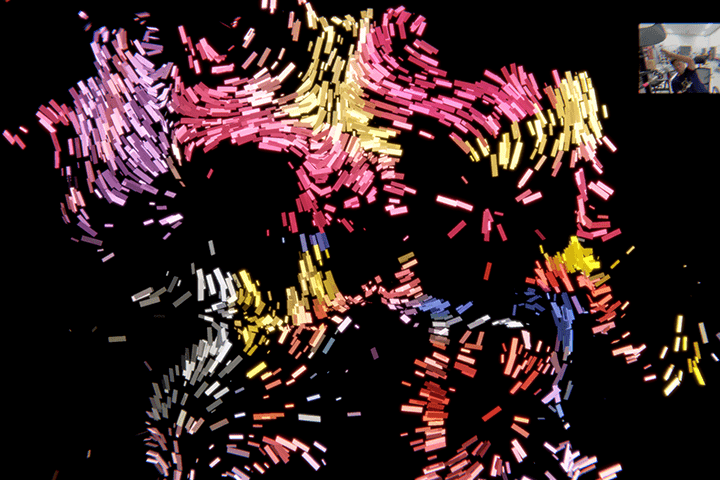
New media artist Expanding your career scope
Develop your professional capabilities as a new media artist by experiencing everything from planning to production and actual field processes. Above all, we systematically learn generative skills and VFX that are not well known elsewhere.
Class composition
learn this
-
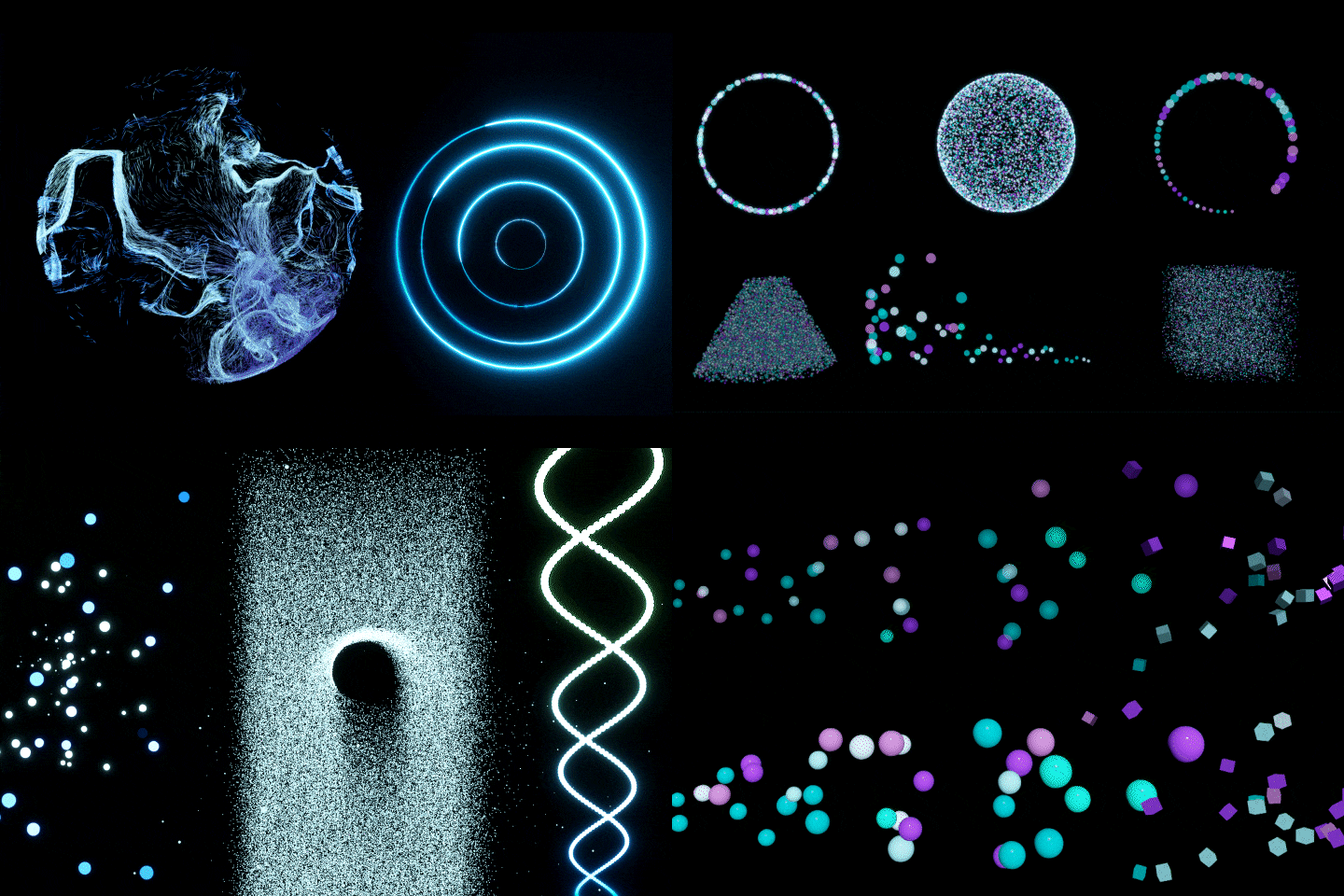 Unity Shaders and Visuals Understanding the Effect GraphLearn about Unity's Visual Effect Graph, which adds something special to your artwork. Let's understand the structure of each block node and express various particle effects.
 -
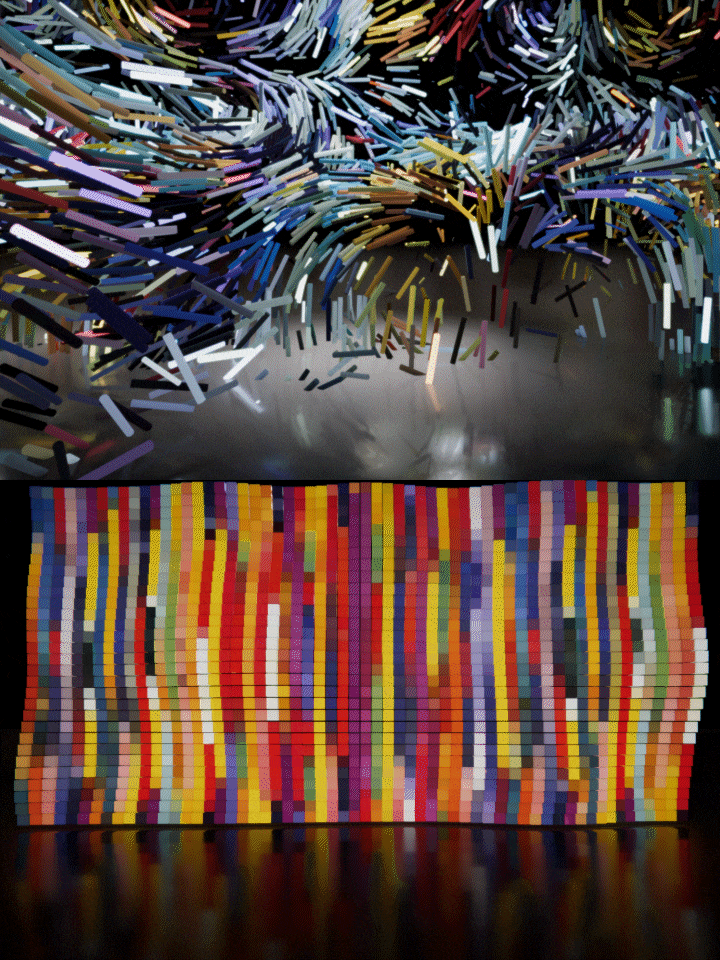 For creating various artworks Generative practical skillsWe will practice generative techniques by practicing the wavering or block-style effects that are often required in media art scenes and commercials.
 -
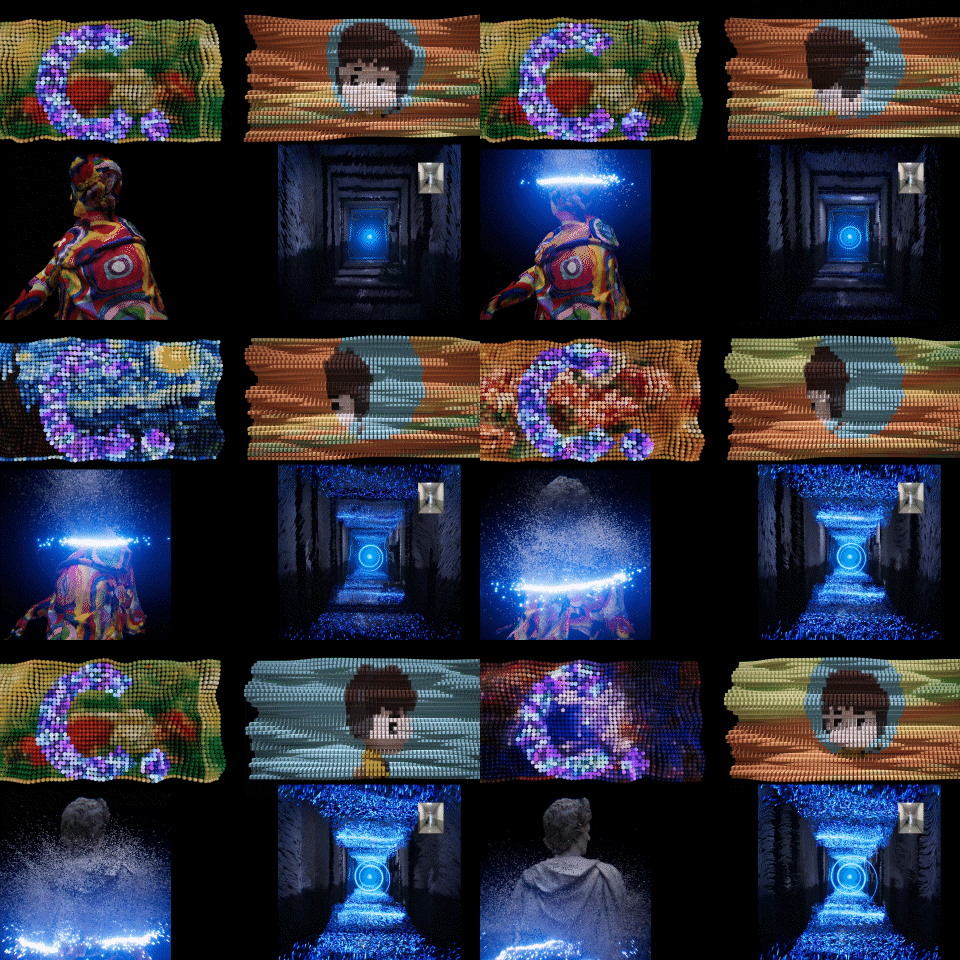 Using photos, videos, and 3D How to create realistic contentLet's take a detailed look at practical technical art techniques for adding unique personality to logos, images, videos, and 3D modeling that appeal to you using Unity.
-
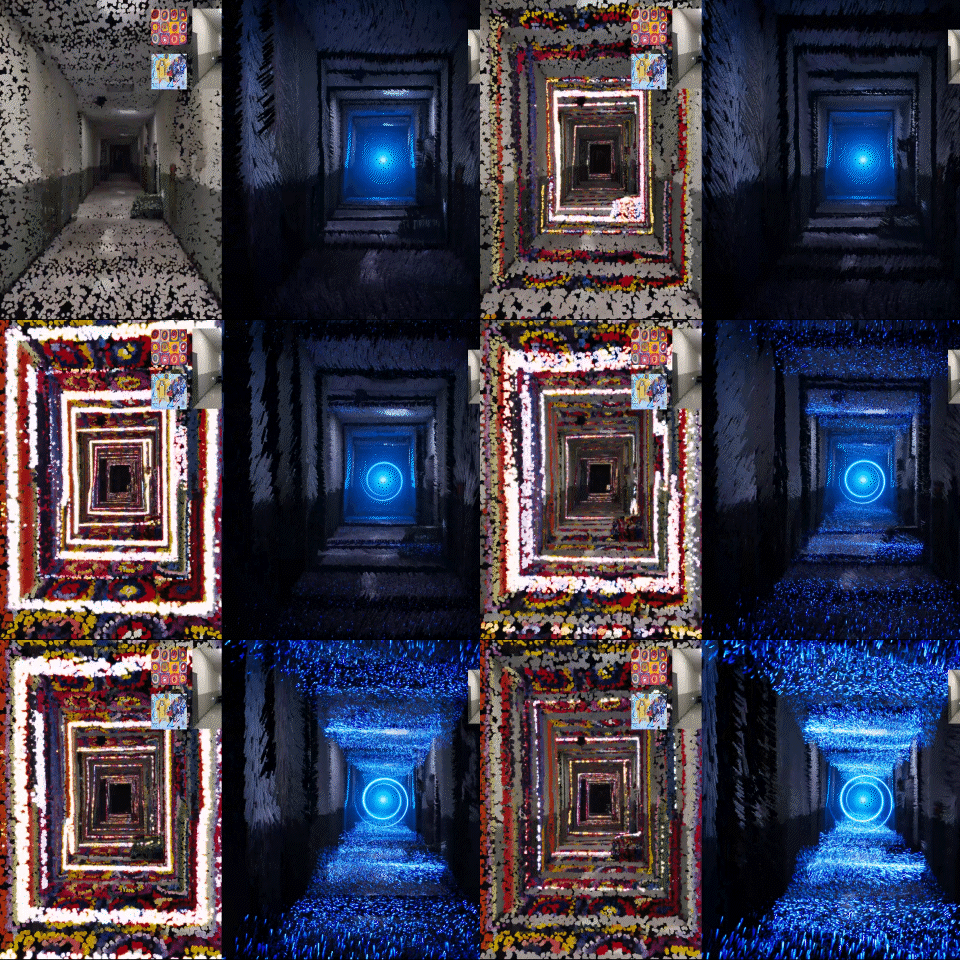 Adds colorful effects How to scan and apply 3D spatial dataAfter scanning spatial data in 3D with SCANIVERSE, apply point cloud and hologram effects to recreate ordinary spaces into works of art.
 -
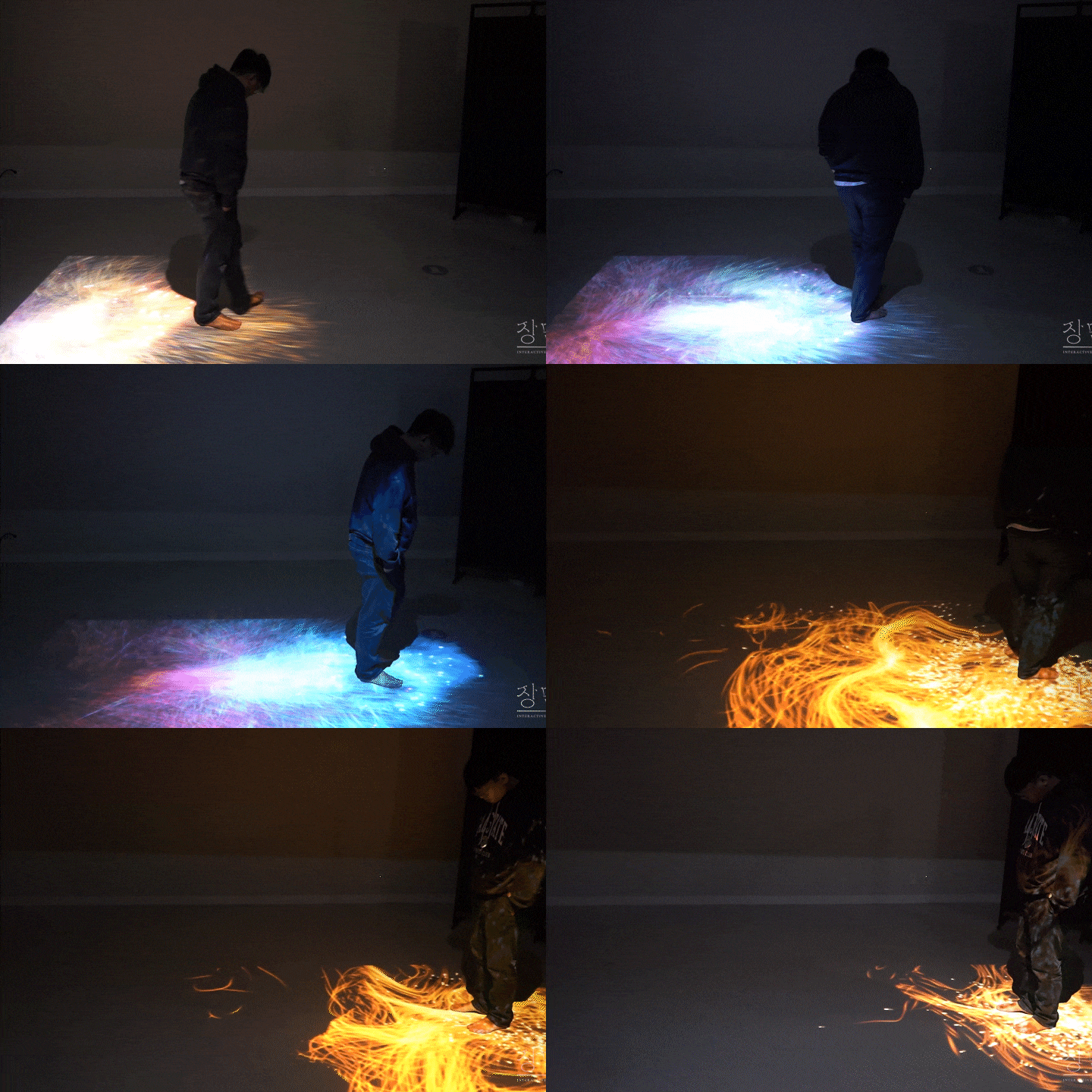 Responsive to sound and webcam Interactive technology revealedEven those without coding experience will be taught how to use the provided code modules to create interactive content that naturally responds to the sounds and movements of the audience.
 -
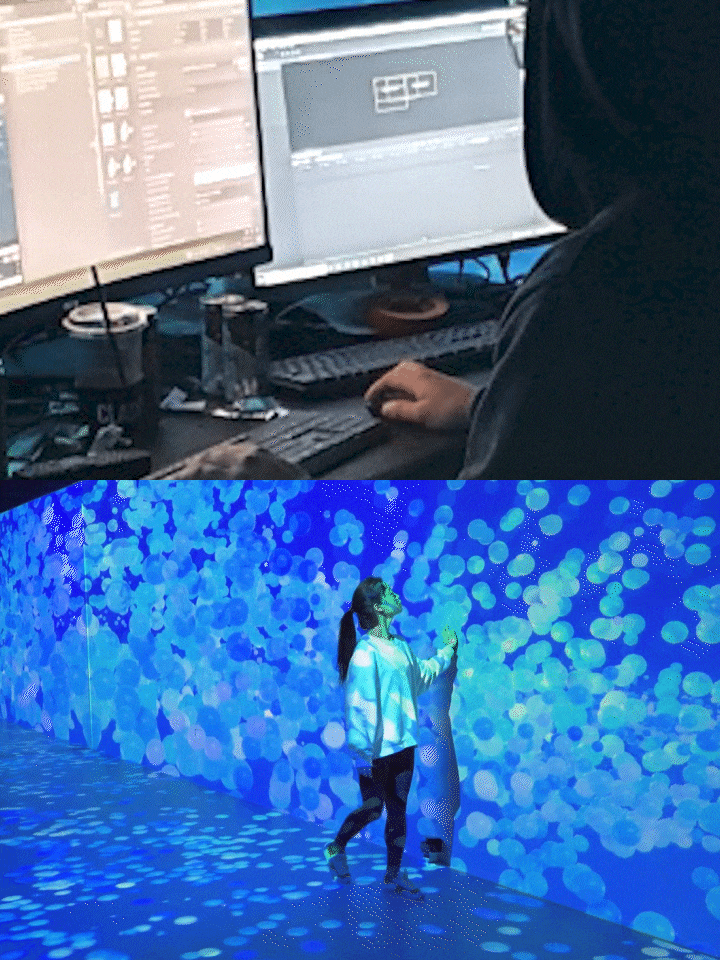 Until completion of new media work Master all workflowsWe will learn about various sensors needed for new media content production and installation, and also delve into field methods that easily utilize sample code and plug-ins.
curriculum
curriculum
Show me the curriculum
SECTION 01. Intro
01. Orientation
- Instructor and course introduction
- Advantages and expansion possibilities of starting content creation through Unity
- The need for visual effect graph techniques
- Necessity of techniques using Shader Graph
02. New media content development process using Unity
- Learn about a simple development structure
- Interactive content development process
SECTION 02. Visual effect graph for generative art techniques
03. Visual Effect Graph
- Unity installation and environment settings
- Learn about Visual Effect Graph (VFX Graph)
- VFX Graph creation and detailed functions: Emitter, Particle
- General visual effect structure
- VFX Graph Window Window
- Components of VFX Graph: Context, Block, System
- Node operations (logic) in the VFX graph
04. Creation block
- Spawn System: Understanding spawn blocks
- Control particle playback by receiving key input
05. Initialization block
- lnitialize block: Understanding data initialization blocks
- Custom Value
- Set Position: Line, Circle, Box, Sphere, Cone
06. Update block
- Block that applies particle change values per frame
- Applying color through Get Position value
- Winding particles using Force and Sine Wave
- Turbulence
- Noise
- Set Position AABOX and Collider Sphere
07. Output block
- Block that renders the output of generated particles
- Types of output blocks
- Mesh & Quad Output
- Lit & Unlit
- Using curves
- Linking with Shader Graph
SECTION 03. Highly usable visual effect techniques
08. Fluttering particles
- Using continuous generation method
- Create a shimmering effect
09. Block particles moving back and forth
- Using a single creation method
- Creating generative objects using particle elements
SECTION 04. Generative art technique using images
10. Example 01: Artwork using logo image 01
- Choose a logo and photo image
- Setting up visual effects
- Assigning particle positions in create/update block
11. Example 01: Artwork using logo image 02
- Particle Lifetime Data
- Movement and color change using sampling curve method
- Add a combination of each node based on the created effect
- Create a nebula-like effect
12. Example 02: Artwork using multiple images 01
- Two ways to import with different resolutions and photo color data
- Differences in photo color data allocation method in creation/update block
13. Example 02: Artwork using multiple images 02
- Apply effects to specific areas using sampling textures
- Differences between various filter nodes such as Lerp, Step, etc.
- Add effects to desired areas
14. Example 02: Artwork using multiple images 03
- Combination of previously learned techniques
- sampling curve, sampling gradient
- Create artwork using various images
- How to apply when switching to interactive content
SECTION 05. Generative art technique using video
15. Example 03: Artwork using video files 01
- Select and play video to use in artwork
- How to use video data in Visual Effect Graph
- How to use particle position, sine function, and Lerp node
- Give a wave pattern transition effect
16. Example 03: Artwork using video files 02
- Apply partial effects to each element using sampling textures
- How to configure change areas using sampling texture techniques
17. Example 03: Artwork using video files 03
- Process video data and apply detailed effects
SECTION 06. Generative art technique using 3D
18. Example 04: Artwork using modeling file 01
- Convert modeling file to point cache
- Assign UV data to apply color texture
- Add effects to specific areas of the model using sampling textures
- Providing partial effects using particle position data/step function
19. Example 04: Artwork using modeling file 02
- Apply particle movement effect to change area using sampling curve node
- Morphing effect using particle position
20. Example 05: Effects of using spatial data 01
- Capturing spatial data using an app
- A method of applying spatial color information to particles
- Assign noise values to visualized space
- Add moving effects through properties
21. Example 05: Effects of using spatial data 02
- Create a looming line effect
- Color change effect using particle position and noise data
- A shimmering effect that moves forward over time.
22. Example 05: Effects of using spatial data 03
- Gradually seeping light effect using post processing
- firefly effect
- Interactive content ideation
SECTION 07. Interactive skills through sample code and plugins
23. Example 06: Real-time reaction artwork using microphone and sound input
- How to use microphone and sound input
- Create responsive artwork in real time
24. Example 07: Real-time responsive artwork using webcam input
- How to use webcam input
- Create artwork that reacts to human movement in real time
interview
New media artist Seongeun Kim-i The story I want to tell

Question.01
Of new media content What are the marketability and prospects?
Of new media content What are the marketability and prospects?
There has always been a demand for new forms of visual results , and recently, interest in interactive works in the fields of video, advertising, and realistic content has been rapidly increasing. In particular, as real-time engines begin to be introduced into content production, people with an understanding of related technologies and production processes are increasingly sought after.
Question.02
As a new media artist What are your strengths?
As a new media artist What are your strengths?
My strength is that I have a wide range of interactive and realistic content creation skills required in commercial areas . In particular, it is well-received as excellent for work in the visual effect graph and shader areas . I also plan to incorporate my experiences shared through Unity Korea's conferences and webinars in my lectures.
Question.03
Of this class What are the main points?
Of this class What are the main points?
We have created a curriculum so that you can transform your own artwork into interactive content . We will recognize the potential for content development using Unity, a real-time engine, and help you actively utilize the techniques you have learned even when other types of platforms appear .
Question.04
To some people Do I recommend this class?
To some people Do I recommend this class?
For creators who want to create interactive content and apply it to media art, exhibitions, etc. , for graphic designers or 3D artists who want to properly learn about Unity and expand their skill spectrum , and for new media studio newcomers who need the ability to quickly learn new technology and immediately apply it to practice. I recommend it.
Program used We will guide you.
This lecture will be held in Unity 2021.3.2f1 .
To ensure smooth course attendance, download the latest version of the program. Please purchase and install it separately.
*Programs and materials are not provided separately.