3dcreator,lee_JP Details
Intro

Don’t miss out, enroll now!
Enrollment closes in
0
d
0
h
0
m
0
s
2026-10-11T23:59

Now in Your Language, Only on Coloso!
Learn from Top Creative Experts Worldwide
-
 Key Animation Principles
-
 Dynamic Cutscene Production
-
 Production-Ready Workflow
Bring Out the Best in Games with Intricate Character Animation
3D creator Lee has brought characters to life across a diverse range of projects, from major game titles to short-form videos featuring renowned VTubers.
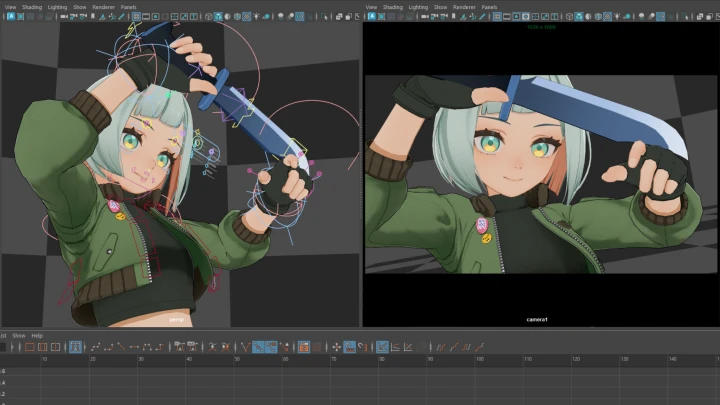
In this class, you'll master camera work to enhance movements as intended and learn how to design captivating action sequences. You'll also explore hand-keyed animation techniques to understand the objectives behind game direction and maximize a character's appeal.
In this class, you'll master camera work to enhance movements as intended and learn how to design captivating action sequences. You'll also explore hand-keyed animation techniques to understand the objectives behind game direction and maximize a character's appeal.
This class starts with the fundamentals of animation and techniques for creating purposeful poses. Using an original rig, you'll create contrasting idle animations while building a strong foundation for expressing a character's personality.
Next, you’ll compare cinematic and game direction and learn how to design engaging layouts. From character entrance scenes to attack and damage reactions, build dynamic actions that interact with the player.
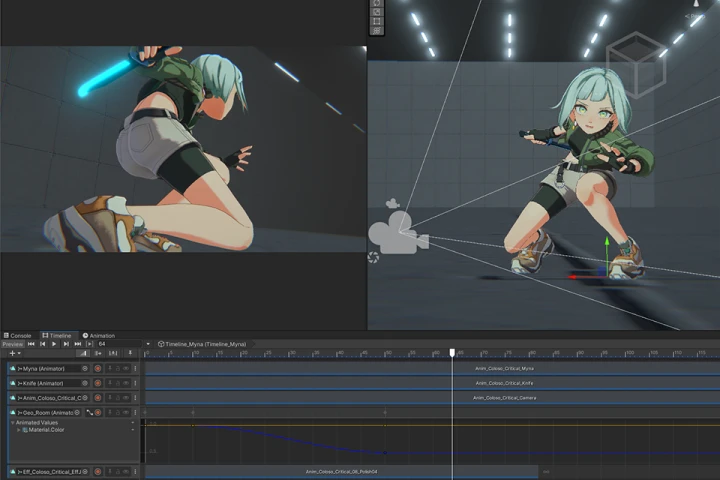
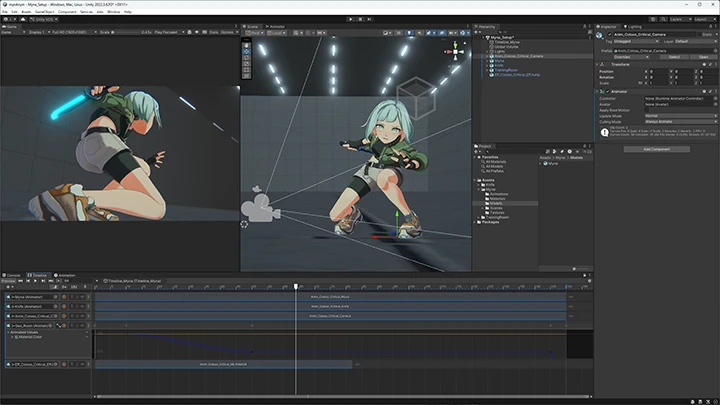
Finally, you’ll produce a special move scene with facial animation by importing your data into Unity and using video editing techniques to create a polished demo reel.
Master cinematic direction designed to capture players’ attention, right here on Coloso.
Next, you’ll compare cinematic and game direction and learn how to design engaging layouts. From character entrance scenes to attack and damage reactions, build dynamic actions that interact with the player.
Finally, you’ll produce a special move scene with facial animation by importing your data into Unity and using video editing techniques to create a polished demo reel.
Master cinematic direction designed to capture players’ attention, right here on Coloso.
Class Perks
Special Gift from Lee
-
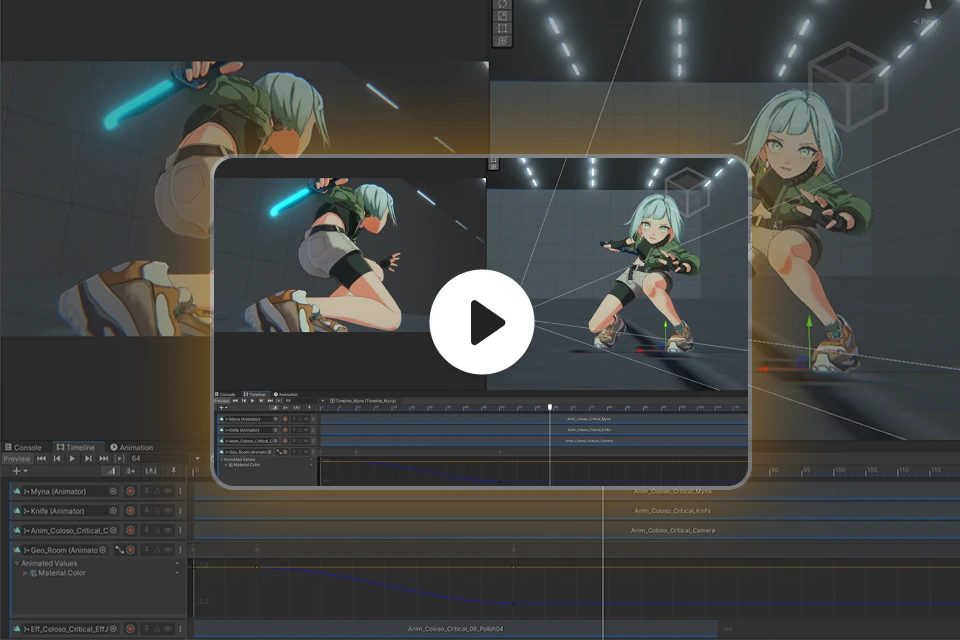 Unlimited Access to 26 ChaptersCovering Lee’s 3D Animation Expertise
 -
 Create 1 Completed AnimationThrough 9 Hands-on Exercises
 -
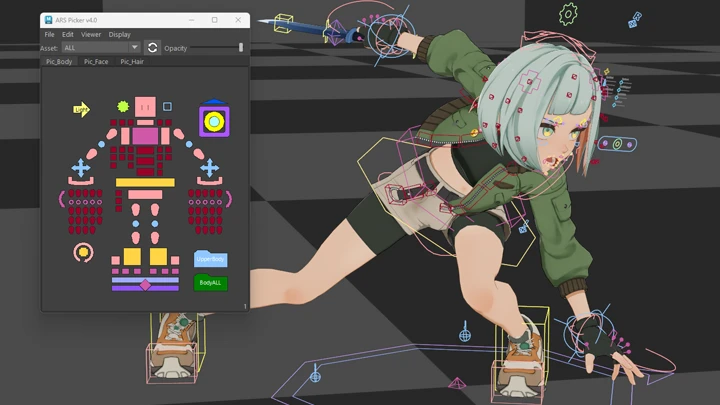
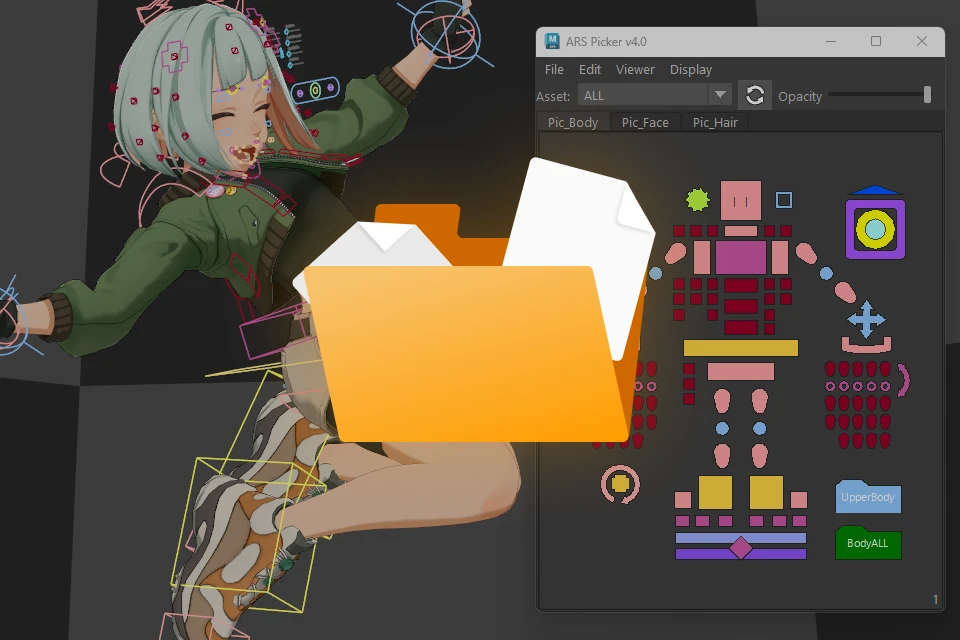 Rigs and Various Other ResourcesProvided for Practice
Class Material Details
-
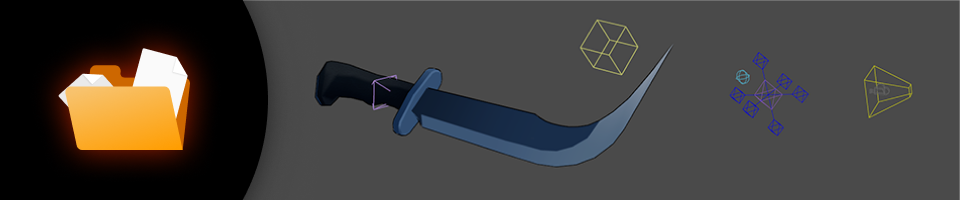 Learning Materials- Ball rig
- Camera rig
- Weapon rig -
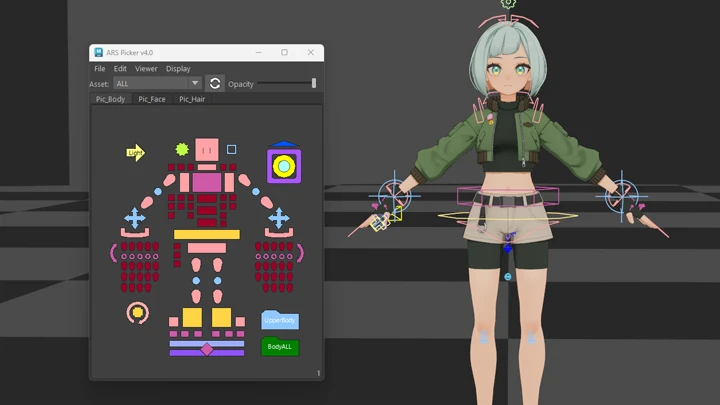
 Practice Materials- Original character rig: Myna
- Picker definition data
Expert 3D Creator Lee's Portfolio
Hoshimachi Suisei’s “Makeup Date!”
Hoshimachi Suisei’s “CaramerPain”
Hoshimachi Suisei’s “Moonshot”
Sakura Miko’s “Fashion Beat”
Why Take This Class?
Smooth, natural animation is only the beginning. Learn how to bring your characters to life with dynamic, purposeful animation that captures attention and personality. From idles and combat to reactions and cutscenes, create a versatile range of shots and bring them together into seamless, visually compelling sequences. Lee guides you through a practical, production-ready workflow covering everything you need to create high-impact game animation.
Go beyond mastering technical skills! Learn how to make every shot feel intentional and engaging. Discover how layouts, camerawork, and character movement work together to create cinematic direction, stronger visual appeal, and animation that leaves a lasting impression.

Get Ready for the Real World
Bring Characters to Life with Dynamic 3D Animation
-
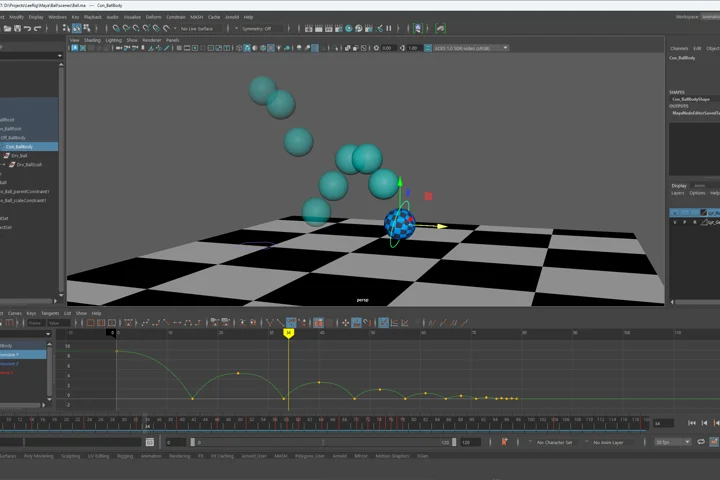 Bouncing BallFamiliarize yourself with Maya's Graph Editor by creating a simple ball-bounce animation and discover Lee's go-to functions and tools.
 -
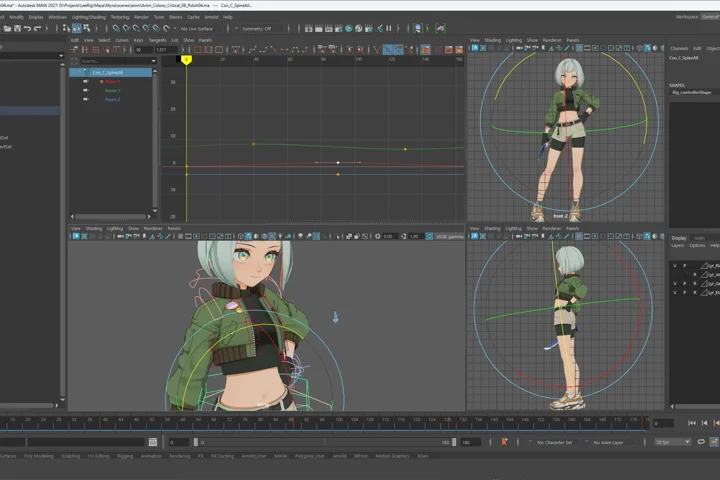 Loop Animation: Relaxed IdleFind out how to create standing poses that look stable from every angle, along with techniques for making natural loop animations.
 -
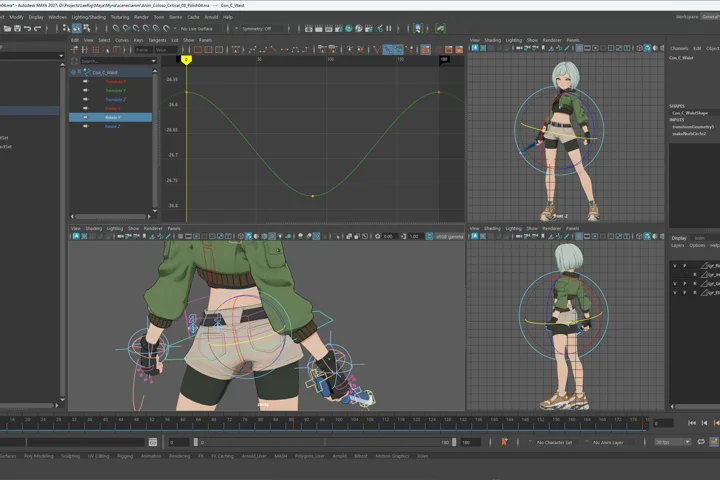 Loop Animation: Combat IdleCreate a combat-ready idle loop that serves as an essential starting point for every action. Explore posing techniques that balance character personality and game functionality.
-
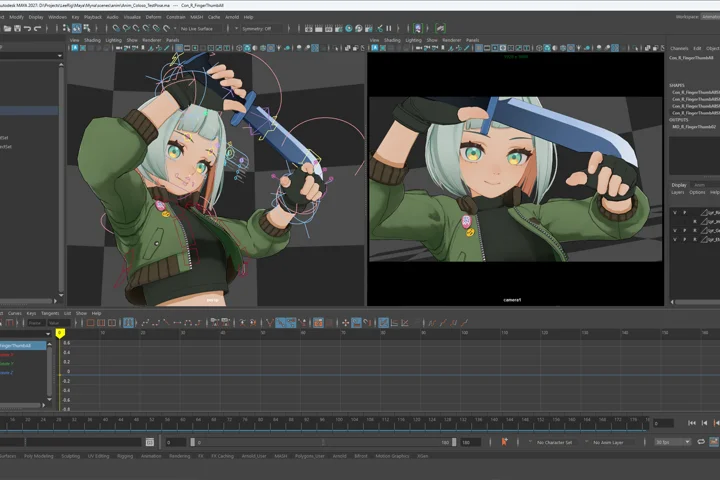 Cutscene: Directing an EntranceCreate a transition animation from relaxed idle to combat idle. Deepen your understanding of camera work fundamentals and techniques for making character movements more appealing.
 -
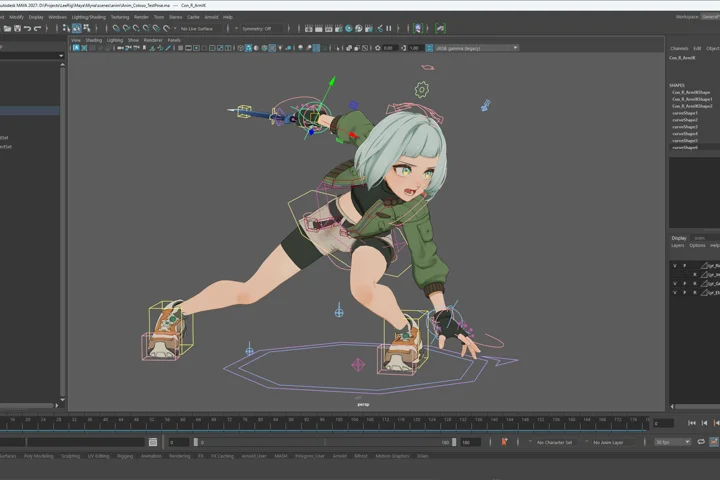 Action: AttackDevelop attack actions that start from a combat idle. Learn how to create body movements and footwork for game-specific requirements, transitioning from and back to an idle pose.
 -
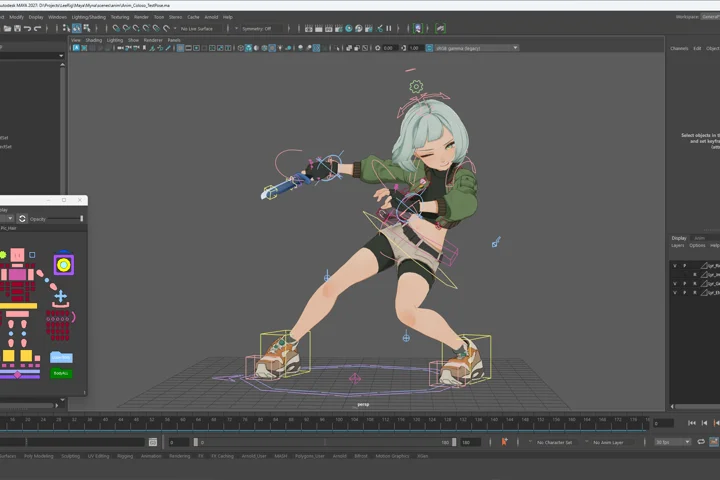 Reaction: Minor DamageAction and reaction are inextricably linked, and a good attack needs a good target. Explore what sets reaction movements apart from active attack actions.
-
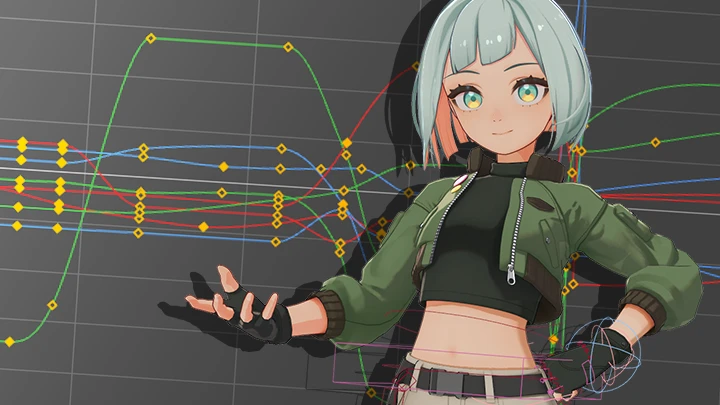
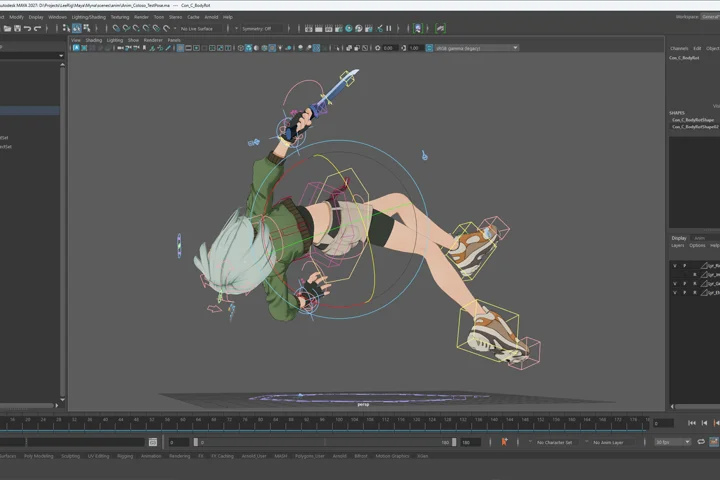 Reaction: Major Damage (Knockback)Create a reaction to a powerful attack. Build complex movements such as knockbacks and ground rolls by efficiently controlling curves, then use them as reactions to critical hits.
 -
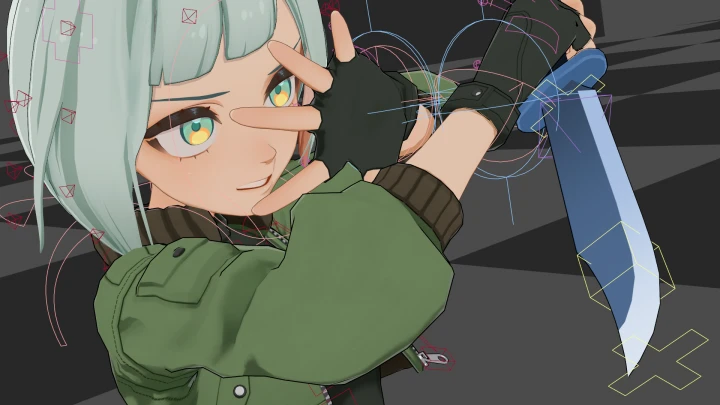
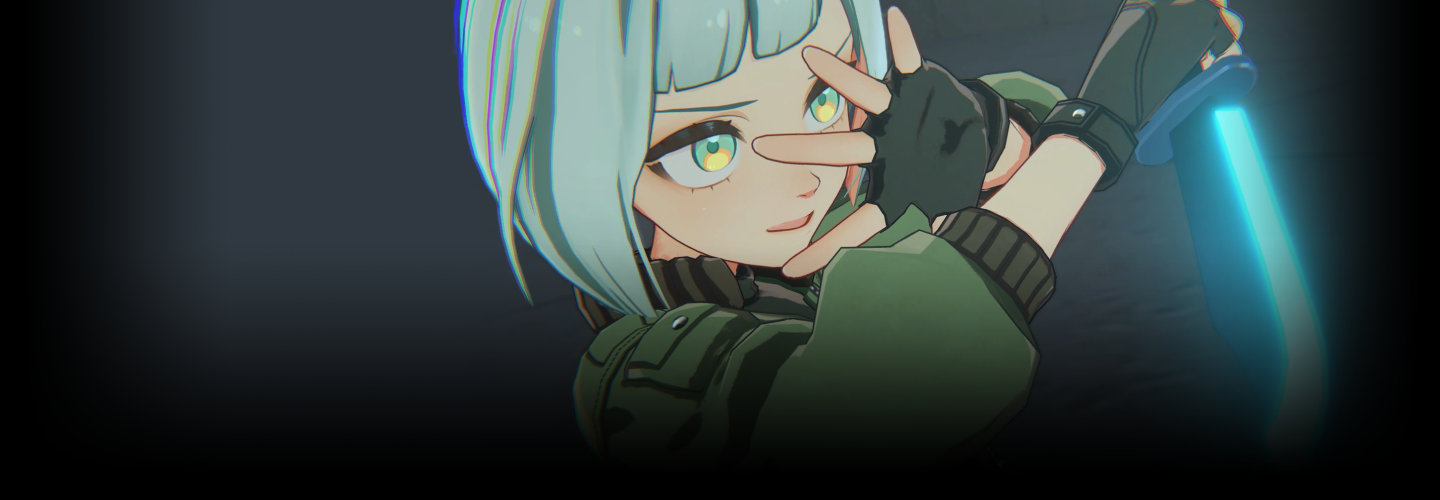
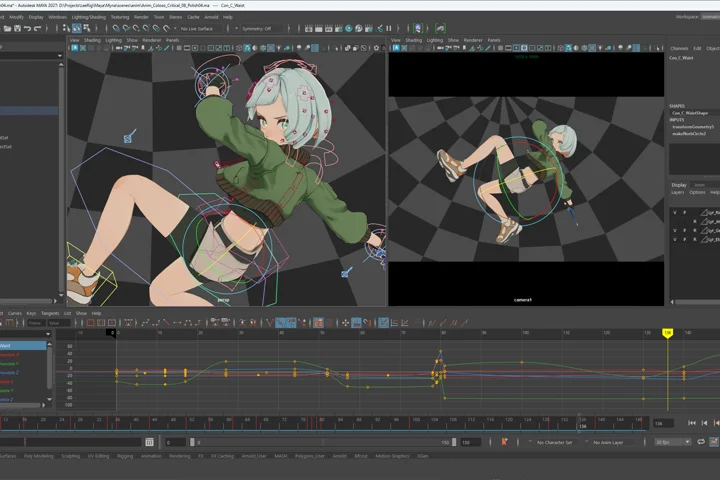 Cutscene: Critical AttackCreate special moves using camera work. Direct dynamic, large-scale moves with dramatic camera and character movement while preserving both character appeal and visual clarity.
 -
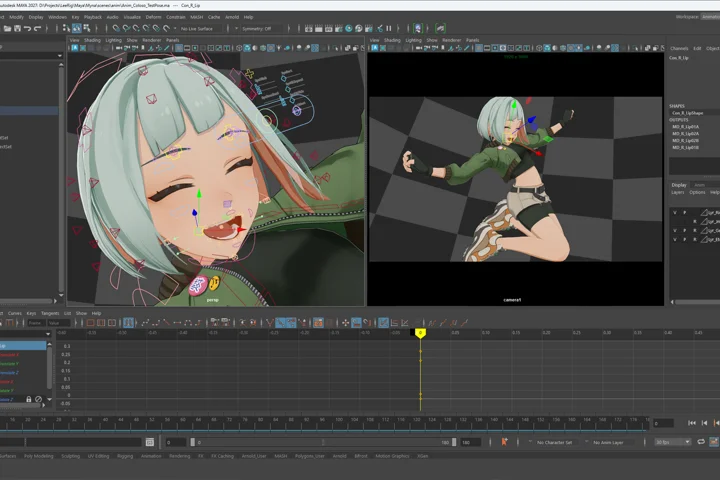 Cutscene: VictoryCreate an important cutscene that rewards the winning player. Using charming gestures and expressions, reveal a cool-looking character’s more natural and charming side.
*The above images are sample images for a better understanding.
Highlights
Class Highlights
Building the Foundation for Character Animation
Understand the thought process behind creating movements that take time to master, following the production process from motion analysis to key poses, timing, and spacing. Develop the skills to build character movements with a clear purpose.
Eye-Catching Character Movement
Explore a workflow that incorporates the mechanics of gravity and skeletal structure alongside a character’s emotions and personality. Delve into the process of building full-body performances, from poses and gestures to facial expressions, while developing your own style and elevating the quality of your work.
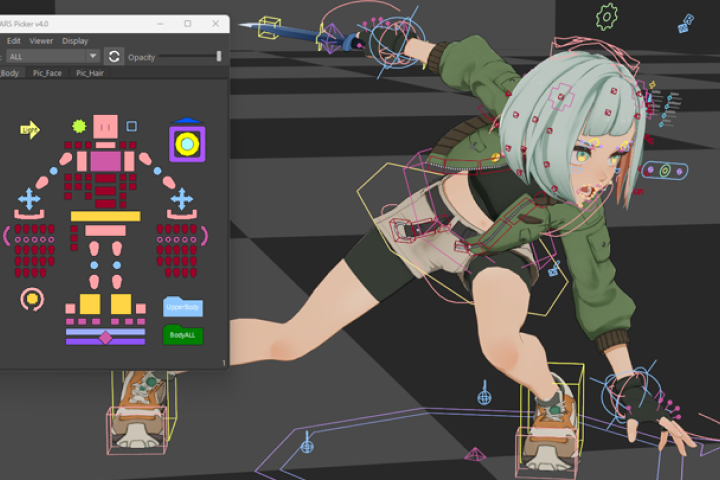
Turning Movement into Captivating Direction
Explore the process of designing character movements and camera work at the same time. You’ll learn sophisticated adjustment techniques for guiding the player’s eye, from building layouts to splitting shots. Bring out the full appeal of characters through effective cinematic direction.