‘Beauty’ in real-life characters
Here's how to add it
3DCharacterArtist,YeorumChoi_3D캐릭터아티스트 최여름 Details
Class Introduction
introduction video
3D character artist, Yeorum Choi
“How to add beauty to live-action characters, Capturing both individuality and perfection If you want a modeling portfolio This class is the answer.”
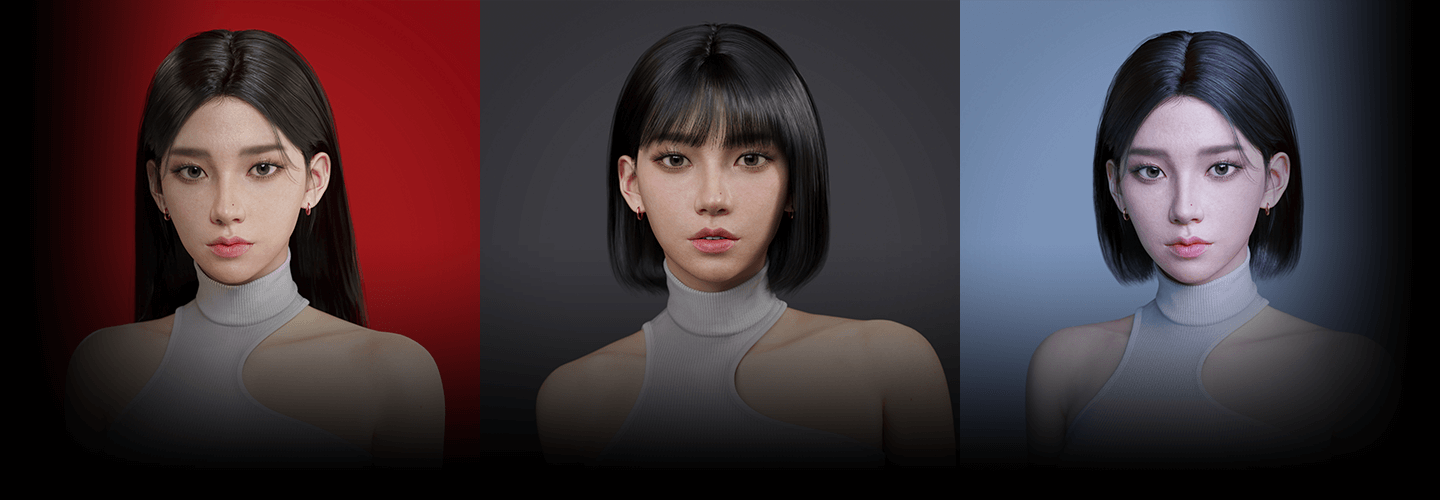
As many game artists take on the challenge, A field where it is difficult to achieve both completeness and attractiveness, Real-life female character modeling!
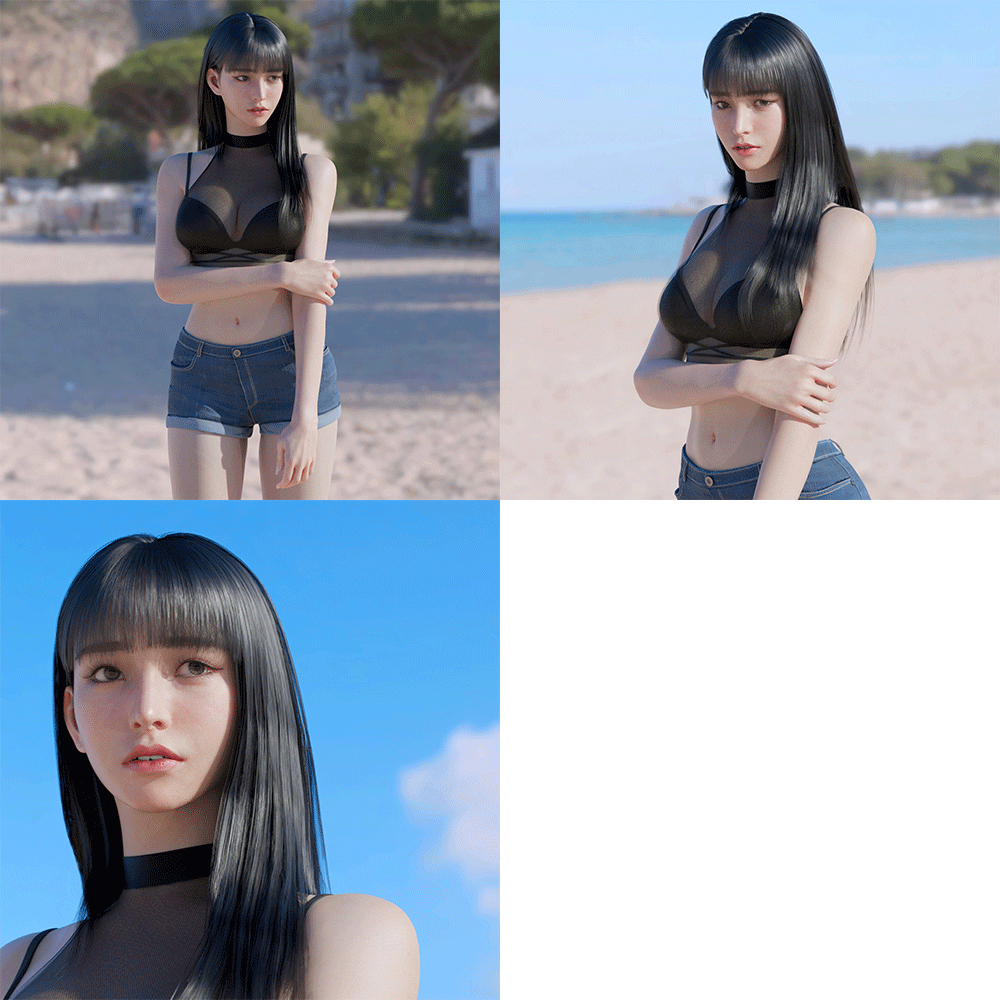
Don’t miss out on both realism and beautiful appearance. We have prepared a high-quality modeling class. Essential for physical expression Principles of form and proportion, as well as based on anatomical elements Aesthetic points, character quality Texturing and lighting secrets that will dramatically enhance your experience! All of this know-how now at Coloso Watch and learn for the rest of your life.
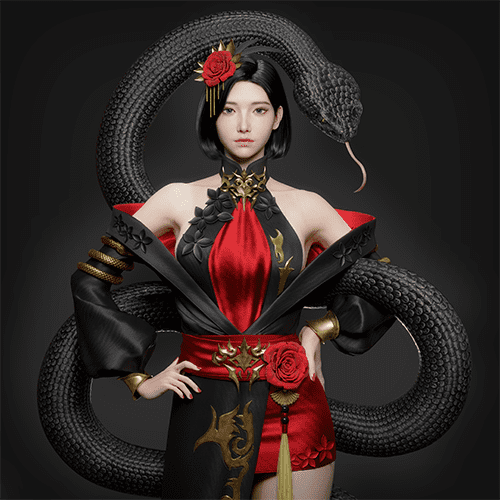
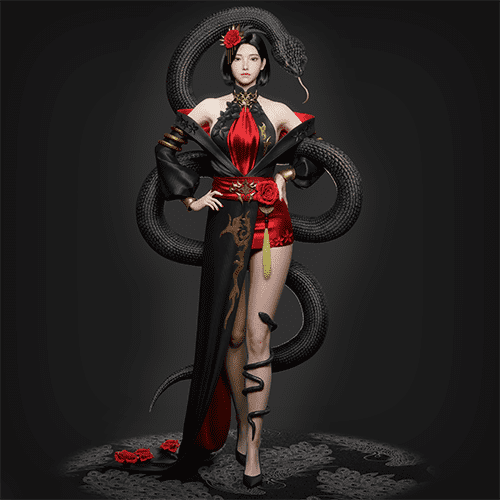
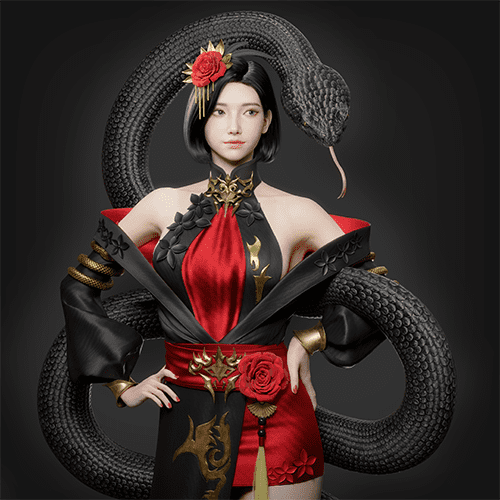
3D Character Artist Speaker Yeorum Choi ’s portfolio
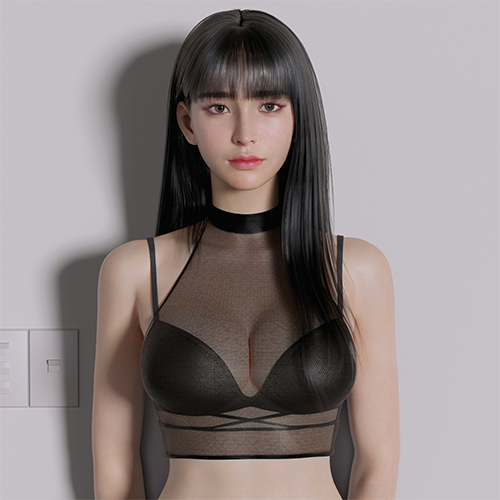
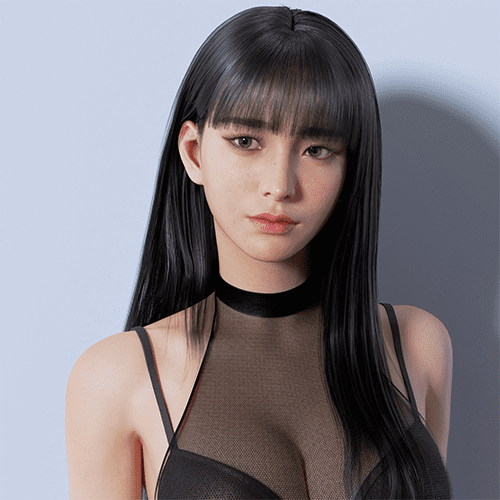
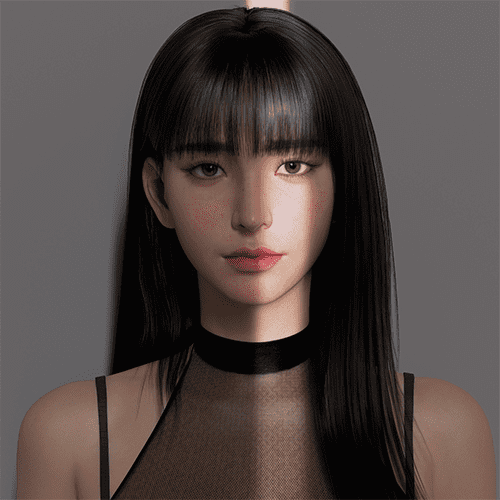
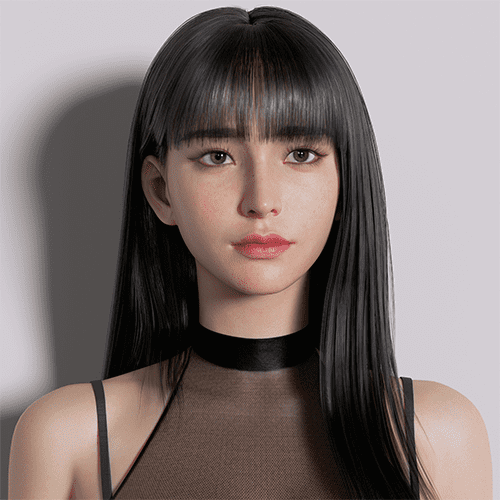
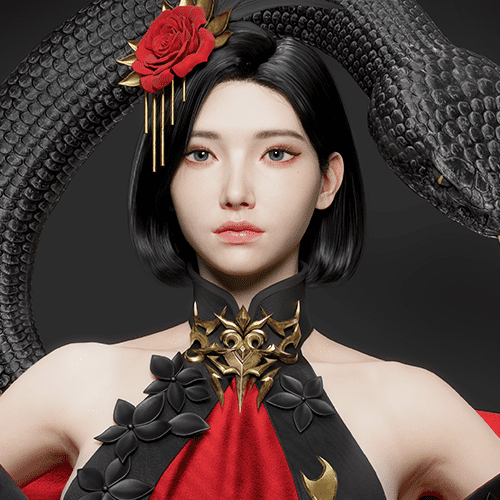
To all students
Yeorum Choi's character modeling Class-only special benefits
-
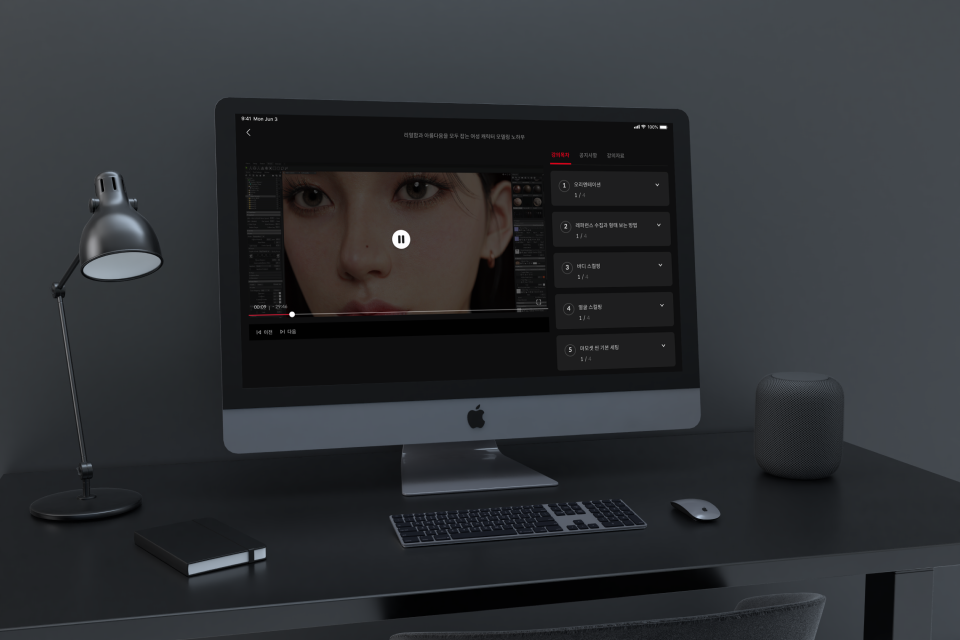 Experience A to Z of character creation at onceInfinite learning through 20 lectures
 -
 You can learn by digging intoVarious project original files
 -
 For character artists onlyProvides theoretical data and reference list
Why Take This Class?
After becoming a lighting artist In numerous fields such as movies, advertisements, games, etc. Active character artist Yeorum Choi! It goes beyond simple modeling, Realistic quality and commercial perfection can be caught at the same time Speaker’s special know-how It is fully included in the curriculum.
More real and beautiful than reality Ability to create virtual characters Practical practical know-how Check it out at Coloso now.

According to practical workflow Realistic beautiful woman Let's create a character
Part 01. Character creation
-
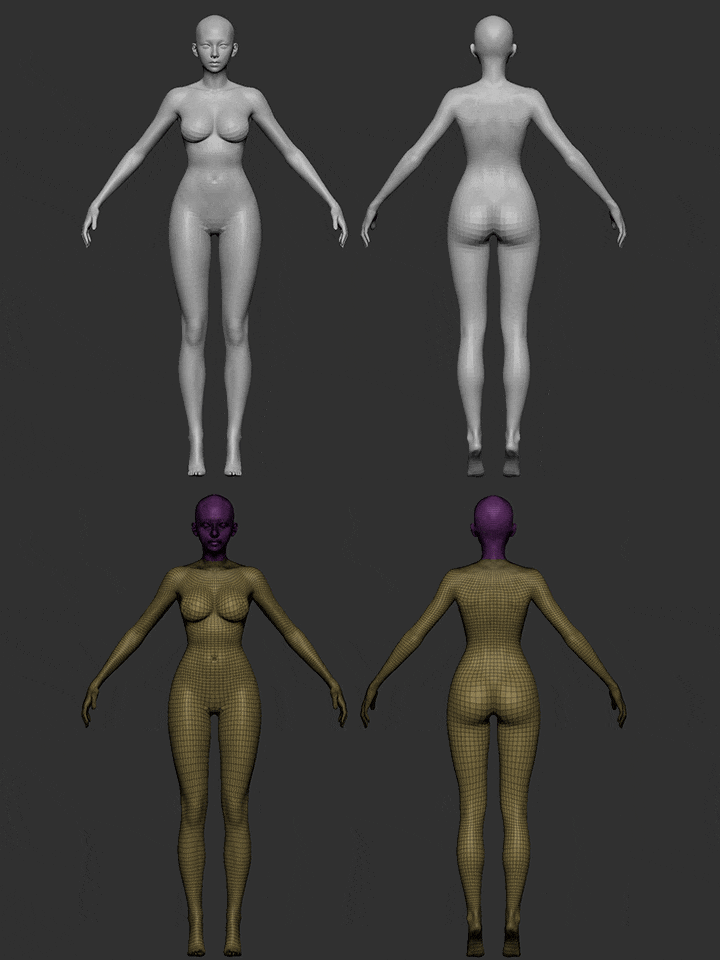 base mesh
 -
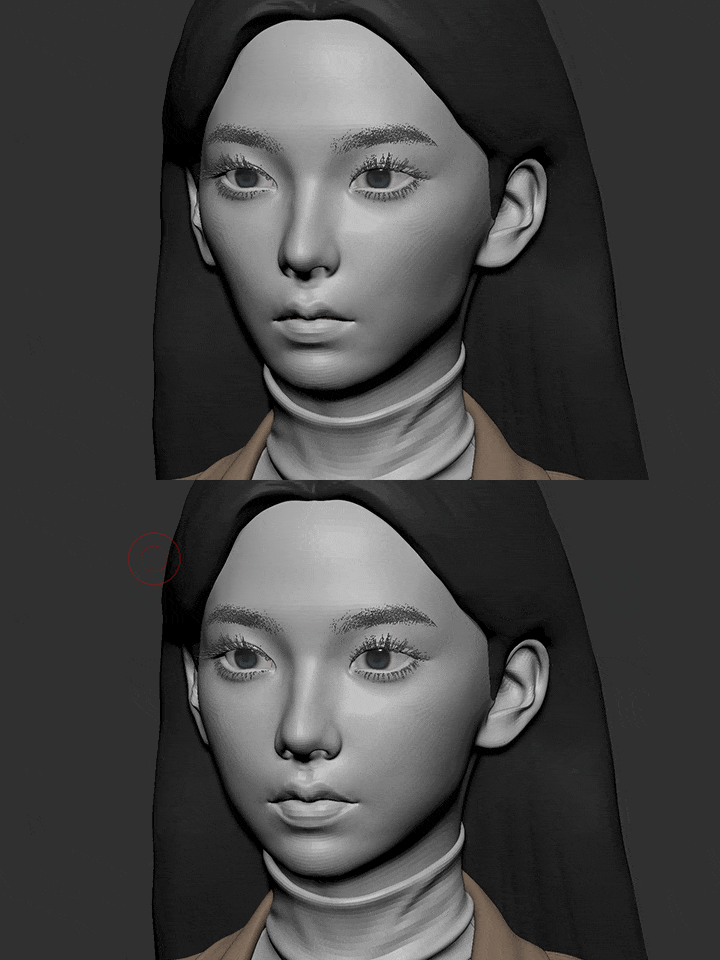 sculpting
 -
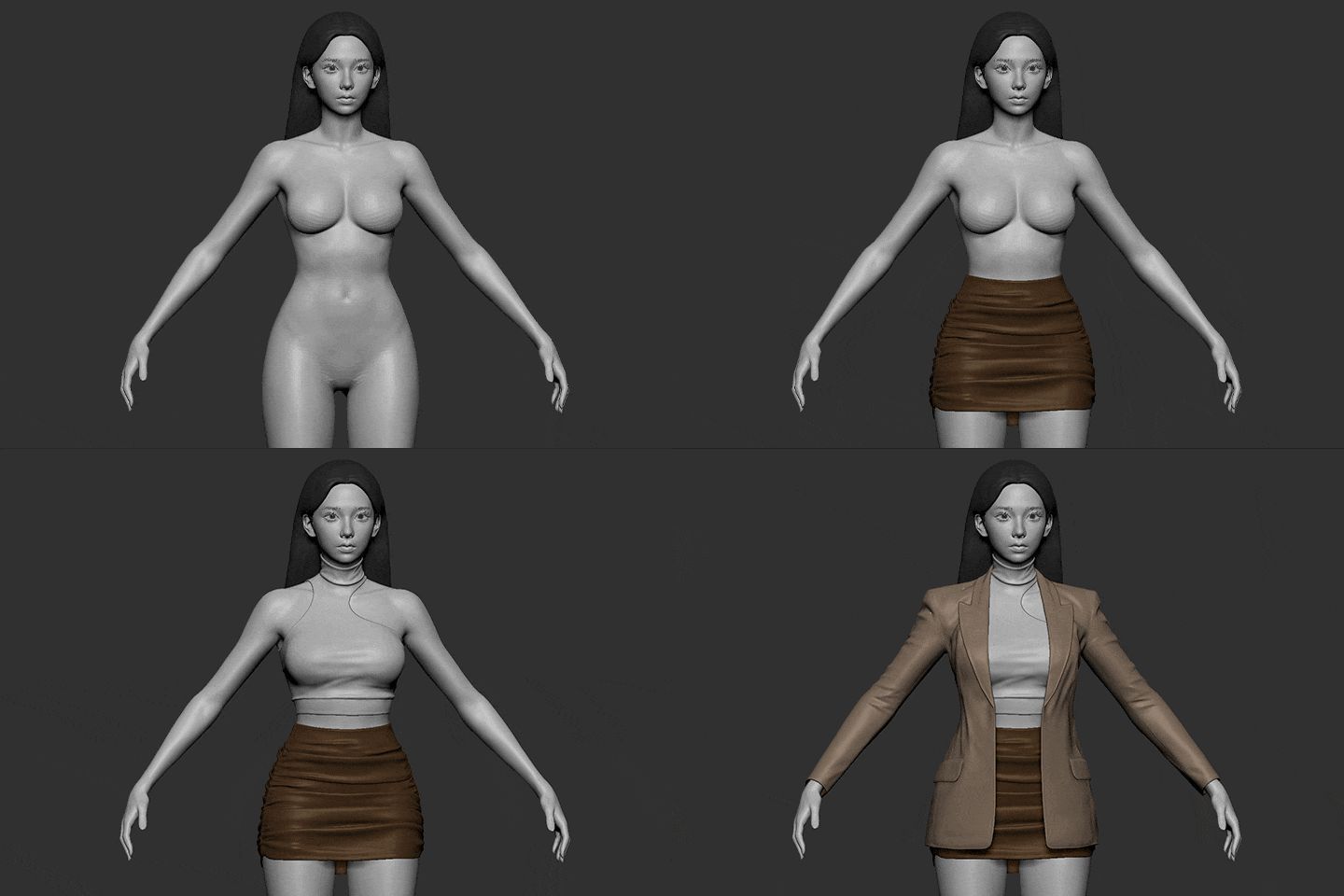 costume making
-
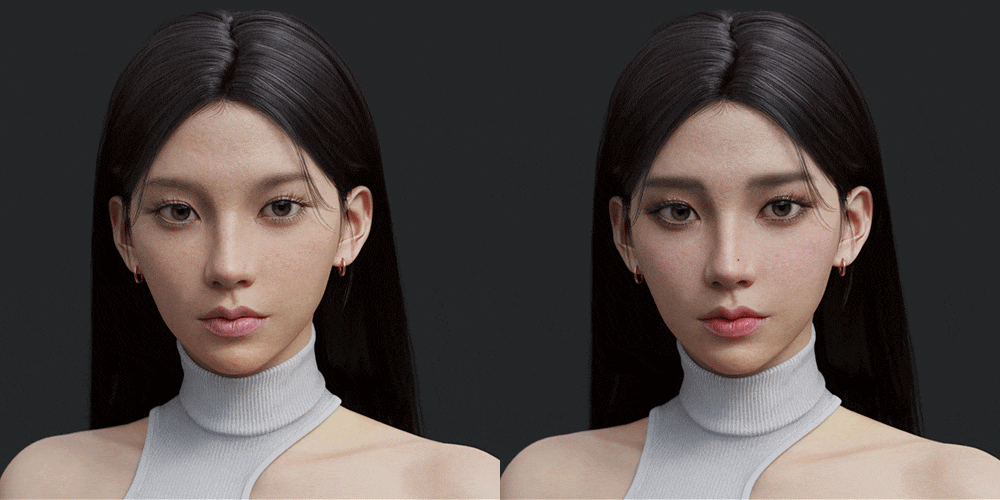 texturing
 -
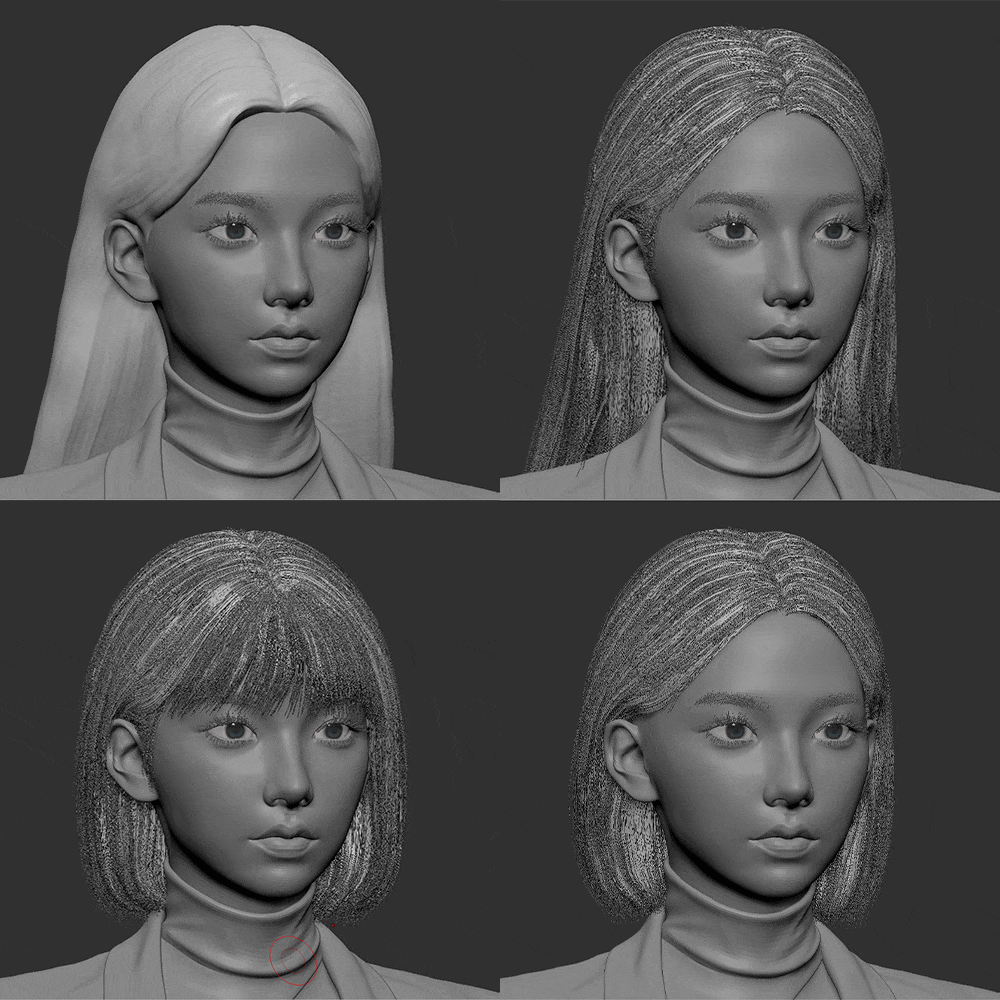 hair
hair -
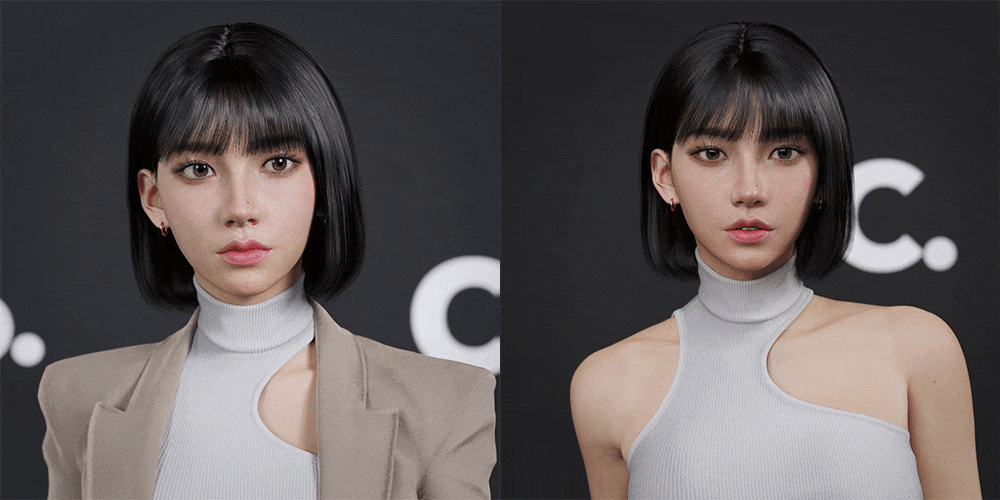 expression
-
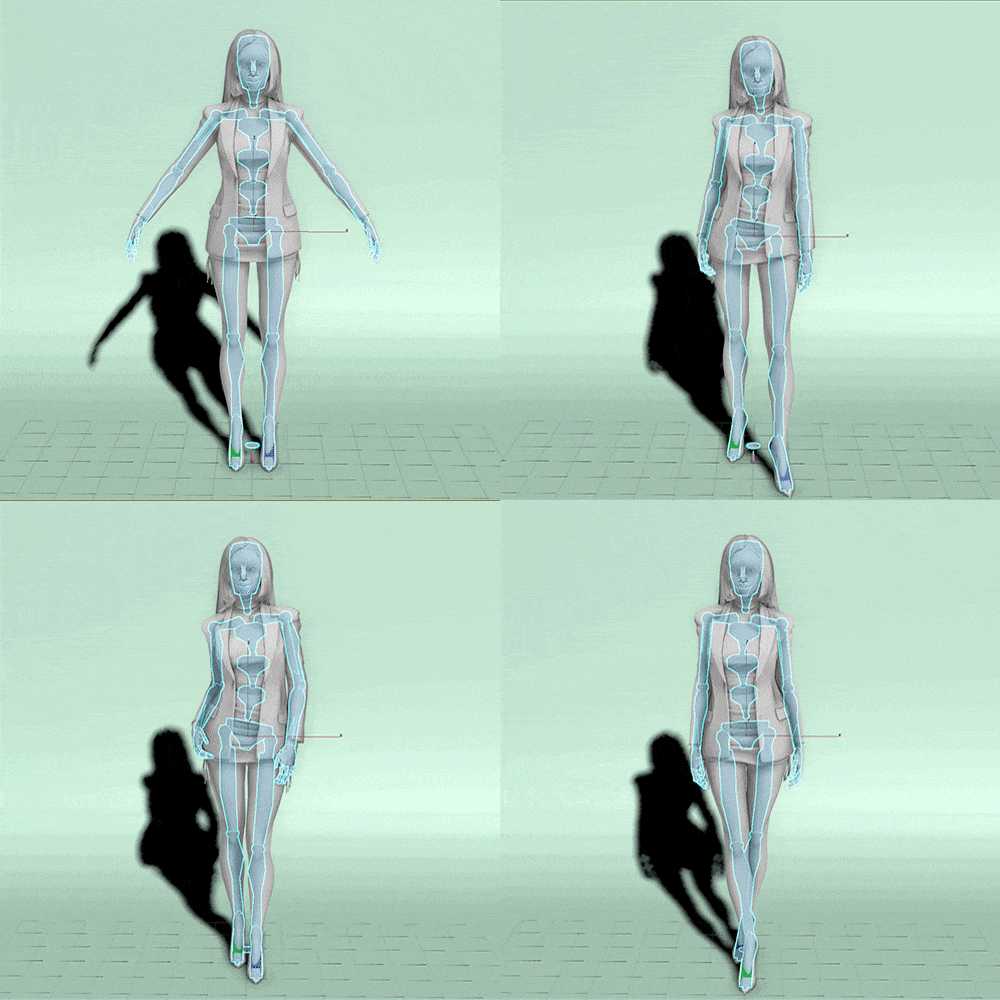 Posing (Rigging)
 -
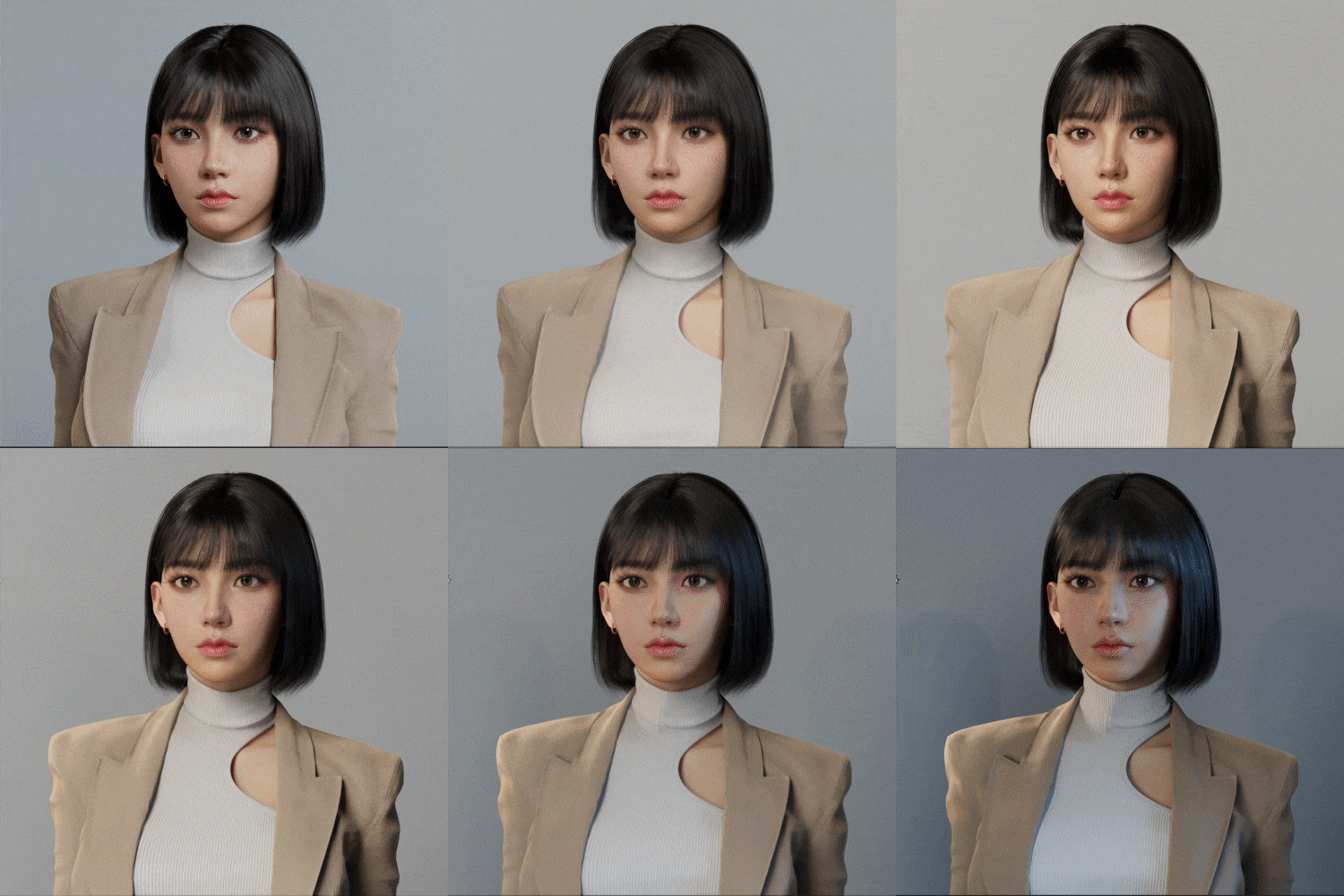 writing
 -
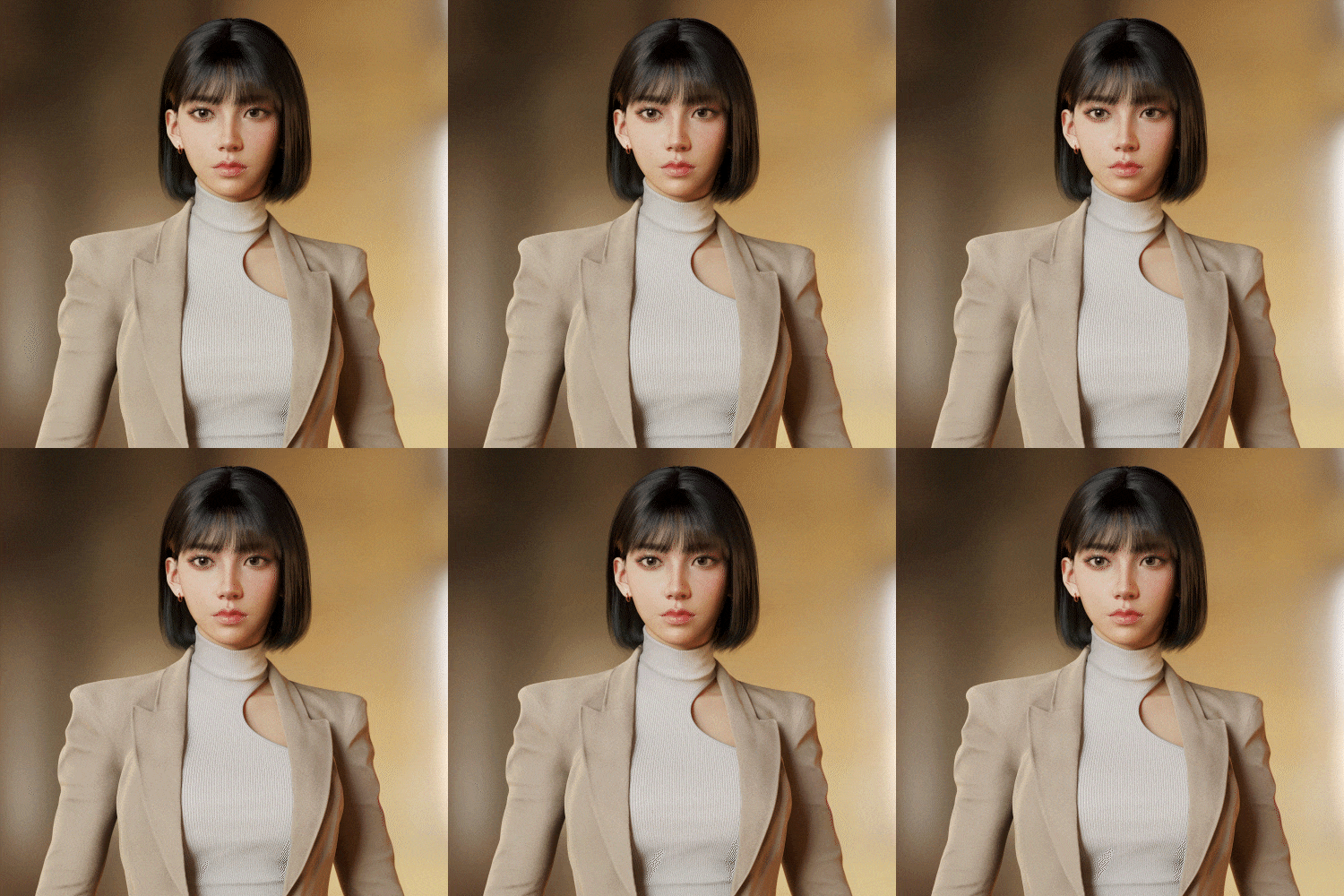 finishing correction
Part 02. Final character
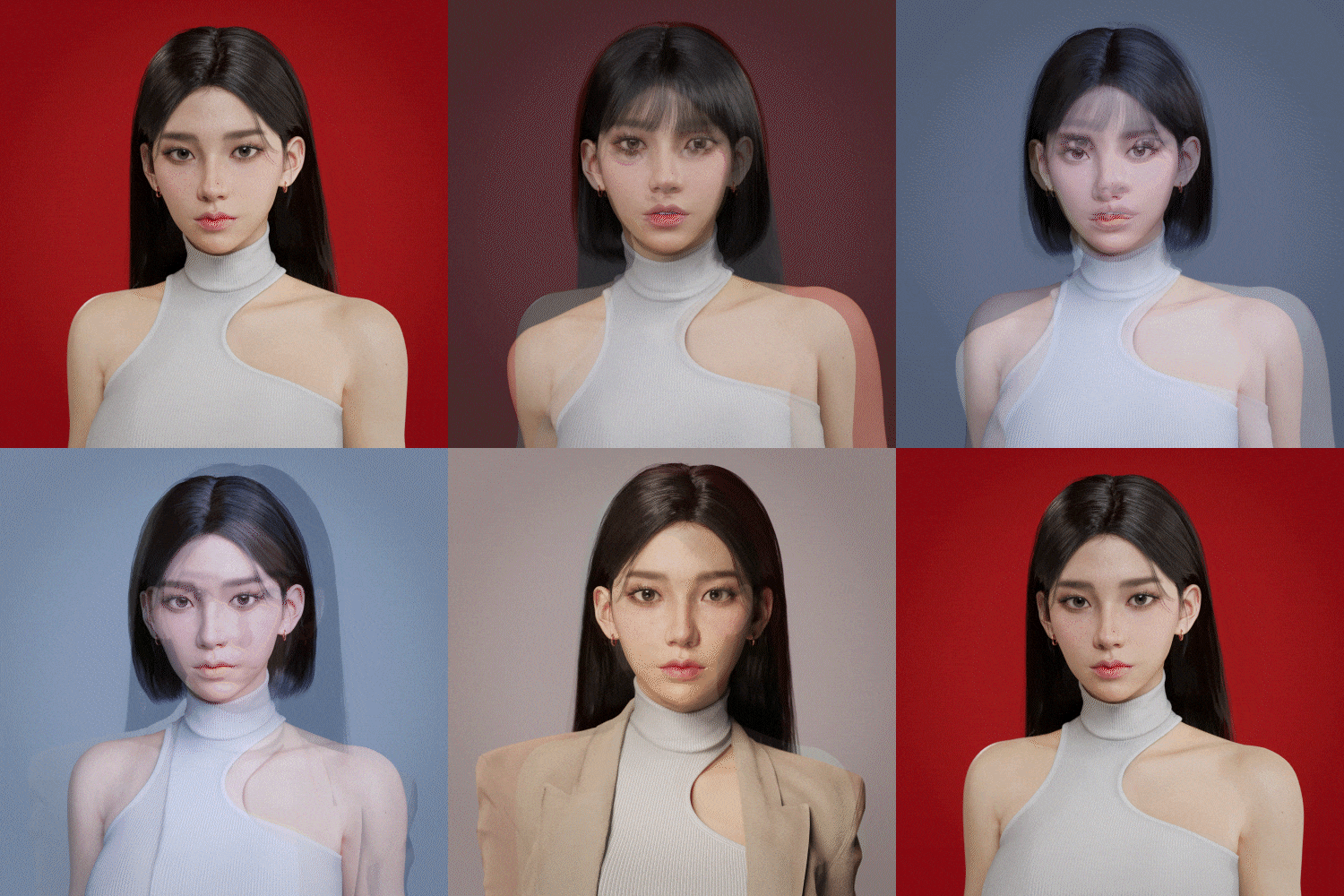
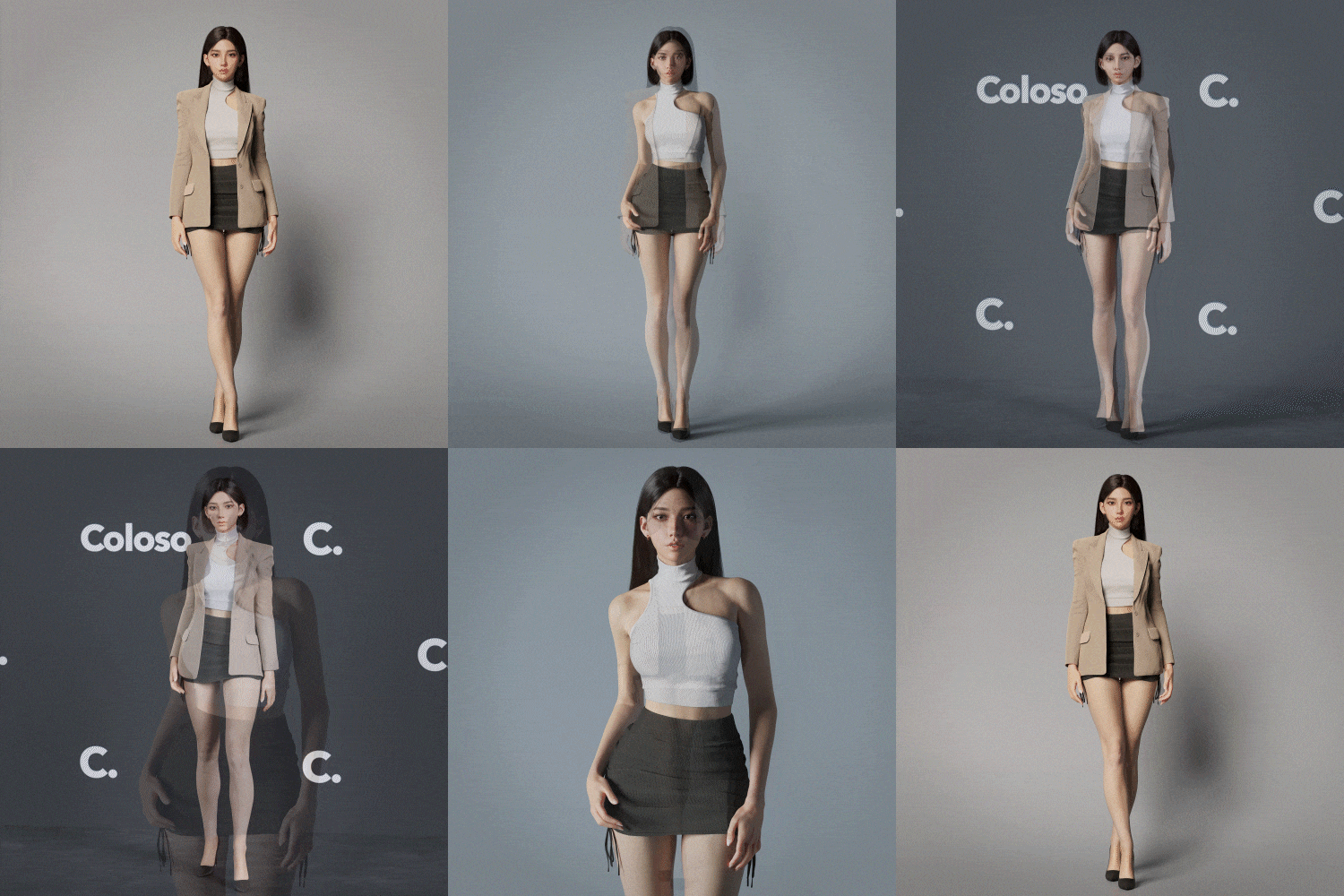
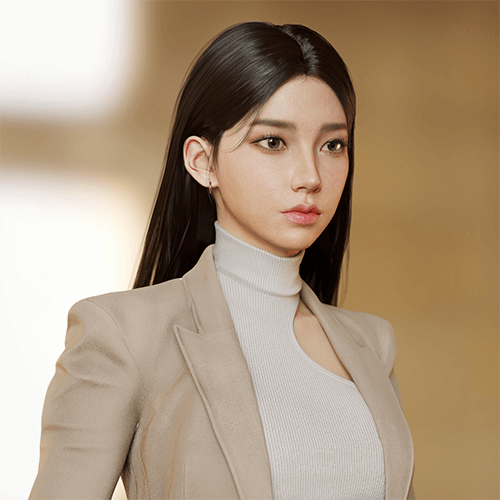
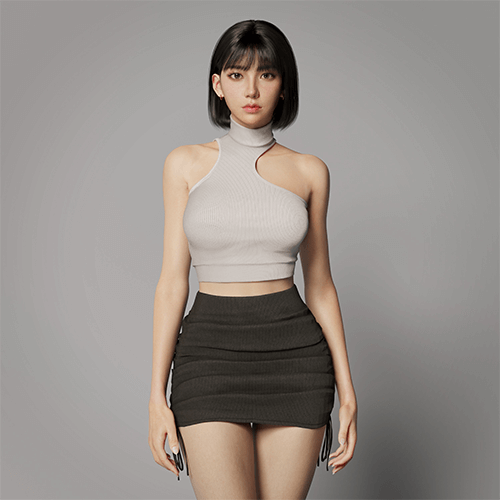
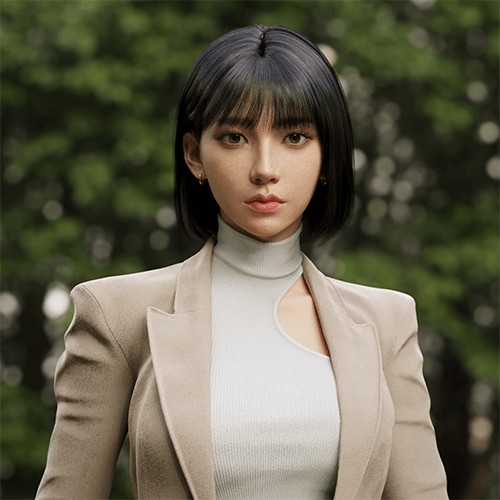
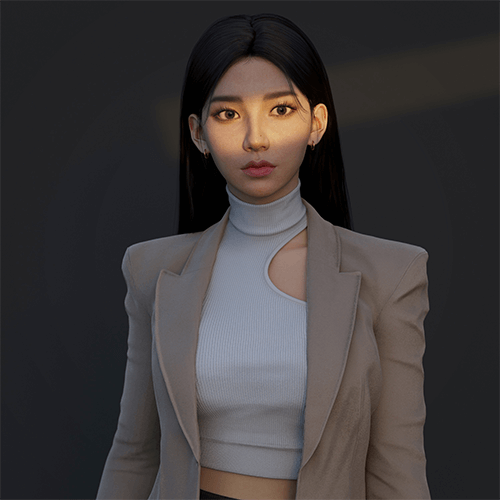
BONUS TIP
-
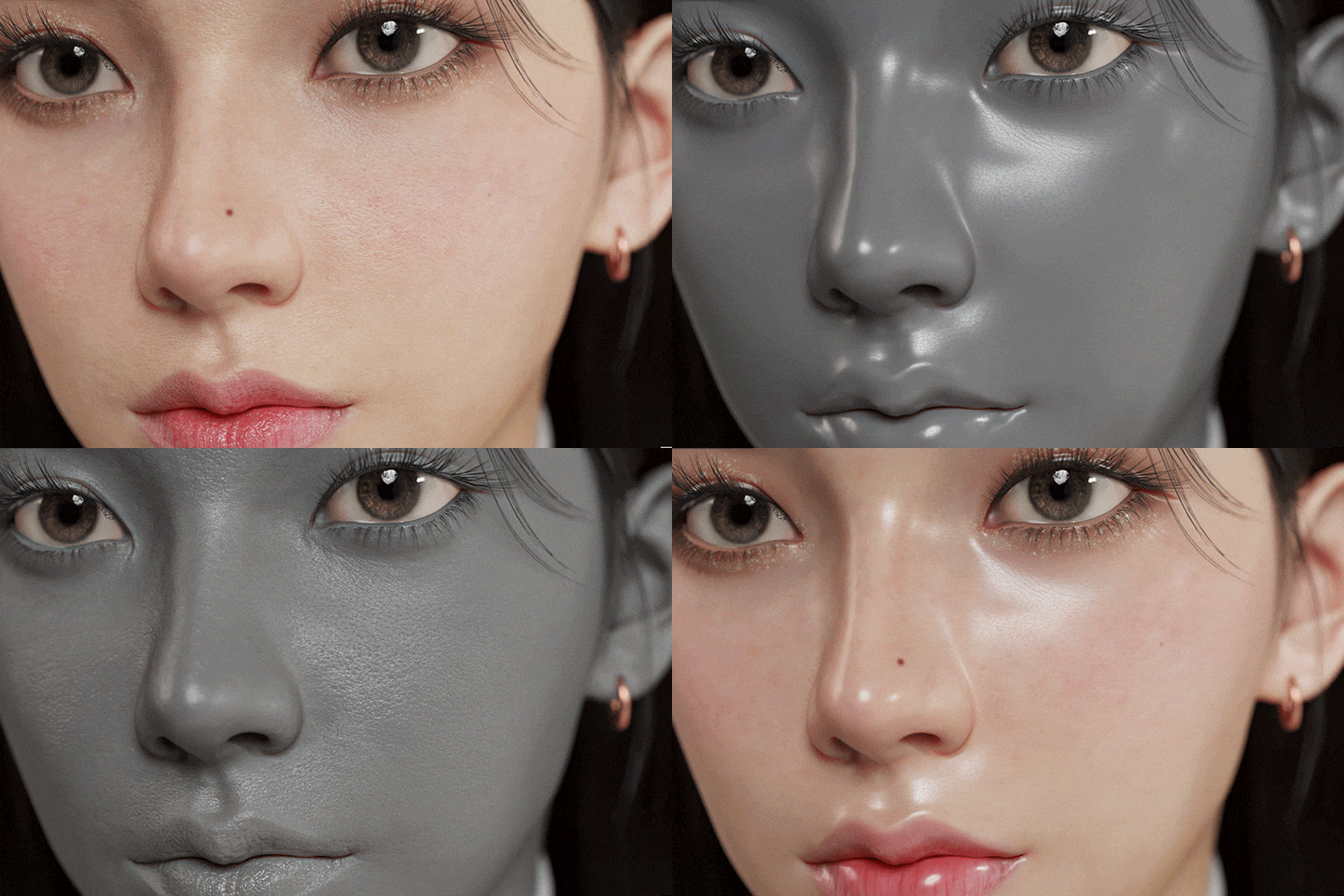 Facial mapping of microscopic characters
 -
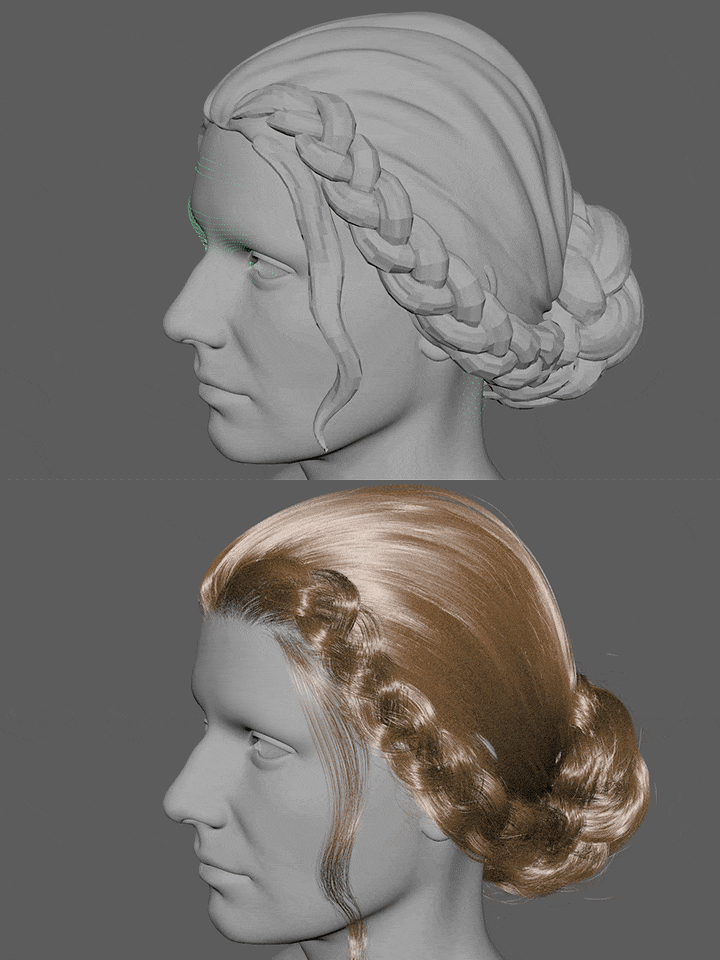 Xgen hair production know-how
 -
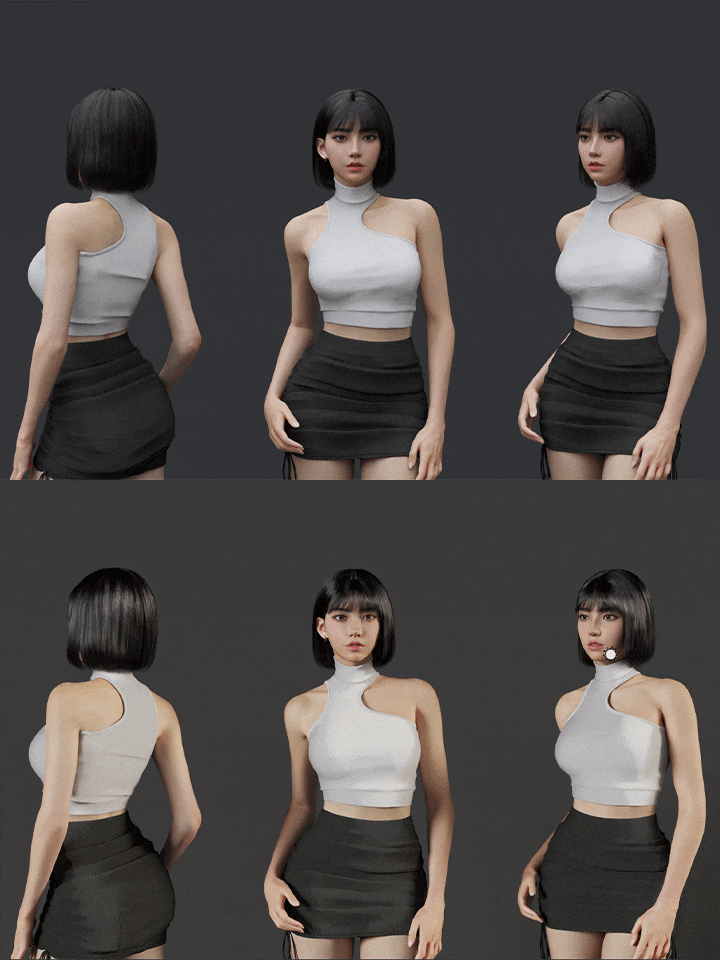 Reference contrast and lighting tips
Speaker Introduction
3D Character Artist
Yeorum Choi
Hello, 3D Character Artist It's Yeorum Choi. I started my career as a lighting artist< Currently working as a character artist at KRAFTON. In various fields such as movies, advertisements, games, etc. We are continuing our activities.
In this class Beautiful yet realistic Female character creation process So that you can learn intensively I prepared a curriculum. Strange feeling in your face Of course, there are points that can capture the sense of heterogeneity, From a technical/artistic perspective We'll even share character modeling tips with you.


3D Character Artist Yeorum Choi
Current) Krafton - Character Artist
Previous) Digital Idea - Texture Artist
Previous) Giant Step - Texture/Lighting Artist
View more history
[Digital Idea]
seungho
#live
Mountain Baekdu
exit
Mr. Joo
Participation in many other films
[Giant Step]
Advertising work for several companies including KIA, Samsung, Hyundai, LG, etc.
class features
class features
Anatomy-based realism Facial and body expressions
Learn the sense of form and proportion that are essential for realistic facial and body expressions. Based on anatomical elements, you will build the base of the face and body according to the character concept, and learn tips for correcting parts that feel awkward or foreign.
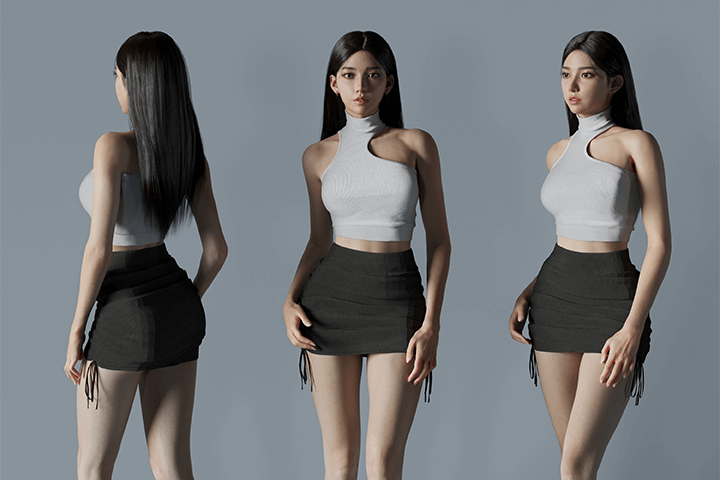
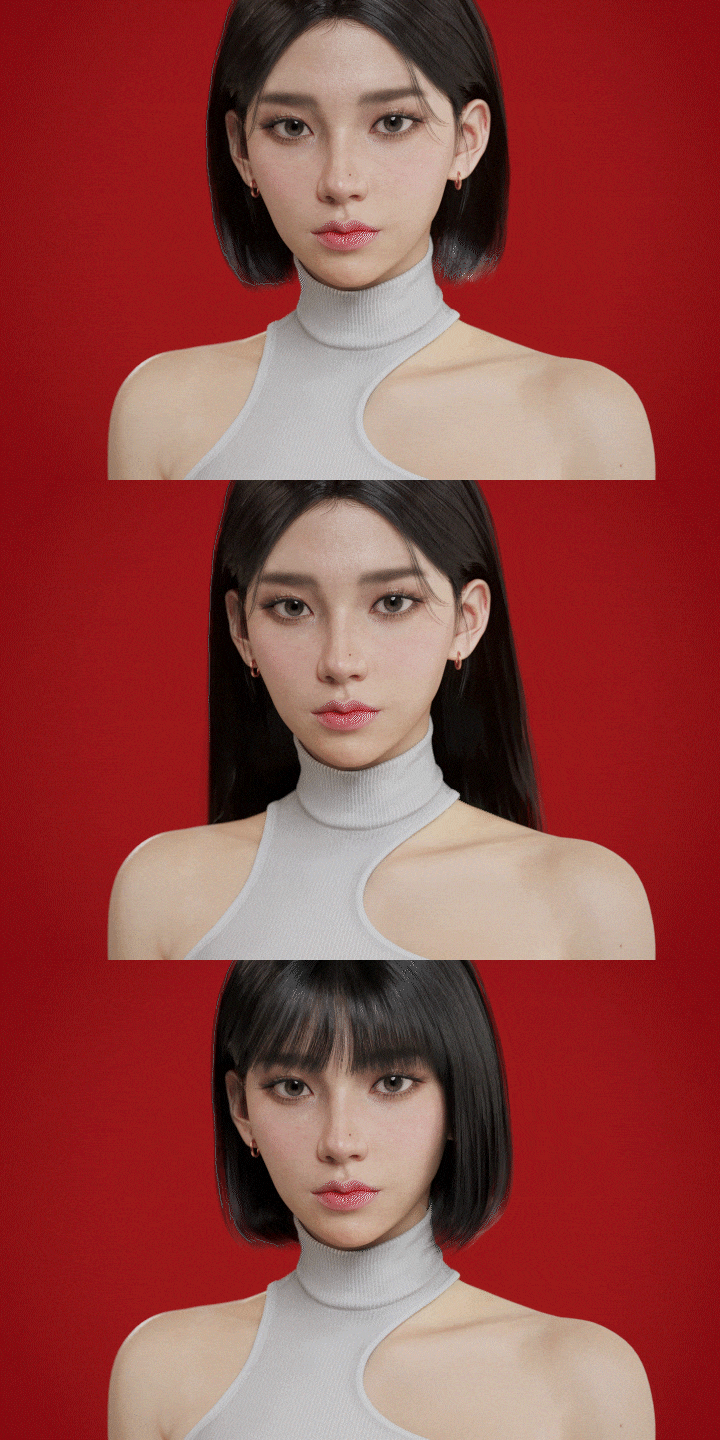
Maximizing Your Character’s Aesthetics
Let's learn the aesthetic formula that can express the beauty of a character and the aesthetic points to avoid becoming the opposite. Learn the key points at the intersection of harmoniously mixing aesthetic elements while preserving anatomical elements, and create your own unique aesthetic character.
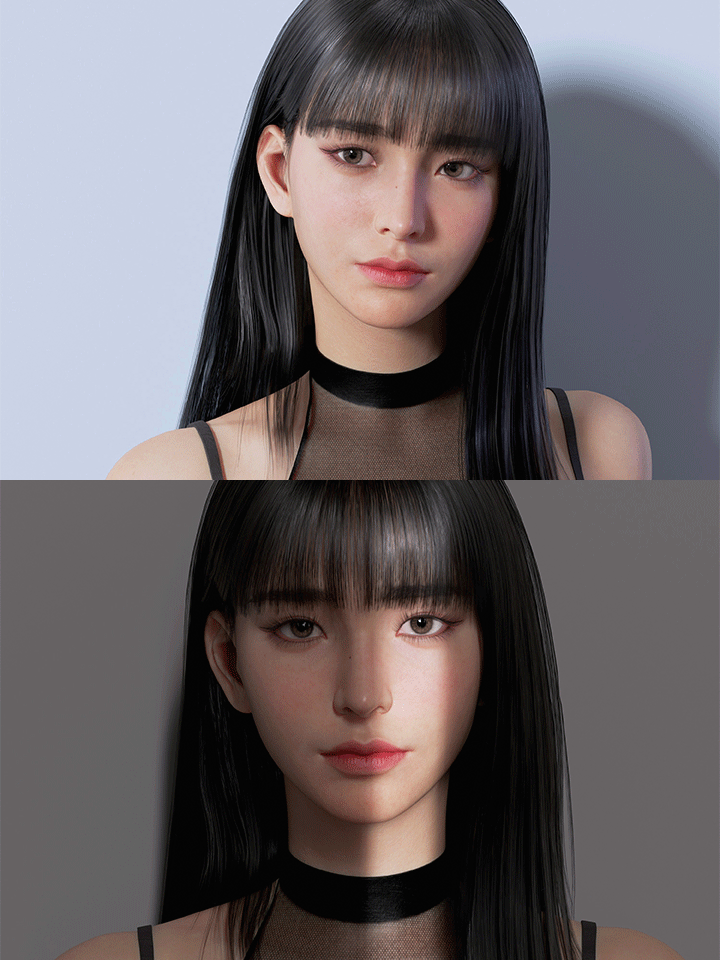
Increases quality Various workflows and production methods
In one-point lessons, you will learn skills that can be effectively used to improve the quality of character modeling work, such as hair, skin, and lighting, and create a high-quality portfolio based on these skills.
Class composition
learn this
-
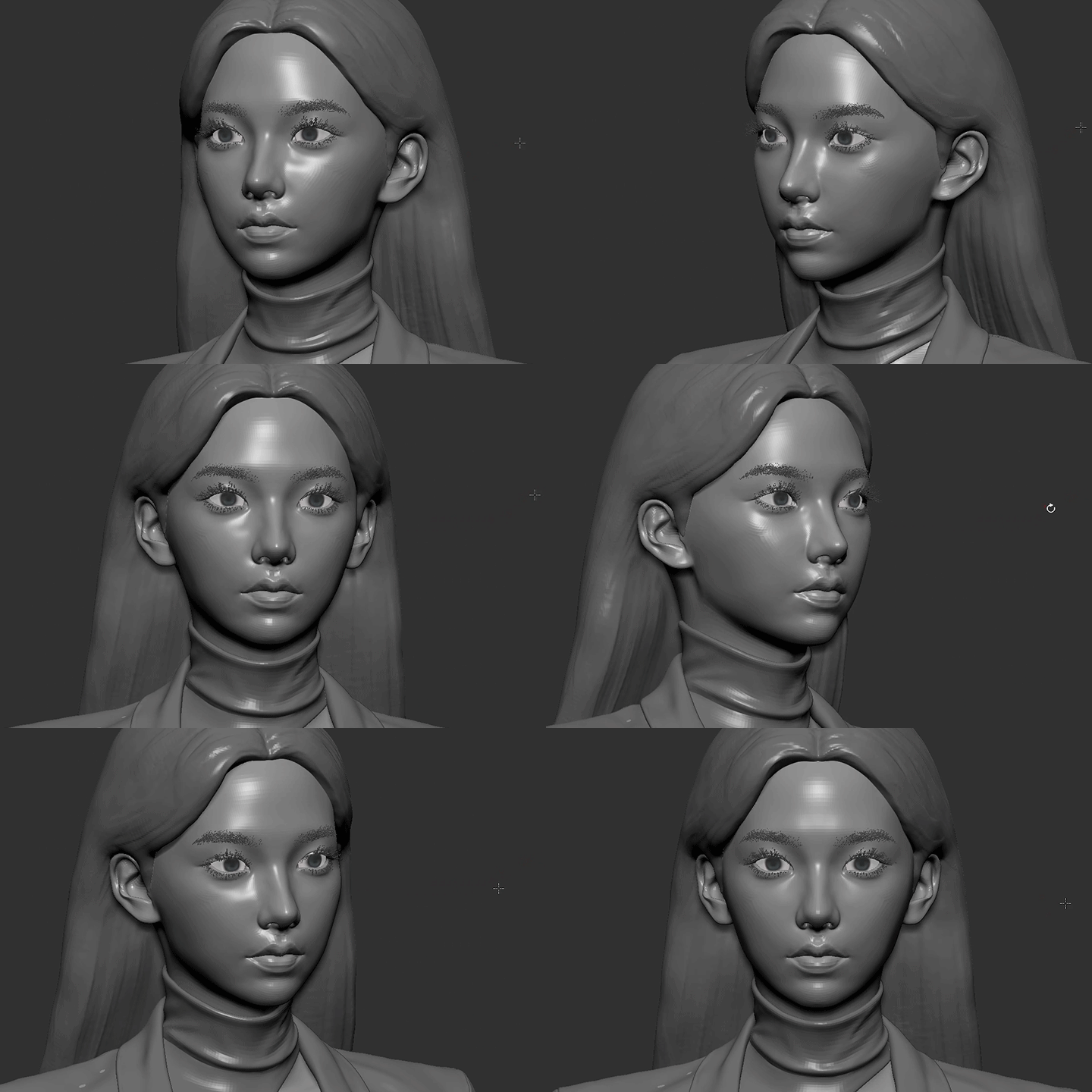 Key points for creating base meshWe will point out points to consider when creating a base mesh for the face and body according to the character concept, and find the intersection of anatomical elements and aesthetic elements.
 -
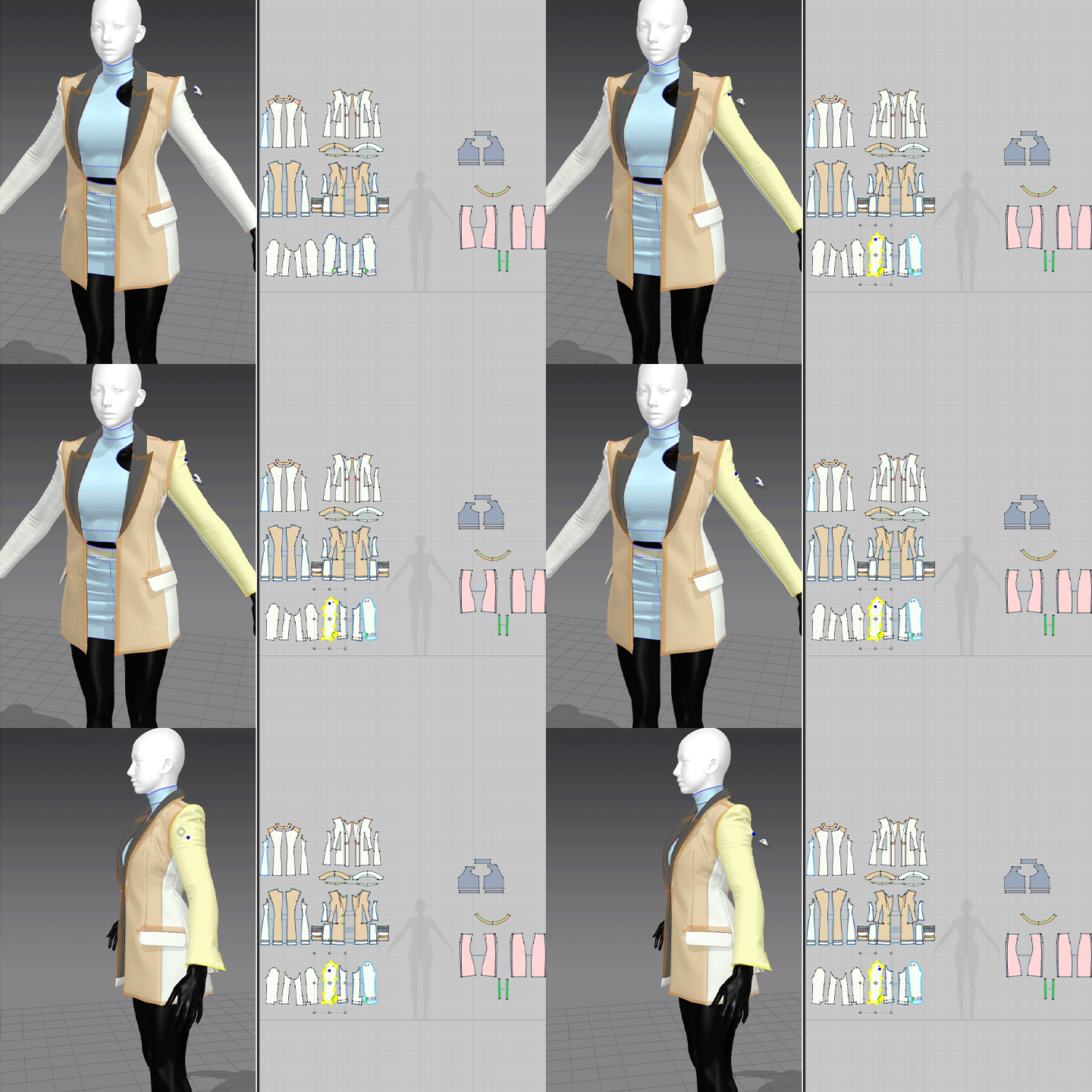 Create natural and realistic costumesCreate high-polygon costumes using Marvelous Designer, Zbrush, and 3ds Max. Let's create a costume that can blend naturally with the human body by considering the proportions with the pre-made base mesh.
 -
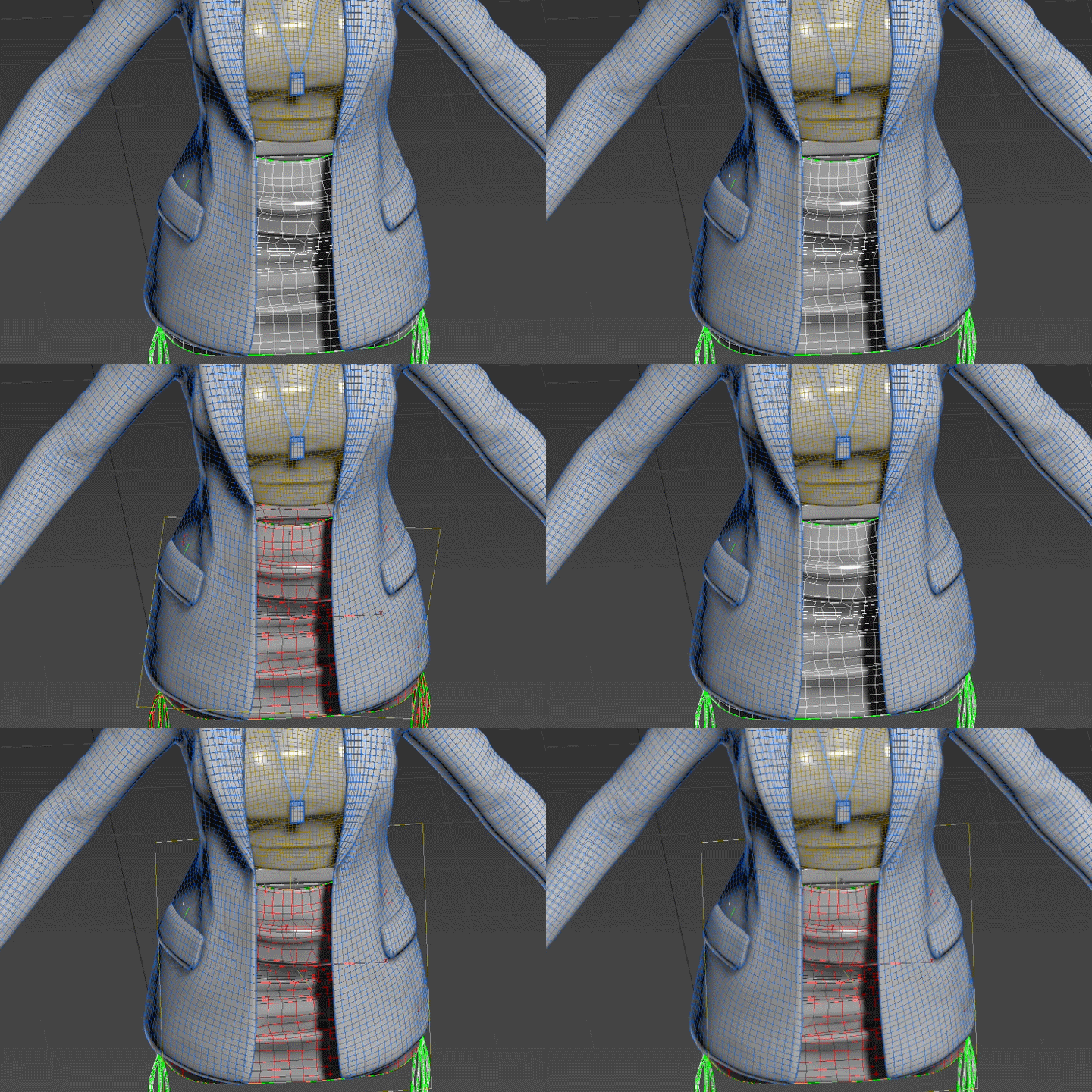 Retopology and UV Unwrap EfficiencyYou will learn basic skills such as things to keep in mind when retopologizing in 3ds Max, tips to increase work efficiency, and how to properly unfold and place UVs.
-
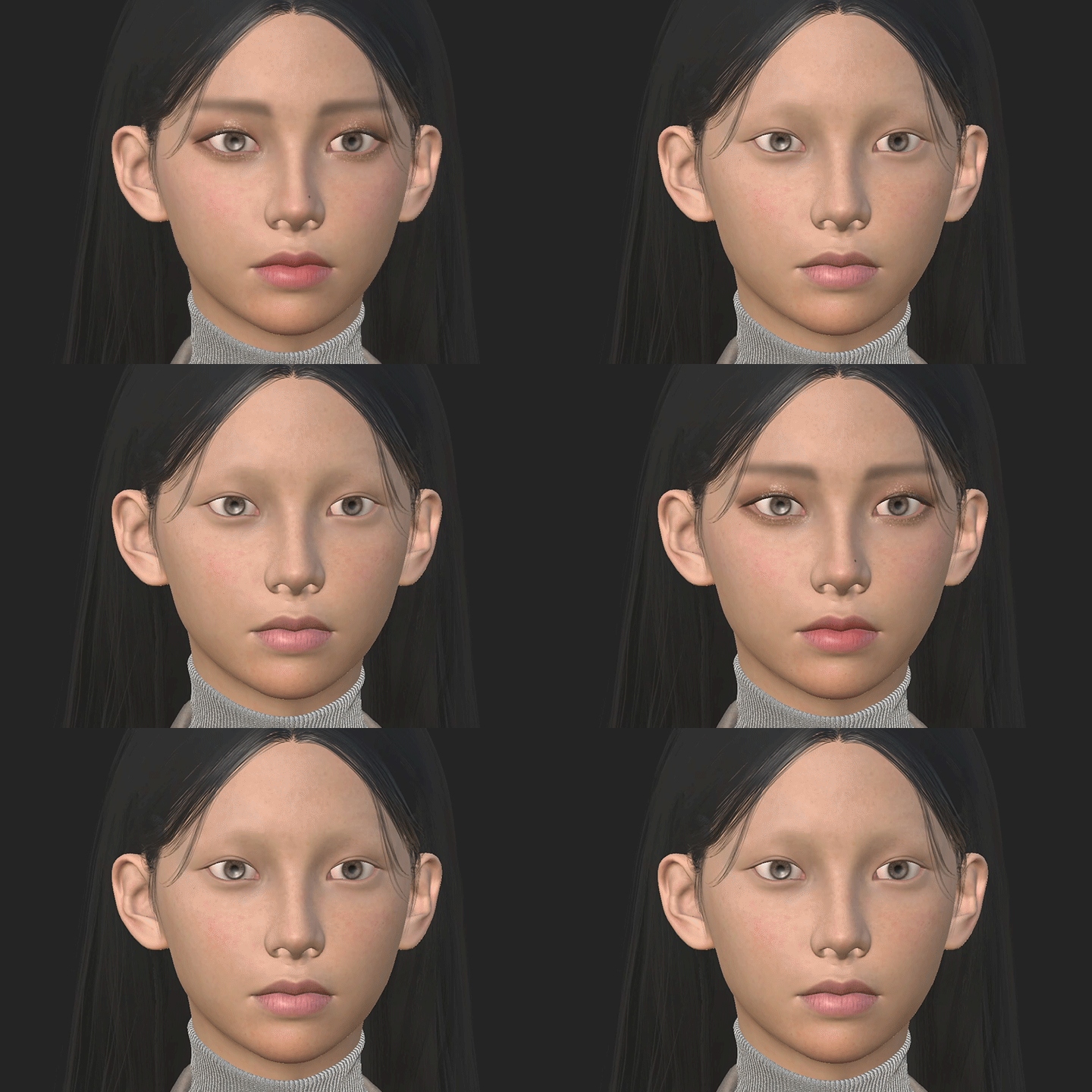 For high-quality skin expression Texturing know-howYou will learn various texturing know-how, including mapping methods for the face, body, and other parts, as well as makeup expressions that are essential for facial expressions of female characters.
 -
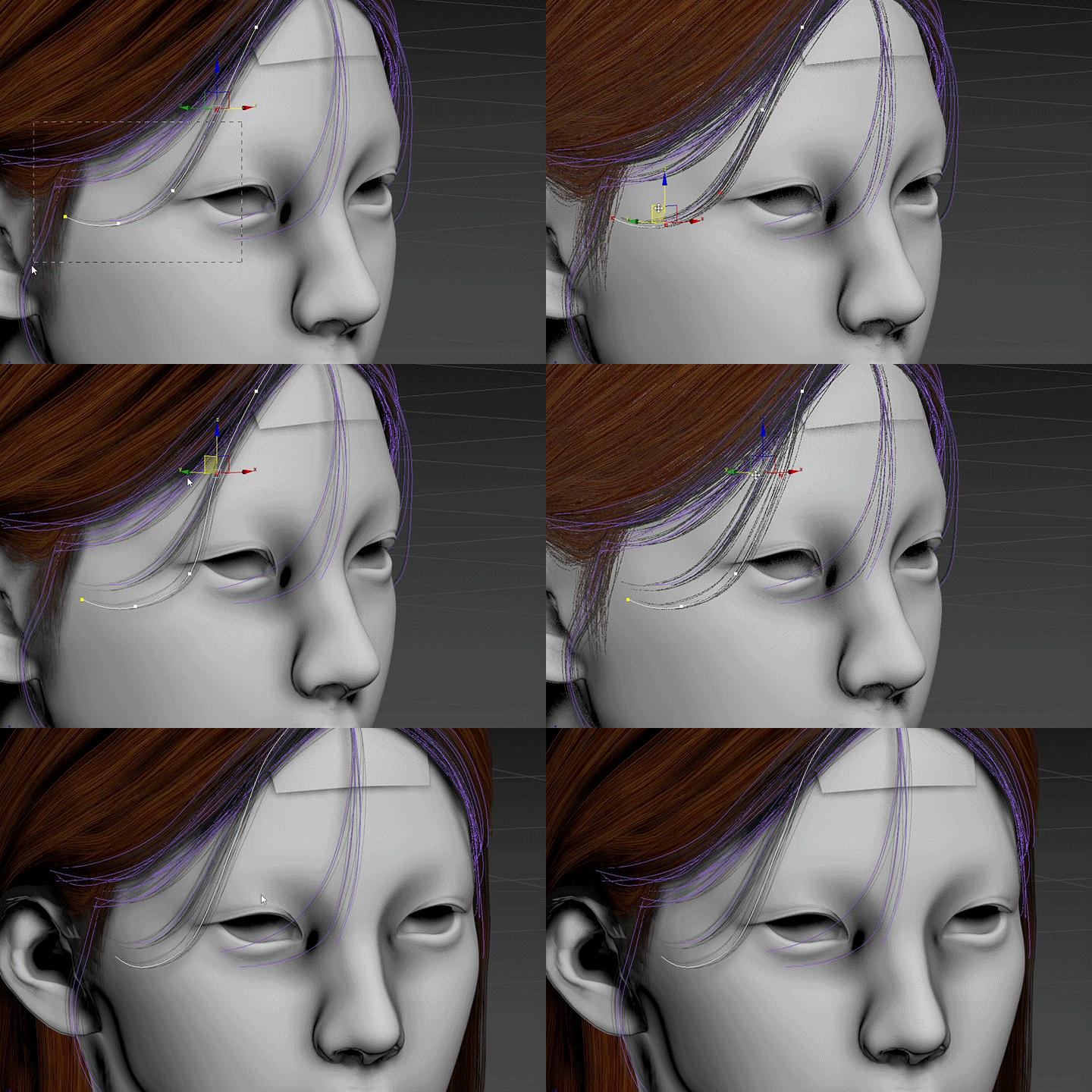 Raising the perfection of the character Tips on how to work your hairHair takes up a large portion of the character's face due to its large visible area! We reveal the optimal hair work pipeline that we discovered after much trial and error so that even beginners can express themselves easily and stylishly.
 -
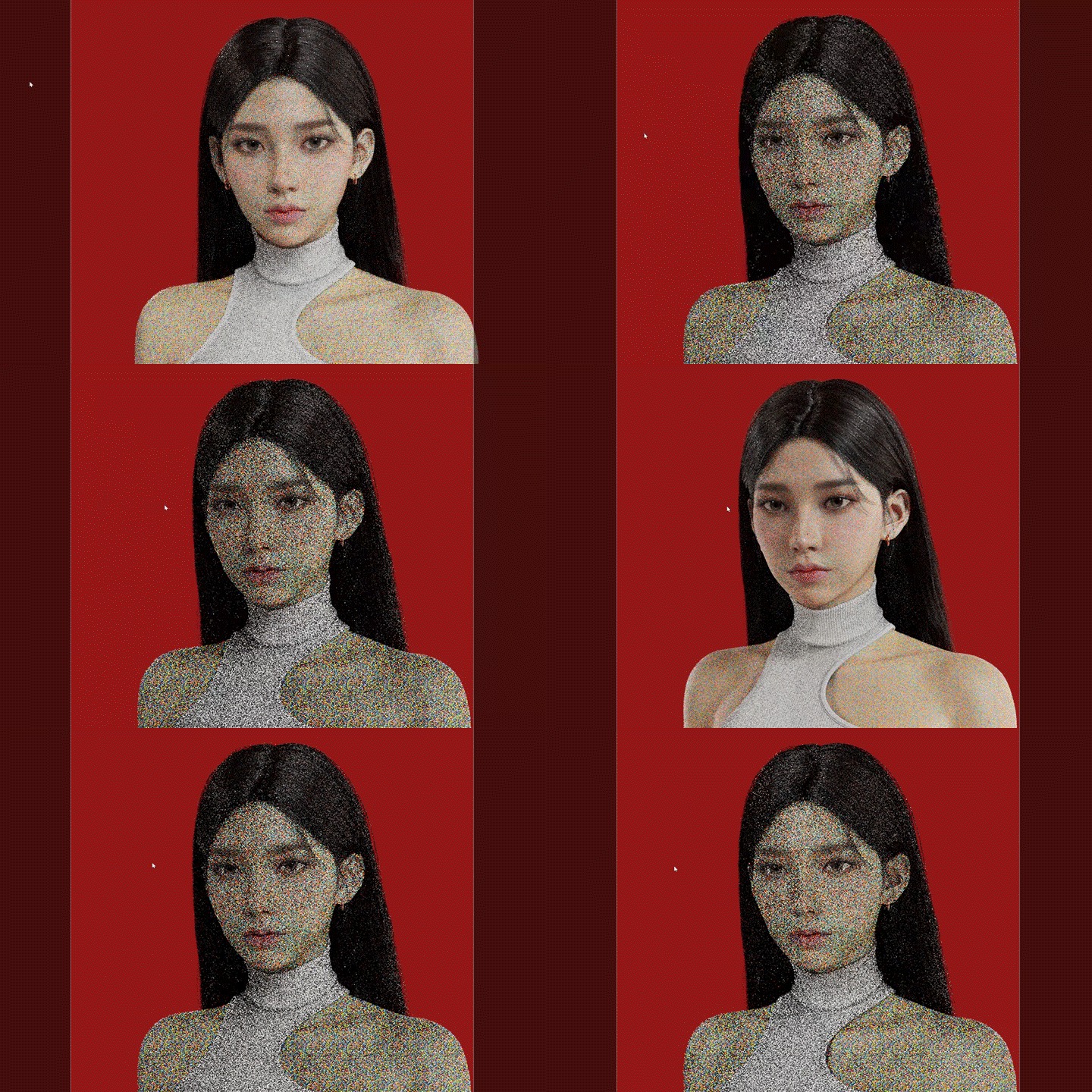 Tips for lighting direction and HDRI useLearn how to create indoor and outdoor lighting by following the basic three-point lighting, Rembrandt, loop, and butterfly lighting that are most frequently used in portrait lighting. We also present a guide focusing on core functions so that you can take full advantage of HDRI.
curriculum
curriculum
Show me the curriculum
SECTION 01. Intro
01. Orientation
- Speaker Introduction
- Class Introduction
SECTION 02. Sculpting
02. How to collect references and view formats
- Reference collection
- How to see each point and reference on the face
- Preparing to create a micro character
03. Body sculpting
- Preparing the body base mesh in Zbrush
- Simple anatomy of microscopic character body types
04. Face sculpting
- Preparing the face base mesh in Zbrush
- VFACE uses Ten24 scan data
- Simple anatomy of a microscopic character face
- Check the position of eyebrows and bones with polypaint
05. Marmoset scene basic settings
- Check the location of the normal map
- Check mapping elements such as Diffuse
- Add elements that add realism to the eyeballs
SECTION 03. Costume production
06. Costume production
- After making a pile of clothes, check the ratio/proportion with the human body
- Shaping the costume using Marvelous Designer
- Made with high poly in Zbrush
07. Object production
- Creating Dummies with 3ds Max
- Made with high poly in Zbrush
08. Retopology
- High poly data cleanup
- Creating low poly in 3ds Max
- Unwrap UVs in 3ds Max
09. Baking
- Baking set summary (low polygon/high polygon)
- Preparing ID maps from high polygons
- Baking in a marmoset
SECTION 04. Texturing
10. Face/Body Texturing
- Substance Painter scene settings
- Creating and modifying face maps
- Face/Body Mapping
11. Costume Texturing
- Costume base work using ID map
- Realistic detail work
- Additional details using normals and heights
12. Marmoset scene setting
- Material production and texture confirmation for each part
- Upgrading the quality of assets in Studio Light
SECTION 05. Hair
13. Hair card making
- Create hair cards with the Hair Card Tool in 3ds Max
- Create a hair card map with Fibershop
SECTION 06. Details
14. Movement modification and rigging
- Rigging with Bipad in 3ds Max
- Basic movement modifications in 3ds Max
15. Posing confirmation and facial expression test
- Mesh modification according to posing in Zbrush
- Test and modify facial expressions with ZBrush’s layer function
16. Lighting and Rendering
- Check light reference
- Basic lighting test
- Lighting and background composition according to concept
- Marmoset render settings and rendering
17. Finishing and correction
- Correcting the final result with Photoshop
- Review of work process
SECTION 07. Bonus TIP
18. How to create natural hair
- Why hair piles are important
- Hair work process using Xgen
- Tips for using the Hair Card Tool
19. Facial mapping of microscopic characters
- Differences between real scan references and microscopic data
- Beautiful looking skin texture
20. Reference contrast and lighting tips
- Basic three-point lighting
- Loop/Rembrandt lighting test
- Indoor and outdoor lighting production
interview
3D Character Artist Yeorum Choi

Question.01
What are your strengths in your daily work? What do you think?
What are your strengths in your daily work? What do you think?
Knowing that I am inferior to anyone else , I constantly doubt myself, seek to acquire and understand information, and based on this, I interpret and work in my own way . I have been doing sculpture in parallel with my company work, and based on what I have learned, I continue to work by constantly recalling and doubting proportion, volume, and anatomical elements.
Question.02
The speaker's unique strengths are in the lecture. How does it dissolve?
The speaker's unique strengths are in the lecture. How does it dissolve?
We have tried to explain methods and tips for working at the intersection of anatomical and aesthetic elements in character creation. When creating the face and human body, we have included a method that kills two birds with one stone, being both realistic and aesthetic.
Question.03
The planning intention and differentiation point of this lecture is What happens?
The planning intention and differentiation point of this lecture is What happens?
We will teach you how to create characters with realistic yet beautiful appearances by incorporating anatomy, which can feel somewhat rigid, into a practical way in character creation work . Based on the anatomical knowledge you have acquired through this lecture, use it endlessly to create your own character!
Program used We will guide you.
This lecture will be conducted according to the program listed below.
To ensure smooth course participation, please separately install the latest version of the program.
- Zbrush 2021
- 3ds Max 2021
-Substance Painter
- Marvelous Designer
- Marmoset Toolbag 4
- Fibershop
* Please note that the XGen external plug-in is only used in class 18 and is not a required tool when creating example characters for this course.
* Programs and materials are not provided separately.