3dcgcreator,uwan_우왕JP Details
Intro

Don’t miss out, enroll now!
Enrollment closes in
0
d
0
h
0
m
0
s
2026-10-13T23:59

Now in Your Language, Only on Coloso!
Learn from Top Creative Experts Worldwide
-
 Practical Character Rigging
-
 Toon-Style Look Development
-
 Music Video-Style Animation
Creating Music Video-Style Visuals in Blender
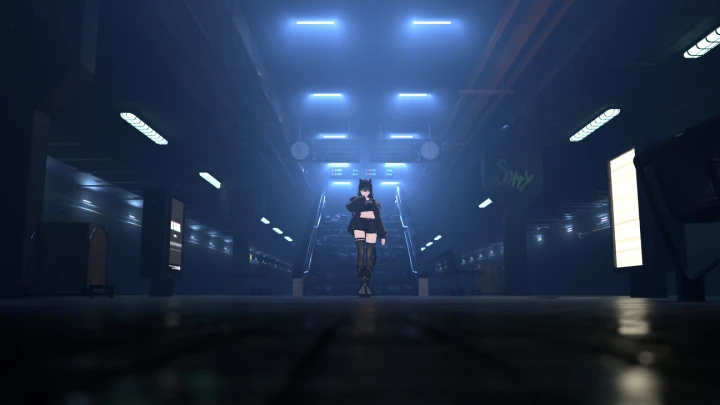
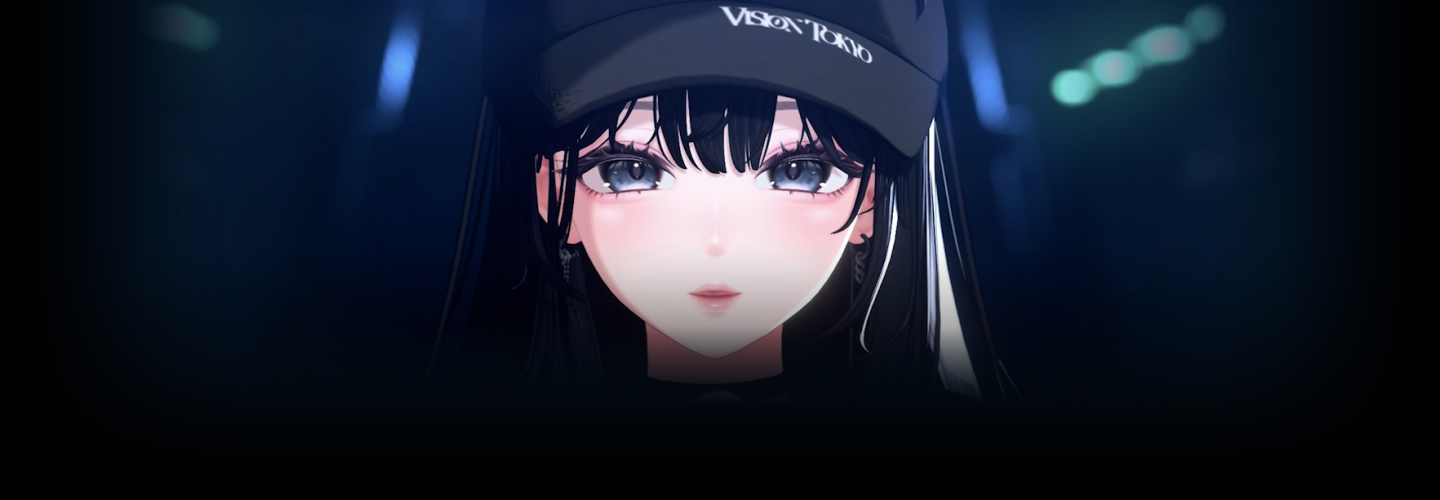
3DCG Creator UWAN, author of the Japanese book A Step-by-Step Introduction to Blender Modeling, has built a strong following through practical experience, including creating music videos for artists.
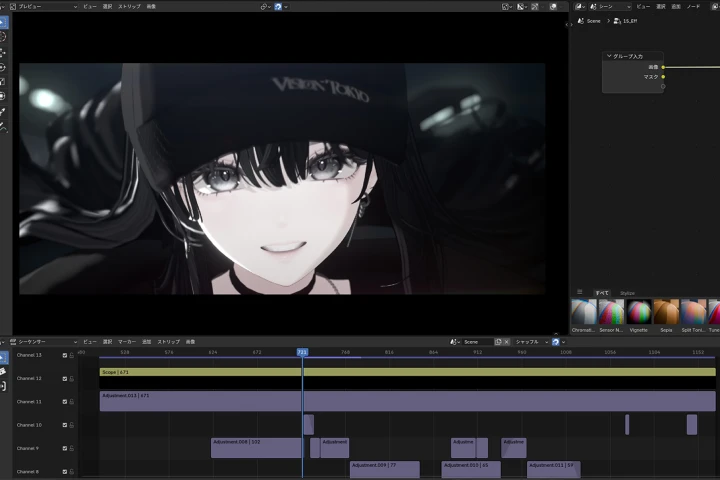
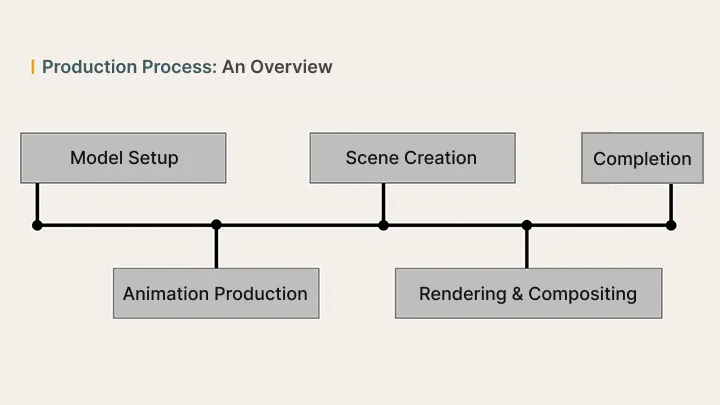
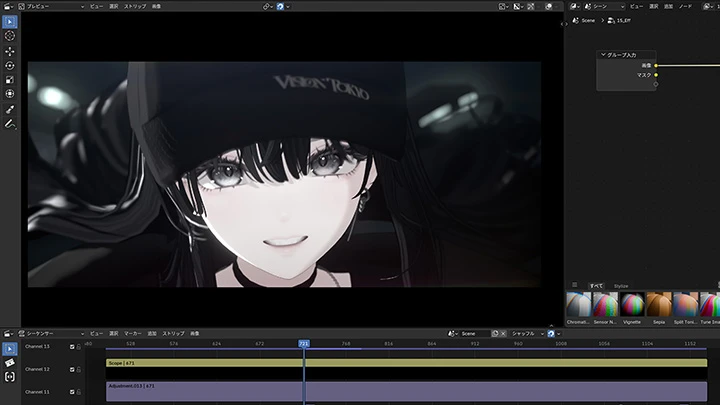
In this class, UWAN walks you through the entire production workflow, from rigging and shading to compositing. Learn how to make the most of Blender's features to bring out the appeal of your characters and create polished visuals.
In this class, UWAN walks you through the entire production workflow, from rigging and shading to compositing. Learn how to make the most of Blender's features to bring out the appeal of your characters and create polished visuals.
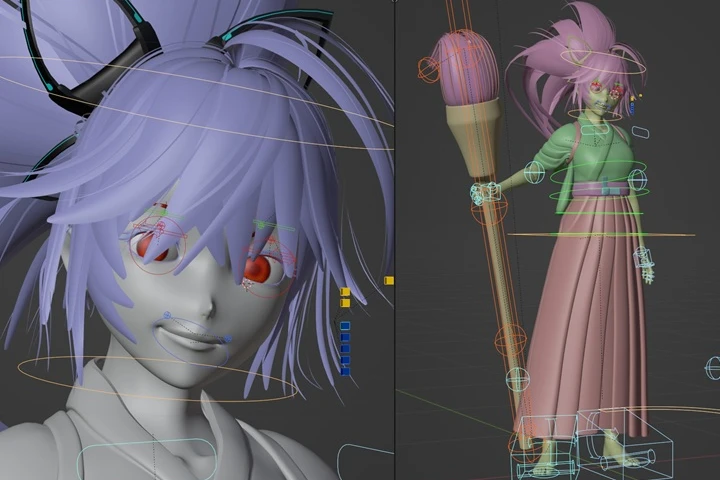
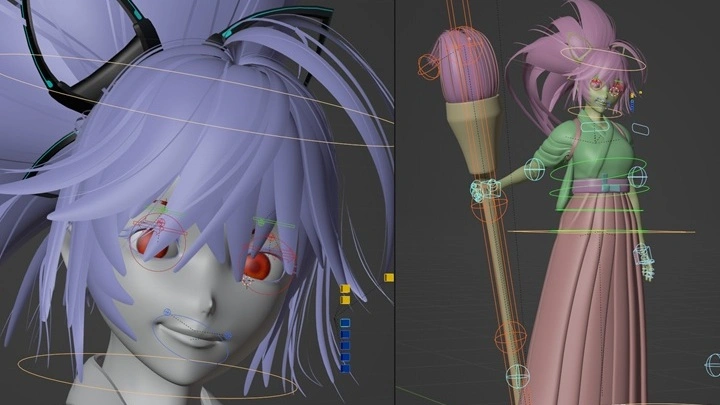
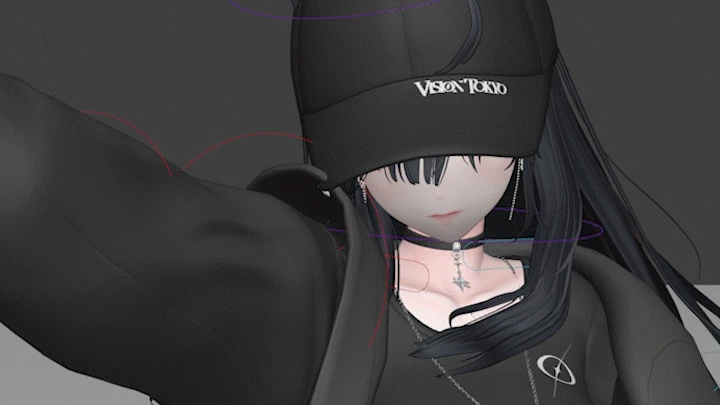
You'll start by installing add-ons and building a control rig to animate an existing model without modifying its structure. From the body and hair to clothing and facial expressions, you'll gain precise control over every detail.
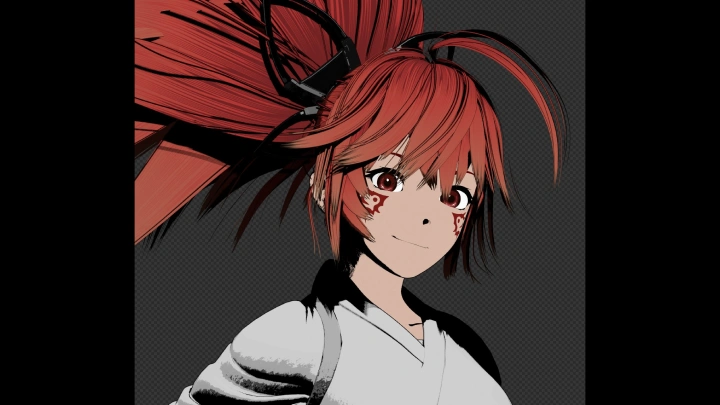
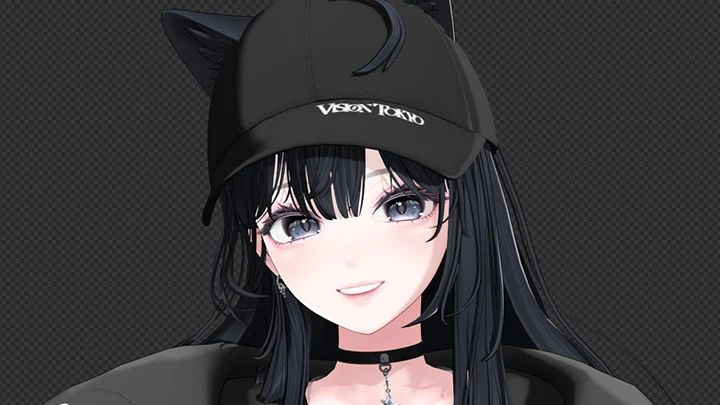
Next, you'll focus on your character's look. Learn how to create a toon-style shader, use separate lighting for different body parts, and control outlines to achieve the anime-style look you want.
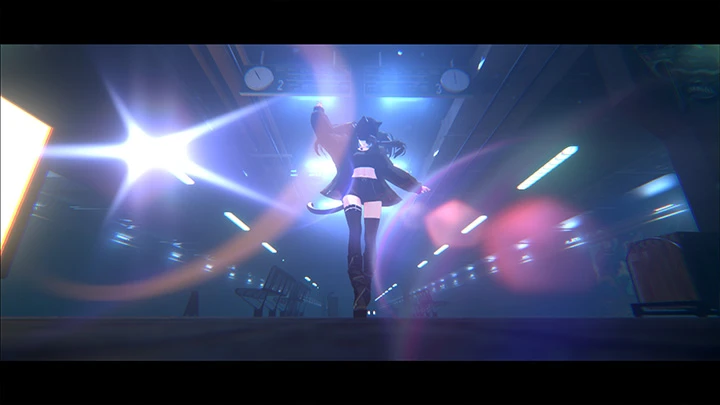
Finally, you'll build a 3D environment and bring your video together. Add effects to an asset-filled background, render each element separately, and fine-tune the colors through compositing to complete your music video.
Next, you'll focus on your character's look. Learn how to create a toon-style shader, use separate lighting for different body parts, and control outlines to achieve the anime-style look you want.
Finally, you'll build a 3D environment and bring your video together. Add effects to an asset-filled background, render each element separately, and fine-tune the colors through compositing to complete your music video.
Class Preview
Still Not Sure?
Check Out UWAN's Class Preview!
06. Clothing Rig Setup
- Rig setup for moving the bones of the body's main parts (primary bones)
Class Perks
Get These Coloso Exclusives
-
 Unlimited Access to 33 ChaptersPacked with UWAN's Animation Know-How
 -
 Finish One Complete Pieceby the End of the Class
 -
 Class Materials ProvidedIncluding an Original Add-On
Class Material Details
-
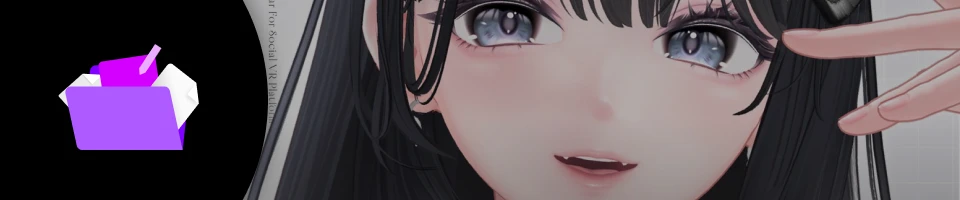 Study Materials- Character model "Misaki"
[Using the Character Data]
The FBX and texture files provided with this class may only be used for study and exercises within the class. If you would like to use the "Misaki" character outside the class, please purchase an official license separately through BOOTH. For details and licensing information, please refer to the BOOTH page. -
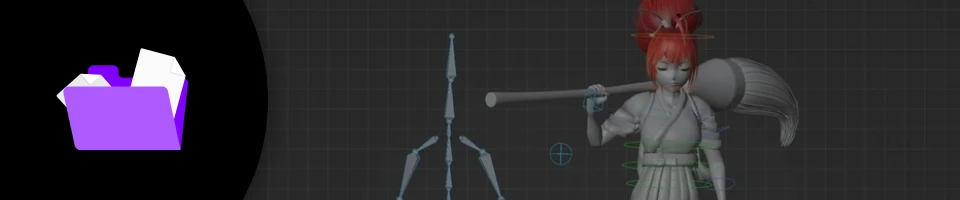 Exercise Materials- Completed video and Blender scene files
- Original add-on
Recommendation
Who should take this class?
3D artists looking to create music video-style animations
Creators who want to bring existing character models to life
Blender users looking to expand their rigging and animation skills
Expert 3DCG Creator UWAN's Portfolio
-
The Hero / SUGAROCK
-
The Hero / SUGAROCK
-
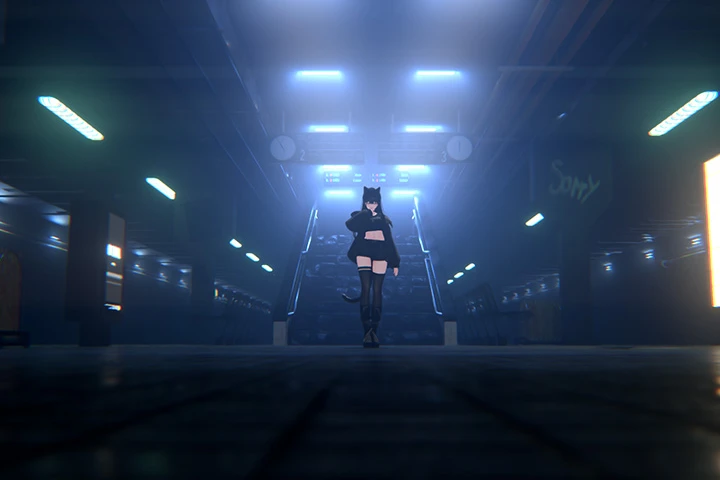
Last Train Home / SUGAROCK
-
Last Train Home / SUGAROCK
Why Take This Class?
Learn how to turn an existing 3D character model into a polished music video-style animation. From building a practical rig and creating a toon-style look to using motion data and hand-keyed animation, you'll learn how to bring your character to life. You'll also explore camerawork, lighting, and effects to create more engaging visuals.
Take your project from animation to a finished video entirely in Blender. Learn how to build a 3D environment, work with existing assets, and refine each element through lighting, rendering, and compositing. With practical workflows and techniques shared by UWAN, you'll gain the skills to turn your ideas into a complete music video-style piece.

Get Ready for the Real-World
Master the Full Music Video Animation Workflow
-
Basic Control Rig Setup
-
How to Rig Clothing, Hair, and More
-
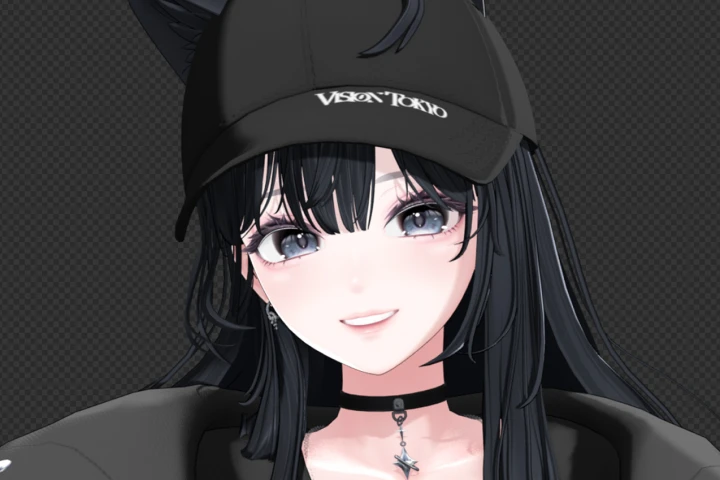 Fine-Tuning Character Looks with Toon Shaders
-
Shadow Control and Body-Part Lighting
-
Creating Animation with Motion Data
-
Hand-Keyed Animation
-
Secondary Animation
-
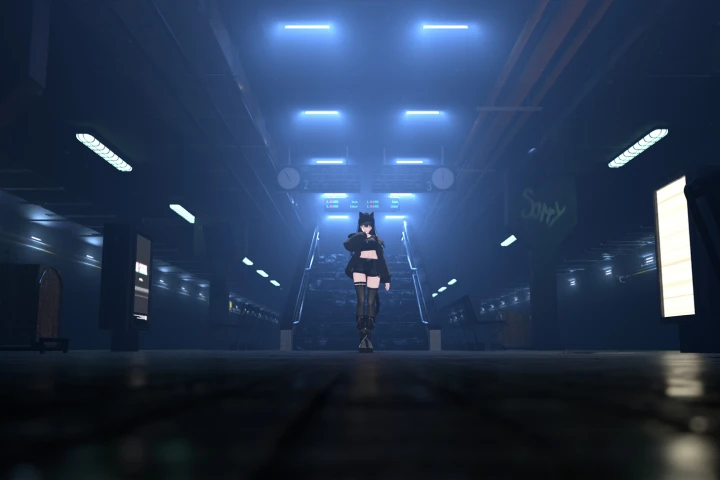 Creating Backgrounds and Lighting
 -
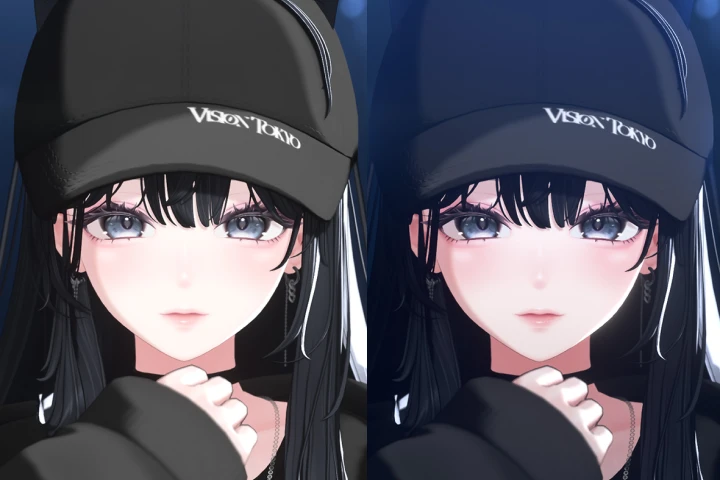 Rendering and Compositing
Final Project
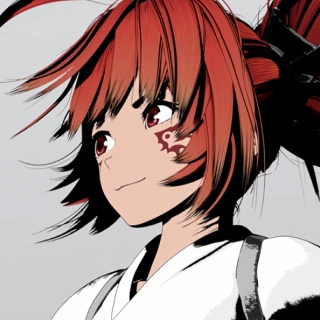
*The above images are sample images for a better understanding.
Featured Creators
Highlights
Class Highlights
Rigging and Animation Tips for Bringing Characters to Life ニメーション制作のポイント
Learn how to build a rig for moving 3D character models in Blender, create appealing animations, and use camerawork to present your work effectively. You'll also discover useful add-ons UWAN uses to streamline his workflow, most of which are free.
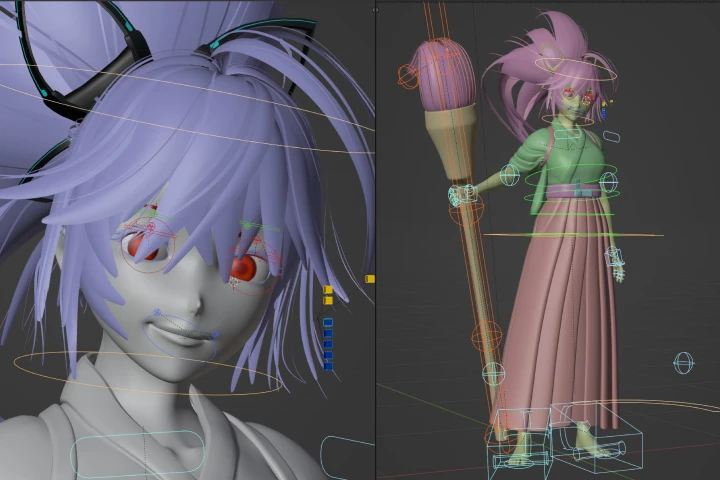
Crafting Your Character's Look in Blender
Learn how to use Blender's many features to fine-tune the look of your 3D character and gain greater control over its appearance. Some features may be new to you, but working through the full production process will help you build practical knowledge and expand your creative range for future Blender projects.
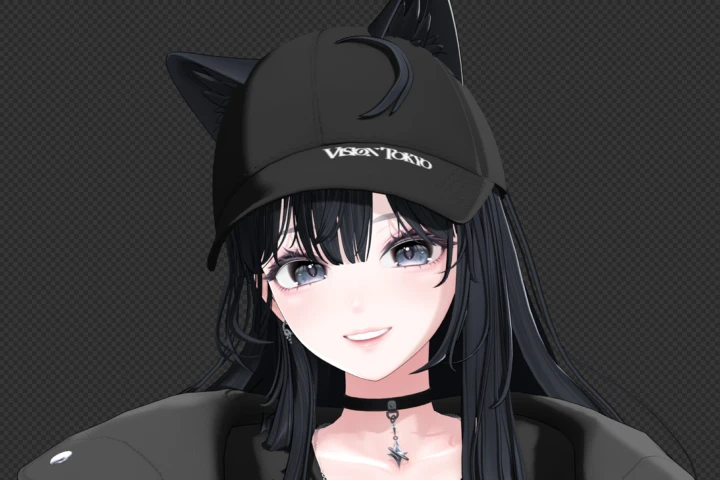
Building 3D Environments and Compositing
Learn how to create backgrounds that enhance your music video, from building a 3D environment to adding lighting and effects. You'll also practice exporting elements separately and fine-tuning them through compositing, giving you hands-on experience with the full music video production workflow.