3dartist,psytag Details
Intro
Class Intro
3D Artist, PsyTag
"Learn to create dynamic, stylized 3D animations in Blender with 3D Artist PsyTag, from concept development and character modeling to rigging, toon shading, and rendering!"
Inside PsyTag’s 3D World
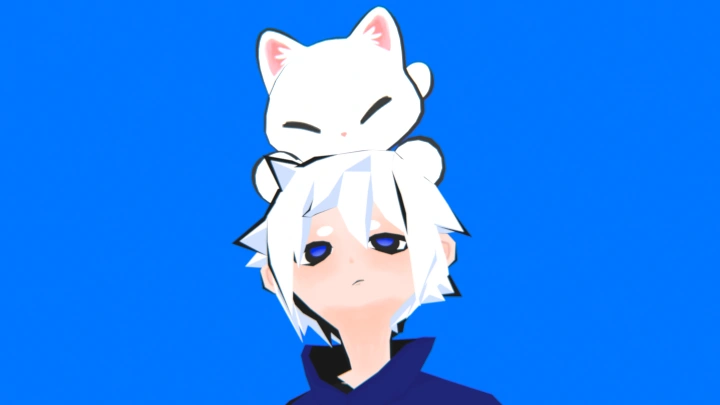
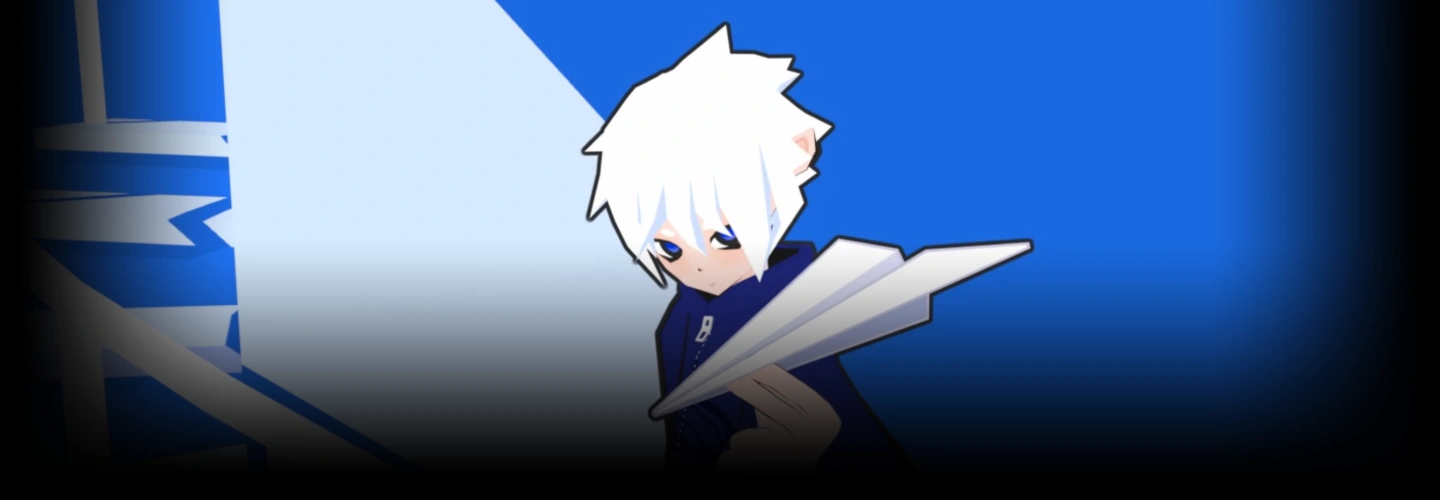
Stylized 3D art thrives on personality, bold design, and motion that commands attention. If you’ve ever wanted to bring your own original characters into expressive 3D worlds but felt overwhelmed by where to start, this class provides a clear, intuitive roadmap from concept to finished animation.
In this course, PsyTag shares his personal production workflow, developed through years of creating stylized 3D animations. You’ll work through the full character pipeline in Blender, covering custom low-poly modeling, bone rigging, dynamic animation, and hand-drawn 2D visual effects with Grease Pencil. Each stage is broken down into practical, actionable steps, helping you understand not only how each technique works, but how they come together to create a cohesive stylized sequence.
Rather than following a rigid script, you’ll apply these techniques directly to your own creative projects and original characters. By the end of the class, you’ll have a polished animated sequence and a repeatable workflow you can adapt to future personal projects, portfolio pieces, or freelance work.
Rather than following a rigid script, you’ll apply these techniques directly to your own creative projects and original characters. By the end of the class, you’ll have a polished animated sequence and a repeatable workflow you can adapt to future personal projects, portfolio pieces, or freelance work.
Class Perks
Special Gift from PsyTag
-
 Final Animation Files
 -
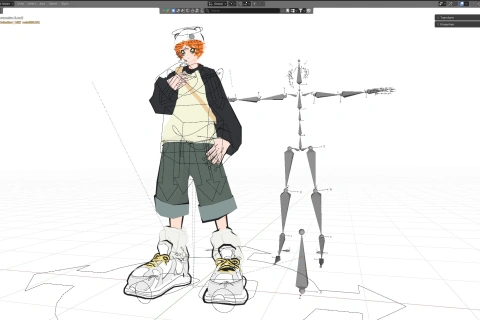
 Rigged Character Model
 -
 PsyTag's Outline Add-on
 -
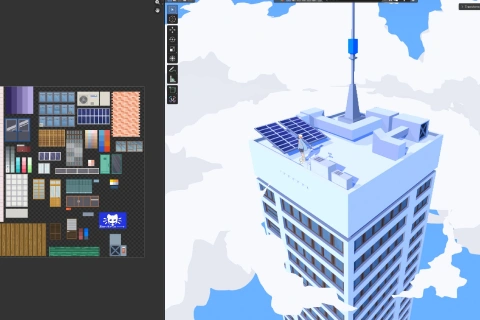
 Textured Scene Props
Class Material Details
-
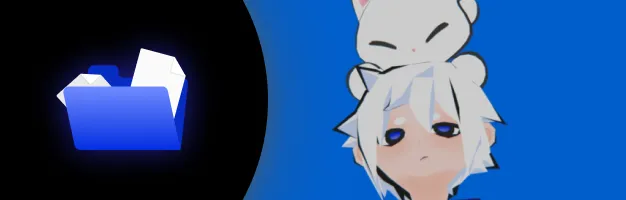 Recreate PsyTag's Final Animation- Get the final .blend source files for the completed cinematic loop, including the customized scene structure and rendering setup, so you can break down how the final animation comes together
 -
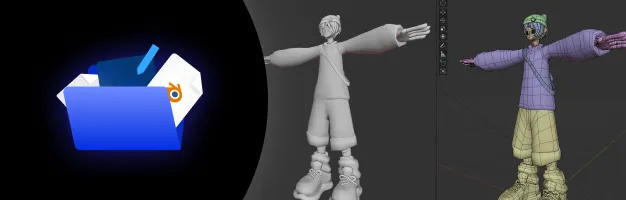 Practice with a Production-Ready Character- Practice animation with a fully articulated and rigged original character model, complete with custom constraints and ready to use in Blender
 -
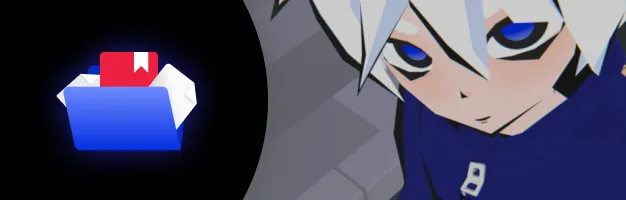 Create Stylized Outlines with Ease- Speed up your stylized rendering workflow with PsyTag’s custom .zip outline add-on, designed to automate and simplify the process of adding custom outlines to 3D environments
 -
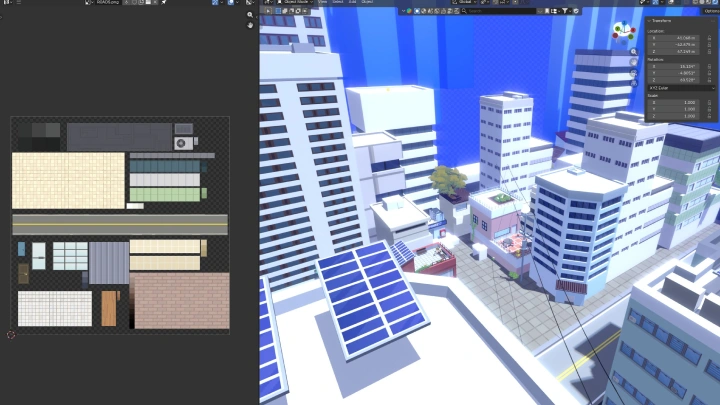
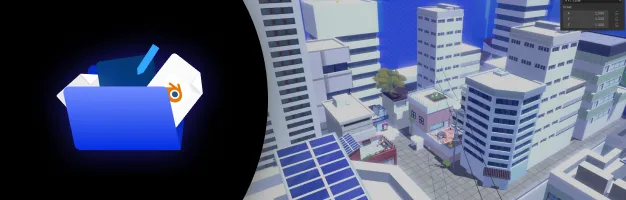 Build Your Own Stylized World- Bring your scenes to life with a selection of stylized, hand-textured background props and environmental meshes used throughout the course, provided in .blend format
Recommendation
Who should take this class?
Aspiring 3D Animators
Blender beginners and hobbyists who want to move beyond isolated tutorials and learn a complete workflow for modeling, rigging, and animation.
Intermediate 3D Artists
Artists who know the basics of Blender but struggle to visualize, model, and animate characters in their own style.
2D Artists & Illustrators
2D illustrators, concept artists, and visual creators who want a straightforward workflow for translating their 2D designs into fully rigged 3D characters.
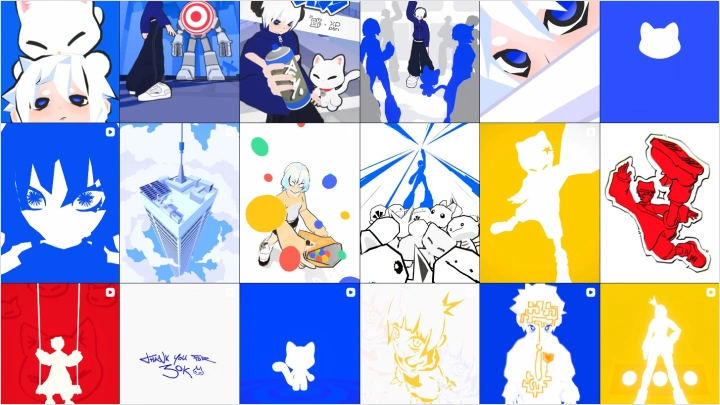
Expert 3D Artist PsyTag's Portfolio

Why Take This Class?
If your 3D models feel stiff, generic, or impossible to animate, it’s likely because you haven’t found a pipeline that works for your creative style. Getting stuck in the technical details is a common hurdle, but it doesn’t have to keep you from bringing your original characters to life.
PsyTag designed this class as a complete guide to stylized character creation in Blender. By breaking complex tasks like rigging and dynamic keyframing into intuitive, digestible steps, you’ll build practical skills without the frustration. If you’re ready to bridge the gap between your ideas and finished 3D animations, this course gives you the tools and confidence to make it happen.

Get Ready for the Real-World
14 Class Exercises
Part 1. Concept Development
-
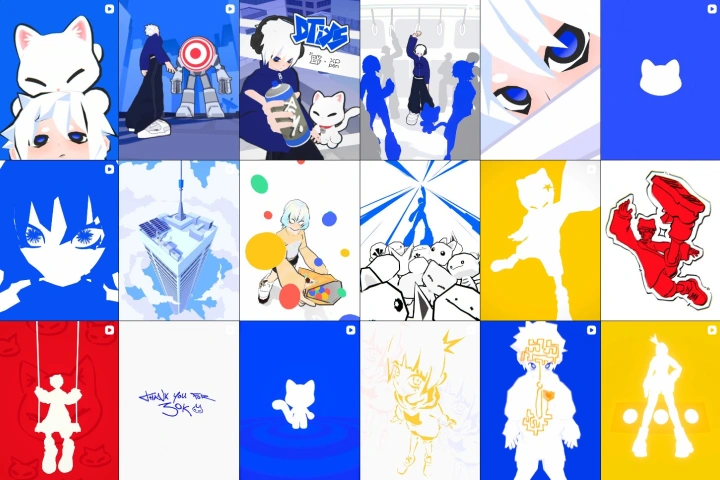 Moodboard
 -
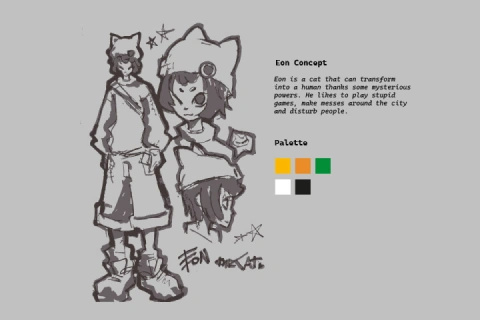
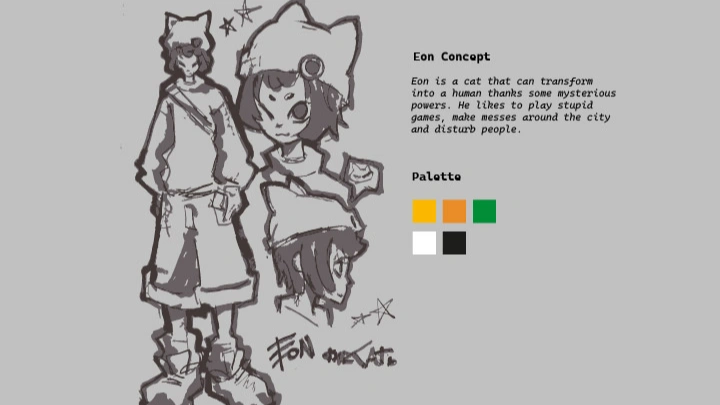
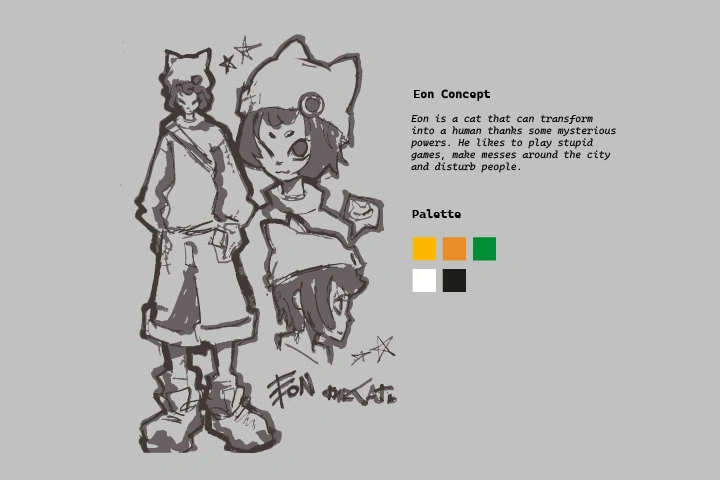 Character Concept Sketches
Part 2. Character Creation
-
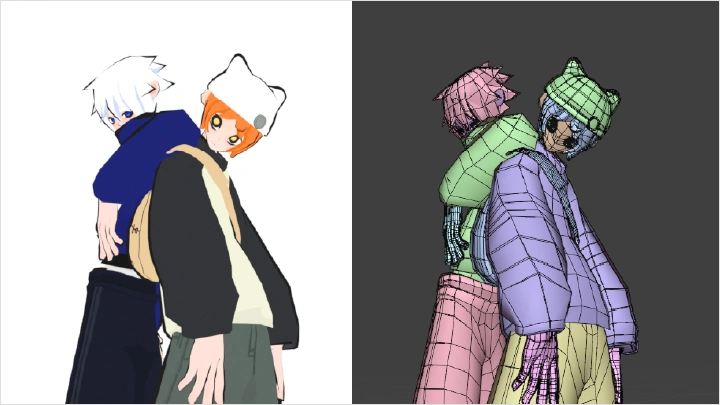
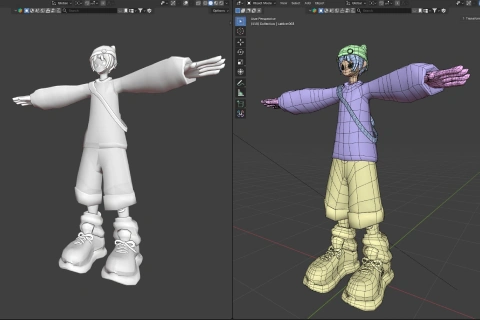 Base Character Model
 -
Final Character Model
-
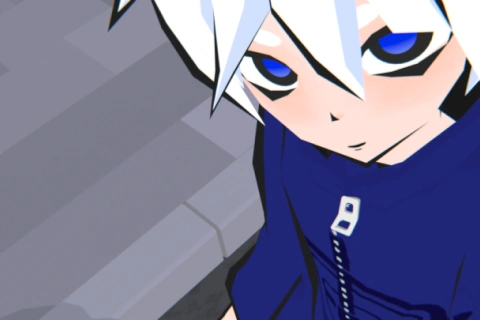 Character Textures
 -
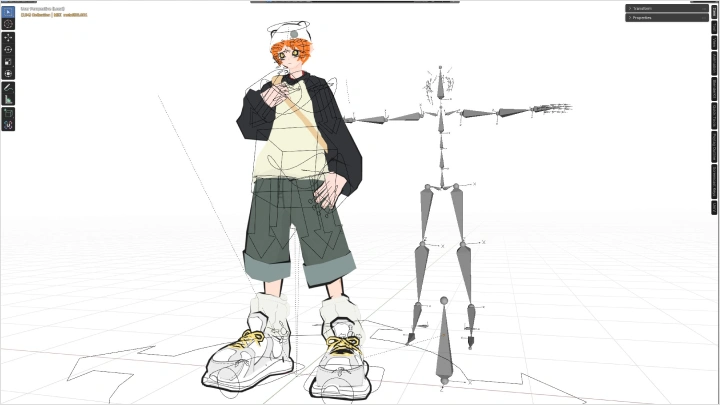
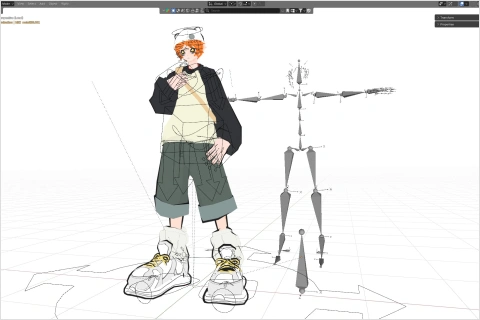 Character Rig
Part 3. Scene Building
-
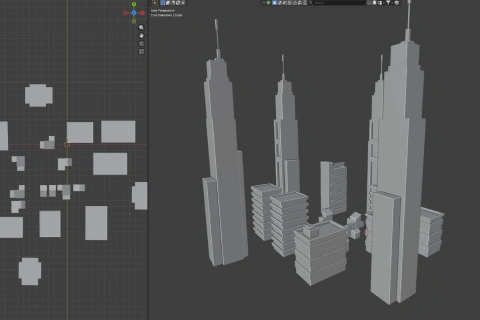 Environment Blockout
 -
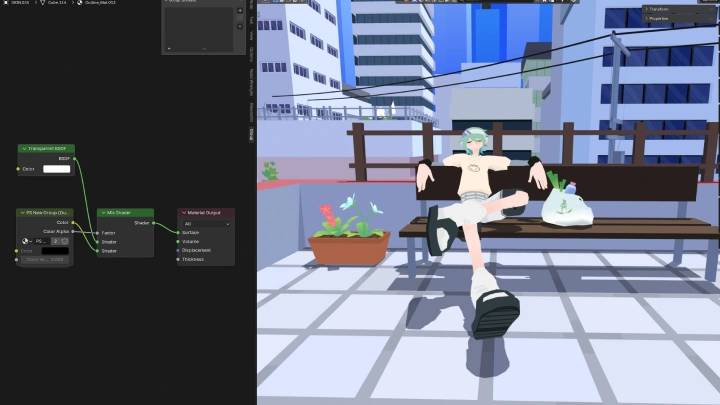
3D Environment Scene
Part 4. Animation
-
Run Cycle Loop
-
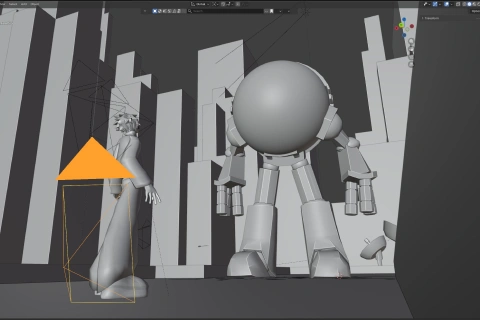 Camera Setup
 -
Key Poses
Part 5. Final Production
-
Animation Polish
-
2D VFX Pass
-
Final Animation
Final Product Example(s)
-
 3D CharacterA fully textured and rigged 3D model of your original character
 -
 3D EnvironmentA collection of fully textured buildings and props to create your own stylized world
 -
3D AnimationA cinematic animation that showcases your ability to model, rig, and animate in your own unique style
*The above images are sample images for a better understanding.
Highlights
Class Highlights
Original Low-Poly Character Modeling
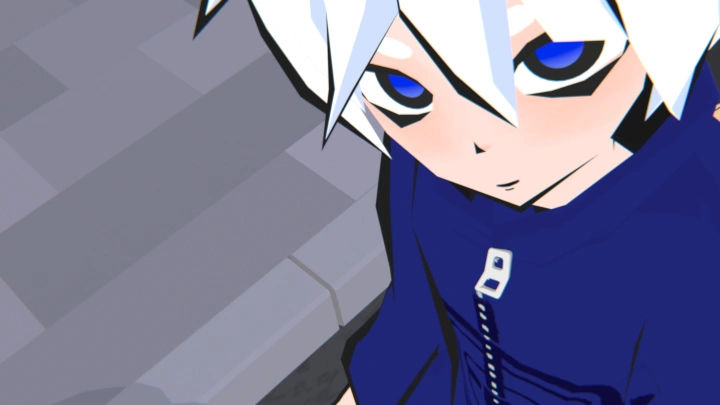
Transform your flat 2D character designs into clean, animation-ready 3D low-poly models in Blender. PsyTag introduces an intuitive, shape-driven modeling approach that helps you capture the organic charm and visual appeal of stylized art without getting bogged down by unnecessary technical complexity.
Snappy, Stylized 3D Animation
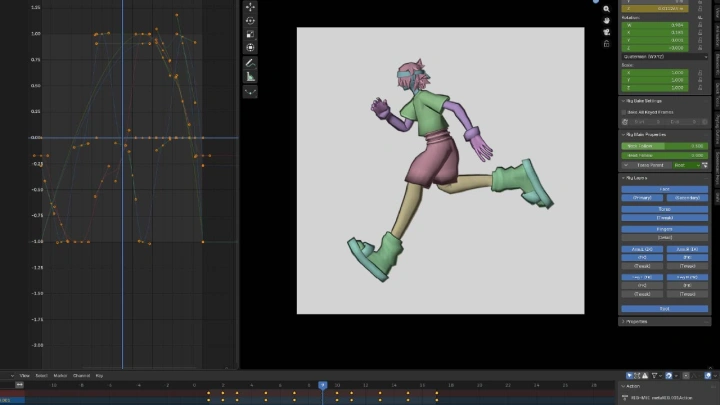
Bring your character loops to life with snappy, dynamic, and distinctly stylized motion. Master the fundamentals of timing and spacing while learning PsyTag’s keyframing techniques for adding personality, energy, and satisfying movement to every action.
Grease Pencil 2D VFX
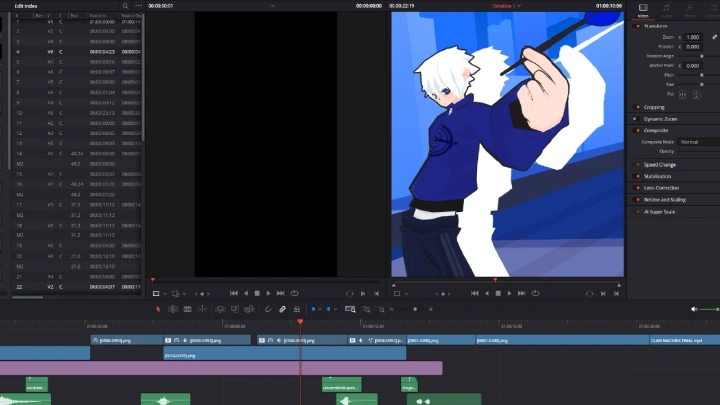
Elevate your 3D animations with expressive, hand-drawn 2D visual effects using Blender’s Grease Pencil. Learn to create impactful action effects, elemental trails, and subtle environmental details that blend seamlessly with your 3D assets for a distinctive, eye-catching finish.