Question.01
How's the marketability of 3D cartoon rendering?
[FreeCourse]3DArtist,SangwooPark_박상우 Details
Intro
Class Intro
3D Artist, Sangwoo Park
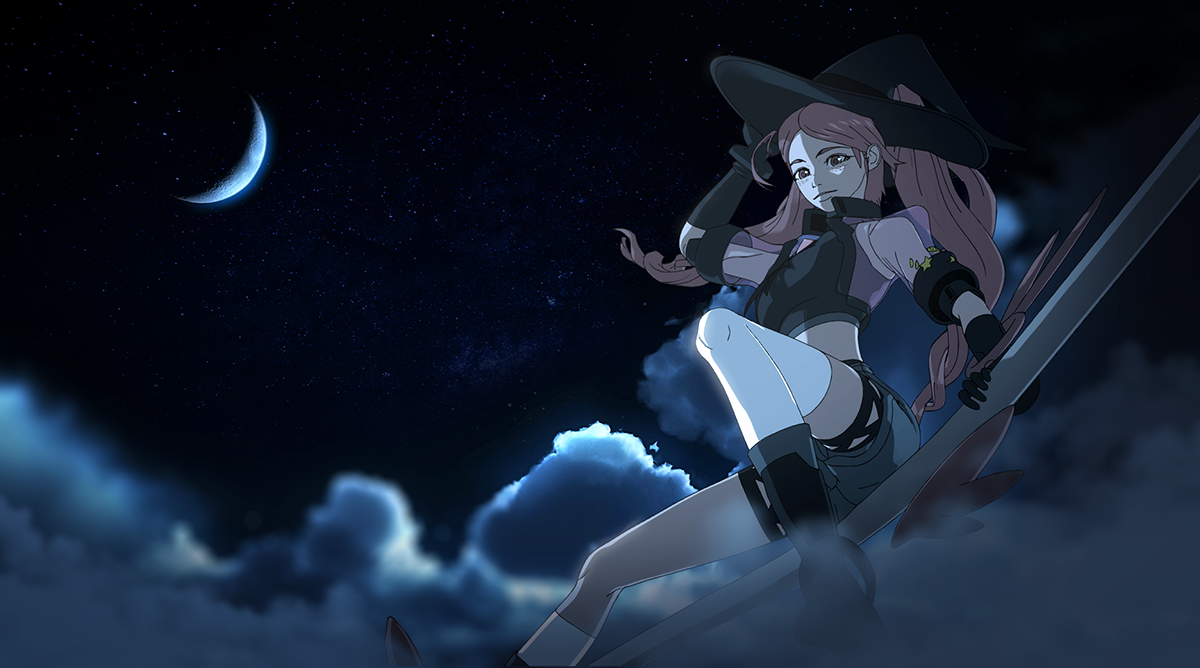
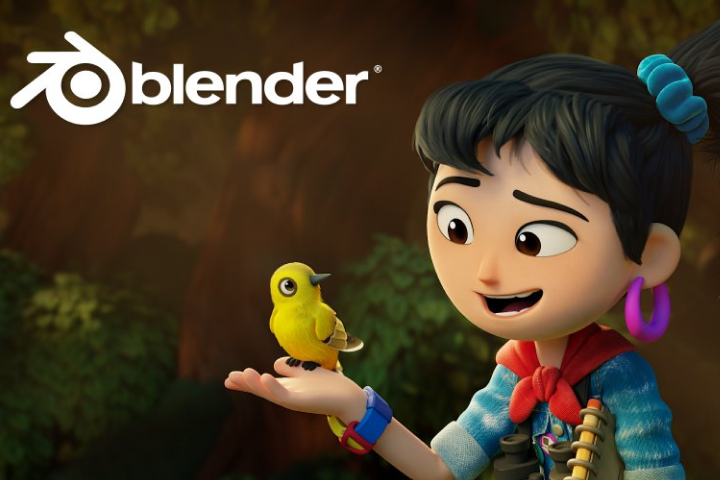
Cartoon Rendering has taken place as a general trend
in the video and game industry for its appealing looks,
bringing 2D illustrations to life!
Learn from a curriculum that teaches
the whole process from the basics of Blender
to basic character modeling, toon shading
and rendering through 4 types
of high-quality examples.
For those illustrators who wish to show
their characters in 3D and artists who want to
produce exceptional cartoon rendering results,
check out the secrets of cartoon rendering
from the class of expert Sangwoo Park!
Expert 3D Artist
Sangwoo Park's Profile & Portfolio
Instructor
Sangwoo Park
3D Artist
Hello, I'm a 3D artist Sangwoo Park.
I've mainly been working on
modeling, texture, and shading
in the animation industry.
Previously I have worked on different styles
such as children animation,
PBR, stop motion, etc
and currently I'm working
as an Asset Director
on cartoon rendering
and stylizing at Studio Mir.
I have also experienced lots of difficulties
trying to translate foreign resources
for my studies on cartoon rendering,
In this class, I will share with you
the knowledge and skills I've obtained
working as a modeler
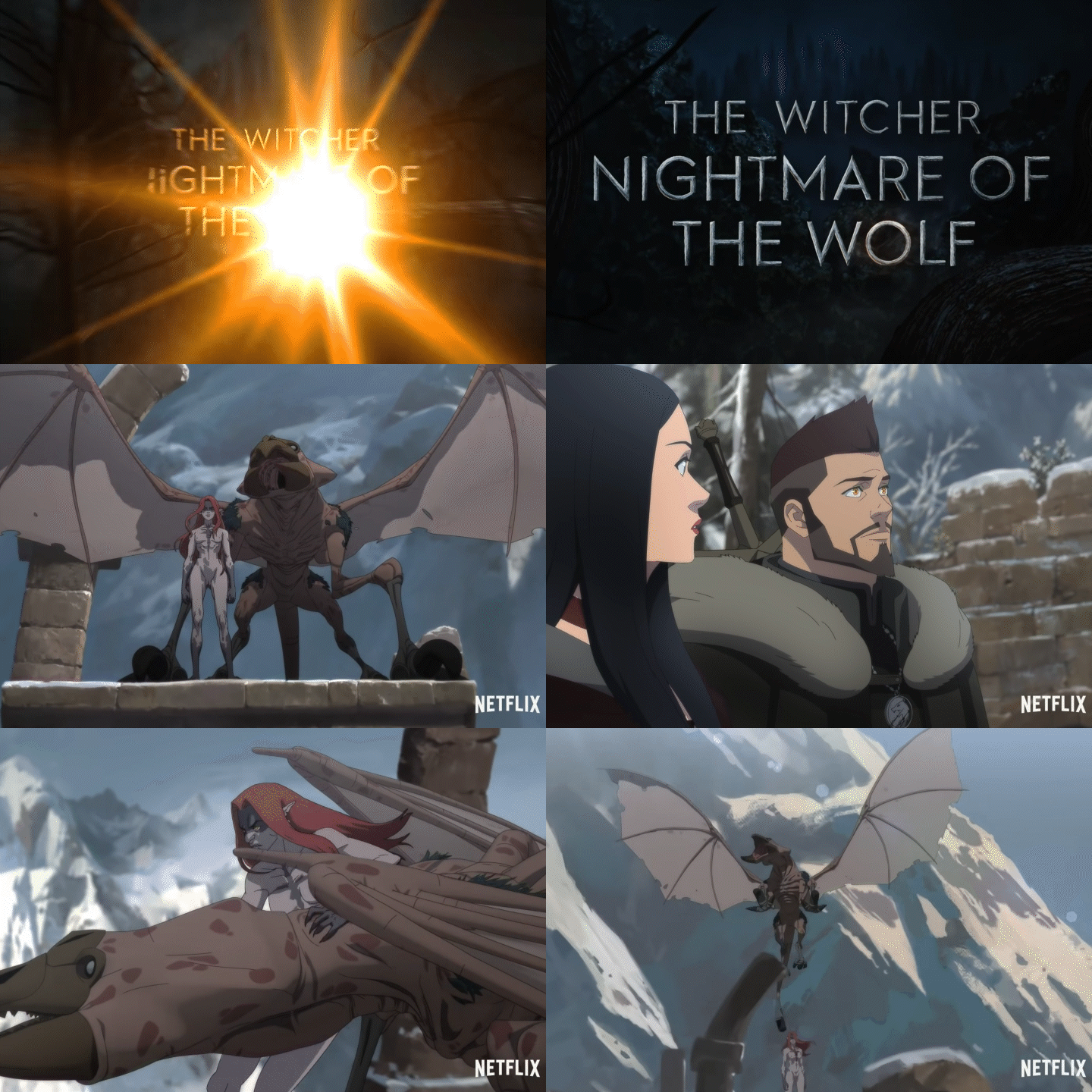
for "DOTA" and "The Witcher"
using a very useful program called Blender.
3D Artist,
Sangwoo Park
[Current]
Studio MIR - Asset Director
Recognizable
Projects & Awards
[Former]
Sevensloth Studio - 3D General Artist
ROIvisual - 3D Build team Artist
[Projects]
Studio MIR
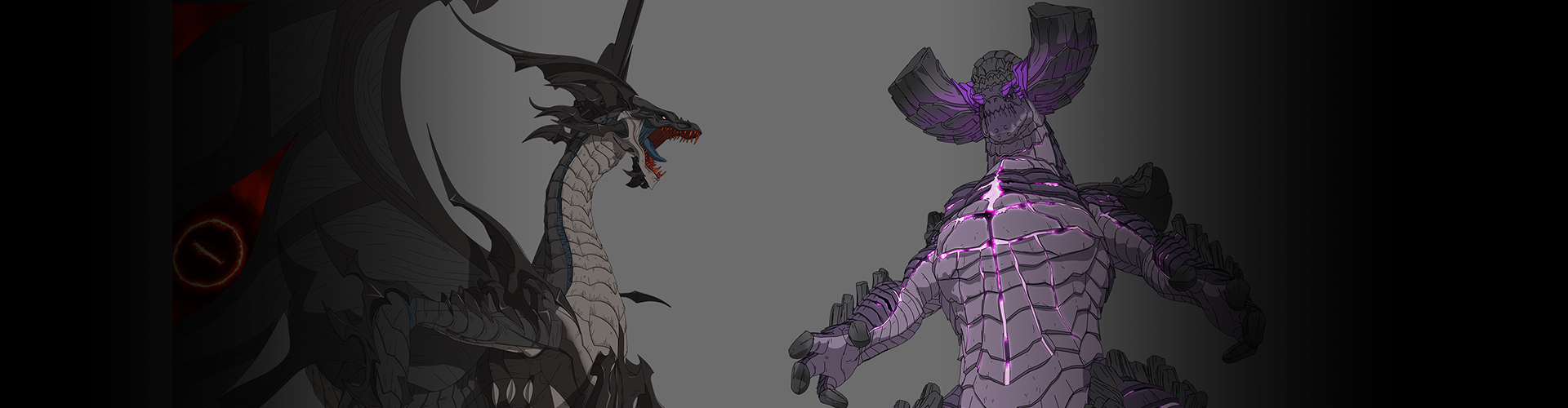
- Netflix : DOTA: Dragon’s Blood Season 1, 2, 3
- Netflix : The Witcher: Nightmare of the Wolf
Sevensloth Studio
- Netflix : Lookism
- DC animation : Batman and Superman : Battle of the Super Sons
- KBS : Slow Slow Sloth Neul
ROIvisual
- EBS : Robocar Poli
15 Class Exercises
Part 1. Prop (Chair)
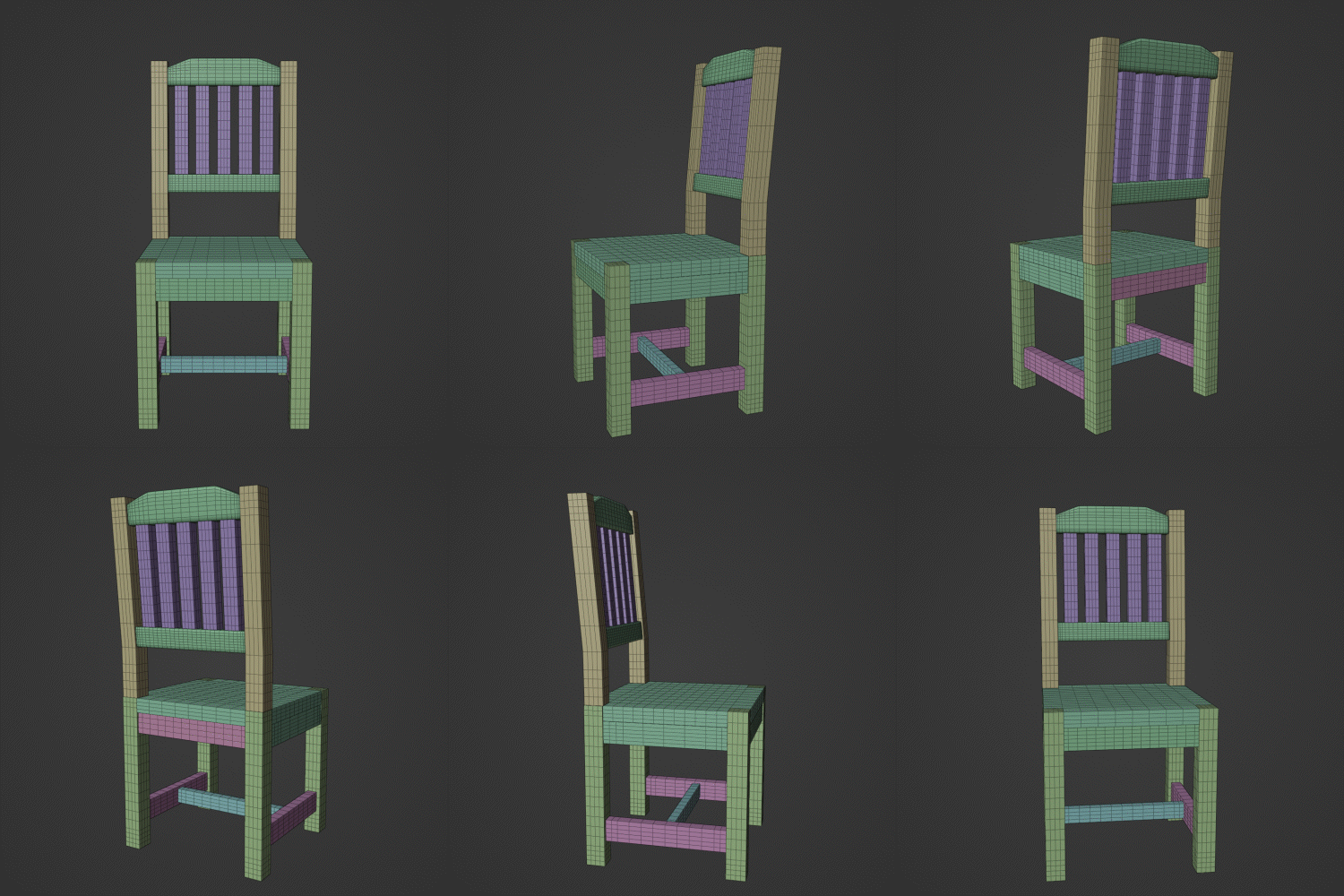
Wireframe
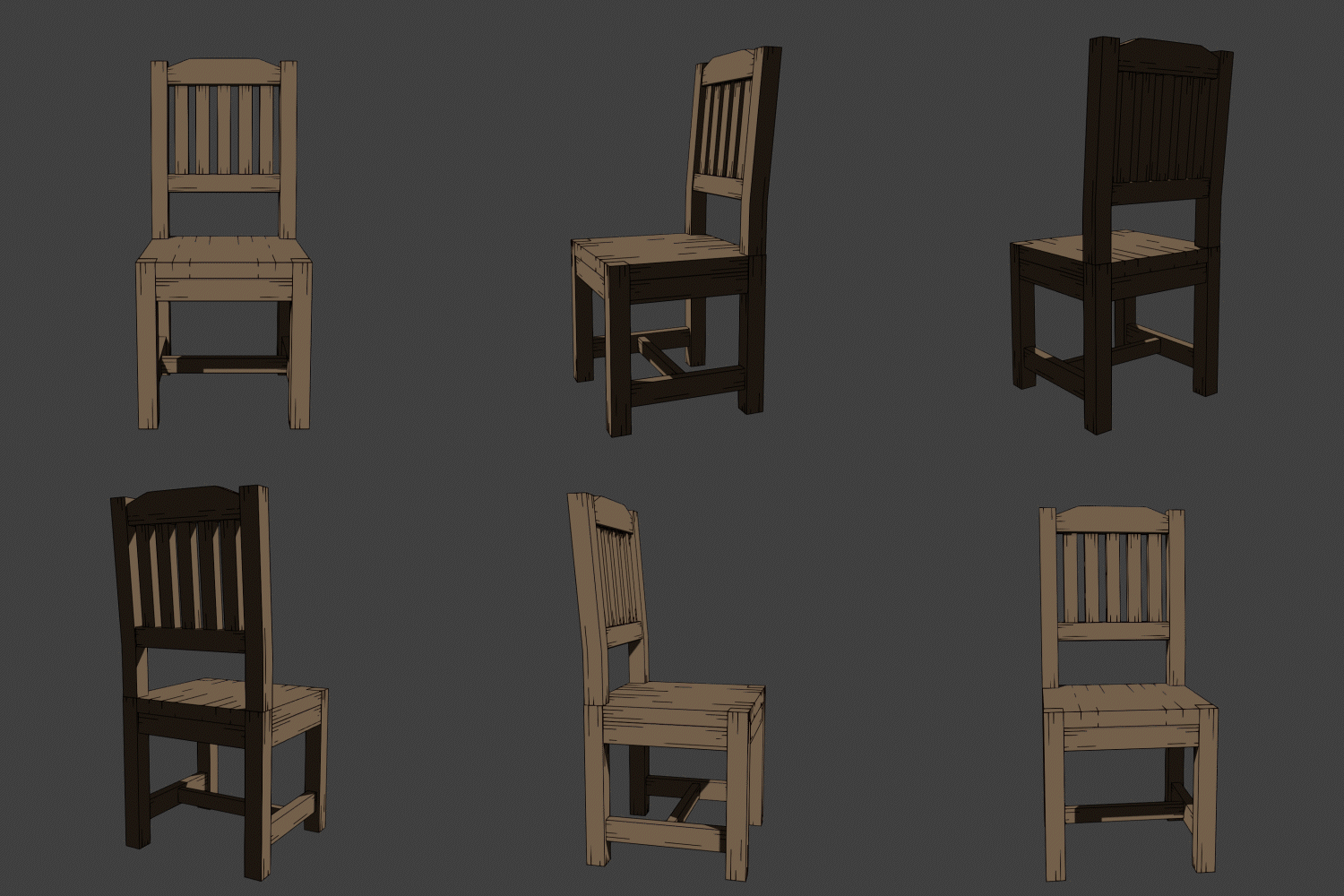
Toon Shading
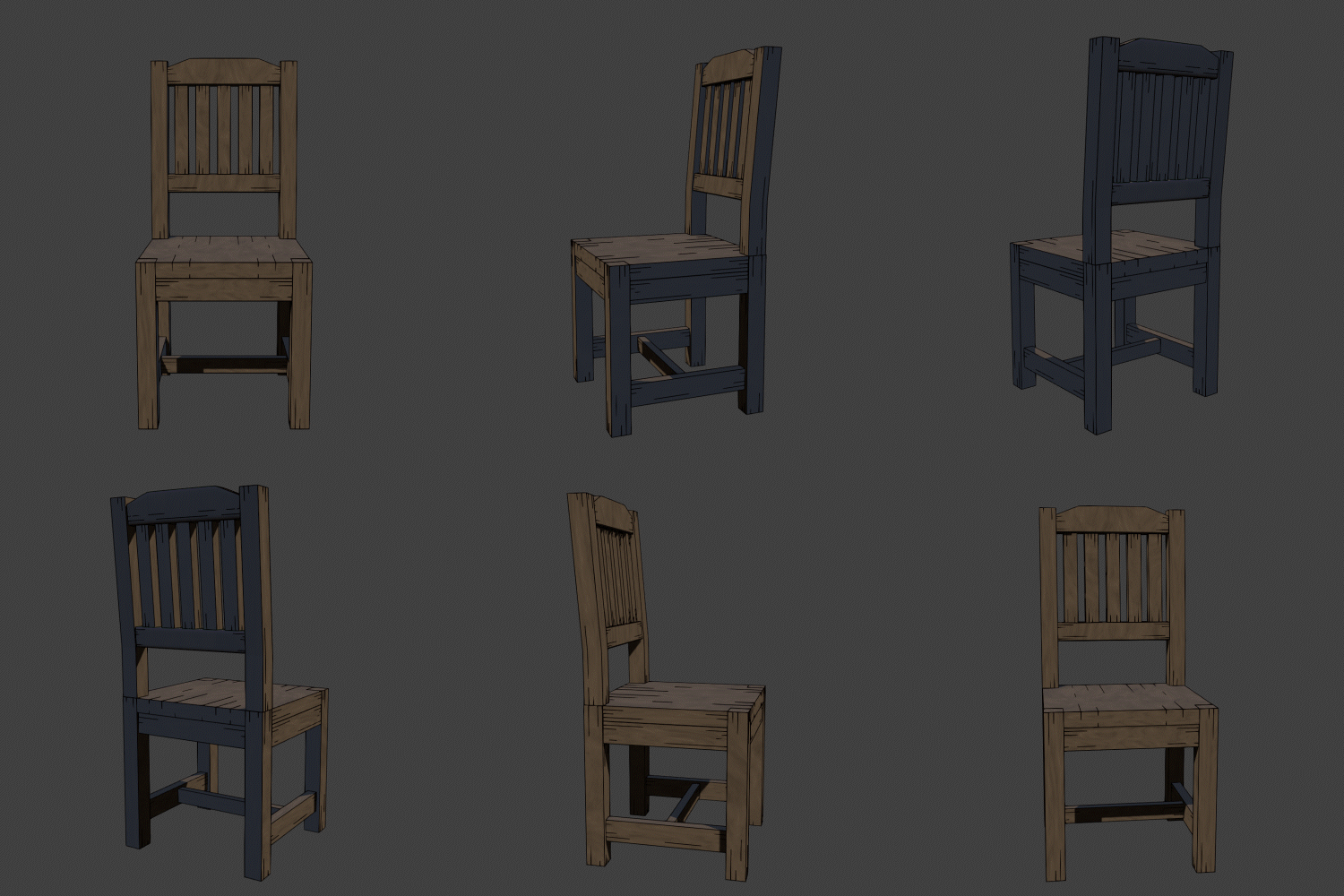
Add Shading
Part 2. Style A (Figure Style)
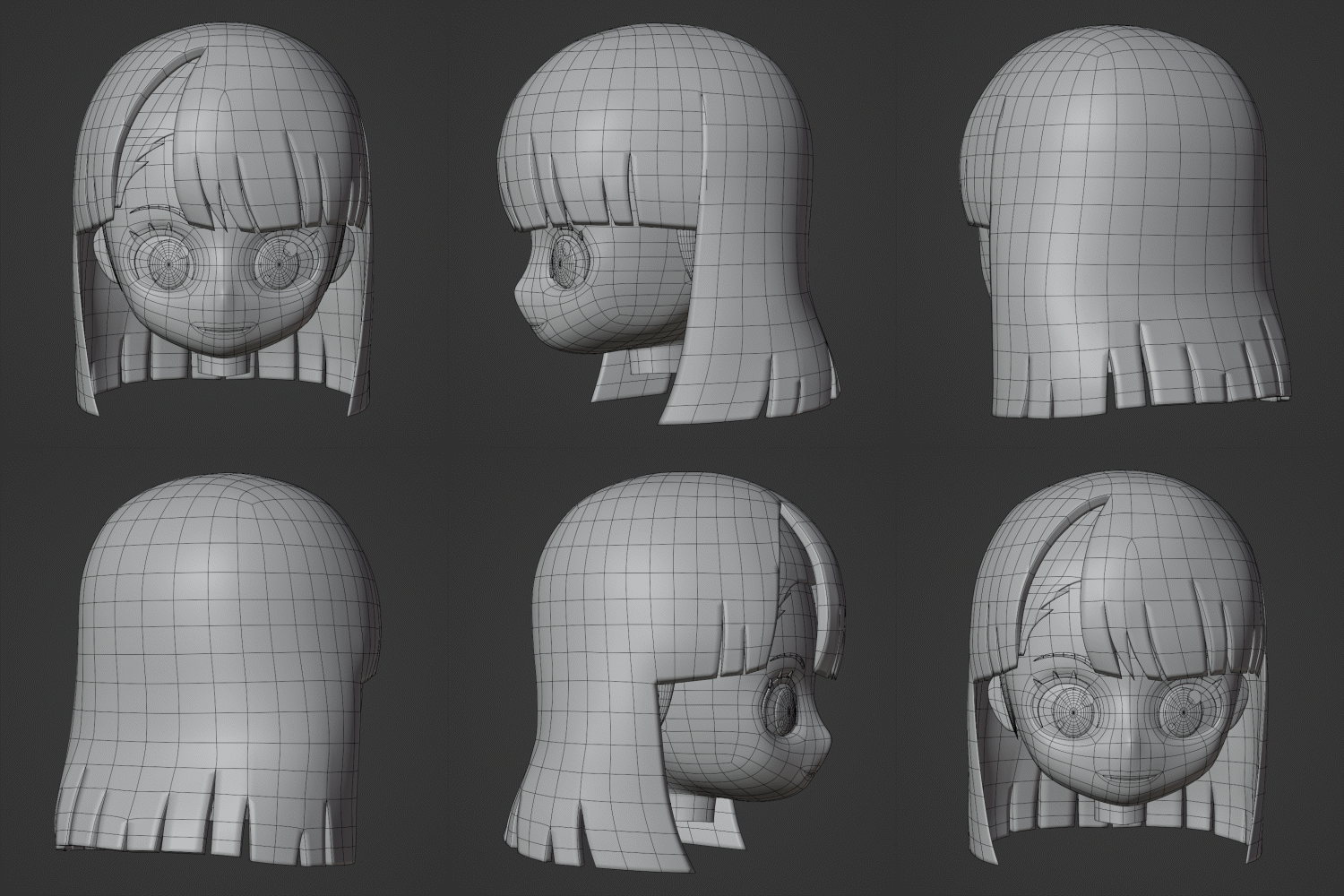
Modeling & Wireframe
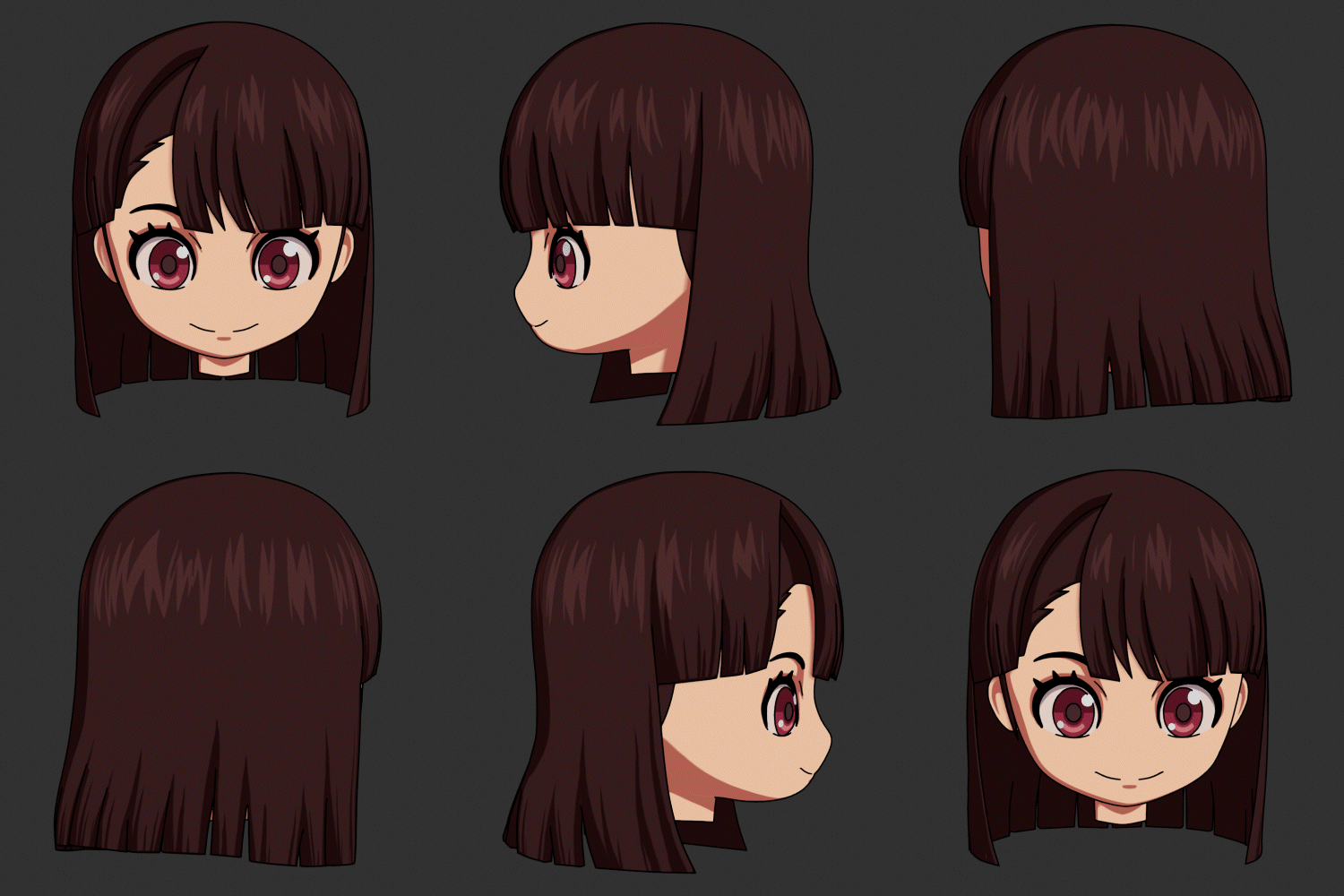
Toon Shading
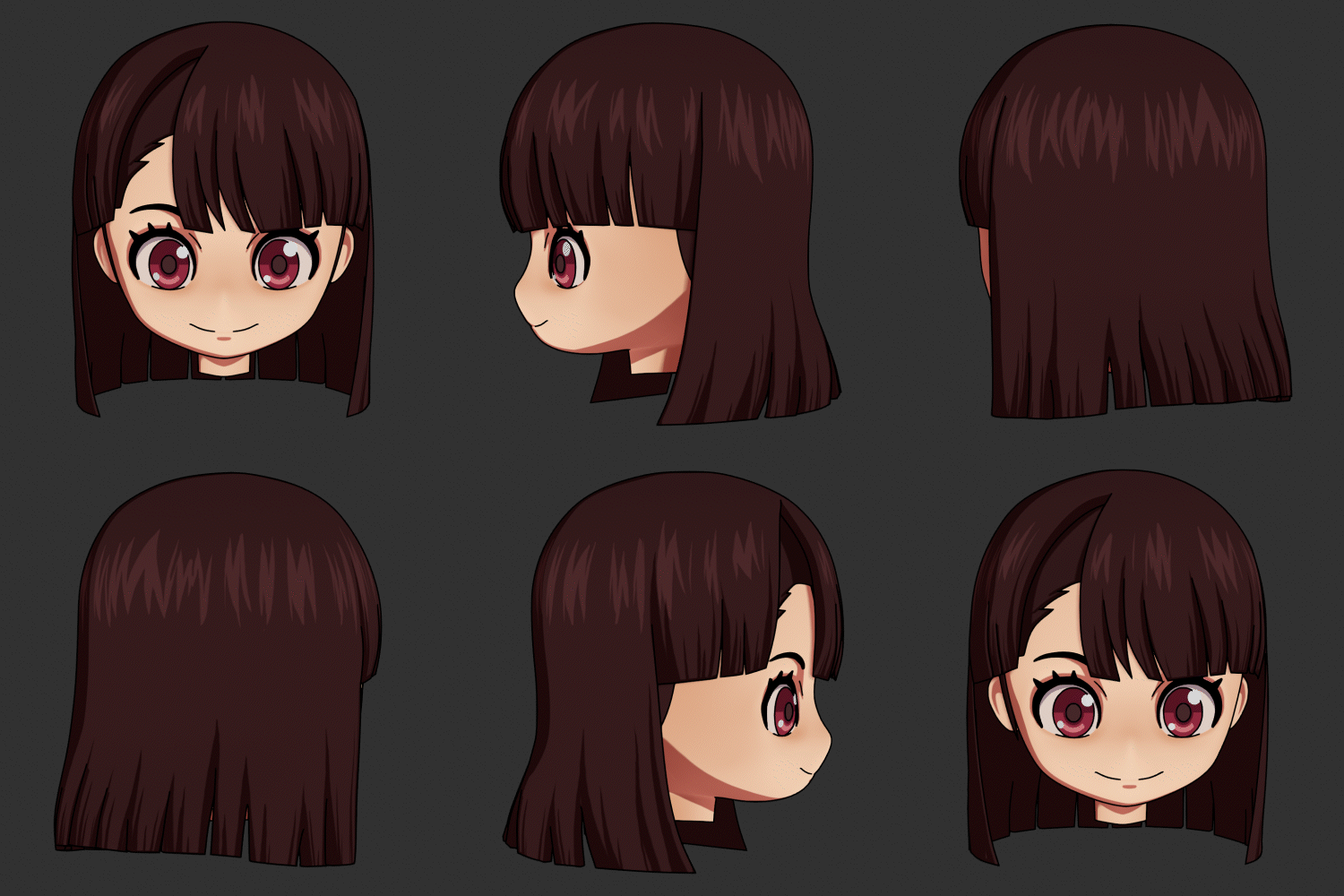
Add Shading
Part 3. Style B (Game Style)
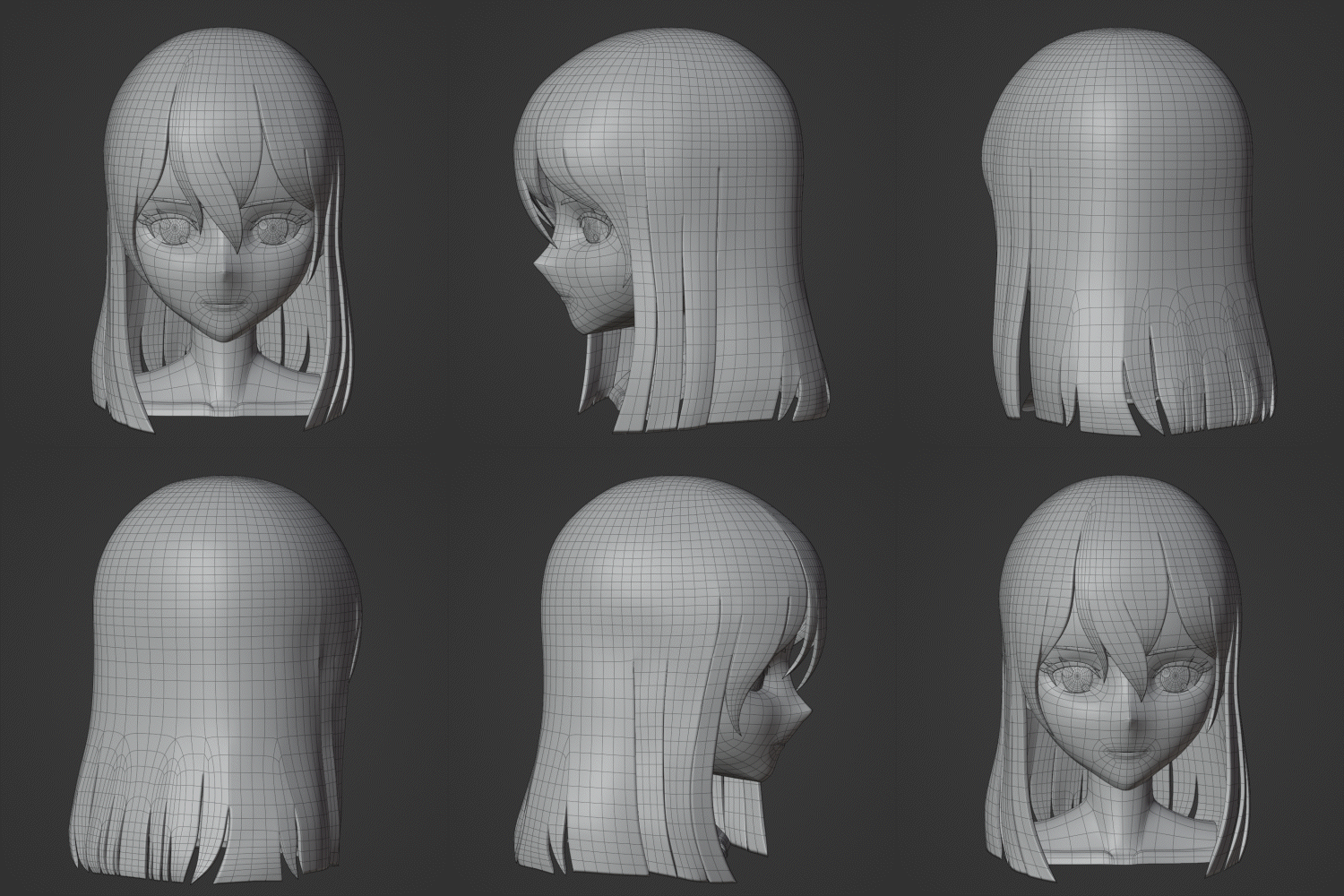
Modeling & Wireframe
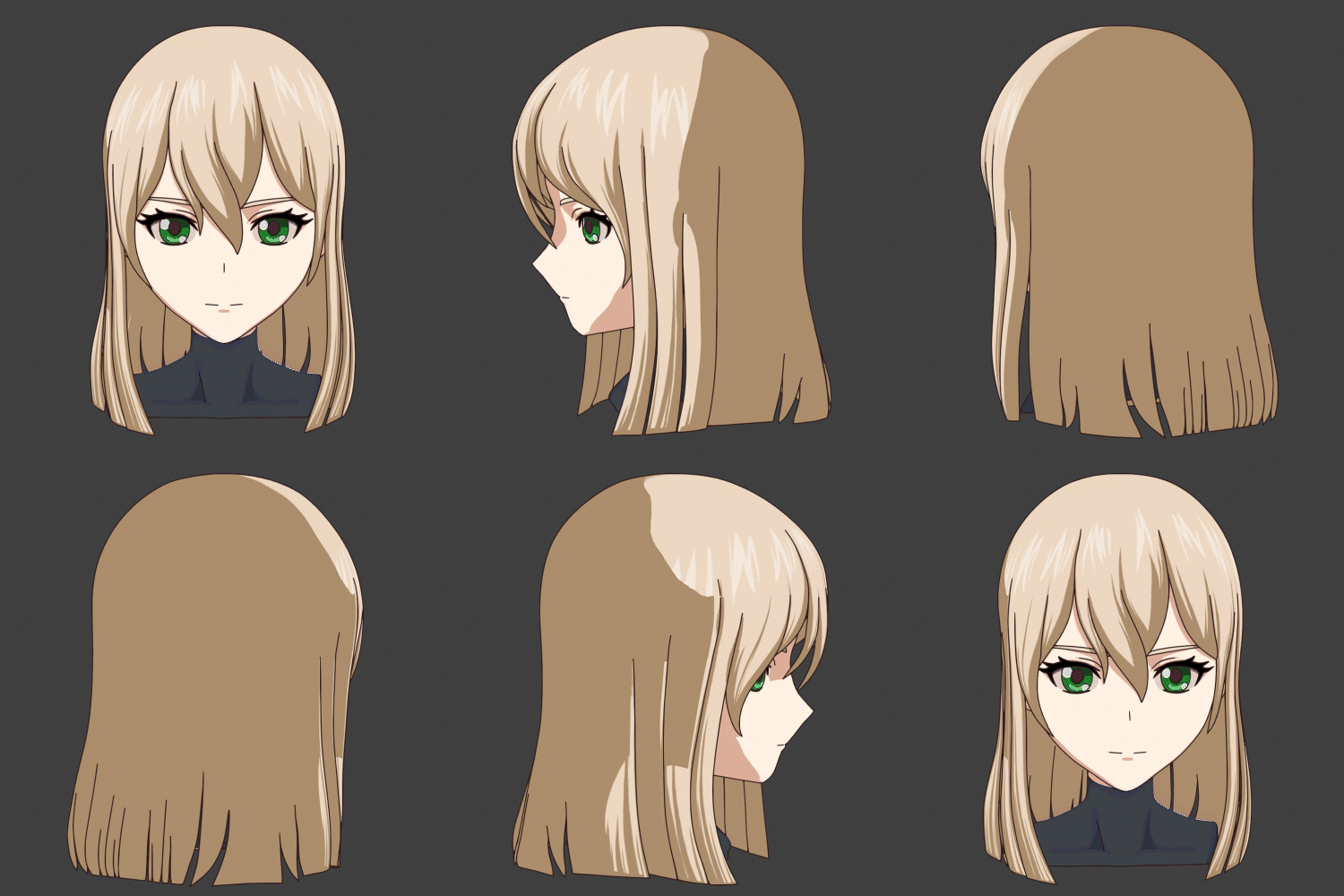
Toon Shading
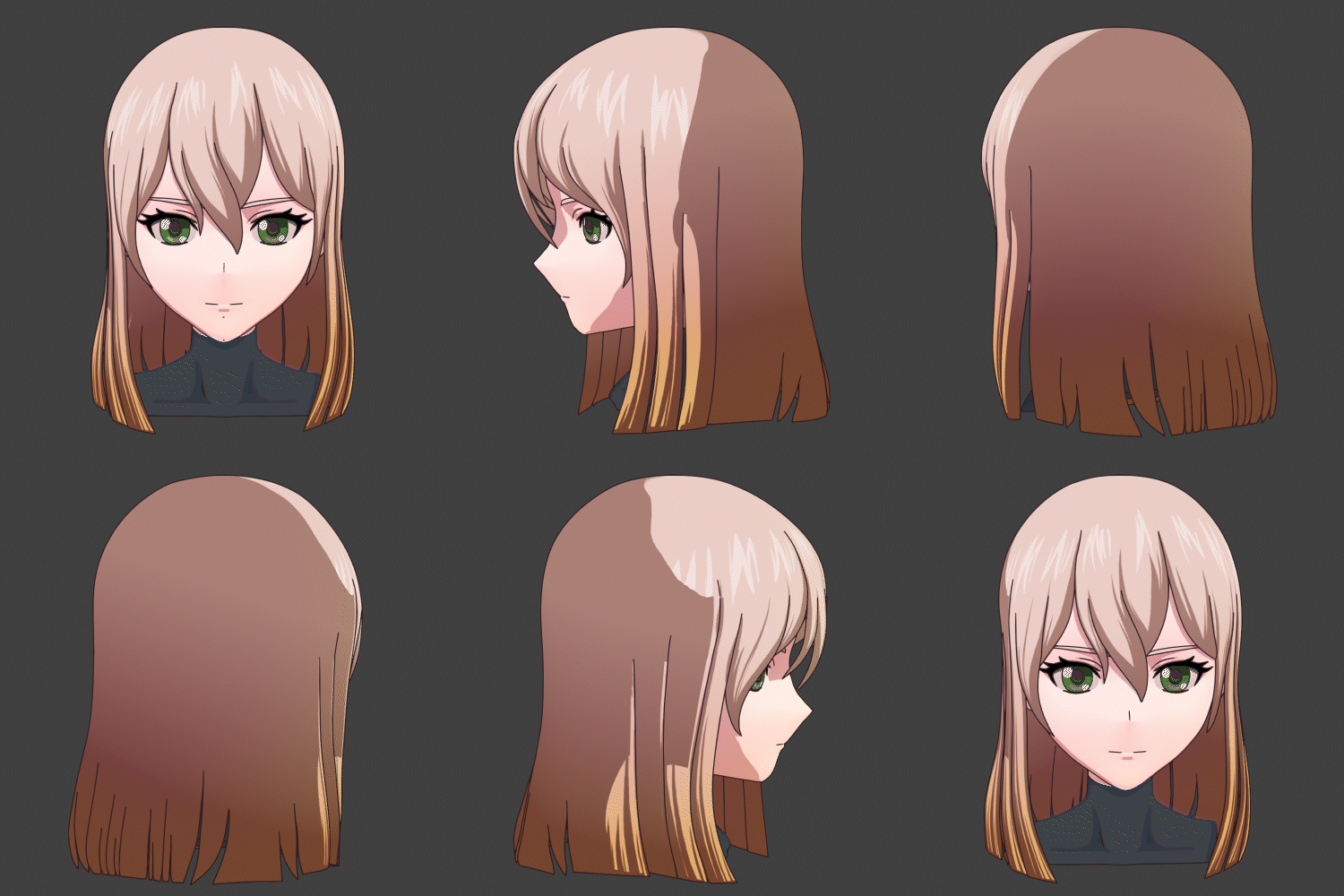
Add Shading
Part 4. Style C (Animation Style)
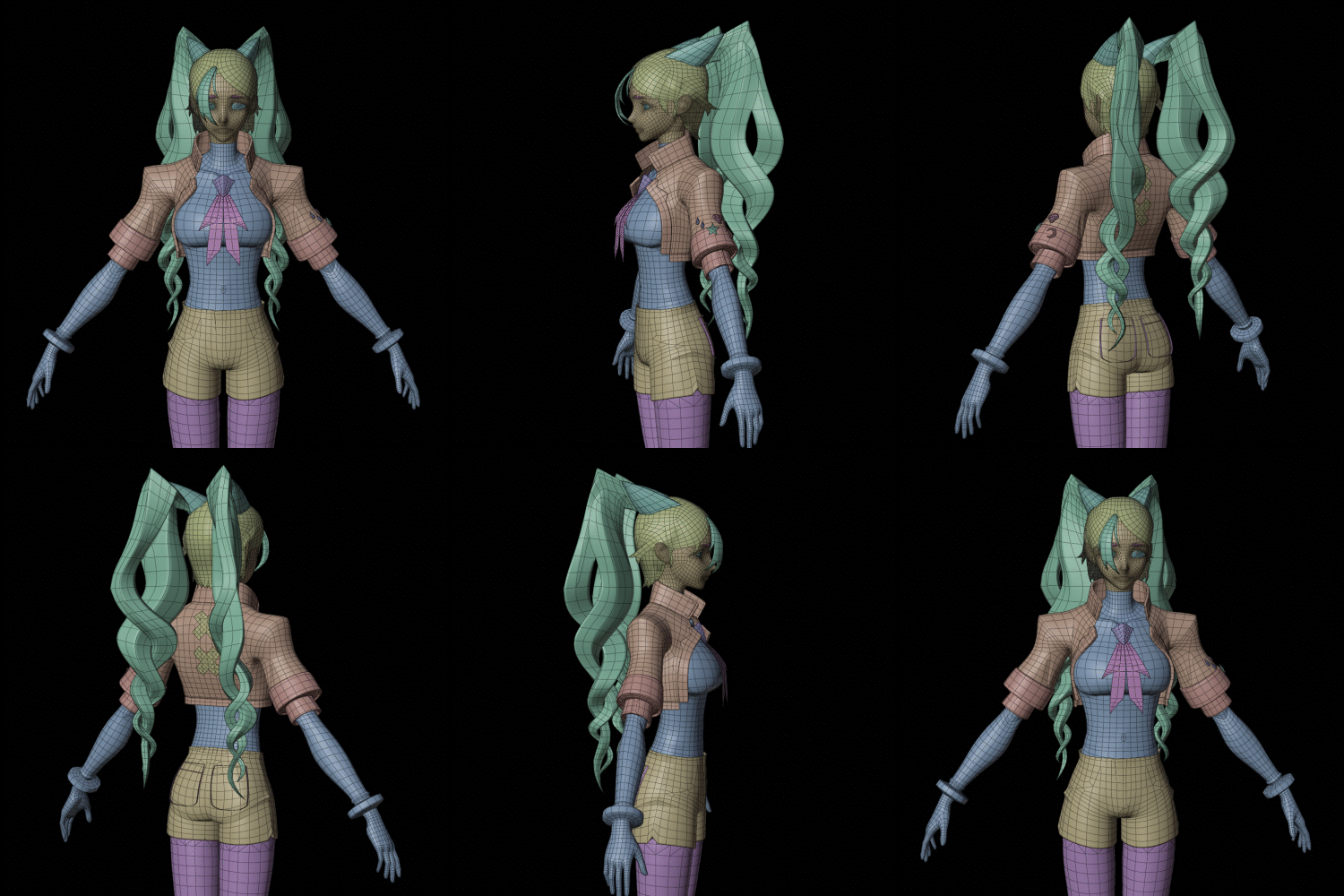
Modeling & Wireframe
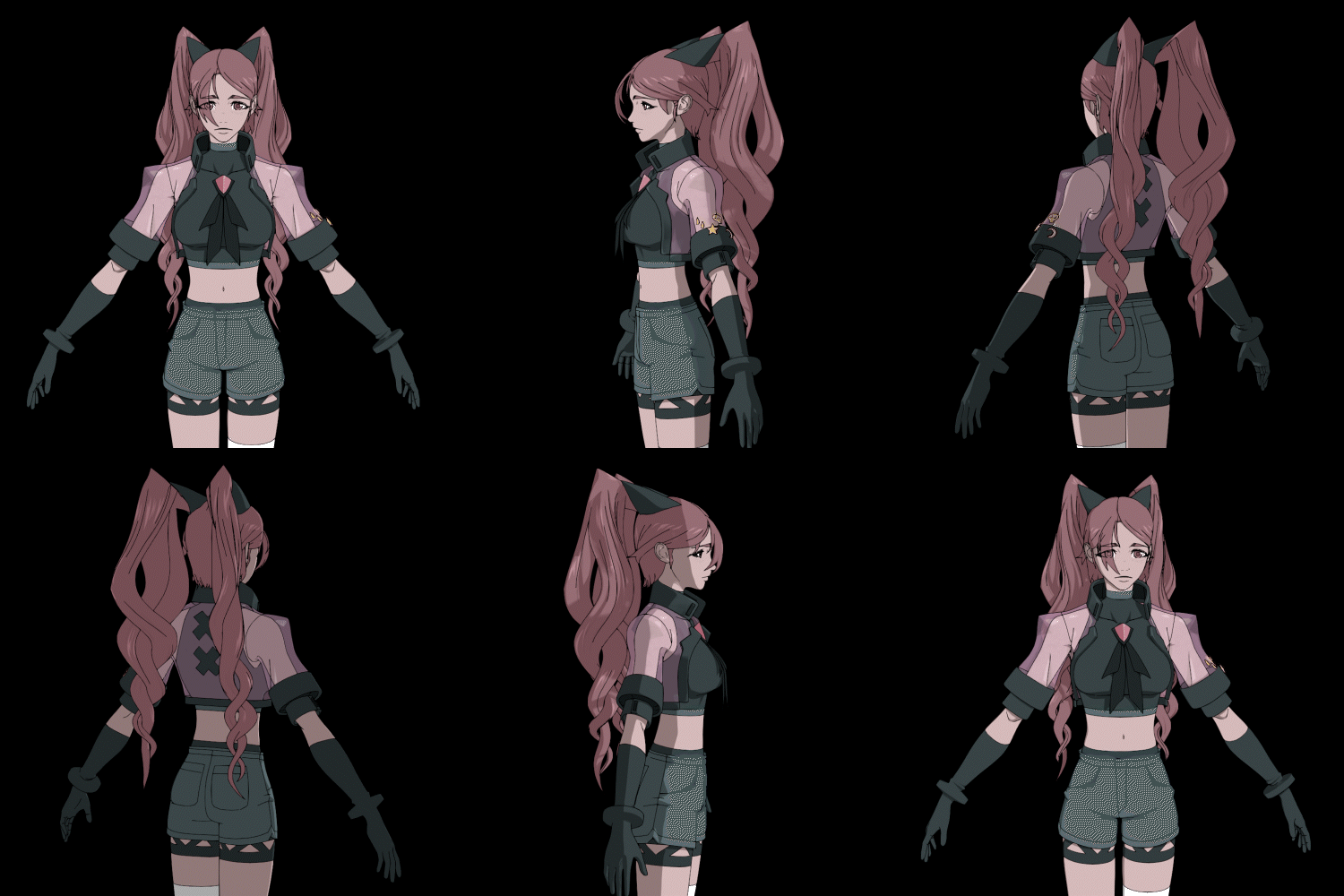
Shading
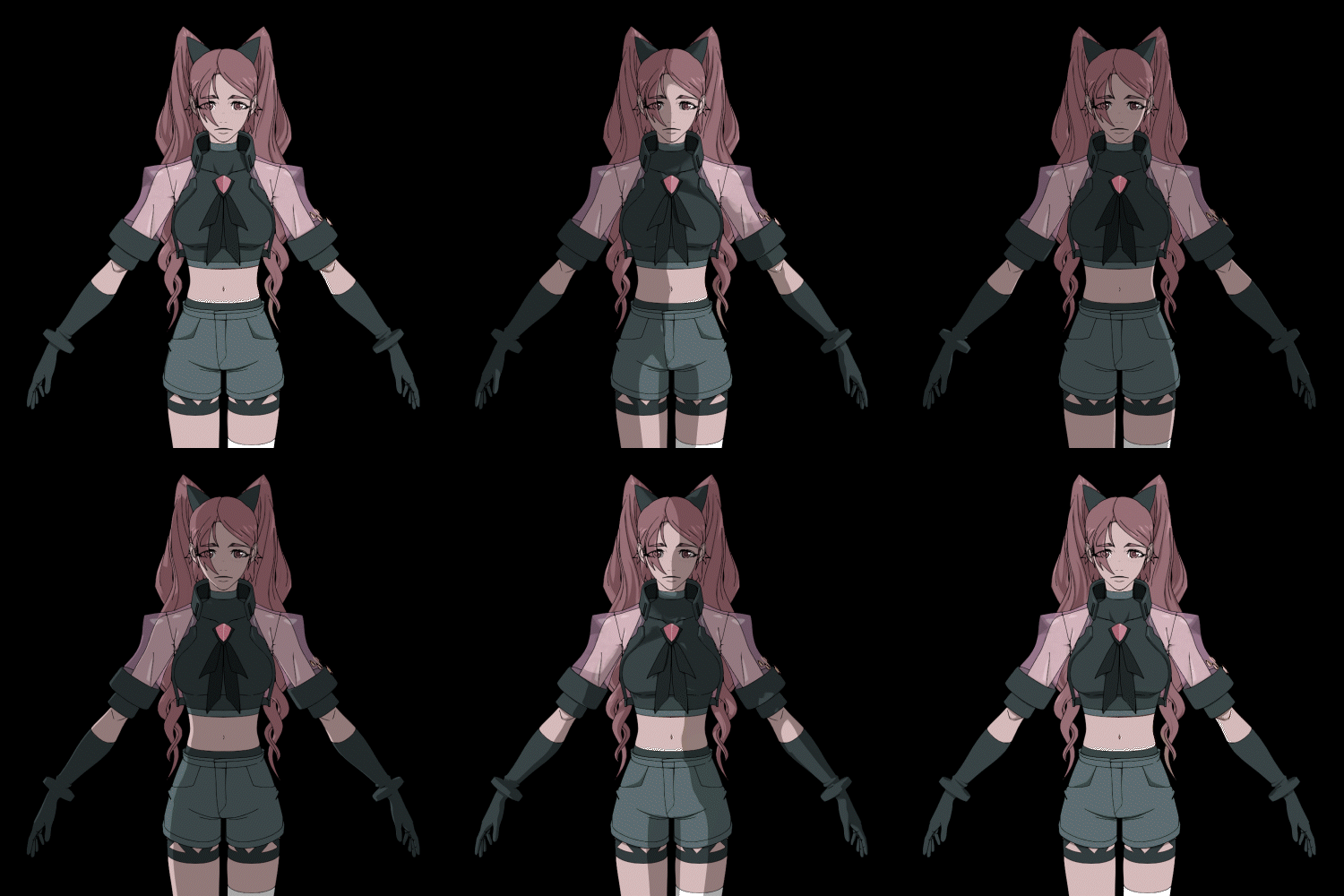
Lighting
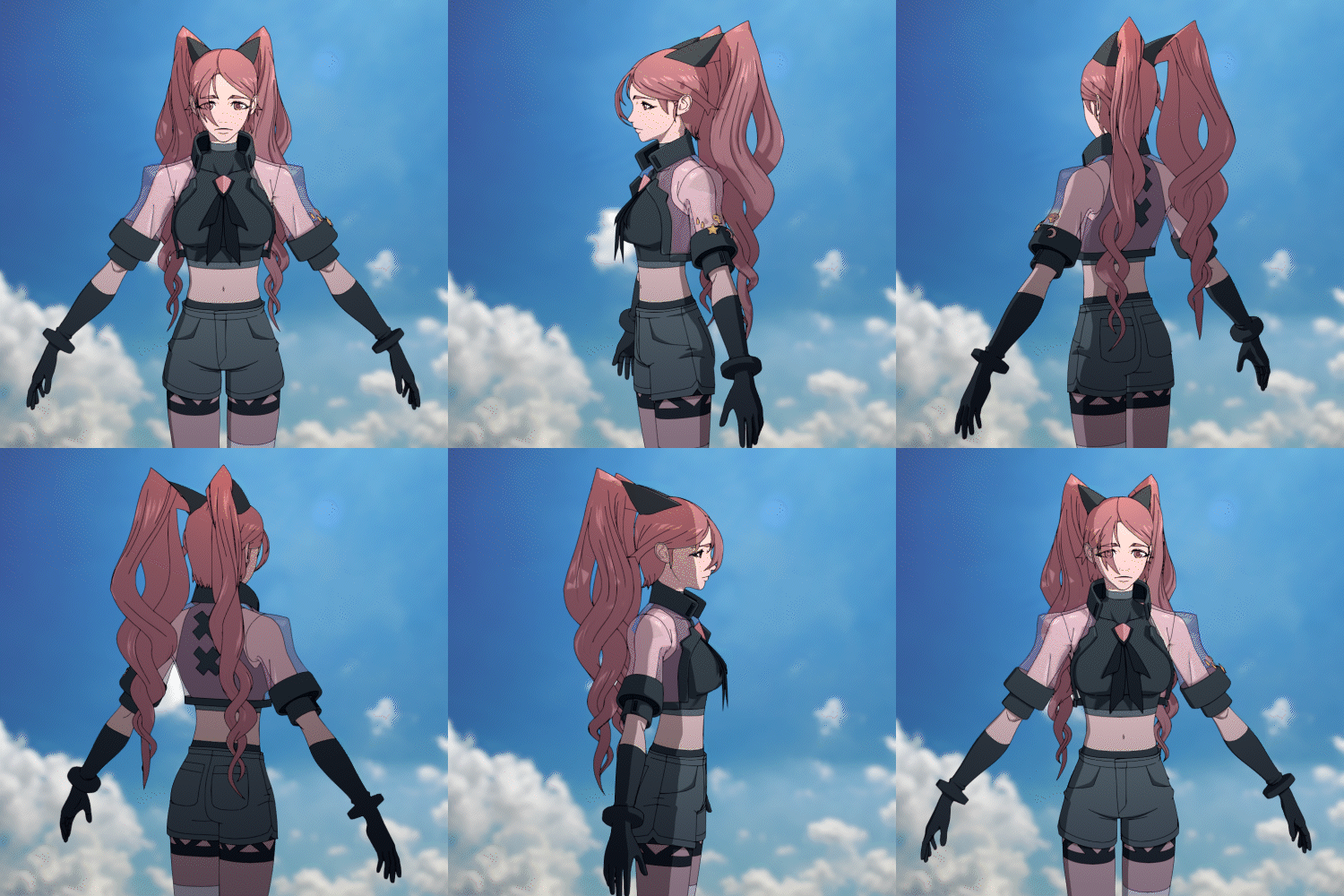
Compositing: Day
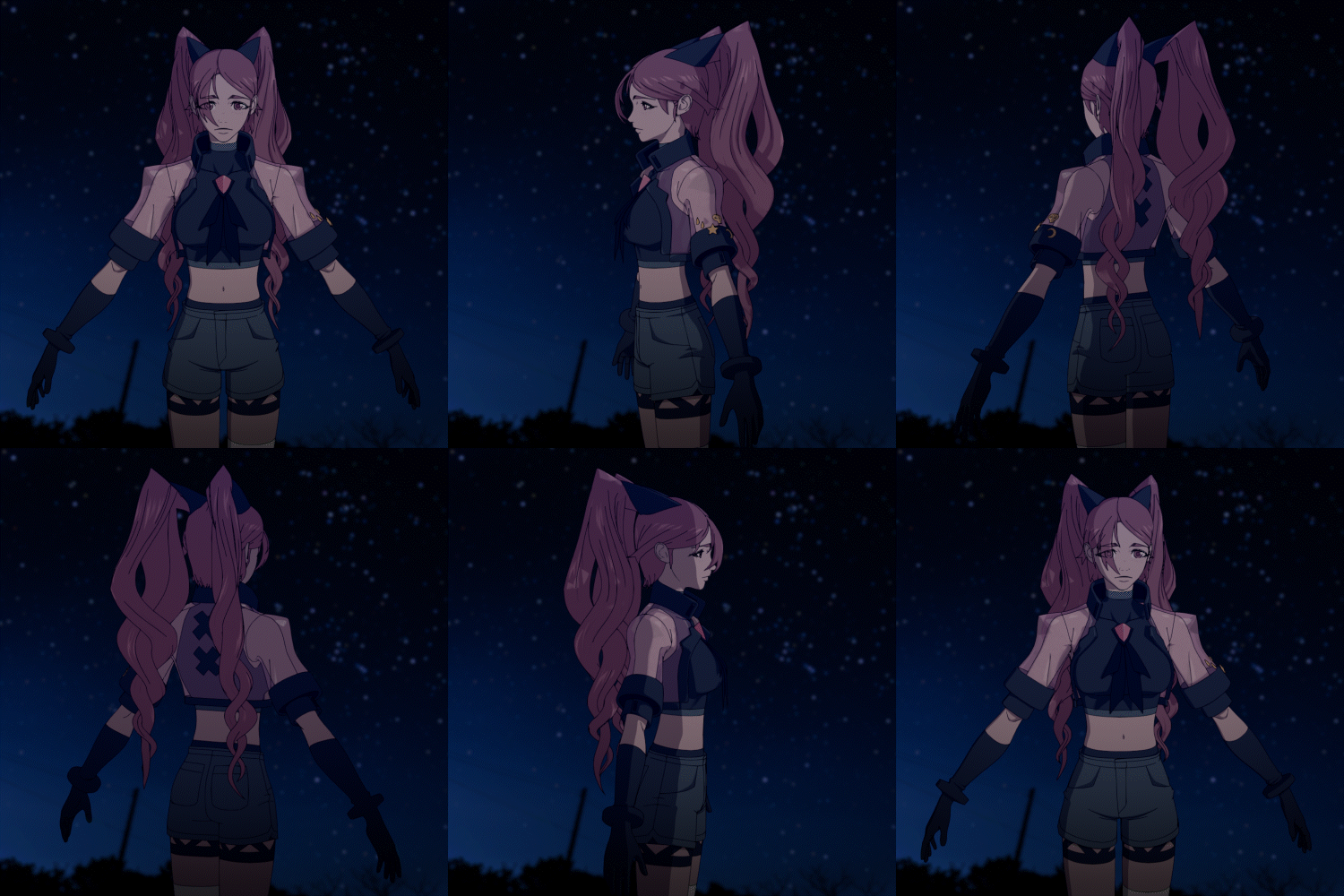
Compositing: Night
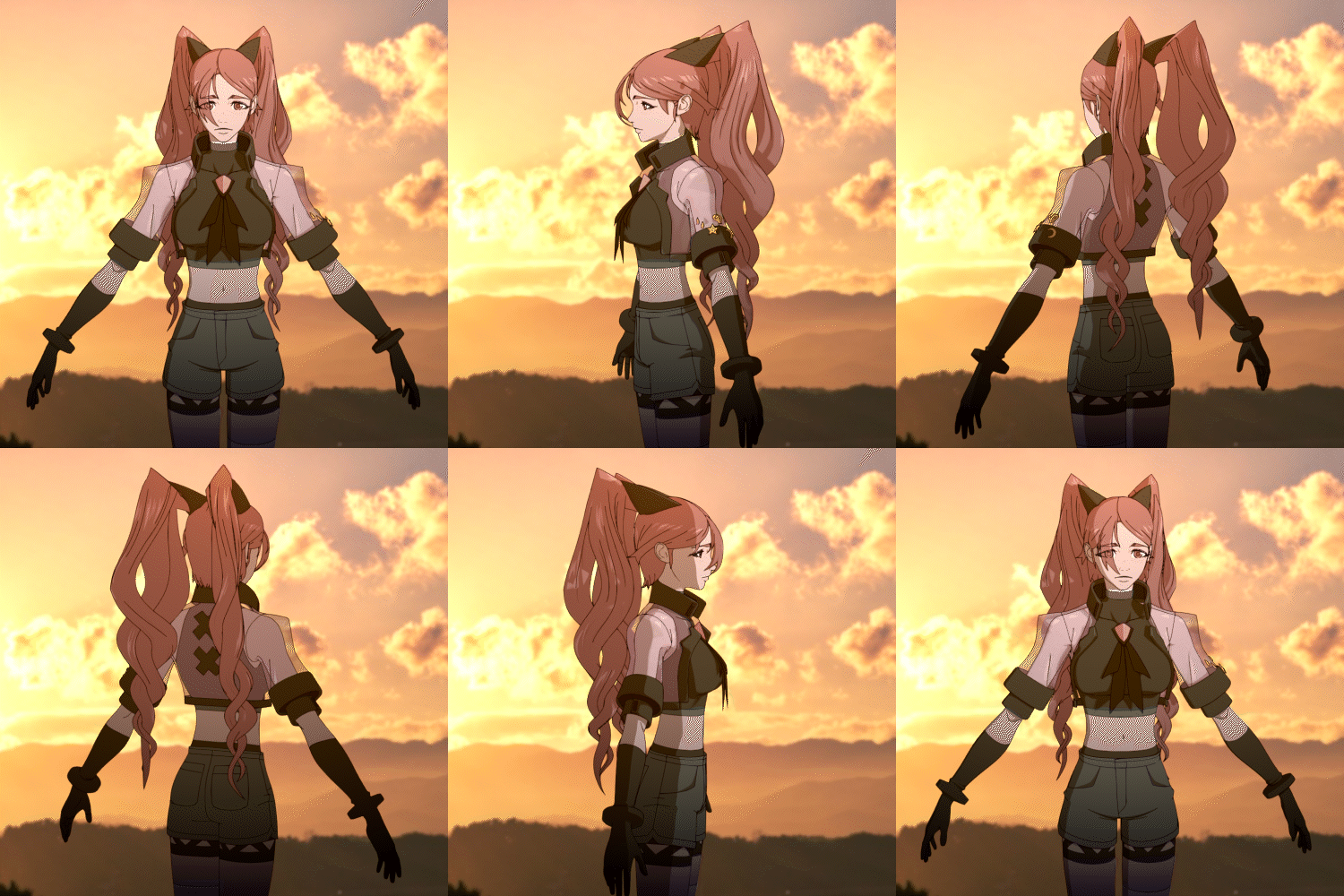
Compositing: Sunset
Highlights
Class Highlights
Practical Know-hows on 3D Rendering That Brings an Eye-Catching Concept Art to Life
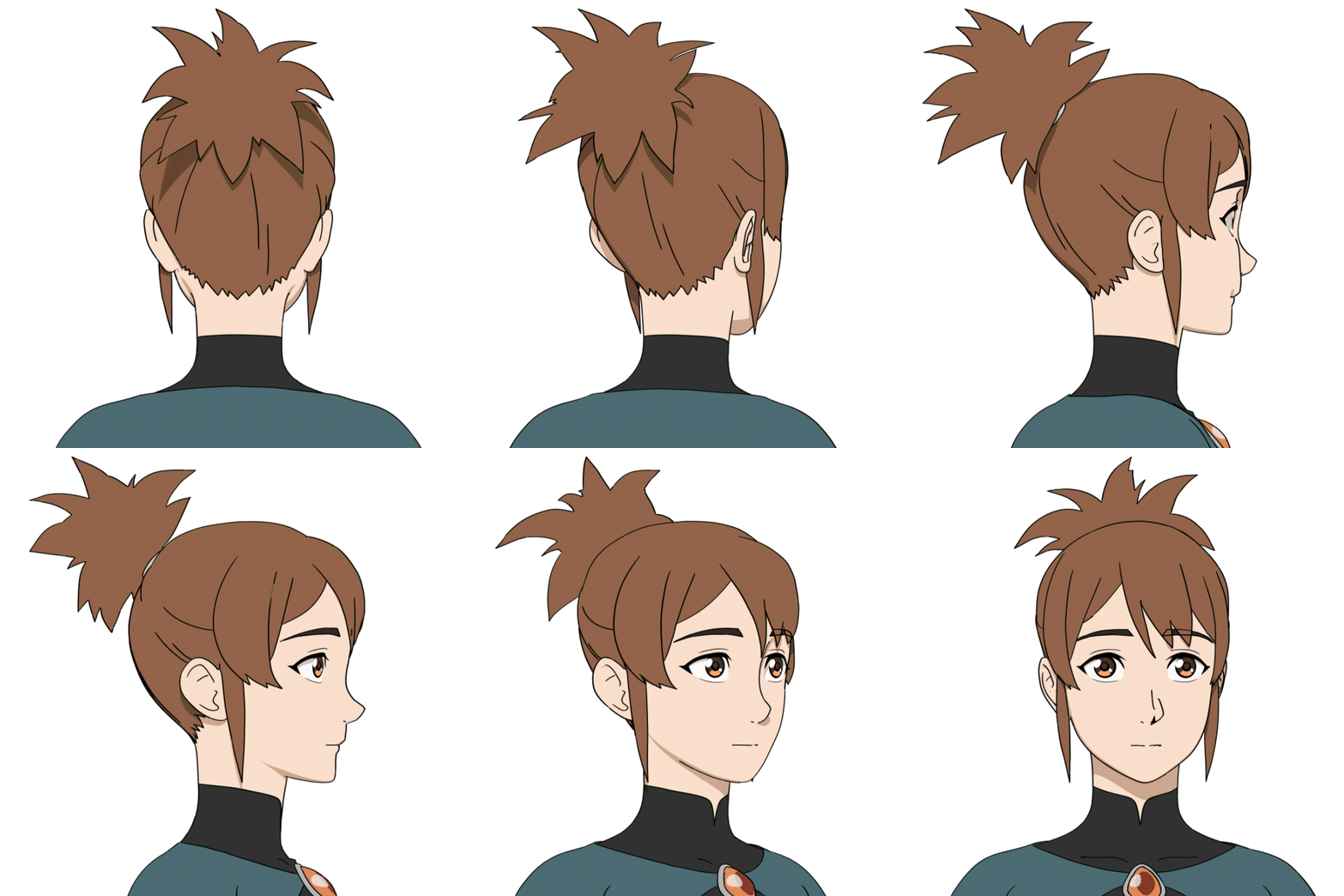
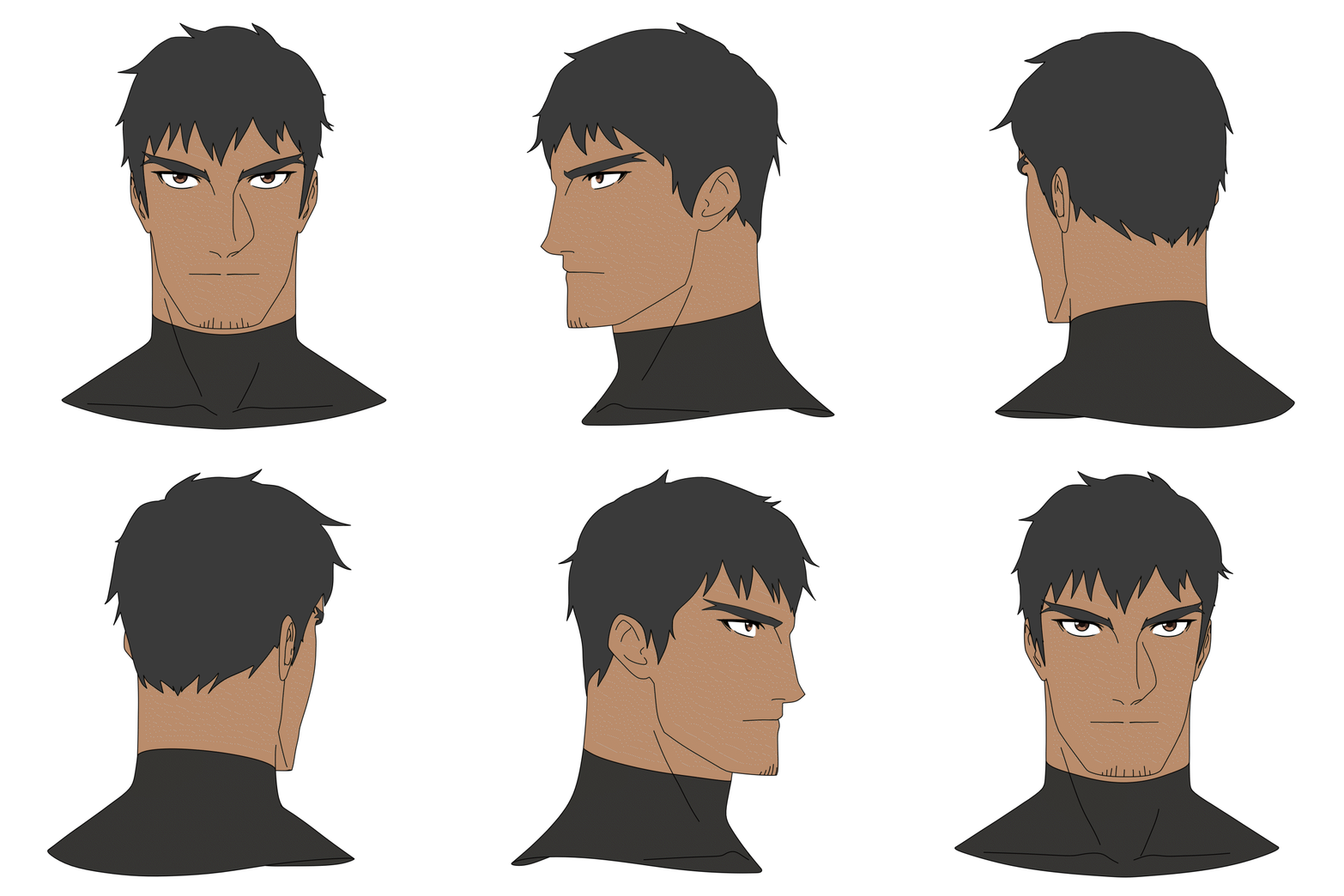
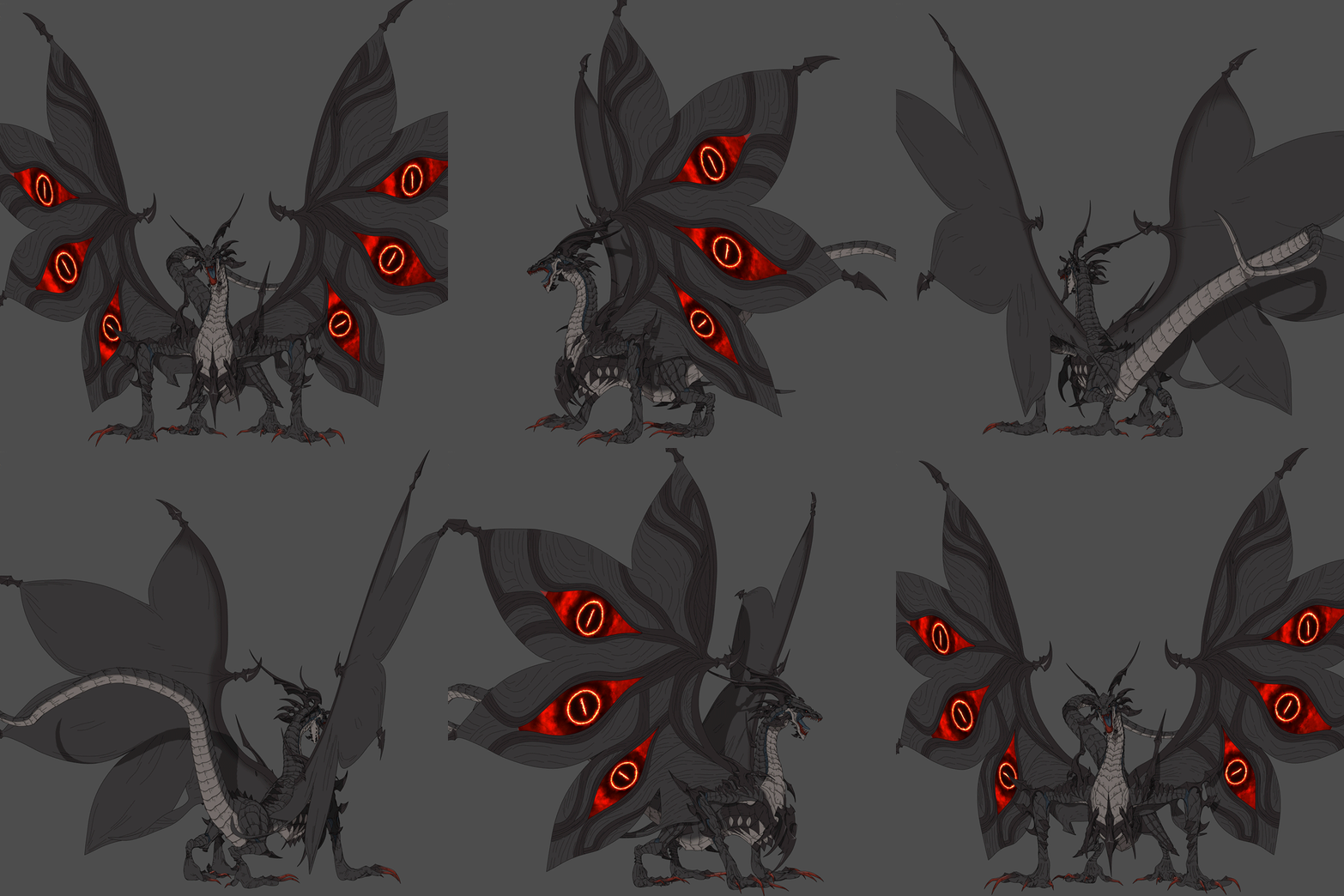
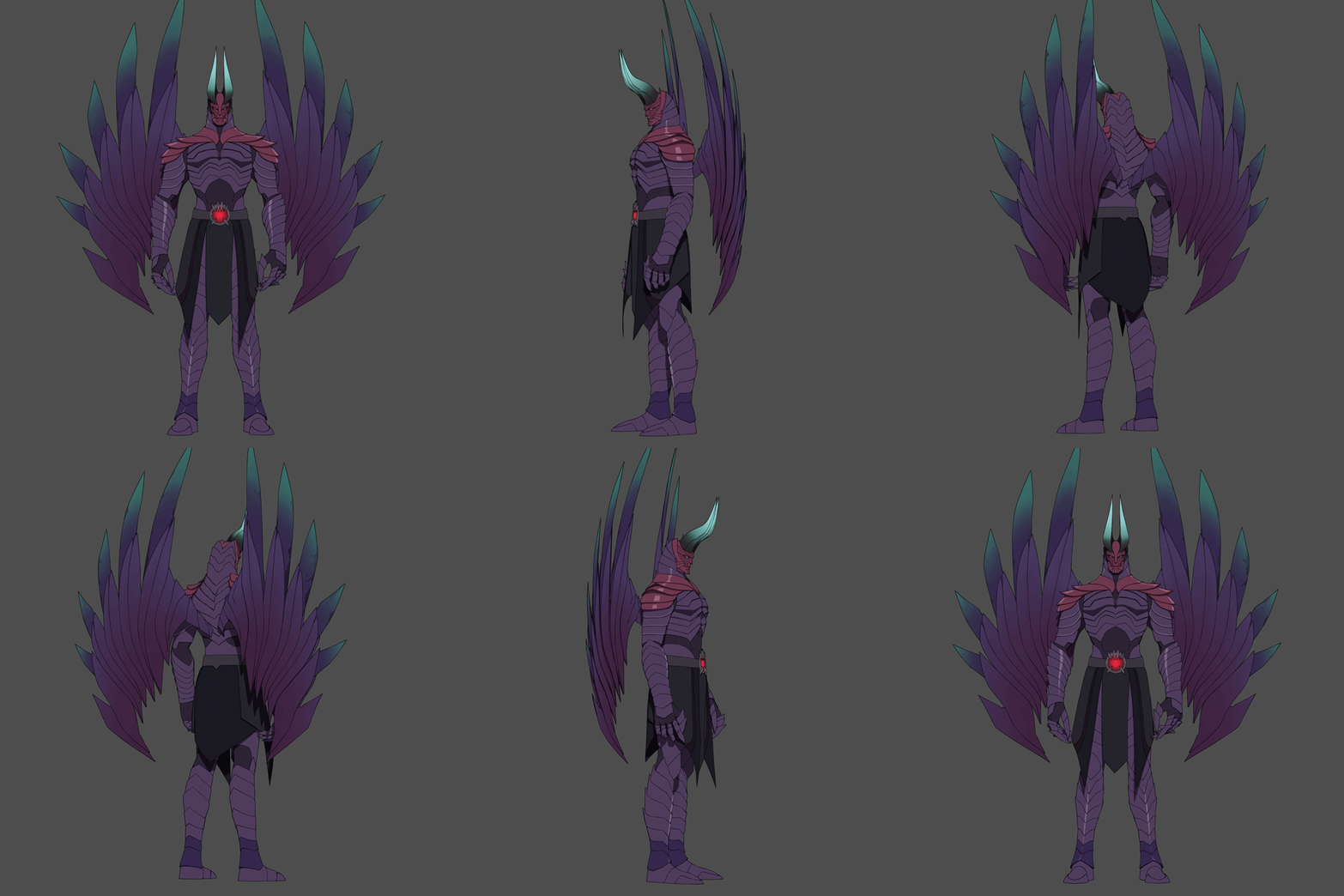
The ultimate purpose of cartoon rendering is to make an eye-catching 2D concept art into 3D as is! Learn to create a cartoon-type 3D character with an illustration by learning about the basic theory of 3D cartoon rendering theory and practicing through the exercises provided.
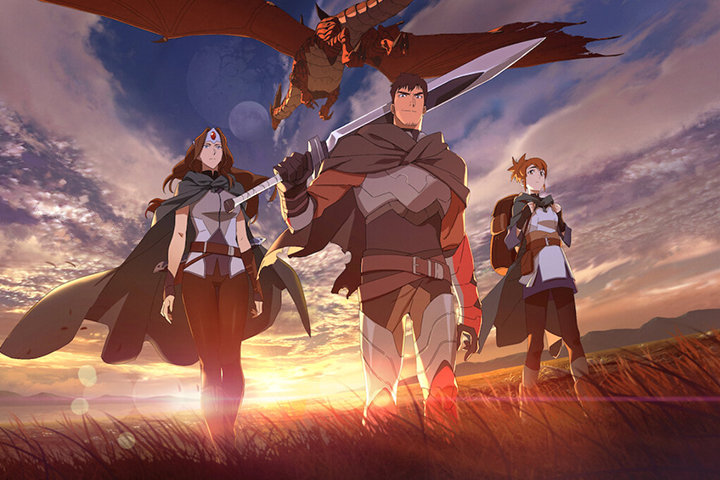
Learn the Whole Process of Character Modeling Using Blender
You can make as many characters as you want without an external tool that is costly and difficult! Learn the whole process of character creation from modeling to texturing, shading, rigging, rendering, and even compositing with a free 3D tool, Blender.
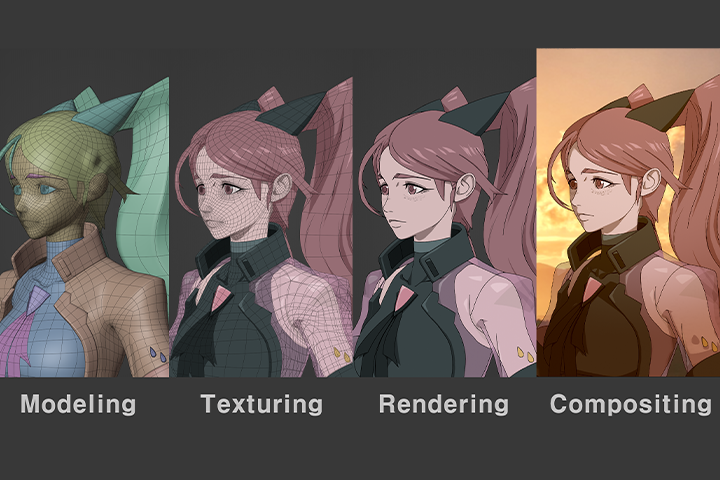
Create Various Styles Using the Modeling Application Method
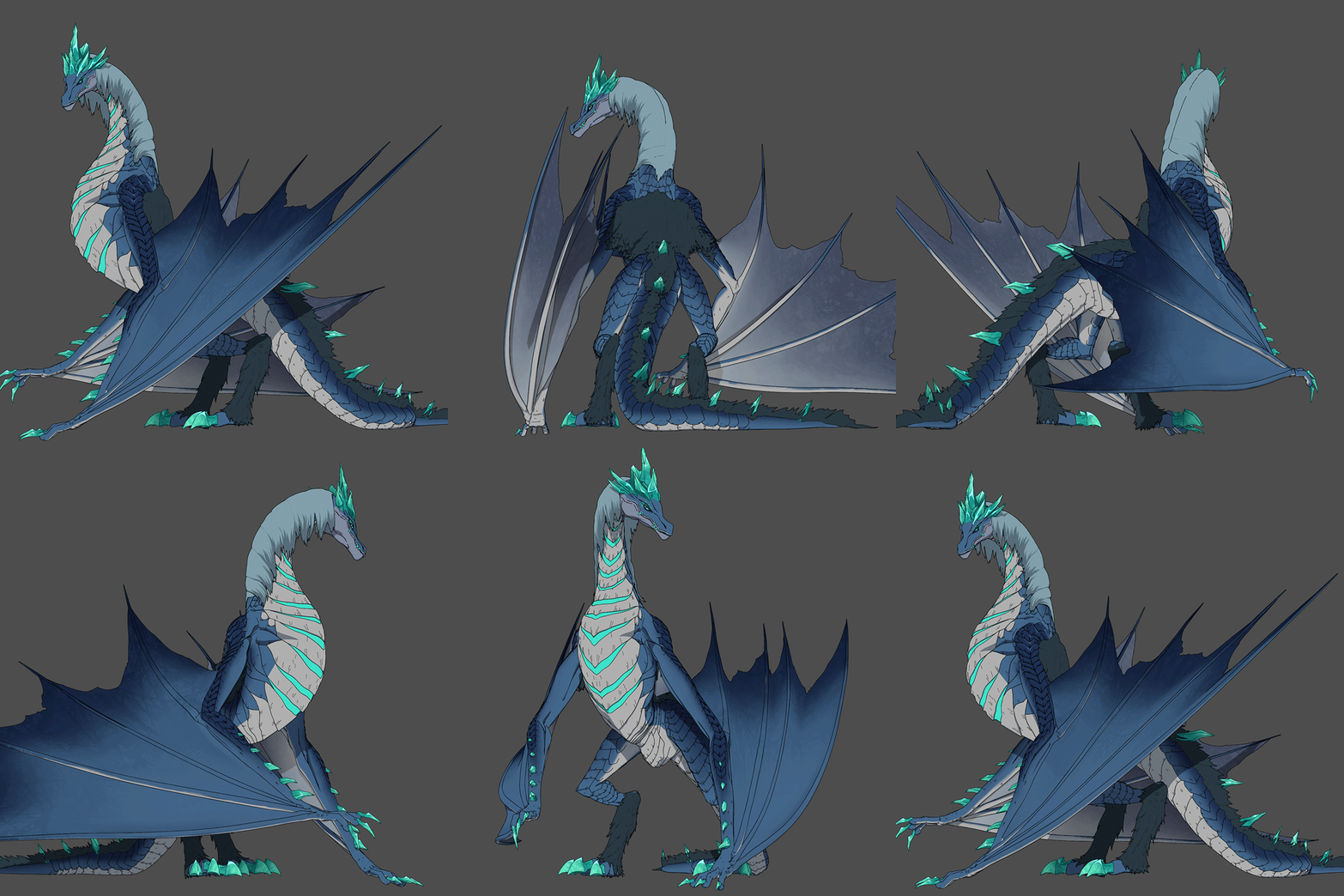
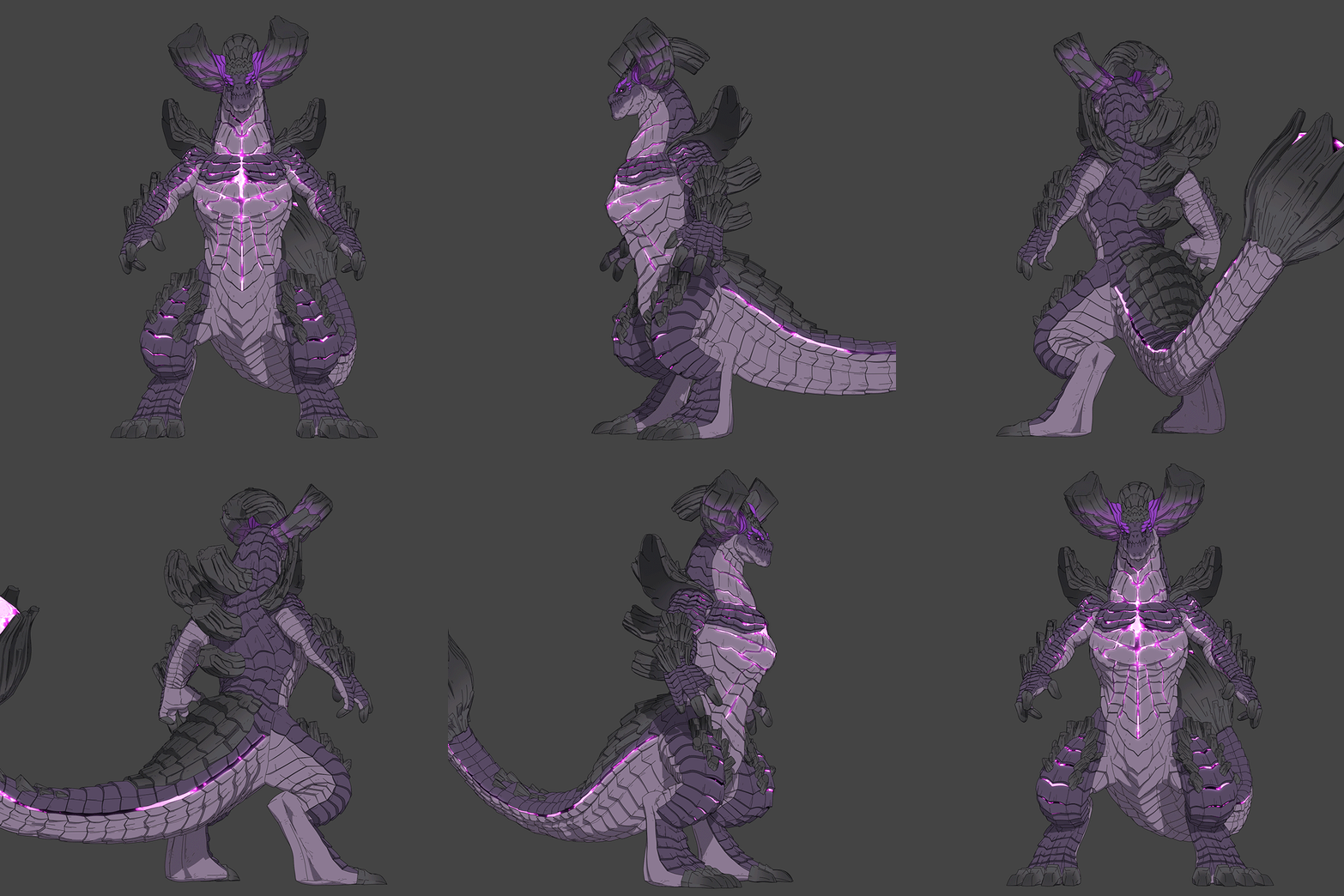
Learn about modeling application methods through 4 high-quality examples that will help you model characters in 3D with different concepts and styles in various fields such as figures, games, animation, etc.
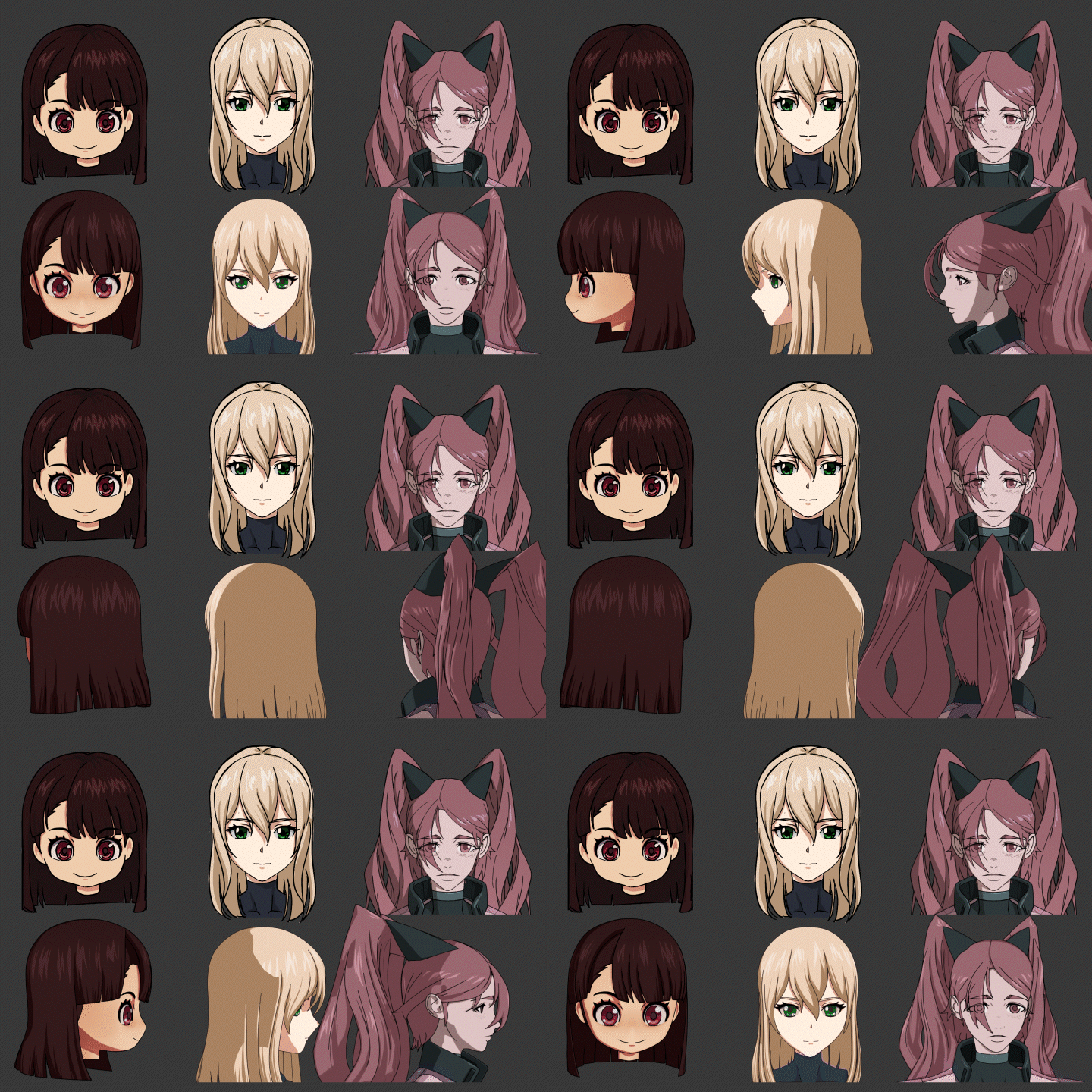
Class Details
You'll Learn
-
 Basic Cartoon Rendering TheoryLearn the essential elements for modeling that doesn't look awkward, and main points of cartoon rendering that is frequently used in the game and animation industry.
 -
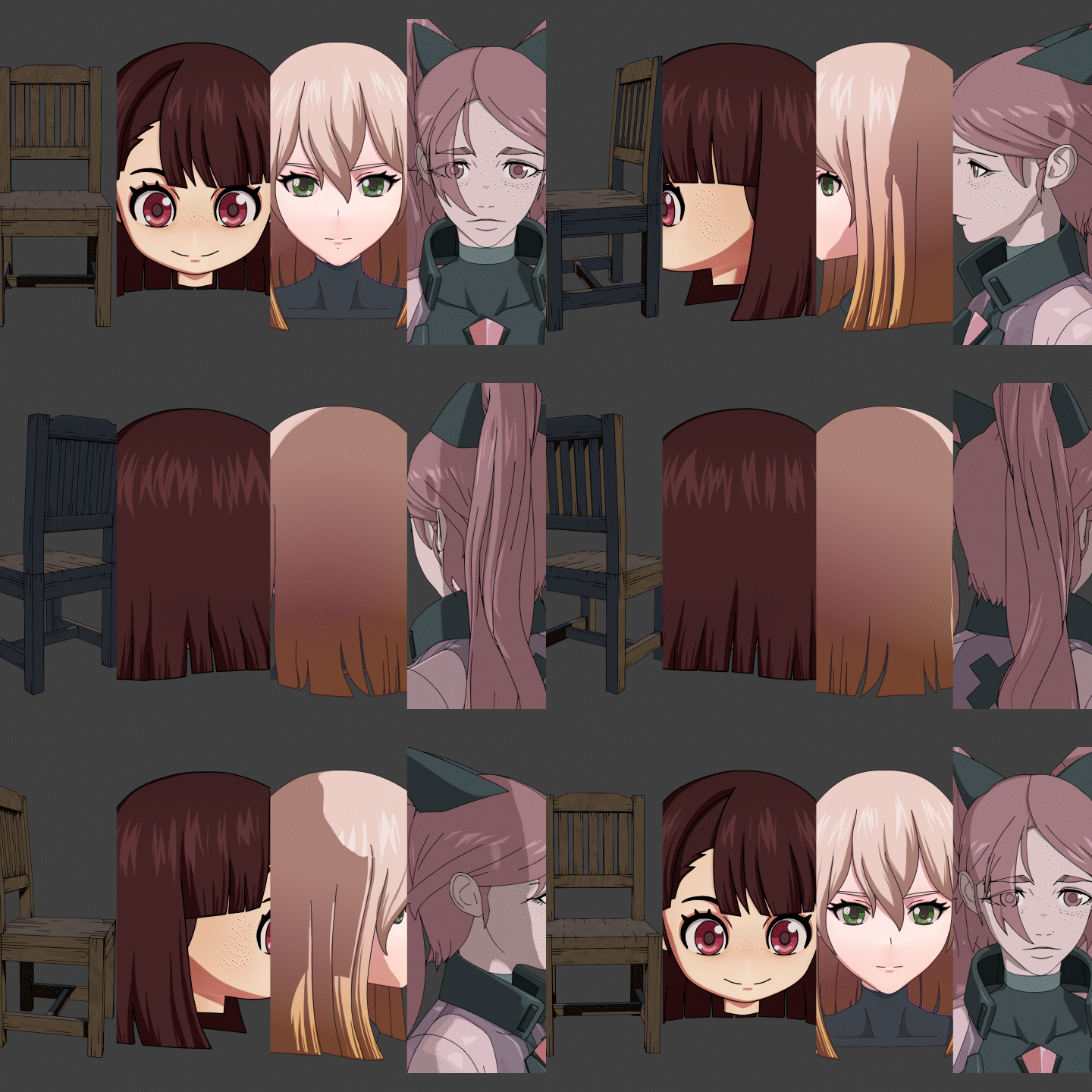 Making a Step-by-Step Modeling ExampleFrom props to animation characters, create your own examples for each level as you learn how to make different styles within the cartoon rendering process
 -
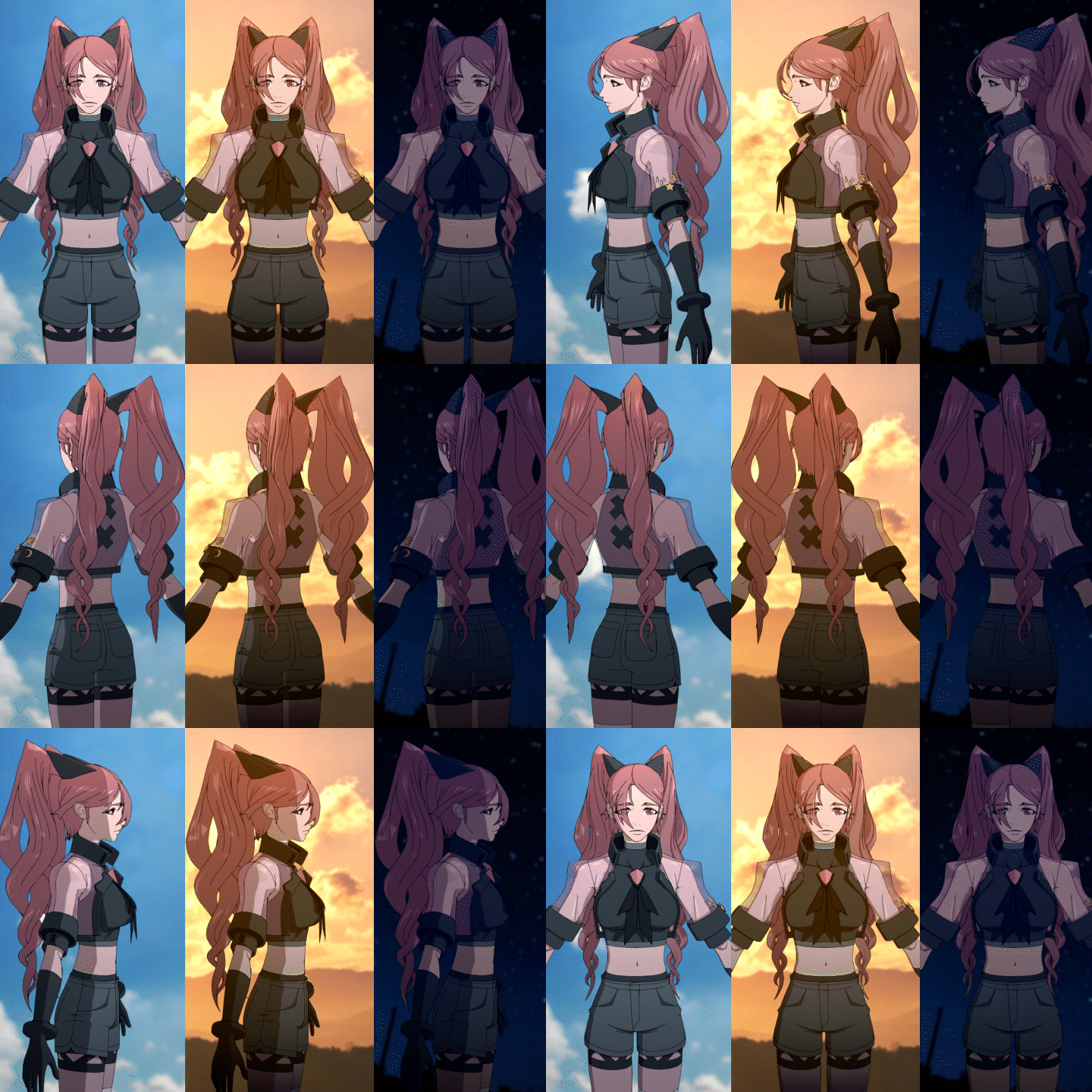 Rigging, Rendering, and CompositingUse the simple Auto-rigging, Add-on, and Compositor node to composite background elements and complete a high-quality character modeling.
-
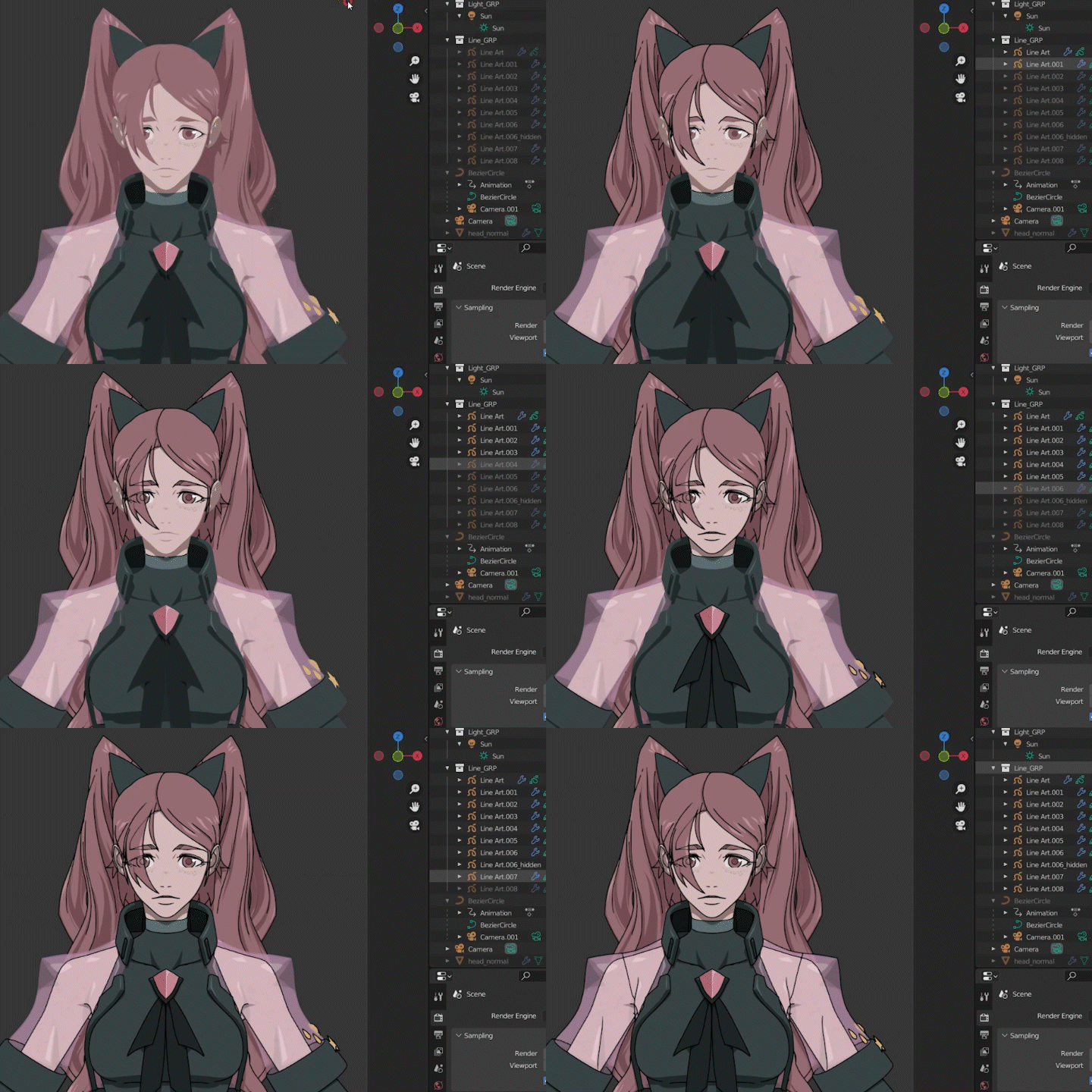 Blender Line ArtDraw outlines, one of the most important factors in cartoon rendering, using Blender's basic feature, Line Art.
 -
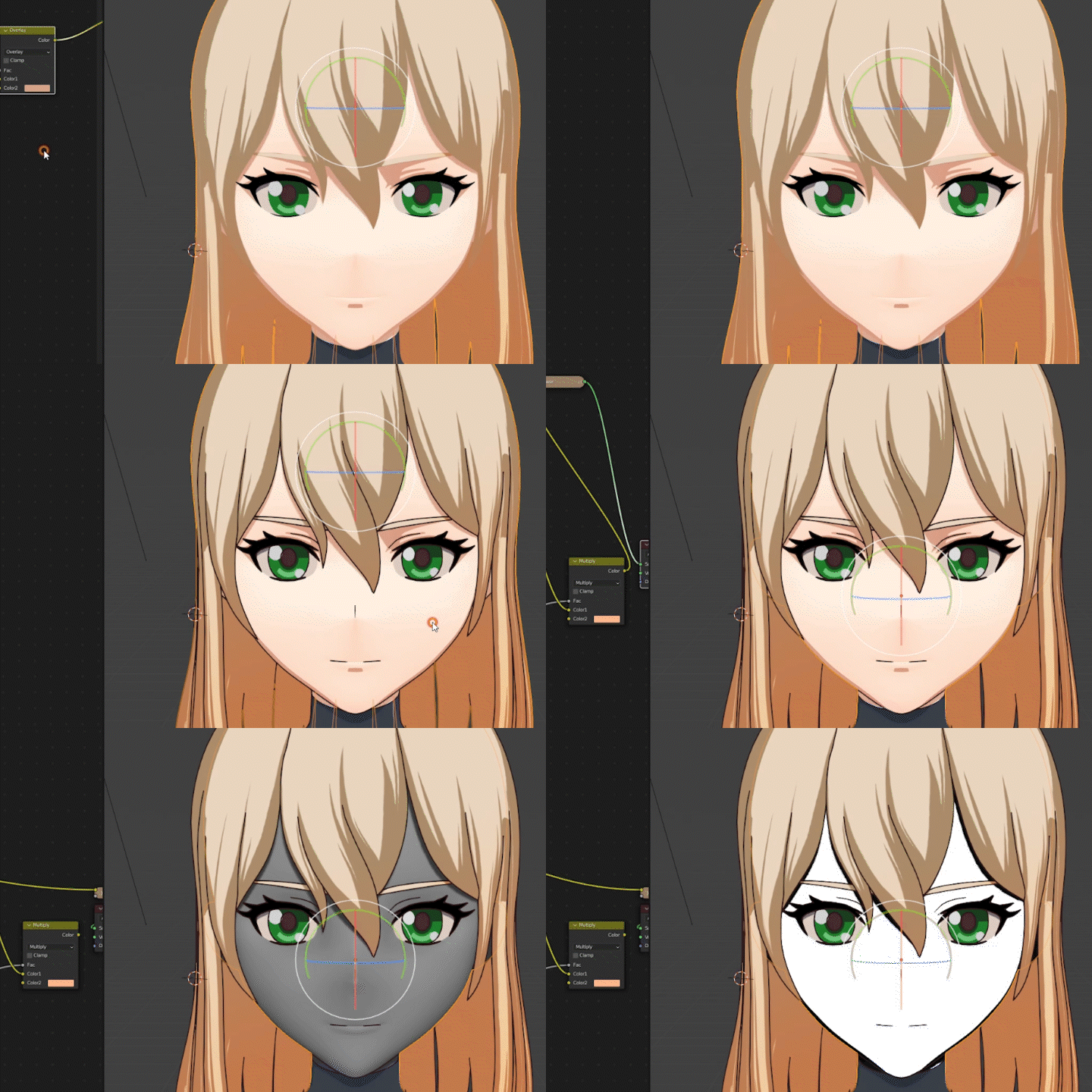 Create a Cartoon Rendering Texture and a ShaderCreate a texture for modeling work in Blender on your own, and learn application methods that can be linked to other programs based on your understanding of shader structure.
 -
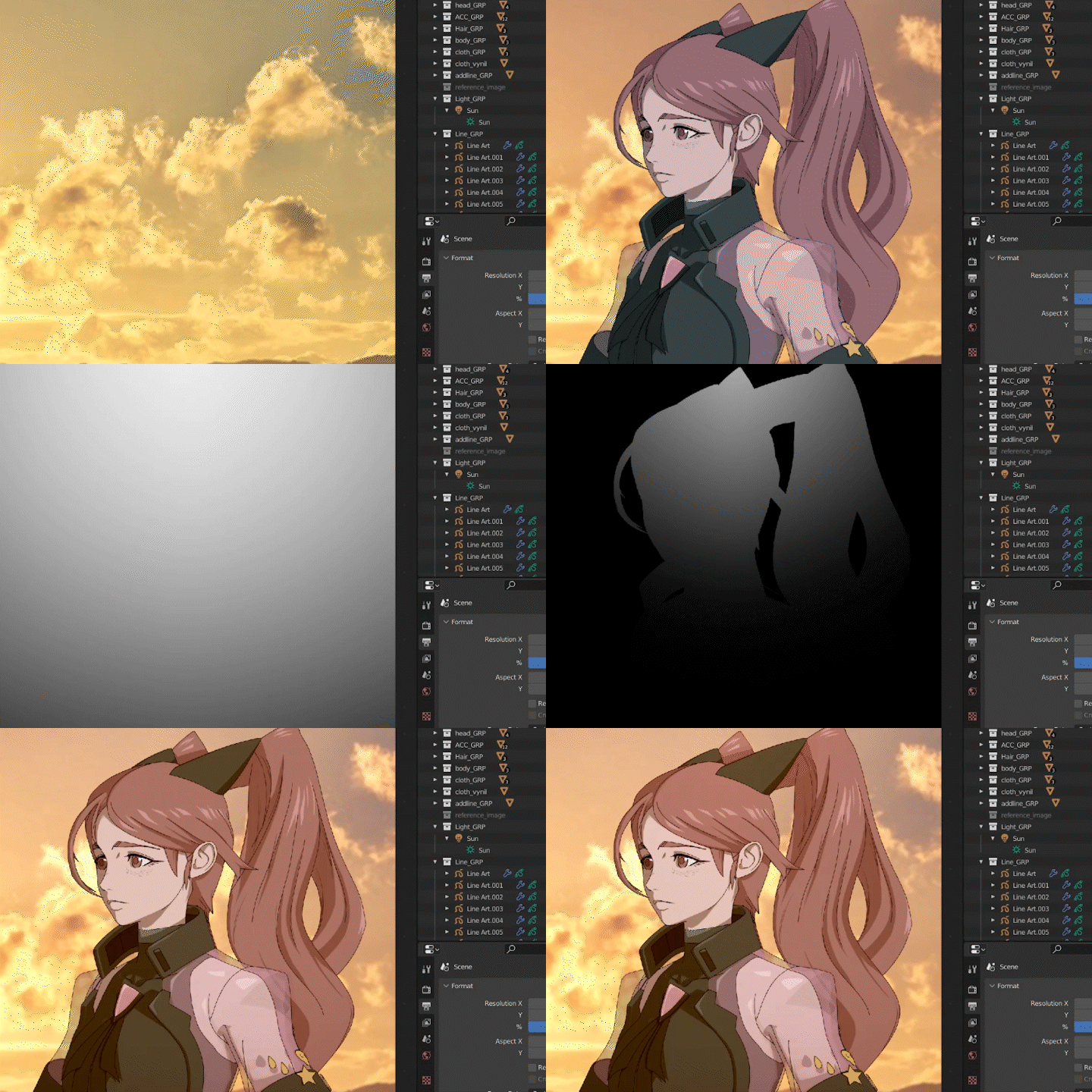 Making Good Use of Blender 200%Learn several tips for performance beyond paid features using a free tool, Blender, instead of other complex or paid programs.
Recommendations
Sangwoo Park's Class
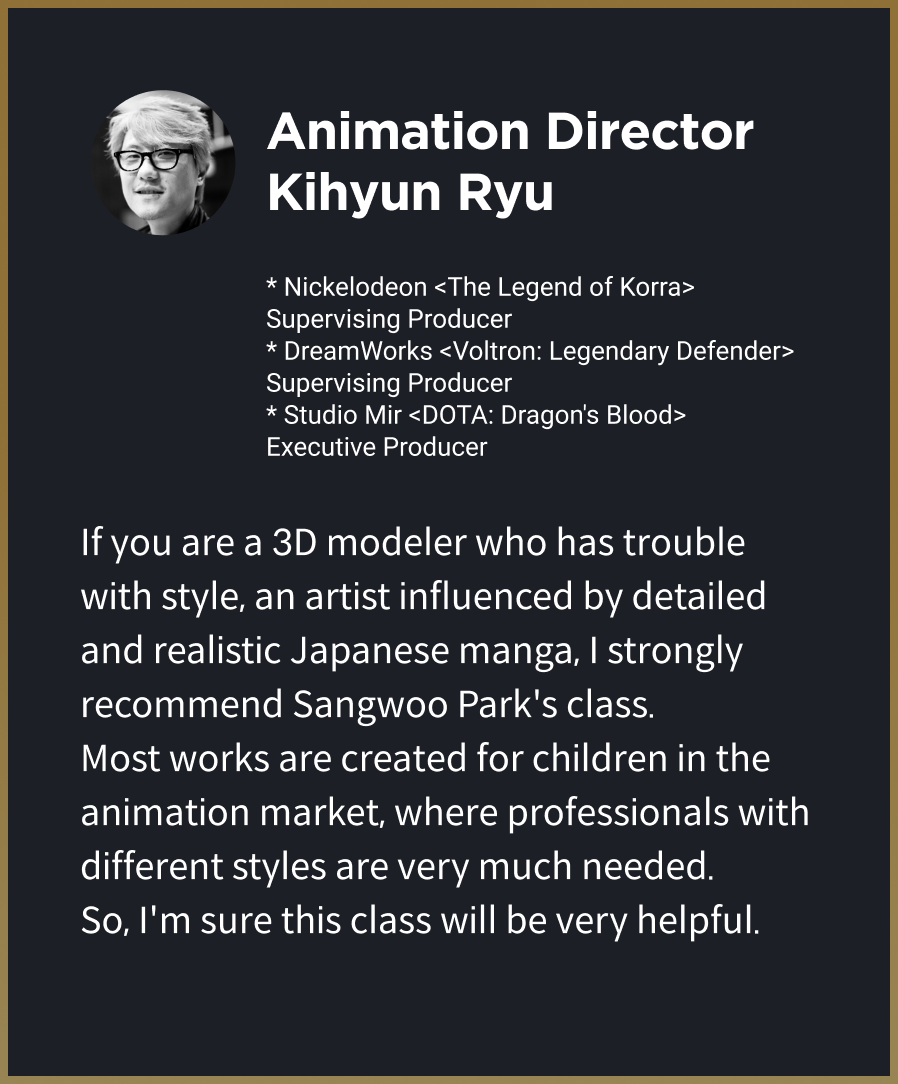
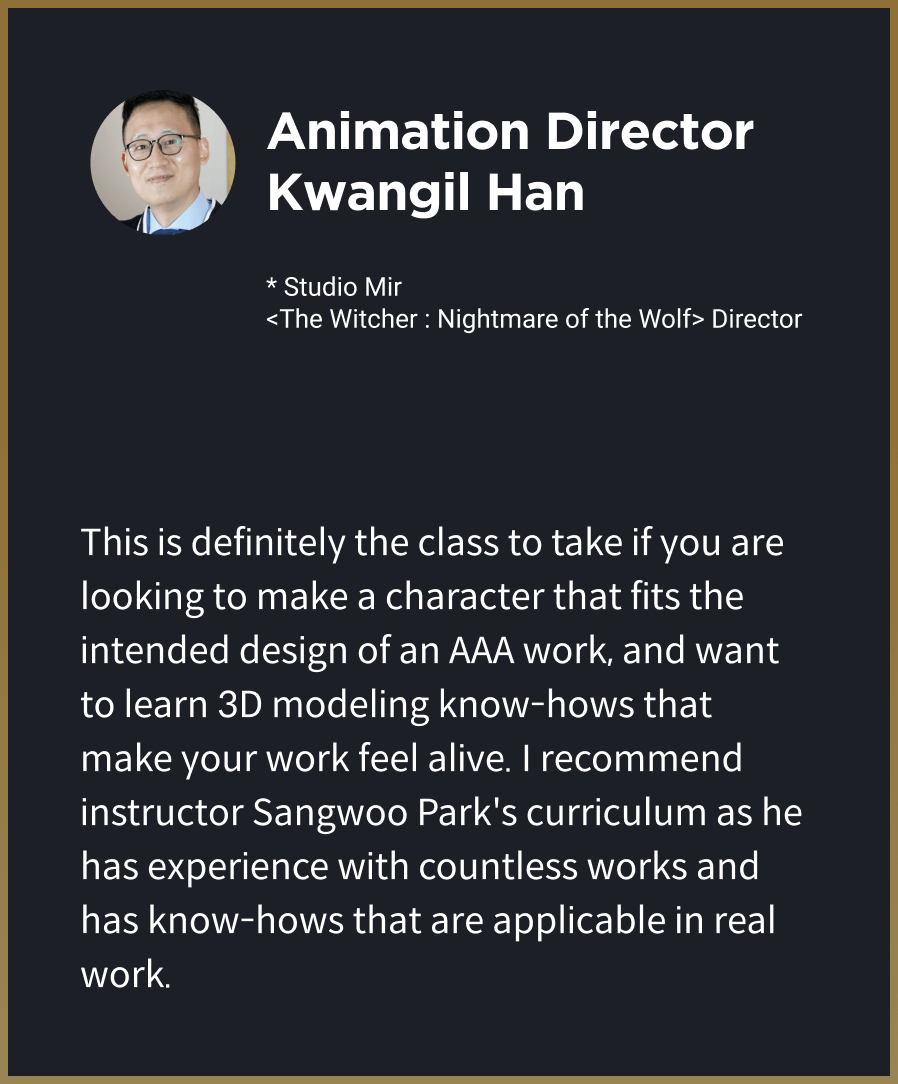
Recommended by Experts in the Field
Curriculum
Curriculum
In-depth Look
SECTION 01. Basics of Cartoon Rendering
01. Orientation
- Introduction to the instructor
- Class overview and explanation of cartoon rendering theory
Interview
with
3D Artist Sangwoo Park

In an era when a lot of content is overflowing like now, it is not easy to continuously create new IPs. So, there are more cases of creating content by processing existing popular IPs that have a 2D illustration look such as cartoons and animations. As games and 3D animations of this style continue to be created and popular, cartoon renderings are meeting more and more demanding audiences.
Question.02
Which part is the most difficult for students who are just starting cartoon rendering?
Which part is the most difficult for students who are just starting cartoon rendering?
Cartoon renderings look simple, but it requires anatomical elements just like live-action. It is also important to create a pretty look from a variety of angles, not just one specific angle. A good look can come out when you look at it with a 2D feeling rather than emphasizing the realistic feeling of 3D, which many artists find difficult to do.
Question.03
What is the point that differentiates this class from another?
What is the point that differentiates this class from another?
This class is one of the very few classes that is actually being used and applied in the animation market. In this class, you can learn the whole animation production process using just one tool, Blender. As you understand the whole work process of Blender, you can learn the skills applicable in your current work process or when using a different program.
Required Programs
This class is taught on Blender 3.0.1 version.
Please install the above program version(s) for an optimized lecture experience.
*Using a tablet is recommended in the texturing step, but it is not a requirement for the class.
*Auto-Rig pro is used in the rigging section, and it can be purchased in the Blender Market.
*Programs and/or materials will not be provided.
* Later versions than Blender 3.01 can also be used.
Blender Download Link
Auto-Rig Pro (Full) Purchase Link
EdgeFlow add-on
Outline Helper add-on
Recommended
Recommended Classes
Like this class?
Then check these out!
[IMPORTANT NOTICE]
*Please note that the information on this page is subject to change without prior notice.
*Would you like to learn more about our refund policy? Please check here.
*Please check our FAQ for Copyright and Proprietary Rights, User-Generated Content, Security, and Violation information.