3dartist,nadia Details
Intro
Class Intro
3D Artist, Nadia
"Master Cinematic Lighting & Atmosphere — Shape mood, depth, and atmosphere with light and shadow
through a seamless Blender-to-AE workflow!"
The Art of Cinematic 3D Environments
Do you feel your 3D scenes look cold, like generic software renders?
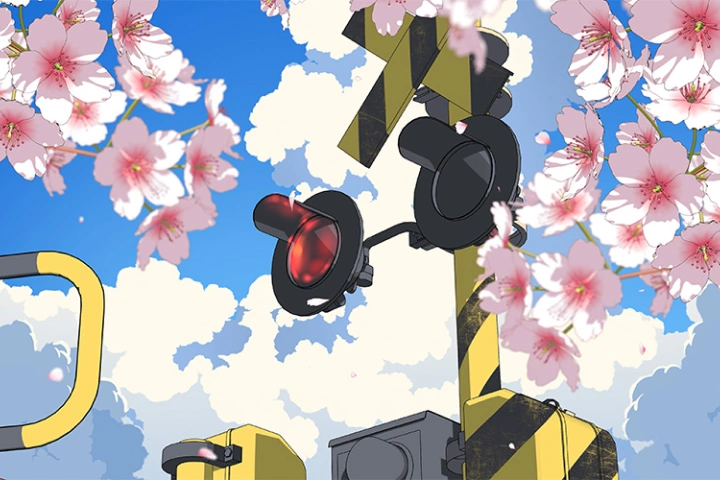
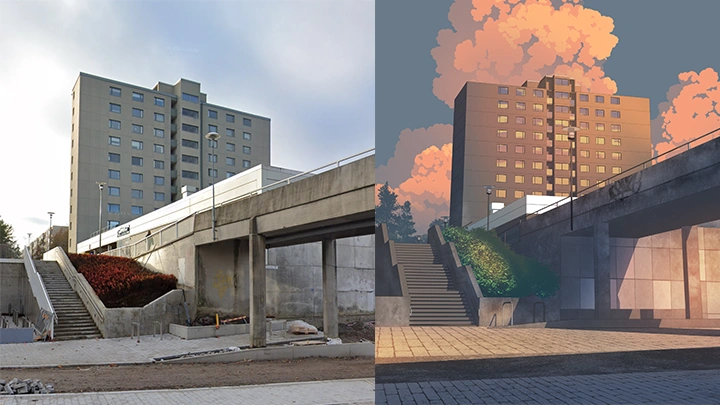
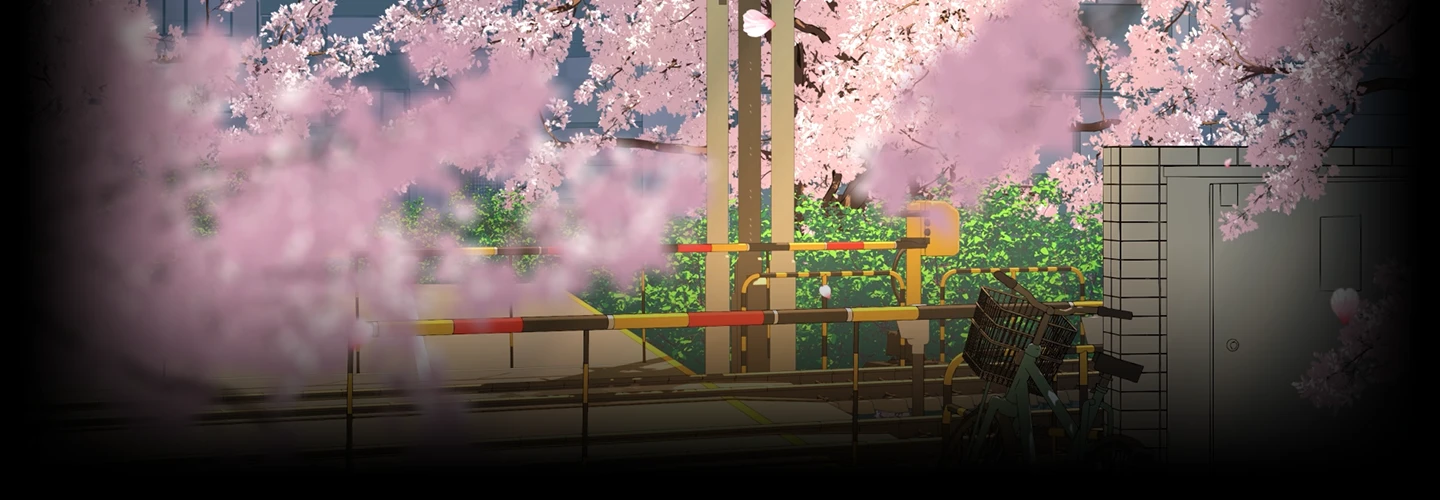
Many artists struggle because traditional tutorials only teach button clicking and tool layouts rather than true artistic vision. In this class, Nadia shifts the focus from software mechanics to actual art direction, teaching you how to design unforgettable compositions utilizing cinematic lighting, environmental depth, and rich painterly textures.
You don't have to discard your hard-earned 2D talents to start creating in Blender. You'll discover how to seamlessly layer your existing digital art skills on top of 3D renders. This natural workflow acts as the bridge between 2D illustration and 3D environment design, allowing you to instantly elevate your artwork.
You don't have to discard your hard-earned 2D talents to start creating in Blender. You'll discover how to seamlessly layer your existing digital art skills on top of 3D renders. This natural workflow acts as the bridge between 2D illustration and 3D environment design, allowing you to instantly elevate your artwork.
Class Perks
Special Gift from Nadia
-
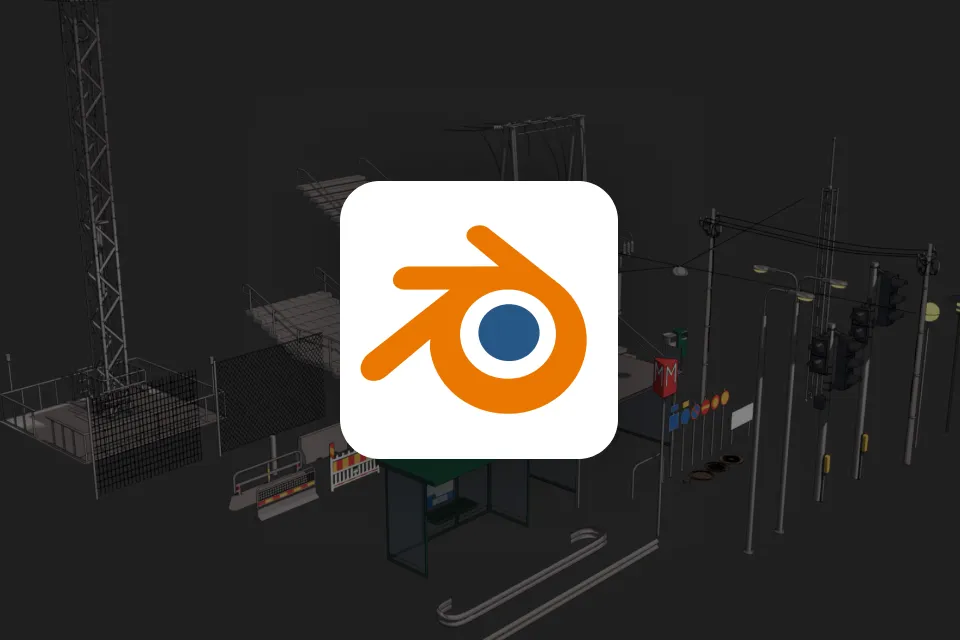 Blender Asset Pack
 -
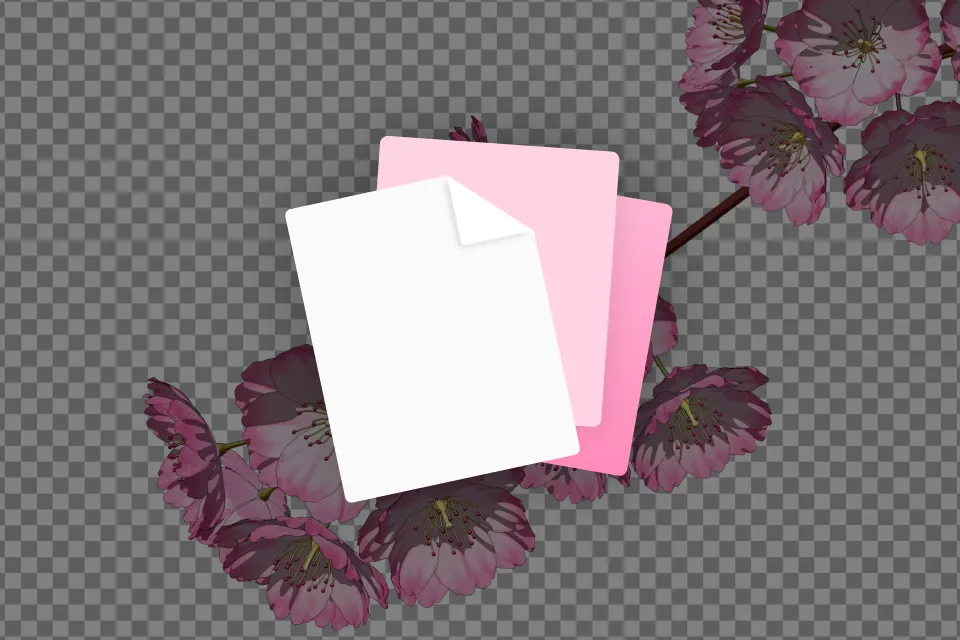 Animated Loop Overlay Kit
 -
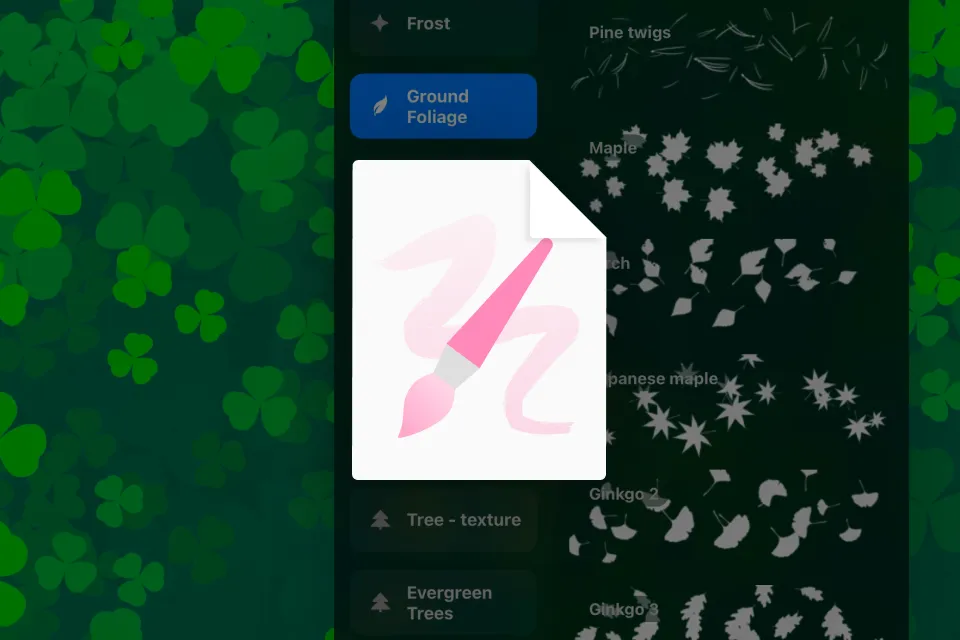 Custom Digital Painting Brushes
 -
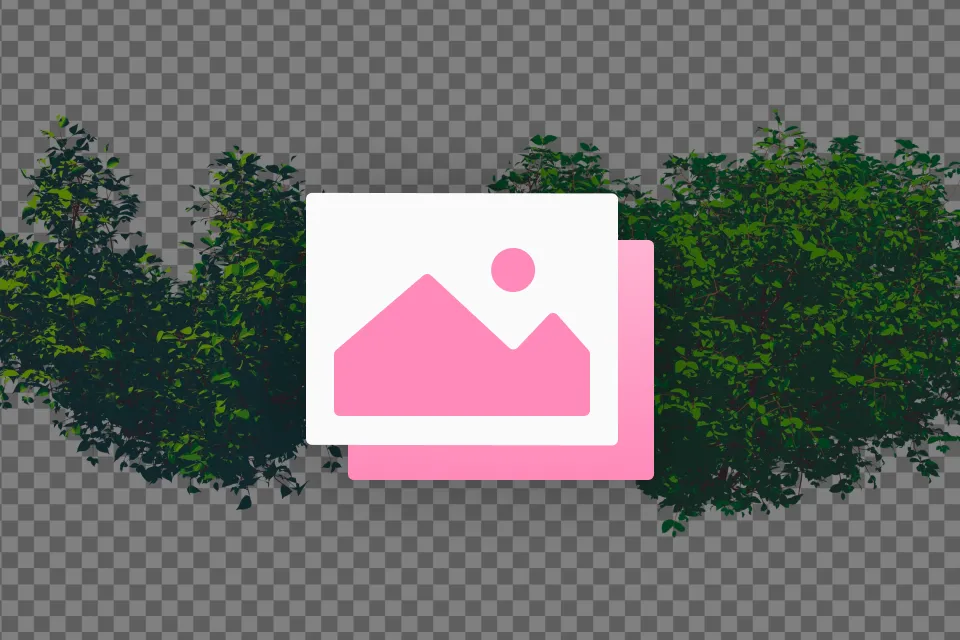 High-Res Static PNG Assets
 -
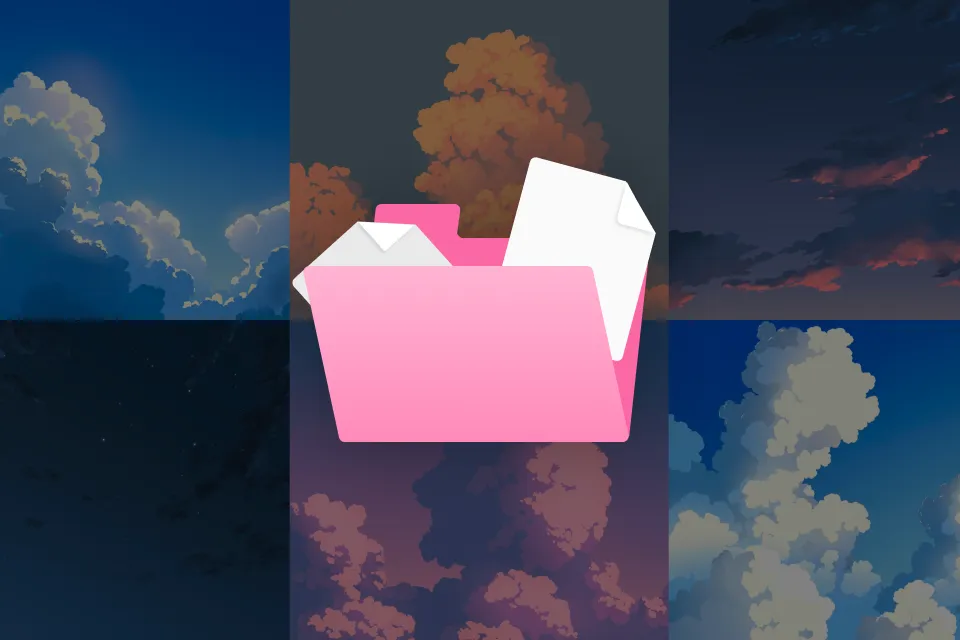 Multi-Light High-Res Sky Backgrounds
Class Material Details
-
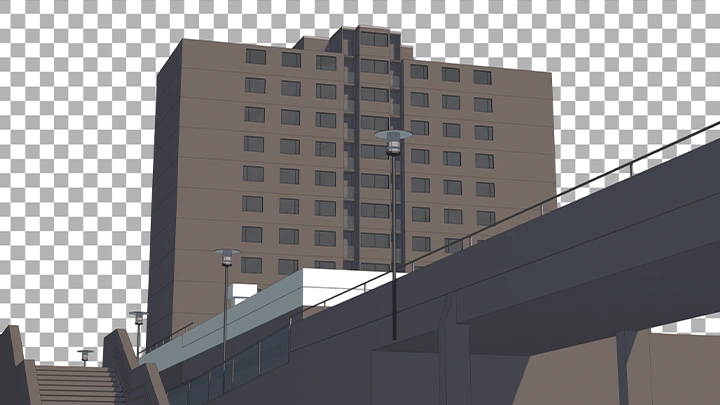
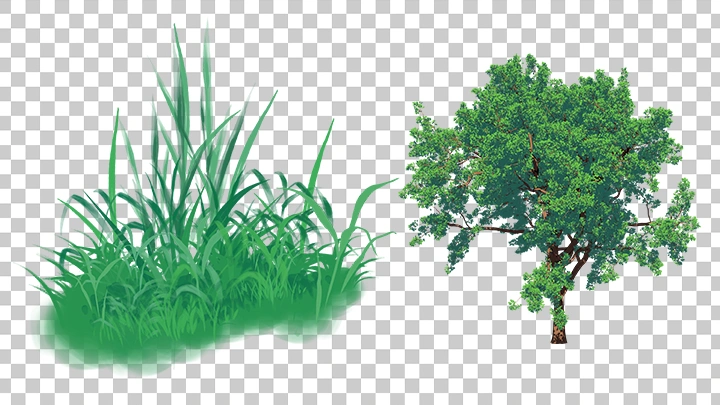
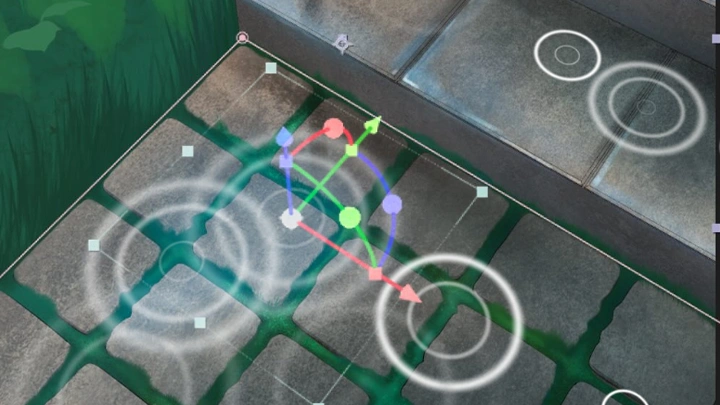
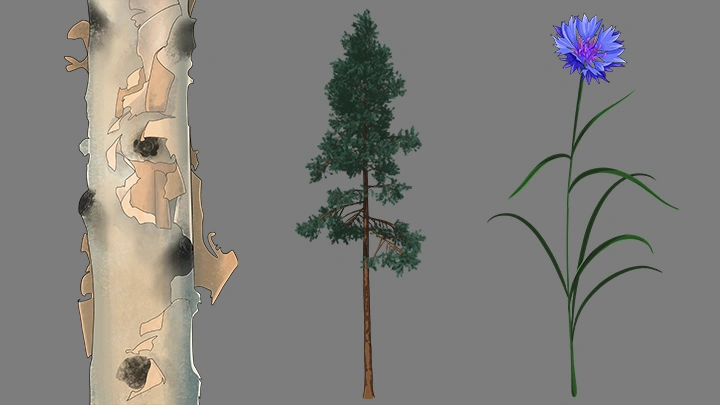
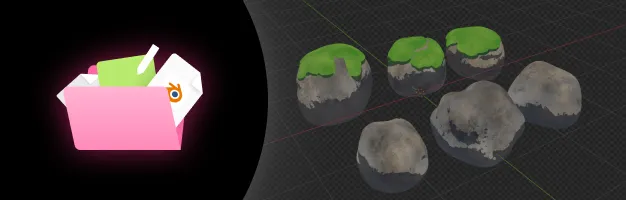 Blender Prop & Vegetation Library- Customizable 3D street models, building presets, and stylized plants
 -
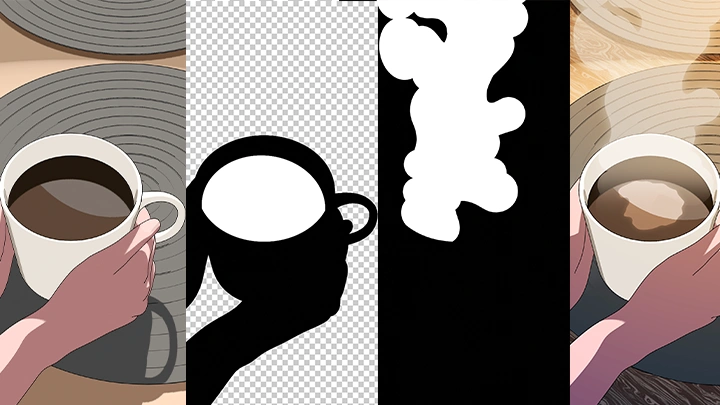
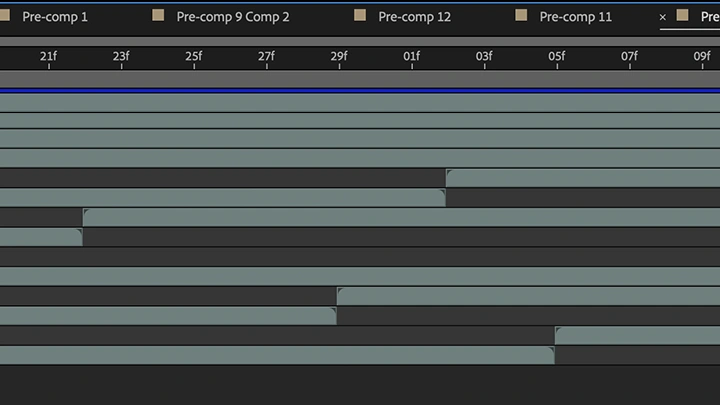
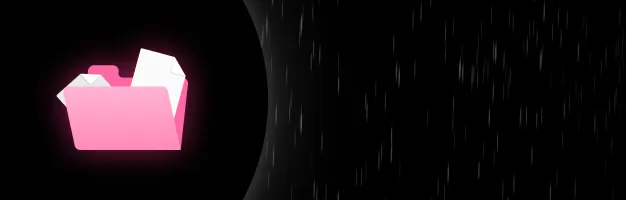 Looped FX Overlay Stacks- Professional-grade alpha-channel animations of rain, falling Sakura petals, and light rays
 -
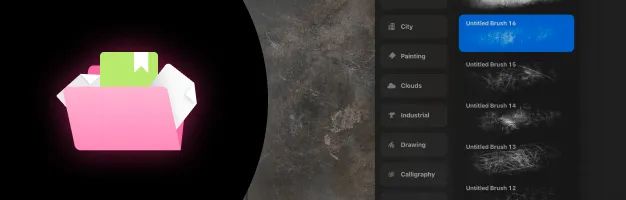 Stylized Brush Presets- Organic brush configurations tailored to paint stylized textures and clouds
 -
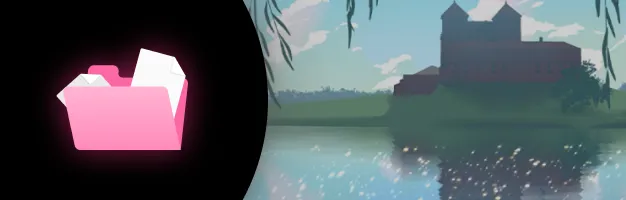 Matte Painting & Collage Assets- Transparent foreground, middleground, and background elements for rapid scenic composition
 -
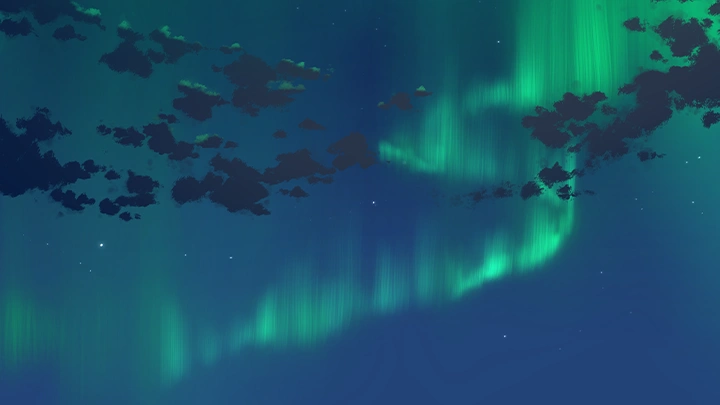
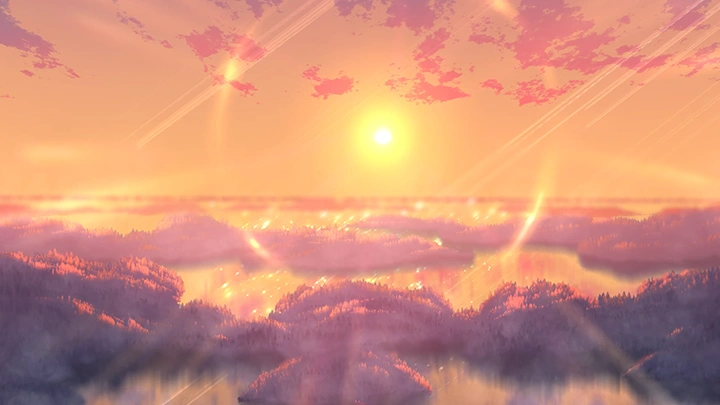
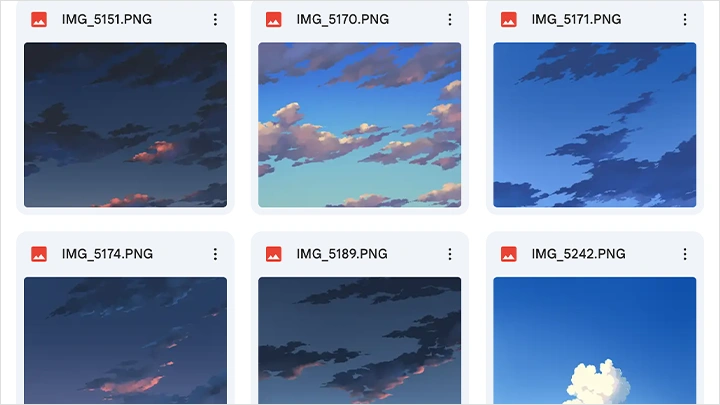
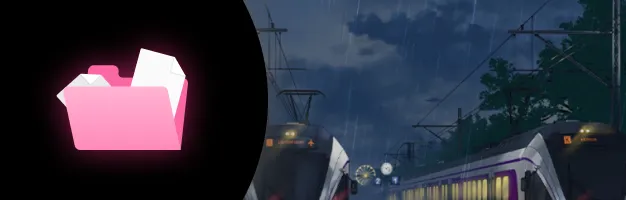 Sky Backdrop Variations- High-definition sky backgrounds featuring afternoon, golden hour, and starry night lighting setups
Special Notice
Animation/Art Feedback Event
Share the animation/artwork you created in this class and
get direct feedback from Nadia!
First-Come, First-Served
First 10 people to enroll in the class
* All eligible students will be notified and given specific instructions individually via email.
First 10 people to enroll in the class
* All eligible students will be notified and given specific instructions individually via email.
How it works
- Share your class project with Nadia via email or Google Drive.
- The instructor will review your work, provide feedback, and make direct edits to your project.
* Note: A brief speed-edit recording may also be provided, subject to the instructor's availability.
- Share your class project with Nadia via email or Google Drive.
- The instructor will review your work, provide feedback, and make direct edits to your project.
* Note: A brief speed-edit recording may also be provided, subject to the instructor's availability.
Recommendation
Who should take this class?
Digital Illustrators & Environment Artists wanting a gentle, paint-over entry point into 3D environments
Motion Designers & Content Creators seeking to encorporate cinematic storytelling and painterly warmth into layouts
Freelance Artists & Creative Professionals looking to build a reusable, fast-turnaround asset production pipeline
Expert 3D Artist Nadia's Portfolio

Why Take This Class?
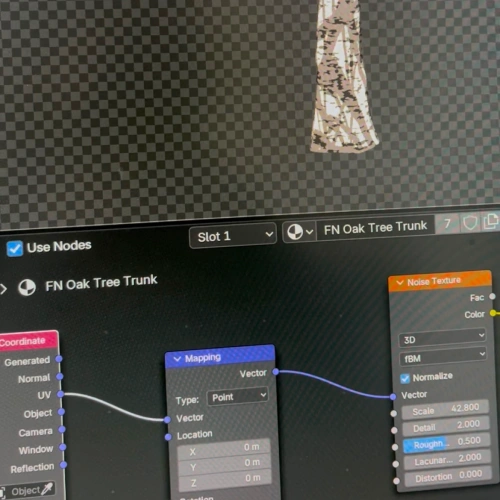
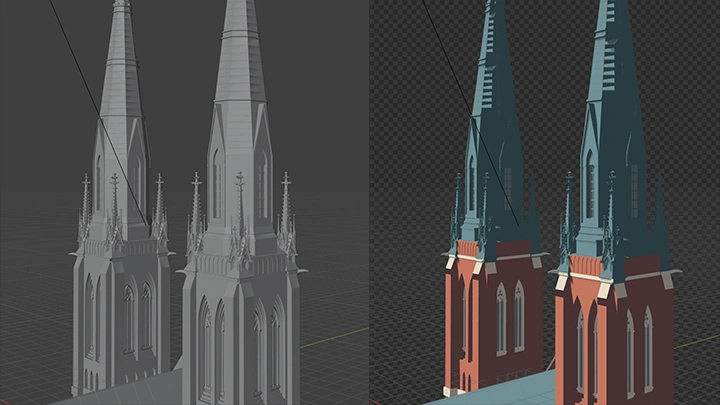
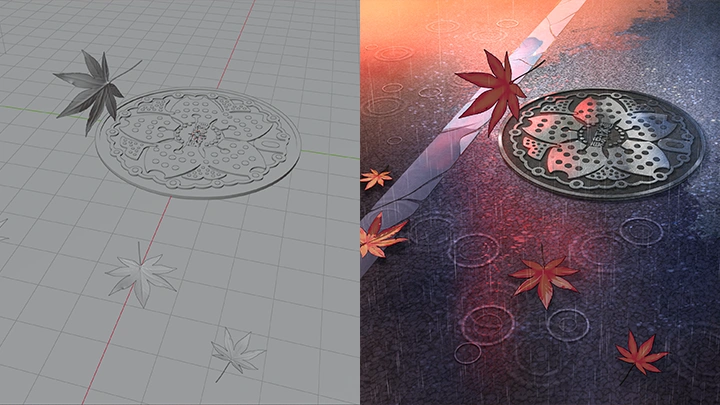
Blender, digital painting, and After Effects each handle one part of the job, and the seams between them are the real lesson. You block the scene in 3D, take the render into paint-over for depth and hand-made texture, then move it into animation so the light and air begin to shift. By the end that same workflow stretches from one looping shot to a storyboarded three shot sequence.
Everything built along the way stays usable. The two projects leave you with a working library of models, brushes, overlays, and lighting setups, and a single scene can yield seasonal variants, loops, and stills. That is what keeps the next project from starting at zero. The two scenes look nothing alike on purpose, so what transfers to your own ideas is the system rather than the style.
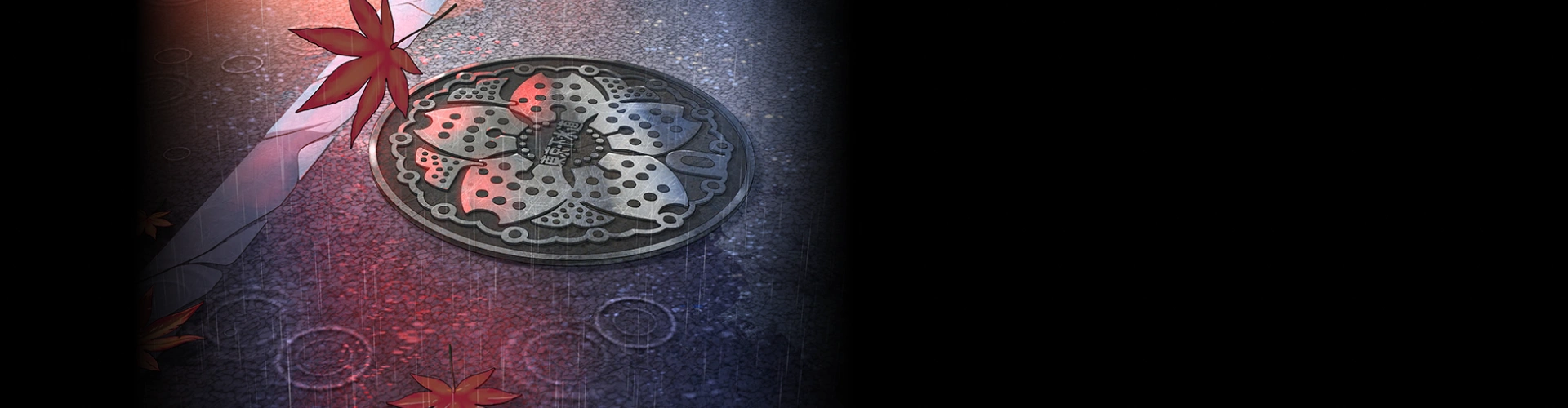
Get Ready for the Real-World
29 Class Exercises
Part 1. Core Foundations & Visual Setup
-
Mood Board
-
Color Script
Draft Concept Outline
Part 2. 3D World Building in Blender
-
Model a Building Architecture
-
Construct City Props
-
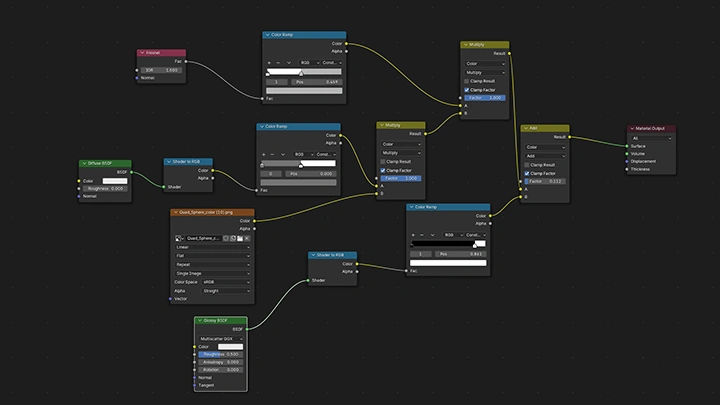
Toon Shader Generation
-
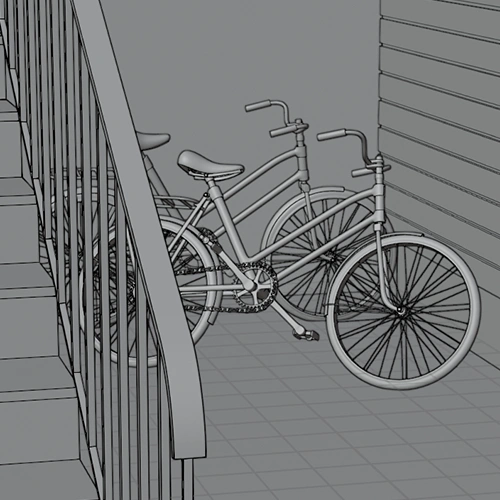 Outline Setup
 -
Camera Composition
-
Time-of-Day Lighting FX
Render Passes Configuration
Part 3. 2D Paint-Over & Texturing
-
Texture Pass
-
Apply Highlights & Glow
-
Atmospheric Perspective Painting
-
Render Trees
Paint Grass & Flowers
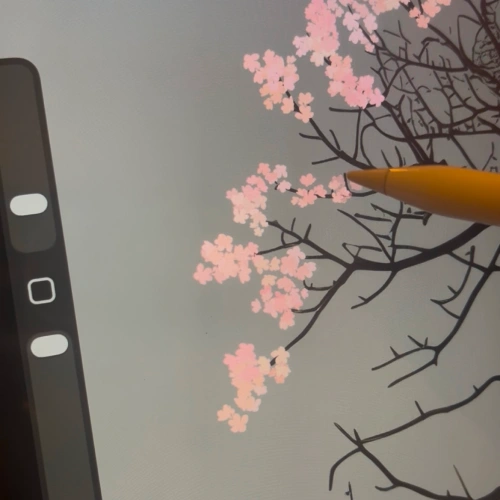
Model & Paint Sakura Trees
Part 4. Motion Design & FX
-
Animate Petals & Leaves
-
Water Motion FX
-
Dynamic Light Rays
-
Seamless Looping Animation
-
Ambient Environmental FX
-
Loop Processing & Export
Part 5. Understanding Sequences and Colors
-
Sequence Shot Layout
-
Multi-Shot Color Script
Part 6. Different Shots Studies
-
Shot 1 Model & Layout Setup
-
Shot 1 Lighting & Rendering Pass
-
Shot 1 Complete Paint-Over
-
Shot 2 Asset Build
Shot 2 Stylized Paint-Over -
Shot 3 Model Build
Shot 3 Digital Paint-Over -
Exercise Title
Part 7. Animating Shots Studies & Production Workflow
-
Animate Shot 1
-
Animate Shot 2
-
Animate Shot 3
-
Assemble Custom Asset Library
-
Exercise Title
-
Exercise Title
Final Product Examples
-
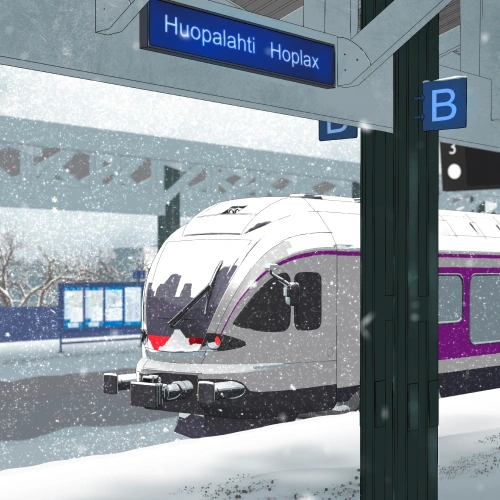
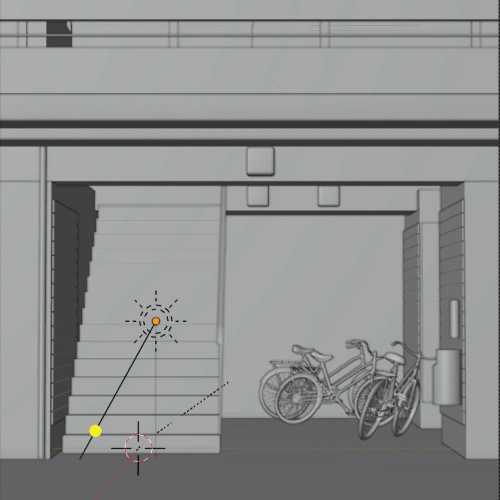
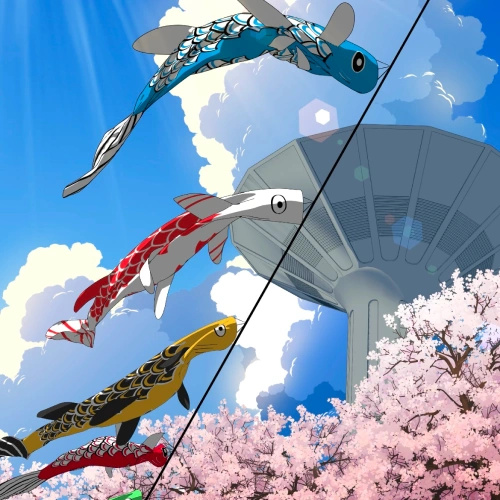
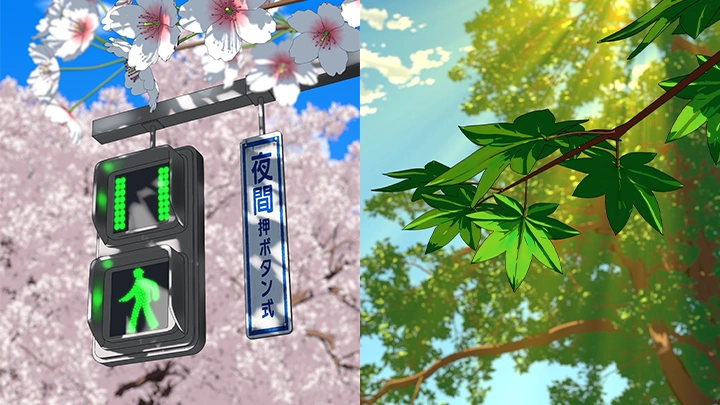
Japanese SceneBuild the Scene in Blender: Create a 1-shot Japanese anime scene from a 3D render
Paint Over in 2D: Transform the render into a fully rendered, hand-painted anime illustration
Animate in After Effects: Add atmospheric effects, subtle motion, and cinematic depth
Create the Final Loop: Combine 3D, hand-painted 2D, and animation into a seamless looping shot -
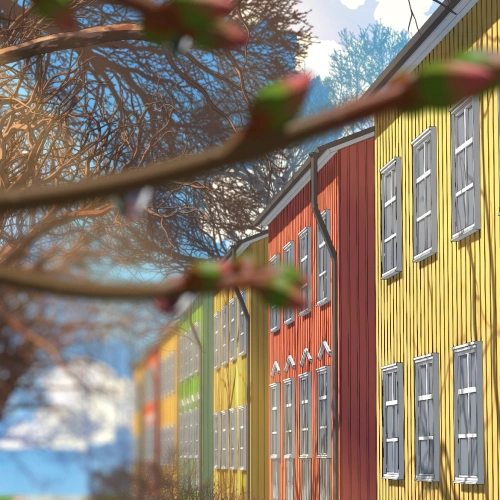
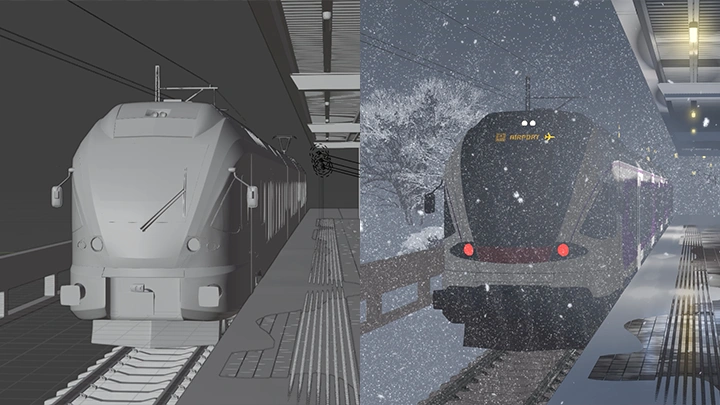
Scandinavian SceneBuild a Scandinavian-Inspired Environment: Create a complete environment with a cohesive visual style and atmosphere
Explore Multiple Camera Compositions: Develop wide, medium, and close-up shots to showcase the environment from different perspectives
Create Production-Ready Animated Loops: Turn each composition into short, polished loops suitable for social media, portfolios, and client work -
Reusable Asset LibraryBuild a Reusable Asset Library: Organize customizable assets such as trees, grass, flowers, and foliage to streamline future production
Create Seamless Environmental Loops: Develop looping animations enhanced with atmospheric effects
Add Cinematic Atmosphere: Incorporate light rays, particles, floating leaves, clouds, and other subtle environmental effects
*The above images are sample images for a better understanding.
Highlights
Class Highlights
A Complete Hybrid Workflow
Discover how to combine Blender, digital painting, and After Effects into one seamless production pipeline. Instead of relying on a single software, you'll find how each tool complements the others to create polished anime-inspired environments efficiently.
Turn One Scene into Multiple Creative Assets
Learn how professional artists maximize a single project by creating seasonal variations, animated loops, illustrations, reusable overlays, and modular assets. Build a production workflow that saves time while expanding your creative possibilities.
Create Two Cinematic Environment Projects
Follow the complete process of building a Japanese-inspired and a Scandinavian-inspired scene from concept and 3D blockout to paint-over illustration and final animation. Gain the confidence to apply the same workflow to your own original ideas.