3dartist,loullaroll2 Details
Intro
Class Intro
3D Artist, LouLL_AroLL
"I'll be taking you through my entire workflow from character creation to animation to turn your MetaHuman into a playable, game-ready character!"
Break the MetaHuman lookalike mold with UE 5.7
Single-software silos are limiting. You need reusable, efficient, industry ready workflow, and here it is on a silver platter.
Turn it into a fully customized digital human using a real production toolset, Unreal Engine 5 for setup and integration, Blender for sculpting, hair, and clothing, and Substance Painter for skin, makeup, materials, and all the fine detail that sells realism and style.
Turn it into a fully customized digital human using a real production toolset, Unreal Engine 5 for setup and integration, Blender for sculpting, hair, and clothing, and Substance Painter for skin, makeup, materials, and all the fine detail that sells realism and style.
Instead of relying on presets and sliders, you’ll learn how to reshape the face, paint unique skin and cosmetic passes, build and integrate custom hair and outfits, and add extra features like facial hair, horns, or piercings!
Then bring it all back into UE5 for animation, lighting, and final renders. Then? You get a tool kit for everything.
The result: a distinctive, fully custom MetaHuman that doesn’t look like anyone else’s, and a complete, portfolio-ready character pipeline you can repeat on your own.
Then bring it all back into UE5 for animation, lighting, and final renders. Then? You get a tool kit for everything.
The result: a distinctive, fully custom MetaHuman that doesn’t look like anyone else’s, and a complete, portfolio-ready character pipeline you can repeat on your own.
Class Preview
Still Not Sure?
Check Out LouLL_AroLL's Class Preview!
Chapter 08. Groom Workflow: Blender Groom → UE Groom Import

1. Using a ready-made particle hair asset and how to edit it
2. Exporting particle hair asset via alembic file to UE5
3. How to bind particle groom to MetaHuman in UE5
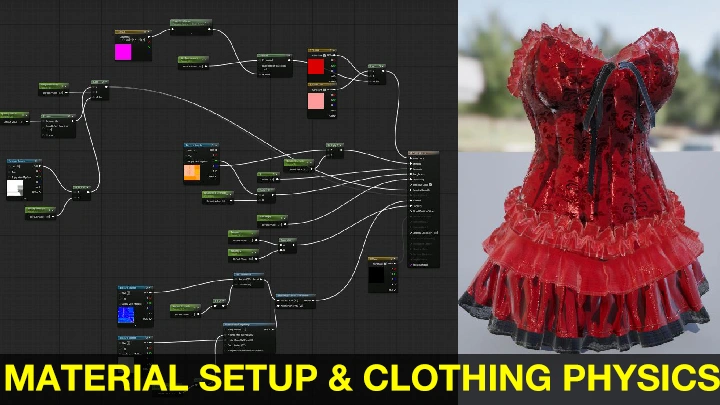
4. Groom hair materials, and physics setup
2. Exporting particle hair asset via alembic file to UE5
3. How to bind particle groom to MetaHuman in UE5
4. Groom hair materials, and physics setup
Class Perks
Special Gift from LouLL_AroLL
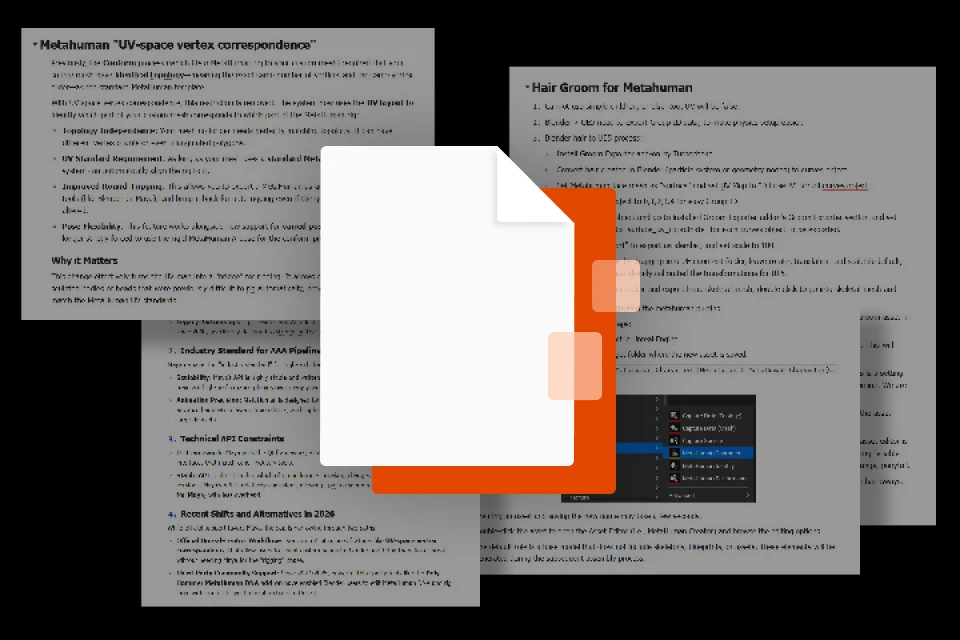
Production Handbook
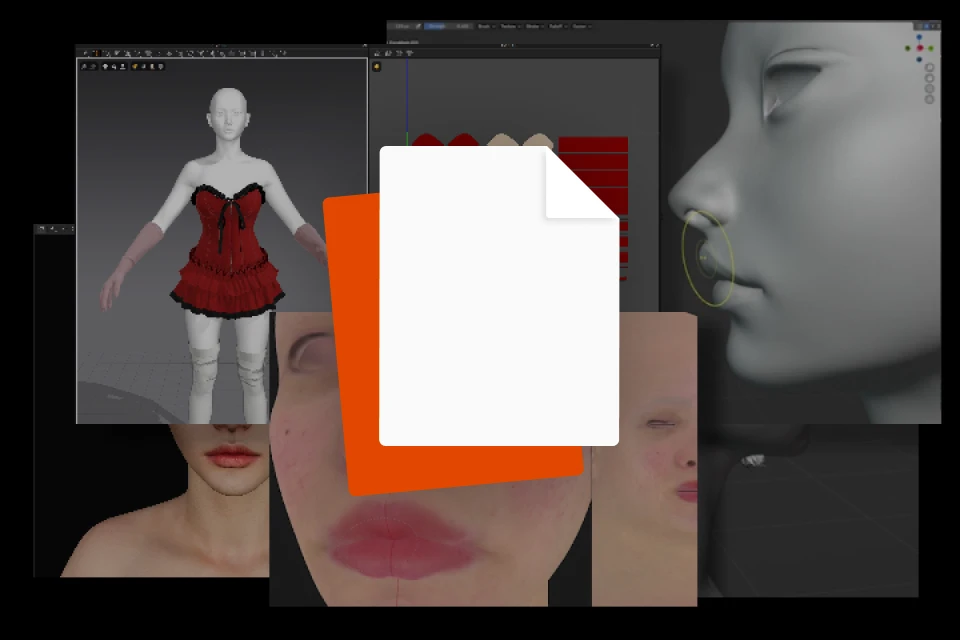
Class Exercises
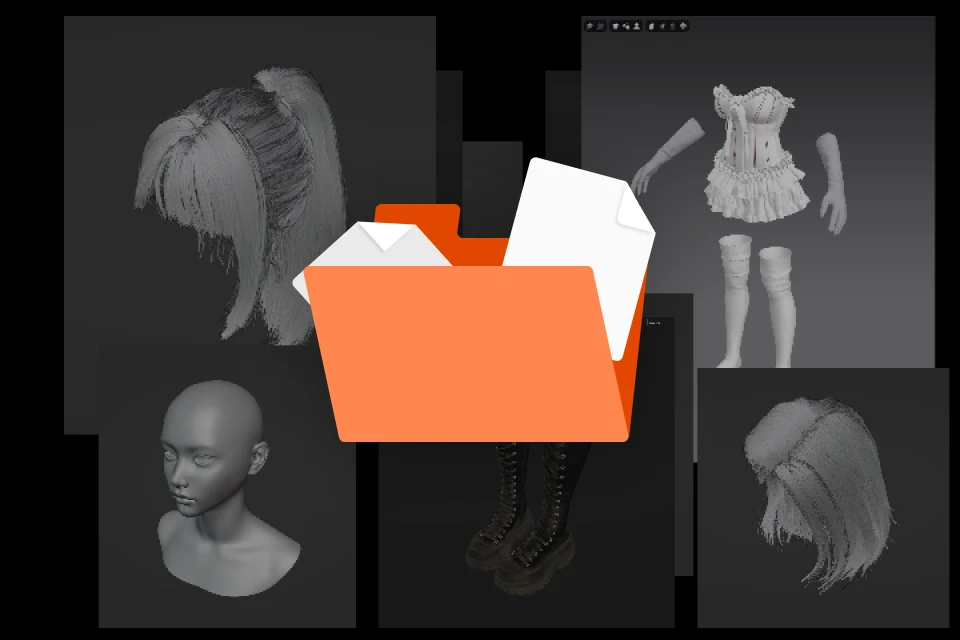
Character Package
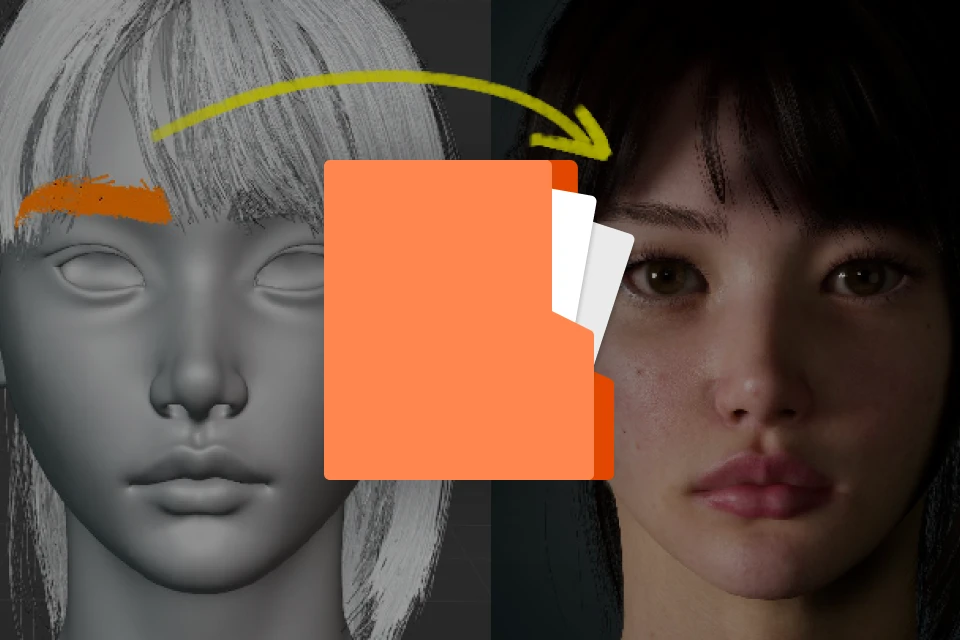
Project Files
Class Material Details
-
 UE&Blender Production Handbook, Workflow and Trouble-Shoot- A concise guide, easy to use
- Based on Unreal Engine official documentation
- Practical summary of common production errors and how to avoid them. -
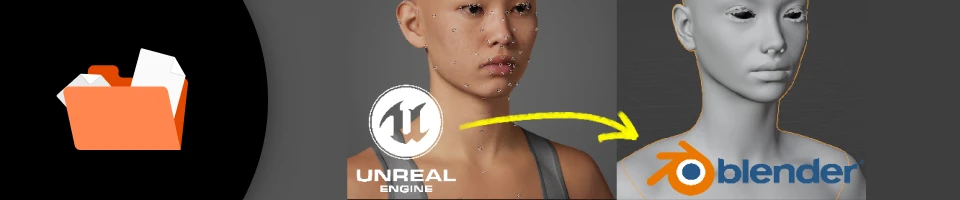 Guided In-Class Exercises- Facial Sculpt Practice
- Hair & Facial Hair Creation Practice
- Shader Material and
- Textures Organization
- Optimization Practice
- Hair & Clothing Asset Binding Practice
- Environment Setup Practice
- Animation Capture Practice
-
 Character Package For Ultimate Customization-1x Customized Character Mesh
-1x 8k Customized Skin Textures
-1x Editable Makeup Layer in Substance Painter
-2x Hair Styles Models in Blender (Ponytail, Shoulder-length)
-1x Customized Outfit 3D Model (Editable in Marvelous Designer)
-Top
-Skirt
-Shoes
-Gloves
-Headpiece -
 Complete UE5 Project Files Including Setips and Asset Packs- Final Unreal Engine 5 Scene Package
containing:
- Lighting Setup
- Environment Setup
- Environment Asset Pack
Recommendation
Who should take this class?
Beginner Artists
Who want to create freely in Blender but constantly run into unexpected issues and errors when following tutorials—need a clear path to achieve visible, high-quality results quickly.
Developing Artists
Who are ready to move beyond step-by-step guides and build a complete, repeatable pipeline across projects—making confident decisions, solving problems independently.
Indie Game Creators
Working with limited budget and resources, and want to achieve visible, high-quality results quickly using efficient workflows.
3D Artist
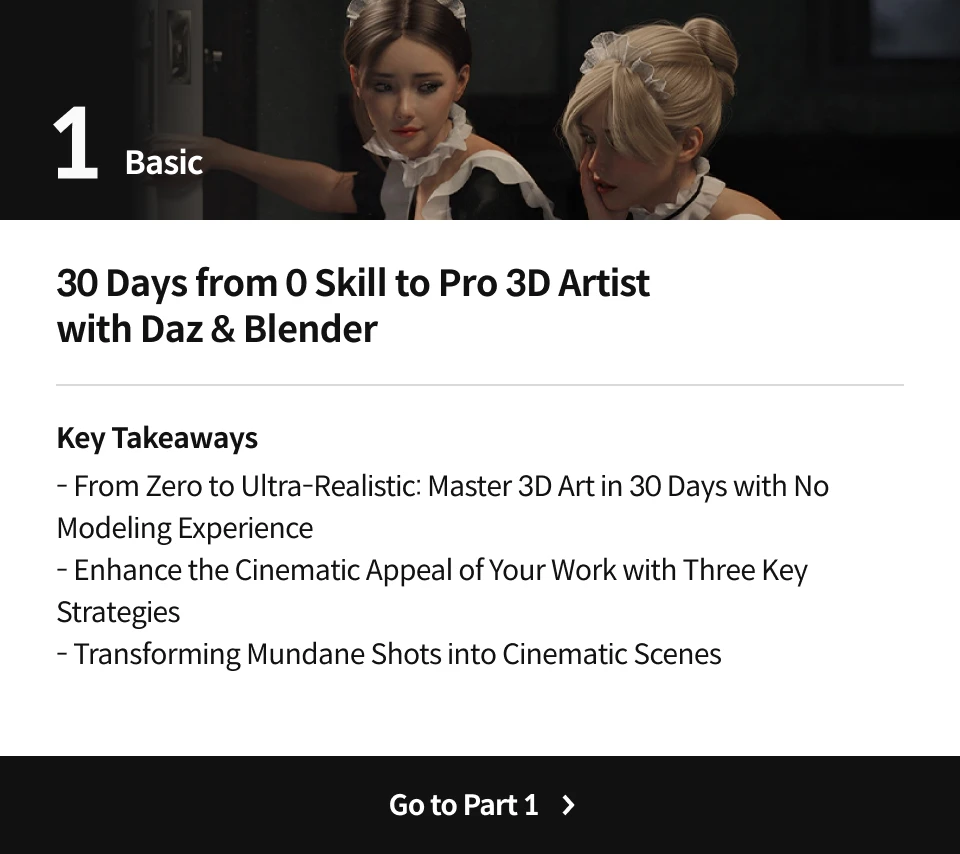
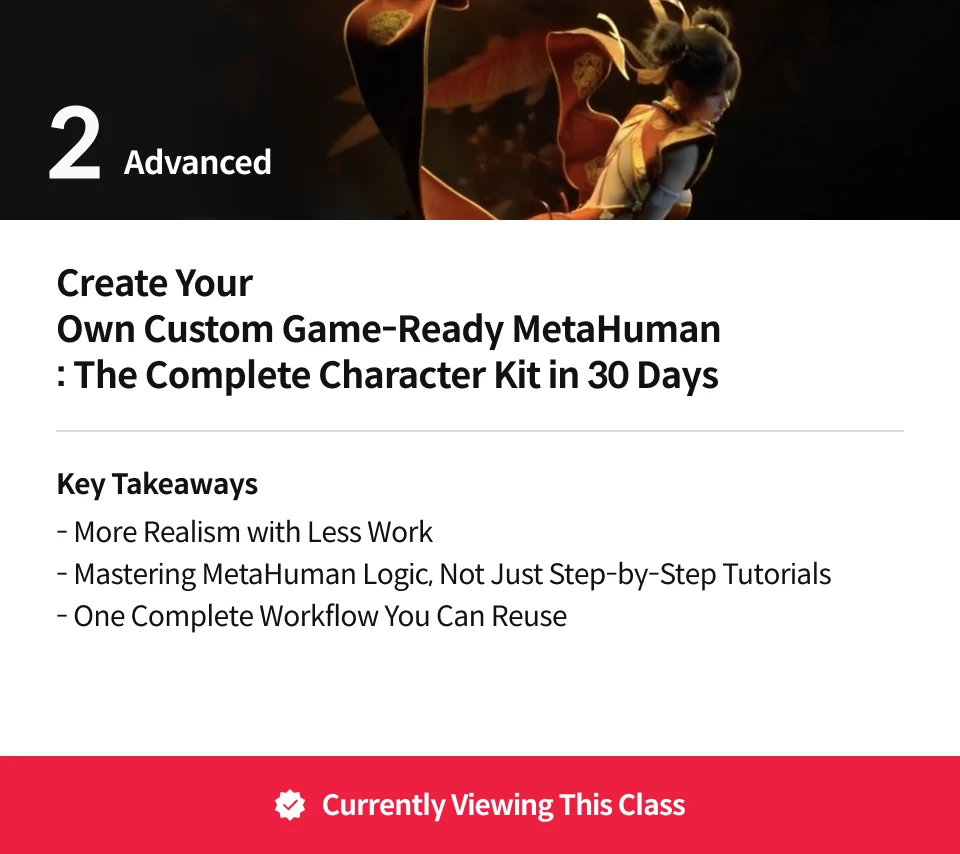
Loull Aroll's Course Series
Expert 3D Artist LouLL_AroLL's Portfolio

Why Take This Class?
If you can already make a default MetaHuman, this class is everything that comes after that. A production 3D character artist walks you through breaking the template.
: custom sculpting in Blender, skin and materials in Substance Painter, then hair, clothing, facial hair, and non-human add‑ons all working cleanly back inside UE5.
Give 30 days to this class, and you'll end up with a workflow that could last forever.
You’ll see exactly how to move assets between tools without nuking your project, how to test your character with real animations, and how to troubleshoot the usual “why does this look weird in engine?” problems.
The entire curriculum is built around a real pipeline, not a collection of random tricks.
From there, you’ll pose and animate your character in UE5.7, drop them into a proper environment, and light and render them like a cinematic shot.
By the end, you’ll know how to take a character from “Epic sample” to “this could be in a trailer,” and you’ll have the turntables and stills to prove it.

Get Ready for the Real-World
19 Class Exercises
-

 Use your own photo to generate a base MetaHuman——YOU.
 -
 Import MetaHuman into Blender.
 -
 Modify the facial features of your MH to how you want it to look.
-

Create a Substance Painter project for your Metahuman with textures loaded in.
-

 Paint your MH skin textures in Substance Painter.
 -
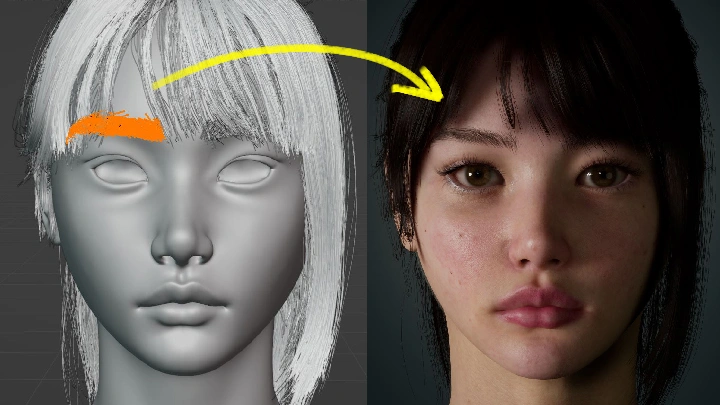
 Create your own hair cards for your MH, and import it into UE5, and then binding it to MH skeleton.
-
 Edit particle hair asset in Blender and import it as groom into UE5, and then binding it.
 -
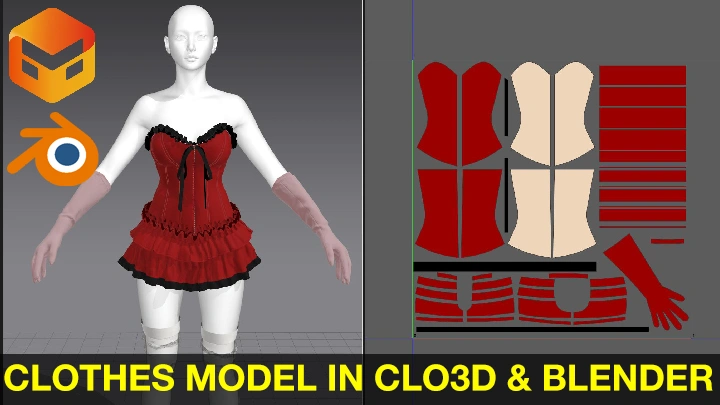

 - Add an outfit to your MetaHuman from the clothing pieces provided in the course package. - Sculpt folds and other details onto outfit. - Bake normal map.
 -
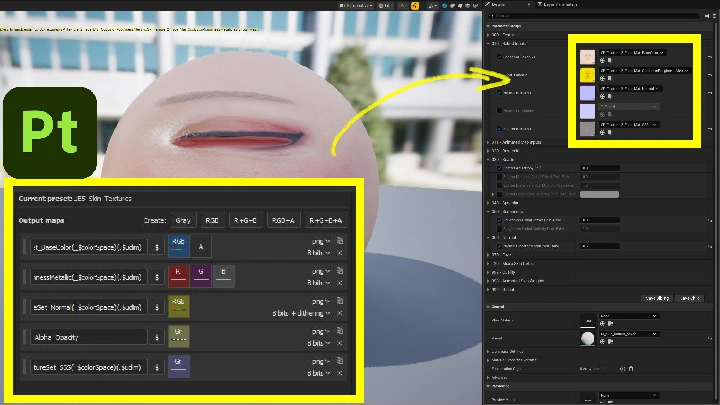
 Add additional details for more realism in Substance Painter and export it as UE5 textures.
-
 Create facial and/or modify facial hair for MH.
 -
 Add/create additional features onto MH in Blender.
 -
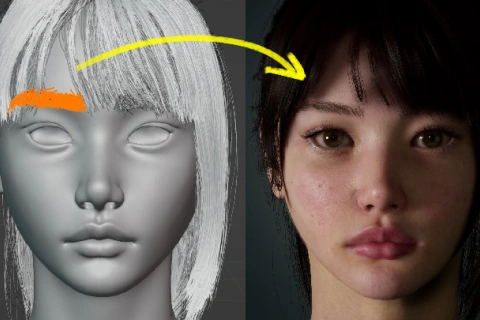 - Move additional features onto MH in UE5 and bind it.
- Update MH.
-
 Setup test level in UE5 and test your MH.
 -
 Create more animations for your MH.
 -
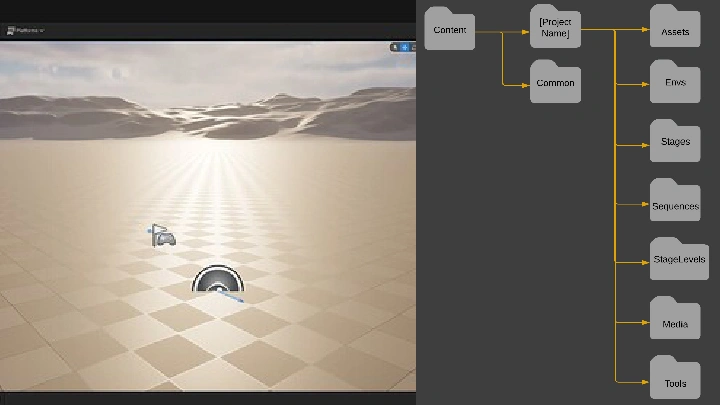
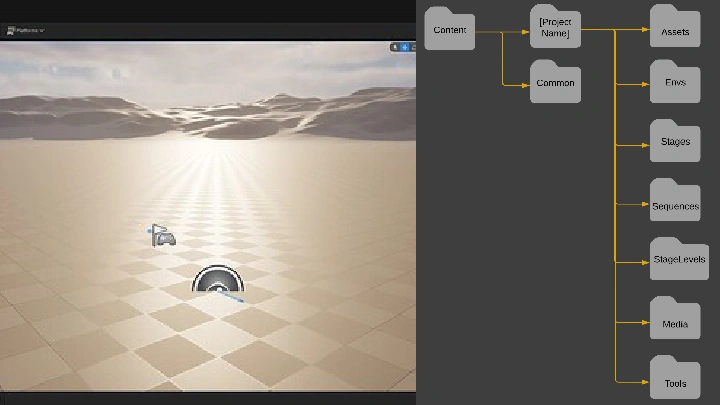
 Create a simple environment for MH to run around in.
-
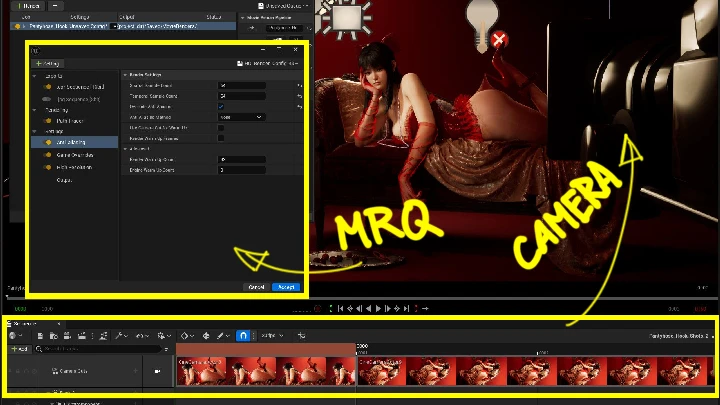
- Create lighting for character showcase in UE5.
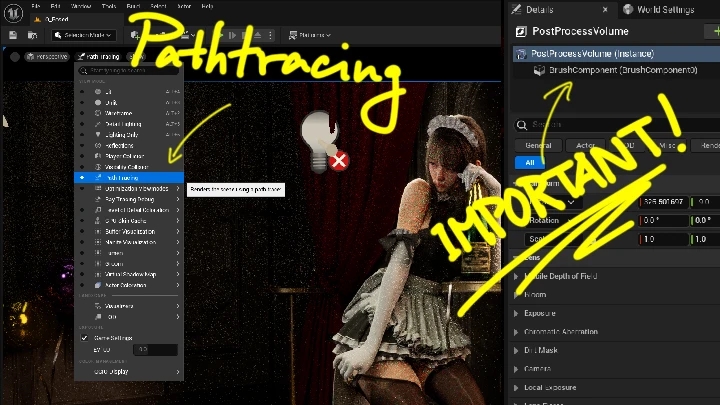
- Familiarize with pathtracing and lit real-time differences. -
 Setup lightings for character showcase.
 -
 Produce quality renderings.
 -
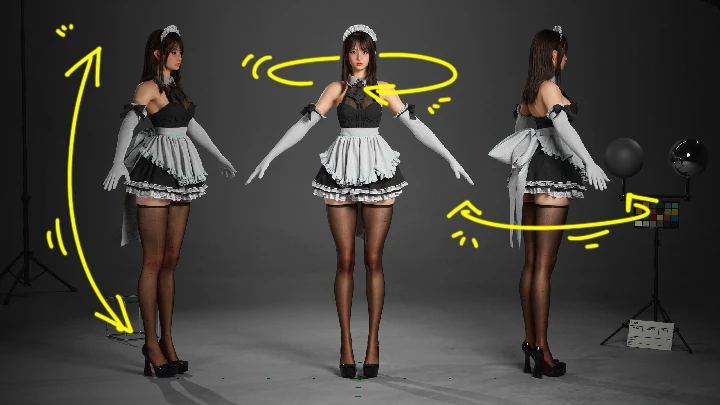
 Produce turntable animations.
Final Product Example(s)
-


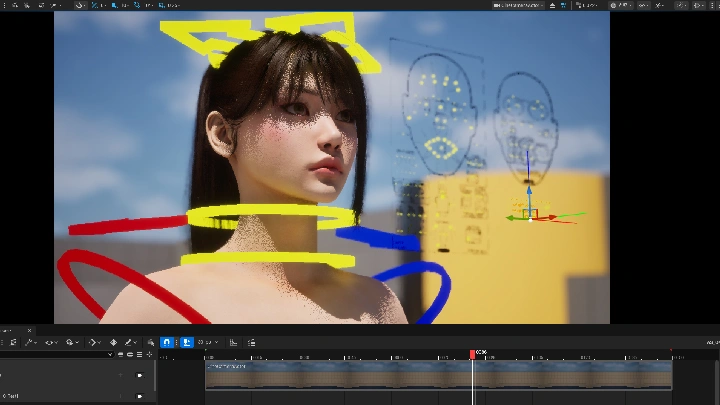

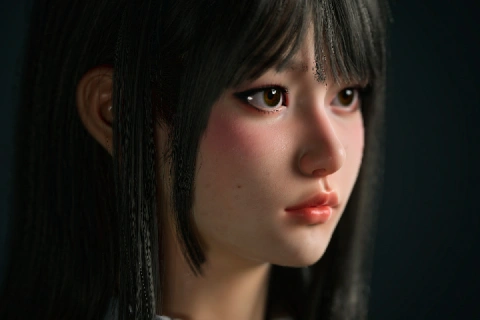 A custom-designed MetaHuman character
 -
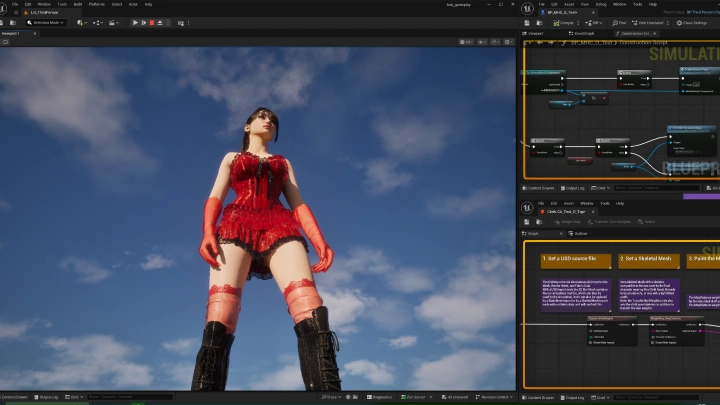
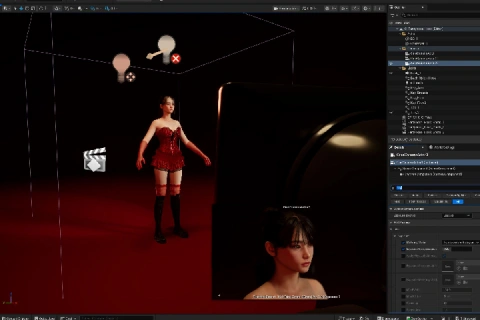 Real-Time Character with Hair and Clothing
 -

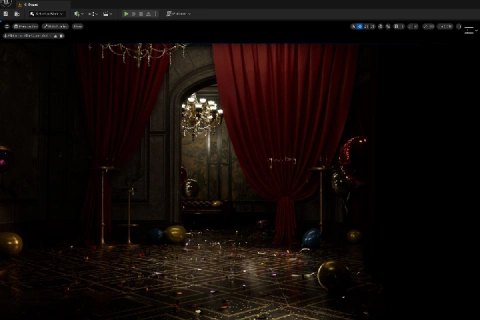 A Game-ready Sequence
*The above images are sample images for a better understanding.
Highlights
Class Highlights
More Realism with Less Work
UE5.7’s newest systems reduce work when used correctly. You’ll learn how to achieve high-end realism by removing unnecessary steps—less manual modeling, fewer hacks, cleaner setups.

Mastering MetaHuman Logic, Not Just Step-by-Step Tutorials
By understanding how Unreal Engine and Blender interact, you don’t just react to problems—you anticipate and eliminate them.
One Complete Workflow You Can Reuse
From character creation to animation and final real-time presentation, follow a full end-to-end pipeline you can repeat, adapt, and build on for future projects.