3dartist,jaeminhan_한재민KR Details
Intro

Now in Your Language, Only on Coloso!
Learn from Top Creative Experts Worldwide
-
 Cinematic Blender Production
 -
 SF Texturing & Lighting Design
 -
 Artwork-to-Animation Workflow
Class Intro
3D Artist, Jaemin Han
Create Epic Cinematic Artwork & Animation in Blender
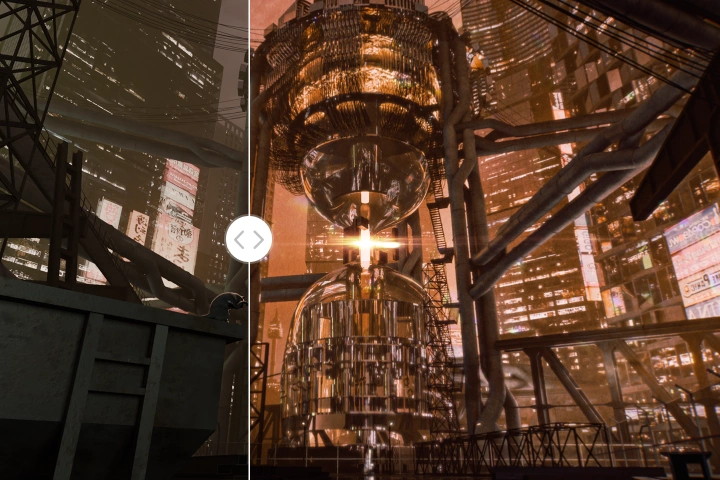
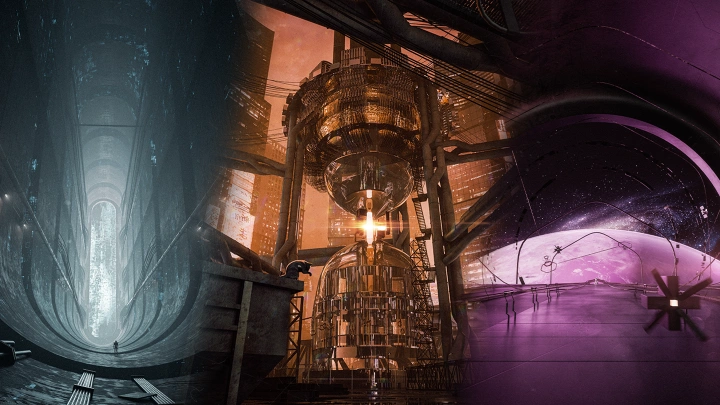
Go beyond basic object and character modeling to create professional-quality cinematic artwork and animation. Learn how to produce realistic SF environments and dynamic action scenes from start to finish through the practical workflow of 3D artist Jaemin Han.
From previs and main asset modeling to asset placement, texturing, lighting, and post-production, build a fully realized portfolio centered on immersive environments and objects. Discover practical techniques and production know-how for cinematic work in Blender, all in one course.
Class Preview
Still Not Sure?
Check Out Jaemin Han's Class Preview!
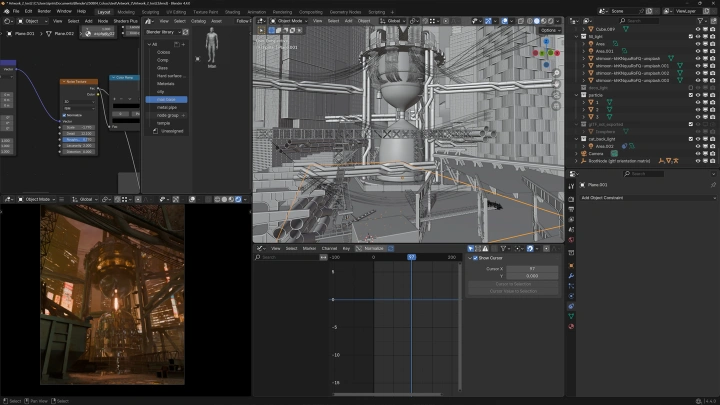
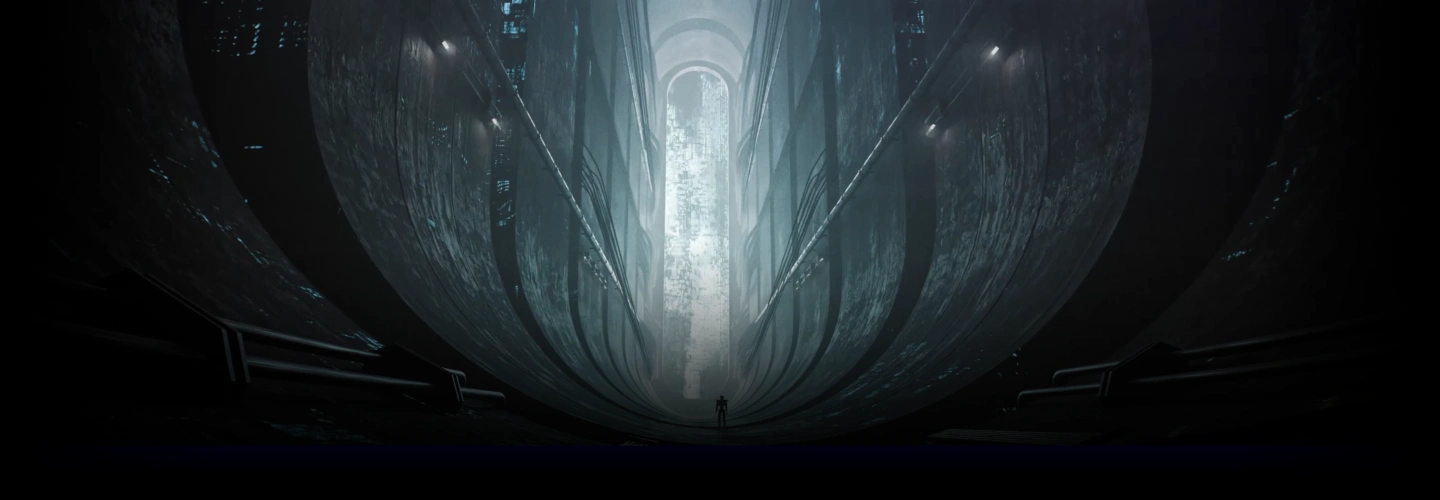
Chapter 10. Spatial Depth-Focused Artwork 1
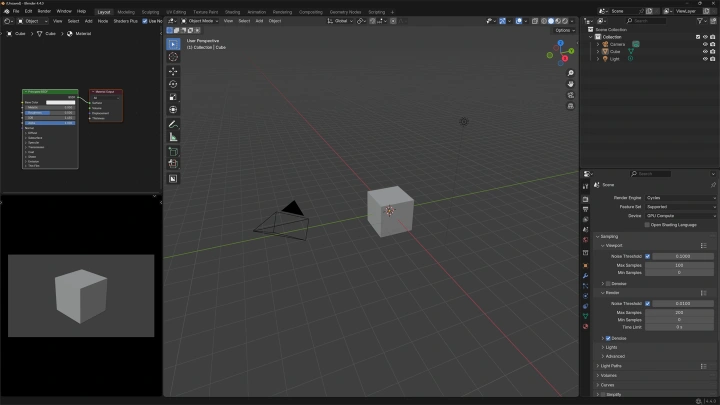
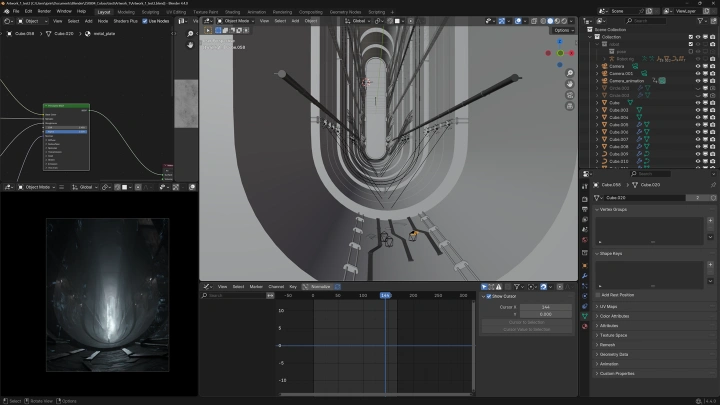
1. Setting up the Blender viewport and basic scene composition
2. Spatial modeling and texturing
3. Creating background lighting with images
2. Spatial modeling and texturing
3. Creating background lighting with images
Class Perks
Special Gift from Jaemin Han
-
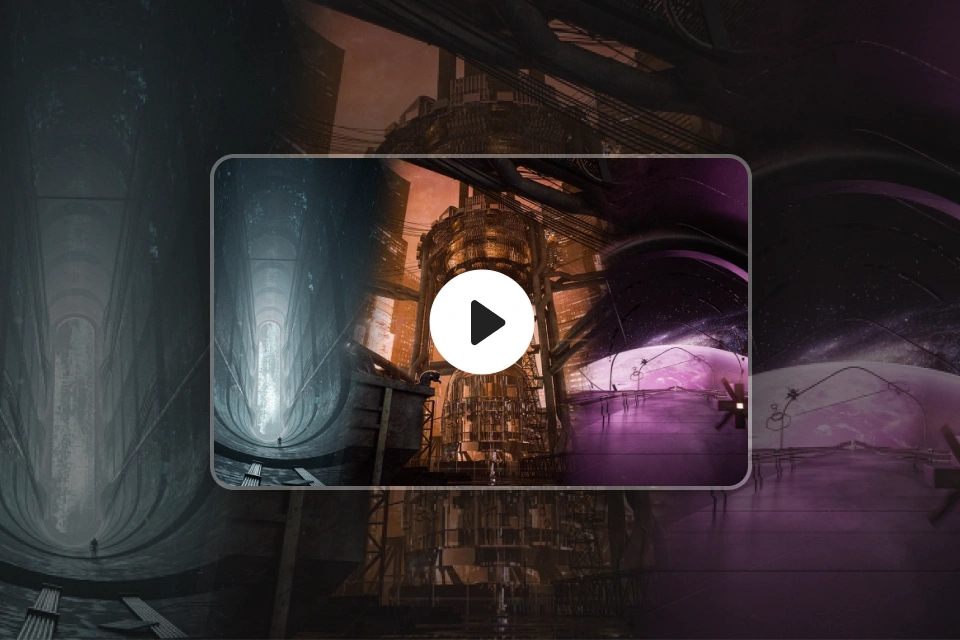 Unlimited Access to 20 ChaptersLearn Blender from basics to advanced techniques
 -
 Original Exercise FilesCreate SF cinematic artwork
 -
 3 Completed Artwork FilesFrom object modeling to animation
Class Material Details
-
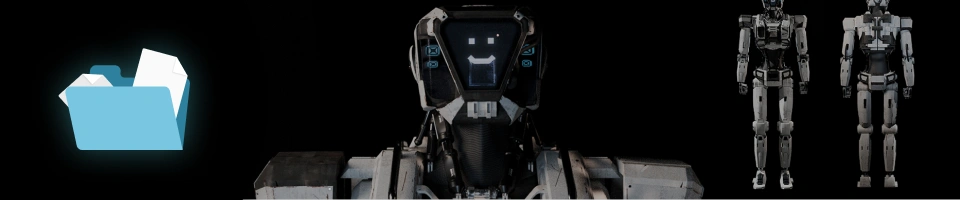 Original Exercise Files- Apartment and building assets
- Background structure assets
- Sci-fi robot rig assets
- Original exercise files for texturing, lighting, and compositing practice
- Modeling files for crate and robot exercises -
Recommendation
Who should take this class?
Blender hobbyists who want to create more refined artwork and animation
Blender users ready to move beyond the basics and level up their skills
3D cinematic artists looking to transition from C4D to Blender
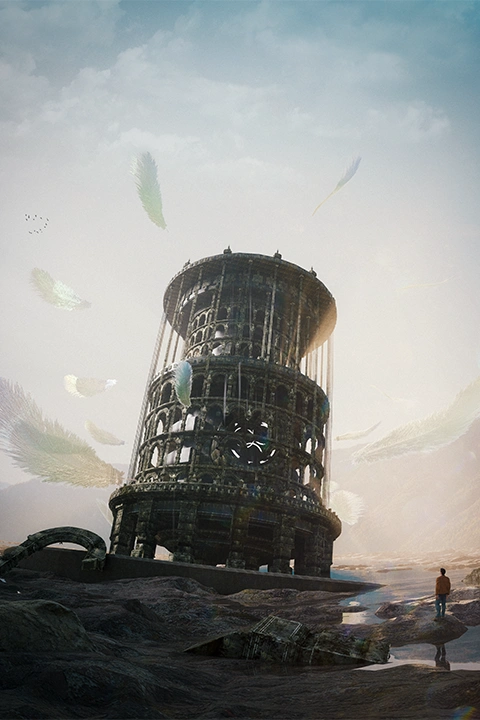
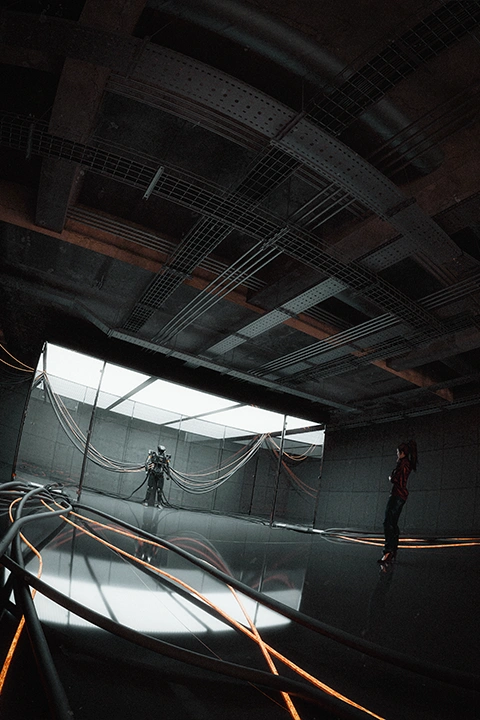
Expert 3D Artist Jaemin Han's Portfolio
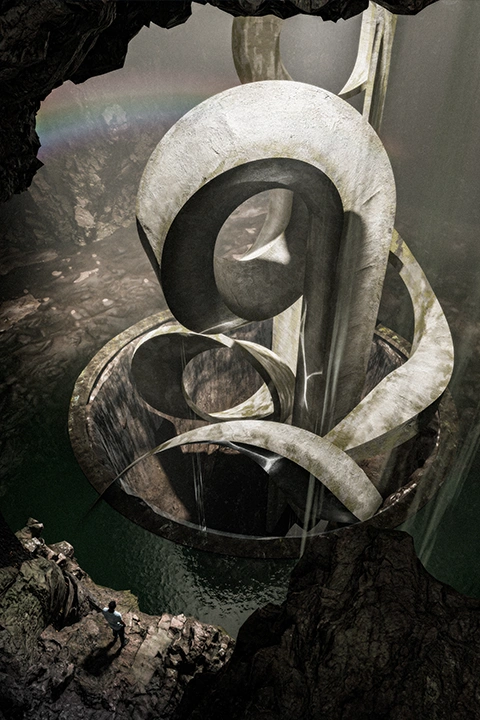
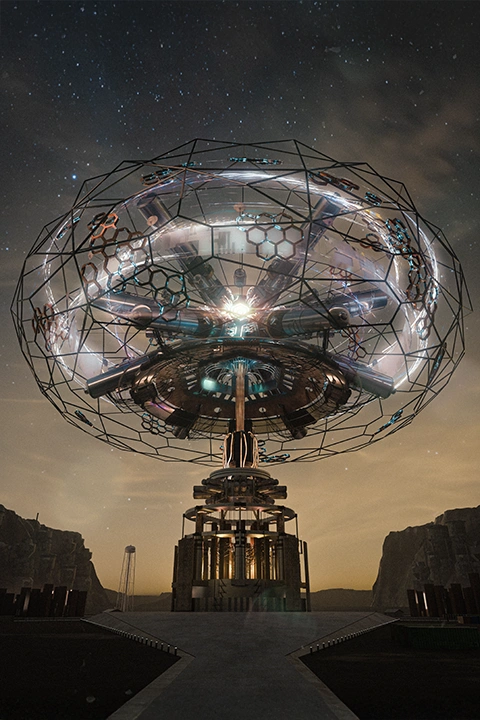
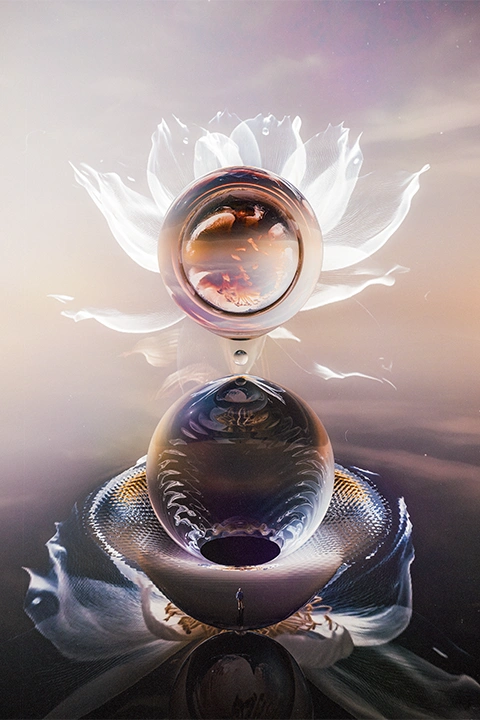
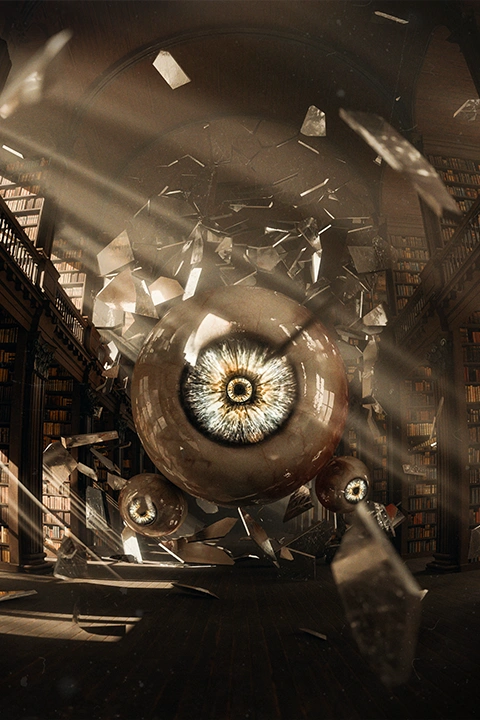
Why Take This Class?
Master a professional texturing and lighting workflow using Blender alone. Create stunning, hyper-realistic visuals without relying on paid plugins or additional software. Learn practical cinematic production techniques and build real-world Blender skills through an in-depth, hands-on workflow.
Go beyond basic exercises and create portfolio-worthy cinematic artwork. Focus on environment design, lighting, and asset composition to achieve a unique SF-inspired visual style that blends realism with surrealism. Experience Jaemin Han's practical cinematic workflow and take your Blender skills to the next level.
Get Ready for the Real-World
Practical Roadmap for High-End Cinematic Artwork & Animation
Part 1. Cinematic Texturing & Lighting in Blender
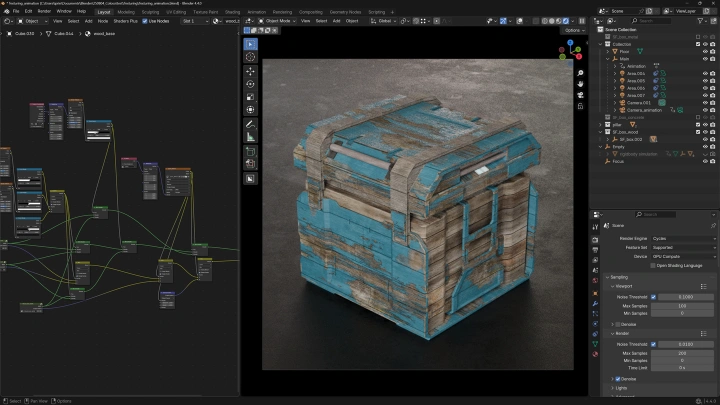
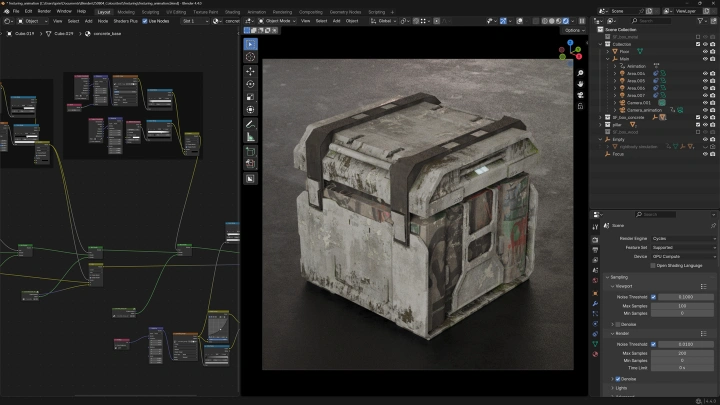
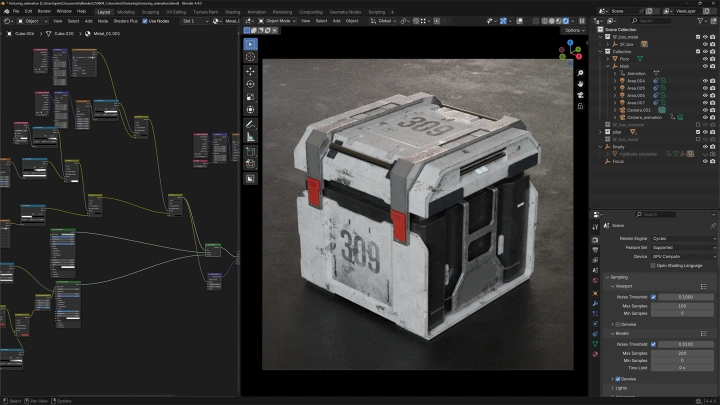
Results of Texturing Exercises
-
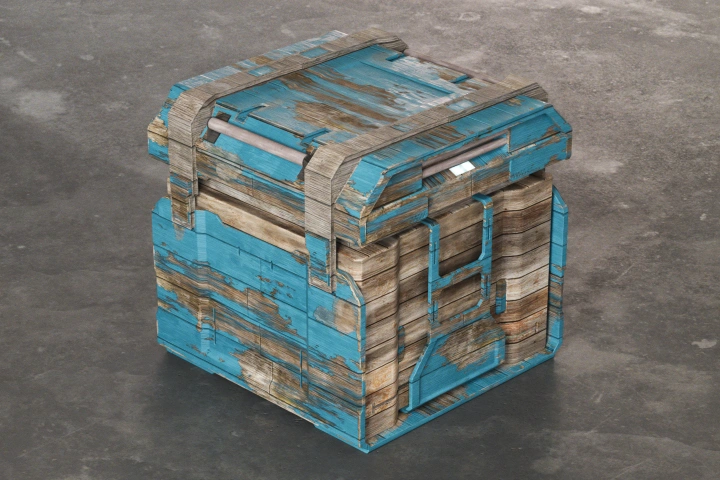 Wood Textures
 -
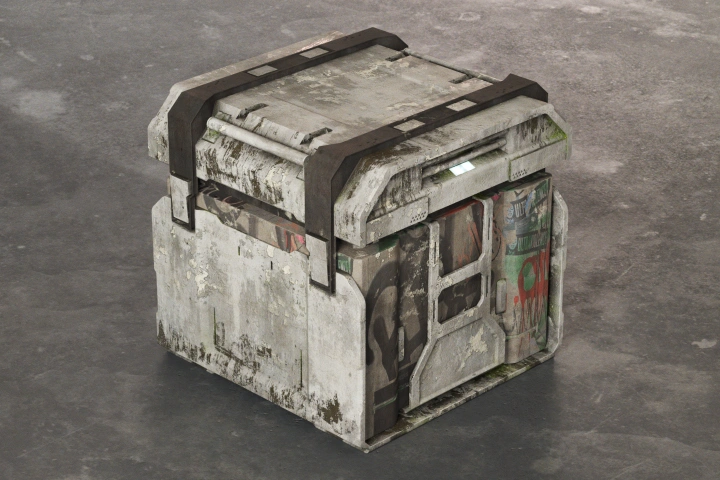 Concrete Textures
 -
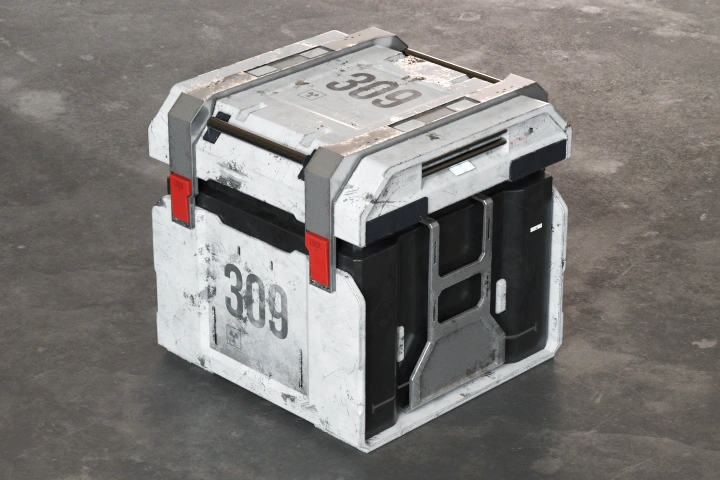 Steel Textures
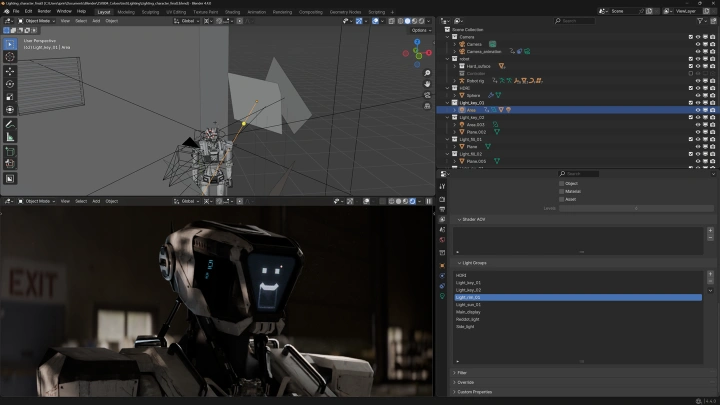
Results of Lighting Exercises
-
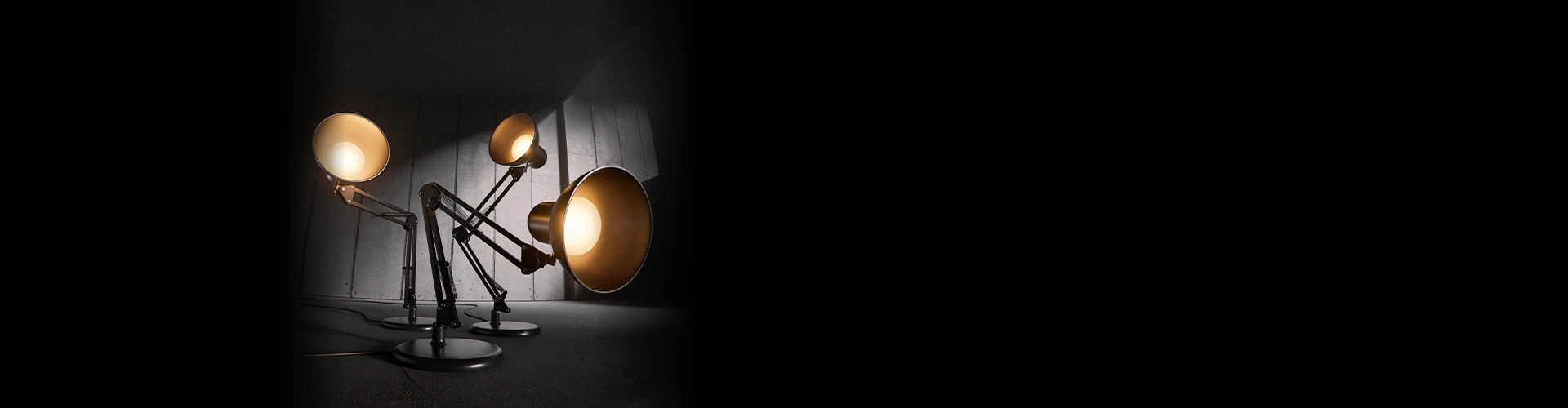
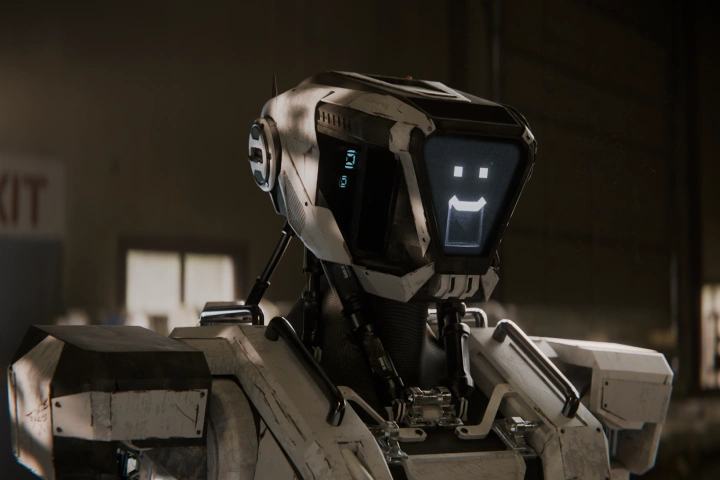 Lighting in Blender
 -
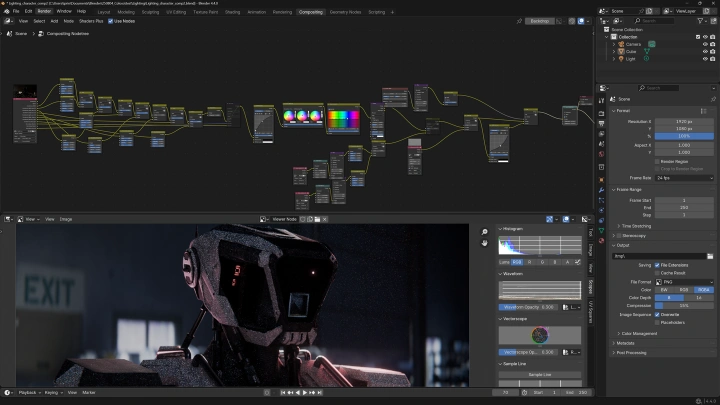
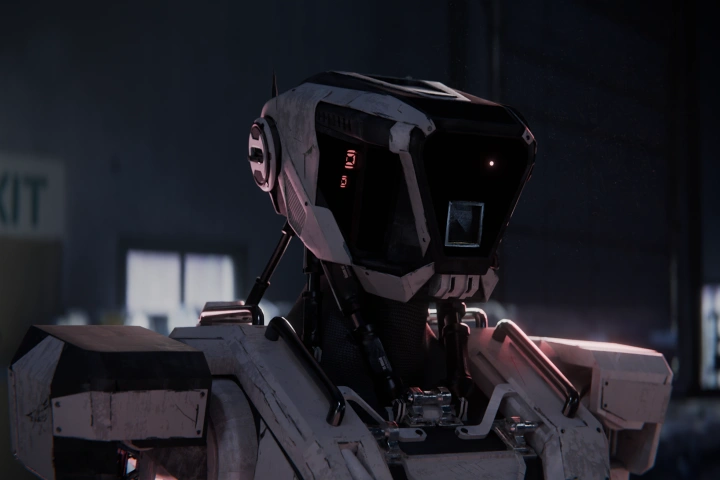 Post-Processing Using Light Passes
 -
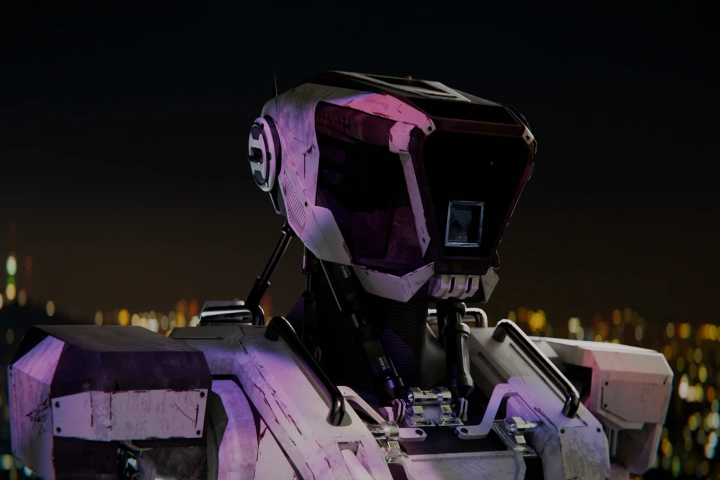 Lighting Using Videos
Part 2. Build Spatial Depth by Creating “Encounter with the Unknown”
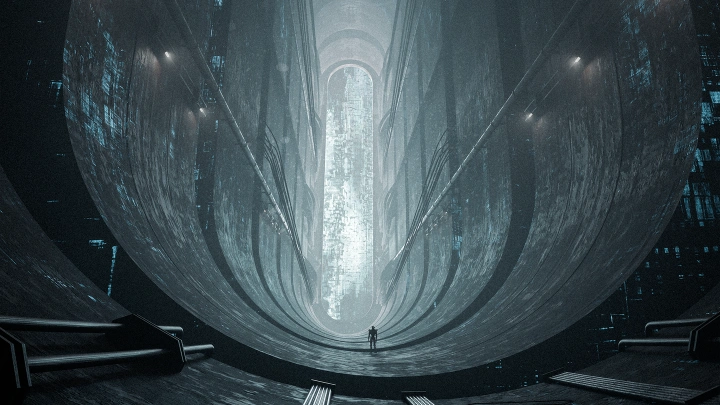
Final Artwork: "Encounter with the Unknown"
-
Scene Previs Setup
-
Additional Structure Modeling
-
Glitch Texture Effects
-
Lighting Setup
-
Post-Processing
Part 3. Create Object-Focused Artwork with "Urban Intelligence"
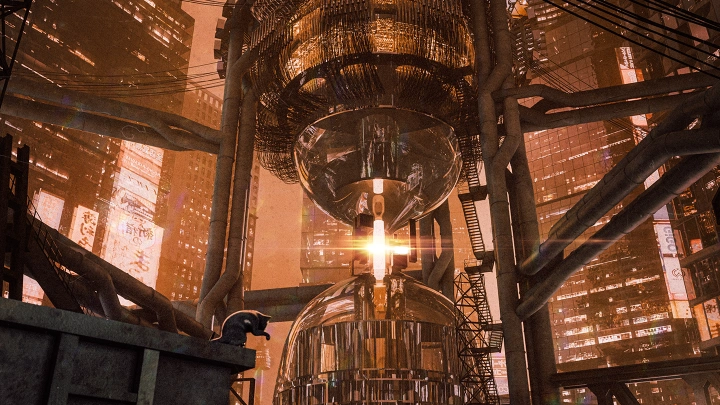
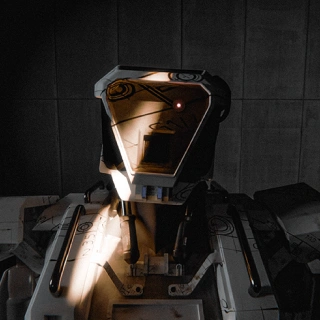
Final Artwork: "Urban Intelligence"
-
Scene Previs Setup
-
Apartment Building Modeling
-
Creating Ground Debris
-
Kitbashing with the Asset Browser
-
Placing Cat Assets
-
Post-Processing
Part 4. Create a Scene Straight Out of an SF Film with "Space Station"
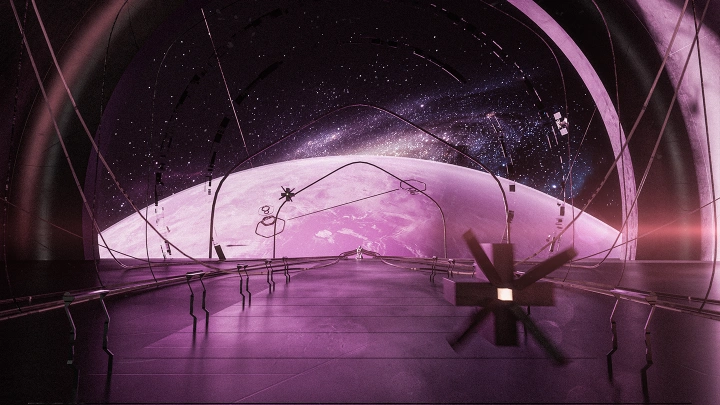
Final Animation: "Space Station"
-
Animation Planning & Reference Development
-
Creating a Planet
-
Spaceship Corridor & Door Modeling
-
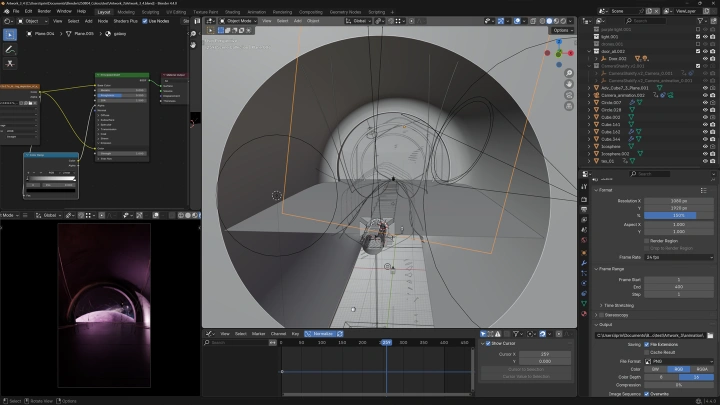
Cinematic Camera Work
-
Atmospheric Dust Effects
-
Post-Processing
Highlights
Class Highlights
Create High-Quality Cinematic Artwork & Animation in Blender
Bring your imagination to life through cinematic storytelling in Blender. Go beyond rendering and learn professional camera work, mood-driven lighting, and animation sequencing techniques that add narrative depth to your work. Discover how a single image or short animation can leave a lasting visual impact through powerful cinematic direction.
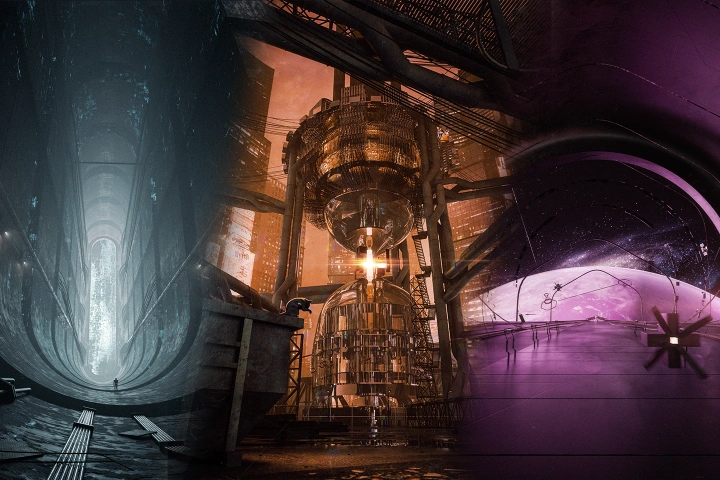
Mastering Texturing & Lighting with Blender's Built-In Tools
Create stunning visuals without relying on external software or paid add-ons. Learn how to build custom materials with Blender's shader node system and craft dynamic scenes using professional lighting principles. Develop a strong foundation in texturing and lighting that can be applied to any project.
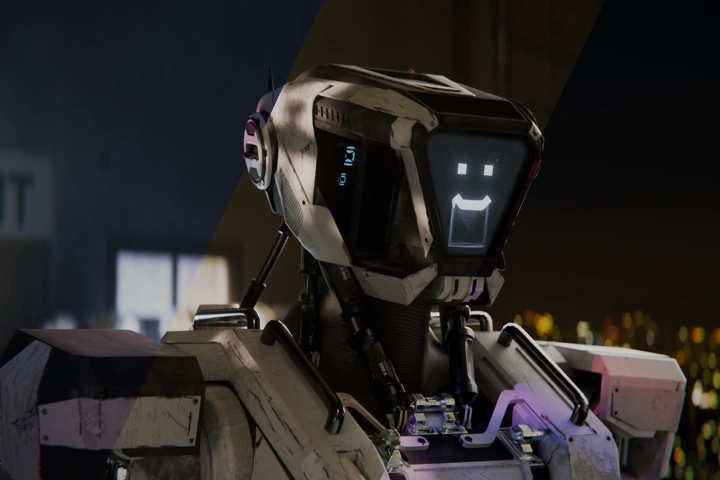
A Roadmap to Portfolio-Quality Artwork
Not sure what comes after learning the basics of Blender? Follow a complete production workflow through three cinematic artwork projects and organize the techniques needed for professional-quality results. Build a portfolio that showcases your artistic vision and technical skills while taking your Blender expertise to the next level.