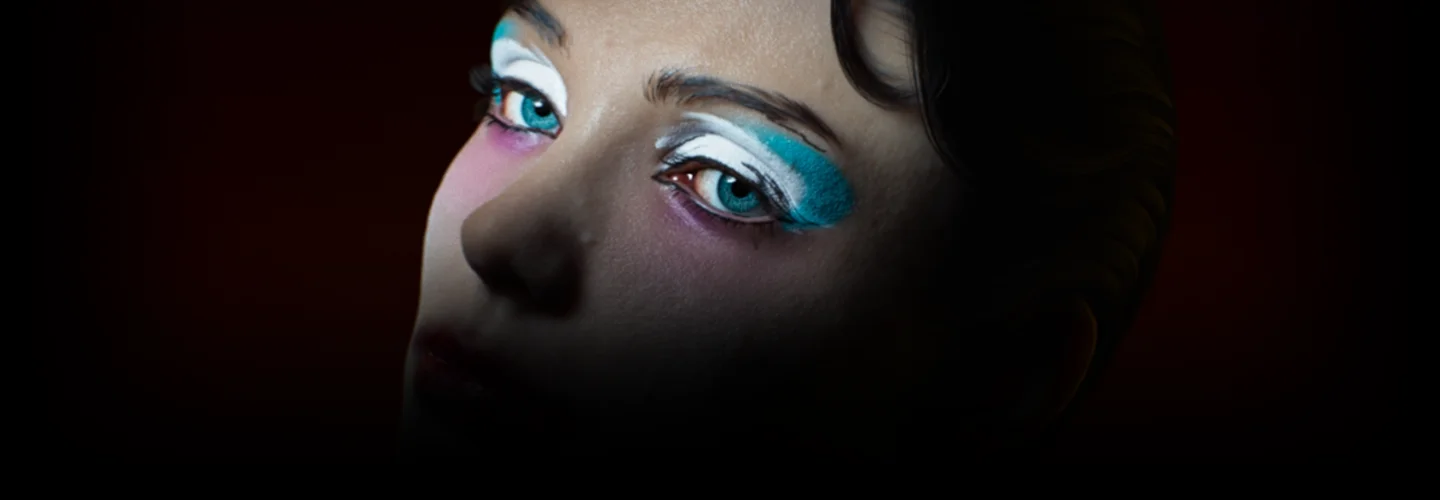
3Dartist,Ahnhyunsup_안현섭2 Details
Class Intro
Create high-quality, realistic characters and overcome the “tool barrier” using only C4D and Octane!
No need for supplementary tools! Use tools without the stress and frustration! Create the high-quality character of your dreams with SSS texturing.
Class Perks
Get These Coloso Exclusives
-
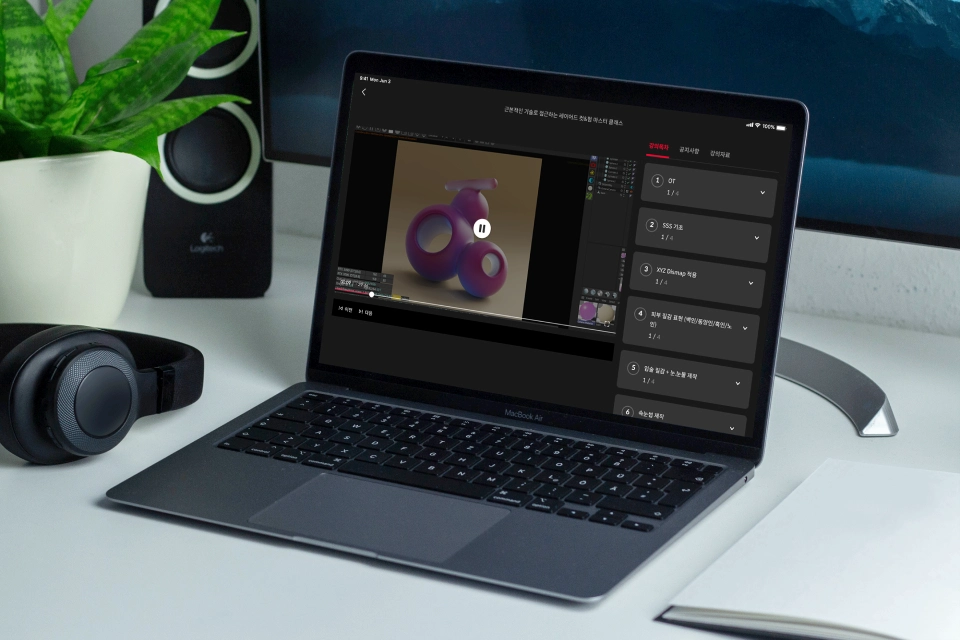
Unlimited Access to All 20 chapters -

Realistic Character Productions with 4 Types of Facial Characteristics -
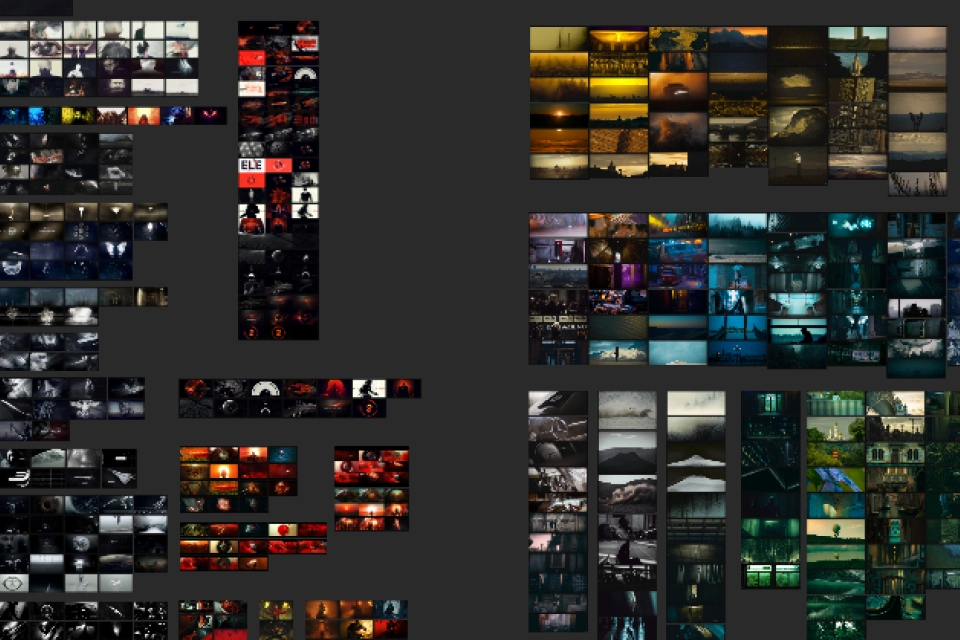
Modeling Source, Mood Board, and Other Class Material Files
Class Material Details
-
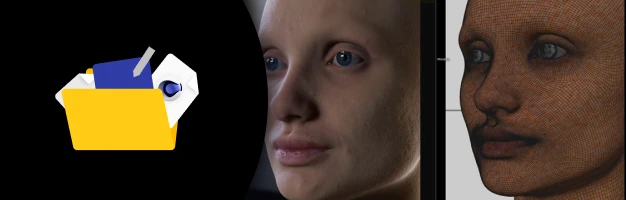 SSS Texturing Class Files- C4D class exercise files
 -
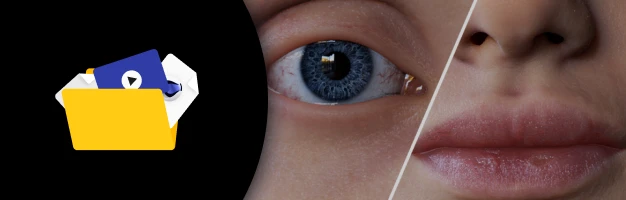 2 Modeling Sources and 1 Video Source for Character Customization- 2 tear and mouth modeling sources
- 100+ moving tattoo images (.png)
- 10+ eyeshadow images (.png) -
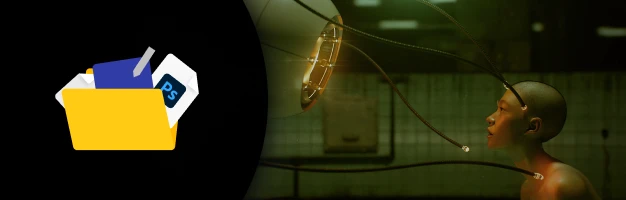 Instructor Crafted Class Materials- Reference mood board


Expert 3D Artist Hyunsup Ahn's Portfolio


Recommendation
Who Should Take This Class?
C4D users
who feel overwhelmed by the need to learn countless supplementary tools to create realistic characters
Motion graphics designers
who want to use high-quality VFace sources in their projects
Industry professionals
who are looking to work more efficiently by learning the most efficient character production process the easy and fast way
What’s the difference between Part 1 and Part 2?
Class by Hyunsup Ahn to Achieve Higher-Quality Realistic Looks with More Details
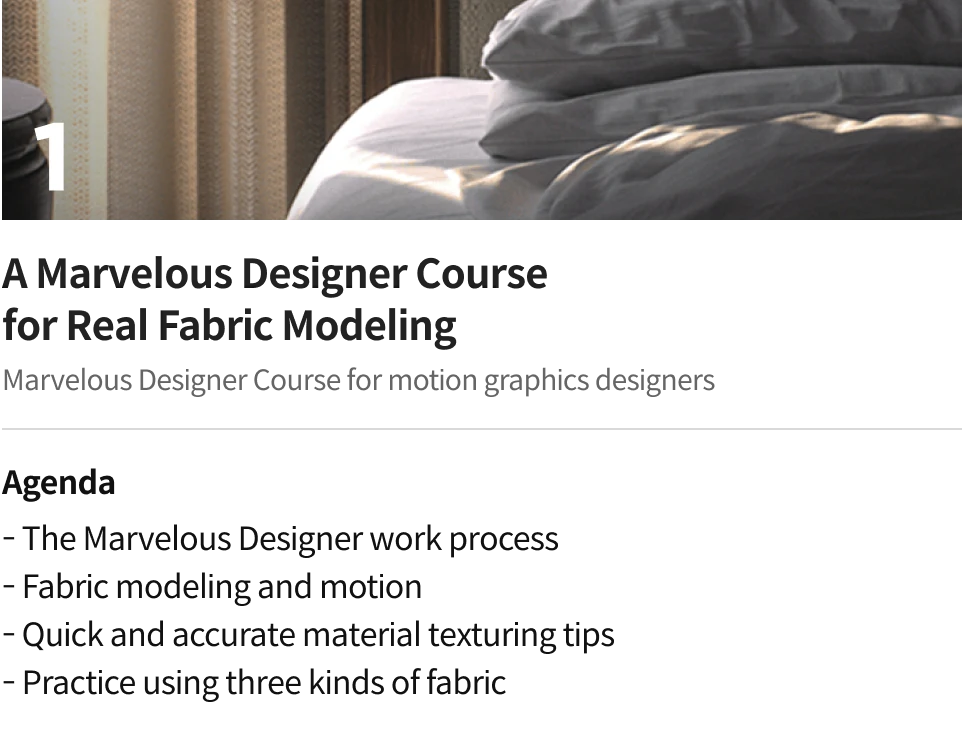
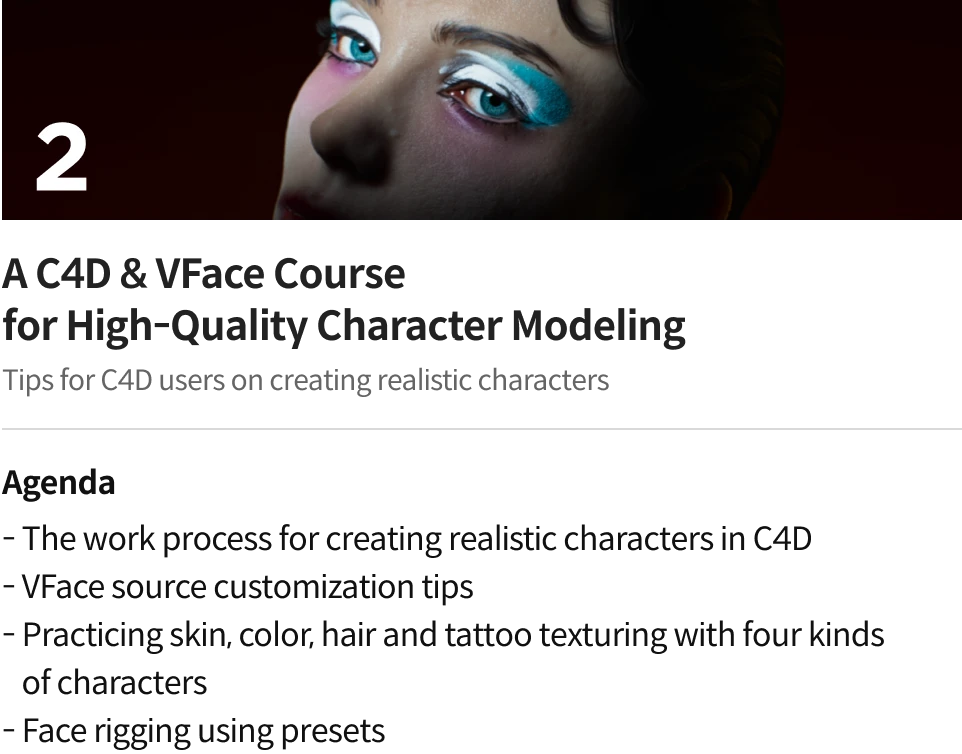
4 Class Exercises
-
 Before / AfterPERSONA_MAKEUP
 -
 Before / AfterPERSONA_MIXED SKIN
-
 Before / AfterPERSONA_MOVING TATTOO
 -
 Before / AfterPERSONA_OLD MAN
*The above videos were made using exercises (characters) created in class, and are not the actual exercises you’ll be practicing with.
Hyunsup Ahn
3D Artist
Hello, I’m Hyunsup Ahn, and I’m a 3D artist.
I have worked as a modeling artist on VFX teams at GiantStep and Locus, producing advertisements, game cinematics, and more. Currently, I work as a freelance motion graphic artist collaborating with artists and directors both at home and abroad.
I specialize in a variety of motion graphic work, including advertisements, music videos, title sequences, and media facades. Drawing on the experience and knowledge I gained as a VFX team modeler, I also work on video projects that incorporate realistic characters.
This class is designed to help C4D users overcome the obstacles that stand in the way of them creating realistic looks and expressions. The insights I have gained on creating realistic characters from my work as a VFX modeler are well-integrated into the class curriculum.
Learn the easiest and fastest techniques for creating high-quality characters in C4D, and expand your workspace into the realm of realistic style by transcending the limits of C4D.

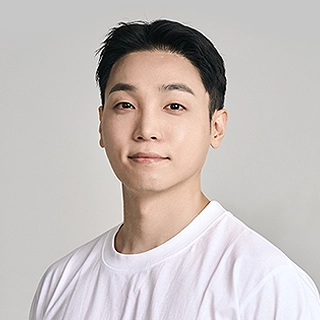
3D Artist, Hyunsup Ahn
[Current]
Freelance motion designer
[Previous]
LOCUS VFX STUDIO modeling artist
GIANTSTEP VFX Team’s modeling artist
Projects & Awards
The First Descendant Cinematic Trailer
Onmyoji: orochi Cinematic Trailer
Astellia Cinematic Trailer
Lineage 2 Revolution - Orc Cinematic Trailer
Lineage 2 Revolution - 2.0 Update Cinematic Trailer
TERA.M Cinematic Trailer
Seven Knights 2 Cinematic Trailer
Marvel Future Fight 2 Cinematic Trailer
The Hyundai Daegu Brand Film "Create the Future"
Bella Hadid NFT Teaser: CYBELLA
2022 IU Concert "THE GOLDEN HOUR" VCR
IU - Strawberry Moon MV
J.Balvin - Azul Offical Animated MV
Astro - U&Iverse MV
Loopy - Ana MV
KEY - Bad Love Mood Sampler
2023 PAUSE FEST "MARSSISM"
2018 PAUSE FEST "DREAVELER"
Class Highlights
VFace Source Application Guide for C4D Users
Learn the unique structure of VFace source’s scan data, created using the RGB color mixing method, which offers a high level of quality and flexibility. Discover how to customize this data in detail using C4D and OctaneRender.
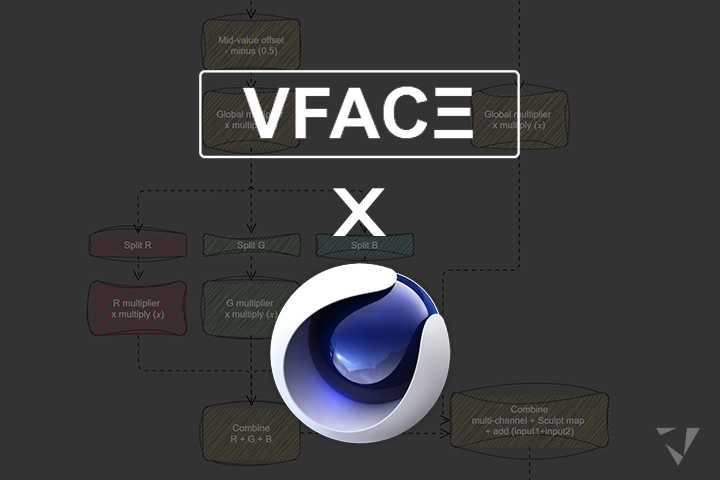
Create with a Higher Level of Detail and Efficiency
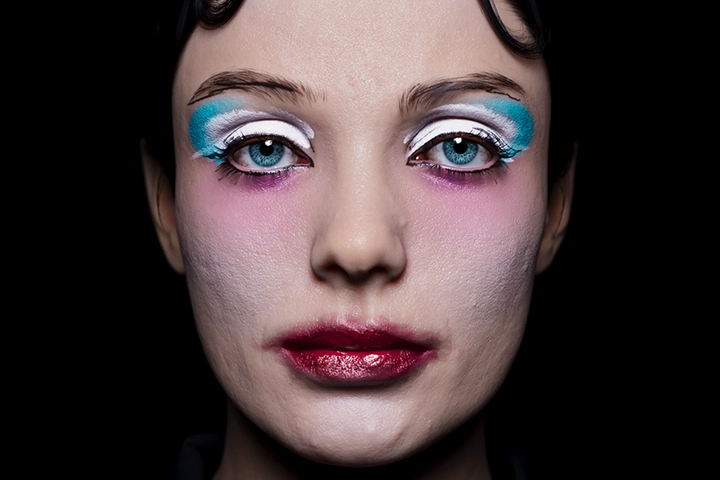
The instructor will share his know-how when it comes to incorporating optimal processes that preserve every detail of the character, including skin texture, color expression, hair, pupils, and teeth, the easy and fast way.
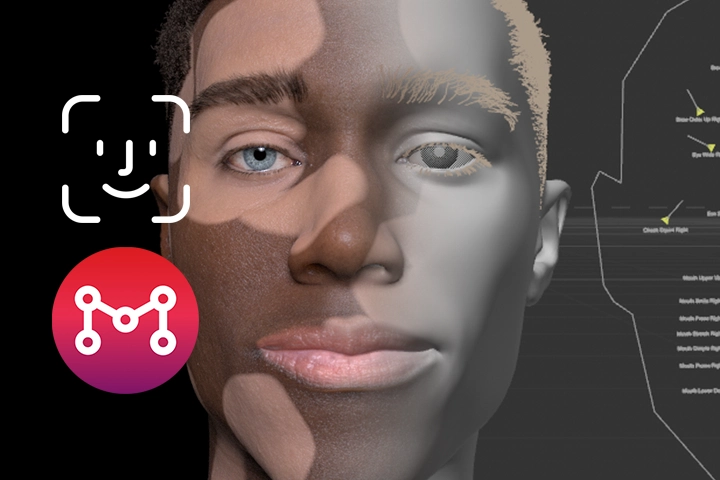
Effortless Face Rigging and Animation
When we are trying to create a realistic representation of a character, working with facial animations often poses the most challenges. Learn how to easily and quickly apply facial animations using iOS integration and presets designed specifically for this Coloso class.
Class Details
You'll Learn
-
 SSS Texturing, the Key to Realistic Skin ExpressionsHave you had to improvise and constantly check with your eyes when it comes to SSS, one of the most useful features for depicting the skin realistically? Learn how to create realistic skin textures for any situation or character through the principles of UV and SSS, transforming your understanding from intuition to precise data.
 -
 Utilizing VFace Sources in C4D, in the Most Optimal WayDiscover the most efficient customization methods in C4D based on an understanding of the unique texture structure of VFace sources, featuring high quality and flexibility.
 -
 Face Shape CustomizationUse Move Brush to change the shape of the face, and learn how to apply Pose Morph to the face. Create your own character by customizing realistic facial shapes using nothing but C4D features.
-
 Adding Unique Features to Your CharacterLearn different customization skills, including the makeup guide using the 3D Paint, adding motion tattoos, and changing skin colors, to add distinctive features to your character.
 -
 Using C4D Hair Skills to Add Details to the HairUnderstand what C4D hair features can do, and practice depicting hair and beards using 4 exercises to master the skill of creating realistic hair features.
 -
 Creating Face Animations Using Face Rigging and iOSUse presets specifically designed for this Coloso class to rig faces, integrate with iPhone/iPad to load recorded facial expressions onto your character and easily create face animations.
- Unlimited Access
- Best Price
Buy now, get unlimited access.
12/31 (Sat) (UTC-7) Special offer ends soon.
This special offer ends soon.
Buy now and save!
Curriculum
In-Depth Look
SECTION 01. Intro
01. OT
- About the class
- About the instructor
- Source purchase links and source file description
SECTION 02. Creating the Base Face with Scan Data
02. Intro to SSS
- Subsurface scattering using C4D and Octane
03. XYZ Dismap Applications
- Learning about the RGB Dismap structure of TexturingXYZ and applying it to C4D/Octane
04. Depicting Skin Textures (Caucasian/Asian/African/Elderly)
- Creating lifelike skin textures using Random Walk SSS
05. Lip Texture + Making the Eyes and Tears
- Applying a different texture to the lips using lip masks
- Creating a texture for the eyes using eye texture sources from FlippedNormals
- Applying the provided tear sources and creating tear materials
06. Creating Eyelashes
- Creating eyelashes using C4D hair
07. Creating Eyebrows
- Creating eyebrows using C4D hair
SECTION 03. Face Customization
08. Intro to basic ZBrush Interface and Creating Face Shapes
- Intro to basic ZBrush interface
- Changing the face shape using Move Brush
09. Intro to Basic C4D Sculpting and Applying Pose Morph
- A quick look at basic sculpting features in C4D
- Applying Pose Morph in C4D
SECTION 04. Skin Customization
10. Makeup Part 01
- Putting makeup on the character using the makeup pack provided by TexturingXYZ
11. Makeup Part 02
- Applying makeup as you like using masks in C4D
12. Mixing Skin Tones
- Applying makeup as you like using masks in C4D
13. Applying Moving Tattoos
- Creating sequences that move according to UV and applying them to the face
SECTION 05. Hair Customization
14. Creating Hair Styles Part 01 (Basic bob)
- Creating a bob cut using C4D hair
15. Creating Hair Styles Part 02 (Caucasian girl hair)
- Styling the hair using C4D hair
16. Creating Hair Styles Part 03 (Short curly hair)
- Creating curly hair using C4D hair
- Making and applying hair length and density maps
17. Creating Beards
- Creating beards using C4D hair
- Making and applying density maps
SECTION 06. Base Rigging
18. Applying Face Rigging / Integration with iPhone to Create Expressions
- Intro to facial presets and applying them to your characters
- Using Move by Maxon to record your face and load the result onto your character
19. Applying Basic Portrait Lighting / ACES and Rendering Settings
- Lighting settings
- Learning about ACES and setting renderings
20. After Effects Post-correction / Closing
- Setting ACES in After Effects
- Post-correction
*The release date of this class, curriculum images, and associated content can be changed without prior notice.
** Class videos may be seperated for a more streamlined viewing experience
Interview with
3D Artist Hyunsup Ahn

What do you think your strengths are when it comes to your work?
I believe it’s the character-related expertise that I gained from working as a modeler in VFX production teams. Before I became a motion graphics designer, I worked as a modeling artist on the VFX game cinematic trailer production teams. Due to the nature of my job, I got to study character modeling a lot. My forte is in the area of realistic/cinematic looks that require character-related knowledge
How is this strength integrated into your curriculum??
I’ve thought a lot about how I could integrate the character-related know-how that I have with C4D, and I’ve experimented with different methods. This class collects the methods that turned out to be successful so that I can help C4D users create high-quality realistic characters more easily.
What is the objective of the class, and what will the students gain from this class?
Recently, the overall quality of video works in the industry has gone up, and so has the demand for high-quality, high-immersion cinematic videos. At the same time, the interest in the realistic 3D characters required for these cinematic videos has also increased. I understand that many C4D users feel overwhelmed by the various tools available to enhance the quality of their character production. The objective of this class is to teach those C4D users how to utilize VFace to create high-quality, realistic characters using just C4D and Octane, without the help of any other supplementary tools.
Any last words of advice or tips to your students or aspiring artists?
Creating personas that can represent you in your personal works is very exciting. Thanks to advancements in technology, we can now create characters efficiently using Unreal and Metahuman. But I’m aware that many C4D users feel stressed out about the need to learn all these different tools. If you are one of those people, this class is for you. Let me teach you how to create realistic characters using just C4D.
I hope that this class will help students create unique, one-of-a-kind characters with all the features they want, without having to worry about which tool to use. I understand that many C4D users feel overwhelmed by the various tools available to enhance the quality of their character production. The objective of this class is to teach those C4D users how to utilize VFace to create high-quality, realistic characters using just C4D and Octane, without the help of any other supplementary tools.
Required Programs
This course will use
- Cinema4D 2023 R26 or higher
- Octane Renderer 2022.1.1
- Photoshop 2022
- Aftereffects 2023
- Zbrush (Optional)
Please purchase and install these program(s) for an optimized chapter experience.
*These programs and/or materials will not be provided with the chapter.
*Since this class requires the use of VFace sources to create realistic characters, students will need to purchase VFace sources separately.
*Face rigging presets
- Where to purchase the presets : https://jeongseok.gumroad.com/l/mbm_vface_preset
- The face rigging presets designed specifically for this class can be purchased via a separate link at a discounted price offered exclusively to Coloso students.
- “chapter 18: Face rigging using facial presets” will require an iPhone/iPad due to the nature of the presets.
Recommended Class
Like this class?
Then check these out!