TH-[Dictionary]3dartist,ddangking_땅킹KR Details
Intro

Now in Your Language, Only on Coloso!
Learn from Top Creative Experts Worldwide
-
 Hands-on practice through 100 practices
 -
 Tips on how to create cute 3D artwork for SNS
 -
 Beginner-friendly lectures by
a popular Blender artist
Beginner-friendly lectures by
a popular Blender artist
Class Intro
3D Artist, DDangking
“Rapidly build your skills by creating a wide variety of artwork using Blender.”
A Beginner-friendly Guide to Blender by DDangking
From 3D Characters to Isometric Art
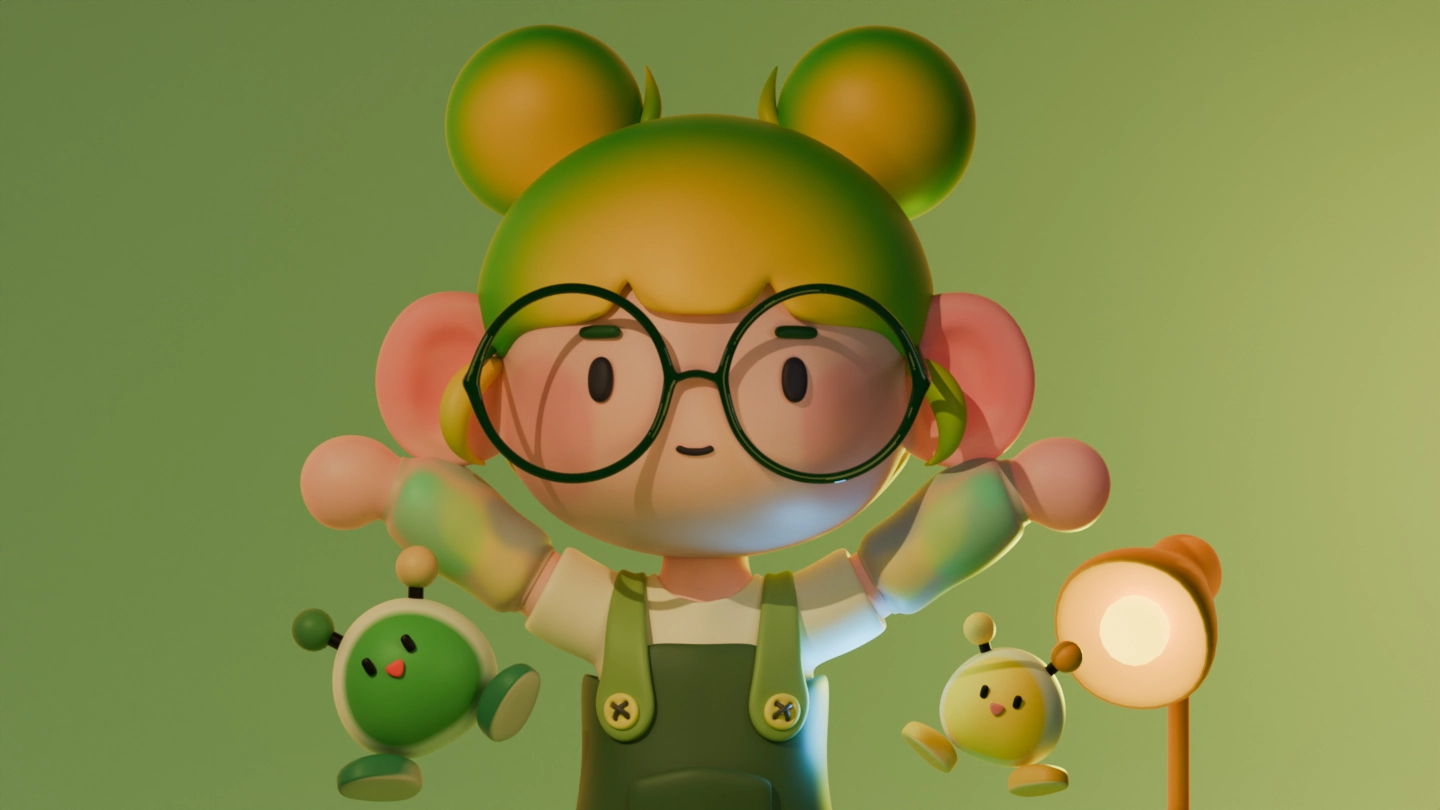
From adorable profile characters and spatial composition to interior design and soft, charming animations, this course brings together all the techniques for creating emotionally rich artwork in one place.
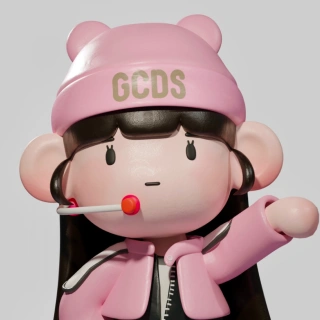
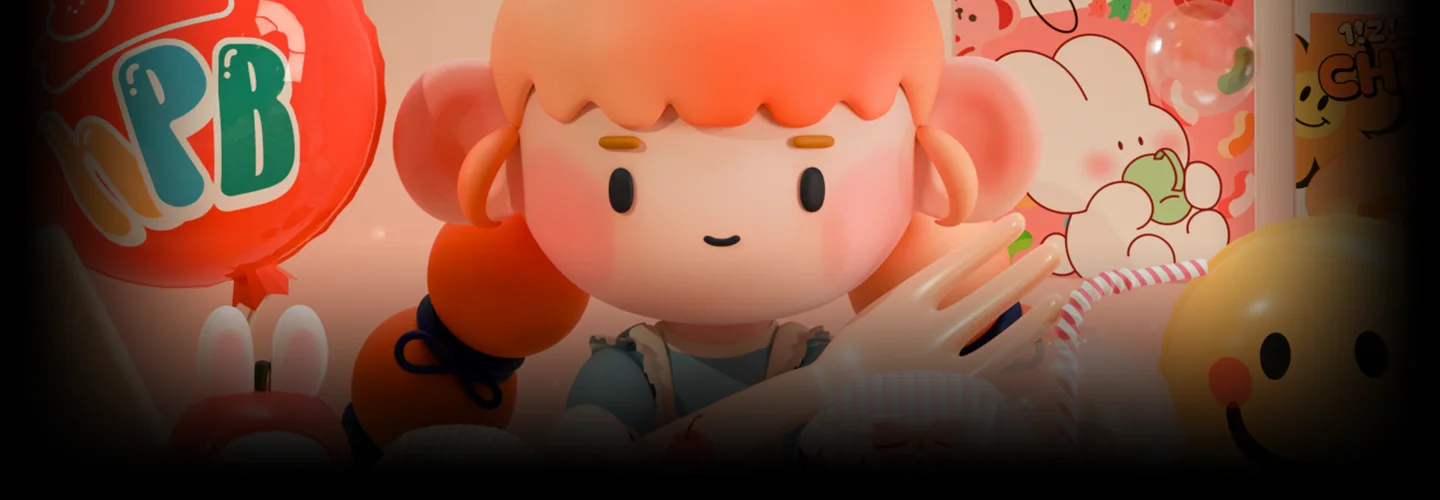
DDangking, one of the most talked-about Blender artists at the moment, shares beginner-friendly skills and a warm, fairy tale–like art style designed especially for newcomers.
DDangking, one of the most talked-about Blender artists at the moment, shares beginner-friendly skills and a warm, fairy tale–like art style designed especially for newcomers.
Have you ever felt overwhelmed by Blender’s countless features, unsure where to start? In this course, you’ll learn everything from the basics of modeling with 50 essential Blender functions to trendy coloring techniques and lighting methods that create distinct moods for each style.
It’s time to start creating your own soft and captivating 3D artwork.
It’s time to start creating your own soft and captivating 3D artwork.
Class Preview
Still Not Sure?
Check Out DDangking's Class Preview!
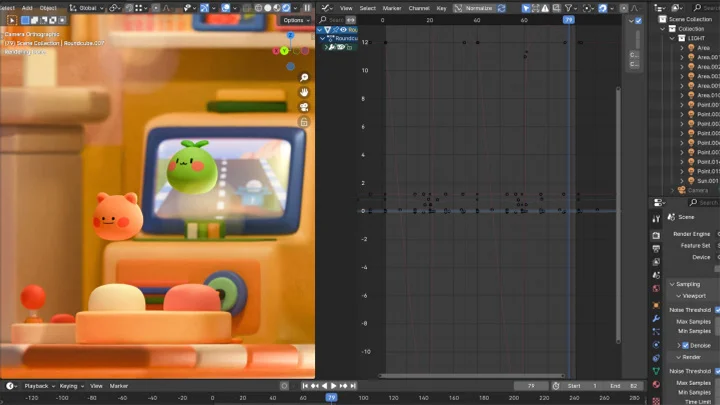
19. Applying Depth of Field in Rendering to Enhance Quality
- Apply depth of field in rendering to improve overall visual quality
- Set up lighting and render the scene
Class Perks
Exclusive Benefits for DDangking's Blender Beginners Class
-
 Easy to follow, even with no prior experienceCombines core Blender theory and skills
 -
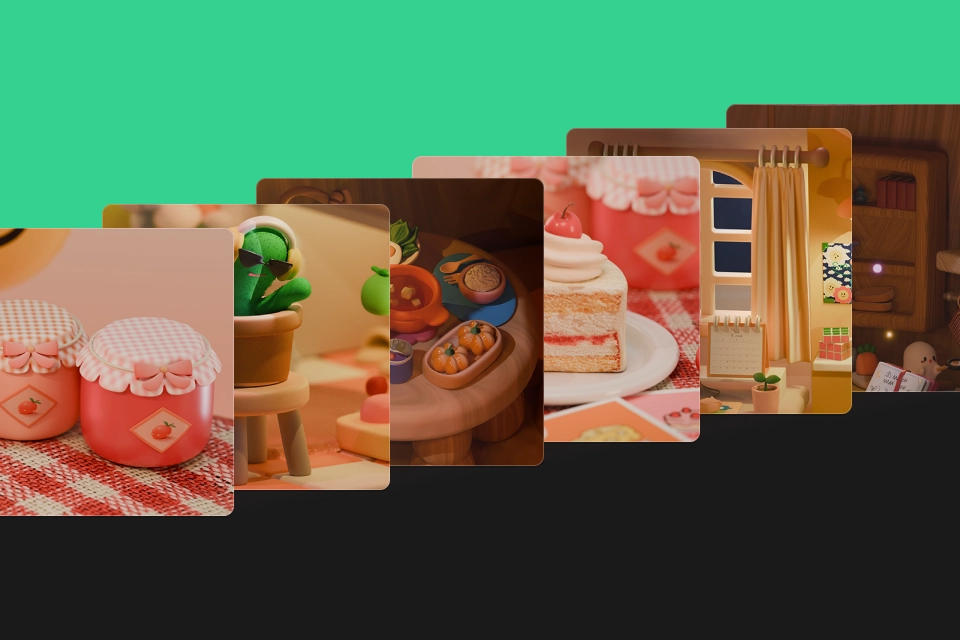 Create cute 3D artwork in your own style100 hands-on Blender workshops
 -
 Deep dive into functions to boost workflow efficiencyEssential Blender shortcut collection
-
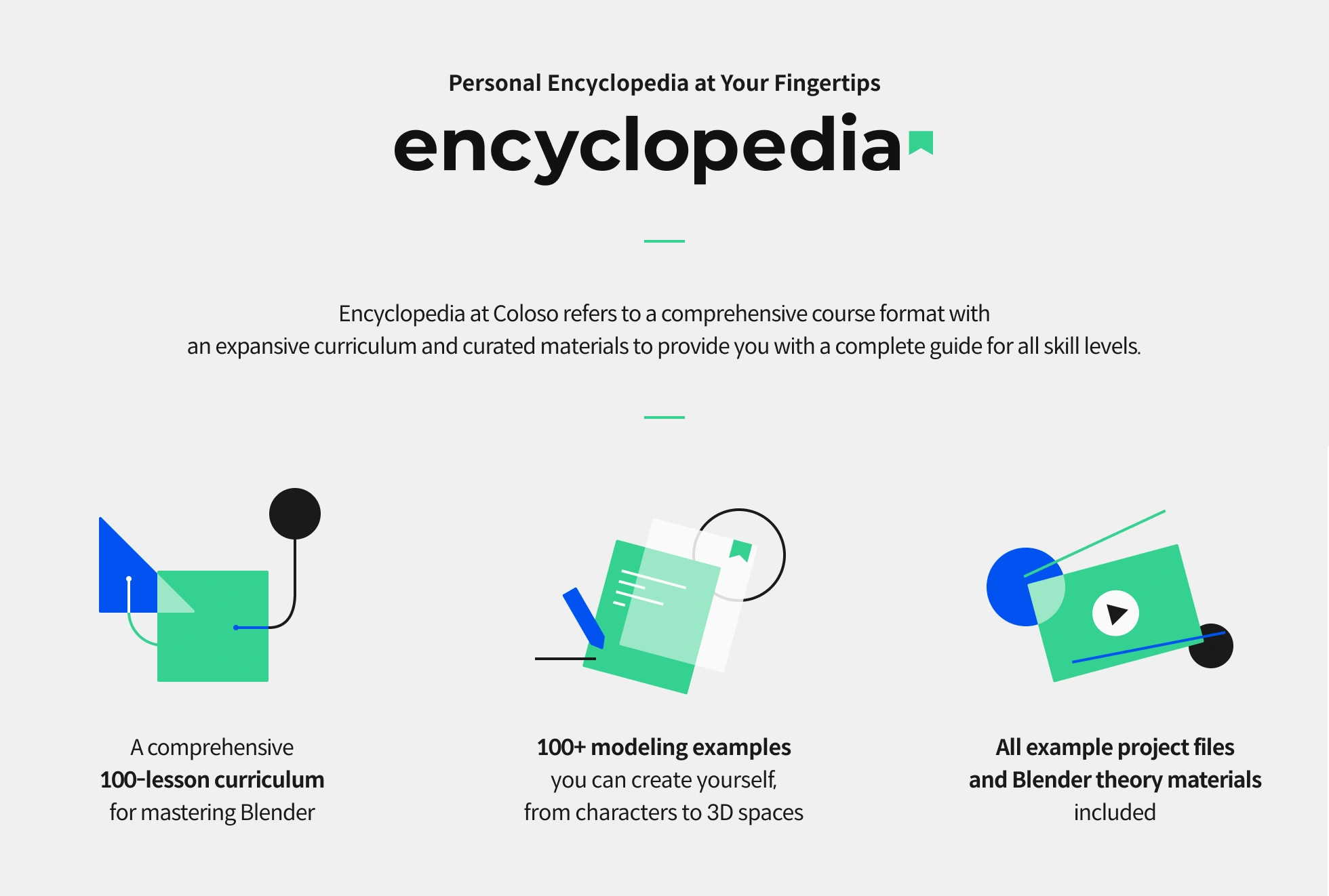
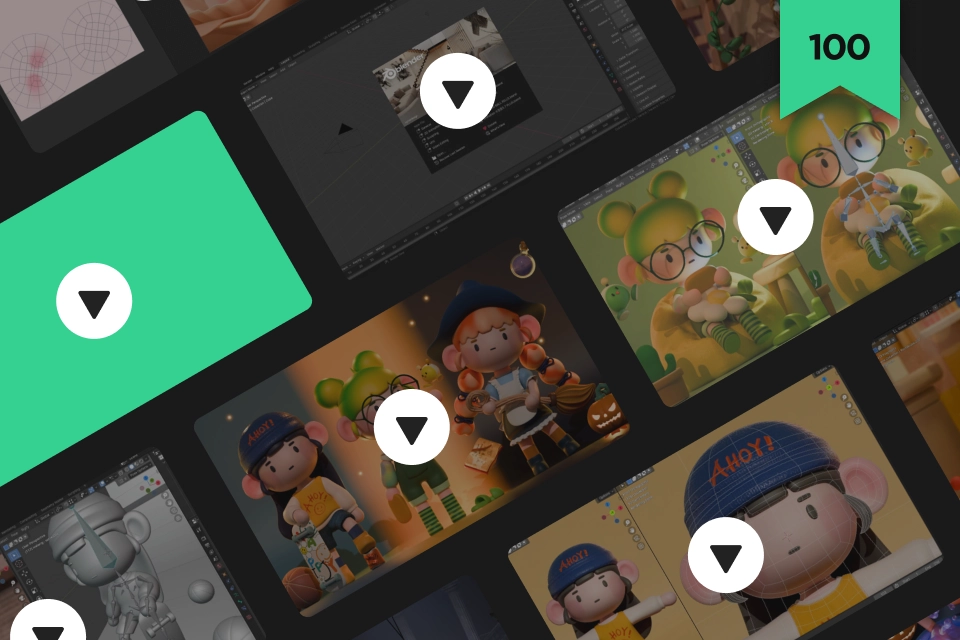 From basic modeling to animationPacked curriculum with 100 lessons
 -
 Know-how from collaboration to exhibitionsIncludes original files to study real workflows
 -
 Invitation to a Discord Q&A communityDedicated space for DDangking's students
Class Material Details
-
 Blender source files for practice- Happy Birthday
> 15 types of equipment and food

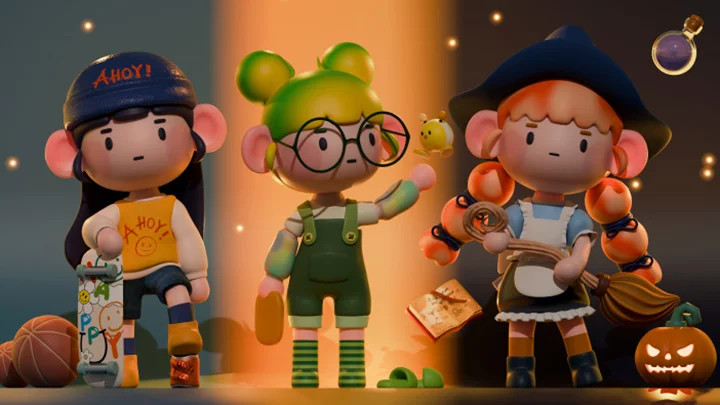
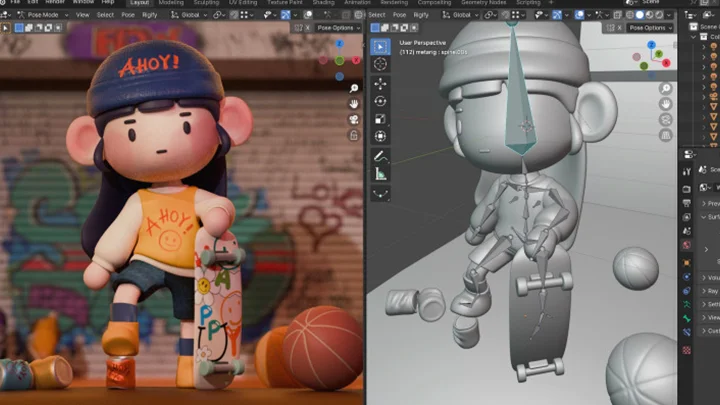
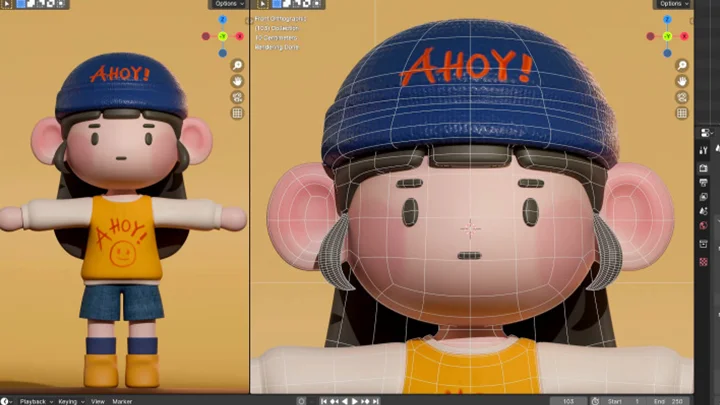
- Create a profile character in your style
> Create a basic character model
> 3 character outfits and 18 types of objects
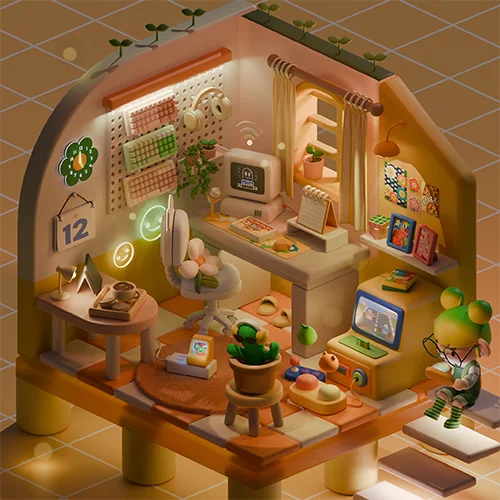
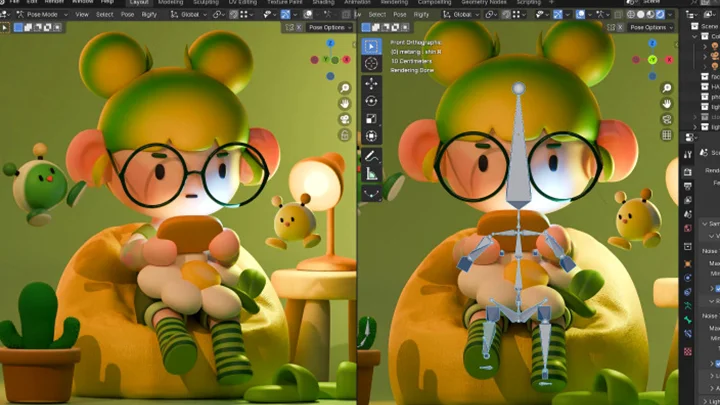
- Jelly’s secret workspace
> Basic isometric structure
> 8 types of furniture, 21 types of objects, and 4 types of plants
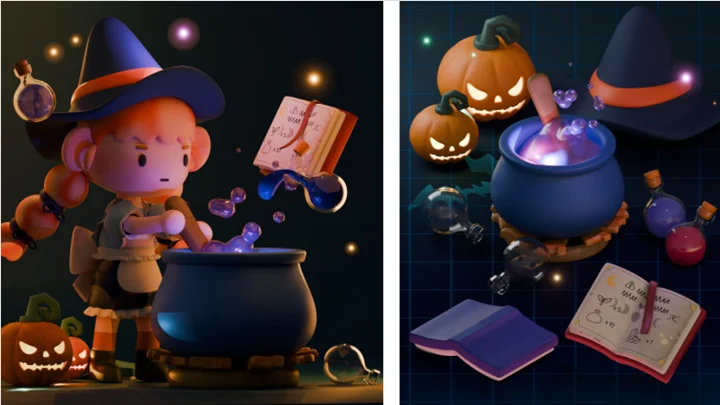
- The little witch’s mysterious dinner
> Oval isometric structure
> 7 types of furniture, 4 types of food, 14 types of objects, and 3 types of animals -
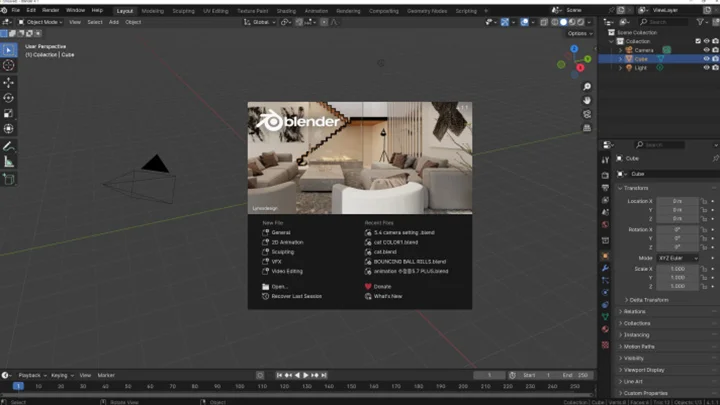
 Core theories for creating objects and character models- Blender interface and screen settings
- Creating and modifying object shapes
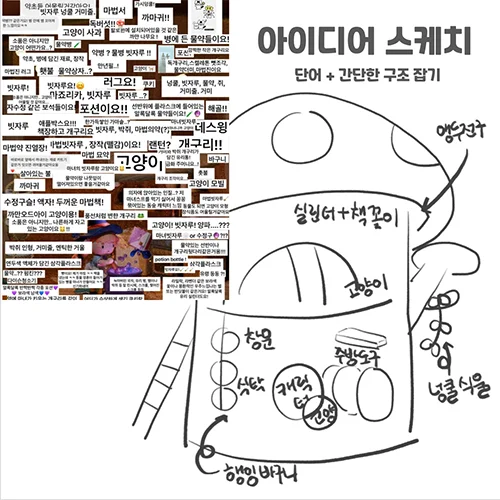
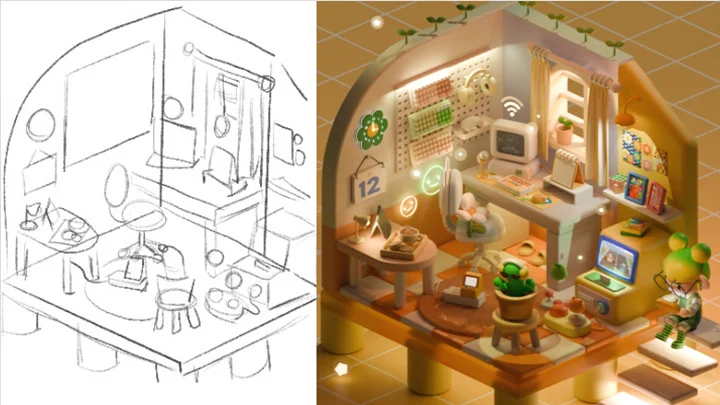
- Sketching and storyboard concept planning
- Character creation process
- Isometric creation process
- Object modeling: Bevel, Cloth Simulation, Curve, Screw
- Character modeling: Round Cube
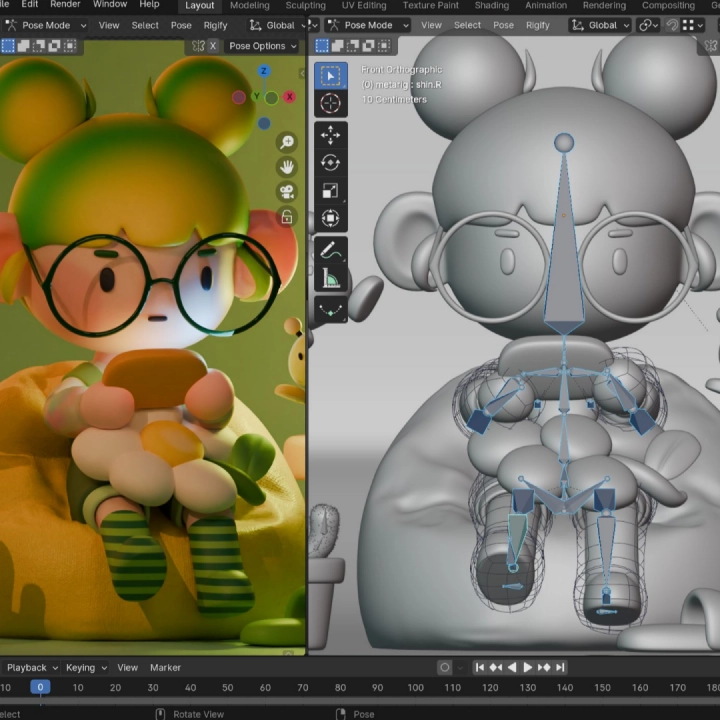
- Rigging: Mesh Deform
- Environment setup with HDRI
- Adding materials and adjusting color tones
- Texturing: using Nodes, Musgrave, Noise Texture, Wave Texture
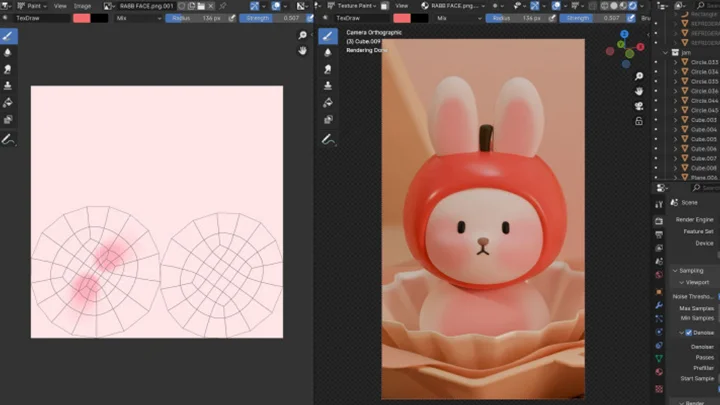
- UV Unwrap > Texture Painting
- Lighting setup and rendering
- Depth of field -
 Blender Isometric and animation theory- Isometric creation process
- Modeling: Modifier, Boolean, Bevel, Vertex Group, Hair Particle, Text Object, Array, Subdivision Surface, Grease Pencil, Inflate
- Texturing: Display materials, applying images to objects, Cold Texture
- Animation workflow
- Keyframe Animation
- Bouncing Animation
- Physics Simulation
- Material Animation
- Image Animation
- Metaball Animation
- Rigging Animation
- Camera Animation
Recommendation
Who should take this class?
Beginners who want to try creating 3D characters in their own style
Those who enjoy arranging 3D spaces and various decorations as a hobby
Those who want to create 3D artwork on their own, from modeling to animation
3D Artist DDangking's portfolio, featuring distinctive cute works
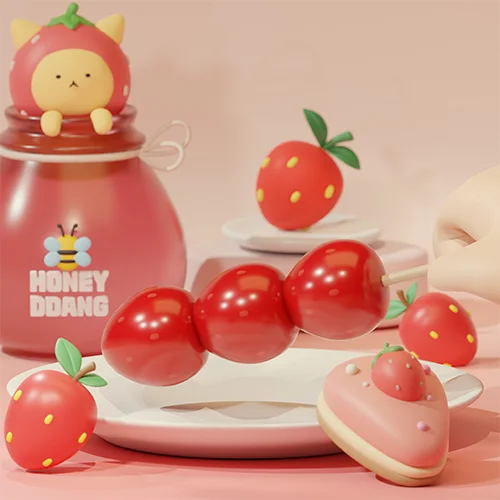
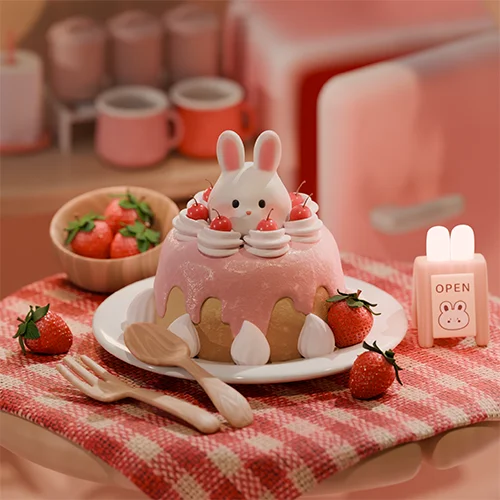
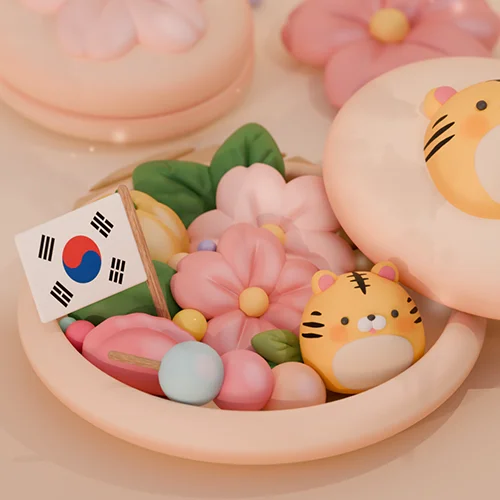
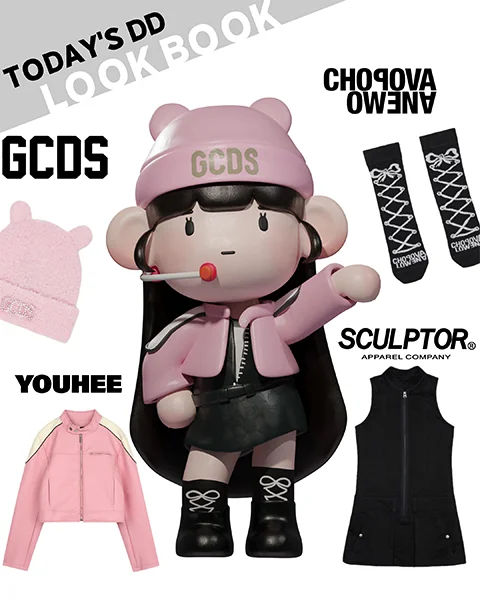


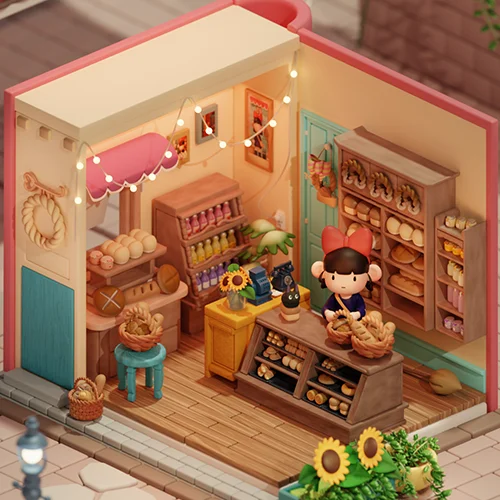
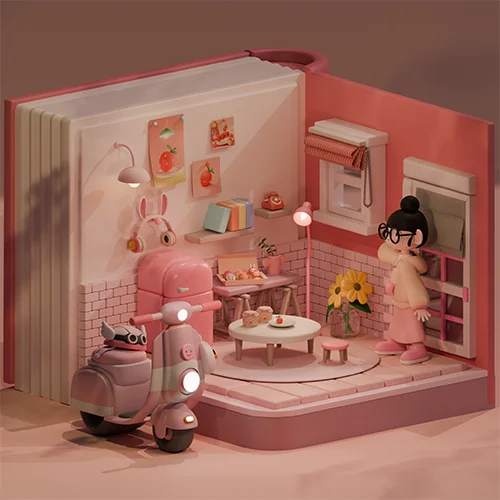

All-in-one 3D artwork in a single course! Turn your hobby into masterpieces with Blender.
From everyday objects you see around you, custom characters created based on your own concept for a new profile, detailed and realistic isometric scenes, to animations that move naturally with a cute, lively touch – if you’ve ever felt overwhelmed and hesitant to start because the program seems complex, even though you want to create what you love, you can begin with DDangking’s 100-lesson course that is both detailed and beginner-friendly.
We teach step by step, from the fundamentals of 3D art, concept planning, sketching, modeling, texturing, animation, all the way to rendering, so beginners can easily follow along. Once you build a strong foundation through practice, impressive artwork that reflects your personal style will come to life. Start experiencing the charm of creating 3D art in your own style with Blender today!
Get Ready for the Real-World
Master 3D artwork in Blender through 100 workshops
STEP 01. Create 3D artwork with basic Blender skills
-
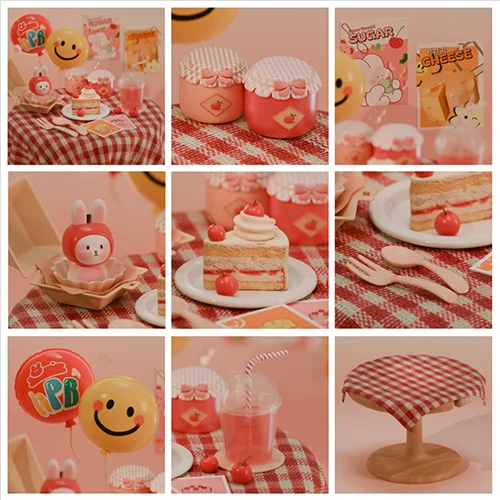
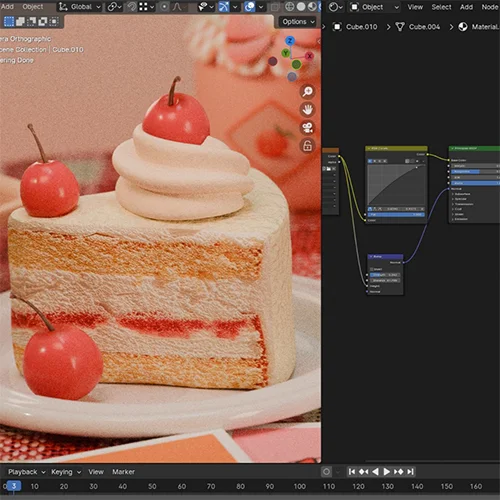
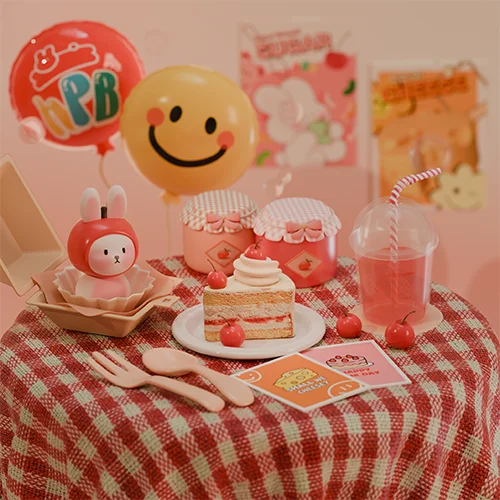
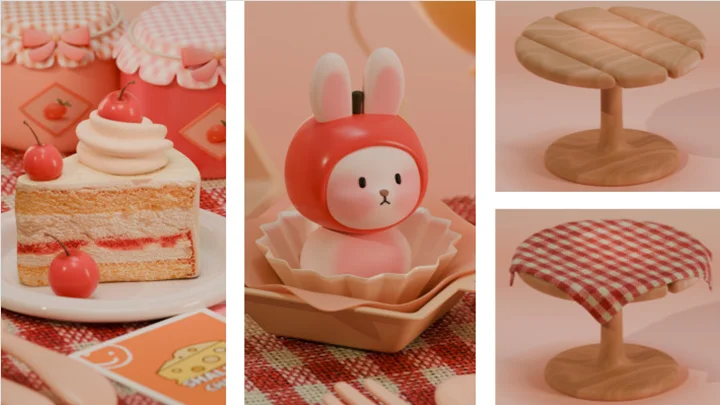
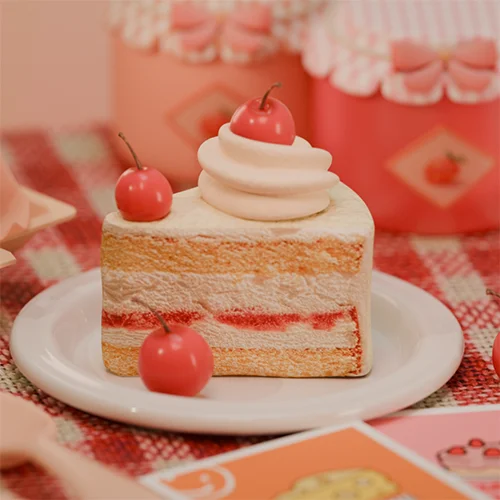 Slice of cake(UV Unwrap, Curve Modeling)
 -
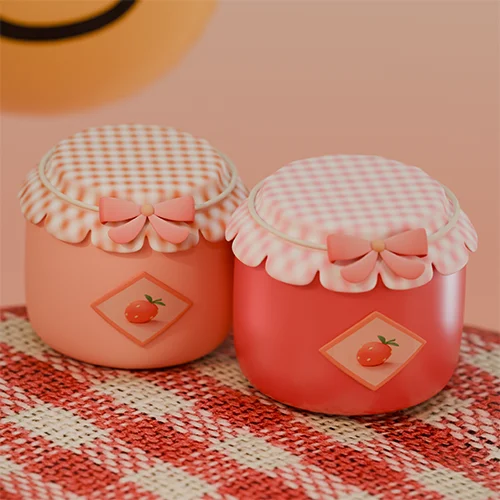 Jam jar(Screw)
 -
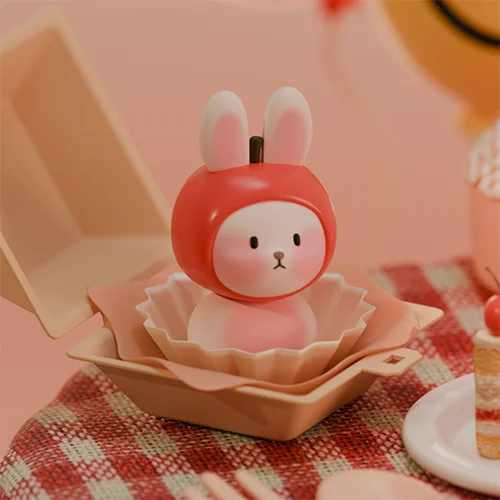 Bunny cake(Round Cube)
 -
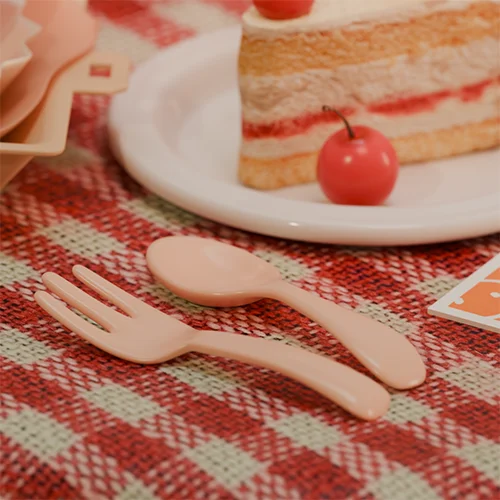 Cutlery(Using basic shapes)
-
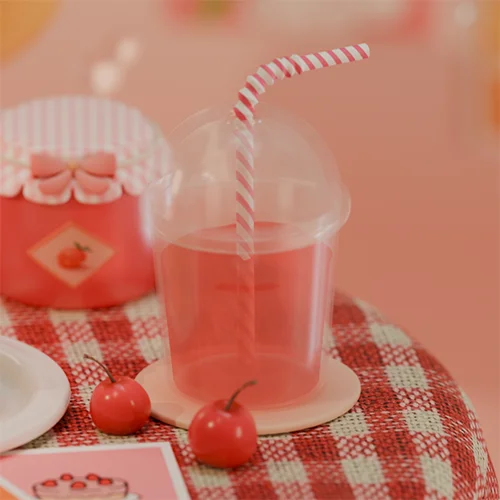 Ade(Inflate)
 -
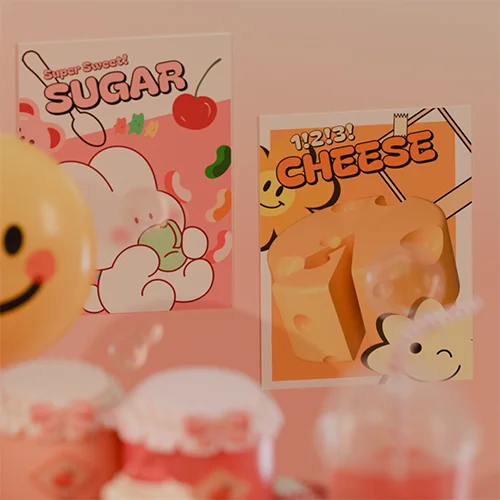 Poster(Inserting images)
 -
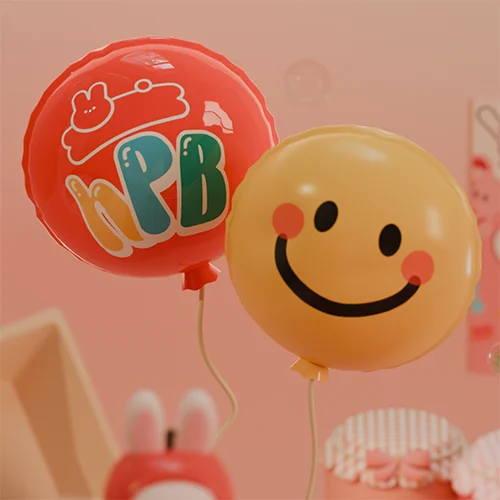 Balloons(Using basic shapes)
 -
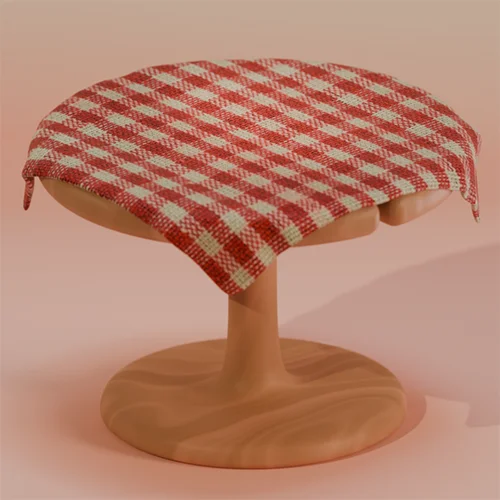 Tablecloth(Cloth Simulation and adding material)
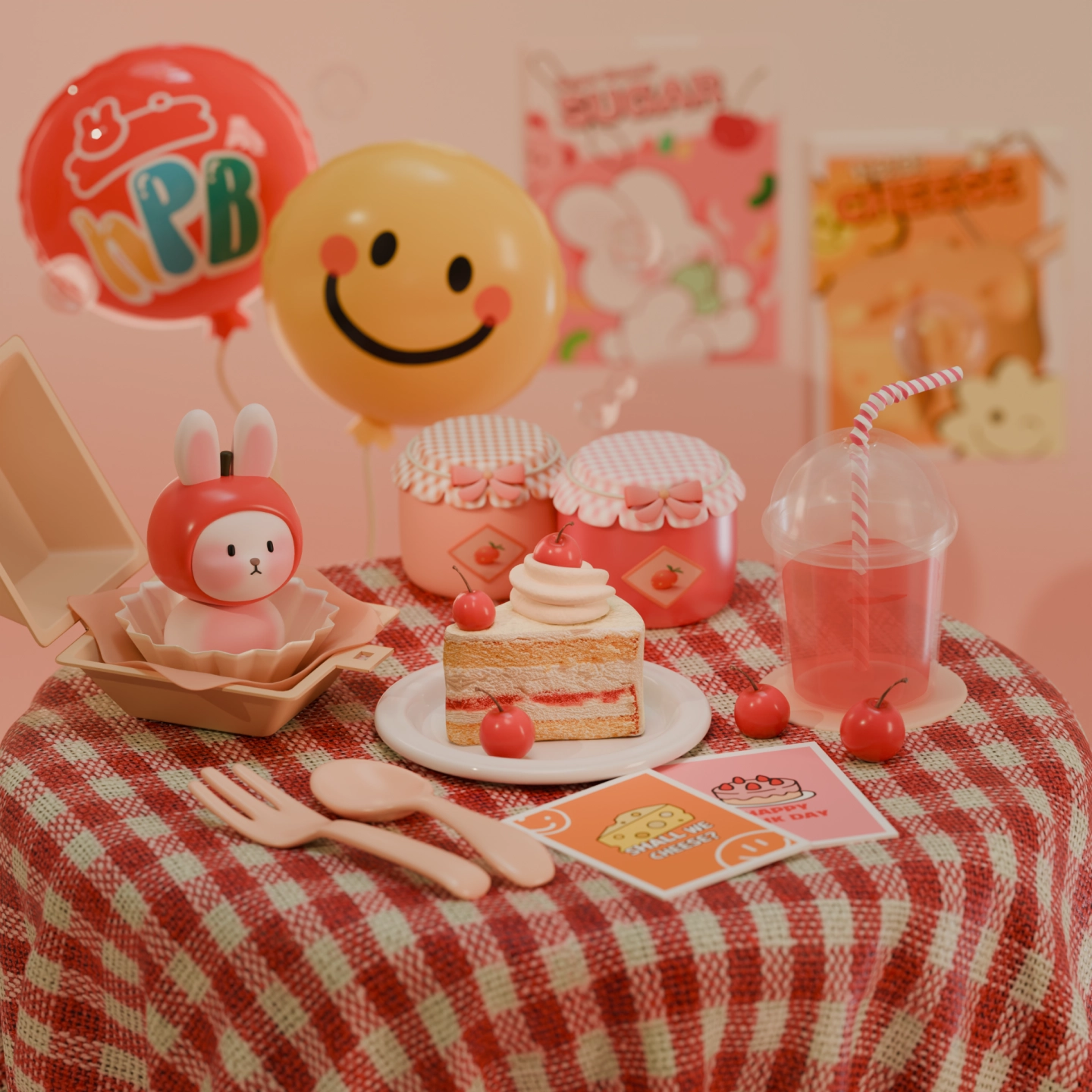
Happy Birthday
STEP 02. Creating profile characters in your own style
-

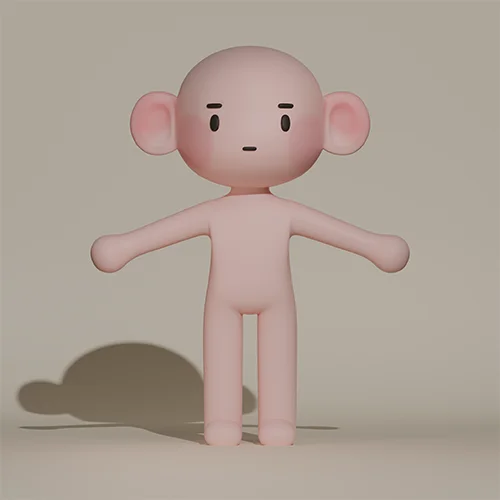 Face and body modeling(Round Cube)
 -
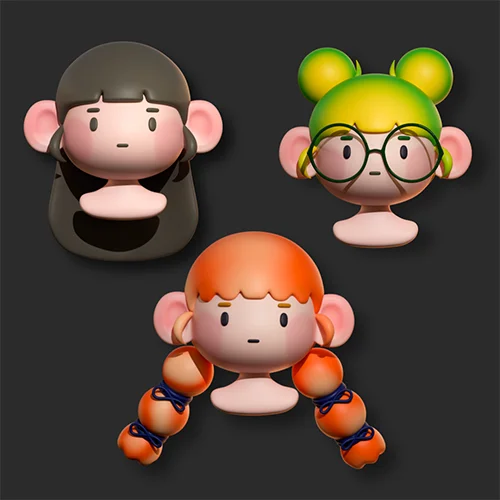 Hair modeling
 -
 Clothing modeling
-
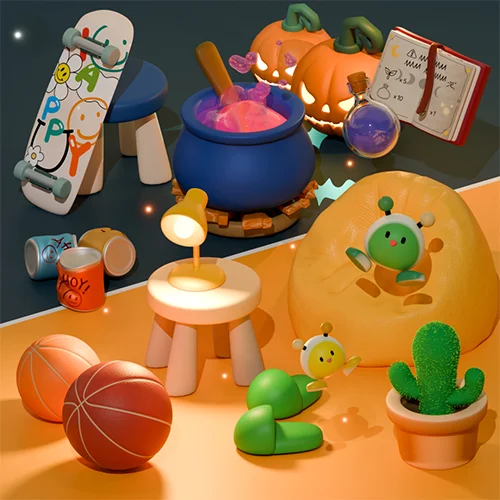 Object modeling
 -
 Posing
 -
 Completing your character
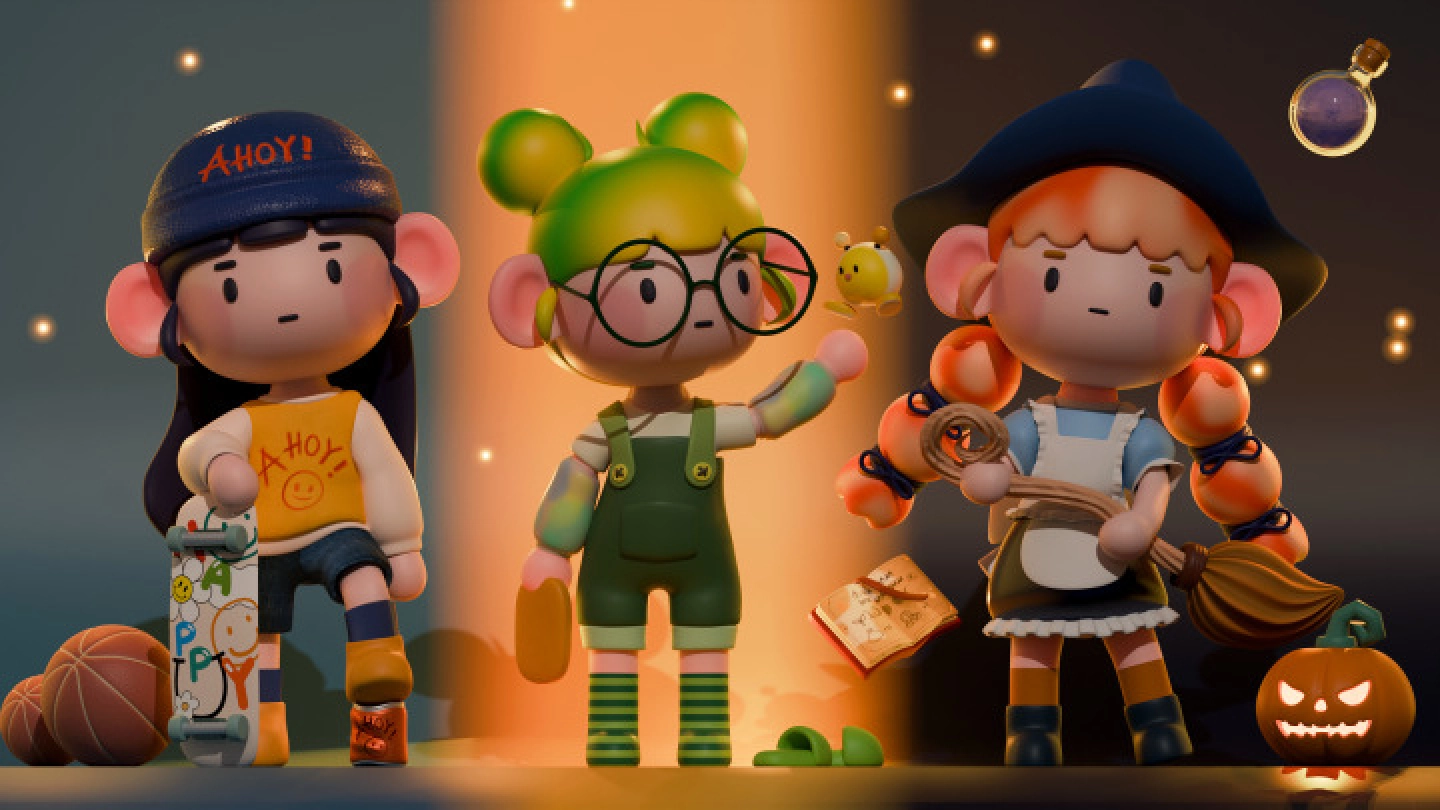
* These images are based on actual class exercises.
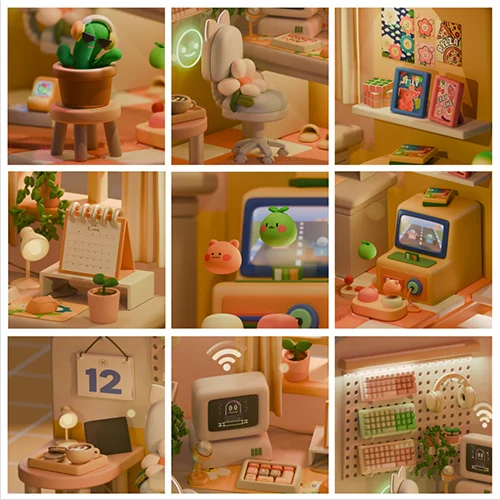
STEP 03. Compositing an isometric space
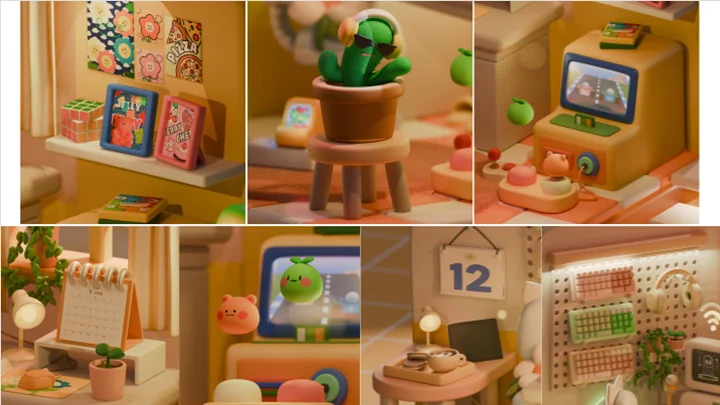
-

 Computer(Video Texture)
 -
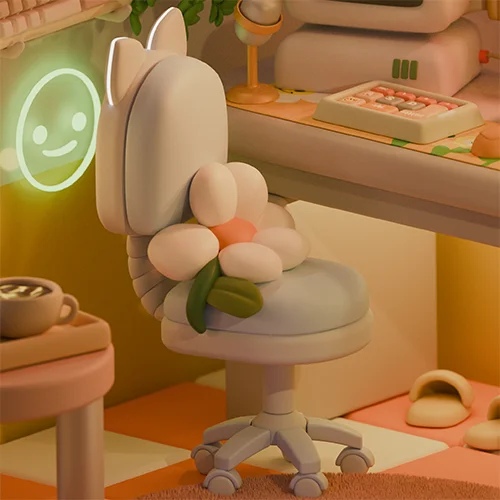 Rolling chair(Bevel Modifier)
 -
 Game machine and joy stick(Modifier)
-
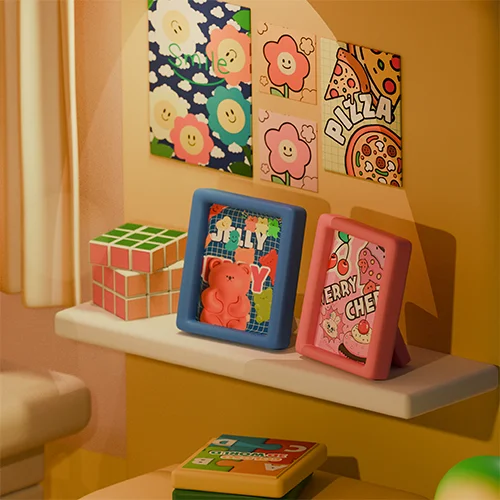 Poster, frame, and Rubik's Cube(UV Unwrap, Array, Bevel)
 -
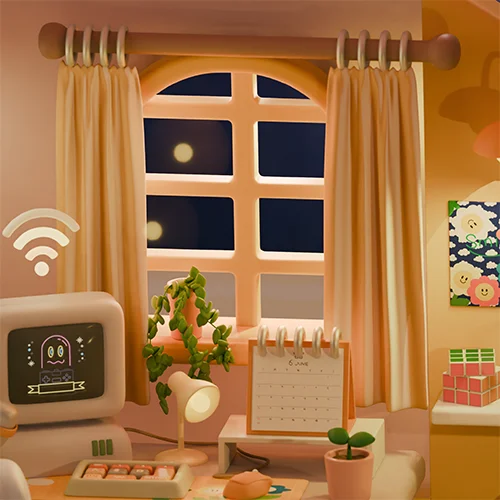 Curtain(Vertex Group, Cloth Simulation)
 -
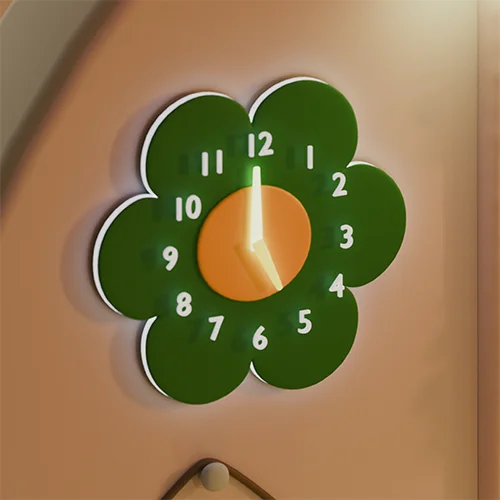 Clock(Text Object)
-
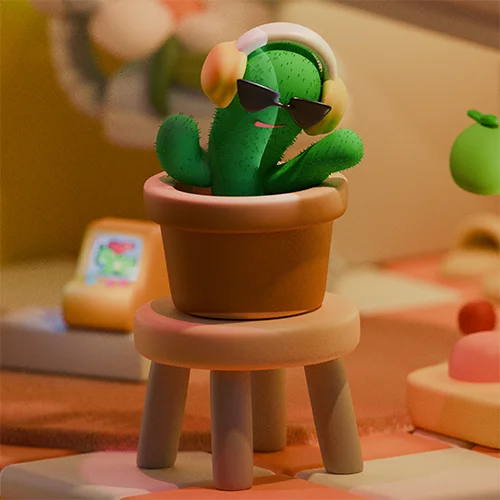 Cactus(Hair Particle)
 -
 Keyboard animation(Keyframe)
 -
 Bouncing animation(Curve)

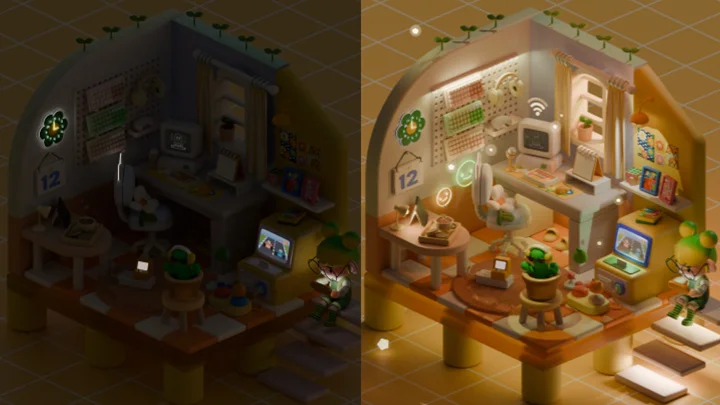
Jelly’s secret workspace
STEP 04. Isometric animation
-
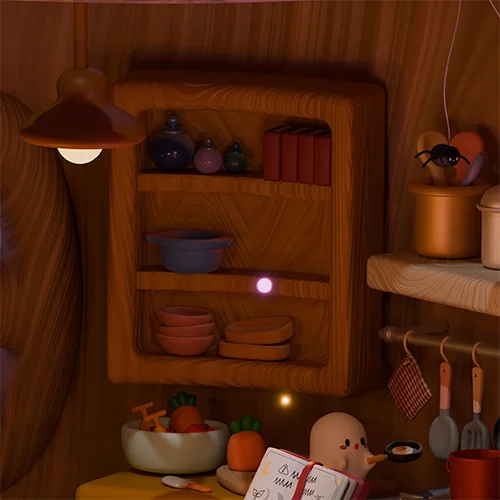 Wall-mounted shelves and kitchenware(Boolean, Bevel, Wave)
 -
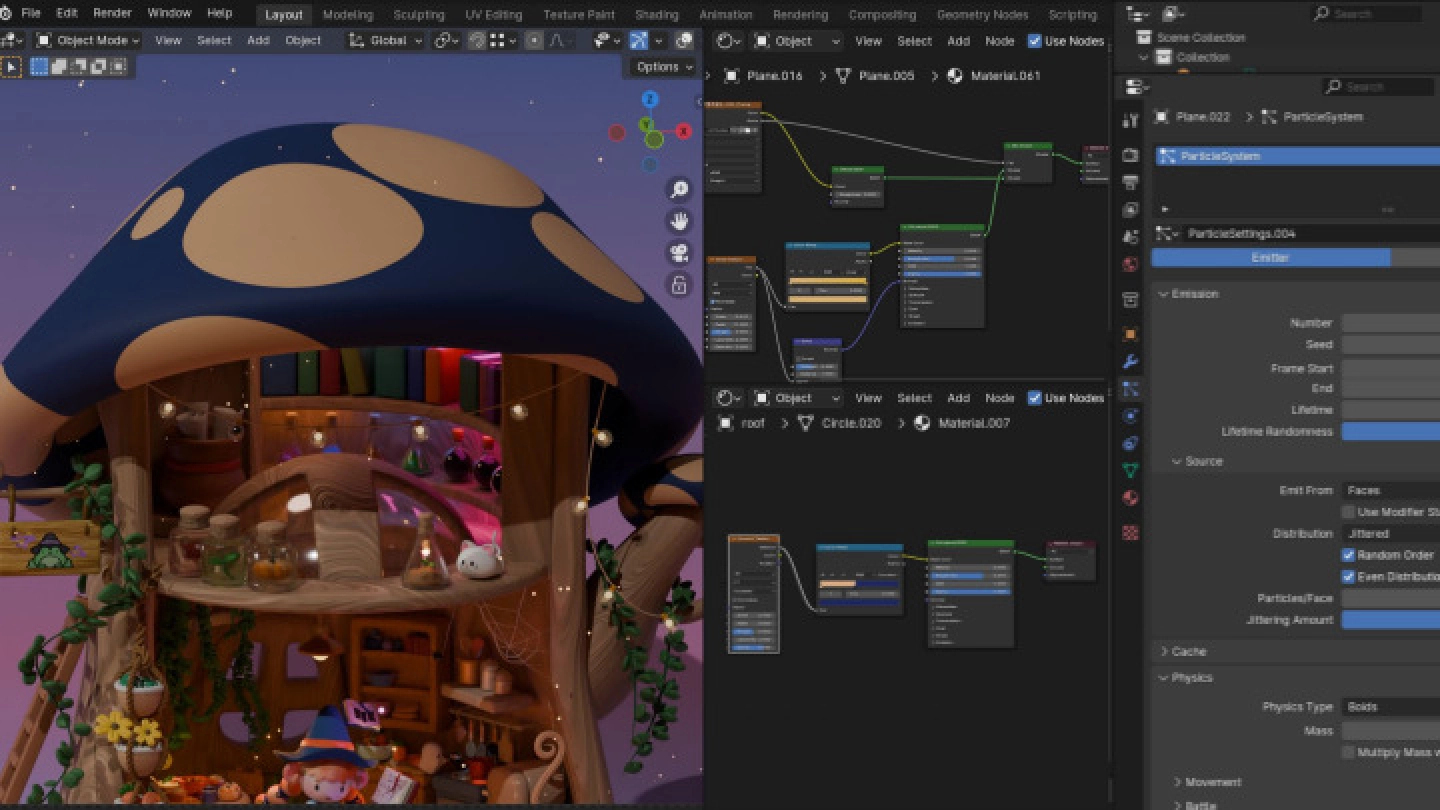
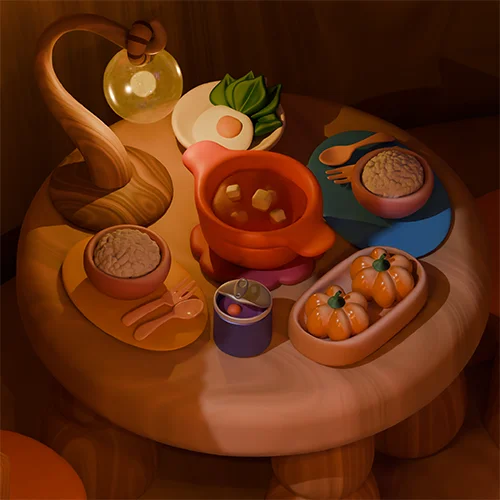 Dinner on the table(Particle, Curve Modeling)
 -
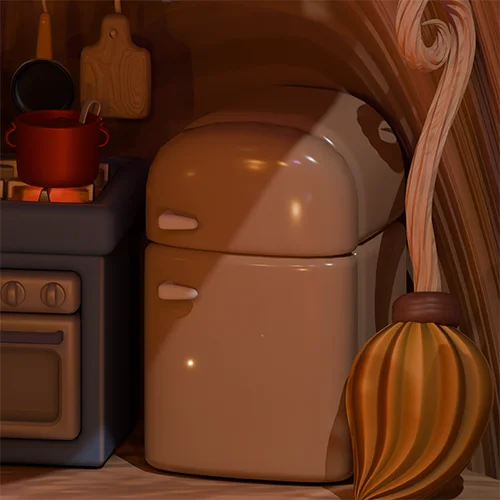 Kitchen(Modifier)
 -
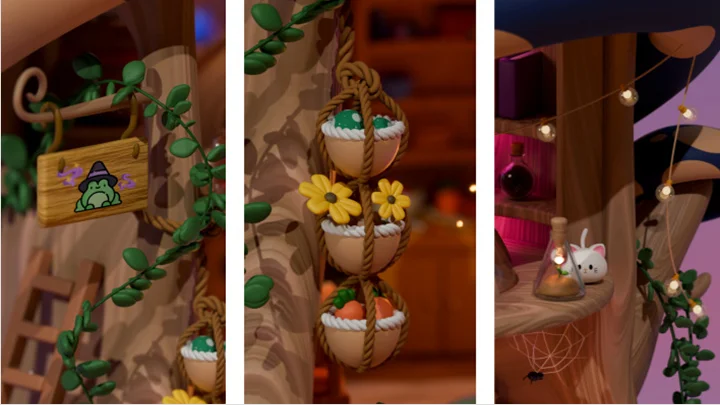
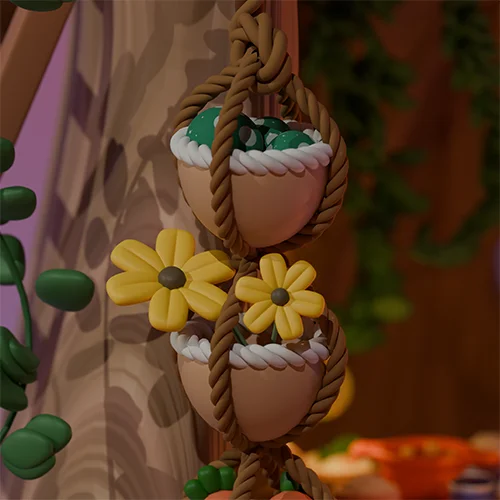 Hanging basket and vines(Curve, Hair Particle)
-
 Dark and mysterious lighting(Material Animation)
 -
 Effect for flame on the stove(Physics Simulation)
 -
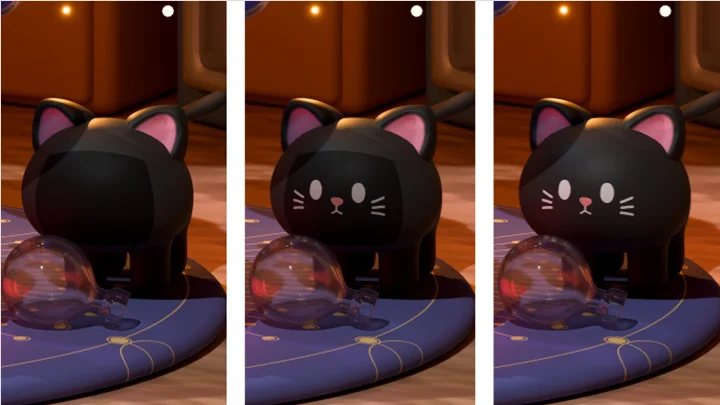
 Blinking cat(Image Animation)
 -
 Cat tilting its head and wagging its tail(Character Animation)
-
 Creating oozy-looking liquids(Metaball Animation)
 -
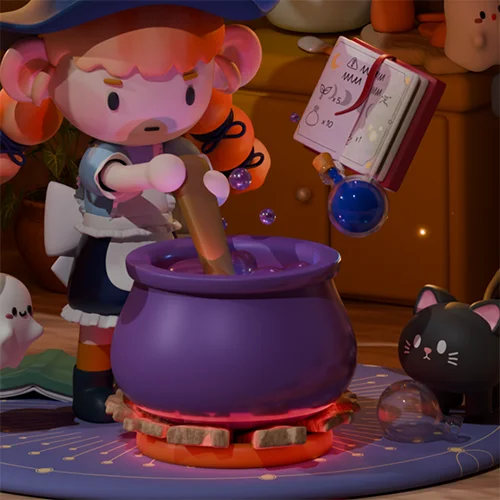
 Cooking little witch(Character, Camera Animation)
 -
 Floating books(Keyframe Animation)




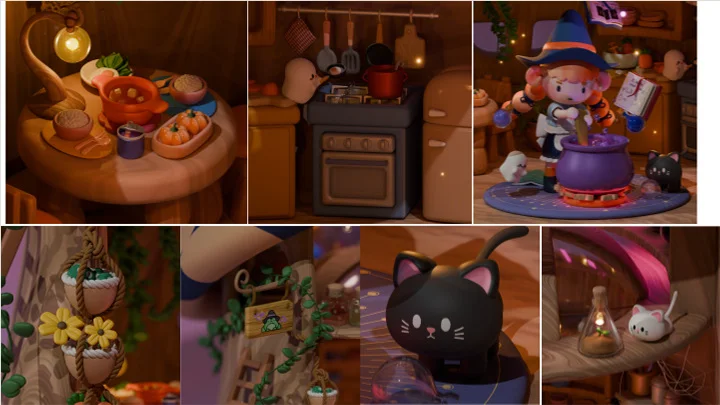
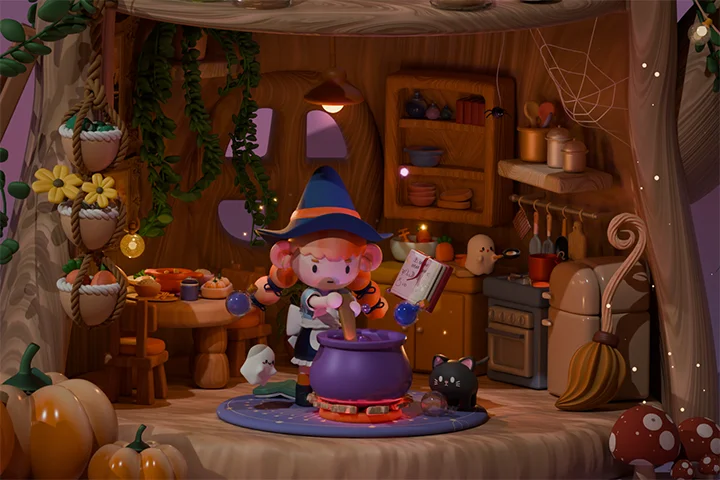
The little witch’s mysterious dinner

In a tiny mushroom hut in the woods, the Little Witch lives with her animal companions.
At first glance, it may look like they are preparing an ordinary dinner. However, mysterious-looking herbs and ingredients can be found in every nook and cranny... Who exactly is the Witch preparing dinner for?
Highlights
Class Highlights
Master Blender quickly and easily, even with no prior experience! A comprehensive guide with 100 in-depth lessons.
Even if you have no knowledge of 3D at all, there’s no need to worry! This course will guide you through 3D art on Blender from installation to 100 diverse workshops. You’ll get hands-on experience with 50 Blender features in detail through over 100 content-rich lessons. Enjoy creating a wide range of 3D artwork—from simple objects to characters, isometric scenes, and animations—all crafted by you.
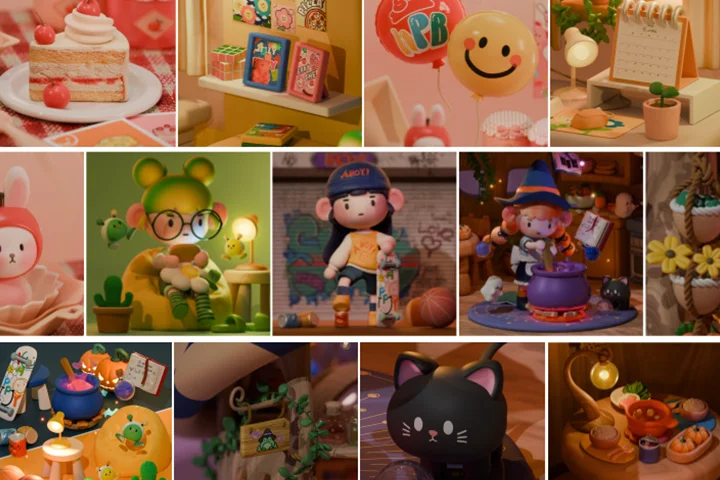
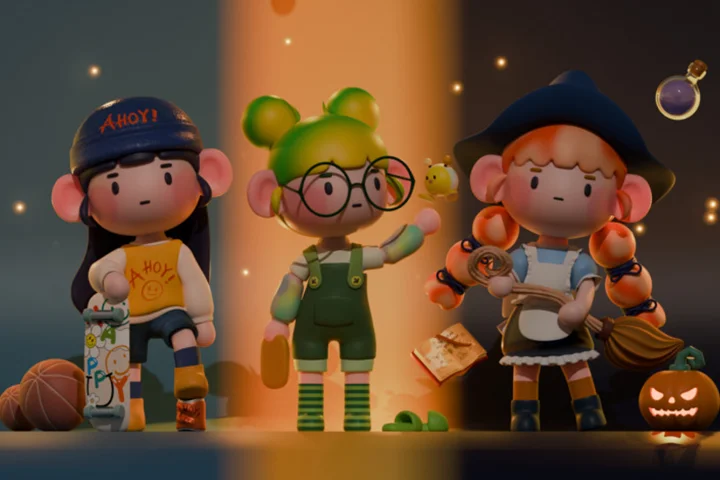
Create your own 3D profile character in your unique style
Try making your own cute 3D character for social media! Learn the full character creation pipeline, from modeling and rigging to animation, while freely expressing your ideas and preferences. You’ll also create characters in three different styles, helping you develop unique and charming character presentations.
Create soft and charming isometric scenes
Bring together dreamy, cute objects and arrange them into a warm, cozy isometric space. Learn how to use modifiers to build detailed and realistic models, create rich textures, and set lighting to achieve a soft, inviting atmosphere. You’ll also explore adding various animations to your scenes, taking your Blender skills to the next level while creating your own unique 3D environments.
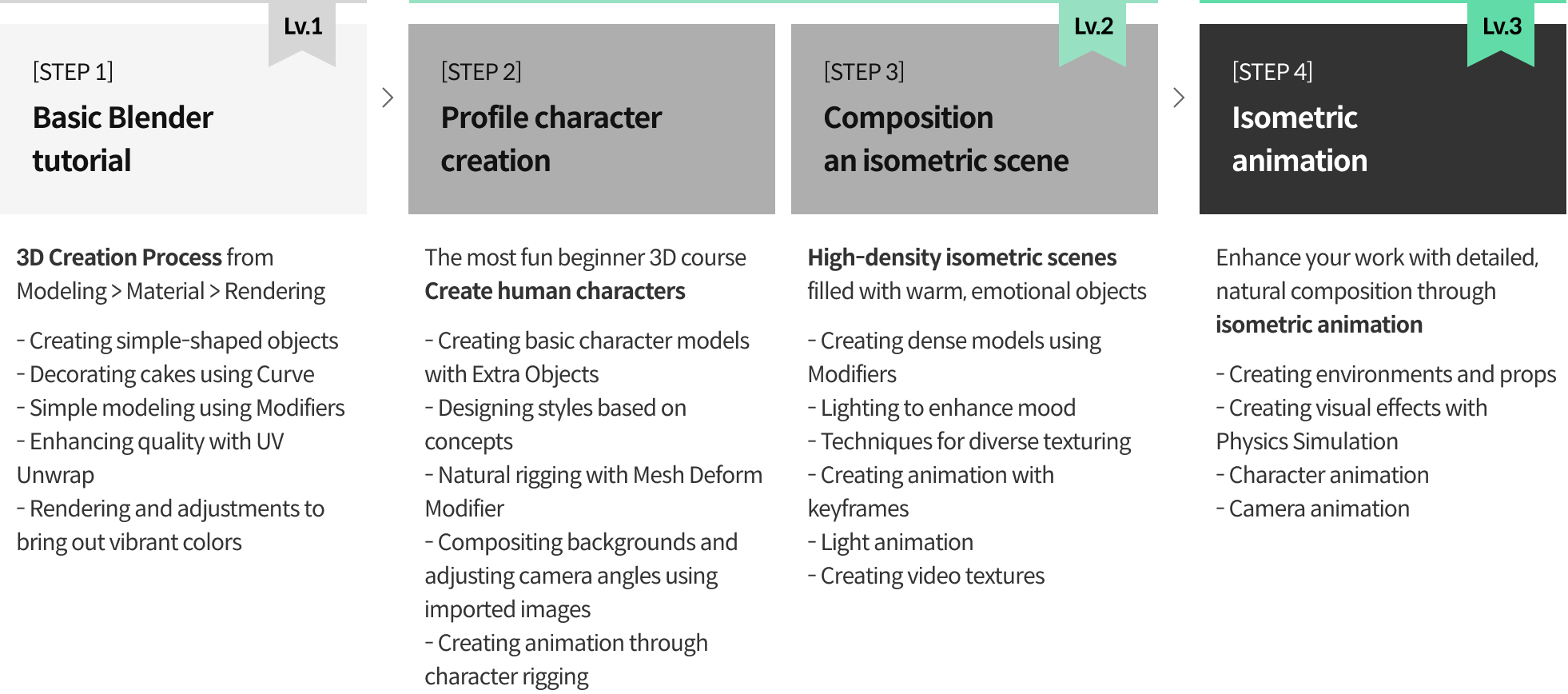
Roadmap
Learn 50 core Blender skills through creating isometric scenes, characters, and animations
Student Review
Top-rated beginner satisfaction, reviews from 3D Artist DDangking’s course
-
 I really love how DDangking repeatedly explains commonly used shortcuts and teaches in such a friendly way. For anyone who’s a beginner and dreams of working in 3D, I highly recommend enrolling in this course right away! I feel so motivated now and can’t wait to start creating my next piece.
 -
 DDangking explains everything so clearly that even beginners can easily follow along. I had tried other courses before but often got stuck and gave up halfway. With this course, because DDangking truly teaches every step in detail, I was finally able to complete my work. I feel so proud! I’ll definitely apply these techniques to my future projects.
 -
 DDangking teaches every step in great detail, making the learning process enjoyable and helping me remember functions very well. I especially like how there’s a review of functions in every lesson. I’m currently majoring in 3D graphics, and I’m really glad I decided to take this course before the semester starts. I think it will help me complete my projects for class much more easily.
 -
 The course content is very comprehensive, and DDangking’s voice, which explains each step calmly, is pleasant to listen to and very easy to understand. Unlike other courses I’ve taken where I usually get bored, this one is never boring. I really enjoy learning Blender!
 -
 When I first started learning Blender, I was completely lost and didn’t know where to begin. But after taking this course, I’m very satisfied because it covers all the fundamentals! DDangking explains everything very clearly, and there are exercises that let you immediately apply what you’ve learned, which really helps with retention.
 -
 It’s truly suitable for complete beginners in Blender. I get so absorbed in studying that I lose track of time.