[Course]3dartist,cartridge102 Details
Intro
Class Intro
3D Artist, Cartridge102
"Animate your character in Blender, then add flair in After Effects to build a skillset that goes beyond the classroom!"
Start Small. Start With Chibi.
There's a character you've always wanted to see move. But every time you look at 3D, it just feels like too much to learn, too far from where you are now.
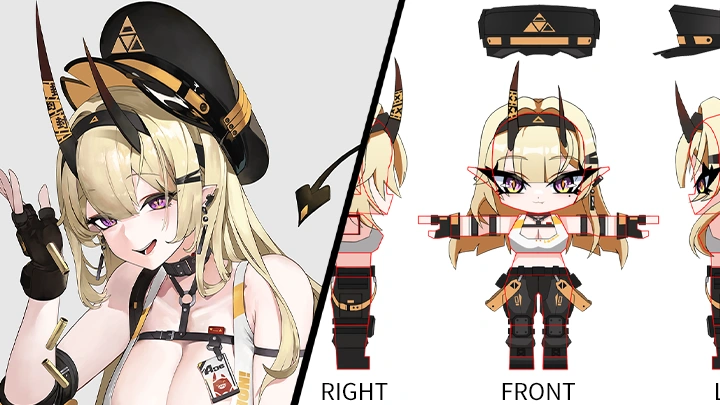
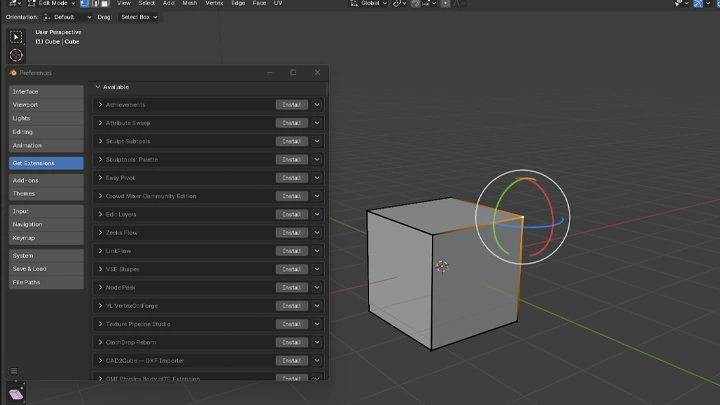
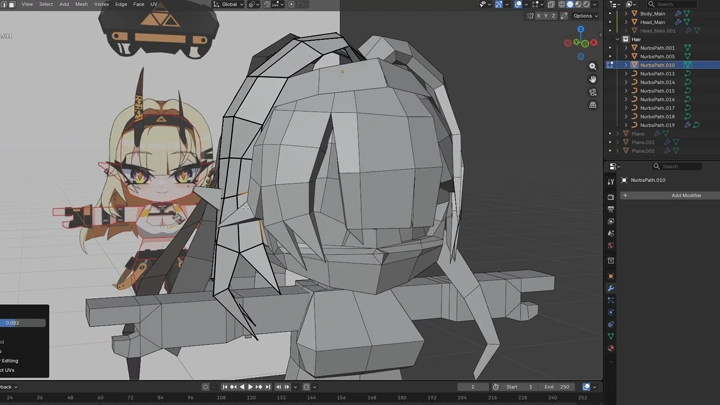
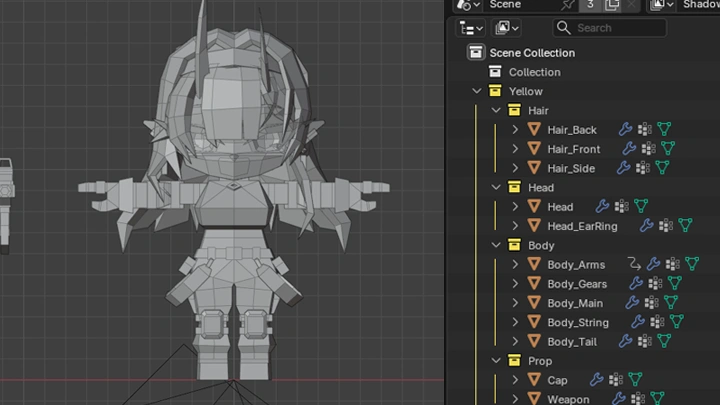
Low-poly chibi is a simpler way into 3D. Starting with basic shapes and forgiving proportions, you'll learn both 3D modeling and animation by taking one character from concept to finished motion. Plan your character, model and texture it in Blender, then rig it and bring it to life in After Effects, all with just two programs.
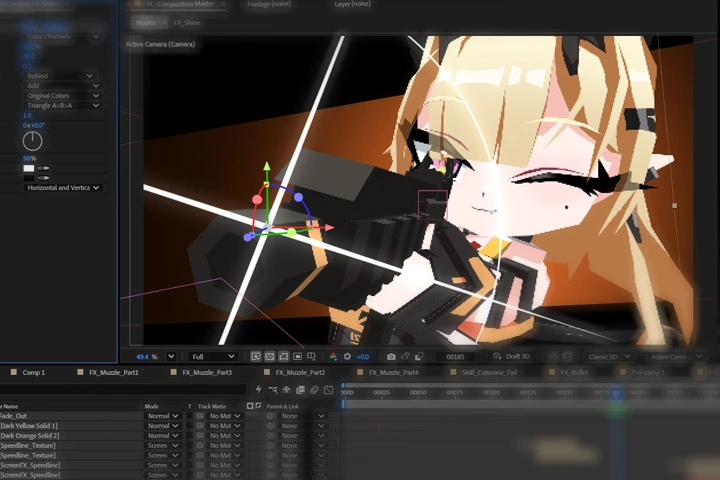
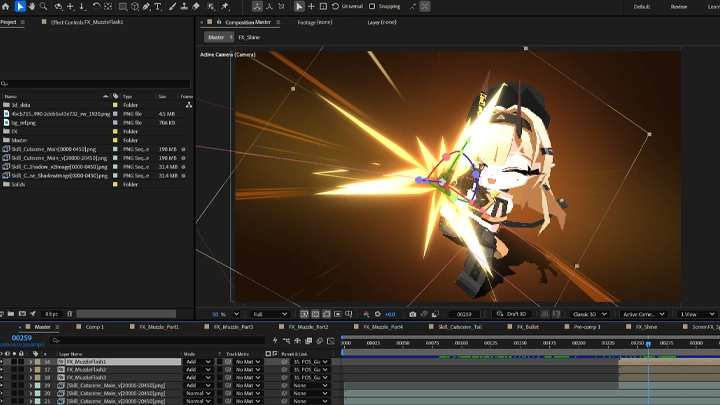
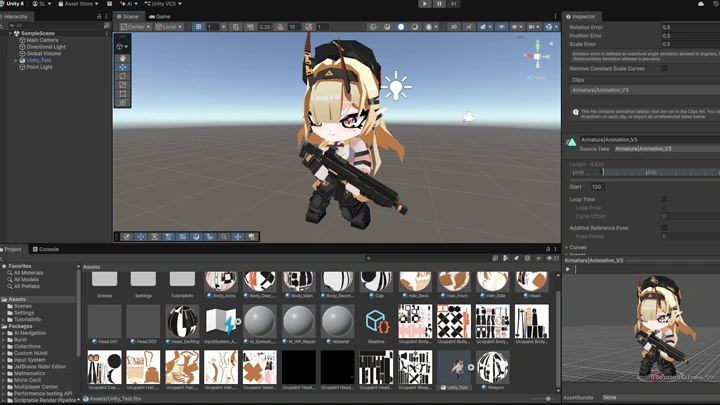
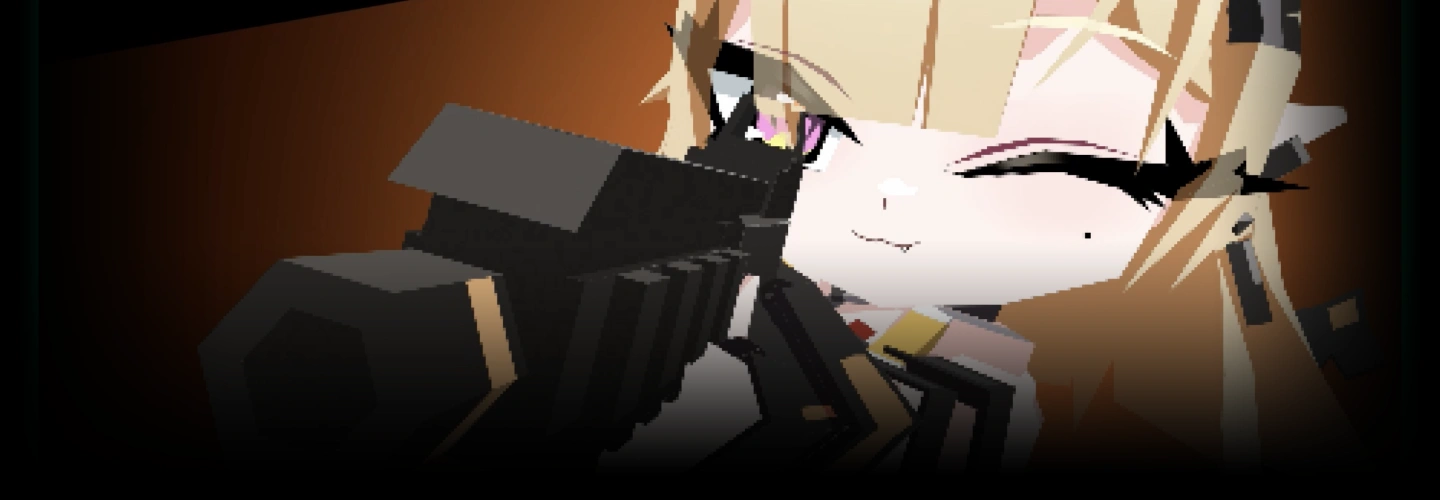
By the end, you'll have two finished animations: a charming idle loop inspired by gacha game characters, and a skill cutscene complete with VFX and the kind of quick, memorable moments that make us fall in love with a character. We'll build both around a character named "Yellow," giving you a clear process to follow before using the same skills to model and animate a character of your own. Finally, bring it all into Unity and see how a short animation fits into the game side of the pipeline.
By the end, you'll have two finished animations: a charming idle loop inspired by gacha game characters, and a skill cutscene complete with VFX and the kind of quick, memorable moments that make us fall in love with a character. We'll build both around a character named "Yellow," giving you a clear process to follow before using the same skills to model and animate a character of your own. Finally, bring it all into Unity and see how a short animation fits into the game side of the pipeline.
Class Perks
Special Gift from Cartridge102
-
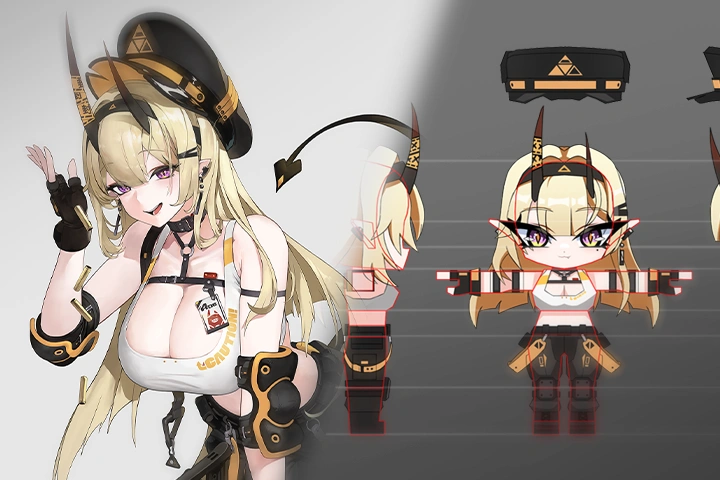
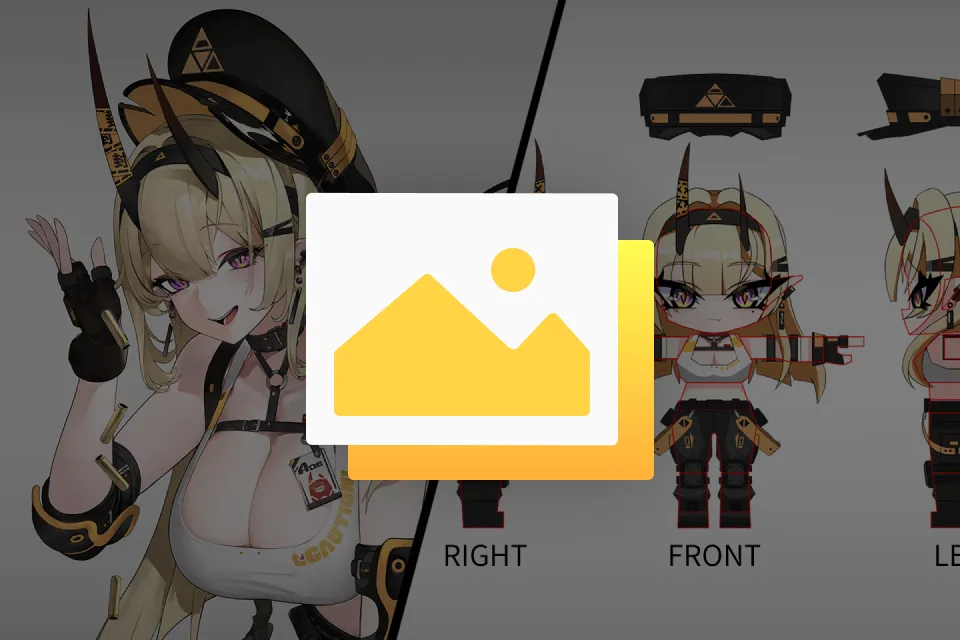 Original Artwork & Character Design Sheets
 -
 Reusable Character Design Templates
 -
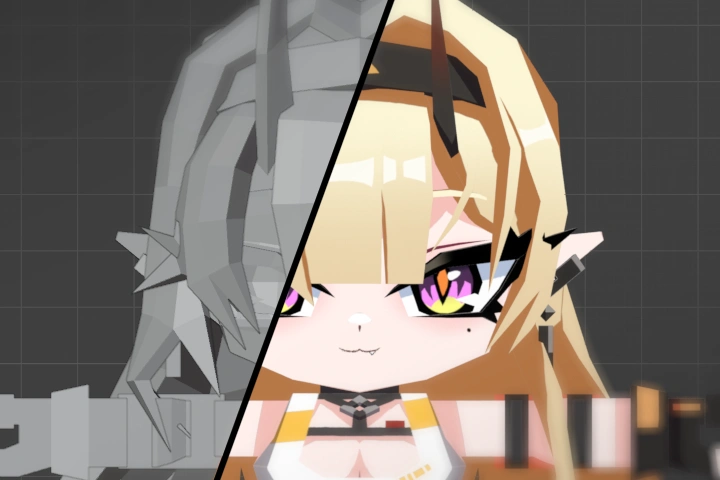
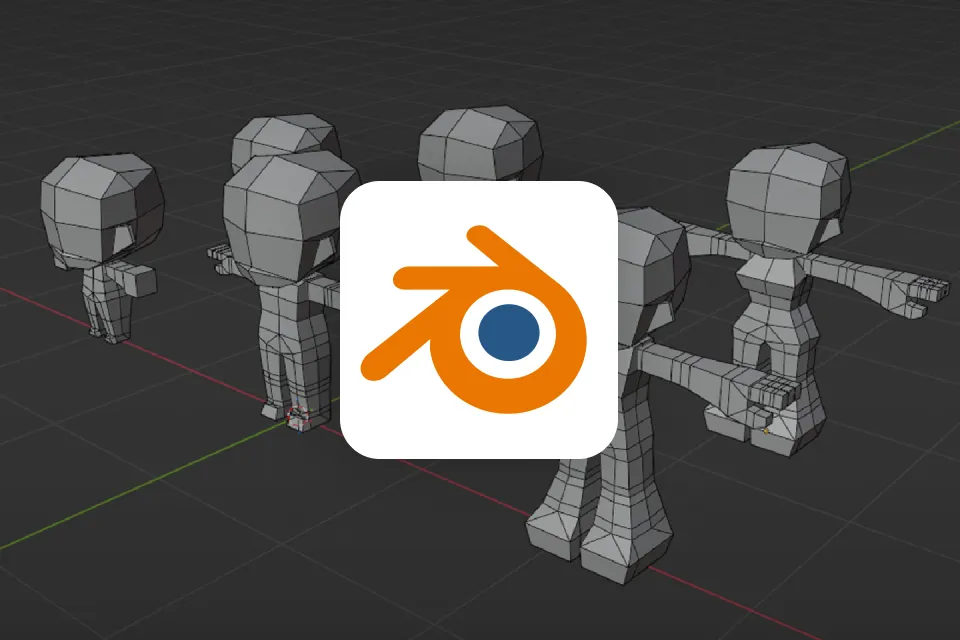 Multi-Proportion Low-Poly Chibi Base Models
-
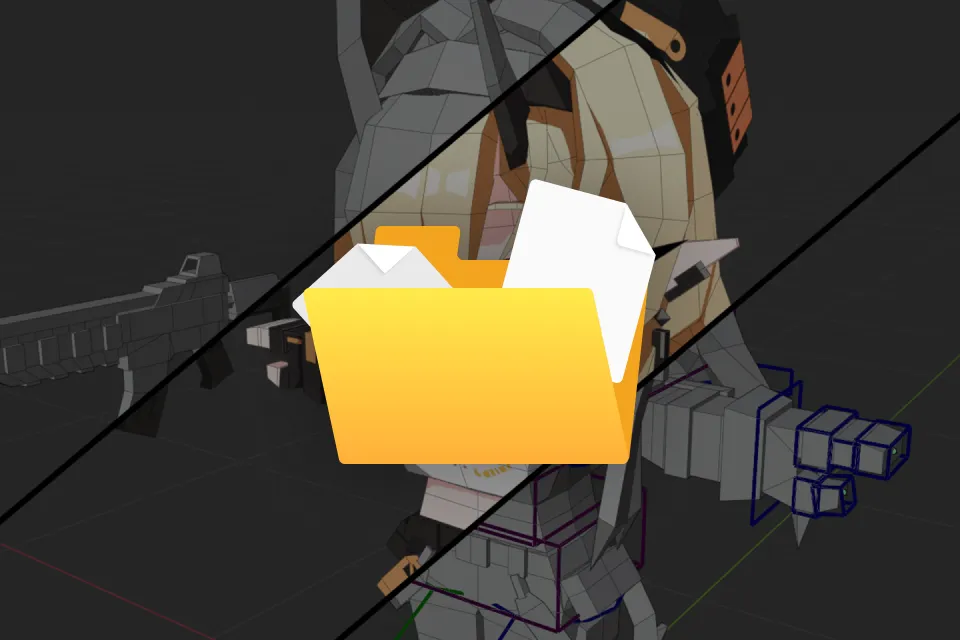 3 Project Section Checkpoint Files
 -
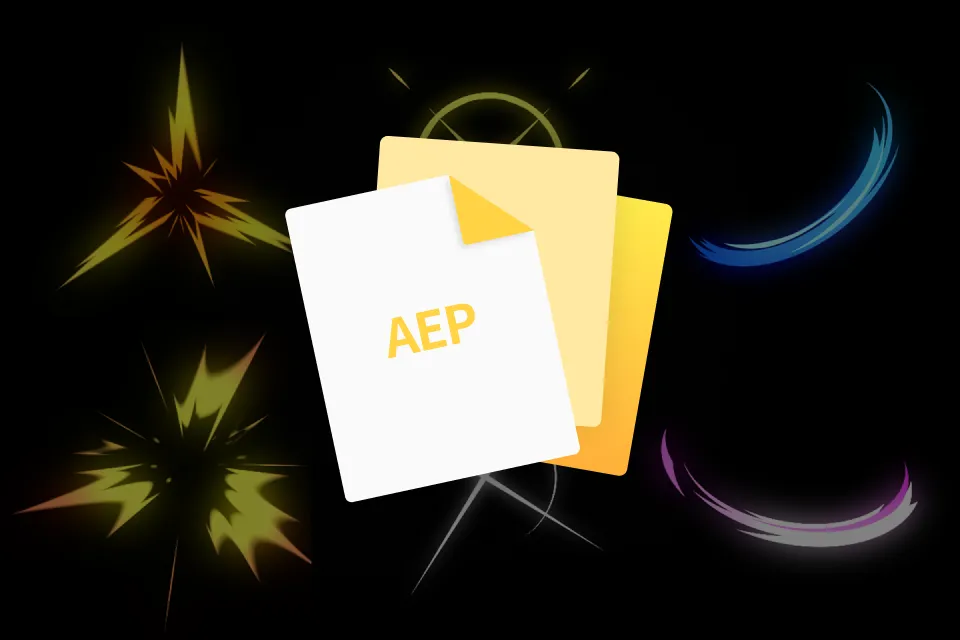 After Effects 2D FX Asset Pack
 -
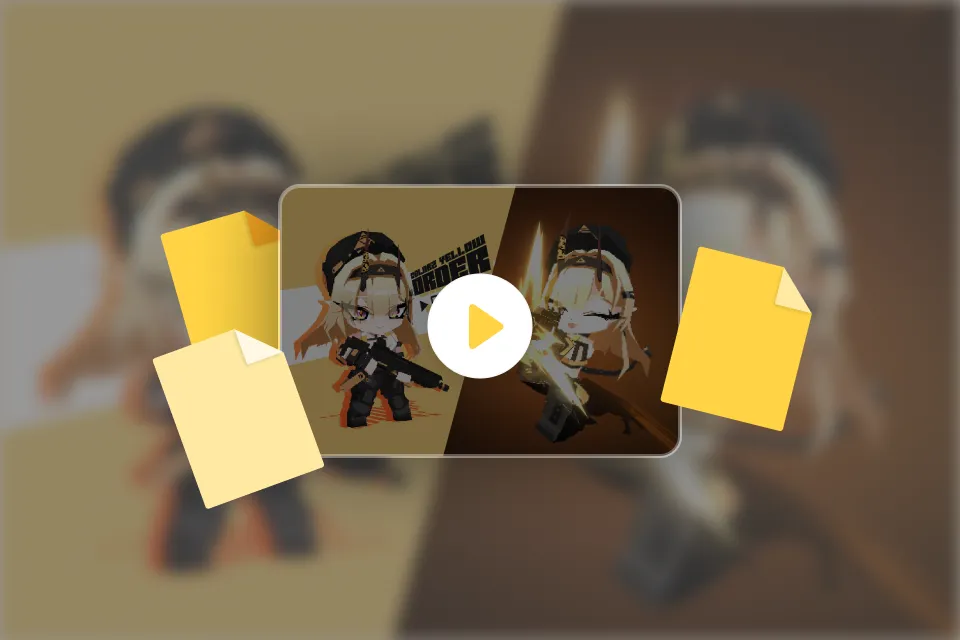 Final Master Animation Files
Class Material Details
-
 Ready-to-Use 2D Chibi Character Reference Sheets- High-resolution digital illustration file of the main class chibi character (.PSD / .PNG)
- Comprehensive 2D character design sheet to guide your modeling reference setup -
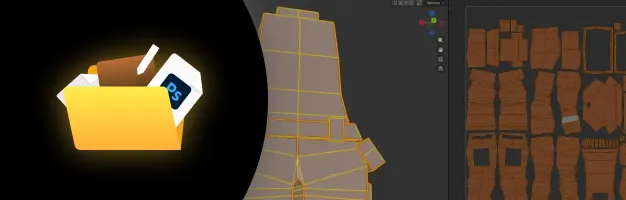 Customizable Layout Blueprints for Creative Concepting- Four customizable design sheets to easily plan and structure your custom chibi projects (.PSD / .PNG)
- Ready-made workspace layouts to organize character views (front, side, back) with ease -
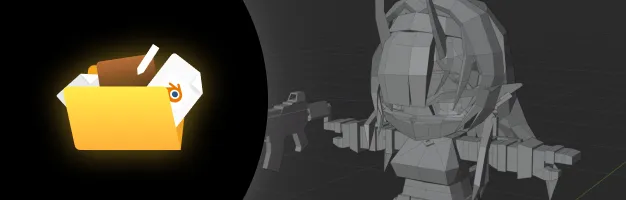 Starter Low-Poly 3D Chibi Base Meshes- Six stylized low-poly chibi base meshes featuring distinct body proportions (.BLEND)
- Highly optimized starting models to drastically reduce your initial character block-out time -
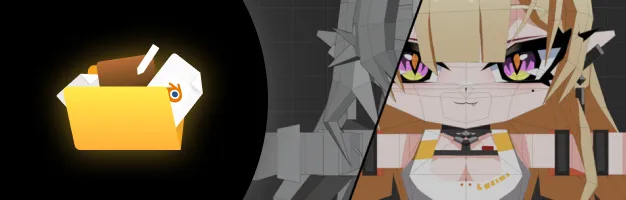 Milestone Blender Save Files for Hands-On Practice- Blender save files (.BLEND) captured specifically at the modeling, texturing, and rigging stages
- Section-specific checkpoint saves allowing you to practice each major skill completely independently -
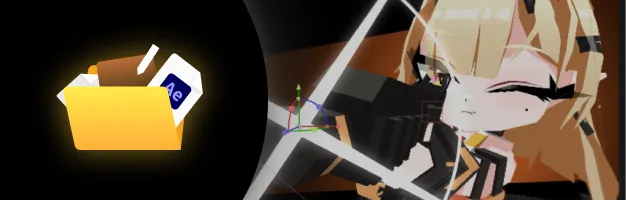 Motion Graphics VFX Overlay Kit for AE- Collection of 2D visual effects (VFX) assets designed for motion design (.AEP / .MP4)
- High-energy overlay templates to easily enhance your post-production rendering workflow -
 Finished HD Looping Reference Animation Clips- Finished high-definition rendering loops of both the idle and short action animations (.MOV / .MP4)
- Completed master files to serve as your ultimate visual guide and keyframe comparison benchmark
Recommendation
Who should take this class?
Independent Creators
Learn the complete character production pipeline, from modeling to post-production.
Chibi Character Enthusiasts
Create polished low-poly chibi characters through a practical and efficient workflow.
Complete 3D Beginners
Learn the full 3D workflow through an approachable project without getting overwhelmed.
Expert 3D Artist Cartridge102's Portfolio

* This Portfolio includes fanart.
Why Take This Class?
Some people give up on 3D because it's hard. But more people give up on their first character. You aim for a full-body model, spend weeks working on it, and what comes out looks nothing like the character you fell in love with. Somewhere in the graveyard of your WIP projects, it stays buried.
Low-poly chibi changes the starting point. Fewer vertices, fewer polygons, and more forgiving proportions. One character you can carry from the first plan all the way to a finished animation.
None of it is a shortcut. Clean modeling, UVs, a rig that can hold an expression, weight and timing that make movement feel alive, compositing and 2D VFX in After Effects, and a working export into Unity. These are the same essentials a full-scale character demands, taught at a complexity you can actually get through.
Learn them here, and you may find yourself falling for the charm of chibi, modeling and animating the characters you love, or carrying these foundations into something bigger, whether that's higher-poly work, a full character model, or an entirely different style.
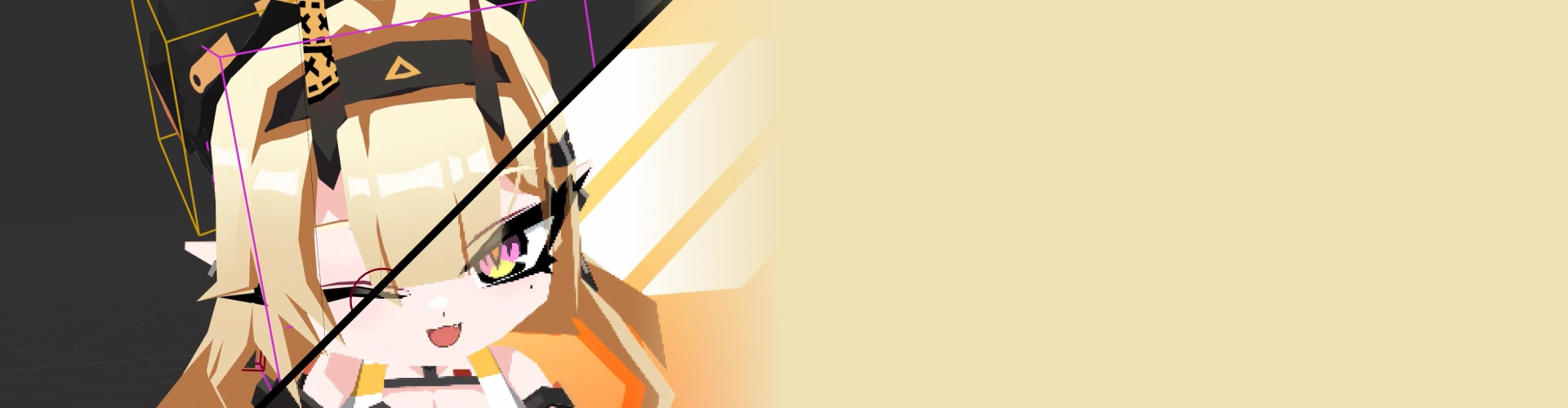
Get Ready for the Real-World
21 Class Exercises
Part 1. Stylized Chibi Character 3D Modeling
-
Chibi Base Model
-
Head & Hair Model
-
Full Chibi Model
Part 2. Intuitive UV Mapping & Character Texturing
-
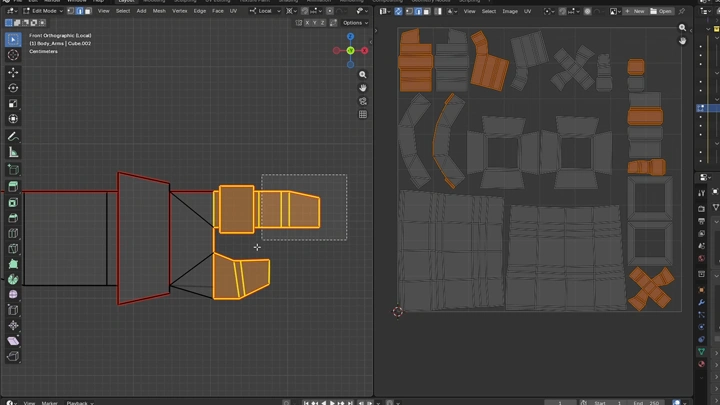
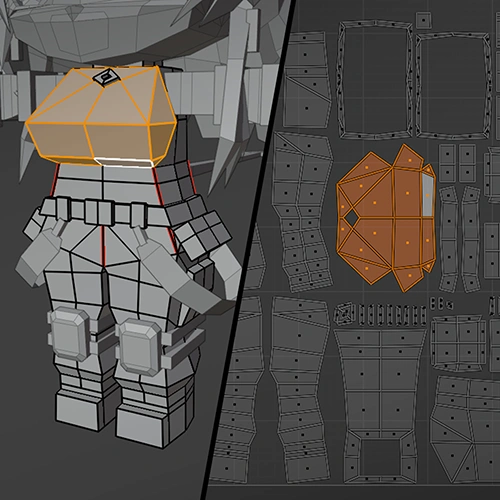 UV Unwrap
 -
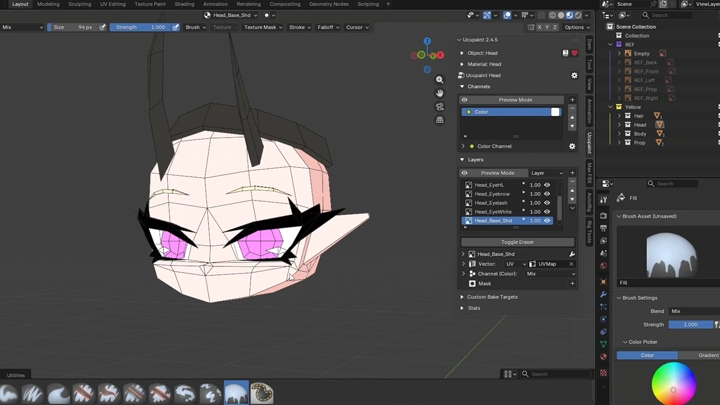
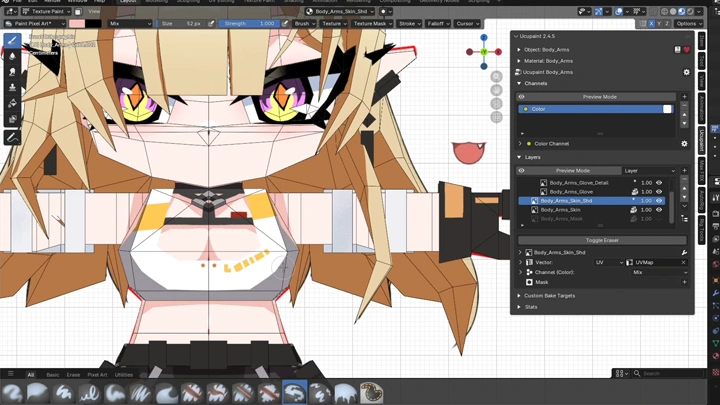
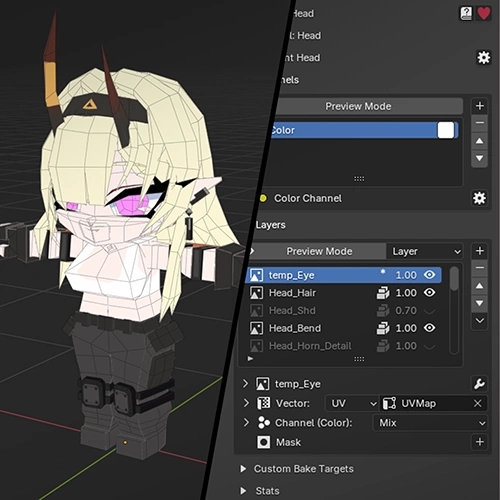 Base Texture
 -
Detailed Texture
Part 3. Advanced Character Rigging & Facial Setup
-
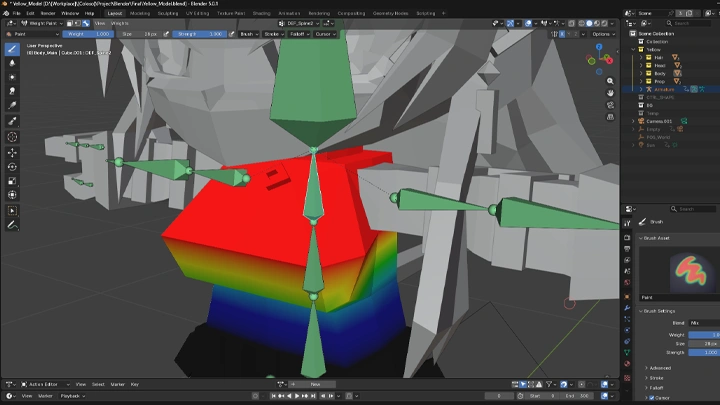
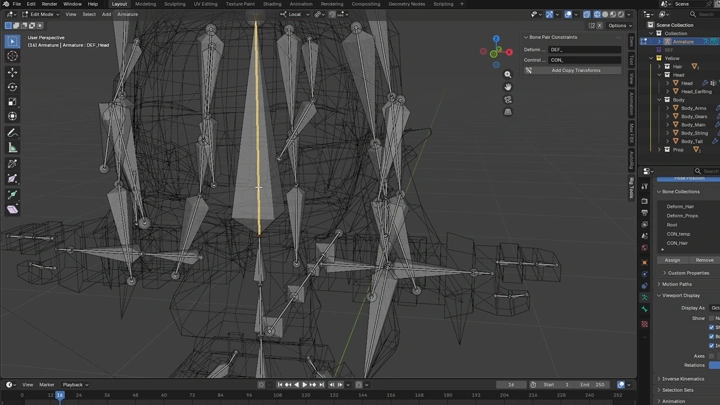
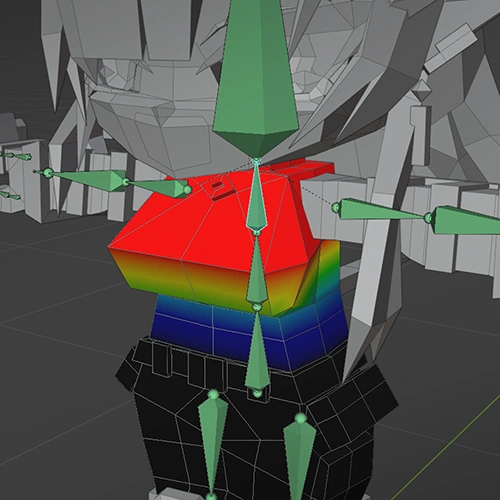 Bone Setup & Weight Painting
 -
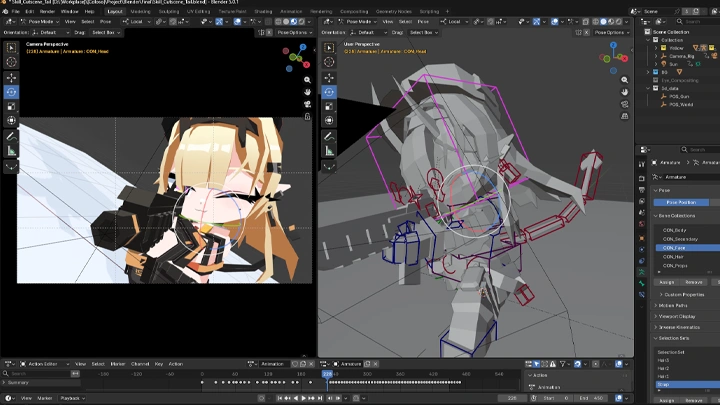
Control Bone Setup
-
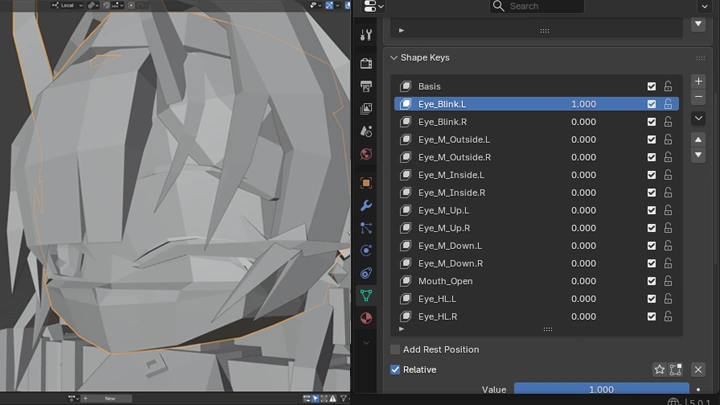
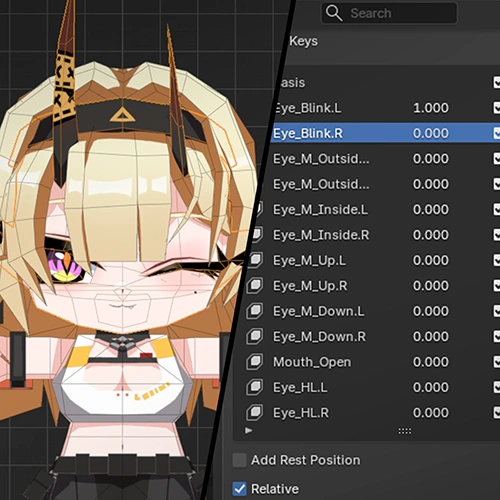 Facial Rigging with Shape Keys
 -
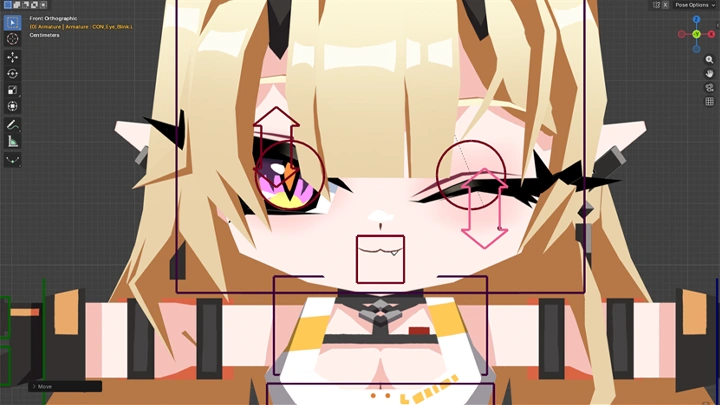
Driver Setup for Facial Controls
-
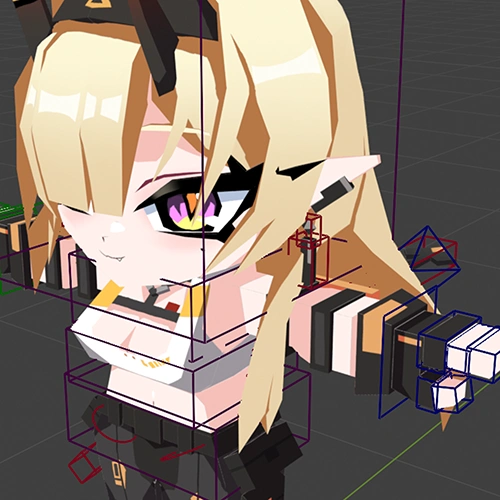 Custom Bone Shape Setup
Part 4. Looping Idle Character Animation
-
Idle Animation
-
Idle Animation with Secondary Motion
Part 5. Retro-Stylized Compositing & Post-Production
-
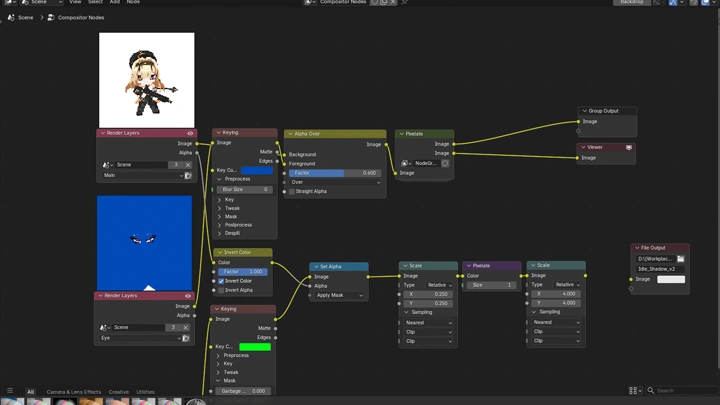
Compositing & Export Setup
-
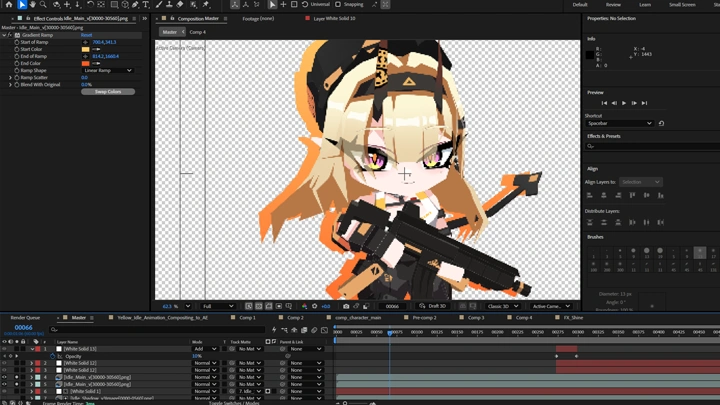
Post-Production
Part 6. Dynamic Cinematic Cutscenes & Skill Animations
-
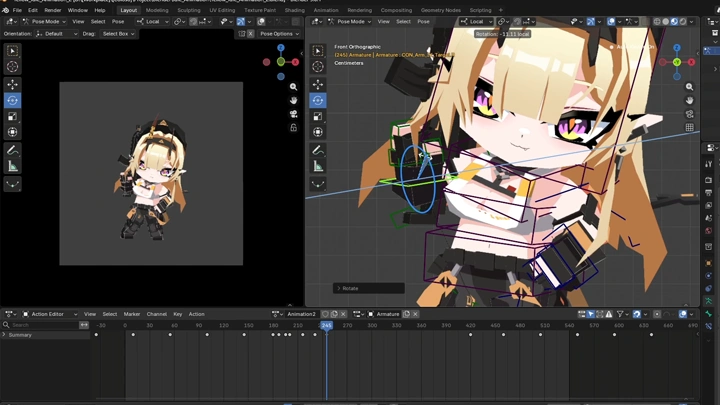
Blocking Animation
-
Character Animation
-
Polished Animation
-
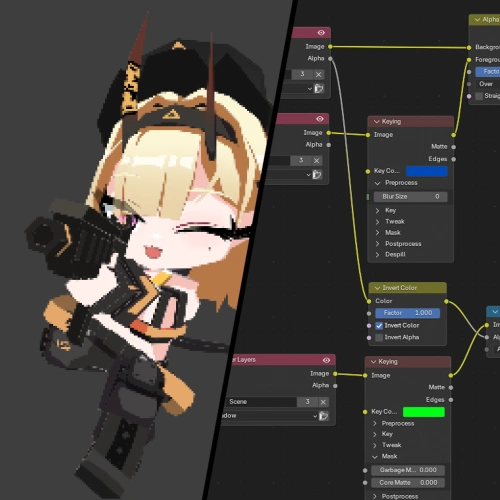 Blender Compositing & Export Setup
 -
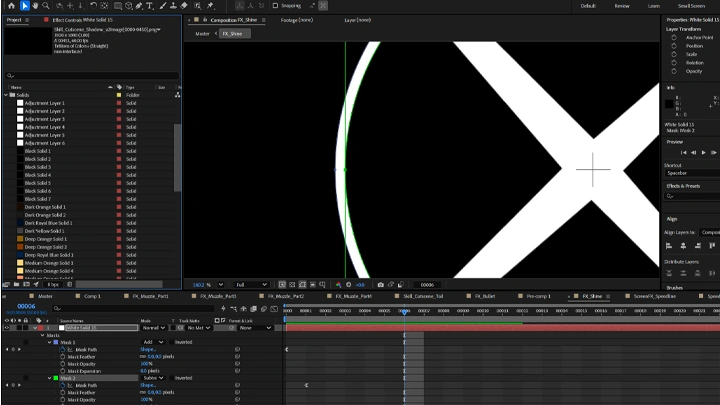
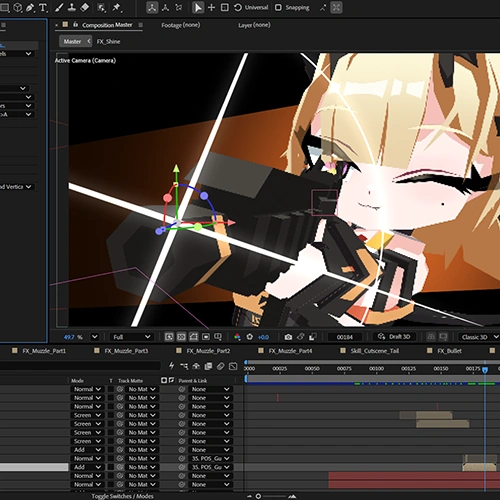 Post-Production
Part 7. Game Engine Integration & Testing in Unity
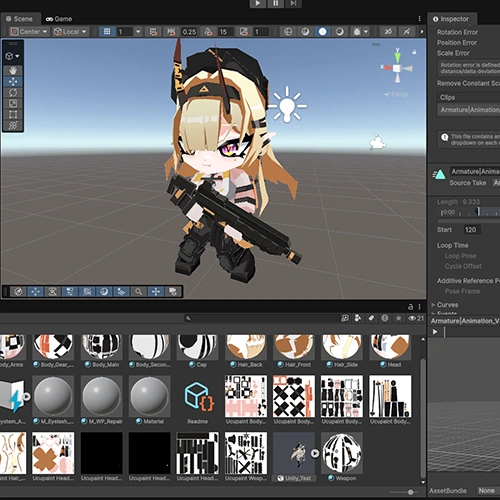
Character & Animation Test in Unity
Final Products
-
Fully-Rigged Low-Poly Chibi CharacterA fully modeled, textured, and rigged low-poly chibi character
-
Idle AnimationA polished looping idle animation with Blender and After Effects
-
Short Action AnimationA short action animation with expressive character movement
*Original Artwork by Sapoo
*ArtStation: https://artstation.com/sapoo
Highlights
Class Highlights
Complete Character Pipeline
Learn the entire production process, from modeling to animation and post-production. By completing every step yourself, you'll gain a clear understanding of how each stage connects to the next.
Fundamental Blender & After Effects Skills
Gain practical skills in Blender and After Effects that you can apply to future projects. Build a solid foundation while creating a complete artwork from start to finish.
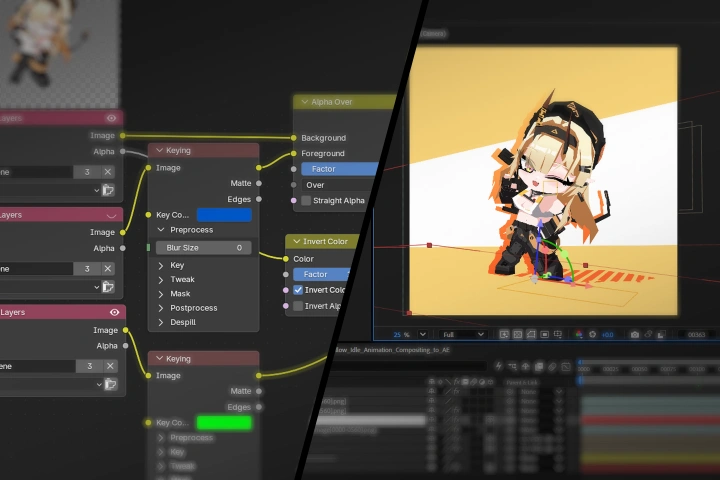
Polished Chibi Artwork
Create eye-catching low-poly chibi characters with a clean and polished finish. Learn techniques that help bring more charm and personality to your final artwork.