3dartist,12ttalkkak_하나둘딸깍KR Details
Intro

Don’t miss out, enroll now!
Enrollment closes in
0
d
0
h
0
m
0
s
2026-10-06T23:59

Now in Your Language, Only on Coloso!
Learn from Top Creative Experts Worldwide
-
 3D Environment Production
-
 Props, Layout & Texture Workflow
-
 Ocean, Neon Street & Palace Scenes
Complete Blender Environments with 3 Step-by-Step Projects
Take a step-by-step approach to Blender environment creation and overcome the challenges of building a full 3D scene. Learn the entire process, from simple object modeling and prop placement to composition, texturing, and post-processing. Build a solid foundation in Blender and develop the skills to complete an environment scene from start to finish.
Known for his high-quality tutorials, 3D Artist 12ttalkkak shares his systematic workflow for creating complete Blender environments. Work through three themed projects featuring the ocean, a city, and a traditional Korean palace, and learn 12ttalkkak’s practical workflow along the way. Discover an approachable process that helps even beginners create complete Blender environment scenes.
Class Perks
Special Gift from 12ttalkkak
-
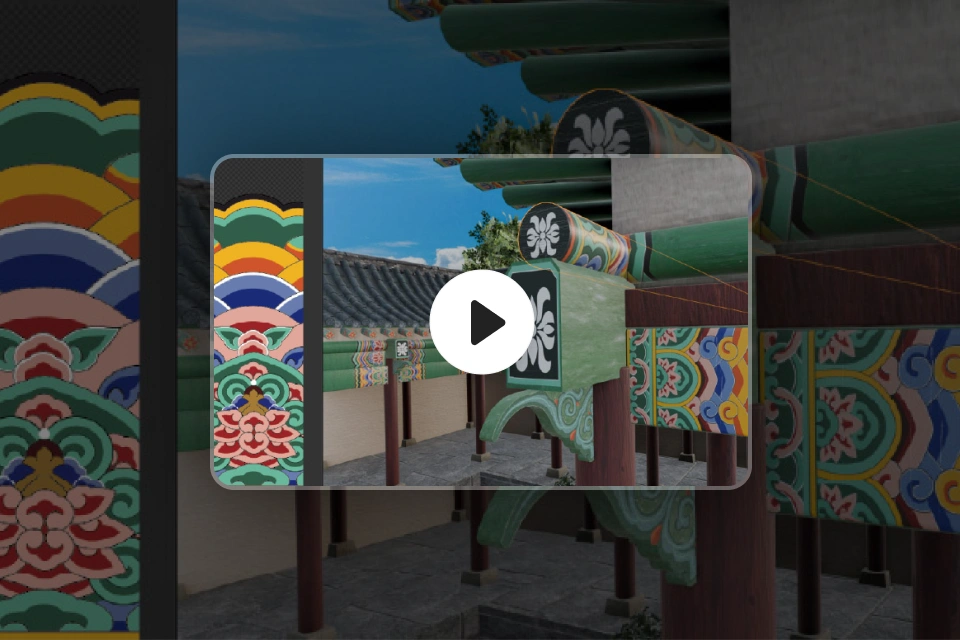 Unlimited Access to 48 ChaptersComplete a 3D environment with daily challenges
 -
 Class Materials PDFsFrom Blender fundamentals to practical workflows
 -
 Essential Modeling WebsitesFrom free textures and HDRIs to color palettes
-
 Image Resource FilesFor realistic texturing
 -
 Original Practice FilesComplete 3 full environment scenes
 -
Class Material Details
-
 3 Class Materials PDFs- Essential Blender keyboard shortcuts
- Cloth Simulation overview
- Principled BSDF overview -
 Image Resources- Original illustrations for objects (symbols)
- Original textures for objects (flyers, graffiti)
Recommendation
Who should take this class?
Beginners who want to create Blender environments but don’t know where to start
3D modelers who want to quickly learn the essentials of creating environments and props in Blender
Intermediate Blender users who want to build skills they can apply to their own projects
Expert 3D Artist 12ttalkkak's Portfolio
-

Spirited Away Fan Art
-
One Piece Going Merry Fan Art
-
K-Cyberpunk: Korean Futuristic City
-
Traditional Korean House with Blooming Trumpet Creepers
Soap Bubbles Blowing in the Wind
MapleStory Ludibrium Fan Art
Why Take This Class?
Learn Blender environment creation without the language barrier. Designed for Korean learners, 12ttalkkak’s original class makes it easy for complete beginners to get started. Going beyond simple tutorials, this all-in-one guide walks you through three large-scale outdoor scenes, each with a distinct mood.
Create complete 3D environments using Blender alone. Focus on the essential tools for environment creation and bring details like waves, neon lights, and traditional roof tiles to life. From Blender fundamentals and practical techniques to completing three full scenes, learn 12ttalkkak’s real-world workflow from start to finish.

Get Ready for the Real World
A Step-by-Step Challenge to Create 3 Complete 3D Environment Scenes in Blender


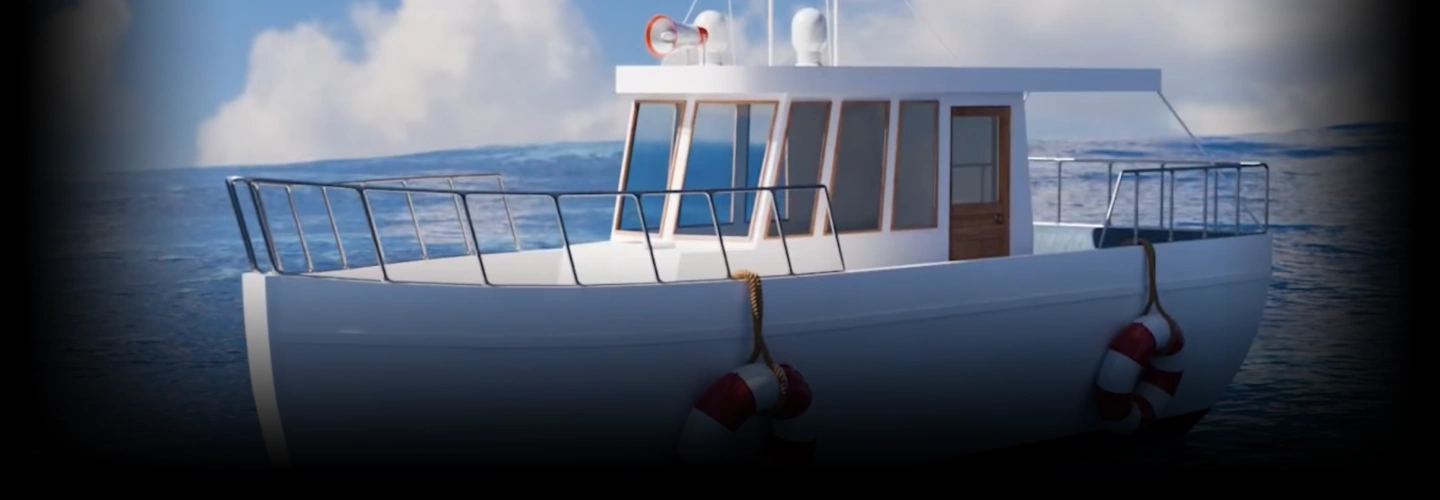
Scene #1 A Boat Rocking on the Waves
Learn Blender’s Edit Mode and essential modifiers, then apply simple simulations to create a natural environment scene.
-
Creating a BoatUsing basic transform tools in Edit Mode
-
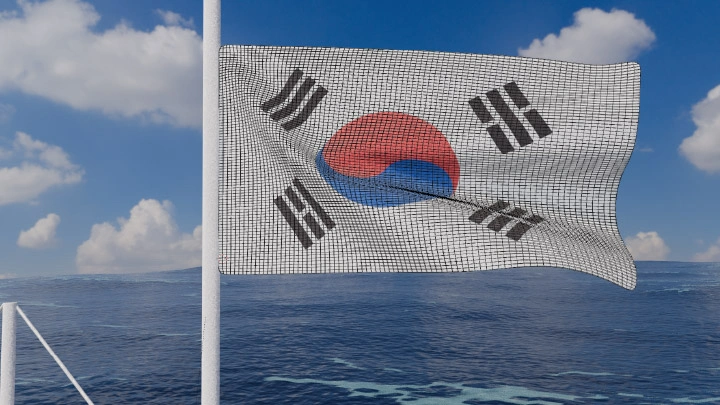
Creating a Megaphone and FlagUsing the Subdivision, Solidify, and Mirror modifiers
-
Making the Flag FlutterApplying Cloth Simulation
-
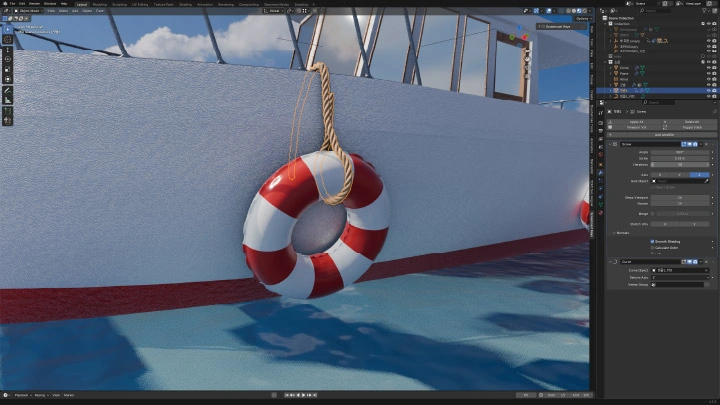
Creating an Inner TubeUsing Pressure to create natural-looking wrinkles
-
Creating a RopeUsing the Screw and Curve modifiers
-
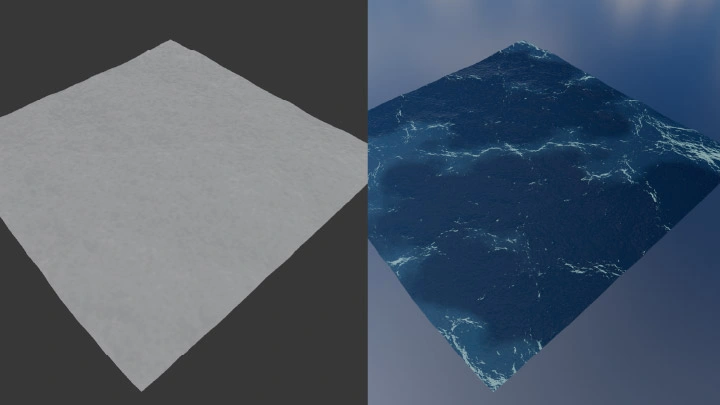
Creating the OceanUsing the Ocean modifier
-

Creating an Ocean TextureOrganizing nodes with the Node Arrange add-on
Completed Scene: “A Boat Rocking on the Waves”


Scene #2 Cyberpunk-Style Rain-Soaked Neon Street
Use the Cloth Brush and add-ons to create detailed objects and build a complete street scene.
-

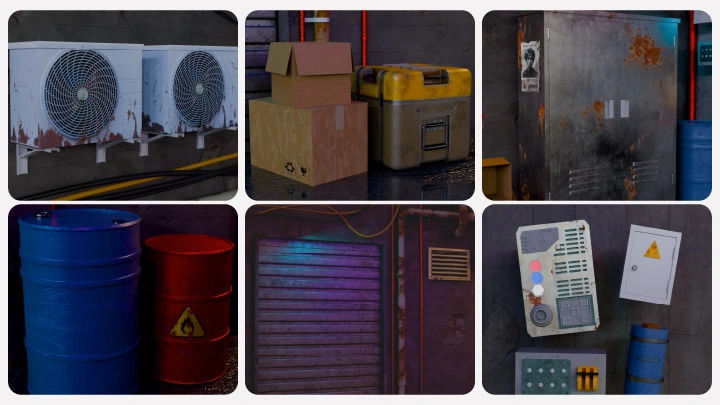
Creating Shutters and VentsUsing Bevel
-
Creating Switches and Lockers
-
Creating Pipes and Electrical WiresUsing Spin, Draw, and Catenary Curve
-
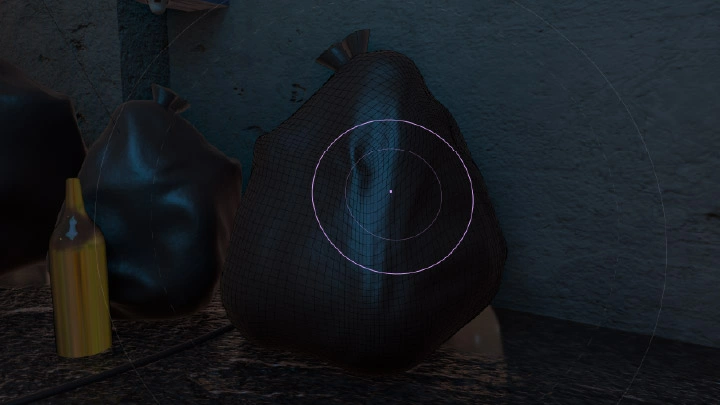
Creating Oil Drums and Garbage BagsUsing the Shrinkwrap modifier and Cloth Brush
-
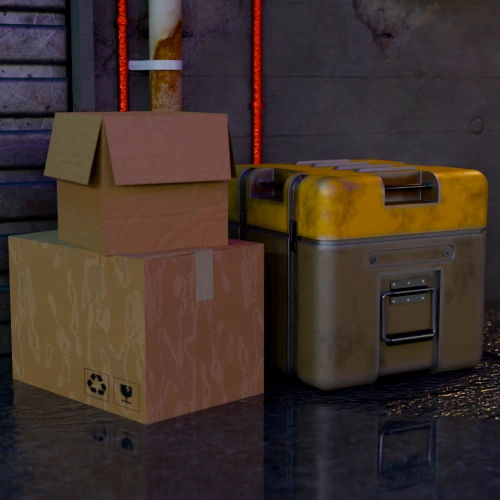 Creating BoxesUsing the Solidify modifier
 -
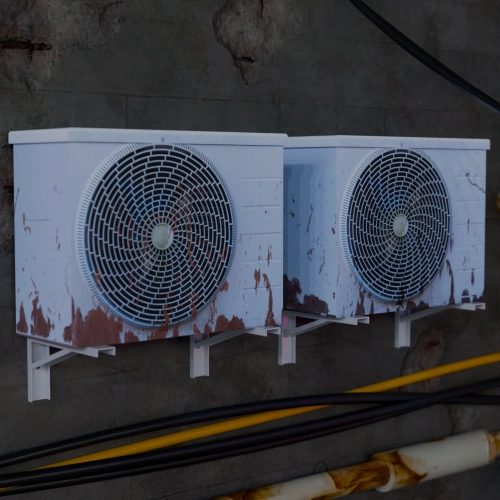 Creating an Outdoor AC UnitImage-based modeling with UDIM
-
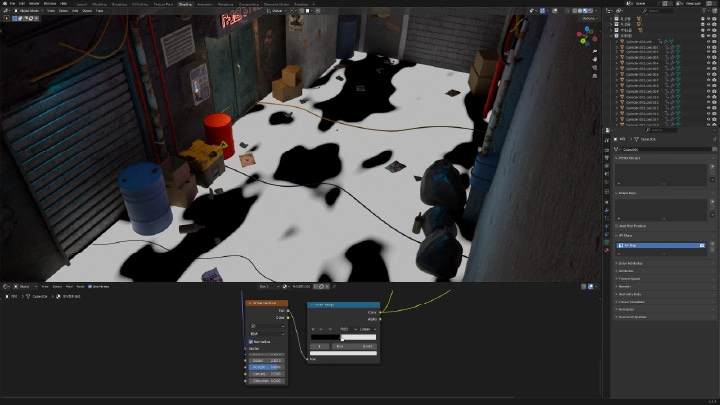
Creating Litter on the GroundUsing the Cell Fracture add-on
-
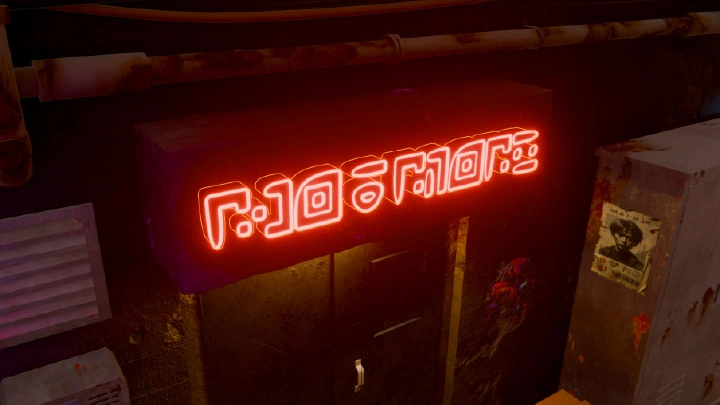
Creating Neon LightingCreating Emission and Glare nodes
-
Creating Building TexturesUsing Texture Paint
Completed Scene: “Rain-Soaked Street”
Scene #3 Secret Garden in a Traditional Korean Palace
Use Subdivision and modifiers for curves and patterns, then add node-based texturing to create a high-quality palace scene.
-

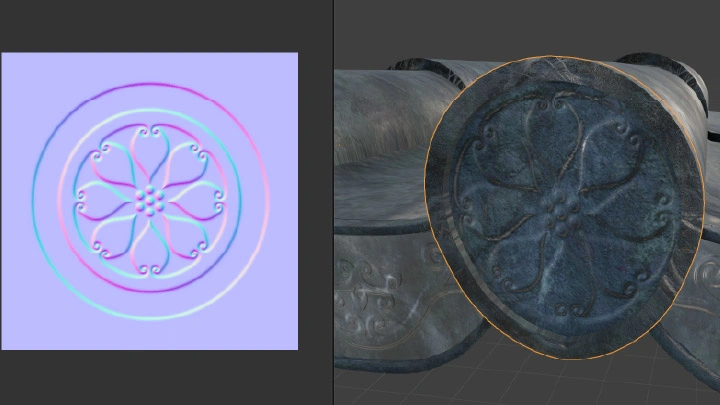
 Creating the Palace StructureUsing the Displace modifier
 -
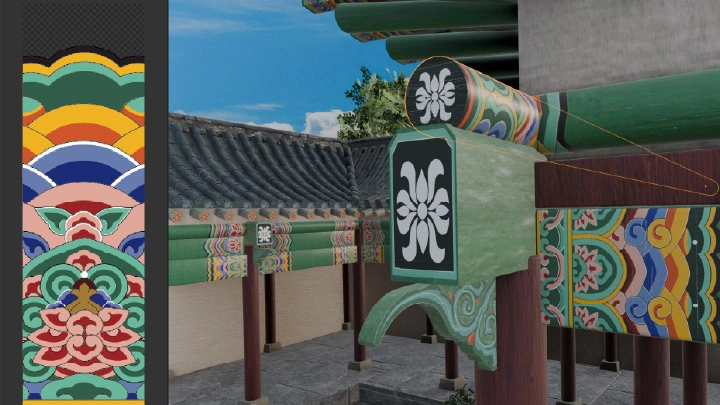
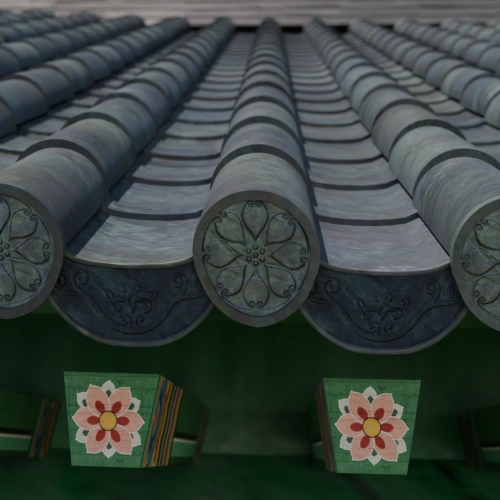 Creating Roof TilesAdding patterns using Subdivision
 -
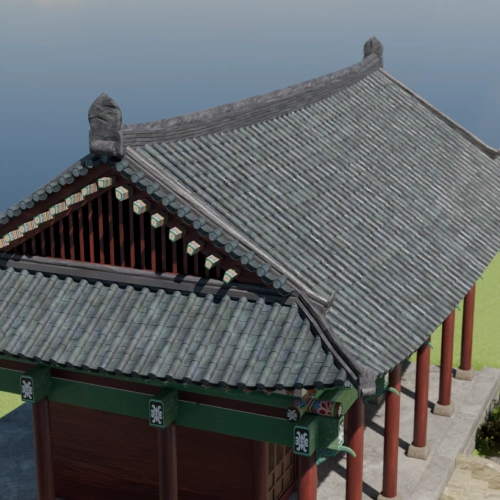 Creating a Curved Roofusing Subdivision
Using the Array and Lattice modifiers
-
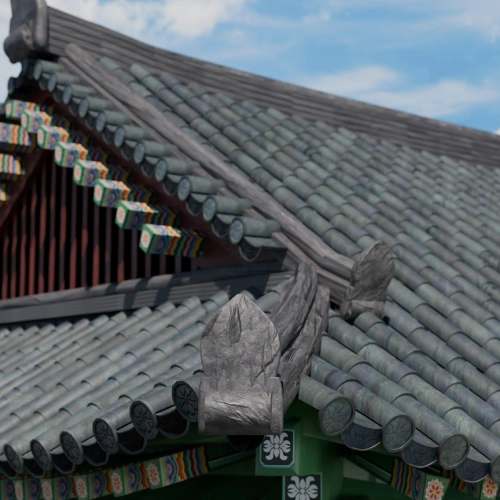 Creating Roof Ridges
 -
 Creating Double EavesUsing the Array and Curve modifiers
 -
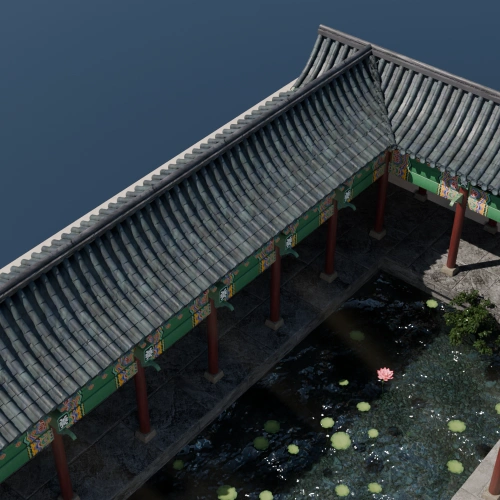 Creating a Haenggak Roof
-
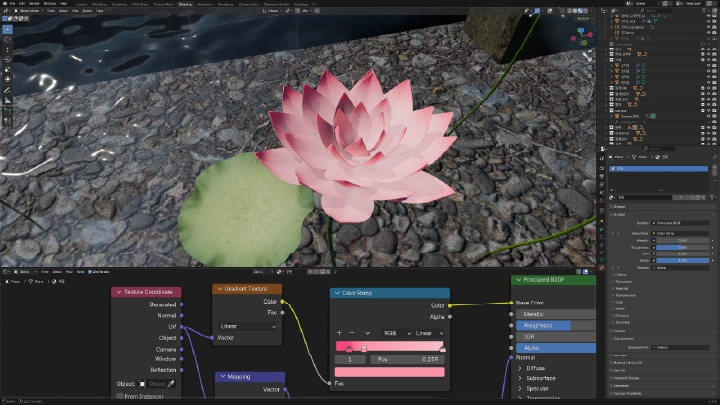
 Creating a Pond and Lotus FlowersUsing Shader Nodes and the Array, Solidify, and Subdivision modifiers
 -
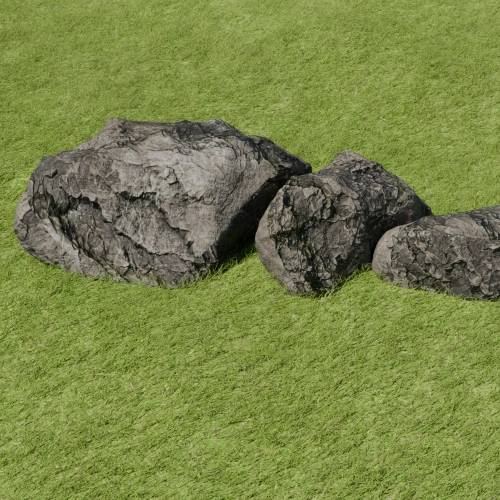 Creating Natural RocksUsing the Rock Generator add-on
 -
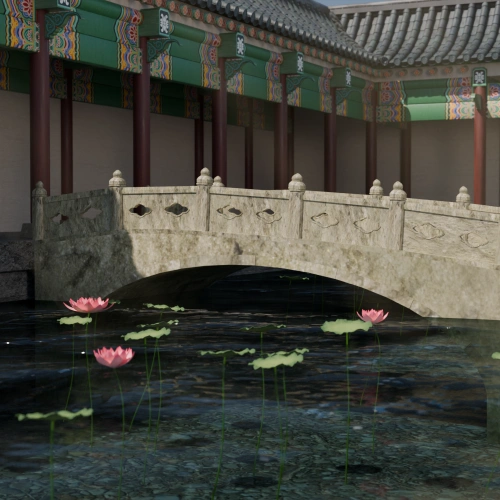 Creating an Arched BridgeUsing the Curve modifier
-
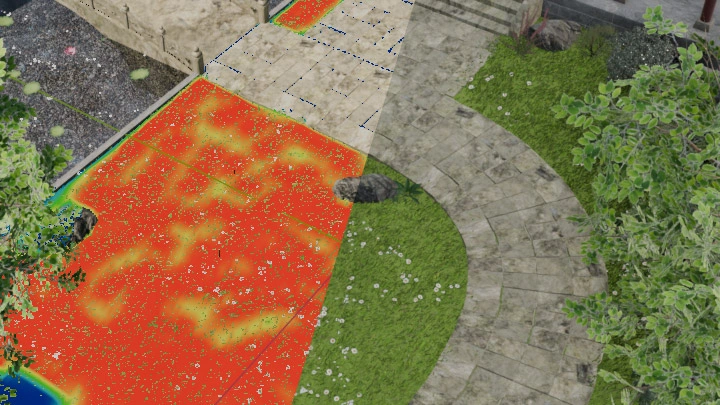
 Creating Grass and a Stone PathUsing Particle Hair
 -
 Creating Grass and a Stone PathUsing the Sapling Tree Gen add-on
 -
 Creating Grass and a Stone PathUsing Force Field

Completed Scene: “Secret Garden in a Traditional Korean Palace”
*The above images are sample images for a better understanding.
Highlights
Class Highlights
Complete 3 Scenes in 50 Days with a Blender Environment Challenge
Learn the Blender environment workflow through a fun, hands-on challenge. Complete three scenes over 50 days while building familiarity with Blender’s key features. Work on a boat on the waves, a cyberpunk city, and a secret palace garden, developing your skills step by step as you create each 3D environment.
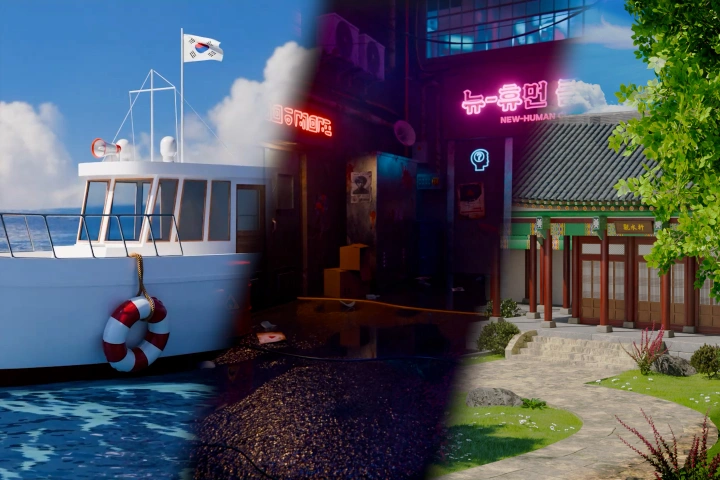
Bring Your Scenes to Life with Simple Animation
Transform static scenes with simple animation. Use blinking lights, fluttering fabric, falling leaves, and subtle prop movements to make your environments feel alive. Learn how small animations can add movement and visual appeal to any scene.

A Complete Blender Pipeline from Planning to Post-Processing
Complete the entire environment pipeline in Blender, from planning and modeling to texturing and compositing. Focus on the essential tools for high-quality environments, build practical skills you can apply to your own work, and create three distinct scenes with increasing levels of difficulty.