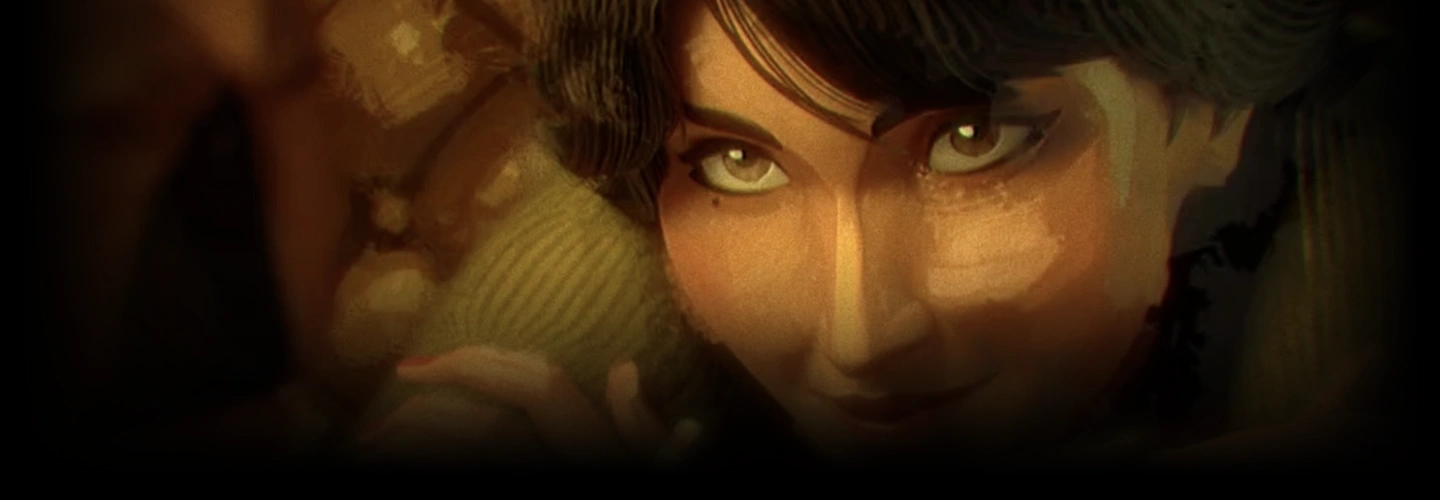
3danimator,joanpous Details
Intro
Class Intro
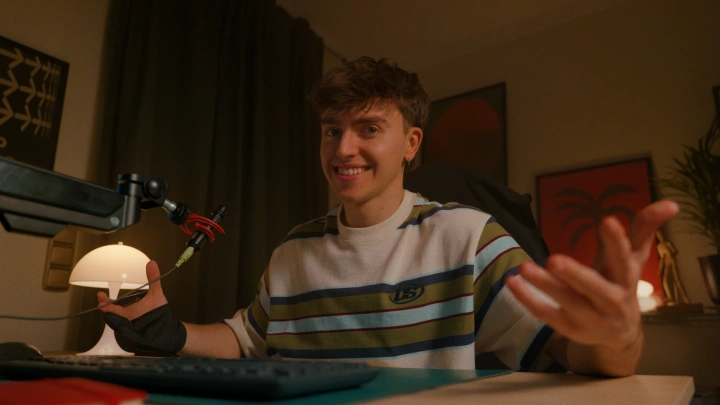
3D Animator, Joan Pous
"Know how to animate, but struggle to finish a shot? Learn to create cinematic sequences from idea to final render, step by step!"
Animate with Purpose: A Complete Guide to Cinematic Sequences
Most animators reach a point where they can make a character move convincingly, yet still struggle to create something that feels truly cinematic. The camera feels arbitrary, the render falls flat, and the idea that seemed so clear in your head never quite makes it to the screen. This class is built for that exact moment.
Known for his cinematic personal projects that average over 5 million views per post, Joan Pous will take you through the complete creative pipeline he uses to transform ideas into visually compelling films, sharing not only his techniques but the creative thinking behind every decision.
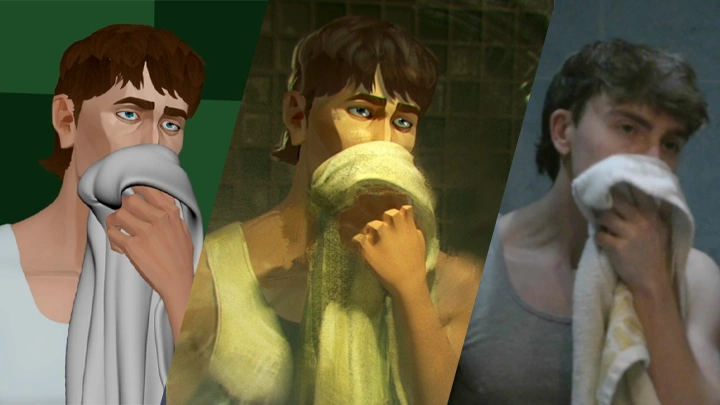
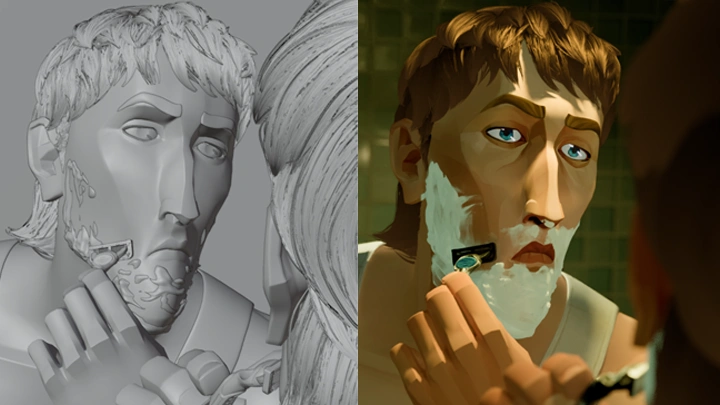
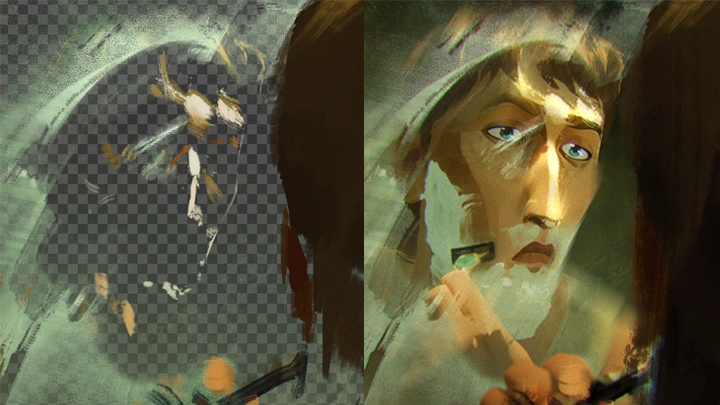
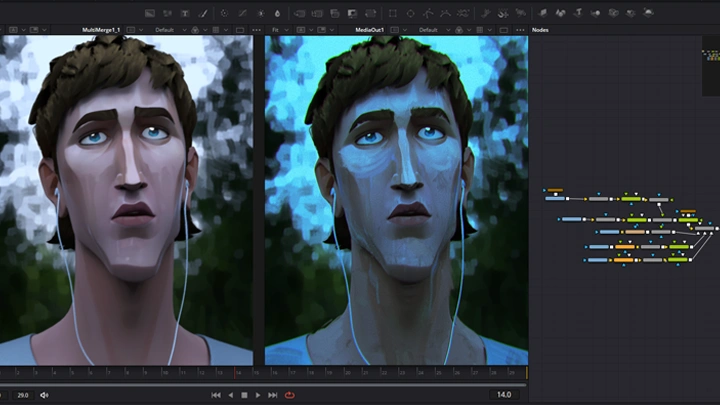
You'll start by learning how to develop a strong creative thesis for your project and build a visual language around it, exploring cinematography, staging, and camera work. From there, you'll follow Joan's full pipeline through animation in Maya, rendering in Blender, look development with paint-over techniques, and compositing in DaVinci Resolve, using his own project files so you can study every decision up close.
The goal is not to turn you into a specialist in every department. It's to give you enough command over each one that you can take your own ideas all the way to a finished piece, with a look and a voice that are genuinely yours.
You'll start by learning how to develop a strong creative thesis for your project and build a visual language around it, exploring cinematography, staging, and camera work. From there, you'll follow Joan's full pipeline through animation in Maya, rendering in Blender, look development with paint-over techniques, and compositing in DaVinci Resolve, using his own project files so you can study every decision up close.
The goal is not to turn you into a specialist in every department. It's to give you enough command over each one that you can take your own ideas all the way to a finished piece, with a look and a voice that are genuinely yours.
Class Preview
Still Not Sure?
Check Out Joan Pous's Class Preview!
Chapter 11: Animate Smarter
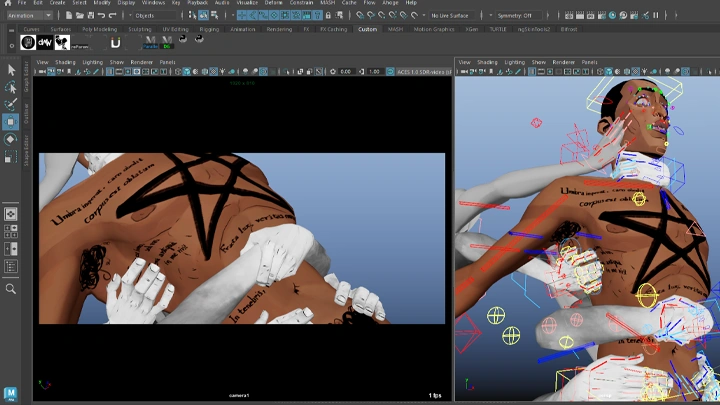
1. Case study: how an intelligent constraint setup turned a multi-character contact shot into a few-controls animation
2. Integrate workflow plugins for local deformations and on-the-fly auxiliary rigs
2. Integrate workflow plugins for local deformations and on-the-fly auxiliary rigs
Class Perks
Special Gift from Joan Pous
-
 Original Pre-Production Package
 -
 Animation Exports
 -
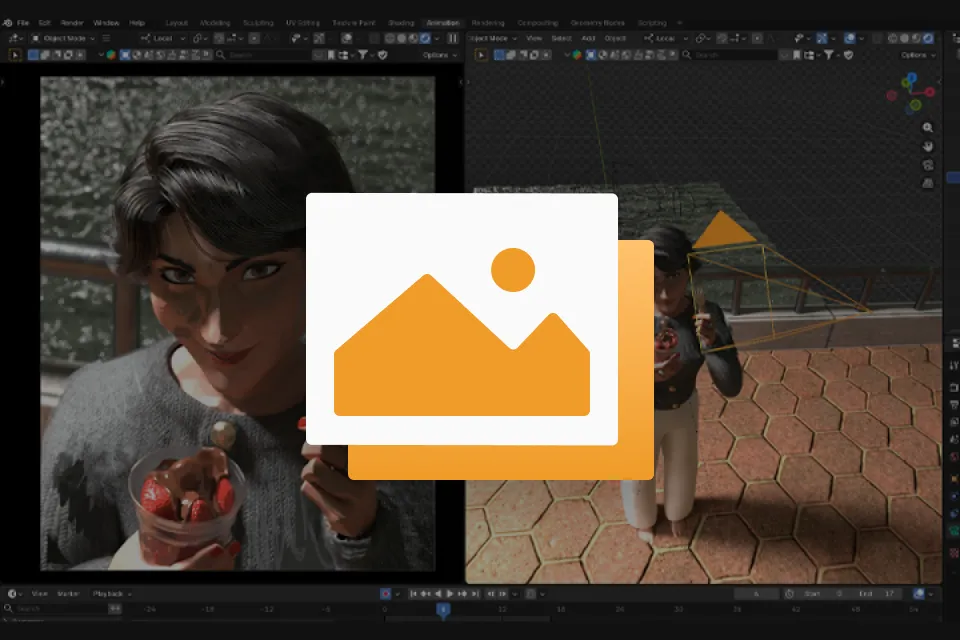 Blender Render Scenes
 -
 Paint-Over Layer Breakdown
-
 Render Passes
 -
 Node Graph & Setup
 -
 Joan's Production Kit
 -
 Discount Code for Ramon's Rigs
Class Material Details
-
 Pre-Production Files- Access to the original pre-production materials from the sequence, including moodboards, reference folders, storyboard panels, and the animatic
 -
 USD Cache Files- USD files of the animated shots that can be directly imported into Blender, allowing you to follow the render pipeline from the very beginning
 -
 Blender Scene Files- Three complete Blender render scenes you can use to study the full finished setup or recreate it step by step following the tutorial
- Character textures are not included -
 Photoshop Paint-Over Files- Layered Photoshop files of the paint-over process for the keyframes, showing exactly how the look development was built step by step
 -
 EXR Multilayer Files- The full EXR multilayer render passes for the compositing stage, allowing you to follow the compositing tutorial from scratch using the original project files
 -
 DaVinci Fusion Composition File- The finished Fusion composition with all nodes set up for you to explore and reverse-engineer the final composite
 -
 Recommended Resources- A curated list of the paid and free resources used throughout the production process, including character rigs, Blender add-ons, Photoshop brush packs, and other tools used in the production pipeline
 -
 Coloso Exclusive Discount- A 25% discount code for all rig purchases from Ramon Arango, available to Coloso students only
Recommendation
Who should take this class?
Intermediate Animators who want to build personal projects
Animators who know how to bring a character to life but feel stuck when it comes to creating something of their own. They have ideas but struggle to develop them into a finished piece, lacking the cinematography, rendering, and compositing skills needed to elevate an animation beyond a simple playblast.
Professional Animators who want to branch out creatively
Experienced animators who spend their days bringing other people's ideas to life but want to create work that reflects their own artistic voice. They're looking to build a standout portfolio that can open doors to new opportunities, but aren't sure how to approach a self-directed project outside their day job.
3D Artists who want to develop their own unique visual style
Artists with solid technical skills in modeling, rigging, and rendering, but who feel their work lacks a distinctive artistic identity. They want to make intentional creative decisions and develop a recognizable style that is uniquely their own, rather than relying on trial and error.
Expert 3D Animator Joan Pous's Portfolio

Why Take This Class?
"You've got stories in your head. You can animate, but the moment you imagine turning one of those ideas into a finished piece, it all falls apart. The framing, the look, and the render are all these departments you were never really taught. So the idea stays in your head, and you keep animating someone else's vision instead. Maybe you're even stuck in a job that doesn't fill you creatively, with no real time to craft the kind of animation you actually care about.
I know that feeling because that was me. I was animating kids' shows, with no room to make the things I dreamed of. What got me out wasn't waiting for the right opportunity, it was building my own. I taught myself to create short cinematic sequences that looked like they belonged in the films I actually wanted to work on, and that portfolio is what changed everything. And here's the thing: you don't need to be an expert in every department to get there.
In this course, I'll walk you through exactly how I make my sequences, from the first spark of an idea all the way to the final render. We'll get into the cinematography that makes a shot hit and how I approach the animation itself. I'll take you through a full shot of post production step-by-step, sharing my own render and Blender files so you can pull them apart and follow along. It's not the only way to do this: it's my way, which is the one that got me here. By the end, you'll have what you need to start telling your own stories with confidence."
- Joan
Get Ready for the Real-World
15 Class Exercises
Part 1. From Idea to Blueprint
-
Cinematic Language
-
Visual Planning
-
Accurate Referencing
Part 2. The Technical Foundation
-
Rig Customization
-
UV Unwrapping
-
Prop Rigging
Part 3. Animation
-
Layered Animation
-
Animate Smarter
-
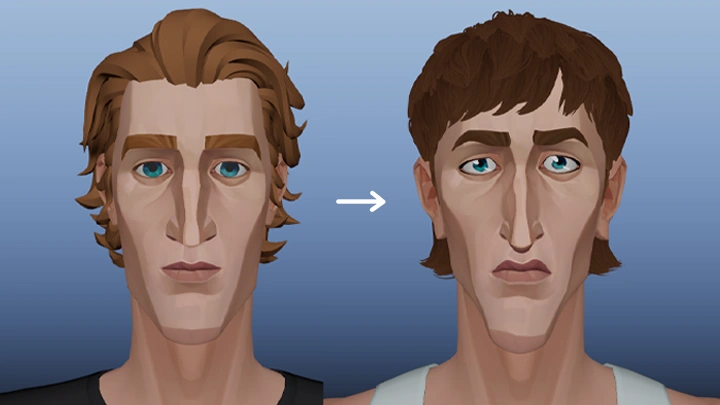
Continuity & Eye Fix
Part 4. Render Foundations
-
Value Study
-
Texturing for the Camera
-
Creating a Base Render
Part 5. Painting & Compositing
-
From Render to Painting
-
Texture Projection
-
Final Comp
Final Product Example
Portfolio-Ready Cinematic Sequence
A short animated sequence taken through the full production pipeline, from initial concept and visual planning to animation, rendering, look development, and final composite
Highlights
Class Highlights
Developing a Creative Thesis: From Vague Idea to Actionable Blueprint
Before touching any software, you'll learn how to turn your creative instincts into a concrete formula: a thesis that defines exactly what you want to prove with your shot. This blueprint will guide every decision that follows, from camera angles and acting choices to the final grade. No more starting blindly.
Building a Cinematic Eye: Lenses, Staging, and the Language of Film
You'll develop a practical understanding of focal length, shot composition, and camera movement, and learn how to apply them intentionally in a 3D environment. By the end, you'll know exactly why a shot feels cinematic and how to recreate that feeling from scratch.
Finish What You Start: The Mental Framework to See a Project Through
Most personal projects don't fail because of a lack of talent. They fail because of poor planning, scope creep, and lost momentum. In this class, you'll learn how to set up your project so it stays manageable, how to identify why a project loses momentum, and how to push through to a finished piece every time.