2danimator,peter Details
Intro
Class Intro
2D Animator, :P_ETER
"Go beyond animating just the character. Bring your full canvas to life with an easy & efficient rigging workflow with After Effects & Free Plug-in!"
Rig and Animate Your Entire Canvas
Stop letting your animation end with the main character. Bring your entire illustration to life with an easier, more streamlined rigging workflow.
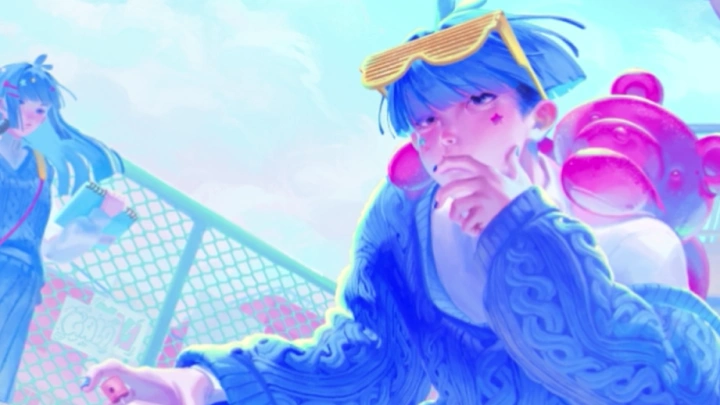
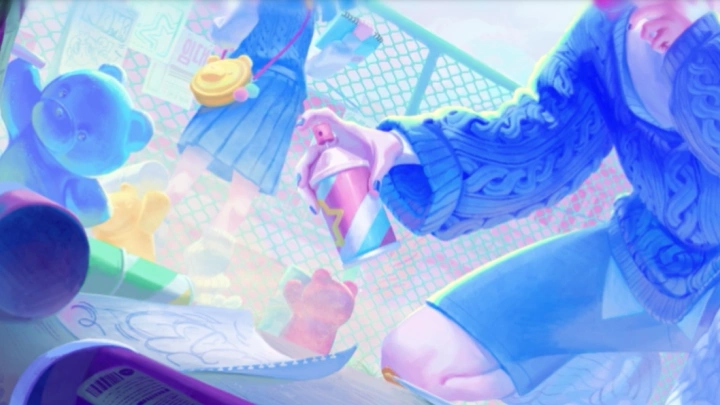
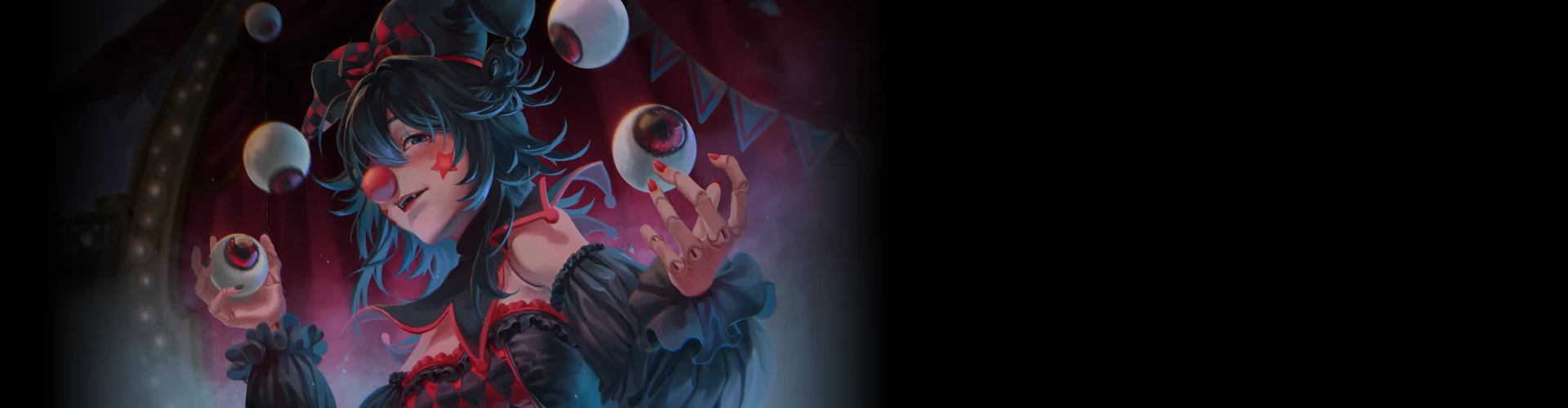
Unlike traditional animation classes that focus solely on the character and minor accessories, this course teaches you how to animate the entire scene, including backgrounds and props, under a unified cinematic mood. By taking a glimpse into :P_ETER's approach, you can create atmospheric masterpieces that instantly capture and hold your audience's attention.
This class bridges the gap between digital illustration and motion design with a seamless, single pipeline. It specifically focuses on the most common bottleneck for artists: the transition stage of asset cutting and rigging preparation. By learning how to separate layers and organize your assets the smart way, you will build a stress-free, efficient routine to bring any illustration to life.
This class bridges the gap between digital illustration and motion design with a seamless, single pipeline. It specifically focuses on the most common bottleneck for artists: the transition stage of asset cutting and rigging preparation. By learning how to separate layers and organize your assets the smart way, you will build a stress-free, efficient routine to bring any illustration to life.
Class Perks
Special Gift from :P_ETER
-
 Class Exclusive Illustration Assets
 -
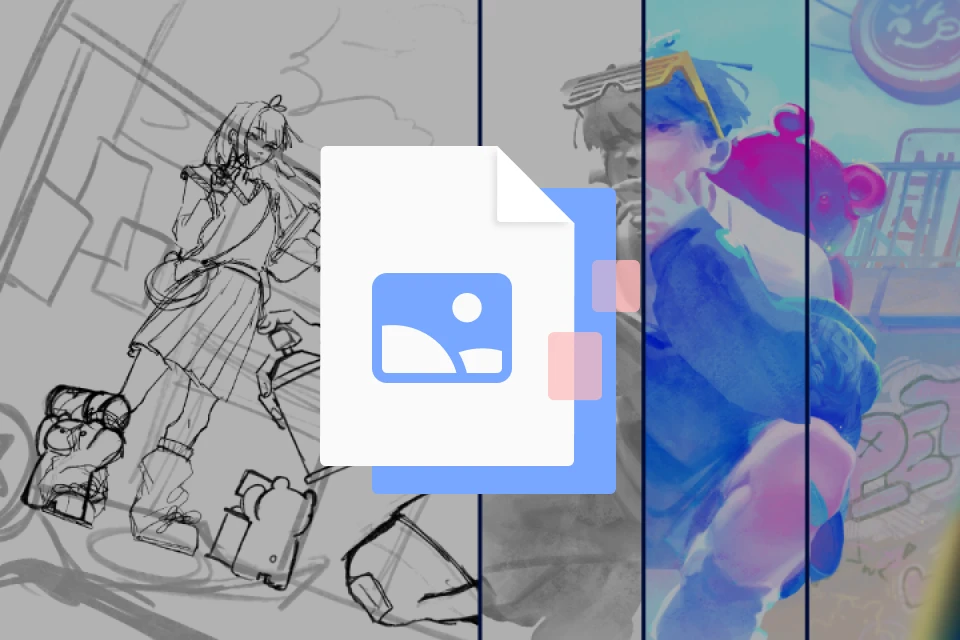 Original Illustration Files & Process Timelapse
 -
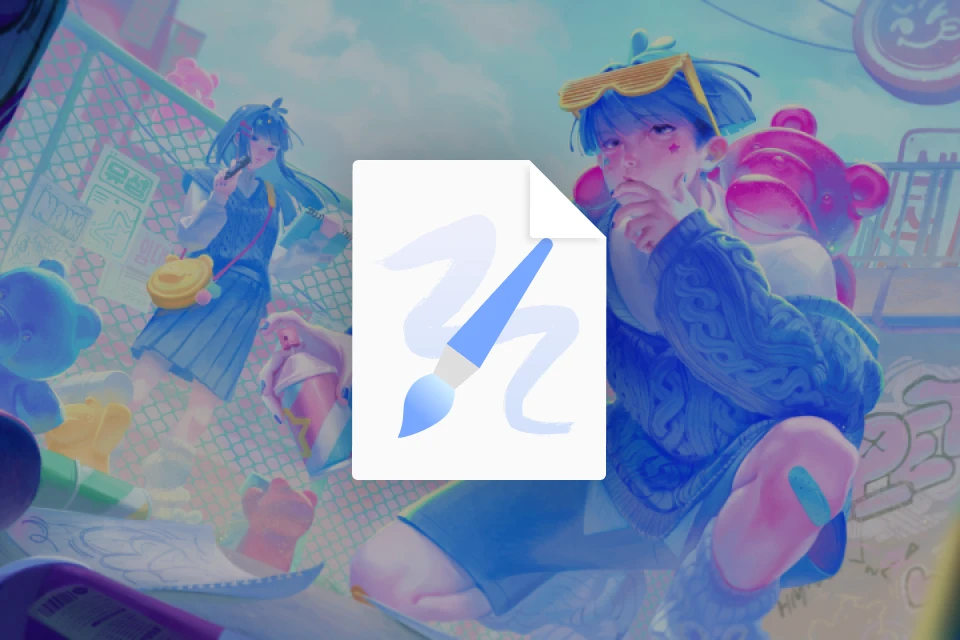 Final Animation & After Effects Project Files
Class Material Details
-
 Layer-Separated Illustration Files for Practice- Uncut original illustration files (.PSD & .Procreate)
- Pre-cut and split illustration asset files ready for animation rigging
- Grouped layer structure optimized for seamless software imports -
 High-Definition Illustration Artwork & Process Video- High-resolution digital illustration file
- Painting timelapse capturing :P_ETER's core workflow
- High-quality reference files to study color, composition, and detail placement -
 Completed Animation Loop & After Effects Project Sheets- Fully rendered final animation with sound effects
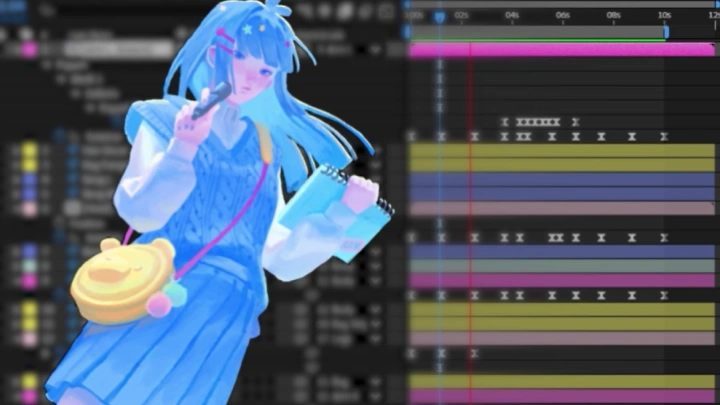
- After Effects (.AEP) project files showcasing the final motion structure
- Step-by-step work in progress files to check your progress along the way
Special Notice:
Animation/Art Feedback Event
Share what you created in class and get direct feedback from :P_ETER!
- First-Come, First-Served: First 10 people to enroll in the class
*All eligible students will be notified and given specific instructions via email
How it works:
- Share your class project with :P_ETER via email or Google Drive.
- The instructor will review your work, provide feedback, and make direct edits to your project.
*A brief speed-edit recording may also be provided, subject to the instructor's availability.
Recommendation
Who should take this class?
Illustrators and Digital Artists who want to explore beyond traditional frame-by-frame animation
Beginner Animators who want to dive into advanced character & full illustration animation with After Effects
Independent Artists who want to produce engaging animated short pieces for social media, portfolios, or personal projects
Expert 2D Animator :P_ETER's Portfolio

* This Portfolio includes client works.
Why Take This Class?
The curriculum features a carefully designed two-step difficulty curve to help you build confidence without feeling overwhelmed. You'll start by learning basic rigging and animation principles on secondary background characters before advancing to complex, skeletal rigging for the main character. You'll work through a highly structured 26 chapter & 56 exercise roadmap.
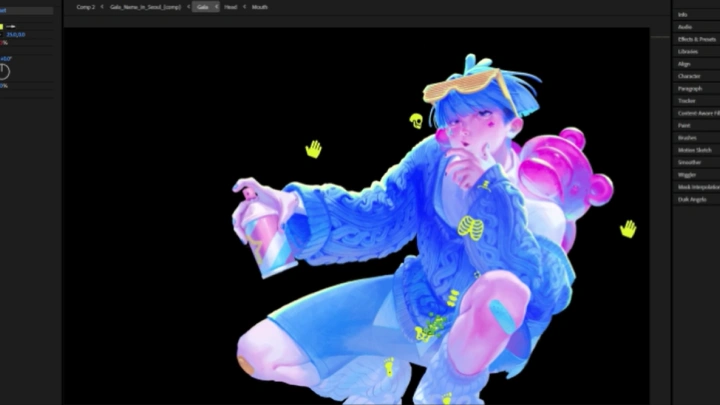
Additionally, this class removes any expensive software barriers by relying entirely on the industry-standard, free rigging plugin, Duik. You'll learn to do advanced, professional character rigging in a easier and effecient workflow. As a special bonus to ensure your work stands out, :P_ETER also provides dedicated chapters on full-illustration drawing and professional sound design. This comprehensive training ensures you can deliver a complete, high-quality audio-visual package!
Get Ready for the Real-World
20 Class Exercises
Part 1. Pre-Production & Asset Preparation
-
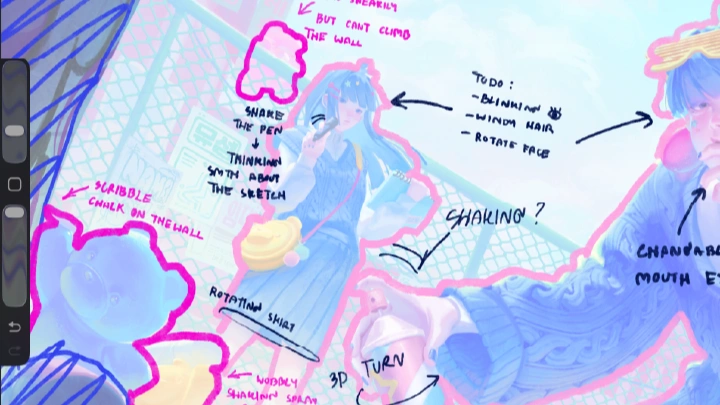
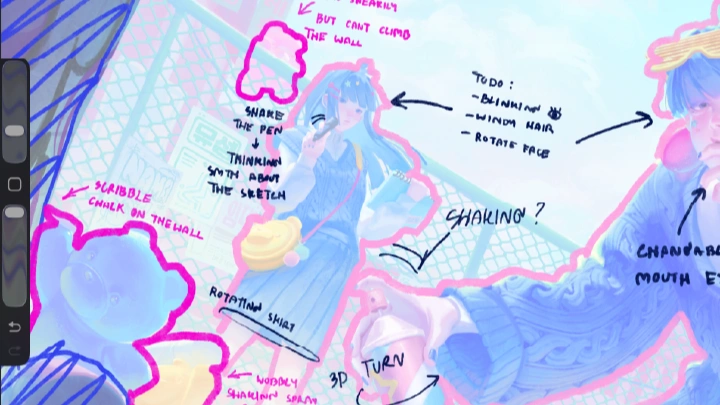
Sketching Ideas- Mark parts for movement separation
- Mark parts for 3D rotation separation
- Paint behind a moving arm
- Extend/patch a hidden edge -
Illustration Cutting and Paintover- Cut body parts (torso, arms, legs)
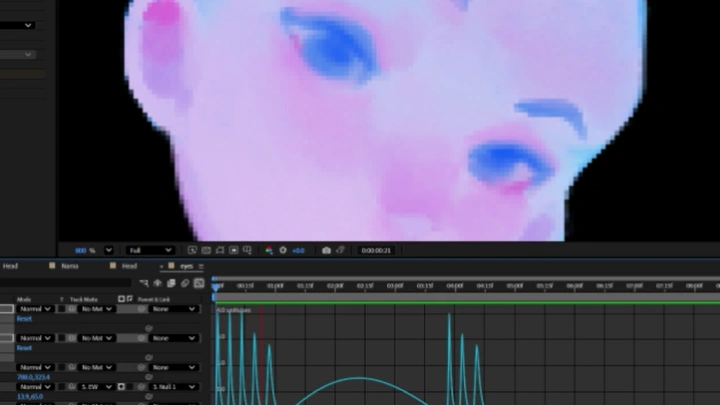
- Cut the head, eyes, and facial features
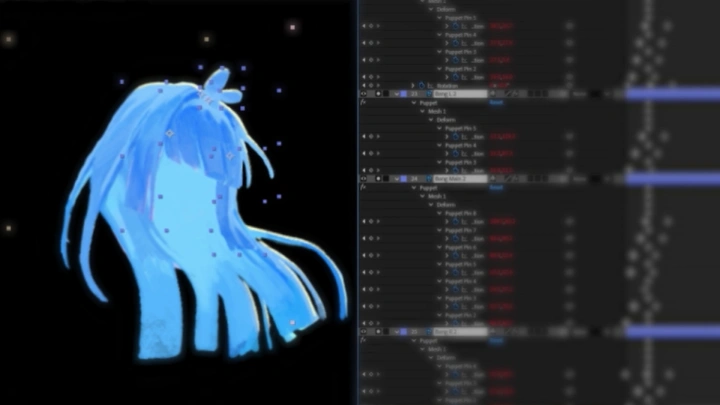
- Cut and separate hair layers
- Cut props and background
- Make one seamless cut where parts overlap -
Organize Layers- Group and name every asset
Part 2. Basic After Effects
-
After Effects Fundamentals- Create a composition at the correct FPS
- Precompose a layer group
- Set up a parent/child link
- Apply a simple mask -
Organizing Assets and Parenting- Import and organize layers
(precompose + naming) -
Anchor Point and Puppet Pin- Parent a joint chain (shoulder to hand)
- Place an anchor point correctly
- Test a puppet pin on one limb
Part 3. Basic-Character Animation
-
Blocking Animation- Block a basic body movement
- Animate an eye blink
- Animate a breathing idle -
Fixing Stiff Motion with Follow-Through Movement and Graph Editor- Add follow-through to one part
- Ease keys in the graph editor
- Fix one stiff motion with interpolation -
Looping Hair and Clothes- Loop a hair sway seamlessly
- Loop an idle body movement
- Use a loop expression/script -
Head Turn: 3D Illusion- Fake a head turn (3D illusion)
- Rotate a prop in fake 3D
- Rotate a face with layered features -
Polishing Animation- Animate a skirt with puppet tools
- Add secondary cloth sway
- Apply all animation principles
- Polish the timing
Part 4. Main Character Animation & Complex Rigging
-
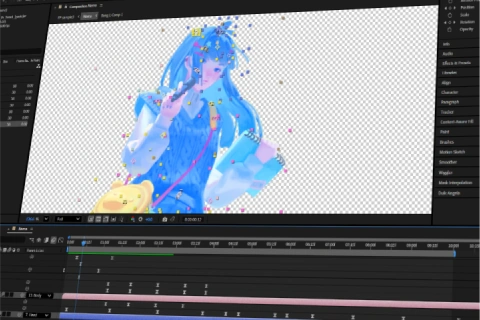
Comparing Bone vs Puppet- List parts needing bones vs. puppet
- Name and color-code all layers -
Creating Rig Controller and Gluing- Glue overlapping parts
- Create master + limb controllers
- Parent parts in the Duik workflow -
Animating with Rigging Tools- Block the full character animation
- Apply production-level animation principles
-Add secondary motion and weight -Do a final polish pass -
Animating Props- Extra practic of applying the Duik Angela plugin for your props
Part 5. VFX & Composition
-
Getting to Know VFX- Apply one built-in VFX effect
- Layer two effects with logic -
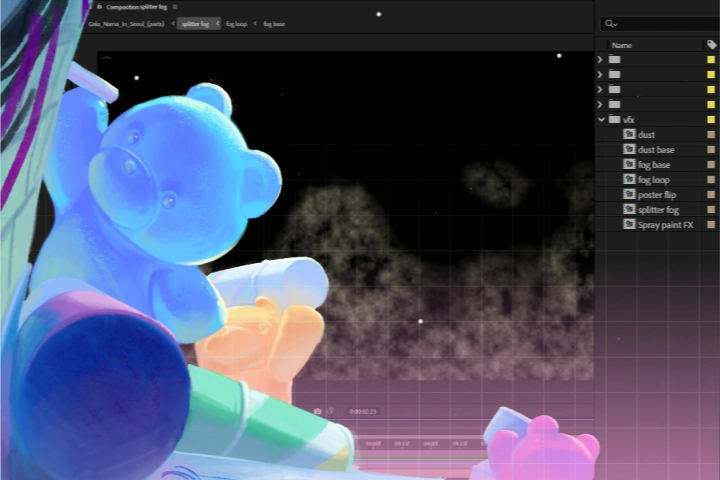
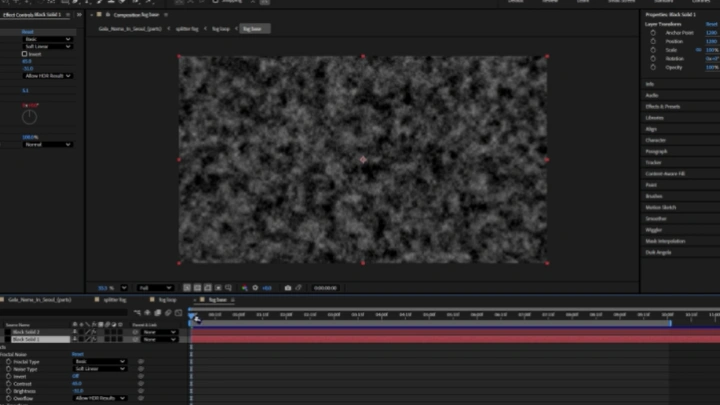
Creating Basic VFX- Create basic VFX to elevate the environment
- Make a dust particle loop
- Make a fog loop -
Applying 3D Camera and Parallax Effects- Set up a 3D camera layer
- Create parallax across layers
- Fix one 3D layer issue -
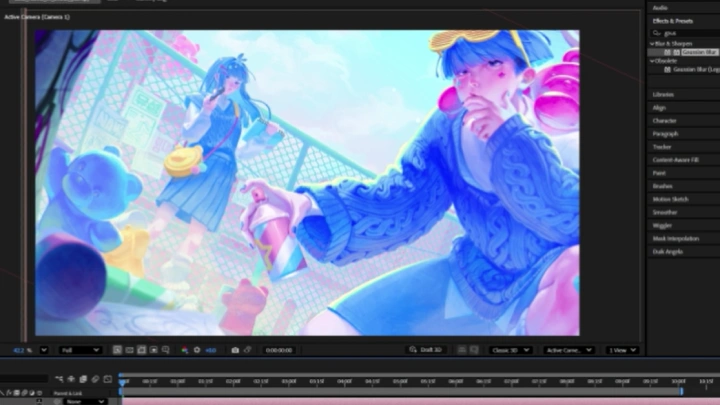
Compositing- Composite lighting layers from the illustration
- Add decorative light + blending mode
- Add lens blur and noise
Part 6. Wrap up & Sound Design
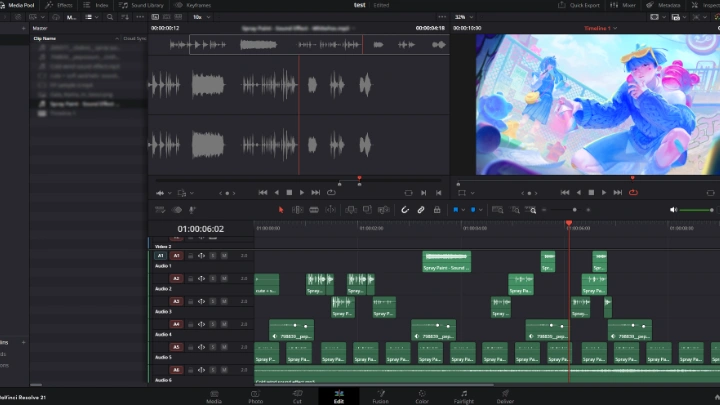
Sound Design Workshop
- Add an ambience track
- Add cohesive SFX to match the visuals
- Combine two SFX tracks for one action
- Adjust volume based on visual hierarchy
Final Product Examples
-
Basic Character Idle Animation
-
Complex Character Animation
-
Background + Prop Animation
-
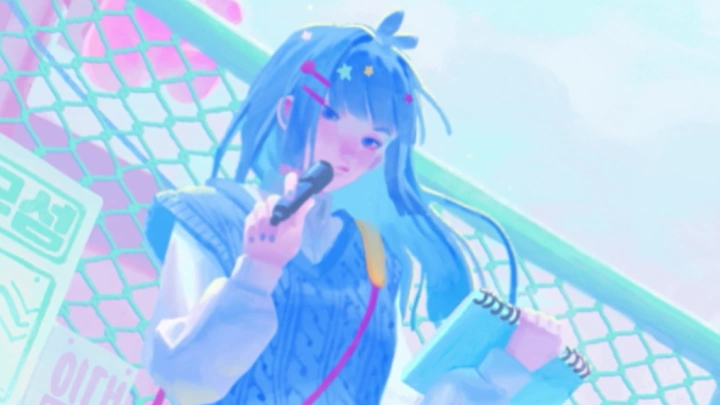
Final Combined Animation
*The above images are sample images for a better understanding.
Highlights
Class Highlights
The Workflow with Purpose
Learn to animate the entire scene, including environmental backgrounds, lighting, and ambient props. Master the art of creating a single, cohesive mood that turns any static illustration into an immersive visual story.
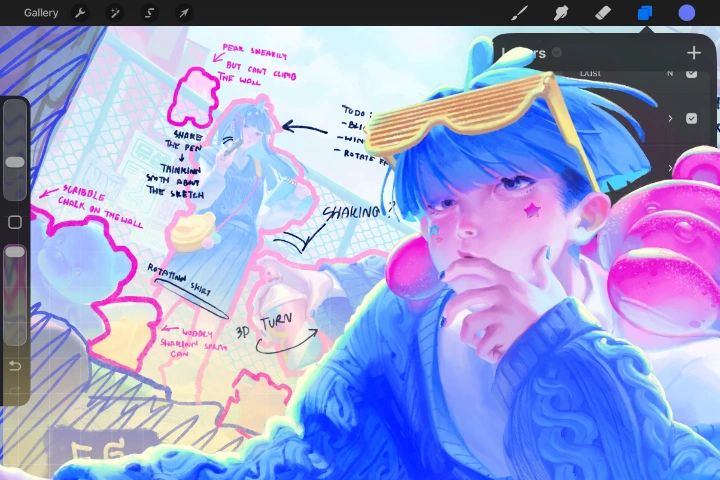
Mastering Character Rigging with After Effects
Understand the character rigging from the fundamental. We'll dive into the process of character animation of both basic and professional workflow. The goal is not only making them move but also giving them personalities.
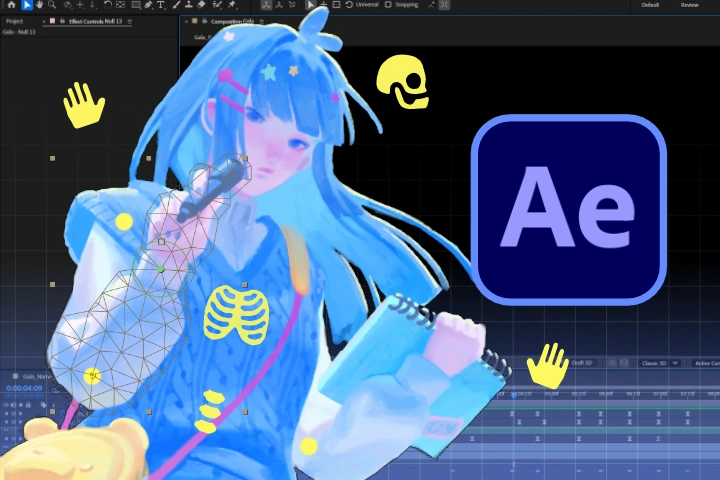
Create Immersive Animation Loop with VFX
Discover the use of visual effects from built-in tools to enhance both scene and character. We'll design VFXs and camera effects that respond to our animation. This is the big step of bringing our illustration to life!