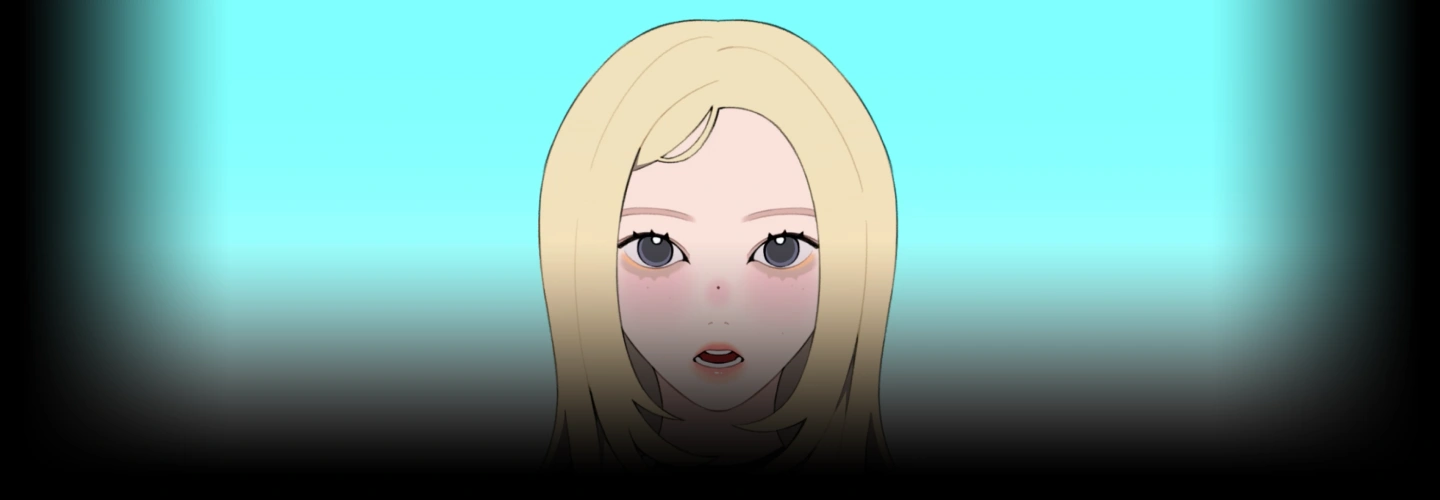
2danimator,kirana Details
Intro
Class Intro
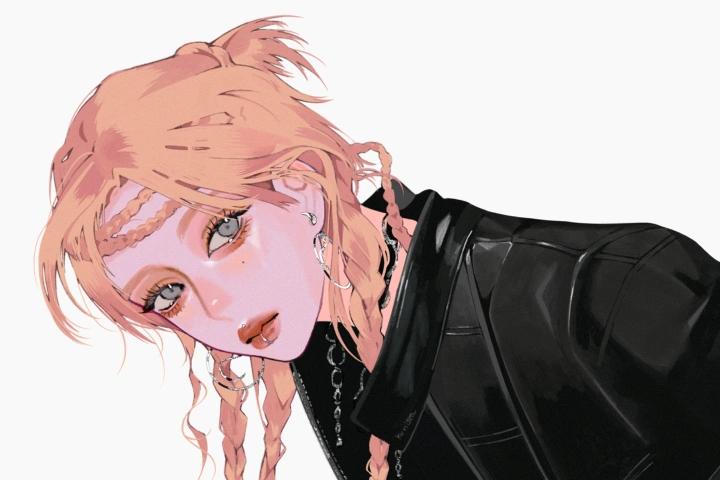
2D Animator, Kirana
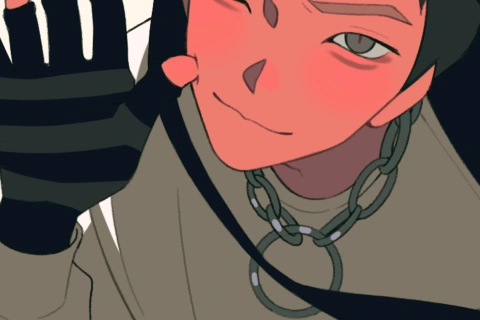
"Take inspiration from your IRL K-pop bias and create stylized character designs that are expressive and recognizable!"
Love K-pop, But Can't Capture That Idol Energy in Your Art?
You've got a favorite idol. You've saved way too many performance clips. But when you draw or animate them... somehow the magic disappears. The expressions feel off, the movement looks stiff, or everything ends up looking either too realistic or too anime. If you've been wondering how artists create those stylish, colorful K-pop-inspired animations, this class is for you.
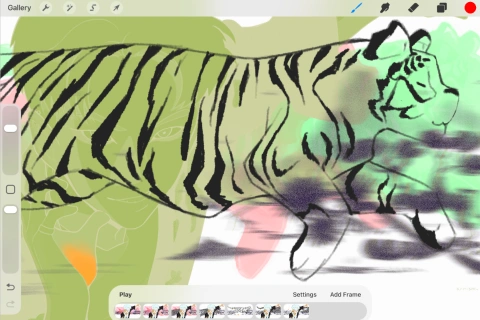
Learn how to turn real life performances into eye catching character animations with a polished, stylized look. From designing expressive characters and building vibrant color palettes to animating signature gestures and performance worthy acting, Kirana will guide you every step of the way as you create a complete K pop inspired animation. While the class is demonstrated in Procreate, the artistic principles and techniques can be easily applied to your favorite drawing software!
Class Perks
Special Gift from Kirana
-
 Procreate Brush Set
 -
 Final Outcomes Working Files
 -
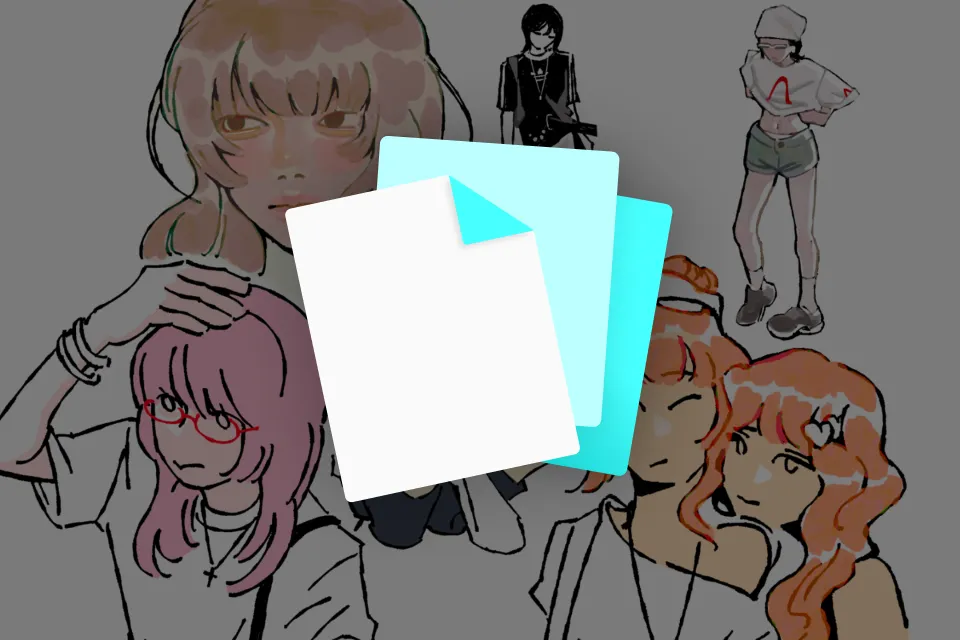 Custom-Made Class Exercise Samples
Class Material Details
-
 Instructor's Favorite Procreate Brushes-A downloadable collection of Kirana's favorite Procreate brushes for line art, coloring, and blending, used throughout the class.
 -
 Final Artwork & Working Files- Layered sample files showing the complete drawing process from sketch to final coloring, so you can study every stage of the workflow.
 -
 Exclusive Class Exercise Files & Slides- Instructor made exercise files and presentation slides with exclusive artwork to help you practice and reinforce each lesson.
Recommendation
Who should take this class?
Aspiring Animators
who want a structured introduction to traditional frame-by-frame animation, from the fundamentals of timing and spacing to bringing original characters to life
K-pop & Pop Culture Fans
who love drawing your favorite idols but have trouble translating real-life references into appealing, stylized illustrations with consistency
Procreate Artists
who are struggling to make their iPad illustrations and animations look polished, with color, line art, and texture that feel inconsistent or unfinished
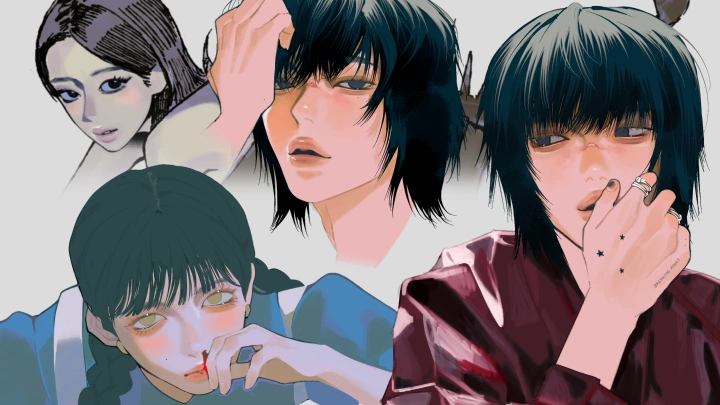
Expert 2D Animator Kirana's Portfolio
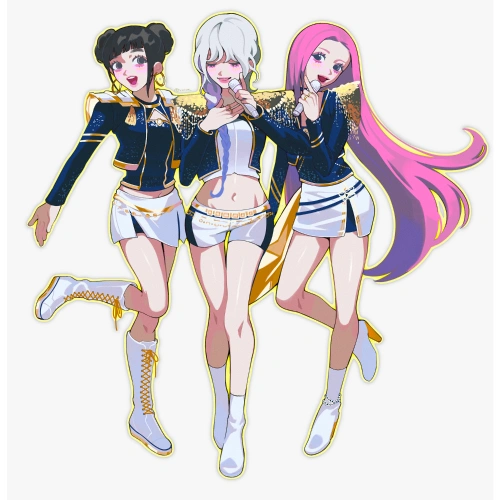
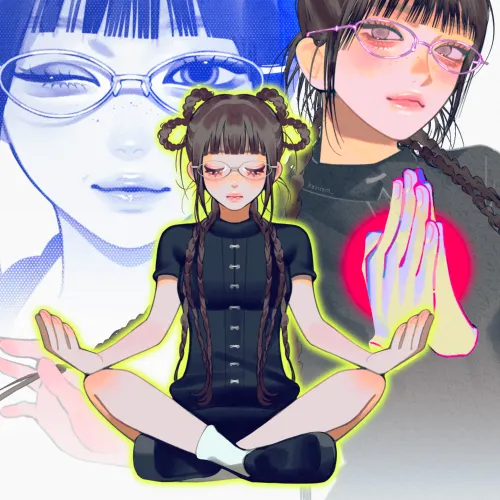
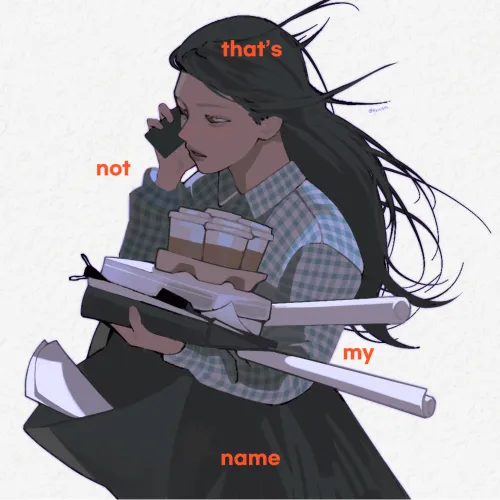
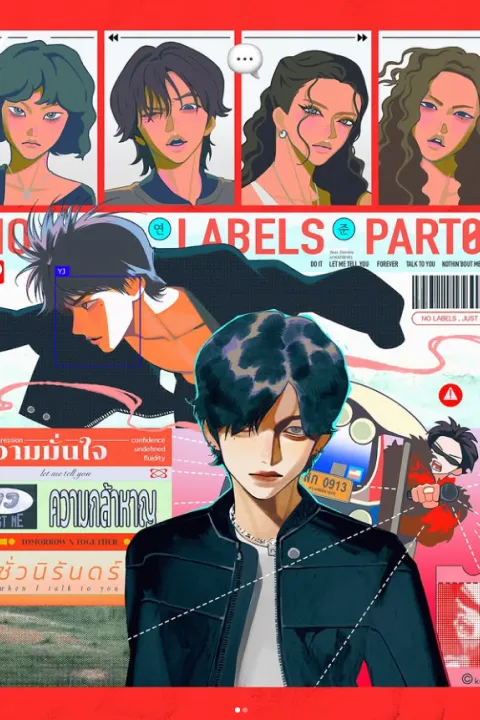
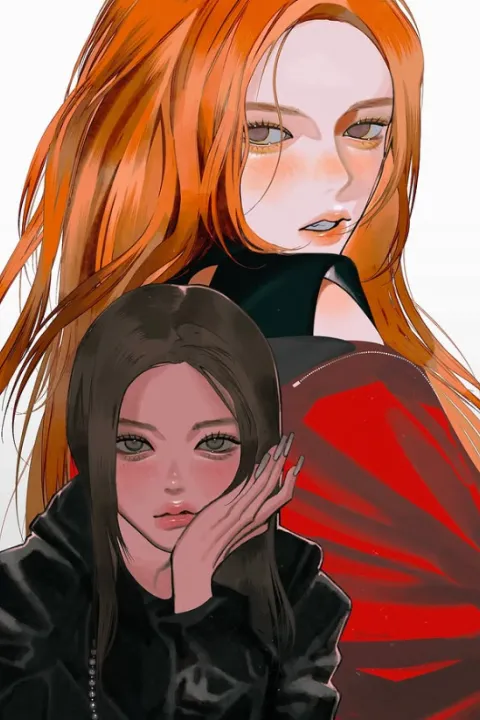
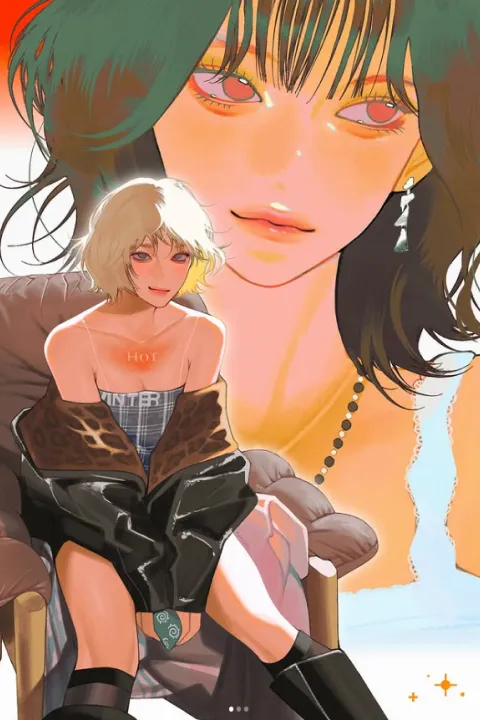
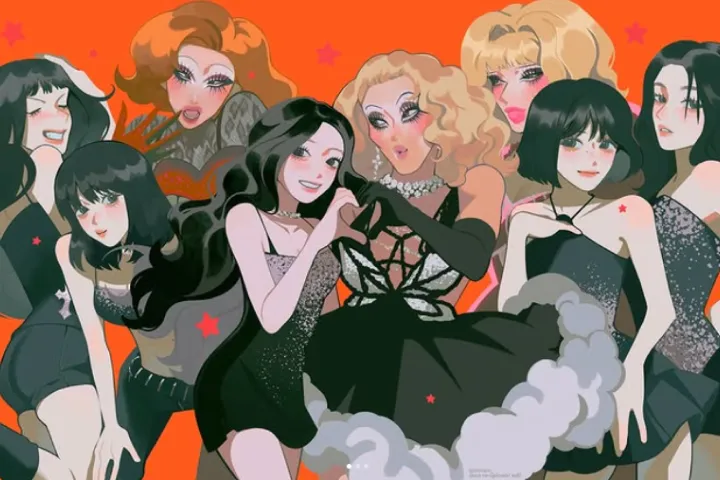
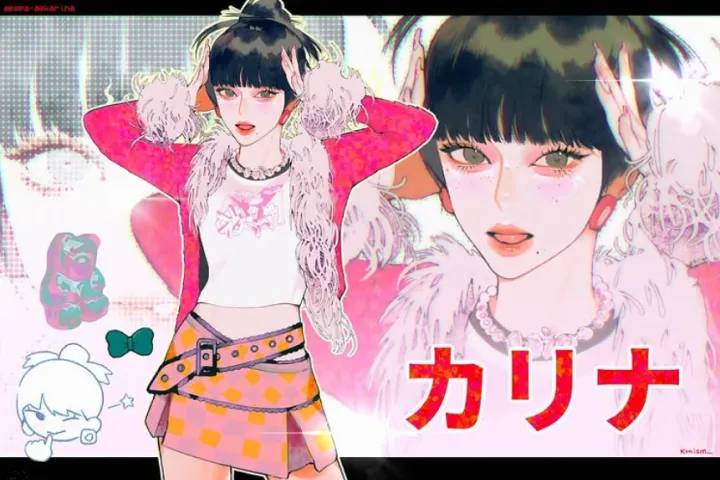
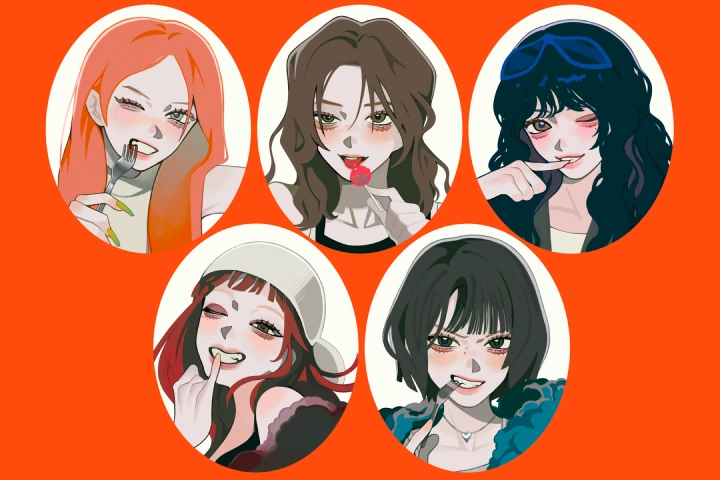

* This Portfolio includes fanart.
Why Take This Class?
Forget fancy gear and complicated tech gymnastics: you do not need any prior animation wizardry to jump right in! This beginner-friendly playground breaks down the whole frame-by-frame process into bite-sized, totally doable steps, boosting your creative confidence from doodle to finished masterpiece using simple Procreate techniques. Instead of draining your wallet on pricey software or crying over advanced tech workflows, this course serves up the secret sauce of smart creative choices right from the get-go: from scouting killer references to designing characters that absolutely overflow with charm.
By unlocking industry-inspired secrets and a super-smooth production flow, you will be whipping up polished, professional-looking animations with the exact tool you already own. No gatekeeping, no stress, just pure creative magic!
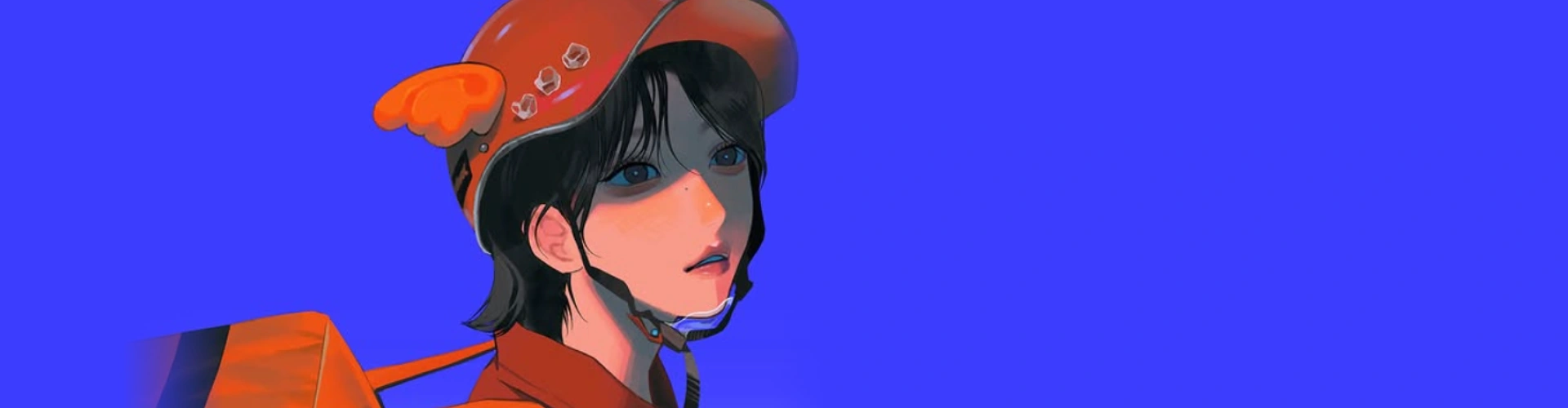
Get Ready for the Real-World
18 Class Exercises
Part 1. Character Design
-
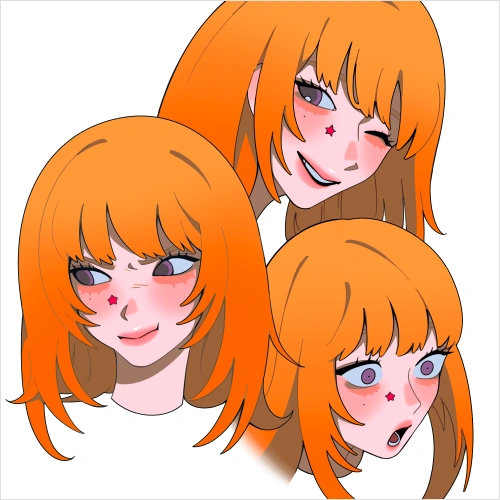 Facial Expression Sheet
 -
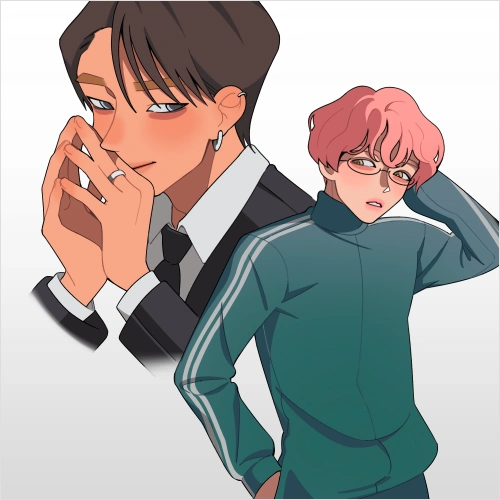 Diverse Pose Sheet
 -
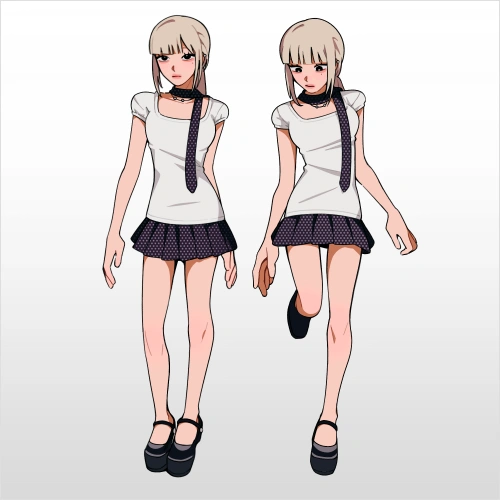 Character Turnaround Sheet
Part 2. Visual Direction
-
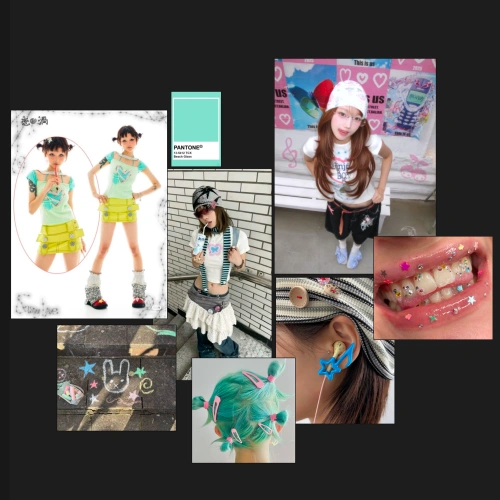 Moodboard Creation
 -
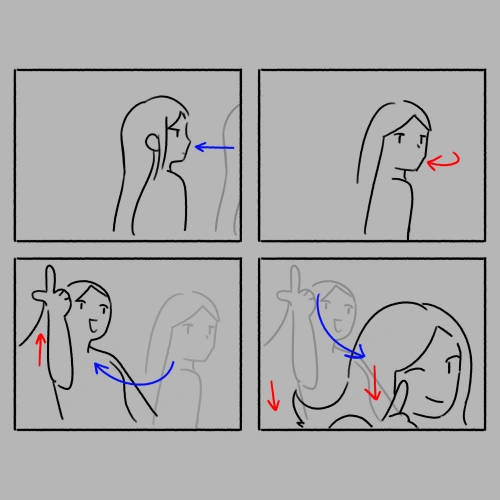 Storyboard Creation
 -
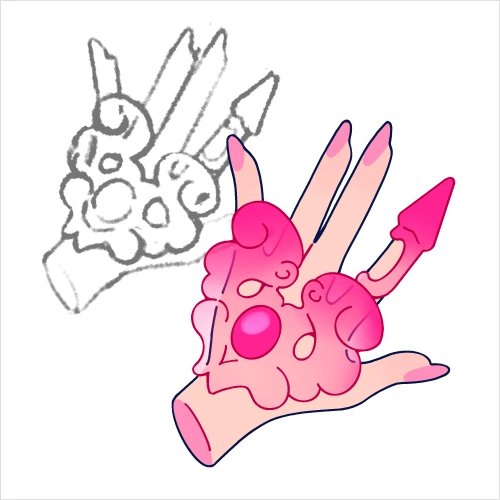 Key Prop Design
Part 3. Animation
-
Timing & Spacing
-
Keyframing
-
In-Betweening
-
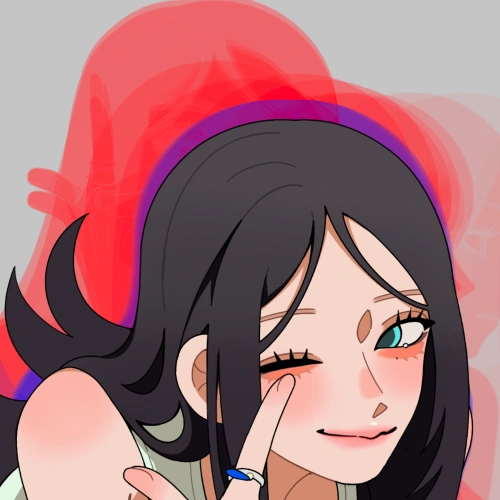 Secondary Motion
-
Rough Animation
-
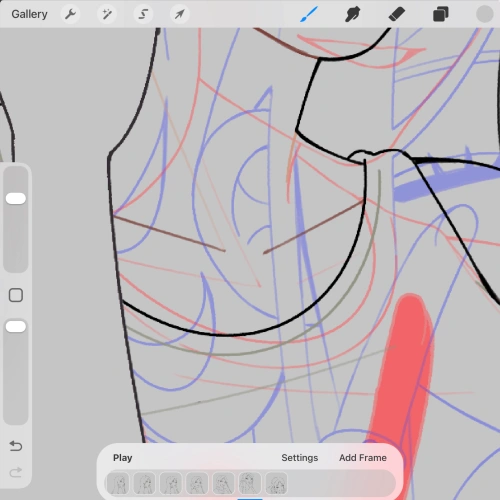 Animation Editing
 -
Line Cleanup
Part 4. Post-Production
-
Coloring
-
Lighting & Shadows
-
Compositing
-
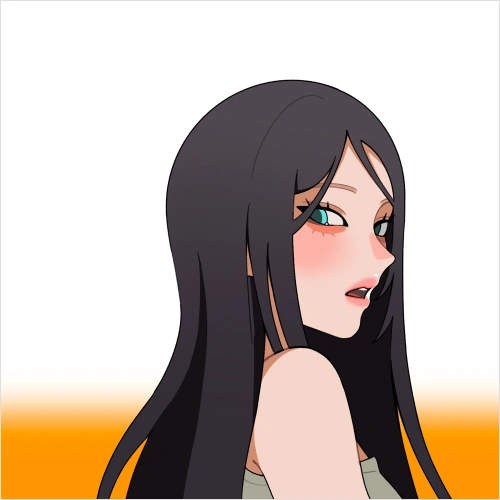 Final Edits
 -
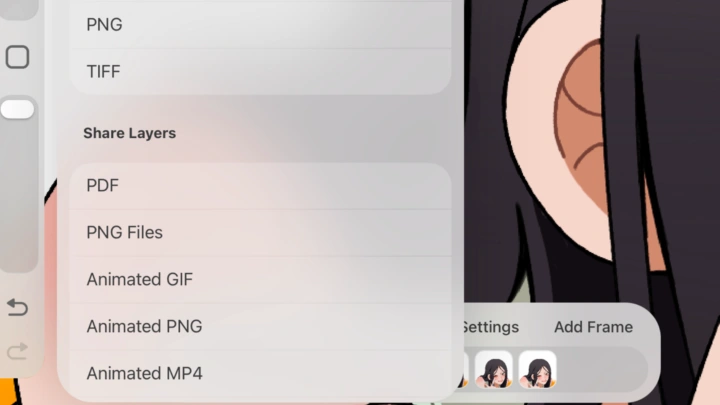
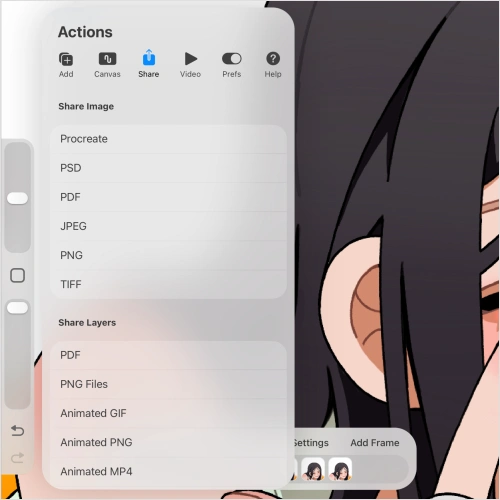 Exporting
3 Final Product Examples
-
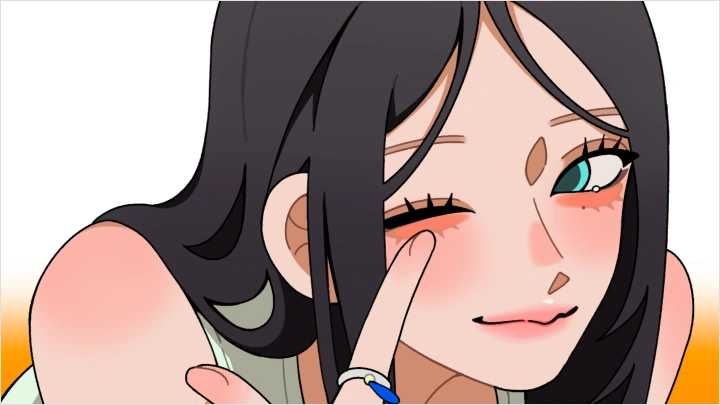
K-pop Themed Animation
-
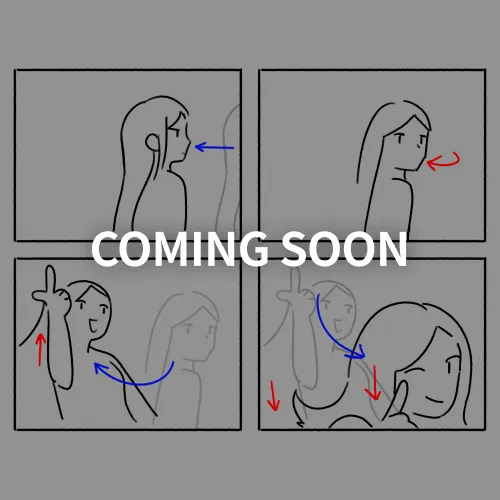 Storyboard
 -
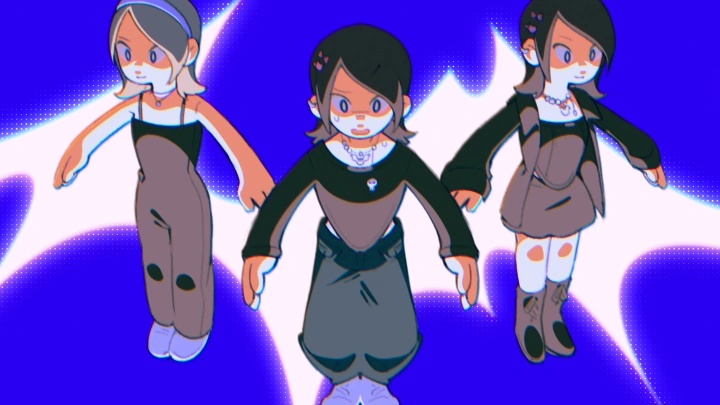
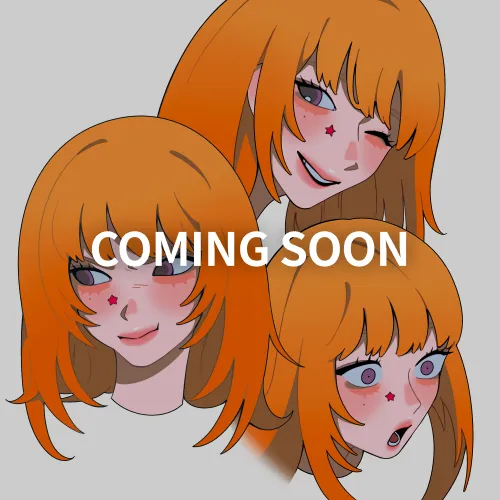 Character Sheet
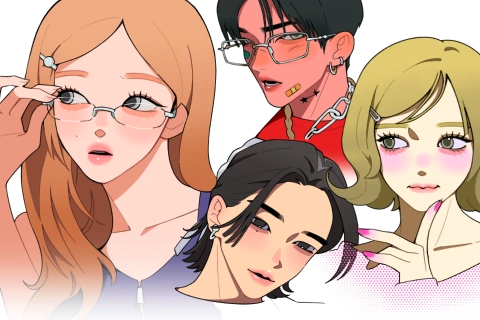
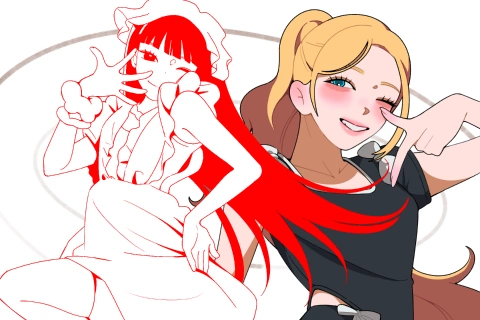
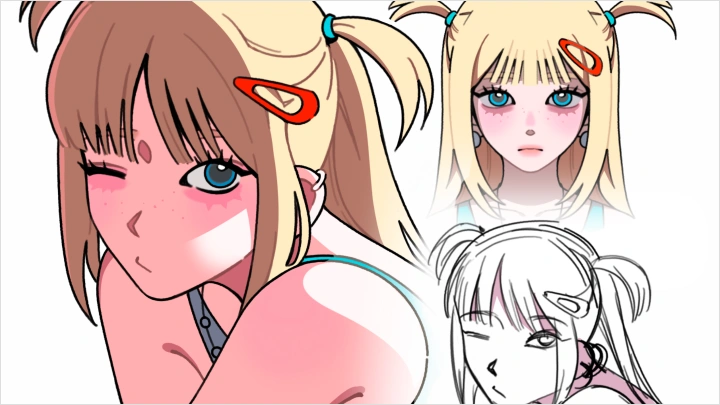
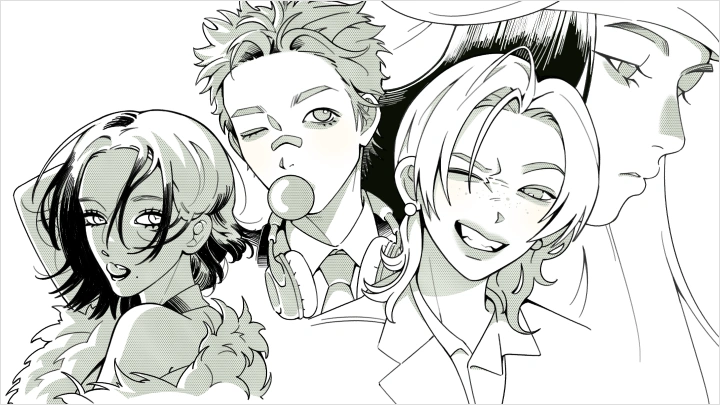
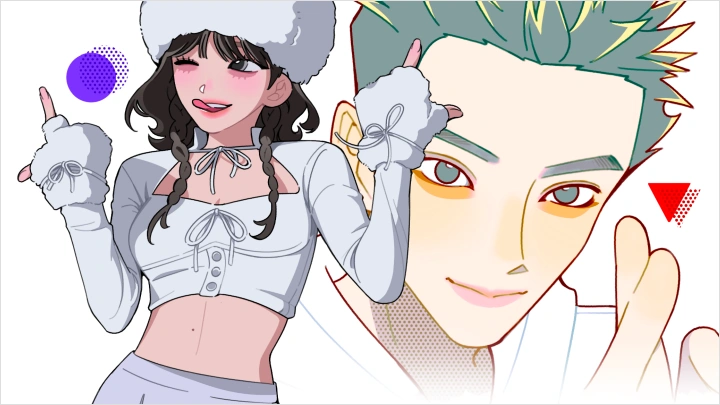
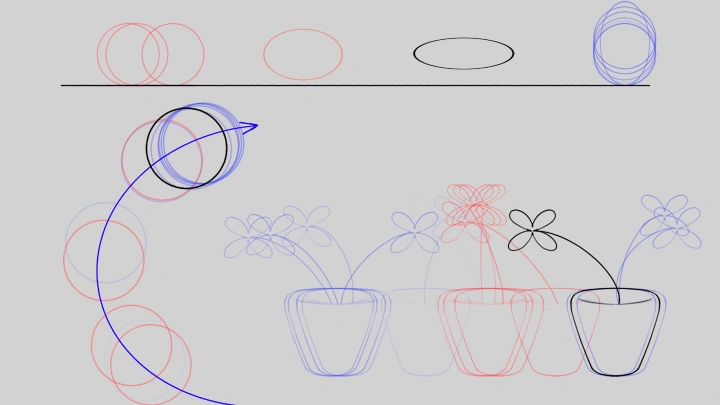
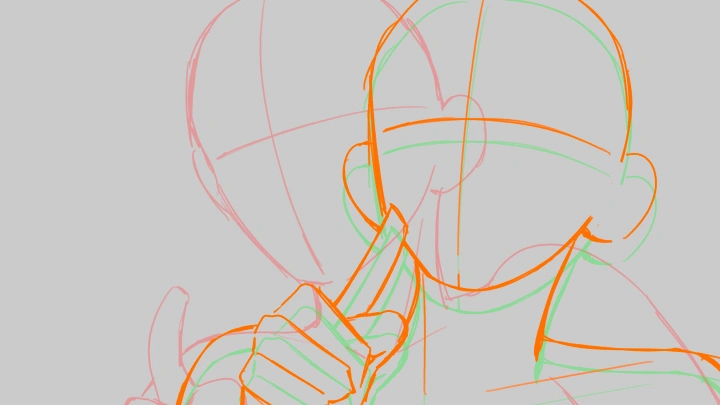
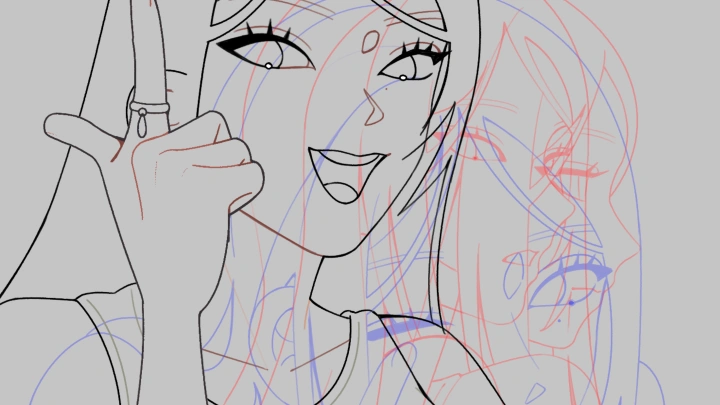
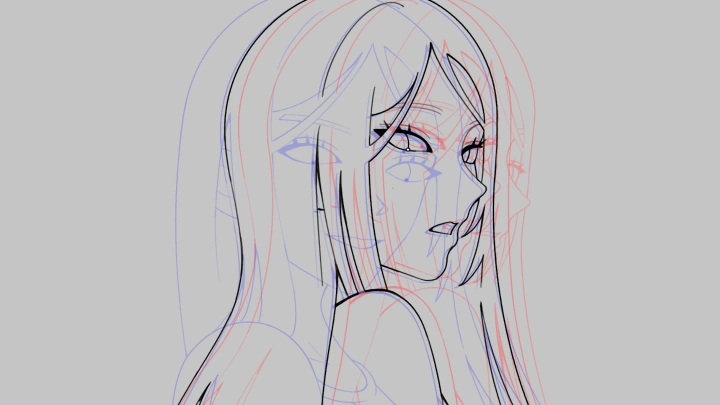
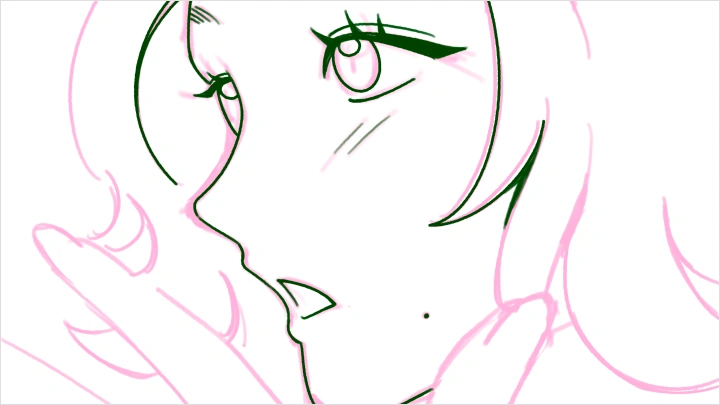
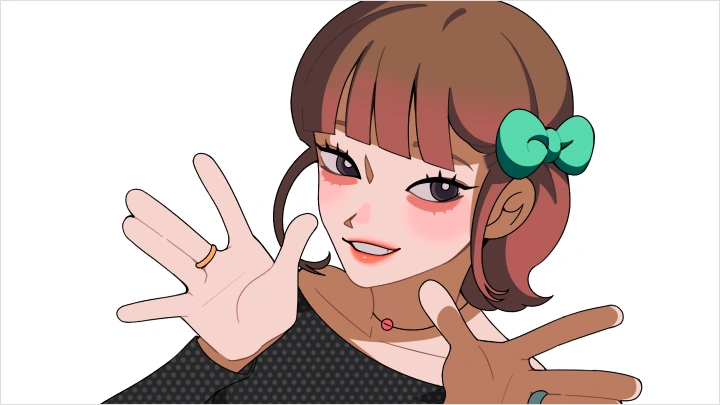
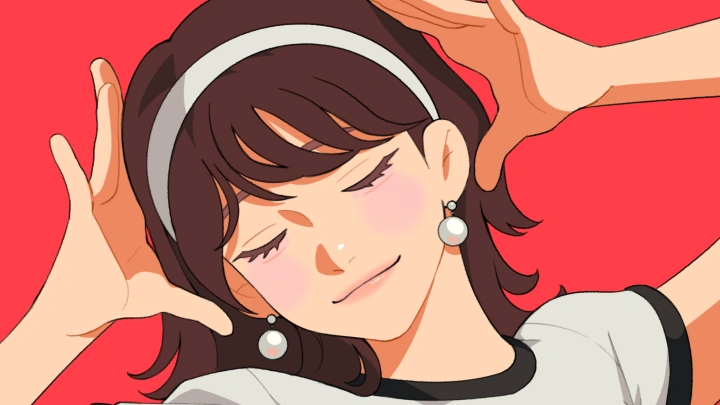
*The above images are sample images for a better understanding.
Highlights
Class Highlights
Complete End to End Animation Workflow
Learn how to create a short animation from scratch through a structured pipeline. Start by gathering references and building a moodboard, then move into timing and spacing, character and key visual design, animation production with in betweens, and finally export a polished final piece.
Character Stylization & Design Principles
Stylizing real-life people into 2D characters can be tricky for many artists, which is why having the right techniques is essential. In this class, you'll learn how shape and silhouette influence designs, as well as how to select the perfect facial expressions to portray a character's personality. The goal is to create a character that strongly resembles the real person without being overly realistic. Through our class exercises, you'll choose your own level of realism and adjust the style to your exact liking.
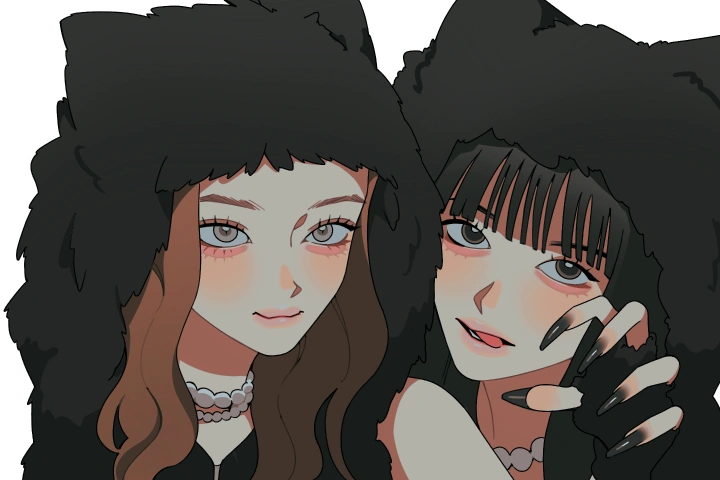
Adaptable Core Fundamentals
Build a strong foundation in animation and character design that can be applied across any project. Ultimately, this course prepares you for real-world industry opportunities by teaching you how to transform a rough concept into a highly polished asset.