2danimator,evilbaye Details
Intro
Class Intro
2D Animator, Evilbaye
"Get through frame-by-frame animation with ease by applying theories to your actual output, building a strong foundation that sets you up for success!"
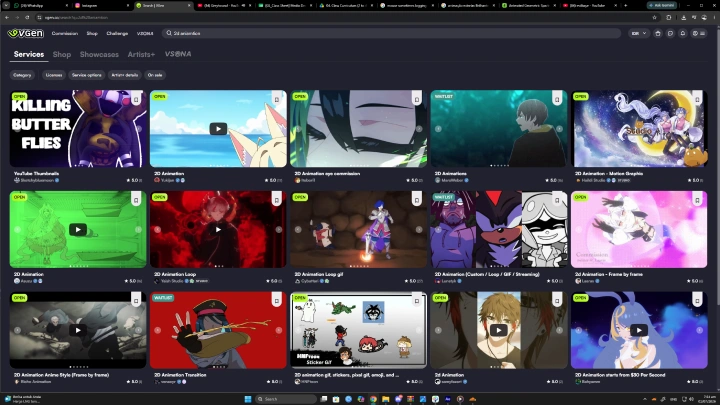
Working harder on commissions, but not faster?
Creating polished frame-by-frame animations for VTuber commissions is one thing, but building a workflow that lets you deliver them efficiently and consistently is another. Many artists spend too much time redrawing, fixing mistakes, or tackling each project from scratch, making it difficult to maintain quality as commission requests grow. This class walks you through a complete production pipeline, from ideation and storyboarding to animation, compositing, and procedural effects, so every stage works together as one efficient, repeatable workflow rather than a collection of disconnected techniques.
Rather than focusing only on how to animate, you'll learn how to build a production process designed for long-term freelance work. Discover practical methods to speed up frame-by-frame animation, reduce unnecessary redraws through smarter planning, and leverage procedural post-production to maximize efficiency. By the end of the course, you'll have a repeatable workflow that helps you complete commissions faster, maintain consistent quality, and build a more sustainable animation career.
Class Preview
Still Not Sure?
Check Out Evilbaye's Class Preview!
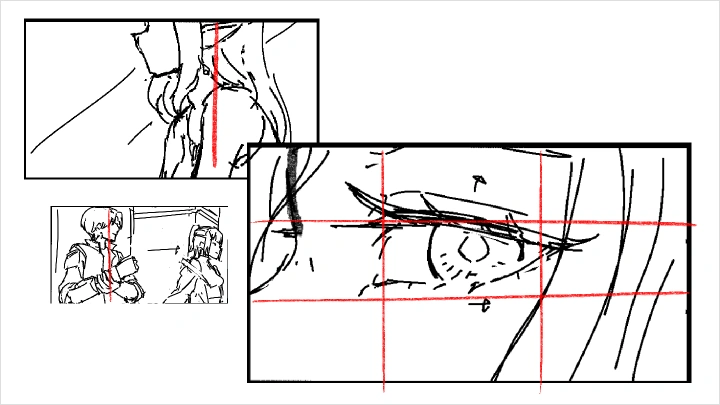
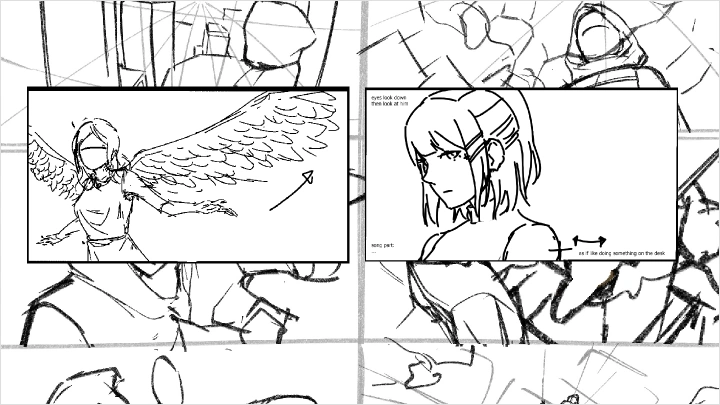
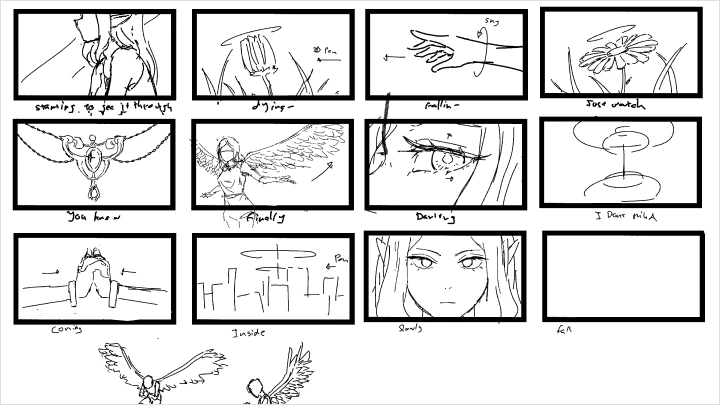
Chapter 05. Rough Storyboarding
1. Map out the sequence flow and transitions
2. Gauge the motion and duration
3. Map out the required technical specifications
2. Gauge the motion and duration
3. Map out the required technical specifications
Class Perks
Get These Coloso Exclusives
-
 Complete Working Files
 -
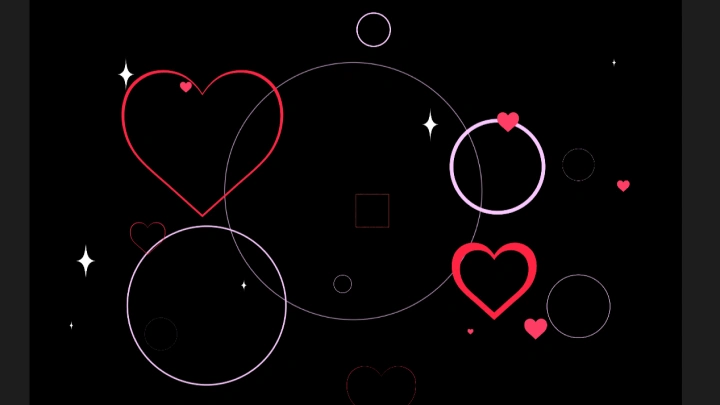
 Kawaii VTuber Graphic Assets for After Effects
 -
 Workflow Shortcut & Hotkey Library
Class Material Details
-
 CSP Project Working Files- Complete Clip Studio Paint and After Effects project files used throughout the class
 -
 Cute Graphic Elements for After Effects- A collection of cute graphic elements to enhance your VTuber animations in After Effects
 -
 Shortcut & Hotkey Guide PDF- A handy reference guide to essential shortcuts and hotkeys for a faster animation workflow
Recommendation
Who should take this class?
Illustrators
who want to bring their artwork to life through animation and learn a complete production workflow, from storyboarding to compositing
Digital Artists
who want to create VTuber animation commissions and build the practical skills needed to produce professional-quality assets for real clients
Aspiring Animators
who want to optimize their frame-by-frame workflow with an efficient, repeatable production pipeline that improves both speed and consistency
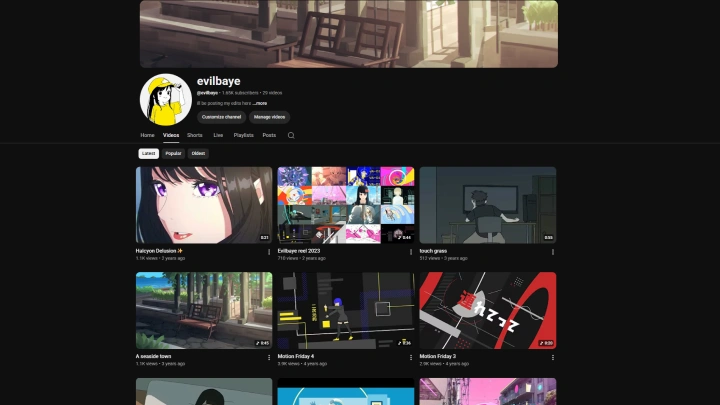
Expert 2D Animator Evilbaye's Portfolio

* This Portfolio includes fanart and client works.
Why Take This Class?
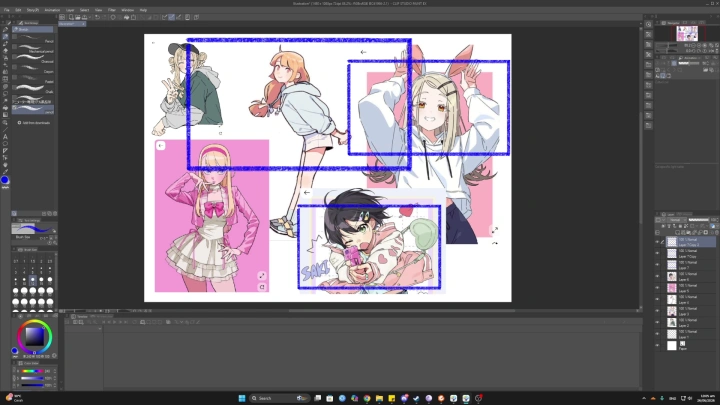
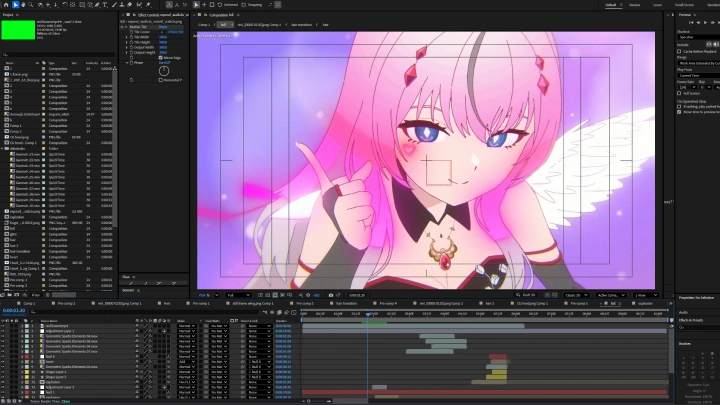
Turn your animation skills into a practical, beginner-friendly workflow for creating VTuber commission work. You'll learn how to take a project from the initial idea all the way to a polished final delivery, following an efficient production pipeline that covers storyboarding, rough animation, clean-up, coloring, compositing, procedural effects, and export.
Designed for aspiring commission artists, this class emphasizes time-saving techniques and a structured workflow you can reuse across projects. By the end, you'll have a clear understanding of how to produce clean, professional-quality VTuber animations more efficiently, making it easier to take on client work with confidence.
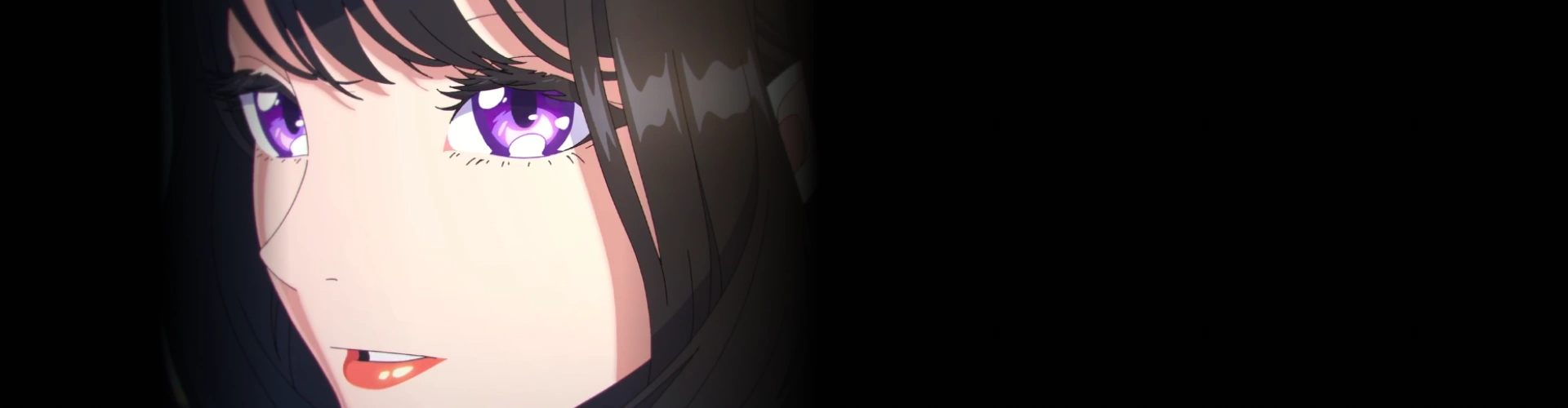
Get Ready for the Real-World
11 Class Exercises
-
Concept Development
-
Thumbnailing
-
Storyboarding
-
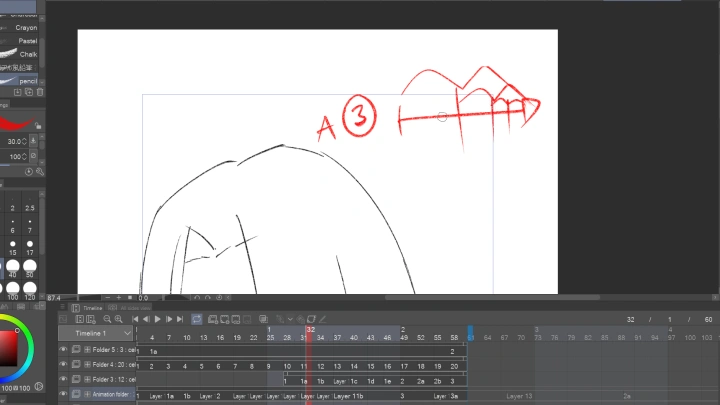
Rough Animating
-
Shot Refinement
-
In-Betweening
-
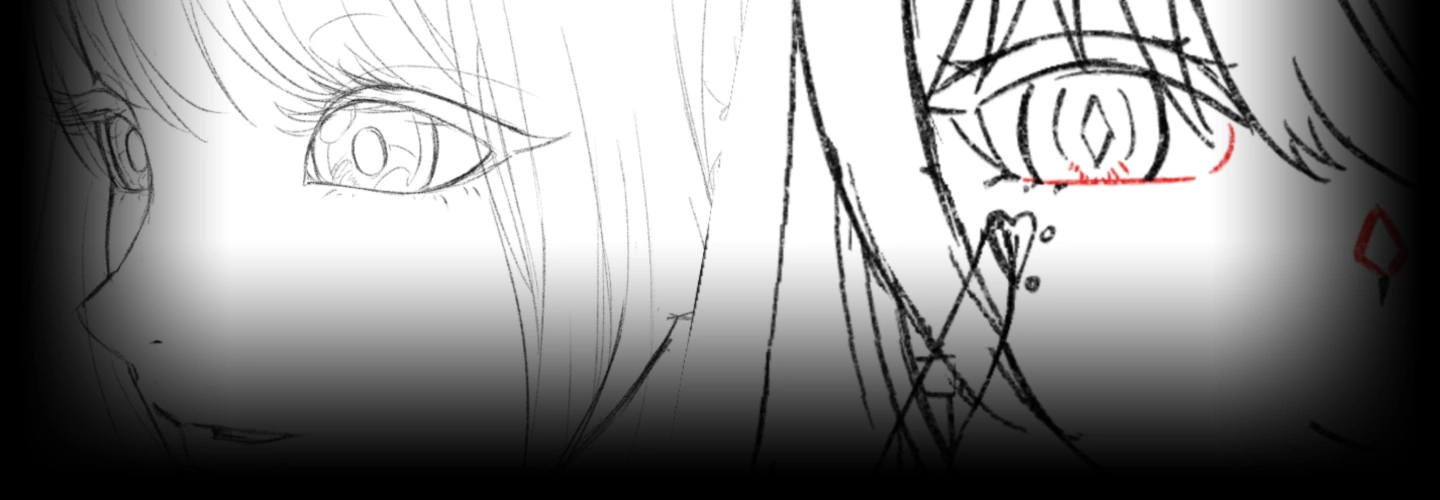
Clean-Up
-
Coloring
-
Procedural Compositing
-
Procedural FX
-
Export Optimization
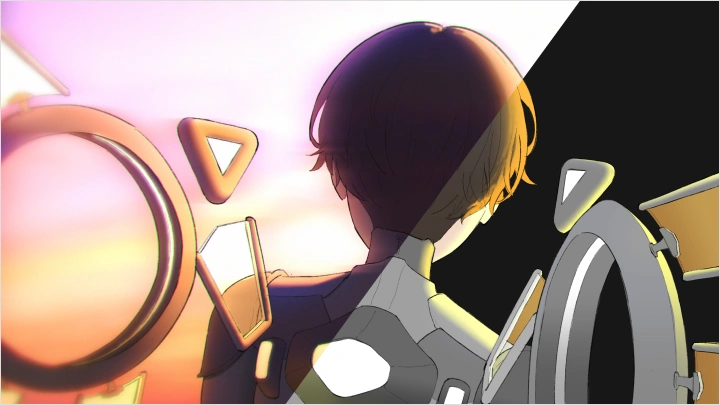
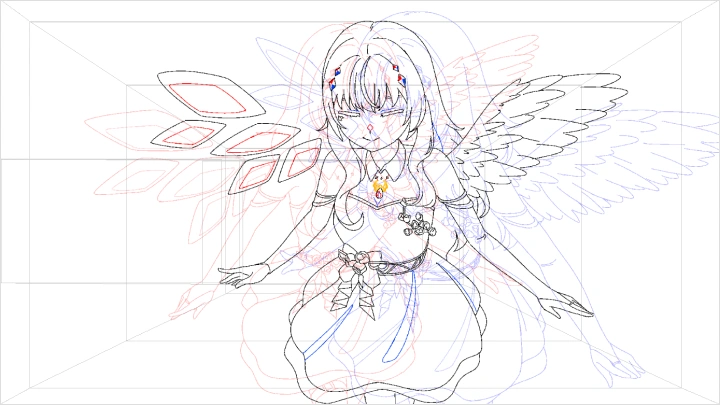
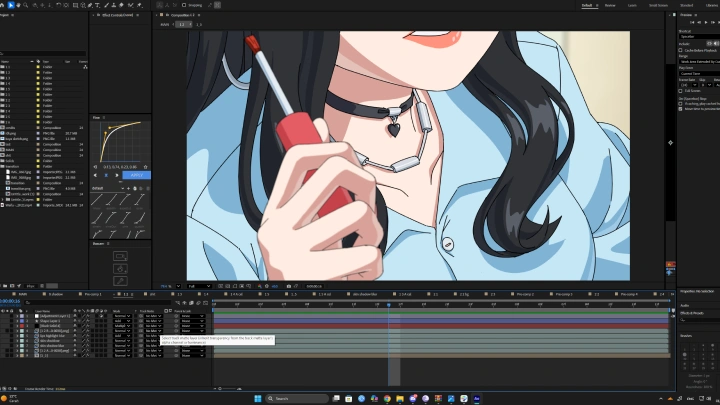
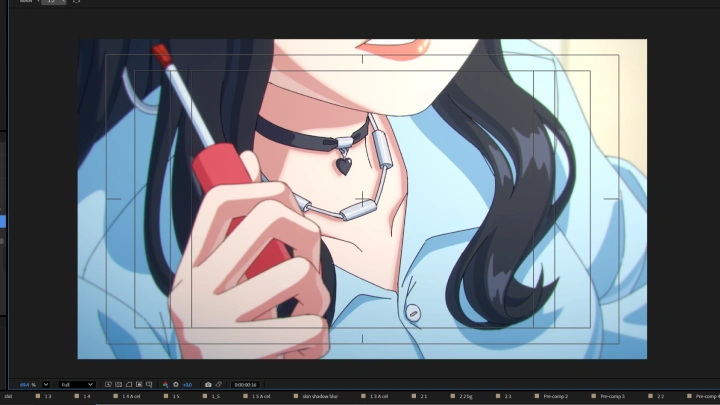
Final Product Example
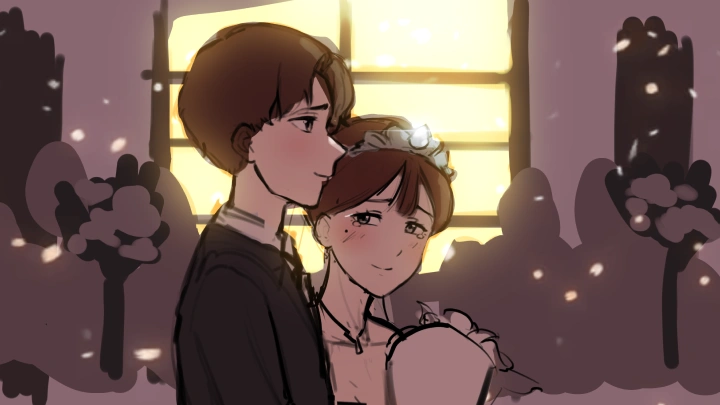
6 Second Fully-Polished Animation
*The above images are sample images for a better understanding.
Highlights
Class Highlights
Full Pipeline and Procedural Approach
Learn a complete end-to-end animation pipeline, from ideation and composition to clean-up and final compositing in After Effects. You'll be guided through a procedural workflow for the post-production of the frame-by-frame animation that helps you build consistency and efficiency in production. By following this structured process, you'll be able to reduce guesswork and develop a reliable method you can reuse in future projects.
More Concrete Approach on Animation
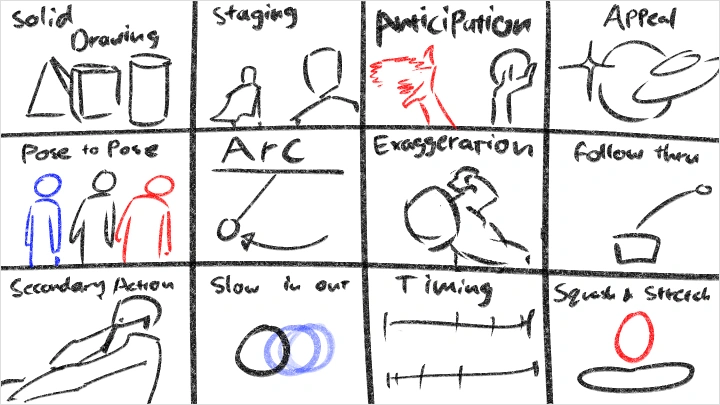
Master animation through clear, actionable stages that connect theory directly to practical output. You'll develop a sustainable production process you can return to when working independently or freelancing, especially when optimizing your time and workflow. This approach will help you build a strong foundation that supports long-term improvement rather than one-off results.
Commission-Ready Portfolio
Create animation work that aligns with real-world industry and commission expectations, particularly in the VTuber and digital creator space. You'll focus on producing polished, portfolio-ready pieces that demonstrate both technical skill and a complete production workflow. By the end of the class, you'll have finished works that you can directly use to attract clients and paid opportunities.