2danimator,eufrik Details
Intro
Class Intro
2D Animator, eufrik
"Bring your characters to life by creating immersive stingers and loading screen animations for a polished, industry-ready portfolio!"
Create Eye-Catching Stingers & Loading Screens for Streams!
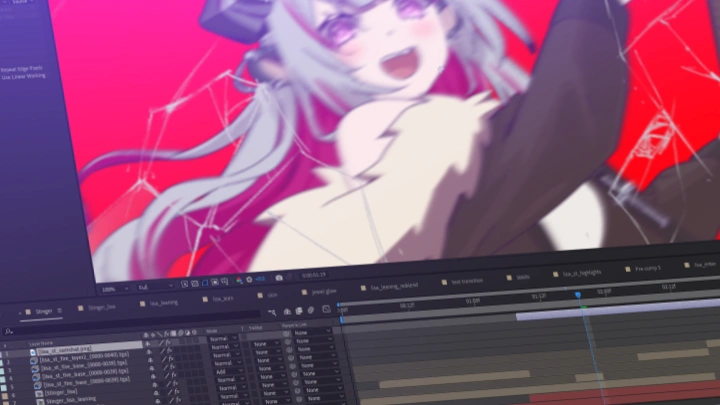
Want to create eye-catching animations for live streams, but aren't sure how to turn your drawing skills into finished, usable assets? This class teaches you how to create stingers and loading screens using a 2D Frame-by-Frame workflow, from drawing and character stylization to animation, compositing, and final presentation. You'll learn how to simplify detailed character designs for animation while keeping them appealing, expressive, and recognizable.
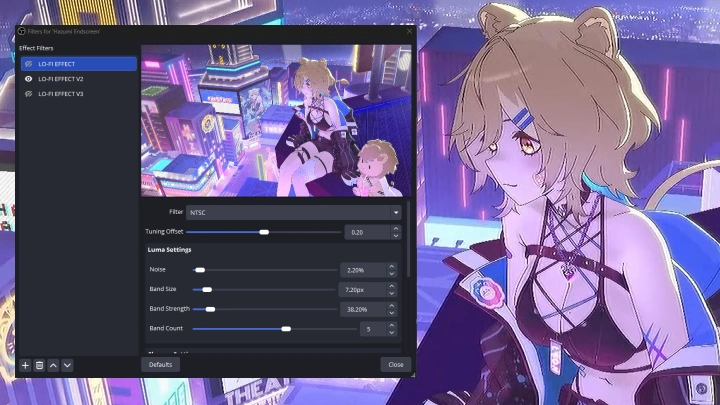
You'll also learn how these animations work in an actual streaming environment, including the essential After Effects and OBS setup needed to bring your work into a live stream. By completing both a stinger and a loading screen from start to finish, you'll build a practical workflow you can apply to your own projects and commission works!
Class Perks
Special Gift from eufrik
-
 Master Project File 1 (Stinger)
 -
 Master Project File 2 (Loading Screen)
 -
 Customized Animation Workspace Templates
 -
 Animation References
 -
 Pipeline Production Summary & Checklist
Class Material Details
-
 Complete Stinger Project File- Organized layer-by-layer source files, including animation, linework, color, compositing, and folder structure
 -
 Complete Loading Screen Project File- Complete source files, including animation, linework, color, compositing, and folder structure
 -
 Custom Clip Studio Paint Templates- Customized CSP templates based on the instructor’s animation workspace, with timelines, folders, and essential settings for 2D animation
 -
 Curated Digital Reference Library- Curated lists of recommended websites, motion clips, and animation tutorials to build your personal visual reference database
 -
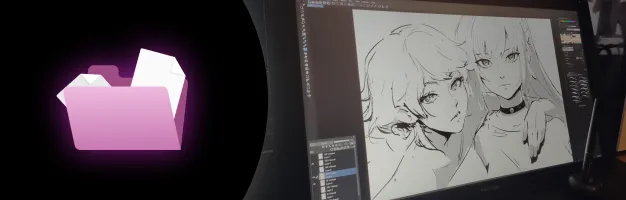 Master Production Checklist & Pipeline Sheet- Guided roadmap and checklists to simplify and track your entire solo production workflow
Recommendation
Who should take this class?
Animators who struggle to make their character animation feel dynamic, expressive, and visually impactful
Aspiring animators struggling to bridge the gap between animation fundamentals and professional production workflows
Freelance artists wanting to take on VTuber 2D animation work but unsure how to approach the full pipeline
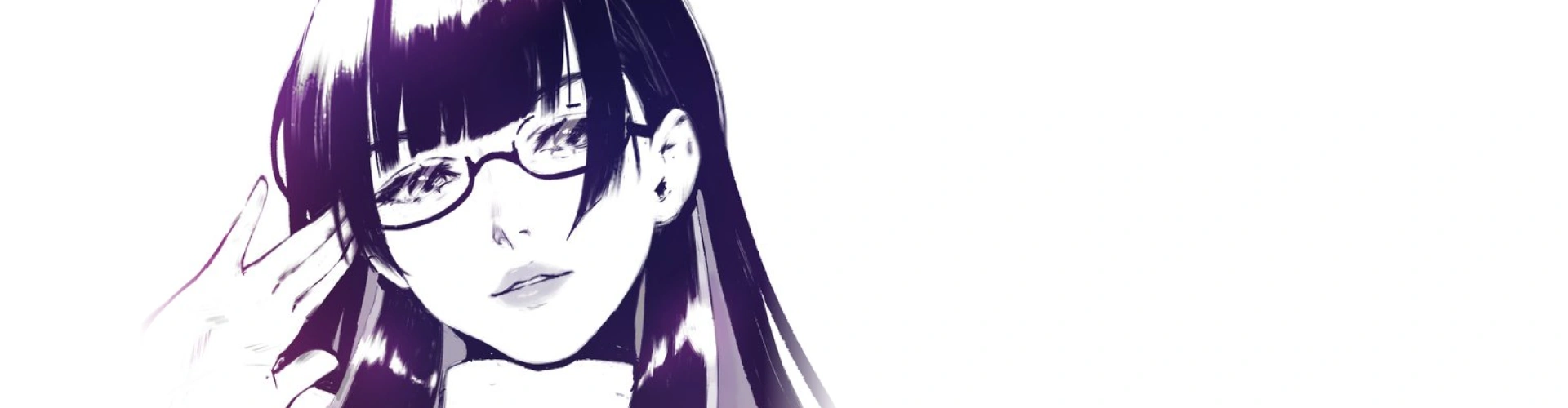
Expert 2D Animator eufrik's Portfolio

* This Portfolio includes fanart and client works.
Why Take This Class?
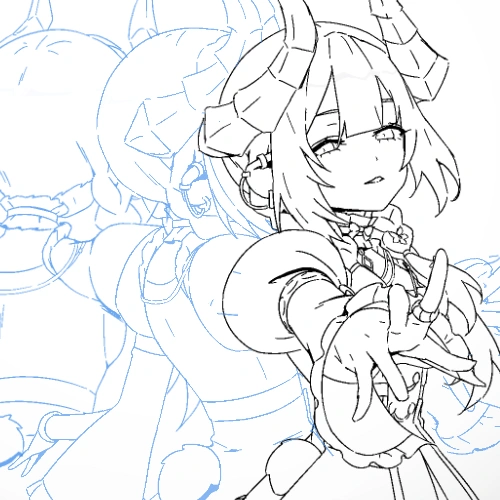
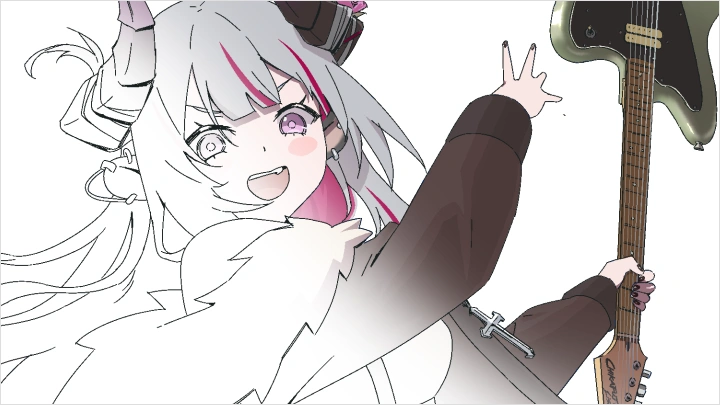
Want to learn how professional VTuber stingers and loading screens are actually made? eufrik brings hands-on experience from creating a stinger for Mori Calliope, and uses his own professional stinger and loading screen work throughout the class.
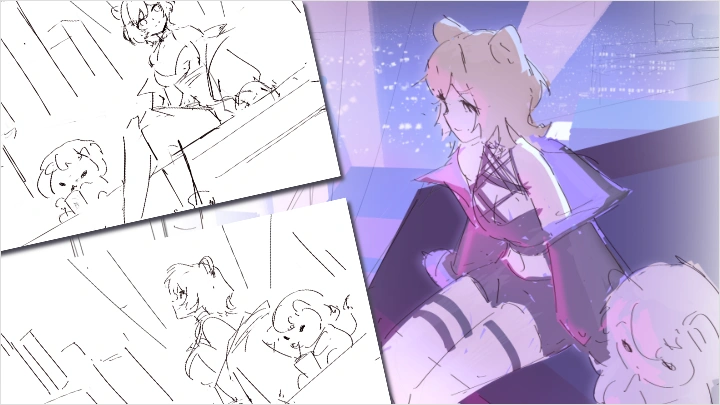
You’ll learn how to plan and board a short animation, create expressive frame-by-frame movement, prepare and clean up your artwork, add professional compositing and effects, and deliver the final animation for use in OBS.
By the end, you’ll have created a fully polished, industry-level stinger and loading screen that you can use as portfolio pieces and confidently apply to VTuber 2D asset commissions.
Get Ready for the Real-World
17 Class Exercises
Part 1. Set Up Your Workspace
Workspace Setup
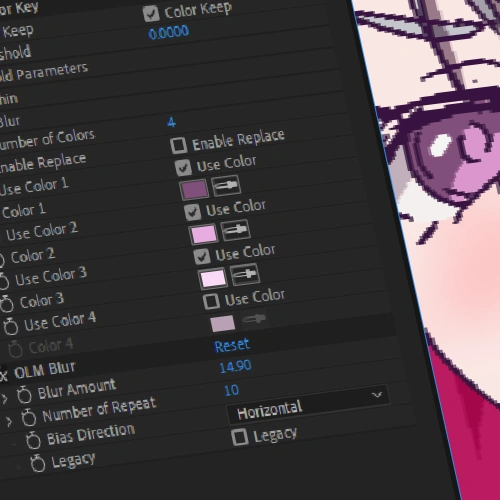
- Gather OLM plugins
- Organize project files
Part 2. Animation 101: Design Shots & Characters
-
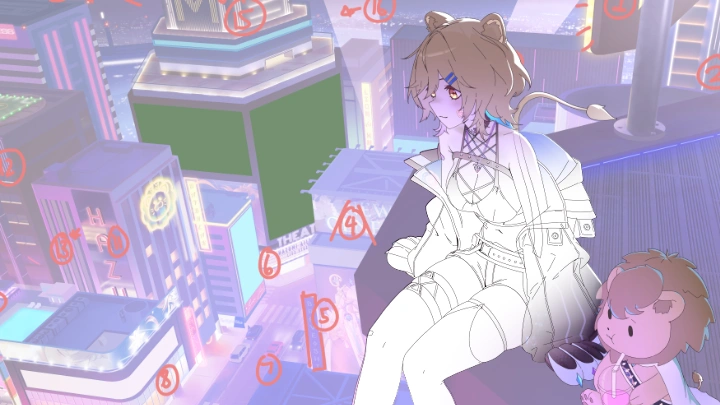
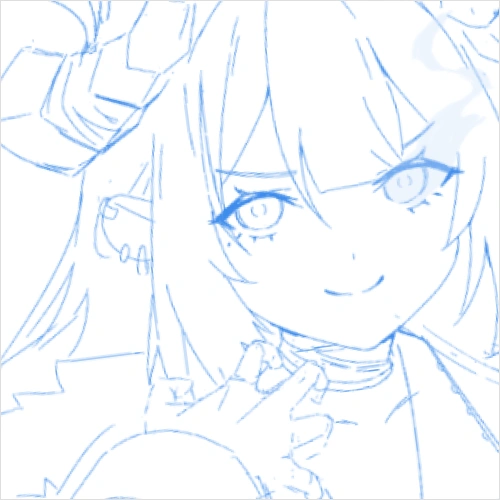 Compositing & Framing- Frame character poses in 1080p and other aspect ratios
 -
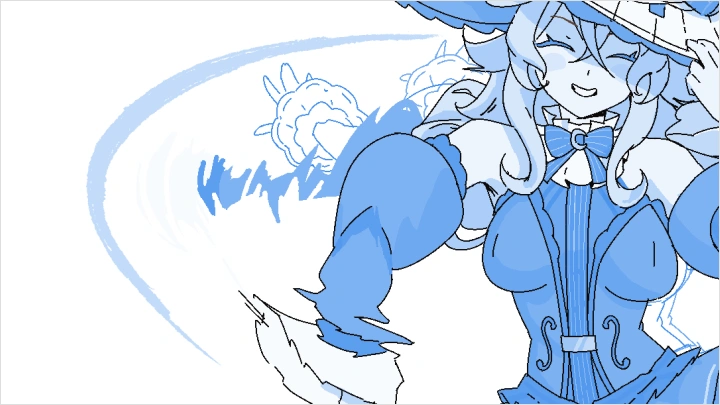
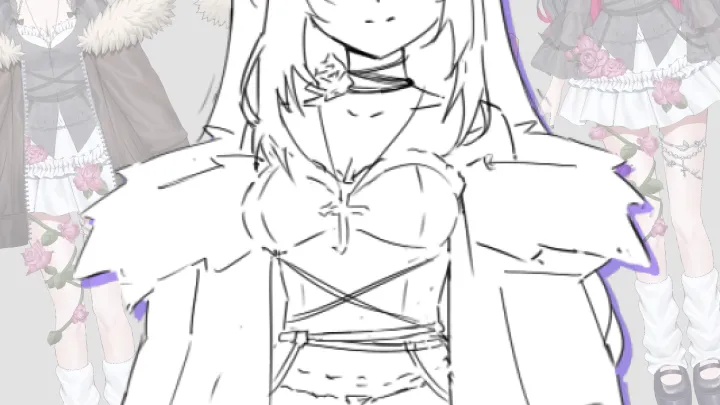
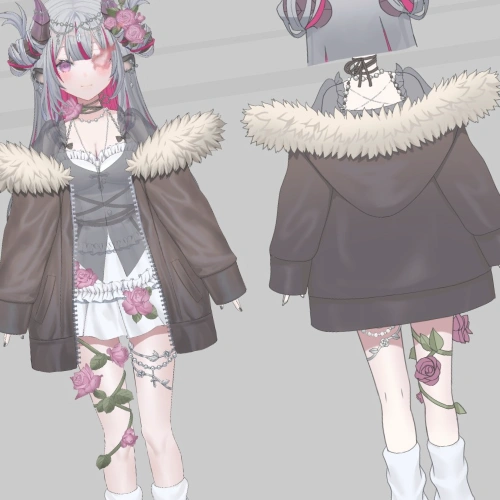 Stylization & Design- Simplify provided character model design
Part 3. Animation 101: Master Animation & Compositing Fundamentals
-
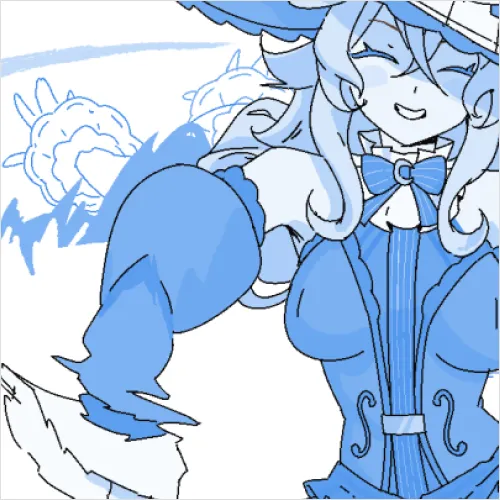 Animation Fundamentals- Practice ease-ins & ease-outs with simple character actions
- Explore animation stylization with identical actions -
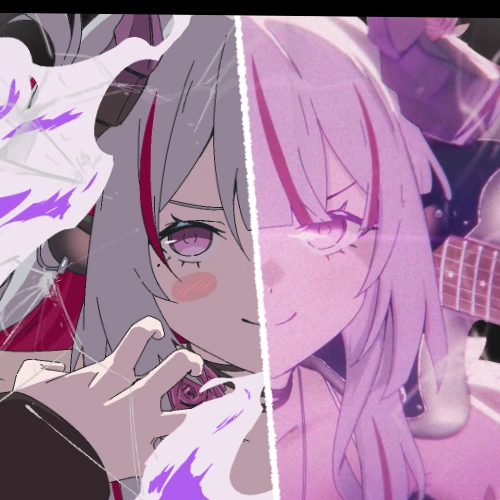 Compositing Fundamentals- Recreate compositing results using provided files
Part 4. Set Up Your OBS Broadcast
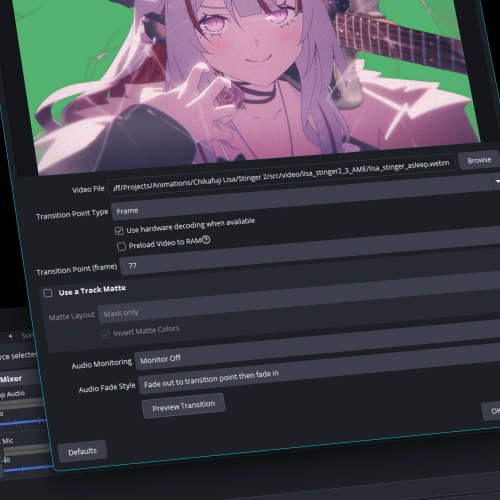
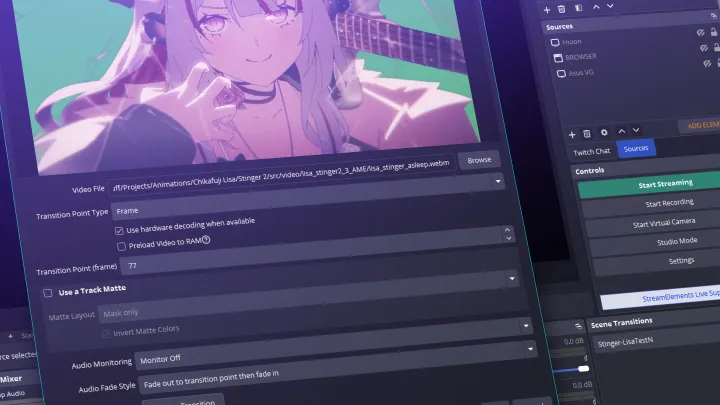
OBS Integration
- Test OBS settings with provided files
- Integrate photo galleries & scrolling text
Part 5. Advanced Animation I: Create a Stinger
-
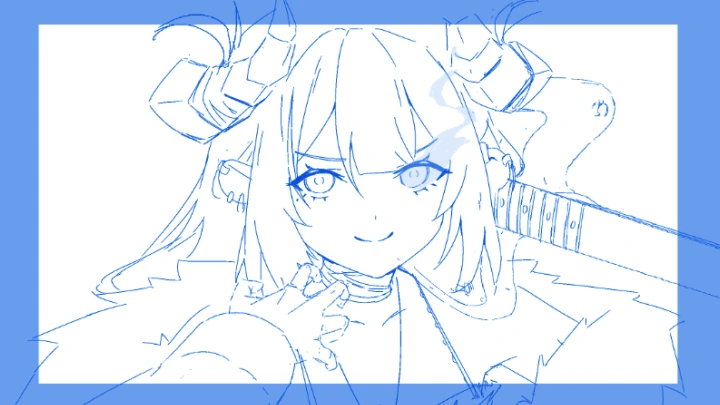
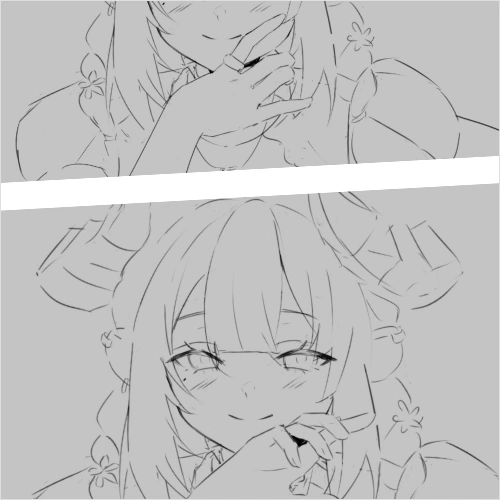 Concept & Storyboards- Develop stinger storyboard concepts
- Design two variations of the selected stinger concept -
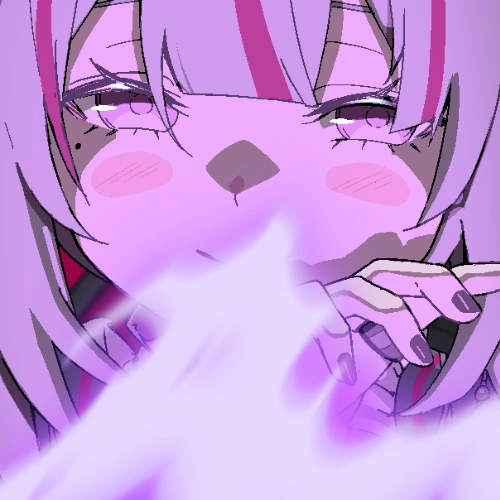 Stinger Visual Development- Finalize stinger visual mockups with planned compositing
 -
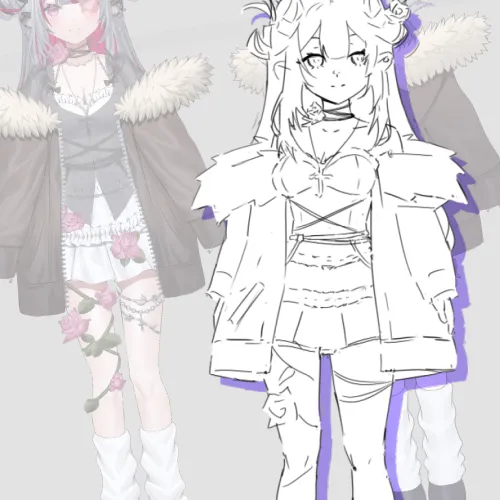 Character Sheet Design- Create an animation friendly model from a character animation sheet
 -
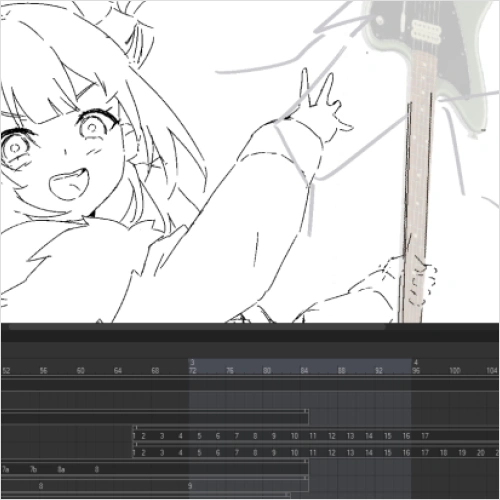 First-Pass Animation- Block out stinger animation
 -
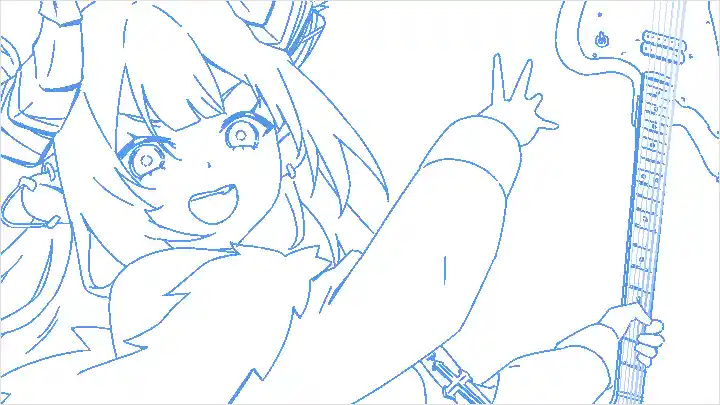
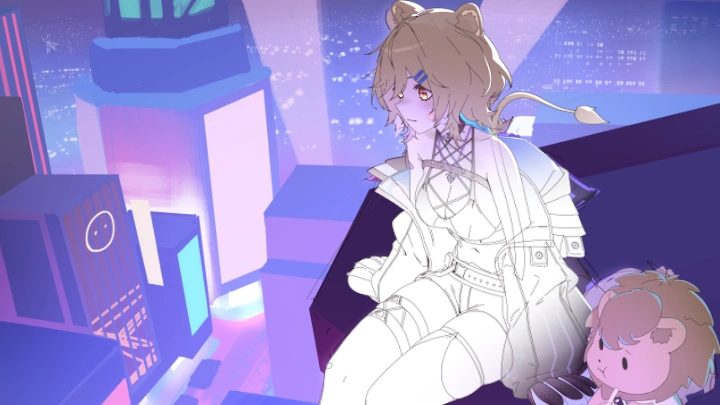
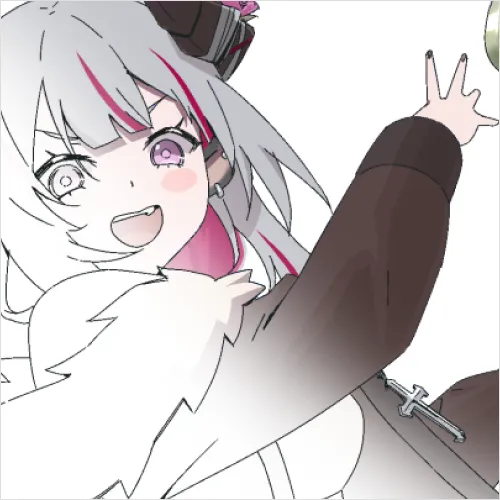 Layout & Cleanup- Complete layout & cleanup
-
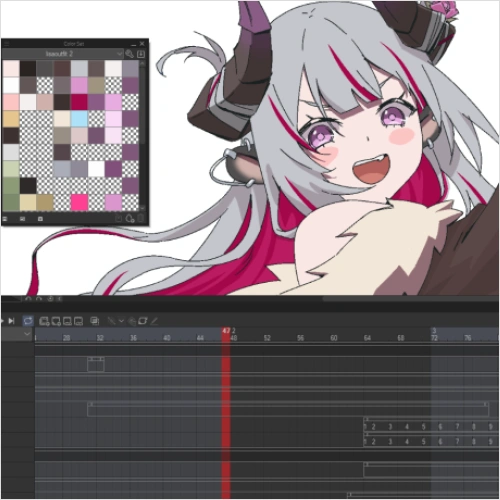 Color- Complete the color pass
 -
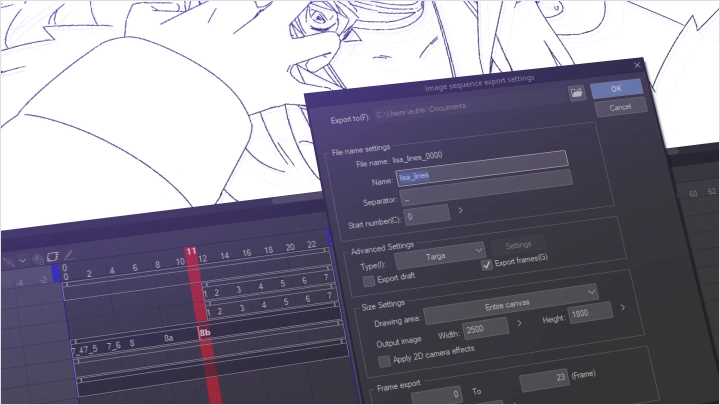
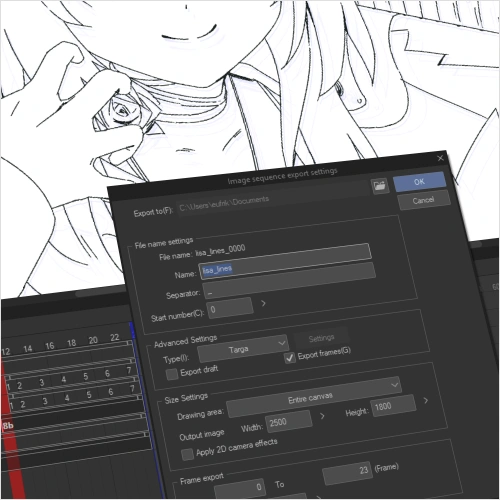 Export- Export organized frame sequences
 -
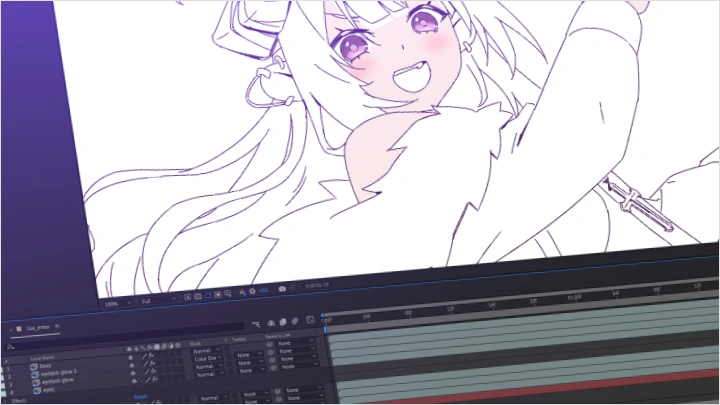
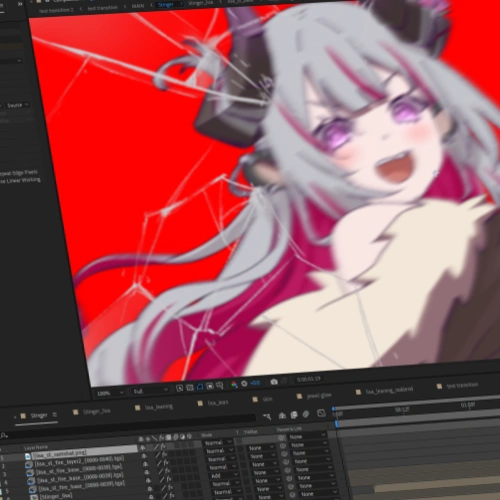 Compositing- Complete the stinger composite
 -
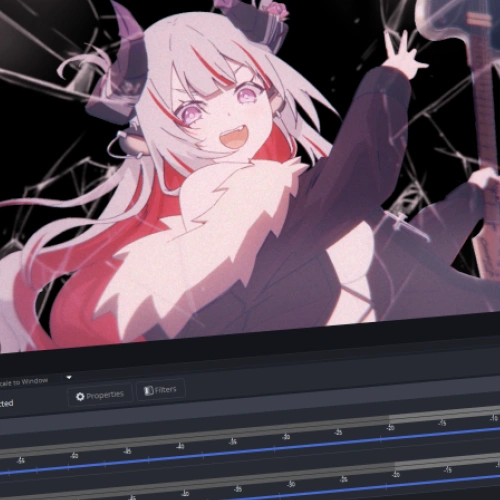 Stream Testing- Test the final stinger in OBS
Part 6. Advanced Animation II: Create a Loading Screen
-
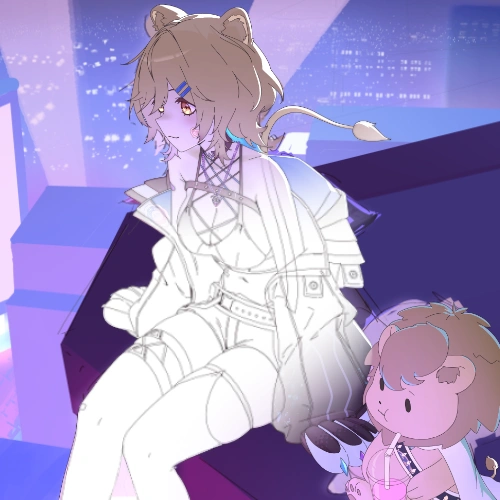 Loading Screen Pre-Production- Develop loading screen concept boards & final mockup
 -
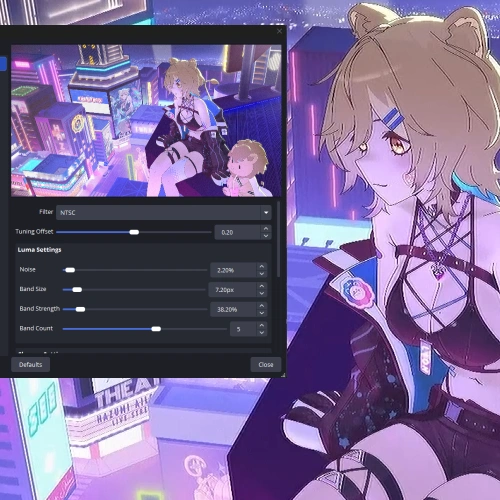 Loading Screen Production- Create & export a simple loading screen
Final Product Examples
-
1 Complete Stinger
-
1 Complete Loading Screen
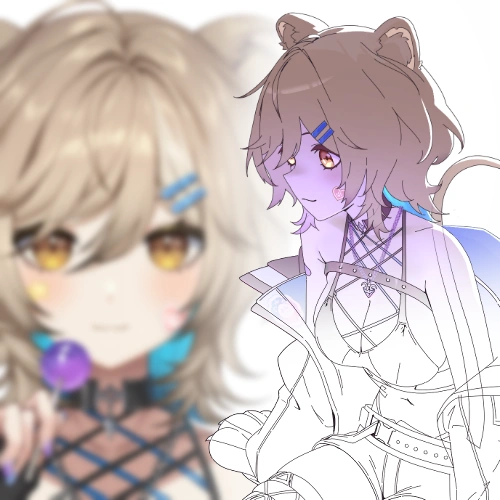
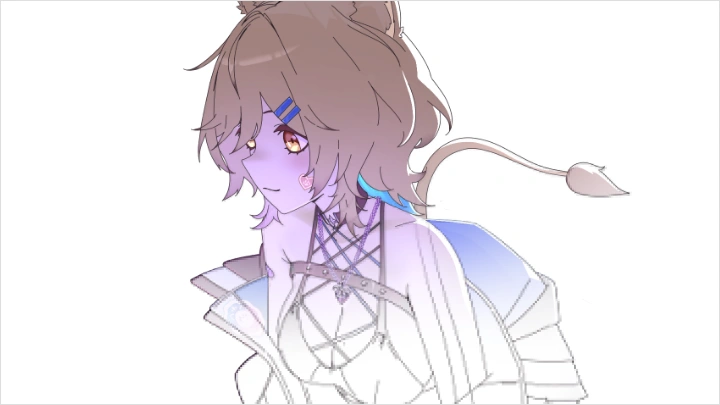
*The above images are sample images for a better understanding.
Highlights
Class Highlights
Create Animation-Ready Character Designs
Learn how to create stylized character designs that are both visually appealing and built for animation. eufrik walks you through simplifying complex character and VTuber designs into clear, functional shapes while maintaining their unique identity. You'll learn how to develop animation-friendly proportions, strong silhouettes, expressive features, and design details that translate naturally across poses, expressions, and frame-by-frame animation
Make Every Frame More Dynamic and Engaging !
Discover how to make short animation cuts feel bold, dynamic, and visually engaging. eufrik shows you how to use framing and composition to make the most of the screen, while strategically posing characters to communicate their personality and presence. You'll learn how to control scale, placement, silhouette, and visual hierarchy to create eye-catching shots that grab viewers' attention in seconds.
Develop a Professional Solo Workflow
Complete the class with polished stinger and loading screen animations ready to showcase in your portfolio. You'll learn how to bring your work into a real streaming environment using OBS, giving you hands-on experience with how these assets are actually used in production. From creating standout animation pieces to implementing them in a working setup, you'll gain the portfolio and practical skills needed to take your work from the classroom into the industry.