Coloso.

Search Input


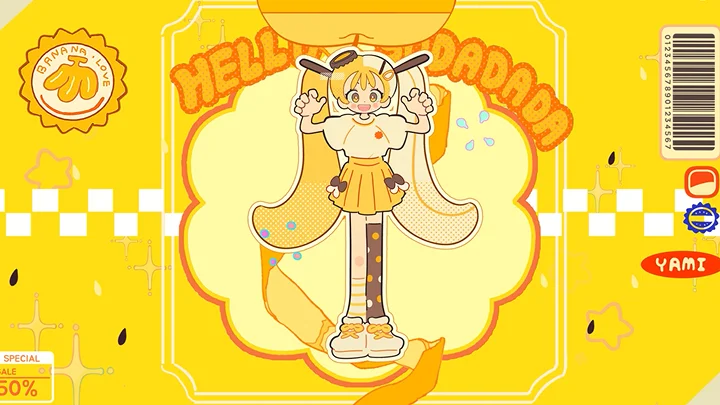
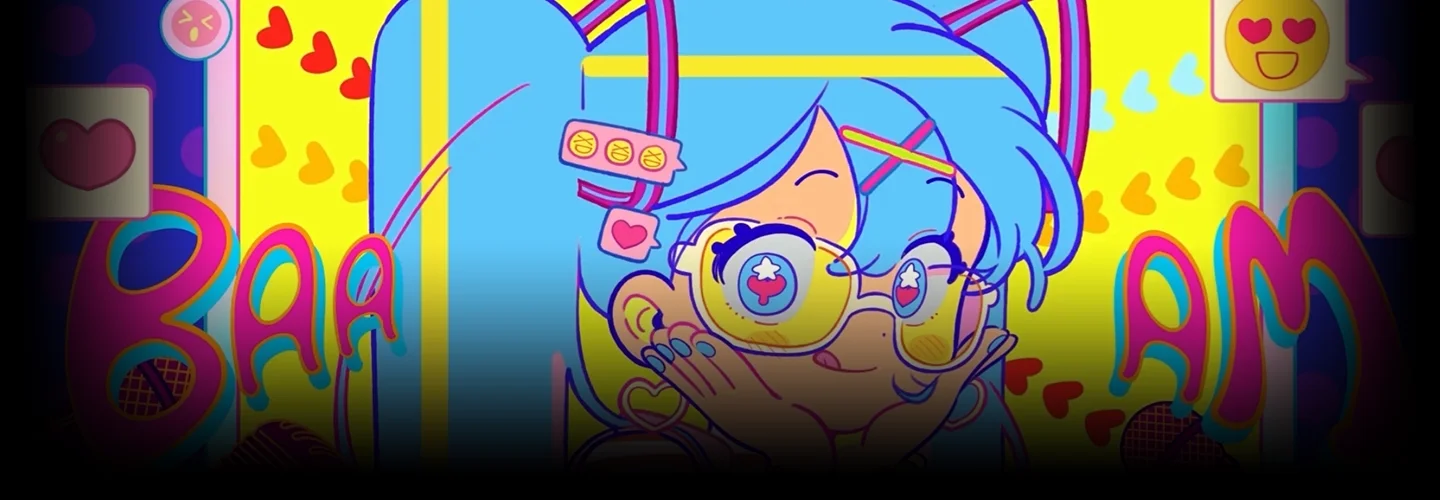
Creating Catchy Subculture Dance Animation MVs

2D AnimatorDOLMAN
  • Now Available


Class Details

  • Now Available
  • Beginner~Basic
  • Total 24 videos, 18Hours 2Minutes
  • Korean
  • English, Traditional Chinese
  • Class materials included


2danimator,dolman_돌만KR Details

Instructor
DOLMAN
2D Animator

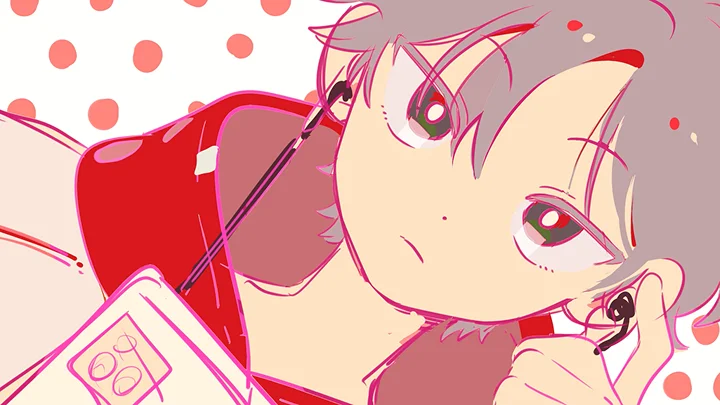
Hello, I’m DOLMAN, a 2D animator. I have participated in creating numerous character music videos and animations, based on original illustrations. As both an illustrator and animator, I handle character design, storyboarding, video asset creation, and animation work for music video production.

This class is designed for anyone who has felt a barrier to getting started with 2D animation. If you want to easily and enjoyably create your own character music video, I’ll guide you through the process of making kitsch, dancing animations and help you take your first steps in 2D animation.

DOLMAN

DOLMAN

2D Animator
instagram
Profile

[Projects - MV Animation] TAK -‘mochimochi (feat. 初音ミク) Animation MV Miiro - Cata (feat. NC.A) Animation MV TAK - Psycho Mode (feat. Hatsune Miku) Animation MV hololive -電脳ぴゅあ推し大宣言 / ホロライブ1期生(Original) Animation MV danbi - Fly with me (feat. Hwang Jeong-mi) Animation MV Shinbi Apartment “Love Parfait” Animation MV Spin Master - Sparkles Magic Market Character Design DORIDORI- Lucky Doki MV Character Design [Publication List] DOLMANXSenyu's personal illustration book Cherry on Top to be published soon Baek & Ah (Sandbox Story Kids) series On the Ball (Dasan Children) series The Sweet and Savage Inner Thought Recipes of the Strange Candy Shop (Wisdom House) series Let’s Go! Tax Detective Frodo (Woongjin Book Club, Kakao Friends) Superman Unmanned Convenience Store Hero (Sandbox Story Kids) series [Webtoon/Comics List] Naver 2017 Rookie Short Story Selection “Happy Boss Day” Daewon C.I. Champ D #204 Short Comic “Horror Mate” [Lecture Experience] 2021-2022 FANDING online basics class

Interview
Meet the Instructor
Question 01

What do you consider your strengths in your work?

I believe my strength lies in knowing exactly what I like. It's from clearly understanding my tastes and preferences that I can make my own art stand out. My unique strength is translating the things I love into art that people can reflect upon.

Question 02

What was the planning intention or focus of this class?

I've carefully structured this course to make learning animation as enjoyable and accessible as possible for beginners. The goal of this class is to help you identify your personal taste and style, then use that to create dancing animations that showcase your unique characters.

Question 03

What sets this class apart from others?

I had been working as an illustrator, and have been seriously pursuing animation for about a year and a half now. In this short time, I've taken on freelance animation projects and achieved high view counts. This experience has given me a deeper understanding of where many beginners hesitate and what aspects they find challenging. What sets this class apart is that you can learn animation tips for rapid growth and create your own unique music videos in the easiest and most enjoyable way possible.

Question 04

Do you have any message for the students?

I think that wanting to make a music video with your own characters is a feeling anyone who draws has experienced at least once. I also started animating out of that feeling, and thanks to it, I discovered a new kind of joy. If you give animation a try, I'm sure you'll discover a whole new kind of fun. Let's get started together, and make the process easy and fun!

Class Details
You'll Learn
<p><strong>Ideation to Character Concepting for MVs</strong></p>

Ideation to Character Concepting for MVs

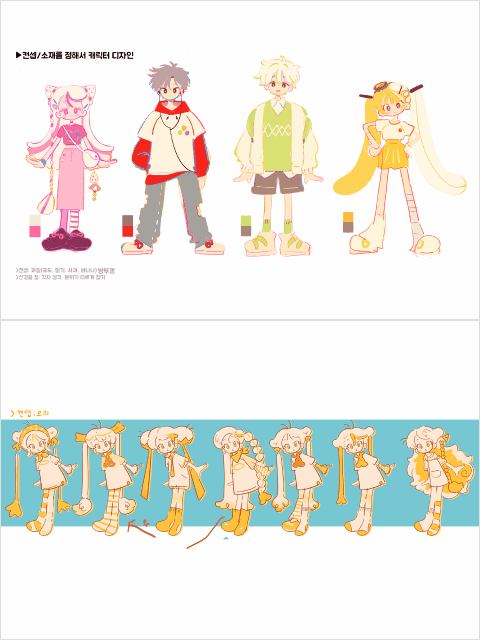
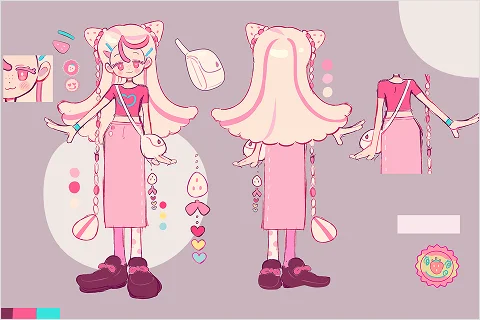
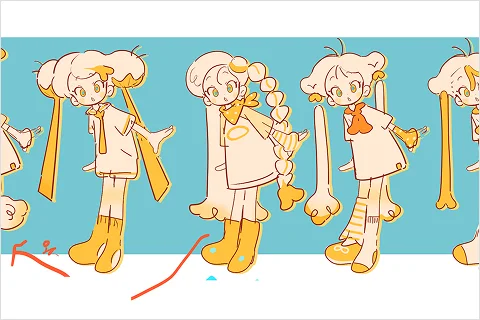
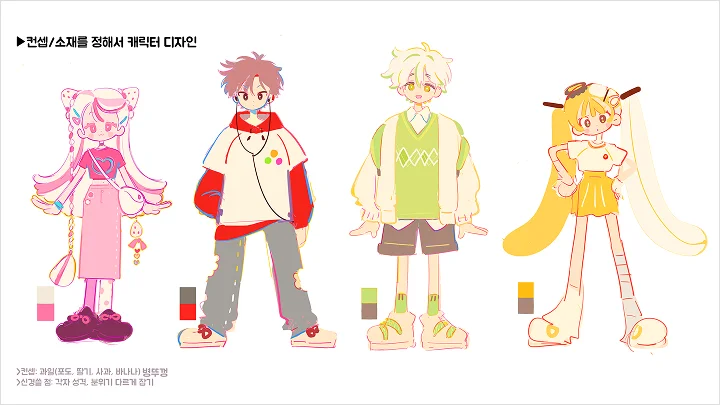
Find the direction for completing your own character music video! Start by ideating simple character silhouettes, then add harmonious lines and colors. Check whether the planned concept aligns with the character’s overall mood, and complete a character sheet with added props.

Storyboarding Using Your Character Settings

Create a music video storyboard based on the character settings you designed! Use storyboard sheets to plan the overall direction, placement of elements, and synchronization with the music. Begin sketching while adjusting pacing and emphasis to create a richer, more engaging MV.

Character Acting Animation Through 6 Example Exercises

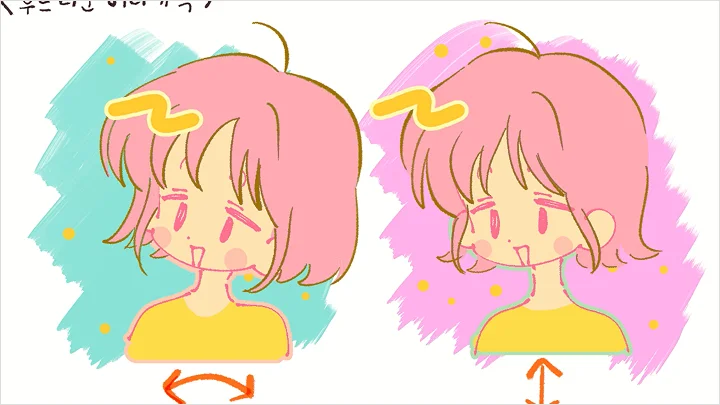
Learn character acting through six example exercises! Before full animation, create a facial turnaround sheet and examine detailed facial elements. Practice natural movement techniques such as blinking, expression changes, and smooth hair motion to bring your characters to life.

<p><strong>Step-by-Step Guide to Character Dance Animating</strong></p>

Step-by-Step Guide to Character Dance Animating

From slow choreography and simple hand gestures to full-body advanced dance moves! Work through examples of varying difficulty to learn effective approaches to dance animation. Master key movements quickly and apply them directly to your own creations.

<p><strong>The Final Touch: Post-Production for Music Videos</strong></p>

The Final Touch: Post-Production for Music Videos

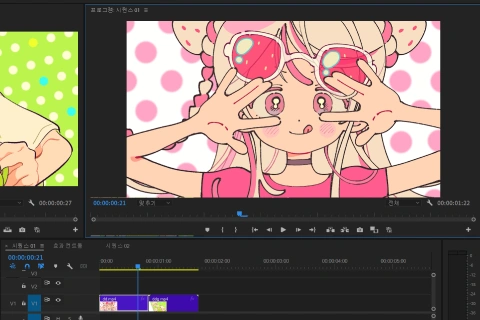
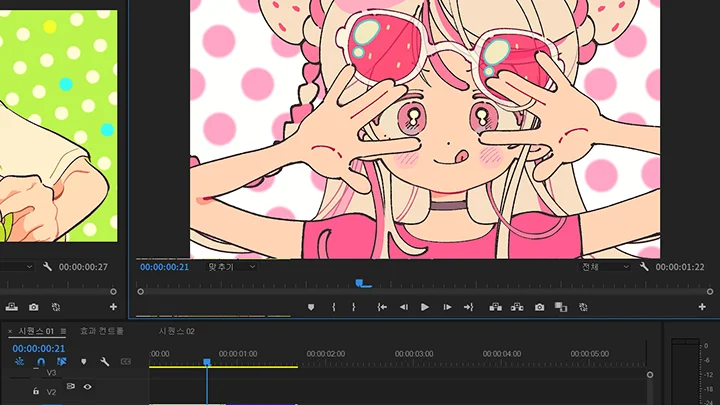
Learn post-production techniques to make your animations more vibrant! Add effects, sparkles, and dynamic motion to create a packed and lively MV. Explore how different adjustments change the animation’s mood and learn how to compile your video in Adobe Premiere.

From Creation to Freelance: Portfolio Building & Social Media Branding

Promote your completed dance animation on social media! Upload your MV using exclusive student hashtags and showcase your work. Gain practical tips and insights from DOLMAN’s experience in illustration and animation MVs while building your own portfolio and personal brand.

Curriculum
In-Depth Look

**Class release dates and content are subject to change without prior notice.

  • Section 01
    Intro
    curriculum-2danimation-dolman-01-1.webp
    curriculum-2danimation-dolman-01-2.webp
    curriculum-2danimation-dolman-01-3.webp
    curriculum-2danimation-dolman-01-4.webp
    • 01. Instructor Introduction- About the Instructor - DOLMAN’s perspective on the subculture MV market & portfolio overview

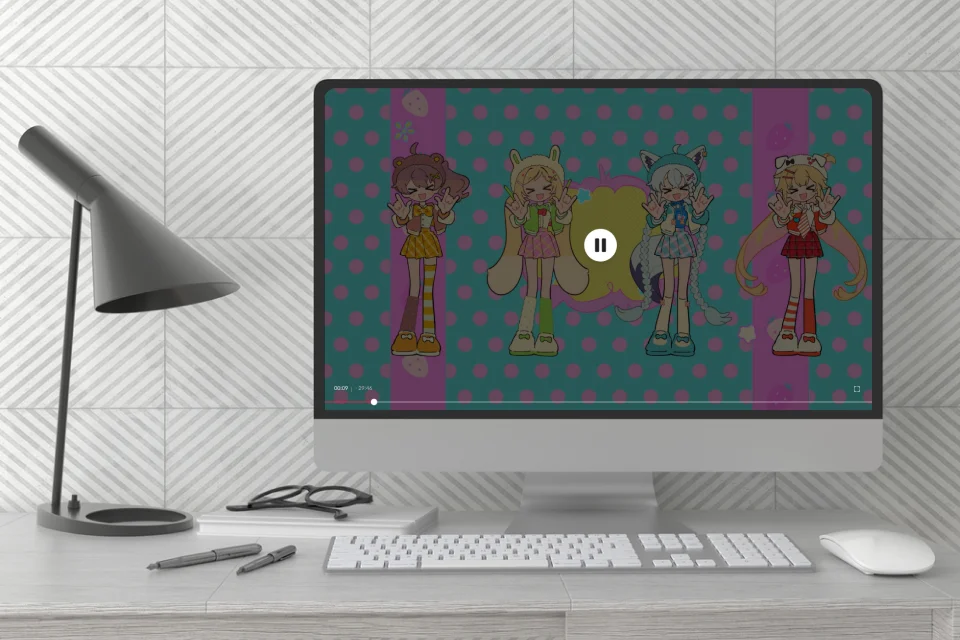
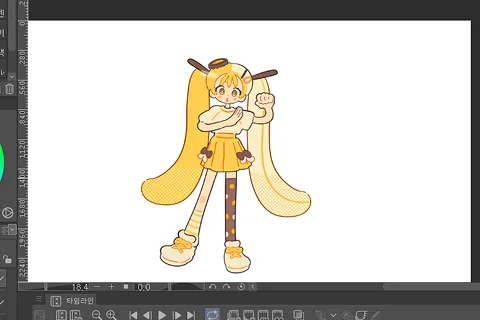
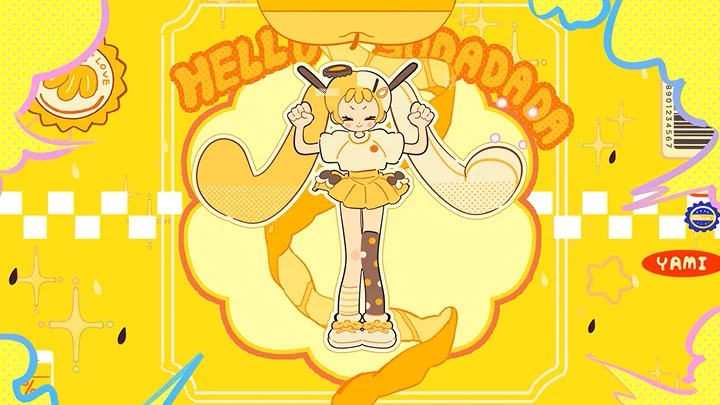
    • 02. Preview of the Final Project- Introducing the example project created in Clip Studio - Project goals and final outcome preview

  • Section 02
    Understanding the Tools
    curriculum-2danimation-dolman-02-1.webp
    curriculum-2danimation-dolman-02-2.webp
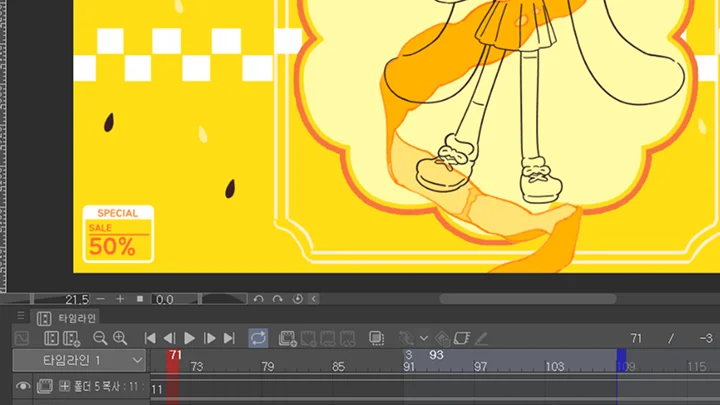
    • 03. Animation Production Tools 01- Basic features of Clip Studio - Functions used during animation planning - Functions used during animation production

    • 04. Animation Production Tools 02- Basic features of Adobe Premiere - Useful functions for post-production editing

  • Section 03
    Music Video Planning: From Character Design to Storyboard
    curriculum-2danimation-dolman-03-1.webp
    curriculum-2danimation-dolman-03-2.webp
    • 05. Planning the Concept of the Example MV- Ideation: defining the direction of the MV based on music

    • 06. Character Planning 01- Character silhouette ideation - Designing props and objects that match the character and music - Finding the right color palette for the character

    • 07. Character Planning 02- Creating a character sheet

    • 08. Storyboard Production 01- Ideating visual direction based on the flow of the video

    • 09. Storyboard Production 02- Creating storyboards with sketches and color layouts: controlling the pacing and intensity of the scene

  • Section 04
    Music Video Production: Character Acting
    curriculum-2danimation-dolman-04-1.webp
    curriculum-2danimation-dolman-04-2.webp
    curriculum-2danimation-dolman-04-3.webp
    • 10. Creating a Character Face Turnaround- Creating a face turnaround sheet

    • 11. Character Facial Acting- Exploring details in facial acting: dividing assets into detailed parts - Expressing facial acting through eye blinks and facial movements

    • 12. Character Hair Acting- Exploring details in hair acting: dividing hair assets precisely - Animating smooth hair motion - Creating wind-blown hair motion

    • 13. Prop & Object Acting- Prop examples related to the character - Creating rest or transition cuts


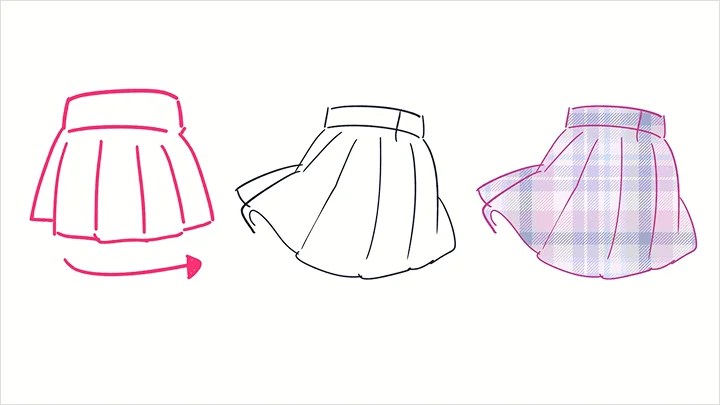
    • 14. Character Outfit Acting- Loose T-shirt example - Cute rotating skirt example - Natural clothing motion example

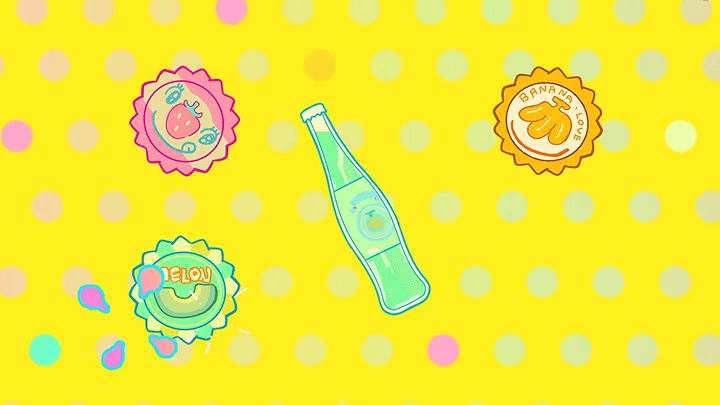
    • 15. Decorating Characters with Effects- Creating effects like bombs, stars, and hearts to decorate the animation

  • Section 05
    Music Video Production: Dance Animation
    curriculum-2danimation-dolman-05-1.webp
    curriculum-2danimation-dolman-05-2.webp
    • 16. Getting Started with Dance Animation- Working with a choreographer - Why use 3D tools - Animation workflow: using live-action references

    • 17. Introduction to Dance Animation- Learning basic tool functions - Exploring dance animation examples

    • 18. Dance Animation 01- Creating dance animation with slow rhythms and emphasized hand gestures - Animating hand movements

    • 19. Dance Animation 02- Animating the character’s body based on choreography and large movements

    • 20. Creating Dance Backgrounds- Designing background illustrations that match the character

    • 21. Completing the MV: Effects & Frame Correction- Adding effects and adjustments to enrich the animation - Understanding different types of post-production corrections

    • 22. Final editing with Premiere- Basic overview of Premiere - Useful features for animation post-editing

  • Section 06
    Finishing up
    curriculum-2danimation-dolman-06-1.webp
    • 23. Reviewing the Final Work and Portfolio- Summarizing the overall production process - Reviewing the completed portfolio

    • 24. Personal Branding: Promoting Your Portfolio on Social Media- Personal branding through social media - Uploading your work and reaching out for freelance opportunities

Required Tools

This course will use Clip Studio Paint EX and Adobe Premiere Pro.

Please purchase and install these program(s) for an optimized chapter experience.

*These programs and/or materials will not be provided with the chapter.

CLIP STUDIO PAINT.webp
Adobe Premiere Pro.webp
Recommended Classes

Important Notice

- This product provides access to the video lectures online (Excluding products categorized as Assets). - Under certain circumstances, discounts may end early or be extended without prior notice. - For pre-ordered courses, the content and the lecture videos will be released sequentially according to the schedule. The Course Start Date will be set to the release date of the first lecture video. - You will gain immediate access to the course through My Page upon completing registration and payment. Total Course Duration: - The Standard Access (Paid access) period lasts for the first 15 days and Unlimited Free Access period will begin from the 16th day. Both the Standard and Unlimited Free Access periods offer the equal viewing experience to the content. - Course Start Date: The estimation of the Course Start Date will be based on the completion date of the payment. Immediate access to the lecture videos will be granted through My Page. (For pre-ordered courses, the start date will be the release date of the first lecture video.) - In case the course start date is postponed due to extenuating circumstances on Coloso’s end, the start date will be adjusted accordingly.
*Please note that certain aspects of this course, including the release date, curriculum images, and associated content, are subject to change without prior notification.
*Would you like to learn more about our refund policy? Please check ▶ here
*Please check our ▶ FAQ for Copyright and Proprietary Rights, User-Generated Content, Security, and Violation information.
*保留未事前告知而更改本網頁資訊的權利
*欲進一步瞭解退款政策的細節,請由 ▶ 此處確認。
*請至 ▶FAQ頁面查看有關版權及所有權、使用者製作內容、資料安全及違反等相關資訊。
*Tenga en cuenta que la información de esta página está sujeta a cambios sin previo aviso.
* ¿Le gustaría saber más sobre nuestra política de reembolso? Por favor, compruebe ▶ aquí
*Por favor, compruebe nuestras ▶ FAQ para los derechos de autor y derechos de propiedad, contenido generado por el usuario, seguridad e información de violación.
- This product is strictly prohibited to resell, redistribute, steal, or transfer. - The original images and simple edited images of this product cannot be transferred, distributed, or sold. - This product can be refunded only before the class video is released. - You can find this product on [My Class] > [Class Materials]