[Class+]3dartist,2am Details
Intro
20 New Chapters to Take Your Character Further
Finished a 3D anime character but can't quite get it to game-level polish? This is the next step.
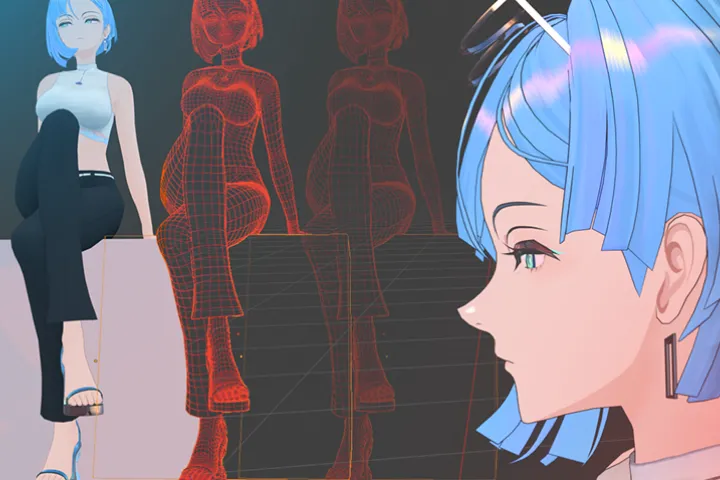
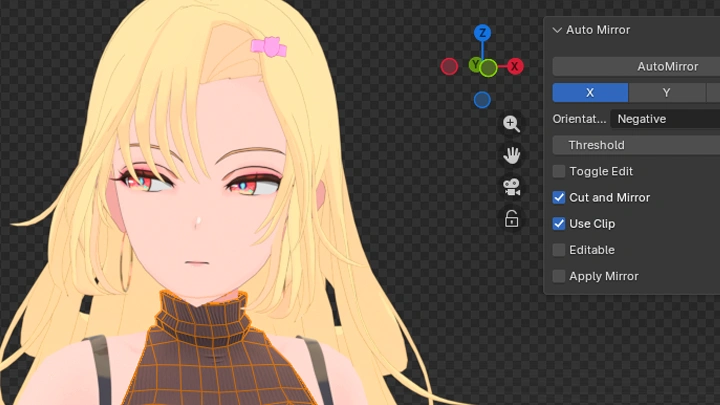
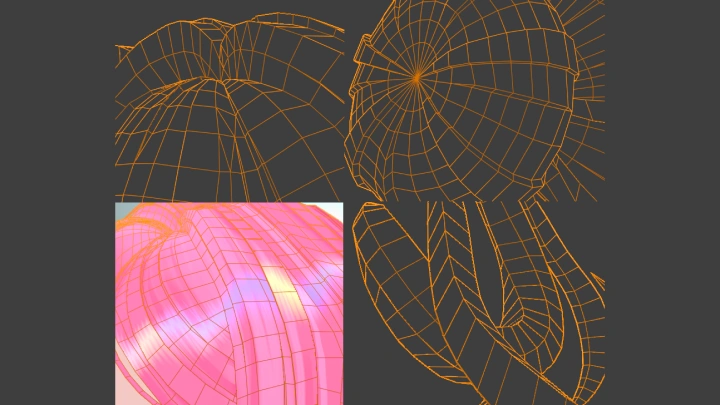
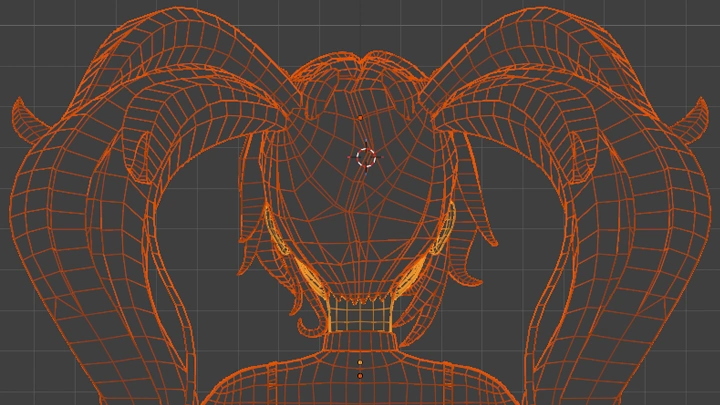
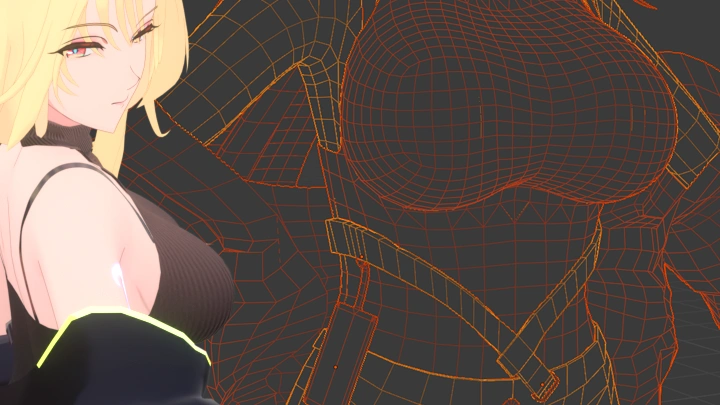
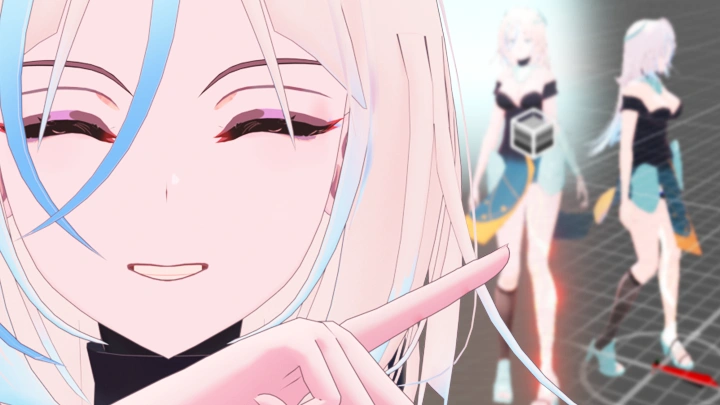
Class+ builds on the original course. You’ll upgrade the same character with a braided hairstyle, a new outfit, and a custom anime shader, working on the details that separate a finished model from a game-ready one.
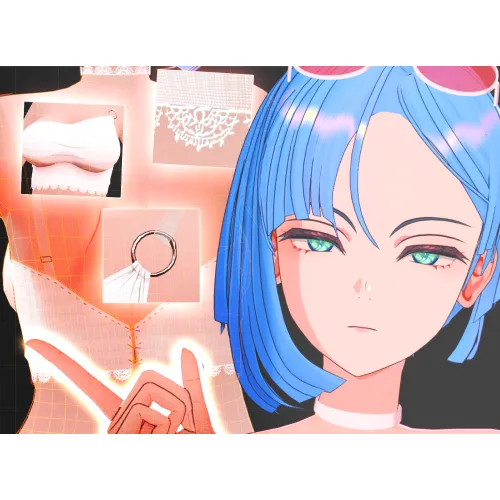
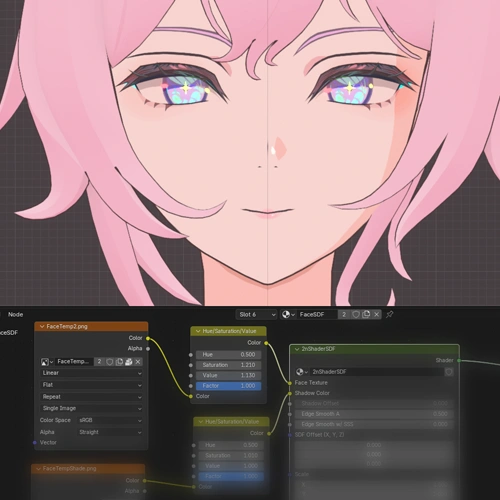
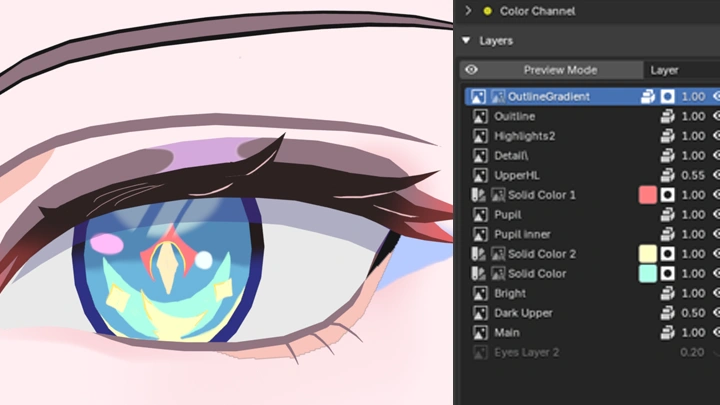
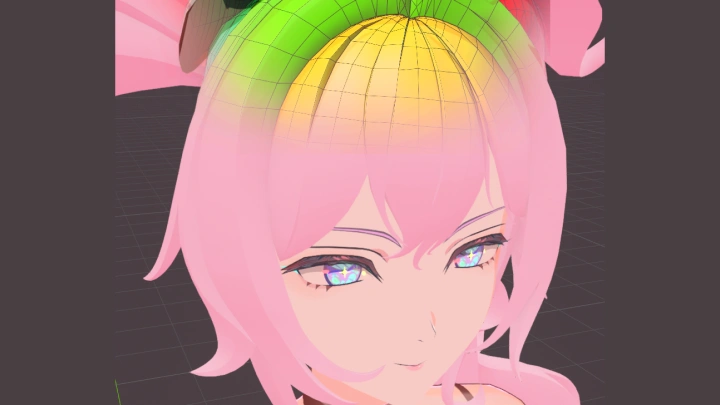
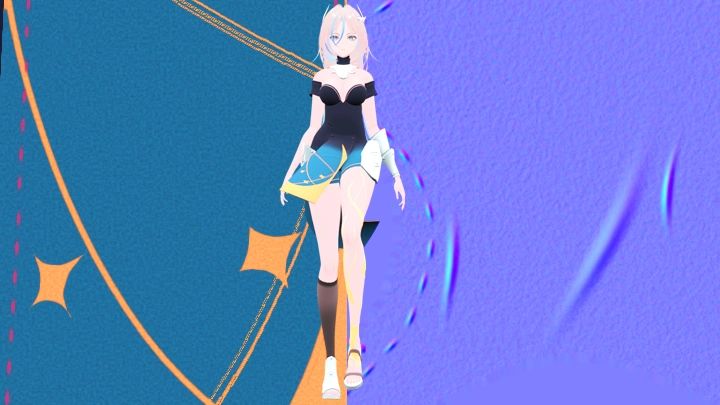
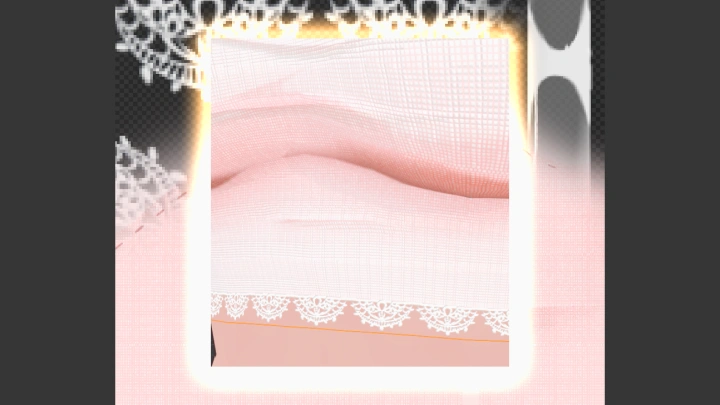
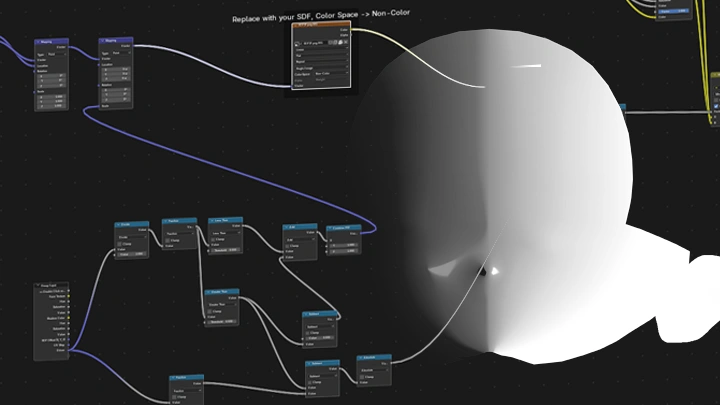
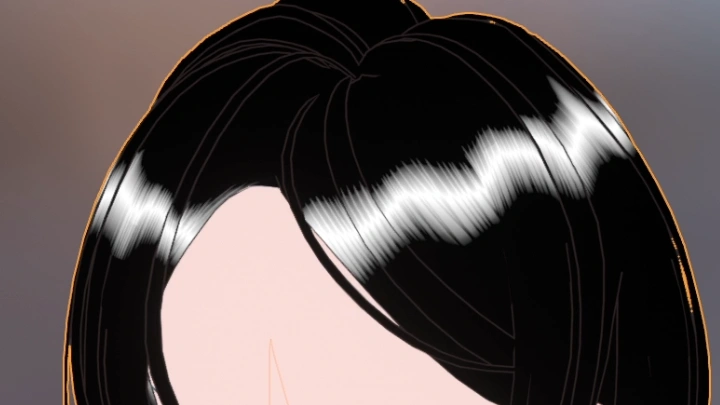
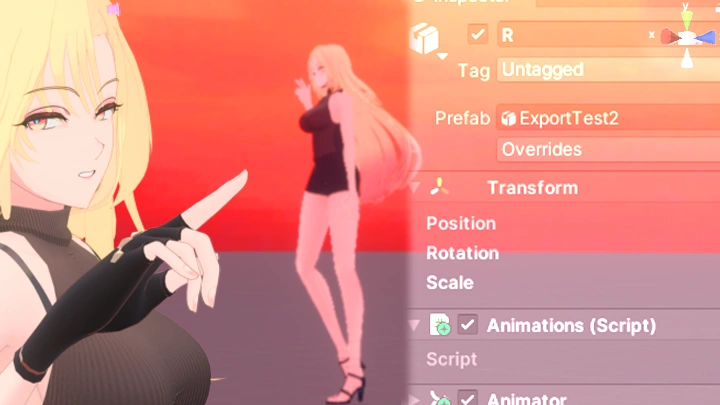
That includes lace built with alpha textures, hand-painted normals, and custom shadow maps for the hair and face, all carried over into Unity so you can see the result running in-engine.
The original 33 chapters are included, so you can start from scratch if you’re new.
That includes lace built with alpha textures, hand-painted normals, and custom shadow maps for the hair and face, all carried over into Unity so you can see the result running in-engine.
The original 33 chapters are included, so you can start from scratch if you’re new.
Class Perks
Special Gift from 2AM
-
 Upgraded Class+ Character File
 -
Anime Shader & Unity Starter Kit
-
Step-by-Step Saves & References
-
Example Models with Full Rig
Class Material Details
-
 Final Character Source File- The Class+ character with the upgraded model, textures, maps, and shader, ready to import
 -
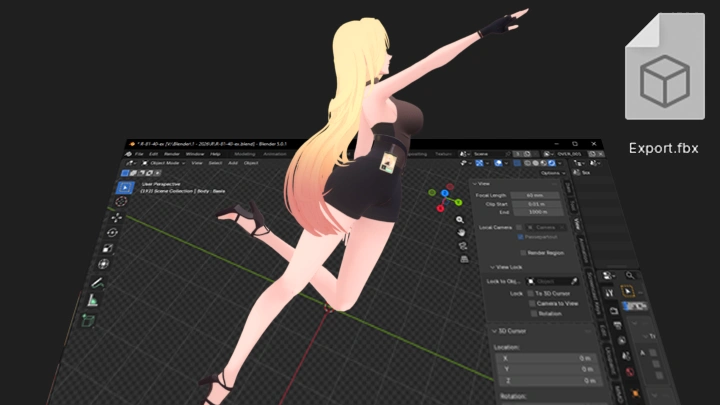
Cross-Platform Shader Package for Blender & Unity- The 3D anime shader for both programs, plus simple scripts and shaders for bringing a character into Unity with basic stylized shading and movement
-
Progress Checkpoints for Every Stage- Blender saves from multiple points of progression and an isolated reference for each part of the creation process, so you can review or pick up from any stage
-
Two Instructor-Made Practice Characters- A finished female character model, a complete rig you can adjust for your own creations, and a second model you can also use as a target reference
Recommendation
Who should take this class?
Modelers who've finished an anime character but feel it still falls short of game quality
Solo creators who want to take one character from modeling to a playable Unity scene on their own
Fans of 3D anime games who want to recreate the look of their favorite characters themselves
Expert 3D Artist 2AM's Portfolio

Why Take This Class?
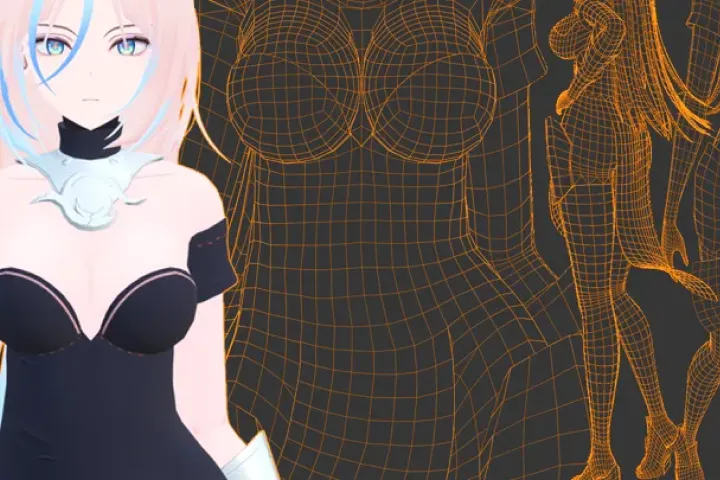
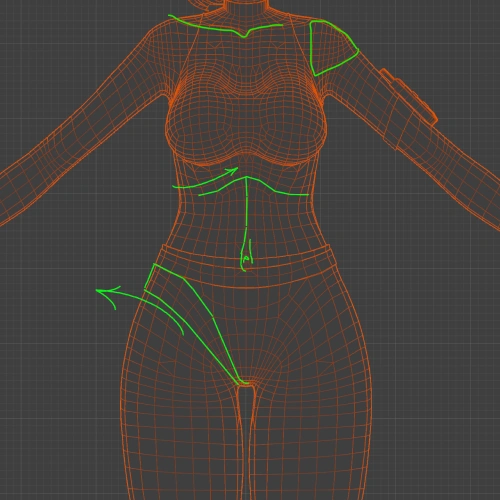
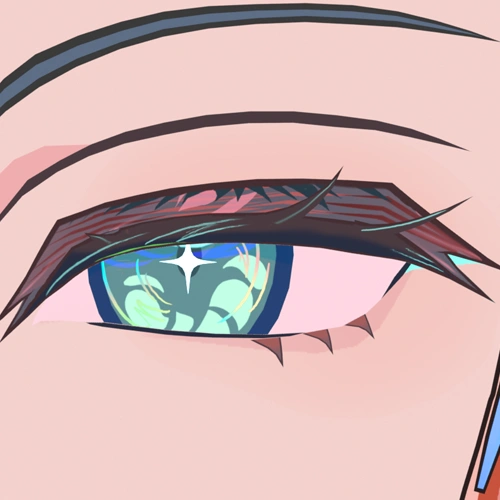
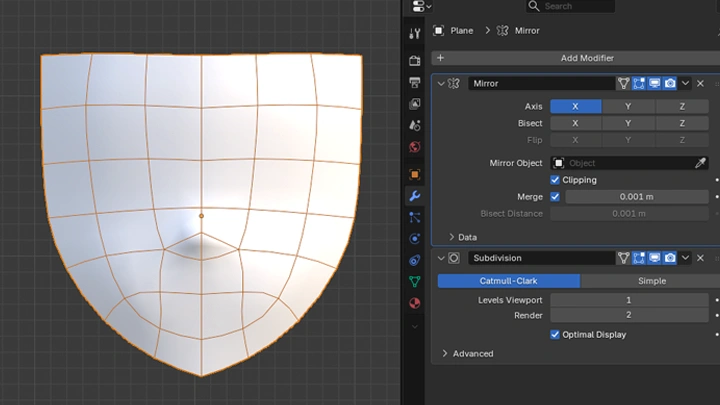
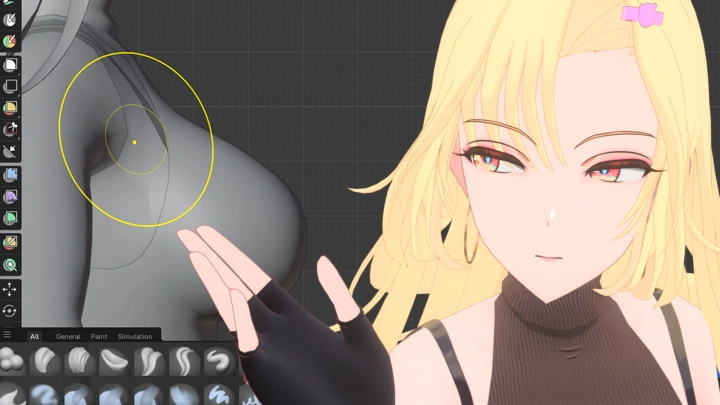
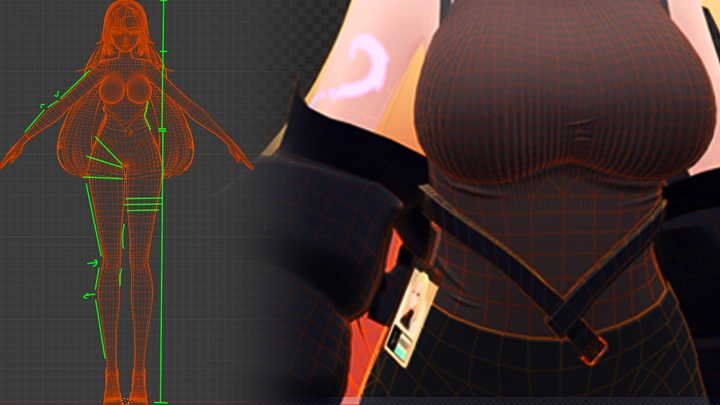
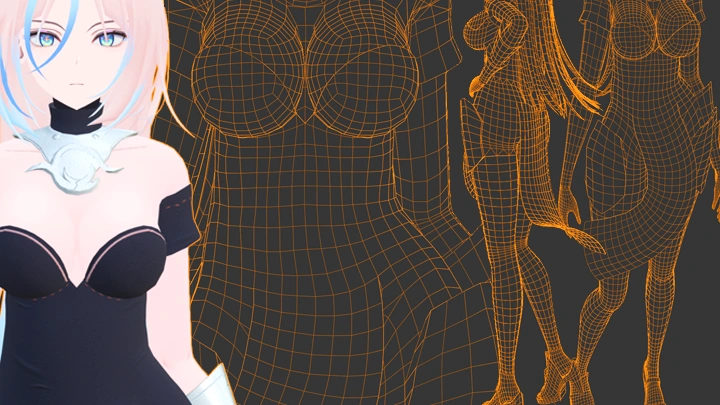
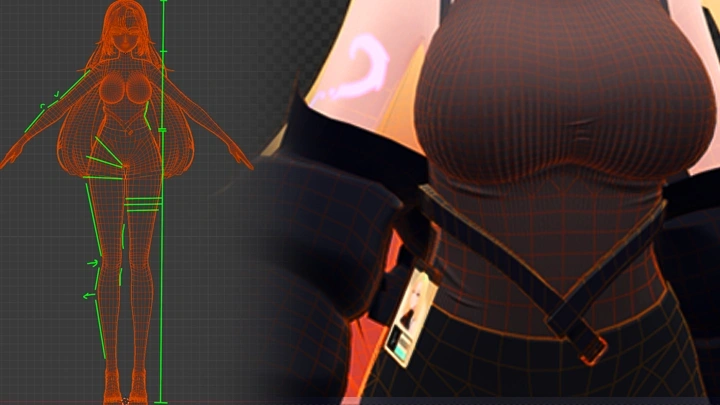
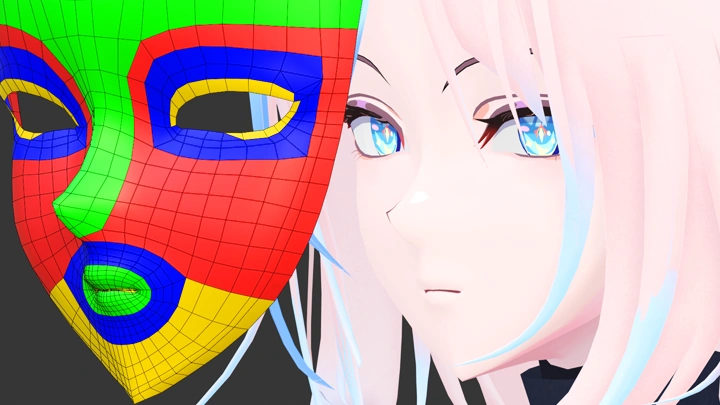
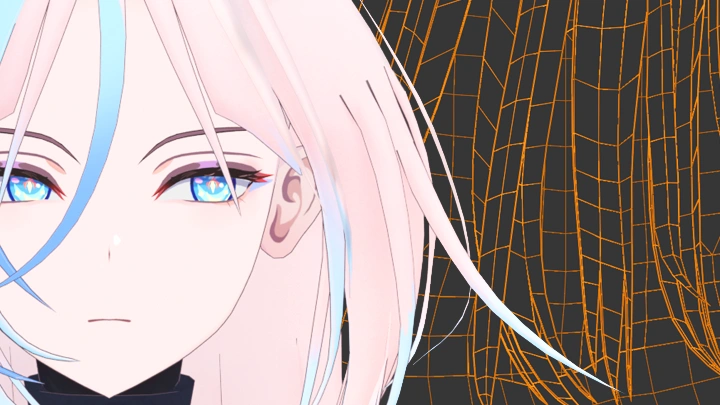
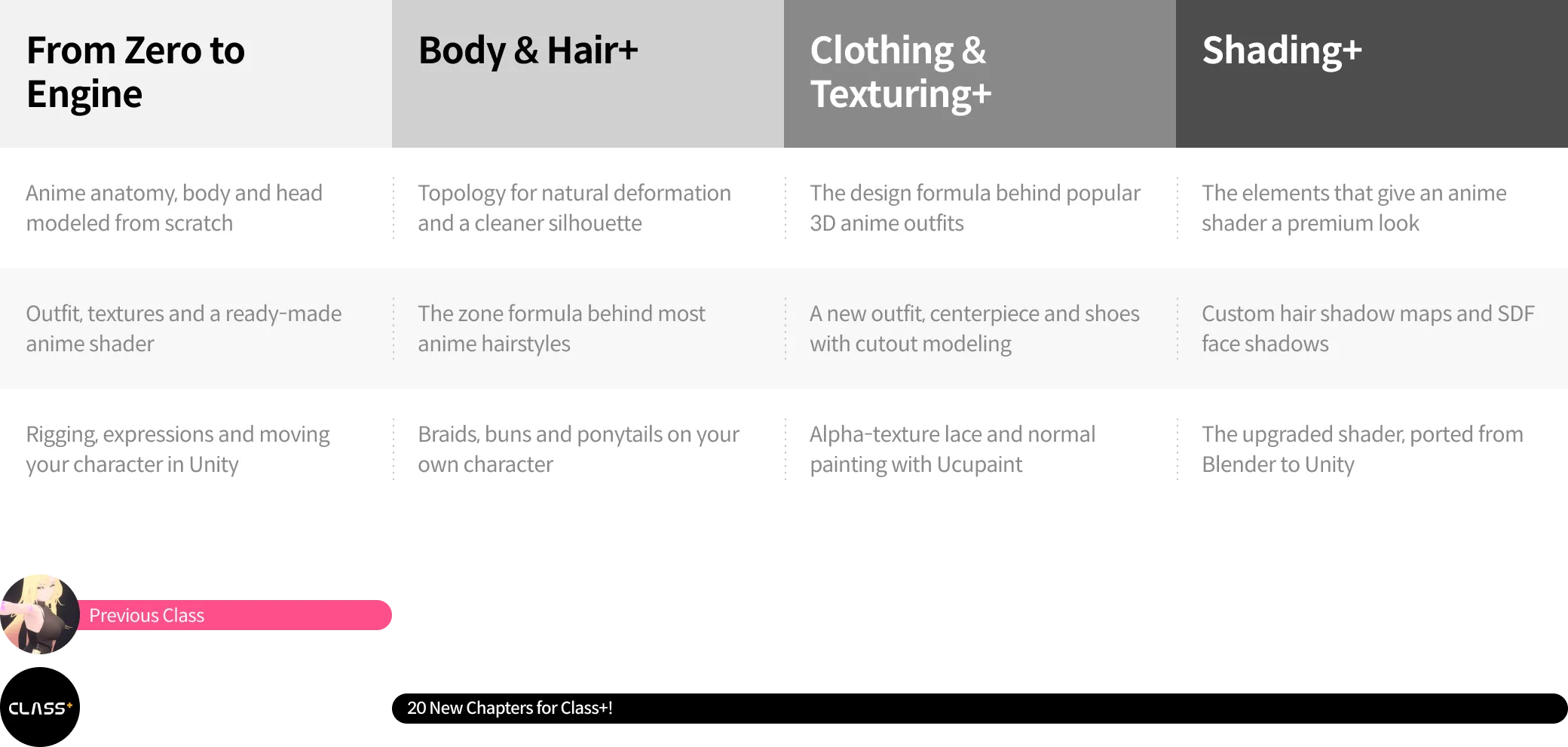
You can model a clean anime character and still feel something is off when you place it next to a character from a game you love. Usually it comes down to small things: topology that bends wrong at the shoulder, hair that reads as one solid shape, face shadows that look like a regular 3D render. This class goes after those details one by one, down to the topology and shader choices studios make.
The first class kept the character simple so you could see it through to the end. Class+ builds on that. 2AM breaks popular anime hairstyles and outfits into formulas you can reuse, then walks through what gives an anime shader its premium look, all the way into Unity.
Get Ready for the Real-World
36 Class Exercises, 15 New in Class+
Part 1. Blender Foundations
-
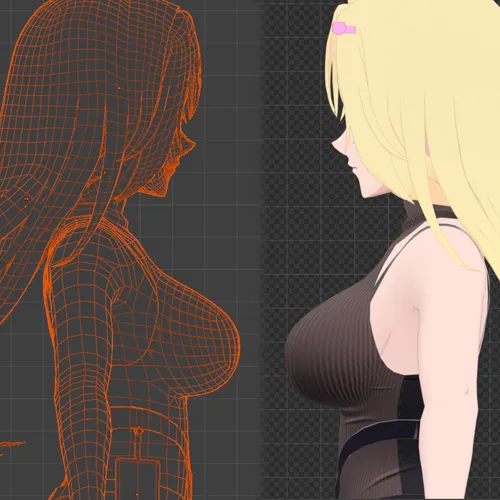 Box Modeling Exercise
 -
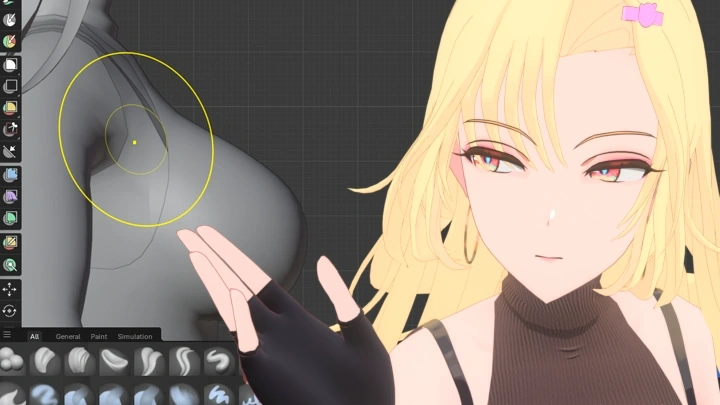
Sculpting Exercise
-
Texturing Exercise
-
Reference Exercise
Part 2. Stylized Anime Body Modeling & Mesh Upgrade
-
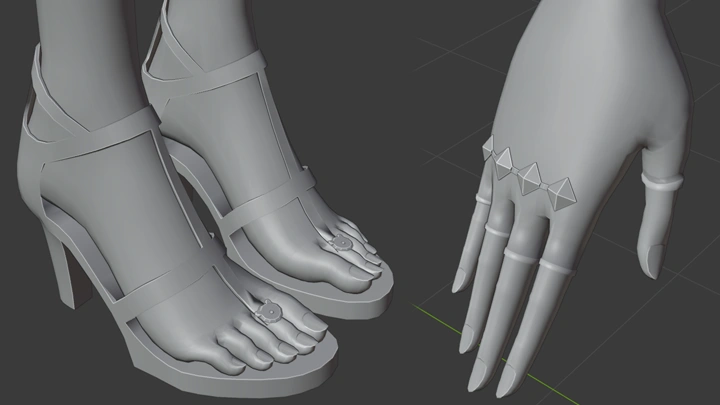
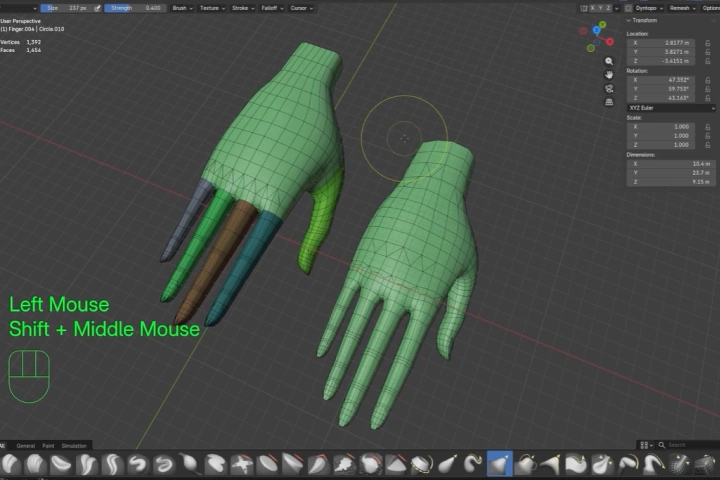 Hands
Hands -
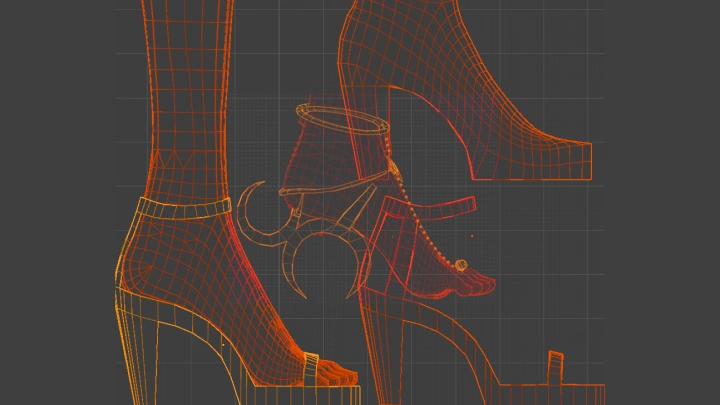
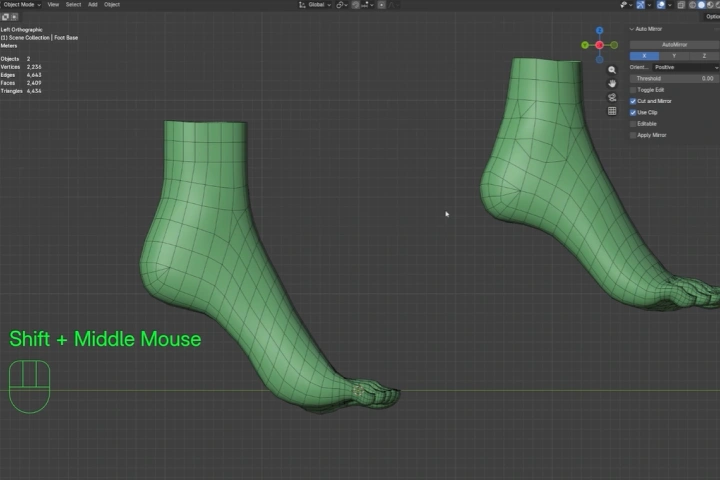 Feet
Feet -
Combination and Adjustment Exercise
-
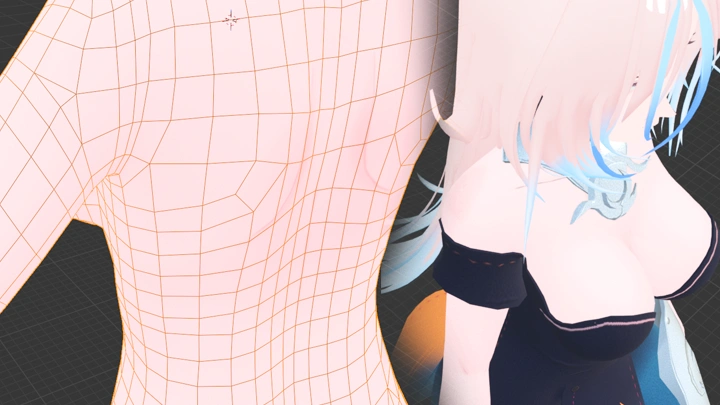
Topology Adjustment
-
Contour Adjustment
-
Mesh Upgrade
Part 3. Anime Head Modeling & Hairstyle Design
-
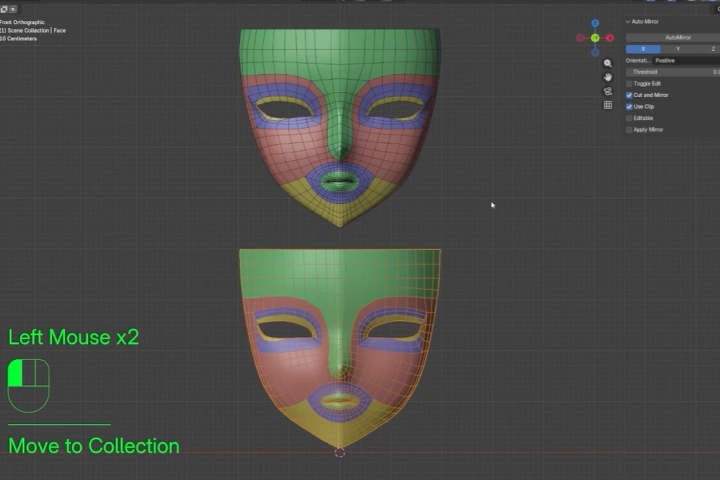 Face Base
 -
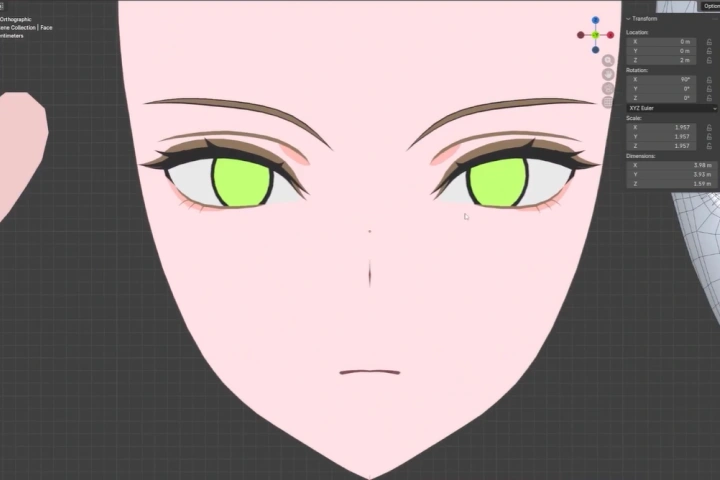 Face Features
 -
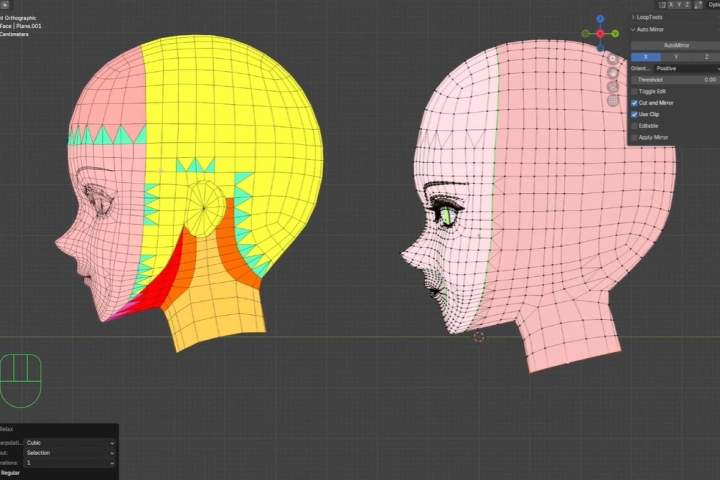 Head
Head -
Hair
-
Shape Key Adjustment Exercise
-
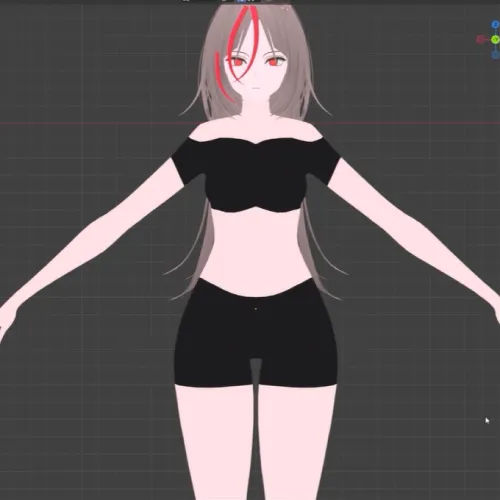 Finalize Base Model
 -
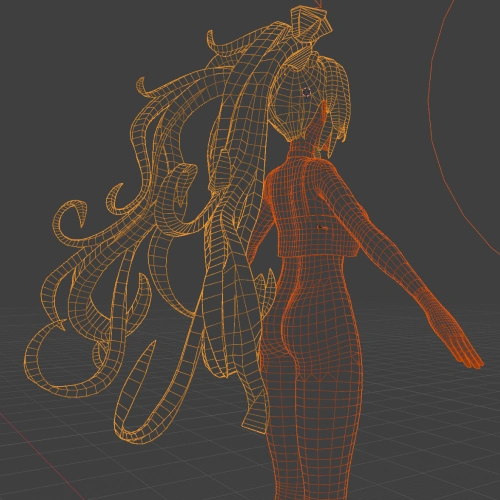
Braid, Bun, Tails Exercise
-
Hair Upgrade
Part 4. Outfit & Accessory Modeling
-
Texture Channels and Masking
-
Cutout Exercise
-
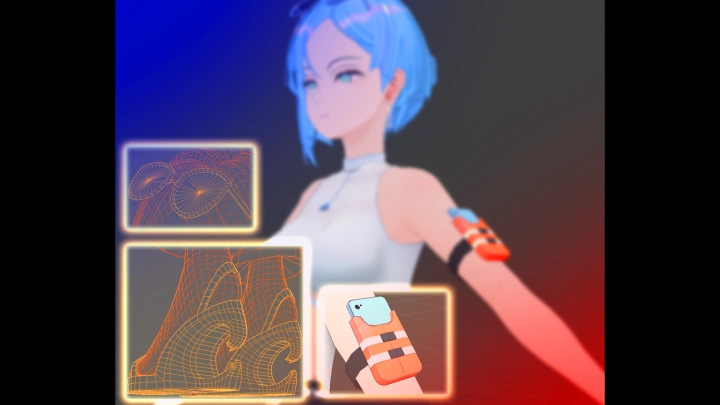
Main Outfit
-
Outfit Details
-
Shoes
Part 5. Advanced Texturing & Shading
-
Alpha Textures & Normal Painting
-
Outfit Texturing
-
Hair Texturing
-
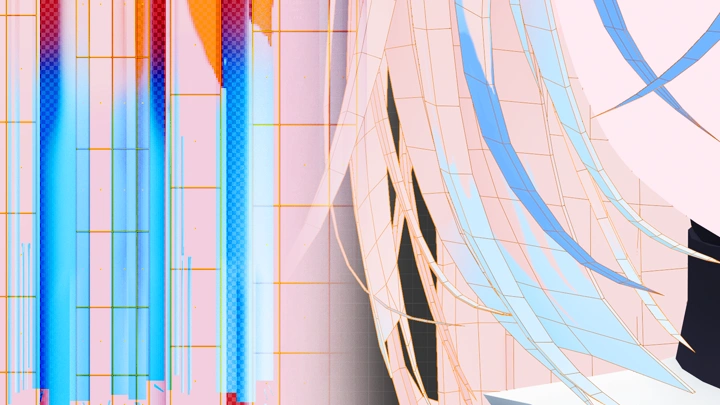
Hair Shading & Shadow Maps
-
SDF Face Shadow Maps
Part 6. Character Rigging
-
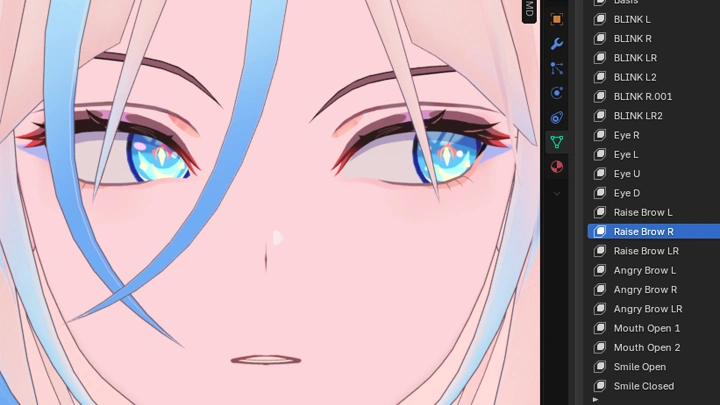
Shape Keys
-
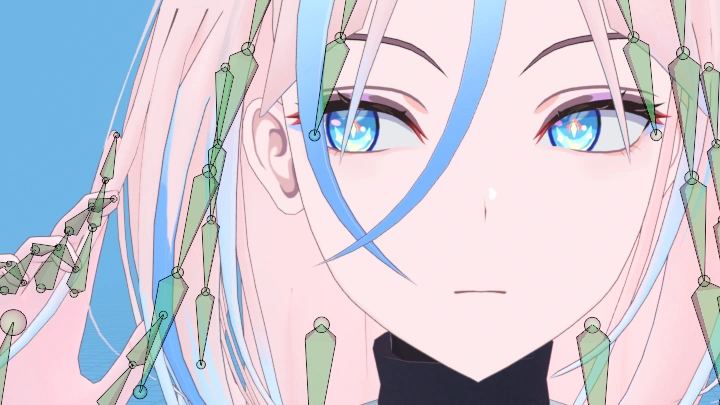
Rigging
-
Animation
Part 7. Unity Game Engine Exercises
-
Idle Animation
-
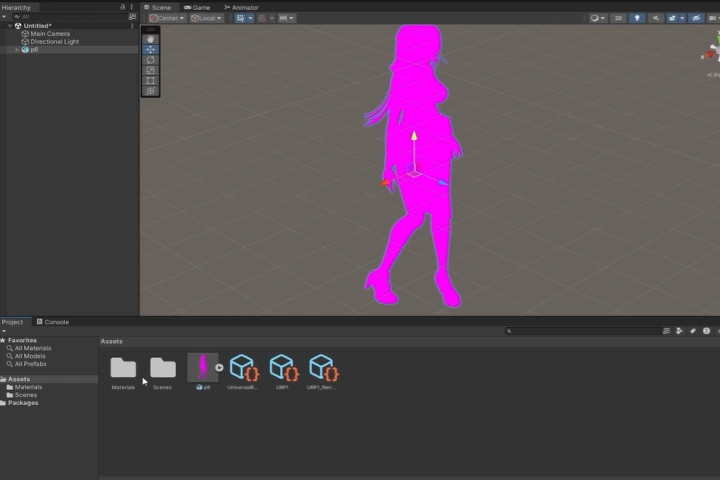 Export and Import
 -
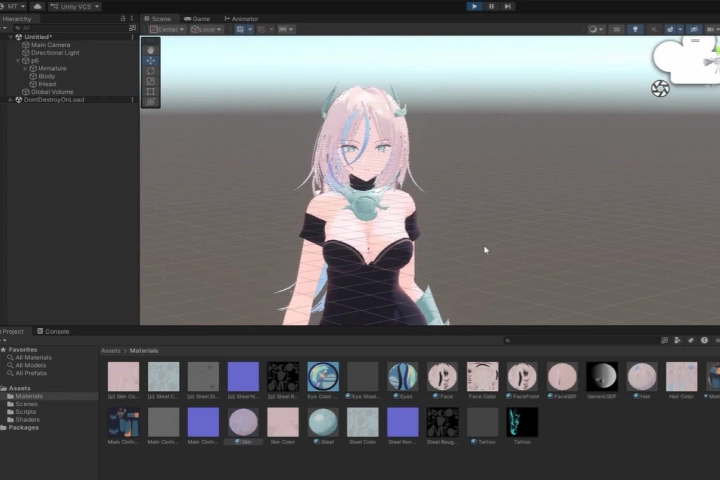 Shader / Materials
 -
Unity Shader
-
Walk Animation and Movement Implementation
Final Product Examples
-
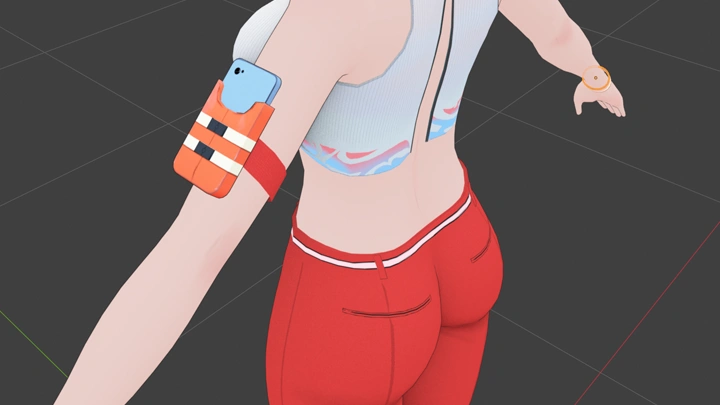
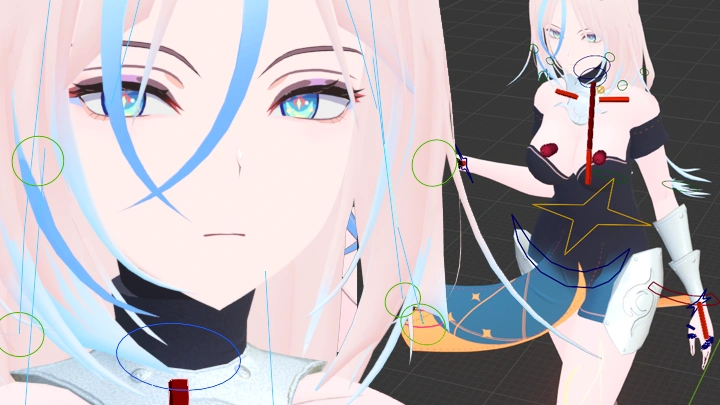
 A Fully Upgraded 3D CharacterYour character with a refined body, braided hairstyle, and a new outfit
 -
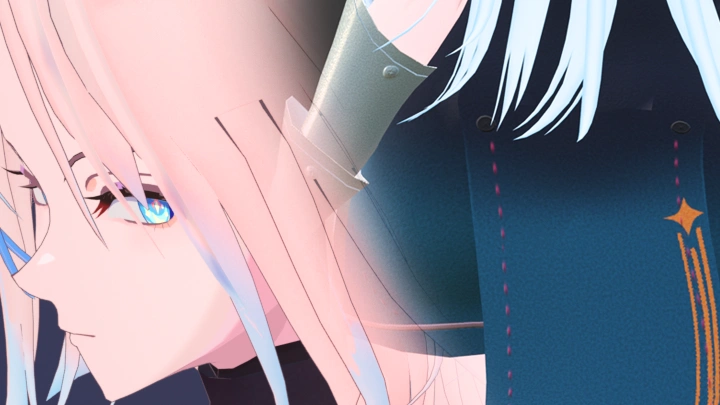
 Custom Anime Shader
for Blender & UnityA premium anime shader with custom hair shadow maps and SDF face shadows -
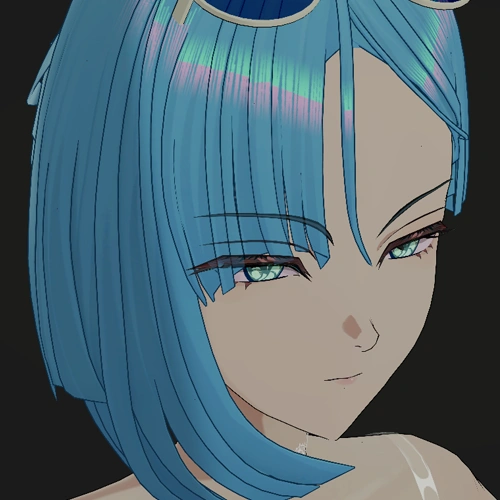
 Your Character, Running in UnityThe upgraded character running in a Blender and Unity scene with the ported shader
*The above images are sample images for a better understanding.

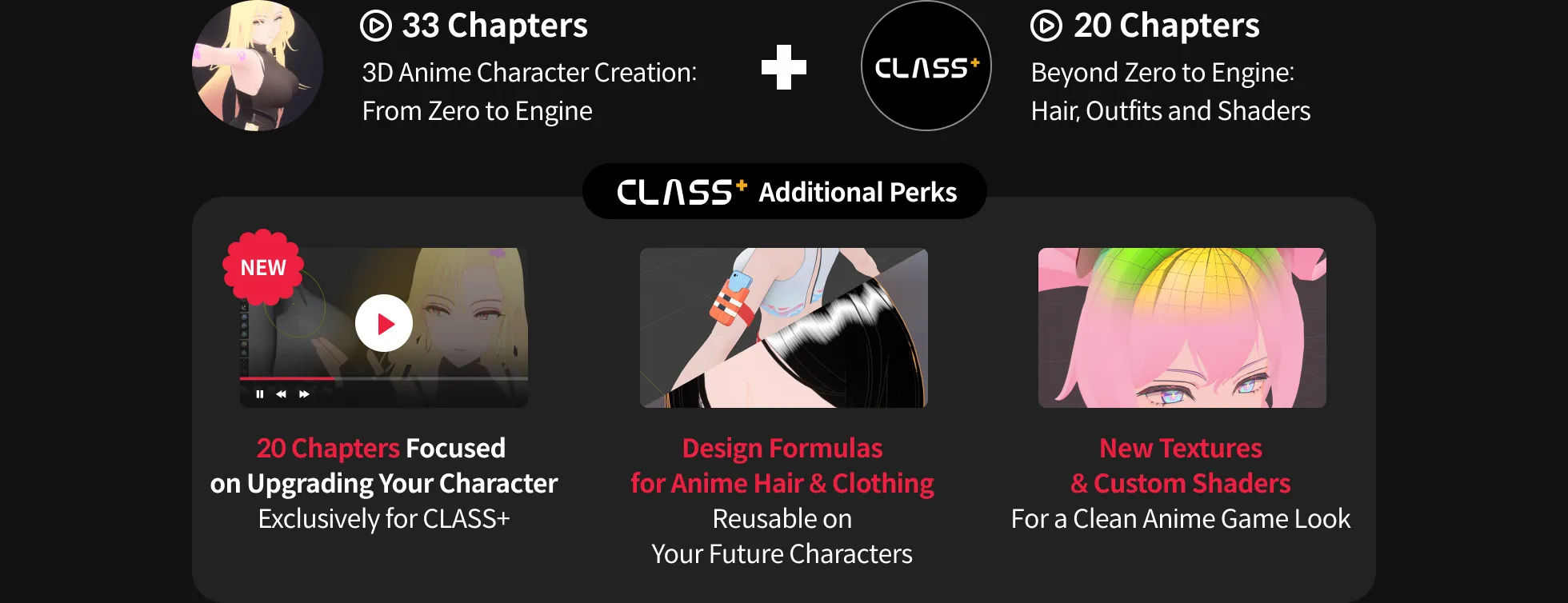
CLASS+ provides additional curriculum and class materials to help you enhance your skills, in addition to the standard course content.
After Finishing This Class
You will be able to turn a character into a polished anime game character, from hairstyle and outfit to custom shading.

Roadmap
2AM CLASS+
Highlights
Class Highlights
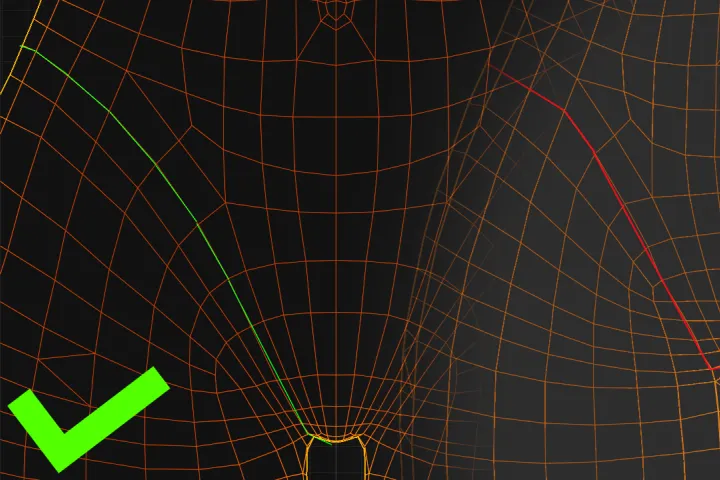
Creative Reasoning: Solve Modeling Problems by Eye
Learn to spot what's off in a mesh and choose the right fix before you start moving vertices. It's a way of thinking you can carry into every character you make next, not only this one.
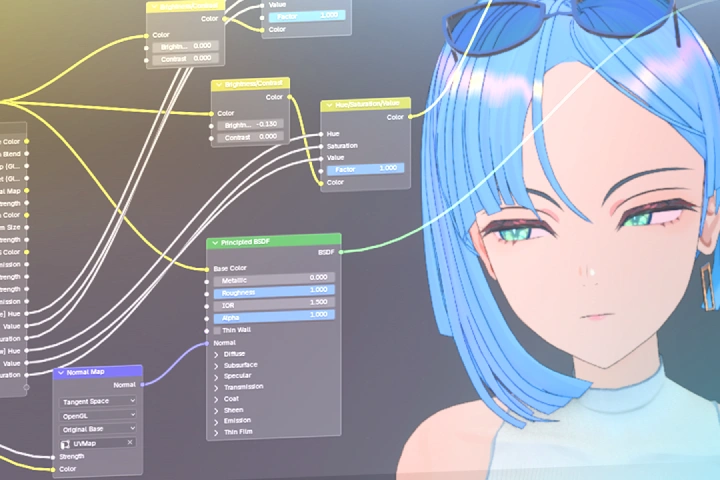
Technical Art: Textures and Shaders That Do More
Learn the technical side that multiplies the effort you put into textures and topology, including layered texturing with Ucupaint, alpha lace, normal painting, and custom shadow maps for Blender and Unity.
Design Direction: Find the Look You're Going For
Learn to identify the specific style you want and pursue it on purpose. Study the formulas behind popular anime outfits and hairstyles, then apply them to a new outfit, shoes, and hairstyle for your character.