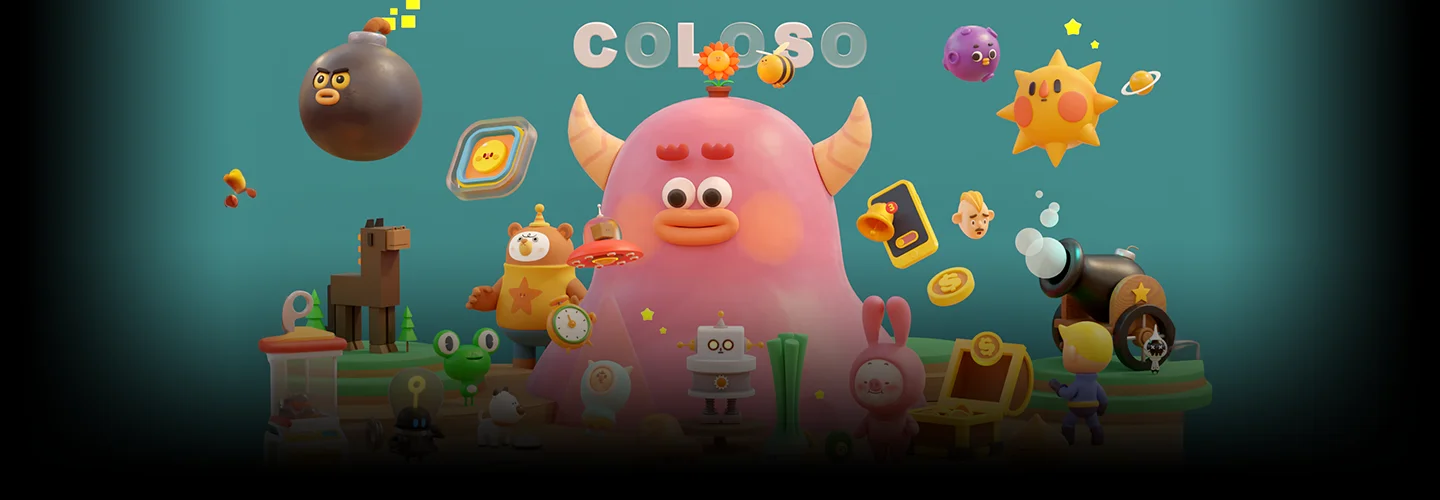
3DArtist,Dalbum_달범 Details
Intro
Class Intro
3D Artist, Dalbum
From character modeling to rendering and animation, Blender course that is fun and easy to complete.
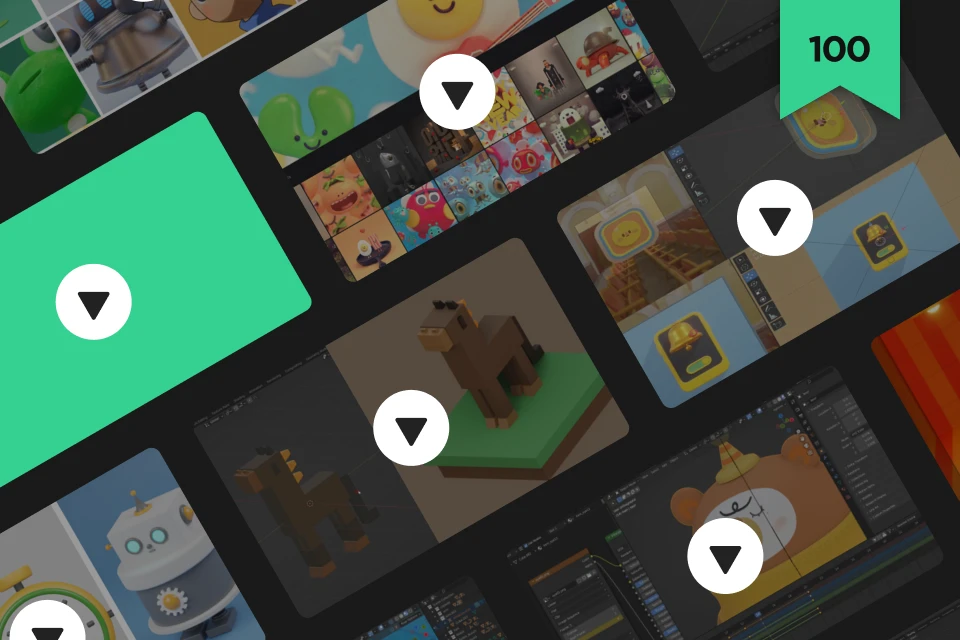
100-Chapter Guide to Crafting
Adorable 3D Characters in Blender
Have you ever wondered whether you could make your own squishy and living 3D characters and build a 3D portfolio? And wanted to find a place where you could learn everything from modeling to animation all at once? But you were afraid to start because 3D design appeared too complex and complicated? Then this is the ideal course for you.

I've prepared this course to alleviate your hesitations about starting 3D design. All you have to do is follow along and you'll create high-quality 3D designs in no time.
With only a few essential features, you can create a characters and apply lively animations to them. With each step in 3D designing, anyone can create adorable characters and bring them to life.
With only a few essential features, you can create a characters and apply lively animations to them. With each step in 3D designing, anyone can create adorable characters and bring them to life.
Class Perks
Get These Coloso Exclusives
-
Unlimited Access to 37 Hrs & 100-Chapters of Content -
Study Material Files Used in Class Exercises -
Comprehensive Course Original Files
Class Material Details
-
 (1) Exercise Materials- 42 original project files
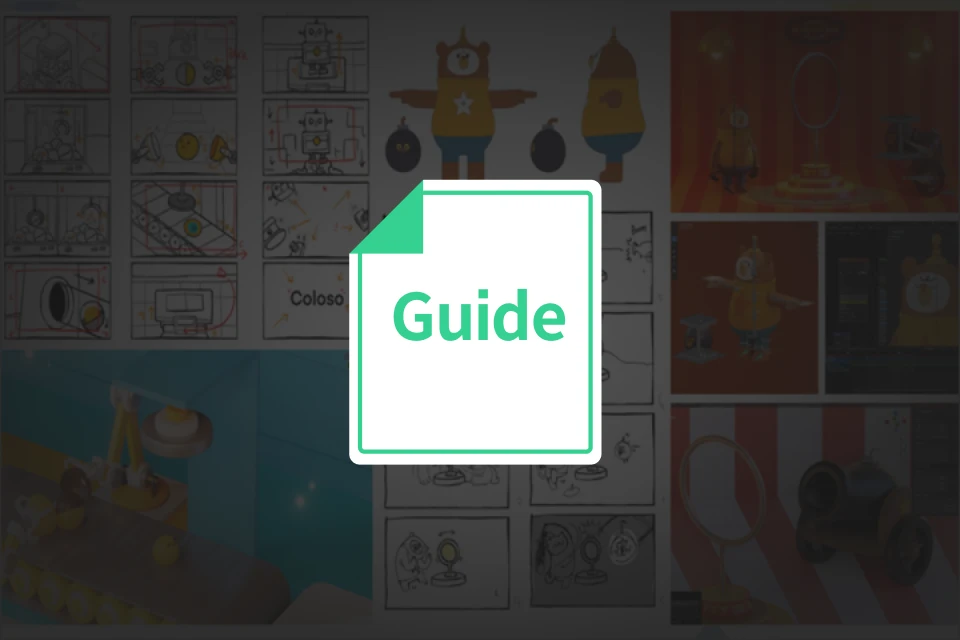
- Storyboard jpg files
- Image png files
- Texture png file -
 (2) Example Files- Collection of materials
- Animation mp3 files
- Blender files -
 (3) Study Material- Blender Shortcuts
- Add-ons
Recommendation
Who Should Take This Class?
For those who want to start making cute characters in Blender
For those who want to turn their 2D characters into 3D animations
For those who wish to pursue a career in 3D design and move beyond character design to brand design
Expert 3D Artist Dalbum's Portfolio








An All-in-One Blender Class to Master the Entire Process of Character Animation
With this course, you’ll have a solid foundation of all the processes and fundamentals of working with 3D characters.
Over 40 hand-picked exercises will take you from modeling and rigging your characters to creating and rendering tightly composed animations.
Create your portfolio to showcase your character designs and build your brand design.
Over 40 hand-picked exercises will take you from modeling and rigging your characters to creating and rendering tightly composed animations.
Create your portfolio to showcase your character designs and build your brand design.
While enjoying iterating and adapting different styles, you’ll be designing and filming your characters before you know it.
Coloso’s class is the only place you can learn how to produce quality results with minimal features and techniques.
Coloso’s class is the only place you can learn how to produce quality results with minimal features and techniques.
Get Ready for the Real-World
40+ Class Exercises
Part 1. Step-by-Step Modeling to Conquer the Basics
-
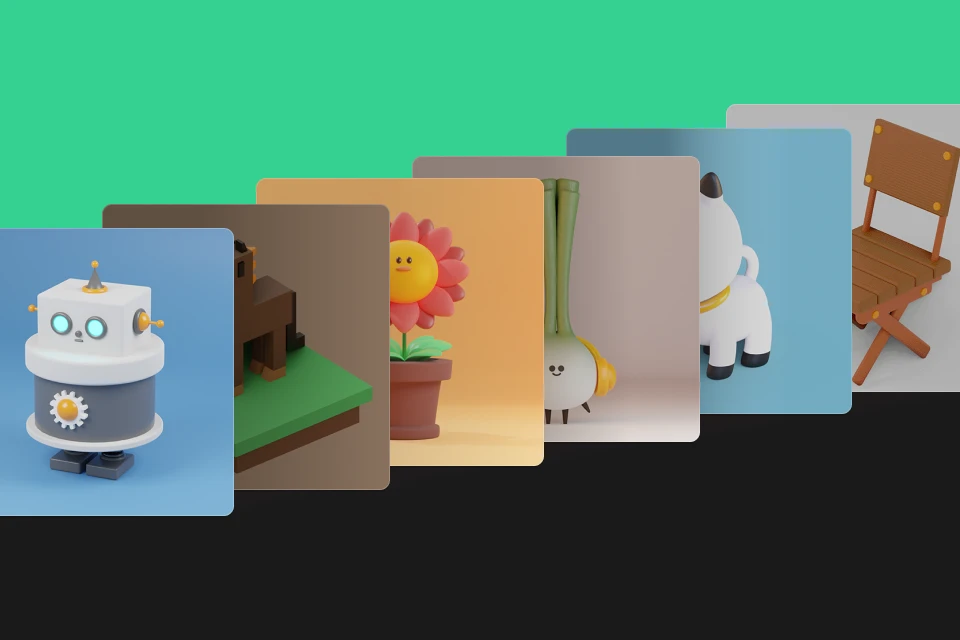
 Table Clock and Chair
(Object Modeling) -
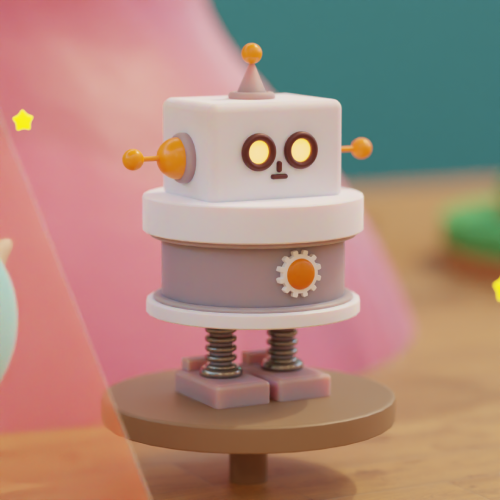 Robot Character
(Object + Modifier) -
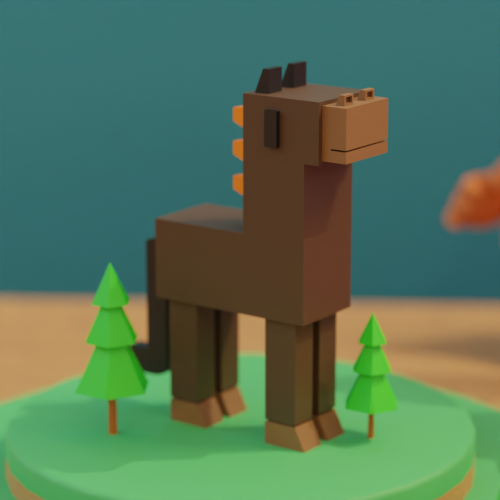 Wild Horse Modeling
(Edit Mode + Low-Poly)
-
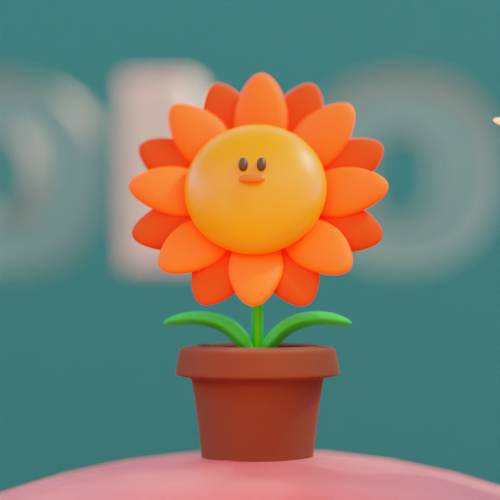 Flower Vase
(Edit Mode + Subdivision Surface Modifier) -
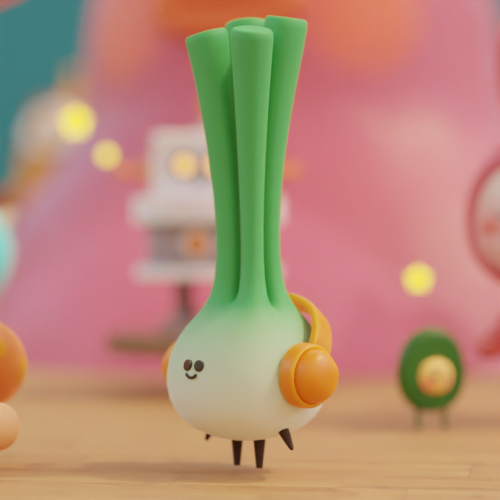 Onion Group
(Node & Studio Rendering) -
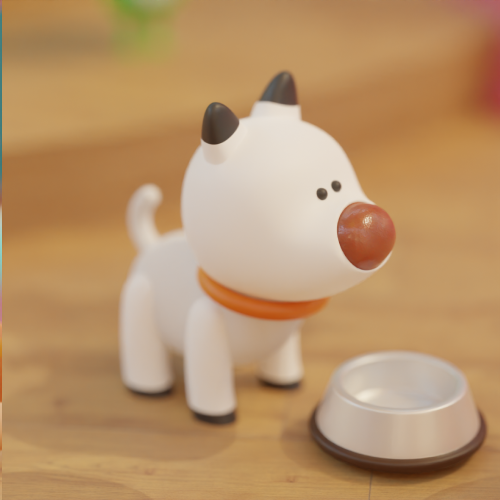 Dog
Dog
(Animal-Type Modeling)
Part 2. Animation That Brings Characters to Life
-
 Flying Plump Bee
(Loop Animation) -
 Jumping Slime
(Basic Animation: Squash & Stretch) -
 Solar System Looping
(Path Animation)
-
 Mr. Mushroom
(Node & Vertex Paint) -
 Alien Summoning Animation
(Texture Paint & Curve) -
 Pig in a Rabbit Suit
(Rigging & Pose-to-Pose Animation)
-
 Shapeshifting Rabbit
(Shape Keys Animation) -
 Lightbulb Character Animation
(Metallic & Glass Material + Bendy Bones) -
 Clay Frog
(Clay Material + Stop Motion Animation)
-
 Novice Hero
(Toon Shader and Mixamo) -
 Furry Monster
(Hair Particles + Camera Animation) -
 Metallic, Glass, Clay Materials, Cartoon and Hair Particles
Part 3. To Blender 3D Icon Motion Graphics
-
 3D Icons
(SVG Import) -
 Cell Phone Motion Graphic
(3D Icon and Loop Animation) -
 Game Item Box
(Soft Body and Light Animation) -
 Various Facial Expressions
(Shape Key + Lattice)
Project 1. Intro Motion Graphic
-
 Planning/Concept Designing
 -
 Main Modeling
 -
 Rigging
-
 Rough Animation
 -
 Animation Scene
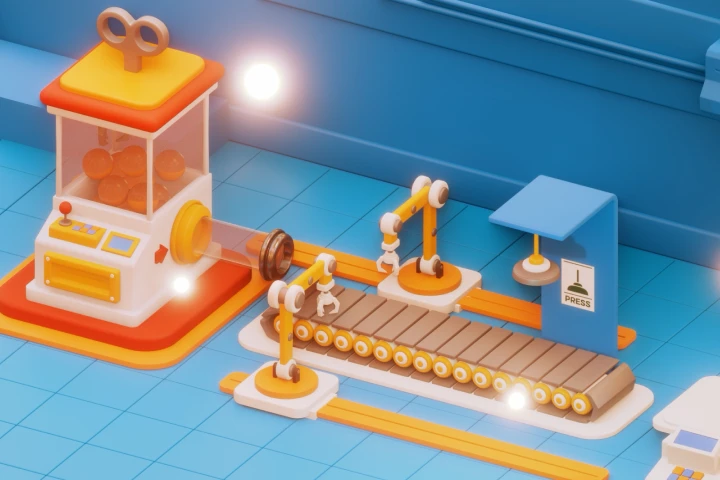
Intro Motion Graphic 1. Factory World
Project 2. 3D Shorts Animation
-
 Storyboard
 -
 Concept Ideation
 -
 Animatics (Grease Pencil)
-
 Modeling
 -
 Rigging
 -
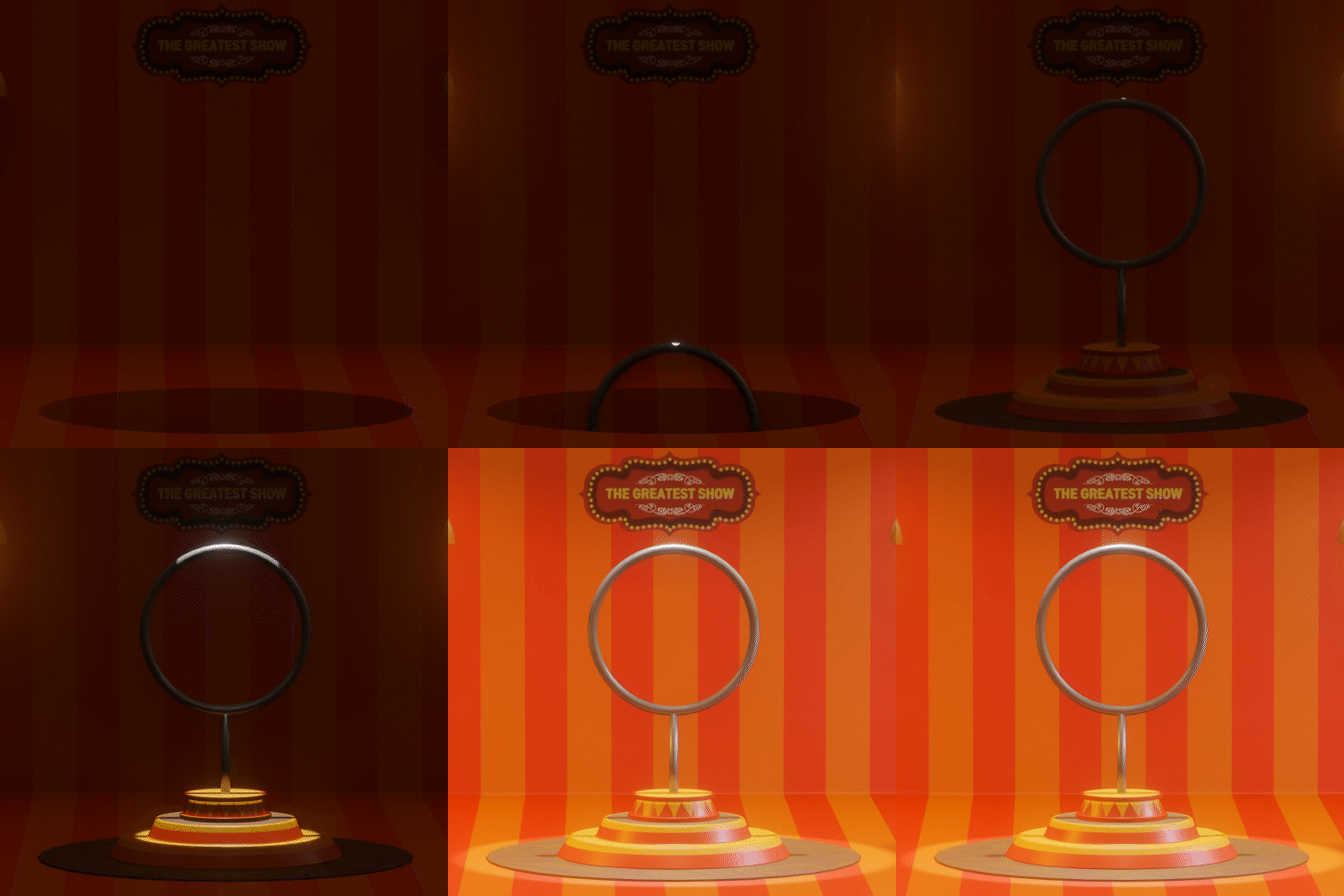 Lighting
-
 Animation (Before Material) C72
 -
 Animation Scene
Shorts Animation 2. Circus World
*The images above are provided as examples to illustrate the course.
Highlights
Class Highlights
Blender and 3D Graphic Textbook for Beginners!
Don’t worry if you know nothing about 3D graphics. We will teach you the most essential features and efficient processes at a beginner’s level to guide you in making over 40 exercises from a single video.
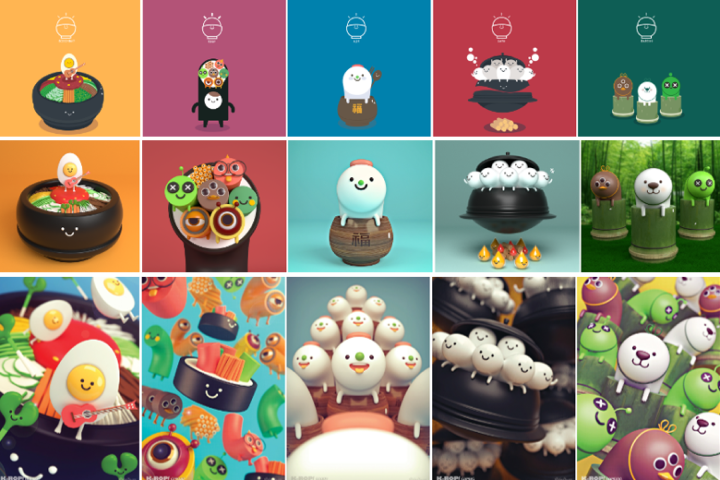
Character Edition: A to Z Of Character Creation
From a variety of exercises, including human, animal, star, robot, object, and plant types, to distinct design techniques, like cute, block, cartoon types, and more, learn how to design your character! You can go beyond simple modeling and learn animation techniques, bringing life to the character’s individuality and emotions.
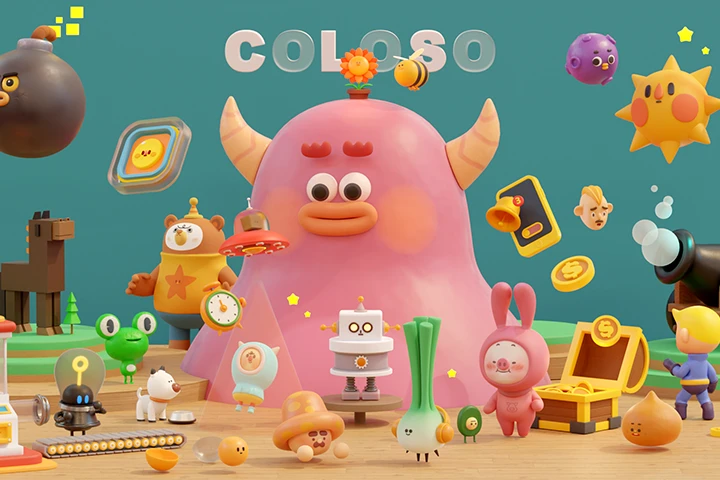
Final Project Exercises With Motion & Animation, Going Beyond Modeling!
Once you’ve completed the high-quality individual characters, props, and backgrounds, it’s time to make them whole. Use your bouncy characters to practice movement-rich intro motion graphics and animations. Before you know it, you’re already creating stunning and efficient 3D work.
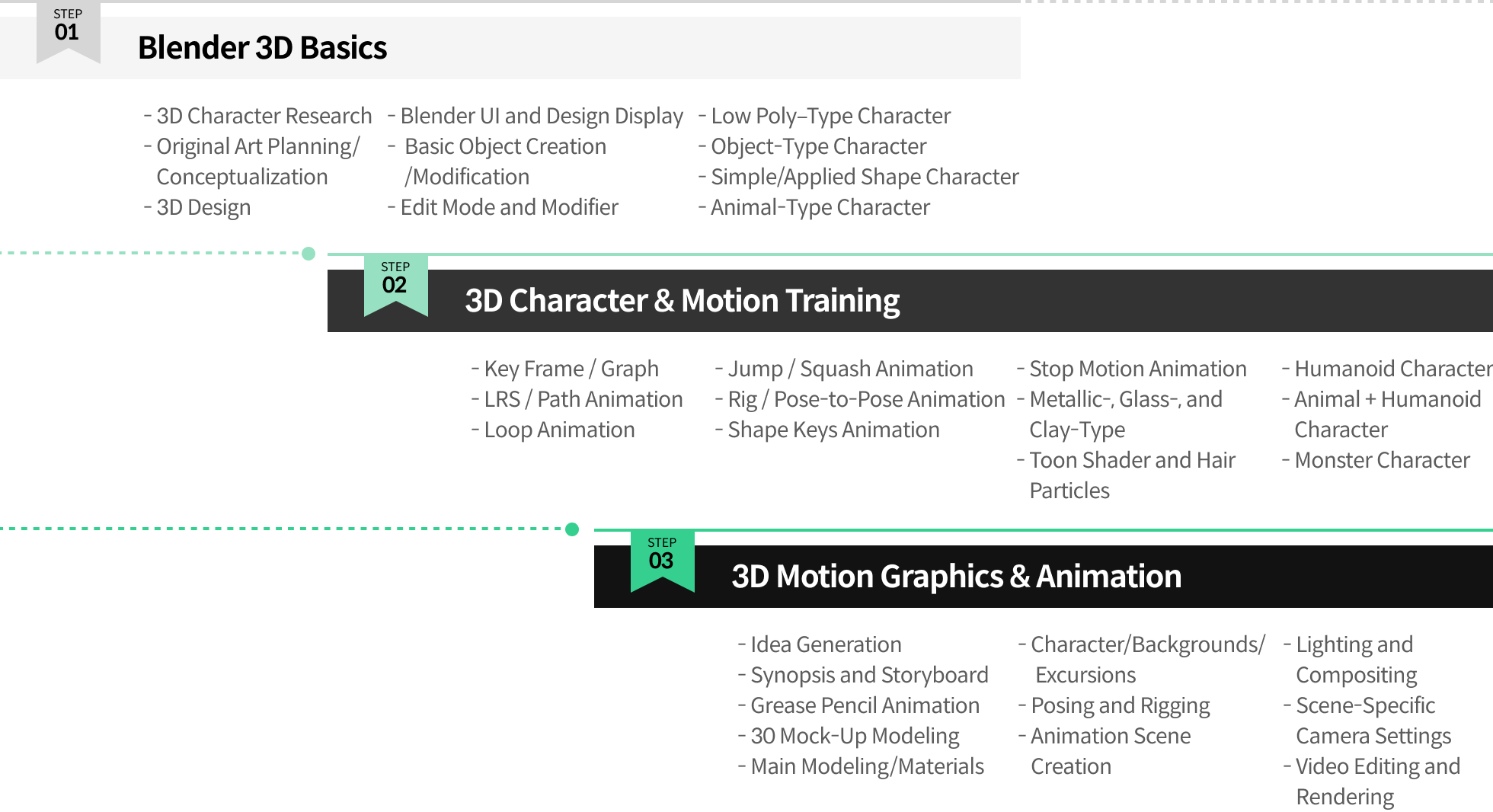
Roadmap
The Complete Guide on Blender Fundamentals
Instructor
3D Artist
Dalbum
Hi, I'm Dalbum, a 3D artist. Currently, I work for a Circus Company as a 3D artist for AR and Metaverse VR, using Blender.
From graphic work for Nexon, Gamevil, and other companies to university lectures about Blender, I have worked on many projects, building my career through mastering Blender.
To learn 3D motion graphics using Blender, I have been studying and researching tutorials myself. I prepared this course to share all my knowledge and insights with those hesitant and struggling to learn Blender and 3D design.
3D Artist, Dalbum
[Current]
Circus Company’s 3D Artist
Projects & Awards
[Key Projects]
Created a 3D background for the Kyowon Red Pen application
Developed characters and designed resources for the animation “Respecting Children’s Economy”
Designed a theme for the Samsung Theme Store launcher
Participated in Nexon’s Q-Play graphic
Participated in Nexon’s Thingsoft SNG game graphic
Designed Gamevil’s traditional “Go-Stop series” graphic
[Character Creation]
Developed Dongsuh Post Starberry character
Launched the band emoticon of “Alex and Friends”
Developed Novavin’s Jam2Go Frenzy character
Developed Acuon Savings Bank’s 16 MBTI Greek Gods characters
Developed GRAMPUS' casual gambling game character
Designed “The Story of Little Garu Who Moved the World” 3D characters
Designed “Our Neighborhood’s Ghost Story” 3D characters
[Publication and Lectures]
Lectured in Kyung Hee University’s Future Asset Center Blender lecture
Published book on Blender 3D graphics
[Exhibition]
Participated in the Korea Character Licensing Fair (2016)
Participated in Hyundai Art Gallery Open Challenge Kidult Land
Participated in the Gyeonggi Contents Agency “Culture Creation Hub” Regional Exhibition
Participated in the Connecting Culture+Consensus Exhibition
Participated in the Lotteria Pop-up Store Exhibition
Class Details
You'll Learn
STEP 01. 3D Design Process and Blender Basic for Beginners
-
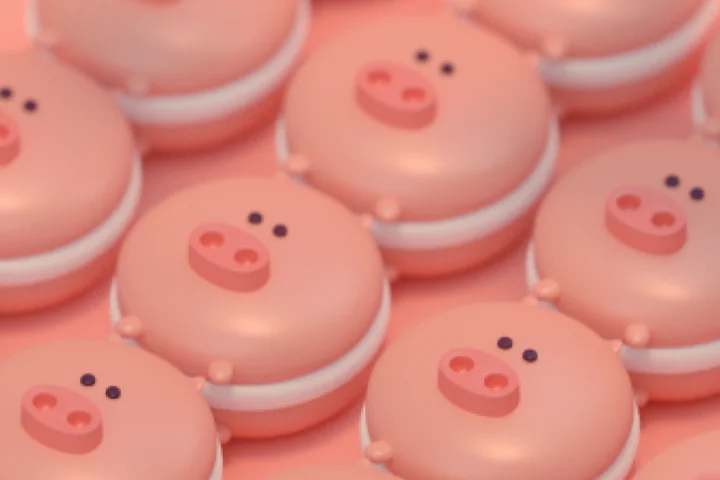 Overview of the 3D Design Process for 3D Designing BeginnersGet a preview of the entire process of modeling, material, texturing, rigging, animating, lighting, compositing, and rendering, which are unique to 3D as opposed to 2D.
 -
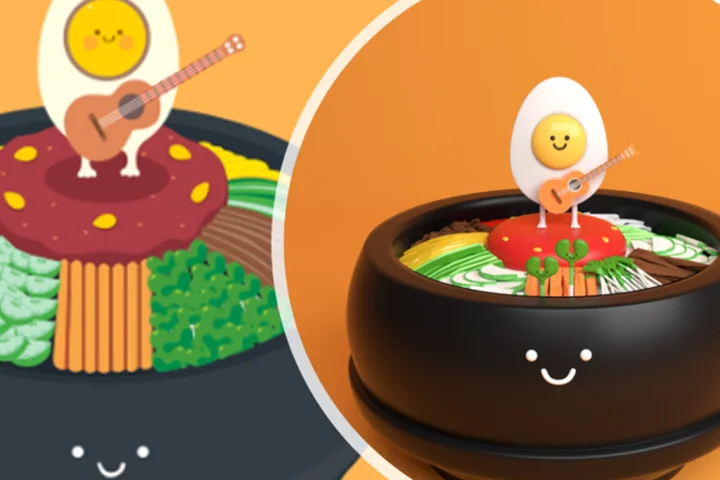 3D Character Designing Technique that Maintains the Original Art’s ColorsLearn famous characters’ elements, design them in 3D, and create your character with a lively story
 -
 Blender Display Layout and Basic ControlsWith your first encounter with a 3D program, learn about Blender’s basic display user interface (UI) and make your customized workspace.
STEP 02. Blender Training for Developing and Molding Basic 3D Fundamentals
-
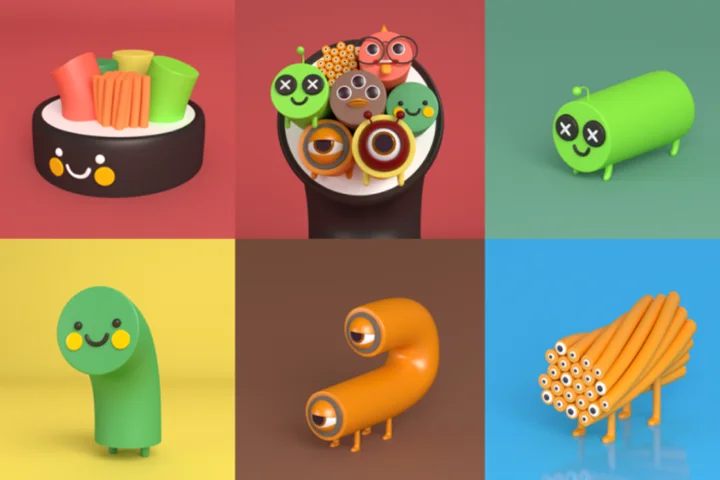 A Solid Start to 3D ModelingCreate a basic mesh, modify it in Edit Mode, and use modifiers to model objects.
 -
 Awakening Senses and Animation BasicsLearn basic animation methods through Blender’s keyframes and apply them to objects to awaken your motion senses.
 -
 A Total of 22 Practical Character AnimationsMake and add fun animations to 22 various characters, such as objects, animals, and humanoids, and more.
STEP 03. 3D Motion & Design to Enhance the Character’s Characteristics
-
 Various Methods To Apply RiggingsExplore various rigging application methods, such as Mixamo, Shape Keys, Inverse Kinematics (IK), and more, animate freely by moving objects or making character movements.
 -
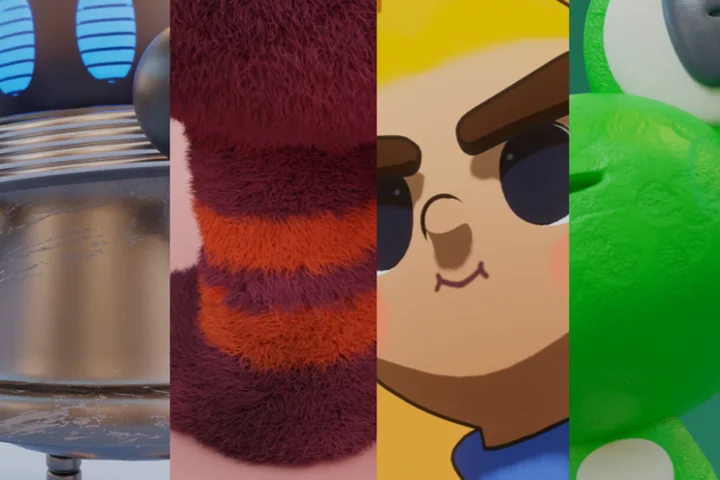 Creation of a Unique Character with Diverse TexturesCreate various characters with unique personalities and individuality by applying textures, such as glass, metal, clay, cartoon, hair particles, and more.
 -
 New Challenging Motion Graphic Basics with BlenderBuild the foundation of motion graphic by adding fun movements and presentations to 3D icons and objects.
STEP 04. Full 3D Project Blender Level Up
-
 Intro Motion Graphic with a Sense of TensionEnhance basic animation and create a casual intro motion graphic with bouncy motions and tension
 -
 Animatics Sketched With Grease PencilMake the initial version of the 2D animation while sketching the short animation’s concept and storyboard with the Grease Pencil.
 -
 Own Character 3D Animation CreationCreate characters, props, and backgrounds for your animations, place objects to fit the story, and position the camera.
- Unlimited Access
- Best Price
Buy now, get unlimited access.
12/31 (Sat) (UTC-7) Special offer ends soon.
This special offer ends soon.
Buy now and save!
Curriculum
Curriculum
In-Depth Look
1st Launch (Ch.1 - Ch.50) : 3/18/2024
2nd Launch (Ch.50 - Ch.100): 4/8/2024
Part 01. Introduction to Blender
Part 02. Blender Basics: 3D Modeling
Part 03. Blender Character Animation Basics: Application
Part 04. Project 1. Intro Motion Graphics
Part 05. Project 2. Shorts Animation
*The release date of this class, curriculum images, and associated content can be changed without prior notice.
** Class videos may be seperated for a more streamlined viewing experience
Interview with
3D Artist Dalbum

Question.01
Is there a specific reason why you chose this specific topic/themes?
Although Blender has been the subject of several lectures recently, many users are still having trouble using it correctly. I've created a "systematic, customized introductory curriculum" to help anyone who's feeling overwhelmed by 3D work use Blender.
By the time you finish this course, I hope you will have a better understanding of Blender as you learn how to use it, build a range of characters, and eventually produce your own 3D videos. After taking this 100-chapter course, you'll be an expert at using Blender effectively for your work.
Question.02
What makes your class different from other classes?
I've been gaining knowledge about and using several updated Blender capabilities, adapting them to different design styles. In order to help you "create a variety of styles of designs, from introductory to applied, using only the features you need," I'm going to share some of the tips and techniques I've acquired via practice and perfection with you.
Those who are unsure about the kind of character they want to create can benefit by practicing several character kinds and developing their own unique style. Furthermore, the chapter covers texture expression, rigging, animation, and rendering in addition to modeling, enabling you to produce "scene-stealing 3D videos.
Question.03
What can students gain from this course?
When you enroll in the course for the first time, you will study the steps and methods involved in finishing a single 3D project, from modeling to animation.
After that, you may use your 3D characters in a variety of fields by reviewing and applying them to create environments, characters, and objects that suit your style. I hope that this course will assist you in navigating the character, studio, and brand design landscape in the 3D industry.
Required Programs
This course will use
- Blender 3.5 (3.4 ver or above recommended)
Please purchase and install these program(s) for an optimized chapter experience.
*These programs and/or materials will not be provided with the lecture.
Recommended
Recommended Class
Like this class?
Then check these out!