Details
簡介
千萬點閱 MV 總導演 SONGI 的動畫製作美學與全方位製程揭密
掌握光影、色彩與材質的黃金比例,構建令人一眼墜入的細膩世界觀!
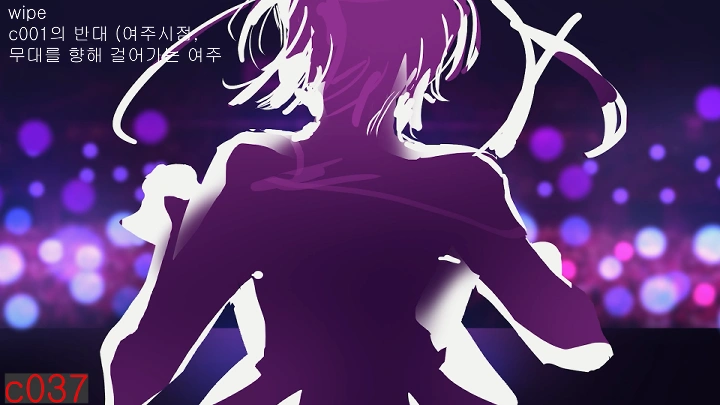
想製作出同時兼具「時下潮流感」與「極致完成度」的動畫作品嗎?由一手打造千萬點閱 MV 的總導演 SONGI,親自傳授他獨家的工作流。 這堂課將帶你解構 SONGI 導演最擅長的「氛圍感」營造——從捕捉閃耀的感性瞬間,到光影與材質的完美調和。不只是學軟體,更是學習如何將腦中的畫面,轉化為一部部質感滿分、充滿渲染力的動畫 MV 全流程。

從基層製作到總導演的晉升之路,SONGI 的動畫實戰全攻略!
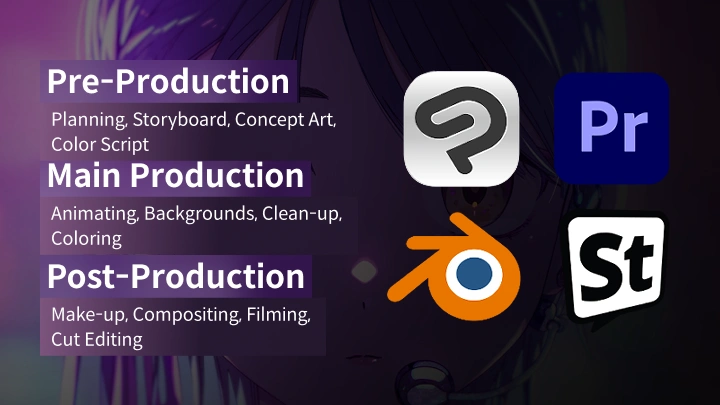
這是一套由實戰經驗淬鍊而成的完美指南。SONGI 導演將親自帶領你經歷動畫製作的三大核心階段(Pre-Pro-Post): 從最前端的企劃與腳本發想,到中期的導演運鏡、關鍵影格動畫、背景繪製,最後到後期合成與收尾。 在 Coloso,你將學會如何不僅僅是「製作動畫」,而是創造出能深深觸動觀眾內心、視覺效果華麗的 MV 作品。
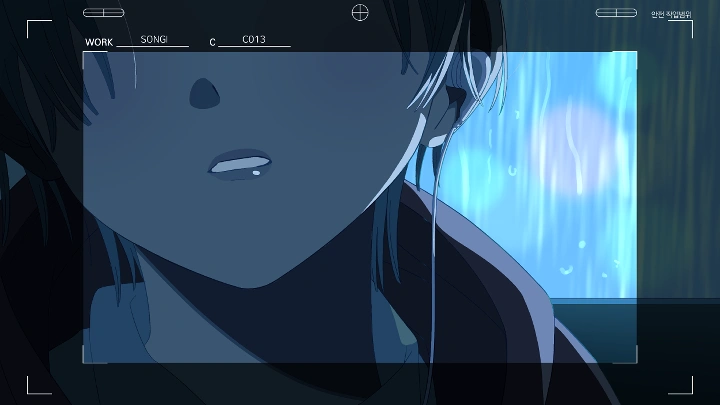
作品範例: PLAVE (プレイブ) 'The 6th Summer (六夏)' M/V ⓒ2023 VLAST Co., Ltd. All rights reserved.
作品範例: PLAVE (プレイブ) 'The 6th Summer (六夏)' M/V ⓒ2023 VLAST Co., Ltd. All rights reserved.
課程福利
來自 SONGI 的專屬教材包
-
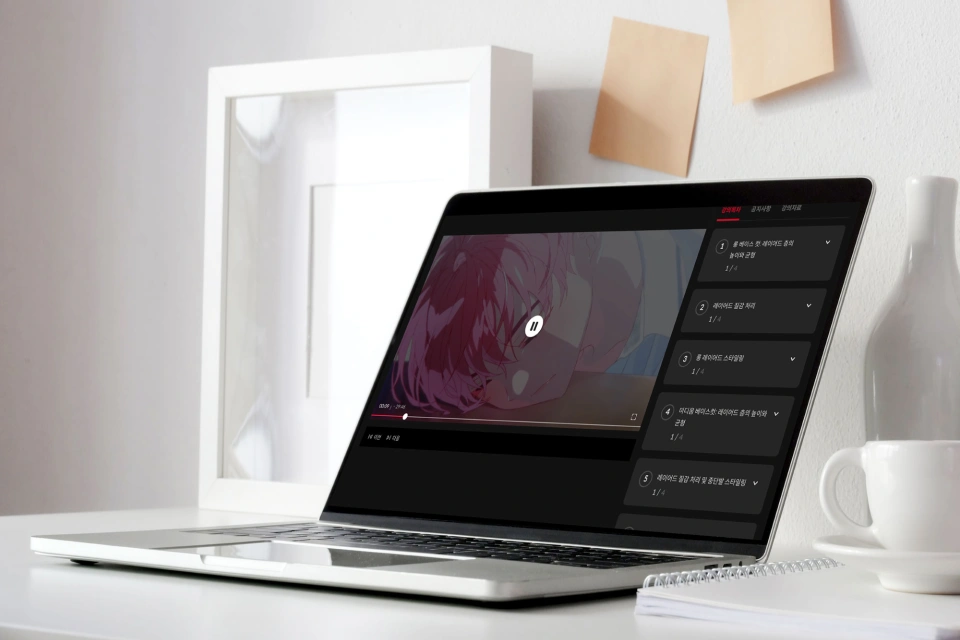 共22章節無限次觀看完整解構動畫製作全貌,依學習節奏隨時觀看
 -
 全流程專案原始檔完整拆解「前&中&後期」原檔案,細節毫無保留
 -
 職人級 CSP 環境設定提供專用快捷鍵與工作區,瞬間同步高手效率
課程材料詳細List
-
 前期製作- 動畫專用律表 / 企劃書標準範本
- 概念美術 (Concept Art) 繪製縮時
- 動態腳本 (Animatics) 影片與 Pr 專案檔 -
 中期製作- 關鍵影格與背景繪製原始檔 (.clip)
- CSP 工作區設定 (Workspace)
- 高效率快捷鍵對照圖 / 背景繪製圖解
-
 後期製作- 最終輸出範例檔案包 (ZIP)
- 全片合成與剪輯 Pr 完整專案檔
推薦
誰適合這堂課?
想親手打造風格 MV 的創作愛好者
需累積高質感作品集 的準動畫師
欲掌握潮流光影風格的現職動畫師
動畫導演 SONGI 的作品集
為什麼要選這堂課程?
注入靈魂的「沉浸式」導演美學
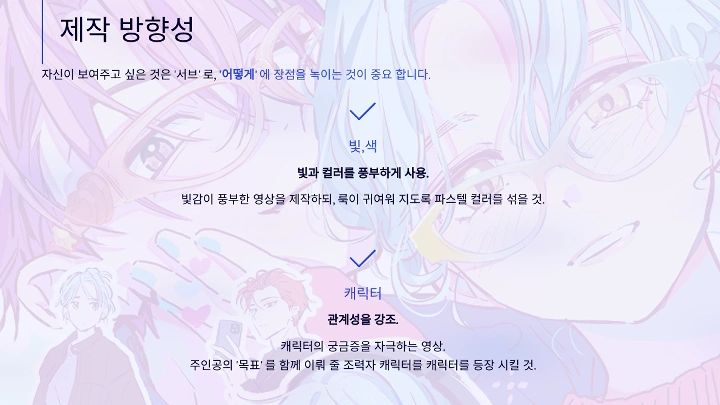
掌握光影、色彩與動態的黃金法則,將腦中幻想轉化為具渲染力的畫面。透過階段性實作,新手也能輕鬆學會如何用畫面「說故事」,打造令人一眼入迷的世界觀。
業界實戰級!從零到完稿的製作心法
從基礎工具到最終上傳,全程指引。獨家傳授「鏡頭強/中/弱配比」技巧,教你聰明分配作畫精力,兼顧品質與效率;搭配「夢幻光影」設定教學,大幅提升作品質感。

15+ 個實戰範例
高沉浸感動畫 MV 全流程演練
Part 01. 前期製作
-
 影像企劃發想:確立核心概念
 -
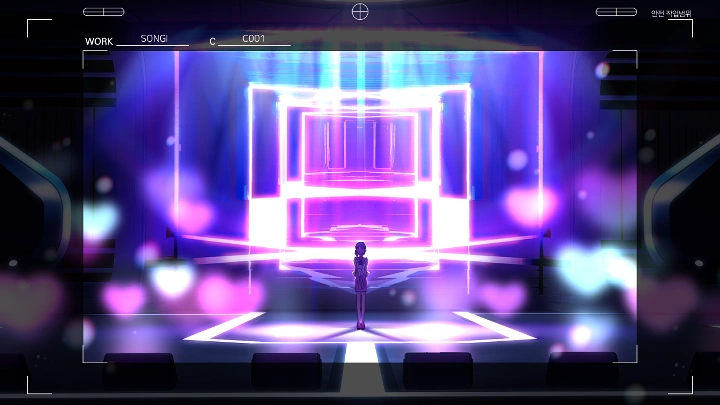
 開場序列概念美術:定調視覺風格
 -
 動態分鏡腳本:掌握節奏與構圖
Part 02. 中期製作
-
 「省力」鏡頭製作靜態畫面的運用技巧
 -
 「中量級」鏡頭製作 (1)Mixamo 3D 動作素材應用
 -
 「中量級」鏡頭製作 (2)實拍轉描技術
 -
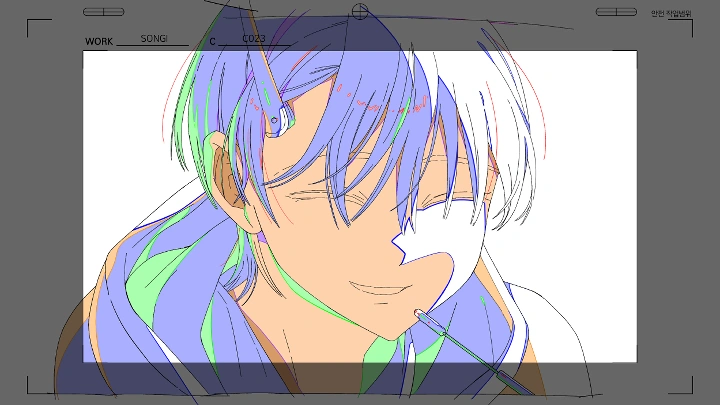
 「高張力」鏡頭製作手繪關鍵影格與動畫十二法則
-
 光影氛圍營造賦予畫面溫度的光線表現
 -
 清稿與上色(Clean-up & Coloring)
 -
 3D 輔助背景製作快速搭建空間感
 -
 照片素材應用高效率背景合成術
Part 03. 後期製作
-
 畫面潤飾(Makeup)質感提升與特效點綴
 -
 合成整合人物與背景
 -
 最終調色與修正
Part 04. 最終成果驗收
完成一支完整的MV預告片
講師
動畫導演
SONGI
大家好,我是動畫導演 SONGI。 我專精於 2D 動畫專案總導 (Project Direction),活躍於海內外業界。我的合作範疇極廣,從動畫公司的專案指導,到目前最火紅的 VTuber、系列影集、虛擬偶像 (2D Idol) 等領域,皆有我參與製作的足跡。 「導演」是掌控作品靈魂的關鍵角色。 從前期企劃、素材產出,到最後的視覺定調 (Final Look),都需要精準的決策與管理。這堂課,我不僅會帶你完成一支高品質的 2D 動畫 MV,更要傳授你如何「以導演的宏觀視角」,完美掌控專案的每一個細節。


動畫導演 SONGI
[現任]
動畫導演
講師資歷
商業廣告與遊戲 PV
- 《第七史詩》x《聖騎士之戰》 聯動 PV 〈Visitors from Another World〉- 原畫 / Studio PPURI
- 《新楓之谷》 IGNITION 改版動畫〈出陣〉- 二原 / Studio PPURI
- 《時光代理人》 x 〈OPPO RENO 12〉 - 總導演、演出、作畫監督
虛擬偶像與 MV
- PLAVE 〈The 6th Summer (六夏)〉 MV - 總導演、演出、角色設計、作畫監督
- VIichan (異世界女團) 〈Da Capo〉 - 動畫導演
- Raon & DAZBEE 〈ECLIPSE〉 MV - 導演
- VIVINOS 《Alien Stage》 - 概念美術、色彩腳本、構圖、動畫師 / Team Forma+9
- VIVINOS G.G 〈Find My Color〉 - 概念美術、構圖、動畫師 / Team Forma+9
原創與其他作品
- 《時光代理人》英都篇 OP 〈Lull〉 - 總導演、角色監督、作畫監督
- OSUM 〈Planet Stopped〉 - 總導演、演出、概念設計、動畫師
- Miiro 〈Monster Forest〉 - 總導演、演出、作畫監督
- MEANSHOCK 〈Revival〉 - 總導演、作畫監督、動畫師、攝影/後期
- MOON SHARK 〈Moonlight〉 - 導演、演出、美術指導、作畫監督
業界職人力推!
為什麼要聽SONGI導演的課?
-
 Jang Sun-young
Studio PPURI 代表若要問誰是韓國動畫界的未來,那答案絕對是 SONGI。對於導演而言,最艱難的挑戰莫過於將腦中構想「100% 完美具現化」,而他正是極少數能精準做到這點的頂尖職人。這堂課將完整傳授他的製作心法,教你如何從起點到終點,維持一貫的高品質與創作方向。相信這堂課能讓你的創作之路變得更順遂,享受製作影片的純粹樂趣。
-
 NAKDI 自由接案概念設計師
Reticles 角色作畫監督這是一堂對「實戰」最有幫助的 MV 製作課。我曾以入門學員的身分聽過 SONGI 的課,後來更成長為與他並肩作戰的業界夥伴。無論你是新手還是想精進技術,只要對 MV 企劃與製作感興趣,我強烈推薦這堂必修課。從前期企劃、中期動畫到最後的 Pr 剪輯收尾,All-in-One 全流程一次學會!
亮點
課程亮點
從入門直達進階!掌握打造「吸睛神作」的動畫製作心法
這是一套集結了製作「迷人場景」的精華攻略。我們將按部就班實作前、中、後期製作的全流程。跟著從基層動畫師一路晉升為總導演的 SONGI,掌握每個製作環節的關鍵決勝點 ,你將不再只是盲目練習,而是能親手完成一支具備業界等級、完成度極高的高品質動畫 MV。
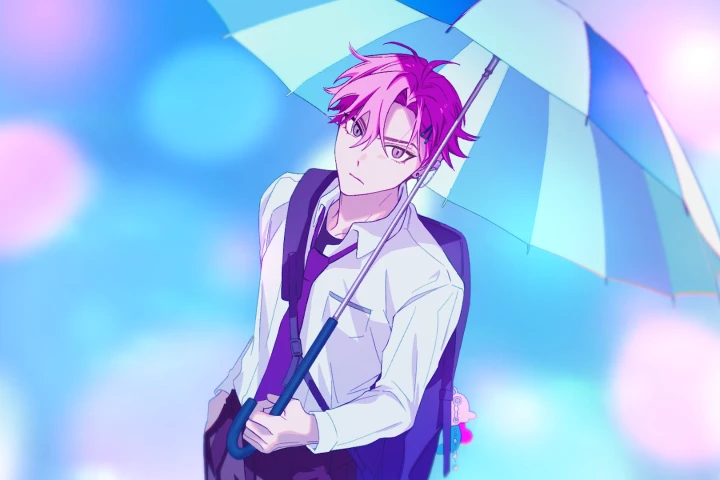
精準傳遞情感!解構光影、色彩與動態演出的獨家秘密
為什麼有些作品就是讓人覺得「好美」、「很有感覺」?這堂課將帶你深入剖析美感背後的邏輯!學會運用導演思維、光影佈局、配色與動態設計,精準地將你腦中的意圖轉化為畫面,引發觀眾共鳴。我們將練習如何將個人風格融入企劃中,創造出既有現實感又充滿渲染力的動人場景,不再只憑感覺創作。
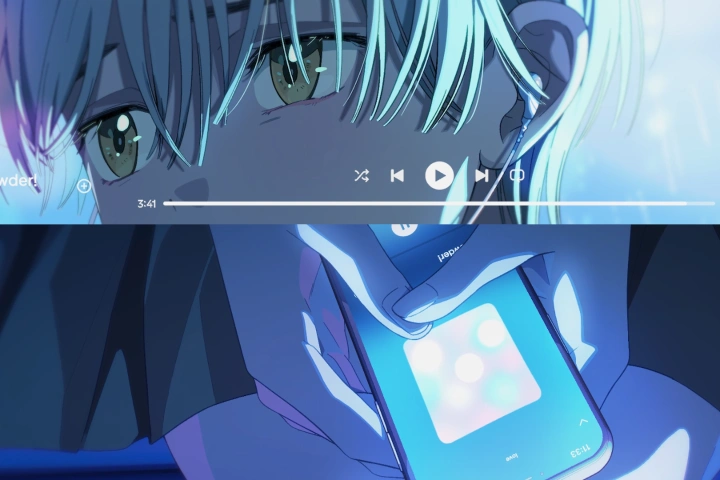
你的最佳創作夥伴!透過階段性實戰範例,從零掌握製作全貌
從前期企劃到後期合成,動畫製作的 A to Z 一次打包帶走。透過精心設計的階段性範例檔,你將深度掌握高品質 MV 的工作流細節。課程中更包含獨家的「省力/中量級/高張力」鏡頭分配術,教你如何在有限時間內,透過聰明的資源配置,達成最有效率且效果滿點的畫面演出。
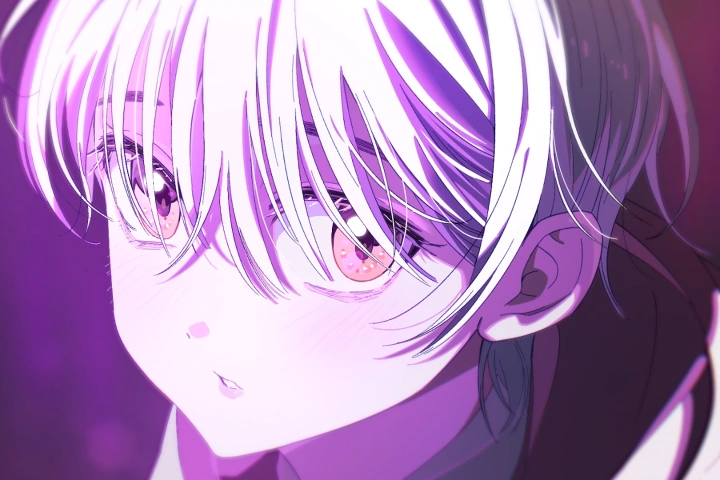
課程詳情
您將學到以下內容!
-
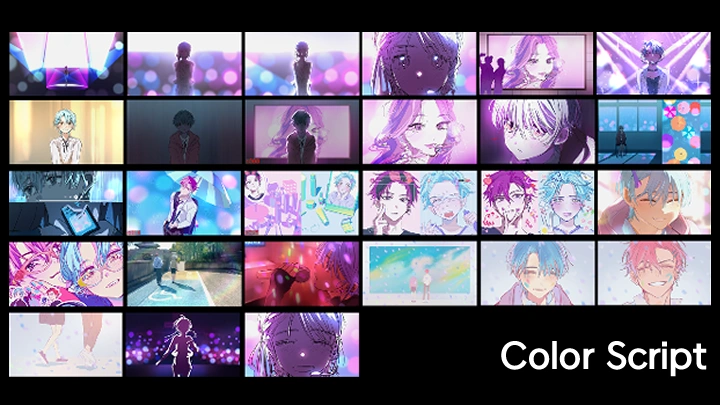
 將腦中幻想具現化!紮實的「前期製作」架構術這是構思專屬作品的第一步!我們將從捕捉抽象的情感與周遭環境靈感開始,一步步轉化為具體的「動態分鏡」與「色彩腳本」。學會建立堅固的前期設計地基,確保中後期的製作流程順暢無阻。
 -
 告別徒手蠻幹!善用 3D 與轉描技術的高效作畫法做動畫不需要總是從零開始死磕!學會運用 Mixamo(3D 動作庫)、Rotoscoping(轉描技術)與 Makeup(畫面潤飾)等聰明輔助工具,以更高效的方式完成生動流暢的動態。此外,還會傳授如何快速製作高質感的背景,以及處理髮絲飄動等細膩細節的獨門密技。
 -
 賦予動態生命力!動畫必修的四大運動法則為什麼你的動畫看起來不夠自然?關鍵在於基本功。本章節將深入解析讓動態充滿力度的四大原則:弧形運動 (Arc)、跟隨動作 (Follow-through)、超越動作 (Overshoot) 與 緩衝 (Cushion)。透過原畫設計實戰,將這些理論內化為你的直覺,畫出有靈魂的表演。
-
 用光影說故事:極大化「氛圍感」的情感敘事學學會根據不同情境,精準調度光影與配色。你將理解光源位置、色溫與環境設定如何改變畫面的情緒,並以導演的視角,利用視覺語言引導觀眾的感受,創造出充滿電影感與渲染力的特定氛圍。
 -
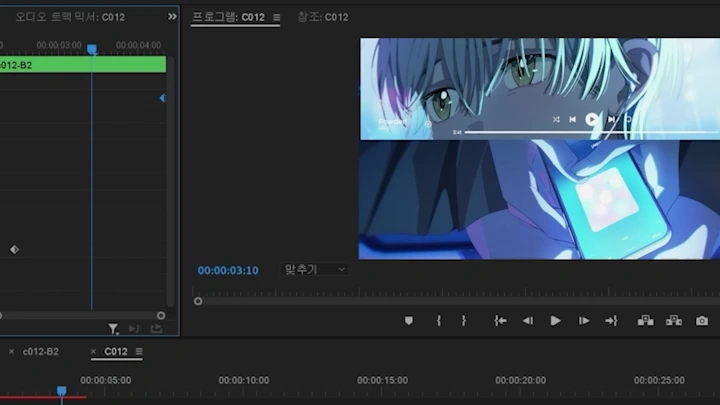
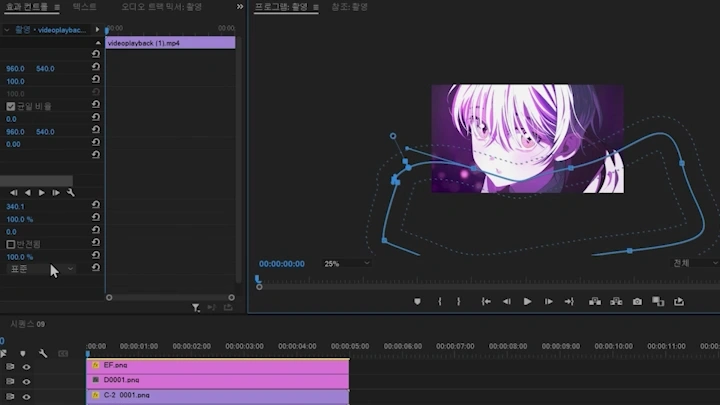
 Clip Studio Paint x Premiere Pro 雙刀流全流程完整掌握業界標準軟體的工作流。從 CSP 的基本設定、筆刷應用、3D 功能,到 Premiere Pro 的後期攝影 (Filming) 與合成運鏡。這不只是軟體教學,更是教你如何整合兩大工具,獨立完成一支高規格的動畫 MV。
 -
 從團隊協作到獨立接案:動畫導演的職涯生存指南如何在團隊中保持個人風格?自由接案者又該如何參與大型專案?身兼多職的 SONGI 將無私分享他的實戰經驗,從高品質作品集的準備技巧,到動畫導演的實務溝通心法,為你的職涯發展提供最真實的導航。
- Unlimited Access
- Best Price
Buy now, get unlimited access.
10/12 (Mon) (UTC-7) Special offer ends soon.
This special offer ends soon.
Buy now and save!
講師獨家訪談
動畫導演 SONGI

問題.01
您認為自己在創作上最大的強項是什麼?
「用理性的分析,建構感性的畫面。」 我認為我的優勢在於能精準運用「光影」與「色彩」來營造豐富的畫面層次。為了準確傳遞情感,我習慣以分析的角度拆解角色心境、歌詞含義與運鏡需求。 我相信,一個能感動他人的作品,畫面中的每一個元素都必須「有憑有據」。在這堂課中,我將分享如何將這些感性的光影與理性的演出邏輯完美結合,創造出令人心動的影像。
問題.02
這堂課程的策劃核心與重點是什麼?
「懂得『取捨』,才能成就完美。」 動畫不是單張插畫,而是連續影像的藝術。想要做出讓觀眾印象深刻的作品,關鍵不在於每一張都畫得很滿,而是要懂得「力量的分配」。 我們必須判斷哪些鏡頭是該全力輸出的「高張力 (Strong) 畫面」,哪些是用來銜接節奏的「過場 (Weak) 畫面」。這堂課我將重點傳授「強/中/弱」的鏡頭製作策略,教你如何聰明地分配產能,創造出既流暢又具爆發力的動畫 MV。
問題.03
這堂課與其他動畫課程最大的不同點?
「同時擁有『微觀技術』與『宏觀視野』的全方位指導。」 我經歷過動畫製程的每一個環節,到現在擔任統籌全案的總導演。這堂課正是基於這樣的實戰背景,我能在教你「看見森林(專案全貌)」的同時,也不會漏掉「照料樹木(各環節細節)」。 特別是大家最好奇、也是我最自信的「韓系潮流光影 (Trendy Look)」與「色彩美學」,這絕對是其他地方學不到的獨家 Know-how。
課程必備軟體與工具
本課程將使用 Clip Studio EX、Adobe Premiere Pro 2024、 Blender 4.0 和 SnapToon。請購買並安裝這些軟體以獲得最佳化的課程體驗。
*這些軟體和/或材料不會隨課程提供。