[Course]vtuberartist,46cmawayfromyou Details
Intro
Class Intro
VTuber Artist, 46cm Away From You
Learn the full process of artistic VTuber modeling in Live2D from designing & illustrating to rigging!
An All-in-One Guide to Creating Your Own Vtuber Model
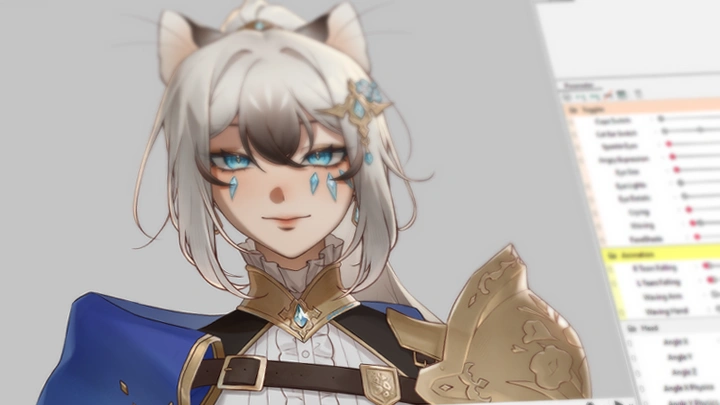
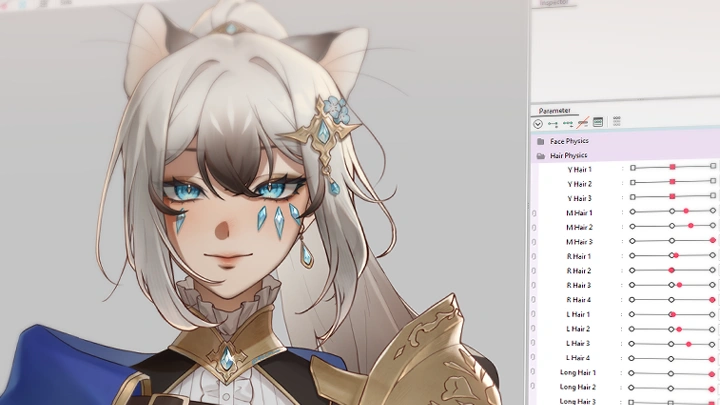
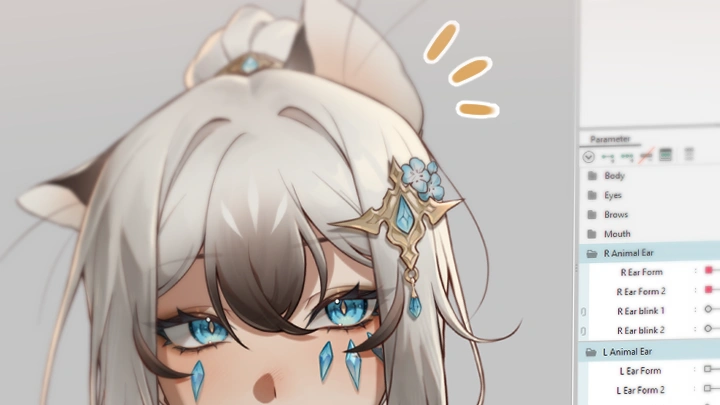
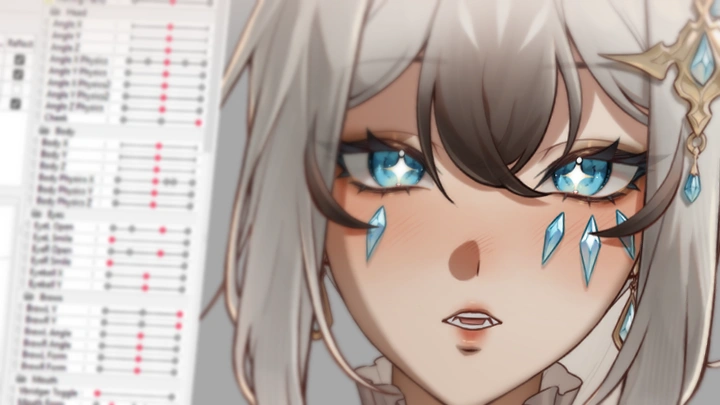
Do you want to be able to create your own, first-rate VTuber model -- but just don't know the exact steps to take? Look no further! Through the twists and turns of her own journey, award-winning VTuber artist and illustrator [46cm Away From You] has acquired the A-to-Z knowledge that she now wishes to share. Learn the production pipeline from start to end for making a high-quality VTuber model, including character design, illustration, and Live2D rigging.

This 36-chapter course doesn’t just share information—it helps you build the right mindset and strong fundamentals for a lasting VTuber creation career. You will also have the opportunity to explore advanced topics such as visualizing 2D to 3D, human anatomy principles, advanced mask creation, and tips for quality control.
Class Preview
Still Not Sure?
Check Out 46cm's Class Preview!
Chapter 01.
Orientation
1. Who am I?
2. What to expect from this class
3. What software and hardware you need
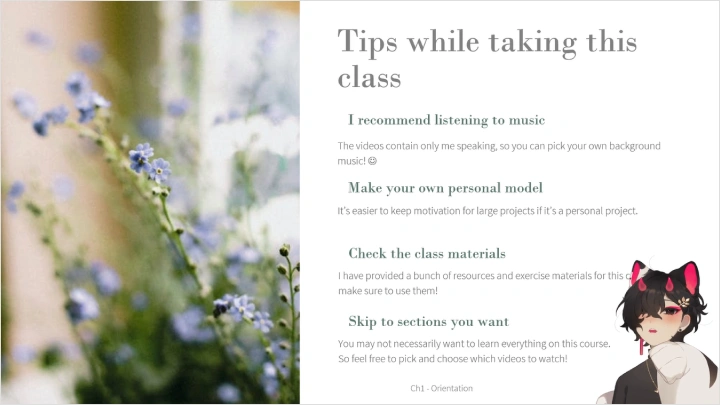
4. Tips for taking this class
5. What chapters you can skip
Class Perks
Get These Coloso Exclusives
-
1 Ready-to-Rig Model PSD & 5 Timelapse Videos -
46cm's CMO3 Template & Rigged Study File -
1 Exported Model Study File
Full List of Class Materials
-
5 timelapse videos: model alternative look, model cutting, model line and colour, model shading, and model sketching -
- 46cm's current template, contaning all of the named deformers and parameters
- 46cm's rigged version of the class model -
The exported rigged model, ready for use in VTube Studio
Expert VTuber Artist 46cm Away From You's Portfolio
-
 Artist & vtuber: seorang_SR
 -
 Artist: 428clv
Character designer: ErosPandaArt
Vtuber: eavlol -
 Artist: nmn0307
Character Designer: Vexxxxa
Vtuber: Moofie -
 Artist: Kaguyafae
Vtuber: Pint
-
 Artist: Kaguyafae
Vtuber: Pint -
 Artist: 46cm_
 -
 Artist: 46cm_
 -
 Artist & vtuber: seorang_SR
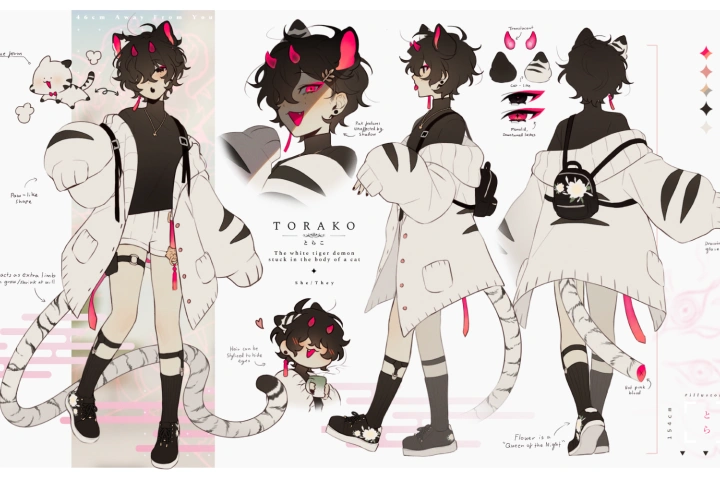
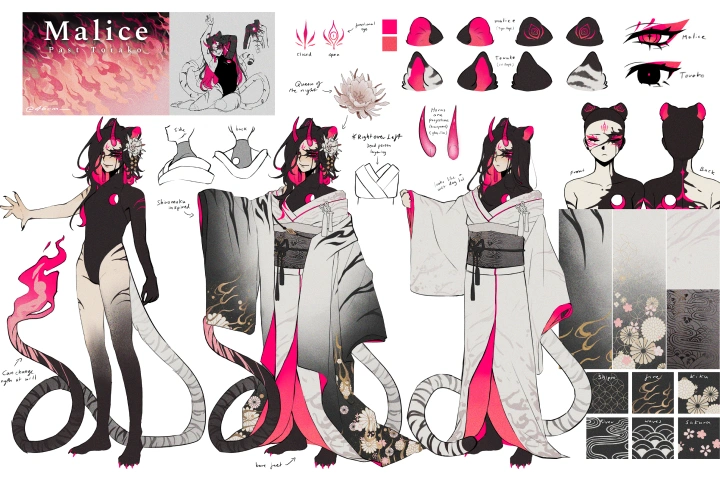
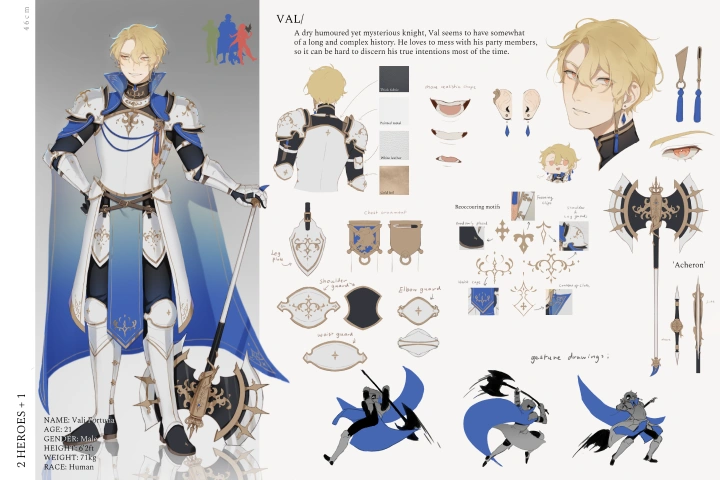
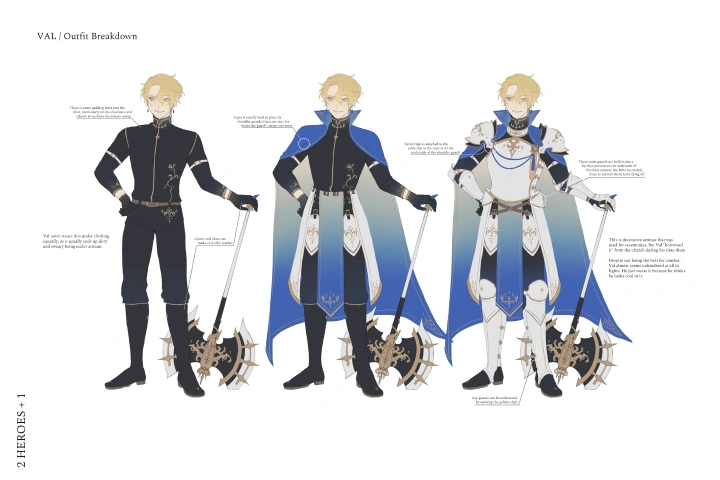
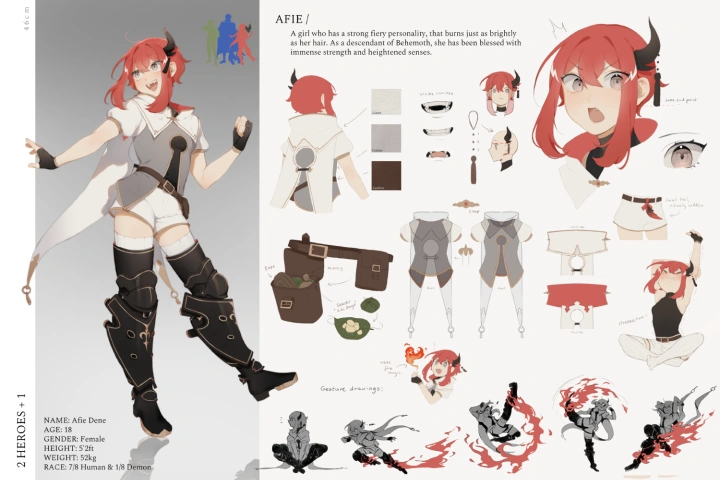
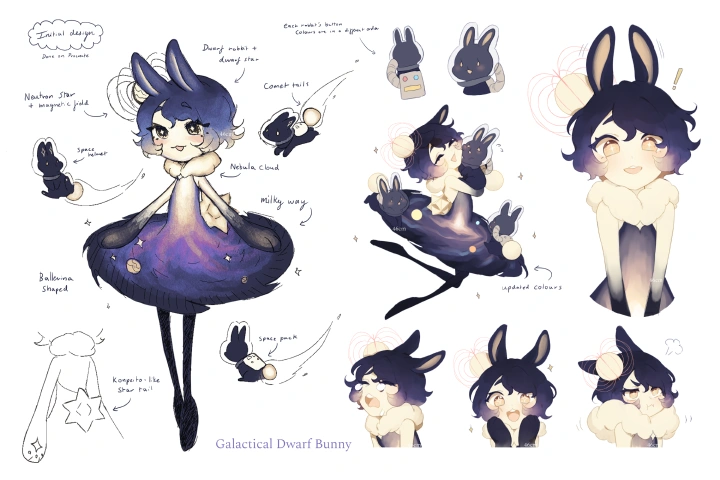
46cm's entry to the
▶ 11th Live2D Creative Awards (2024): Grand Prix Award Winner
Storyboard, Art, L2D Animations and Script: 46cm_
Compositing and VFX: vivipooh_
Music: TOFIEmusic

Why Take This Class?
This course is a gold mine for beginners who want to take the dive into creating VTuber models for themselves or as a job.
The pre-production section of this course and its teachings on digital tools will enhance the longevity of your VTuber career (whether that be professional, or as a personal hobby!). Additionally, the course's teachings on advanced rigging methods will set you up to bring your own rigging ideas to life in the future.
Walk away with everything you need to know to create not just any model, but a detailed and polished model of your own.
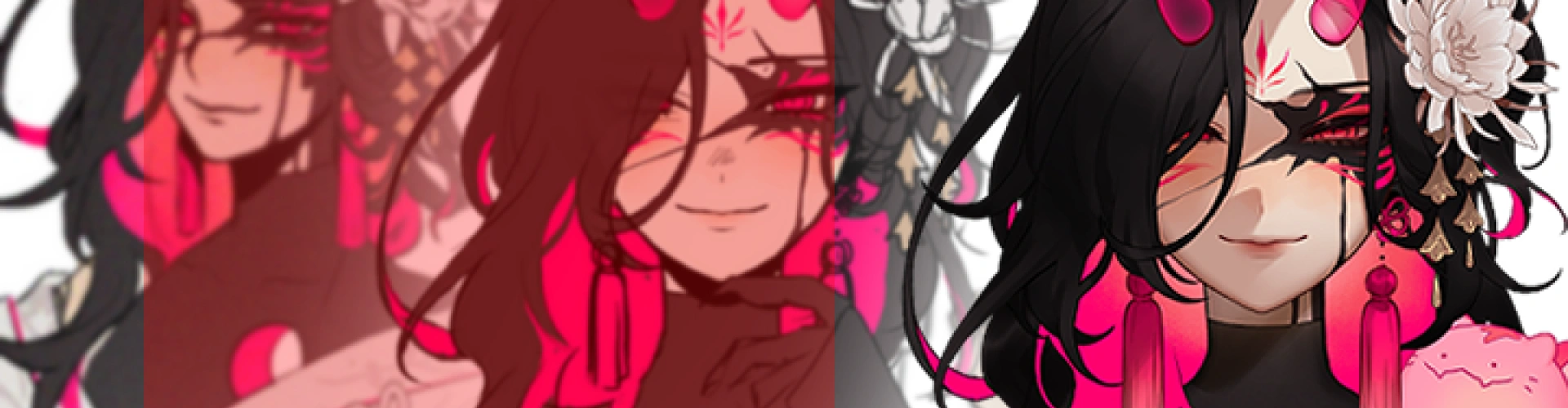
18 Class Exercises
-
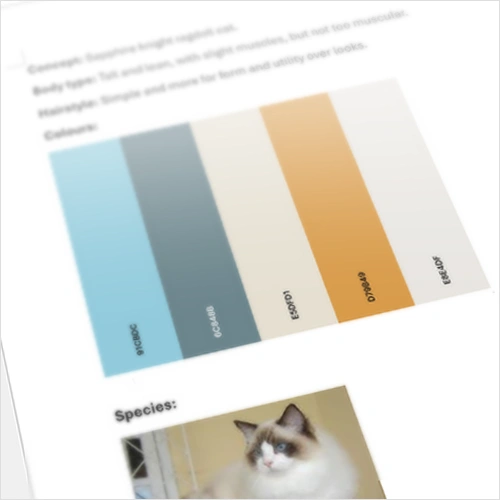 Design Brief & Mood Board Creation
 -
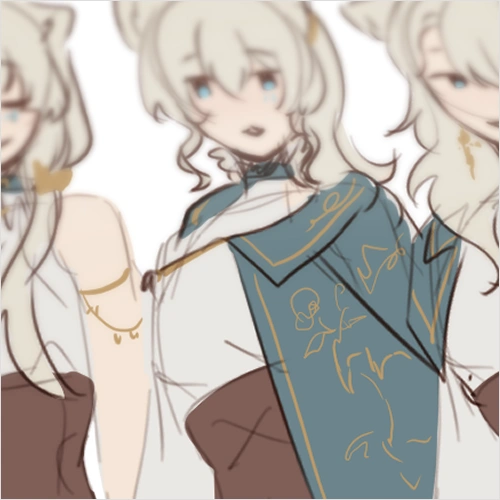 Designing a Dedicated Design for Streaming
 -
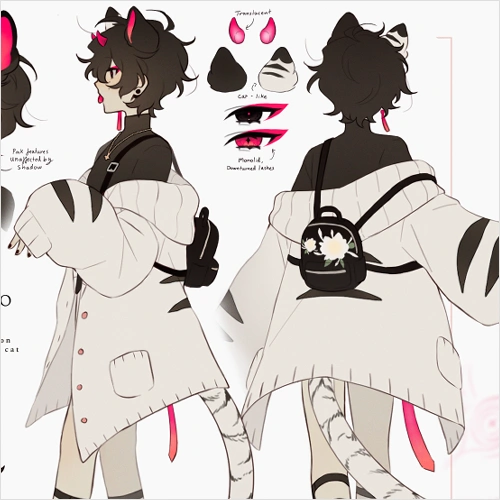 Creating a Reference Sheet
-
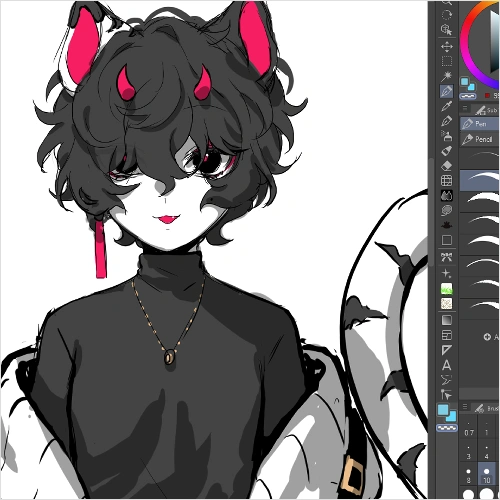 Sketching the Model Art
 -
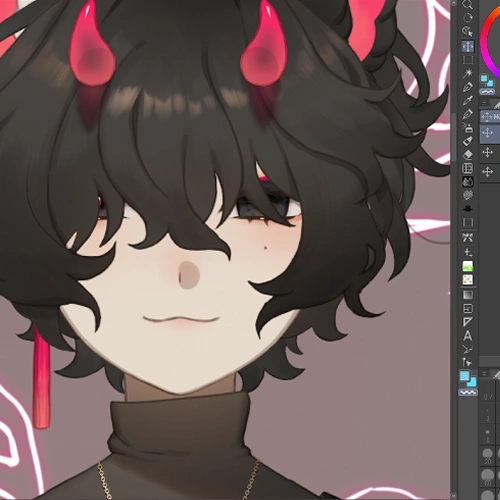 Model Art Shading
 -
 Cutting the Face Using the Art You Made / Pre-prepared Art
-
 Prepare Faux Lineart for Rigging
 -
 Making a Shiny Emblem Using Advanced Masks
 -
 Hands on Experimenting with Deformers
-
 Rigging the Facial Features
 -
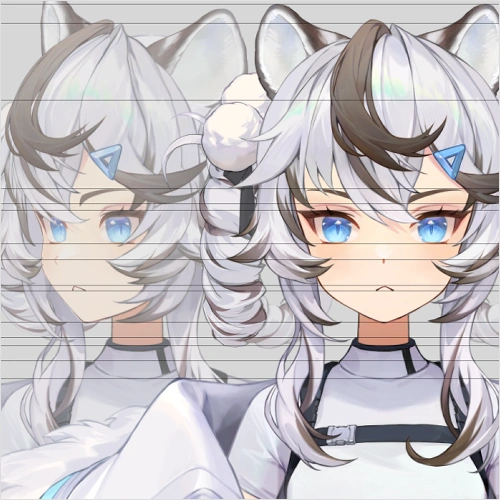 Creating Head Angle Guides from the Model Art
 -
 Rigging the Head Angles Using Your Guides
-
 Rigging the Body
 -
 Rigging Hair Physics
 -
 Creating an Idle Loop
-
 Setting up in Vtube Studio
 -
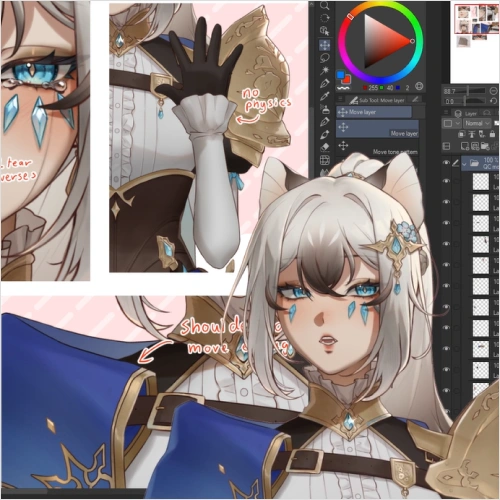 Quality Control
 -
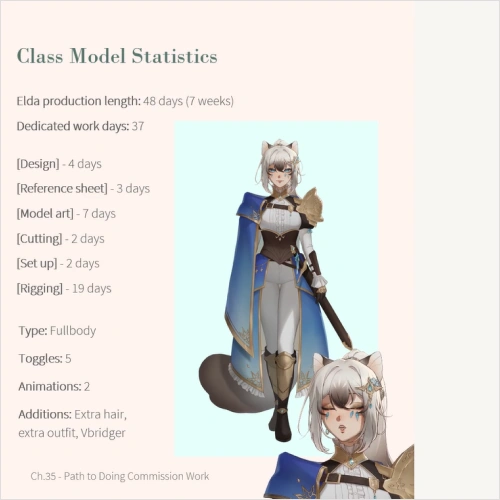 Preparing for Commissions
Final Product
Live2D Model
Instructor
VTuber Artist
46cm Away From You
Hiya I'm 46cm, also known as Torako!
I am a fulltime freelance illustrator and Live2D rigger, with a Bachelor of Arts degree in 2D animation and character design. I adore everything about characters, from design to animation!
In 2020, I won the student award for the Official Live2D Creative Awards. With that pivotal moment kickstarting my career, I now have 30+ models under my belt and I won't be stopping here!
The joy of seeing a flat 2D illustration come to life with movement is one I wish to share with many more people.
With this class, it's my goal to provide you with the building blocks to creating an appealing Vtuber model from start to finish, so you can take yourself to greater heights with Live2D!
Shall we get started then?
VTuber Artist,
46cm Away From You
[Current]
Freelance Illustrator and Rigger
Projects & Awards
[2024] Grand Prix Winner for the Live2D Creative Awards
[2023] Awarded Live2D Buzz Creator Award Pin
[2021] Graduated with a Bachelor of Arts for 2D Animation and Character Design
[2020] Student Award Winner for the Live2D Creative Awards
[2018] Finalist for the FFXIV EU Fanfest Art contest
Reviews
What Our Students Say
Influencer Review | Hear influencers' honest reviews and key takeaways!
*This video was produced in partnership with Coloso.
Highlights
Class Highlights
Proper Pre-production Set Up
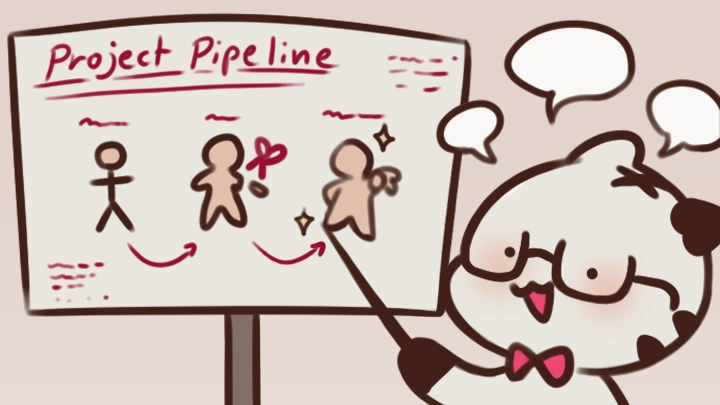
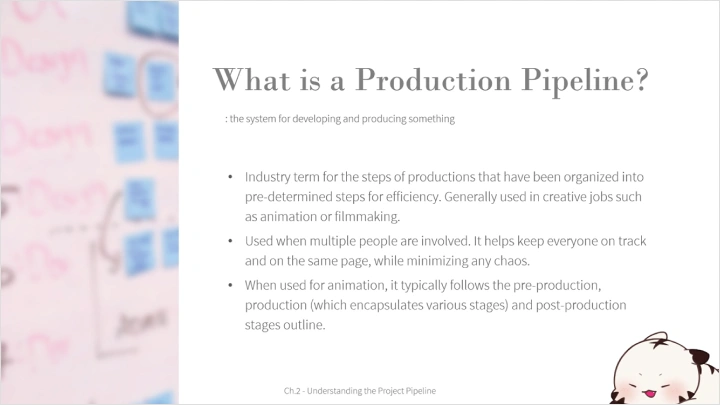
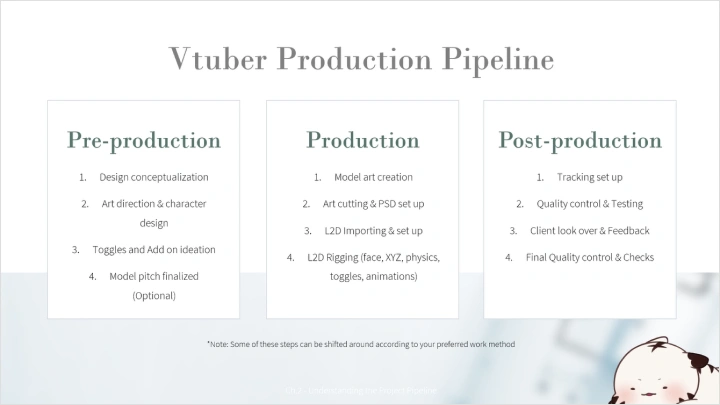
Half of the vtuber model creation process is pre-production! From organizing layers to add-ons, planning is a vital step towards making a complete VTuber model. Learn the production pipeline and how to plan and manage your project efficently. By giving you a solid foundation in pre-production, I aim to teach you how to set yourself up for success before starting.
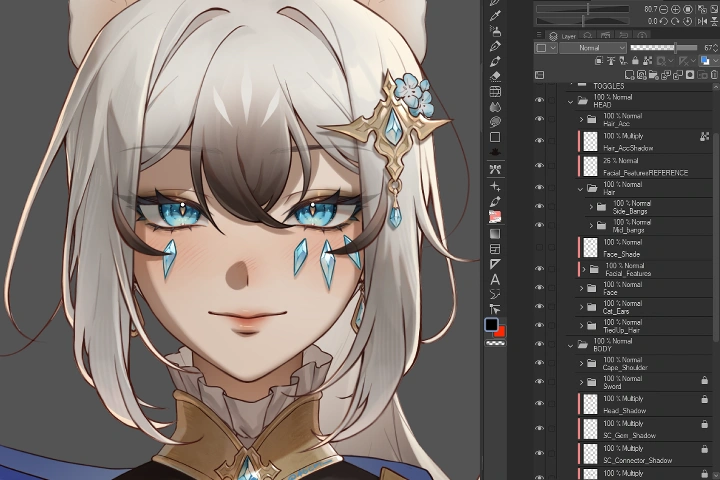
Master the Creation Process from Start to End
We will cover every step of creating a VTuber model, from character design to debut. Each step of the process flows into the next, so having intimate knowledge of the entire process will give you an advantage. Such knowledge will be especially helpful in bringing your ideas to life, no matter how complex they may be.
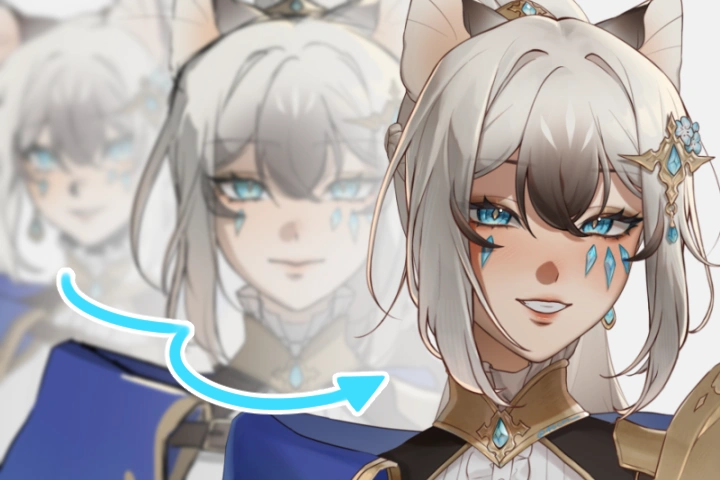
Charm Oozing from Every Detail
Let's not forget the cherry on top. Attention to detail can go a long way in really enhancing the impressiveness and overall quality of the model! Design details that catch the eye of the viewer, from sparkling jewelry to 3-dimensional accessories. As you practice designing details, you will also learn what to look out for when it comes to pushing your model to the next level!
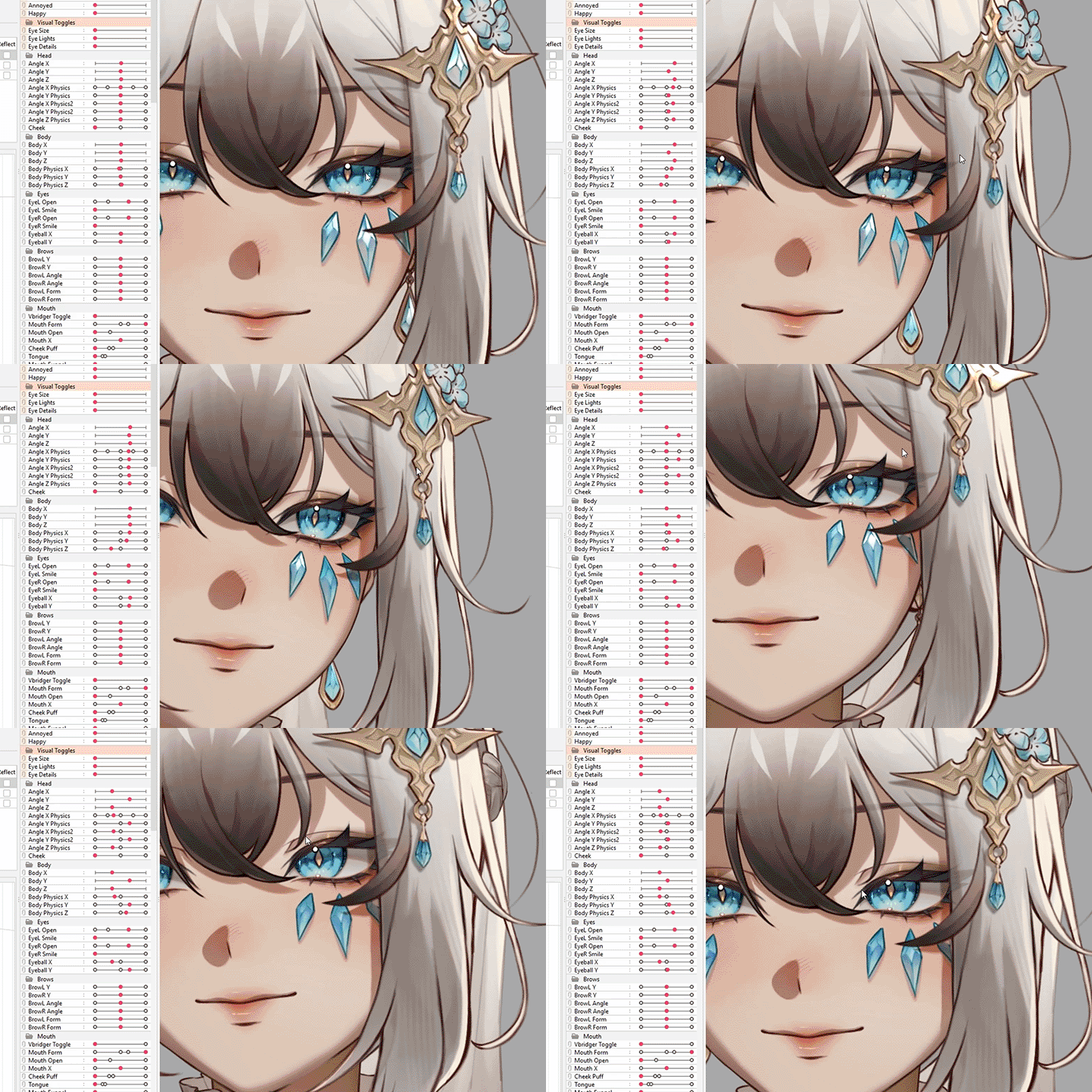
Class Details
You'll Learn
-
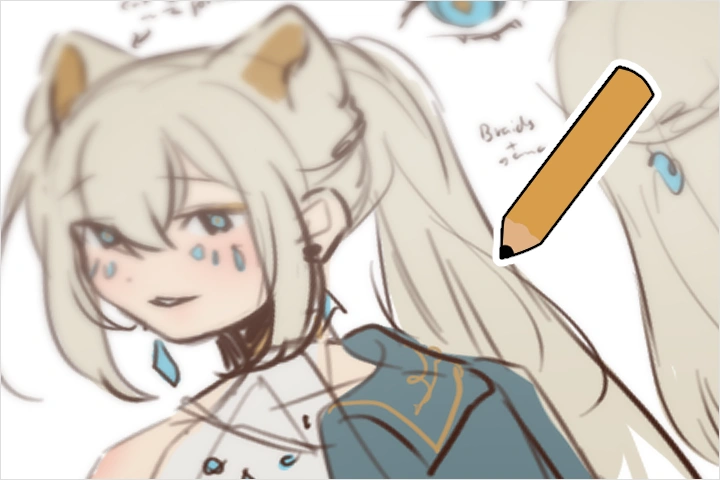 Designing a Character as a Personal BrandCharacter designs are most effective when made with a clear intent. We will narrow down the requirements and details for a design that best fits streaming and content creation.
 -
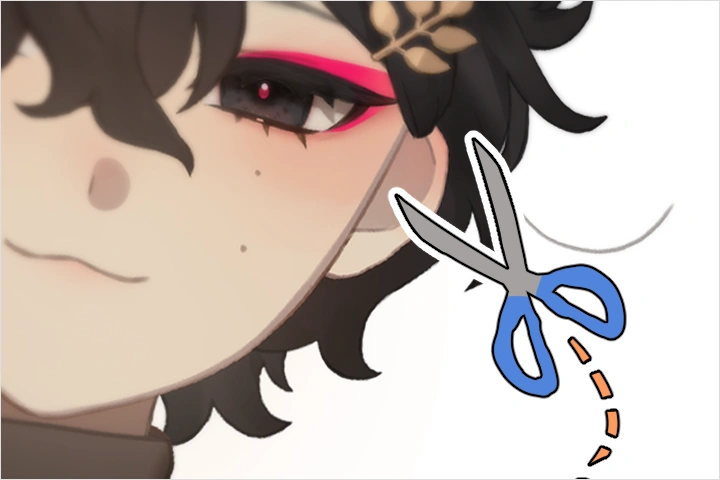 A Deep Understanding of How to Cut and Set Up Artwork for RiggingNo matter how skilled an artist, model art cutting is a whole other beast. Learn how to prepare and edit model art and the PSD to be rig-ready to keep headaches at bay.
 -
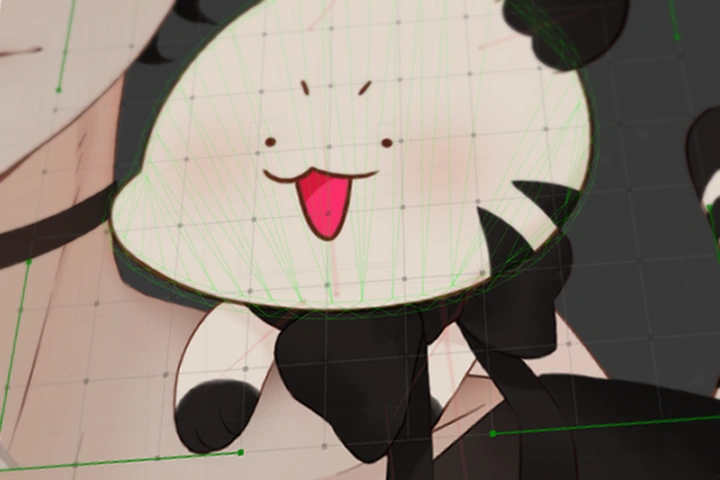 The Fundamental Rules of Your Live2D ToolsWithout knowing the tools you are using, you won't get far. You will learn what exactly you are using and how to use them like a pro!
-
 How to Visualize 2D Into 3D and Create Believeable AnglesLive2D is all about bringing 2D to life through creating an illusion of 3D. Learn how to visualize and execute believeable angles.
 -
 Elements That Make Content Attractive and How to Leverage ThemIt is important that models are fun to watch when moving, so you will learn what exactly viewers are drawn to and how to capitalize on it.
 -
 Quality Control and Its ImportanceA Vtuber model, no matter how well rigged, will be unusuable if things break. You will learn what to look out for and how to thoroughly test and optimize your models so that they are ready to be used.
Interview with
VTubing Artist, 46cm Away From You

Question.01
Why did you choose this specific topic?
VTubing is a very unique medium that is fulled by independent creatives, which is why I adore working in this field. I have received many questions over the years and been asked to make tutorials. Unfortunately, as I am one person, I never really got the chance to take a break from work to sit down and make resources. Through this collaboration with Coloso, I felt that I could receive the help I needed to create a class covering the building blocks for Live2D riggings I wish I had when I started.
Question.02
What makes your class different from other classes?
When I started to learn how to rig in the very early days of VTuber modelling, there were barely any resources out there in the English-speaking community. I had to scrounge every corner I could find, and ultimately self-teach myself many things. Thus, this class is constructed to cover all the fundamentals I learned through trial and error. This way, you will walk away with building blocks that will allow you to continue learning even way after this course is finished.
For VTuber models, illustration and rigging go hand-in-hand. It is my belief that you can only make exceptional models if you know both sides of the coin. My course covers both of these abilities. Even if you do not practice both skills, I think it is still important to deepen your understanding of both sides in order to create exceptional models.
Question.03
Could you please share how you started your journey in the industry?
When VTubing started to gain traction within the English-speaking sphere around 2019, I saw people around me commissioning their own models. I found the medium fascinating and wanted to turn my artwork into a model, too. Unfortunately, I soon found out that I did not have the funds to commission a model for myself, so I decided to take a shot at making my own. The joy I got from seeing my art in motion was so fufilling despite how rudimentary my first model was! It was a palpable, innocent joy. From there, I found out about the Live2D Creative Awards and decided to push myself further. Using my knowledge as a 2D character animator, I dedicated myself to the craft and was almost surprised to win an award! From then on, I just went with the flow, and before I knew it, Live2D rigging has become my job!
Required Programs
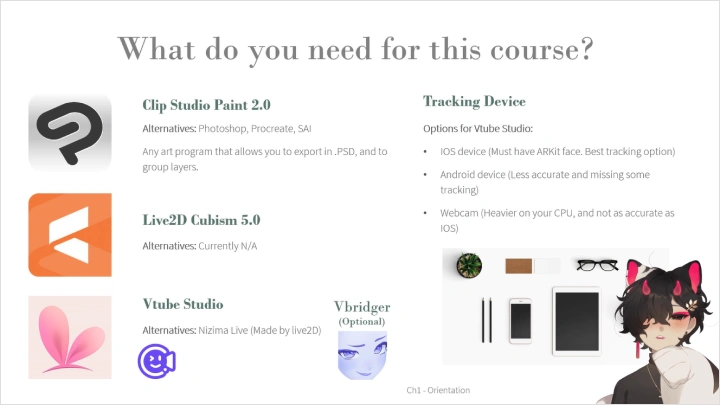
This course will use Clip Studio Paint (PRO 2.0) and Live2D Cubism (5.0).
Please purchase and install these program(s) for an optimized chapter experience.
*These programs and/or materials will not be provided with the chapter.