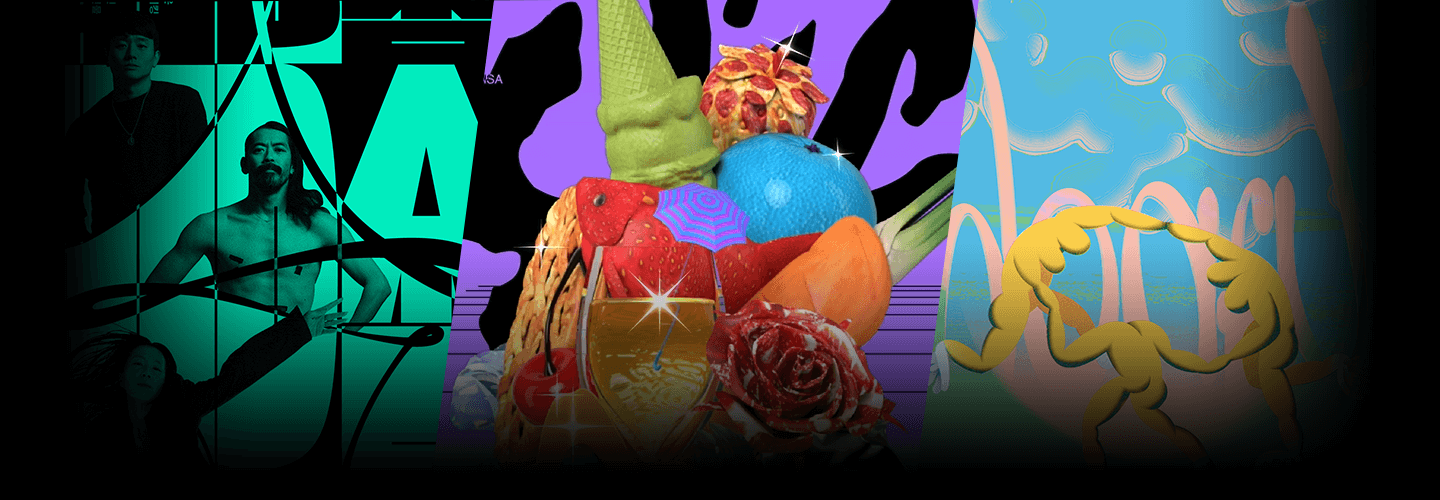
PANGPANGPANGGraphicDesignLab_팡팡팡 Details
Intro
Class Intro
Graphics Lab, PANGPANGPANG
I will help you capture the public eye by showing you how to create unrivaled graphic designs.

If you're ready to experiment creatively to make unique graphic designs that stand out, be sure to take this class!
Acquire invaluable insights from the designers at Graphics Lab, PANGPANGPANG They've worked with reputable clients such as the Arko Art Center, Hyundai Department Store, and are also the minds behind the art of the globally recognized music video, "Tiger Is Coming."
Acquire invaluable insights from the designers at Graphics Lab, PANGPANGPANG They've worked with reputable clients such as the Arko Art Center, Hyundai Department Store, and are also the minds behind the art of the globally recognized music video, "Tiger Is Coming."
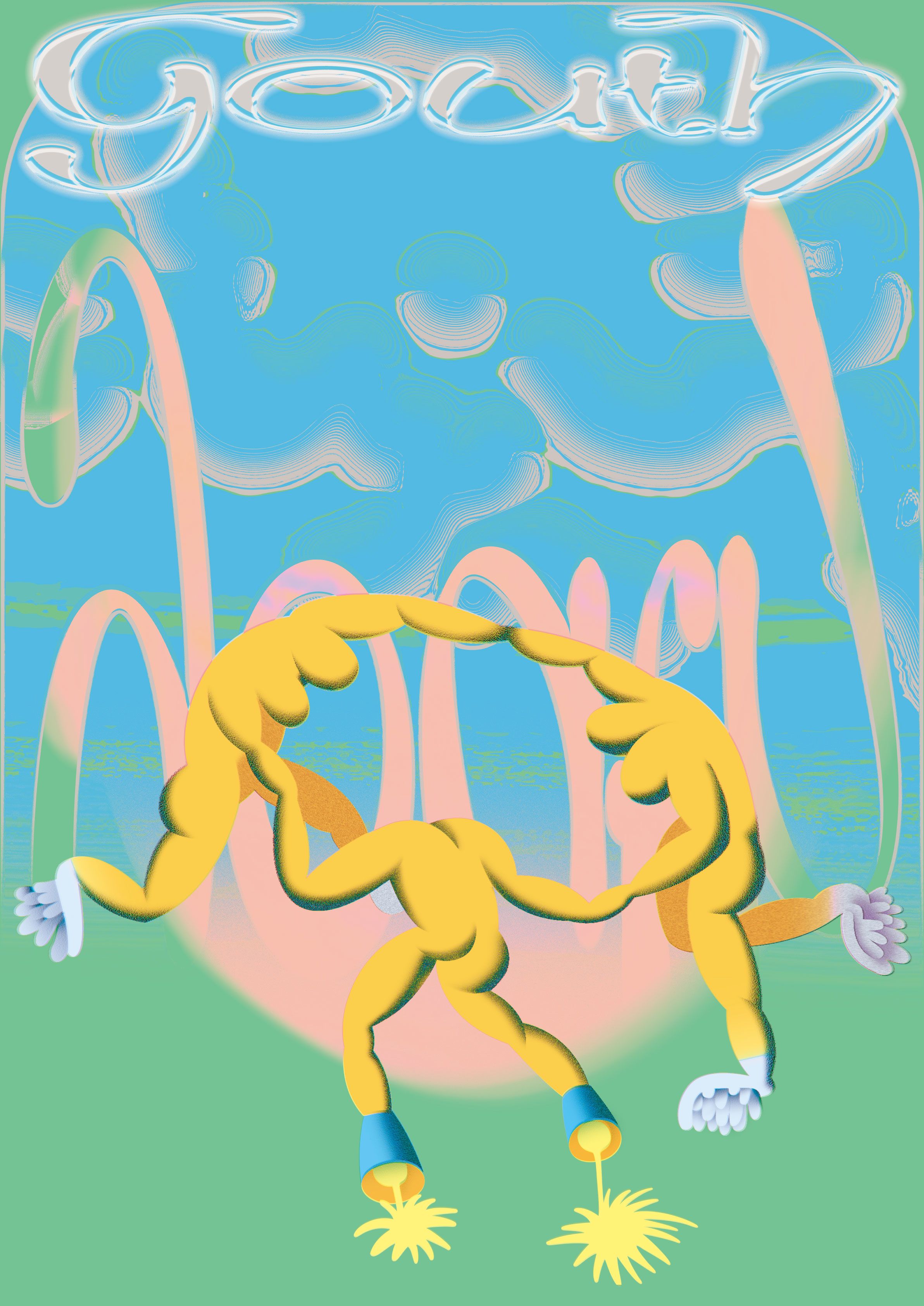
Learn to make posters, book covers, and more, by turning an abstract idea into reality, and mastering 5 key effects, including mesh and metal effects.
Become a skilled designer after learning the entire work process from digital to printing!
Learn how to create an eye-catching portfolio from the design experts at Graphics Lab, PANGPANGPANG.
Become a skilled designer after learning the entire work process from digital to printing!
Learn how to create an eye-catching portfolio from the design experts at Graphics Lab, PANGPANGPANG.
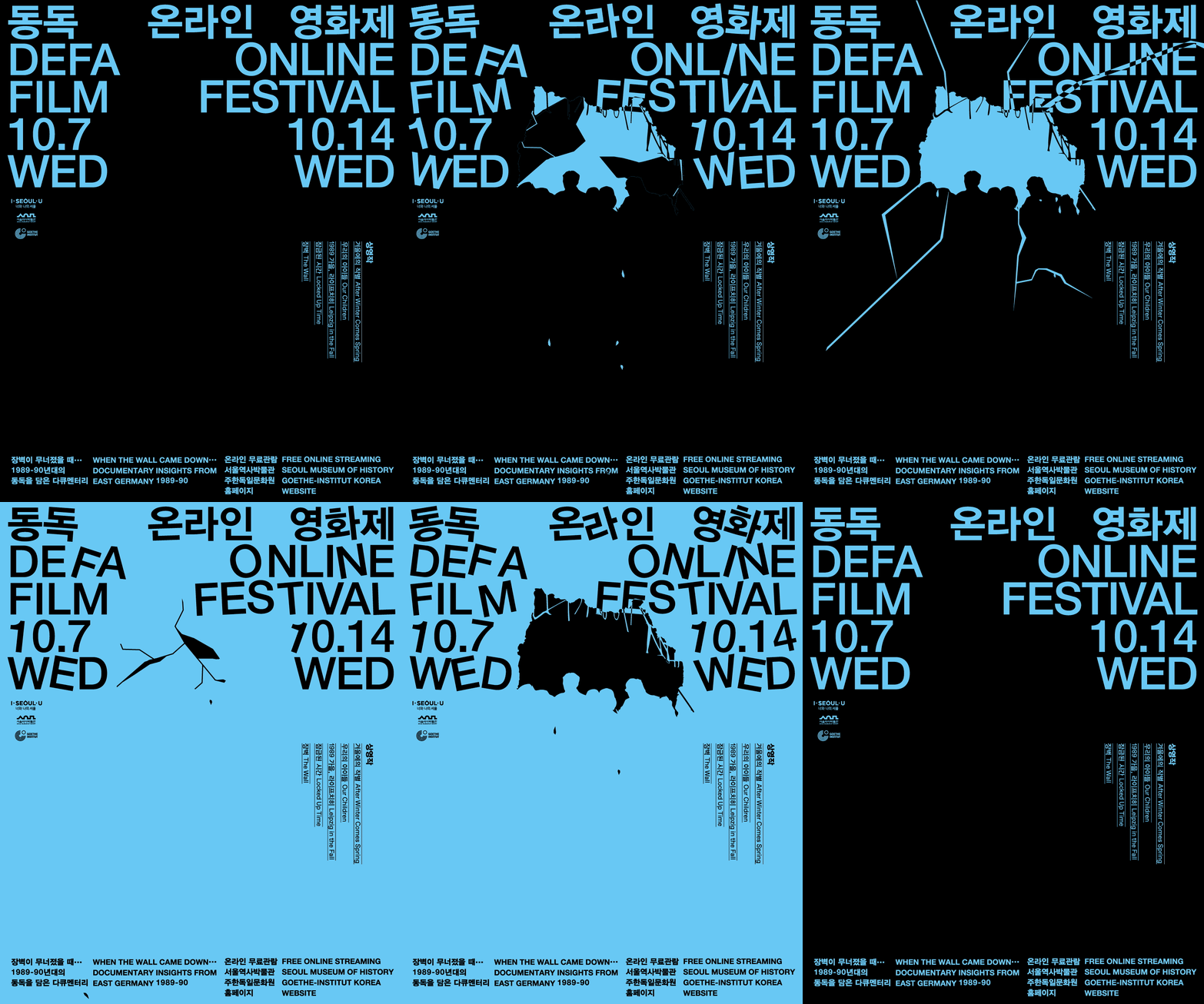
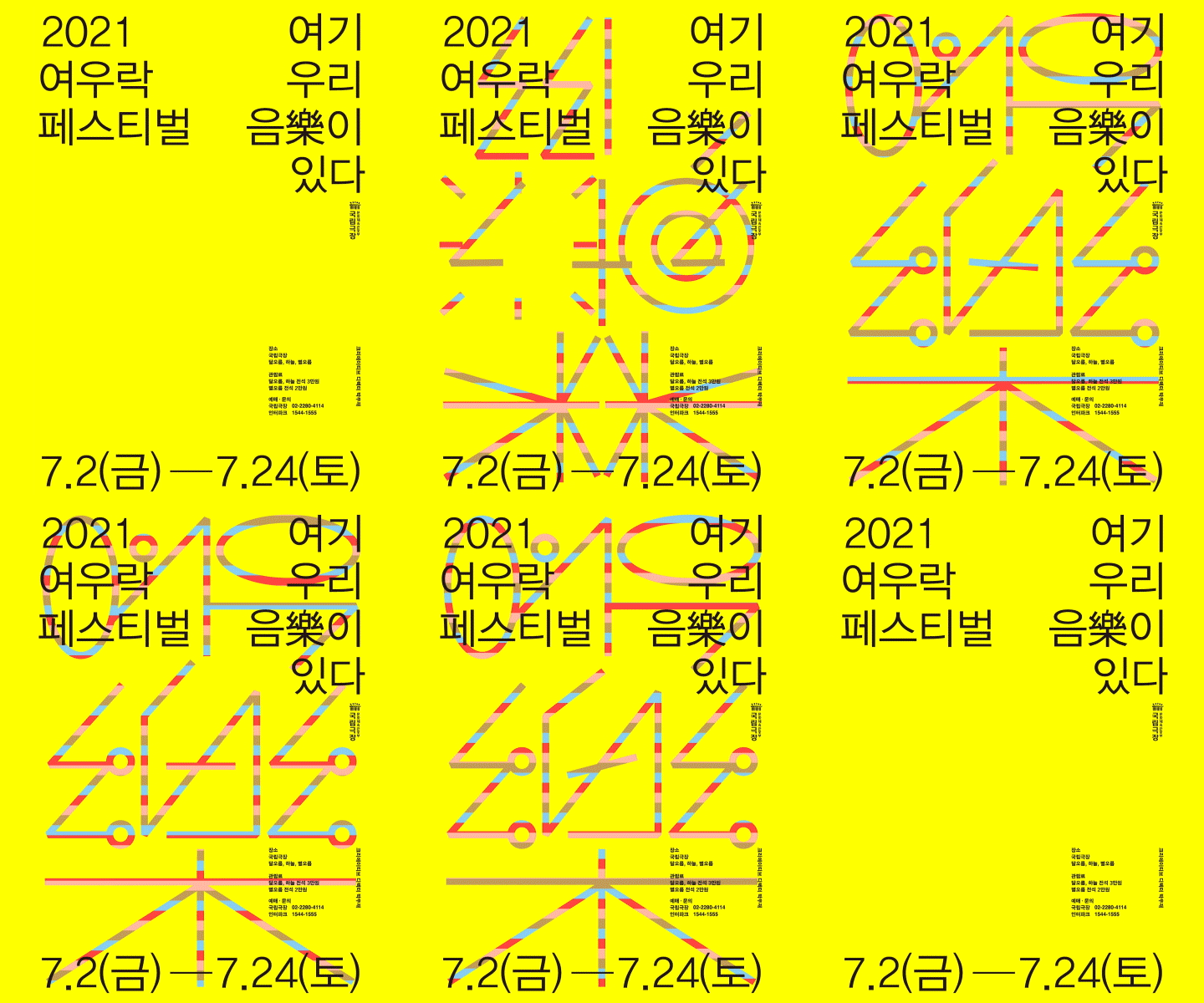
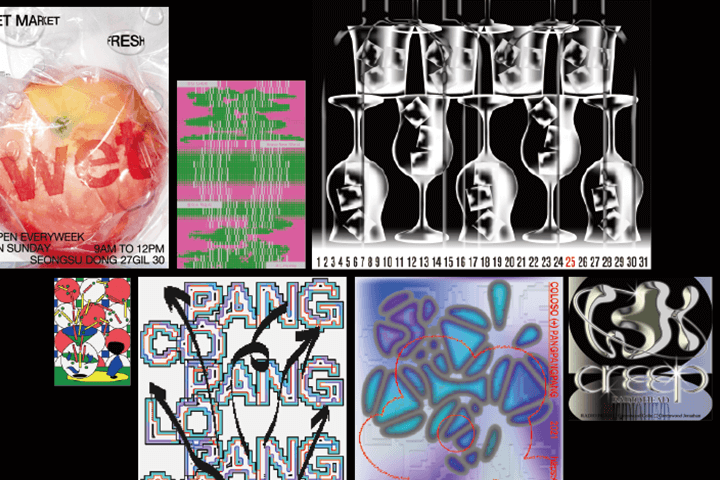
Expert Graphic Designer PANGPANGPANG's Portfolio
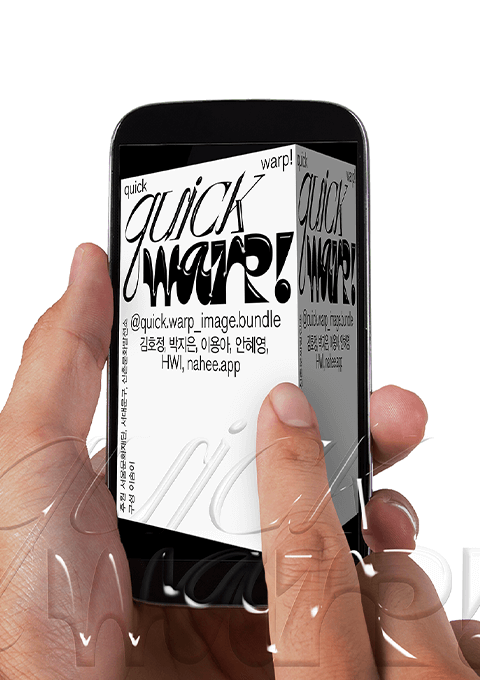
Why Take This Class?
A systematic approach to learning, that is more than theoretical, to learn practical, experimental design methods.
Rather than develop work that follows a single theme, Graphics Lab, PANGPANGPANG experiements with showcasing a diverse collection of unique moods and styles.
In this class, you will not only learn how to take a "theoretical idea" and turn it into a "visual structure," but also discover 5 core methods of expression: from classes covering transparency, bitmap, gradients and mesh, metal texture, and datafication to 8 in-depth class exercises.
Moreover, this class shares valuable insights into OffSet printing, Indigo printing, and silkscreen printing, and the final processes of applying foil, embossing, cutting, binding, and coating, to add the final touches to your designs.
Not only will you learn essential design skills, but also methods to improve your practical skills, so you can develop your own sense of style.

6+ Class Exercises
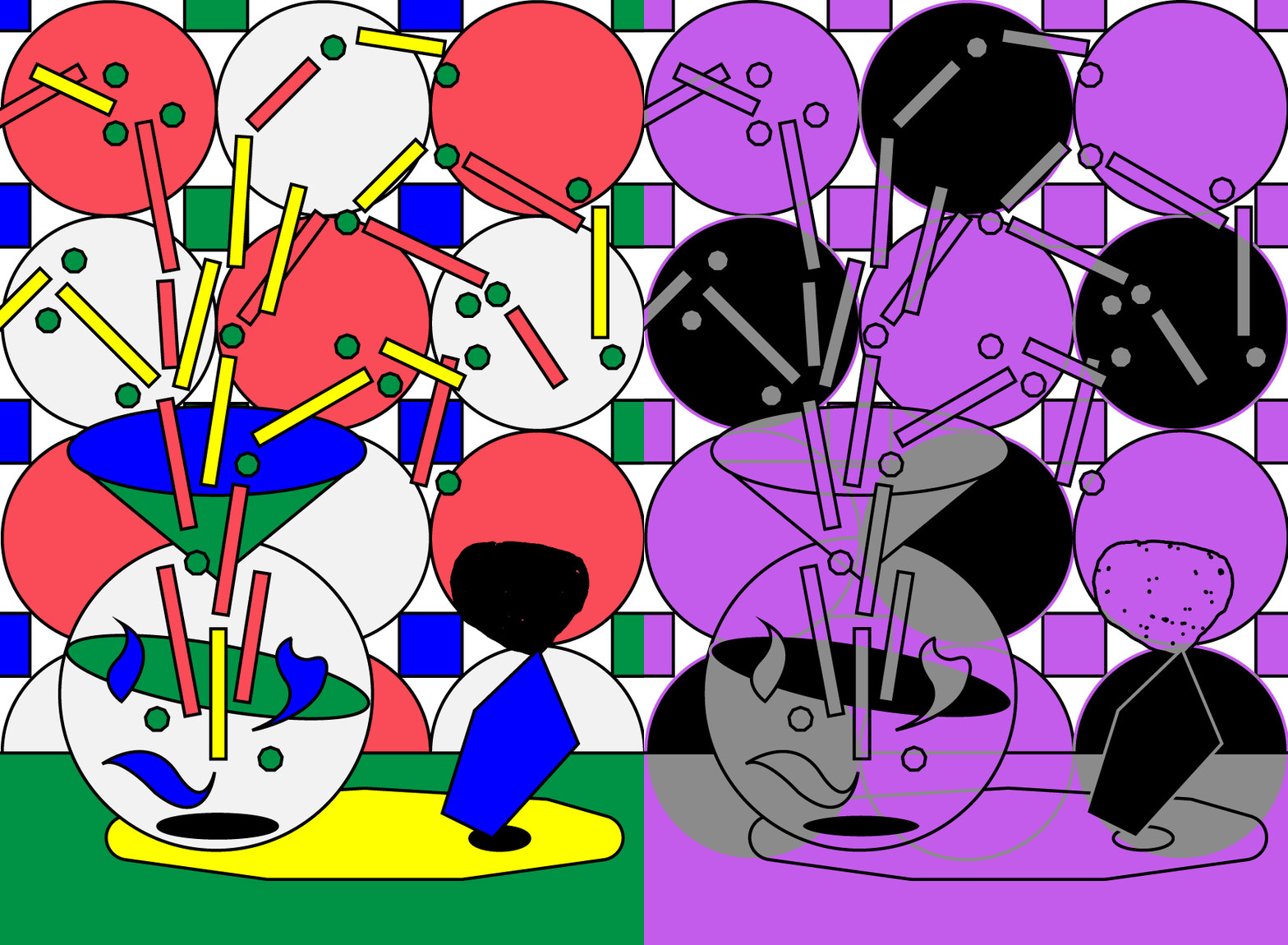
Making Postcards Using Opacity
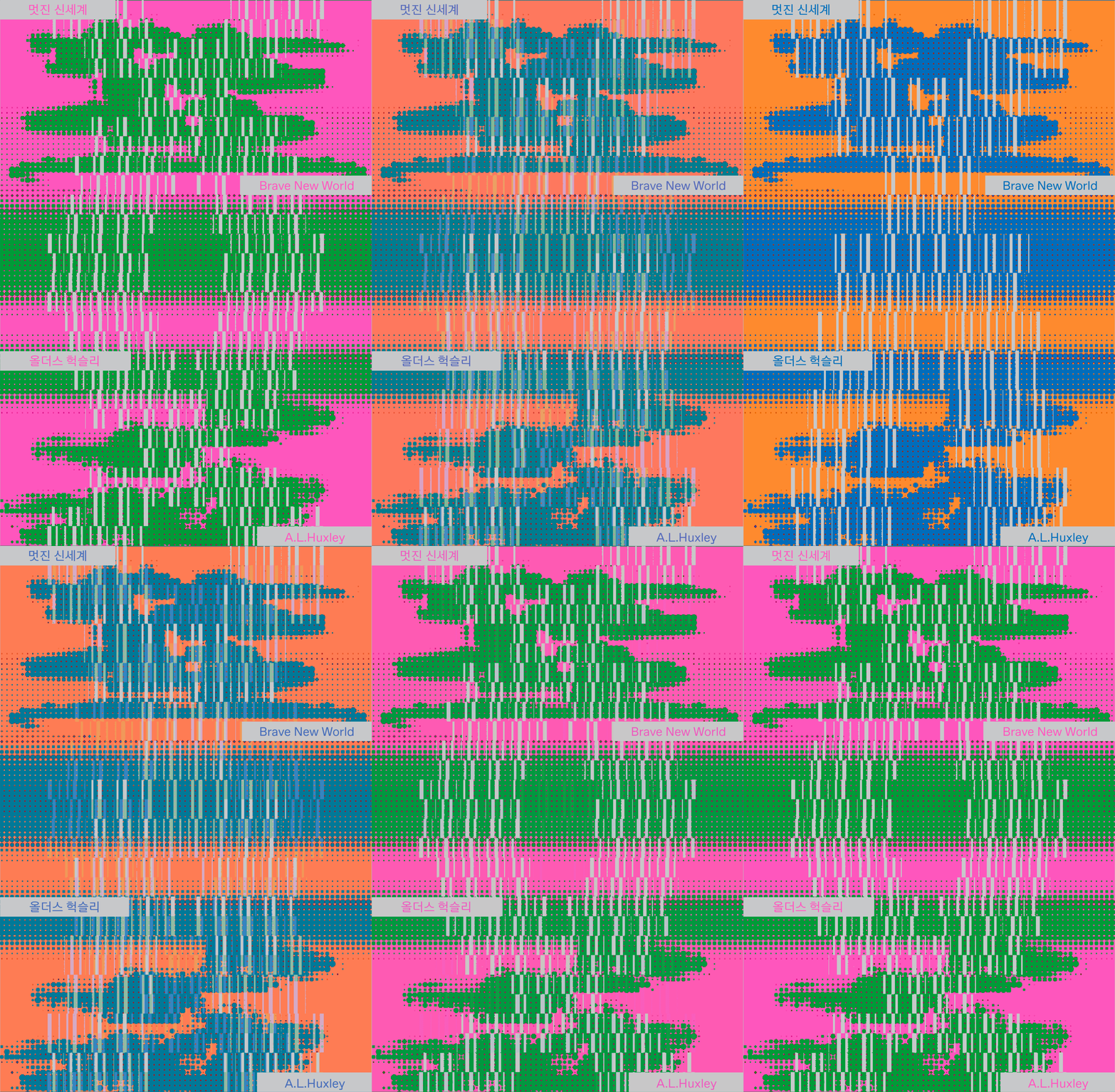
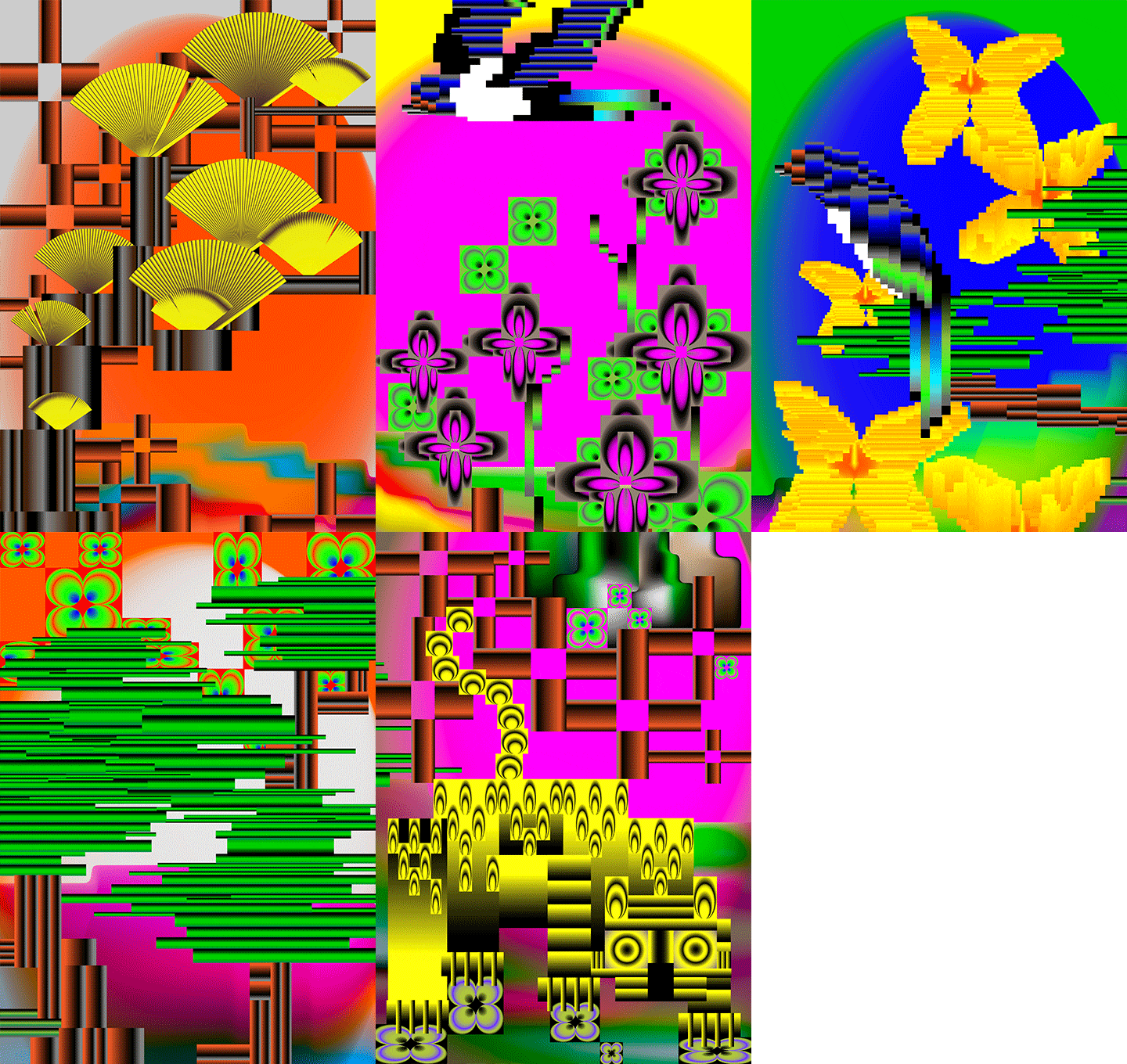
Making a Book Cover Using Bitmap
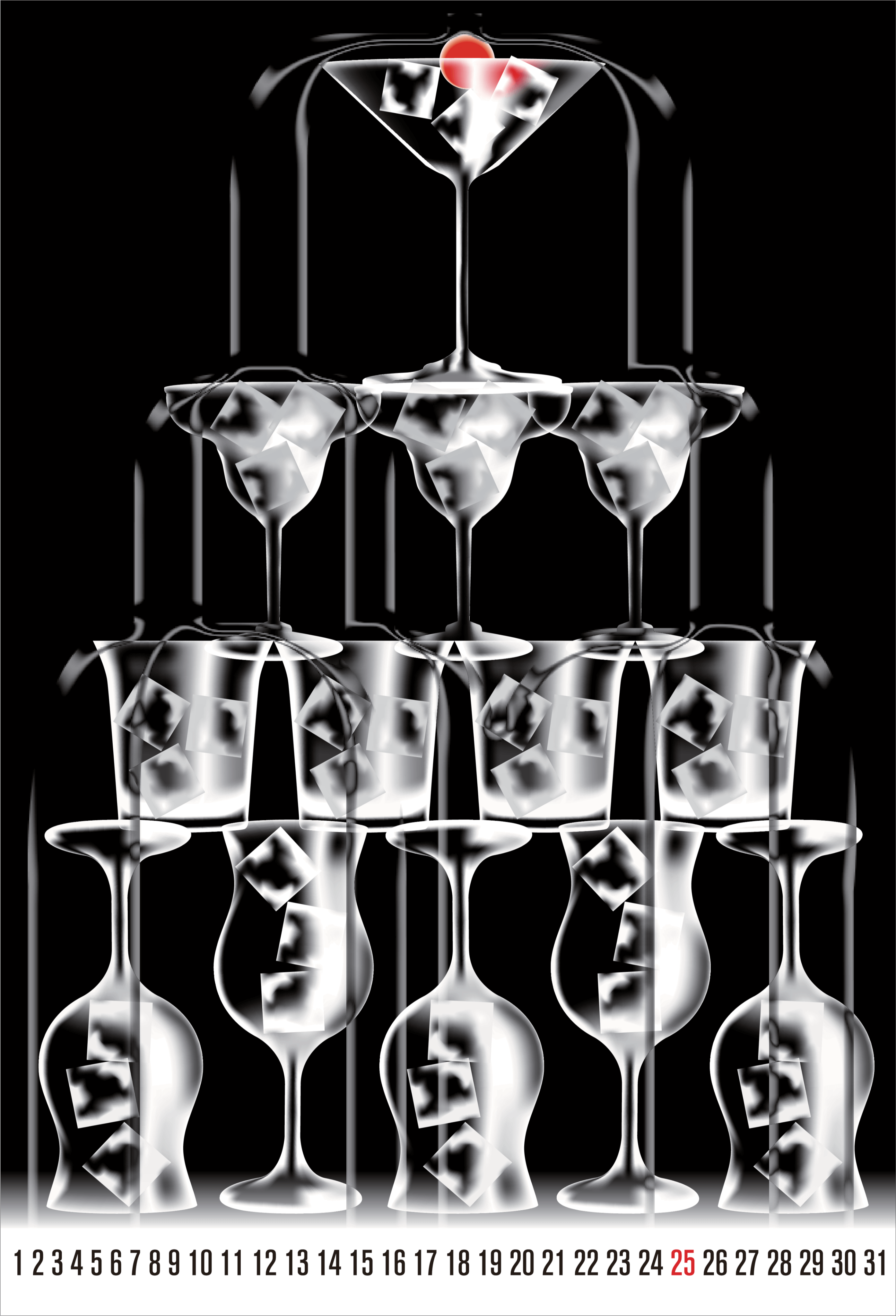
Calendar Production Using Gradient and Mesh
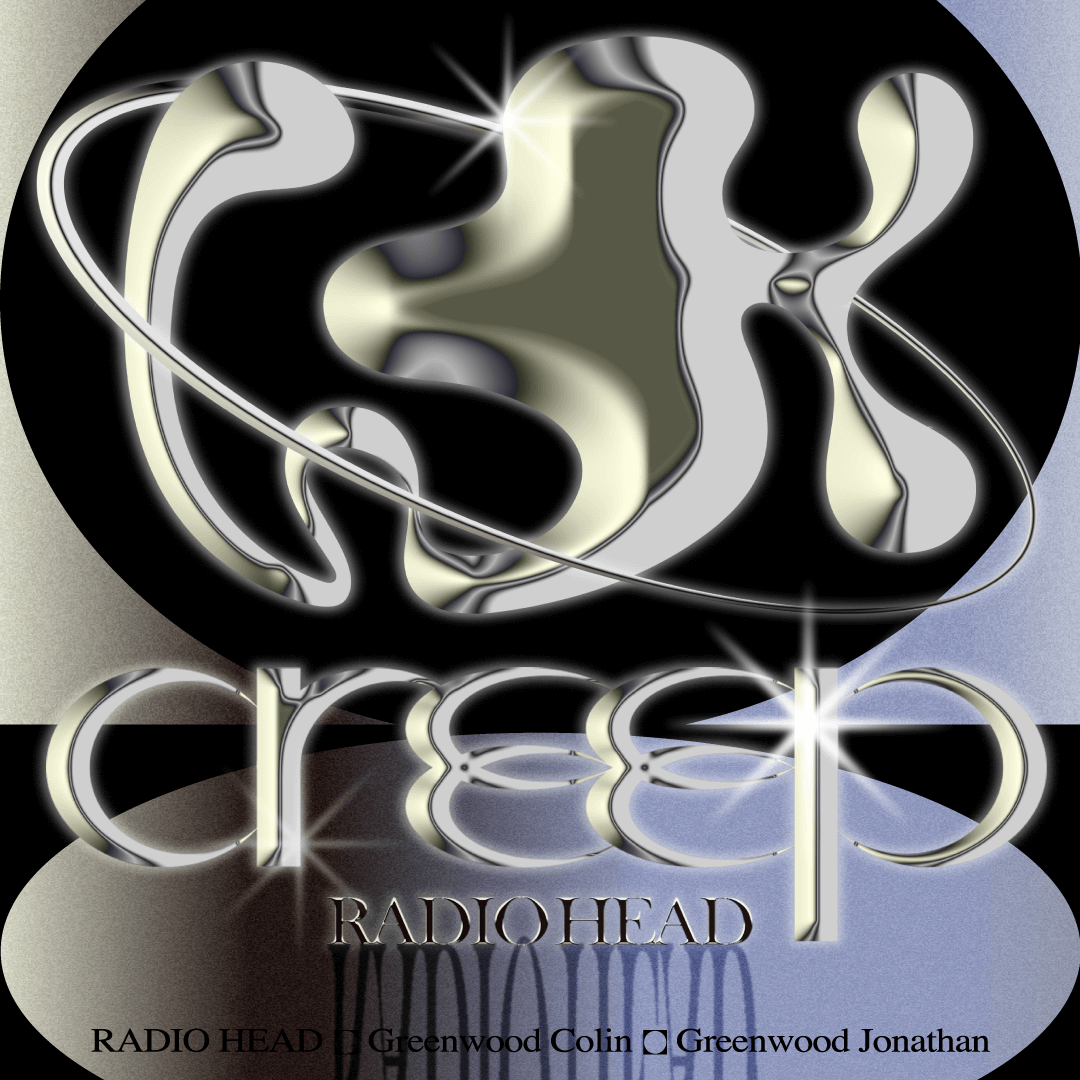
Making Album Covers Using Metal Texture
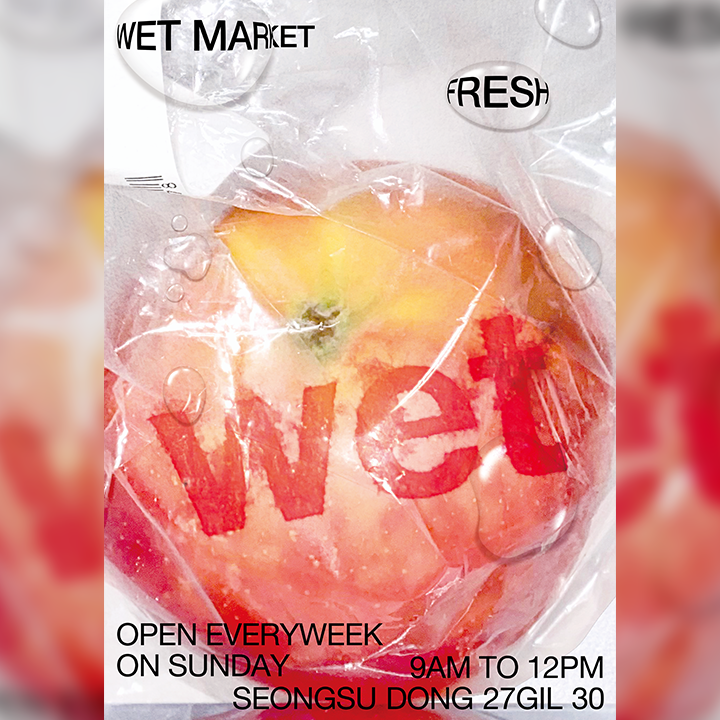
Making a Poster Using a Live Object as the Graphic Source
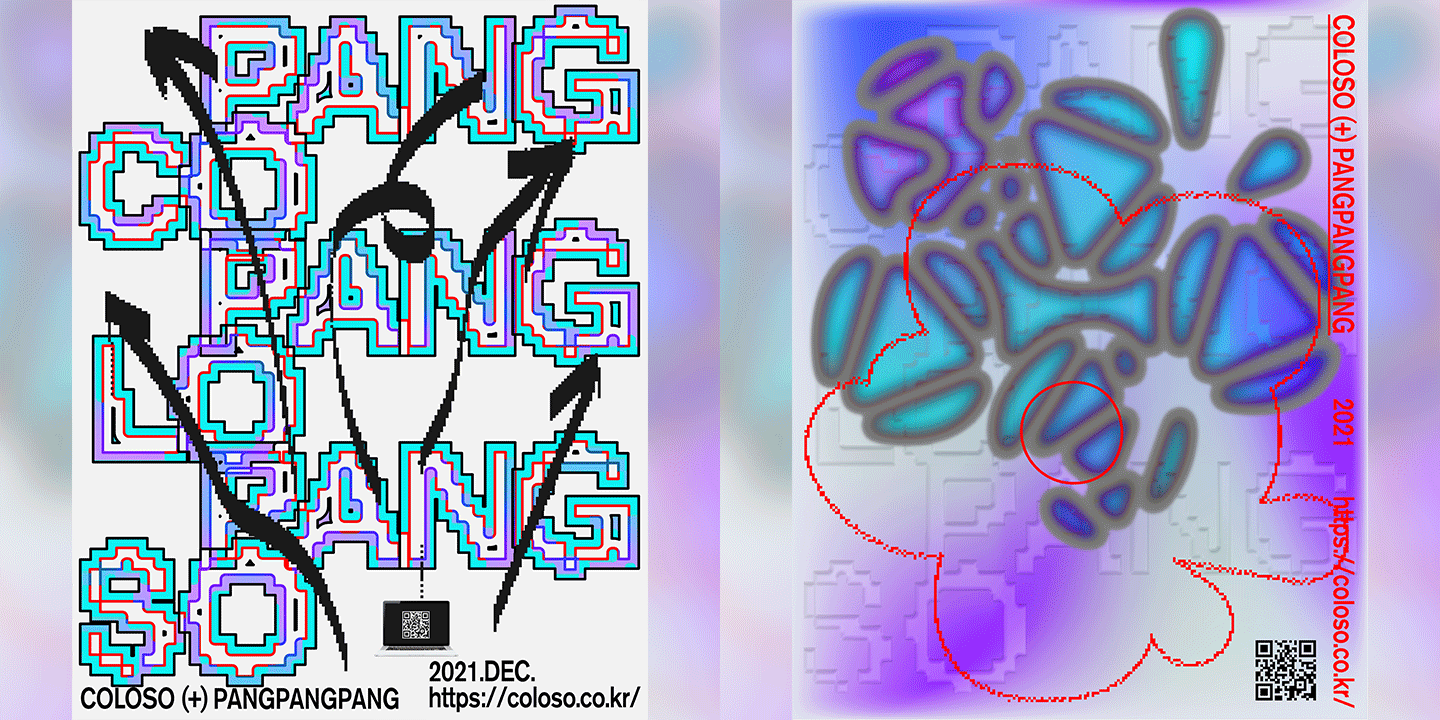
Designing a Web Poster Using Various Expression Techniques
*These are sample images for better understanding.
Instructor
Graphic Designer
PANGPANGPANG
Hello, we are Graphics Lab, PANGPANGPANG a design project group that takes interesting, unique visual approaches to ideas and projects with the belief that an experimental attitude creates better results.
With a foundation in graphics and editing, we have worked in various fields since our establishment in 2016.
In this chapter, we will start by covering the ideation process, that many of you are curious about and then move on to a variety of expression techniques. These lessons and exercises will help you expand and develop your own unique style.

Graphic Designer
PANGPANGPANG
[Current]
Graphics Lab, PANGPANGPANG,
Graphic Designer
Recognizable
Projects & Awards
[Design Work]
- Development of performance graphics for the National Contemporary Dance Company (2021)
- Development of performance graphics for “Yeowoorak Festival” for the National Theater of Korea (2021)
- BIGHIT Graphic Poster for GIRLFRIEND, NU'EST (2021)
- Exhibit Design (2021)
- “GHOST COMING X-ROOM, 2020,” Illmin Museum of Art (2020)
- 360° VR M/V Artwork, Leenalchi (2020)
- “Hotel Society: City Travel Information Center,” Urban Books (2019)
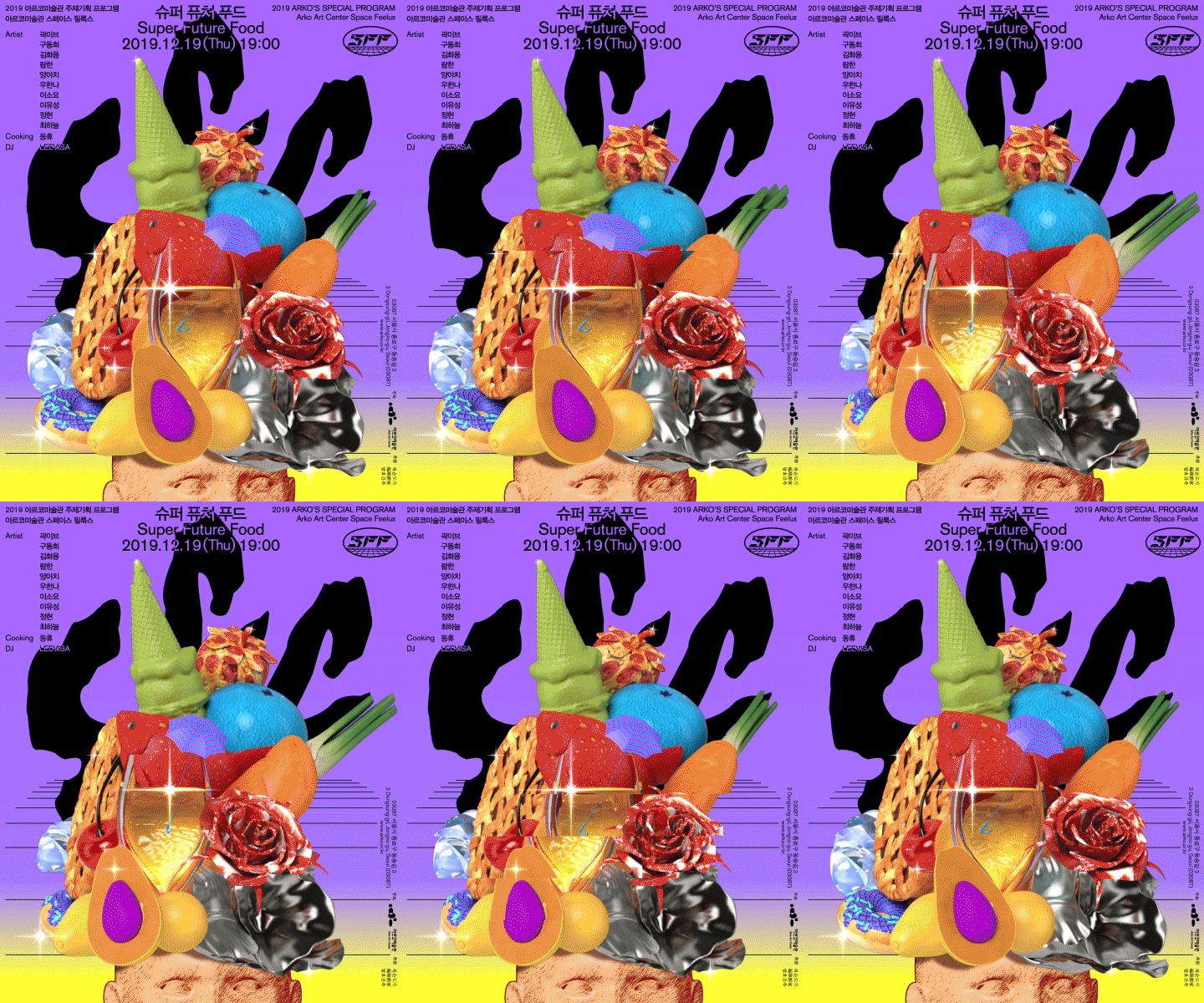
- “Super Future Food,” Program by Arko Art Center (2019)
- Development of Hyundai Department Store’s New Year’s Graphic Identity (2019)
- “Typojanchi Saisai 2018-2019: International Typography Biennale,” Exhibit Graphic Design (2018)
- “Francophonie Film Festival,” Graphic Design, Seoul Museum of History (2018)
[Exhibitions]
- Future Design Workshop: The Evolution of the Hand (2019)
- Jeonju International Film Festival: 100 Films 100 Posters (2018, 2019)
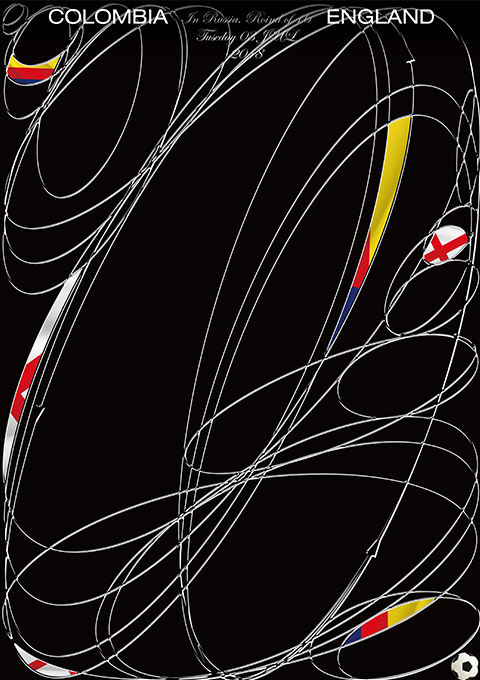
- Weltformat Korea: 2018 World Cup Match Poster Exhibition (2018)
- Communication Tools (2018)
- Typojanchi Saisai 2018-2019: International Typography Biennale (2018)
[Workshops/Lectures]
- Hongik University, Visual Design, Sophomore Year’s Workshop (2021)
- Summer Break with PANGPANGPANG: Making a Private Virtual Space in the COVID Era (2020)
- Summer Break with PANGPANGPANG: Collecting Expression Methods (2019)
- Typojanchi Saisai 2018-2019, Lecture (2018)
- YONG CREATIVE KOREA, Lecture (2018)
- 1st Big River Poster Festival, Lecture (2018)
[Press]
- “Young Graphic Design Challenge,” May Issue, Monthly Design (2020)
- “The Designers’ Calendar,” January Issue, Monthly Design (2019)
- “Independent Publishing,” March Issue, CA Magazine (2019)
- IT’S NICE THAT (2018)
- “Design People,” Interview, Naver (2017)
Highlights
Class Highlights
Find Out How to Visualize Abstract Ideas
Discover step-by-step how to brainstorm ideas from a topic through a case study of Graphics Lab, PANGPANGPANG's work, and create a visual structure with keywords.
Create Unique & Vibrant Artwork Using a Variety of Techniques
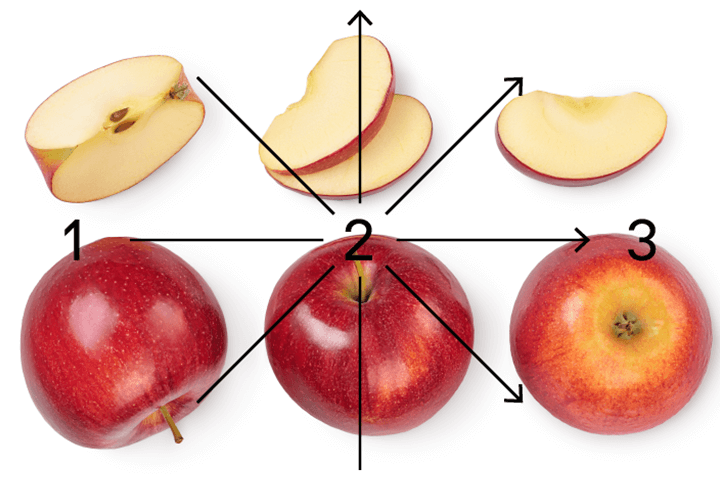
Practice with 8 class exercises to learn and use various expression techniques across diverse styles including postcards, calendars, album covers, posters, book covers, and more.
* Exercise files provided for each design process
Get Insights Into Data Creation, The Foundation of Smart & Practical Business Design
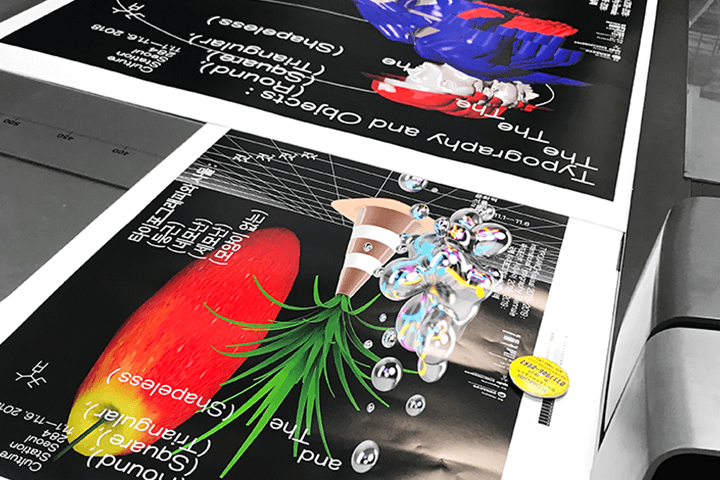
Master overall printing proficiencies and important aspects like color, size, paper, post-processing, and more to set the exact data values that you want to be printed in real life. We will give you design tips that can only be learned in an actual business environment.
Class Details
You'll Learn
-
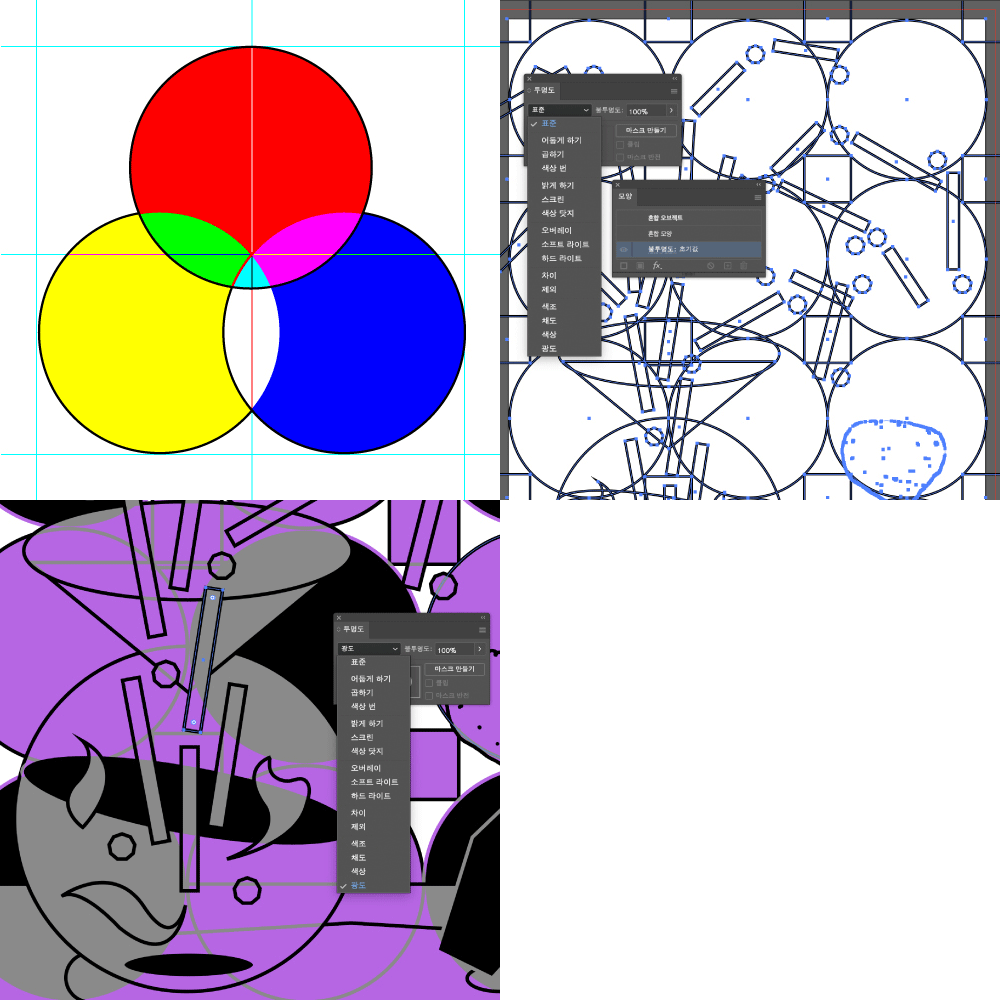 How to Increase Density Using OverlapsDensity can greatly improve the quality of your artwork. Increase the density of your artwork by understanding and using several overlapping effects in Illustrator and Photoshop.
 -
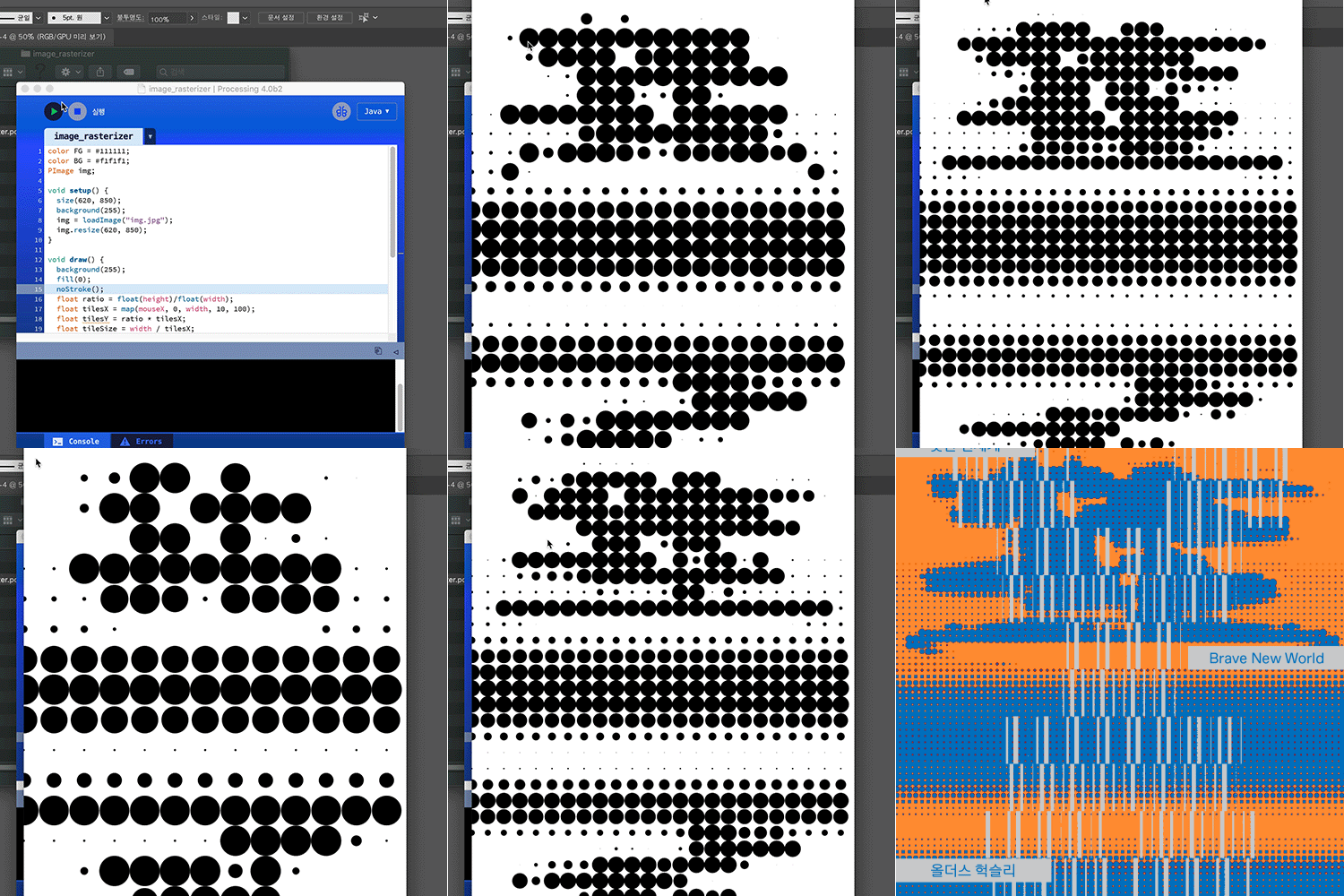 Pixel Expressions You Can Use and Apply in Various AreasUnderstand how a Bitmap is different from a vector, and learn various pixel expressions using Photoshop and Illustrator. Make your own book cover using a combination of these techniques.
 -
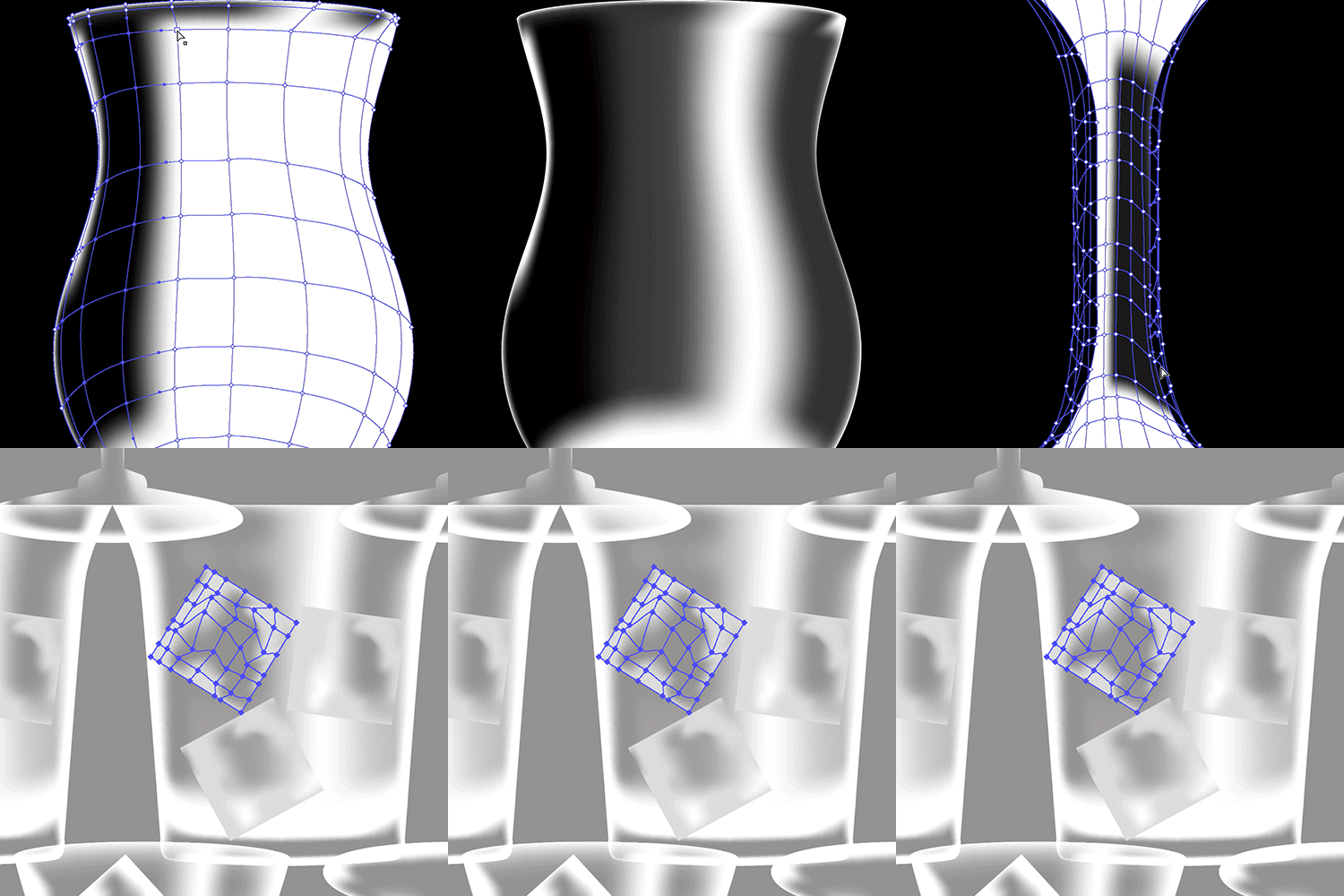 Create an Innovative, Sensational Design Using Mesh and GradientUse Illustrator’s Mesh and Gradient tools to create vibrant color expressions and unique volume impressions to create a calendar.
-
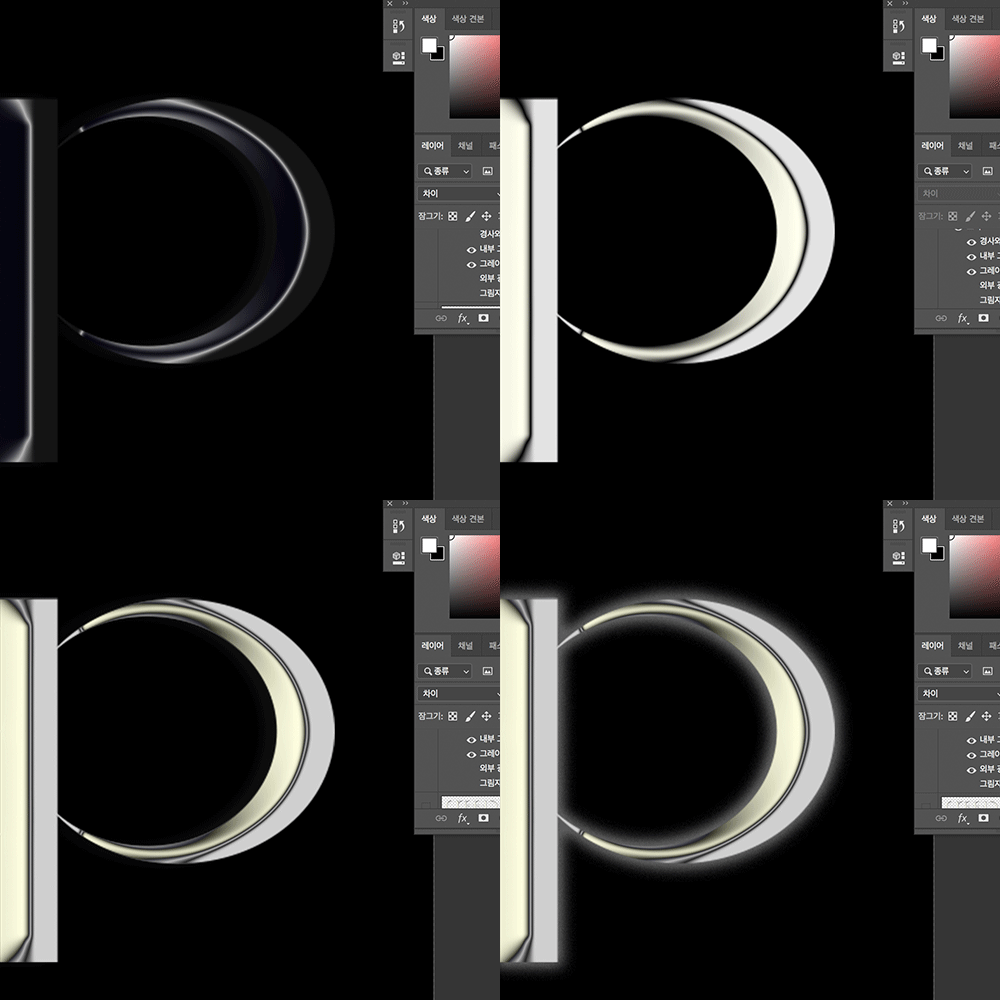 How to Create an Original Metallic Feel and 3D ImpressionHow to use Bevel and Emboss in Photoshop to give a metallic feel and a 3D impression. We’ll also use Illustrator to make an album cover.
 -
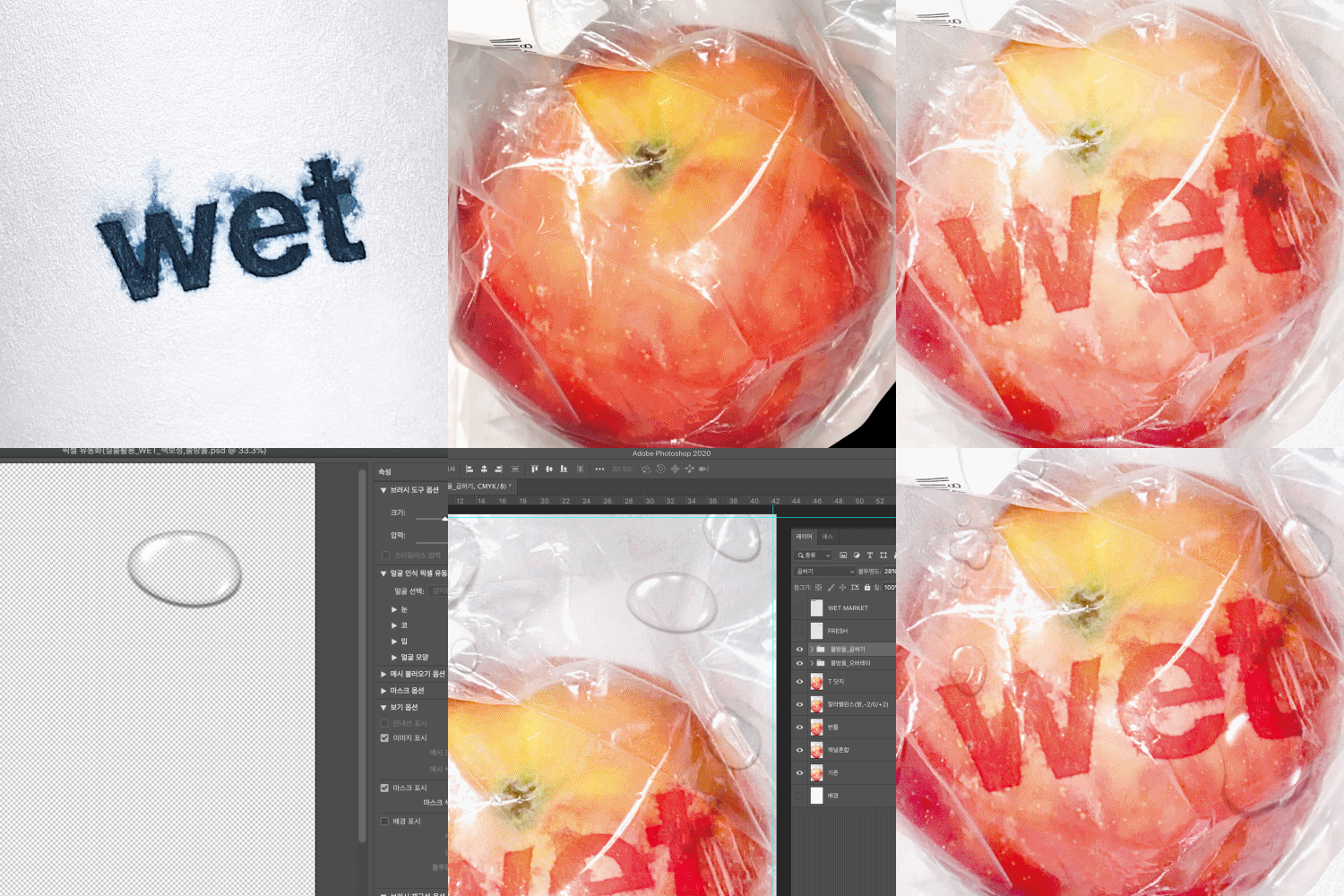 How to Use a Live Object as a Graphic SourceScan or take a picture of a live object as a graphic source to make an album cover.
 -
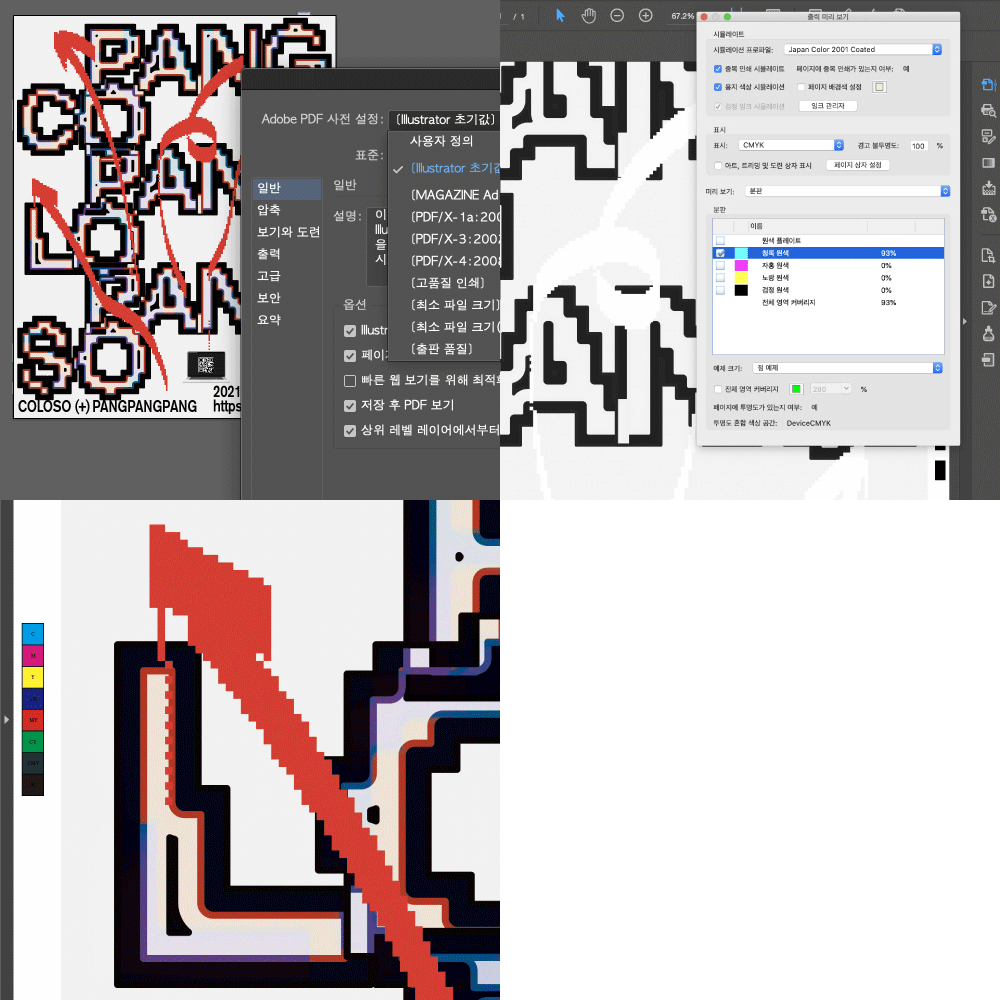 Applying and Using the Expression TechniquesCome up with an idea and apply all the expression techniques you’ve learned to create a web poster.
- Unlimited Access
- Best Price
Buy now, get unlimited access.
12/31 (Sat) (UTC-7) Special offer ends soon.
This special offer ends soon.
Buy now and save!
Curriculum
Curriculum
In-depth Look
SECTION 01. Mapping Out an Idea
01. Introduction: Orientation
- Introducing Graphics Lab, PANGPANGPANG
- Chapter outline and introduction to the curriculum
02. What Is Graphic Design?
- Understanding graphic design and the designer
03. Determining Keywords
- Case Study 1
- Graphic work ideation using a PANGPANGPANG work sample - Expanding Ideas & Determining On-Theme Keywords
- Expanding an idea through research and ideation
- Determining keywords
04. Visualizing Images
- Case Study 2
- How to visualize images after coming up with an idea - Visualizing Ideas
- Image sketching with keywords
- Tone, style, and the actualization of expression
SECTION 02. Expressing Your Idea
05. Expressive Technique 1: Opacity
- Chapter Topic
- Definition and properties of opacity
- Understanding the various types and effects of opacity
- Understanding and using the effects of layering various colors and shapes to create a more robust and unique graphic design - Learning Content
- Understanding various kinds of opacity and their effects
- Understanding the differences created by effects applied to opacity
06. Expressive Technique 1: Opacity Exercise
- Simple exercise using opacity
- Postcard graphics production (Size: 148 x 210mm)
07. Expressive Technique 2: Bitmap
- Chapter Topic - Definition and properties of Bitmap - Understanding Glitch and Pixel, and the expressive intent of these effects
- Learning Content
- Practicing various pixel expressions
- Introducing the Bitmap tool
- Precautions to take when making a Bitmap file (Moiré Effect)
08. Expressive Techniques 2: Bitmap Exercise
- Exercise Using Processing (.org), Illustrator, and Photoshop
- Creating book covers
09. Expressive Technique 3: Gradient and Mesh
- Chapter Topic
- Use the Gradiant tool to intergrate colors with a distinctly rich expression through diverse color combinations and area coloring - Learning Content
- Effect and application of Gradient
- Applying gradient using the Illustrator tool
- An introduction to the Gradient tool
- An introduction to the Mesh tool
10. Expressive Technique 3: Gradient and Mesh Exercise
- Exercise using the Gradient and Mesh tools
- Calendar production
11. Expressive Technique 4: Metal Texture
- Chapter Topic
- Metallic elements to add personal touches to artwork with their unique textures and 3D impressions
- Learning how to express a metallic texture without a 3D tool - Learning Content
- Effect and application of Bevel and Emboss
- Gradient on Photoshop
12. Expressive Technique 4: Metal Texture Exercise
- Exercise using a chrome texture
- Making a digital album cover
13. Expressive Technique 5: Datafication of an Object
- Chapter Topic
- How to expand beyond digital work and scan or take a picture of a live object to use as a graphic source - Learning Content
- The difference between a digital and a live object
- Effects you can get from using a live object
14. Expressive Technique 5: Datafication of an Object Exercise
- Exercise Using a Live Object as the Source
- Poster production
15. Applying an Expression Technique - Coming up with an Idea
- Chapter Topic
- How to use and apply the effects learned in this class
- Working through the process of planning and ideation according to the application used - Learning Content
- Expand your ideas and come up with on-topic keywords
- How to visualize your idea
16. Expression Technique Application - Web Poster Design
- Reviewing and Applying the Expressive Effects Learned in This Class
- Making a web poster (1080 x 1920px) using several different effects
SECTION 03. Actualizing Your Idea
17. Production: Colors
- Chapter Topic
- Learning using various colors in both a digital work and a print
- Understanding separation and applying it to a print - Learning Content
- RGB and CMYK
- Spot color
- Separation
18. Production: Book Size and Paper
- Chapter Topic
- Learning different book sizes and what to consider when choosing paper based on the direction you want to go in - Learning Content
- 636 x 939 mm and 788 x 1090 mm
- Short grain and long grain
- Choosing the paper
19. Production: Various Printing Techniques
- Chapter Topic: Learning About Different Printing Techniques
- Learning Content
- Offset Printing/Indigo Printing/Risograph/ Plotter/Silk Screen/Etc.
20. Production: Various Ways of Post-Processing
- Chapter Topic
- Learning various post-processing techniques you can apply when printing - Learning Content
- Varnishing/Embossing/Cutting/Binding/Coating/ etc.
SECTION 04. Outro
21. In Conclusion: From Graphics Lab, PANGPANGPANG to a Beginner Designer
- Living as a designer
- Good tips for a practical business environment
Interview with
Graphic Designer PANGPANGPANG

Question. 01
What are the key aspects of this class?
What are the key aspects of this class?
This course’s goal is for you to be able to create a visual structure and complete your ideas in the form of a finished product, no matter what it may be. To help you do this, we’ll provide you with everything such as the 5 key expression techniques, several exercises that you can apply in a business environment, and knowledge of data production and extraction.
Question. 02
What characteristics does a Graphics Lab, PANGPANGPANG design have?
What characteristics does a Graphics Lab, PANGPANGPANG design have?
We believe our work is best described by the word “fun.” We take on fun projects that we feel will be fun to work on, and our audiences agree. This course will teach you everything you need to know to create fun, unique graphic designs.
Question. 03
What kind of knowledge will I learn in this chapter?
What kind of knowledge will I learn in this chapter?
Our projects are not just conceptually unique; we have many technical and methodical considerations as well. We also employ a variety of expression techniques instead of sticking with just one approach or impression. In this chapter, we want you to expand your unique voice by learning and practicing different expression techniques.
Required Programs
This course will use Adobe Illustrator CS6, Adobe Photoshop CS6, and Processing(org).
Please purchase and install these program(s) for an optimized lecture experience.
* Adobe Illustrator CS6 and above can also be used.
* Adobe Photoshop CS6 and above can also be used
* The download link for Processing(org) will be provided
Recommended
Recommended Classes
Like this class?
Then check these out!