[Course]animationdirector,songi_손기KR Details
Intro
Class Intro
Animation Director SONGI
Learn how to create music videos that tell stories with emotions that go beyond the screen!
The Secrets of Animation Production from the Director of a 10-Million-View Music Video
Join animator SONGI as he shares his unique workflow process for creating an overarching world with the perfect harmony of light, color, and texture! By following along with Songi, whose animated music videos consistently gain 10 million views, you can produce works that aren’t just trendy, but ripe with quality that catches the audience’s eye. Discover the process of creating animated music videos full of beautiful and eye-catching light, from start to finish.

Learn from SONGI, who knows the full ins and outs of animation production and now directs entire projects himself, as he guides you through the three stages of animation production, including planning, directing, animating, backgrounds, and final touches. With his Coloso class, you will learn all the secrets to making animated music videos that impress viewers with colorful, captivating visuals.
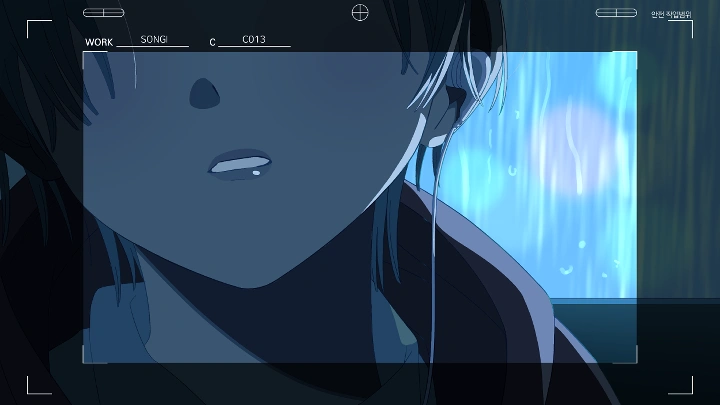
Music Video for PLAVE’s “The Sixth Summer” ⓒ2023 VLAST Co., Ltd. All rights reserved.
Music Video for PLAVE’s “The Sixth Summer” ⓒ2023 VLAST Co., Ltd. All rights reserved.
Class Perks
Get These Coloso Exclusives
-
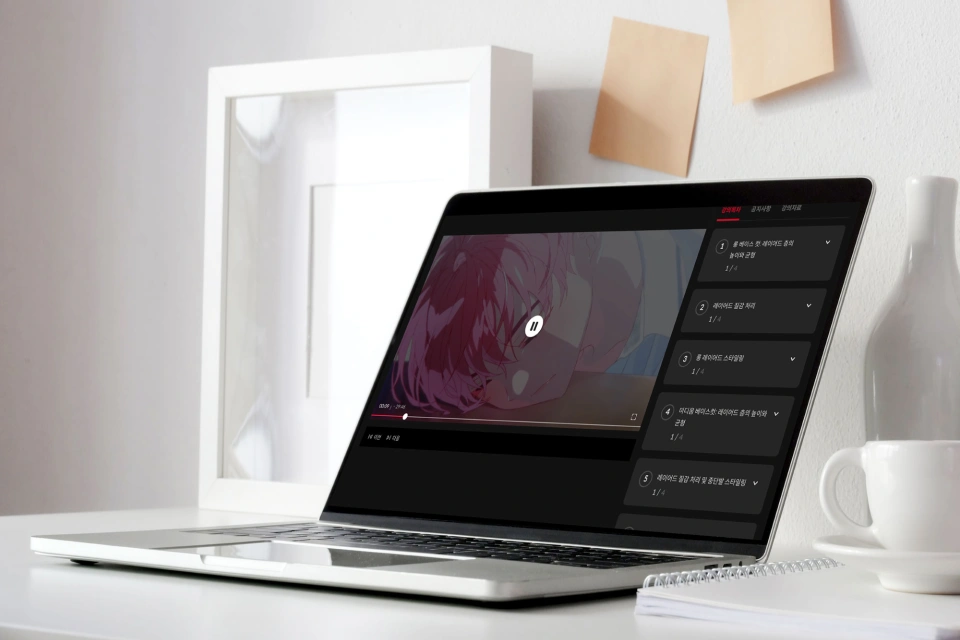 Unlimited Access to 22 ChaptersExploring the A to Z of Creating Beautiful and Radiant Animations
 -
 Original Files for Exercise ProjectsDivided into Pre-production, Production, and Post-production
 -
 Files for Setting up Clip Studio Paintfrom Hotkeys to the Workspace
Detailed List of Class Materials
-
 Pre-production Resources for Planning- Animation drawing sheet
- Animation planning template
- Time-lapse video of concept art
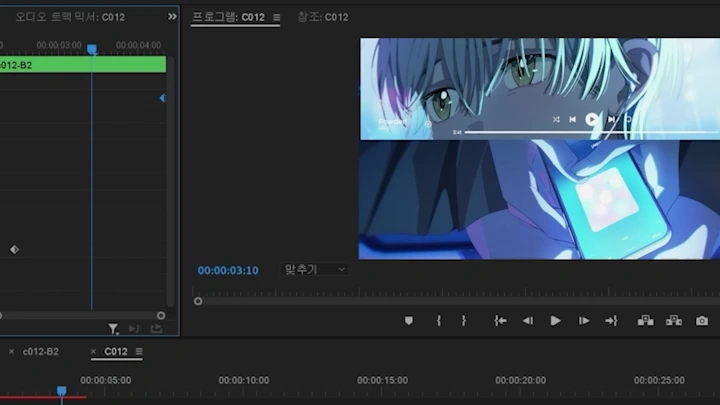
- Video of the reel storyboard
- Premiere Pro file for the reel storyboard -
 Production Resources for Animation- Animation clip
- Workspace of Clips Studio Paint
- Reference image for setting up hotkeys
- Background clips
- PNG file for background tutorials -
 Post-production Resources for the Final Touches- ZIP folder of exported files
- Premiere Pro file of the entire video
Recommendation
Who Should Take This Class?
Hobbyists who want to create appealing animated music videos
Aspiring animators who want to make high-quality animations for their portfolios
Professional animators looking to learn SONGI’s trendy lighting and coloring style
Expert Animation Director SONGI's Portfolio
Why Take This Class?
Directing Skills for Creating Immersive Animations Full of Your Unique Color
What is the secret to conveying the desired emotions and mood through your animations? To create a long-lasting, deep sense of whimsy, you need to know how to direct light, color, and movement the right way. Learn the key points in directing animated music videos to make immersive scenes through step-by-step exercises—all at a level that is perfect for all learners, no matter their experience.
SONGI will guide you through the entire animation production process from how to use tools to uploading your final work. Discover the directing skills needed to arrange strong/medium/weak shots based on their complexity, as well as how to set up whimsical yet realistic light and shadow. In this class, you’ll learn everything you need to know to produce fully immersive animated music videos.

15+ Class Exercises
The Full Production Process Behind Immersive Animated Music Videos
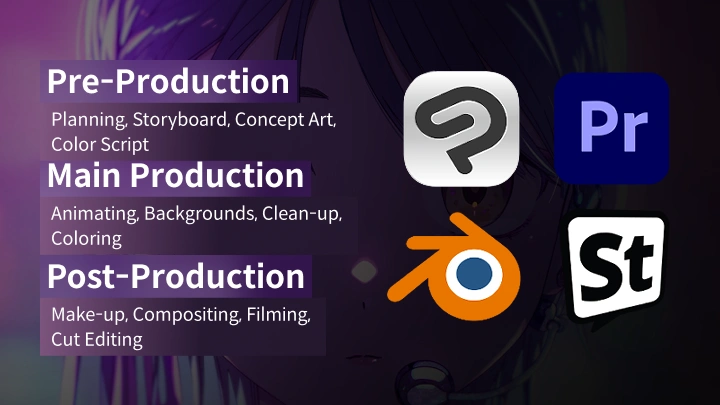
Part 1: Pre-production
-
 Planning Videos
 -
 Concept Art of the Opening Sequence
 -
 Reel Storyboard
Part 2: Production
-
 Making “Weak” ShotsStill Shots
 -
 Making “Medium” ShotsMixamo
 -
 Making “Medium” ShotsRotoscoping
 -
 Making “Strong” ShotsApplying Fundamental Principles of Animation
-
 Creating Light
 -
 Clean-Up/Coloring
 -
 Making Backgrounds with 3D Elements
 -
 Making Backgrounds with Images
Part 3: Post-production
-
 Makeup
 -
 Compositing
 -
 Correction
Part 4: Final Exercises
Teaser
Instructor
Animation Director
SONGI
Hi, I’m animation director SONGI. I direct projects, mainly 2D animations, and work both by myself and as a team. In addition to working as a director at various animation studios, I work across a range of genres in Korea and abroad that require animation, including VTubers, animated series, and 2D idols.
In animation production, the director decides, manages, and oversees the entire process from planning and creating resources to building the final look. Through this class, you will create a 2D animated music video and learn how to view a project from a director’s perspective.

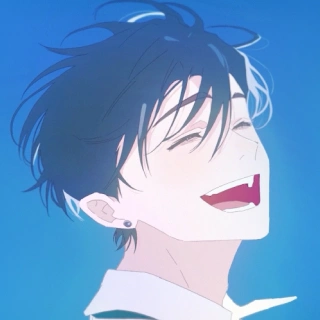
Animation Director SONGI
[Current]
Animation Director
Projects & Awards
Keyframes for the promotion video of Epic Seven x Guilty Gear’s “Visitors from Another World” (Studio PPURI)
Second keyframes for Maple Story IGNITION’s “Departure” (Studio PPURI)
Concept art, color script, layout, and animation for VIVINOS’s “Alien Stage” (Team Forma+9)
Concept art, layout, and animation for VIVINOS G.G’s “Find My Color” (Team Format+9)
Animation director of VIichan’s “Da Capo”
Director of the music video for Raon & DAZBEE’s “ECLIPSE”
Director, character designer, and animation director of PLAVE’s “The Sixth Summer”
Director, concept artist, and animator of OSUM’s “Planet Stopped”
Director and animation director of Miiro’s “Monster Forest”
Director and animation director of Link Click x OPPO’s “OPPO RENO 12”
Director, animation director, animator, and cinematographer of MEANSHOCK’s “Revival”
Director, art director, and animation director of MOON SHARK’s “Moonlight”
Director, character director, and animation director of Link Click Bridon Arc’s “Lull”
Student Reviews
Class Recommended By SONGI's Students
-
 Sunyoung Jang
CEO of Studio PPURII think Songi represents the future of South Korea’s animation industry. One of the biggest challenges faced by directors is how to create the exact look they want. Songi is one of the very few people who manage to do that. His class thoroughly explains the process and method required to lead a project in a consistent direction from start to finish. Taking this class will teach you how to craft the animation you want in a fun, easy manner.
-
 NAKDI
NAKDI
Freelance Concept Artist and Character Animation Director at RETICLESThis class is immensely helpful for creating real-world animated music videos. As someone who took his class as a beginner and has worked with him on real projects, I highly recommend Songi’s class to everyone interested in planning and producing music videos. This all-in-one class will teach you everything you need to know, from planning and animating to final editing in Premiere Pro.
Highlights
Class Highlight
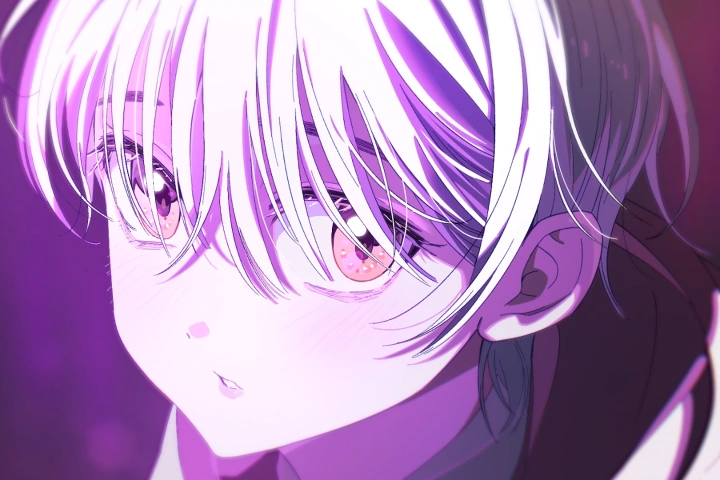
Animation Excellence: From Beginner to Advanced Mastery
Learn all the tips you need for creating stunning animation scenes while getting hands-on with the pre-production, production, and post-production stages. Songi knows the ins and outs of the full animation process and now directs projects himself, and is here to guide you through the key points for each stage so you can produce high-quality animated music videos in practice.
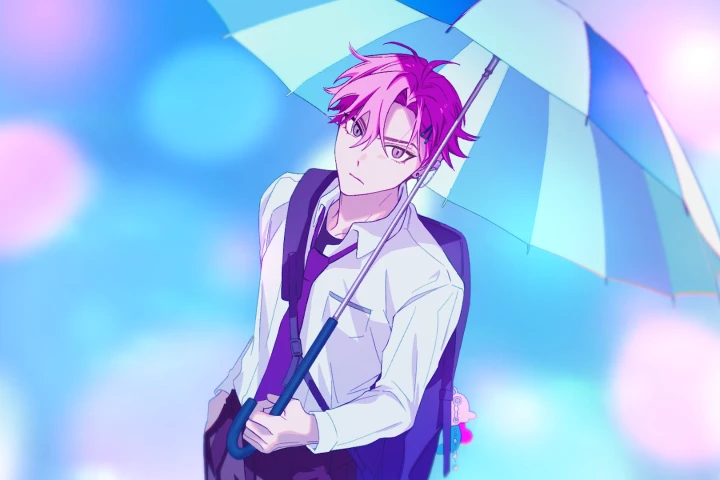
The Power of Direction: Creating Emotional Impact through Color & Movement
Delve into the key directing skills that make an animation look “good” and “well-made,” and learn to communicate the emotions you want through directing, lighting, color, and movement in a clear, specific manner. You’ll also learn how to incorporate your strengths into the planning stage and evoke realistic emotions in animation scenes.
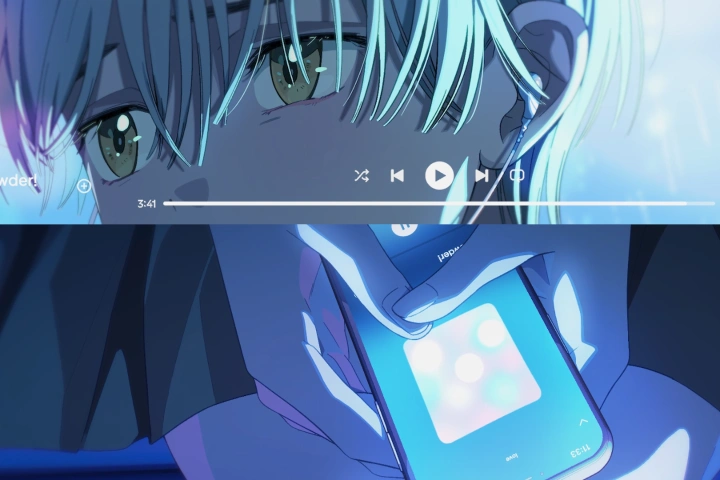
Your Animation Journey: Step-by-Step Guidance with Expert Examples
Get hands-on with the A to Z of creating animated videos, from pre- to post-production. Work on a range of step-by-step exercises to explore the workflow for producing high-quality animated music videos in depth, all while setting up weak/medium/strong shots for more efficient and effective animation scenes.
Class Details
You'll Learn
-
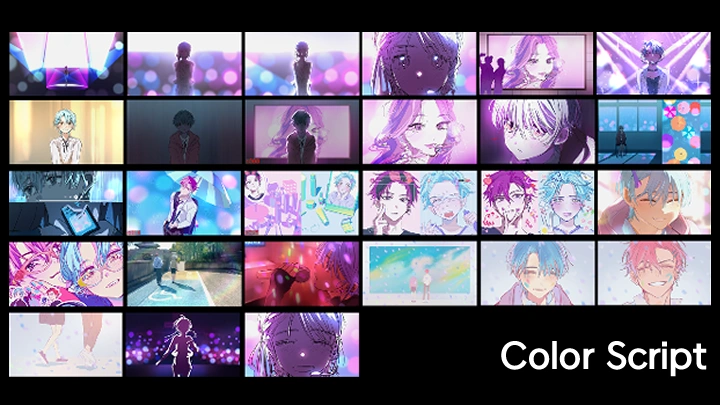
 Designing a Pre-production Stage That Brings Your Ideas to LifeTake the first step in creating your own animated work! Design a solid pre-production stage that ensures smooth production and post-production, learning everything from an early ideation process based on your emotions and surroundings to creating a reel storyboard and a color script.
 -
 How to Use Assisting Animating Tools for More Effective ProductionStill making animations from absolute scratch? Using Mixamo, rotoscoping, and makeup, you can create realistic animations in a far more effective way! Study how to set up lights and make high-quality backgrounds without the hassle, as well as tips for adding details like thin strands of hair.
 -
 Understanding and Applying Fundamentals for Seamless AnimationFamiliarize yourself with the four fundamental principles for creating energetic animations. Understand basic concepts such as arcs, follow-through, overshoot, and cushion and learn how to apply them. Then practice incorporating these principles into real-world work, including animated rough drafts and animation design.
-
 Atmospheric Directing That Emphasizes Situations Using Light and ColorLearn screen composition techniques for adopting light and color to fit the situation and mood. Explore how the screen changes depending on factors like the position of lighting, color, and situation, as well as how you can use them to convey certain emotions and moods in the exact way you want as an animation director.
 -
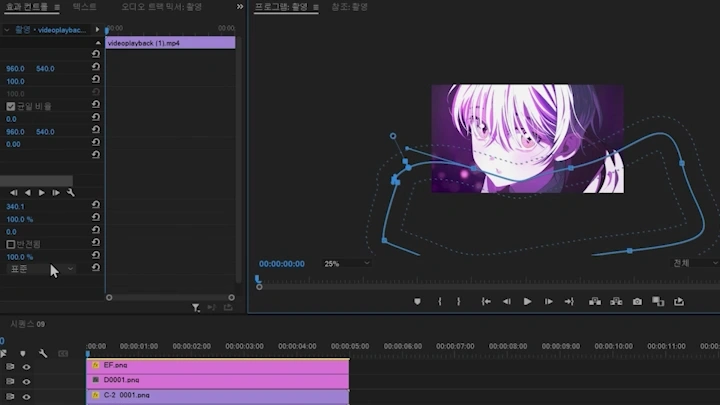
 Animation Process in Clip Studio Paint and Premiere ProBoost your animation workflow process using two programs, Clip Studio Paint EX and Adobe Premiere Pro. Learn how to use them step by step, from the basic tools and settings to more advanced features like 3D, brushes, and filming, then use these programs to produce a high-quality animated music video.
 -
 From Team Projects to Freelance Directing: Tips from Animator SongiDiscover how to lead team-based projects without losing your unique style, along with must-know tips for joining projects as a freelancer! Drawing upon his experience in all animation jobs, Songi will share the practical expertise he learned over the years, such as preparing a portfolio and working as an animation director.
- Unlimited Access
- Best Price
Buy now, get unlimited access.
10/12 (Mon) (UTC-7) Special offer ends soon.
This special offer ends soon.
Buy now and save!
Interview with
Animation Director SONGI

Question.01
What do you consider your strengths when you work?
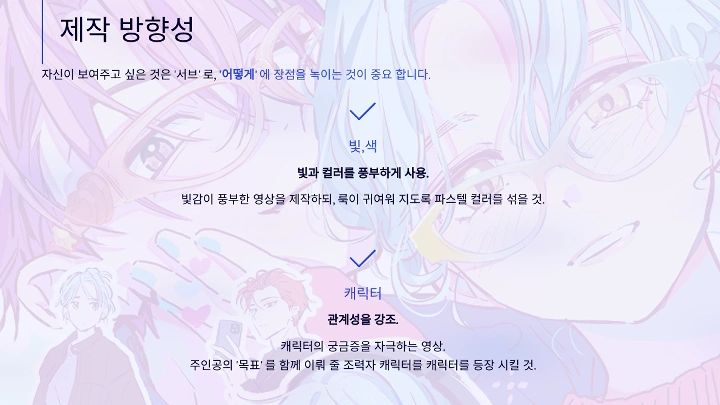
I believe my strength lies in creating various screens using light and color. This is what I focus on the most when creating work so I can convey the desired emotion to the audience. As a director, I take an analytical approach to characters, lyrics, and shots. I believe that, if you really want to evoke emotions in your audience through your work, every single component of a video needs to have a specific reason for being there. That’s why in this class, I share how to create emotionally engaging videos by combining light, color, and directing skills.
Question.02
What is the purpose or key takeaway of this class?
Animation as a genre requires you to connect a series of scenes instead of simply using a single drawing. To create beautiful videos that strongly impress the audience, it’s essential to lessen the intensity of some shots so you can emphasize what you really want to show. This requires assessing the importance of each shot in the production process, delivering a more effective impact with strong shots, and using weaker shots as bridges that connect them. Therefore, this class explores the key points in dividing cuts into three levels of complexity— strong, medium, and weak—and the directing skills needed to smoothly connect these shots.
Question.03
What sets this class apart from others?
I have experience in every stage of animation production and now mainly work as a director, taking charge of the entire process. Based on my expertise, I’ll show you how to examine a project from a holistic point of view without missing the details of each part, taking one step at a time. In particular, this class focuses on creating a trendy look using light and color, something I consider my specialty. Join me to learn all the tips and tricks you need to create similar videos and boost your engagement.
Required Programs
This course will use Clip Studio EX, Adobe Premiere Pro 2024, Blender 4.0, andj SnapToon. Please purchase and install these program(s) for an optimized class experience.
*These programs and/or materials will not be provided with the course.