[Dictionary]3dvirtualmodeler,saba_김사바KR Details
Intro
Class Intro
3D Virtual Modeler Saba
"A comprehensive software guide for those dreaming of becoming a VTuber! Master all the essential tools, from Blender to Vroid Studio and VRChat, in one go."
A Complete Guide to Blender Basics for Self-Studying the 3D Virtual Avatar Production Process!
The best virtual self-study roadmap to keep up with fast-moving trends! From modeling in Blender to rigging, texturing, and setting, learn the essentials of avatar production through the instructor's hands-on work process. Bring your characters to life, and let Coloso guide you on your path to becoming a popular VTuber.

From producing virtual avatars to setting up VTuber broadcasts, this is the definitive guide to 3D virtualization! Have you ever wanted to break into the piping-hot virtual market? Using the free tool Blender, creating your own adorable avatar is easy and fun! Here's everything you need to know about producing 3D virtual avatars.
Class Perks
Special Gift from 3D Virtual Modeler Saba
-
 Unlimited access to 53 chapterscovering everything there is to know about producing 3D virtual avatars
 -
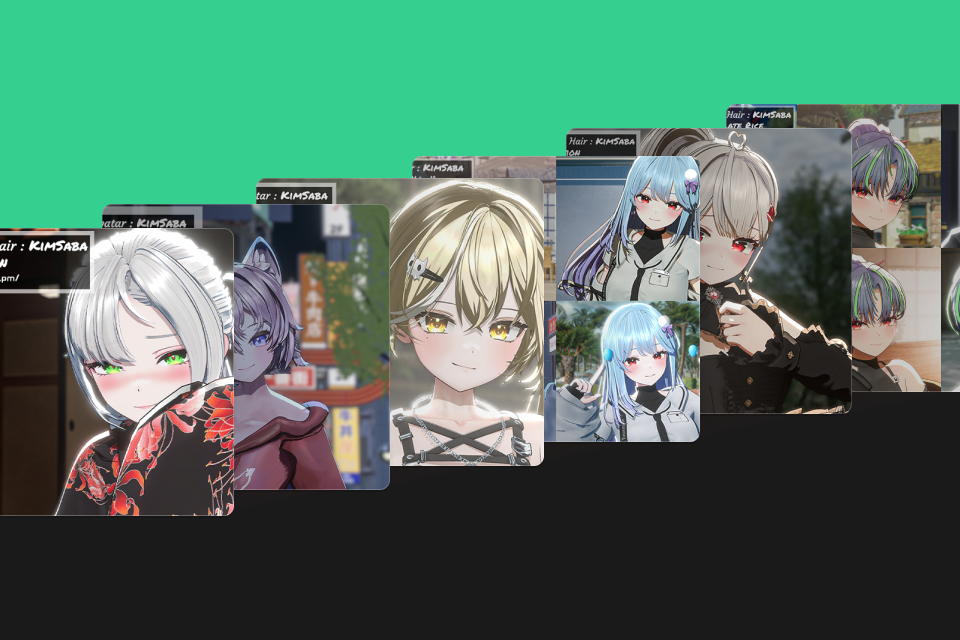 Original project filesranging from beginner to professional-quality examples
 -
 Reference rough images (.png)to complete without outsourcing illustrations
-
 You’re ready to debut as a VTuber with Blender!Completed exercise file of your avatar (.blend)
 -
 The diamond of virtual avatarsVRChat&MMD shape key organized file (.xlsx)(.xlsx)
 -
 Software integration file for VTubersUnity project file and Warudo scene file
Class Material Details
-
 10 PNG files for modeling preparation- Example head PNG file
- Head PNG file
- Full body PNG file
- Body front, side, and back PNG files
- Reference rough images, etc. -
 12 step-by-step virtual avatar production files- Body modeling Blender file
- Head modeling Blender file
- Hair modeling Blender file
- Full body modeling Blender file
- Head texture PSD file
- Hair texture SPP file
- Body texture SPP file
- Clothing texture SPP file
- Body animation data FBX file
- Head animation data FBX file
- Hair animation data FBX file
- Full body animation data FBX file -
 Vtuber software integration file- VRChat lip sync key summary Excel file
- MMD core shape key summary Excel file
- Completed Warudo avatar file
- Completed Warudo scene settings file
- Completed Unity project zip file
Recommendation
Who Should Take This Clas?
Beginners who want to get into 3D avatar production but don't know where to start
Aspiring VTubers who want to make their own 3D avatars and work toward their debuts
New modelers who want to take on the challenge of producing higher-quality virtual characters
Expert 3D Virtual Modeler Saba 's Portfolio
-
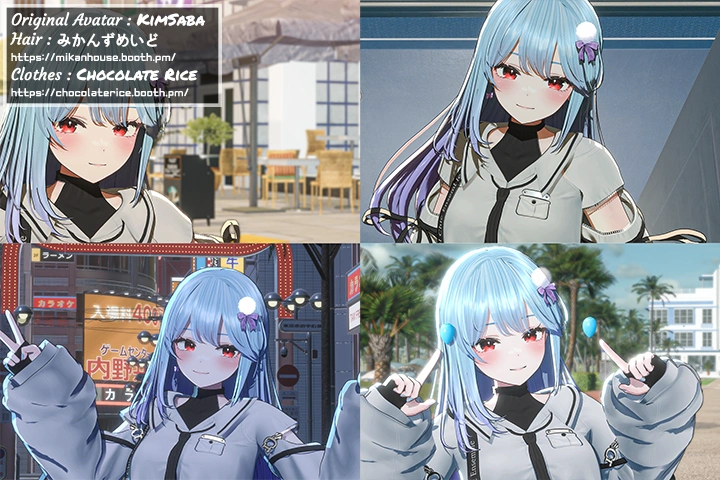 Gyeolhee MinOriginal avatar production
 -
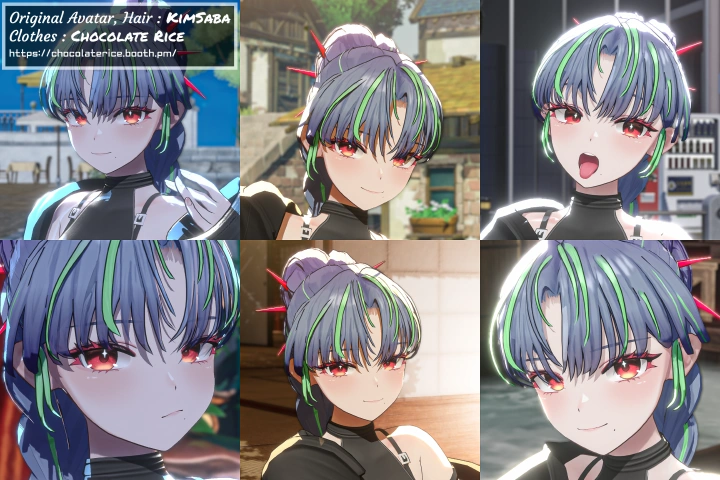 HinqocOriginal avatar/hair production
-
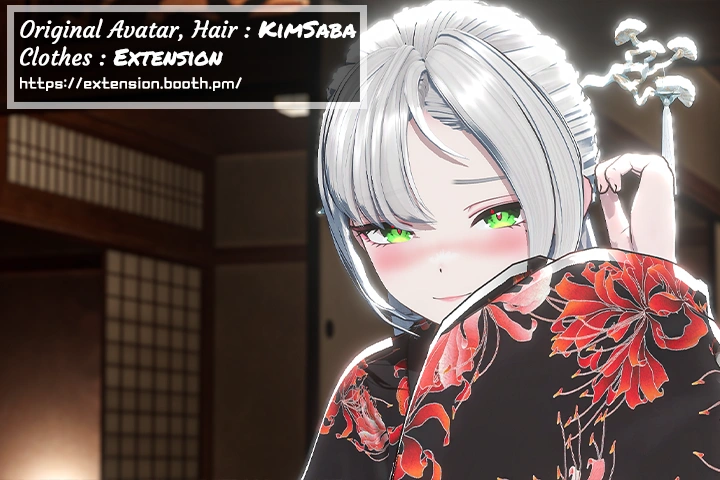 BaeksongOriginal avatar/hair production
 -
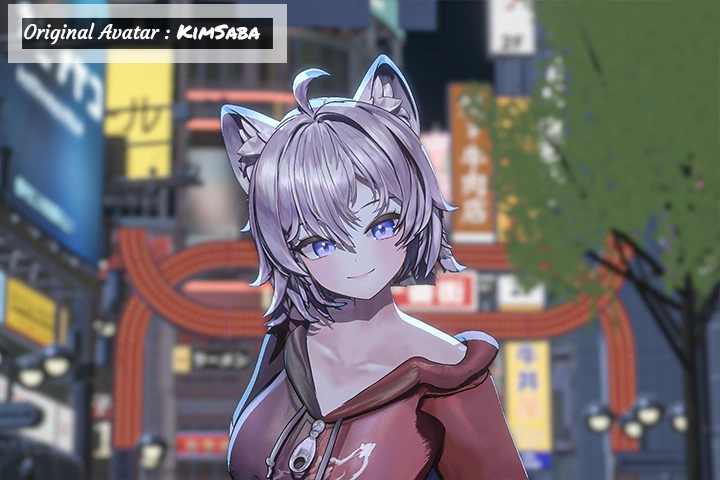 NasomOriginal avatar/hair production
-
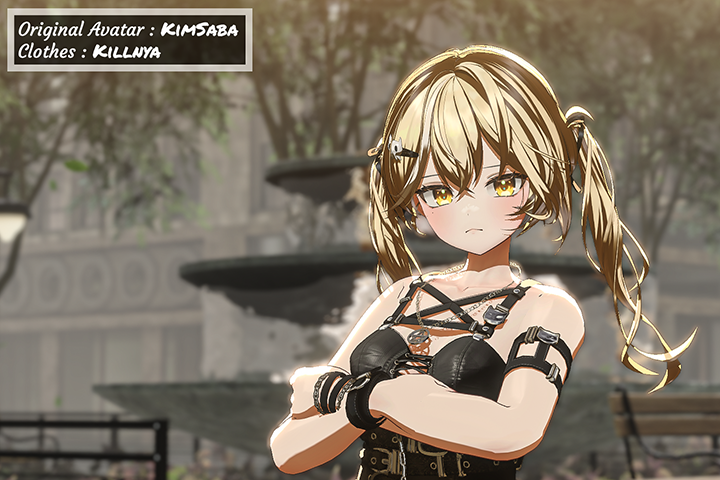 YukiraOriginal avatar production
 -
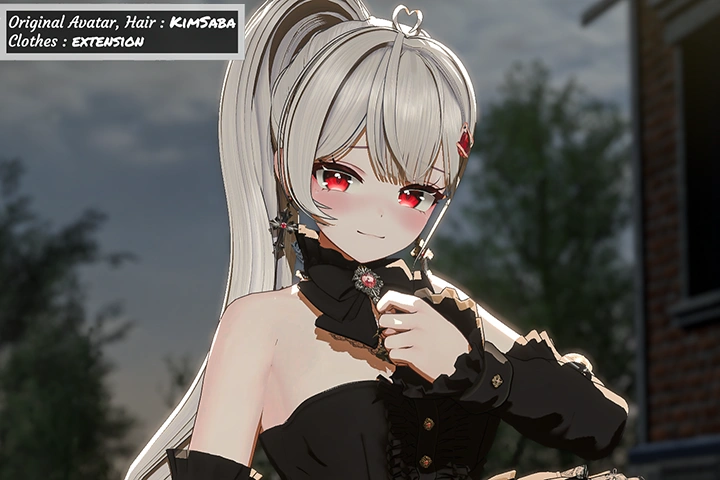 KyaangOriginal avatar/hair production

Master VTuber Software: From Blender to Warudo and Beyond
This comprehensive curriculum covers everything you need to know about VTuber software, from Blender to the latest virtual streaming tool, Warudo. Learn how to set up and apply 3D avatars to streaming platforms with ease. Whether you're customizing avatars with animation settings or creating facial features for your streams, this guide will help you master Blender, Warudo, Unity, VRChat, and other essential VTuber tools.
Break through barriers and take your first step toward becoming a VTuber in this all-in-one course designed to teach the foundational skills needed to thrive in the fast-moving world of virtual avatars.
Get Ready for the Real-World
10+ Class Exercises
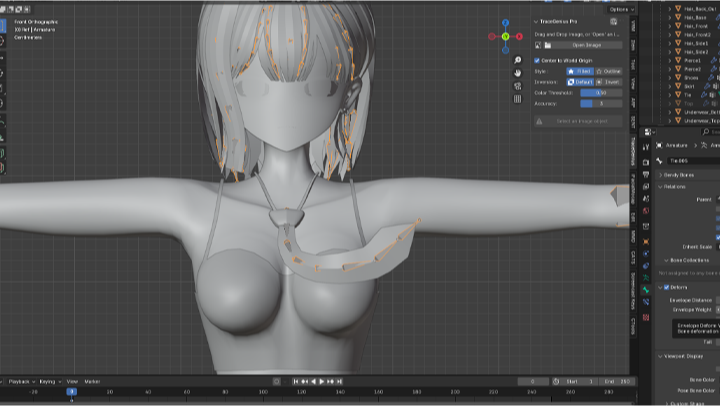
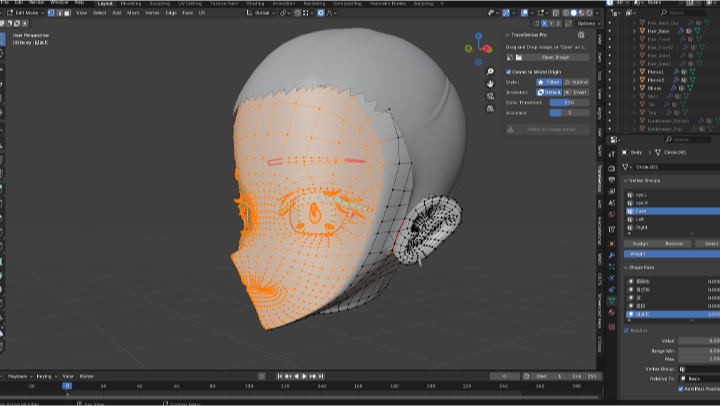
Part 1. 3D Avatar Modeling & Rigging
Blender
-
 Avatar modeling
 -
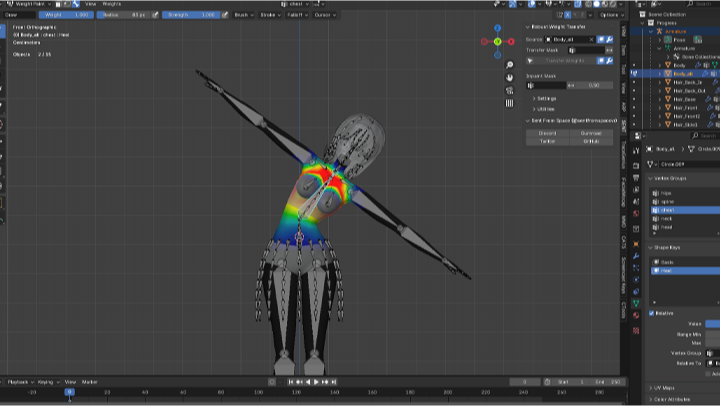
 Body rigging
 -
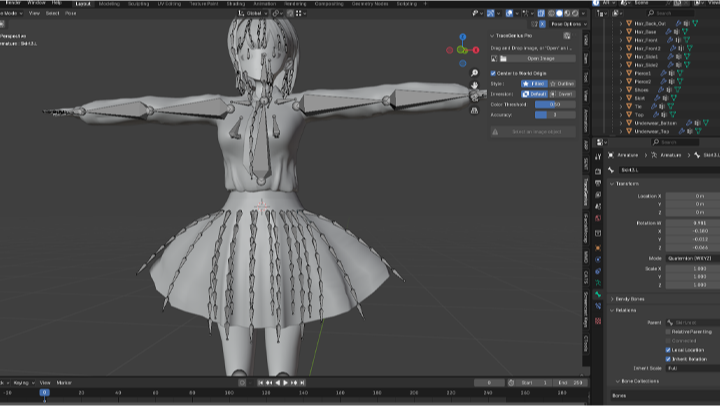
 Clothing rigging
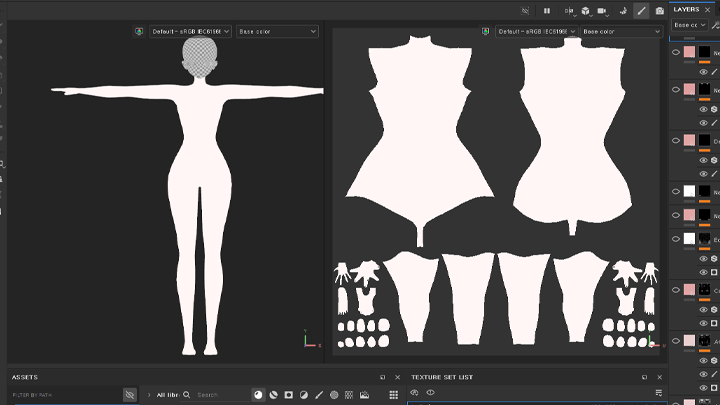
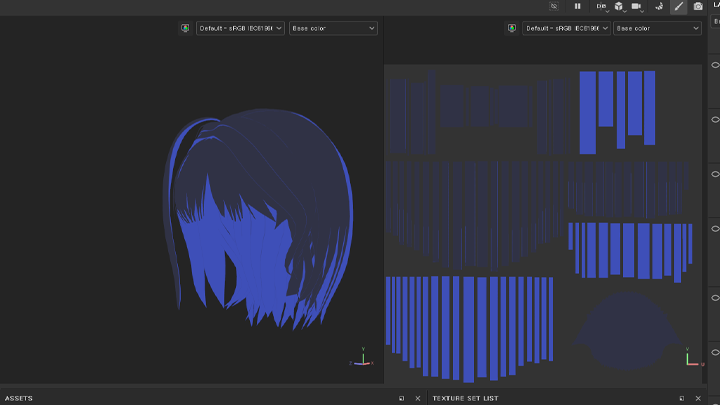
Part 2. 3D Avatar Texturing
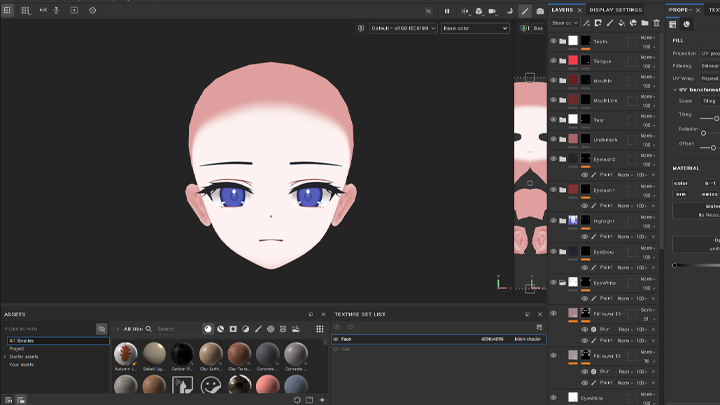
Unity & Substance 3D Painter
-
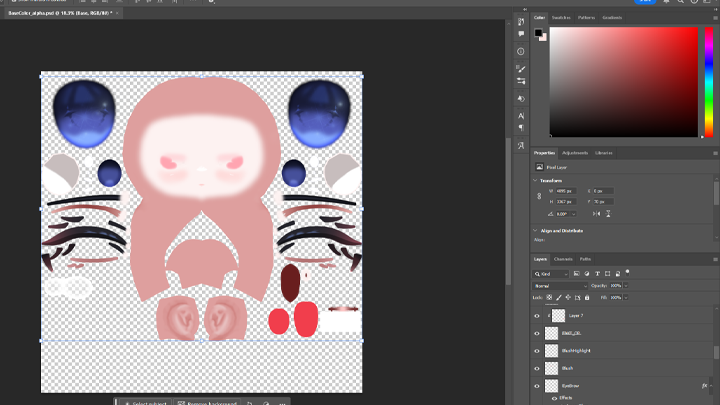
 Texturing
 -
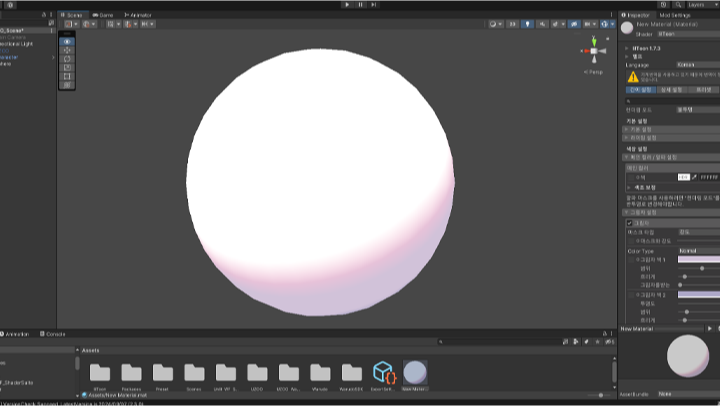
 Shading
 -
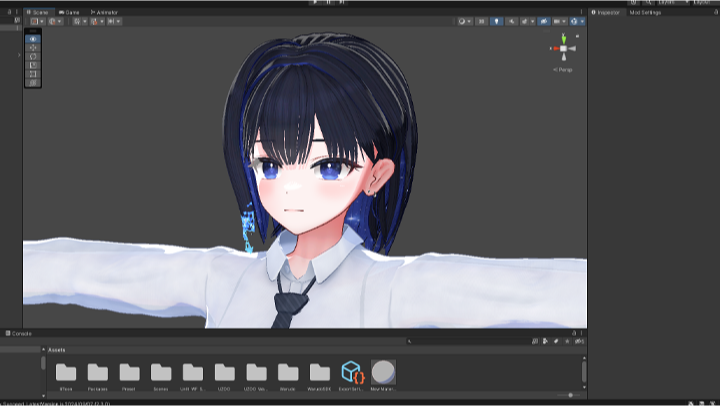
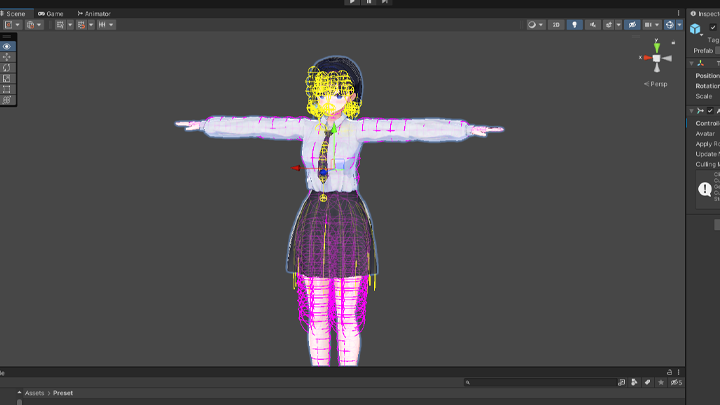
 Unity settings
Part 3. 3D Avatar Settings
Litoon Shader & Blender
-
 Liltoon shader settings
 -
 Liltoon shader settings
 -
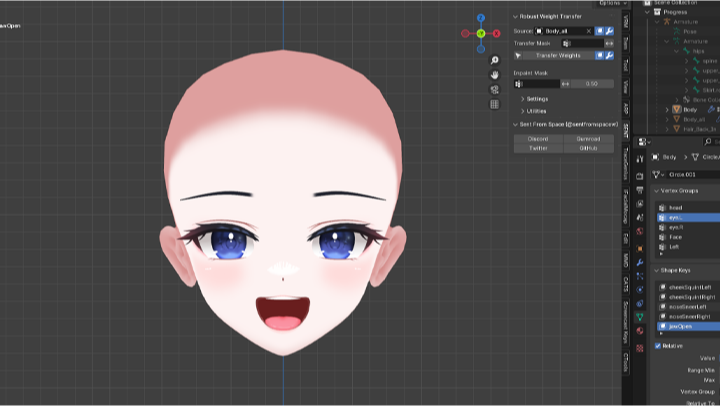
 Shape key production
Part 4. Avatar Facial Settings
VR Chat & MMD
-
 Syncing Closed Eyes with Mouth Corners
 -
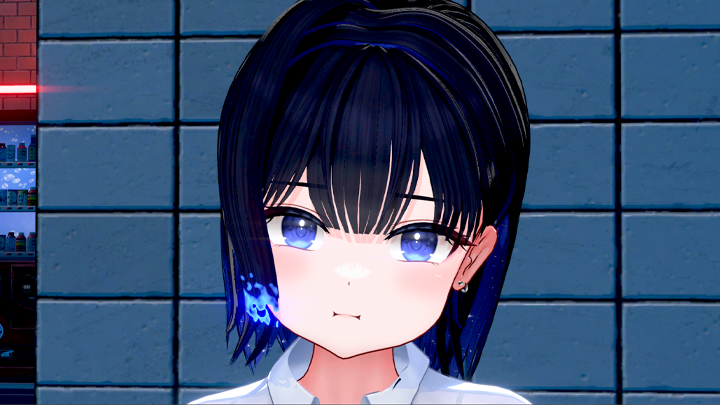
 Puffing up cheeks
 -
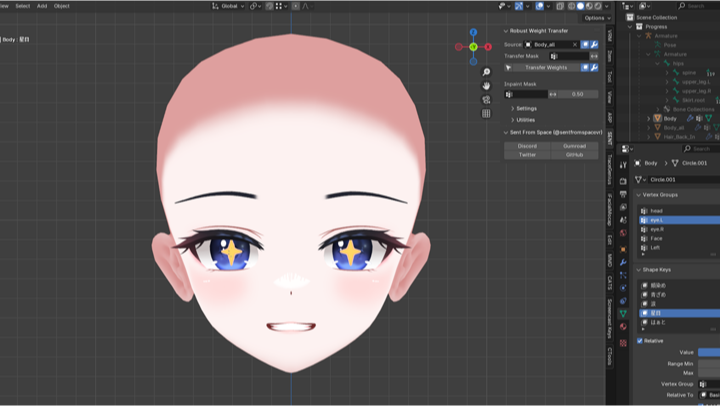
 Starry eyes
-
 Flowing tears
 -
 Angry expressions
 -
 Winking
Part 5. Avatar Software Settings
Unity, Warudo & VRChat
-
 Physical effects on pupils
 -
 Striking a pose
 -
 Applying clothing
-
 Trail props
 -
 Dropping an object
 -
 Petting
 -
 Leaving the seat
 -
 Throwing an object
-
 Adjusting camera lighting
 -
 Adjusting shadow angles
 -
 Setting the depth of field
Part 6. Practical Application of Avatars
* Some example images are provided for a better understanding of the class.
Highlight
Class Highlight
Beginner's Guide to Creating Your 3D Virtual Avatar
Don’t worry if you don't have any drawing or modeling experience! We've gone beyond simple modeling skills and created a high-quality avatar production curriculum that uses reference images with no need for concept art. Learn everything from basic introductions to practical use with this virtual avatar production class that is easy even for 3D beginners.
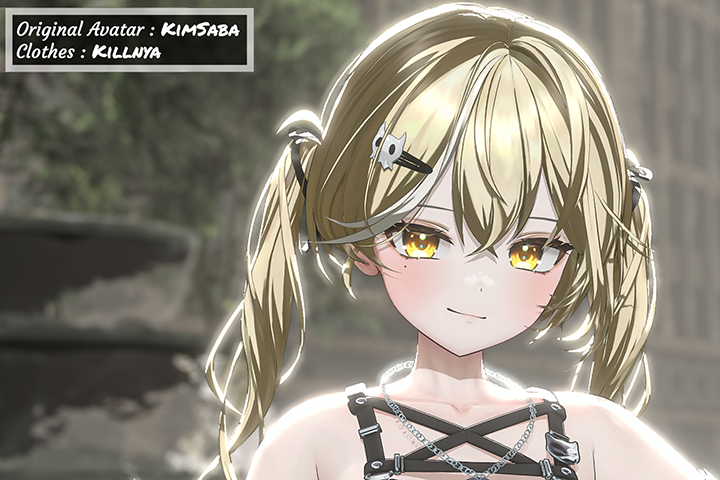
Mastering Texturing and Toon Shading Techniques
Toon shading is the secret to creating cute avatars that look like they just jumped out of a cartoon! Learn the shading techniques that can make or break an avatar's quality and the texturing skills that can compensate for any lack of drawing abilities. Learn how to create high-quality cartoon-style shading and detailed coloring methods using Liltoon, a popular free shader for animation styles..
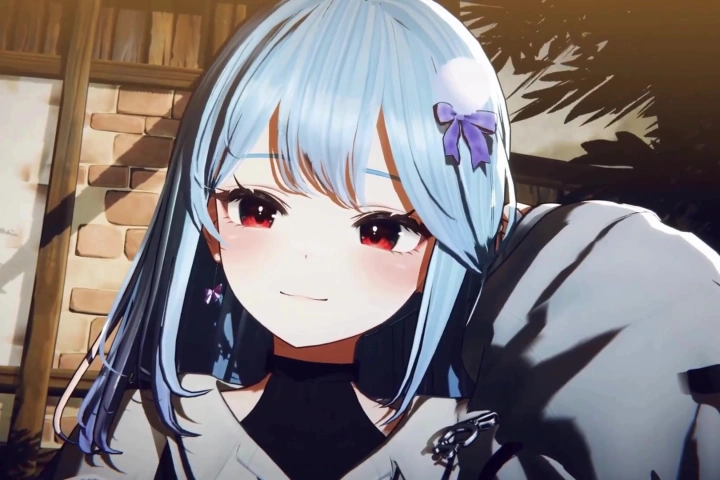
Bringing Your Creations to Life: Avatar Design & Animation
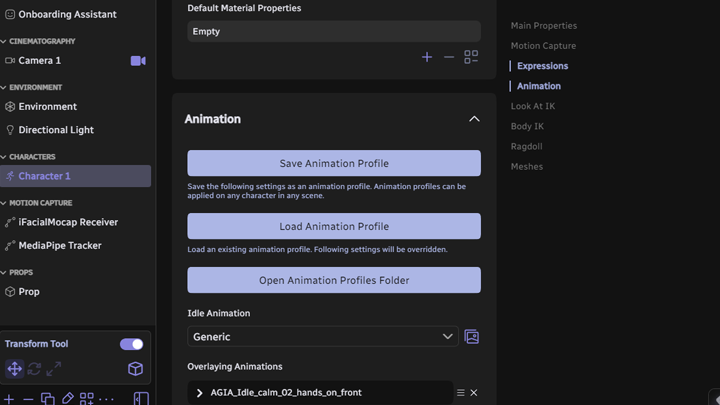
Even the best avatars are useless if they can't move! Use the iPhone FaceApp to produce 52 Arkit facial keys and track facial expressions. Learn the complexities of Unity, the vast capabilities of Warudo, and the essential tool VRChat, all while easily creating lifelike avatars.

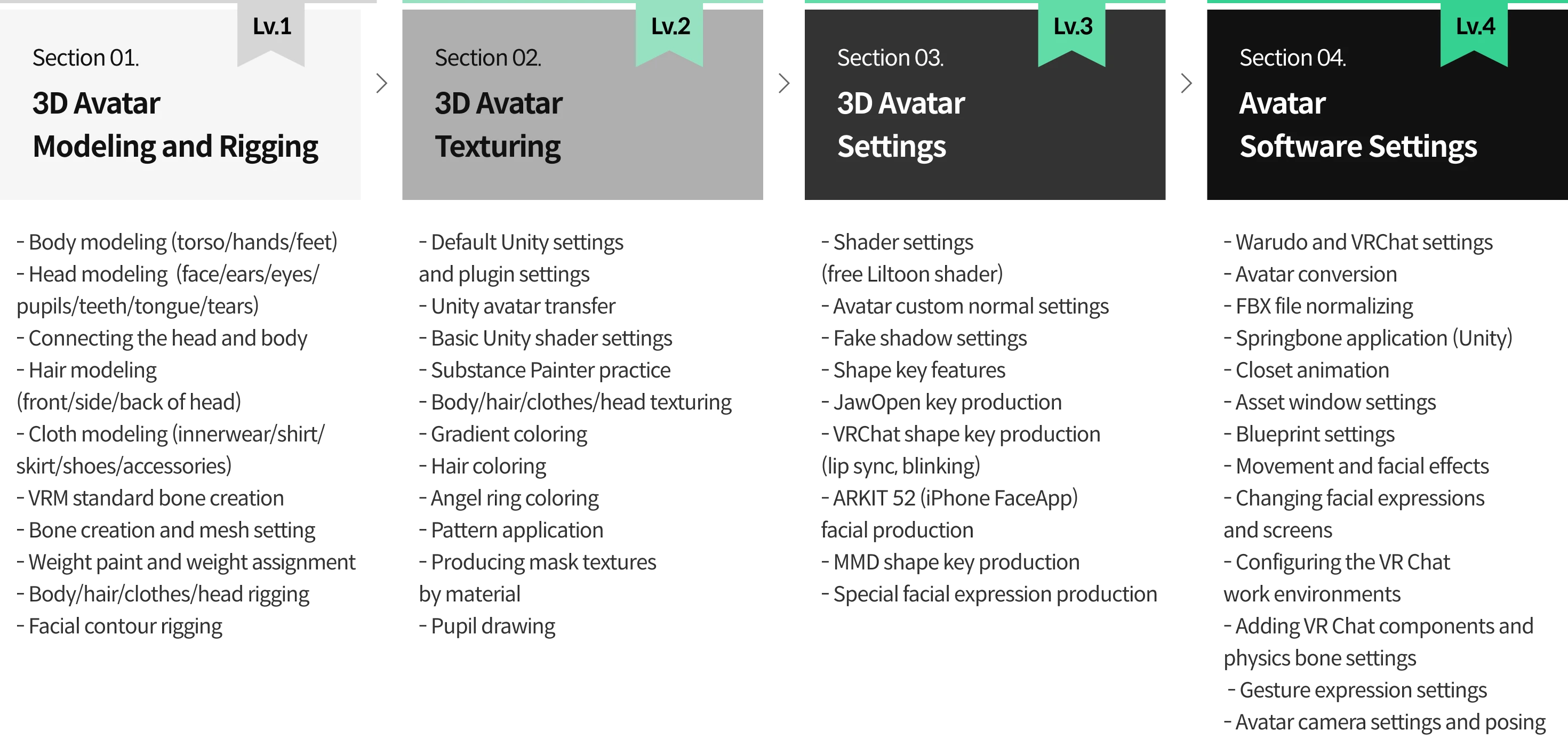
Roadmap
The Complete Encyclopedia to Creating Virtual Avatar Content
3D Virtual Modeler
Saba
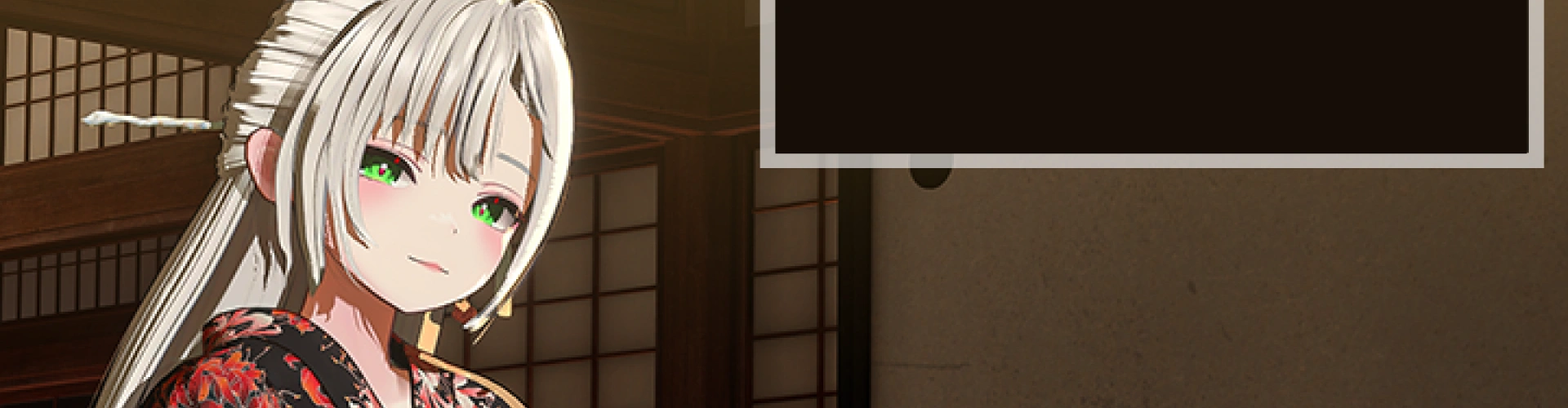
Hi, I'm Saba, a freelance 3D virtual modeler. I've been working steadily since the Korean virtual market became active, creating over 10 original avatars and 300 Arkit facials. I have also contributed to the growth of many virtual creators who are still active today.
In this class, I’ll share the extensive expertise I've gained from my rich experience. I’ve designed the course so that even beginners can create high-quality 3D avatars and stay up-to-date with the rapidly developing virtual production trend, as long as you have a strong interest in virtual reality.
Instructor

Saba
3D Virtual Modeler
[Current]
Freelance 3D Virtual Modeler
Current: Virtual Avatar Creator
Current: Virtual Facial Creator
Current: NiloToon Shader Settings and Warudo Conversion Writer
Current: NiloToon, official importer of Warudo Korea, and collaborative writer at Orvit ENT
Notable Projects and Awards
[Projects: Original avatars]
Orvit ENT “Hinqoc” original avatar
Orvit ENT “Baeksong” original avatar
Plan B “HANSEGIN” original avatar
AkaiV “Beemong” original avatar
“Gyeolhee Min” original avatar
“Yukira” original avatar
“Nasom” original avatar
“Kyaang” original avatar
“Baekseohyang” original avatar
“Ryu Sori” original avatar
[Projects: Facial production and avatar editing]
Pixel Network “Lee Cho-hong”
Signal “Dalta”
Signal “Daarung”
Signal “Yeonsol”
Signal “Seo Pica”
Haetbi
Vingming
Hayoii
Dabi
Kingnyang
Choi Eun Ppo
Nyami
Maya 100
Daluna
Class Details
You'll Learn
-
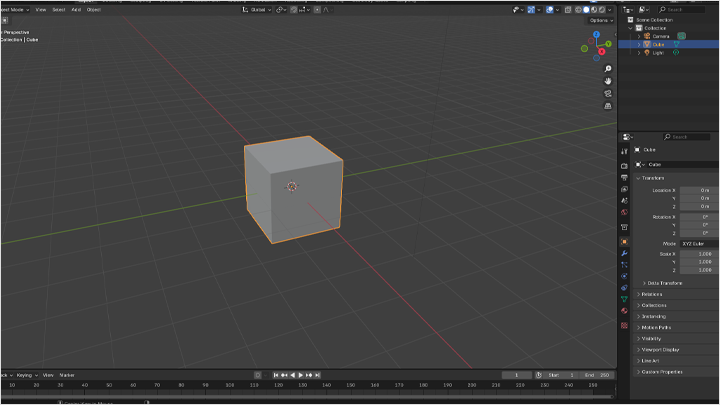
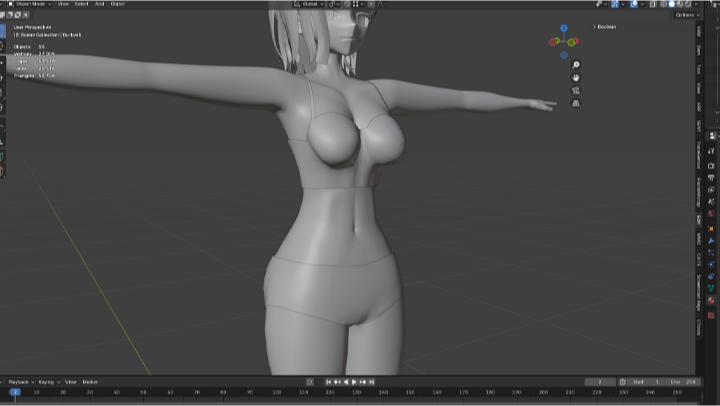
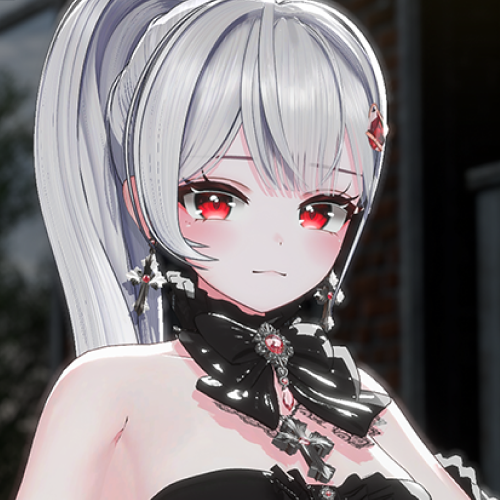 High-Quality Avatar Modeling in Blender, from the Basics to Complete ModelsLearn the basics of Blender for avatar modeling all in one course! Start with the installation and UI, then build your modeling knowledge while producing a head and body. Learn the overall process for producing high-quality avatars and build a solid foundation in modeling.
 -
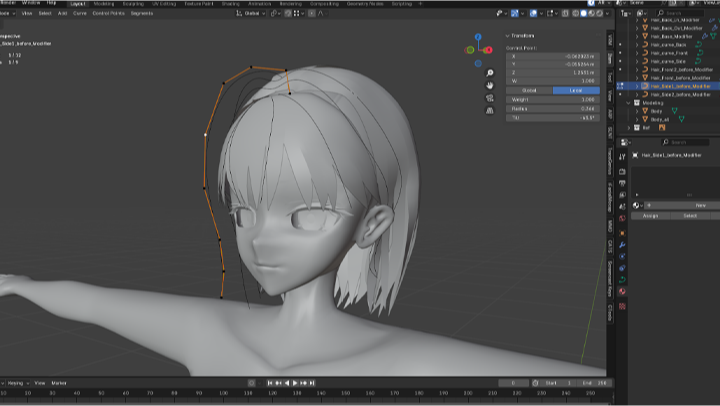
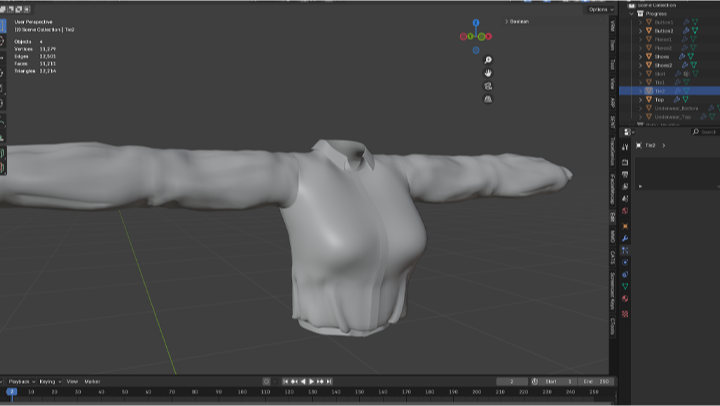
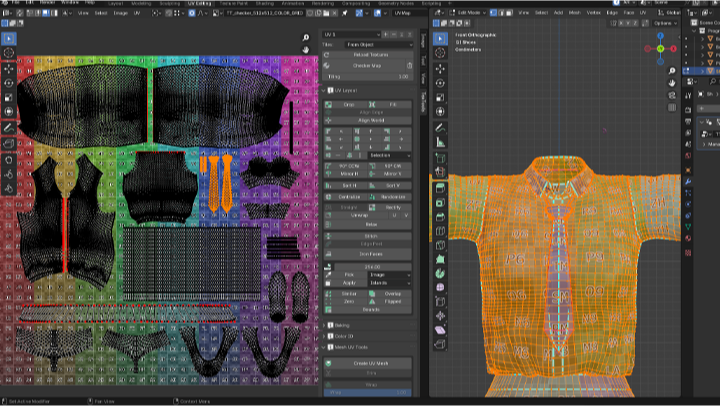
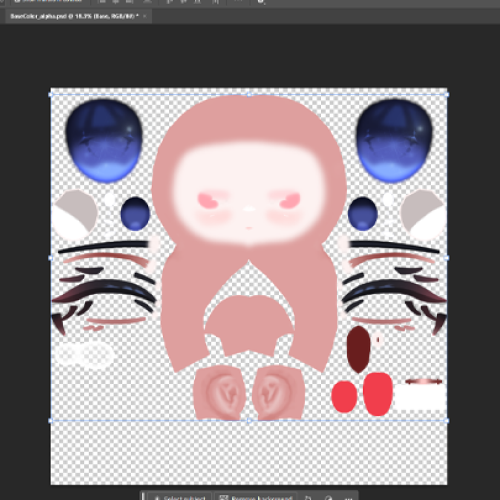 Learn Advanced Controls through Texture ProductionLearn Blender’s many features and practice modeling applications. Learn the basics of clothing modeling, including sculpt brushes and clothes simulation, and produce a variety of garments like shirts and skirts. You will also learn the basics of hair modeling and how to use hair curves to create detailed hair parts.
 -
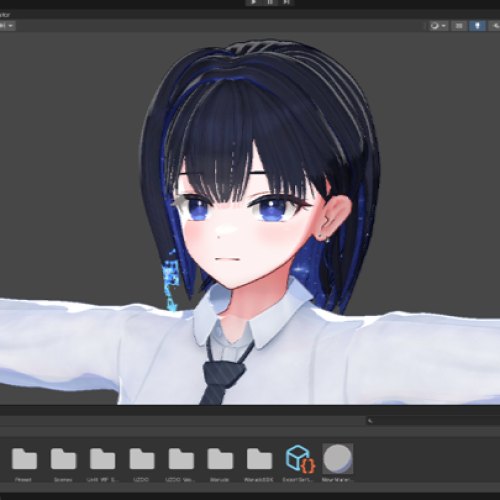 Complete an Animation-Style Avatar! How to Set High-Quality Toon ShadersLearn how to set up toon shader, the industry’s most popular basic shader. Set up a cartoon-style avatar using the free shader Liltoon, and learn the subtle toon shading methods that will make all the difference in the final quality of your subculture-inspired virtual avatar.
-
 How to Produce Facial Keys, the Core of a Dynamic Virtual AvatarHow to produce facial shape keys for lifelike, animated avatars! Learn how to use Blendshape to upgrade your avatar with motion, animation, and facial expressions. Use Arkit52 facial tracking through the iPhone FaceApp to add a variety of facial expressions to your own avatar.
 -
 Unlock the Full Potential of Your Virtual Avatar! All the Essential Programs for Vtubers in One CourseA collection of tools that anyone interested in virtual avatars will have heard of! Learn how to use highly useful, popular programs like Unity, VRChat, and more. We've gathered features focused solely on virtual avatar production in one place to make it easy and fun to learn.
 -
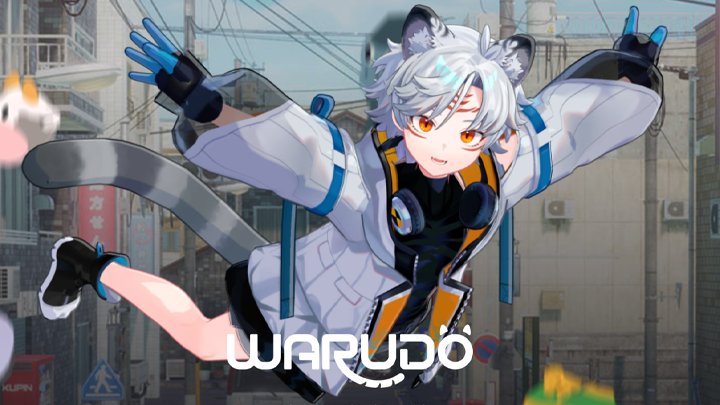
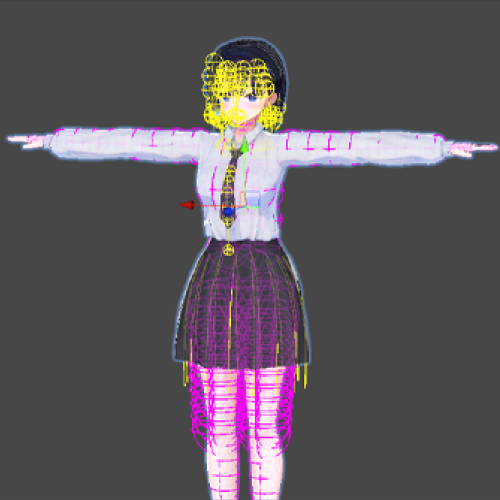 How to Set up Warudo, the Hottest Virtual Avatar Streaming ProgramWarudo, the must-have program for virtual YouTubers in 2025! From the basics to printing avatars, setting up your broadcast screen, customizing facial expressions, and adding other fun effects. Learn everything you need to know about Warudo, one of the hottest tools out there, in one convenient place.
Interview with
3D Virtual Modeler Saba

Question.01
What do you consider your strengths when you work?
I have extensive experience in modeling and texturing avatars to enhance their overall quality and make them look more appealing in broadcasts. My strength lies in my ability to handle both the illustration-based virtual production process, which creates high-quality illustrations in 3D, and the text- and reference-based production process, which generates original 3D avatars without illustrations.
Question.02
How are your unique strengths incorporated into the curriculum of this class?
This class is designed to help everyone, from beginners with no prior knowledge to avatar modelers currently working in the field. It covers not only the basics of modeling but also provides solutions for the challenging and frustrating aspects of the modeling, shading, and texturing process. Additionally, it teaches how to create high-quality avatars that are well-suited for actual Korean virtual broadcasts.
Question.03
What are the purpose and unique qualities of this class?
To make it easier for new modelers to follow the curriculum, I’ve minimized the use of tablets and tricky skills that aren't essential for avatar production. I’ve also worked to keep the barrier to entry low, enabling students to create a new avatar using only simple references and without the need for any concept art. We'll also cover Arkit facials for creating expressive virtual avatars, how to use free shaders, and how to work with Warudo—an emerging yet powerful virtual delivery tool with limited information currently available.
Question.04
Please leave a message for future students and aspiring creators.
Recently, there has been a high demand for virtual broadcasting and avatars, sparking interest in their production among many people. However, the industry is evolving so rapidly that keeping up with new technologies and trends can feel overwhelming. In this class, I’ll share a variety of new skills and tips to help you stay up-to-date with these trends and technological advances. I hope you find it helpful!
Required Programs
This course will use
- Blender 4.3.0,
- Substance 3D Painter 2023,
- Unity 2021.3.18f1,
- Adobe Photoshop 2025
Please purchase and install these program(s) for an optimized chapter experience.
*These programs and/or materials will not be provided with the chapter.