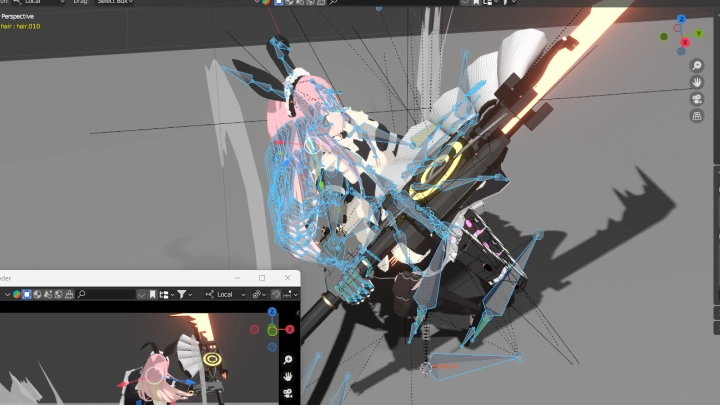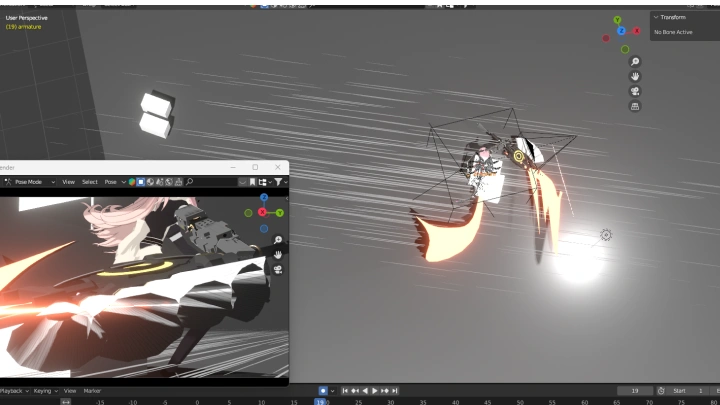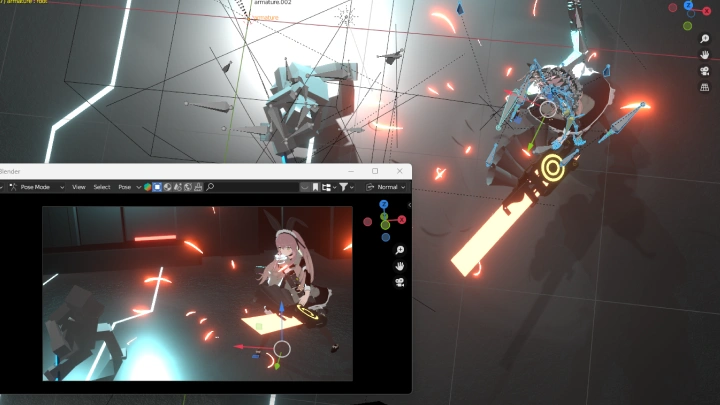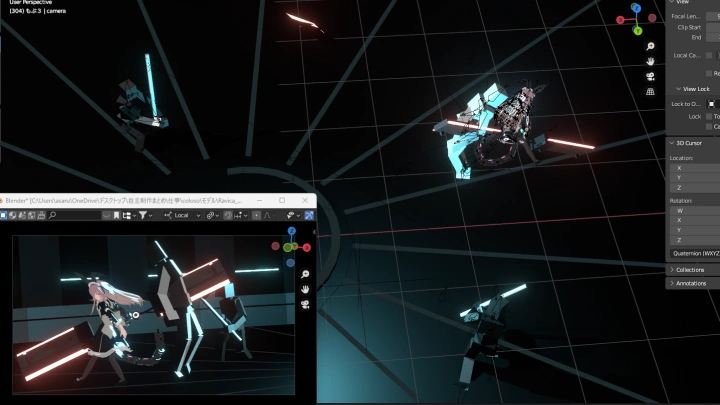
[Course]3dartist,nanigashi_나니가시JP Details
Intro

Now in Your Language, Only on Coloso!
Learn from Japan's Top Master Creatives
-
Top-Tier Japanese 3D Art
-
Pro-Level 3D Modeling Insights
-
From Concept to Final Render
Class Intro
3D Artist, Nanigashi
Explore the stages of creating cel-style action animation scenes in Blender!
The Secrets to Producing Persuasive Action Scenes by Controlling the “Speed of Movement”
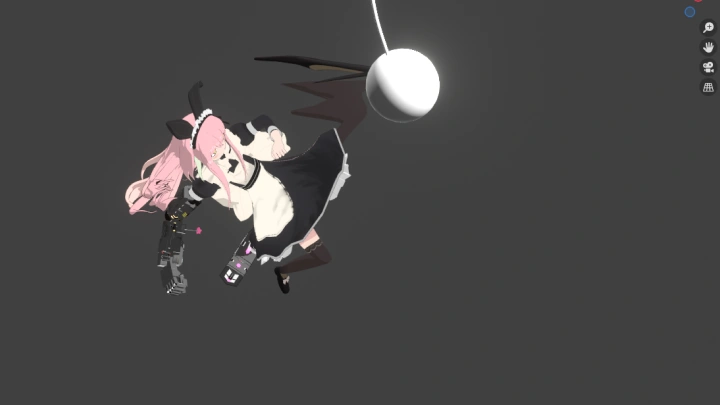
3D Artist Nanigashi is known for creating powerful fight and action scenes through skillful control of speed.
In this class, you will explore the stages of creating action scenes, learning how to make cel-like animations in Blender, from the basics to application skills, step by step.
In this class, you will explore the stages of creating action scenes, learning how to make cel-like animations in Blender, from the basics to application skills, step by step.
First, you’ll learn the foundational skills for showing speed through movement and creating basic looping motions, building a basis for animation.
After that, you will make action scenes that involve the use of weapons and focus on speed to achieve more variety in characters’ “motions.”
Plus, discover in-depth tips for creating eye-catching action scenes, including camerawork techniques, keys to screen composition, and how to use effects well.
So join this class on Coloso right now and master action scene-making skills through step-by-step practice while having all the fun!
After that, you will make action scenes that involve the use of weapons and focus on speed to achieve more variety in characters’ “motions.”
Plus, discover in-depth tips for creating eye-catching action scenes, including camerawork techniques, keys to screen composition, and how to use effects well.
So join this class on Coloso right now and master action scene-making skills through step-by-step practice while having all the fun!
Class Perks
Get These Coloso Exclusives
-
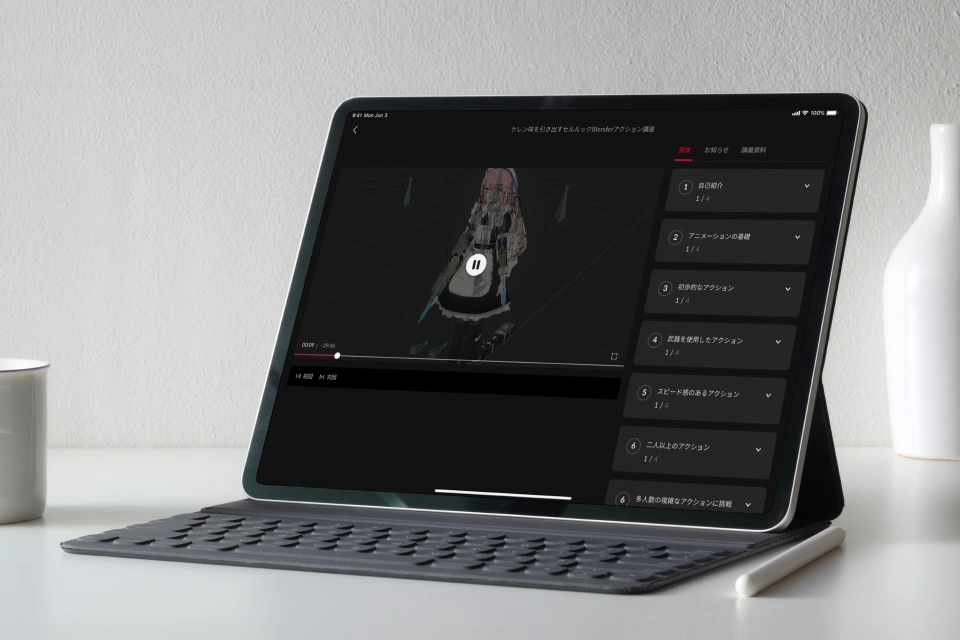
Discover Nanigashi’s Various Animation Know-How with Unlimited Access to 23 Chapters -
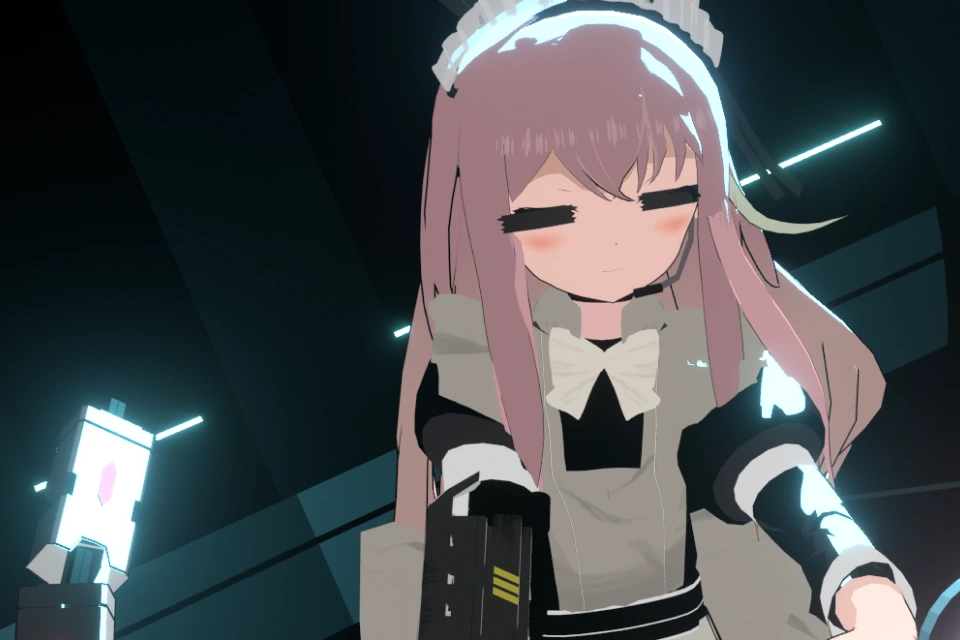
Create Five Projects Throughout the Course -
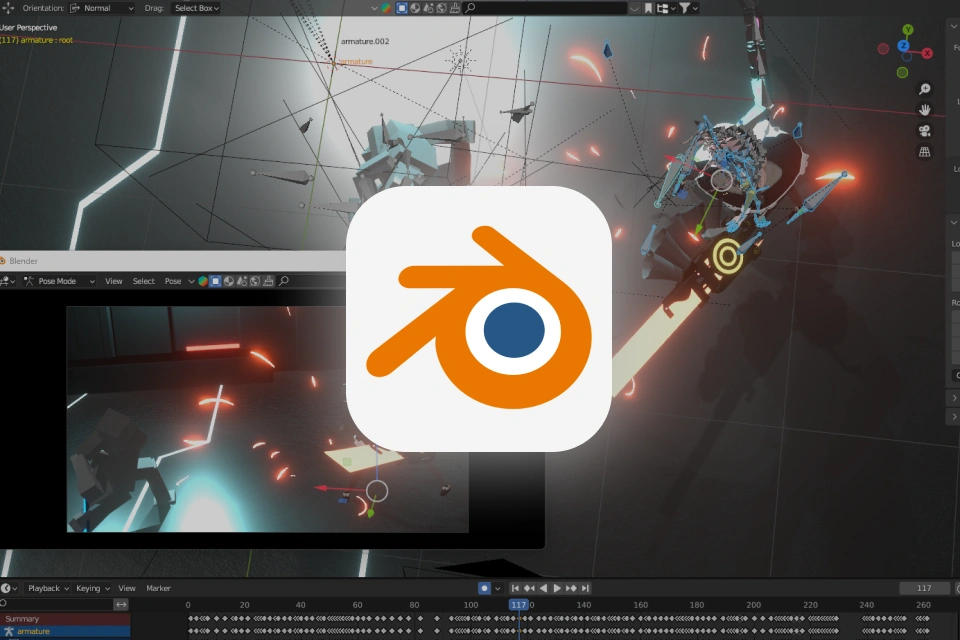
Get Blender Files for Actions & Effects
Class Material Details
-
 Blender Files- Blender files used in class (Actions & effects)
 -
Expert 3D Artist Nanigashi's Portfolio






7+ Class Exercises
-
 Basic Animation & How to Show Speed
 -
 Simple Actions
-
 Attacks Using Weapons
 -
 Speedy Actions
-
 Actual Action Scenes
 -
 Long-Take Action Scenes
Final Work
Instructor
3D Artist
Nanigashi
Hi, I’m 3D Artist Nanigashi. Creating action scenes is my specialty, and I have a devoted passion for making powerful fight scenes and distinctive actions focused on speed.
This class is not just about learning techniques; it is also designed to help you develop a sense of action. When it comes to animation, sensory elements like the character’s weight and aura and the control of speed, as well as simple movements, play a crucial role. And I’d like to help you experience and grasp such ideas.
Through utilizing Blender, I’ll also share the senses I regard as important, which will help you build your own style. So let’s enjoy the process together and deepen our worlds of actions!
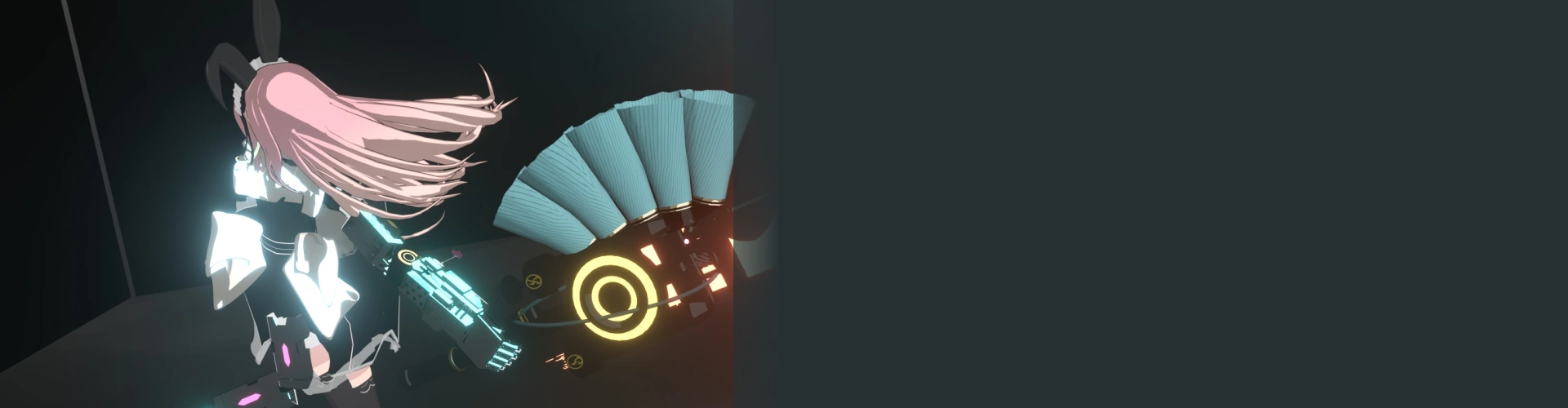

3D Artist Nanigashi
[Current]
Freelance animator
Projects & Awards
[Notable Projects]
Created personal animated works
Contributed to professional music video projects and game motion design
Highlights
Class Highlights
The A to Z of Making Limited Animations in Blender
Limited animation is characterized by having fewer detailed shots but a more unique look than conventional 3D animation. In this class, you will learn everything about making limited animations in Blender, from the basic knowledge to practical skills, through a range of exercises.

Understanding the Speed of Movement for Captivating Action Scenes
Explore in depth the “speed of movement,” which is key to making appealing action scenes, with easy-to-understand tips for creating persuasive character actions, including controlling the tempo of motions, achieving a speedy look, and emphasizing the “weight” of motions.

The Skills for Acquiring the Knowledge of “Motions” with Hands-on Exercises
Gain the knowledge of “motions” in action scenes by creating various actions, such as those that feature weapons or look speedy or complicated, with your own hands. Plus, delve into the ways to make an animation much more entertaining with simple efforts.

Class Details
You'll Learn
-
 The Mindset for Creating Limited AnimationsLearn about what makes a movement look realistic, and the skills for subduing or exaggerating it to create the unique look of limited animation.
 -
 Screen Composition Focused on MovementExplore how to set up the composition of a video and its overall tempo to create animations that hold the viewer’s eye, especially focusing on adjusting tempo to suit action scenes.
 -
 How to Discover the Best CameraworkSince 3D animation allows you to adjust camera work relatively easily, you’ll experience the process of figuring out effective camerawork through trial and error.
-
 Creating “Playfulness” for More Distinctive CharactersFind out how you can leave a strong impression on the audience by conveying a character’s personality or emotion through its motion. Make it run cheerfully or fall down in an exaggerated manner so the character looks more playful and vibrant.
 -
 Utilizing Effects with Eye-Catching MovementEffects are not just about decorating the screen but a key element that visually supplements movement, which is why this class covers the techniques for utilizing effects to make a character’s movement more eye-catching.
 -
 Efforts to Achieve a Detailed Look in Every FrameLearn how a screen displayed just for an instant can influence the audience, developing the skills for improving the overall animation quality by concentrating on small elements and details.
- Unlimited Access
- Best Price
Buy now, get unlimited access.
08/03 (Mon) (UTC-7) Special offer ends soon.
This special offer ends soon.
Buy now and save!
Interview with
3D Artist Nanigashi

Question.01
What are the challenges commonly faced by learners studying this genre, and how can this class help overcome them?
While it’s easy to assume that the most difficult part of action animation is the creation process itself, “the stage where you decide the movement you’ll create” is just as challenging and important. In this class, I’ll share my ways of thinking regarding actions, providing learners with more options in their process of making animations.
Question.02
What was the reason you learned Blender?
It was because of 3D CG animated work called “RWBY.” I was deeply impressed by the unique cel-like look of the work as well as its appealing character design, and particularly by the “variety in the ideas of action scenes.” While looking for ways to create such work myself, I came across the free program Blender and decided to give it a go. Since then, I’ve been captivated by the joy of materializing my ideas using Blender.
Question.03
What challenges did you face yourself as a learner and how did you work to overcome them?
While learning about cel-like CG, I wanted to create animations that looked like 2D drawings. But my animations made characters move like “dolls,” which left me feeling frustrated. To make more animation-like and entertaining movements, I started exaggerating them by making the bones move much more than they were supposed to, and this allowed me to achieve the ideal look.
Question.04
What is the key point in creation in Blender?
When you create something in Blender, the most important thing is to show your individuality. Although CG allows you to achieve accuracy and reality, works made with it often look alike, lacking a sense of individuality. Therefore, to show your style, you must make sure your ideas and visuals look unique enough. This could be making cell-look animations with a hand-drawn look or exaggerating elements beyond a realistic look, which is why you need to study and utilize the features of Blender from your own perspective.
Required Programs
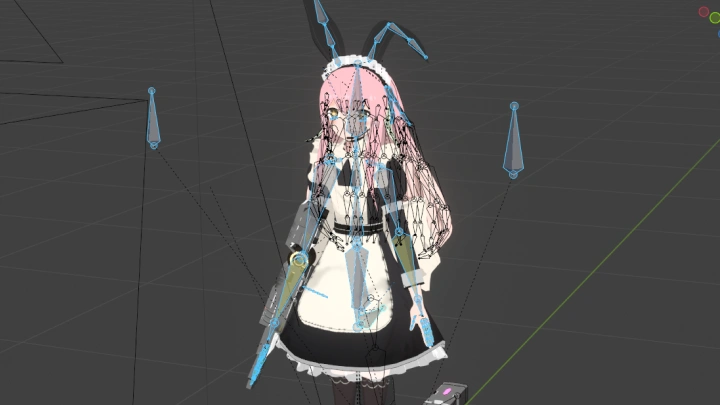
This course will use Blender. Regarding version, we recommend using 3.6 or higher.
*Please purchase and install these program(s) for an optimized class experience.
*These programs and/or materials will not be provided with the course.