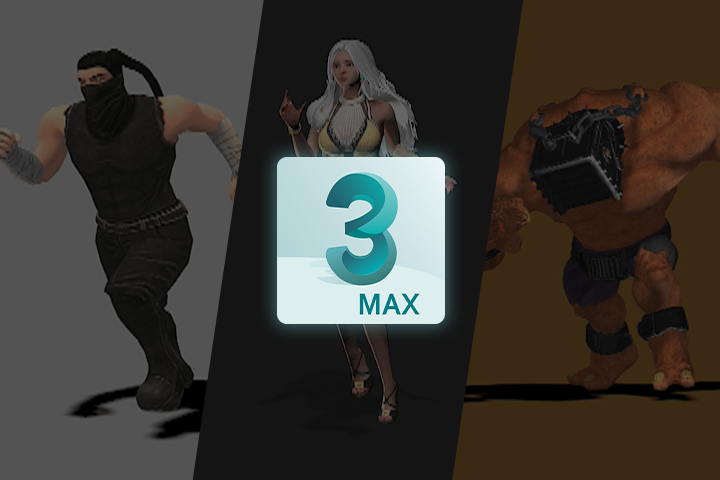
GameAnimator,MusongLee_이무송 Details
Intro

Class Intro
Game Animator Musong Lee
“You will fully learn and master
the use of 3ds Max and Biped,
the basic principles of animation,
and conquer the basics for
detailed and dynamic motion.”
*This trailer features dubbing in English. Please note that the course videos are not dubbed.
Hundreds of Successful Students, All From Learning Seed Game School’s Expertise!
Struggling to Learn Game Animation on Your Own? Discover the perfect guide for beginners and job seekers!
This step-by-step course covers everything from basic motions to character animations, helping you build an impressive portfolio along the way.
This step-by-step course covers everything from basic motions to character animations, helping you build an impressive portfolio along the way.

Even if you've never used 3ds Max or are unfamiliar with motion concepts, this course will guide you through. Whether you're still learning male and female character motions separately, Seed Game School’s program has you covered!
Class Perks
Get These Coloso Exclusives
-

Most Extensive Curriculum with 100 Chapters -

Over 100 Unlimited-AccessClass Materials -

Unlimited Access to Real Practical Tips
Recommendation
-
 Yun Kwon
Current: Senior Animator at Riot GamesThis class is filled with knowledge-rich chapters based on a curriculum that has been taught for many years. I hope this class will help you elevate your animation skills to the next level.
-
 Youngki Kwak
Current: Animator at Platinum GamesI only knew the basics of 3ds Max, but after meeting with the instructor, I learned a range of skills essential for animators. With hard work and a passion for creating games with impressive motions, you can certainly become a renowned developer.
-
 Hyunjung Cho
Current: Animator at EMP STUDIOThe instructor not only covers solid basics but also guides you on how to independently analyze high-quality references. With enthusiasm and dedication, you can gain a lot from this class.
Get Ready for the Real-World
40+ Class Exercises
Part 1. Basic Animations Created with Biped
-
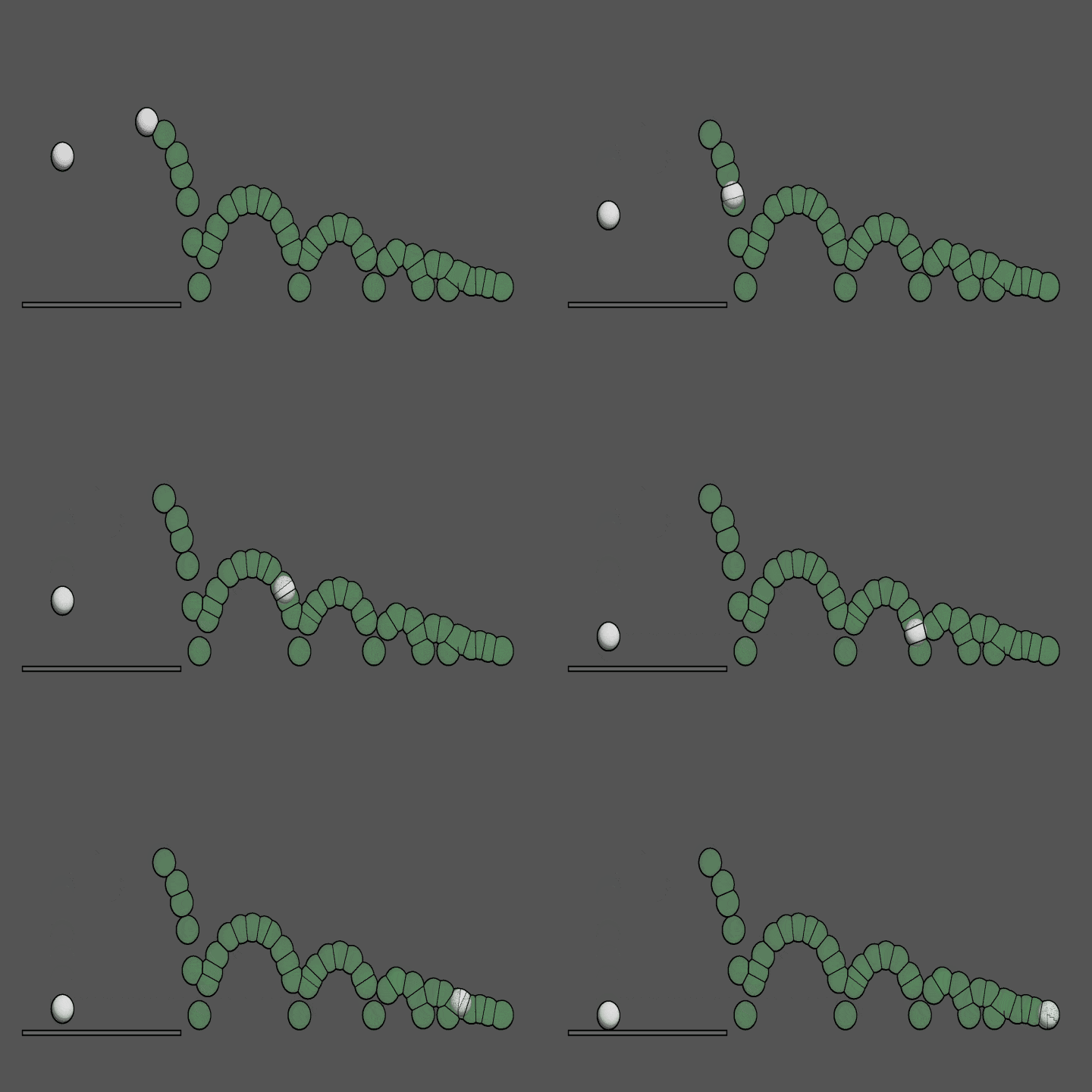 1. Bouncing Ball
 -
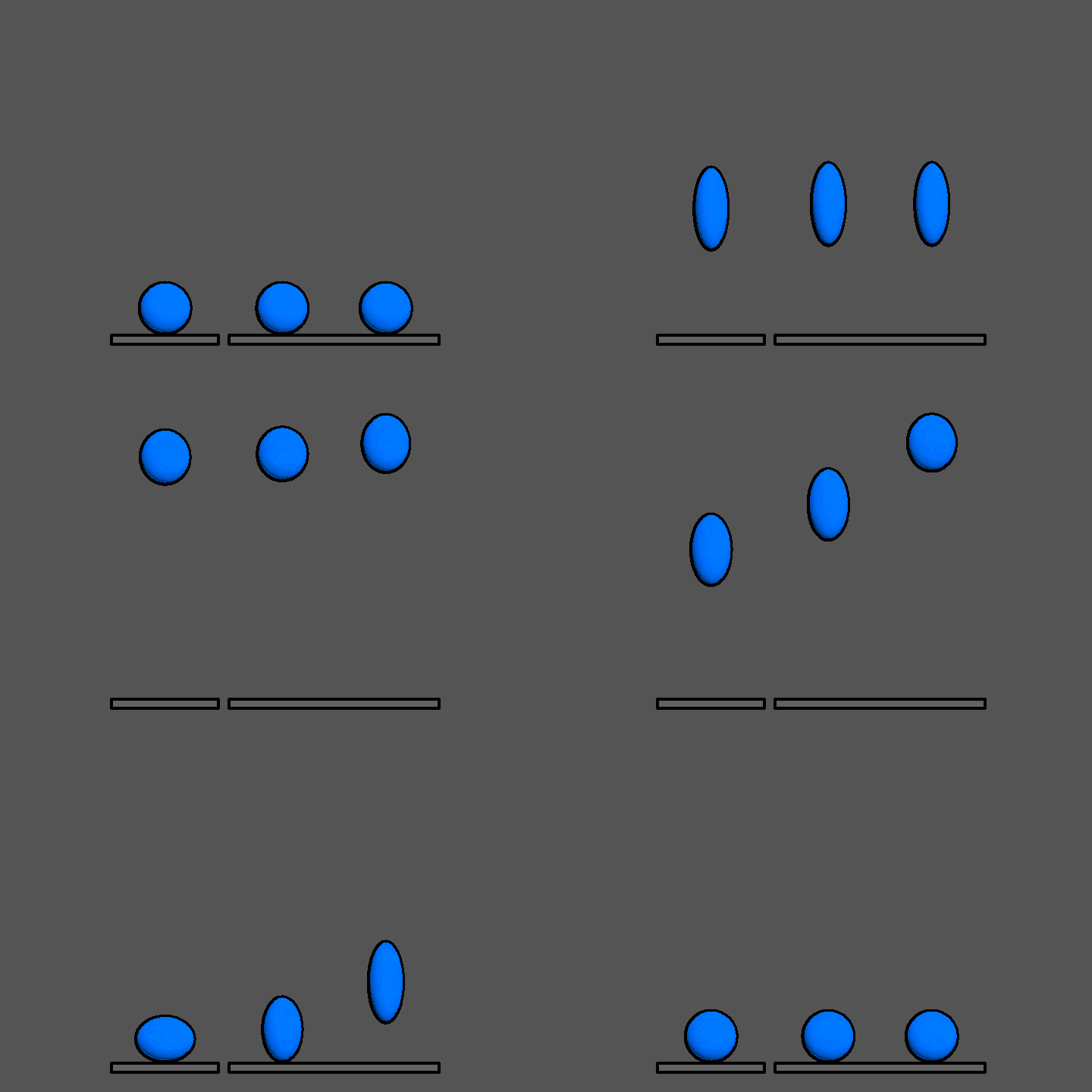 2. Jumping Ball
 -
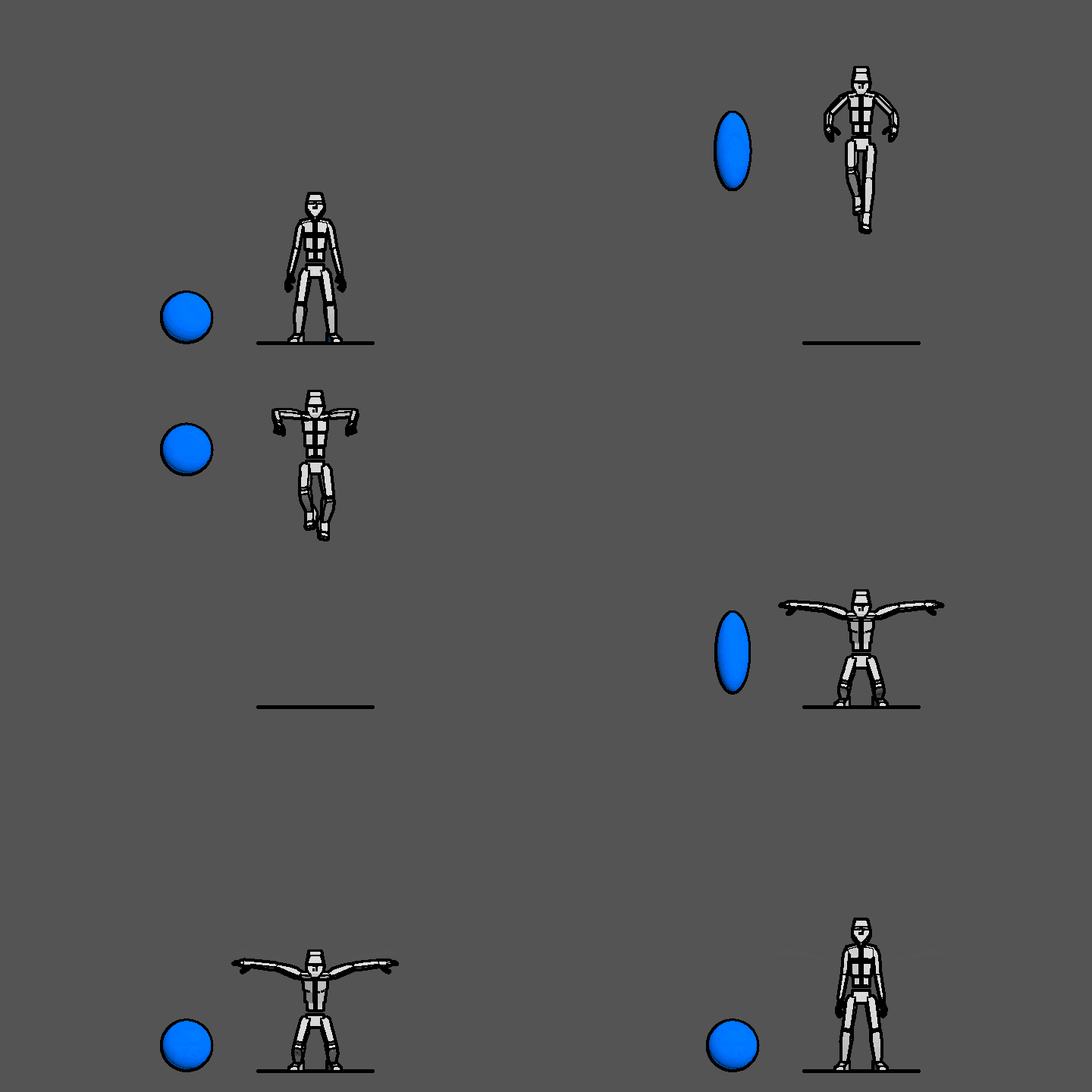 3. Stationary Jump
-
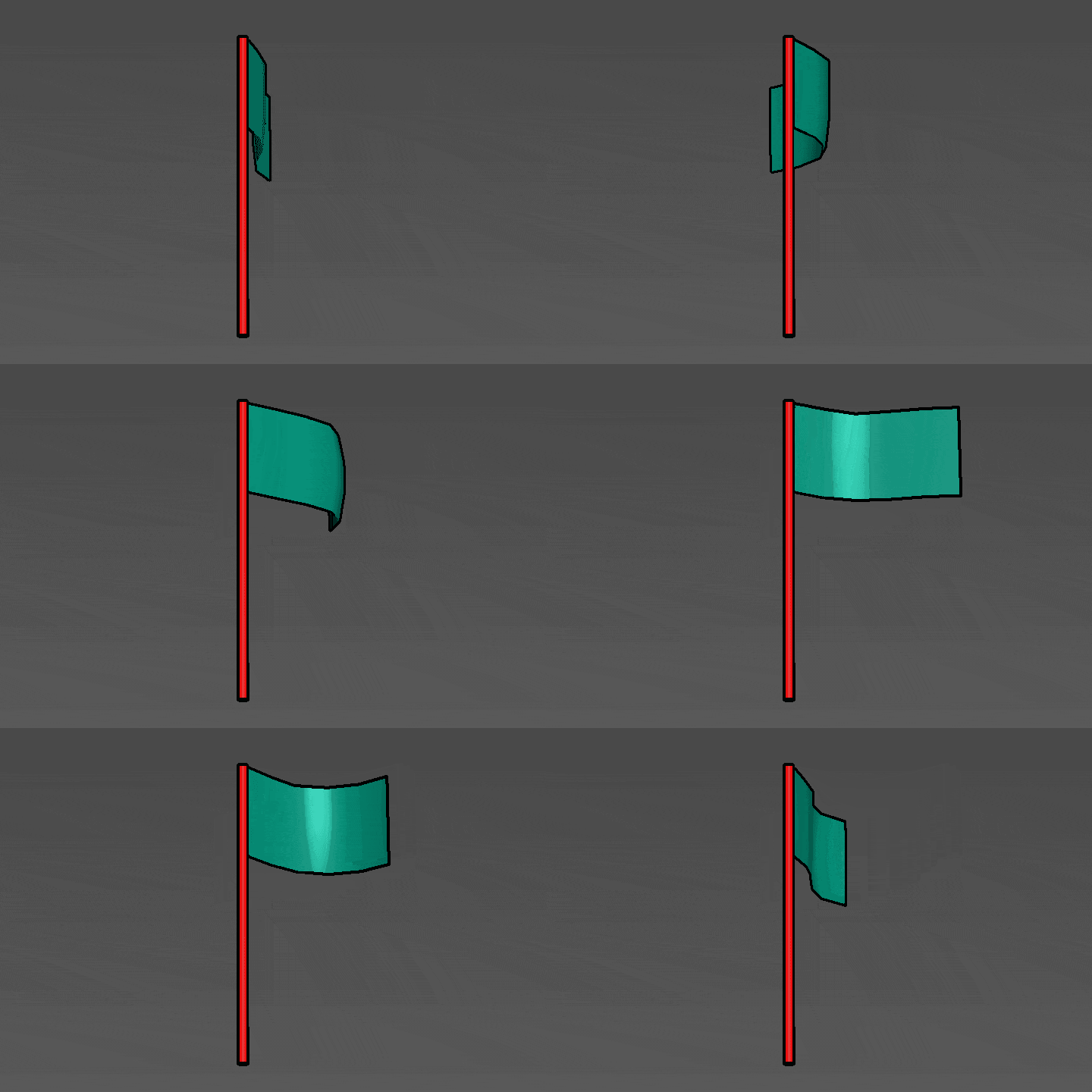 4. Flag
 -
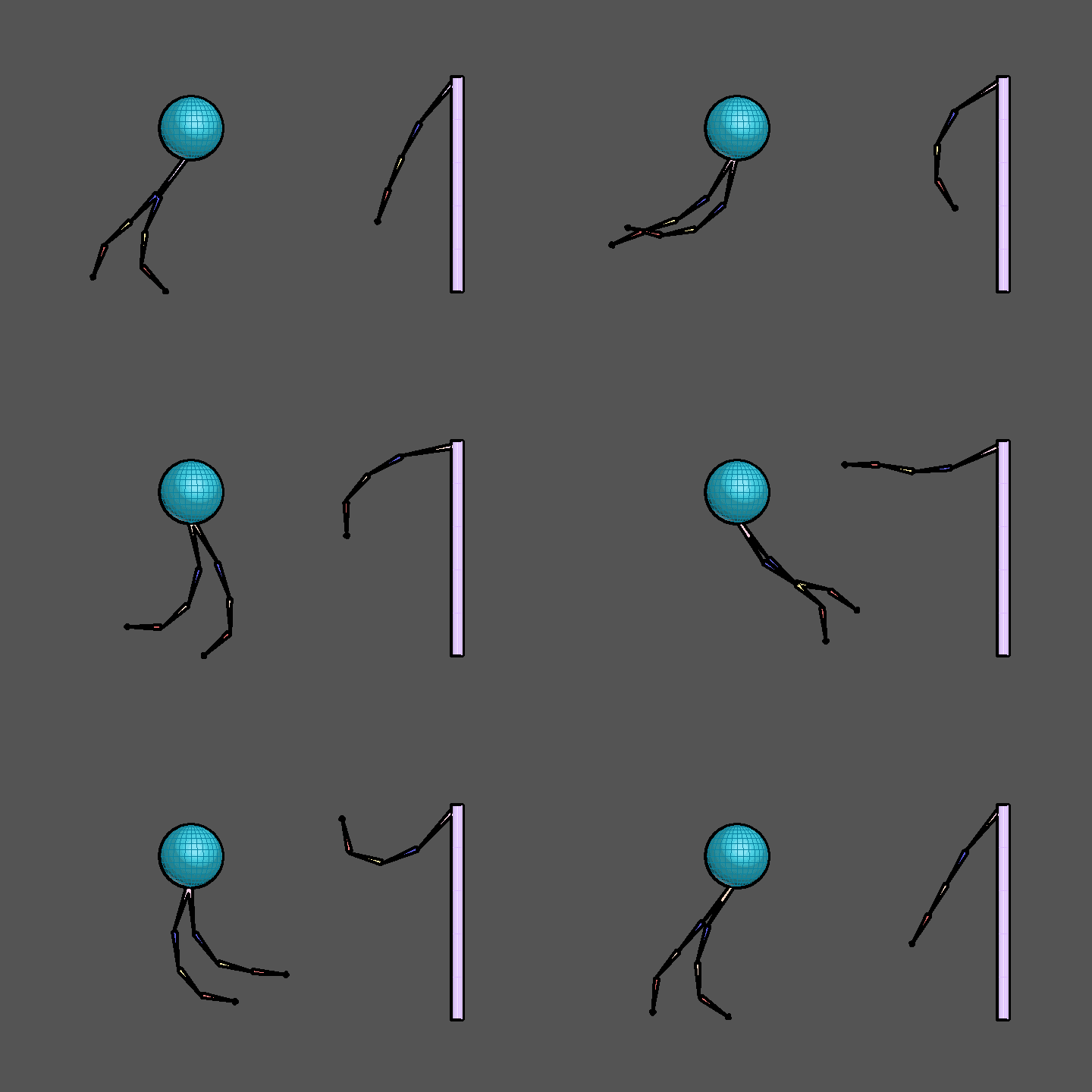 5. Bone Wave
 -
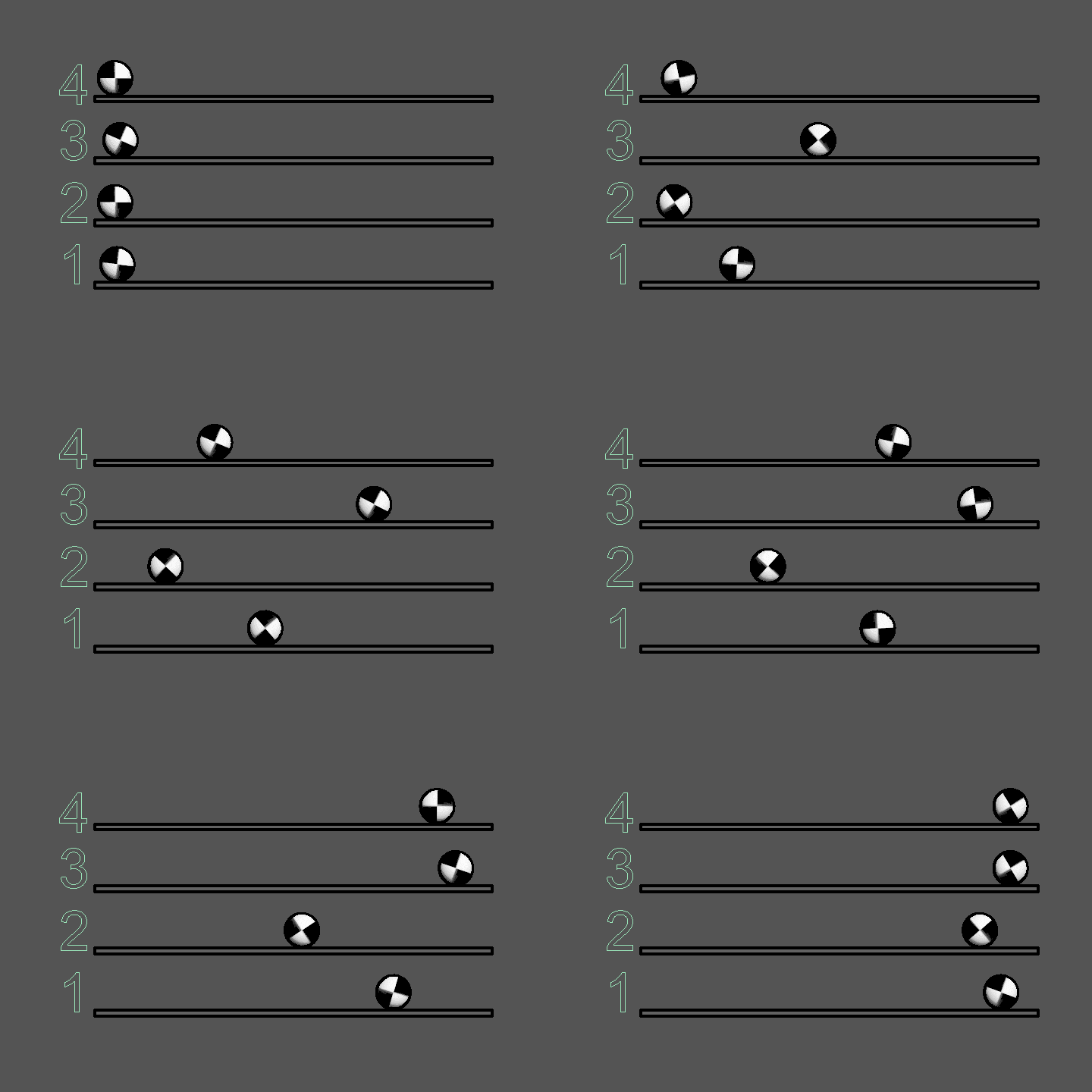 6. Rolling Ball
-
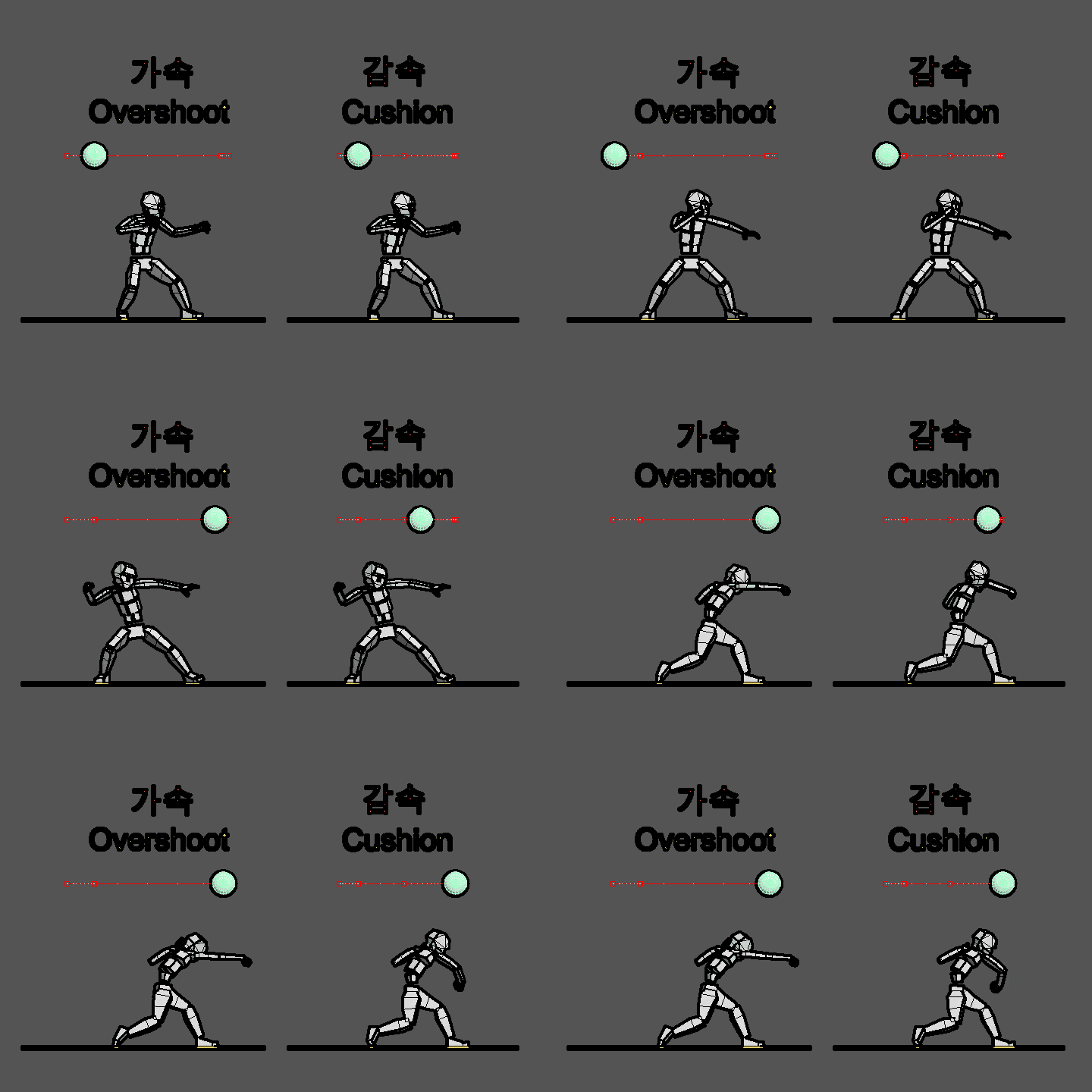 7. Acceleration and Deceleration (Overshoot and Cushion)
 -
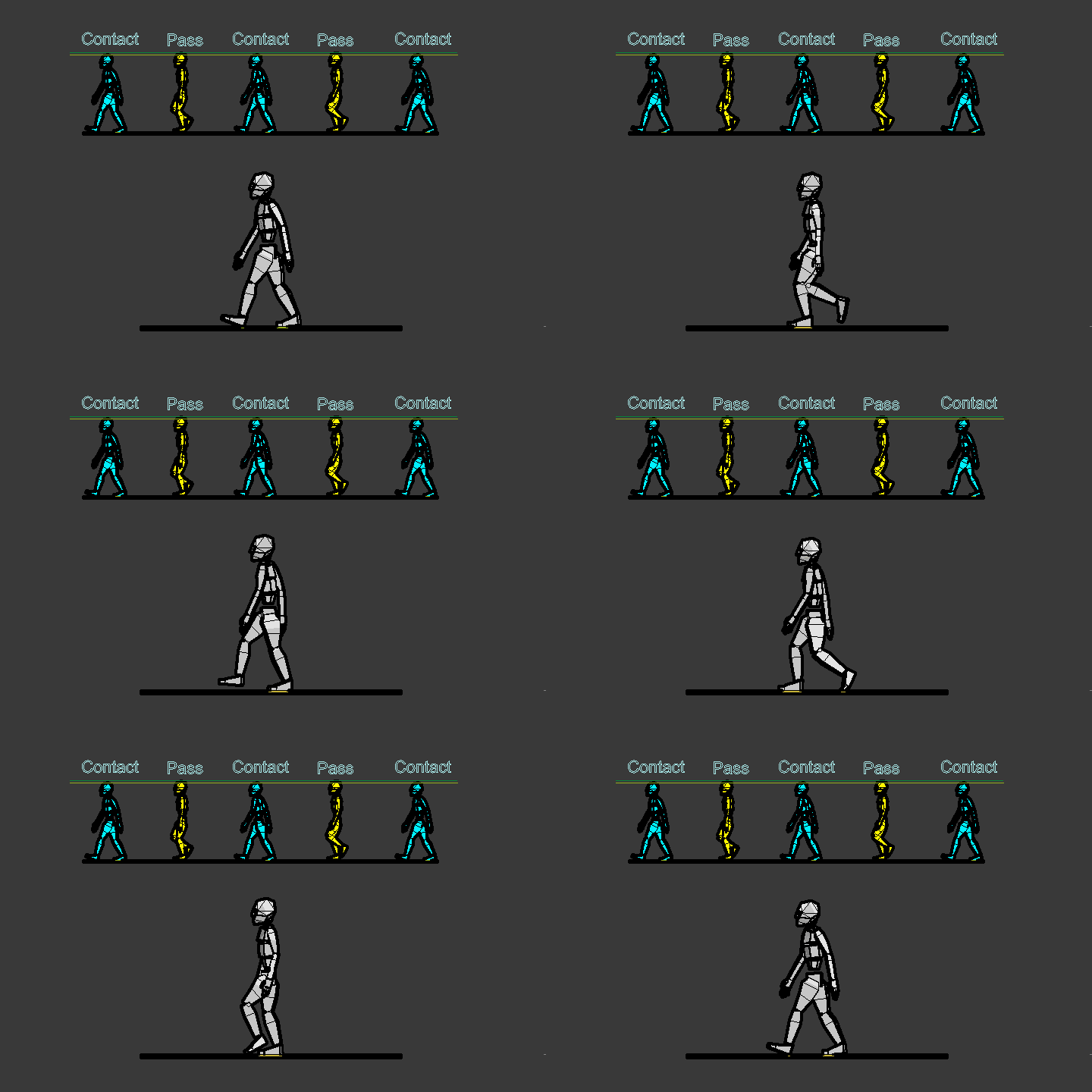 8. Walking
 -
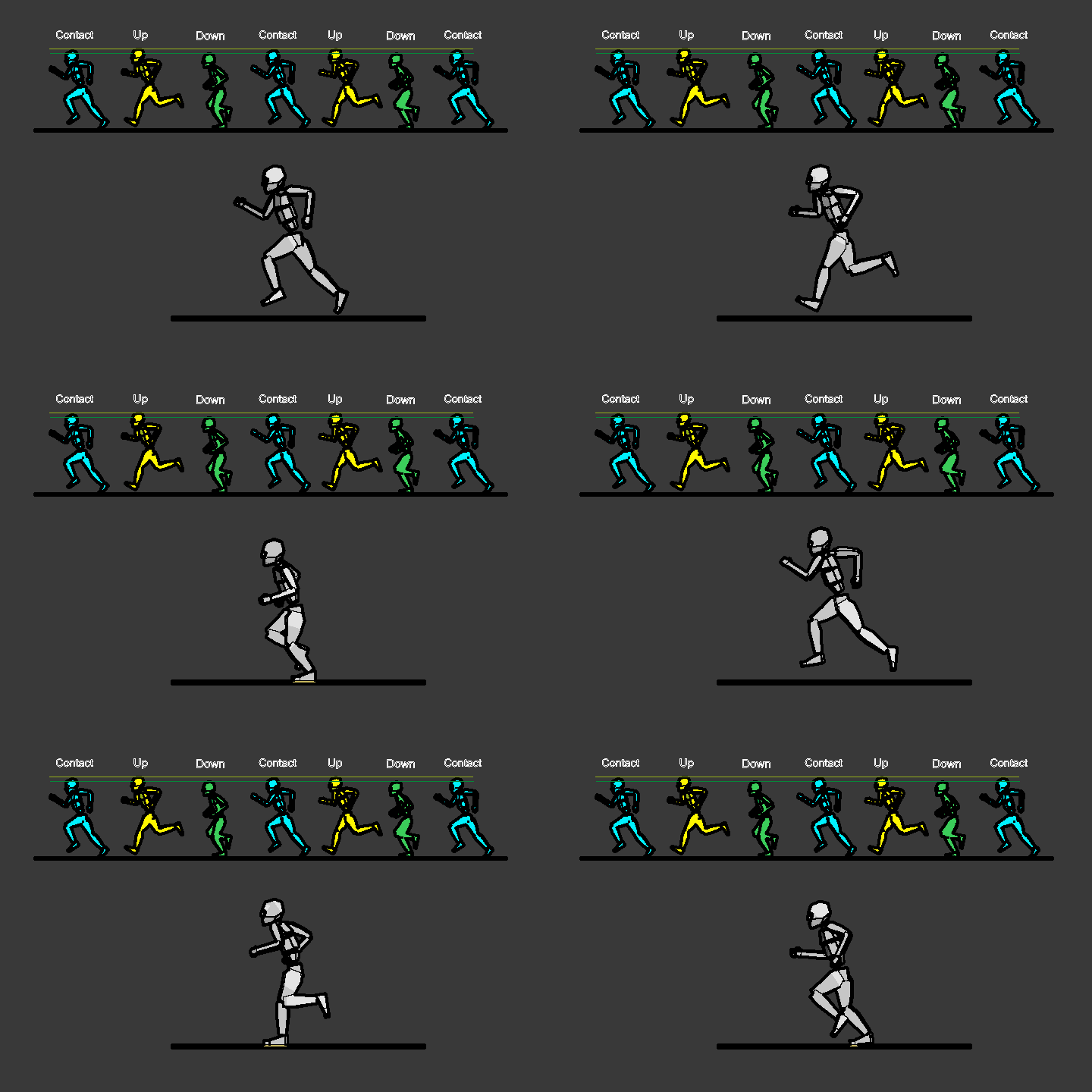 9. Running
-
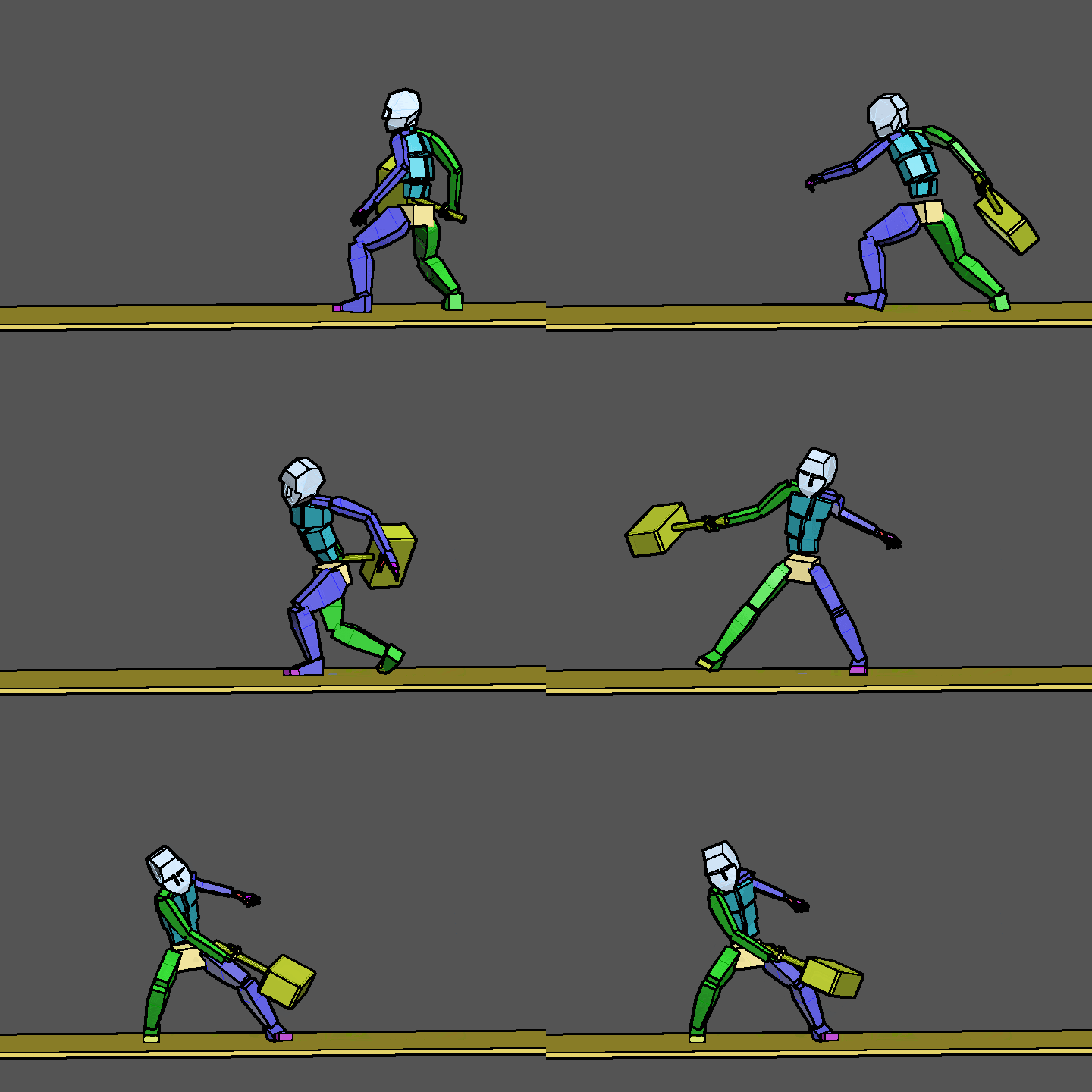 10. Heavy Weapon Swing
 -
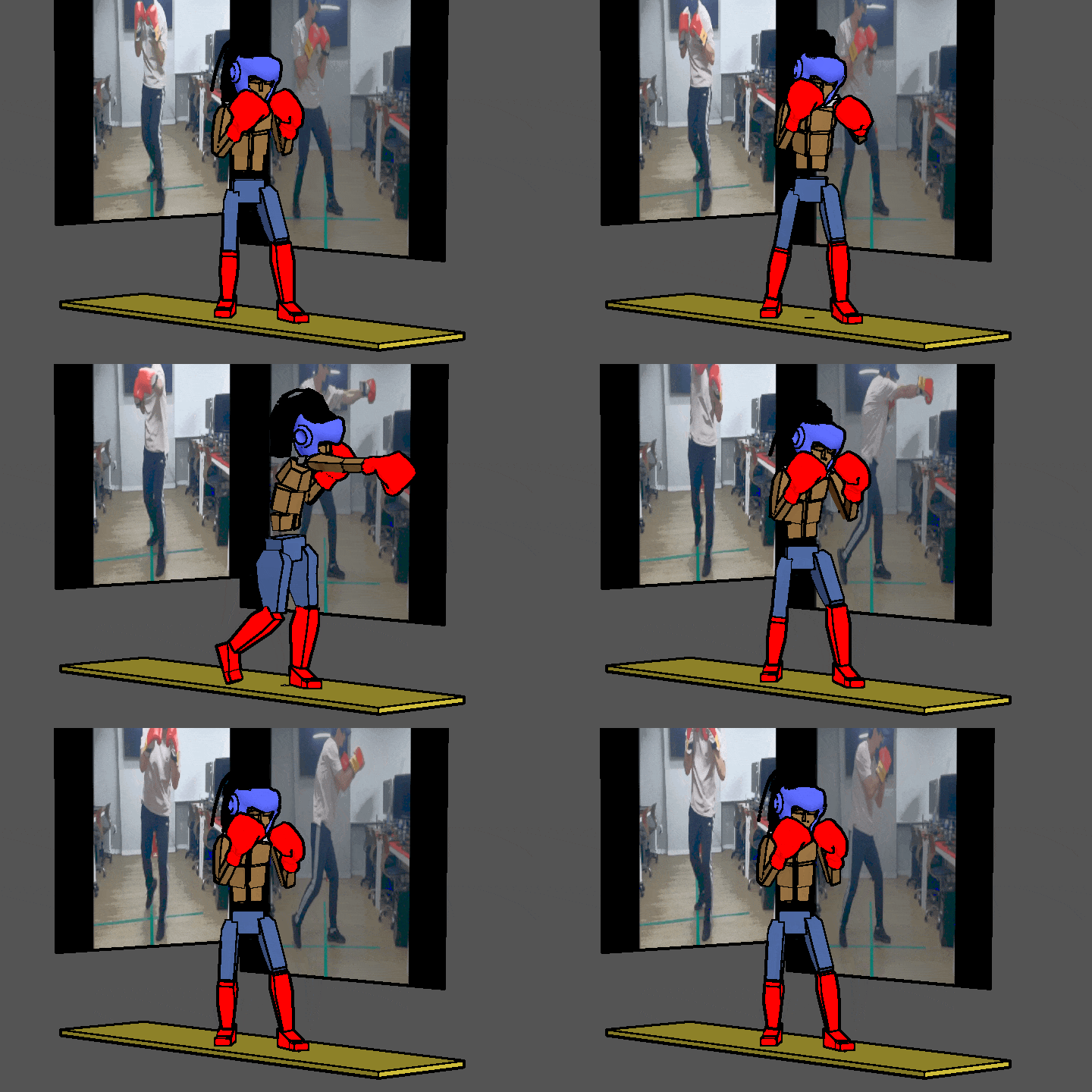 11. One-Two Punch
 -
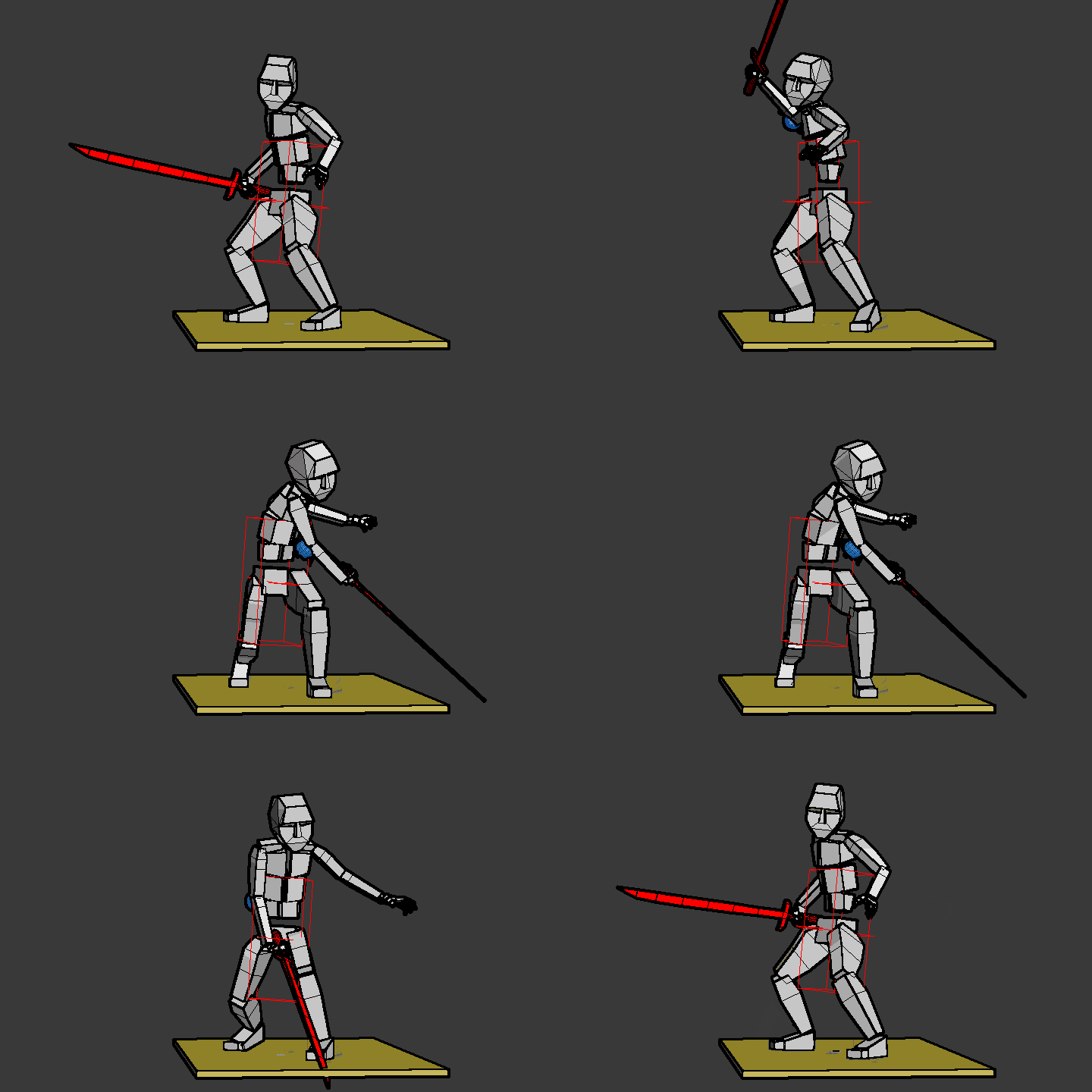 12. Single-Hand Release
-
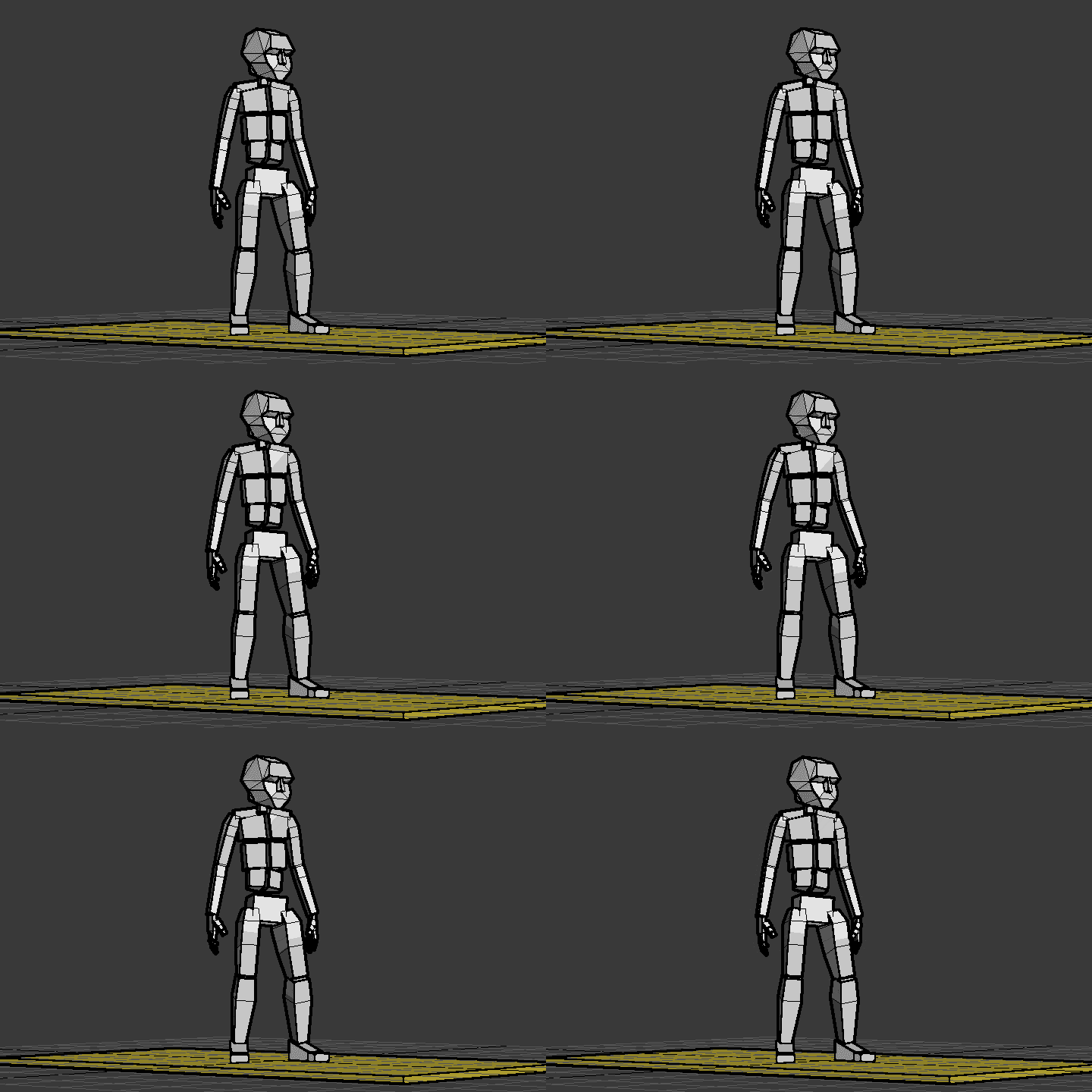 13. Breathing
 -
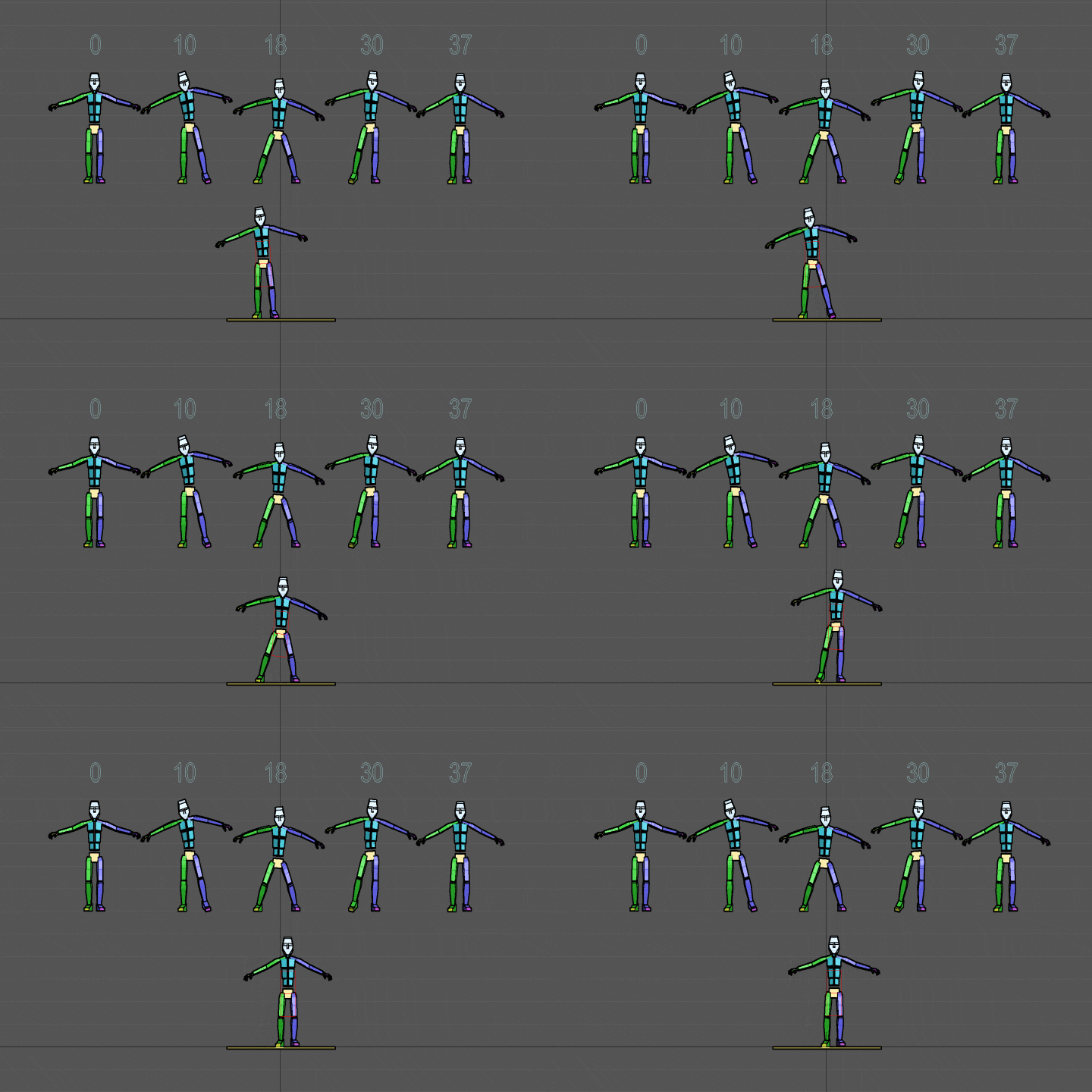 14. Side Step
 -
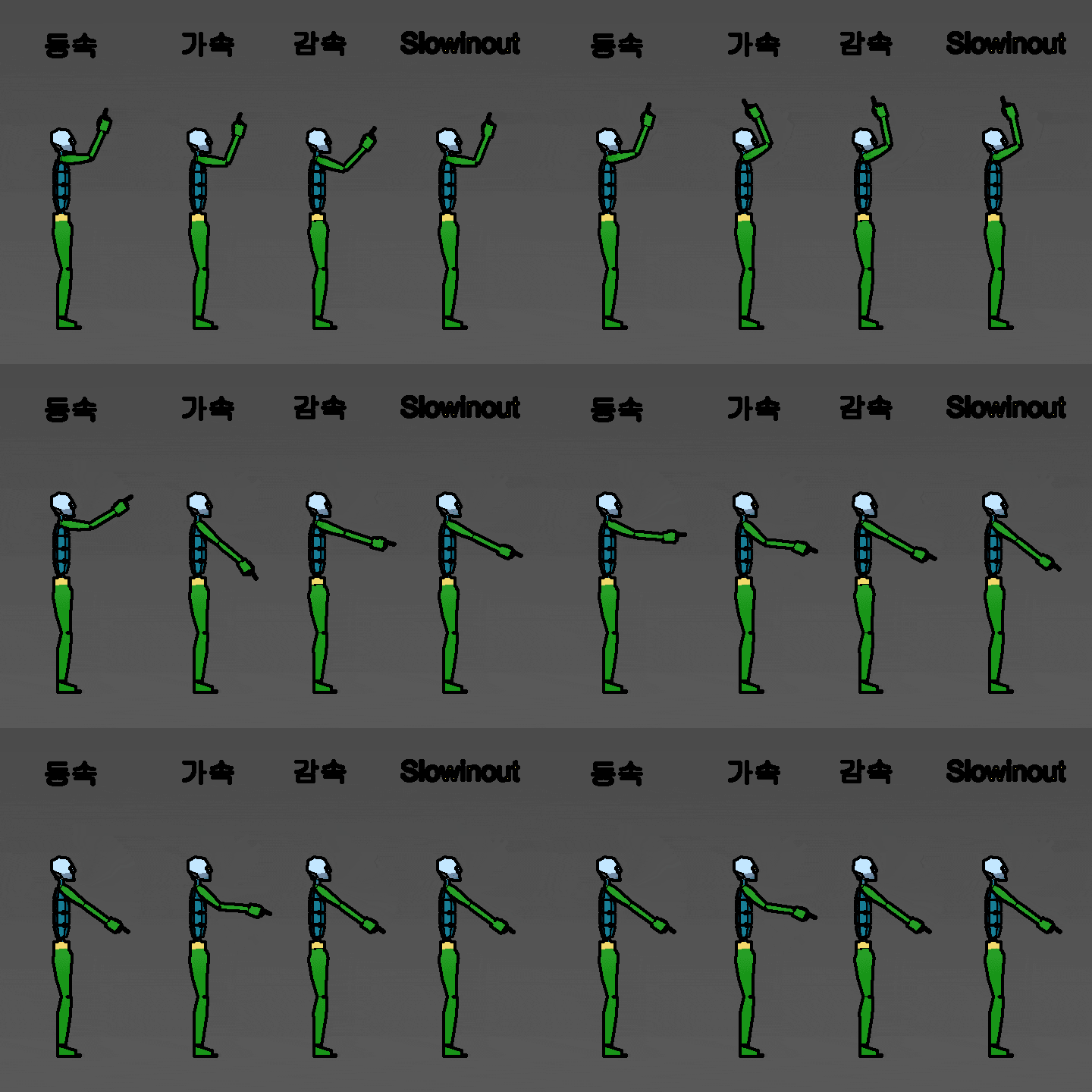 15. Acceleration and Deceleration (Slow In and Slow Out)
-
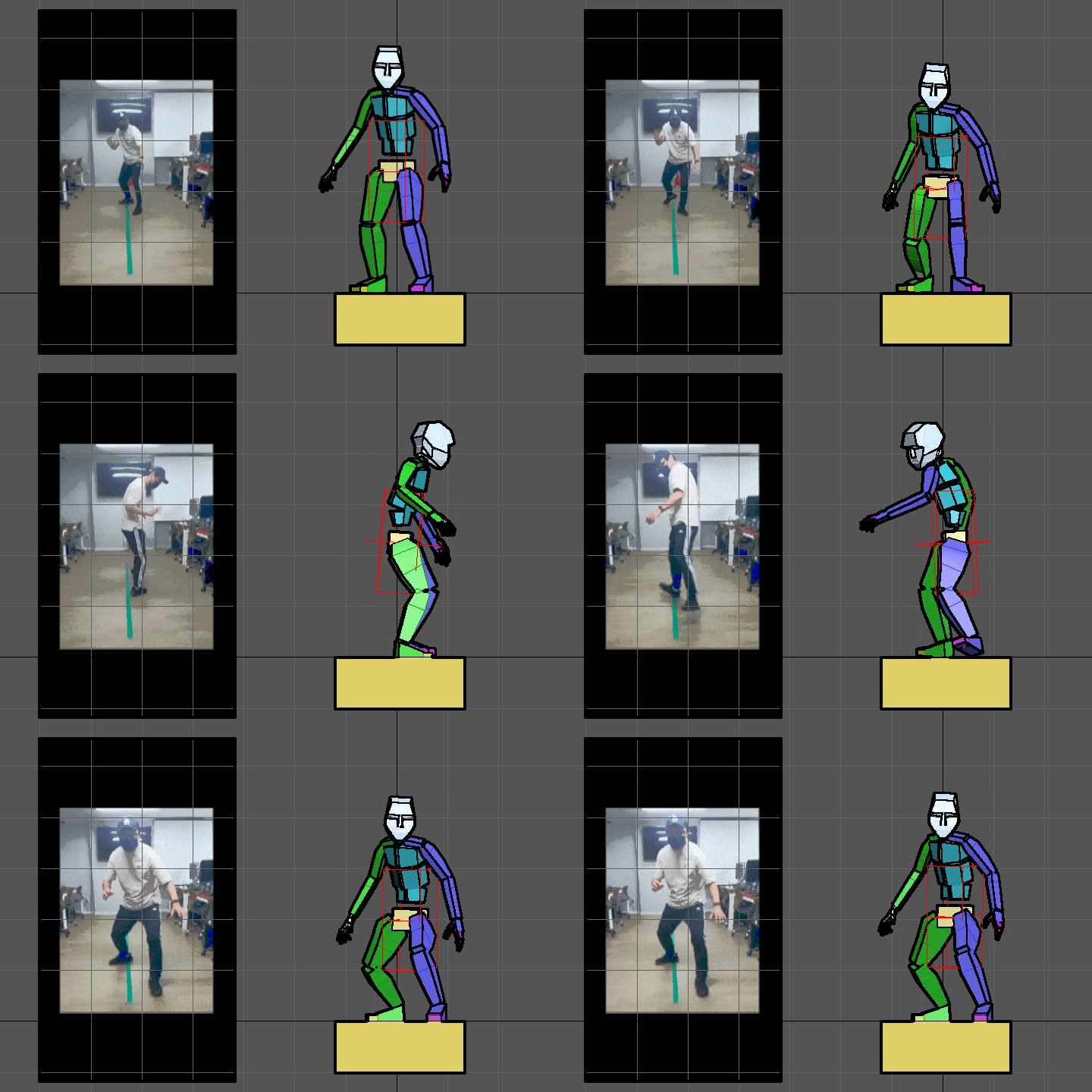 16. Spinning Once
 -
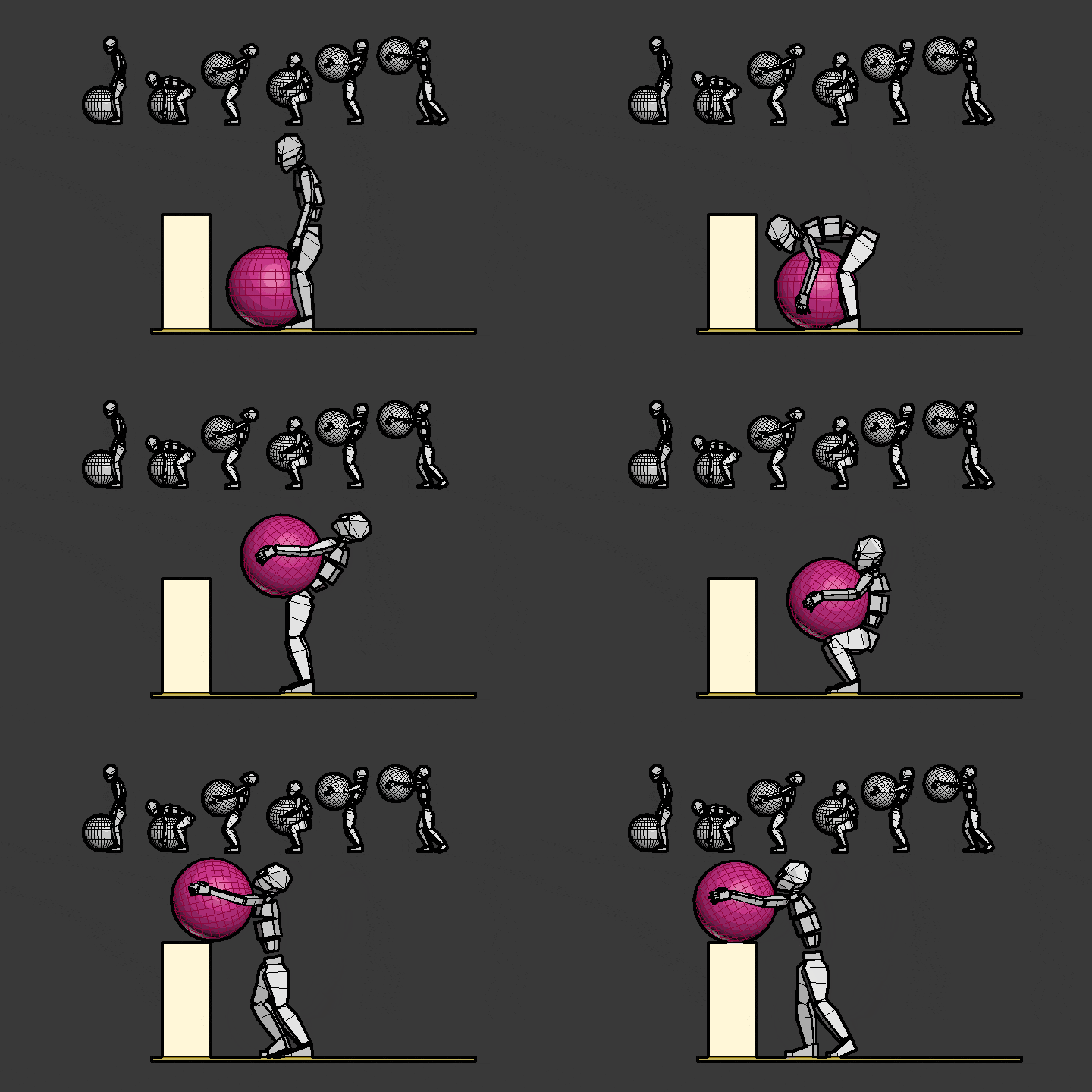 17. Lifting a Heavy Object
 -
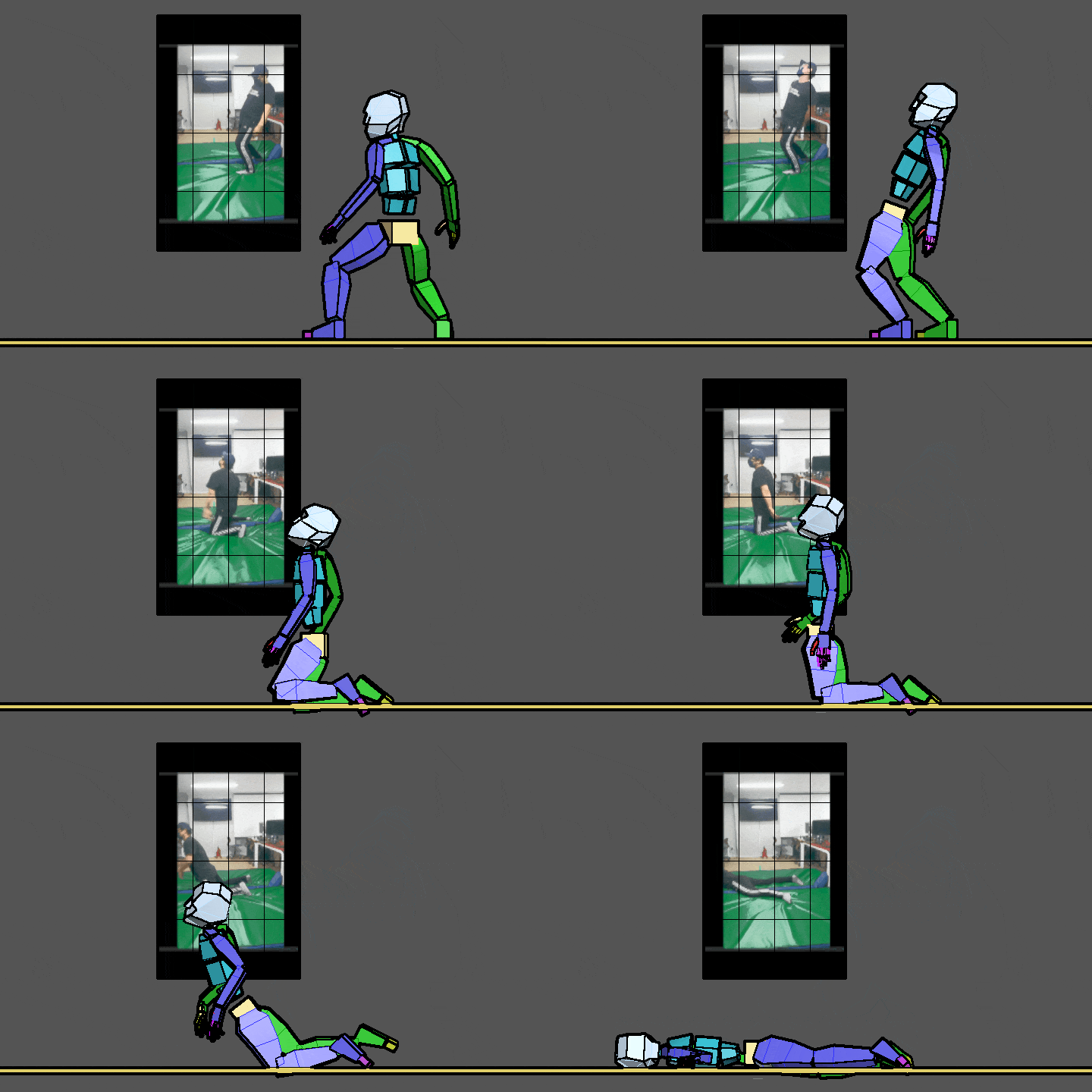 18. Kneeling Down and Dying
Part 2. Game Animation Production Practice
-
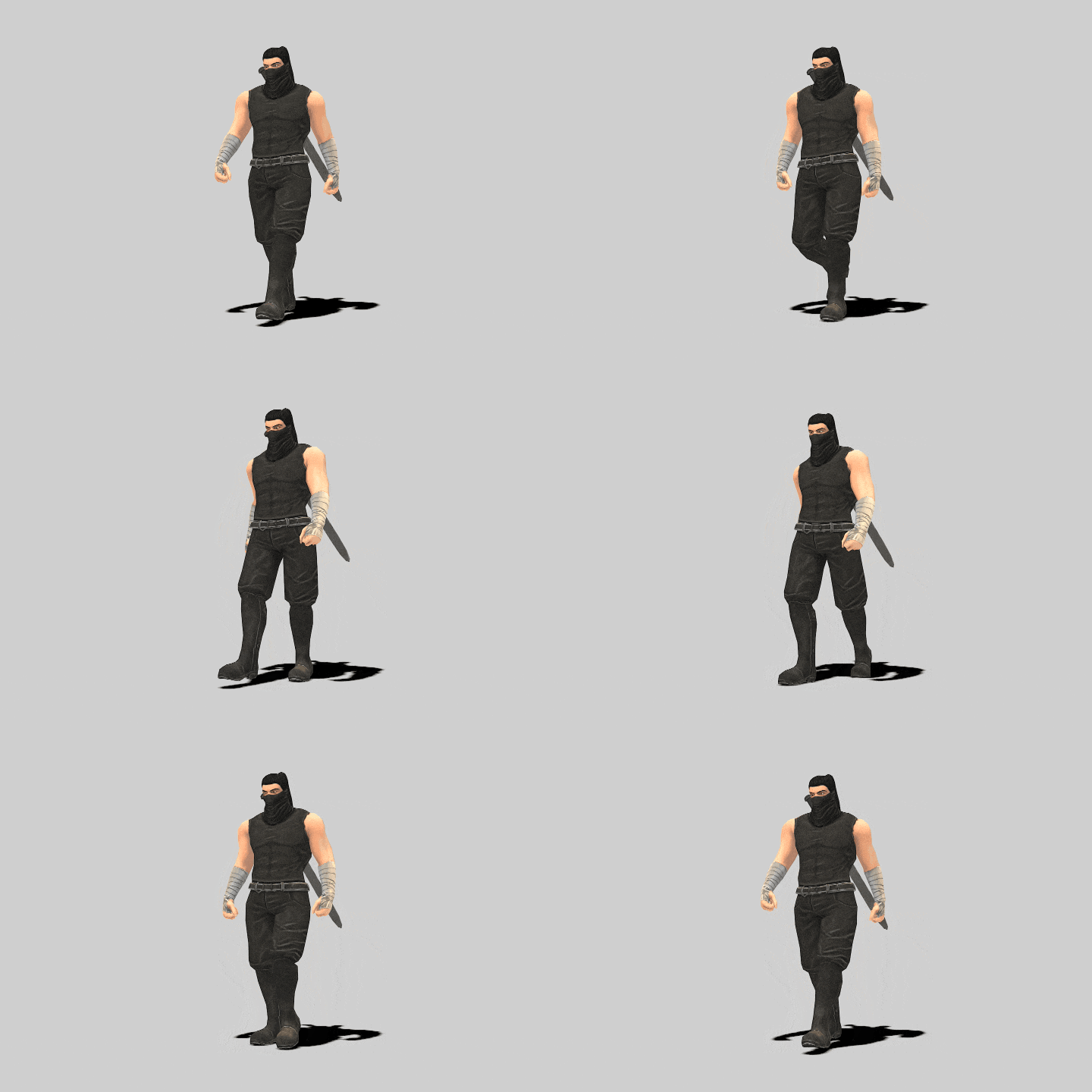 19. Male Character Walking
 -
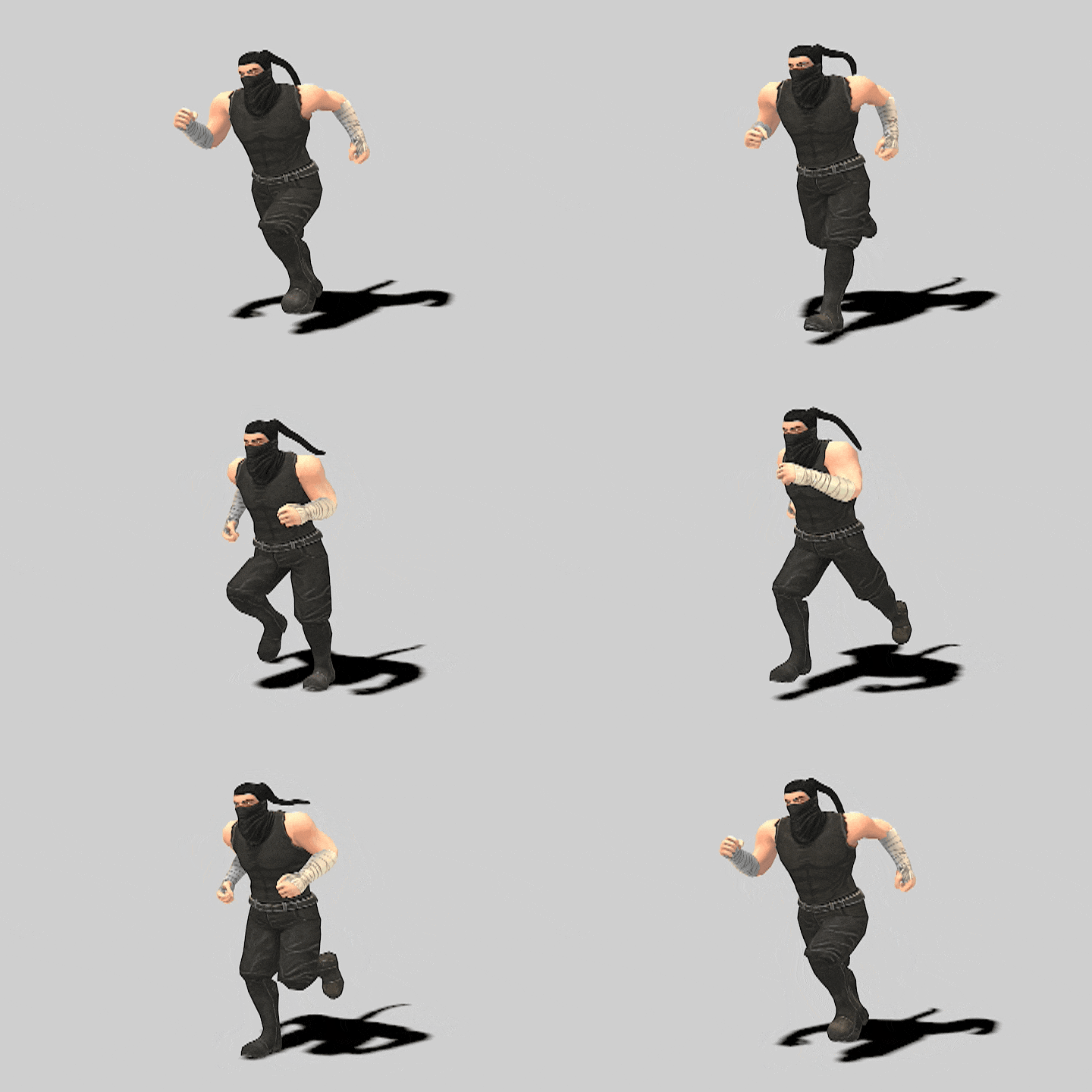 20. Male Character Running
 -
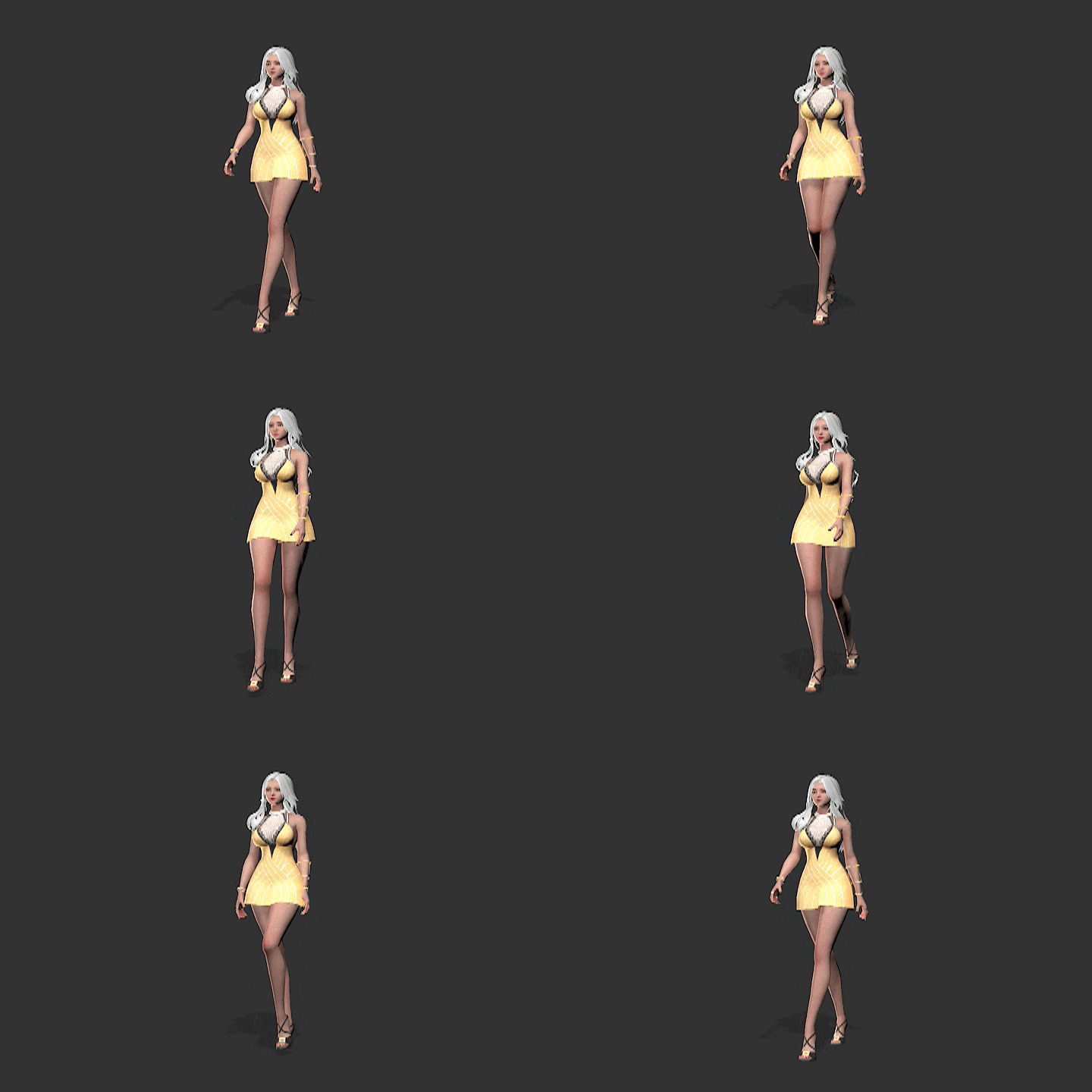 21. Female Character Walking
-
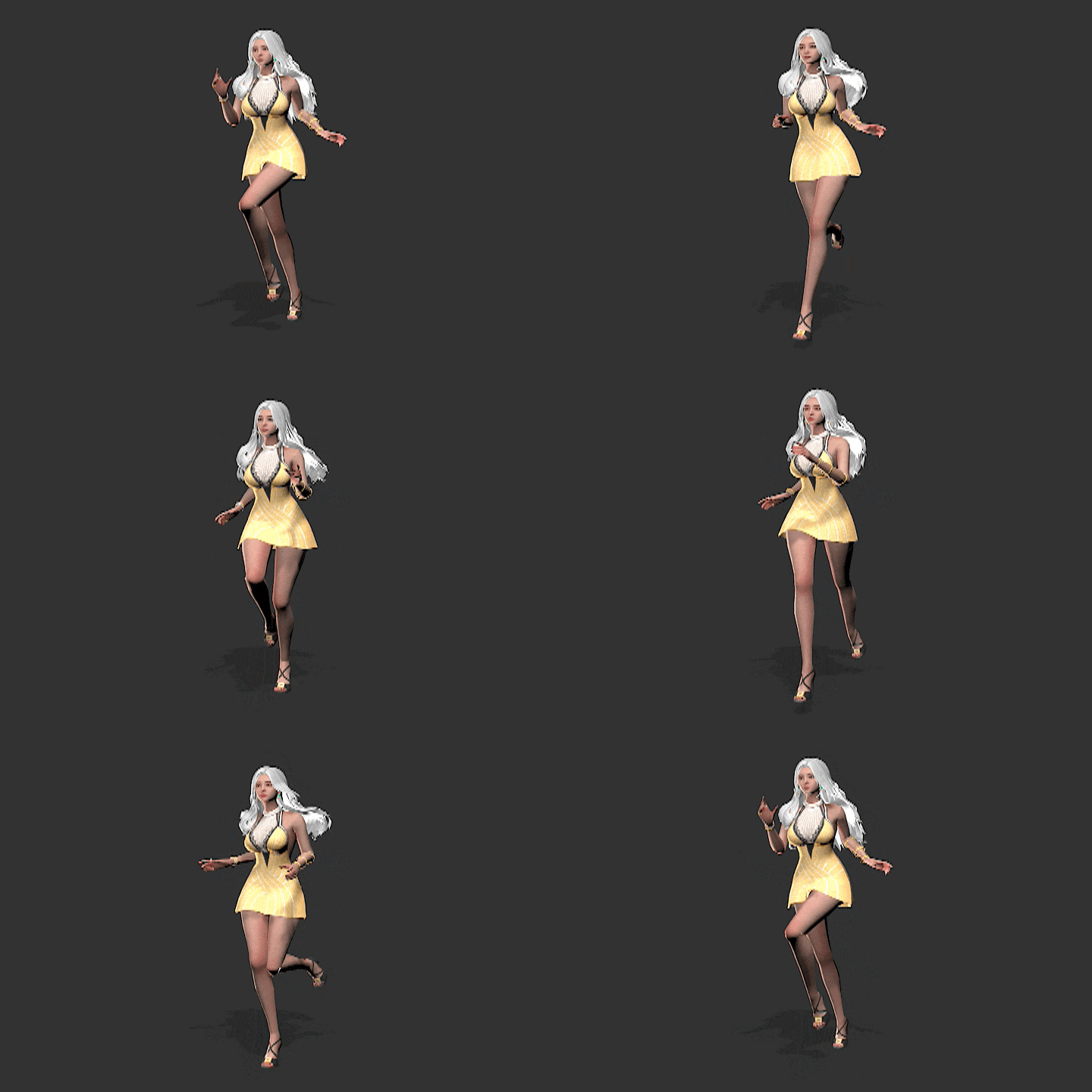 22. Female Character Running
 -
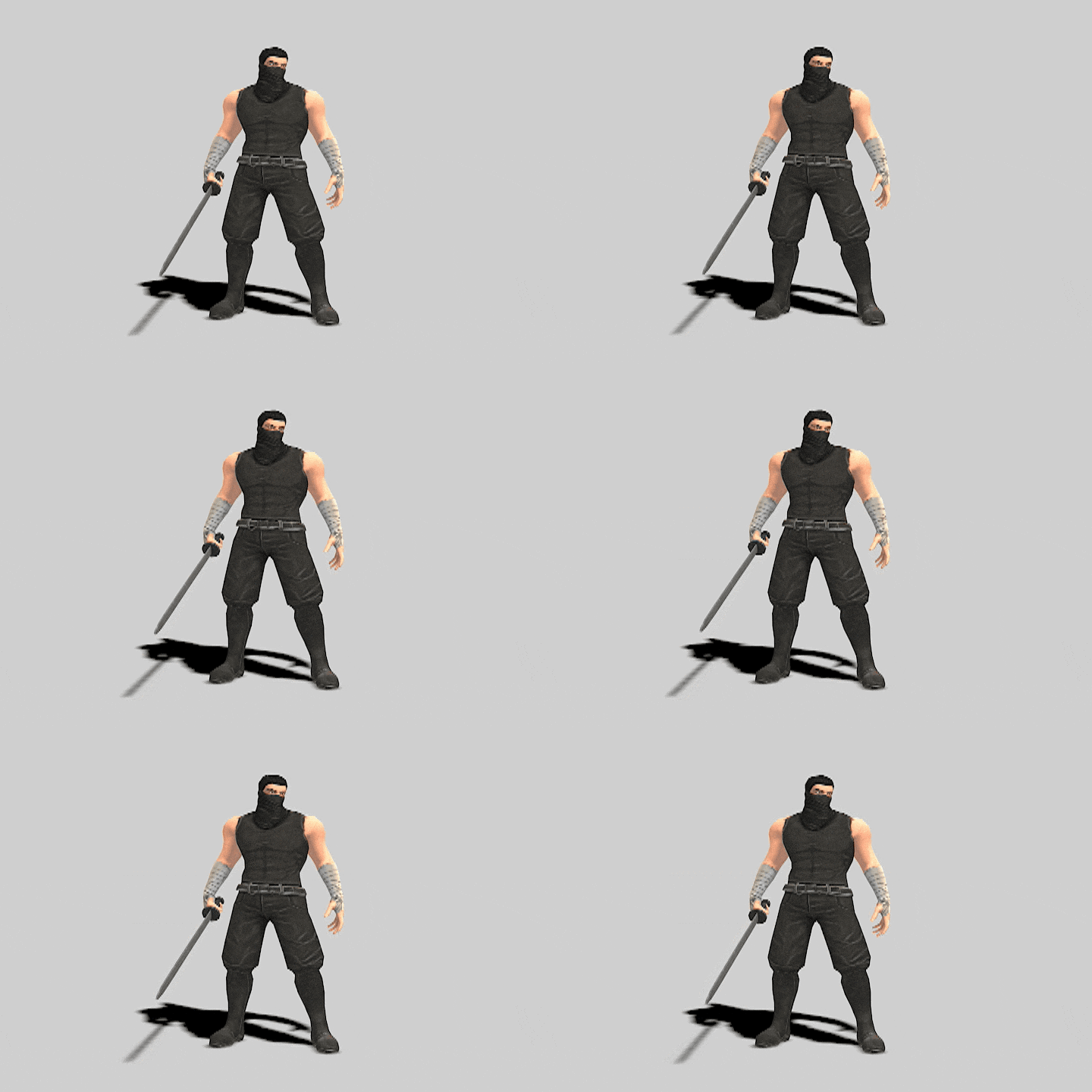 23. Basic Idle
 -
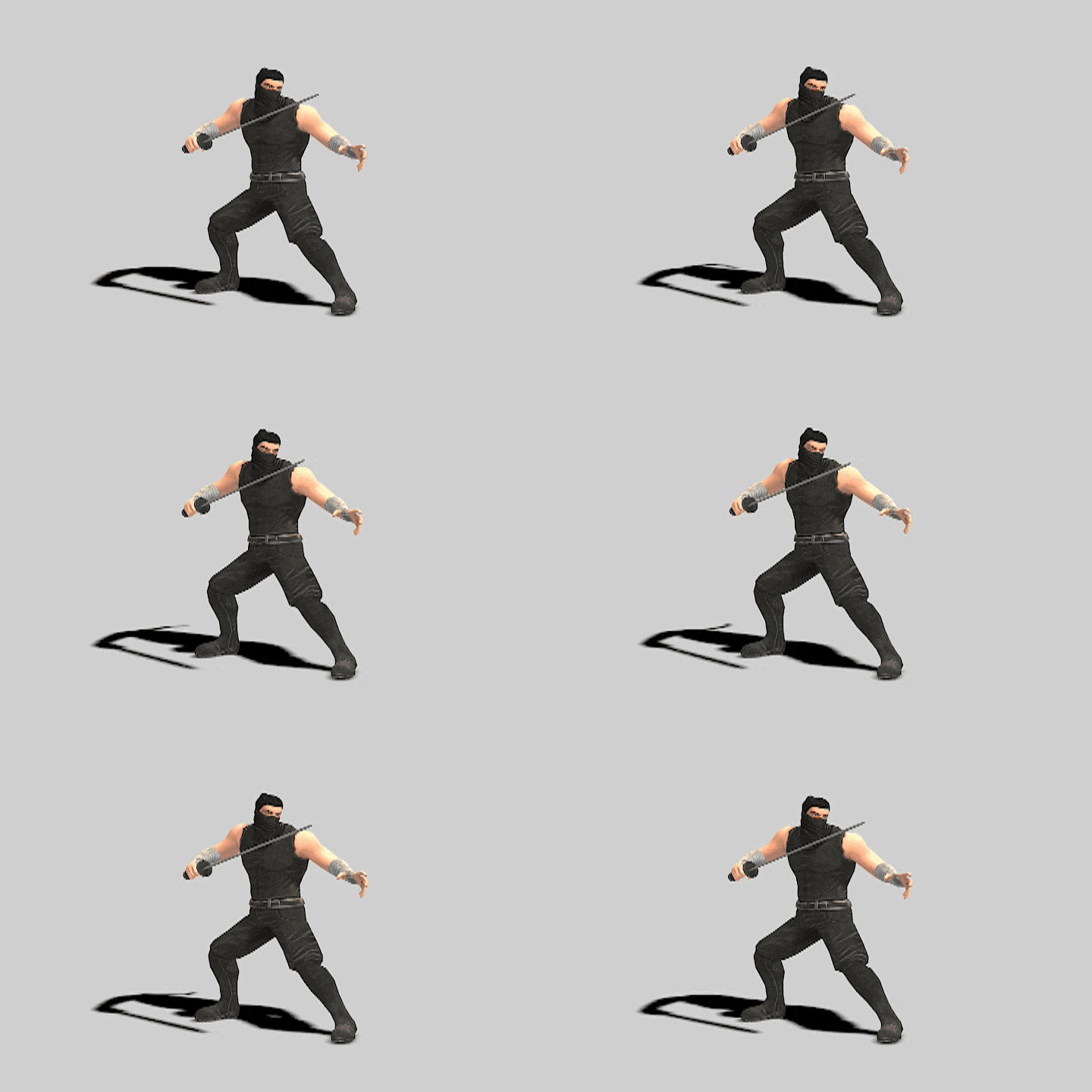 24. Combat Idle
-
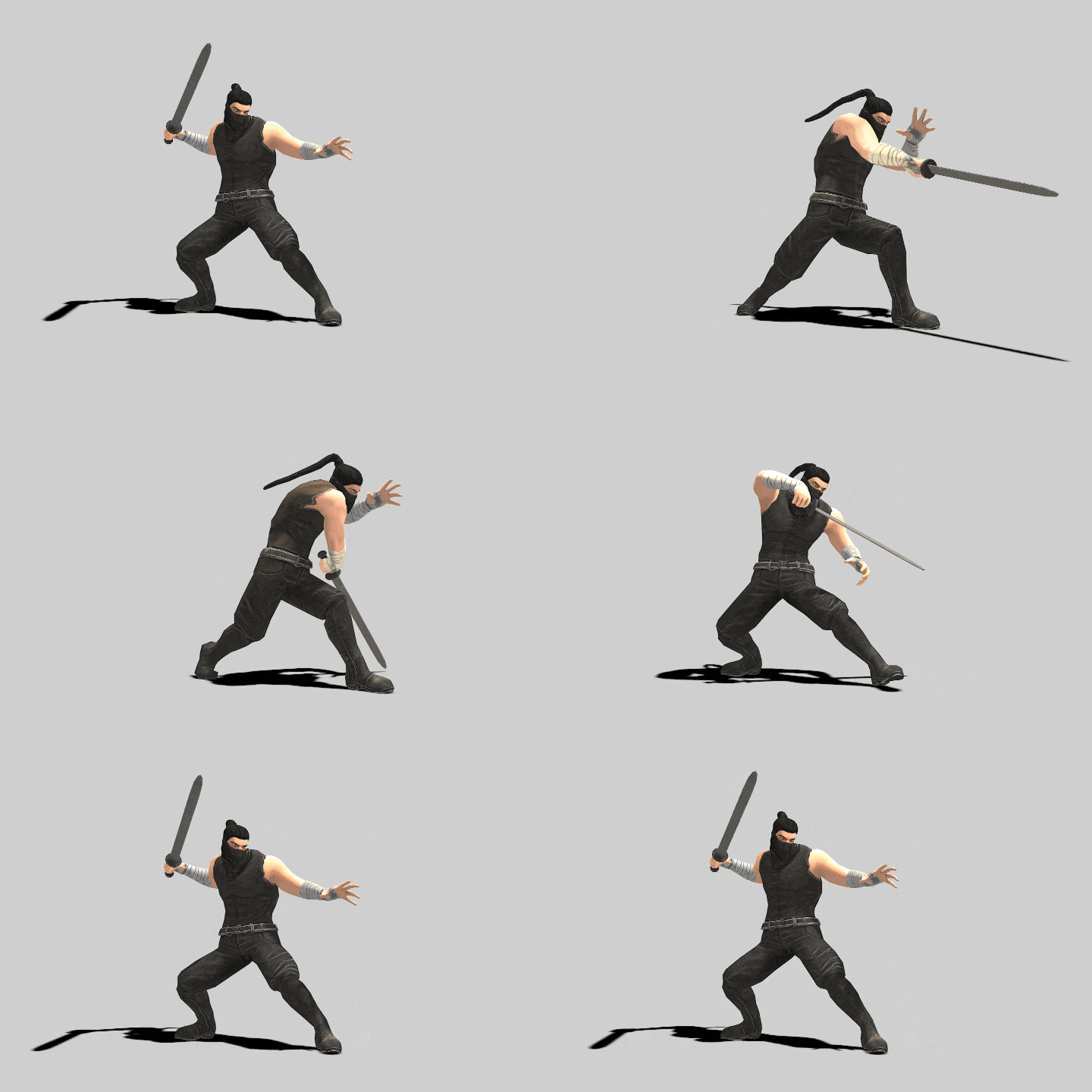 25. Basic Attack 1
 -
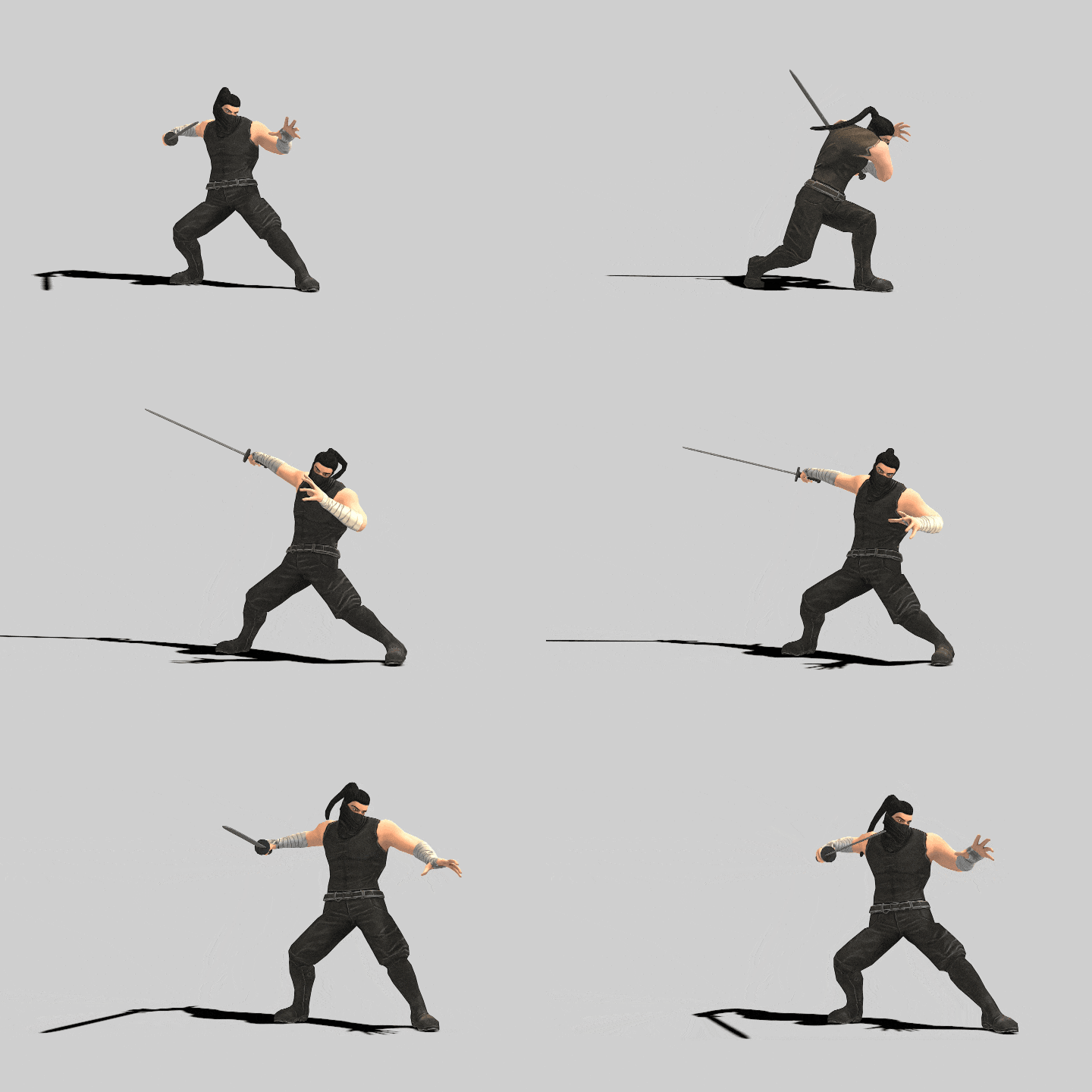 26. Basic Attack 2
 -
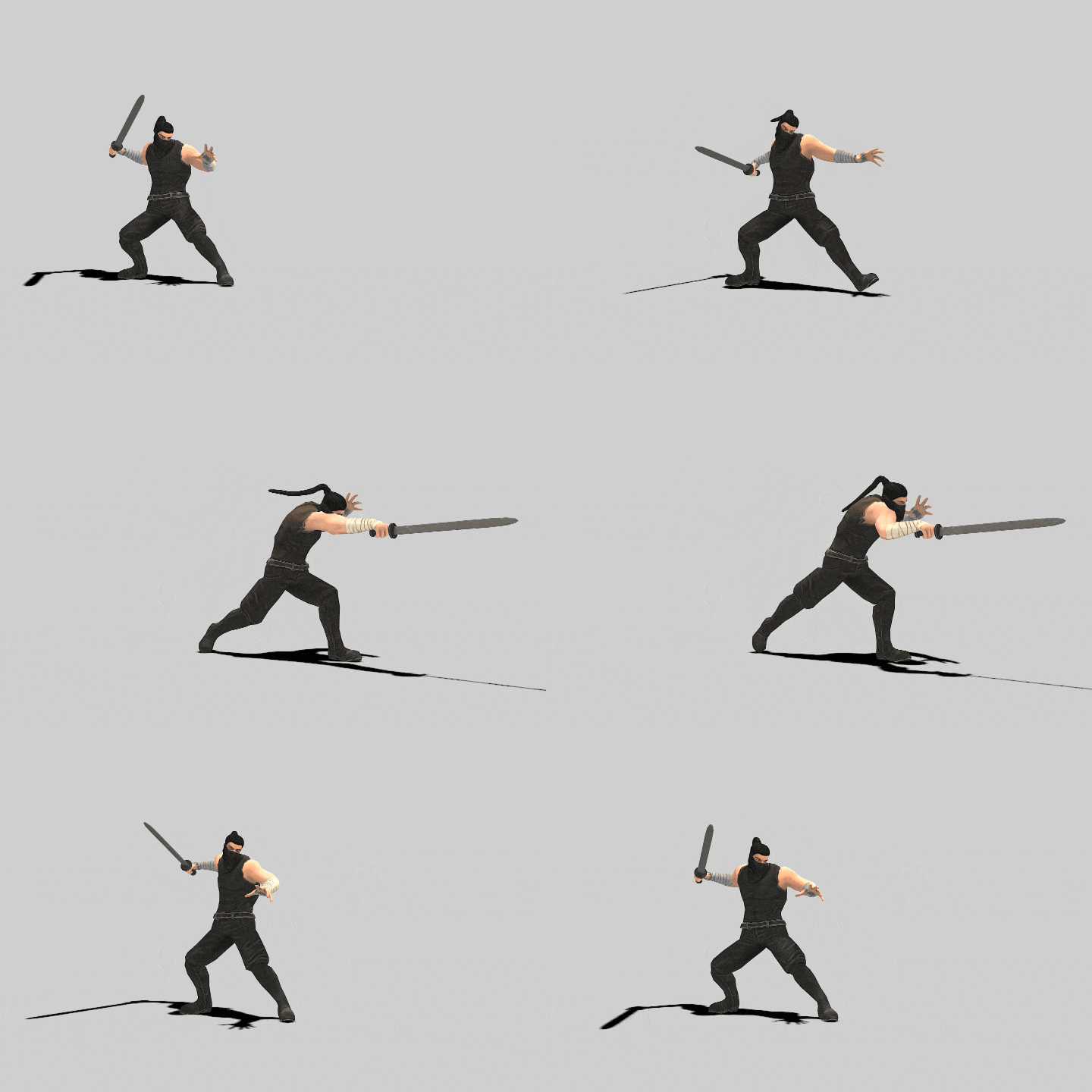 27. Basic Attack 3
-
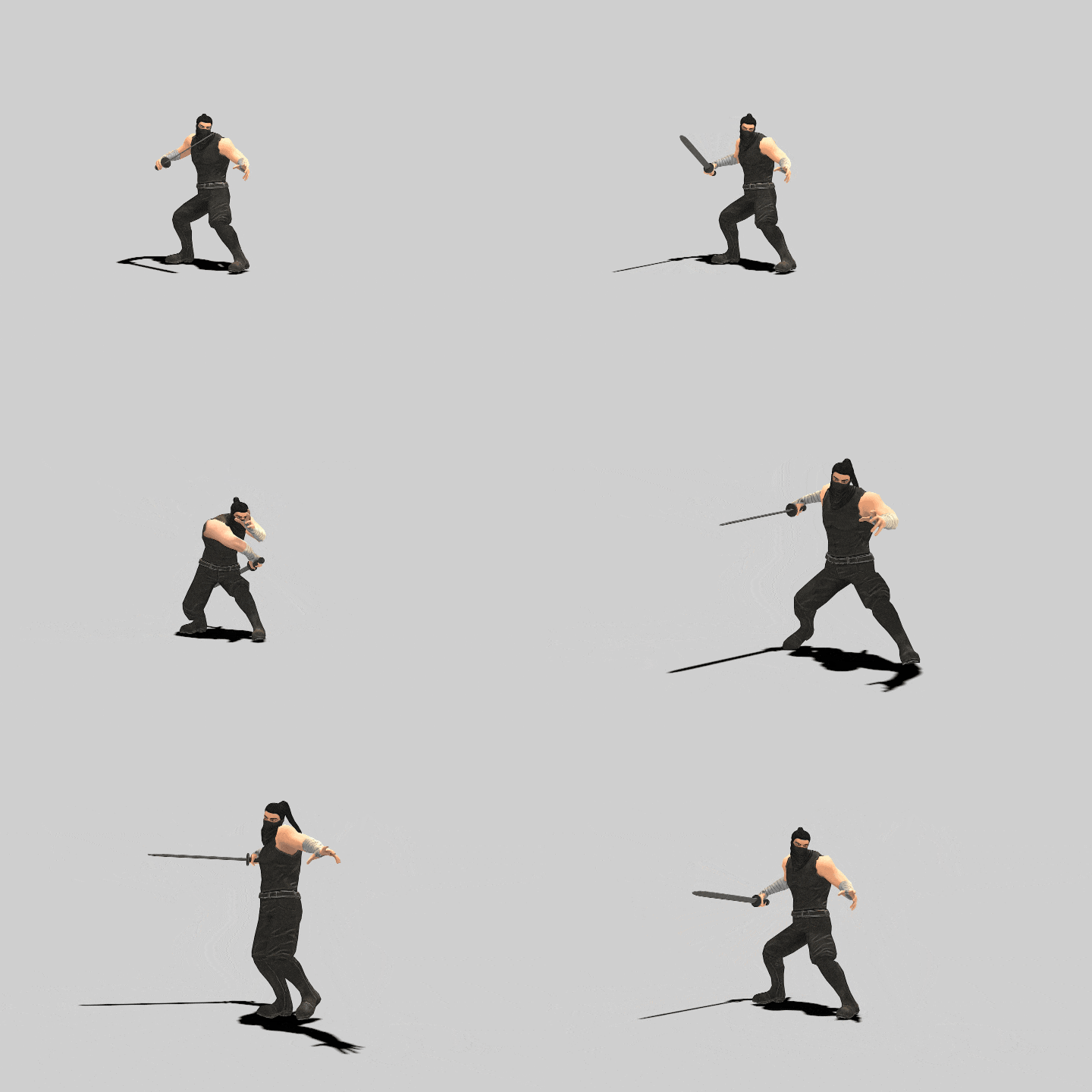 28. Combo Attack
 -
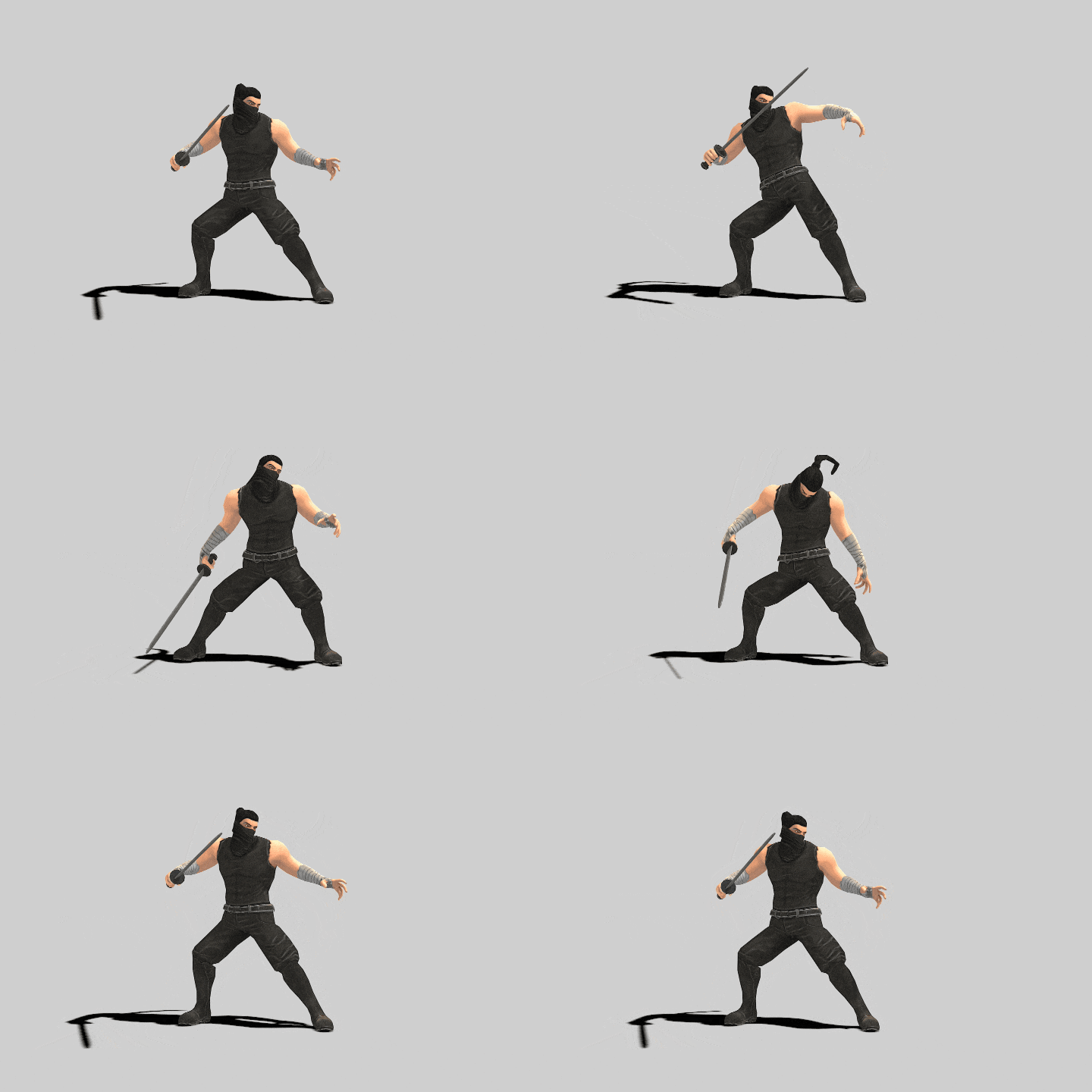 29. Stationary Damage
 -
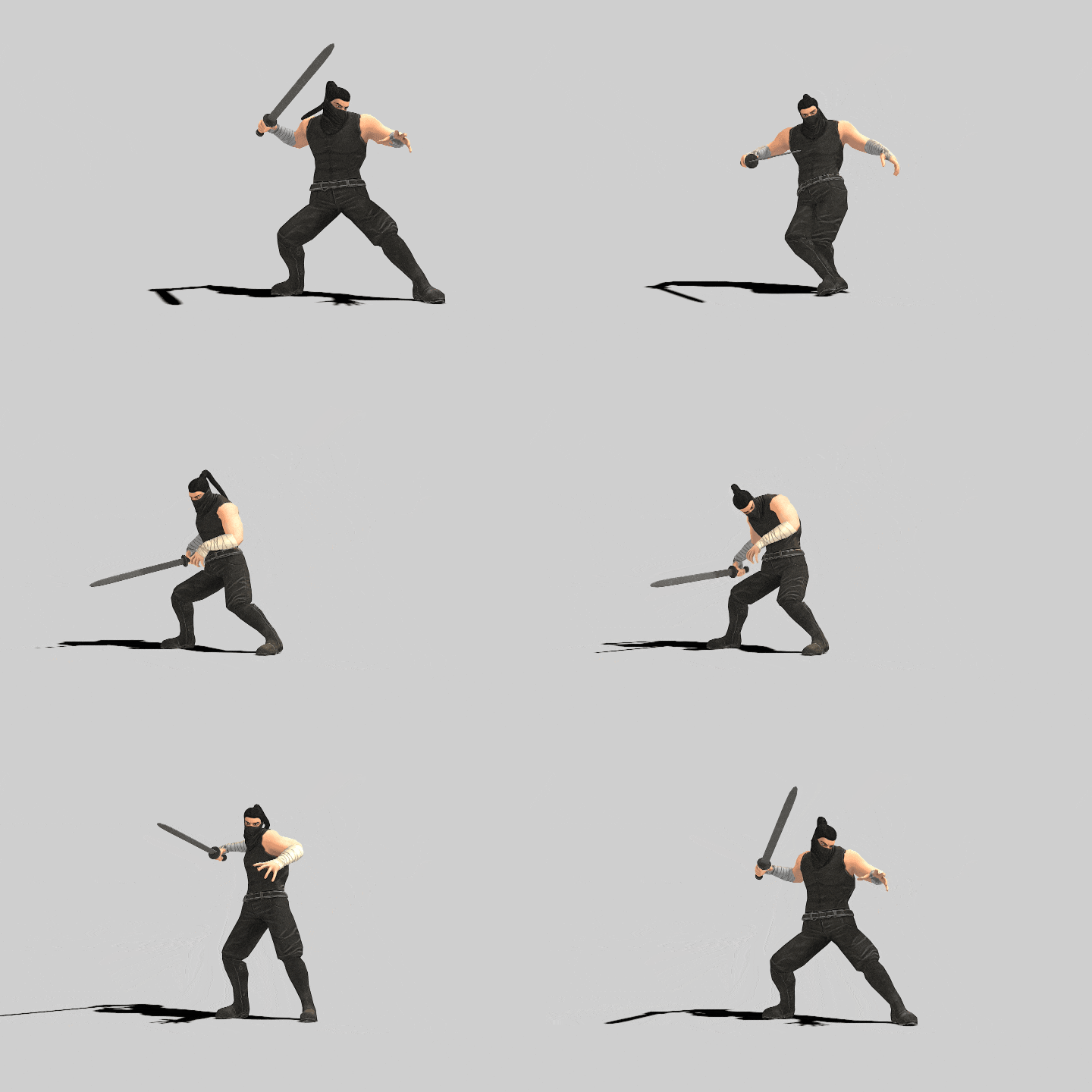 30. Critical Damage
-
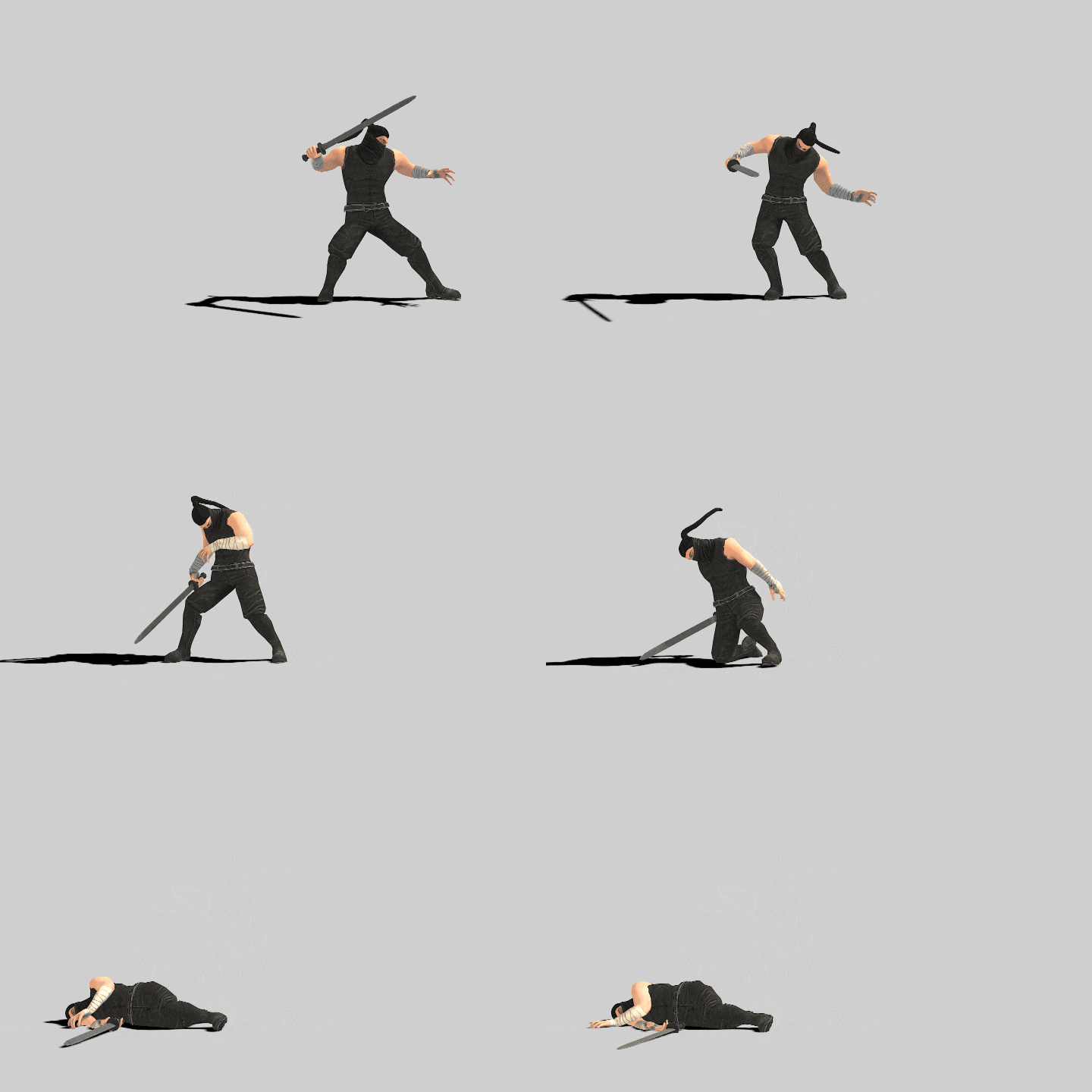 31. Dead
 -
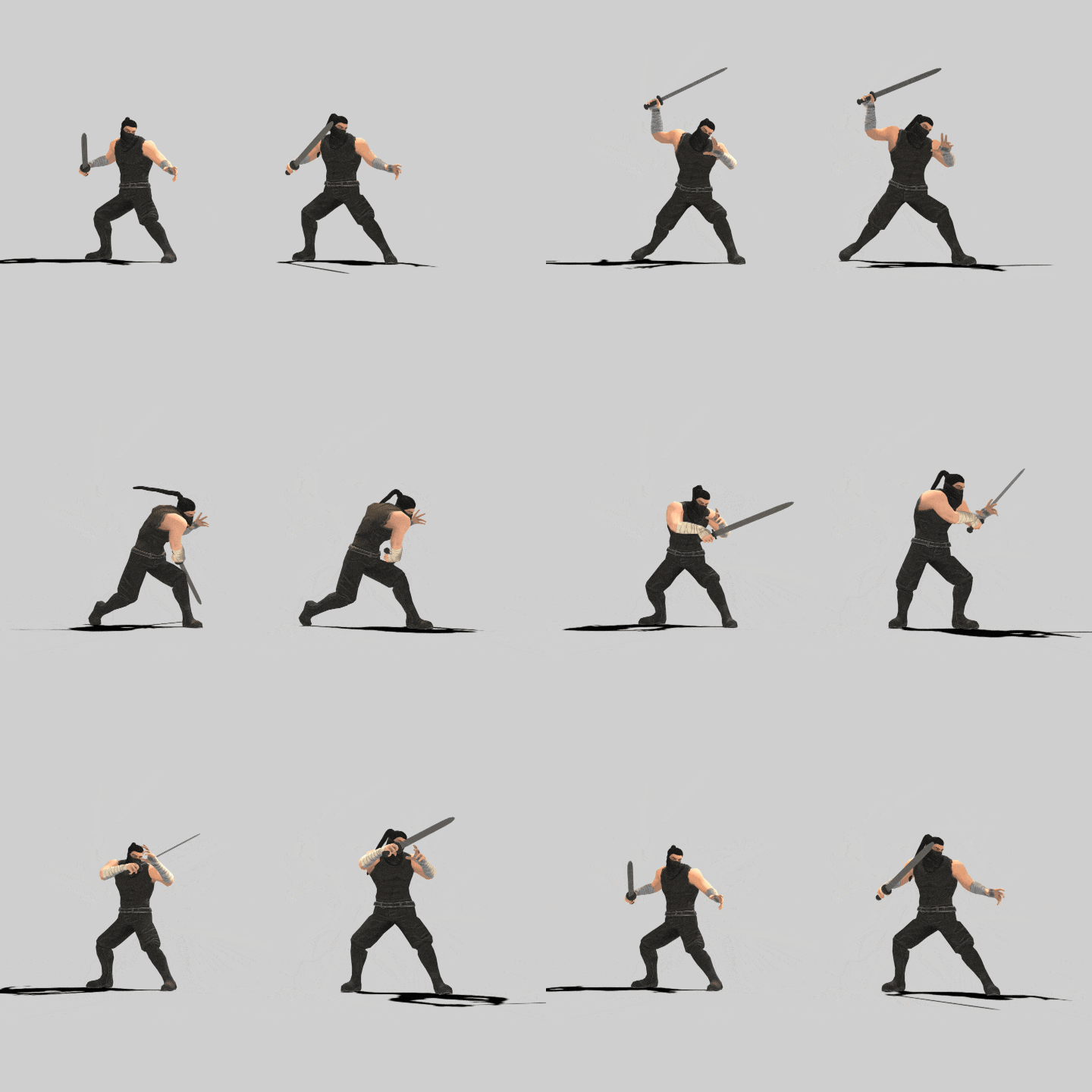 32. Return After Attack
 -
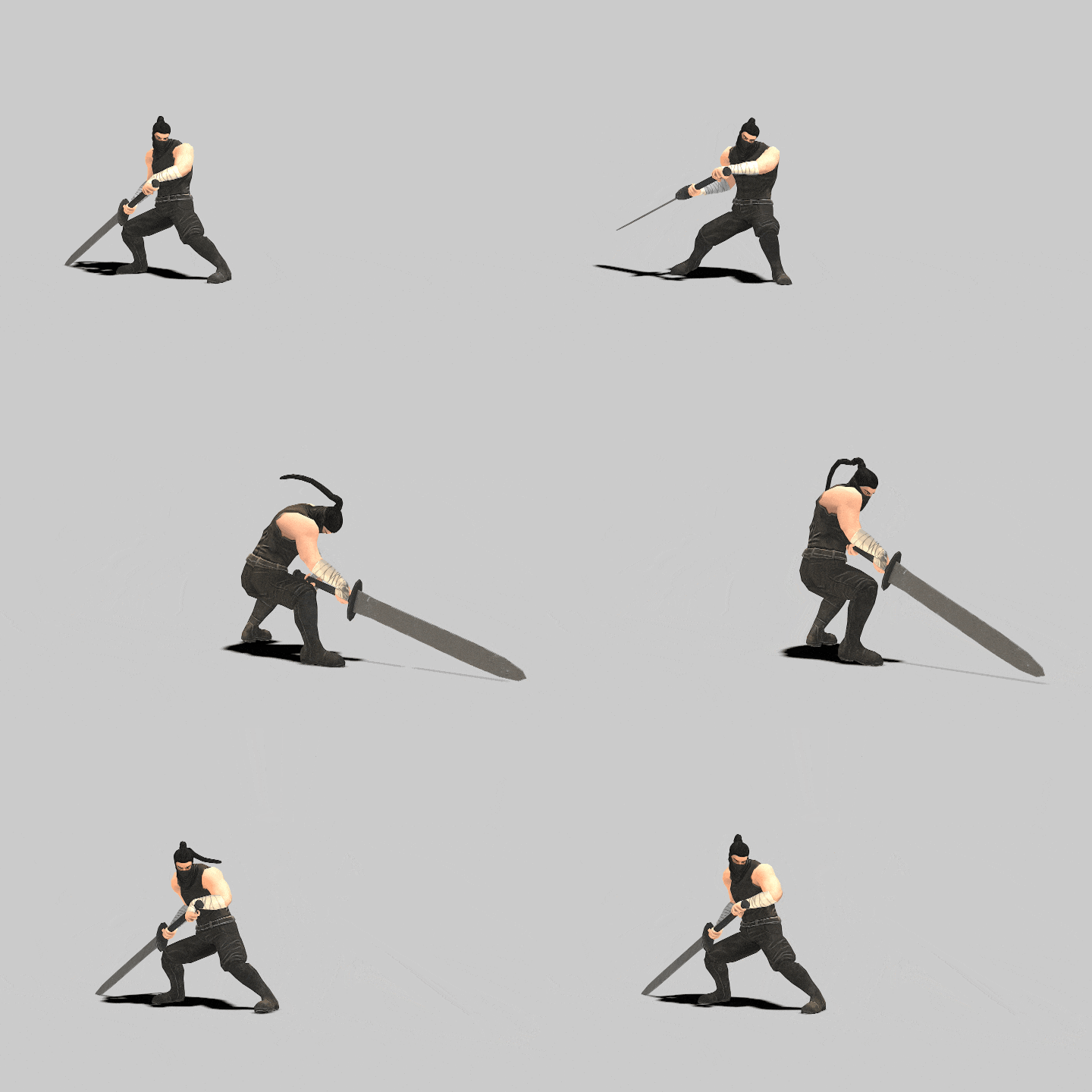 33. Heavy Weapon Attack
-
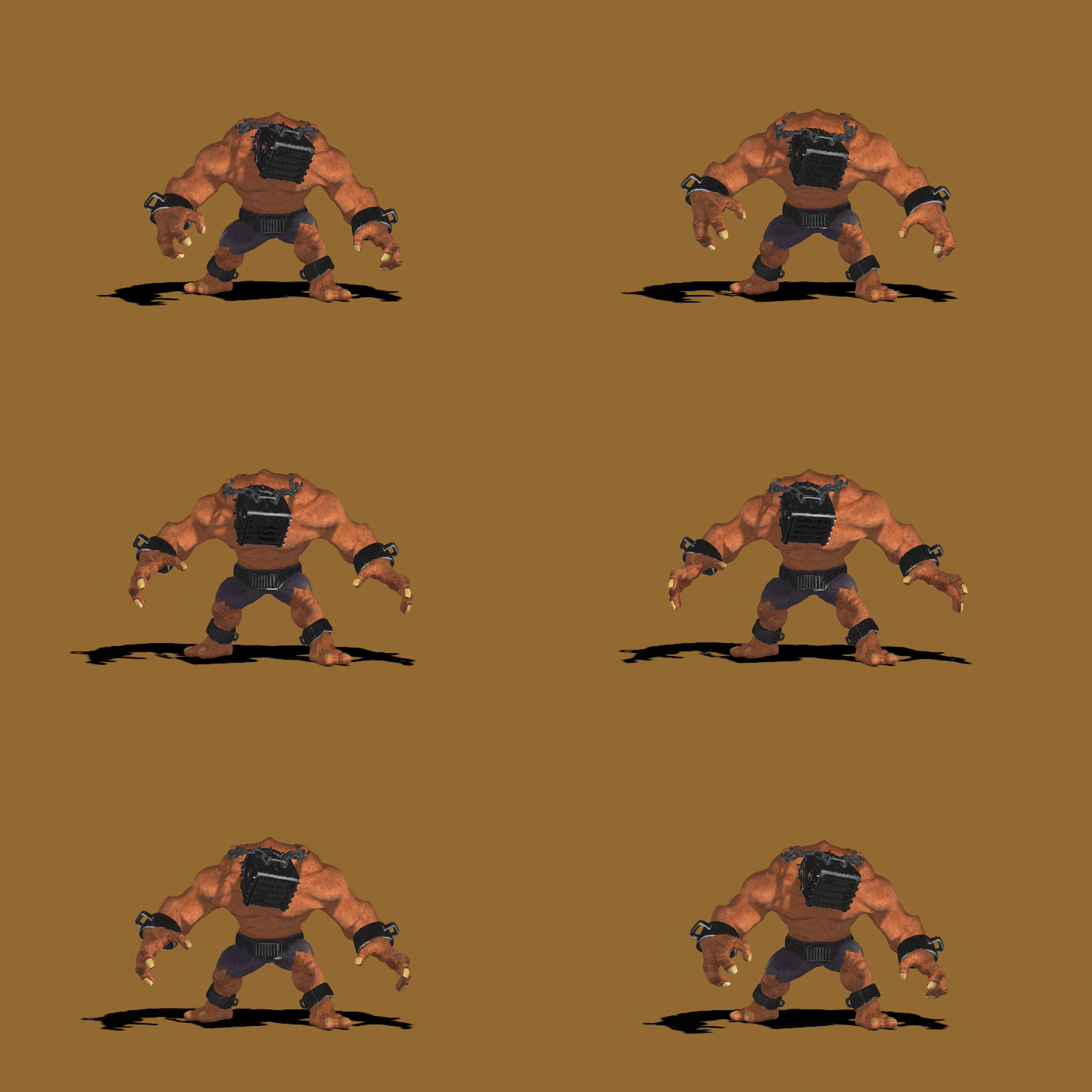 34. Monster Combat Idle
 -
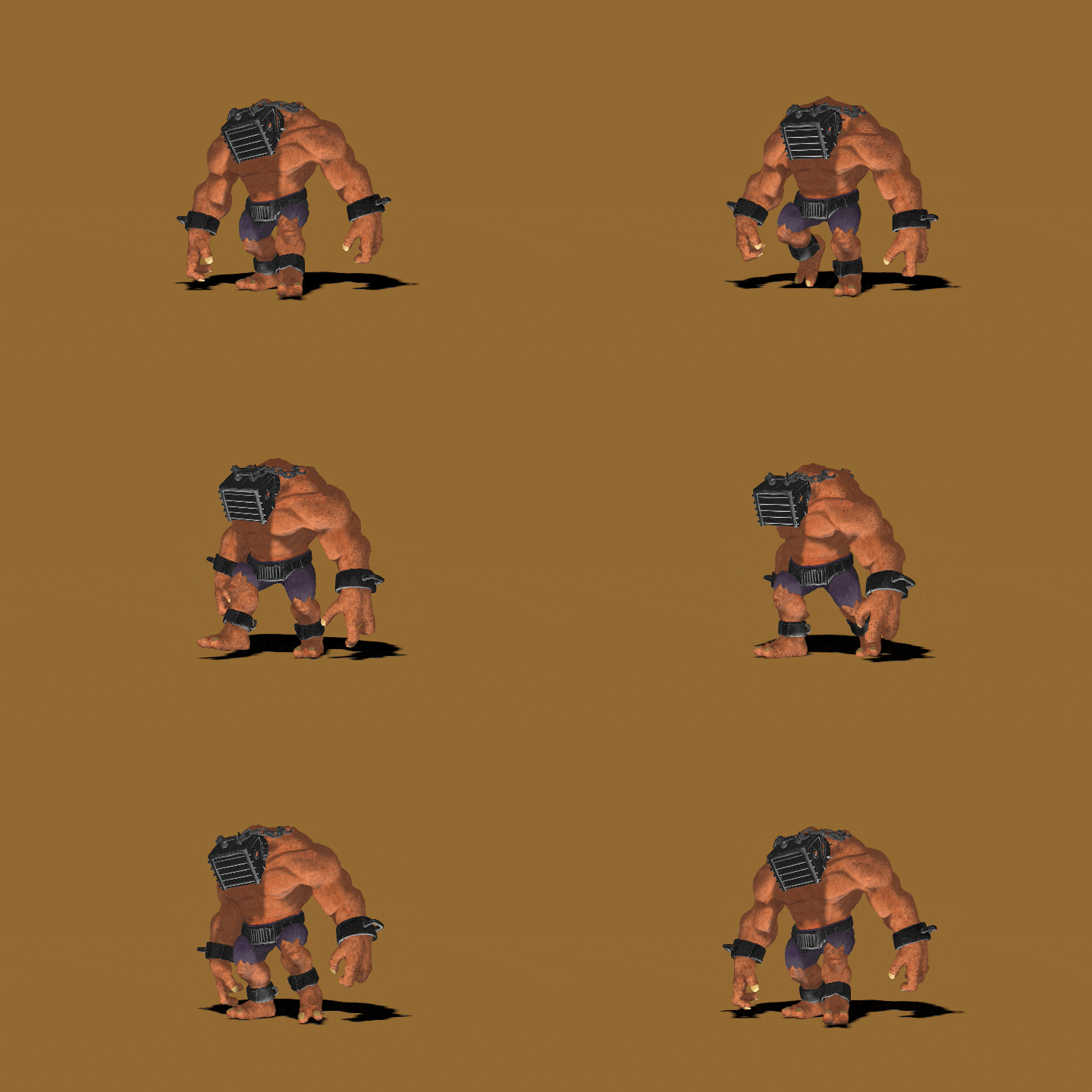 35. Monster Walking
 -
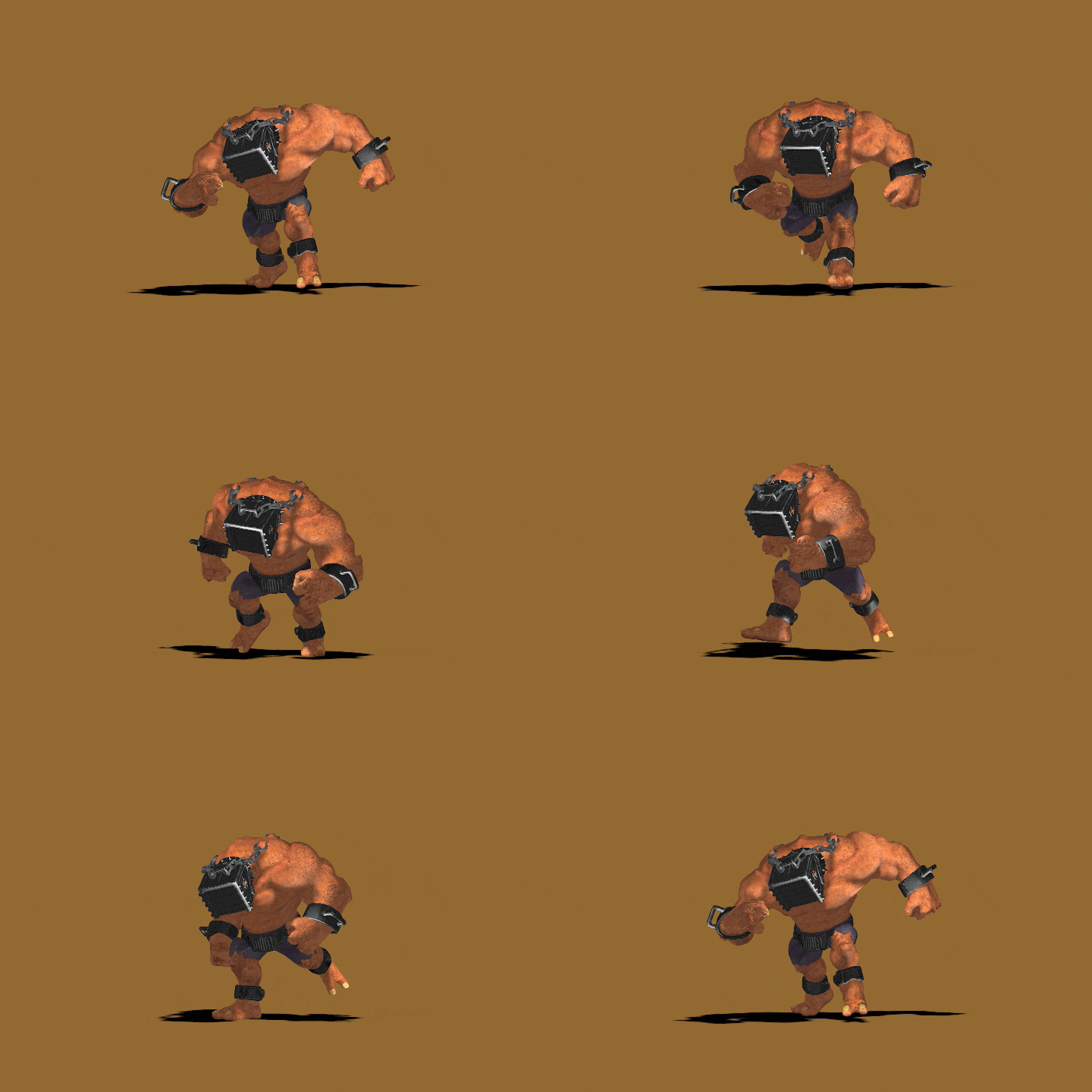 36. Monster Running
-
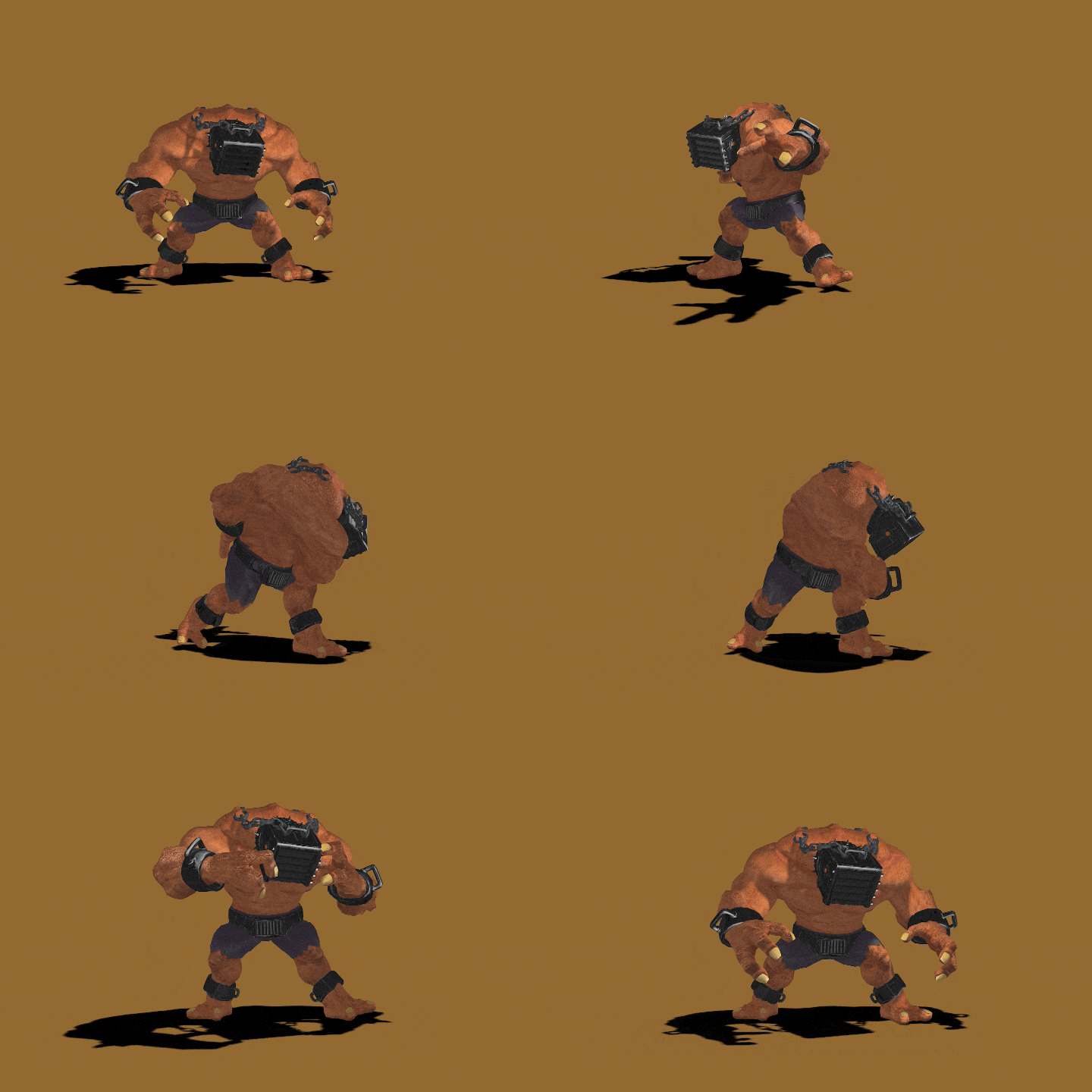 37. Monster Basic Attack 1
 -
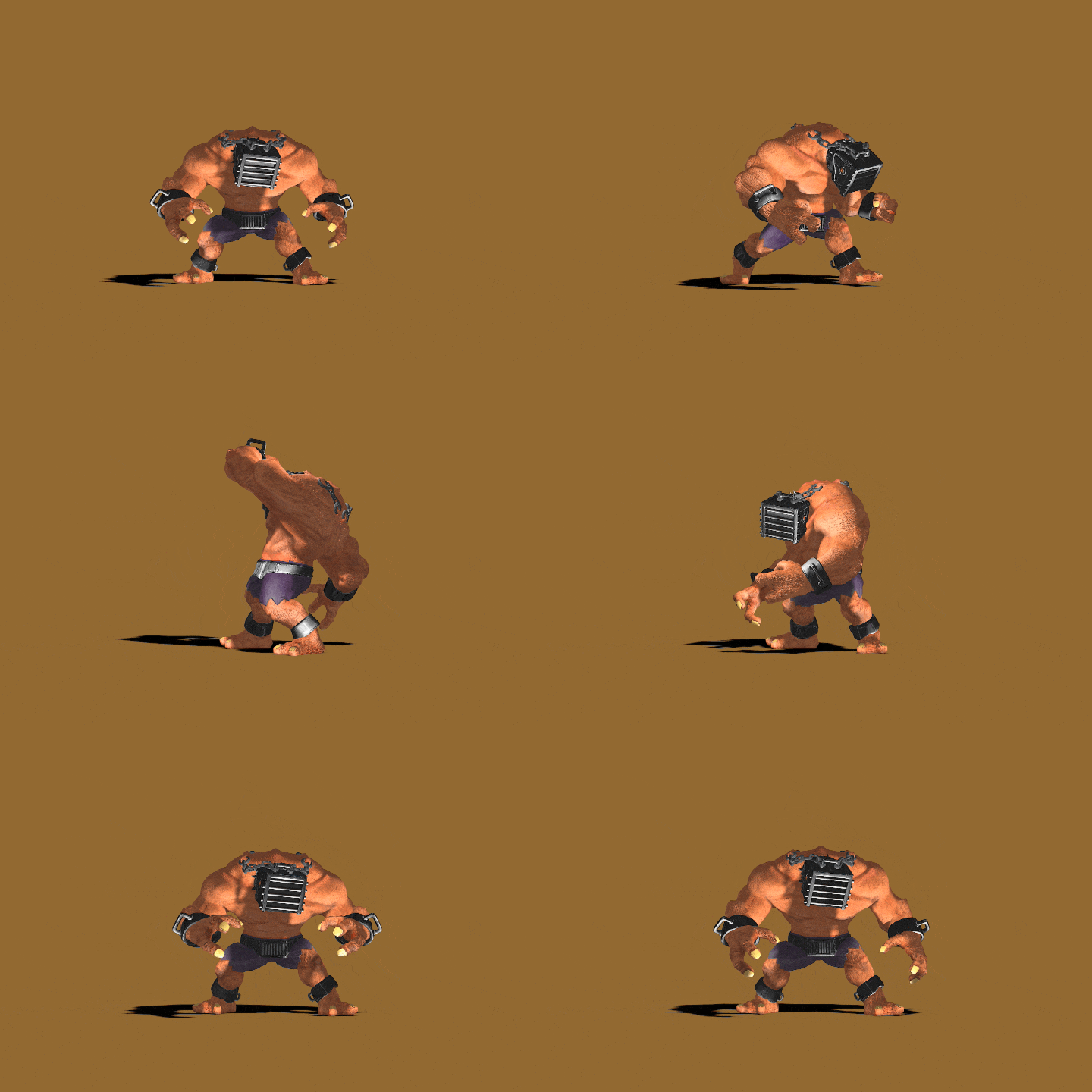 38. Monster Basic Attack 2
 -
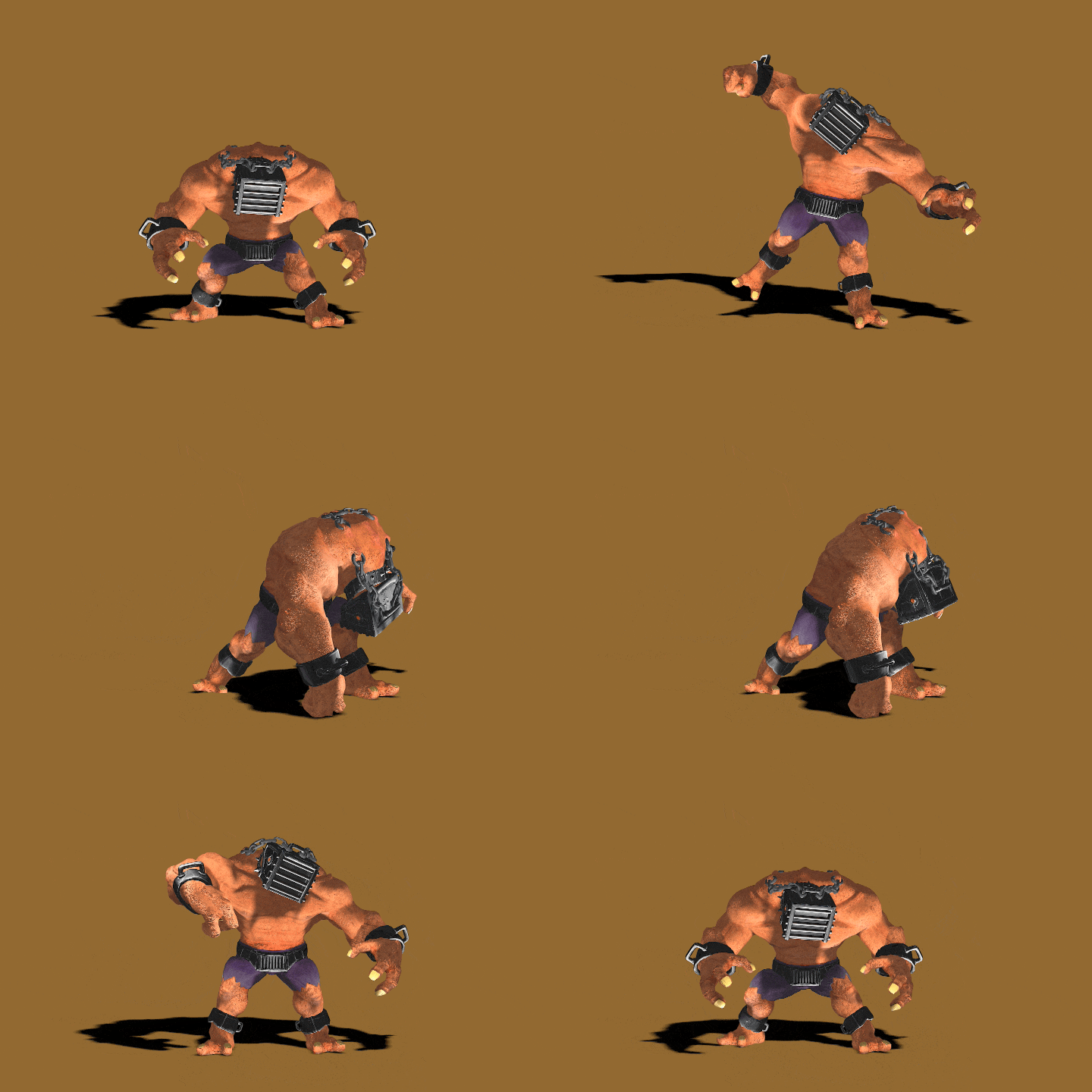 39. Monster Basic Attack 3
-
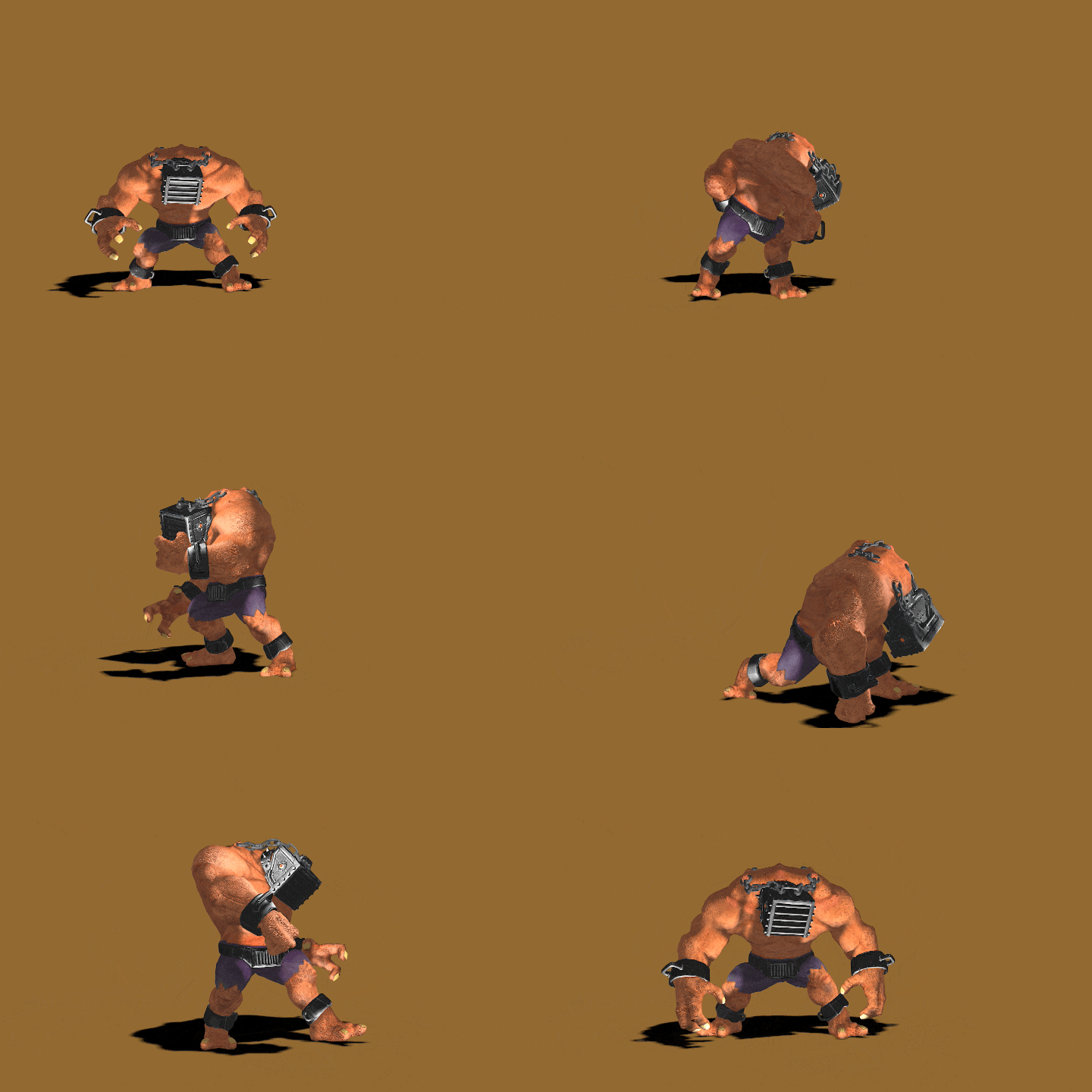 40. Monster Combo Attack
 -
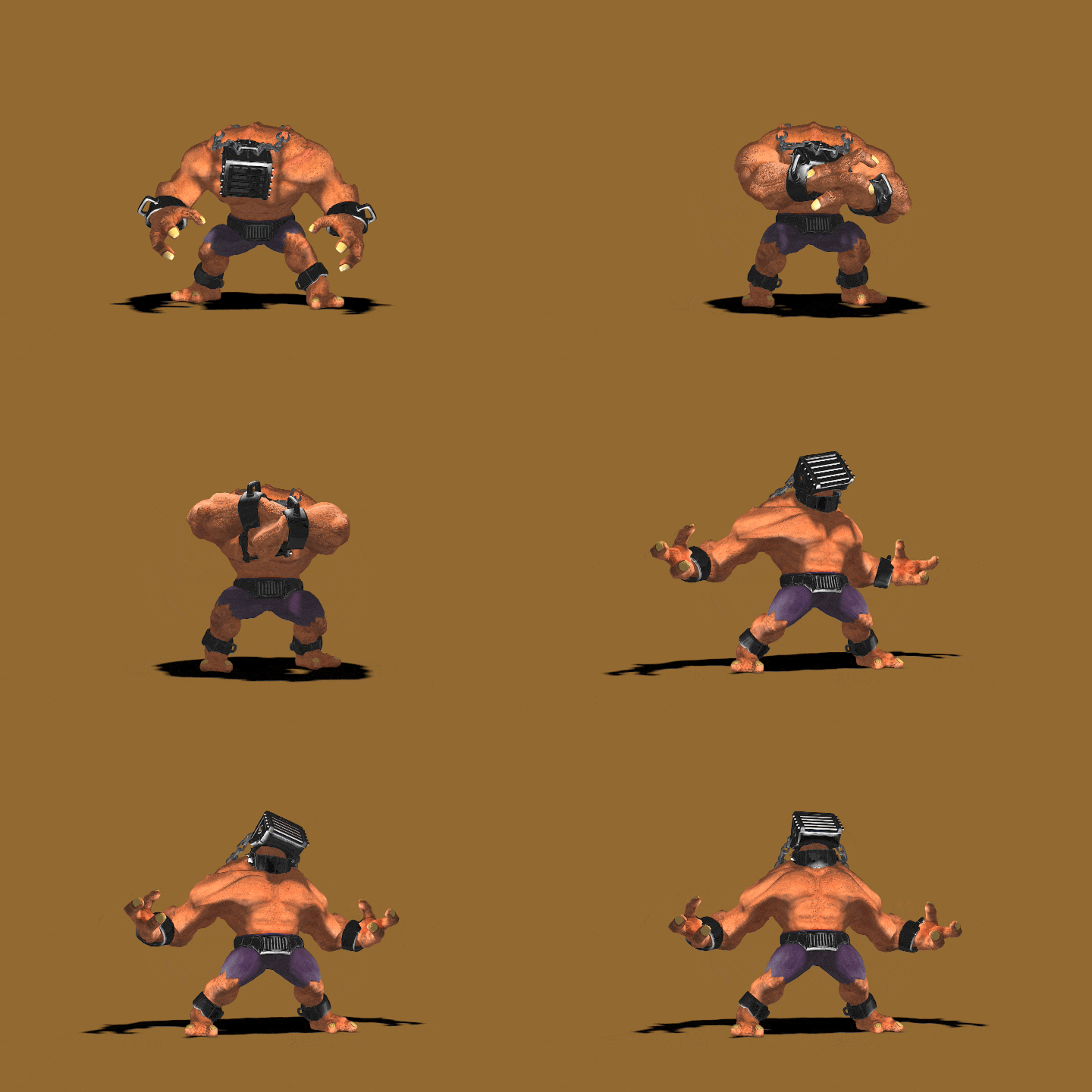 41. Monster Roar
 -
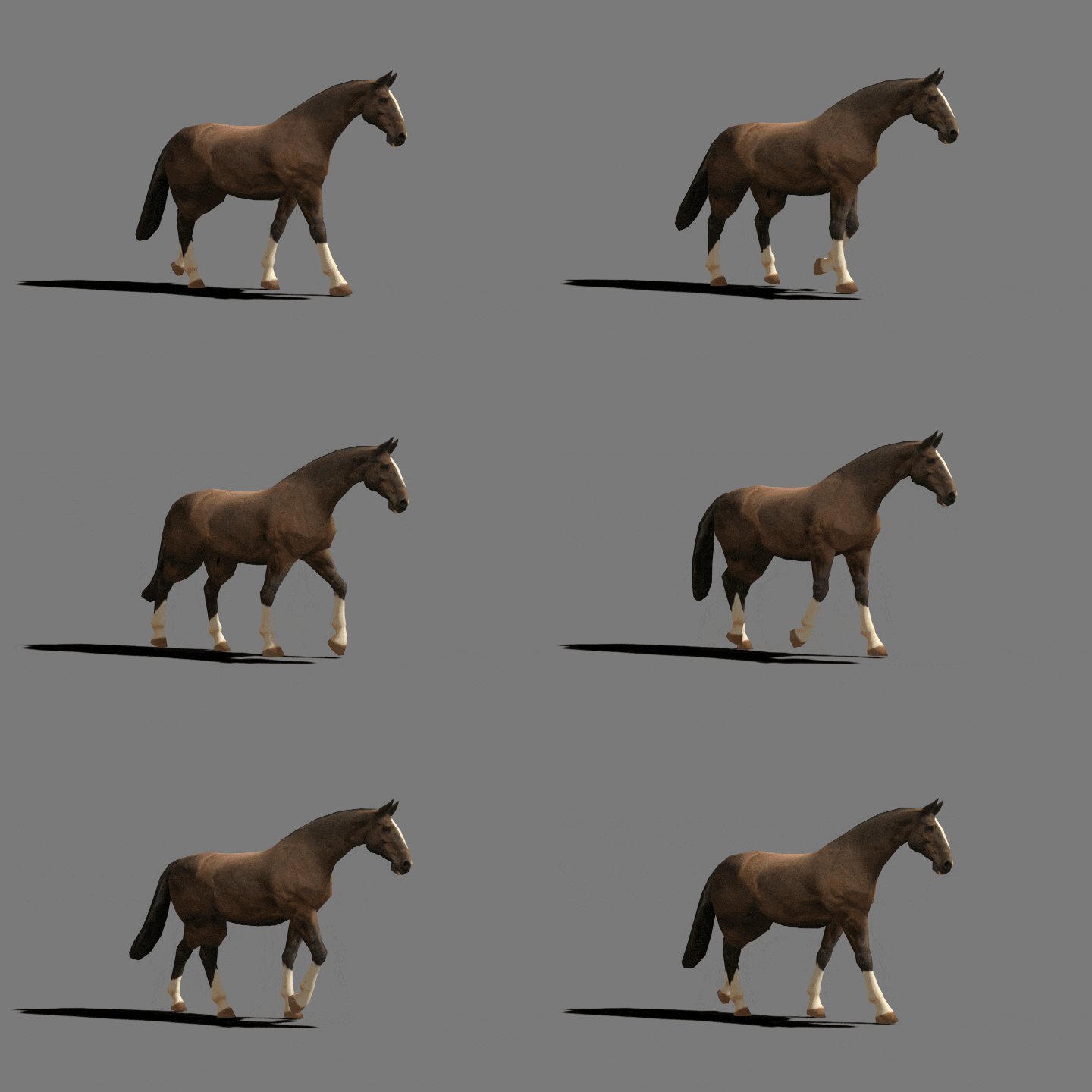 42. Horse Walking
Part 3. Game Character Rigging
-
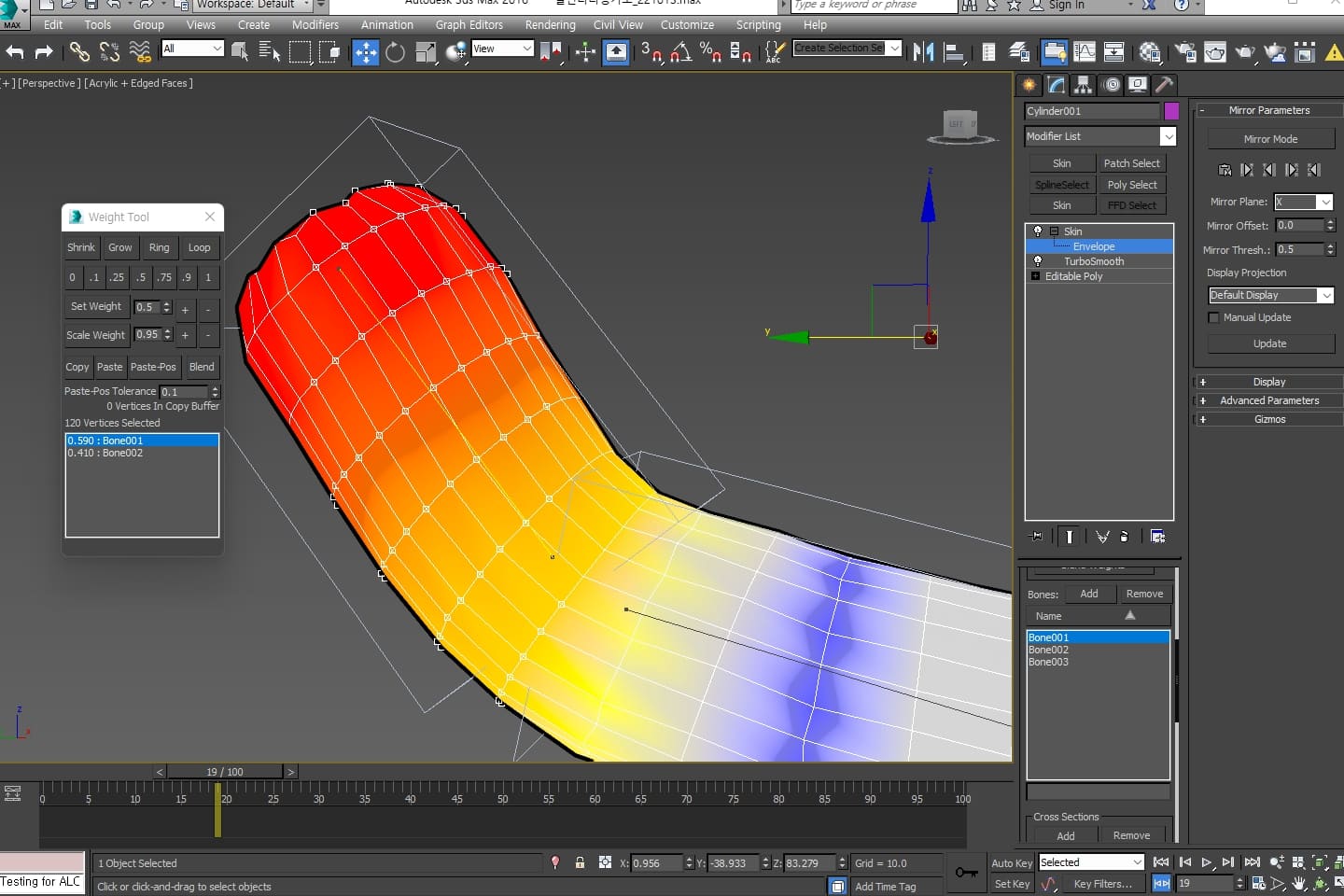 43. Understanding Rigging Basics
 -
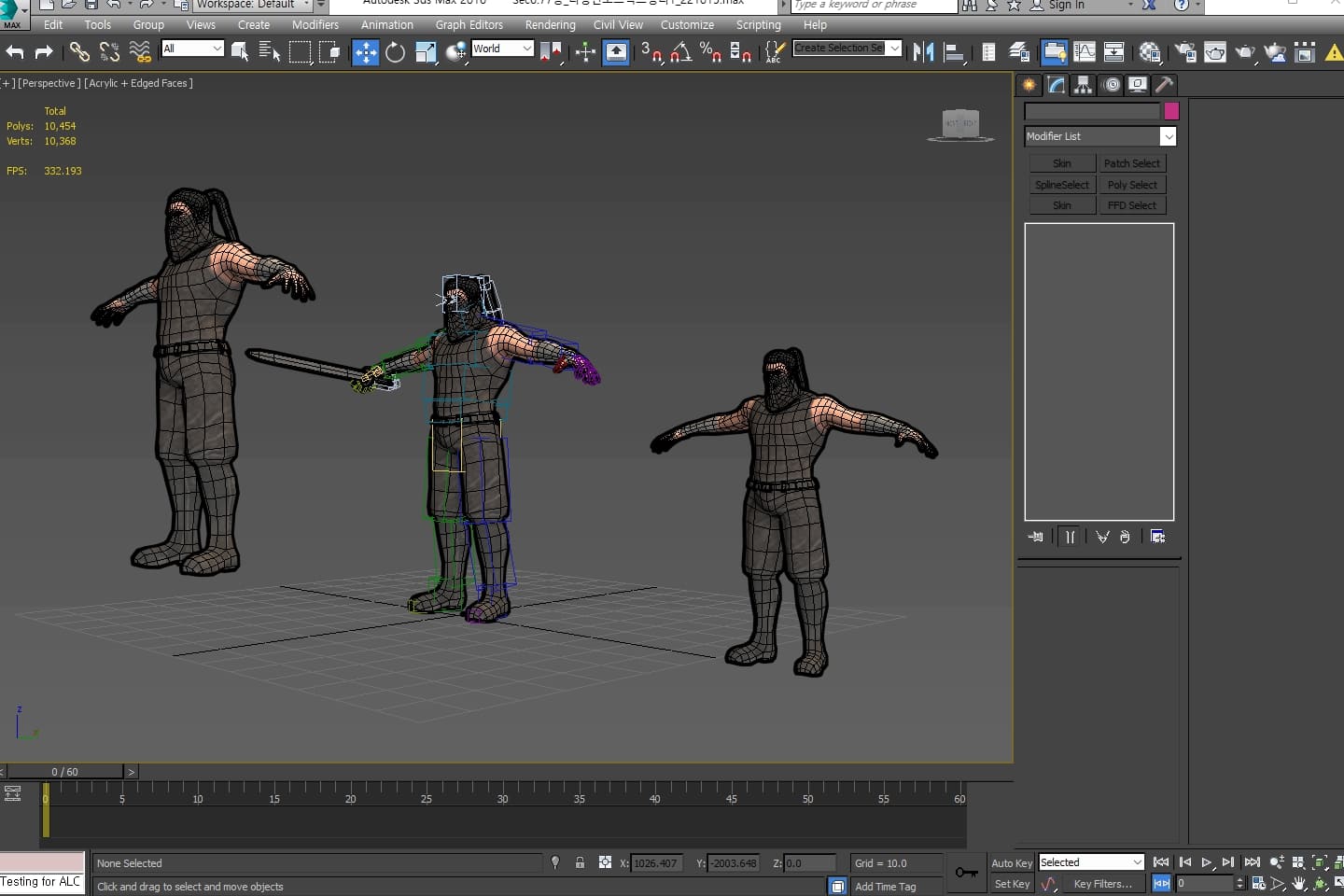 44. Organizing Objects Before Rigging
 -
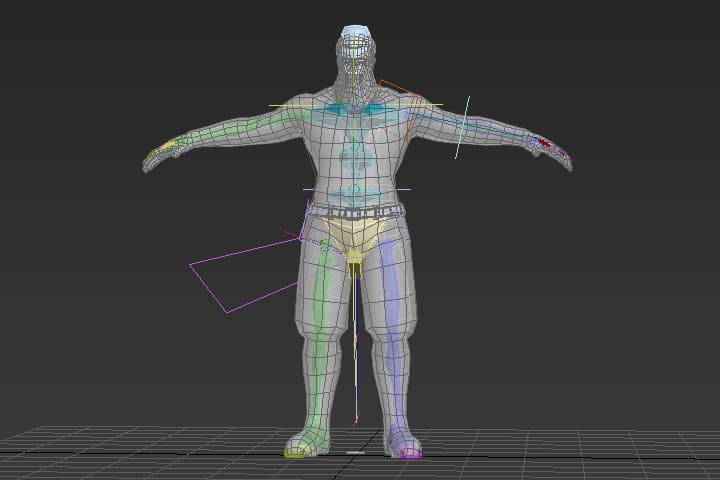 45. Character Skeleton Installation
-
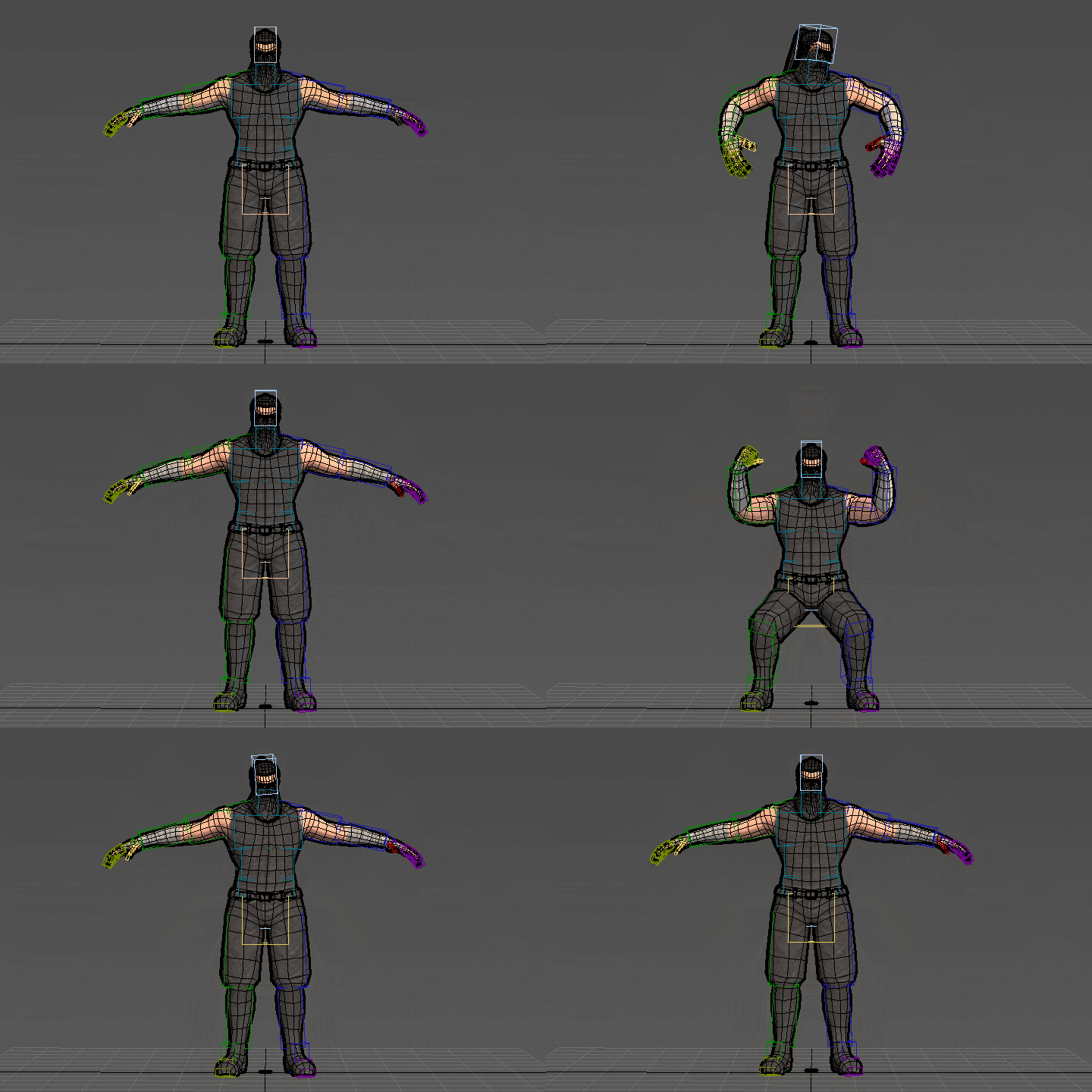 46. Skin Weights
 -
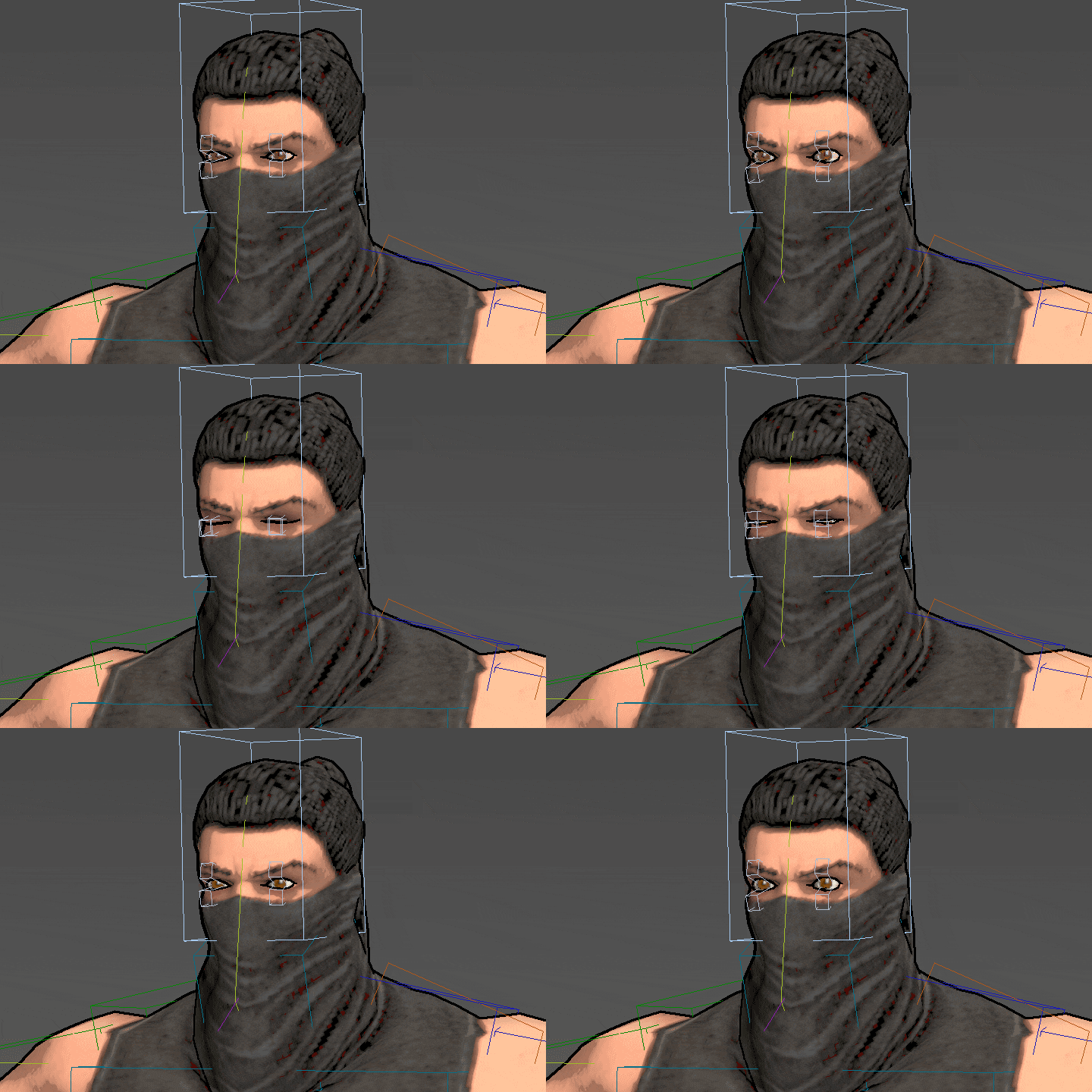 47. Eye Rigging
 -
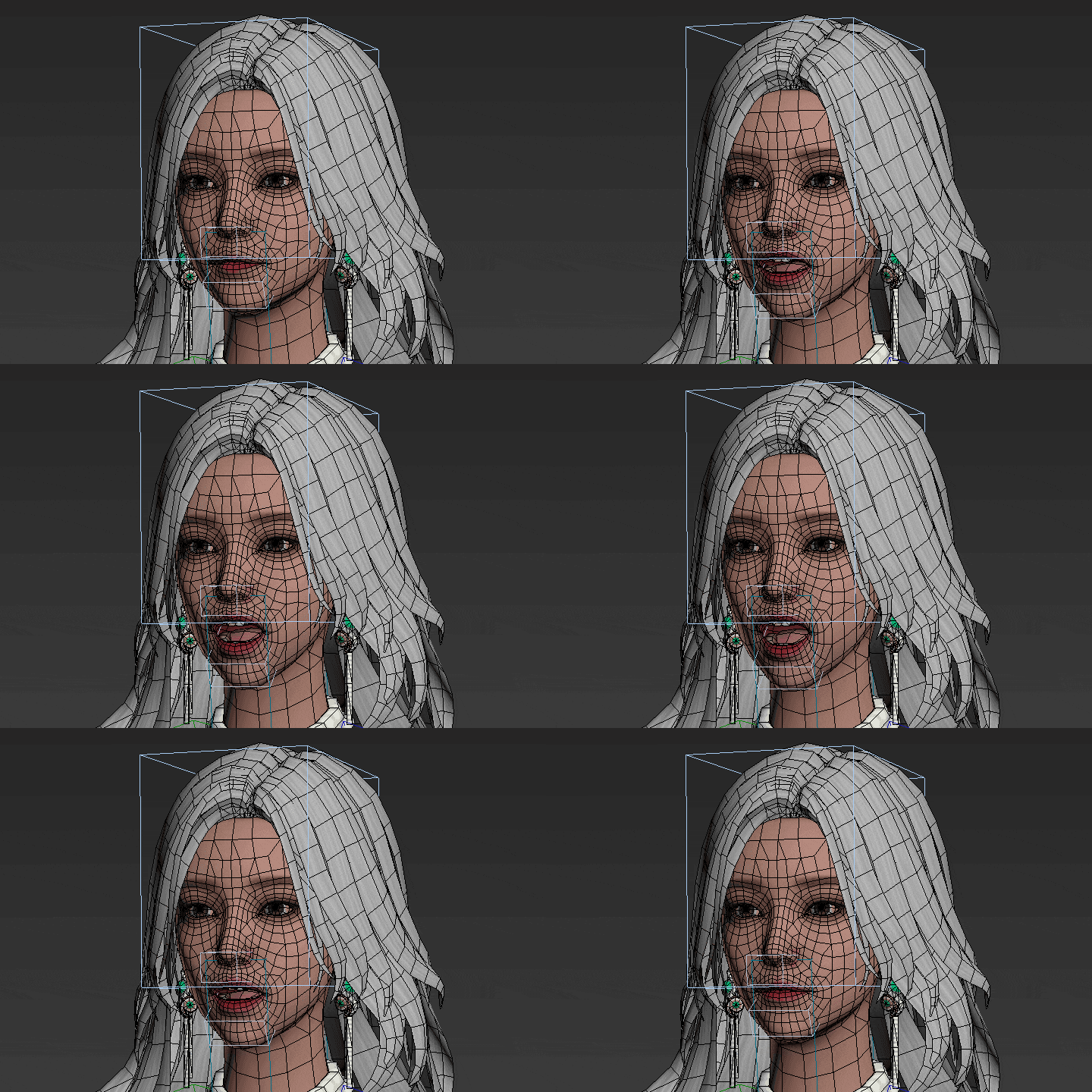 48. Mouth Rigging
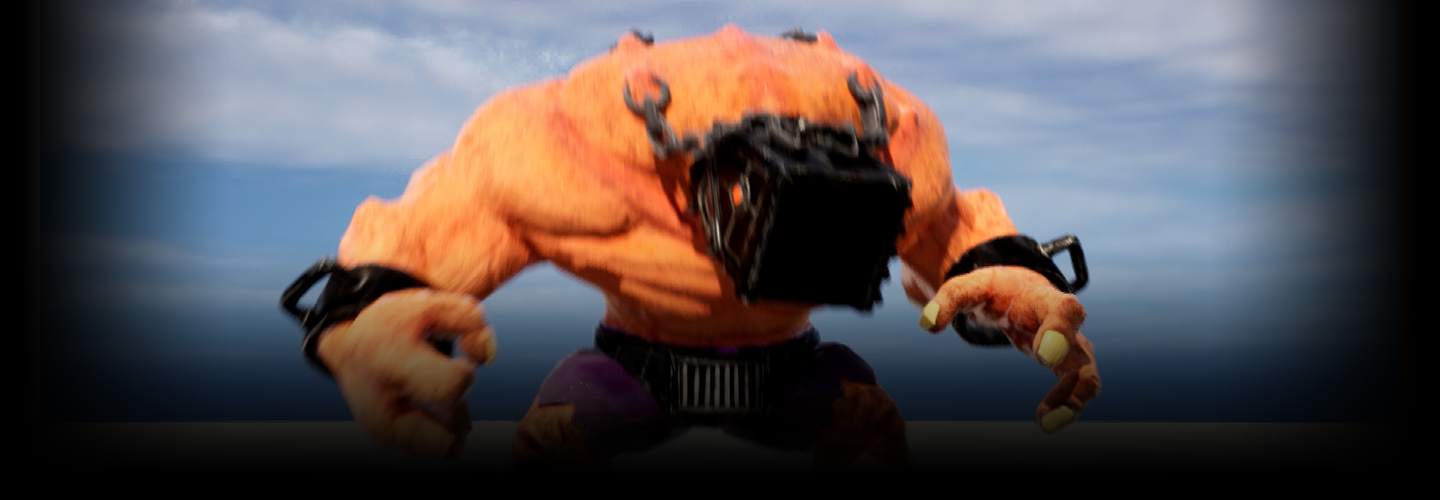
* The above images are actual class exercises you’ll create in the class.
Instructor
Game Animator
Musong Lee
Hello everyone, I’m Musong Lee, a game animator and the head instructor at Seed Game School.
I started in the game industry in the early 2000s, gaining hands-on experience, and since 2007, I’ve been teaching game animation. Over the years, I’ve helped hundreds of students secure jobs at major game companies around the world.
With 15 years of teaching experience, I’ve designed a step-by-step game animation class that’s easy to follow, even for beginners and non-majors. My goal is to provide aspiring animators and job seekers with not only the foundational skills but also a portfolio to help them enter the game industry.
I hope this class becomes a valuable opportunity for you!
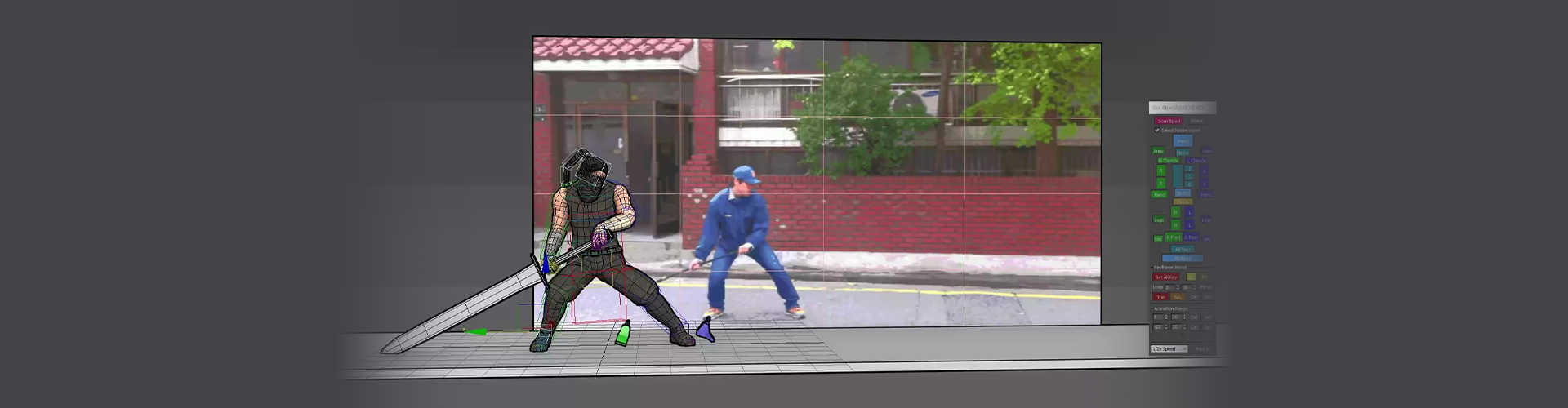

Game Animator Musong Lee
[Current]
Head Instructor at Seed Game School
Projects & Awards
[Teaching Experience]
2007 - Present: Head Instructor at Seed Game School
2013 - 2014: Guided students participating in the National Skills Competition for Animation
48th National Skills Competition (Gangwon-do): 4th place in the Animation category
49th National Skills Competition (Seoul): Silver medal in the Animation category
Accumulated over 300 game animator graduates employed in the industry
[Career]
2006: Animation Outsourcing Director at Aspec Co., Ltd., Shanghai, China
2006: Online Animation Production for the RPG game “Homage” at HaiWin Co., Ltd.
2004 - 2005: Online Animation Production for “ZZang” at Digit Planet Co., Ltd.
2003 - 2004: Online Animation Production for “Dispatch” at Bolt Soft Co., Ltd.
1998: Doowon Technical University, Major in 3D Animation
1996: ChungKang College of Cultural Industries, Major in 3D Animation
[Certifications]
3rd Grade Vocational Training Instructor Certification
Game Graphics Specialist
Highlights
Class Highlights
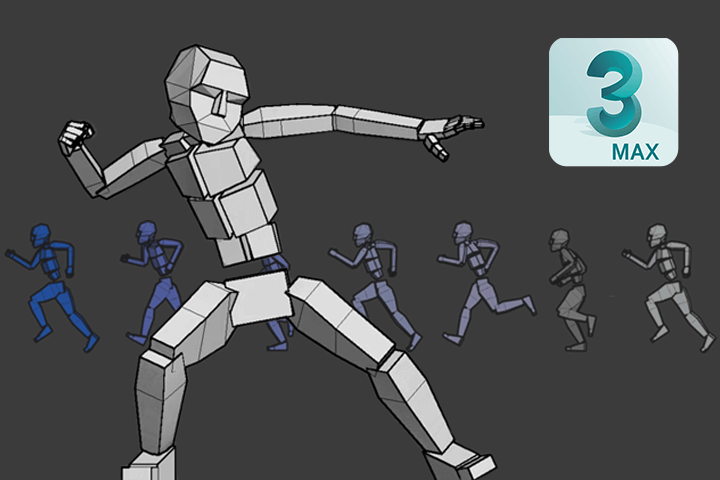
Master the Essential Basics for Entering Game Animation
From tool usage and basic animation principles to setting up a skeleton and completing detailed motions, I focus on the key elements you'll need and explain them from a beginner’s perspective.
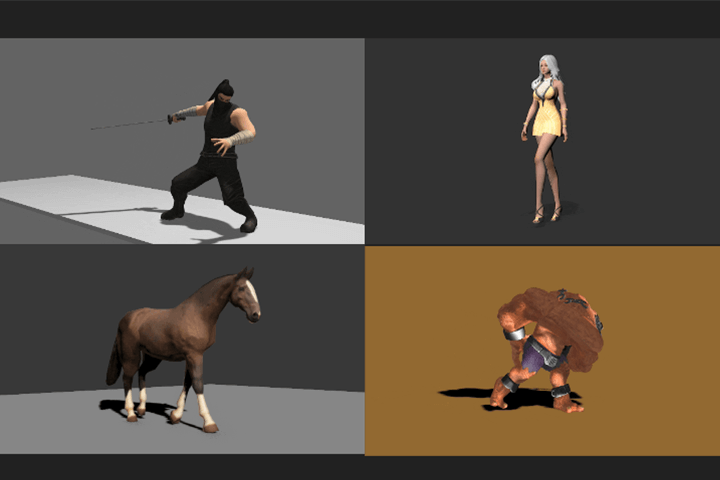
4 Motion Training Types to Add Variety to Your Animations
The big four in game animation! Explore a wide range of motions for male, female, monster, and four-legged animal characters in a single class, effectively learning the differences and key points of motion expression.
Curriculum Packed with Expertise that Led to Hundreds of Successful Students
Get one step closer to employment by leveraging Seed Game School’s 15 years of training expertise, which has helped create successful careers at major game companies like N, K, and others worldwide.
Class Details
You'll Learn
-
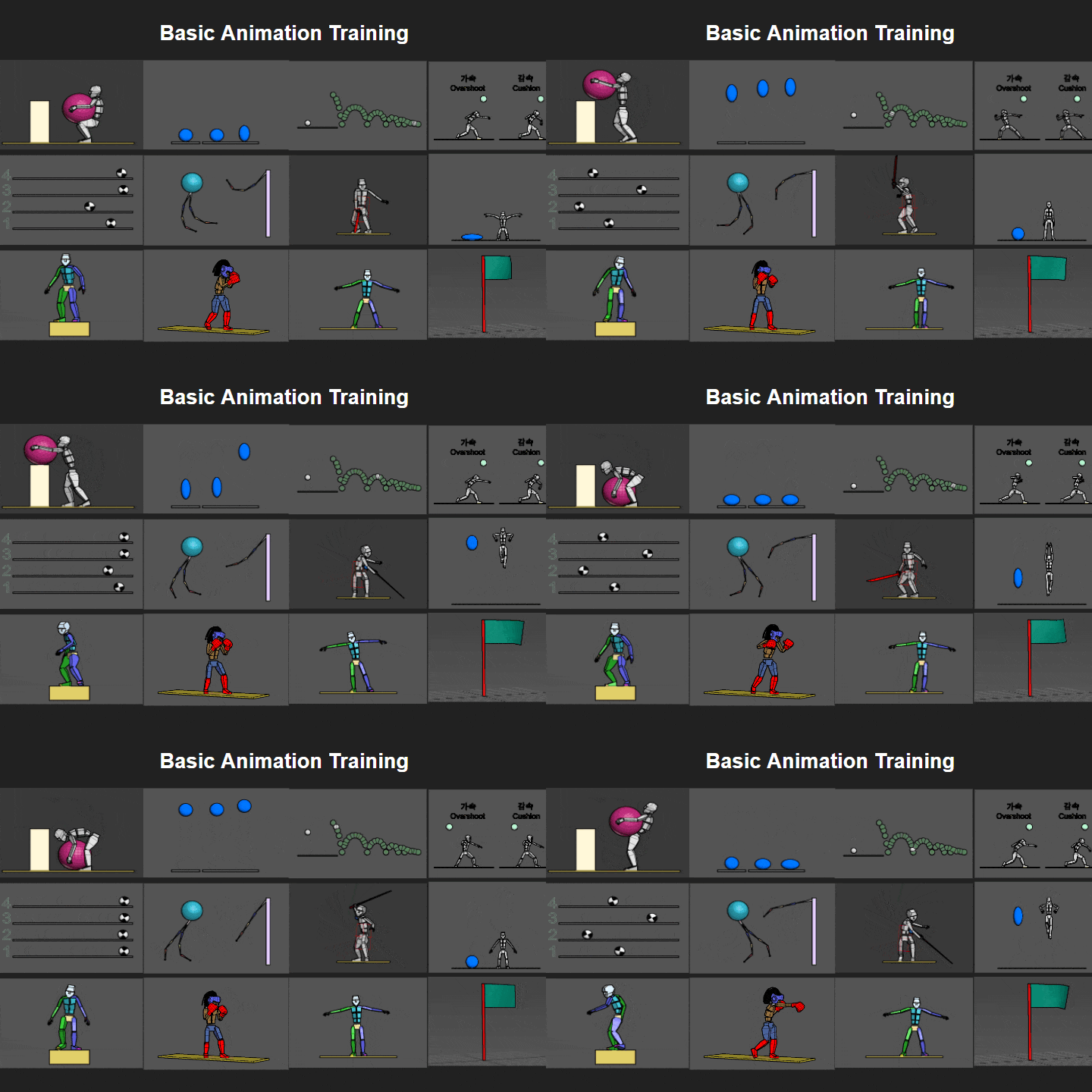 Learn the Basic Principles of AnimationStudy basic principles of animation such as Squash and Stretch, Anticipation, Pose to Pose, and observe the motion of objects like fluttering flags and bouncing balls to understand basic physics laws applied to movement.
 -
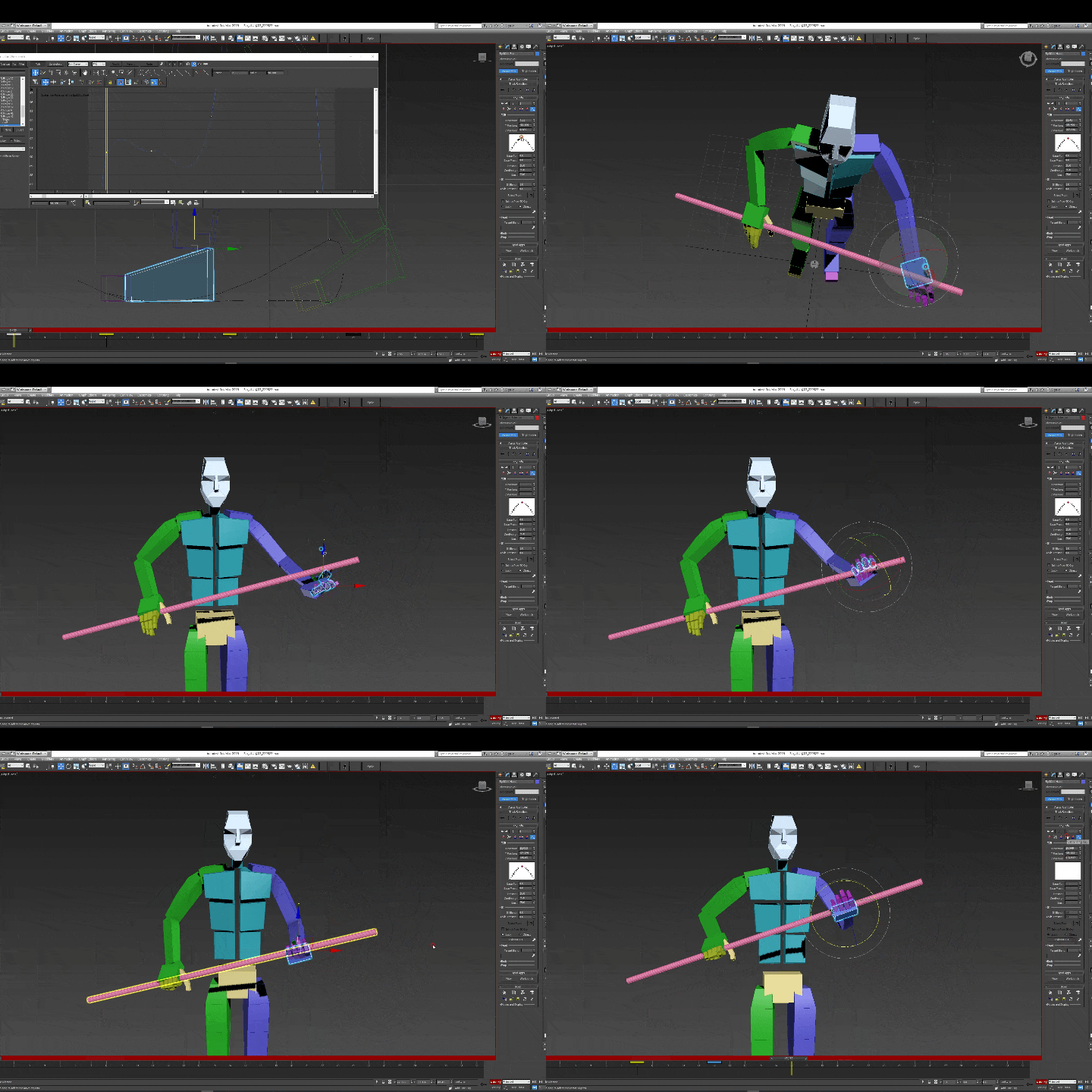 Mastering Biped UsageWork with Biped, an essential tool for game animation in 3ds Max! Understand the basic usage of Biped through concept explanations, including the motion panel, and learn to express subtle speed changes, such as acceleration and deceleration, in detail.
 -
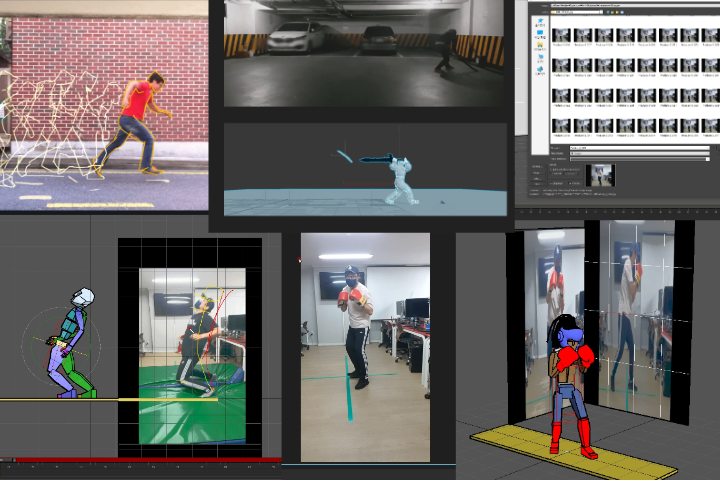 Planning a Game Animation Portfolio and Utilizing ReferencesUncover methods for planning a high-quality game animation portfolio. You’ll learn everything you need from defining the concept of your portfolio to selecting, analyzing, and utilizing various references for motion creation that fits the concept.
-
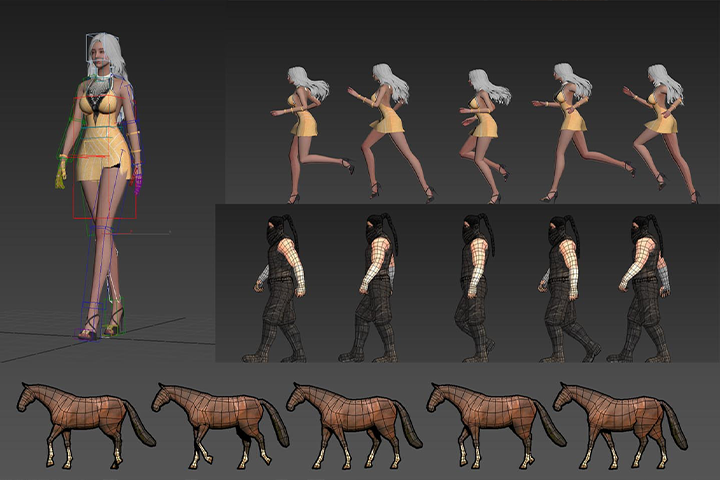 Understand the Differences in Movements for Various Character TypesUsing the pose-to-pose method, you will create key poses for male and female human characters and finish with motion polishing. Through practical examples, learn the unique motion characteristics of not only human characters but also monsters and four-legged animals.
 -
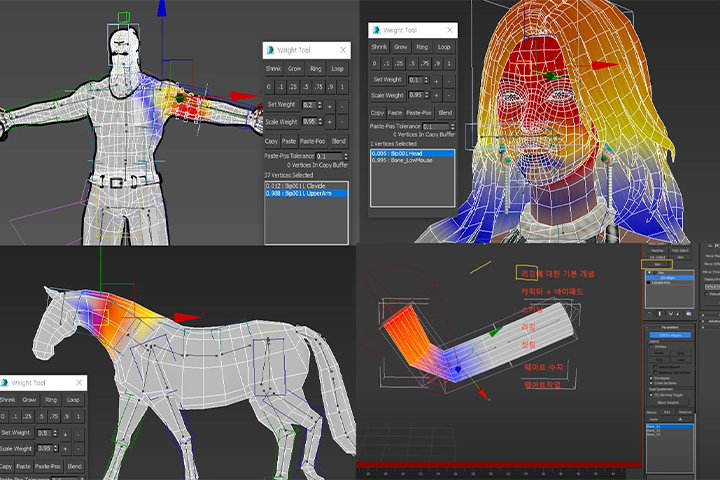 Building Solid Rigging BasicsThrough basic cylinder rigging, the challenging concept of rigging is simplified, providing foundational skills, including body part-specific twist and weight techniques that every animator should master.
 -
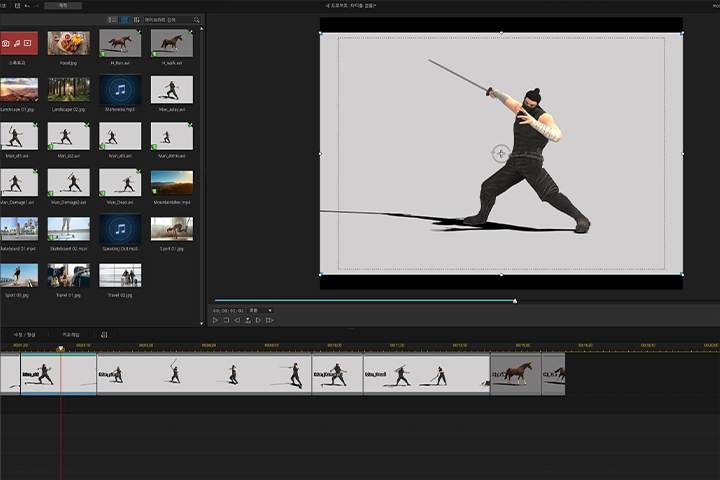 Job Portfolio Creation ExpertiseWant to create a demo reel for employment but don’t know anything about videos? I'll teach you rendering techniques for animations created in 3ds Max, along with basic video editing skills.
- Unlimited Access
- Best Price
Buy now, get unlimited access.
12/31 (Sat) (UTC-7) Special offer ends soon.
This special offer ends soon.
Buy now and save!
Curriculum
Curriculum
In-Depth Look
Part 01. Learning 3ds Max Basics
Part 02. Creating Basic Animations with Biped
Part 03. Game Animation Production Practice
Part 04. Rigging Game Character Parts
Part 05. Becoming a Game Animator Through Self-Study
*The release date of this class, curriculum images, and associated content can be changed without prior notice.
.
**Class videos may be separated for a more streamlined viewing experience.
Interview with
Game Animator Musong Lee

Question.01
What is the purpose of this class
and what should students take away from it?
I designed the curriculum of this class to naturally build a solid understanding of game animation for complete beginners. Beginners should start with the basics and progress step-by-step, rather than diving into advanced motions right away. The class includes short, manageable lectures to facilitate repetitive learning. In the early stages of the class, you'll solidify basic concepts before diving into the details of various motions.
Question.02
What are the instructor’s strengths in conducting this class?
My strength lies in my 15 years of teaching experience and my ability to help students overcome difficulties and succeed in finding employment. Having closely observed students over the years, I am well-acquainted with where beginners, especially non-majors, typically struggle and what content is both necessary and practically helpful.
Question.03
What do you think students will gain from this class?
I believe this class will offer beginners a chance to overcome the challenges of learning game animation and adapt quickly. Those who have been self-studying game animation will have the opportunity to solidify and reinforce any basics they may have missed.
Required Programs
This course will use
- 3ds Max 2016
- Unreal Engine 5.03
Please purchase and install these program(s) for an optimized class experience.
* You can take the class using 3ds Max versions 2016 to 2022 without any issues.
* Unreal Engine version 4.27 or higher is recommended.
▶ Check Unreal Engine Recommended Specifications
*These programs and/or materials will not be provided with the chapter.