Details
引言
課程介紹
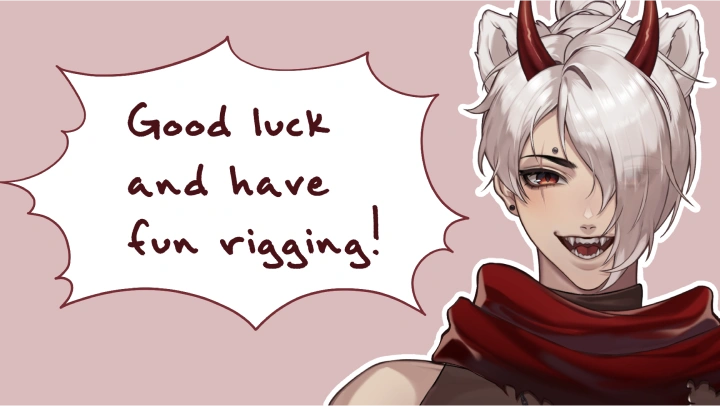
Live2D動畫師,Chaos Vermillion
“我將向你們展示如何透過動畫角色和背景,讓你們的藝術作品栩栩如生。”
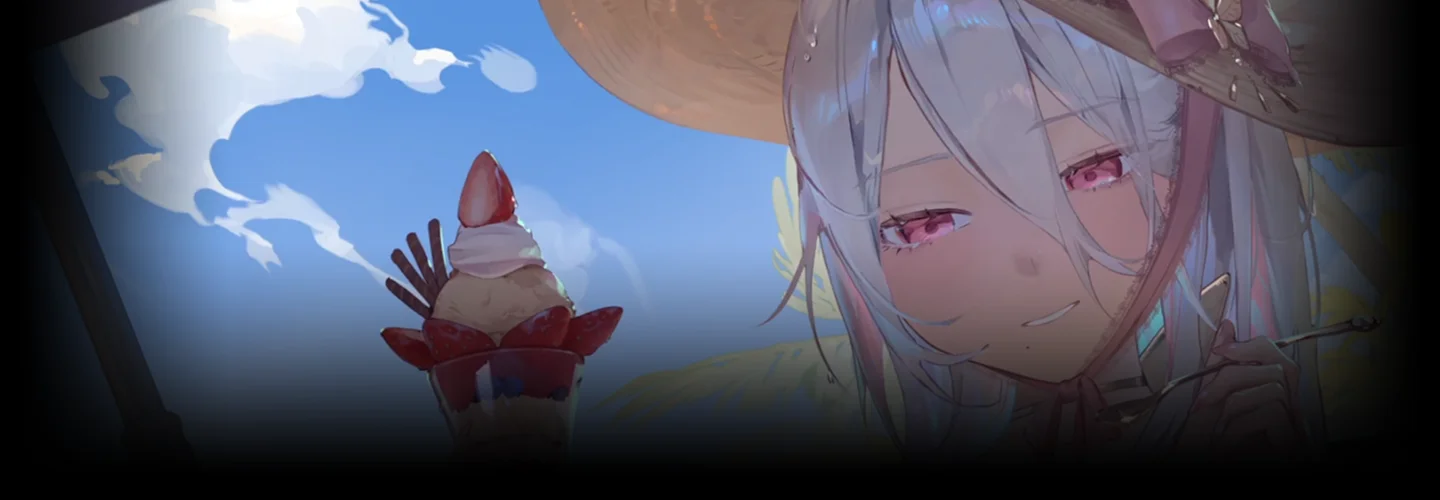
從靜態到動態:為你的 2D 虛擬實況主模型加入動畫
掌握綁定可追蹤插畫並製作動畫的技巧,打造最具吸引力的作品。 Chaos Vermillion 分享了他的秘訣和技巧,幫助您克服常見挑戰,創建引人入勝的 VTuber 模型。

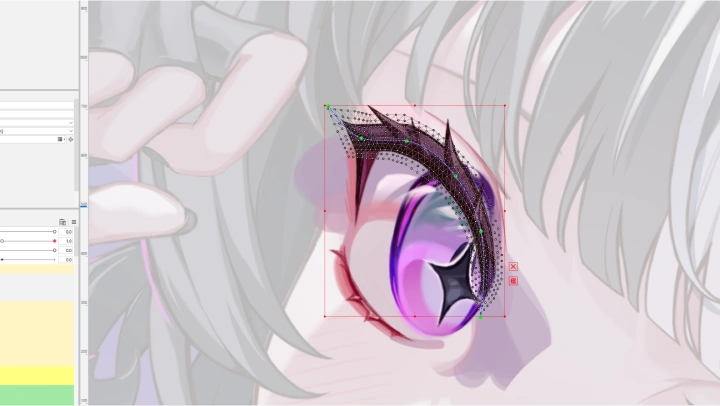
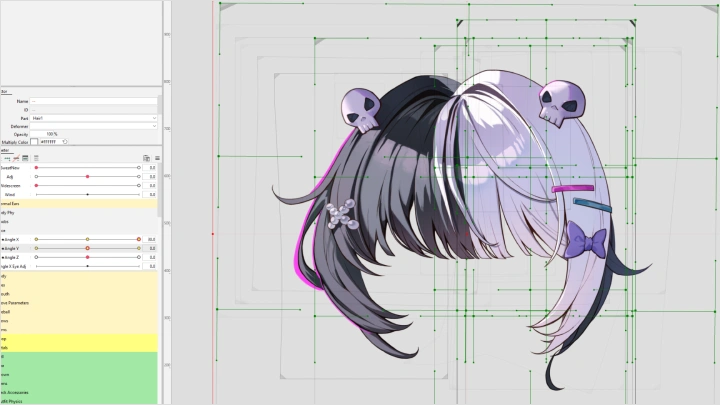
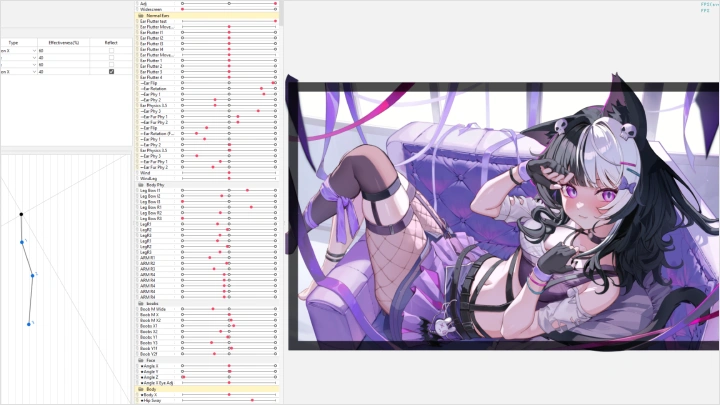
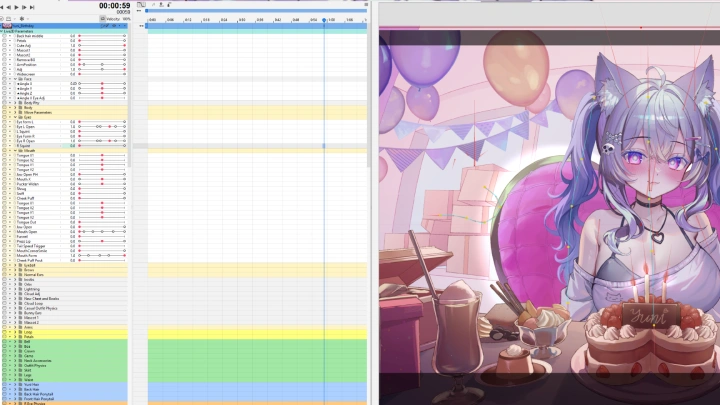
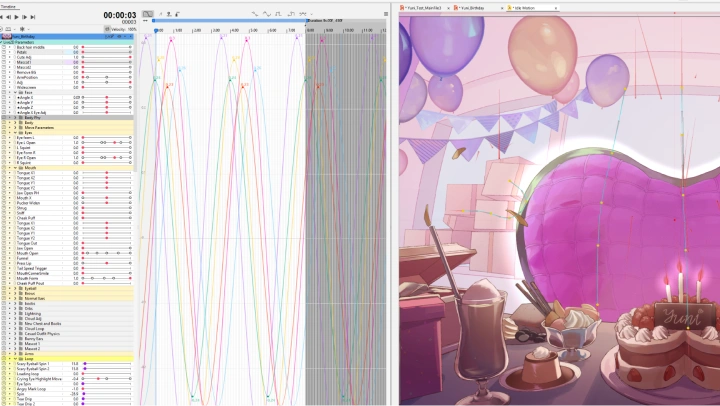
從美術準備、富有表現力的動作綁定、動態物理到沉浸式場景的背景動畫,本課程將涵蓋整個流程。
此外,你還將透過實踐練習和課程項目,將自己的插畫變為現實。學習如何與觀眾建立聯繫,並用你充滿活力的最終作品深深吸引他們!
此外,你還將透過實踐練習和課程項目,將自己的插畫變為現實。學習如何與觀眾建立聯繫,並用你充滿活力的最終作品深深吸引他們!
課程預覽
還是不確定?
快來看看混沌朱紅的課程預覽吧!
14. 高級嘴部綁定和臉部表達
1. 增加額外的嘴部參數和 VBridger 插件
2. 嘴唇交叉、抿嘴、鼓腮、聳嘴、撅嘴等等
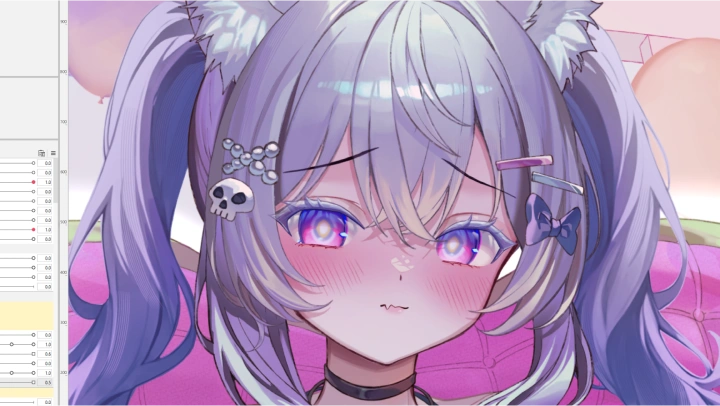
3. 把臉弄得可愛又軟萌
2. 嘴唇交叉、抿嘴、鼓腮、聳嘴、撅嘴等等
3. 把臉弄得可愛又軟萌
課程福利
來自混沌朱紅的特別禮物
-
 2SHAM插畫文件
 -
 Ye_jji插畫文件
 -
 完全綁定模型
 -
 參數和物理模板
 -
 完全分離縮時攝影
推薦
哪些人該選修這課程?
有志成為虛擬主播(VTuber)的人士,希望創建自己的模型進行直播。
經驗豐富的 2D插畫家,希望將技能擴展到動畫和骨骼綁定領域。
對學習 2D 骨骼綁定和動畫技術感興趣的動畫師。




資深 Live2D 動畫師 Chaos Vermillion 的作品集








為什麼要選這課程?
本課程提供完整的 Live2D 骨骼綁定和動畫製作逐步指南,非常適合插畫家、動畫師和有志成為 VTuber 的人士。課程從美術準備、圖層劃分以及頭部、身體和背景素材的分離入手,確保您能夠高效地建立專業級模型製作的堅實基礎。
接下來,你將深入學習 Live2D Cubism,包括預先綁定設定、變形器層級結構以及如何綁定富有表現力的臉部特徵、頭髮和身體動作。課程涵蓋眼睛、嘴巴、頭部角度和物理效果的高級技巧,使你能夠創造動態、美觀且極富表現力的角色。
最後,本課程將引導您完成動畫製作、場景建立以及與 VTube Studio 和 VBridger 的整合。從簡單的循環動畫到複雜的序列動畫,您將獲得實踐經驗、技術能力和創作自信,讓您做好充分準備,將您的插畫變為現實。
為現實世界做好準備
15課程練習
-
 藝術分離
藝術分離 -
 進階圖層
進階圖層 -
 建立網格
建立網格 -
 參數操作
參數操作 -
 索具面
索具面
-
 表情豐富的臉
 -
 不對稱頭部
不對稱頭部 -
 耳朵
耳朵 -
 頭髮物理學
頭髮物理學 -
 綁定擺姿身體
-
 身體物理學
身體物理學 -
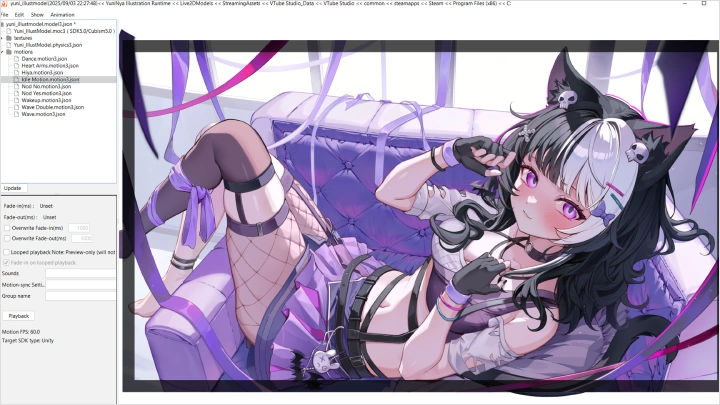
 睡眠動畫
睡眠動畫 -
 索具背景
索具背景 -
 VTube工作室
 -
 最終動畫
最終動畫
最終產品
-
最終動畫 1
-
最終動畫 2
講師
Live2D動畫師
混沌朱紅
大家好,我是Chaos Vermillion。很高興認識大家!我從事Live2D動畫自由職業已經五年了。在這五年裡,我有幸參與了超過200個獨特的項目,還有更多項目正在進行中。我可以說,沒有什麼比看著一幅插畫在你一步步完成綁定後慢慢鮮活起來更令人著迷的了。
然而,每幅插畫在綁定骨骼時都會面臨其獨特的挑戰。在本課程中,我將分享我多年來累積的許多技巧和訣竅,幫助你克服這些挑戰。
無論您是想為自己的作品製作動畫,還是想在這個領域從事專業工作,我都希望我的知識能幫助您創造出最具表現力和最引人入勝的模型和動畫。

Live2D動畫師
混沌朱紅
[現職的]
自由職業 Live2D 動畫師
精彩片段
課程亮點
準備插畫
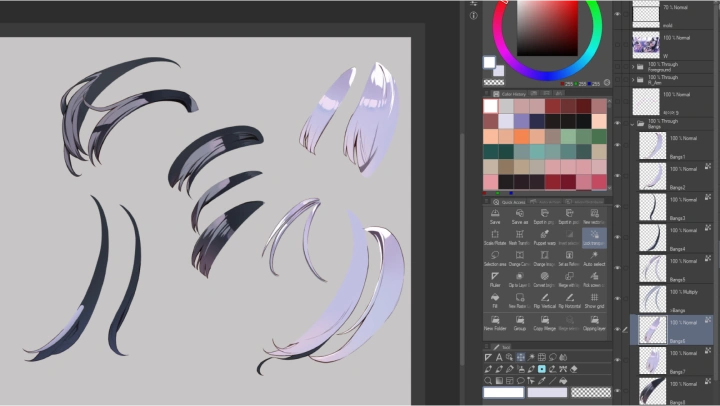
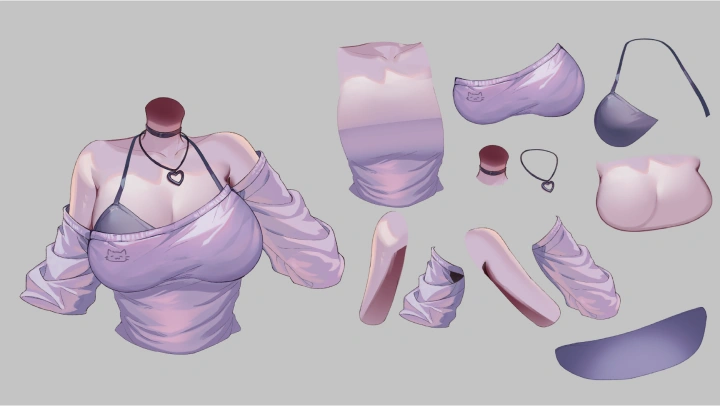
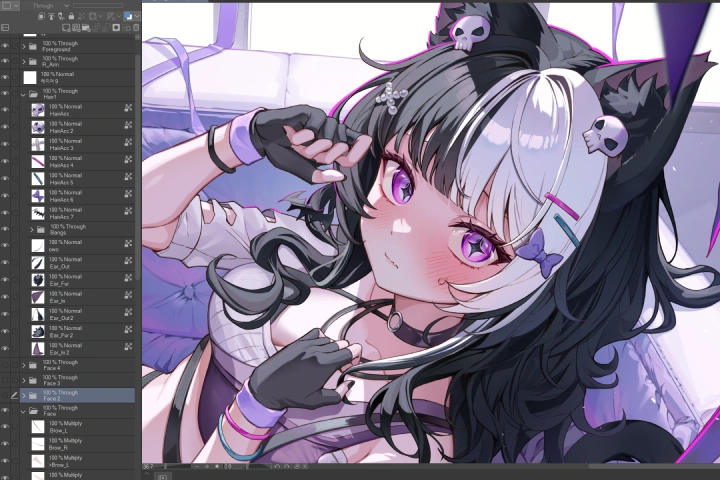
插畫準備工作至關重要!清晰準確的圖層設定將極大地影響最終效果。學習如何分離複雜的圖層,以實現最佳的綁定和動畫效果。
豐富的臉部表情增添魅力

個性化至關重要!添加自訂表情有助於觀眾與模特兒建立聯繫。讓它原創、個性化且充滿情感。
創造一個完整而引人入勝的場景
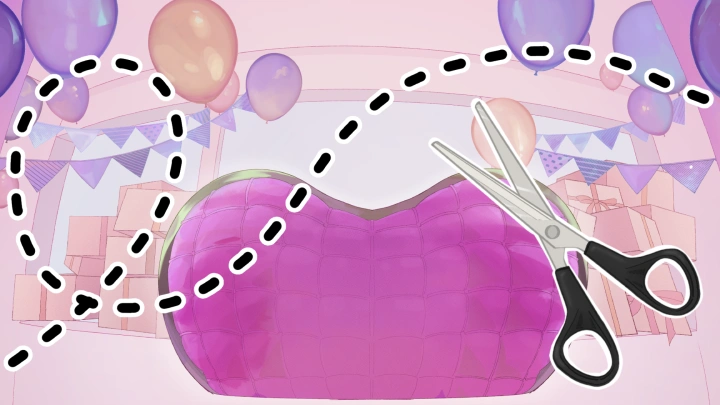
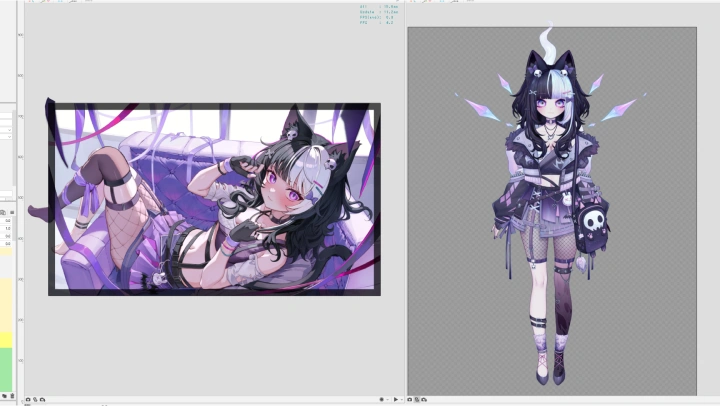
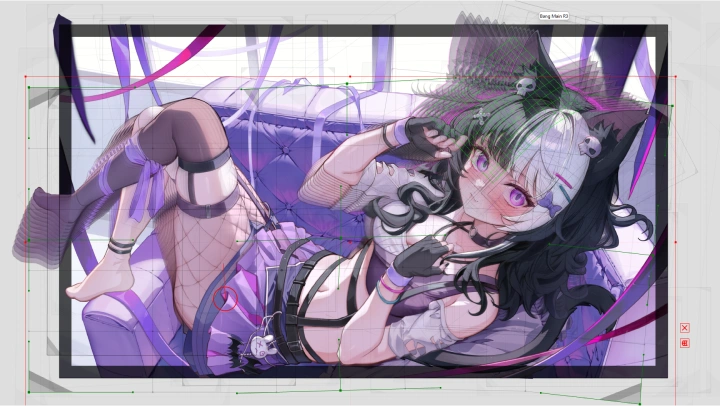
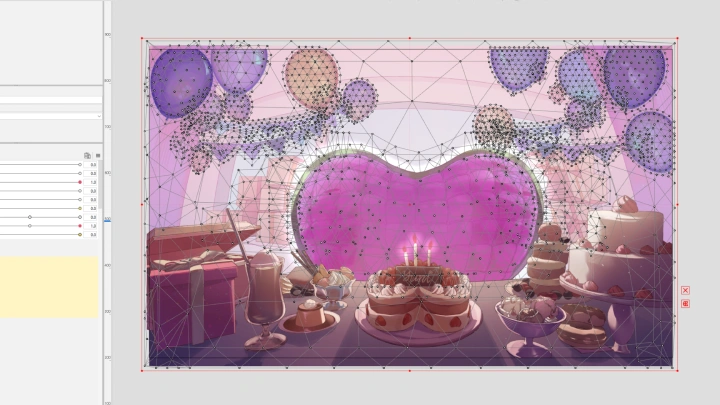

也要給插畫背景加入動畫效果!學習如何透過創造一個生動的環境來增強模型的鮮活感。
課程詳情
你將學到
-
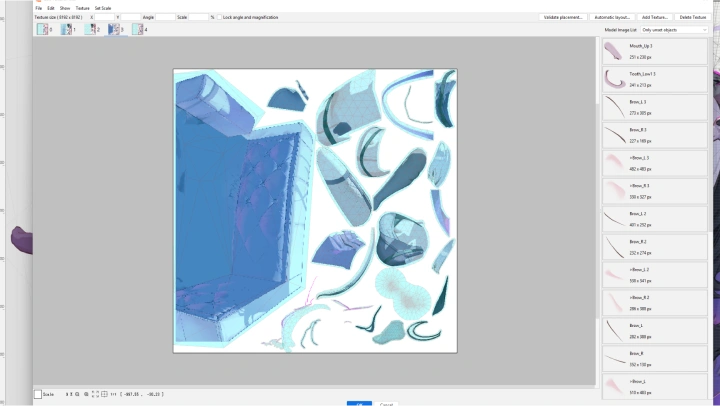
 準備索具圖稿Live2D VTuber 模型需要特殊的切割和分層技術才能實現流暢的綁定和動畫。圖層分離對於實現大幅度的動作至關重要。
 -
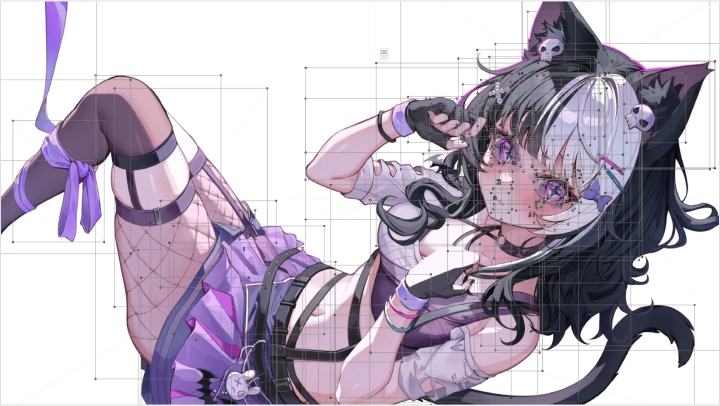
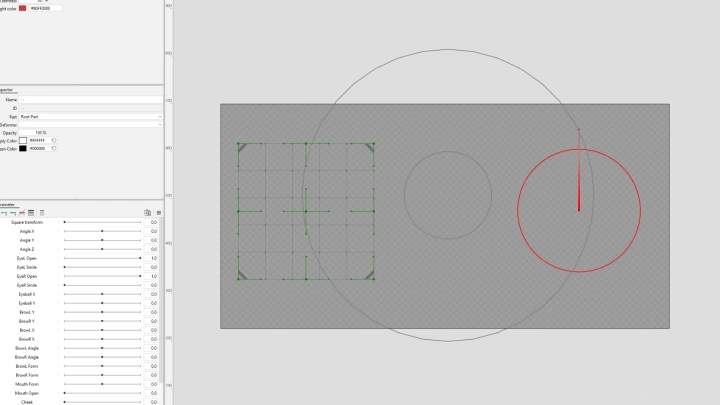
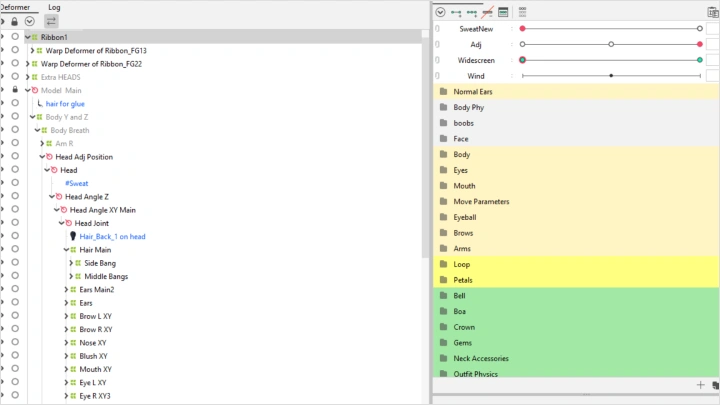
 Live2D立體主義簡介透過這個有趣且適合初學者的章節,學習 Live2D 的基礎知識!探索各種工具,並透過實踐練習來運用它們。
 -
 創造富有表現力的臉部動作臉部是模特兒最重要的部分。學習如何讓臉部表情盡可能生動傳神,從而吸引觀眾。
-
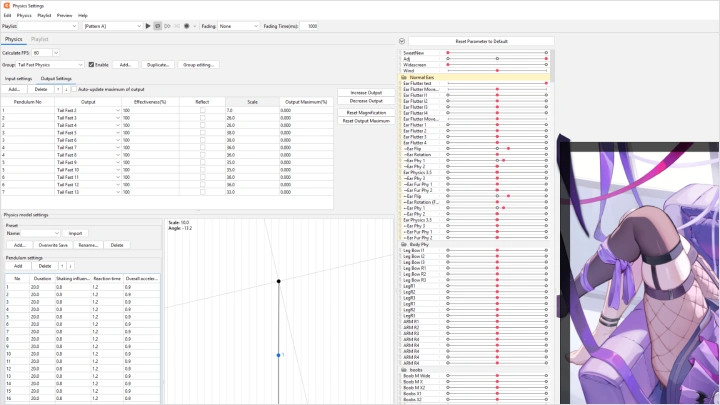
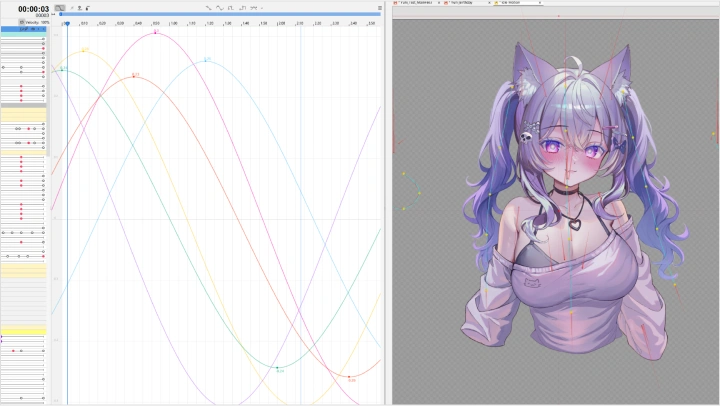
 利用物理學增強模型利用生動的物理效果為你的模型增添活力。學習如何在物理引擎中操控擺錘。
 -
 背景元素動畫許多插畫都有獨特的背景元素。學習如何根據場景為它們添加動畫效果。
 -
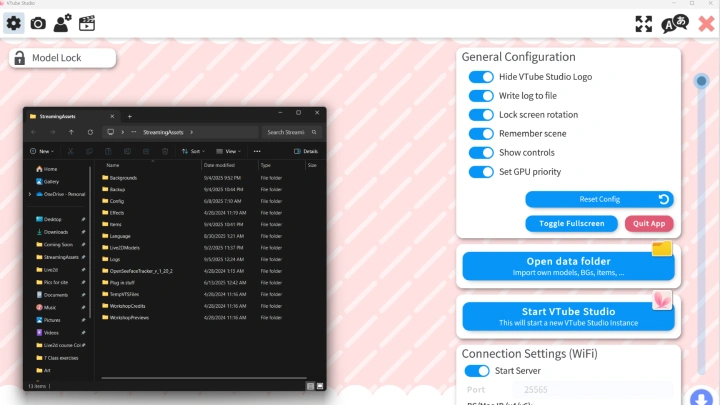
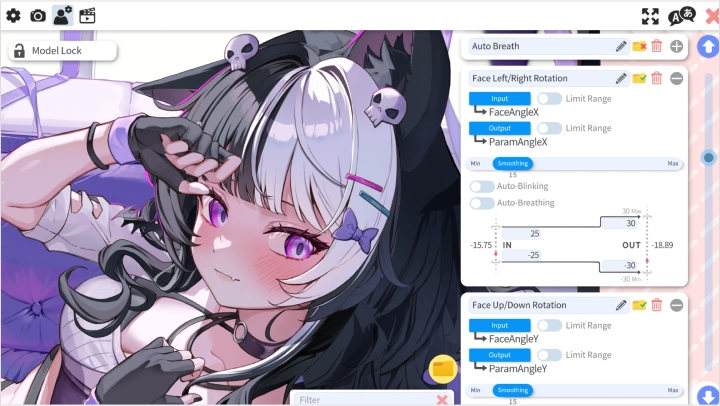
 對模型進行微調在 Live2D 中創建富有表現力的模型並非終點。為了獲得最佳效果,請學習如何在 VTube Studio 中對模型進行微調。
訪談
Live2D動畫師Chaos Vermillion

問題 01
你選擇這個特定主題/主題有什麼具體原因嗎?
我選擇在 Coloso 教授 Live2D,是因為我深深熱愛動畫插畫這種獨特的藝術形式,甚至在虛擬主播 (VTuber) 圈子裡,它也格外引人注目。憑藉其富有表現力的背景、動態的姿勢和生動的面部表情,動畫插畫能夠傳遞出一種普通 A 字姿勢模型往往缺乏的親近感。我一直渴望分享我的知識,而這門課程對我來說是一個絕佳的機會,讓我能夠做到這一點,並激勵他人。
問題 02
你的課程與其他課程有何不同?
本課程深入探討將插畫轉化為動態虛擬主播(VTuber)模型的完整流程,這一領域鮮有詳盡的講解。課程重點在於透過極富表現力的臉部表情、動態的身體物理效果和動畫背景,賦予插畫生命力。此外,本課程還提供豐富的實踐學習機會,透過分離、分層和綁定等所有必要步驟,幫助學生掌握將任何插畫轉化為虛擬主播模型的必要技能。
問題 03
你認為在你的產業中,成功最重要的特質是什麼?
我認為在 Live2D 行業中取得成功的關鍵特質是:高效、享受樂趣、樂於嘗試新的綁定和動畫方法、與客戶保持清晰的溝通、遵守截止日期以及擁有良好的職業道德。
所需軟體
本課程將使用:
Clip Studio Paint
- Live2D立體主義
- VTube Studio
- VBridger
請購買並安裝這些軟體,以獲得最佳章節體驗。
*本章節將不提供這些軟體和/或材料。