Details
簡介

課程介紹
獨立動畫師,Tori Artworks
「我將拆解逐格與 2D 動畫的全過程,從基礎原理到進階應用,帶你實際動手製作。」
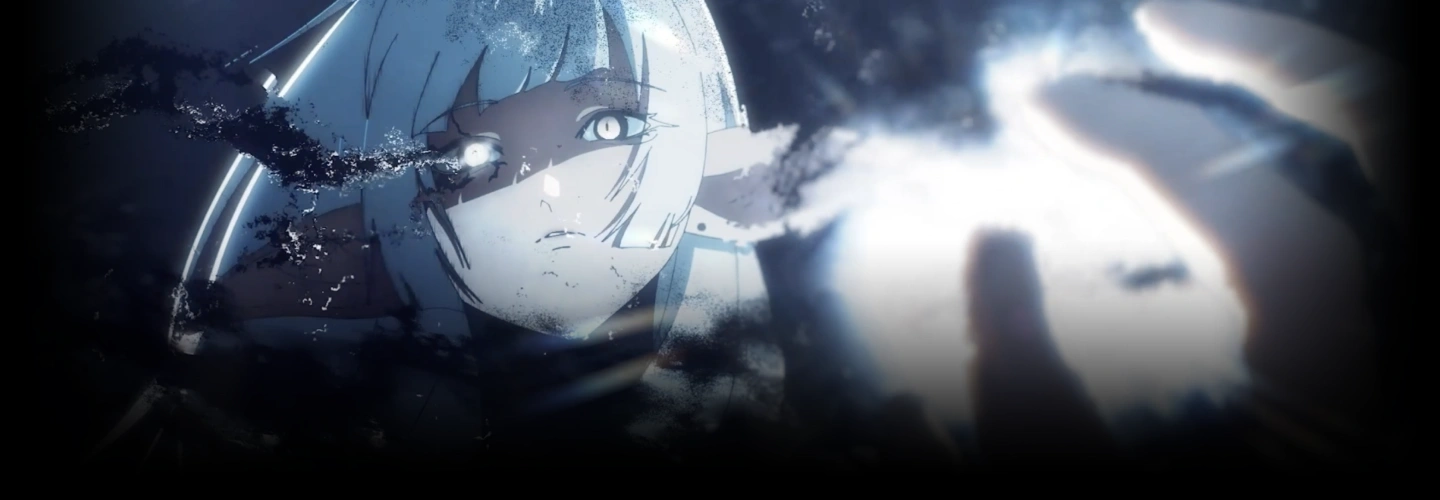
善用令人驚豔的視覺特效與高階構圖技巧,實現專業級的 2D 動畫製作!
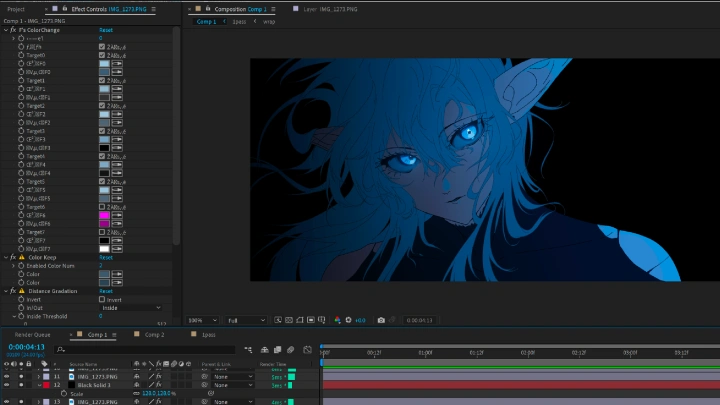
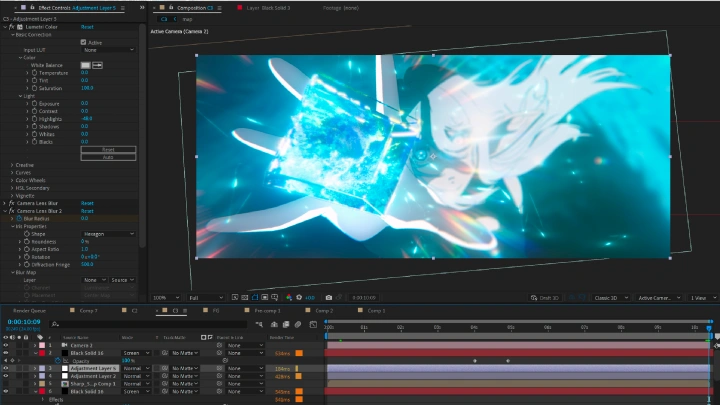
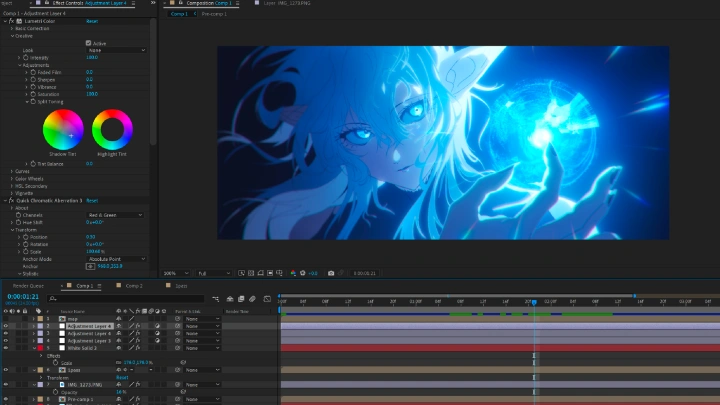
挑戰創作出完美到令人窒息的動畫作品,將華麗的VFX特效與精湛技法完美融合。無論你是動畫師、特效師,還是任何程度的合成師,這堂課都將助你躍升專業層級,讓你的後期製作能力更上一層樓。想打造獨立動畫作品嗎?這裡就是你茁壯成長的舞台!

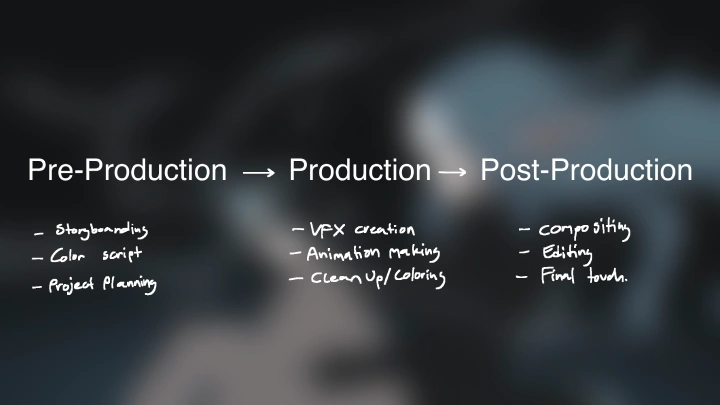
透過完美的合成方法,最大化色彩的美感,創造高品質的影像作品。同時,課程將完整帶你走過分鏡、動畫布局、素材與背景的各個階段!由資深合成師兼 VFX 藝術家 Tori Artworks 親自指導,培養你在規劃、細化、探索與定稿上的良好習慣。
體驗專為2D動畫打造的原創特效,以及當今媒體中罕見的合成技術,讓你的作品在創意與完成度上脫穎而出!
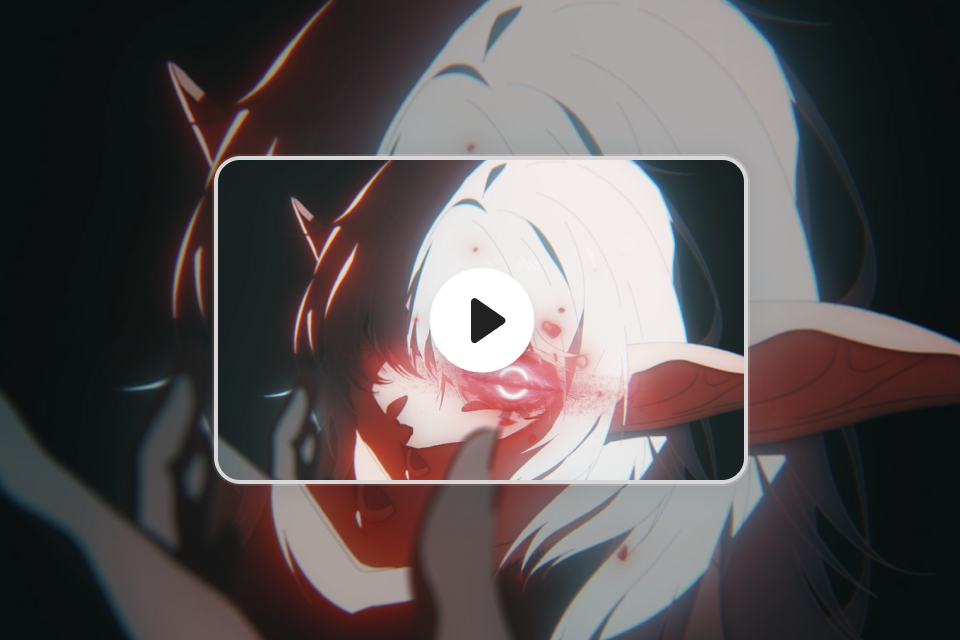
課程預覽
還是不確定?
查看 Tori Artworks 的課程預覽!
第11章
解釋構圖規則
1. 解釋三分法理論
2. 解釋黃金比例理論
3. 用縮圖草圖示範構圖
課程福利
盡享 Coloso 專屬福利
-
VFX 專案文件 -
CSP 檔案 -
最終動畫專案文件
獨立動畫師
Tori Artworks 的課程系列
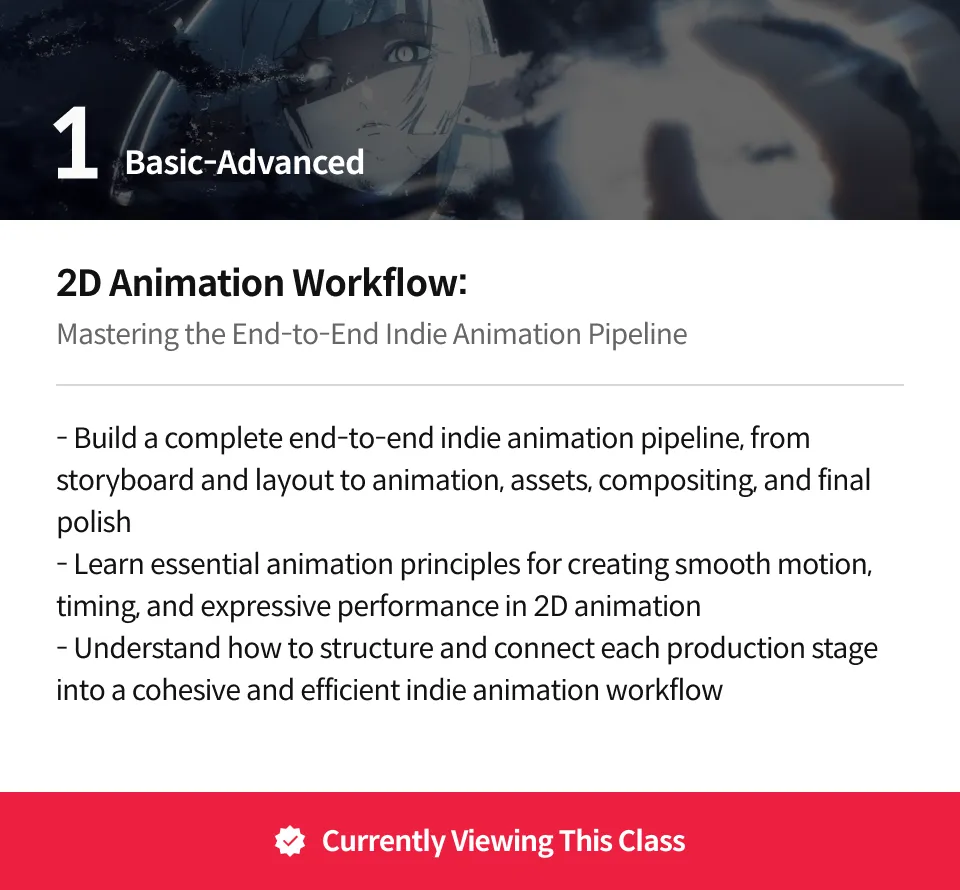
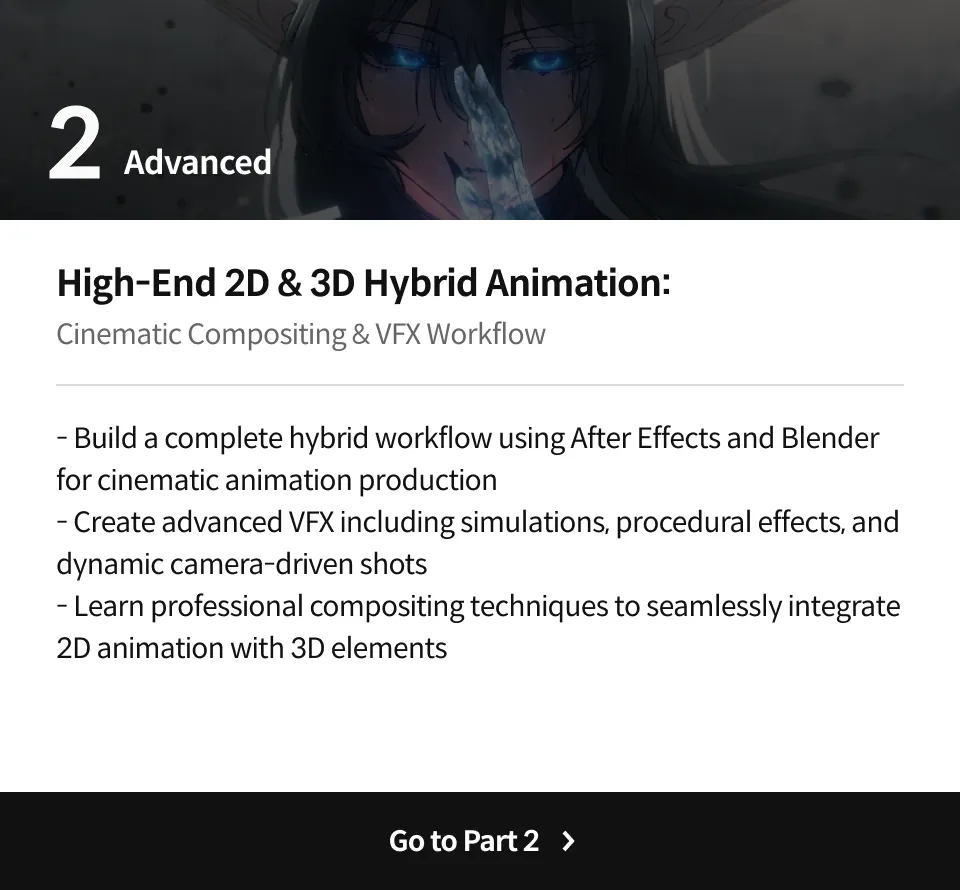
專業獨立動畫師 Tori Artworks 的作品集







為什麼要上這門課程?
在動畫製作流程中省略一兩個階段?那是絕對不行的。每一個步驟都不可或缺,關鍵在於如何讓所有元素和諧融合。當你以有條理、個人化的方式逐步發展作品時,會發現成功往往藏在最細微的細節裡。即使僅使用 Clip Studio Paint EX 和 After Effects 等基礎工具,也能創造出超乎預期的動畫品質。角色所散發的氛圍、場景所營造的壯闊空間與情感張力,皆取決於你對細節的掌握與堅持。
以精湛的構圖與專業視覺特效聞名的 Tori Artworks,將帶你踏上一段充滿變革與啟發的學習旅程。本課程由豐富的 37 章課程內容組成,幫助你穩扎穩打地成為專業的 2D 動畫師、合成師與視覺特效藝術家。從基本設定、核心基礎、實用工具技巧到業界獨家見解,逐步建立完整能力,最終創作出屬於你自己的原創傑作,超越以往的自我。
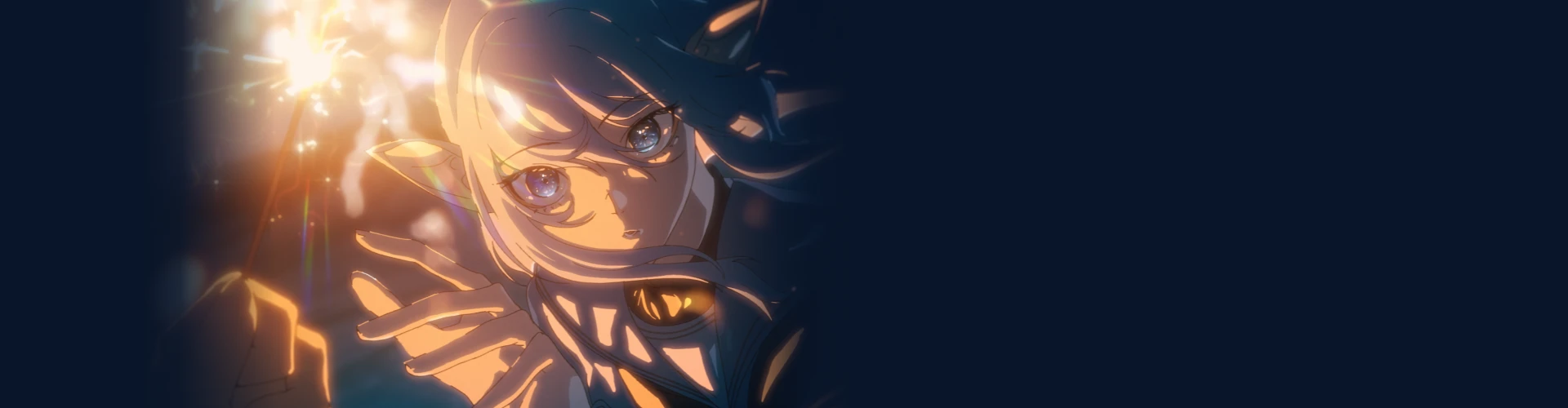
20 項課程實作
3 項視覺特效實作
-
 3 項簡單的視覺特效
 -
 3 項複雜的視覺特效
 -
 1 個範例視覺特效
4 項分鏡實作
-
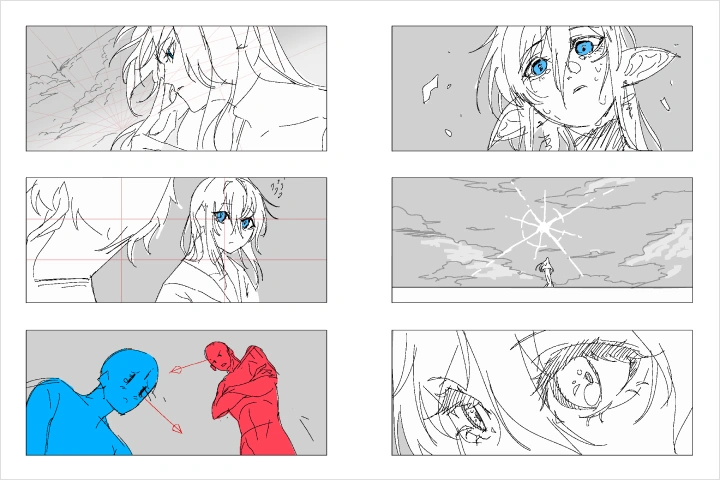 縮圖草圖
縮圖草圖 -
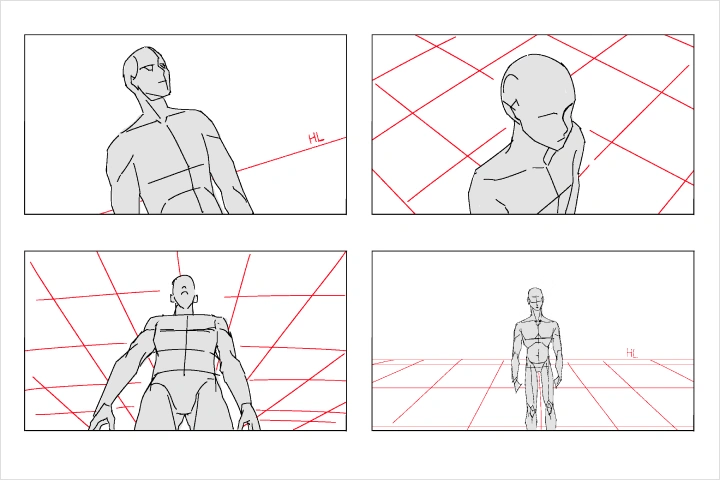 攝影機角度
攝影機角度 -
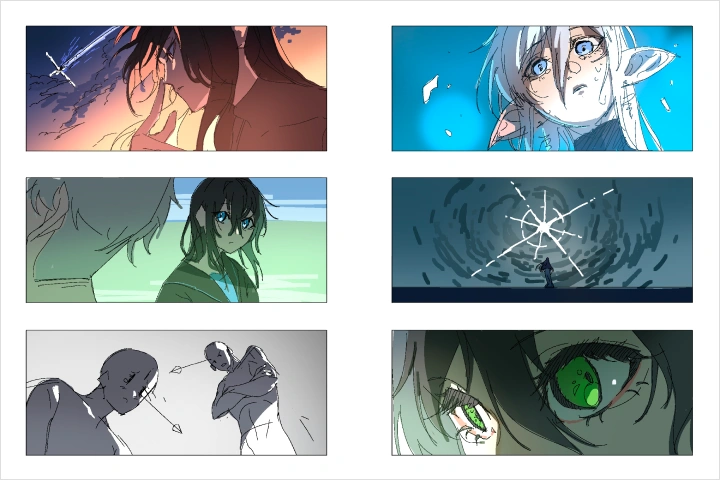 燈光
燈光 -
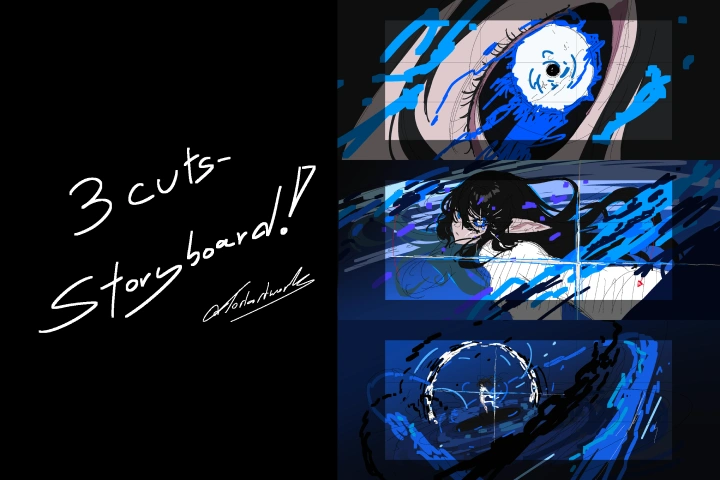 三鏡頭分鏡圖
佈局和精修實作
-
 動畫
動畫 -
 循環動畫
循環動畫 -
 精修草圖線條
 -
 上色
上色
3 項資產和背景實作
-
 漸層背景
漸層背景 -
 自然感粒子效果
 -
 資產與背景
資產與背景
3 項合成實作
-
 靜態影像合成
 -
 動畫合成
動畫合成 -
 最終動畫合成
3 項後製實作
-
 濾鏡
濾鏡 -
 額外效果
額外效果 -
 最終動畫編輯
最終成果
完成 3 個高難度動畫短片
講師
獨立動畫師
Tori Artworks
大家好,我是 Tori!
我是一名獨立的 2D 動畫師與 After Effects 視覺特效(VFX)藝術家。
目前在泰國的 2D 動畫產業擔任合成師,並與多位 VTuber 合作各類獨立專案。我從小就開始了繪畫之旅,而在 2022 年左右發現 After Effects 後,我的工作流程因此轉變,並將這套工具融入我的創作之中。
我以「能讓影格逐格動畫與視覺特效自然融合」的技巧聞名。
我喜歡在 X(Twitter)上分享幕後製作內容,許多粉絲也因此希望我能開設教學課程,所以我就來跟 Coloso 合作了!
這堂課適合任何想透過創意合成技術提升作品層次的動畫師,以及希望學習嶄新方法、讓特效更具魅力的 VFX 藝術家。
獨立動畫師,
Tori Artworks
[現職]
ANIMETIX 的自由合成師
代表作品和獲獎經歷
[專案]
ANIMETIX 《Downfall》 ARP 合成師
ANIMETIX 《Scarlet Defiance》作曲家
獨立動畫師及各類 Vtuber 及遊戲的合成師
亮點
課程亮點

獨立動畫製作的基礎知識
了解動畫的製作流程是極為重要的第一步。 本課程將教授你動畫製作的整體流程與基本知識, 幫助你創作出引人入勝的作品。

強化作品的合成技術
紮實的合成知識能大幅提升動畫品質。 本課程將帶你探索多種合成技巧, 讓你的動畫更具深度與層次感。

適用於多種動畫風格的實用特效
多數動畫作品都包含某種類型的視覺特效。 你將從基礎到進階,學習如何創作可與 2D 動畫結合的完整特效流程。
課程詳情
你會學到
-
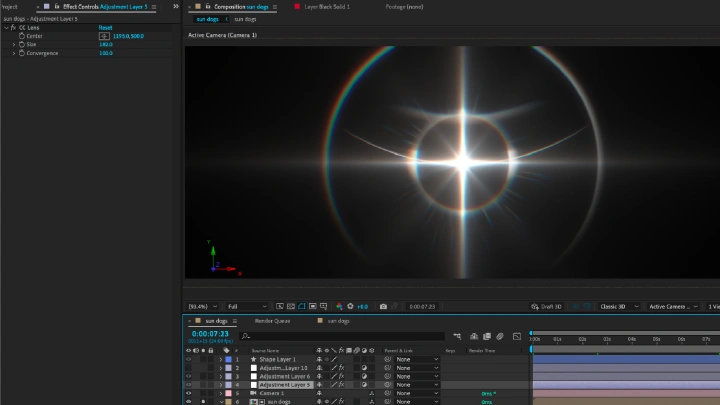
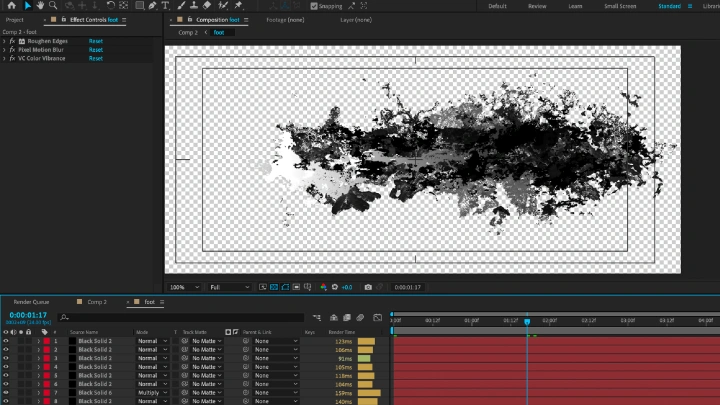
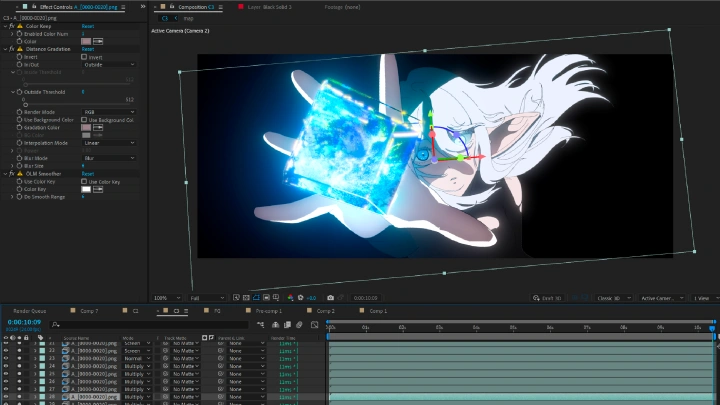
 視覺特效(VFX)創作使用基本的 After Effects 插件創作原創特效, 並探索多種 VFX 技巧與應用方式。
 -
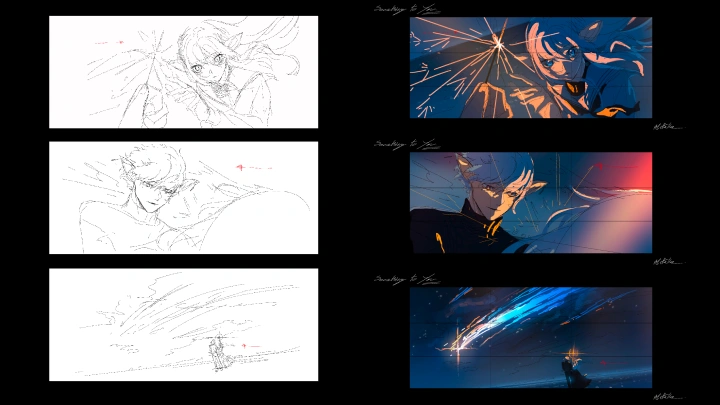
 分鏡規劃學習實用的分鏡技巧, 幫助你更有效地規劃動畫,提升最終作品品質。
 -
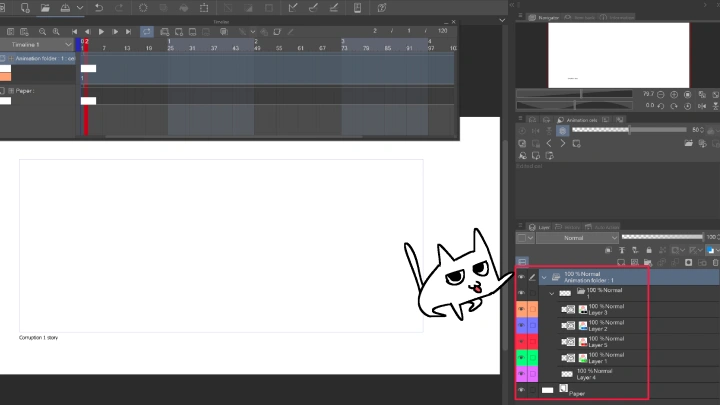
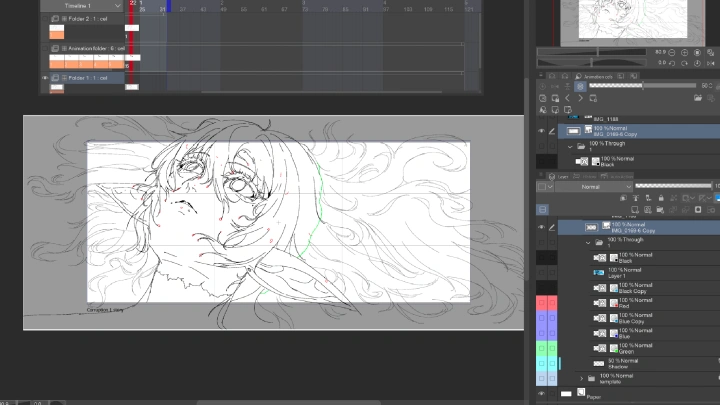
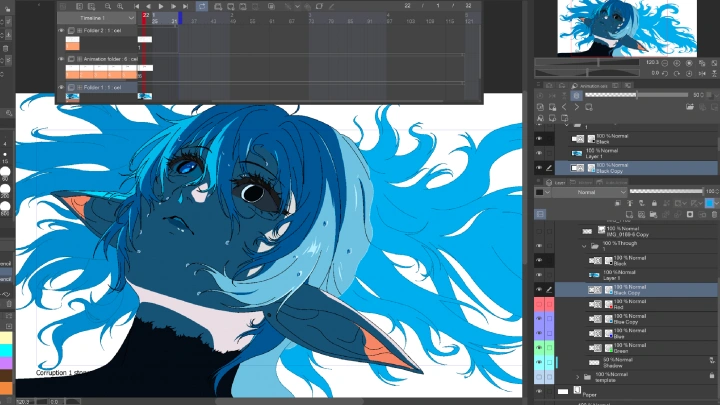
 動畫布局掌握獨立製作動畫的基礎布局知識, 並學會最佳的畫筆設定以提升工作效率。
-
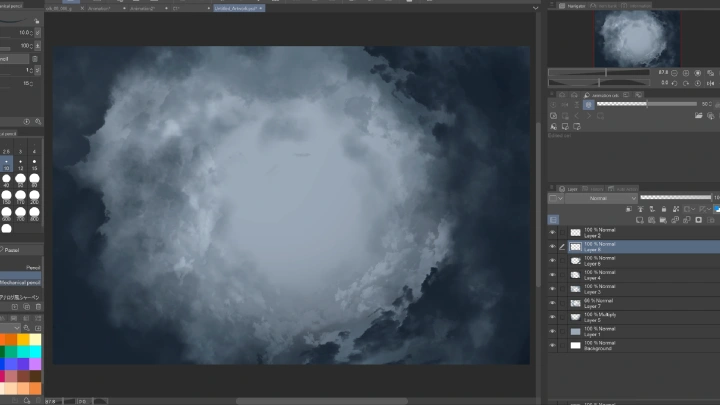
 資產與背景利用簡單手繪資產提升作品層次, 包括灰塵、小型有機粒子及漸層背景等元素。
 -
 合成技術學習專業的動畫合成技巧, 幫助你未來在作品中更好地整合特效與畫面。
 -
 最終潤飾透過濾鏡與色彩校正最終成果, 為作品帶來完美且生動的最終效果。
訪談
獨立動畫師 Tori Artworks

Question.01
你的課程與其他課程有何不同?
我認為 After Effects 是一個強大的工具,即使是簡單的獨立動畫製作,也能讓作品更接近完美。這門課程的目標是幫助你創作引人注目的 VFX 並完善後製流程,學習起來簡單易懂。
Question.02
你認為在這個產業成功最重要的特質是什麼?
我相信好奇心是這個產業中最重要的特質。如果你想讓動畫作品脫穎而出,你必須呈現出新穎的創意。持續嘗試和探索是關鍵。
Question.03
想對學員們分享的話
創造力是成功的核心步驟。藝術基礎固然重要,但如果缺乏創造力,你將難以發現並運用新技法。勇於實驗,享受創作過程,玩得開心才是最重要的。
所需軟體
本課程將使用 Clip Studio Paint EX 和 After Effects 2023。
請購買並安裝上述軟體以獲得最佳的課程體驗。
* 本課程不提供課程所需的軟體及材料。
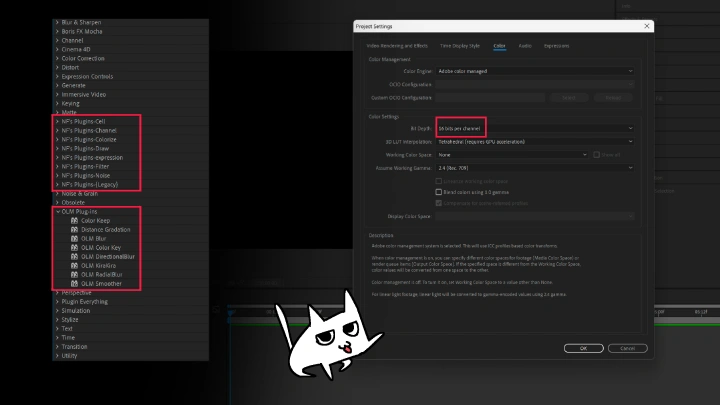
* 課程中使用的 F 插件和 OLM 都與 Mac 系統不相容。