Coloso.

Search Input

Blender 與 DaVinci Resolve 的程式化特效與進階渲染流程

3D CG Artistizzy
  • 可觀看課程


課程詳細資訊

  • 可觀看課程
  • 基礎~中級
  • 共 40部影片, 16小時 30分
  • 英語
  • 英語, 繁體中文 [Auto]
  • 提供課程教材


Details

課程詳情
你會學到
<p><strong>基礎與構思</strong></p>

基礎與構思

set好你的工作站,開始進行創意構思。探索如何收集參考資料、理解視覺敘事,並建立情緒板來定義你的 3D 場景方向。

<p><strong>資產準備與場景佈局</strong></p>

資產準備與場景佈局

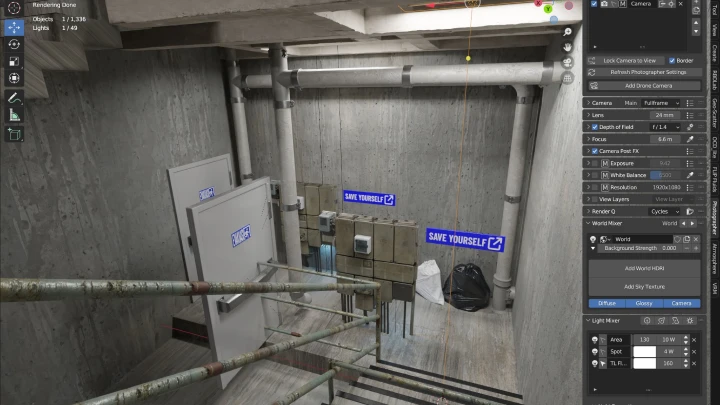
尋找或創建 3D 素材,建模關鍵元素,並使用真實世界比例進行創作。使用Blender進行場景佈局、放置攝影機和燈光,並將想法轉化為連貫的 3D 作品。

程式設計與特效開發

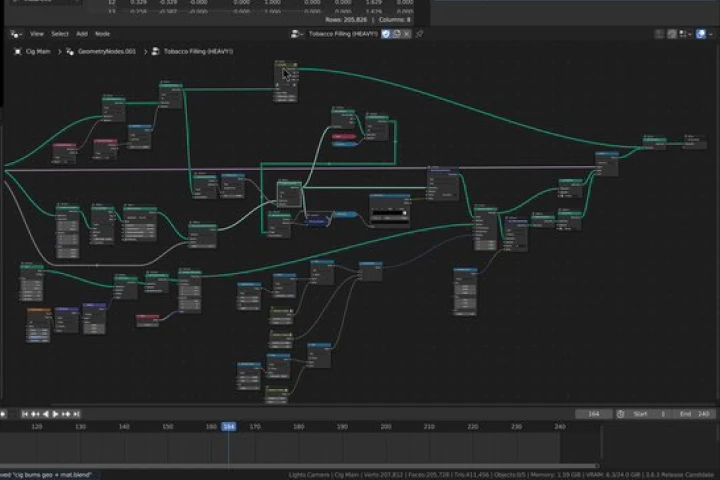
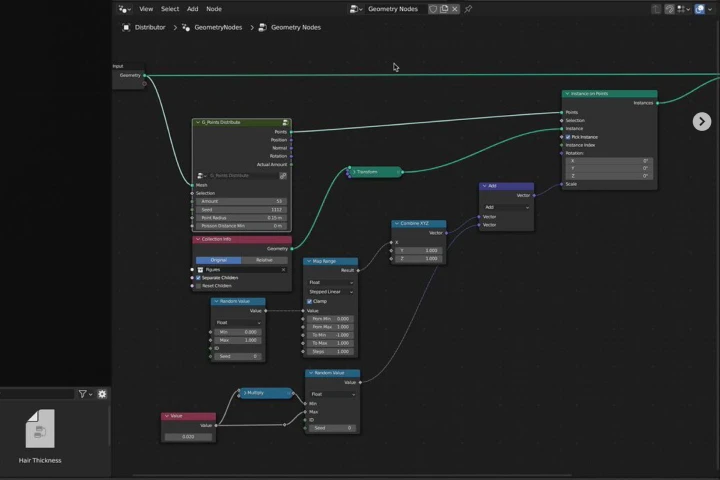
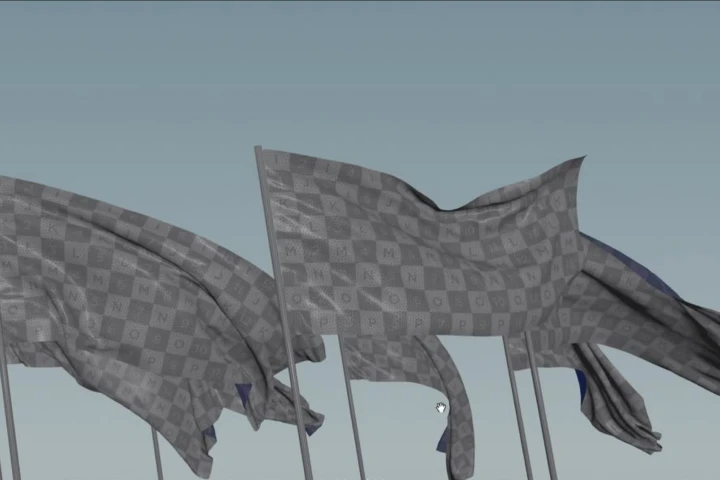
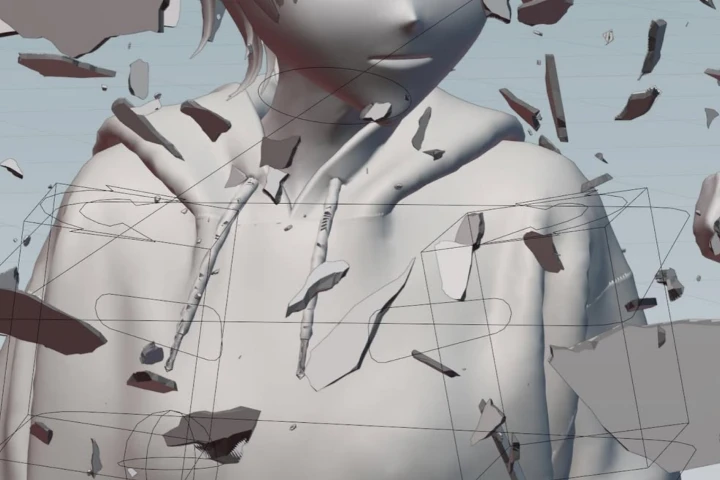
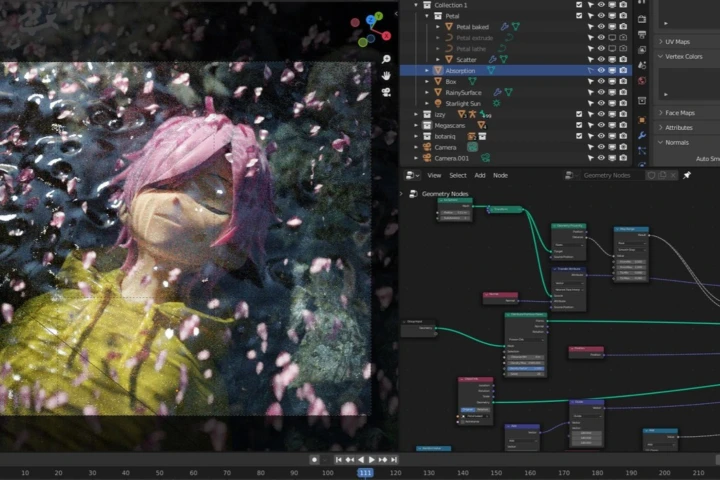
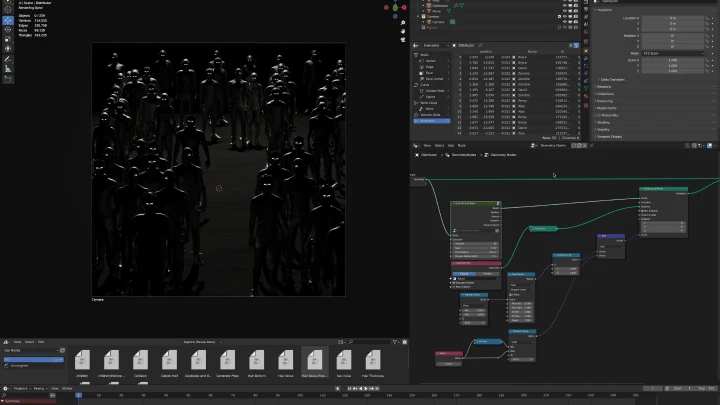
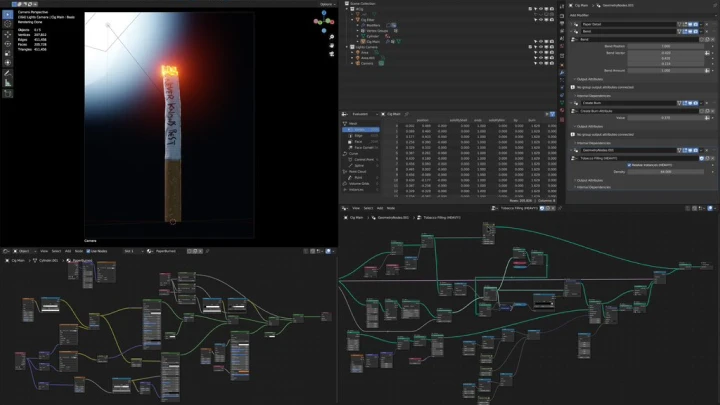
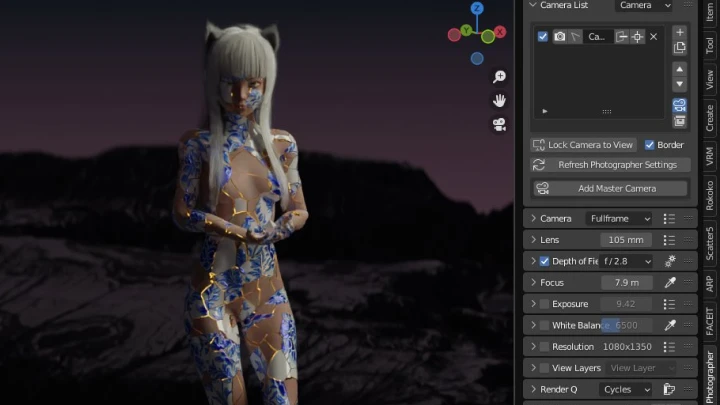
學習使用幾何節點和基礎電腦科學原理的程式化工作流程。建構粒子和模擬等特效,以有效率地自動化和增強場景複雜性。

細節處理、動畫製作和場景潤飾

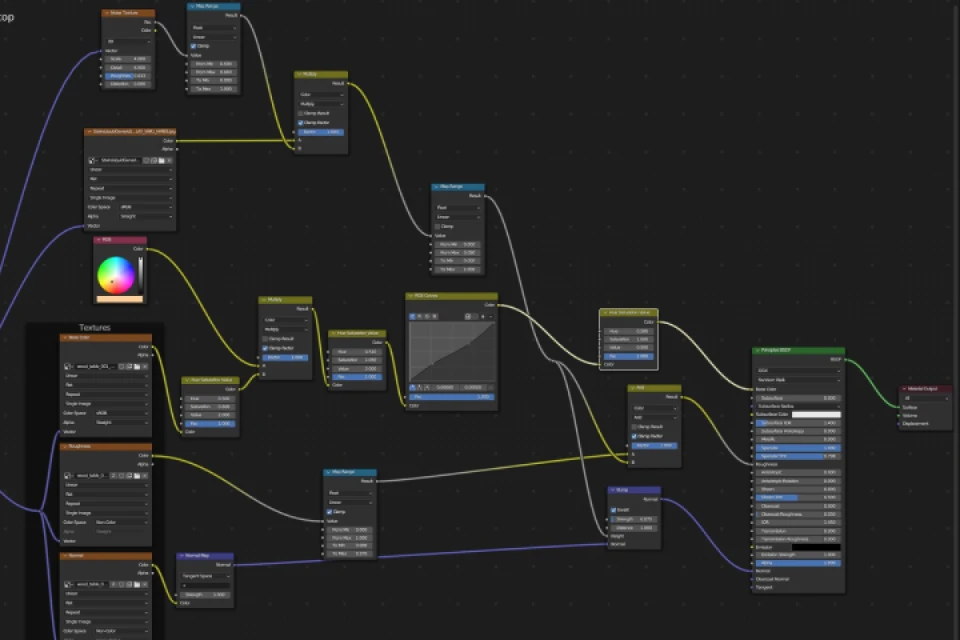
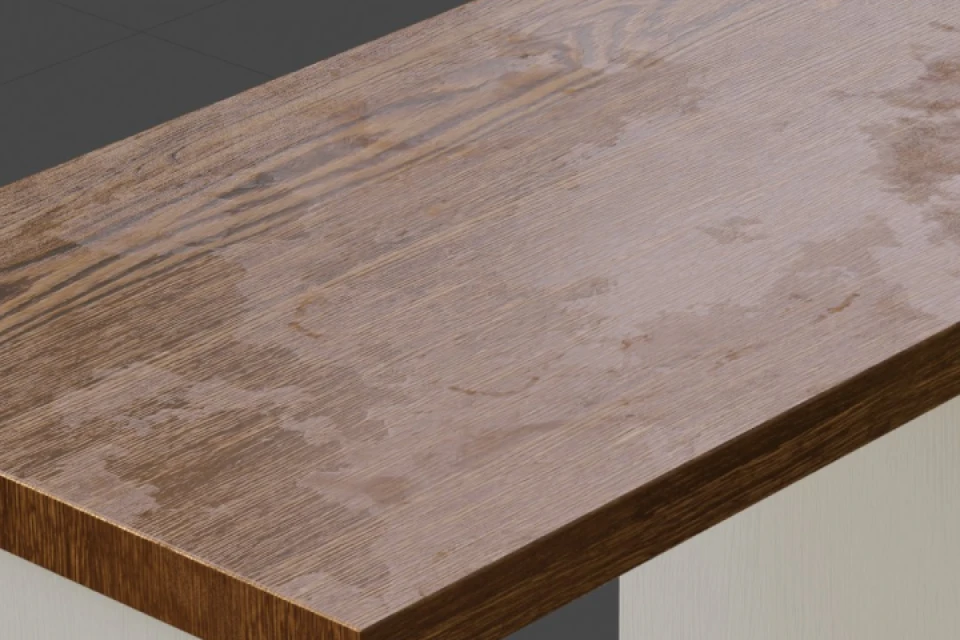
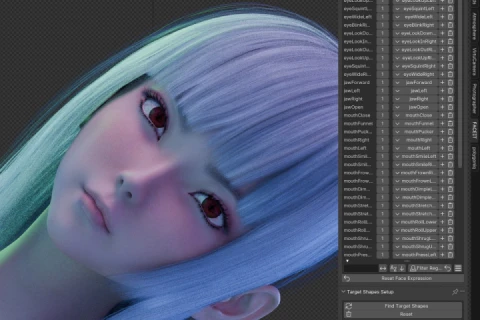
注重真實感和視覺敘事。添加紋理、優化光線、整合動畫數據,並使用著色器節點,為每個鏡頭帶來深度、氛圍和精緻感。

渲染與技術工作流程

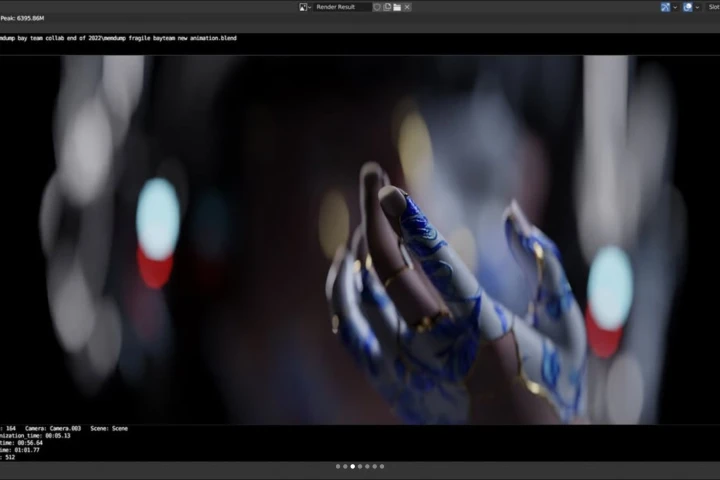
精通渲染優化、合成設定和高效資料管理。建立預覽演示、測試渲染,並準備場景,以獲得高品質、可用於生產的輸出。

後製與合成

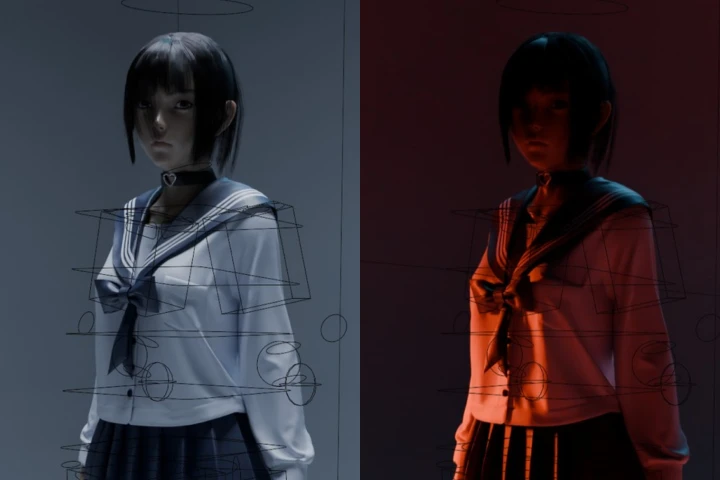
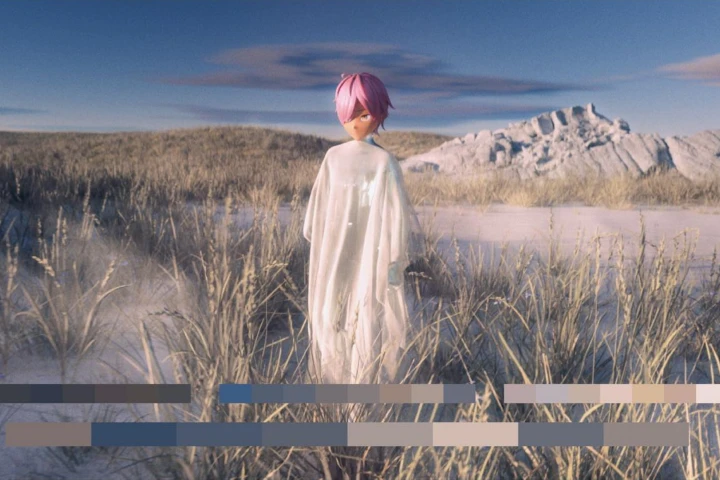
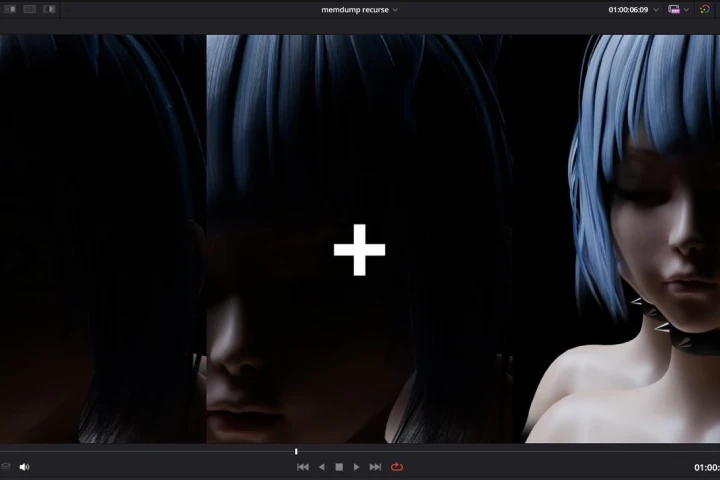
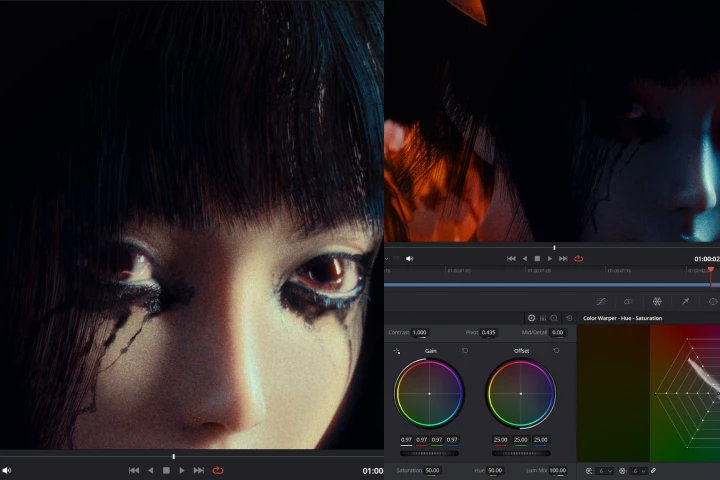
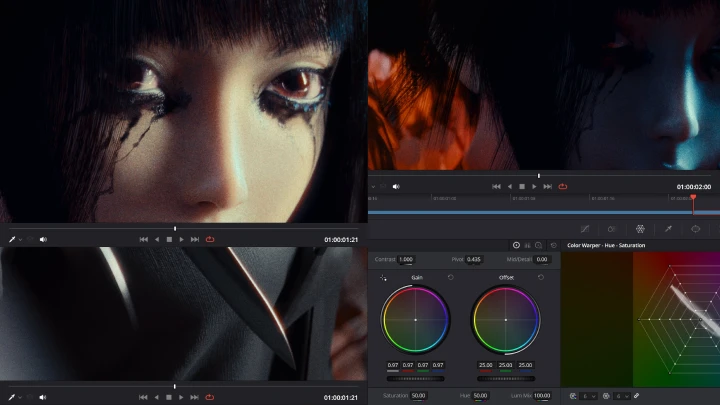
將最終渲染圖導入 DaVinci Resolve 進行合成和調色。合併渲染圖層,應用視覺調整,打造最終的電影級視覺效果,完成整個故事敘述過程。

課程大綱
詳細課表

**課程發布日期與內容如有更動,恕不另行通知。

  • Section 01
    課程前言
    curriculum_3dcgartist_izzy_us01_1x.webp
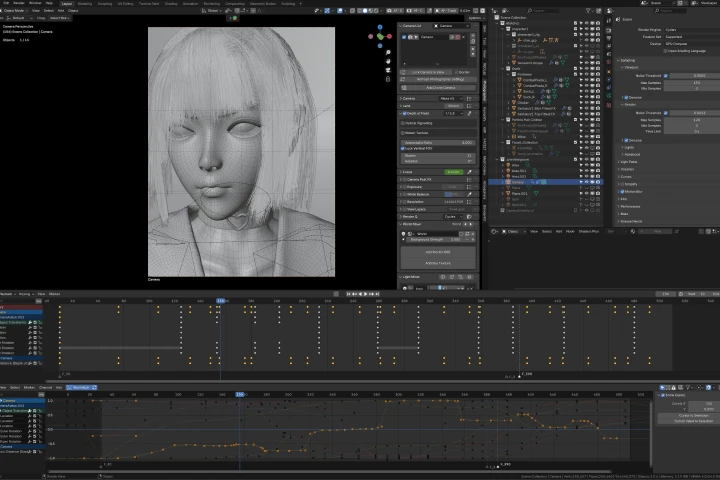
    • 01.課程前言+ 技術準備- 與你的講師見面,了解這課程的概況。 Blender概覽(展示Blender的功能) - 檢查並了解您自己的工作站(CPU、GPU、作業系統等)。 - 將Blender下載、安裝並設定到您的工作站 - 為您的工作站和專案選擇合適的渲染引擎

  • Section 02
    整體影像構思
    curriculum_3dcgartist_izzy_us02_1x.webp
    • 02. 品味引領者的品味引領者參考的重要性 媒體消費作為一種創作形式 想法和參考資料可以來自任何事物。 追蹤你所愛之物的DNA

    • 03. 燈光、相機和鏡頭- 了解攝影基礎知識 - 了解光線 - 了解相機和鏡頭 - 了解基本攝影流程

    • 04. 收集參考文獻並進行整理- 探索互聯網,擺脫「演算法」的束縛 - 使用軟體來幫助管理想法 從鳥瞰視角一覽無餘 將你的想法整理成一個連貫的整體。

  • Section 03
    材料採購
    curriculum_3dcgartist_izzy_us03_1x.webp
    • 05. 研究- 研究場景中將會出現的東西

    • 06. 材料採購- 在網路上搜尋你可以在場景中使用的素材和數據

    • 07. 粗略建模- 必要時,如果拿不定主意,有時候你不得不親力親為,就算弄髒雙手也好。

  • Section 04
    Blender中的佈局
    curriculum_3dcgartist_izzy_us04_1x.webp
    • 08.set簡介- 使用真實世界尺度的重要性 - 尺度:大、中、小 - 混沌:我們的世界永遠不會完美。

    • 09. 粗略佈局- 根據第二部分收集的參考資料進行場景佈局 - 使用第三部分收集的材料

    • 10. 攝影機和燈光佈局- 構圖(攝影基礎) - 攝影機理論(感光元件/底片尺寸、鏡頭、常用電影攝影機設定) - 燈光理論(燈光字體、實際電影燈光、燈光切割工具)

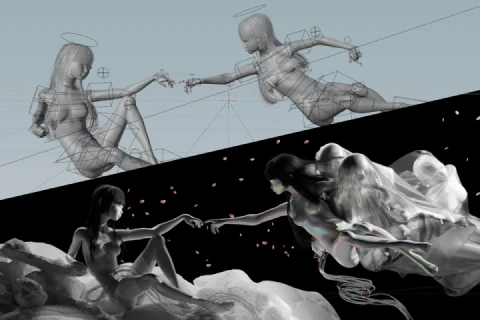
    • 11. 優化佈局- 最終確定佈局 - 在 Cycles 或 Eevee 中渲染黏土模型,感受構圖效果 - 這將是我們場景的基礎,我們將隨著製作的進行逐步完善細節。

  • Section 05
    概述:幾何節點
    curriculum_3dcgartist_izzy_us05_1x.webp
    • 12. 計算機科學基礎計算機科學基礎:理解數據和資訊 - 電腦科學基礎:相關概念(實例化、遞歸、處理) - 理解Blender中使用的相關資料類型和電腦科學概念

    • 13. 幾何節點Blender中的幾何節點概述 - 一種程式化的、非破壞性的幾何體操作方法 - 使用幾何節點操作幾何體

    • 14. 使用幾何節點在場景中散佈大量物件- 以優化的方式將一系列資產分散在場景中。

  • Section 06
    FX開發與設定
    curriculum_3dcgartist_izzy_us06_1x.webp
    • 15. FX 開發準備工作- 基於現實世界的參考資料,研究並理解我們想要創造的特效。 - 使用全新的、空白的Blender儲存檔案來開發特效。

    • 16. 幾何節點中的 FX 開發- 在一定體積內產生粒子 - 使用確定性噪音產生器控製粒子隨時間的行為 - 使用模擬區域控製粒子隨時間的行為

    • 17. 為管道項目準備外匯- 匯出屬性供材質著色器節點使用 - 在 Cycles 或 Eevee 中預覽特效 - 達到最小可行狀態並繼續下一步

  • Section 07
    場景細節和角色動畫
    curriculum_3dcgartist_izzy_us07_1x.webp
    • 18. 使用預先製作的動畫數據- 在 Mixamo 瀏覽動畫數據 下載並使用動畫數據 - 使用Blender中的動作來組織動畫數據

    • 19. 攝影中的微妙細節-甚至深入地理解真實攝影中發現的逼真細節的概念 - 紋理 - 體積光

    • 20. 添加材料細節Blender材質著色器節點基礎知識 紋理如何為影像增添維度和深度

    • 21. 利用燈光改善構圖- 使用隱藏光源進一步提升影像效果 - 使用體積光塑造構圖 - 如何製作輕量級的體積光效果

  • Section 08
    外匯實施
    curriculum_3dcgartist_izzy_us08_1x.webp
    • 22. 連結與追加- 了解匯入其他 blend 檔案的不同方法 - 連結的優缺點 - 使用節點組

    • 23. 實施外匯交易- 將程式生成的特效融入場景 - 調整特效參數

    • 24. 用特效結束場景- 完成場景的各個面向:動畫、鏡頭運用、燈光、特效、構圖 - 運用基本的構圖概念,對場景進行微調和進一步完善

  • Section 09
    Playblast
    curriculum_3dcgartist_izzy_us09_1x.webp
    • 25. Playblast 簡介 + Blender設置- 預製片簡介 - 了解預製片在生產過程中的必要性 - 使用 Dublast 和 DIY 設定創建預製片 - 了解需要寫入預製片鏡像的重要數據

    • 26. 建立和審查試玩演示- 使用上一章介紹的方法之一建立試聽演示 - 審閱試聽簡報時需要注意哪些方面

  • Section 10
    渲染設定
    curriculum_3dcgartist_izzy_us10_1x.webp
    • 27. 生產就緒渲染方法- 了解渲染設定中的每個參數及其對影像的影響 - 優化渲染設置 - 渲染圖層 - 附加數據

    • 28. 靜態影像的渲染與審查- 渲染影像中需要注意的事項 - 如何查看其他渲染圖層 - 改進循環:渲染、預覽、修復、重複

    • 29. 使用合成器從影像中擷取不同數據- 了解Blender合成器以及它在渲染後如何幫助我們 合成器中的降噪概念 了解不同文件格式之間的區別 - 準備 blend 檔案和工作站以進行最終渲染

    • 30.渲染技巧:我希望在第一次渲染之前就知道的事情- 與渲染過程中電腦軟體和硬體相關的其他提示 - 記憶體管理、顯存、核外運算等。

  • Section 11
    後製
    curriculum_3dcgartist_izzy_us11_1x.webp
    • 31. 合成基礎與色彩分級理論- 了解如何合成原始渲染影像 - 不同軟體中的合成概念 - 了解調色流程 - 在色彩分級中應用基本色彩理論

    • 32. 匯入和使用渲染層- 將影像序列導入 DaVinci Resolve - 在 DaVinci Resolve 的 Fusion 模組中擷取渲染層 - 對渲染層進行重新編碼,以優化後製流程

    • 33. 場景合成與調色- 使用渲染圖層最終確定影像效果 - 在 DaVinci Resolve 中進行調色 - 選擇性調色 - 在合成和調色過程中實現逼真效果

  • Section 12
    結語
    curriculum_3dcgartist_izzy_us12_1x.webp
    • 34. 我的藝術之路故事時間!我是如何走上藝術之路的,我的創作歷程,如何權衡利弊,秉持「萬物皆可混音」的理念,以及如何愛上電腦。

所需工具

本課程將使用 Blender 5.0(最低版本 4.5,建議版本 5.0)和 DaVinci Resolve 20(最低版本 19,建議版本 20)。
為了獲得最佳學習體驗,軟體。

*本章節不包含這些軟體和/或材料。

Blender.png
DaVinci.png
推薦

重要公告

- This product provides access to the video lectures online (Excluding products categorized as Assets). - Under certain circumstances, discounts may end early or be extended without prior notice. - For pre-ordered courses, the content and the lecture videos will be released sequentially according to the schedule. The Course Start Date will be set to the release date of the first lecture video. - You will gain immediate access to the course through My Page upon completing registration and payment. Total Course Duration: - The Standard Access (Paid access) period lasts for the first 15 days and Unlimited Free Access period will begin from the 16th day. Both the Standard and Unlimited Free Access periods offer the equal viewing experience to the content. - Course Start Date: The estimation of the Course Start Date will be based on the completion date of the payment. Immediate access to the lecture videos will be granted through My Page. (For pre-ordered courses, the start date will be the release date of the first lecture video.) - In case the course start date is postponed due to extenuating circumstances on Coloso’s end, the start date will be adjusted accordingly.
*Please note that certain aspects of this course, including the release date, curriculum images, and associated content, are subject to change without prior notification.
*Would you like to learn more about our refund policy? Please check ▶ here
*Please check our ▶ FAQ for Copyright and Proprietary Rights, User-Generated Content, Security, and Violation information.
*保留未事前告知而更改本網頁資訊的權利
*欲進一步瞭解退款政策的細節,請由 ▶ 此處確認。
*請至 ▶FAQ頁面查看有關版權及所有權、使用者製作內容、資料安全及違反等相關資訊。
*Tenga en cuenta que la información de esta página está sujeta a cambios sin previo aviso.
* ¿Le gustaría saber más sobre nuestra política de reembolso? Por favor, compruebe ▶ aquí
*Por favor, compruebe nuestras ▶ FAQ para los derechos de autor y derechos de propiedad, contenido generado por el usuario, seguridad e información de violación.
- This product is strictly prohibited to resell, redistribute, steal, or transfer. - The original images and simple edited images of this product cannot be transferred, distributed, or sold. - This product can be refunded only before the class video is released. - You can find this product on [My Class] > [Class Materials]