[Course]vtuber,yumetengu_유메텐구JP Details
Intro
Class Intro
VTuber, Yume Tengu
Learn all about 3D character modeling, texturing with Blender, and creating photorealistic backgrounds in UE5
Blender Meets UE5!
The Secrets to Creating
Photorealistic 3D Animation With Detailed Worldviews
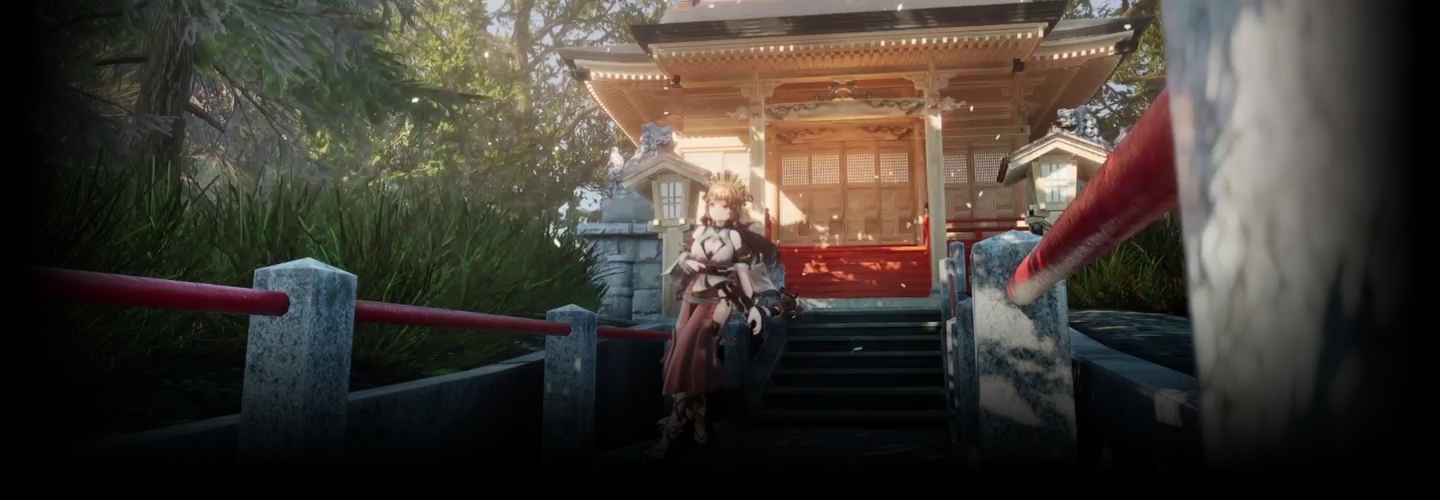
VTuber Yume Tengu brings
his unique worldviews to life
using 3D characters created in Blender
and photorealistic backgrounds
from Unreal Engine 5.
In this class, he will share everything from the basics of Blender and UE5 to using the two programs to produce 3D character animation in detailed worlds, all through easy-to-understand explanations.
First, you will learn to draw three different views of a character and set up its structure, acquiring character design skills required for 3D conversion.
Next, based on the finished character design, you’ll design 3D characters in Blender.
In this class, he will share everything from the basics of Blender and UE5 to using the two programs to produce 3D character animation in detailed worlds, all through easy-to-understand explanations.
First, you will learn to draw three different views of a character and set up its structure, acquiring character design skills required for 3D conversion.
Next, based on the finished character design, you’ll design 3D characters in Blender.
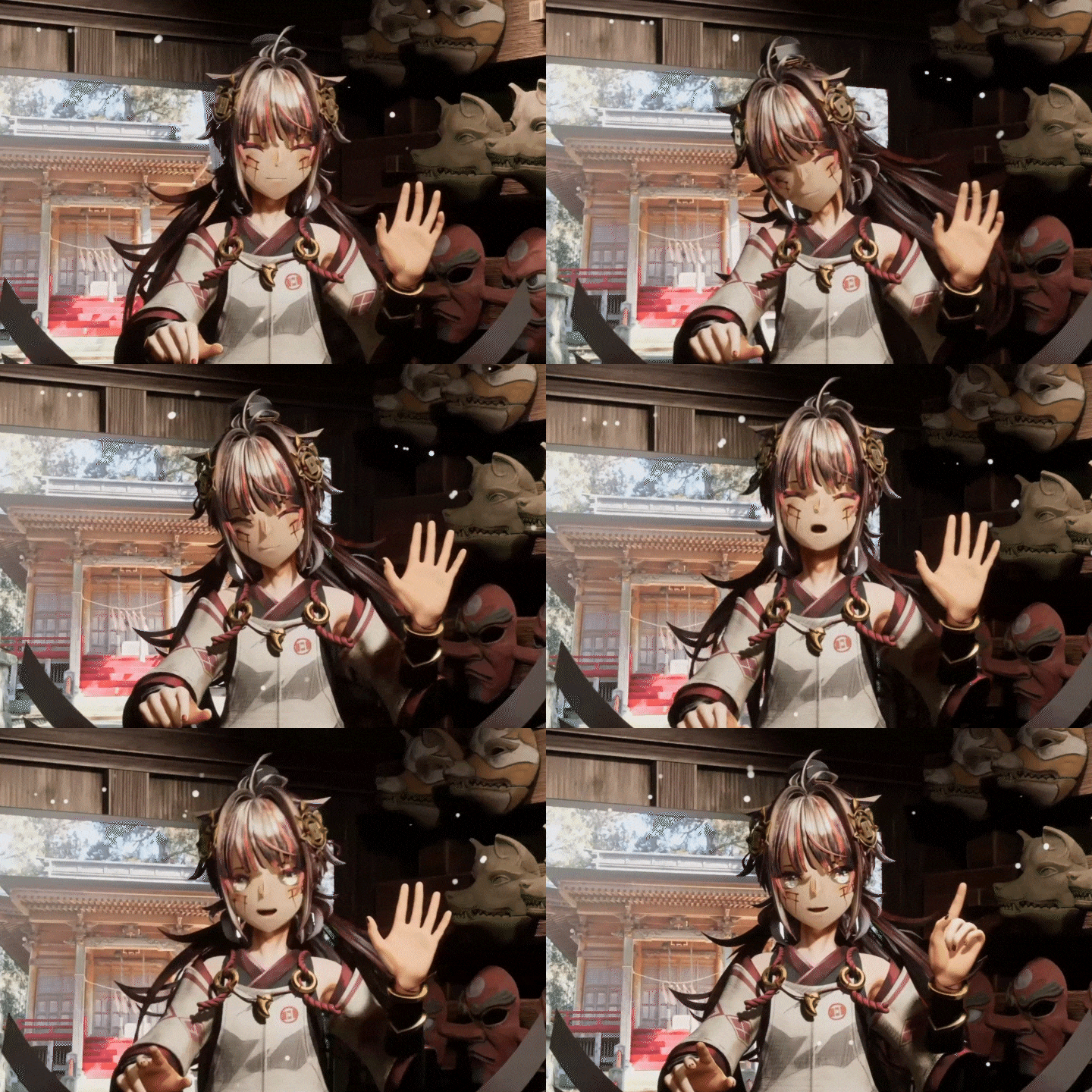
You’ll learn everything you need,
including how to model various parts
such as the body, face, and clothes,
and texturing and skinning methods for creating
characters in the cel shaded style.
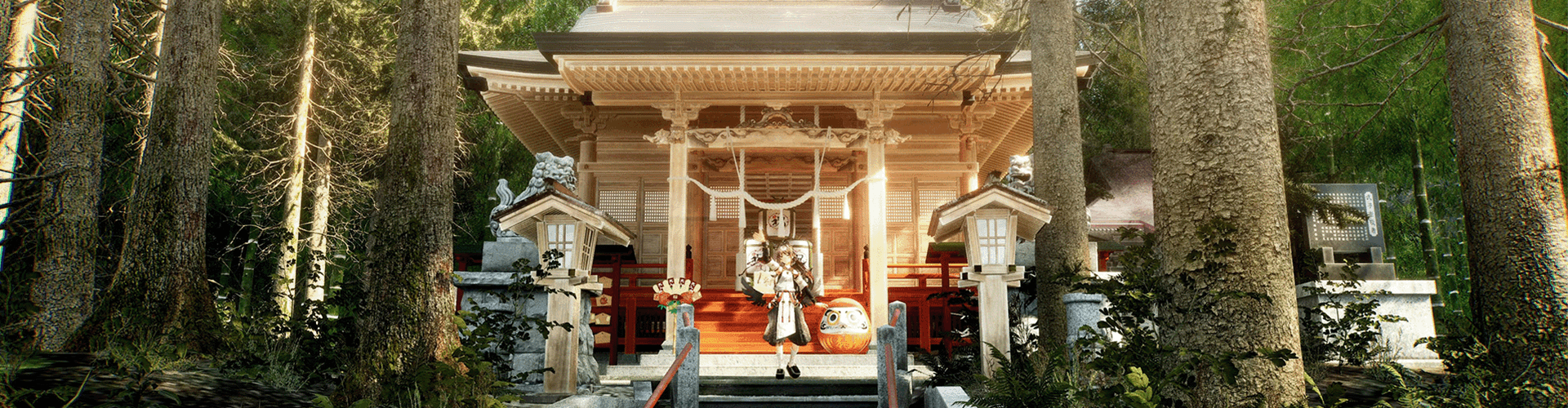
Once you have a complete character model, the next step is to design a background in UE5.
Explore various features of the software, including lighting and camera systems, to produce a photorealistic background.
Plus, you will learn how to add movement to characters using motion capture, with the aim of creating more high-quality character animation.
So discover the secrets to producing 3D animation featuring detailed worldviews with Blender and UE5 in this Coloso class right now!
Once you have a complete character model, the next step is to design a background in UE5.
Explore various features of the software, including lighting and camera systems, to produce a photorealistic background.
Plus, you will learn how to add movement to characters using motion capture, with the aim of creating more high-quality character animation.
So discover the secrets to producing 3D animation featuring detailed worldviews with Blender and UE5 in this Coloso class right now!
Class Perks
Get These Coloso Exclusives
Unlimited Access to All 20 Chapters

PDF File of Class Materials
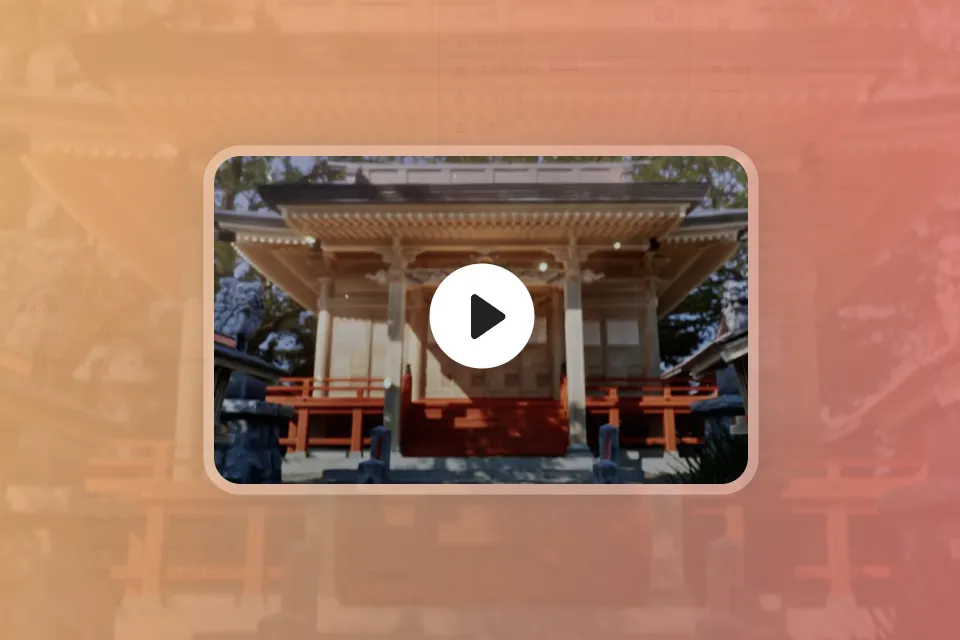
1 Final Project
Class Material Details
-
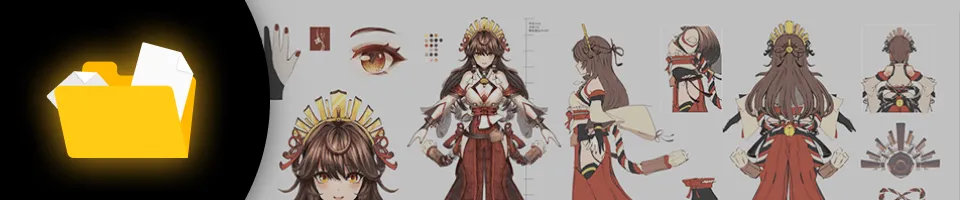 Character design resources- 3 character models
 -
 Worldview design resources- 16 shrine backgrounds
- 3D models of props
- UE5 project files
Expert VTuber Yume Tengu's Portfolio
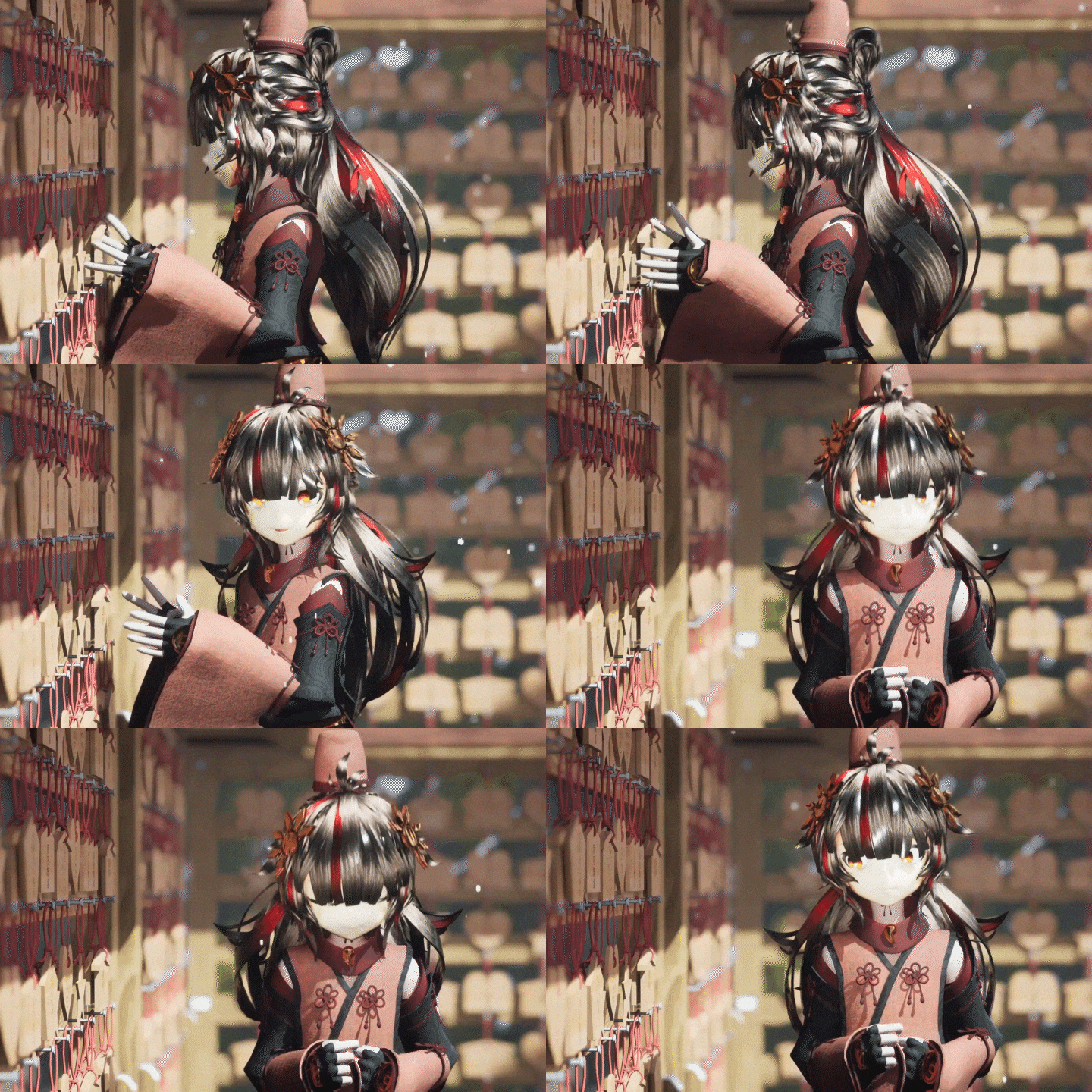
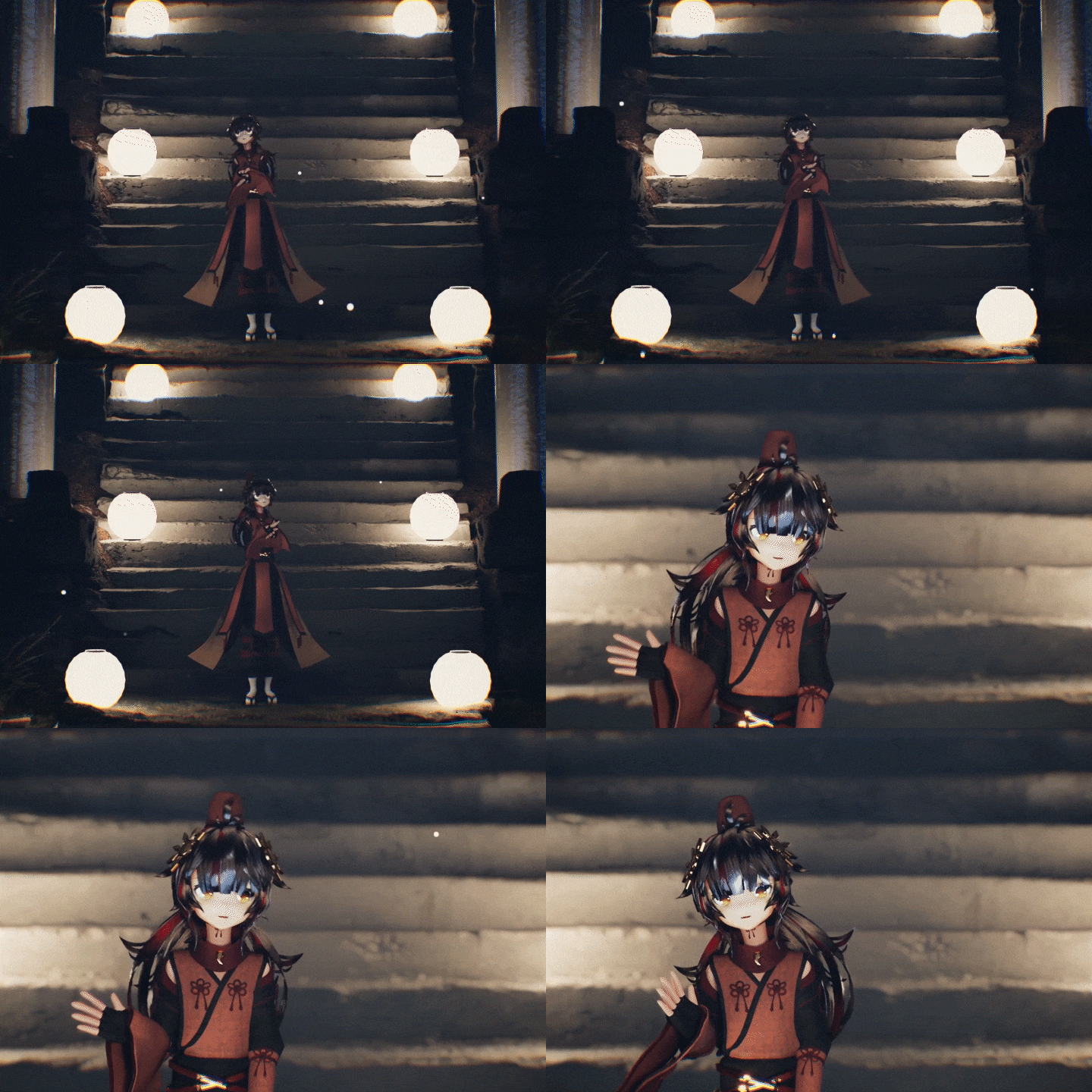
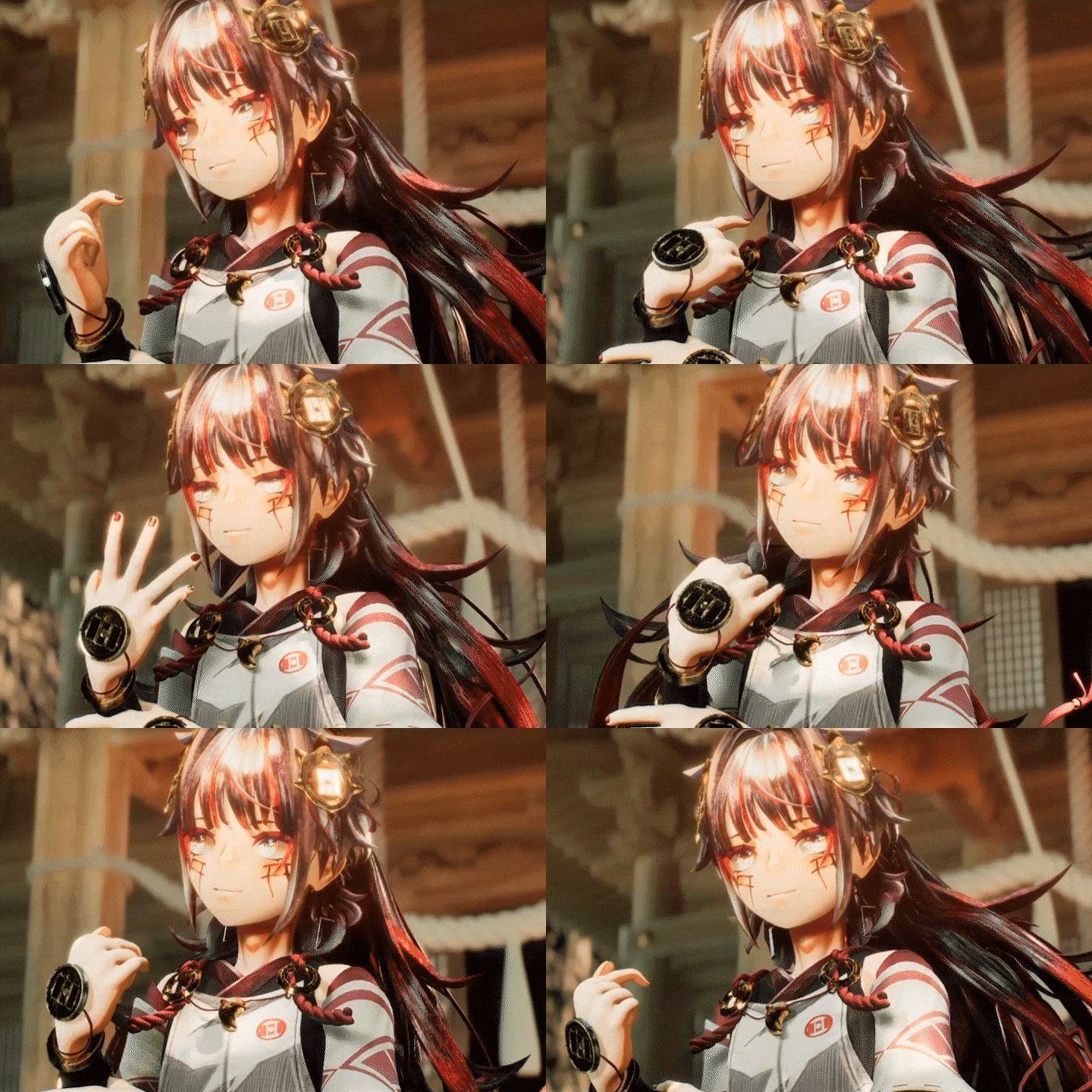
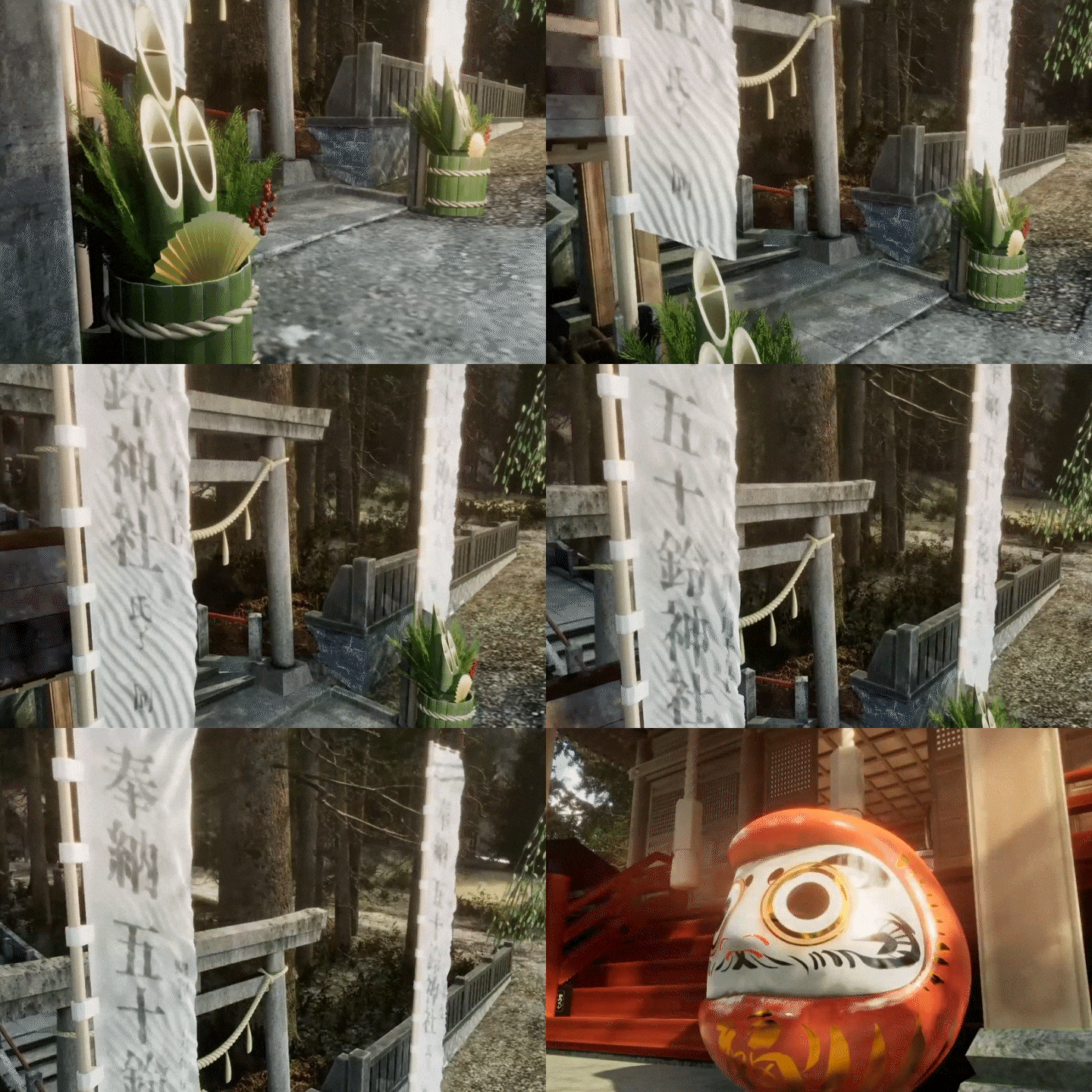
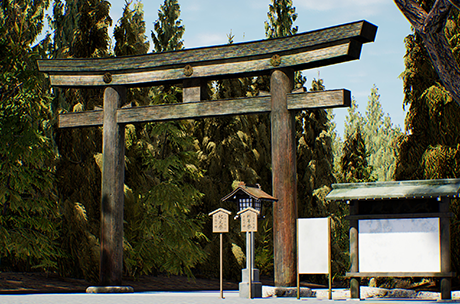


6 Class Exercises
-
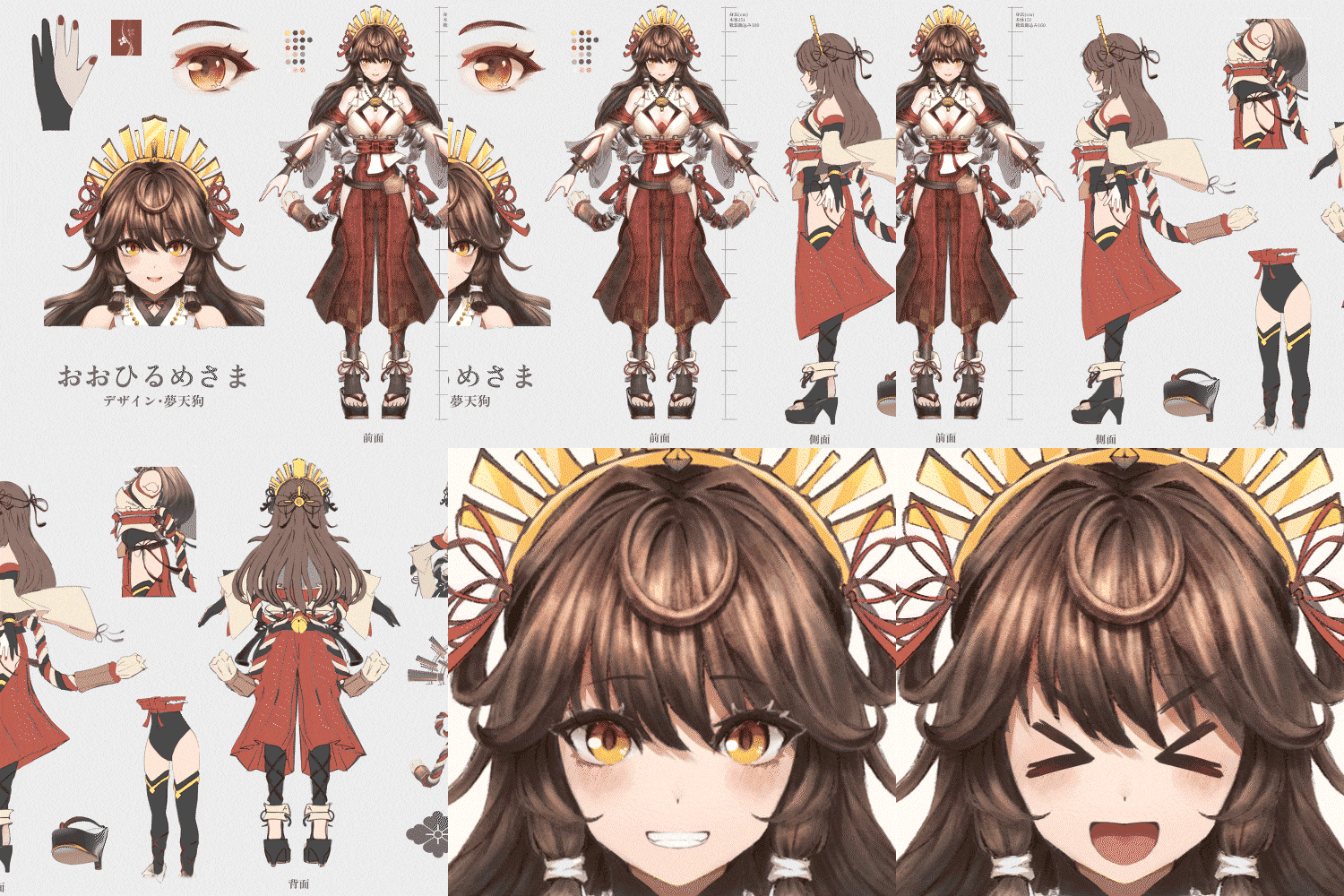 Character Design for 3D Conversion
 -
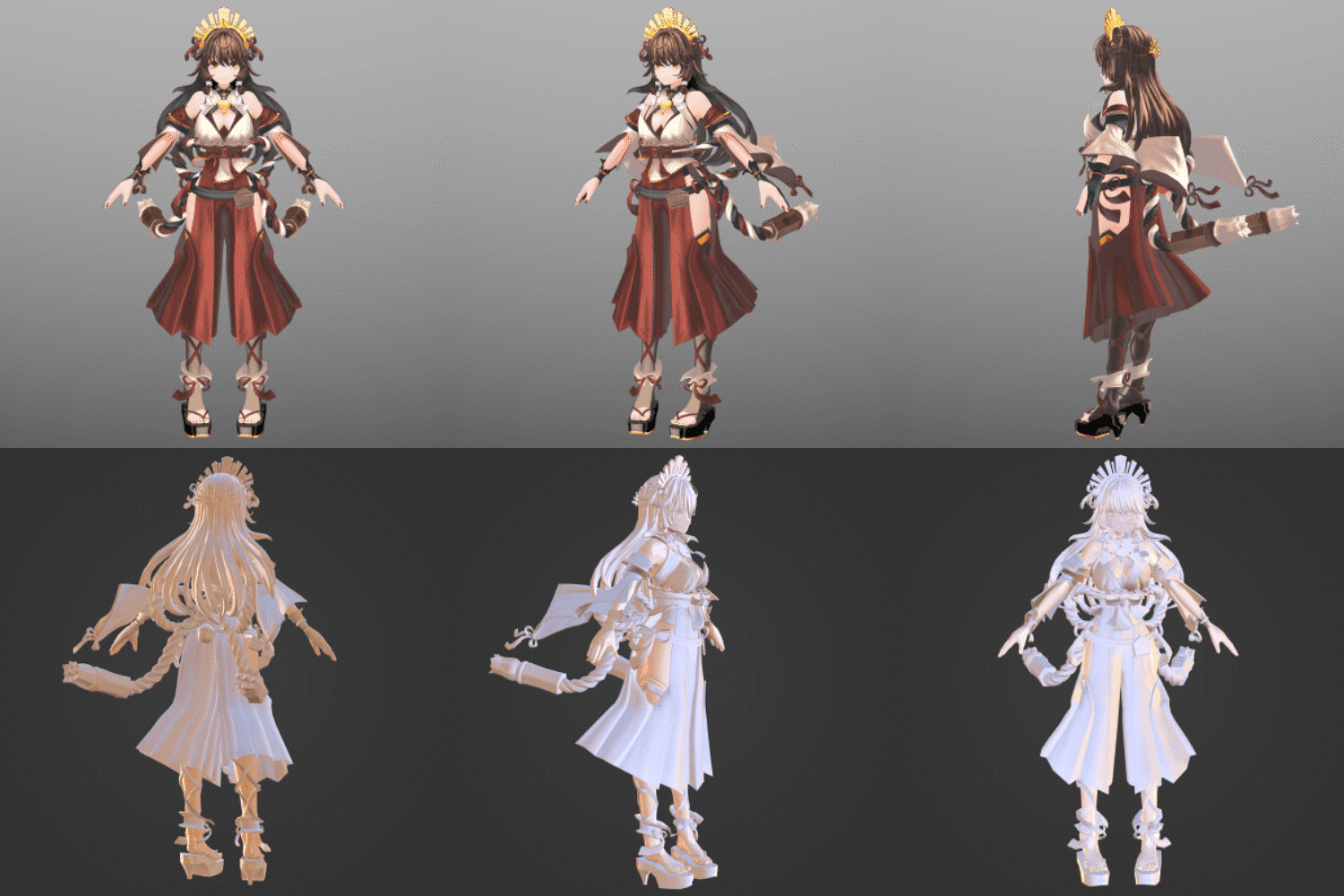 Applying Character Designs to 3D Models Using Blender
 -
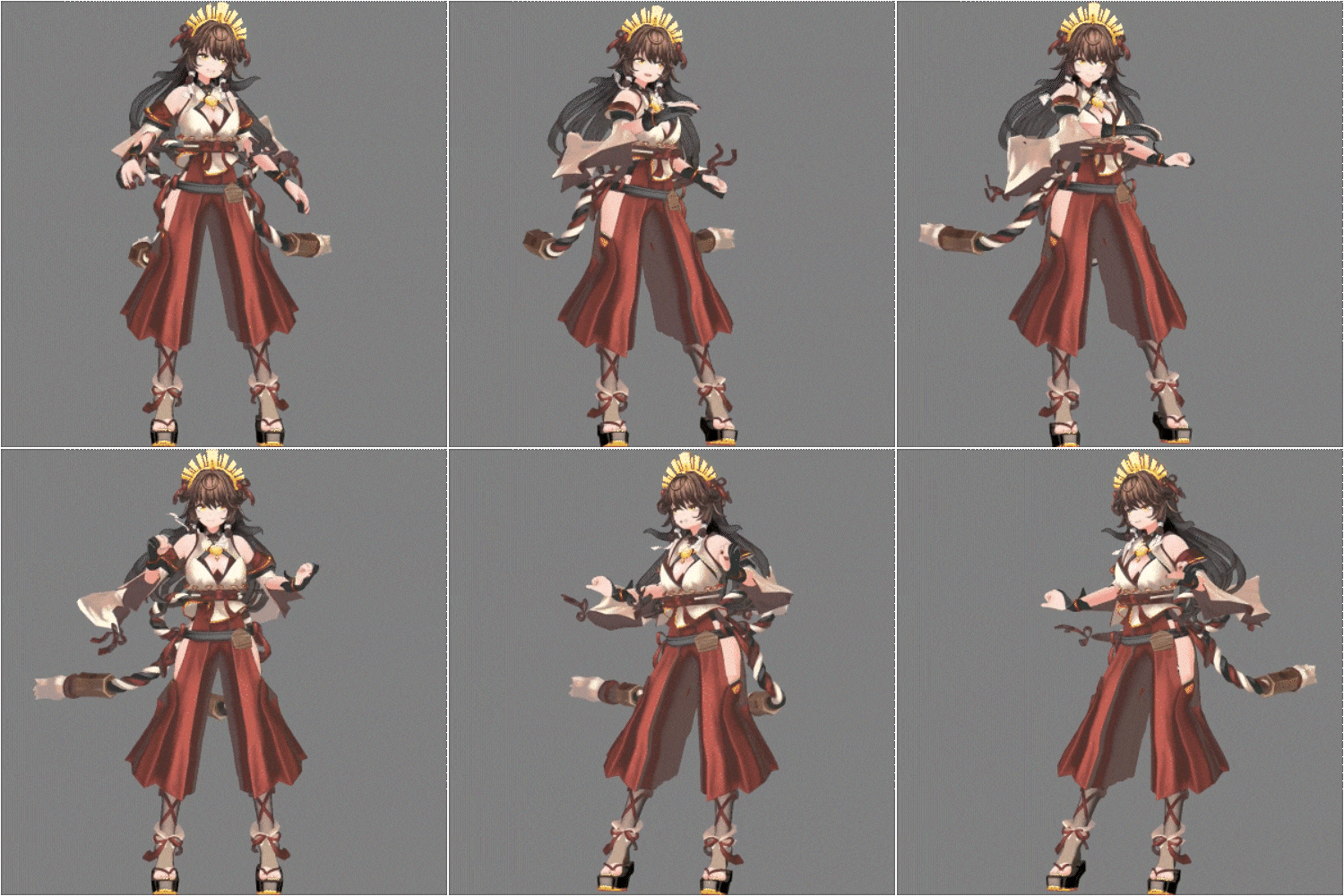 Converting to the VRM Format
-
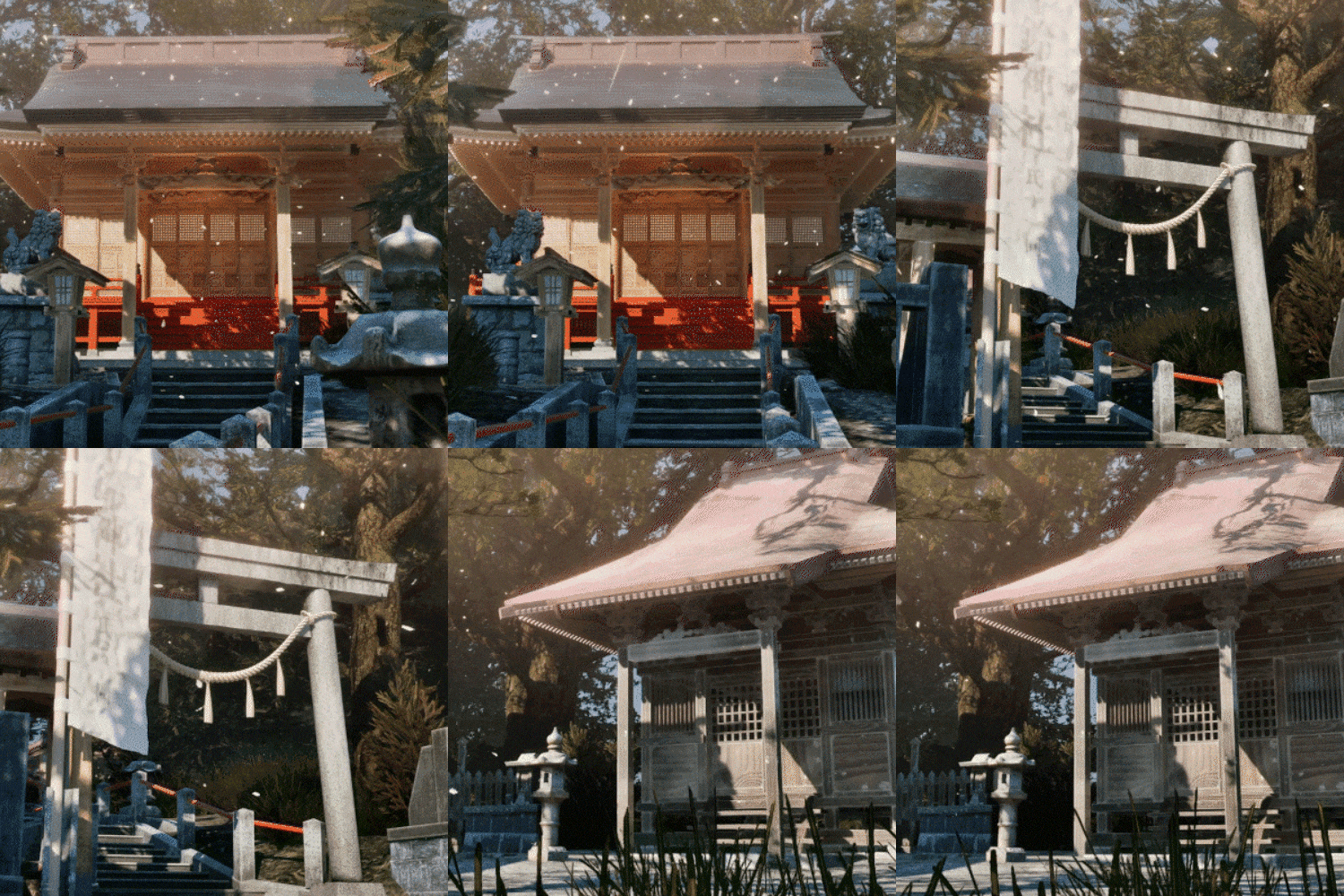 Create Photorealistic Backgrounds
 -
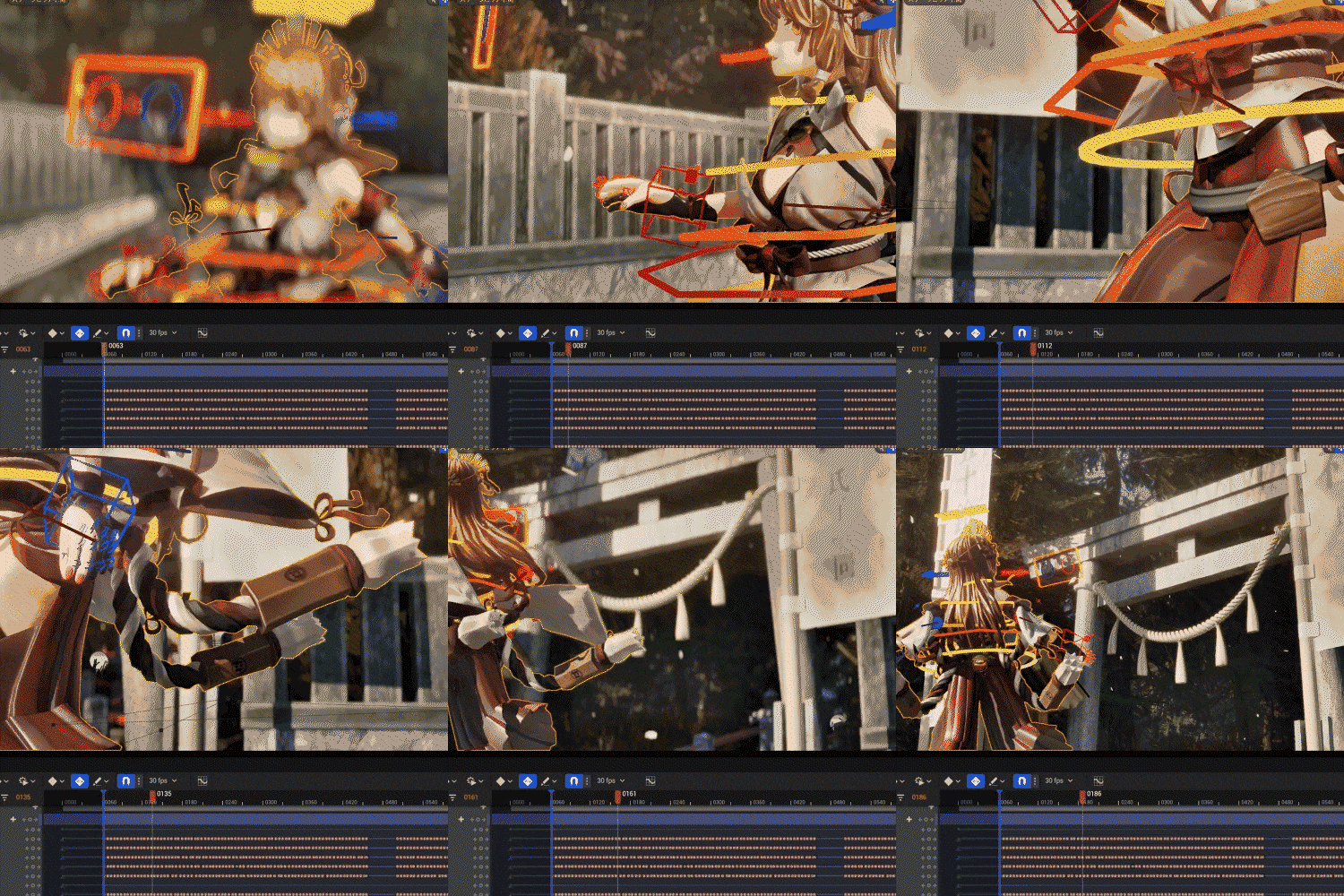 Video Design in UE5
 -
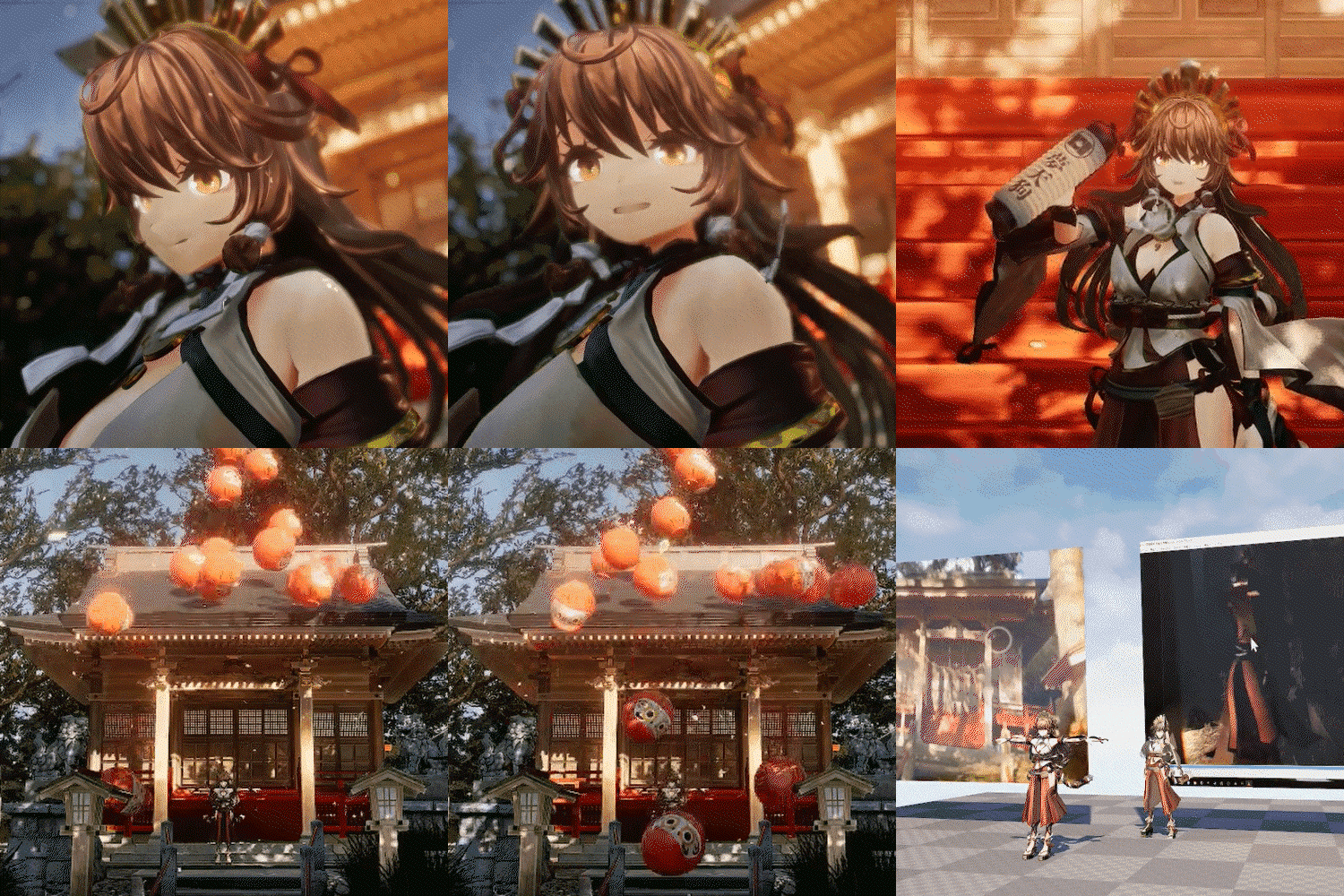 Adding Effects for VTuber Live Streams
Final Product
Instructor
VTuber
Yume Tengu
Hello.
My name is Yume Tengu.
I’m a VTuber, and the 26th Head Priest of the Isuzu Shrine.
Since I made my debut as a VTuber
in October 2018,
I’ve created 3DCG and illustrations
with Japanese shrines as my inspirations,
in hope of holding virtual shrine festivals.
I also work as an in-house 3DCG designer
to produce 3D graphics for VTuber live streams,
anime character models, and backgrounds.
I hope this class
offers you helpful guidance to creating
videos and live streams
using Blender and UE5.
Thank you!

Illustrator,
Yume Tengu
[Current]
VTuber
3DCG Designer at Monster’s Egg
Projects & Awards
[Background]
2022 Participated in NEOKET 2 Circle
2021 Applied for & published by Ponpoco 24 Vol. 5 CM
2020 Participated in Virtual Market 5 Circle
2020 Ponpoco 24 Vol. 4 Commercial application, publication
2019 Participated in Virtual Market 4 Circle
2019 Participated in Comic Market 97 Circle
2019 3D version of VTuber model
2019 Participated in Virtual Market 3 Circle
2019 Participated in Comic Market 96 Circle
2018 Participated in Comic Market 95 Circle
2018 Debuted as VTuber “Yume Tengu”
Highlights
Class Highlight
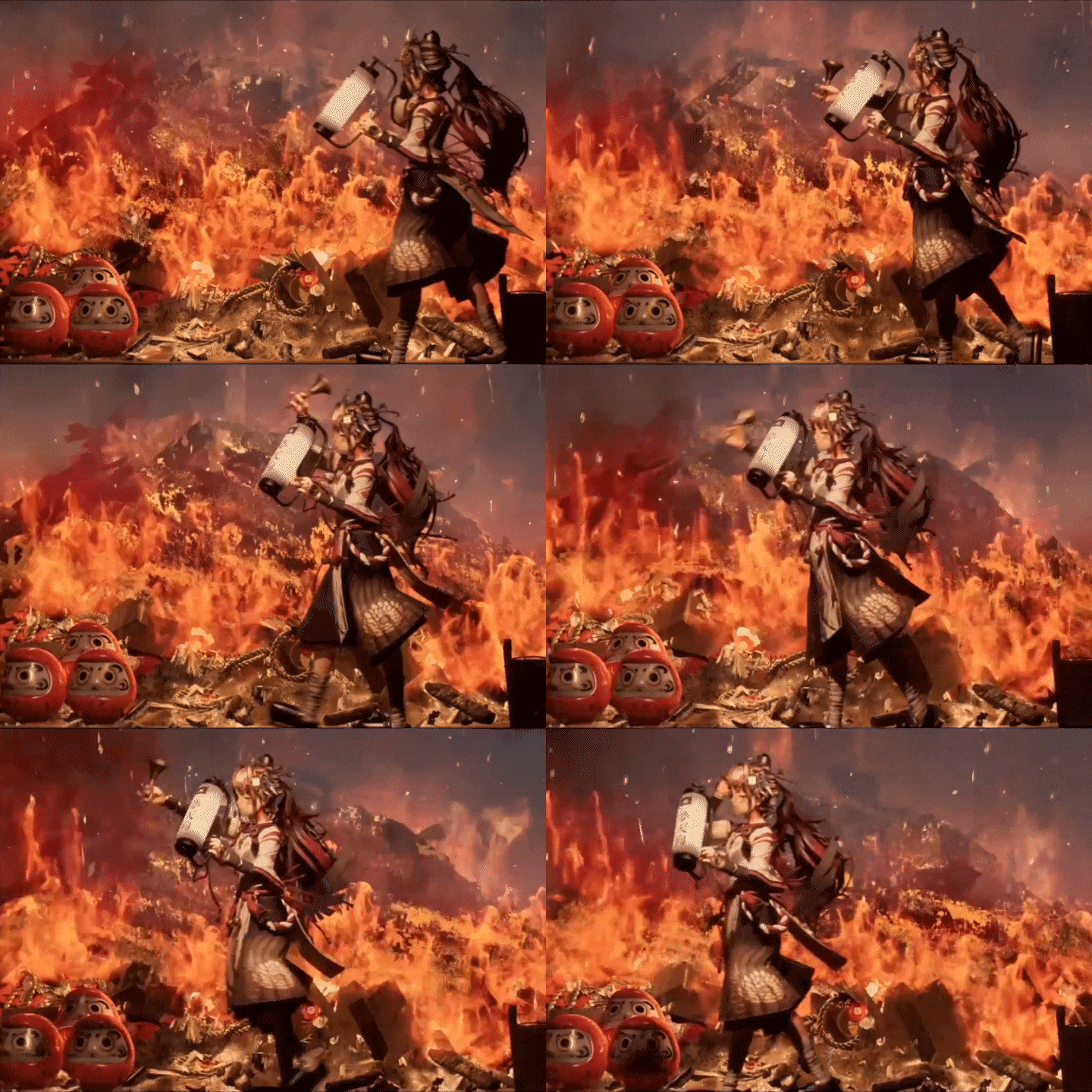
Create Backgrounds and Videos Using Blender and UE5
Learn the processes and key points of creating videos and live models, including lighting and camera systems, while discovering the joy of making your characters move. Explore ways to design detailed background assets using Blender, check out UE5 features for positioning assets and setting a mood, and study other key points to producing a video in depth.
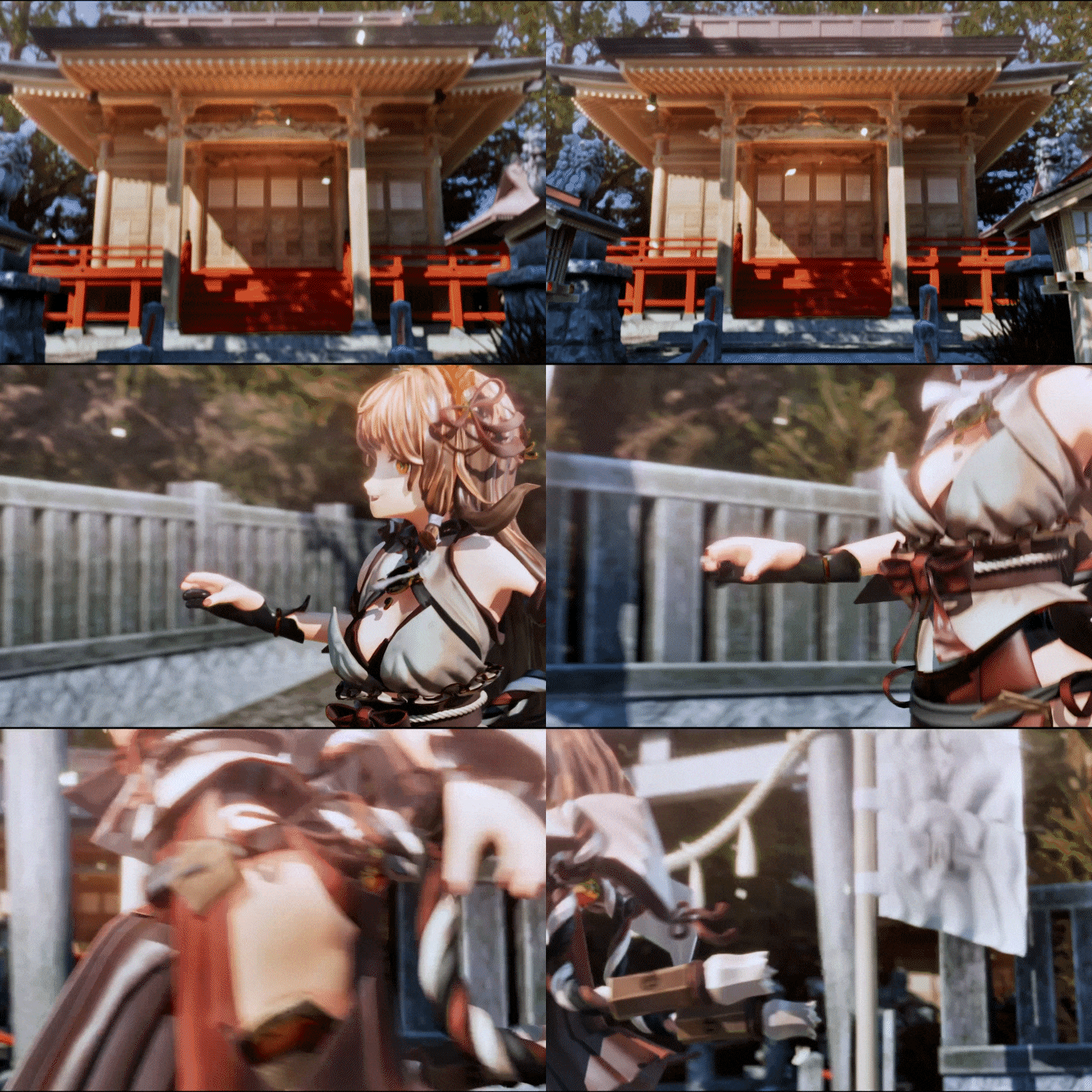
Steps to Designing Character Models in Blender
Join Yume Tengu as he guides you through the workflow of character model design, including modeling, UV mapping, texturing, making bones, weight painting, and creating facial expressions. He’ll also explain the importance of assembling a low-poly model with minimum resources by focusing on each polygon and share his practical knowledge through exercises.
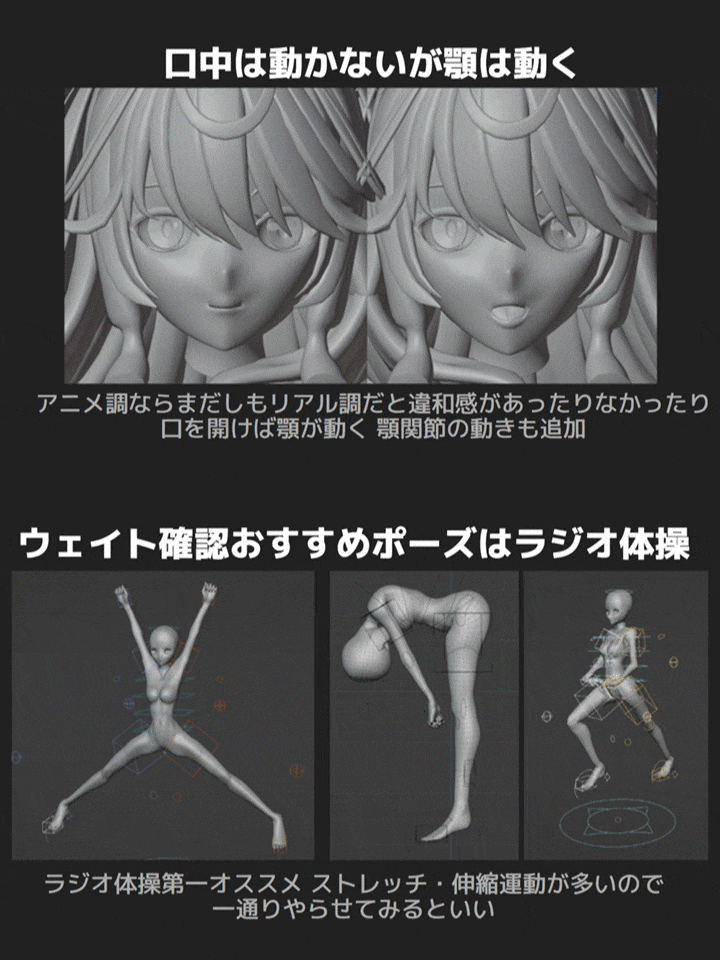
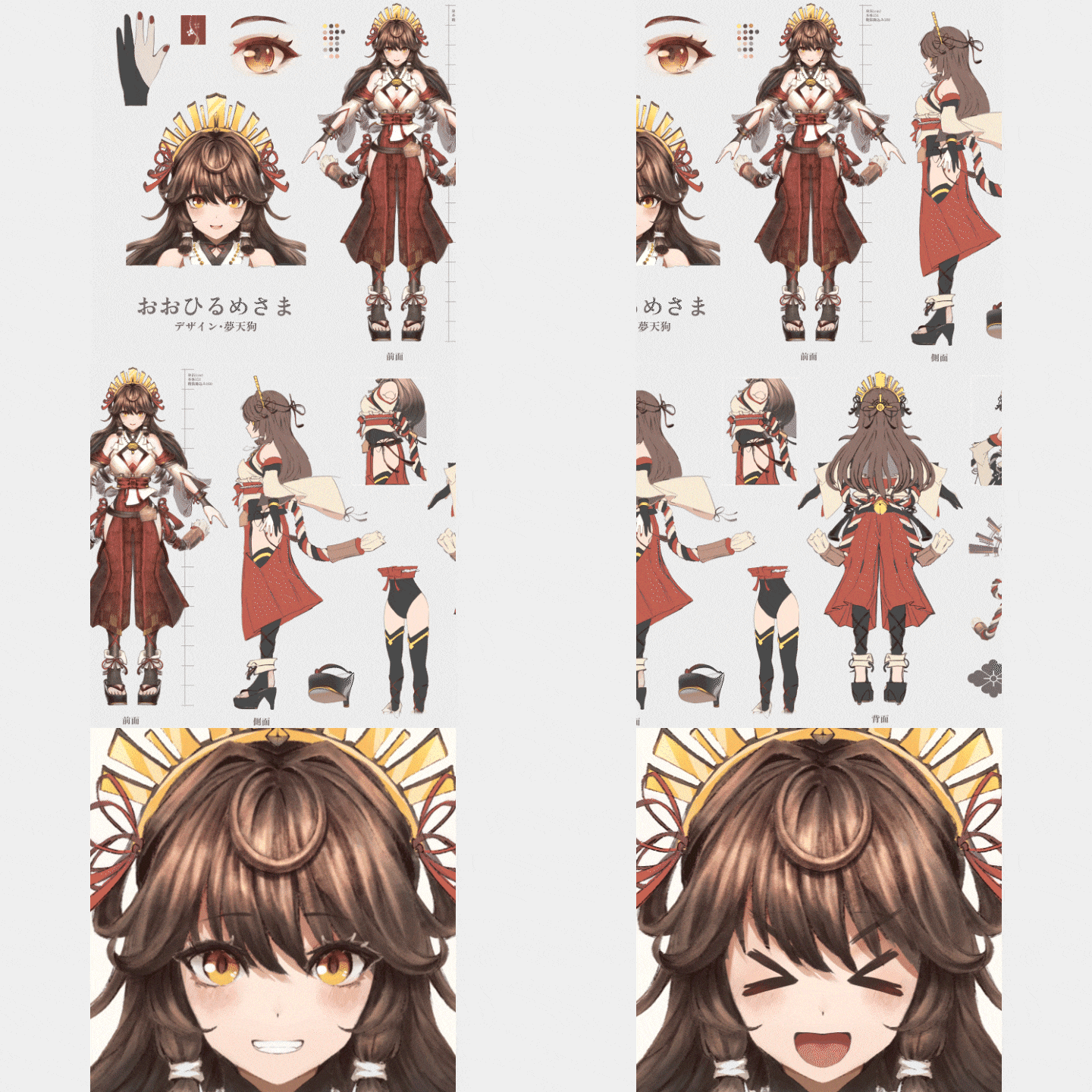
Character Design for 3D Conversion
Character designs made for 3D conversion allow you to produce more suitable character models in later stages. A logical design also makes it easier to communicate with the artist commissioned to create it, which is why you’ll learn the skills for creating character designs that enable you to produce the character you want.
Class Details
You'll Learn
-
 Tips for Honing Your Idea And Choosing the Right ToolsDevelop the ability to set a clear goal that specifies what you want to create and the tools you need to do it, so you can create the character you imagine with efficiency.
 -
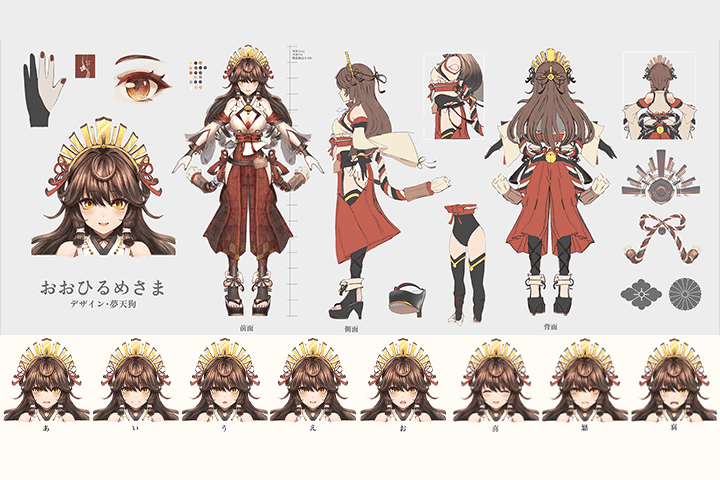 Efficient Character DesignDiscover character design techniques that assist efficiency and 3D transformation, including how to draw three views of a character with precision, set up its proportion and structure, and zoom in on detailed references for accessories.
 -
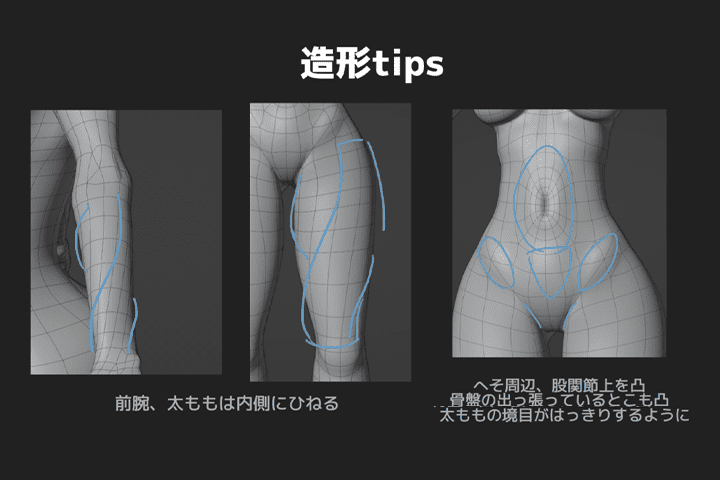 Sculpting Character Models With the Right Design and SpecificationsFind out how to turn your character design into an incredible 2D-style 3D model. Plus, learn techniques for creating the unique facial expressions of cel shaded characters, such as how to correct the 3D shape of a character’s face.
-
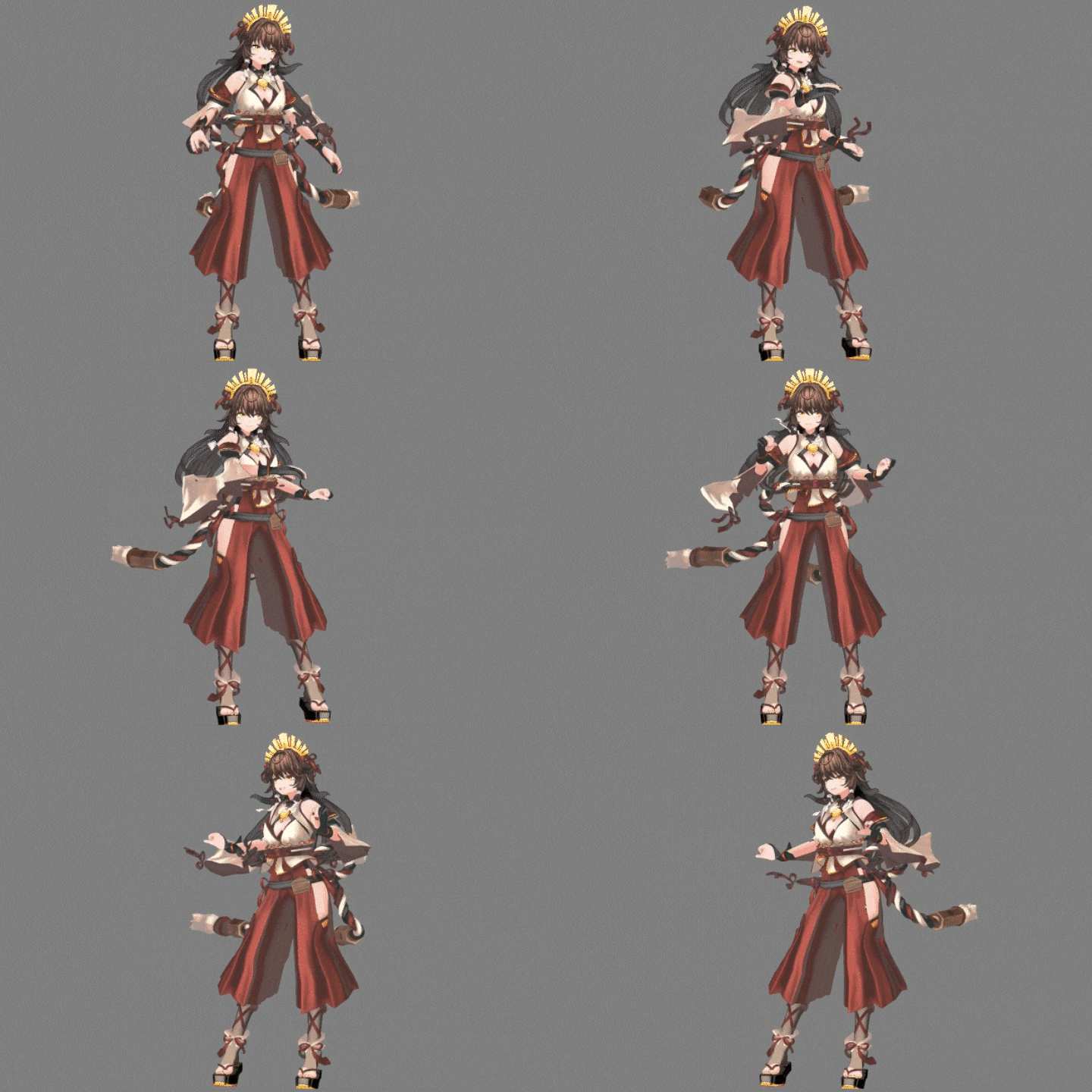 A Universal Character Model Conversion ProcessDiscover the steps to converting your character model into a VRM file, the format widely used for character models. You’ll also learn how to do motion capture for VRM models using equipment and software like mocopi, VirtualMotionCapture, VSeeFace and others, and apply it to your videos.
 -
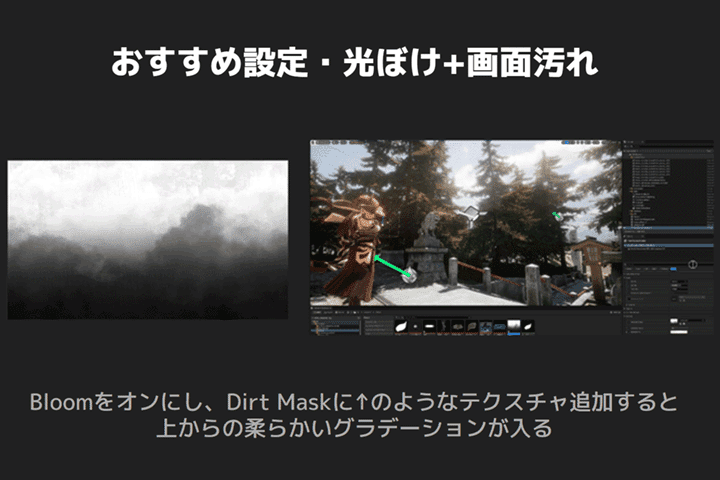 Explore UE5 Features for Background Design, Including Lighting and Camera SystemsProduce high-quality, detailed backgrounds using the extensive features offered in UE5, such as lighting and camerawork. Combine them with the models you create in class, 3D assets of shrines, and other shared models.
 -
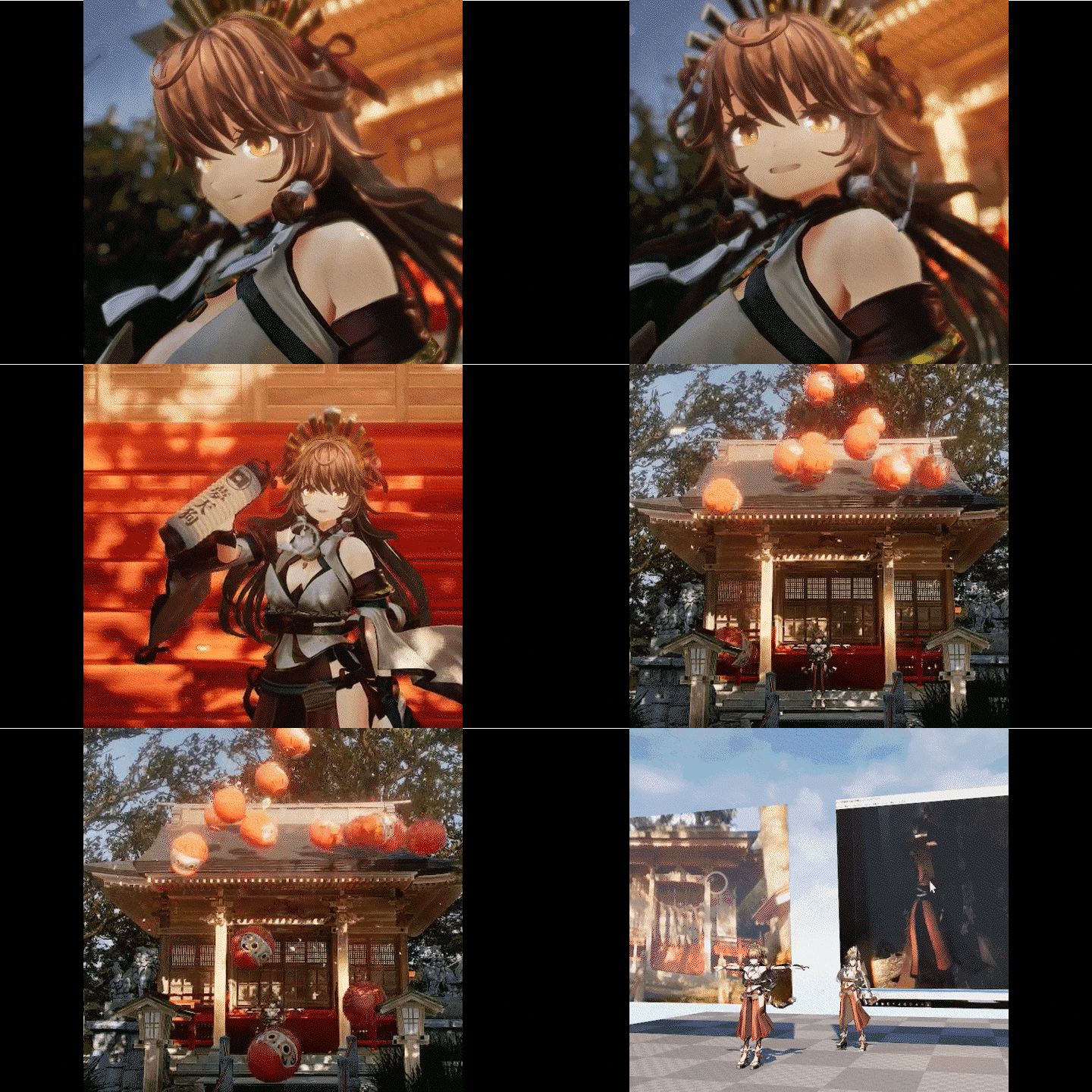 Create Animated Videos Using Motion CaptureDelve into everything you need to know to create animated videos and VTuber live streams, including the camera shift system, auto-tracking system, handheld cameras, applying 3D models, real-time video input, and inserting effects at specific timings.
- Unlimited Access
- Best Price
Buy now, get unlimited access.
12/31 (Sat) (UTC-7) Special offer ends soon.
This special offer ends soon.
Buy now and save!
Curriculum
Curriculum
In-Depth Look
SECTION 01. Introduction
01. Class Introduction, Software and Device Recommendations for Easier Work
- Instructor introduction, class overview
- Main software used in class and recommended software
- Required devices
02. Character Design for 3D Conversion
- Understanding the difficulty of 3D conversion
- How to draw three views of a character and check suitability
- Things to note when the character designer and 3DCG modeler are different artists
SECTION 02. Setting Up Character Models in Blender
03. Basics of Using Blender
- How to download, install, and manage Blender
- Initial setup and navigation guide
04. Creating Low-Poly Character Models
- Steps to creating a low-poly model
05. Modeling 1 (Base Model)
- Sculpting a base model considering bones and muscles and its topology
06. Modeling 2 (Face, Hairstyle)
- Modeling faces based on illustrations
- Modeling hair with volume
07. Modeling 3 (Clothing, Accessories)
- Creating a 2D Style in 3D
- Widely used techniques
08. UV Mapping
- Efficient and logical UV mapping
- Importing and using an external add-on (TexTools) and UVTools
09. Making Illustration-Like Textures
- Generating textures without painting
- How to create illustration-like textures
- Self-feedback and making improvements
10. Skinning
- Skinning with Auto-Rig Pro
- Modifying bones and weights to avoid problems
11. Creating Facial Expressions and Finishing 3D Models
- Creating basic facial expressions
- Creating special facial expressions
- Finishing a character model
12. Creating and Using VRM Models in Unity
- How to use Unity
- Setting up a VRM model
- Setting up shakes and collision detection
- Setting up facial expressions
- How to animate a VRM model
SECTION 03. Importing Character Models into UE5
13. Basics of Using UE5
- Downloading and Installing the Epic Games Launcher and UE5
- Basic guide
- Understanding concepts and different modes
14. Setting Up Character Models and Texture Adjustment
- Setting up a VRM model
- Applying textures
SECTION 04. Creating Videos With Detailed Worlds
15. Creating Background Assets Using Blender
- Designing objects and textures in Blender
16. Creating Backgrounds Using UE5 Features Part 1
- Making a stage
- Utilizing shared assets
- How to make a high-quality sky
- Importing a 3D model from another program and setting it up
- Using the Foliage tool
- Generating and placing Niagara effects
17. Creating Backgrounds Using UE5 Features Part 2
- Lighting
- Cross-Simulation
- Color correction using Post Processing
- Comparing the colors of Lumen and Ray Tracing
18. Video Design
- Obtaining animation files
- Implementing and recording motion capture
- Applying animations to models
- Positioning the camera
- Exporting videos
19. Bonus: How to Become a VTuber
- Making a livestream system
- Establishing camera systems
- Making a character hold an object
- How to use videos for textures
- Obtaining videos in real time
- Additional explanation of materials
- Adding music and effects in real time
- Applying animations made with Blender
- Reducing workload, recording and distribution
SECTION 05. Summary
20. Summary, Keys to Improving Quality
- Looking back on the class
- Future possibilities
- A guide to studying Blender and UE5
*The release date of this class, curriculum images, and associated content can be changed without prior notice.
** Class videos may be seperated for a more streamlined viewing experience
Interview with
VTuber Yume Tengu

Question.01
What is the most challenging aspect for those studying in this field, and how can this course address and resolve challenges?
It is not an easy task to understand the precise steps to creating a character model in Blender, how to continue the process in UE5, and the real-world workflow of video design. This class is designed to give you a general idea of how you should approach these processes. Once you understand the basics, you can create even more interesting work based on your ingenuity.
Question.02
What motivated you to study 3DCG?
It all started when I saw videos and live streams of a VTuber who used a 3D model that looked like an illustration. I was really impressed by the quality and how realistic its movements were. Since then, I began working on my own VTuber, and moving, speaking, and expressing emotions through the 3D model I made was an extremely satisfying and exciting experience.
Question.03
When it comes to expression in 3DCG, what are the important points?
The first is self-feedback. This involves making detailed adjustments to the inconsistencies between the original design and the 3D model, ensuring that the character looks consistent and the quality is there. The second is having the strong resolution to create the character you want no matter what. It takes at least one whole week to make a complete 3D model. It’s more about passion than patience.
Question.04
A word for
prospective students.
Blender and UE5 are free programs but take time to learn. Since it’s difficult to understand every single feature they offer, you should start by learning simple techniques that at least allow you to do what you want, and then explore the rest in detail. It’d be a shame to give up the opportunity to exhibit your individuality and creativity just because you can’t use these programs. Once you learn the absolute essentials through this class, you’ll be able to apply these skills to make original, creative works any way you want.
Required Programs
This course will use
- Blender
- Unreal Engine 5
Please purchase and install these program(s) for an optimized chapter experience.
*These programs and/or materials will not be provided with the course.