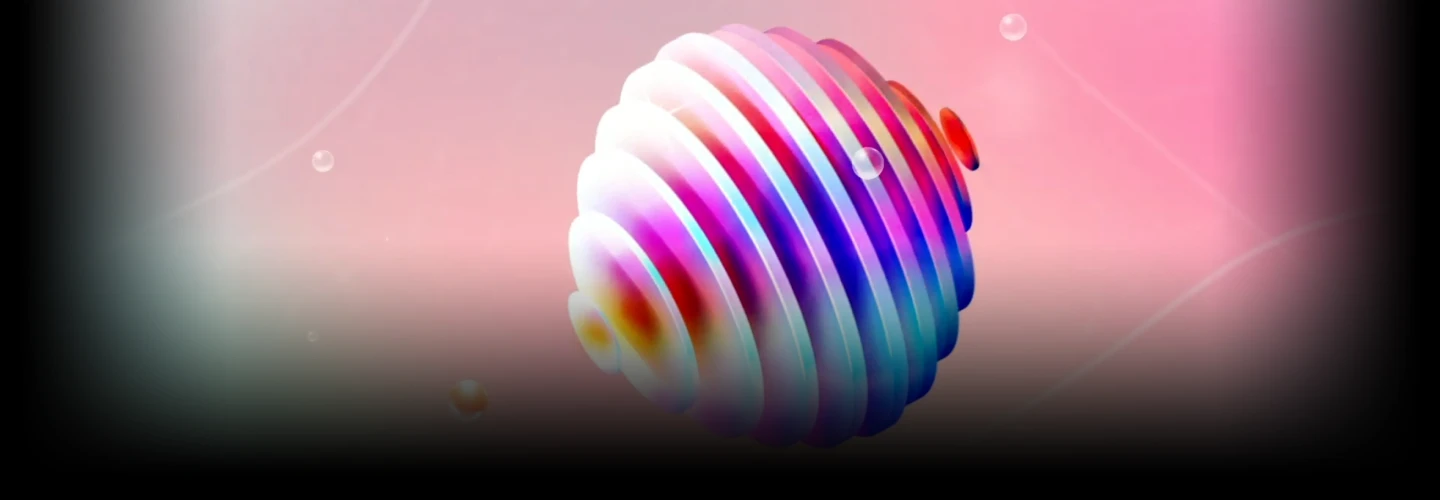
motiongraphicdesigner,azma_KR Details
Intro

Now in Your Language, Only on Coloso!
Learn from Korea's Top Master Creatives
-
 Gain Insider Tips From a Top Motion Graphic Designer
 -
 Work on Real Freelance Branding Projects
 -
 Build a Client-Ready Motion Graphics Portfolio
Class Intro
Motion Graphic Designer, azma
How far have you taken your Fake 3D style that grabs attention? Right now, add a fresh sense of style to your motion graphics.
Master Stylized Fake 3D from Basics to Real-World Projects
Build your motion graphics skills from the ground up with Azma, a standout designer recognized for her bold and stylized Fake 3D work. In this all-in-one course, you'll move from fundamental theory to hands-on animation exercises and real-world branding projects following the actual freelance workflow used in the industry today.
Learn how to design, animate, and deliver client-ready brand visuals using stylized Fake 3D in After Effects. From visual concept to execution, you’ll create your own polished 2D motion graphics portfolio along the way. Whether you're starting fresh or looking to sharpen your skills, this is your complete roadmap to creating stylish, high-impact motion graphics with efficiency, clarity, and creative control.
Class Preview
Still Not Sure?
Check Out azma's Class Preview!
08. Animating Various 3D Objects 01
- Add motion to the created shapes using keyframes
Class Perks
Special Gift from azma
-
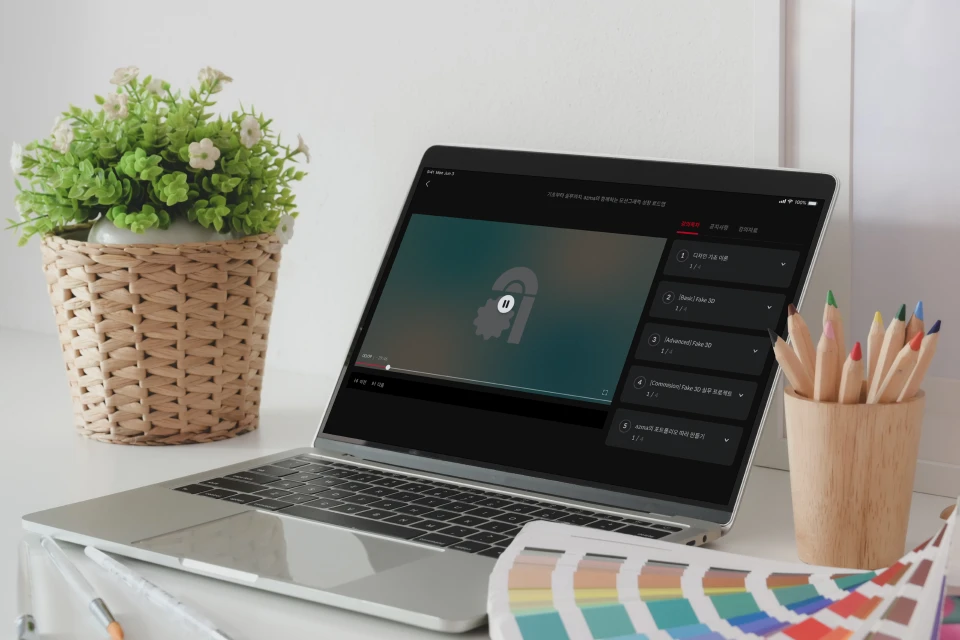 Fake 3D from Basics to Professional PracticeUnlimited access to 39 chapters
 -
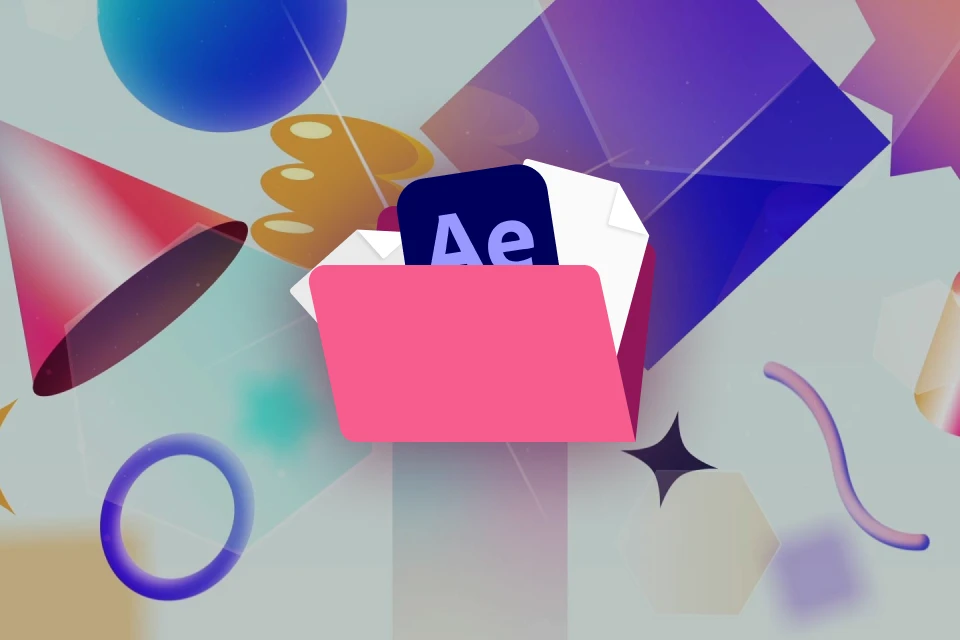 Including azma’s real-world workflowPractice example source files (.aep)
 -
 For Motion Graphics & Fake 3DSummary of Core Fundamentals (.pdf)
 -
 For Practical Motion Graphic WorkSet of 3 After Effects Presets
 -
 Collection for After Effects BeginnersEssential Keyboard Shortcuts
Recommendation
Who should take this class?
Motion graphic users eager to learn azma’s efficient and trendy style
Film students aiming to build Fake 3D skills step by step from basics
Creators wanting to complete a 2D motion portfolio using stylized Fake 3D
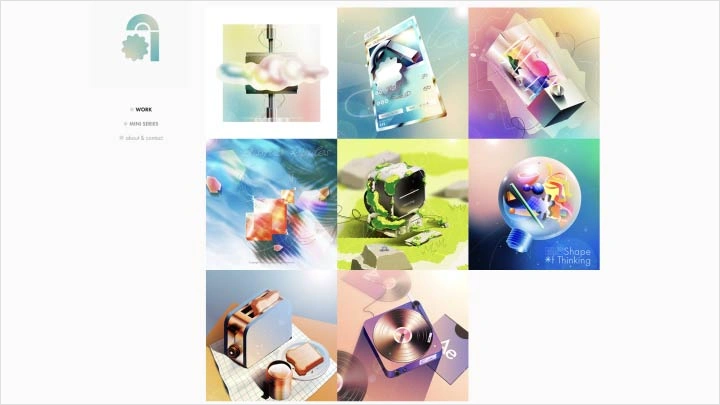
Expert Motion Graphic Designer azma's Portfolio
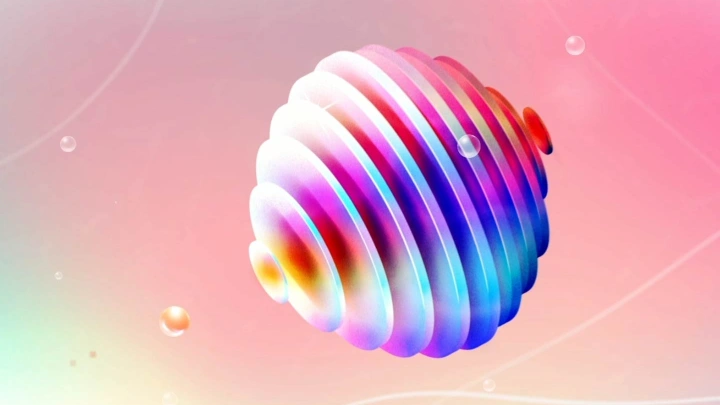
<Adobe After Effects> for Nintendo Switch2
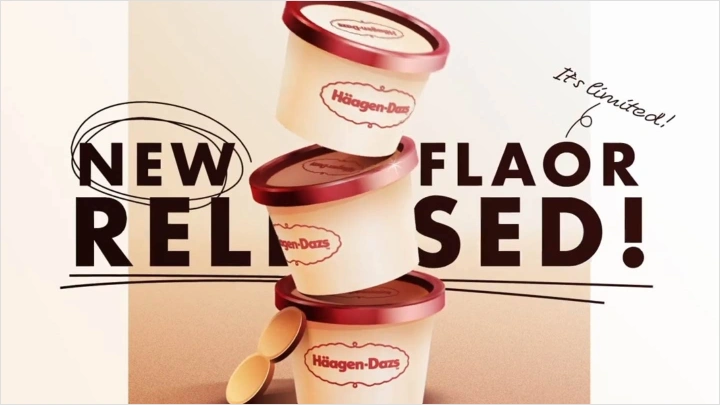
<Häagen-Dazs> Advertisement Video
<Dreaming> Motion Graphics
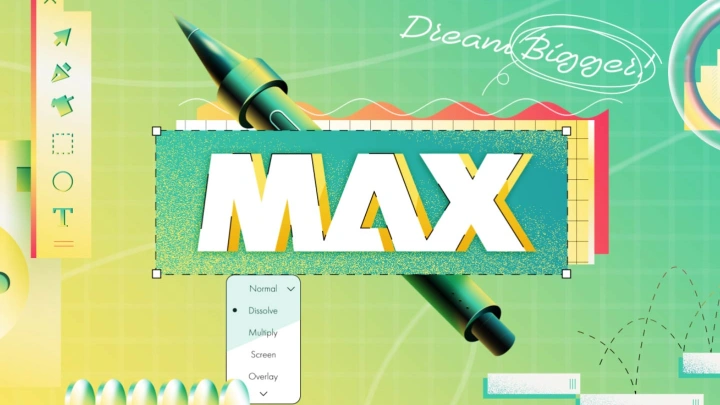
<Dream Bigger> Adobe MAX Contest
-
 Mini Series『azma ex』
 -
 Mini Series『time to work』
 -
 Mini Series『sunset record』
Why Take This Class?
Discover the core techniques of Fake 3D, a signature skill that brings depth and dimension without using 3D layers in After Effects. From dynamic shapes to rich textures and smooth animations, learn how to create bold and stylish visuals using only 2D layers with azma’s unique high fidelity approach.
Go beyond basic motion graphic exercises and build a portfolio ready skill set.
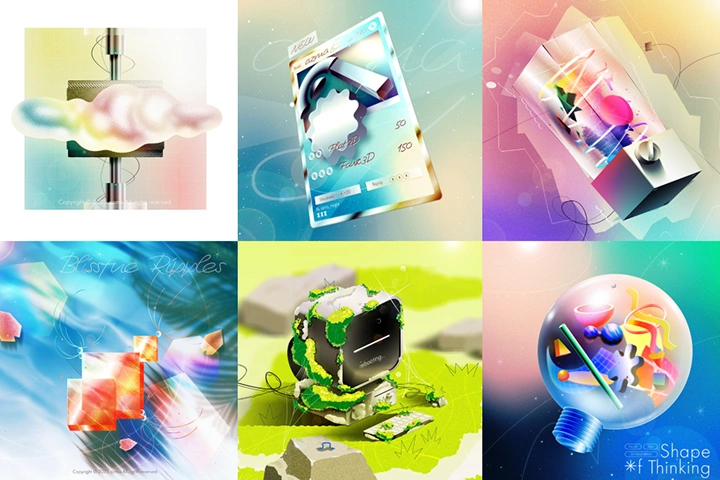
Recreate six of azma’s own portfolio scenes and master the use of dazzling colors, bold gradients, and expressive textures with your own hands.
Elevate your creative execution and sharpen your professional edge with azma’s signature Fake 3D techniques, exclusively on Coloso.

From Basics to Practice: Step-by-Step Mastery of Fake 3D
Part 1. Fundamentals
-
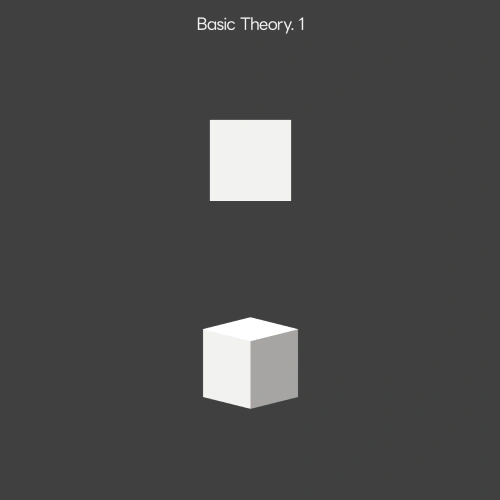 Flat vs. Dimensional Design
 -
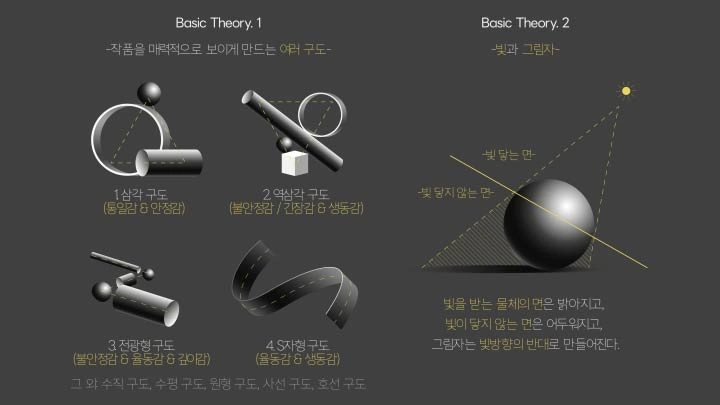
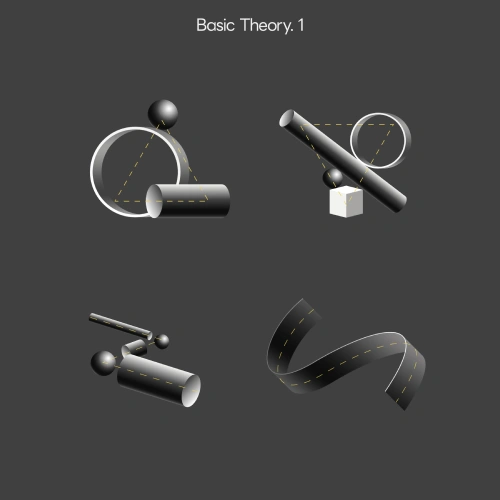 Composition in Motion Graphics
 -
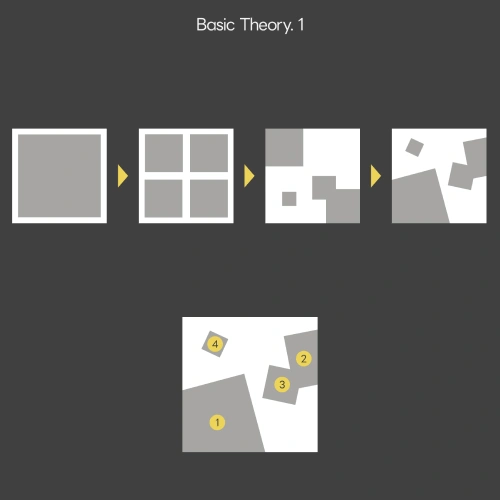 Layout & Visual Placement
 -
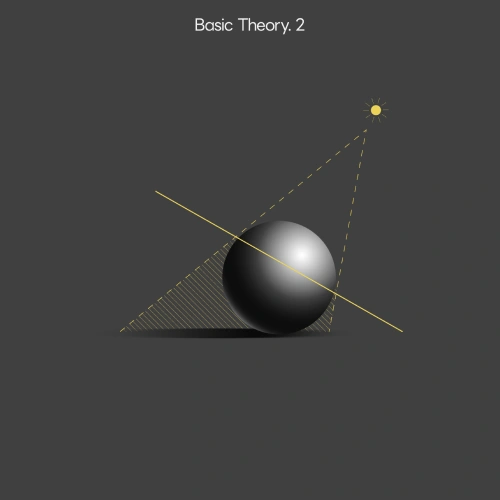 Light & Shadow
 -
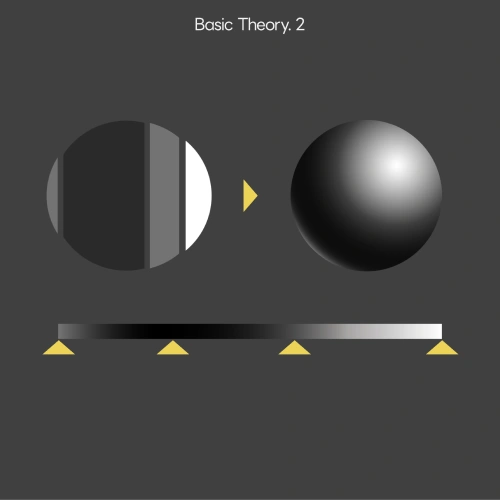 Using Gradients in Motion Design
Part 02. Fake 3D – Basics & Artwork
-
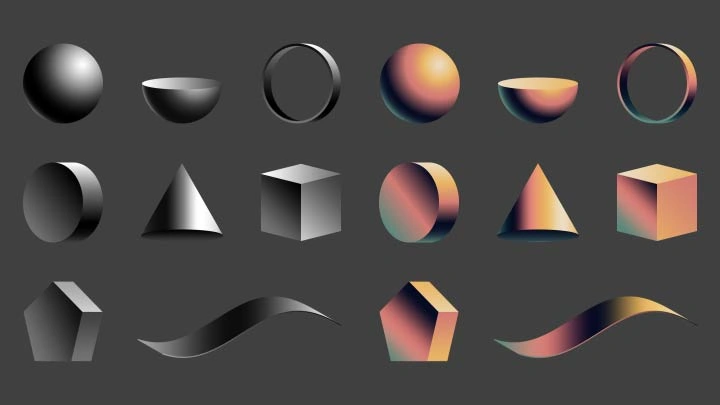
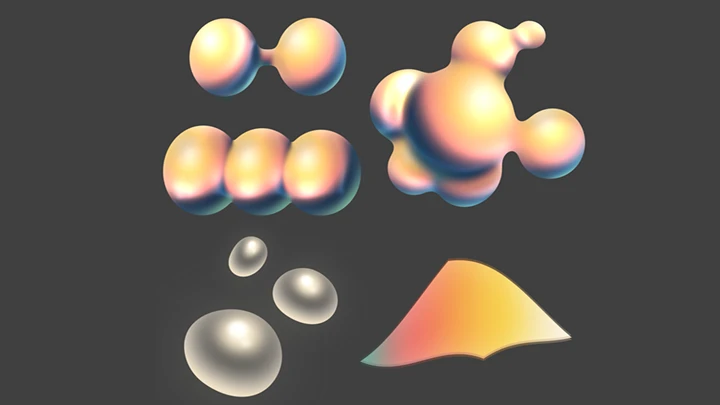
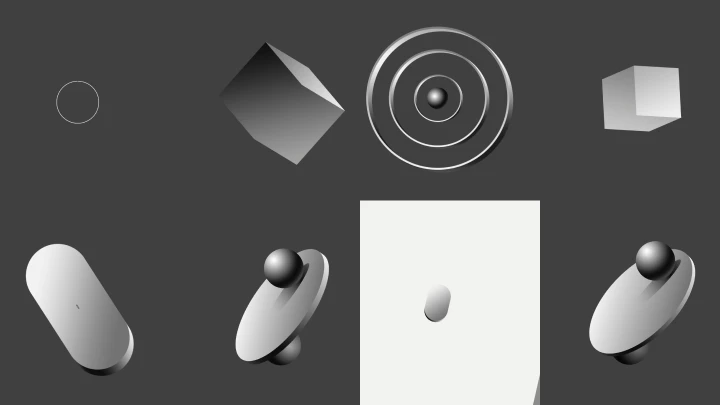
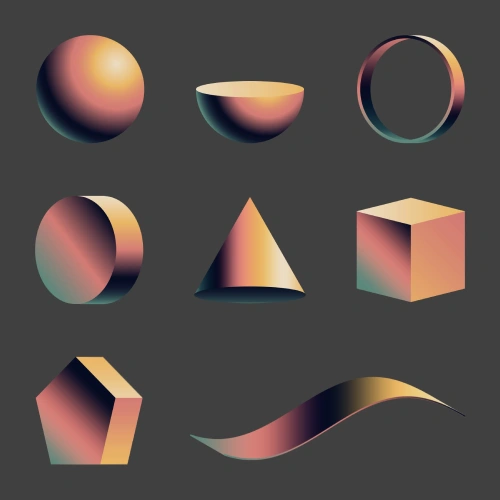 Creating Various 3D Shapes
 -
 Animating 3D Forms
 -
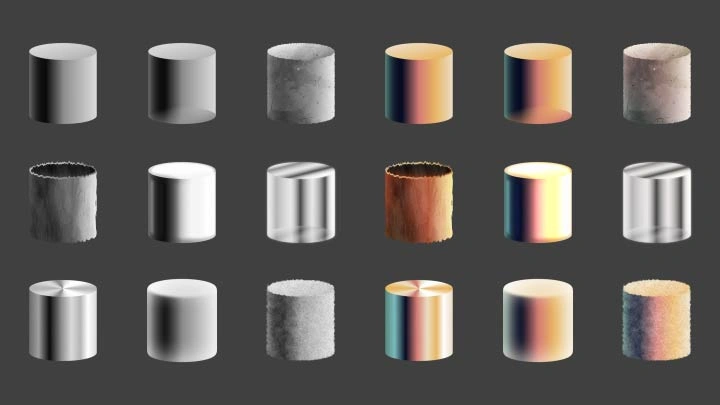
 Designing a Variety of Materials
-
 Making
 -
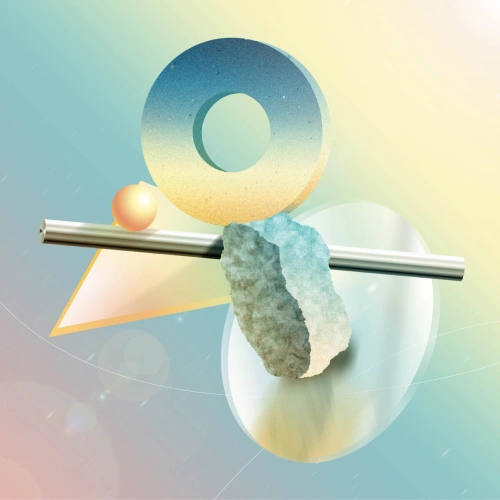 Static Fake 3D Artwork
 -
 Kinetic Fake 3D Artwork
Part 03. Intermediate Fake 3D & Mini Series
-
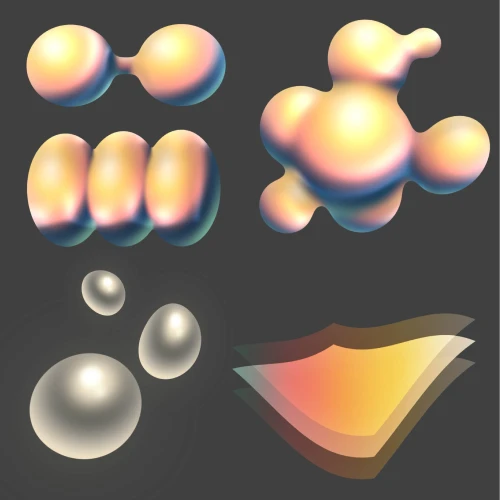 Compound Shape Creation
 -
 Animating with Basic Effects
 -
 Transitions Between 2D and 3D
 -
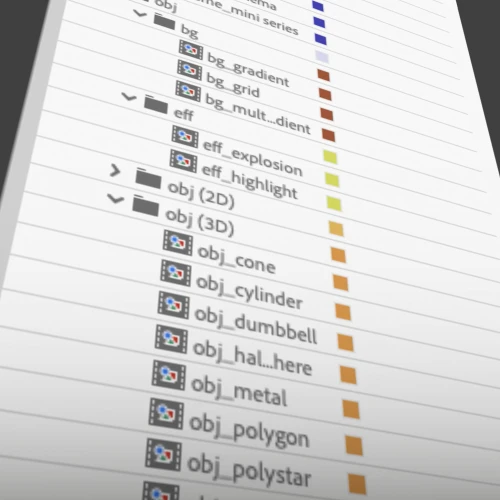 Creating Your Own Presets
-
 Brainstorming
 -
 Styleframes
 -
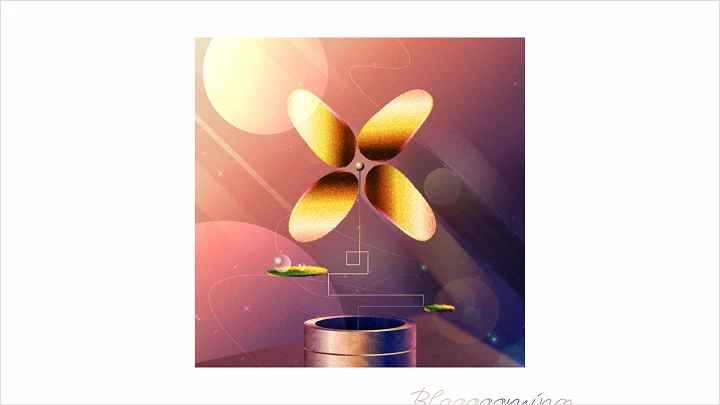
 Mini Series『Bloooooming』
Part 04. Advanced Fake 3D & Commission Work
-
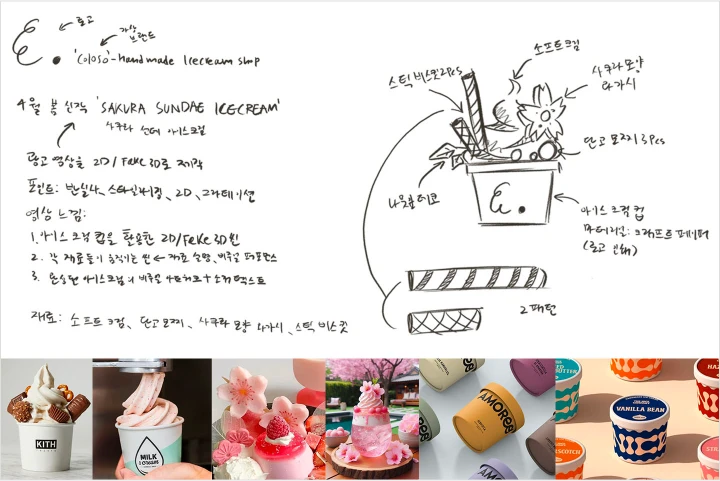 Concept & Theme Development
 -
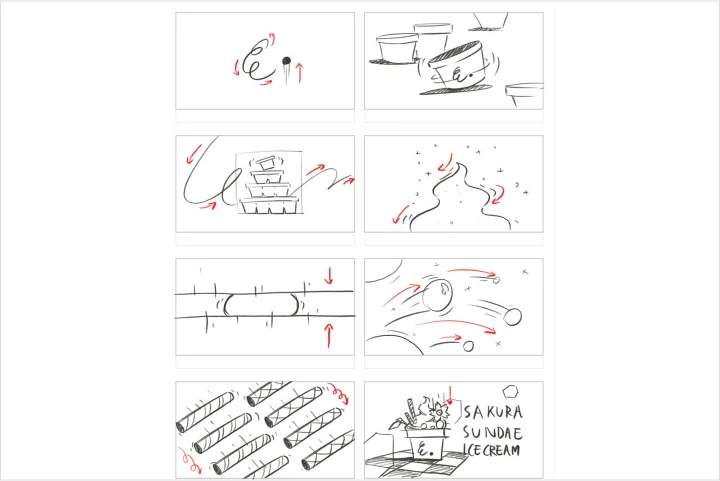 Storyboard Creation
 -
 Styleframes
 -
 Motion
Part 05. Portfolio Scene Practice: 6 Projects from azma
Practice hands-on by recreating key scenes from six of Azma’s signature portfolio pieces from styleframes to final motion.
-
 Dreaming S#1.Collision & Division
 -
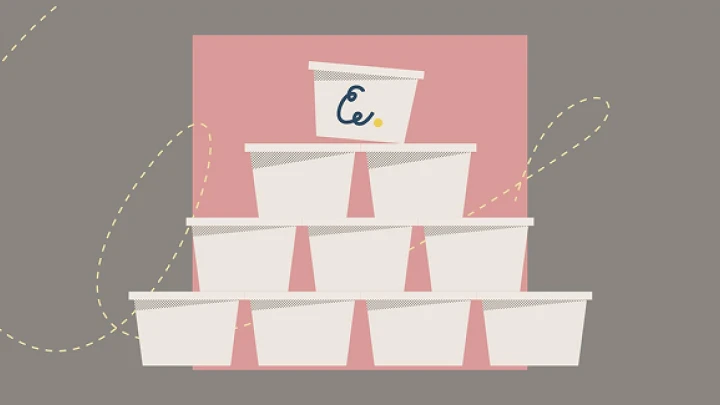
 Hagen-Dazs AD S#2. Rolling Cup & Flavor Introduce
 -
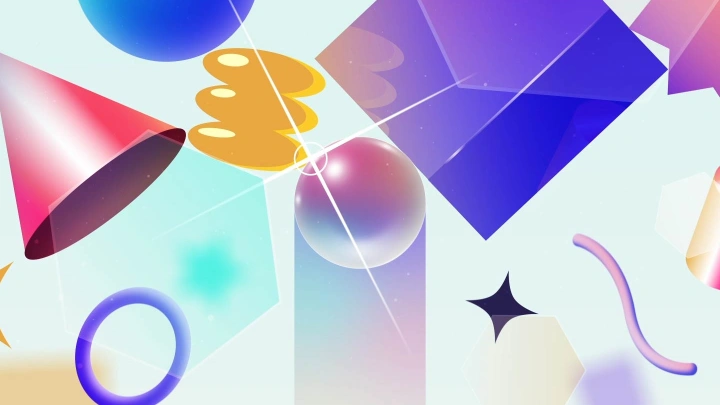
 TOPPA S#3. Breakthrough Barrier
-
 Adobe MAX S#4.Popping Pen
 -
 HPR AD S#5.Bottle Design & Moisture Expression
 -
 Sunset Record S#6.Record Player
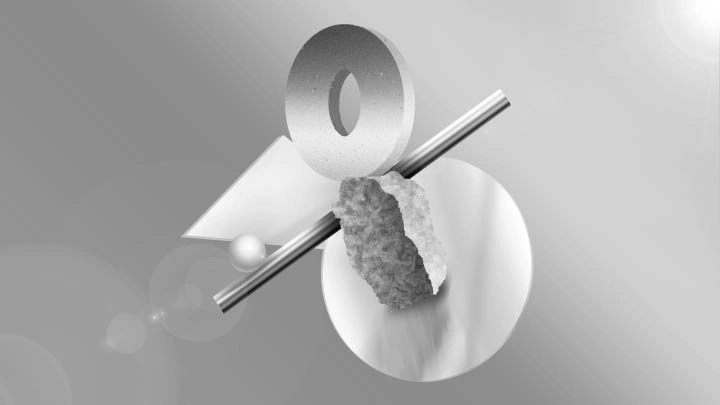
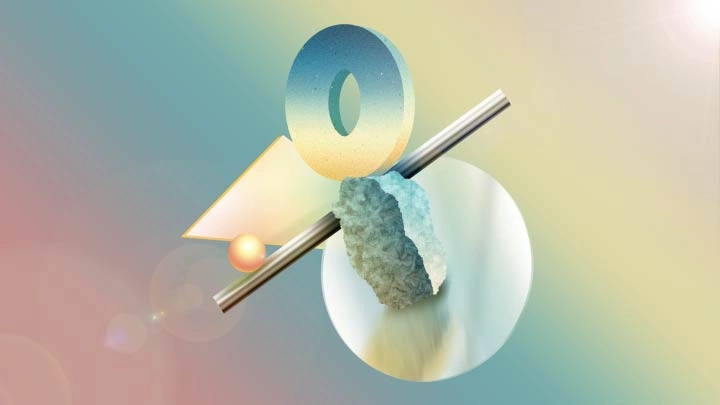
*The above images are sample images for a better understanding.
Instructor
Motion Graphic Designer
azma
Hello, I am azma, a 2D and 3D motion graphic designer Based in Korea and Japan, I focus on transforming a wide range of ideas into dynamic and distinctive motion stories. For me, motion graphics are more than just visual elements, they are a powerful tool for conveying emotion and meaning. I strive to bring my own creativity and a variety of techniques into every project I work on.
In this class, we will cover everything from the fundamentals of motion graphics to real world production practices. I have designed the course to focus on building strong visual experiences using various styles and techniques. Step by step, we will break down the Fake 3D method, explore impactful uses of color, and learn efficient workflows to help you grow into the motion designer you have always dreamed of becoming. I am excited to guide you through this journey and help you reach your full creative potential.


Motion Graphic Designer azma
[Current]
Freelance Motion Graphic Designer
Creator of the YouTube channel “azma”
Instructor of the online motion design study class “First Frame”
Projects & Awards
[Projects]
Minami Kuribayashi Cover Songs M/V - Motion Designer
Mei-chan - Budokan Live 2024 - Typography & M/V Motion Designer
DMM - DMM Boost Conference - Opening & Ending Creative Director / Motion Designer
Asahi - Comado Mobile App - UI/UX Motion Designer
Nippon TV - SENSORS - Opening Motion Designer
Taisho Pharmaceutical - Brand Animation (2D/3D Motion Designer)
Porno Graffitti - High-Fine Roman M/V - Motion Designer
Crazy Raccoon Cup - Pokémon: Scarlet and Violet Contest - Opening Motion Designer
Udemy - Udemy Academy - Brand Animation OP/ED Motion Designer
DNMD - 2024 Seoul Media Canvas Media Art Exhibition
“Chime” - Solo Exhibition / Participating Motion Graphic Artist
LAPONE - LAPOSTA 2025 - Motion Designer
CENTRAL - CENTRAL FESTIVAL 2025 - Opening & PV Motion Designer
Highlights
Class Highlights
High Efficiency Motion Graphic Design Starting from Core Fundamentals
Build essential skills not only for motion graphics but for all kinds of design work. This course organizes useful theories for both beginners and professionals, and introduces azma’s high efficiency workflow that never sacrifices detail, even within limited time.
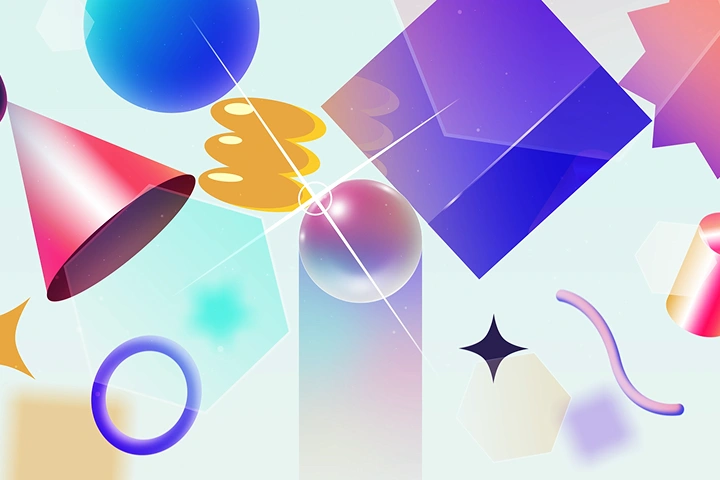
Fake 3D Made Easy Without Any 3D Knowledge
Learn the A to Z of Fake 3D techniques in a simple and accessible way. From beginner basics to real production scenes, you will master how to create dimensional visuals using only 2D layers. Through a step by step and structured curriculum, you will build your own stylized 2D motion graphic portfolio with high quality Fake 3D compositions and effects.
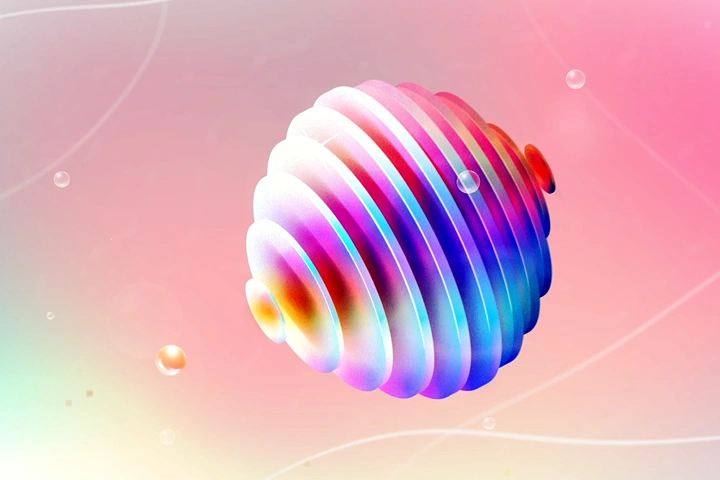
The Kick of Eye-Catching Visual Art: Gradation Techniques
Master the art of gradation to amplify the appeal of your stylish visual artwork! From using gradients for more vibrant motion graphic animations to creating standout colors and textures, learn every detail carefully. Discover azma’s unique stylized techniques that bring delicate color nuances and expressive gradation to your work.
Class Details
You'll Learn
-
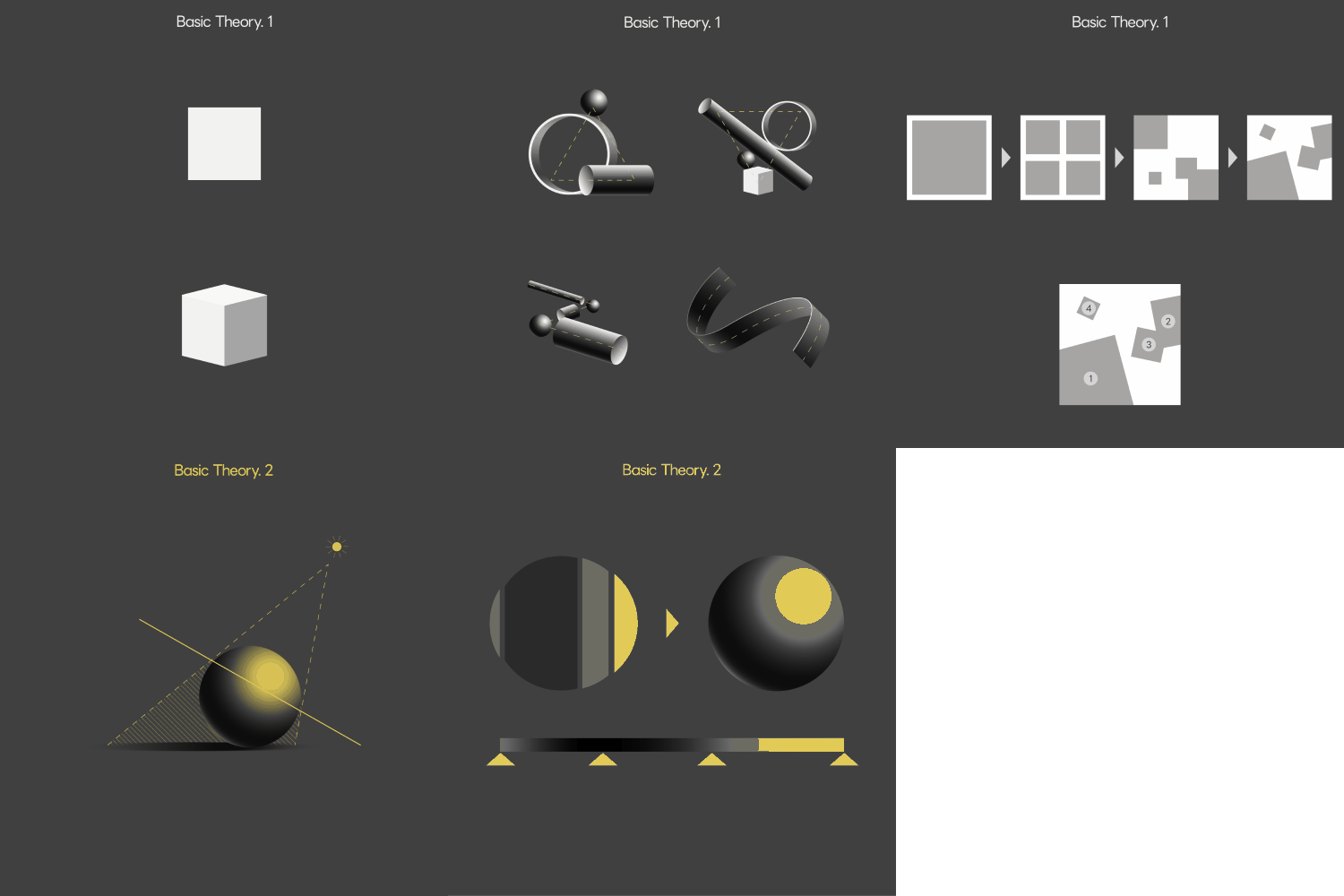 Essential Design Theory for Creative InspirationQuickly master the foundational design principles that fuel creativity across motion graphics and other visual fields. This concise guide covers the essentials — composition, layout, contrast, and more — offering practical knowledge for both beginners and working professionals. Strengthen your creative instincts and bring deeper inspiration to your work through structured, timeless design theory.
 -
 Step-by-Step Fake 3D: Build Your Skills from the Ground UpConnect the depth of 3D with the simplicity of 2D through stylized Fake 3D techniques. Learn how to create and animate dimensional shapes using 2D layers — no 3D software required. By understanding the core principles of Fake 3D, you’ll gradually level up your motion design skills from foundational theory to practical, real-world execution.
 -
 Creating Visual Depth: Grayscale Gradient Techniques for MaterialsExplore how to represent materials like wood, concrete, metal, and plastic using grayscale gradient techniques. Through hands-on examples, you’ll learn how to capture visual texture and depth without color — enhancing your artwork with subtle shading that draws the eye. Discover the expressive power of gradients in visual storytelling and elevate the impact of your motion artwork.
-
 Essential 3ds Max Modeling Guide for Game ArtistsStep into the world of 3ds Max, the industry-standard modeling tool widely used in game studios. You’ll learn the core features and practical workflows of 3ds Max to create cleaner models and edit more efficiently. You’ll also explore how to connect with ZBrush to complete high-quality, game-ready assets with ease.
 -
 Pro-Level Detailing & Final Quality CheckTake your high-poly modeling to the next level with a professional-grade detailing workflow. This process focuses on refining surface details, checking the overall polish, and ensuring your model is clean and production-ready. Through poly painting and final adjustments, you’ll learn how to wrap up your modeling project with confidence and clarity.
 -
 2D-Style BPR Rendering & Post-Processing Made SimpleLearn the easiest way to create stylized 2D-style renders using the BPR rendering workflow. You’ll explore how to use custom Matcaps, lighting setups, and Photoshop adjustments to match the mood of your project. From toon-like expressions to casual, emotional renders — this process makes it simple to achieve polished, illustrative results.
- Unlimited Access
- Best Price
Buy now, get unlimited access.
09/28 (Mon) (UTC-7) Special offer ends soon.
This special offer ends soon.
Buy now and save!
Interview with
Motion Graphic Designer azma

Question.01
What is the purpose and key focus of this course?
This course covers everything from the basics to advanced techniques of Fake 3D, designed to help you fully understand the skill and apply it immediately in real projects. As a first step into motion graphic production, you will learn practical techniques that break down the boundaries between 2D and 3D, preparing you to handle various situations encountered in the field.
Question.02
What makes Fake 3D unique and appealing in 2D motion work?
First, I have a fast and efficient workflow. Next, I rarely use 3D layers, which allows me to create high quality work even on low-spec or low-capacity systems. I also excel at smooth transitions that blend 2D and 3D elements seamlessly. Finally, I focus on captivating visuals by using attractive colors and gradients that grab people’s attention.
Question.03
What makes Fake 3D unique and appealing in 2D motion work?
Using Fake 3D allows you to maximize the harmony between three-dimensional depth and two-dimensional flatness, creating a unique 2.5D design feel in motion graphics that can be difficult to achieve with traditional 3D tools. Another great advantage of Fake 3D is that it enables faster and lighter workflows compared to other 3D programs.
Question.04
What aspects of the curriculum did you pay special attention to for this course?
In this course, I focus on sharing efficient motion graphic workflows and creating lightweight, optimized 3D-like objects using 2D layers. You will also learn practical skills such as color and gradient techniques that enhance the appeal of your work, as well as real-world workflows used by freelance motion graphic designers.
Required Programs
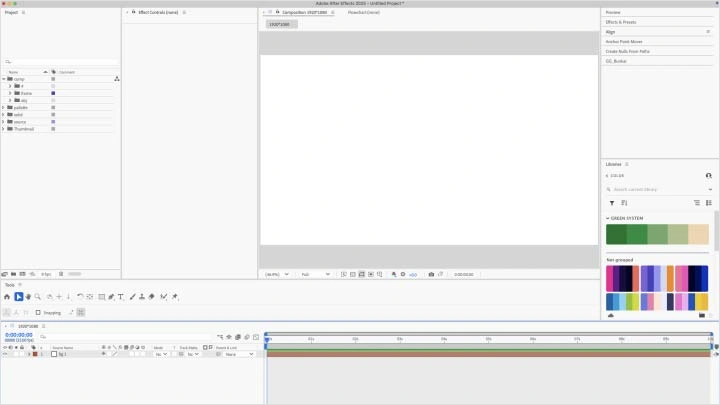
This course will use Adobe After Effects 2025, Adobe Photoshop 2025
Please purchase and install these program(s) for an optimized chapter experience.
*This course uses Shadow Studio 3, a paid plugin for Adobe After Effects, and installation of this plugin is required to follow along.
*Adobe After Effects 2023 or later is recommended.
*Photoshop is used as an auxiliary tool for storyboard creation during exercises but is not required.
*These programs and/or materials will not be provided with the chapter.