MotionGraphicDesigner,MANZA_모션그래픽 디자이너 MANZA Details
Class introduction
introduction video
Motion graphic designer, MANZA
“Easily and quickly with only After Effects A sense of space and three-dimensionality in motion graphics About how to save it “I will let you know.”
Used in broadcasting All motion graphics, ‘MANZA’ will inform you.
From logo animation to outro, A variety of broadcast motion graphics videos, How to make it, The unity between various images is I don't know how to give it to you Are you at a loss?
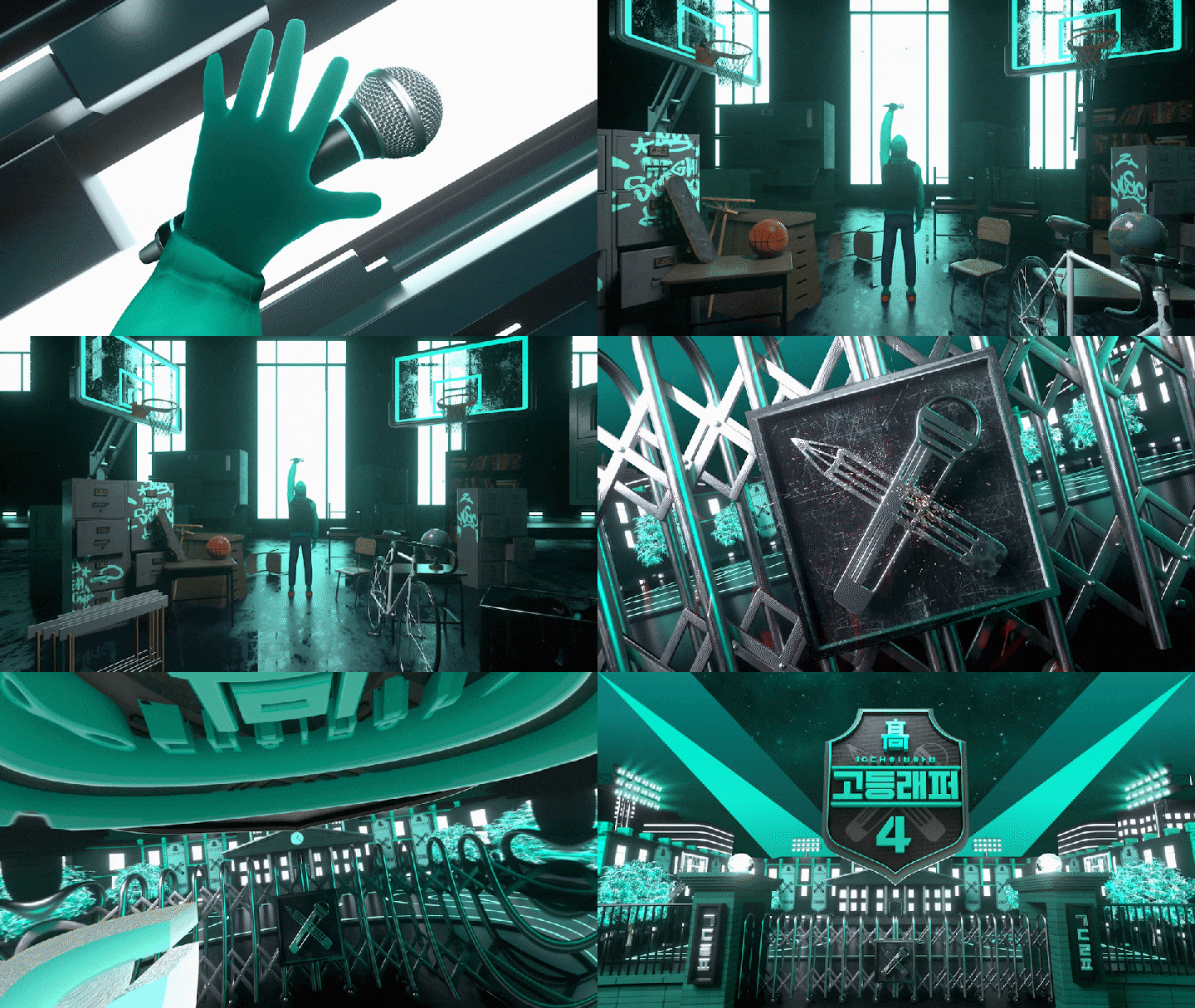
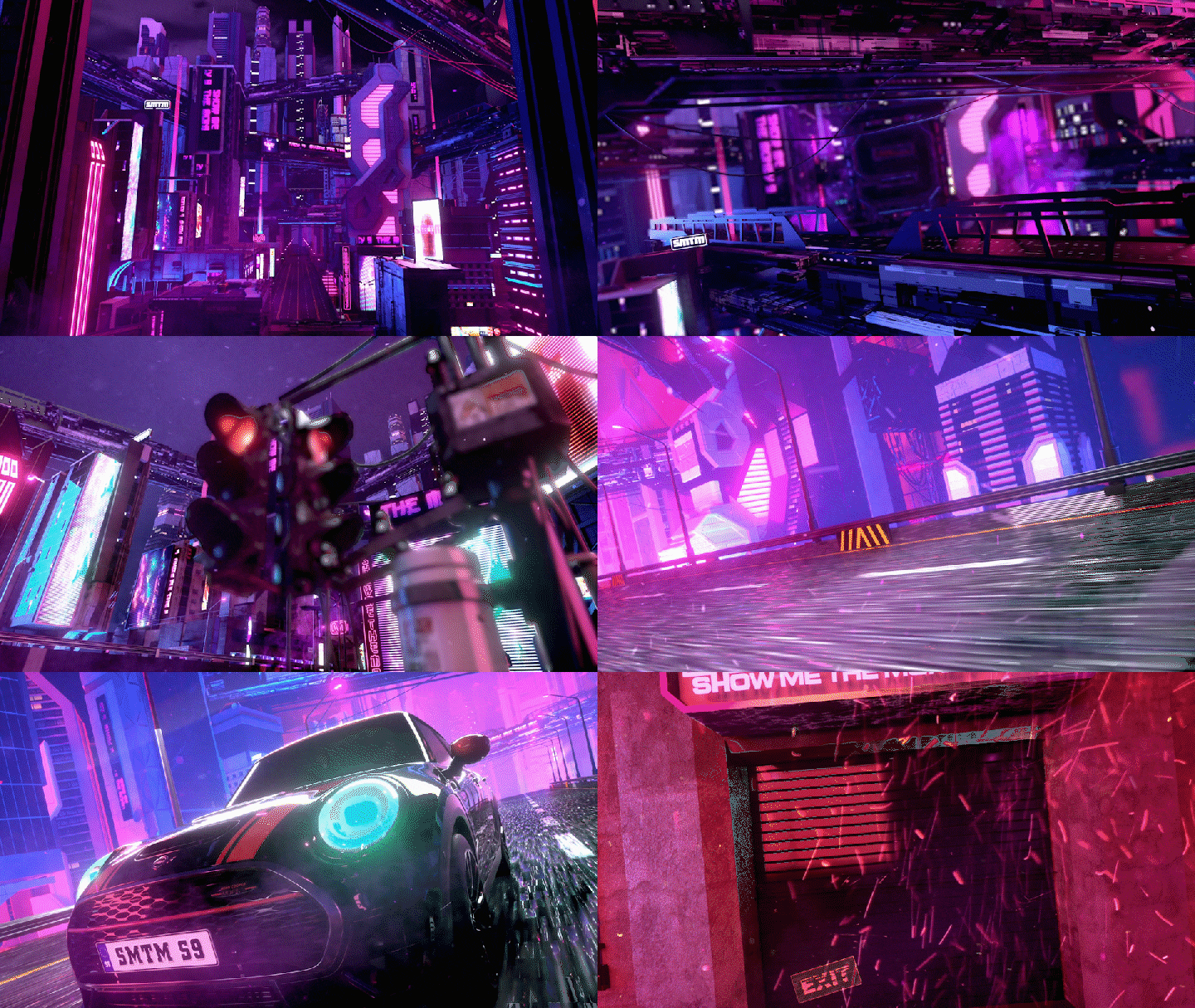
Show Me the Money, High School Rapper, Please Take Care of My Refrigerator, etc. Produced numerous representative broadcast titles Freelance motion graphics designer, Meet MANZA’s online classes.
With only after effects Tips for giving a sense of three-dimensionality and space, Live-action based filming method, Everything, including practical workflows A chance to make it yours quickly and easily! Your title motion graphics skills After Effects class that will greatly improve your Meet us now at Coloso.
Motion graphics designer MANZA’s portfolio
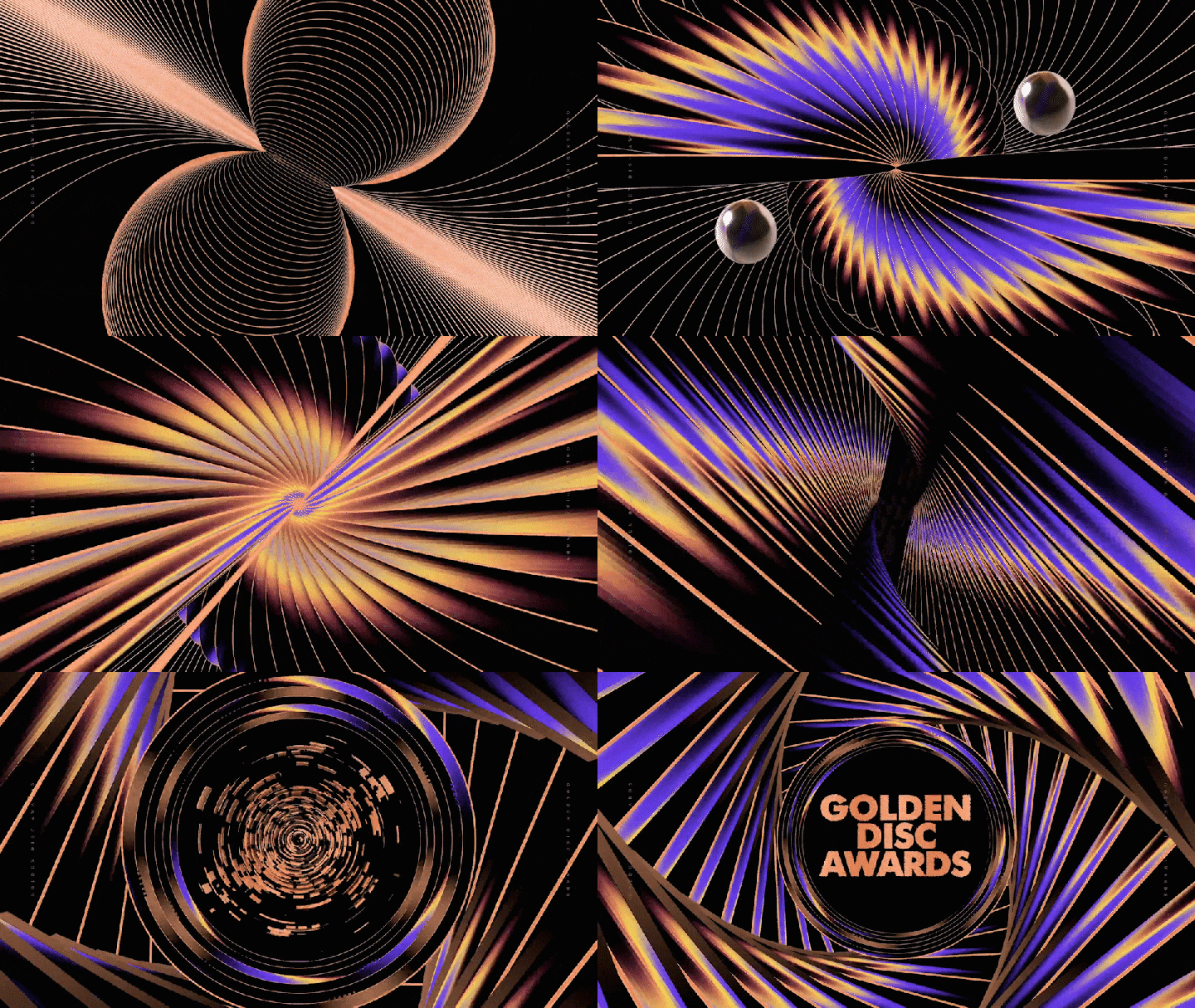
Why Take This Class?
Used in broadcasting Contains all motion graphics, This is by no means an exaggeration. The planning intention of the broadcast Visualize implicitly logo Design, Even after commercial breaks to hold the viewer captive bumper Animation, It can be said to be the pinnacle of broadcast titles. Ending sequence and more!
Currently used in broadcasting Work processes for all 6 title packages So that even beginners can easily follow Motion graphics class that provides systematic information, Coloso is the only one.

In this class Examples of 6 types of broadcast title packages Let's make it ourselves.

Example 1: Design and animation of a logo
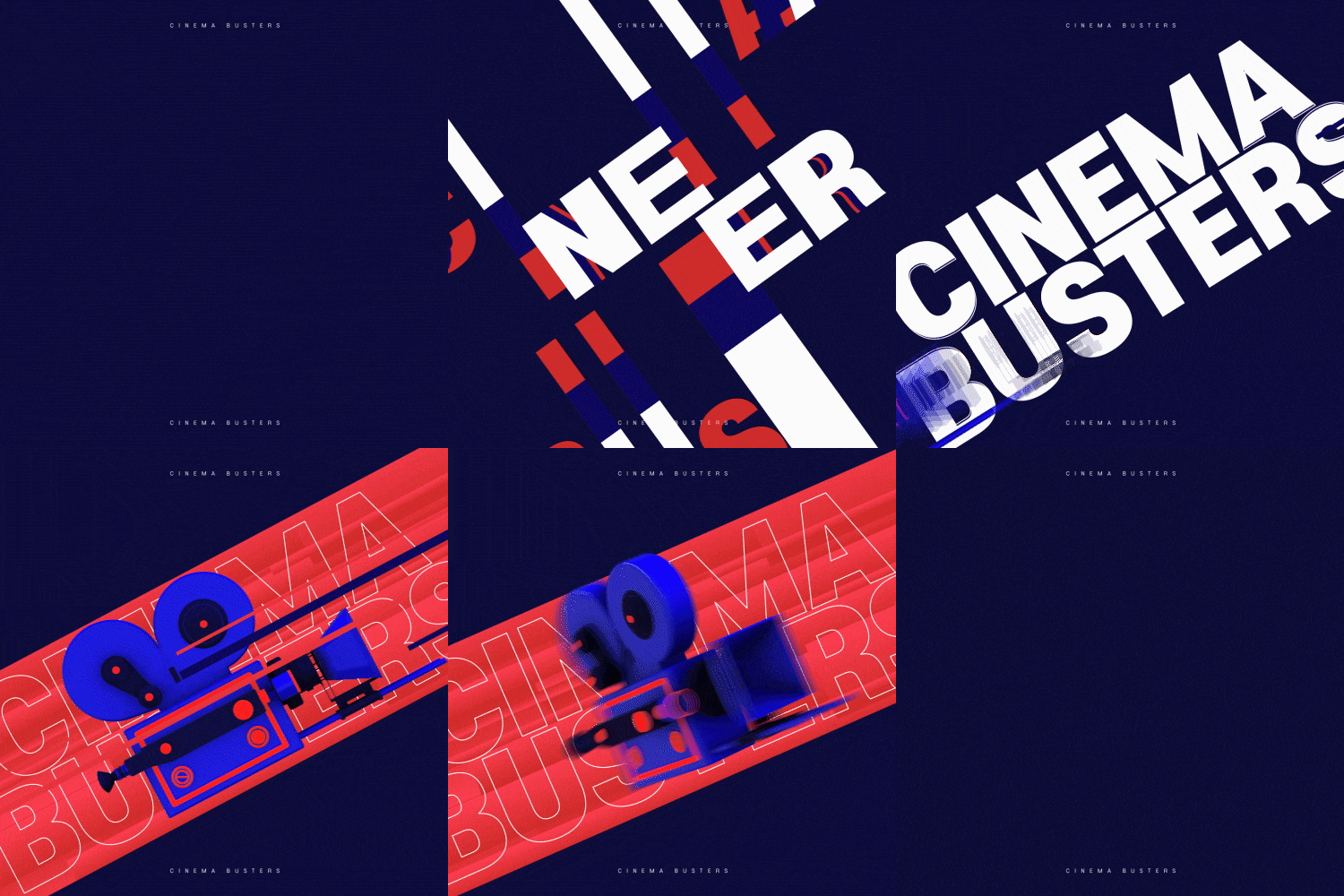
Example 2: Typographic animation using shape layers
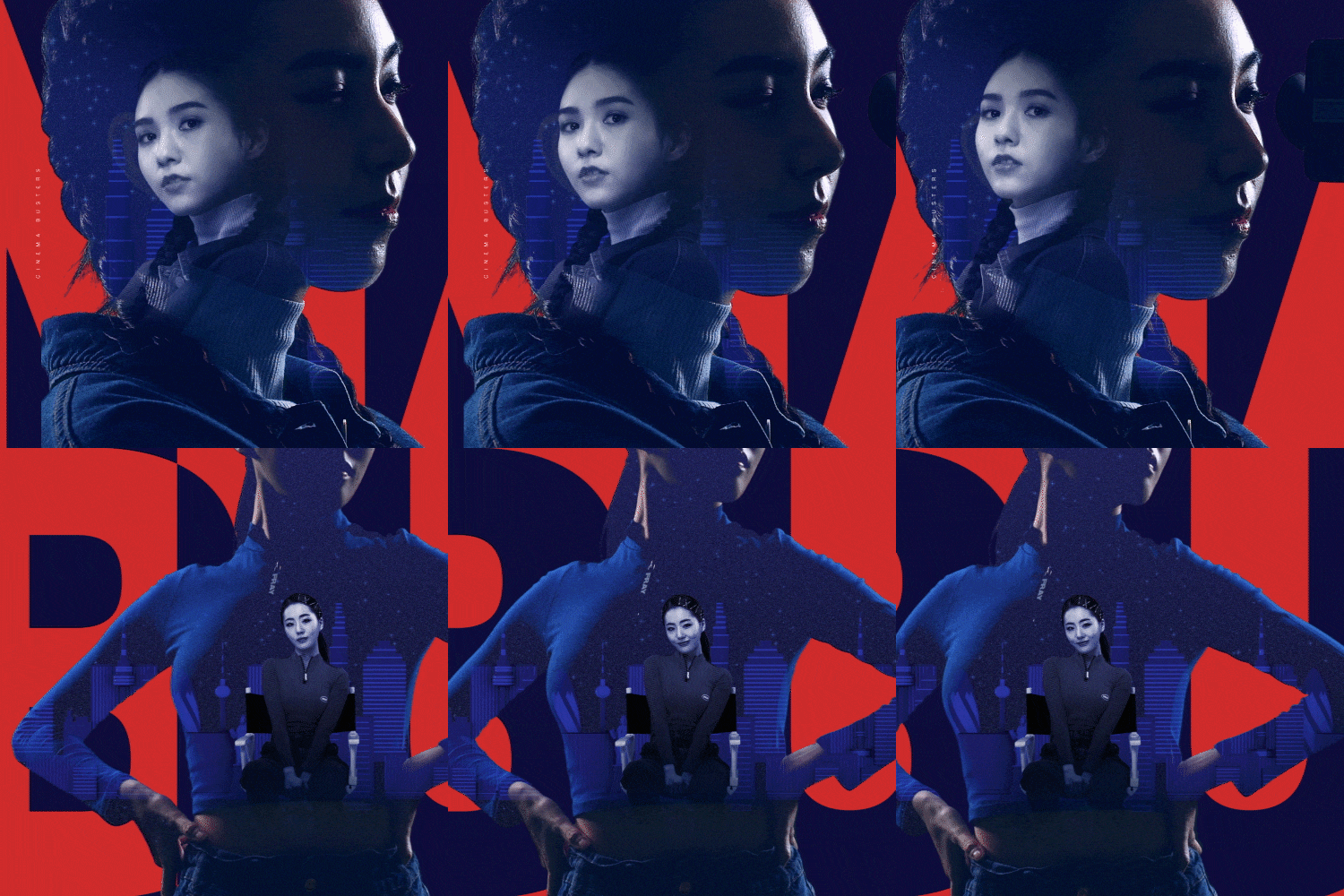
Example 3: Double exposure using Matt and blending mode
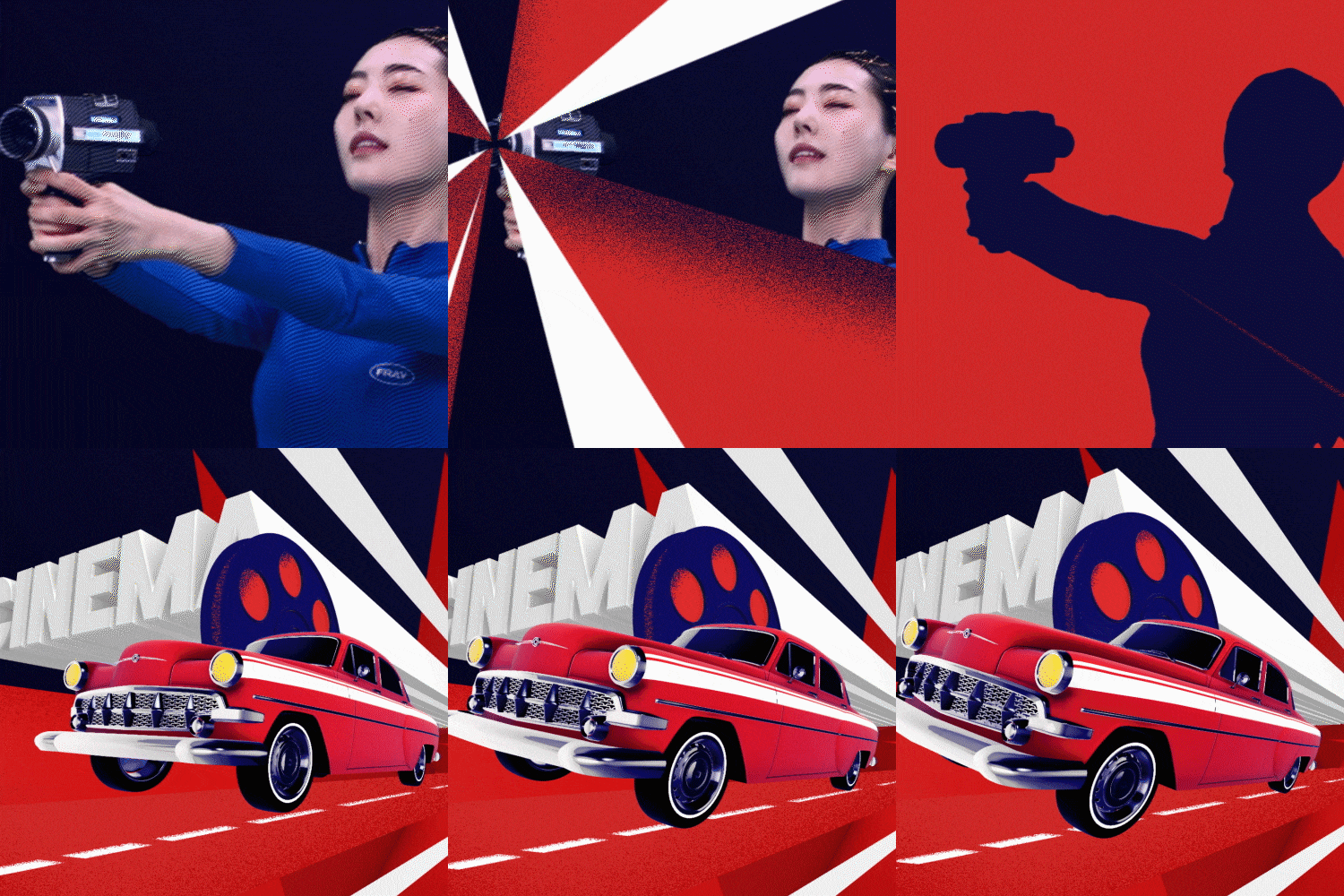
Example 4: Object creation using Element 3D
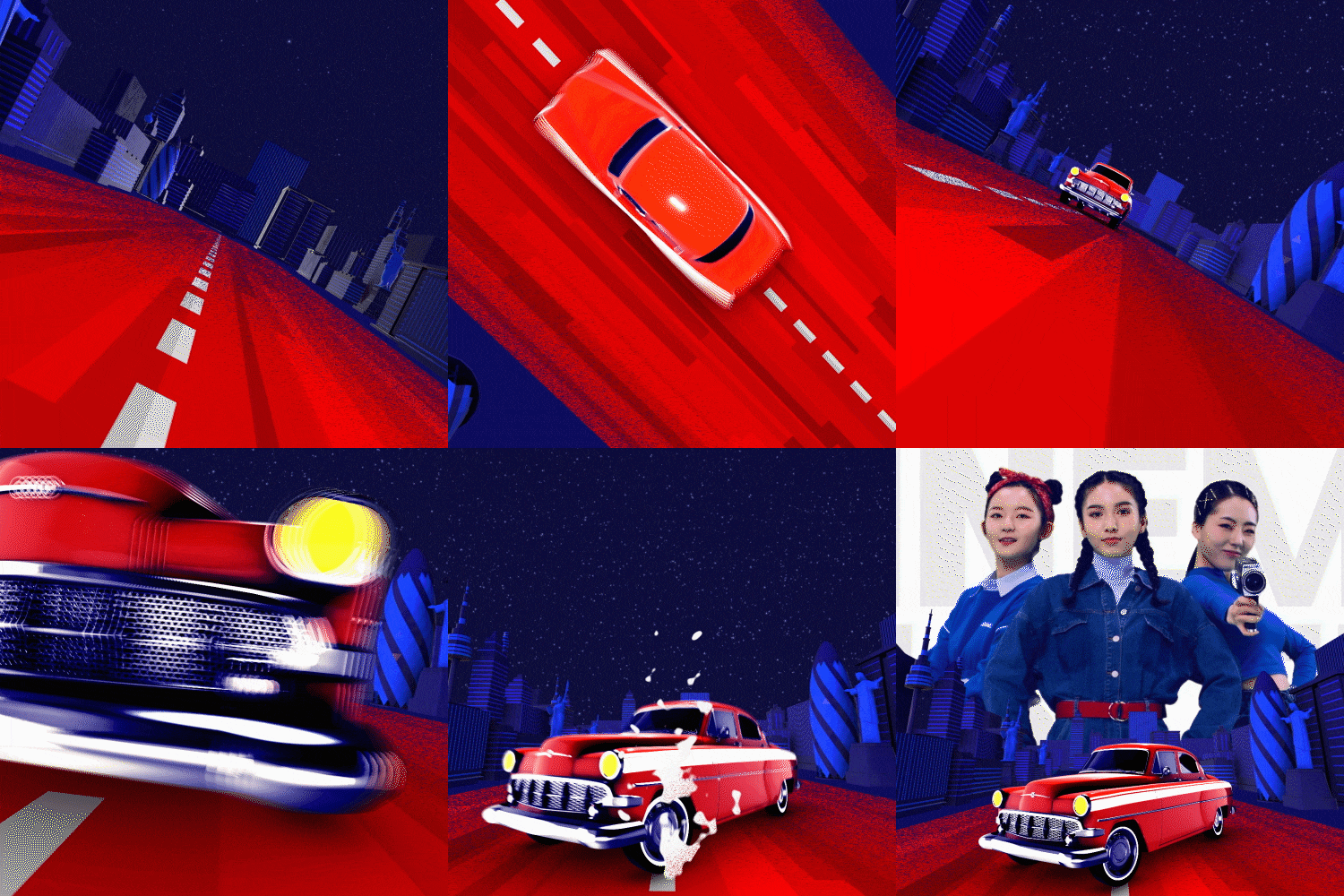
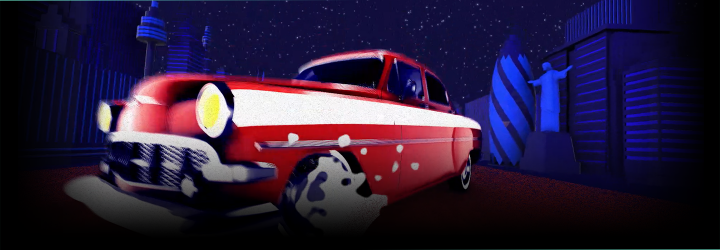
Example 5: Creating a spatial scene using a 3D camera
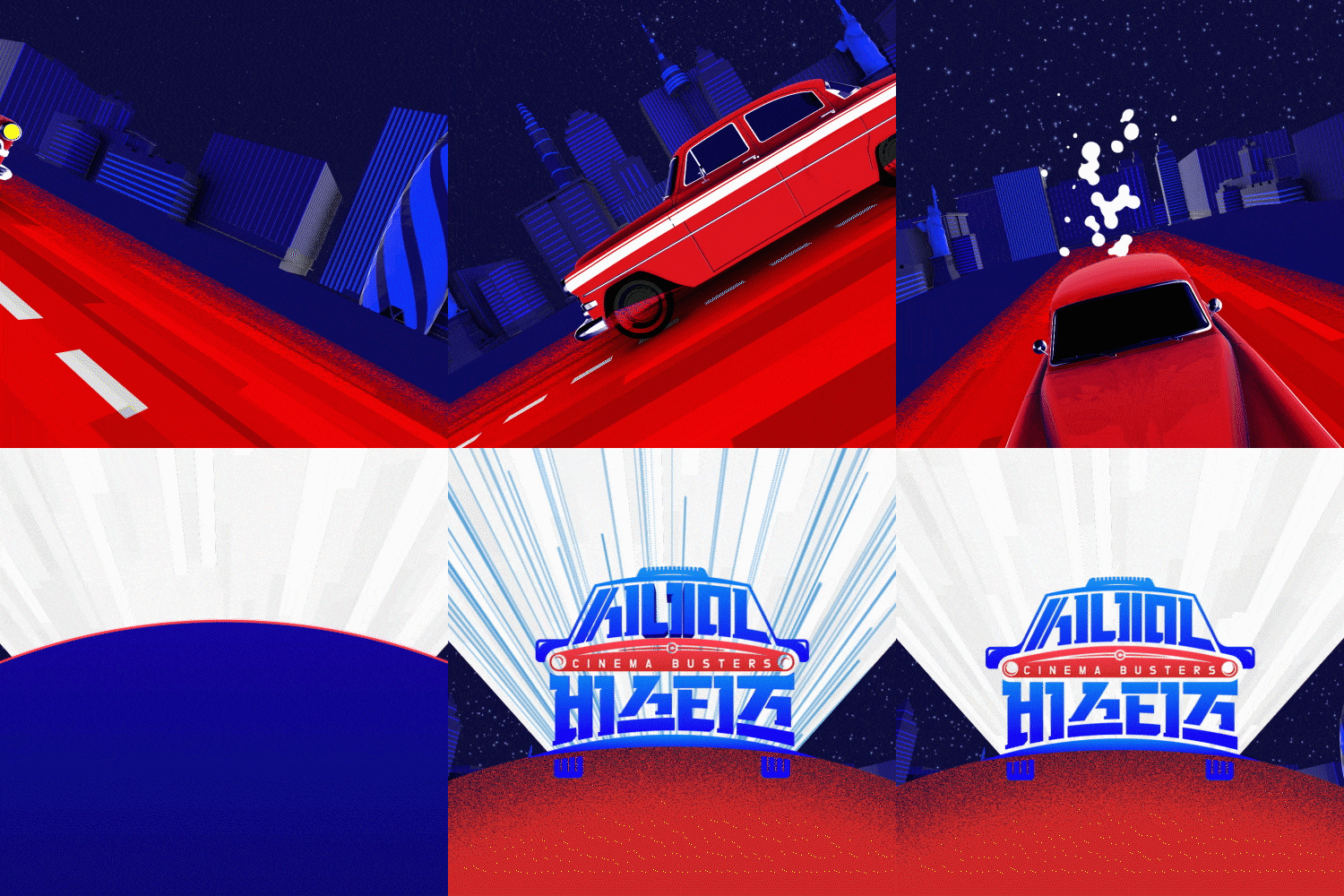
Example 6: Magical end page design
Speaker introduction
motion graphics designer
MANZA
Hello. I am MANZA, a freelance motion graphics designer. I am with Fox International Korea. After going through the tvN brand design team, Currently working as a freelance designer. JTBC, KBS, mnet, MBC Every1, etc.
Numerous public and cable broadcasting stations While collaborating Show Me the Money, High School Rapper, Comedy Big League, Please Take Care of My Refrigerator, Baeksang Arts Awards, etc. We produced title packages for various broadcasts.
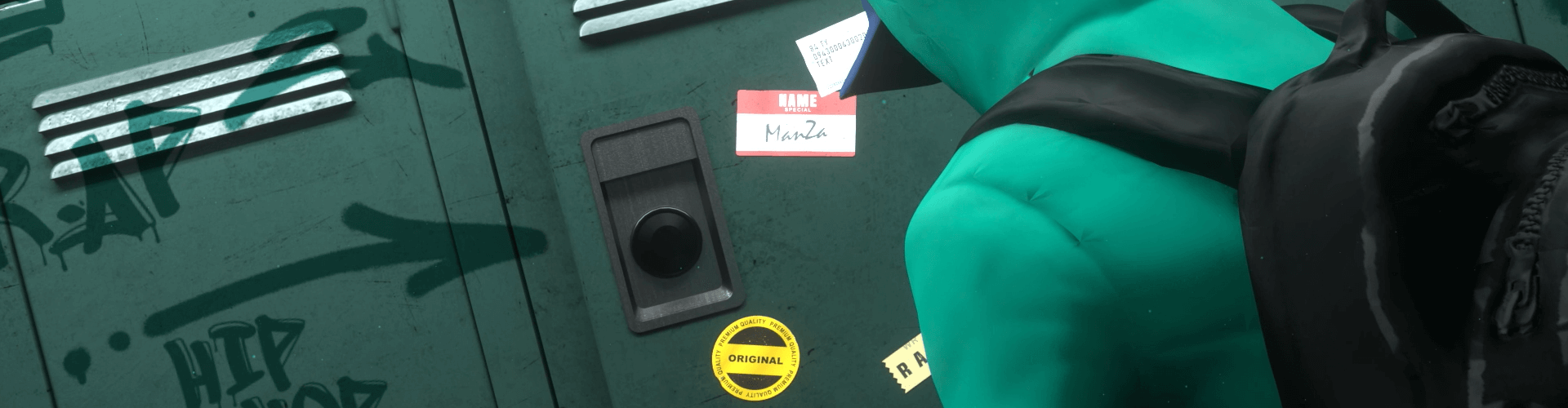

Motion graphic designer MANZA
Current) Freelancer
Former) Fox International Korea OAP
(Responsible for National Geographic Channel)
Former) CJ e&m tvN Brand Design Team
View more history
[Participating Project]
- tvN Comedy Big League Season 1 program title package
- tvN SNL program launching title package
- MBC Every 1 Weekly Idol, Showtime, Country Police, and many other title packages
- Mnet M Countdown, Headliner, Show Me the Money, High School Rapper and many other title packages
- JTBC election broadcast, Golden Disc Awards, Baeksang Arts Awards, and many other title packages
- Amore Pacific promotional video production
- OGN Overwatch, Vaingloty and many other title packages
[Lecture history]
Kaywon College of Art and Design Motion Graphics Lecture
class features
class features
Based on broadcast directing High-quality video production tips
By indirectly experiencing shooting-based video production and on-site directing, you will learn firsthand how to compose a video and come up with a concept.
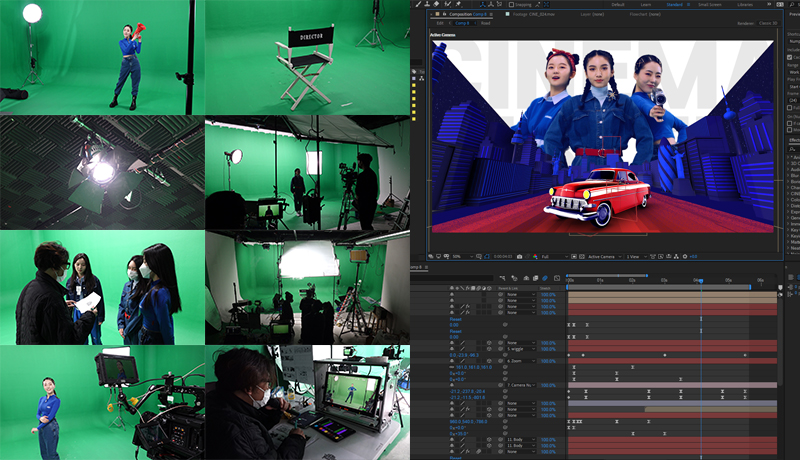
Produced only with After Effects 3D graphic production skills
Improve the quality of your work by mastering 3D-related functions that may be difficult for beginners, such as the C4D engine, Element 3D, 3D Camera, Light, and Particles.
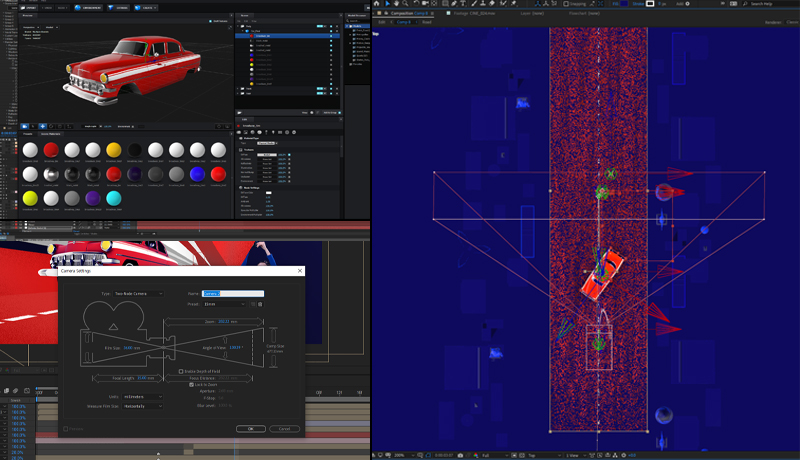
Learn through practical workflow Know-how of a title motion graphic designer
You will learn the practical course of the full process, from the title logo, opening, bumper, and ending, and develop the ability to handle one program yourself.
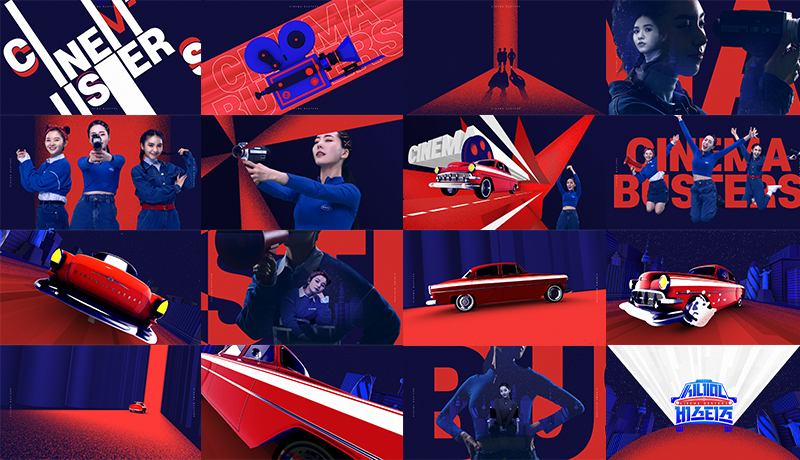
Class composition
learn this
-
 Broadcast program logo designThrough logo design using Illustrator, we will understand the planning intention of the broadcast program and implicitly visualize the program.
 -
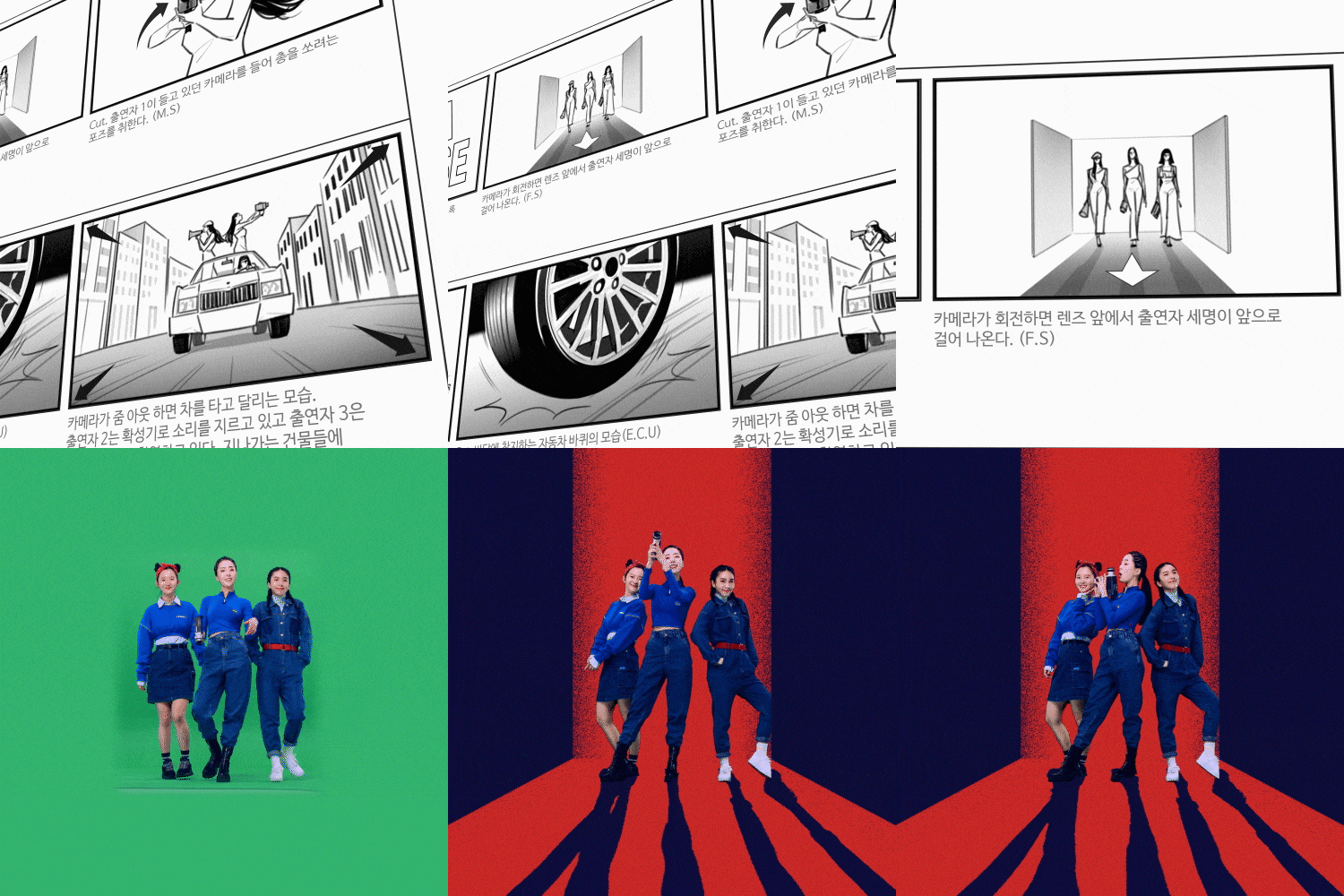 Storyboard composition and video planningLet's learn how to compose an attractive title that can efficiently convey the message of the program in a short period of time.
 -
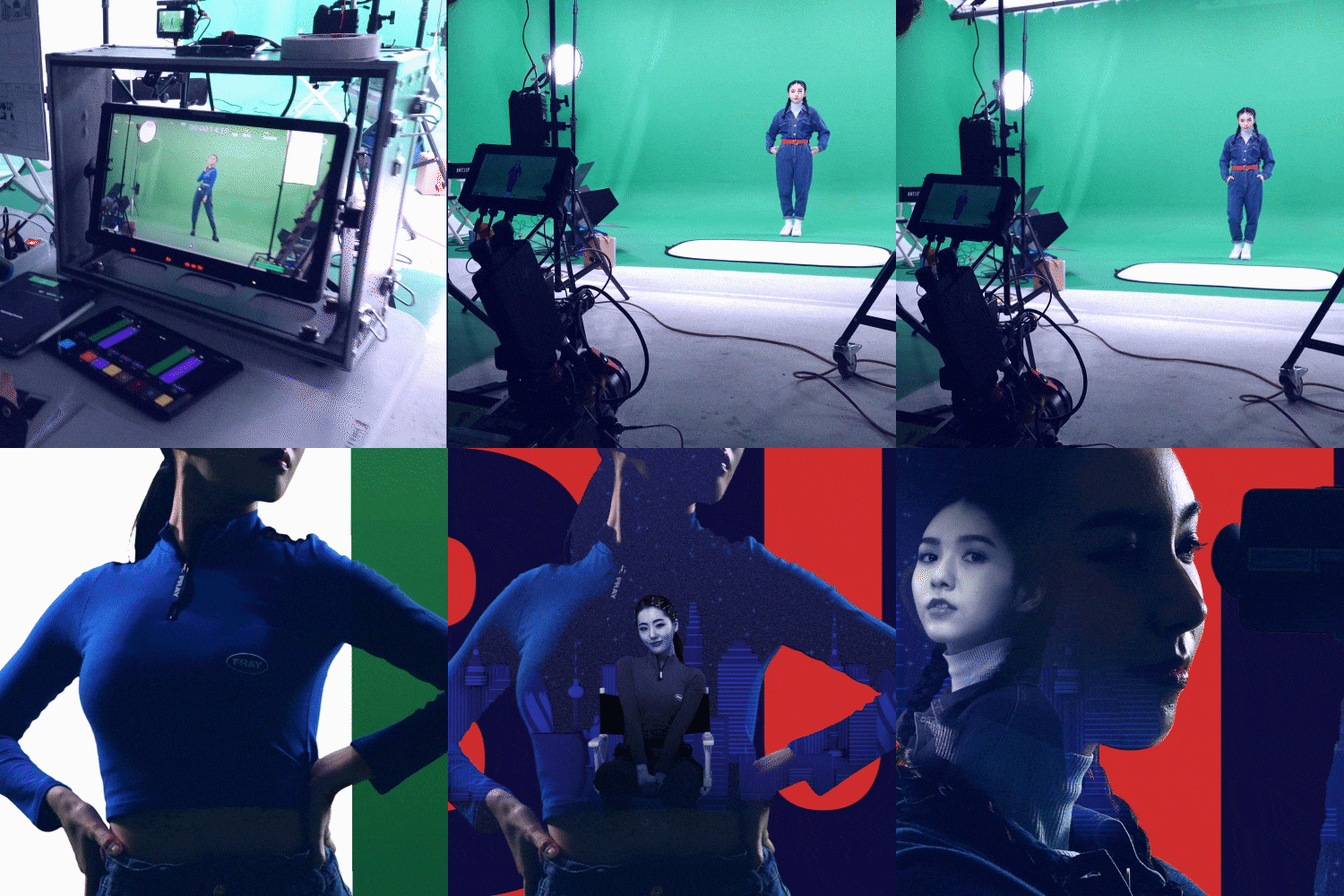 Chromakey filming and directingYou will learn matte and blending modes that can add depth to the video, as well as communication with actors and directing tips.
-
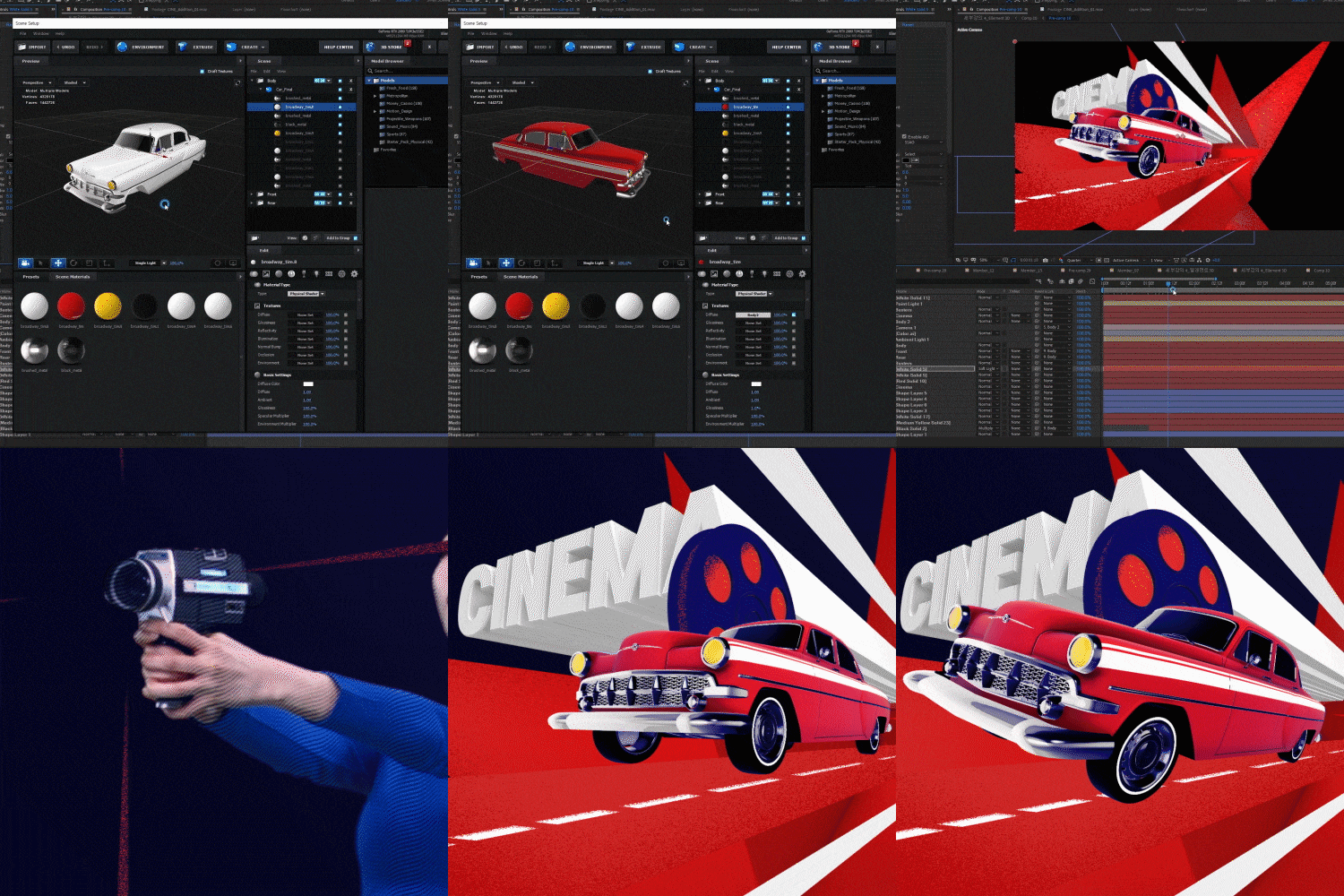 Cinema 4D engine and 3D implementation through Element 3DLearn how to give a rich sense of space to 2D-based works, such as 3D cameras and object placement.
 -
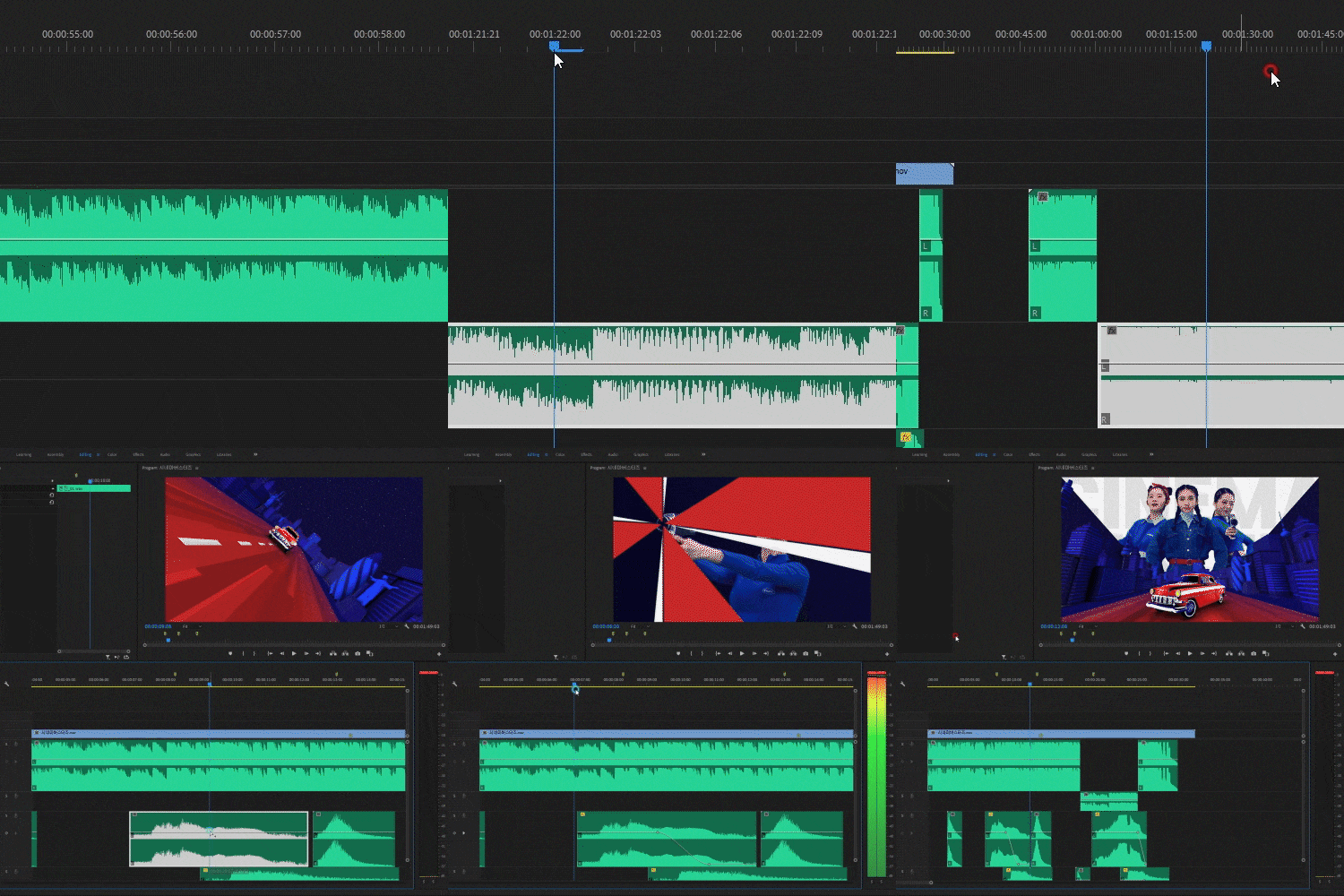 Breathing and composition of images through soundLearn how to easily compose a completed video using sound.
 -
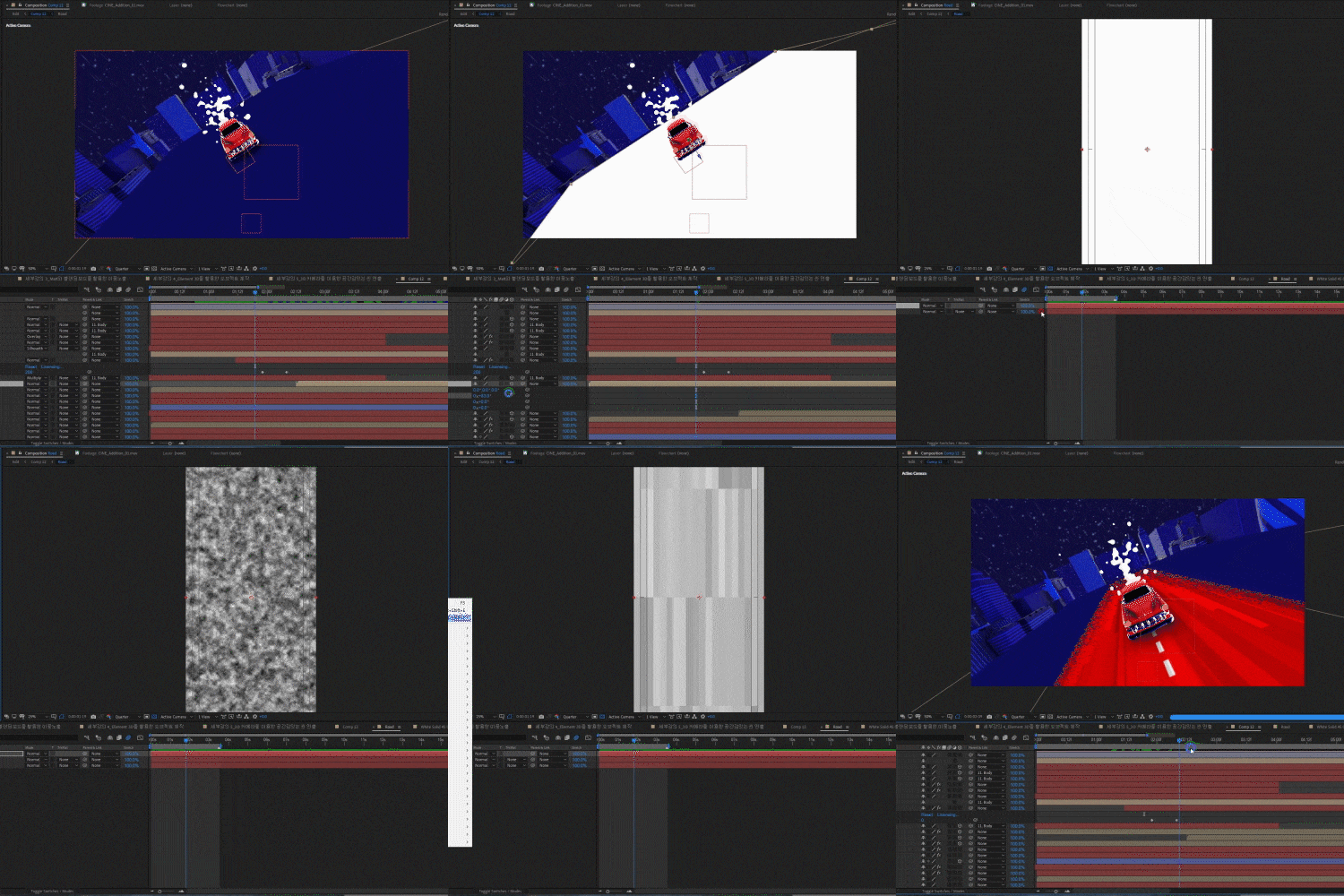 General understanding of broadcast program package productionBy making an actual package video, you will learn the elements that make up a broadcast program package and production know-how.
curriculum
curriculum
Show me the curriculum
01. OT: Instructor introduction and lecture goals
- Instructor career and portfolio introduction
- Introduction to lesson plan and broadcast title production workflow
- Create a finished piece through workflow
02. Understanding the interface and basic layers of After Effects
- Understanding layers (Text, Solid, Light, Camera, Null Object, Shape Layer, Adjustment Layer, etc.)
- Understanding the timeline panel and layer control (work area bar, in/out point selection, comp window settings, duplicate, sequence layer, etc.)
03. Understanding keyframes
- Understanding the types of keyframes and velocity graphs that exist in After Effects
- Simple animation training through solid and text layers
- Examples and understanding of kinetic typography
- (Example) Typo animation using Pre Comp, Create Shapes from Text
04. Understanding masks, mats, and blending modes
- Understanding mask mode values (Add, Subtract, Intersect, Lighten, Darken, Difference)
- Position conversion using mask path
- Understanding Alpha, Luma Matte
- Types and applications of blending modes
- Chromakey shooting using Keylight effect
- Proportion and formative beauty
- (Example) Double exposure technique using chromakey footage
05. Understanding Camera, 3D Layer, and Element 3D 01
- Understanding 2D and 3D layers
- Light types and properties, cast shadows (Parallel, Spot, Point, Ambient)
- Understanding the properties of each camera lens, camera aperture and shutter speed (Depth of Field)
- Understanding and setting Points of Interest that exist only in the camera layer
06. Understanding Camera, 3D Layer, and Element 3D 02
- Car modeling setting using Element 3D and camera
- (Example) Creating a dynamic running animation through the city
07. Understanding and storyboard of the program title package to be produced
- Program concept, idea, and rough structure
- Reference search and font color
- Basic planning of the title
- Storyboard creation
08. Logo creation using Illustrator
- Introduction to Illustrator’s simple interface
- Things to keep in mind when designing broadcast program logos
- (Example) Creating a program logo design using fonts in illustration
09. Production of animation using the designed logo
- Key motion to show the overall concept of the title
- (Example) Creating a logo animation using the designed logo
10. Bumper production using the created logo animation
- Create a single piece of artwork that encapsulates the overall look of the program
- City setting using Element 3D
- Create a video file including alpha values (mov, Targa Squence, png Squence)
- (Example) Create a program bumper by applying logo animation to the designed artwork page.
11. Sound editing in Premiere Pro and rough rough editing using storyboard
- A brief introduction to the Premiere Pro interface
- Selection and editing of the sound that forms the program concept and overall composition
- The overall harmony of the video using music
- Producing a rough rough edit using storyboard cuts
12. Shoot the source material for the title
- Understanding types of shots and camera angles
- Preparing for filming, preparing props, costumes, etc.
- Chromakey shooting and precautions. Direction at the shooting site
13. Third-party plugin: Trapcode’s Particular
- Understand the main functions of particles such as Emitter, Particle, Physics, and Auxsystem
14. Post-production 01: Intro and harmony of attractive title
- Arrangement of scenes and plots using filming sources
- Creating an intro sequence using previous example cuts
15. Post-production 02: Exciting development of the title using 3D cameras
- Create a cut of a car dynamically driving through the city
16. Post-production 03: Creating beauty cuts using matte techniques and cameras
- Production of performer beauty cuts using camera and mat
17. Post-production 04: Production of the ending sequence, the climax of the title
- Turn modeling into sketching
- Popol Density Fill
18. Post-production 05: Detail work through transition production and effects
- Details using effects
- Connection and transition of scenes. Overall tone correction and detail enhancement
19. Scene connections and transitions
- Overall tone correction and detail enhancement
- Add sound effects
- Types and functions of codecs commonly used in practice
- Setting up your own output module
20. Surviving as a Freelancer
- From non-major to freelance designer
- What I felt while working as a freelancer and know-how from A to Z to become independent as a freelancer
* Curriculum details may change before or after the video is released.
interview
Motion graphic designer MANZA story I want to tell

Question.01
As a motion graphics designer What are your strengths?
As a motion graphics designer What are your strengths?
I would like to point out that we pay attention to overall breathing and composition . I have seen many cases where beginners are fascinated by the flashy graphics and skills and miss this most important part. You can create a good video with just one message concept that runs through the video. I try to capture the viewer's attention through transitions and camera flow , and I think this is an important point in determining the overall quality of the video.
Question.02
When constructing a curriculum What did you focus on?
When constructing a curriculum What did you focus on?
I thought about how beginners could create a complete video without stopping at one skill or one example. So, we structured the curriculum so that you can create a complete video just by following the lectures . You will be able to immediately apply the portfolio construction method and practical work process learned in this class to practical work.
Question.03
Of this class What are the main points?
Of this class What are the main points?
Beginners may be vulnerable to filming-based videos, but this lecture is unique in that it allows you to experience filming-based video production . In addition, the curriculum has been designed so that you can quickly and easily create a sense of space and three-dimensionality in your work without a 3D program such as C4D or 3ds Max.
Question.04
To some people Do I recommend this class?
To some people Do I recommend this class?
The curriculum has been designed to be easy to follow not only for those in the field, but also for beginners . It can be said that it is not a lecture in which you follow just one example, but a class on how to complete a video. This will be a great help in the first steps of those who dream of becoming a motion graphics designer or video producer.
Program used We will guide you.
This class is conducted according to the program below,
To take the course smoothly, please download the corresponding version of the program.
Please install it separately.
- After Effect v17.7
- Adobe Illustrator V24.2.3
- Premiere Pro v14.9
- Paid plugin: Particle (by Trapcode),
Element 3D (by Video Copilot)
* The latest version of After Effects, 2018 - 2021, is recommended.
* Programs and materials are not provided separately.