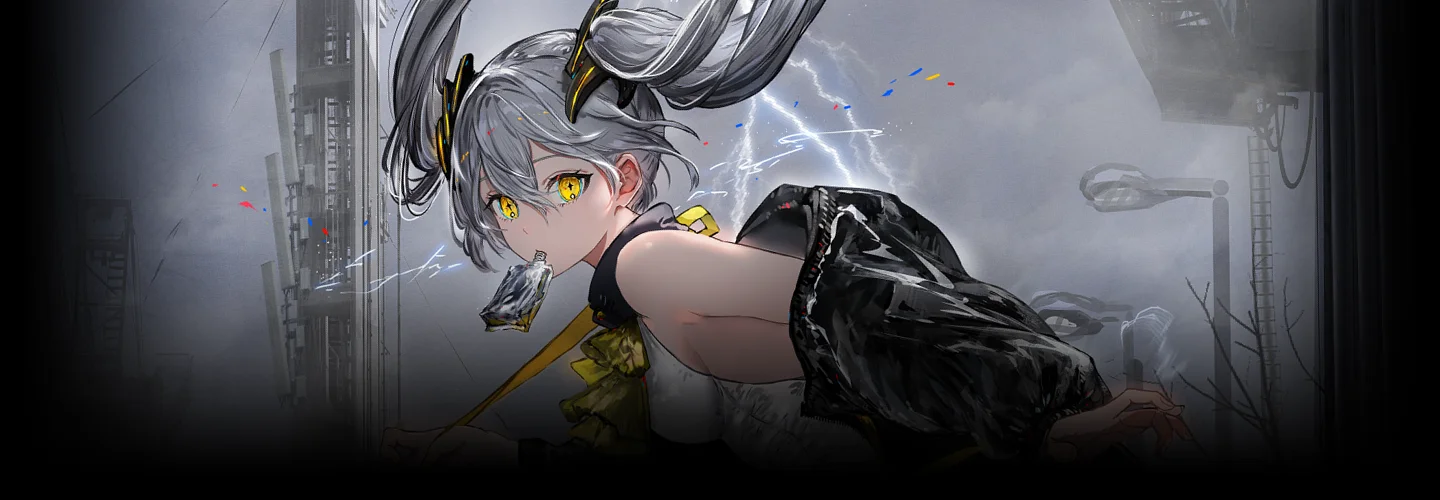
Illustrator Gawako_가와코 Details
Intro
Class Intro
Illustrator Gawako
Acquire the Ability to Create Illustrations to Evoke Interest in Viewers.
Illustrator Gawako captivates audiences with her work in a variety of genres, including music video illustrations, in-game clothing design, and character design.

This course will teach you step by step how to produce professional-looking character illustrations.
Learn how to use light and color theory to improve the quality of illustrations, incorporate these into your compositions and ideas, and acquire expertise with intuitive production.
Learn how to use light and color theory to improve the quality of illustrations, incorporate these into your compositions and ideas, and acquire expertise with intuitive production.
Class Perks
Get These Coloso Exclusives
-

Unlimited Access to 17+ Hrs & 21 Chapters of Content -
Study Materials from Professional Illustrator -

Curriculum Plan Summary
Expert Illustrator Gawako's Portfolio
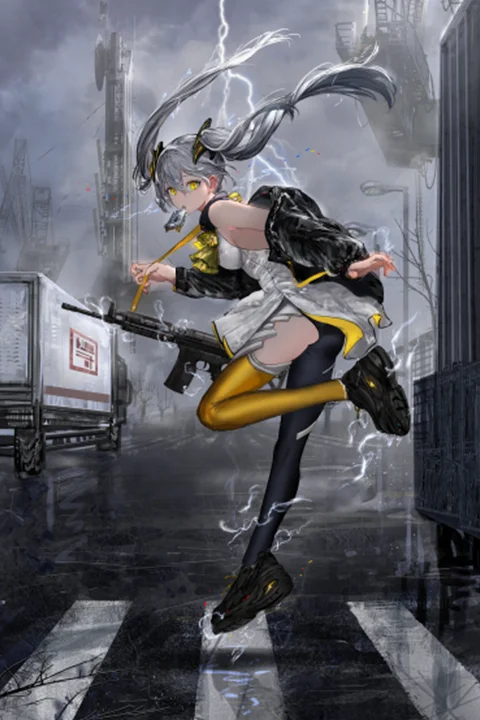
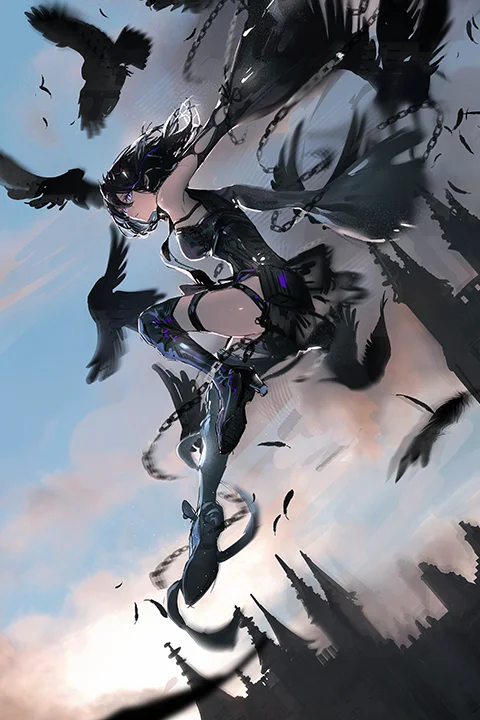
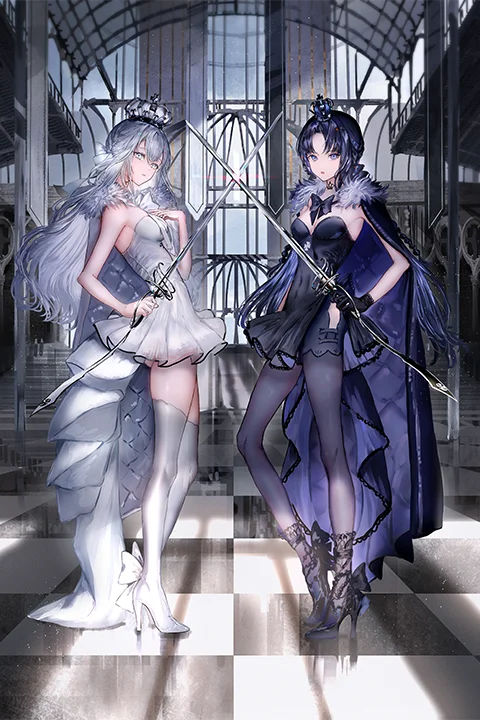
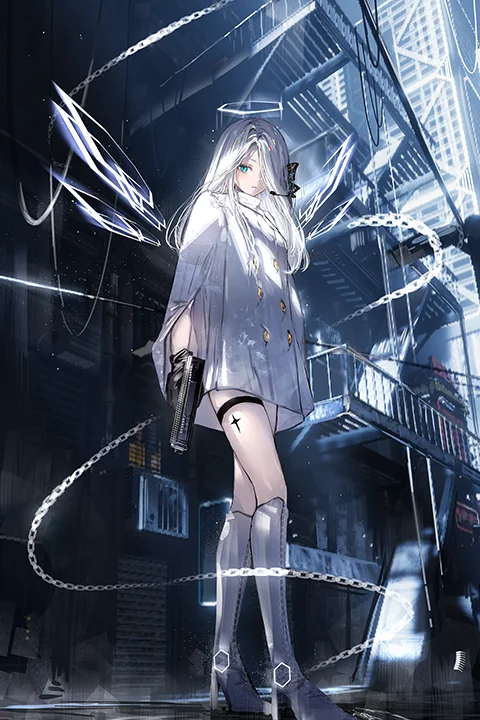
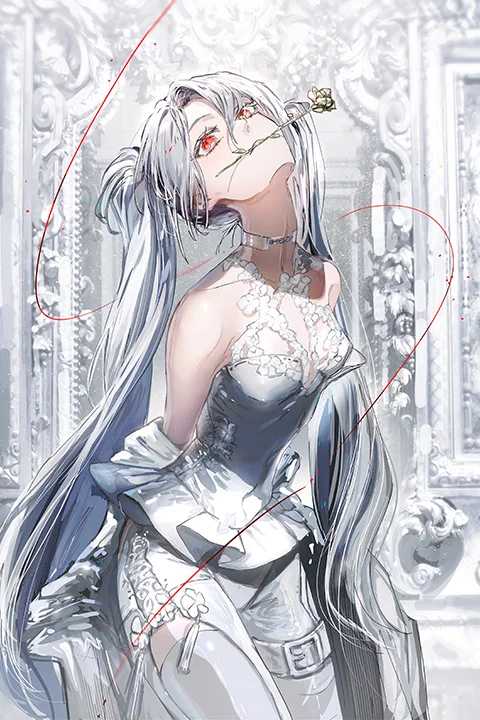
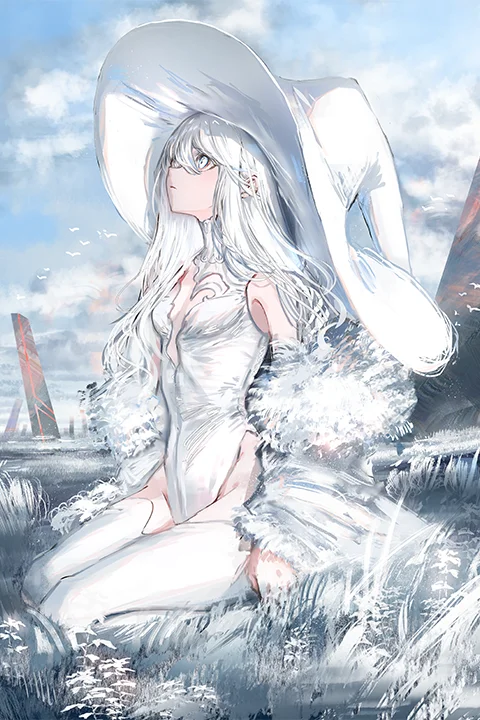
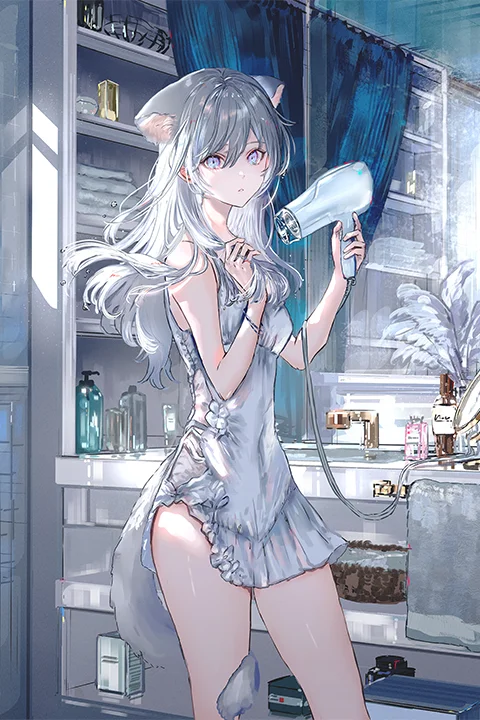
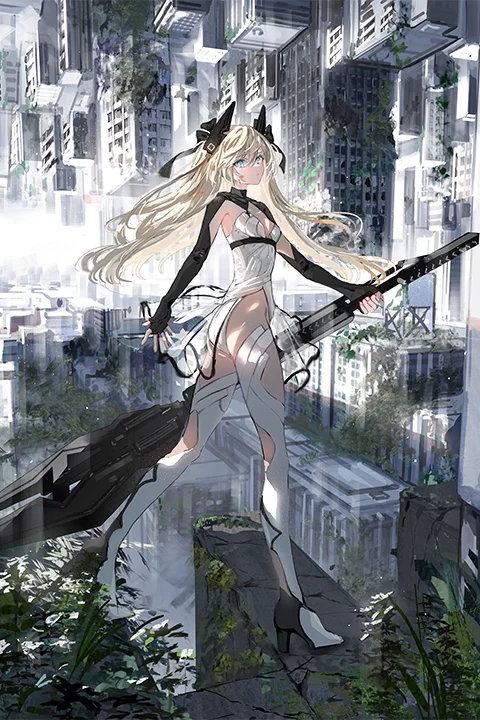
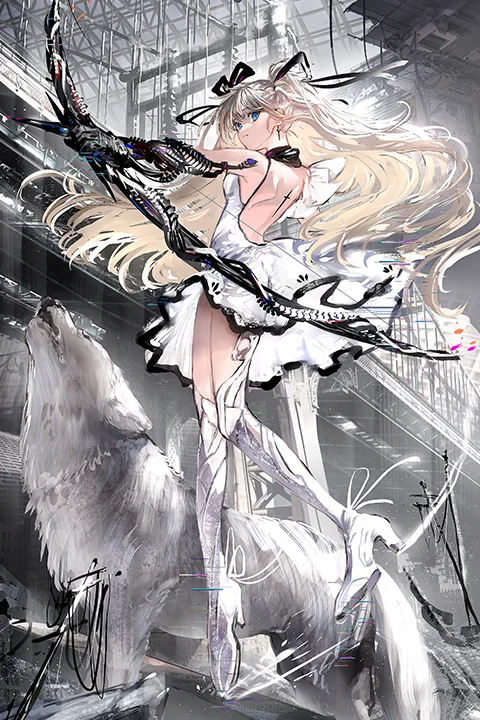
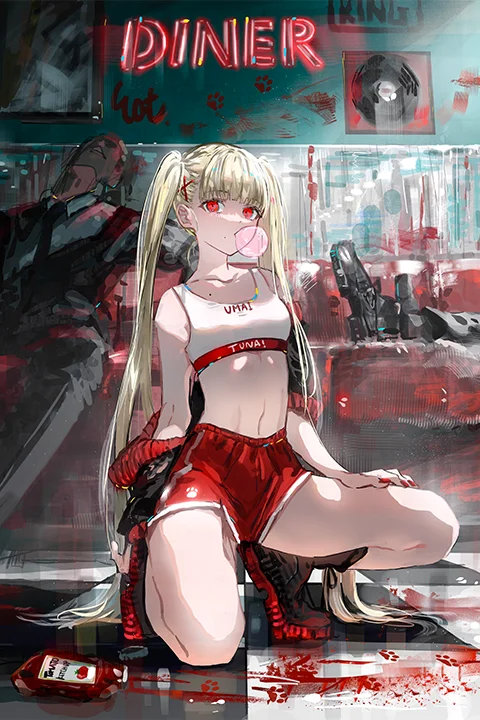
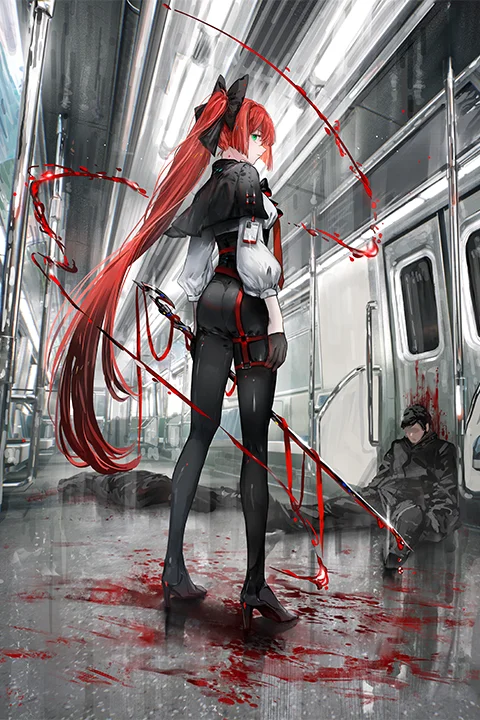
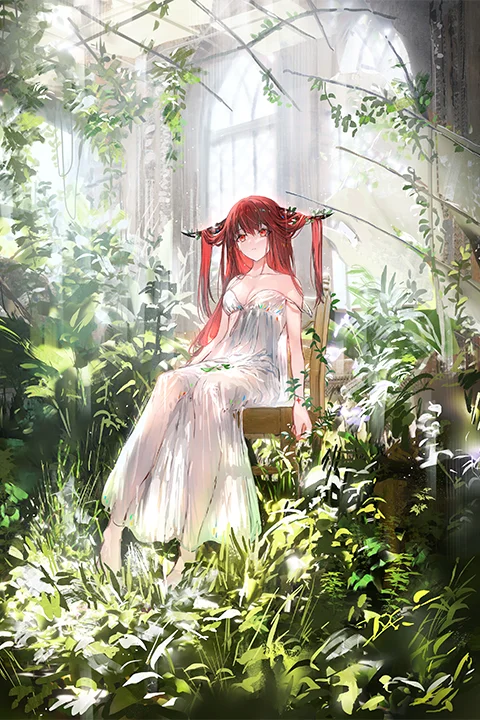
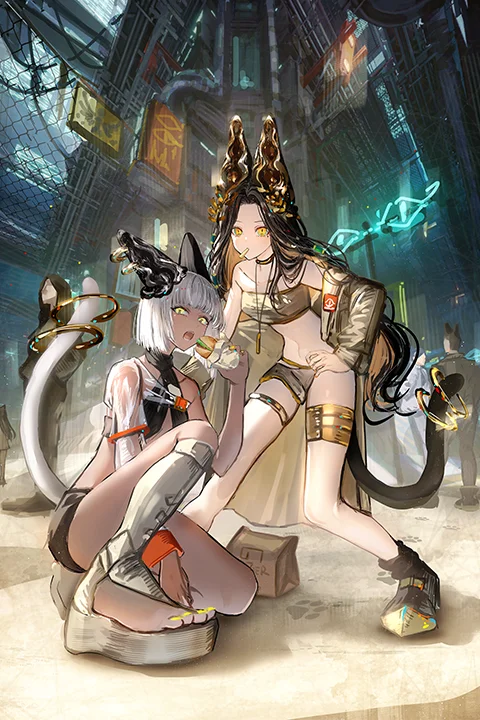
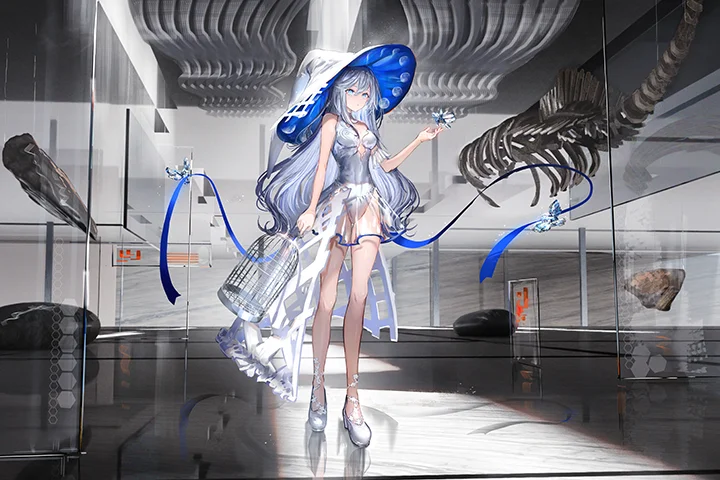
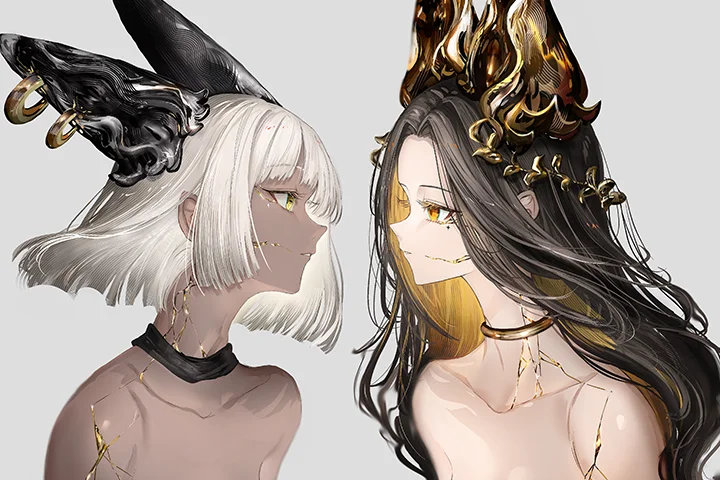
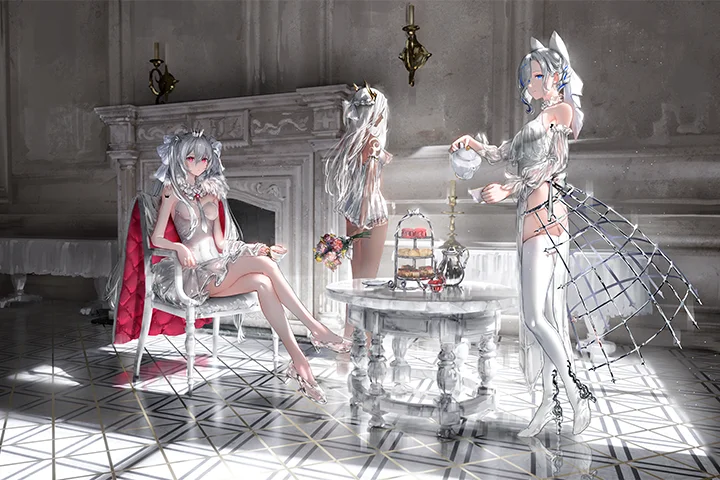
Why Take This Class?
I'll begin with the fundamentals of human anatomy, then go on to techniques for creating appealing poses and outlines, and lastly speed sketching. You'll learn how to design a costume that matches the impression you want your character to make, as well as the production process and techniques for creating well-known characters.
Following that, I'll go over the various kinds of light and how they work, as well as how to design lighting that complements the environment and light source. This will also cover how to create crucial lighting effects that set the tone for an image, such as lighting that makes a subject appear appealing.
Finally, using the skills you've learned, you'll create an artwork by following the production flow, which includes effective color selection, lighting, and painting characters to stand out.
Learn Illustrator Gawako's artistic methods, including lighting and world-building, at Coloso!

6 Class Exercises
-
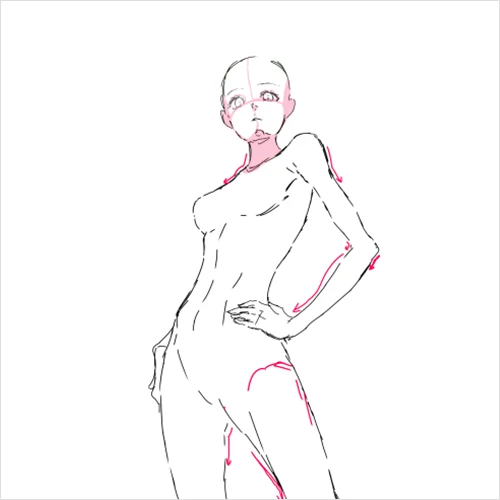 Tips for drawing poses
 -
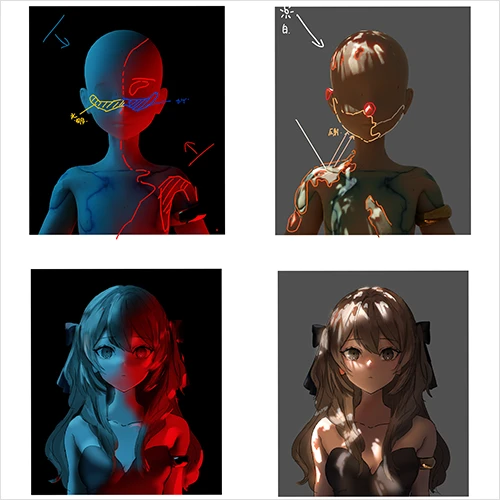 Lighting theory and practice tailored to the surroundings
 -
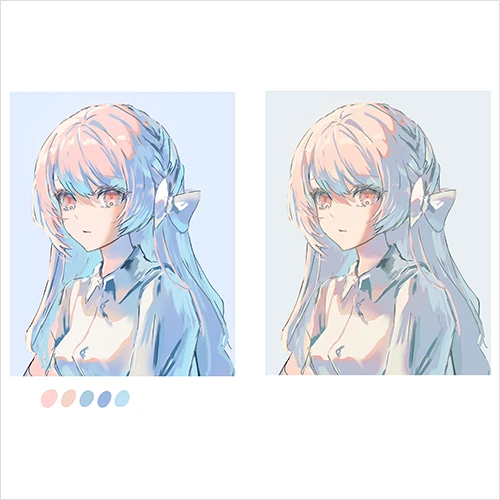 An intuitive method of working with color and light
-
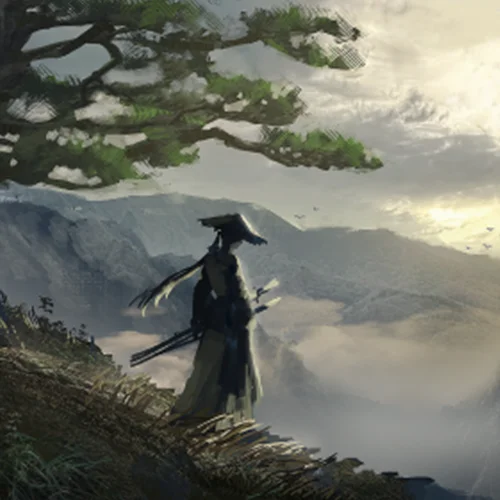 An introduction to photobashing through speed painting
 -
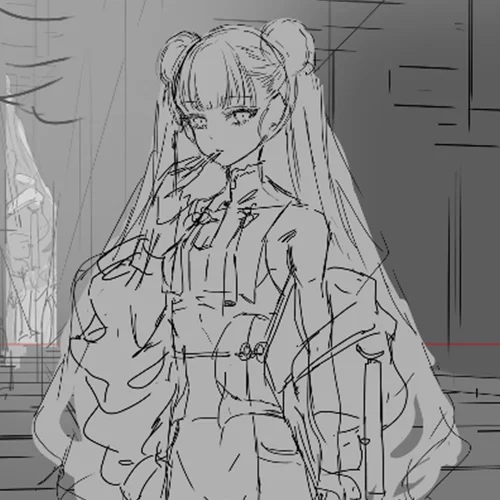 Creating sketches with the whole picture in mind
 -
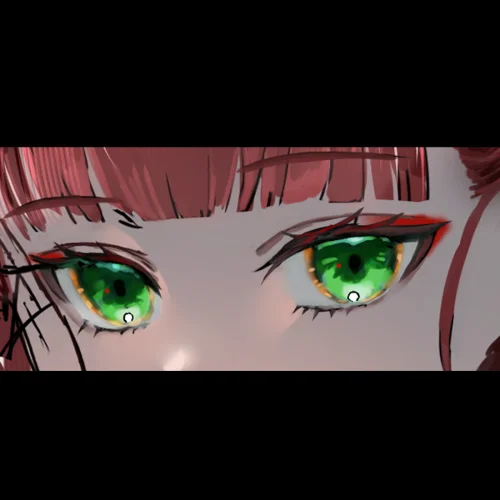 How to draw eyes that sparkle
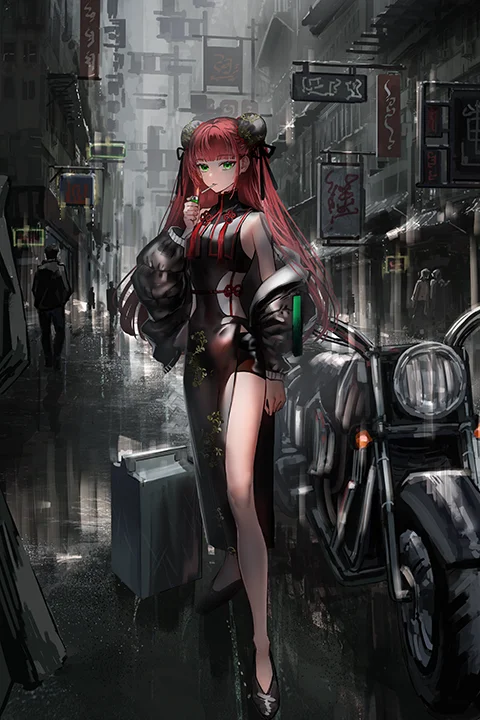
Final Illustration
Instructor
Illustrator
Gawako
Hi, I am Gawako, an illustrator. I've done illustrations for covers and music videos, games, card games, in-game clothing, and characters.
In this class, we will explore the importance of knowing your own artistic taste, how to make the drawing more appealing to viewers, and the various presenting and technical options accessible.


Illustrator Gawako
[Current]
Illustrator
Projects and Awards
Projects and Awards
Arcaea - Callima Karma: Jacket illustration, in-game story illustration, and commemorative illustration for social media
CRYMACHINA: DLC Costume design (wedding and military) and commemorative illustration for social media
Sakura Arms: Card illustration
Eshi-100 Season 13
Commemorative Illustrations
Goddess of Victory: Nikke
Mahjong Soul
Arknights
Galaxy: White Day Illustration
Nijisanji Muyu Amagase Birthday Goods 2023
Music Video Illustrations
Albemuth - Black Glow
VALIS - Kindan Kajitsu, Getsurin Meikyuu
Multiple illustrations of ARU, ASU, Isekaijoucho, and VALIS singing
Public Fan Art
Harusaruhi x Koko Singularity Live Vol. 2
KAF - FUKAKAI Ⅲ/SOU
Isekaijoucho - Anima II
Others
emergence, art book, Genkosha
emergence, solo exhibition, pixiv WAEN GALLERY
Highlights
Class Highlights
Theories of Color & Light to Improve Quality and the Capabilities for Eye-Catching Lighting
To create drawings that pull in viewers, you need to understand what you want to convey. This class will give you an understanding of how to express your art more clearly by explaining composition, light and color, and production. You’ll also learn about the different types of light and how they work, and practice character lighting designed for the environment and light source.
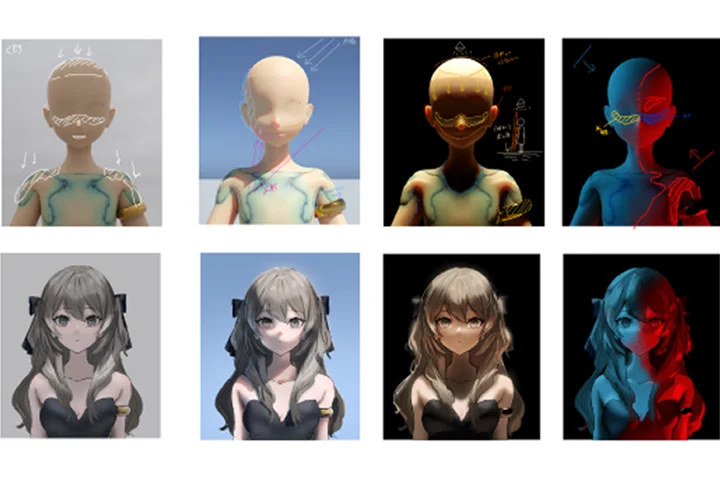
Secrets to Worldbuilding That Reflects Your Character and Intuitive Production Methods
You’ll learn worldbuilding that makes characters look more professional and conveys their personalities. The class also uses demonstrations to give tips on how to make characters feel like they’re part of a particular place and how to adjust the amount of detail in the overall drawing.
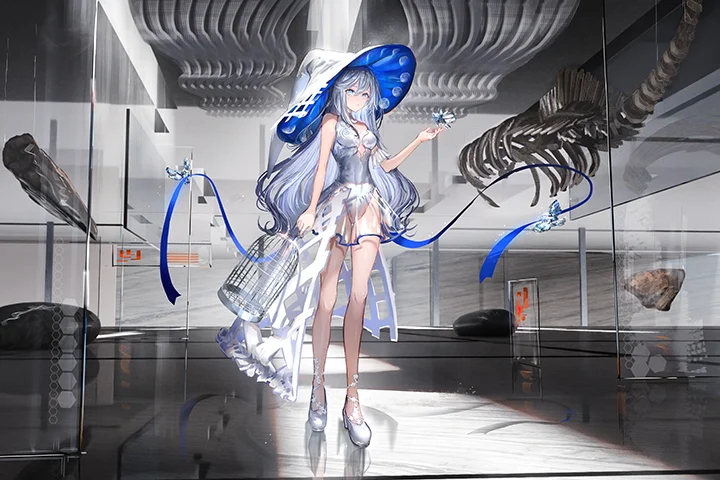
Learn Character Production Workflow and Drawing Techniques
Through demonstrations, you’ll master the workflow of character creation and drawing techniques. Learn real brush strokes, how to select brushes and colors, and how to create a sense of distance by zooming and correlating points.
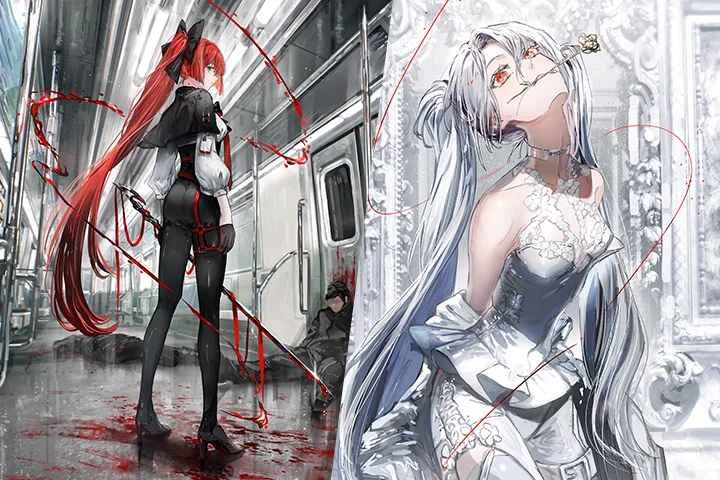
Class Details
You'll Learn
-
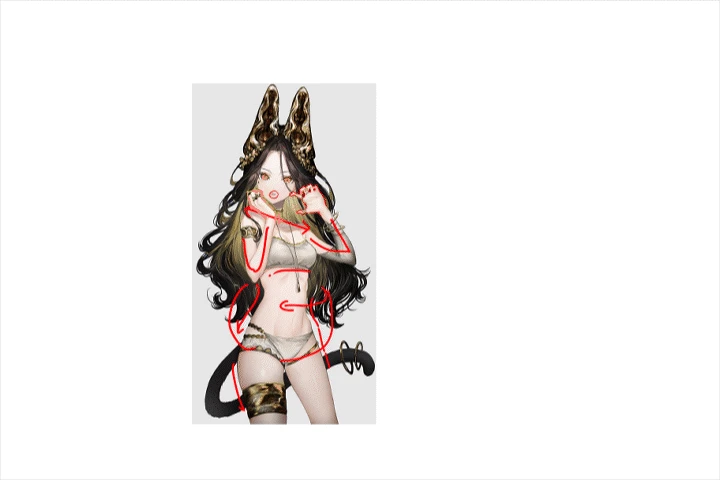 Create Beautiful Poses and ContoursThis class will explain how to create character poses that bring out a character’s personality and how to utilize contour.
 -
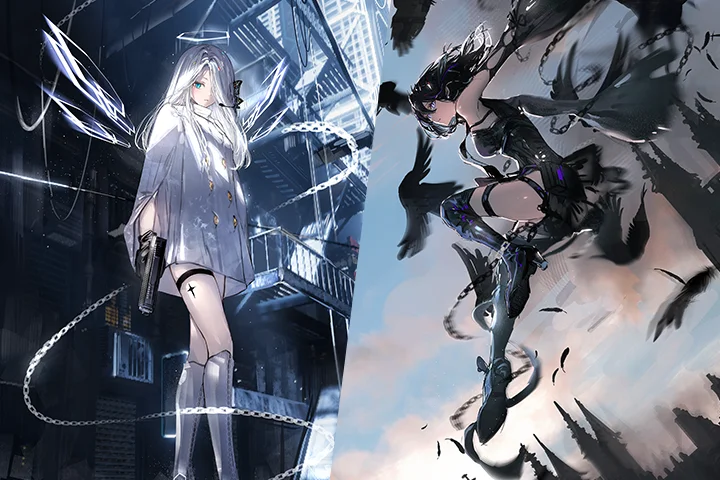 Original Character Design ProductionIn this class, you’ll be shown three ways of designing a character, how to expand your ideas, how to adjust the amount of detail in a character, and get tips on color schemes.
 -
 Theories and Application of Light and Color to Enhance QualityThe class will explain the physical mechanisms of light and color. It will break down shading and explain how different environments and textures change the way we see things, and will train you how to apply this to illustrations.
-
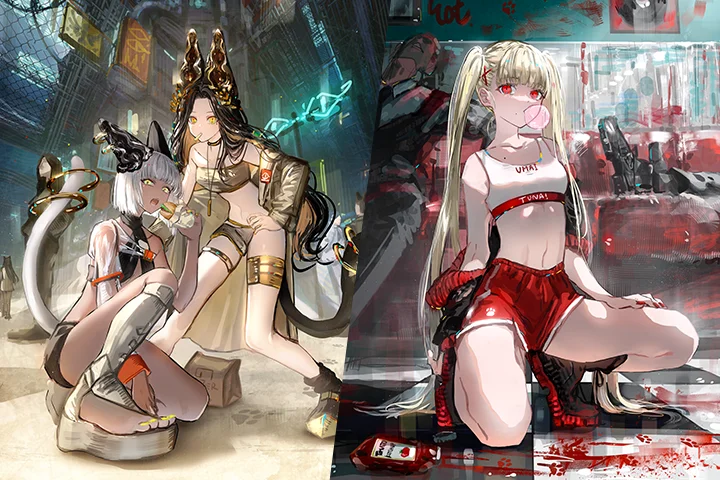 Theoretical and Intuitive Color RepresentationsThe class will use demonstrations to discuss the importance of both theoretical color selection based on physical mechanisms and intuitive color selection. Additionally, Illustrator Gawako will teach you what she considers important and how she utilizes that according to her objectives.
 -
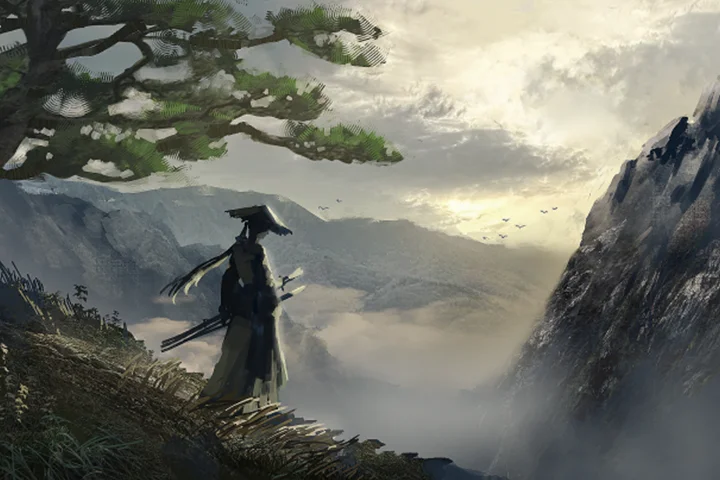 Composition That Conveys Depth and Atmosphere, and the Photobashing TechniqueThe class will break down the process of drawing scenery by utilizing the photobashing technique while doing speed painting. You’ll learn the advantages, difficulties, and other considerations of photobashing. Moreover, you’ll also learn about screen composition and lighting, and how to adjust the amount of detail and create atmosphere.
 -
 Intuitive Production of Finishing TouchesThrough demonstrations, this class will cover the process from creating a rough sketch to final copy. In particular, through intuitive production methods, you’ll see the final stage of adding finishing touches, which can improve quality and change the impression given by your work.
- Unlimited Access
- Best Price
Buy now, get unlimited access.
12/31 (Sat) (UTC-7) Special offer ends soon.
This special offer ends soon.
Buy now and save!
Curriculum
Curriculum
In-Depth Look
SECTION 01. Introduction
01. Self-introduction and class content
- Self-introduction
- How to approach this class
- Class plan
02. Decide what you want to draw
- Explore and organize your preferences
- Make your point more clear.
SECTION 02. Character Style
03. Character anatomy
- Be aware that everything is three-dimensional
- Basic human anatomy and structure of the face
- How to stylize beautiful female characters
04. Posing and contour
- Tips for attractive poses
- Tips for contour and speed drawing
05. Your preferred style
- How to bring out features and what to consider, according to Illustrator Gawako
SECTION 03. Designing Beautiful Female Characters
06. Tips for designing costumes
- Organize the themes and impression you want to give / Gather references
- Combinations and balance conceptualized by Illustrator Gawako
07. Designing characters your audience will love
- Character design process
- Contour and silhouette
- Tips for color schemes
SECTION 04. Lighting
08. Light and color
- Types of light and how they work
- How different environments look
- How different textures look
- Use what you see most, photos and sketches
09. Lighting practice
- Character lighting designed for the environment and light source
10. Creating the right lighting
- Types of lighting that make a subject stand out, lighting fundamentals
- Lighting designed for the story and what you want to show
11. Choose lighting and colors intuitively
- The importance of choosing lighting and colors intuitively
- Stylize realism
- Painting and lighting to make characters stand out
- Creating a color scheme for the entire picture and selecting colors for characters
SECTION 05. Practice
12. Drawing scenery and photobashing
- Advantages of using photographic material
- Practice
- Adjust the amount of detail in the overall picture
13. Preparations for illustration practice
- Decide on a theme and what you want to draw
- Determine the elements you want to convey and the impression you want it to have
- Gather references
14. Create a composition and sketch
- Work on the background and the character simultaneously
- Lighting
15. Color schemes
- Impressions given by color and creating balance
16. Drawing the face
- How to draw eyes that sparkle
- How to draw flawless hair
17. Drawing scenery
- How to fill in the details
- Break down the elements of light and shadow
18. Draw the character
- Focus on painting the clothing and the body
19. Overall drawing
- Overall drawing including the scenery and character
20. Finishing touches and adjustments
- Color adjustments
- Effects
- Processing
SECTION 06. Outro
21. Outro
- Overall review and summary
*The release date of this class, curriculum images, and associated content can be changed without prior notice.
** Class videos may be seperated for a more streamlined viewing experience
Interview with
Illustrator Gawako

Question.01
In creating the course, what are your strengths as the instructor, and what makes this class different from others?
I like creating original characters and building worlds for them based on the experiences I’ve had, my preferences, and the magic I’ve encountered in life. I would be happy if I could share what I find attractive with other people and have them enjoy it. From this perspective, I’ve packed this course with content, including ideas and techniques to clarify what you want to convey and make it more enjoyable, theory of light and color, and how to incorporate these into screen composition, design, and production.
Question.02
What is the biggest challenge for those studying in this field, and how can this class address and resolve this?
I believe that some people are unsure of what they should do or learn in order to effectively increase quality. This class covers a wide range of subjects, from idea-driven conversations to theoretical perspectives. As a result, I believe it is best to begin with points of interest before delving further.
Question.03
What were some of the difficulties you encountered in your studies, and what efforts did you make to overcome them?
Drawing is enjoyable, but it was difficult to communicate its attractiveness to those who looked at my work. As my surroundings changed, I had more opportunity to encounter a wide range of works, not just paintings, and I was able to determine what appeals to me personally. It was still difficult with only that, so in addition to sketching illustrations, I researched physical systems and attempted to draw using the method I learnt to see and express myself.
Required Programs
This course will use
- CLIP STUDIO PAINT EX
*You can also use CLIP STUDIO PAINT PRO.
Please purchase and install these program(s) for an optimized chapter experience.
*These programs and/or materials will not be provided with the chapter.
Recommended
Recommended Class
Like this class?
Then check these out!