Graphic Designer, Jehyung Kim_그래픽 디자이너 김제형 Details
Class introduction
Class Intro
Graphic Designer, Jehyung Kim
“Drawing from my extensive experience in the graphic design field, I will share detailed insights on the essential skills and knowledge required for success.”
Boost Your Work Quality by 200% with ‘Design Studio Sawol’
Are you unsure about starting new skills and tools like drawing, Photoshop, and Illustrator? Want to enhance your portfolio with richer design elements?
Check out the curriculum from Jehyung Kim, CEO of ‘Studio April’ and a graphic designer with 14 years of experience collaborating with major companies like Samsung, SK, Shinsegae, and CJ, as well as space design for the Seoul Design Festival and Gwanghwamun Square.
Check out the curriculum from Jehyung Kim, CEO of ‘Studio April’ and a graphic designer with 14 years of experience collaborating with major companies like Samsung, SK, Shinsegae, and CJ, as well as space design for the Seoul Design Festival and Gwanghwamun Square.
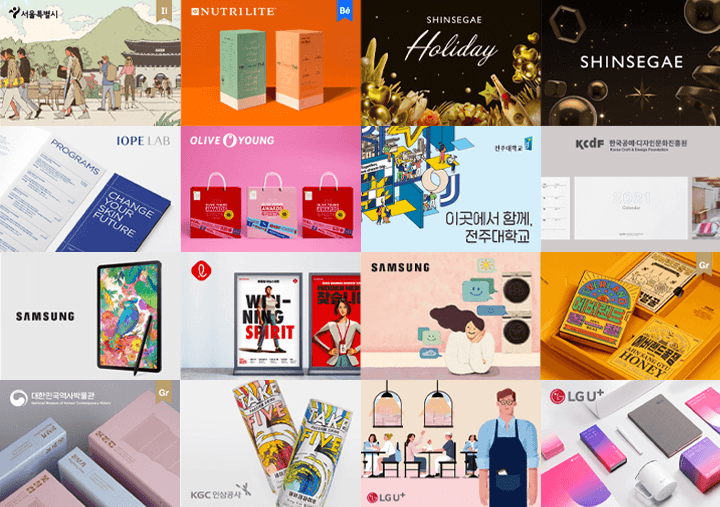
Based on dozens of graphic design case studies, this online class teaches in detail various skills such as planning, drawing, element placement, key visuals, etc., from how to use representative graphic design tools to 8 representative examples!
Level up your design skills by a few levels through graphic designer Jehyung Kim ’s 21 core curriculums.
Level up your design skills by a few levels through graphic designer Jehyung Kim ’s 21 core curriculums.
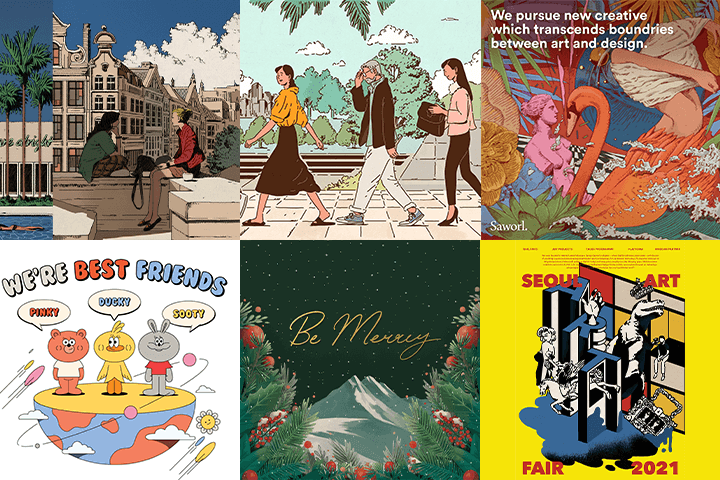
Expert Graphic Designer Jehyung Kim's Portfolio
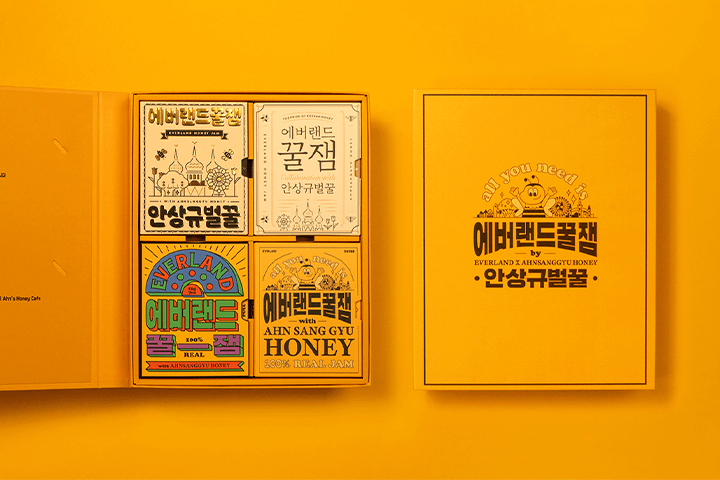
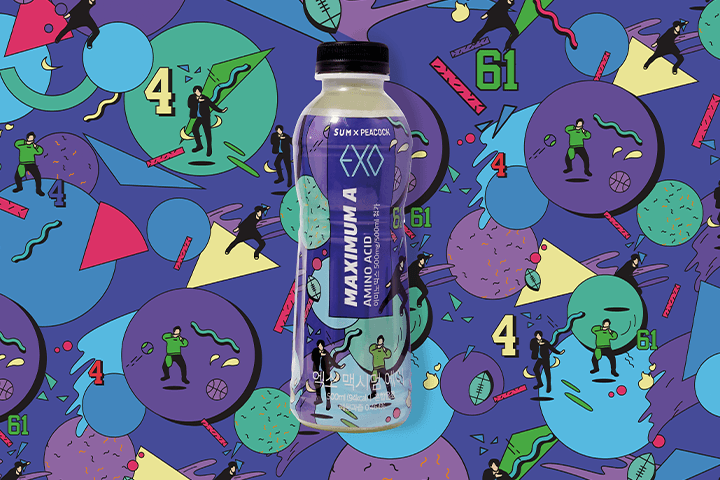
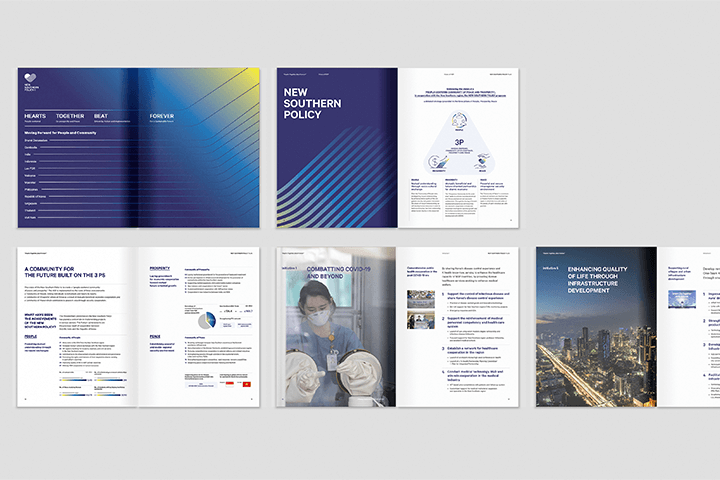
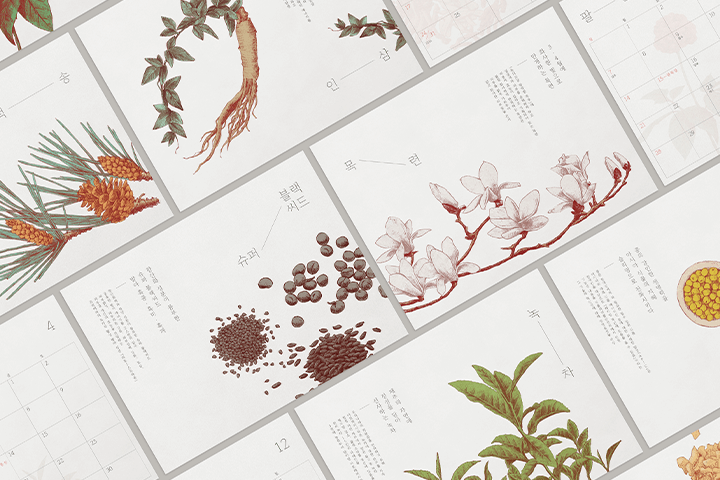
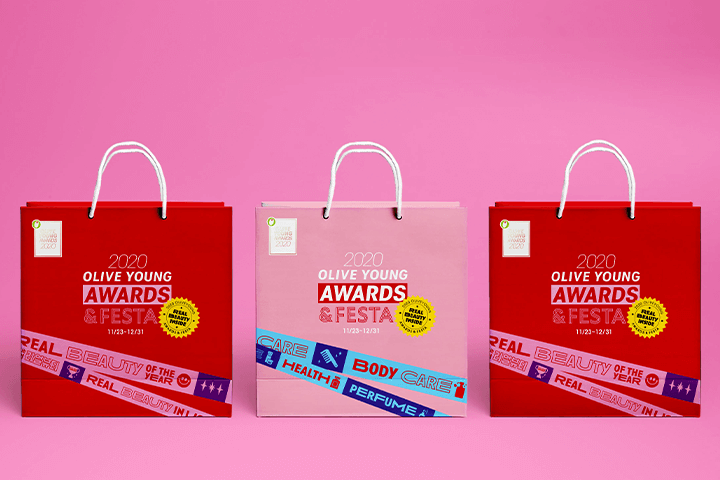
Why Take This Class?
Illustration-based graphic design is in the spotlight in many large corporations and studio projects because it is popular, has high communication power, and has a rich range of expression of ideas!
This class consists of 8 examples of the numerous styles of graphic design work that Studio Sawol CEO Jehyung Kim has created over the past 14 years, and details the entire process from case studies, sketching, coloring, texture, and post-processing.
Coloso is the only all-in-one illustration graphic design class where you can experience representative practical graphic design examples from vector graphics to pen drawings, packages to spatial artwork, all in one class.

8 Class Exercises
-
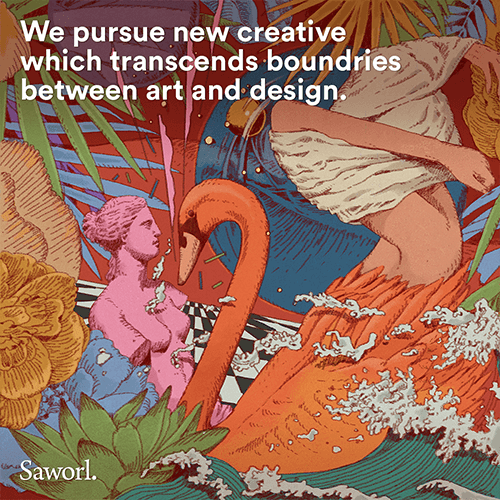 01. Gorgeous and Detailed Artwork
 -
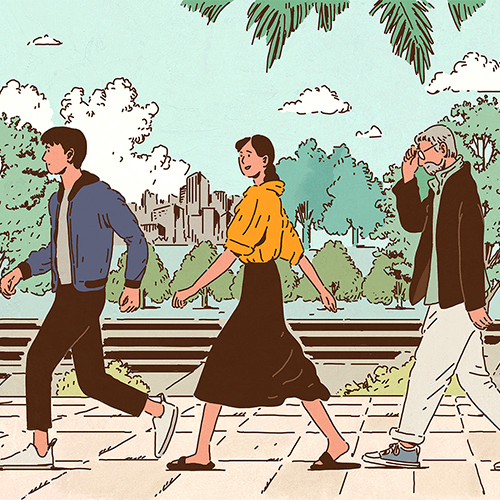 02. Hard Round Artwork
 -
 03. Realistic Artwork
-
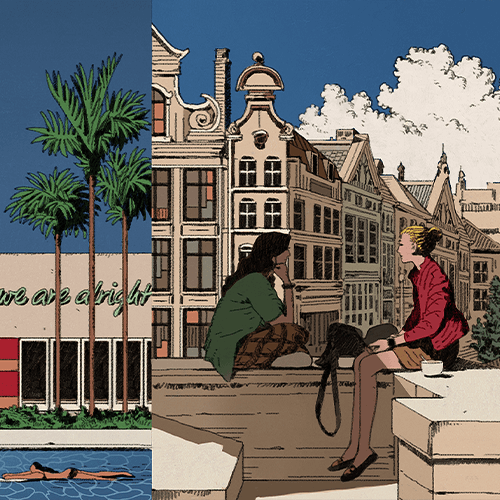 04. Space & Landscape Artwork
 -
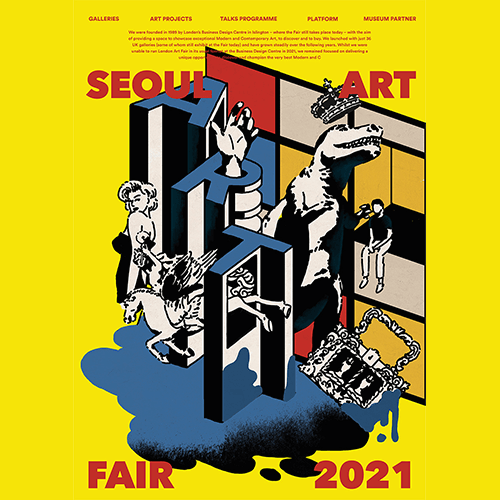 05. Typography Illustration Artwork
 -
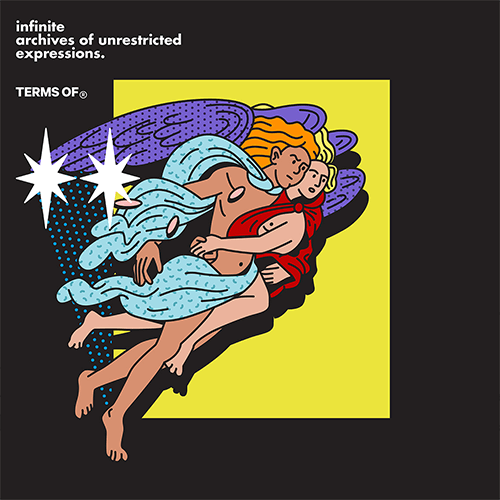 06. Vector Illustration Artwork
-
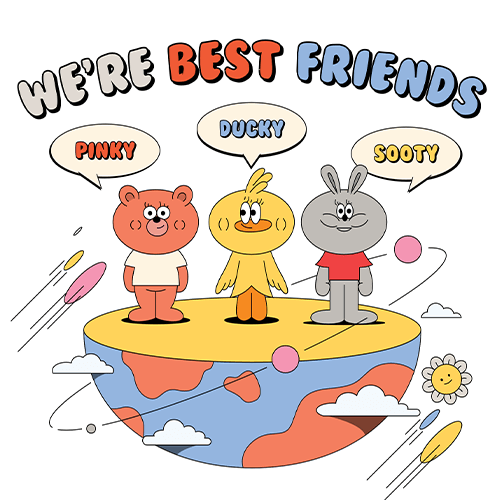 07. Character Design Artwork
 -
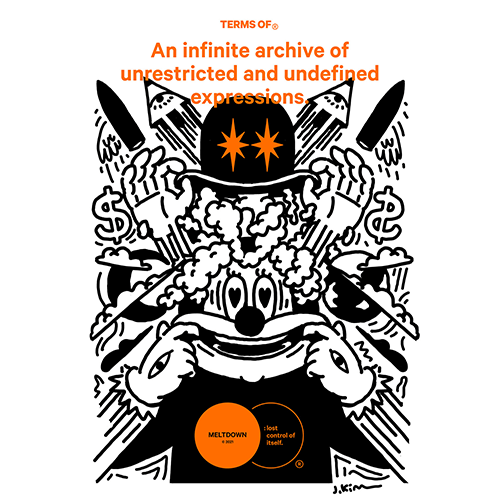 08. Personal Artwork Project
 -
Speaker introduction
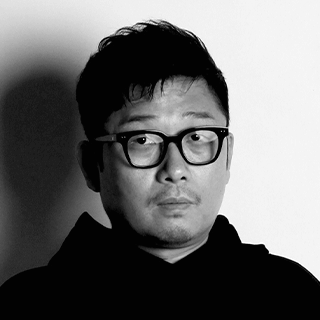
Graphic Designer
Jehyung Kim
Hello, I’m Jehyung Kim, graphic designer and CEO of Design Studio Sawol.
At our studio, we specialize in a wide range of design areas, including artwork, advertising, branding, motion graphics, and spatial design.
Even if you’ve learned the tools, standing out in the graphic design field requires unique application and technical skills. In this class, I will share detailed insights and expertise drawn from my diverse experiences in the industry.

Graphic Designer
Jehyung Kim
[Current]
Design Studio Sawol CEO/Creative Director
Projects & Awards
[Participated Projects]
Shinsegae Department Store SHINSEGAE Christmas Media Facade 2016-2020 / Artwork, Video
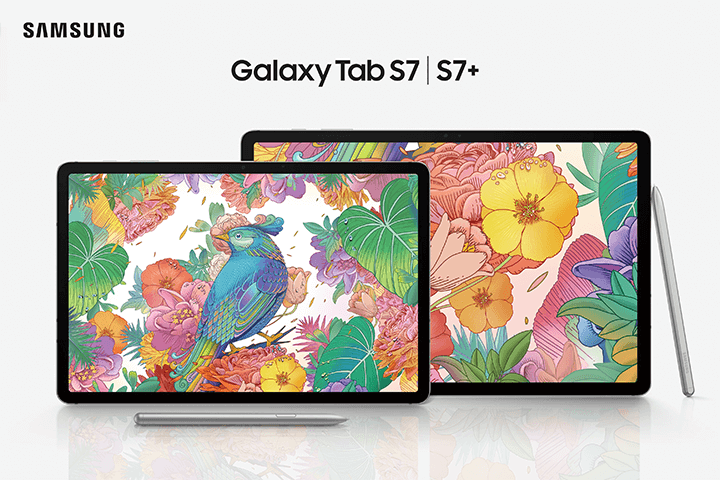
Galaxy Tab S7 Key Visual Artwork
Samsung MWC / CES graphic design and guidelines
Hermes Interactive Window Seoul / Jackson Hong
Seoul Design Festival 2013 / 2015 Visual Director
Seoul Design Festival 2008 / SK Telecom
Gwanghwamun Square Art Fence 2021 / Artwork, Graphic Design
SK-ll 30th anniversary / SK-ll x Kim Jehyung collaboration
Samsung Securities POP Brand Film / Artwork, Video YBM Brand Identity Design
G market x Kim Jehyung x G-Dragon / Artwork, branding, graphic design
SK Broadband TVC Artwork
Many other projects include Adidas, UNICEF, Shilla Duty Free, Cheil Worldwide, Everland, Amore Pacific, Hanwha, LG U+, Lotte Group, Hyundai Card, Hyundai Motor Group, CJ, etc.
[Exhibition]
2017 Solo Exhibition / Field Projects Gallery / New York
2009 5 Colors Concepts of Wonder Group work / Samwon Paper Gallery
2009/2012/2013/2015 Seoul Design Festival - Designers Lab / Coex
class features
Class Highlights
14 Years of Graphic Design
Expertise
You can learn everything from the basics of drawing to the know-how of operating a project with a working level of perfection from the CEO of Studio Sawol, who has worked on brand campaigns for large companies such as SK, Samsung, and Shinsegae.
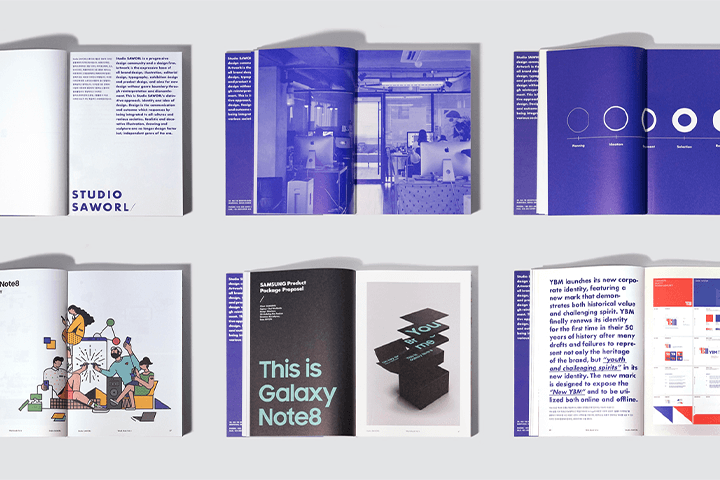
Practical Illustration Style Experienced Through 8 Exercises
Learn the expression methods of illustrations divided by industry, topic, and direction through case studies, practice examples, and embody various styles of expression as your own.
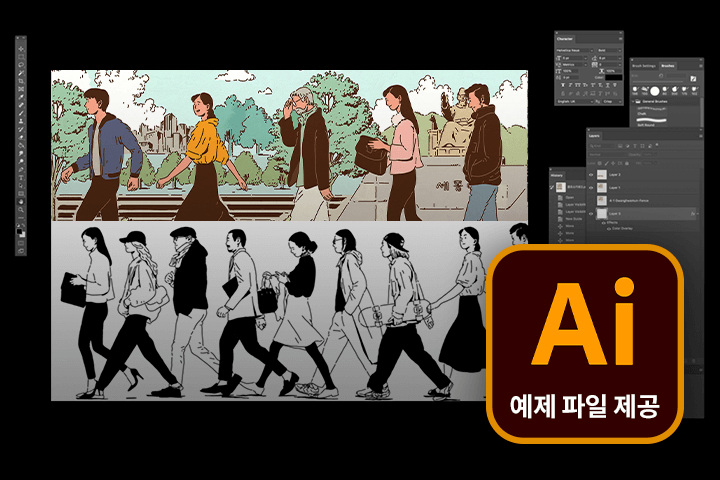
A Current Graphic Designer's
Work Files Are Revealed
All example practice files are provided along with the class so that you can take a closer look at the speaker's example work history and details.
Class Details
You'll Learn
-
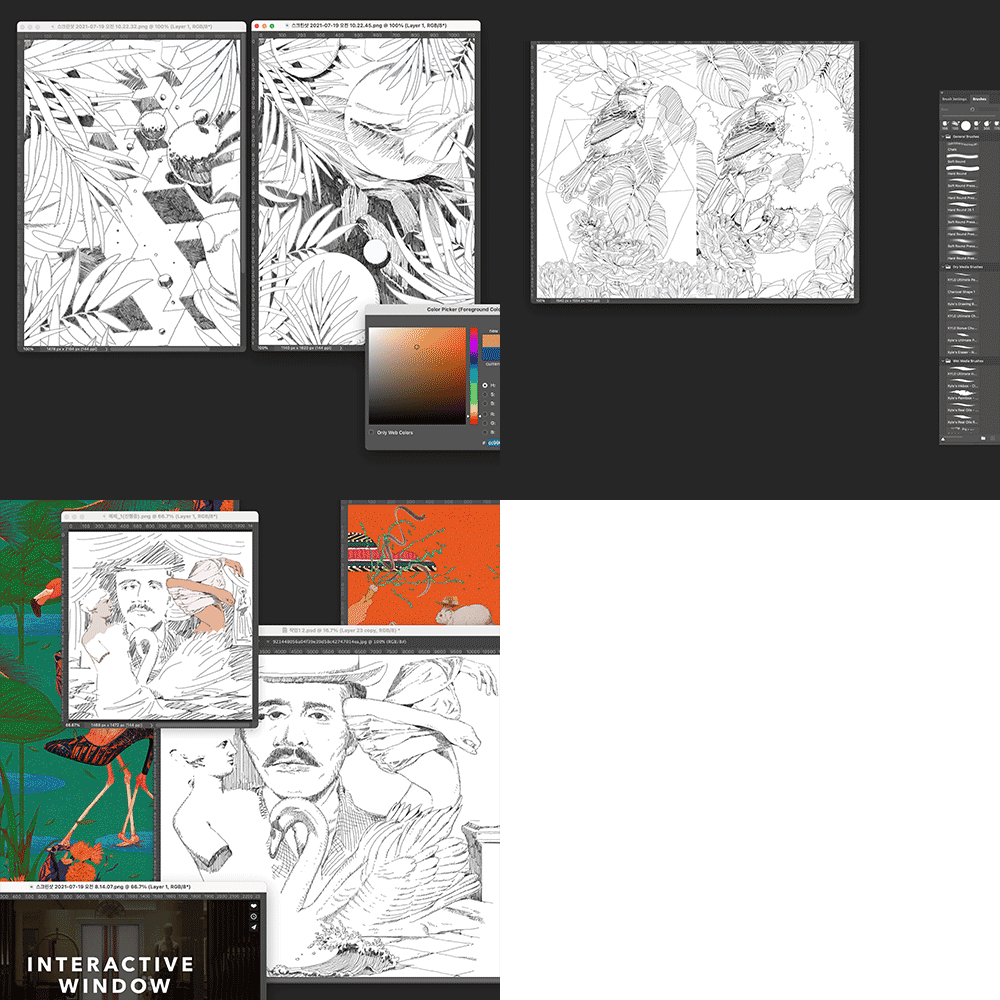 Detailed and Precise Line Drawing Method for Creating a Gorgeous StylePractice and learn an illustration style with many line depictions that is suitable for fashion brands and IT products.
 -
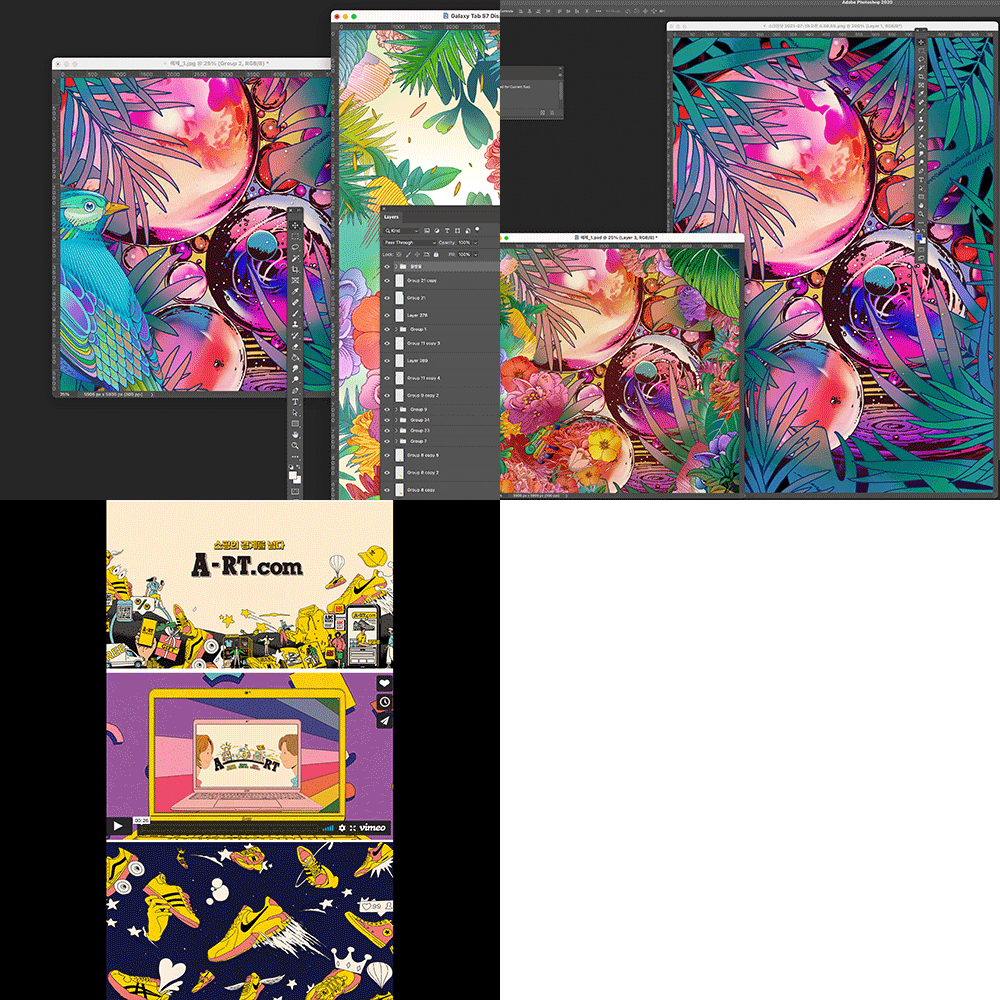 Multi-Layered Layout and Composition for Density and Stable ExpressionLearn layout and composition to create a stable feeling in illustrations with various elements.
 -
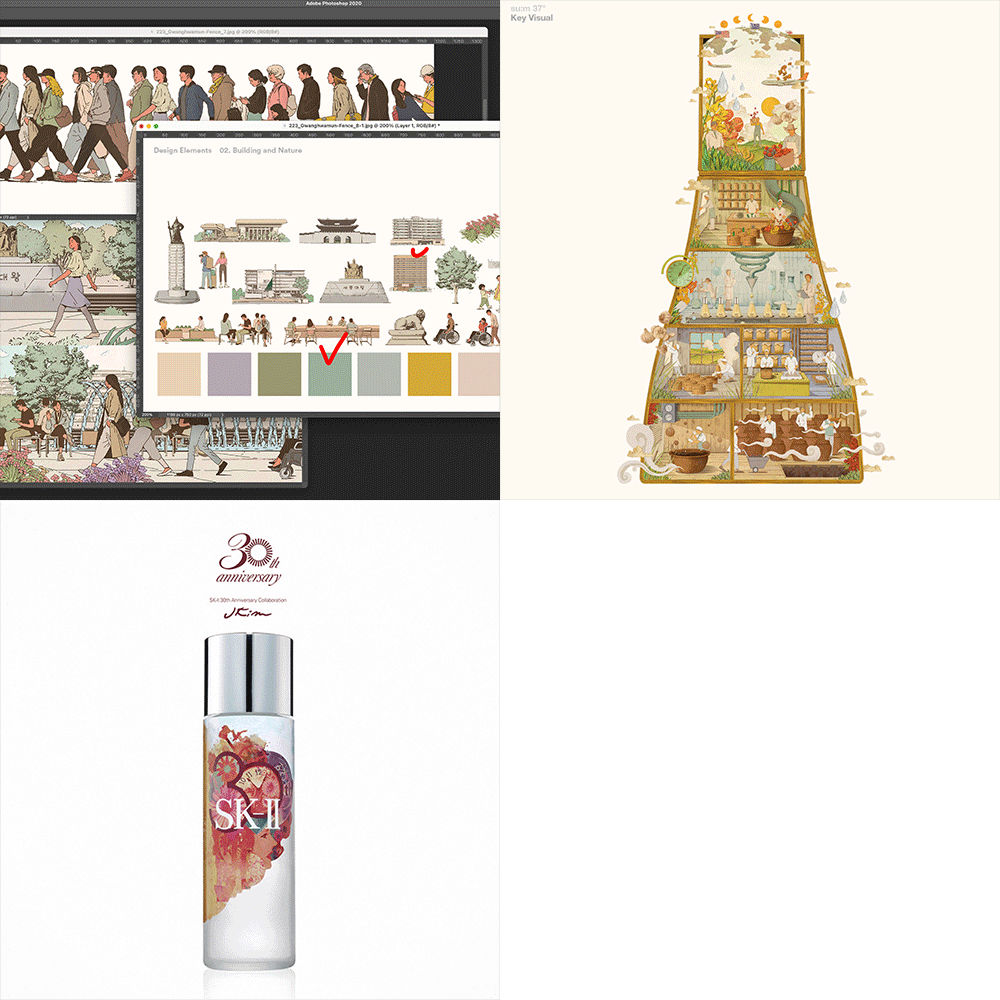 Illustration with Popular and Friendly ColorsLet's create an illustration with a warm feel, depicted with thick lines and colored in pastel tones.
-
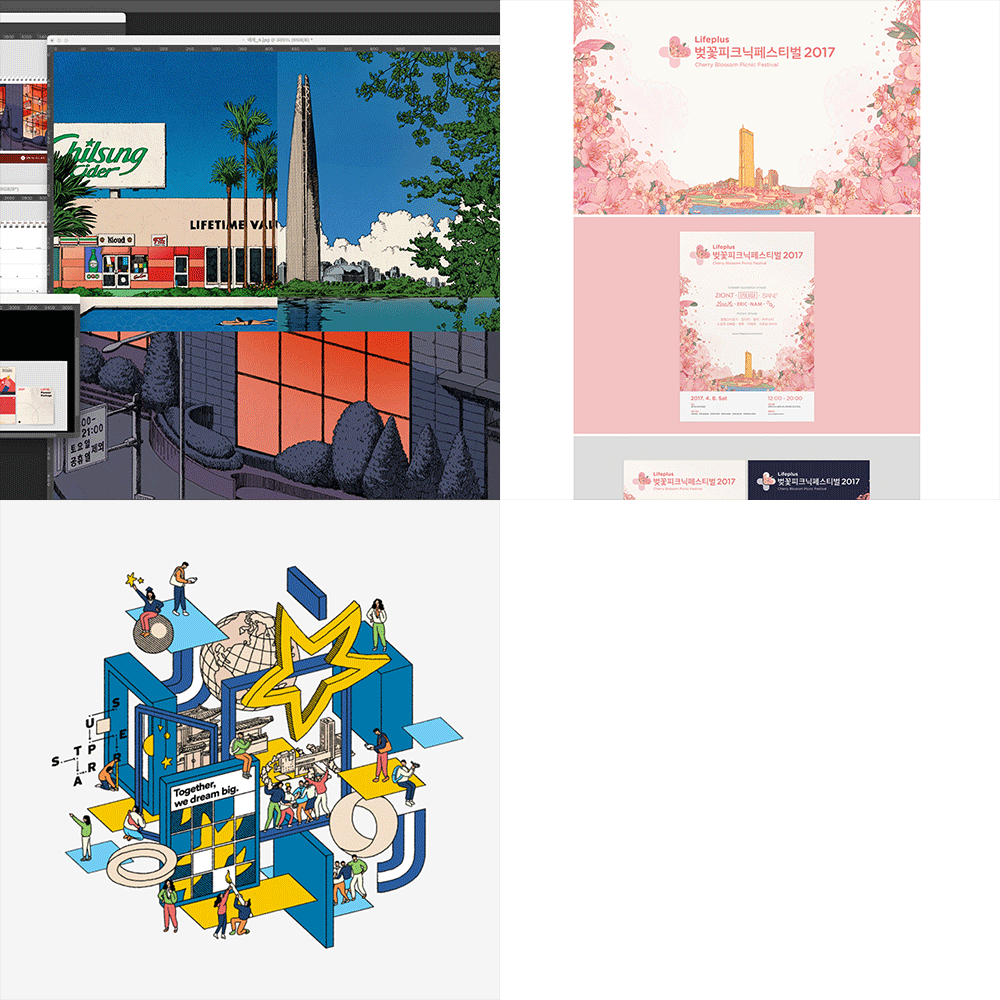 Illustration Artwork Applied to TypographyLearn a text illustration style that appropriately applies informational and visual elements.
 -
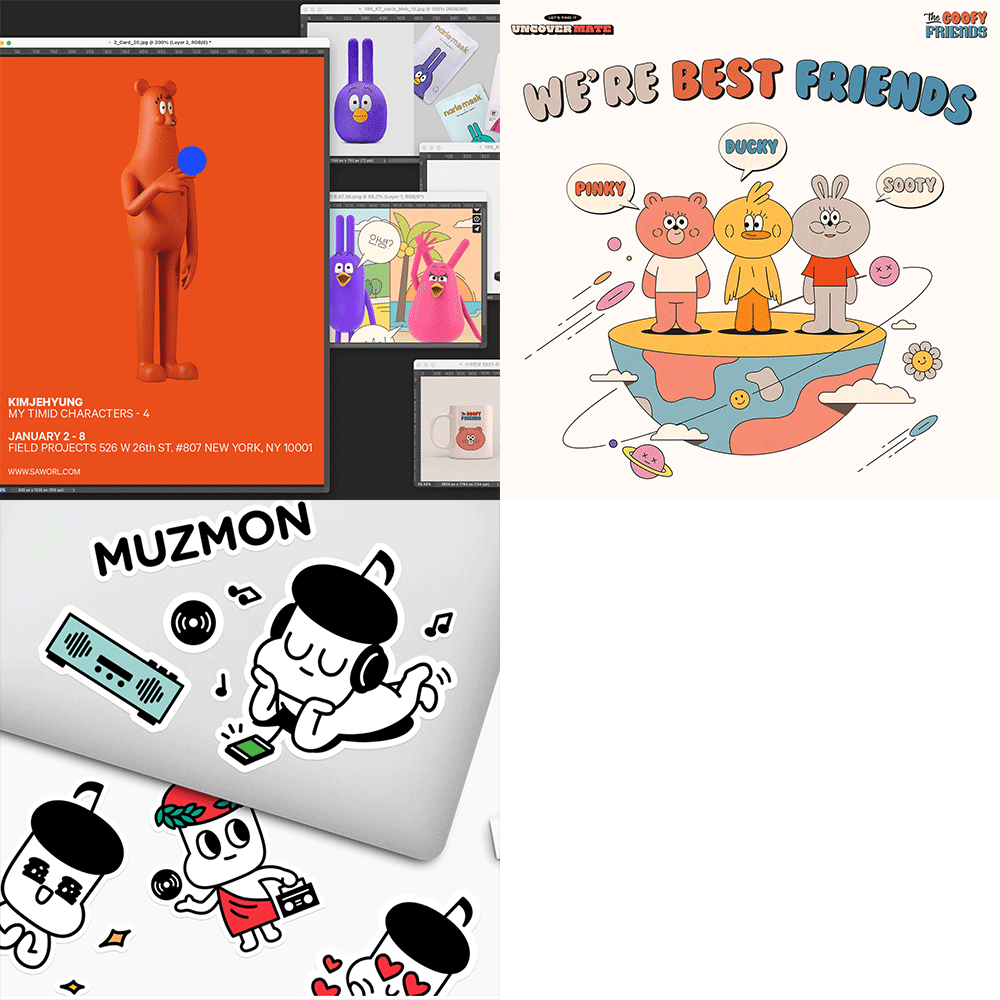 Know-How to Create Vivid CharactersWe will build the character's personality and image through planning and create a character that can be applied to goods and animation.
 -
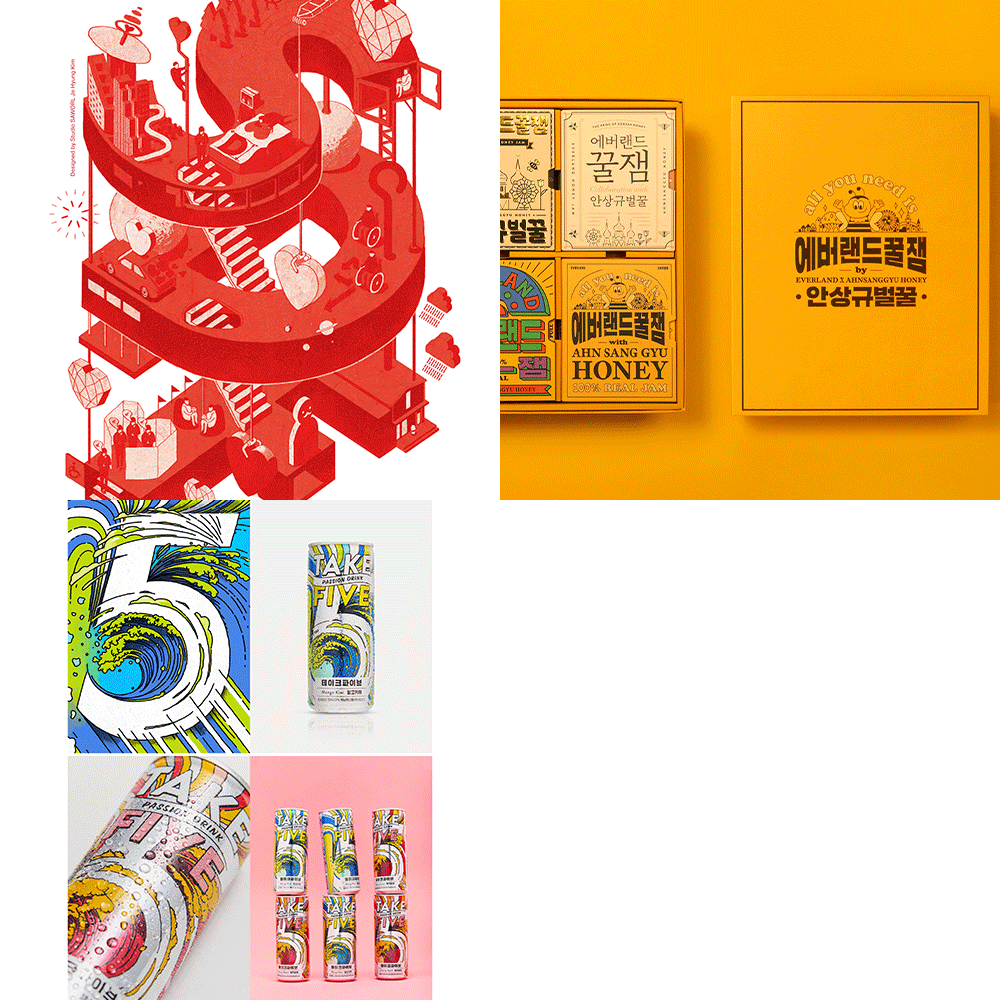 Applying Style and Expanding the Design SpectrumLearn about styles and variation techniques suitable for specific brand campaigns, and develop a design eye that clearly expresses your intentions.
curriculum
Curriculum
In-Depth Look
SECTION 01. OT
01. Orientation
- Introduction to Studio Sawol
- Definition of graphic design and illustration
- A designer's perspective, not an artist's
- Mind setting method
02. Basic Drawing and Basic Shapes of Objects
- Drawing for sketching
- Artificial and natural objects
- Use of brush
- Criteria for sketch lines
SECTION 02. Gorgeous and Dense Artwork
03. Case Study and Sketch Composition
- Case analysis of fashion, electronics, department stores, packages, etc.
- Artwork idea stage that realizes gorgeous details
- Organizing from rough sketch to sketch line
04. Color Planning and Description
- Make a color plan and prepare the main color
- Describe and understand the range of expression while coloring
- Post-production adjustments and final layout cleanup
05. Apply Design After Post Correction and Completion
- Apply to design suitable for brand campaign project
- Additional modifications and variations to improve completeness
- Review of completed work
SECTION 03. Popular and Friendly Artwork
06. Deriving Ideas and Sketching Lines
- Case analysis of public and national organizations, corporate campaigns, package design, etc.
- Elements that can resonate with the public: story, method of expression, ideation with color scheme applied
- Organizing sketches from rough sketches to hard round lines
07. Pastel Color Production Plan and Description
- Plan pastel and intermediate colors and prepare main colors
- Describe while coloring and understand the range of simple expressions
- Post-production adjustments and final layout cleanup
- Review of completed work
SECTION 04. Artwork That Stands Out for Its Realistic Depiction and Surface Composition
08. Deriving Ideas and Sketching Lines
- Case analysis of package design, book cover design, advertising, packaging, etc.
- Artwork idea stage realized by realistic depiction and surface composition
- Photos and reference examples
- Organizing from rough sketch to sketch line
09. Realistic and Detailed Color Depiction and Texture Application
- Make a color plan and plan saturation and brightness
- Coloring progress through detailed descriptions
- Harmonious composition of textures and patterns
- Post-production adjustments and final layout cleanup
10. Post-production and Design Application
- Apply to design suitable for brand campaign project
- Additional modifications and variations to improve completeness
- Review of completed work
SECTION 05. Artwork Depicting Space and Landscape
11. Idea Generation and Sketch Lines
- Case analysis of calendars, goods, public design, etc.
- Selection of space and composition of story
- Organizing from rough sketch to sketch line
12. Color Planning and Coloring Progress
- Make a color plan and prepare the main color
- Coloring progress and description
- Understanding the scope of expression
- Post-production adjustments and final layout cleanup
13. Post Correction and Design Application
- Goods design application
- Additional modifications and variations to improve completeness
- Review of completed work
SECTION 06. Combination of Typography and Illustration
14. Case Study and Ideation
- Case analysis including package and poster design
- Select fonts and proceed with applicable ideas
- Organizing from rough sketch to sketch line
15. Coloring Progress and Design Application
- Color plan suitable for brand packaging
- Coloring and description through description
- Post-production adjustments and final layout cleanup
- Review of completed work
SECTION 07. Illustration Using Vectors
16. Idea Generation and Sketch Lines
- Analysis of cases such as brand campaigns, product advertisements, exhibition graphics, etc.
- Artwork ideation
- Organizing from rough sketch to sketch line
17. Coloring Progress and Completion
- Apply brand-related design to completed artwork
- Review of completed work
SECTION 08. Character Design Artwork
18. Character Design Artwork Suitable for Goods and Animation
- Character design case analysis
- Building the character's image and personality
- Sketch line completion
19. Coloring Progress and Design Application
- Coloring progress and completion
- Goods/poster application design for personal exhibitions and goods
SECTION 09. Artwork That Builds Your Own Style
20. Idea Generation and Sketch Lines
- Case analysis of modern art, pop art, fashion artwork, etc.
- Completion of hard round sketch lines that match simple touch expressions
- Coloring progress and completion
- Silkscreen/goods/poster application design for personal exhibitions and goods
SECTION 10. Outro
21. Conclusion
- Conclusion/greetings
* Curriculum details may change before or after the video is released.
Interview with
Graphic Designer, Jehyung Kim

Question.01
What are your strengths as a graphic designer?
What are your strengths as a graphic designer?
As the head of a studio, I have worked on a variety of projects with numerous clients, and I would especially like to point out that I have a lot of experience with illustration artwork as my strength. Based on this experience, this lecture contains artwork optimized for graphic design as well as a diverse and detailed curriculum that can expand the boundaries of art .
Question.02
What part of graphic design do prospective students often find difficult?
What part of graphic design do prospective students often find difficult?
I feel like there is a vague fear that one experiences when using a new tool for the first time. To overcome this, you must learn high-quality illustration ideas and flexible expression methods . This class covers the basics of drawing as well as how to use various graphic design tools , so I believe that the high-quality results that students will take away after completing the course will increase their confidence.
Question.03
What are the main points of this class?
What are the main points of this class?
It contains the project direction and design expression method for each client type. Through various case studies from public institutions to companies and department stores, you will learn a wide range of ideas, sketches, colors, and textures suitable for your purpose. Through this, you will be able to produce excellent results no matter what client's project you take on in practice.
Question.04
Who do you recommend this class to?
Who do you recommend this class to?
This course is recommended for everyone, from graphic design beginners to practitioners . The most practical and efficient graphic design study is possible in that beginners can experience the basics of tools and drawing and expression methods for each case , while practitioners can learn a variety of things such as harmonious application of artwork and know-how to improve completeness. I'd like to tell you.
Required Programs
This course will use
- Adobe Illustrator
- Photoshop CC 2021
- Wacom tablet
*
Please purchase and install these program(s) for an optimized chapter experience.
* *These programs and/or materials will not be provided with the chapter.