GraphicArtist,Nakta_그래픽 아티스트 Nakta Details
Class introduction
introduction video
Graphic artist Nakta
“The only tools I use to express my fantasy world are helpful.
Learn Photoshop's basic interface to create fantastic artwork, as well as core functions such as compositing and brush creation, and create your own world with just Photoshop. .”
Digital collage artwork capable of creating visuals that transcend the limits of expressive power.
Even if you can't draw, anyone can create artwork with visual impact! If you're ready to unleash creativity that doesn't exist anywhere else in the world, you're ready to get started.
Develop basic design skills for digital artwork using Photoshop, which is easy to process and highly versatile, with Nakta, an active artist who is famous for his colorful, dreamy, fantasy-style graphic artwork.
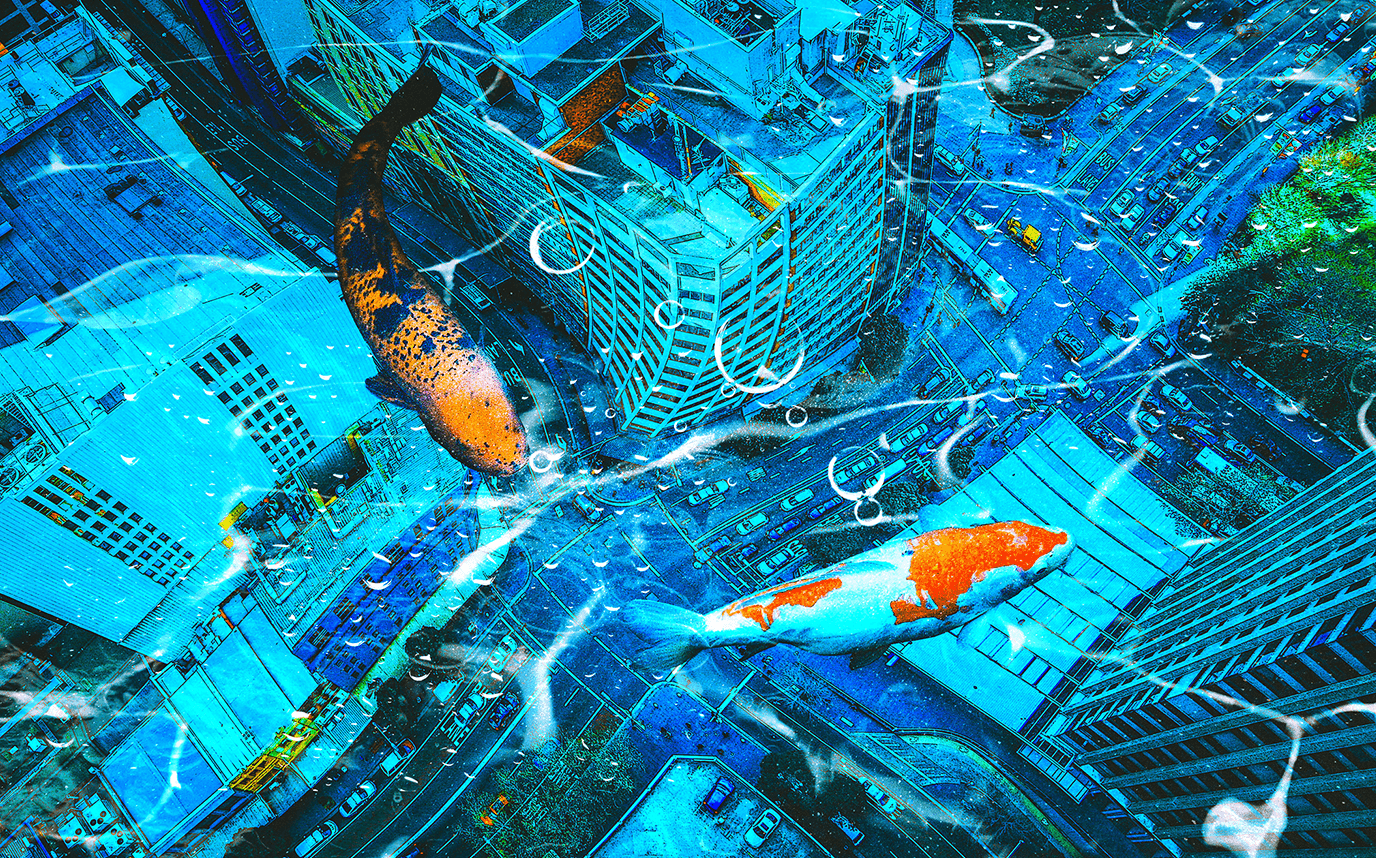
From planning to create a digitally optimized work, to screen composition methods that fit the concept, natural compositing using Photoshop, color correction techniques, and exceptional high-quality detail know-how!
Discover the digital artwork class that helps you expand your range of expression and show off your infinite imagination at Coloso.
Discover the digital artwork class that helps you expand your range of expression and show off your infinite imagination at Coloso.
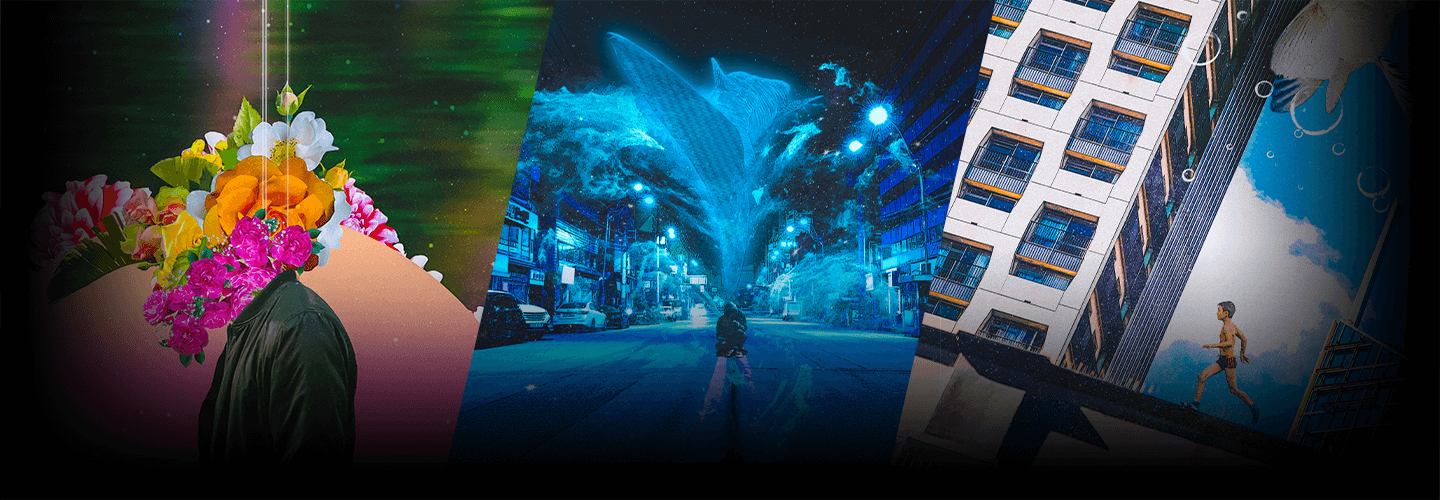
Portfolio of Nakta speakers, creators of fantastic worlds
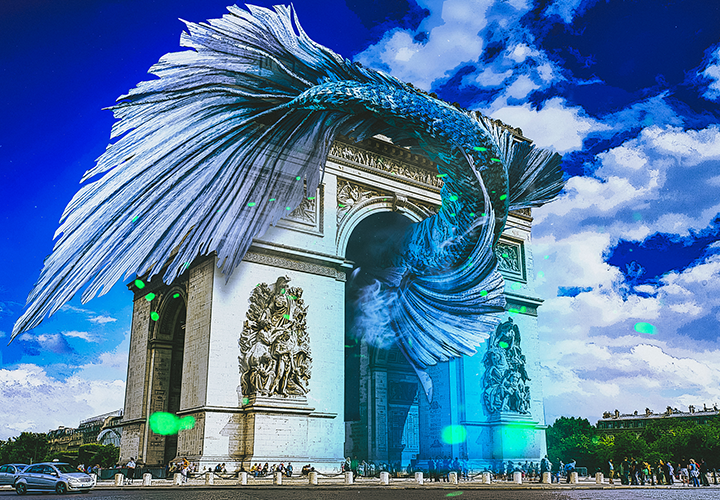
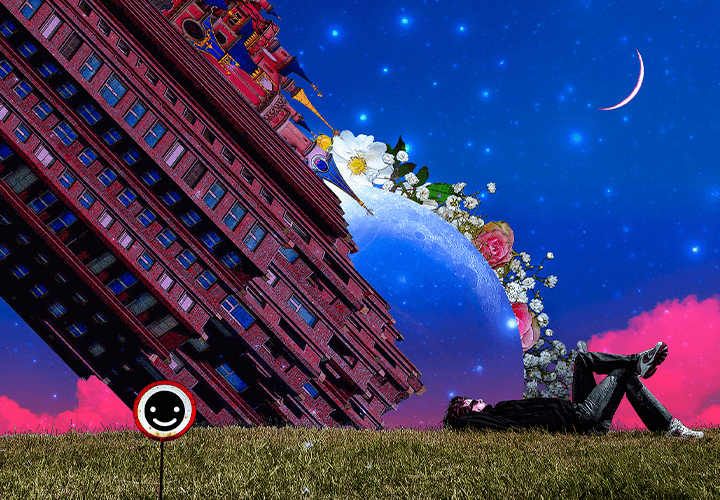
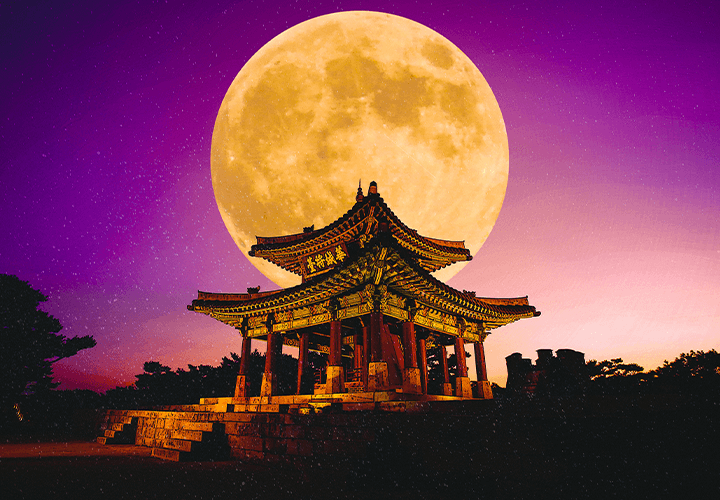
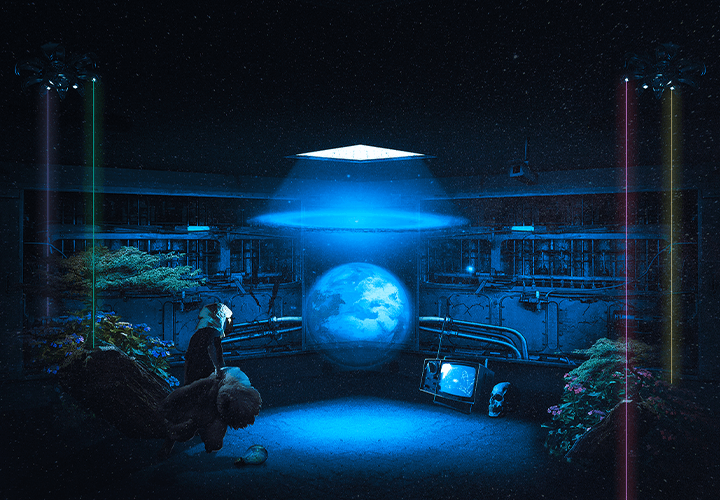
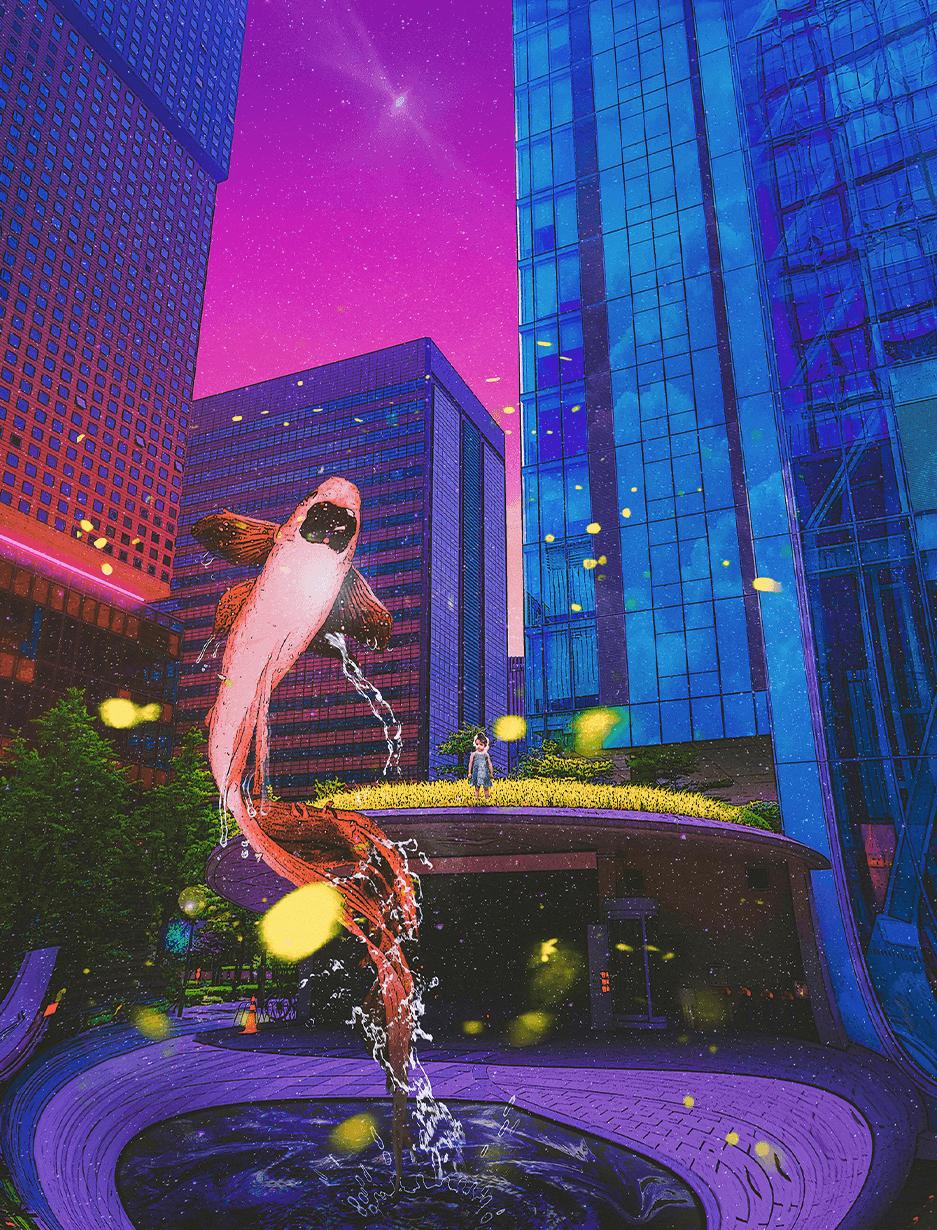
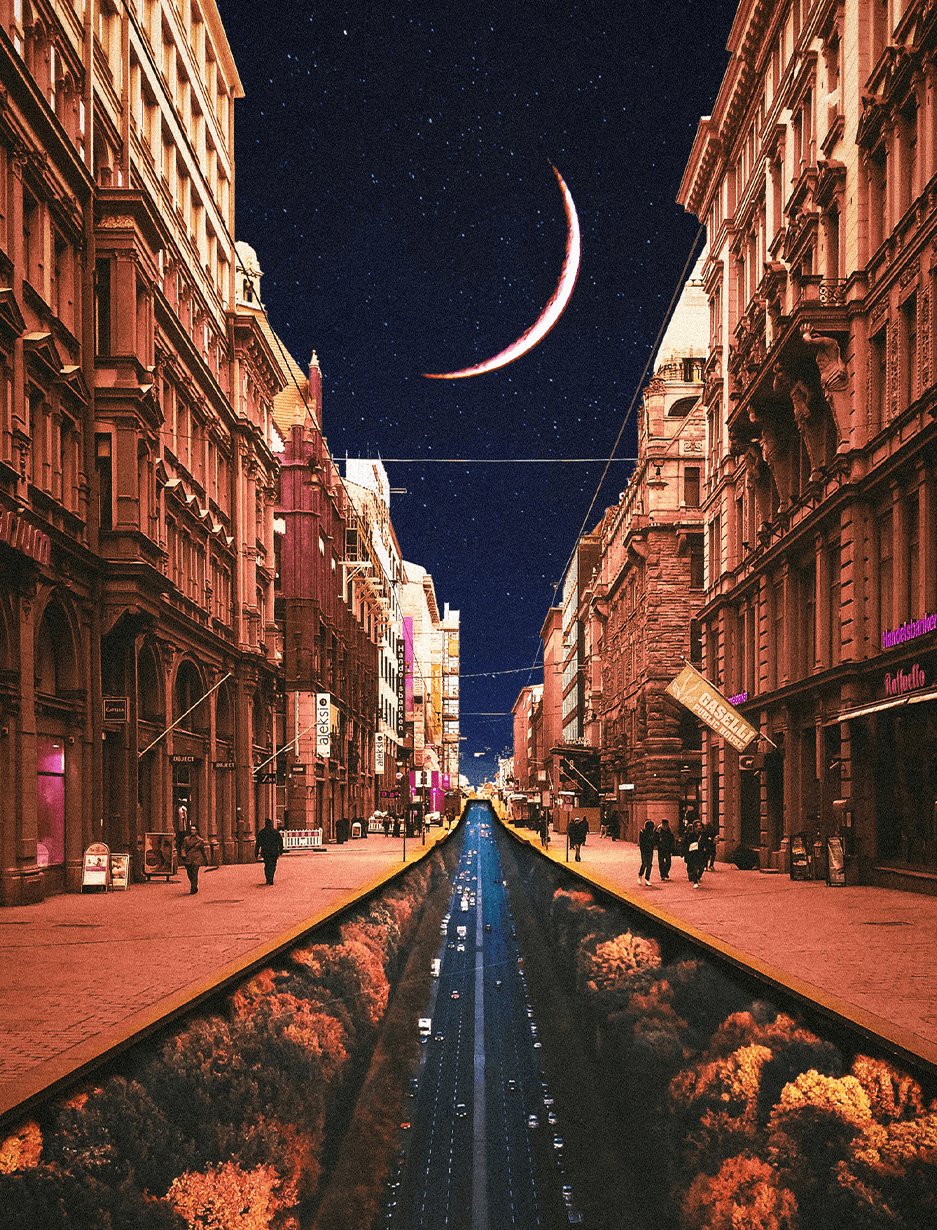
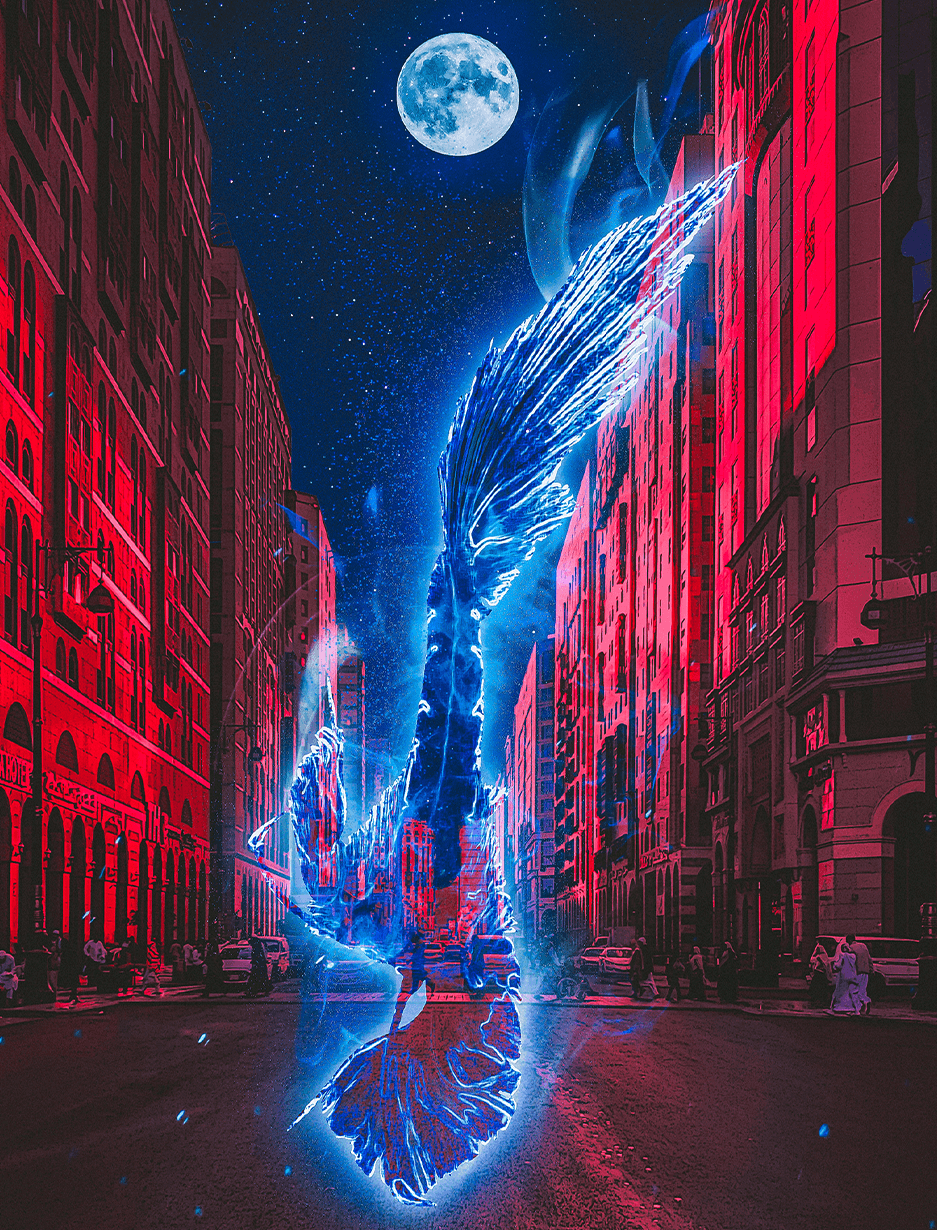
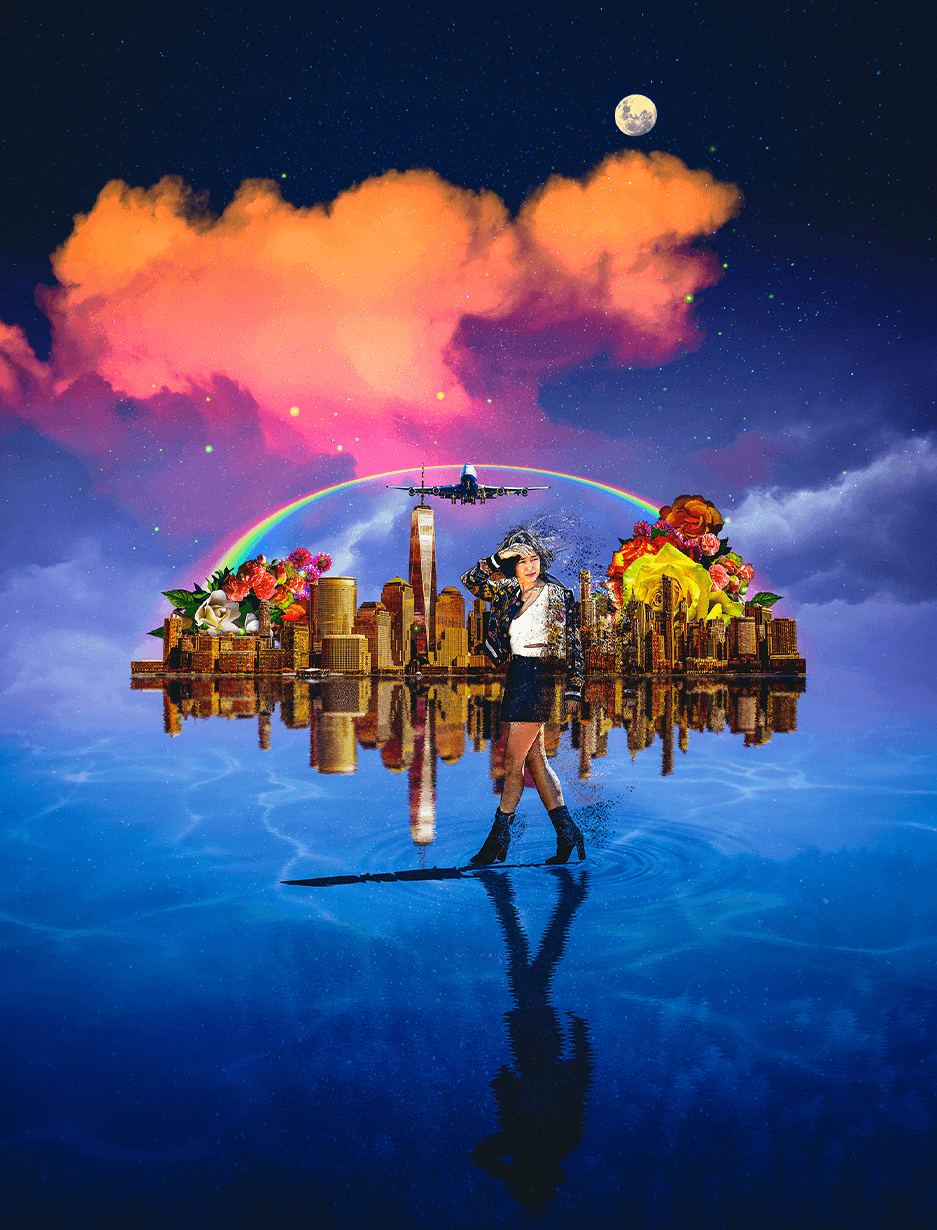
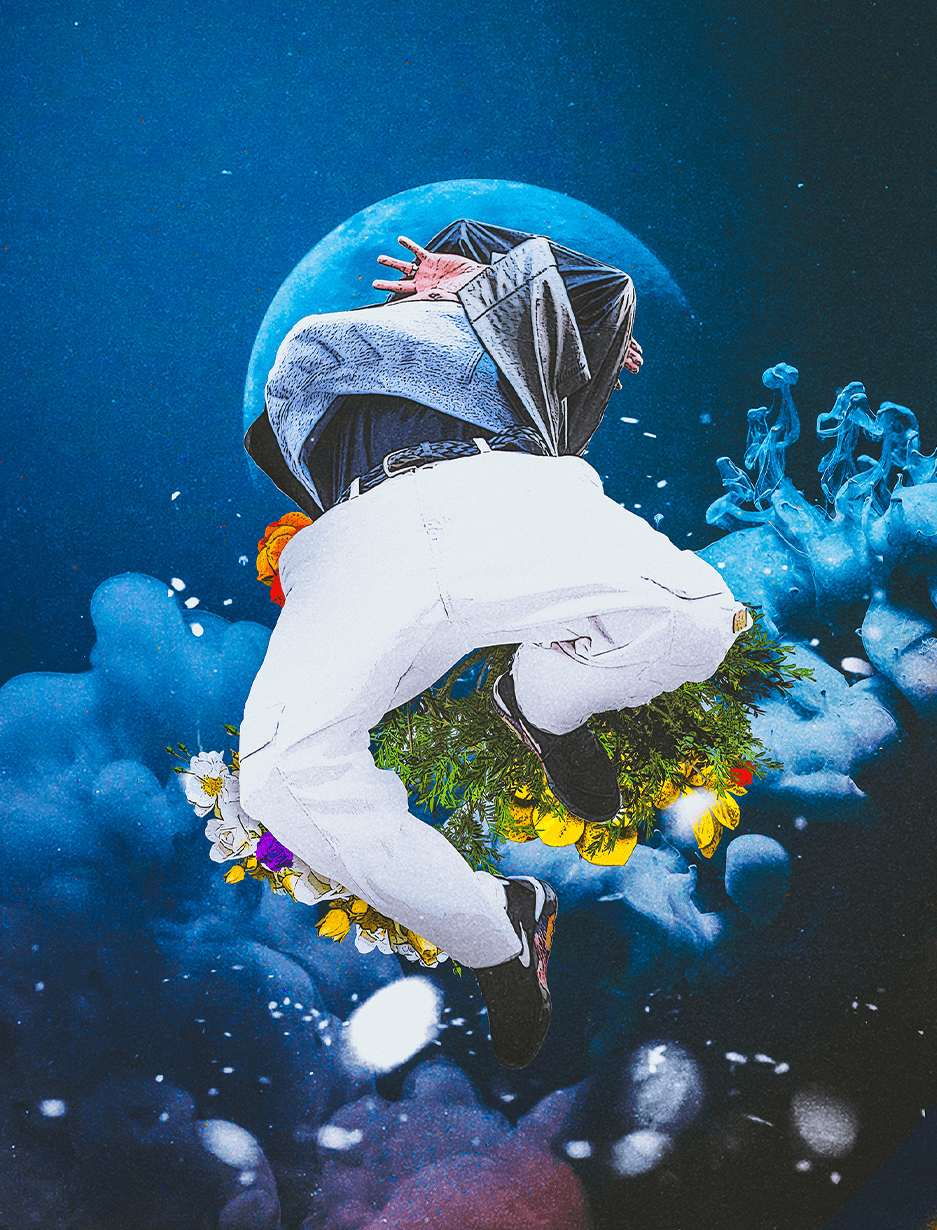
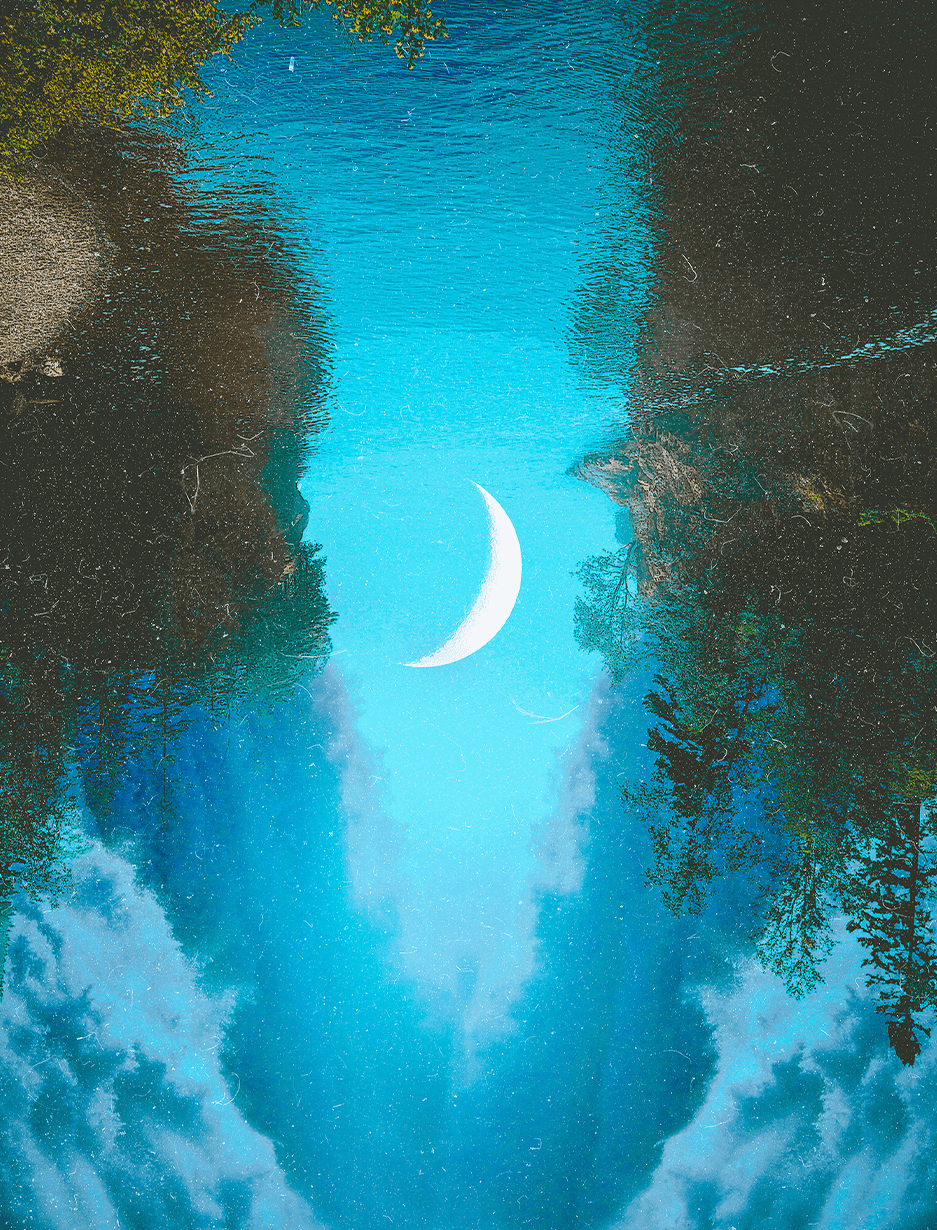
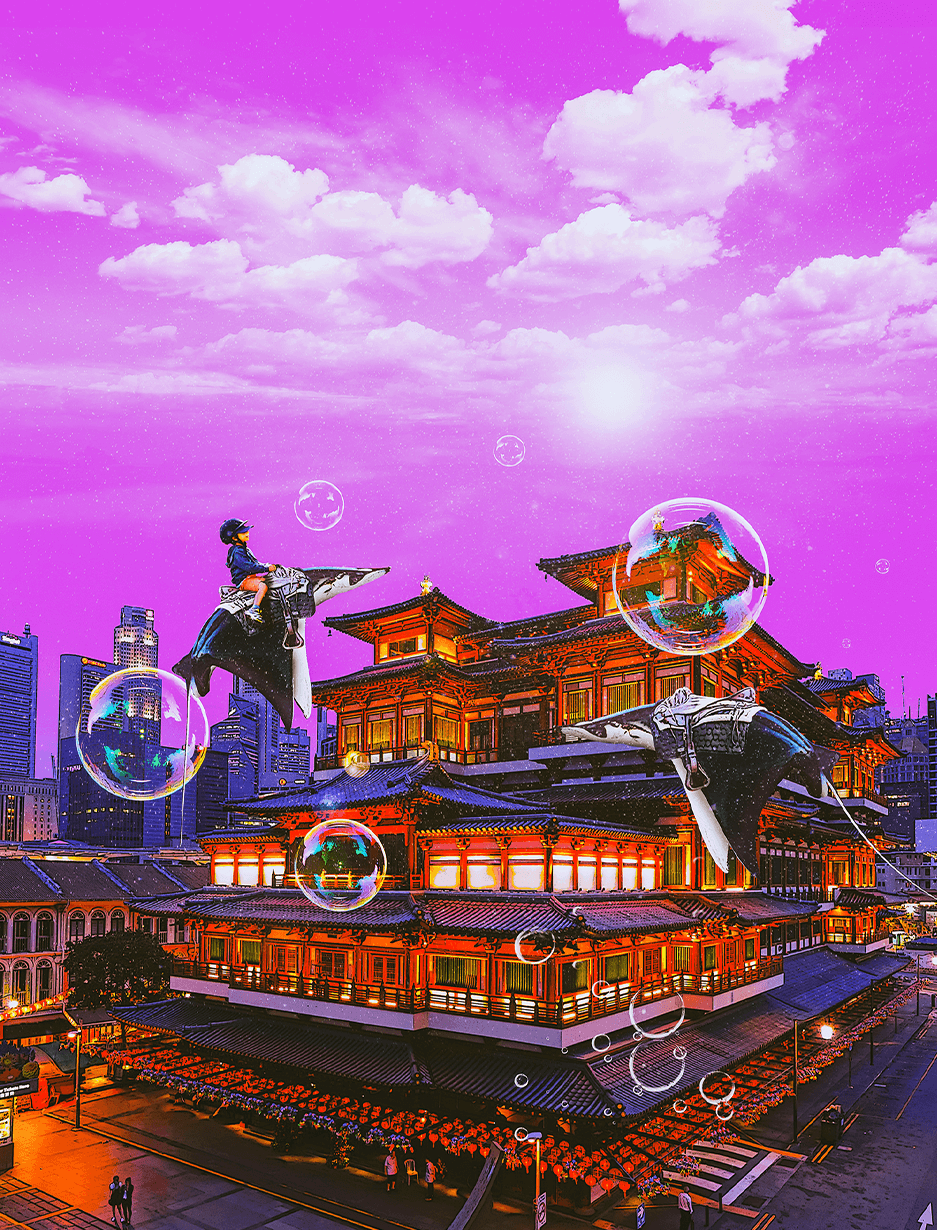
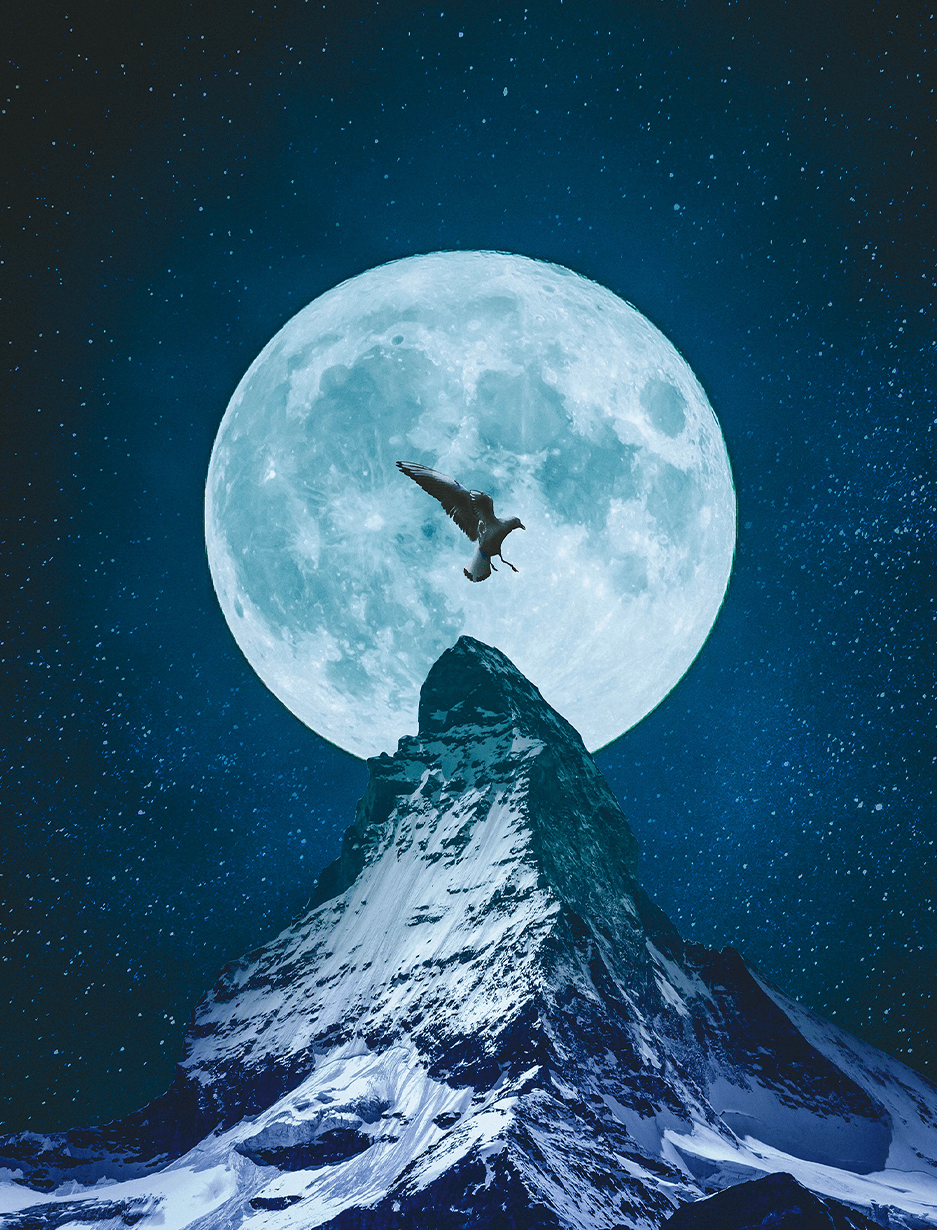
Why Take This Class?
Even if you study for GTQ certification, is it too difficult to apply it in practice because it is full of outdated examples? Do you want to create a work of art that can generate profit with just Photoshop?
In the case of Photoshop work, not only the unique artwork style but also the ability to use tools that determine implementation ability is very important.
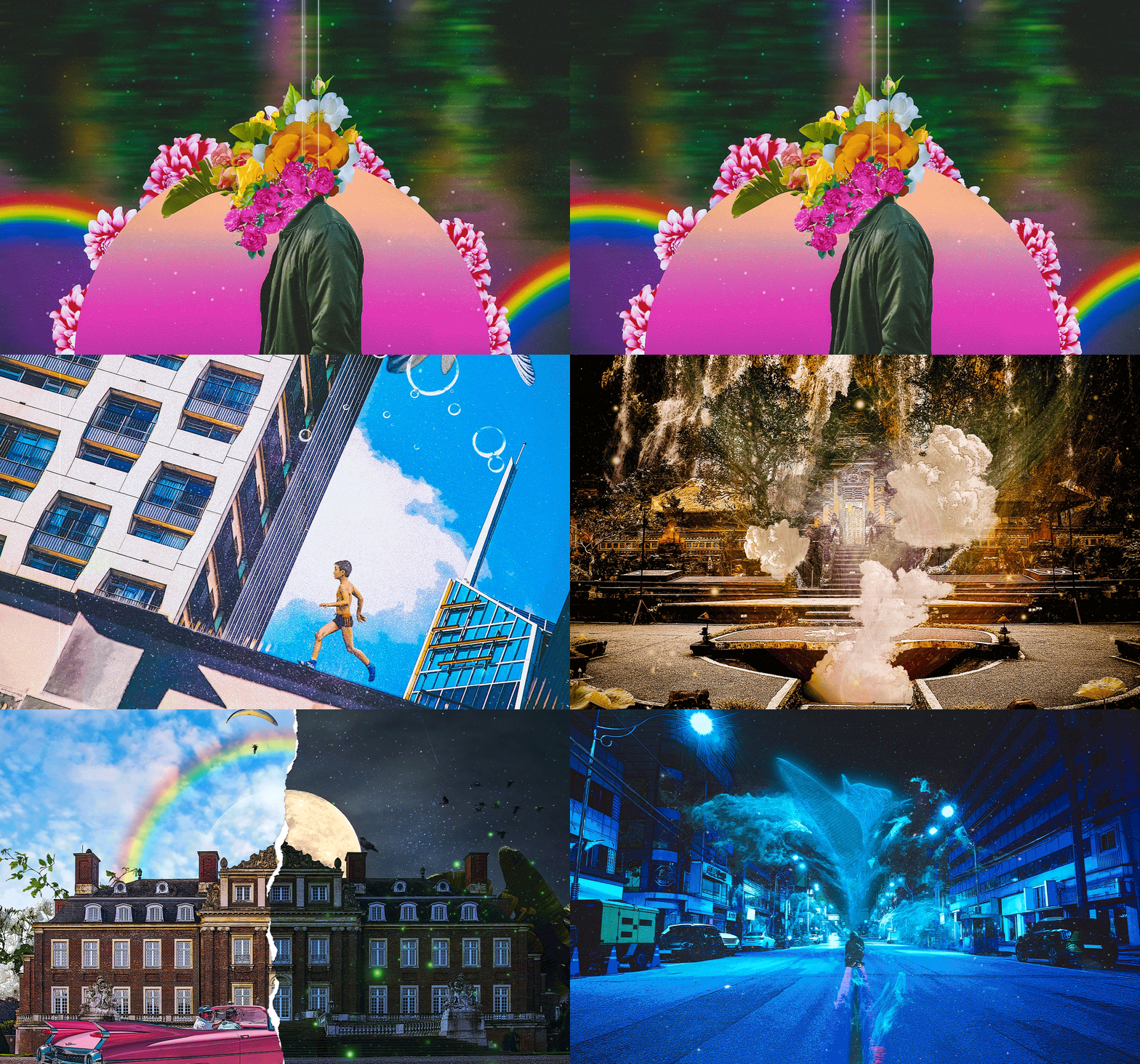
In graphic artist Nakta's class, we will teach you basic Photoshop tutorials, core processing skills such as natural compositing and correction used in practice, and know-how for producing goods such as posters and album art through six examples of works that are actually sold.
Nakta's practical digital collage artwork class, Coloso, is the only one that allows you to create a variety of high-quality, photo-like digital artworks of a single scene.
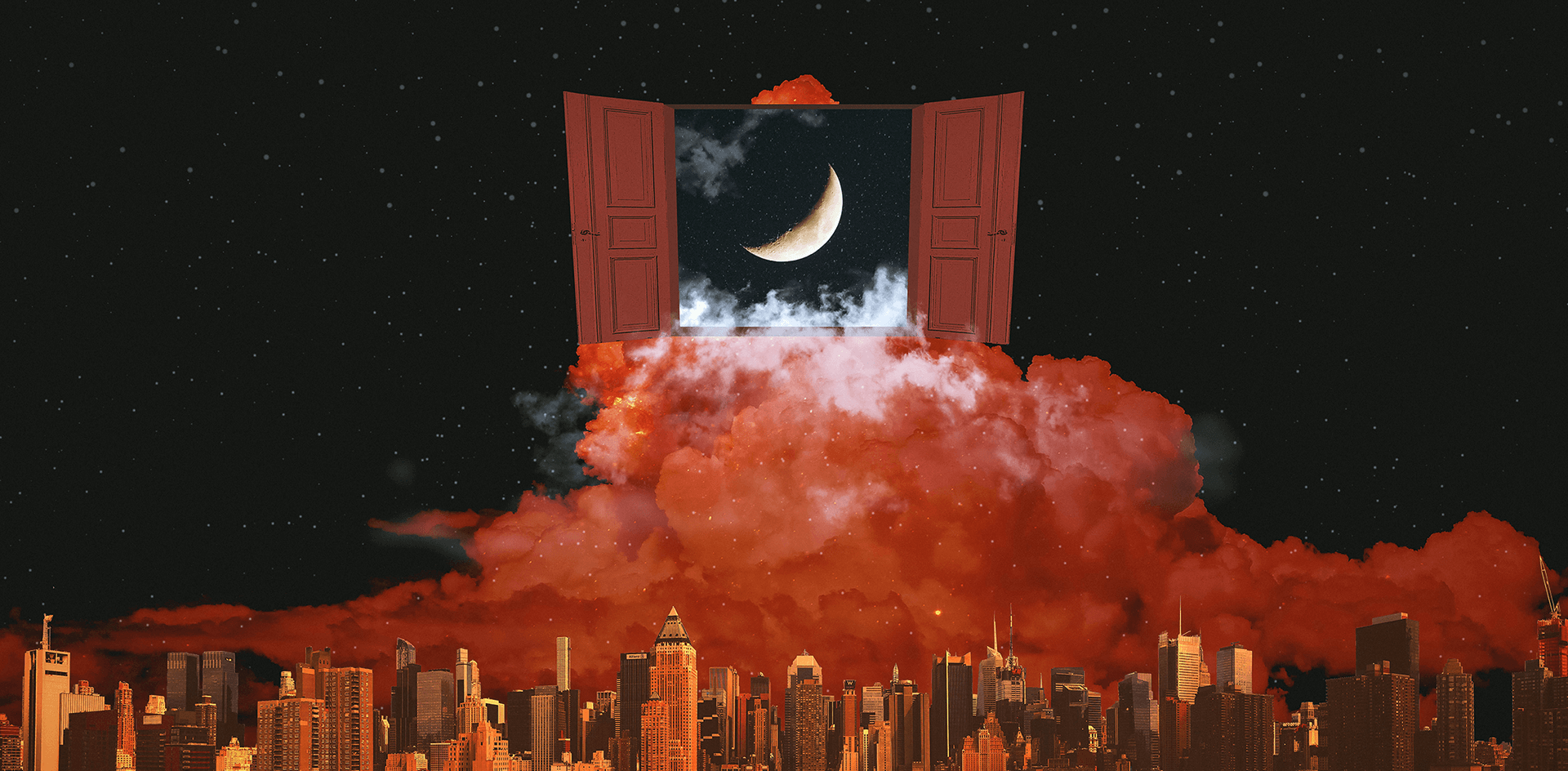
In this class, you will create over 6 different digital collage artworks.
-
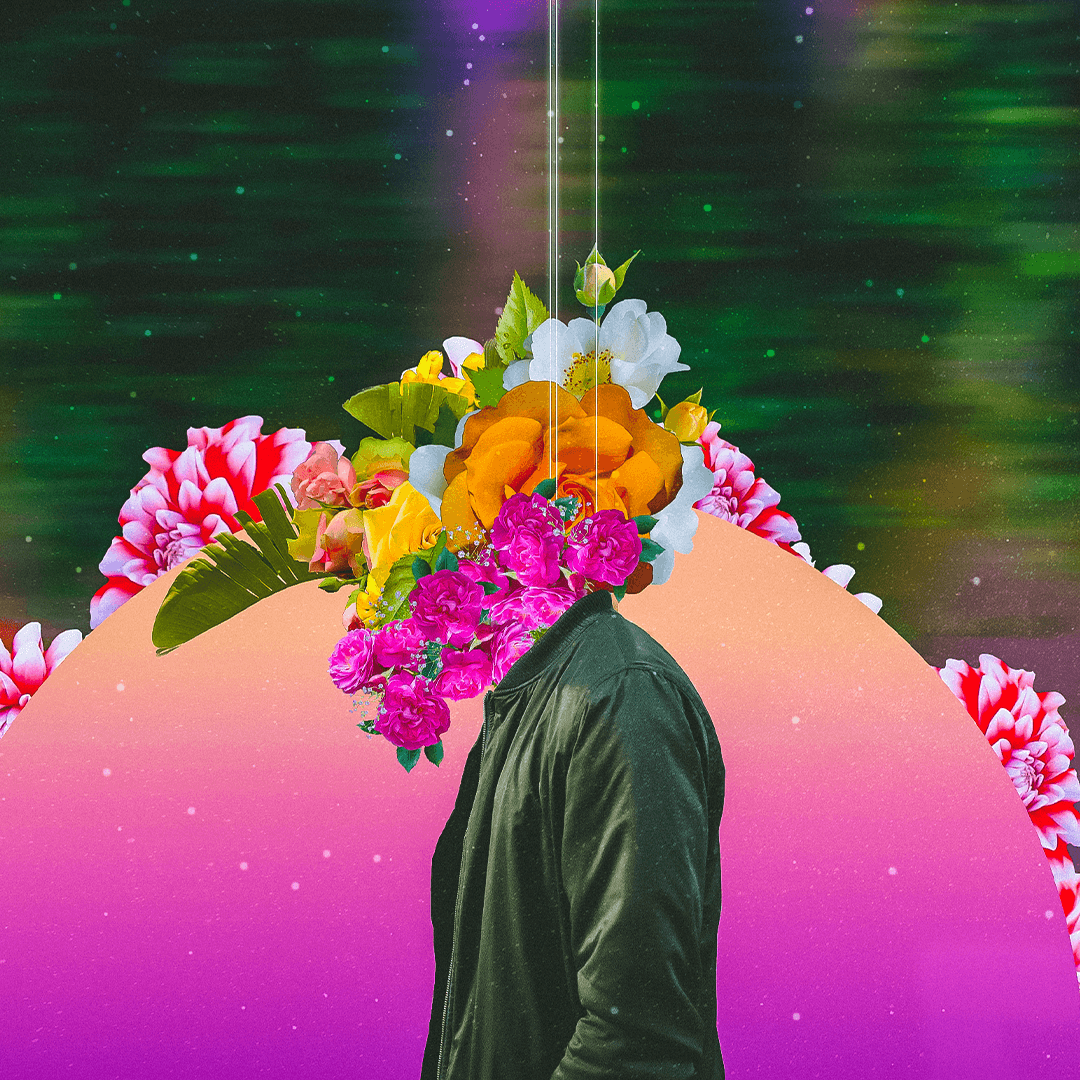 Example 1: Raise
 -
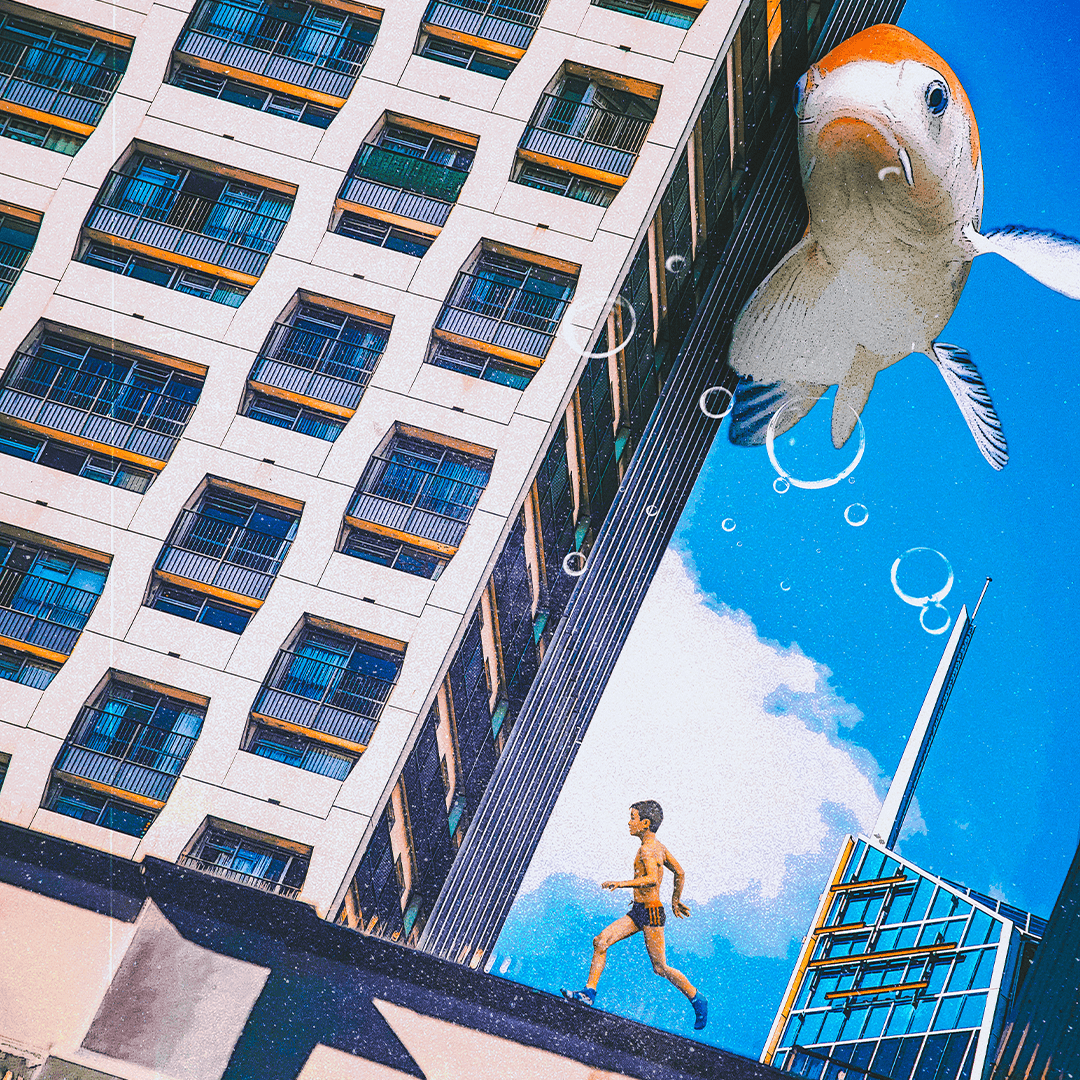 Example 2: Run
 -
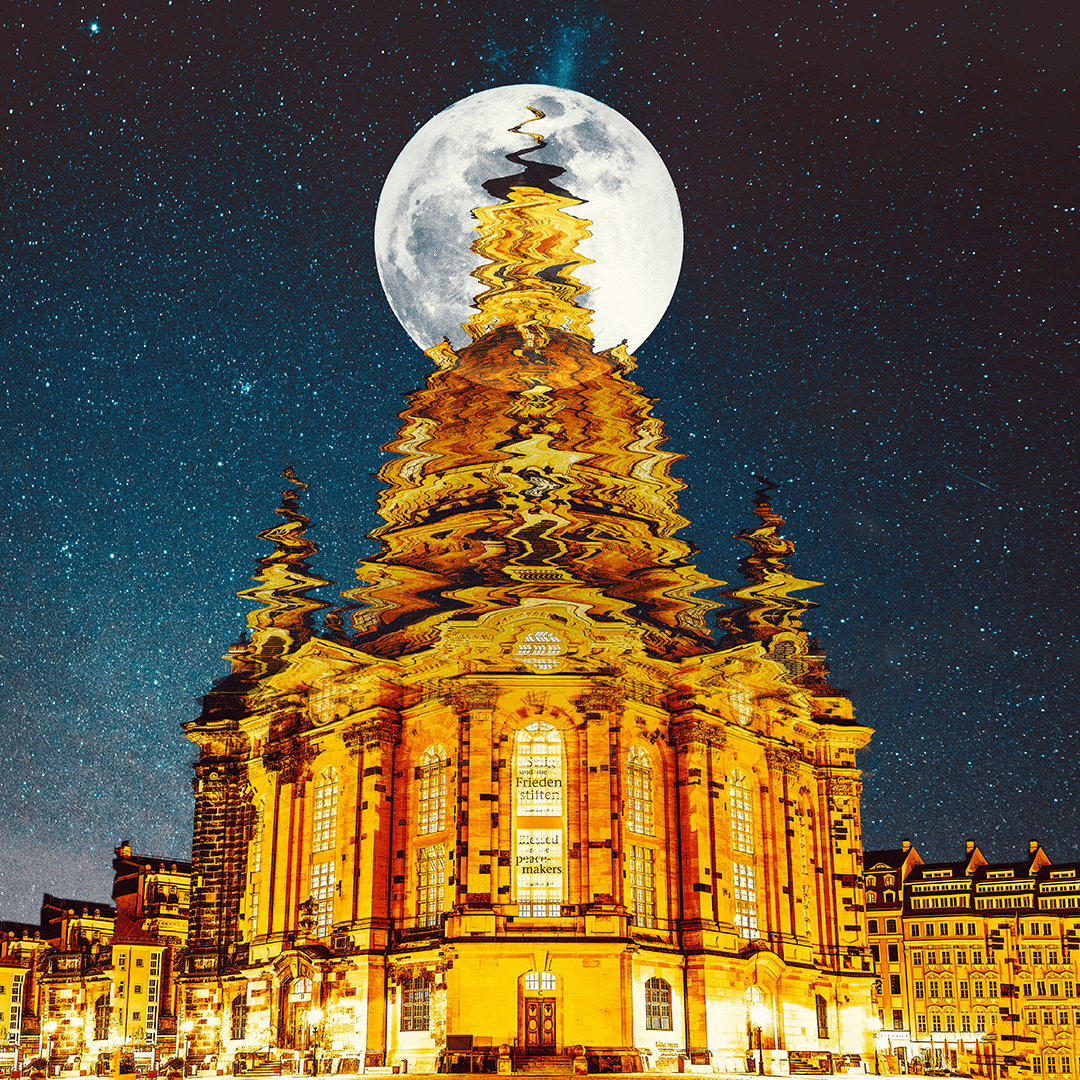 Example 3: Mirage
-
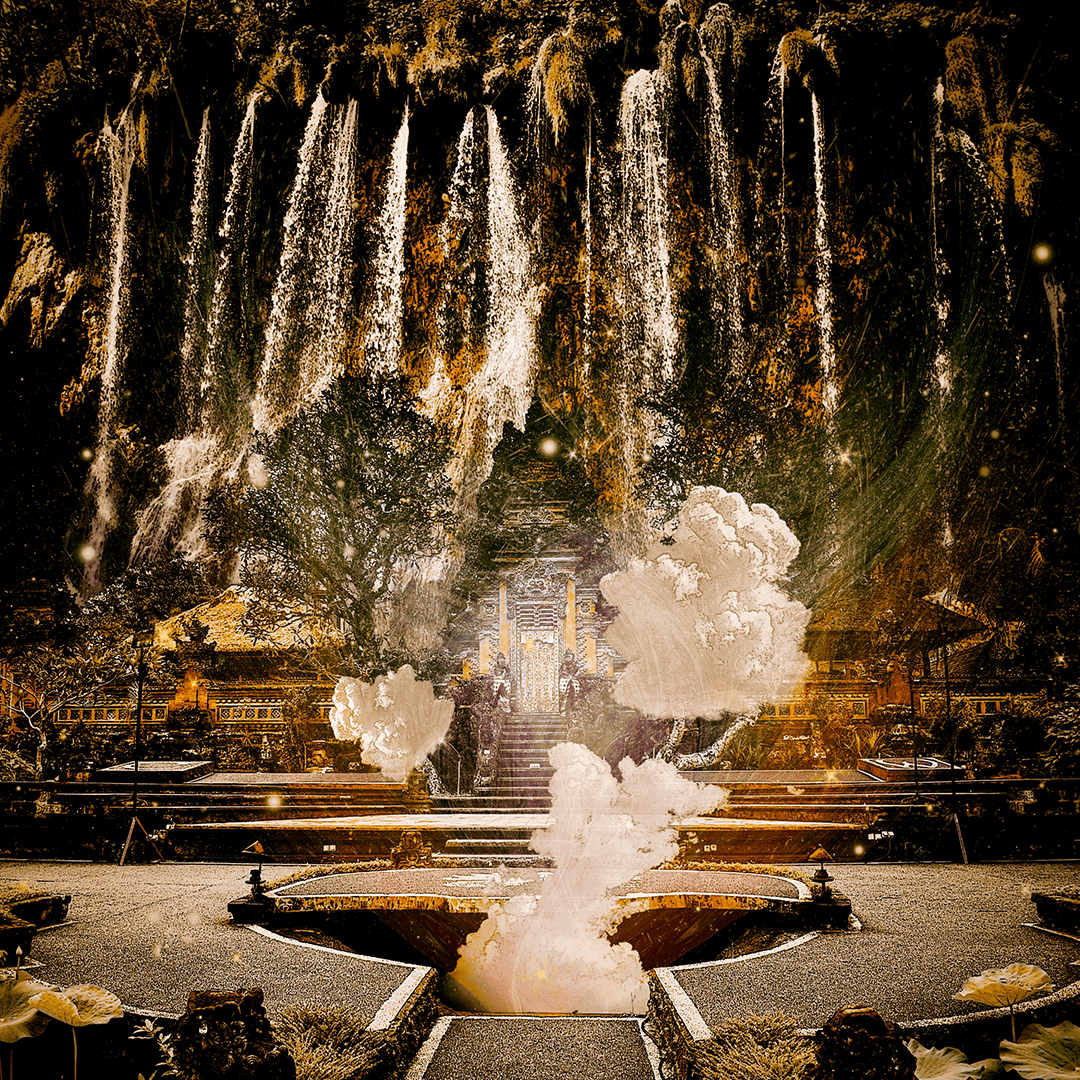 Example 4: Cloudy weather
 -
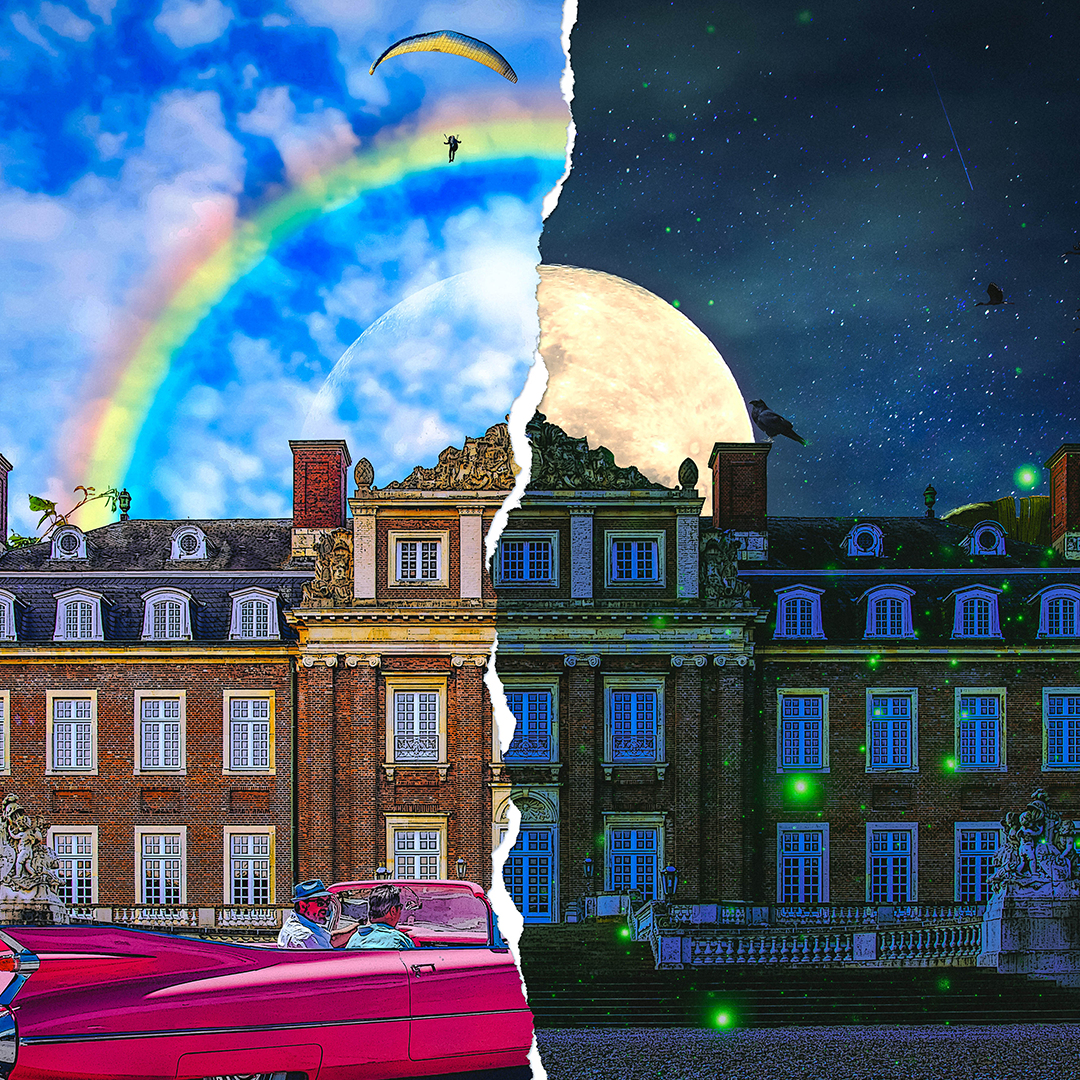 Example 5: Two-faced coexistence
 -
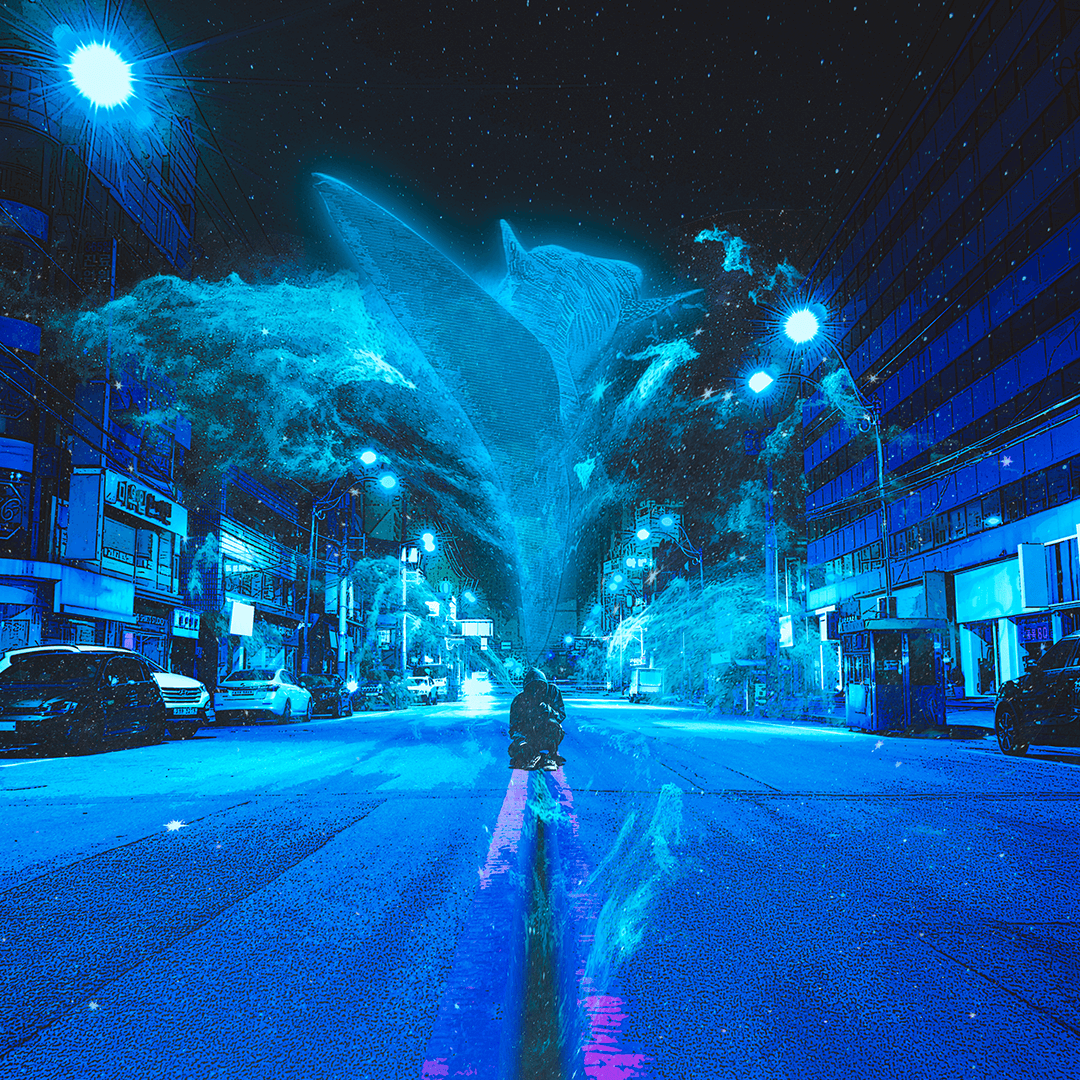 Example 6: Imagination Blooms
Speaker introduction
Graphic Artist
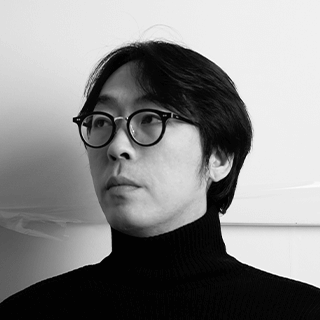
Nakta
Hello, this is graphic artist Nakta.
I started freelancing since 2018, and have established myself as a style of creating eye-catching colors and fantastic atmospheres, and have been working in numerous fields.
His representative work includes an art collaboration with the movie 'Beasts Grasping at Straws', and while he mainly carries out commercial activities with various media such as album artwork and book covers, he also continues to carry out personal work.
Through this class, we will help even those with a relatively limited sense of design expand their spectrum of Photoshop skills for creating artwork.
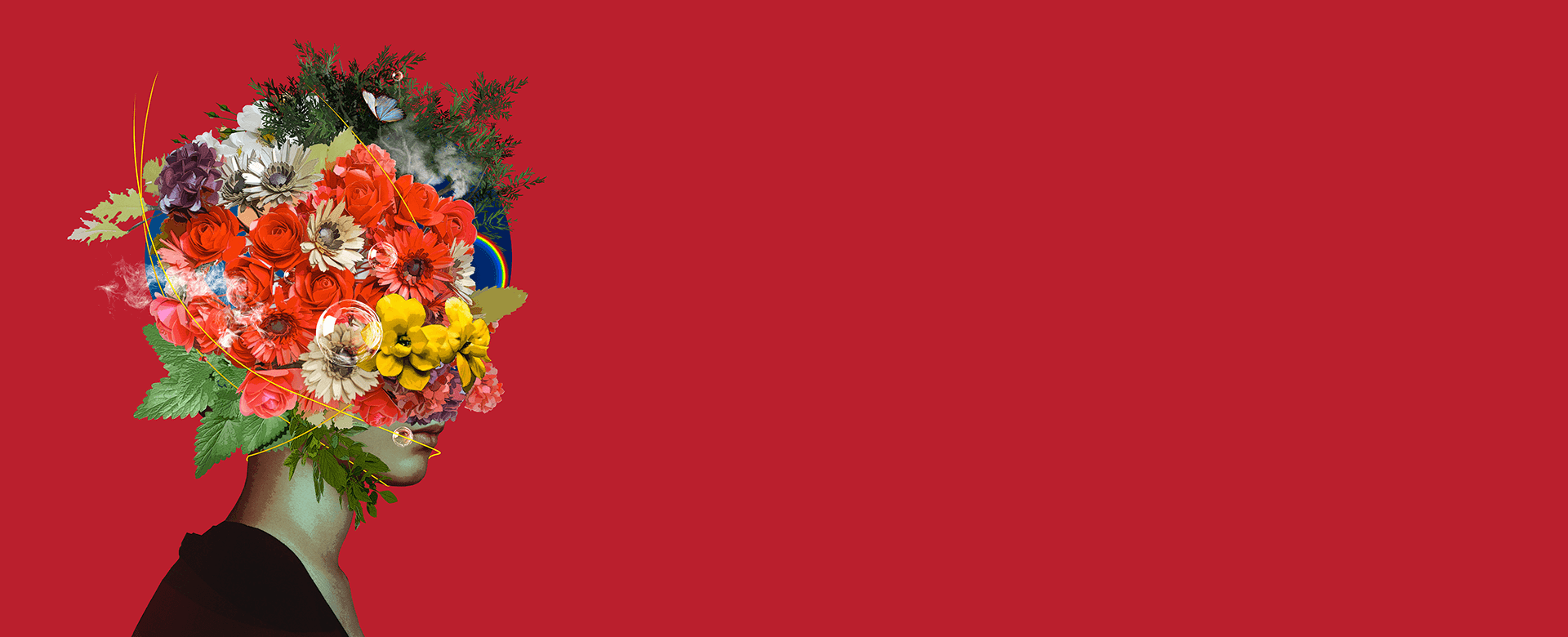
Graphic artist Nakta
Current) Freelance graphic artist
View more history
[Participating Project]
2021. 04 | Sam & Parkers Publishing | ‘Memory of a Bastard’ book cover artwork
2021. 03 | Lotte Liquor | Advertising agency content production
December 2020 | Korea Culture Translation Institute | KLN No. 50 Dobira work
2020. 08 | Fashion brand 'vivre libre' | Concept art work
2020. 07 | Author Suyeon Lee’s short story ‘Self-Portrait’ | Book cover production
2020. 01 | Movie ‘Beasts that want to grasp at straws’ | Participating in art collaboration
[exhibition]
2021. 03 | Yangjae-dong ‘Gorgeous Imagination’ | solo exhibition
2020. 06 | Itaewon 'Tap Public' | solo exhibition
2020. 01 | Movie ‘Beasts that want to grasp at straws’ | Group exhibition of collaboration works
[Media introduction]
2020. 01 | Participated in interview video for the movie ‘Beasts Grasping at Straws’
2019. 09 | Naver ‘Artist next door’ interview
2019. 08 | Naver Main ‘Emotional Charge’ Creator’s Work Introduction
[etc]
Experience in producing various album artwork from 2019 to present
Offline private class operation
class features
class features
The beginning of imaginative expression, Photoshop basics and advanced
Starting with learning the tool's interface, we will teach you step by step so that even non-design majors can follow without difficulty in expressing works based on Photoshop's core functions such as blending mode and clipping mask, eliminating technical limitations.
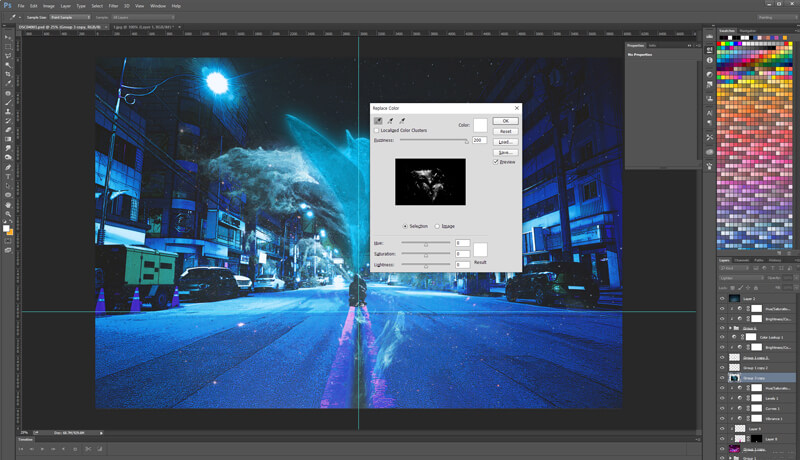
From digital collage artwork planning to design techniques and completion know-how.
When creating digital collages, fantasy artwork, etc., we learn the basics of the digital artwork work process, such as composition and arrangement of image elements necessary to reveal the theme, how to create atmosphere, and skills to increase quality by emphasizing details.
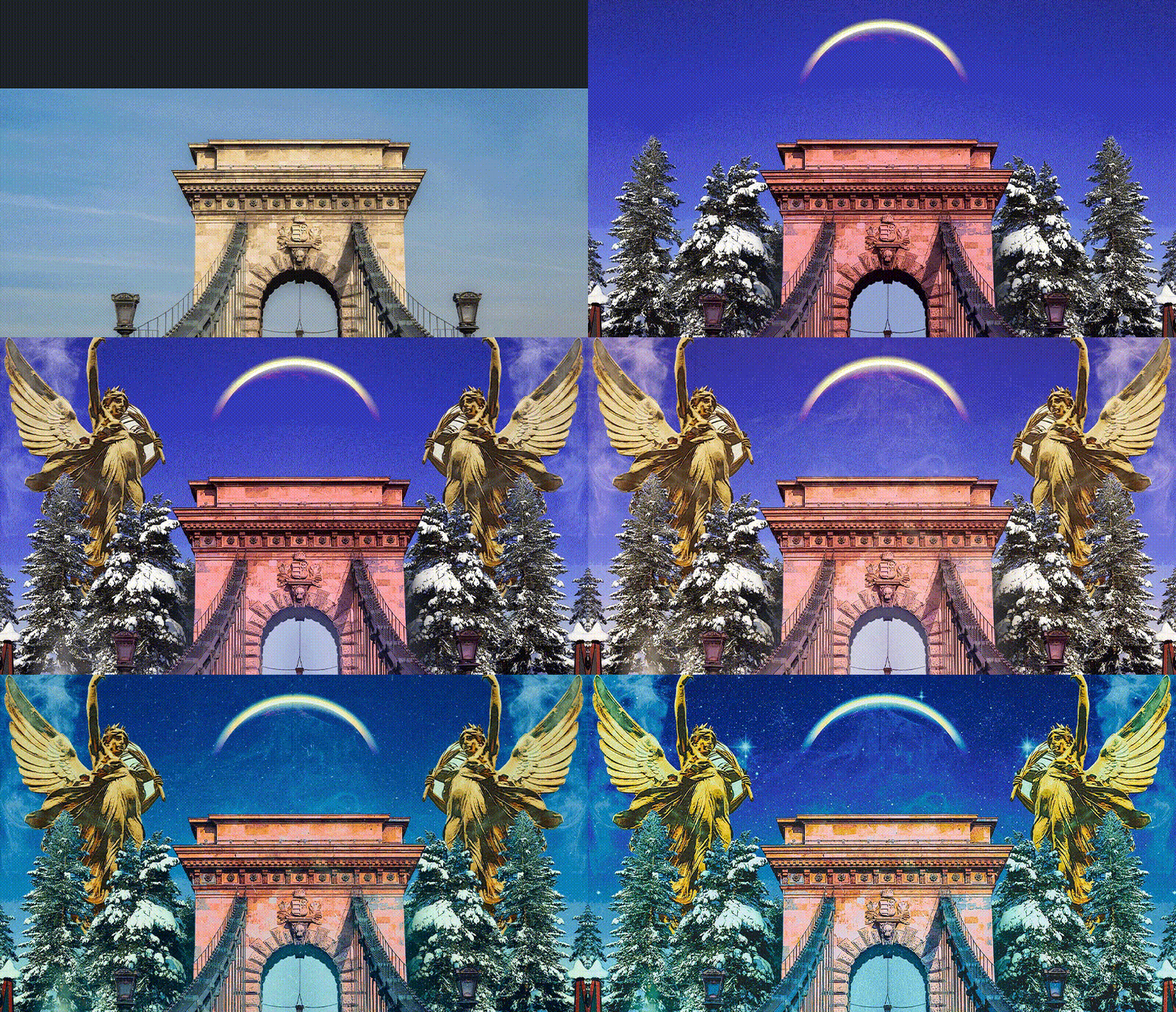
Learn various work styles by practicing 6 examples
We expand the scope of use of digital artwork by creating works with various concepts through free image files provided by working artists who have established themselves in the public eye with their colorful colors.
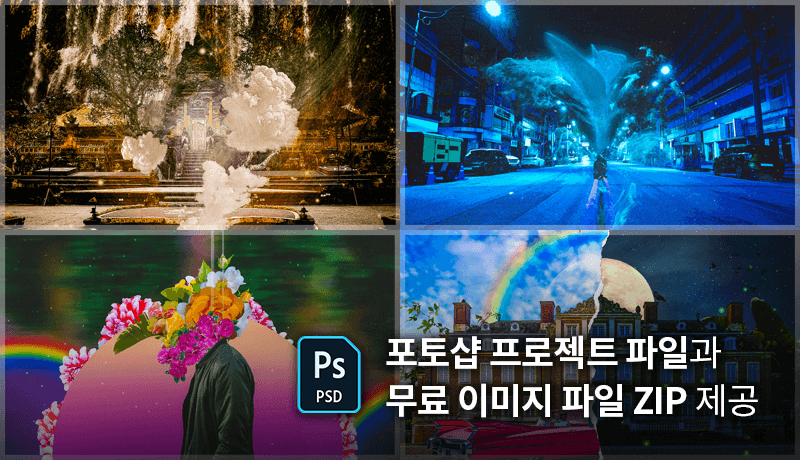
Class composition
learn this
-
 Improve basic skills and understanding of PhotoshopIn order to learn Photoshop, which is optimized for digital artwork, we systematically strengthen the basics so that we can understand the interface and structure, and use and apply essential tools.
 -
 Correcting and retouching photo imagesIn order to cleanly process images before compositing, you will learn how to remove the background according to the situation, and adjust the contrast, saturation, and color using Photoshop's core correction function.
 -
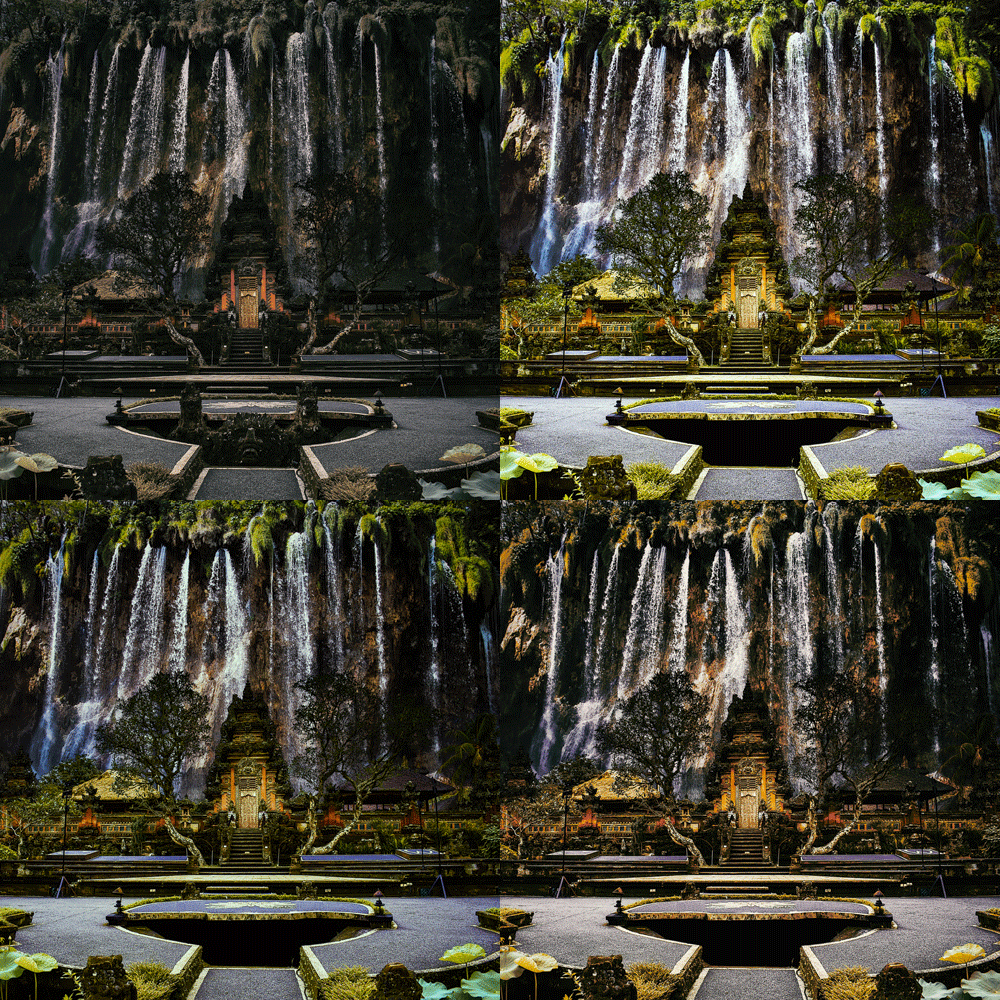 How to use various colors in imagesLearn various color correction methods to create unique and harmonious colors in images, learn how to select colors that suit the mood, and how to create an appropriate color palette.
-
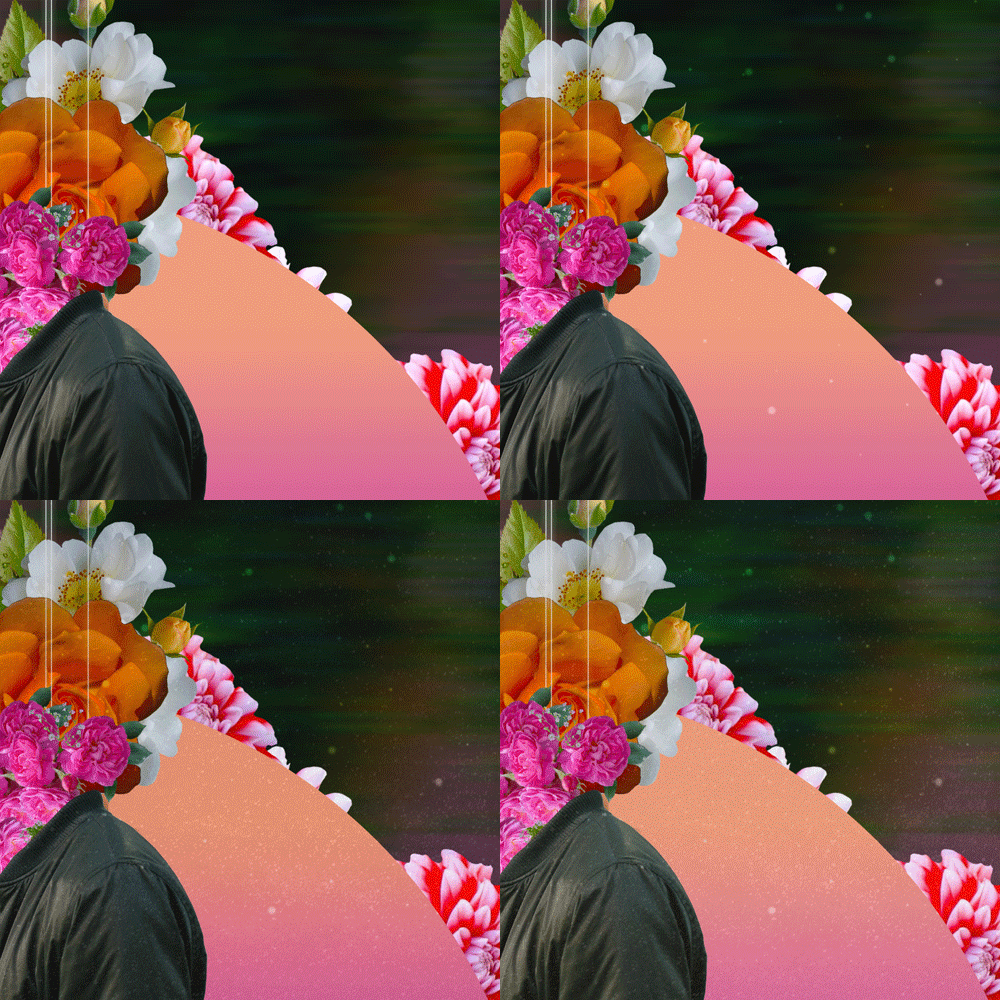 How to make brushes and use texturesCreate and use brushes to enrich your work, and learn how to use various textures in your work.
 -
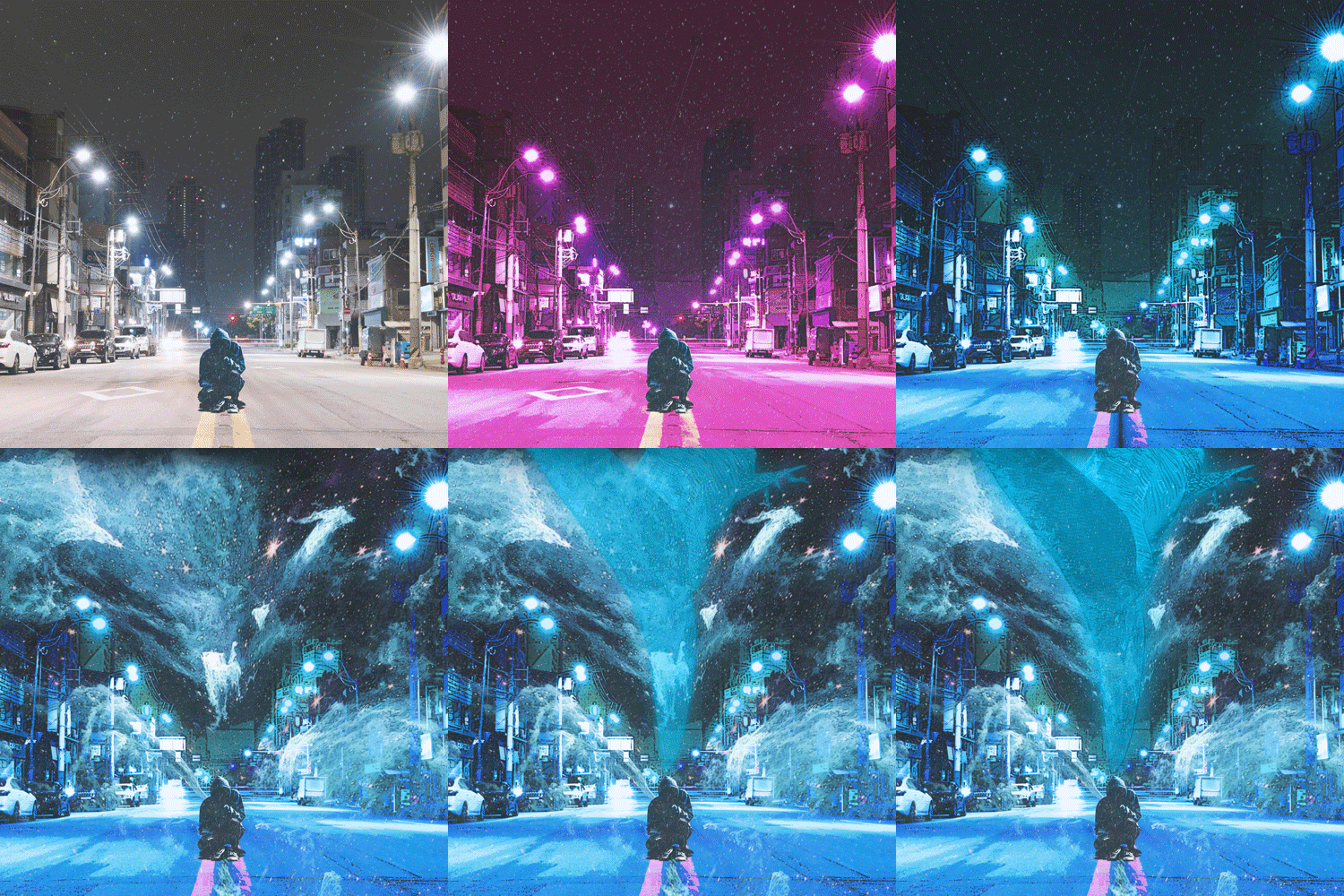 Composite know-how to improve image completenessYou will learn in detail the order of layers for natural compositing, how to set layer compositing options, as well as detailed retouching methods.
 -
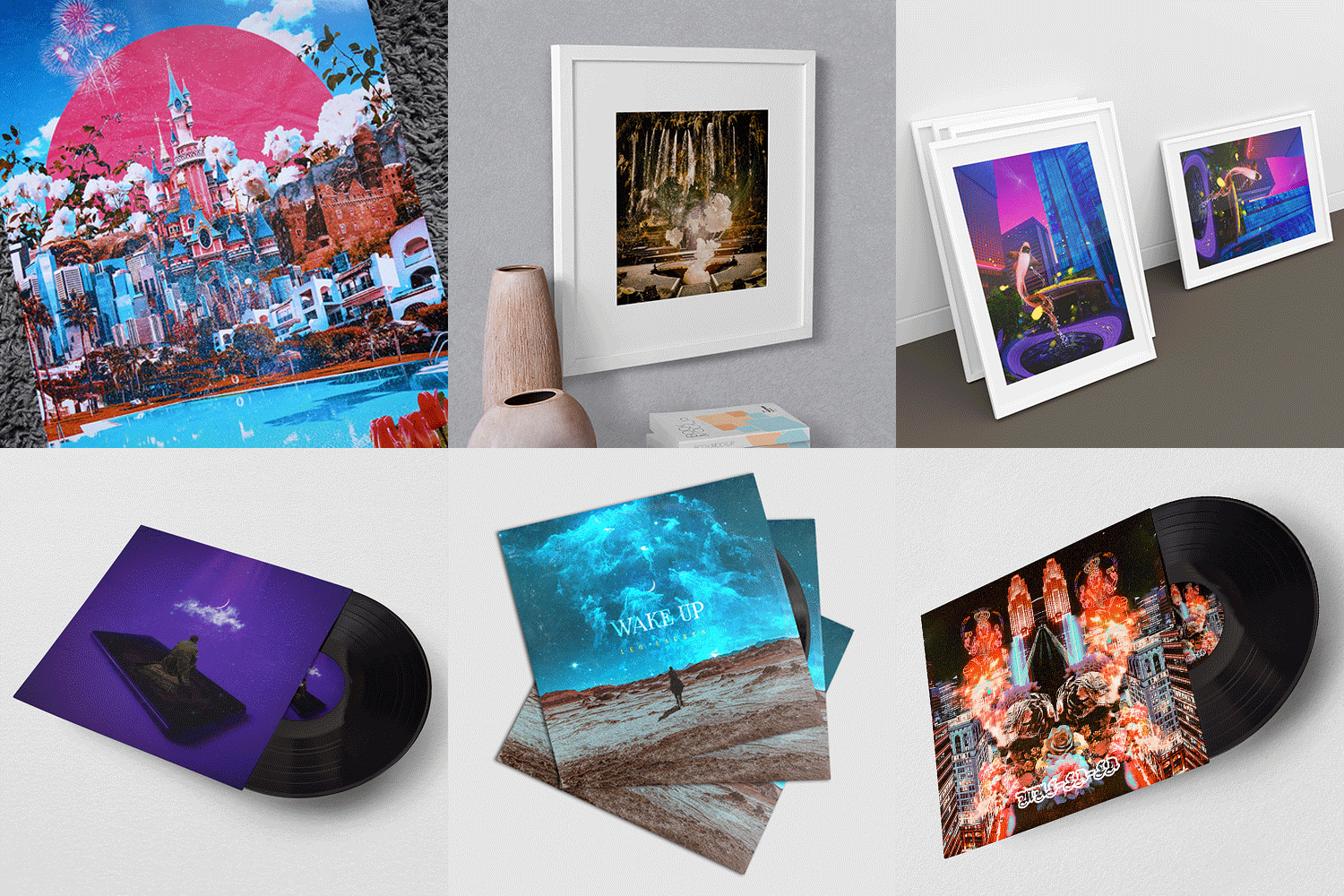 Artwork used on various productsLearn how digital artwork, such as album covers and book covers, are used in various ways, and understand the overall process for commercializing works.
curriculum
curriculum
Show me the curriculum
SECTION 01. OT
01. Orientation
- Author introduction
- Introduction to digital collage techniques
- Decide on a topic for your work and develop inspiration
SECTION 02. Basics of Photoshop
02. Photoshop concept and work screen
- Summary of Photoshop concepts, difference between bitmap and vector methods
- Resolution and file type
- Scope of use of Photoshop
- A look at the screen composition of Photoshop
03. Photoshop tools, menus, and palettes
- Introduction to Photoshop top menu
- Explore Photoshop tool features
- How to work through the detail panel
- Setting up your work environment
04. Photoshop Layer
- The Core of Photoshop: Layer Palette
- Understand layer hierarchy
- blending mode
- Check out the optional functions of the layer palette
- Layer mask, clipping mask
SECTION 03. Digital artwork techniques
05. Photo correction and retouching techniques
- Adjustment menu
- Image size, canvas size
- Patch tool, stamp tool
- transform
06. Color correction for artwork
- Difference between Adjustment Layer and Adjustment Menu
- Check out the features for color correction
07. Nukki picking depending on the situation
- Difference between Lasso Tool and Pen Tool
- Quick mask mode
- Using channel mode
- Colorrange
08. Methods and tips for obtaining image sources
- Site introduction and search method for good images
- Know-how for organizing images
SECTION 04. Example 1: Impression
09. Topic screen composition
- Decide on a theme and image
- Retouching Image Elements
- Composition, placement of elements
* Example file provided
10. Flower figures and background expressions
- Color correction of image elements
- Use of gradients, layer styles
- Composition of image elements
- Texture and detail correction
SECTION 05. Example 2: Run
11. Lasso Tool and Quick Mask mode
- Selection and composition of images appropriate to the topic
- Image picking and retouching
- Natural image expansion
* Example file provided
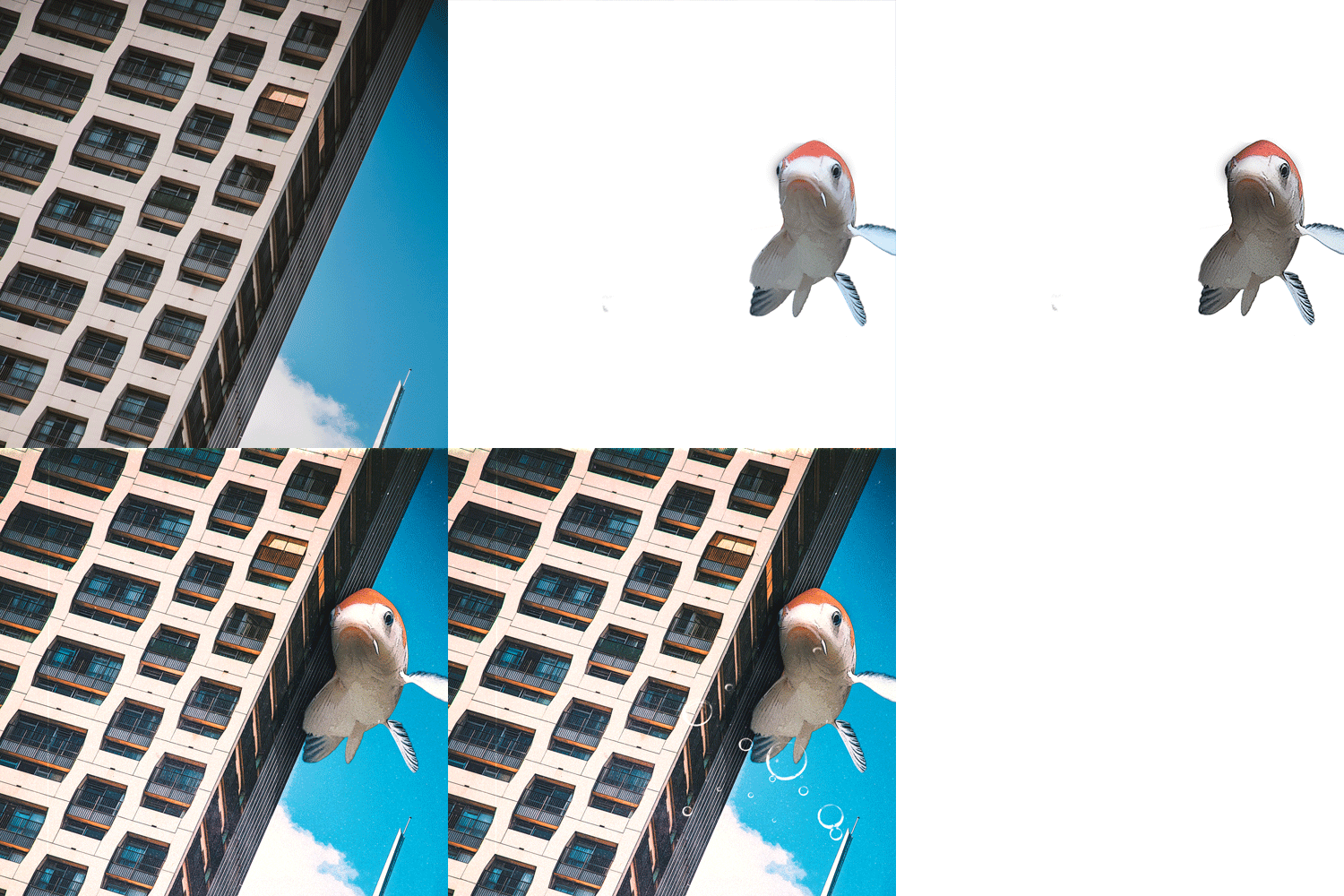
12. Image composition using layer mask & clipping mask
- Composing fish and buildings using layer masks
- Color correction using adjustment layer
- Post-processing using overall tone correction and texture synthesis
SECTION 06. Example 3: Mirage
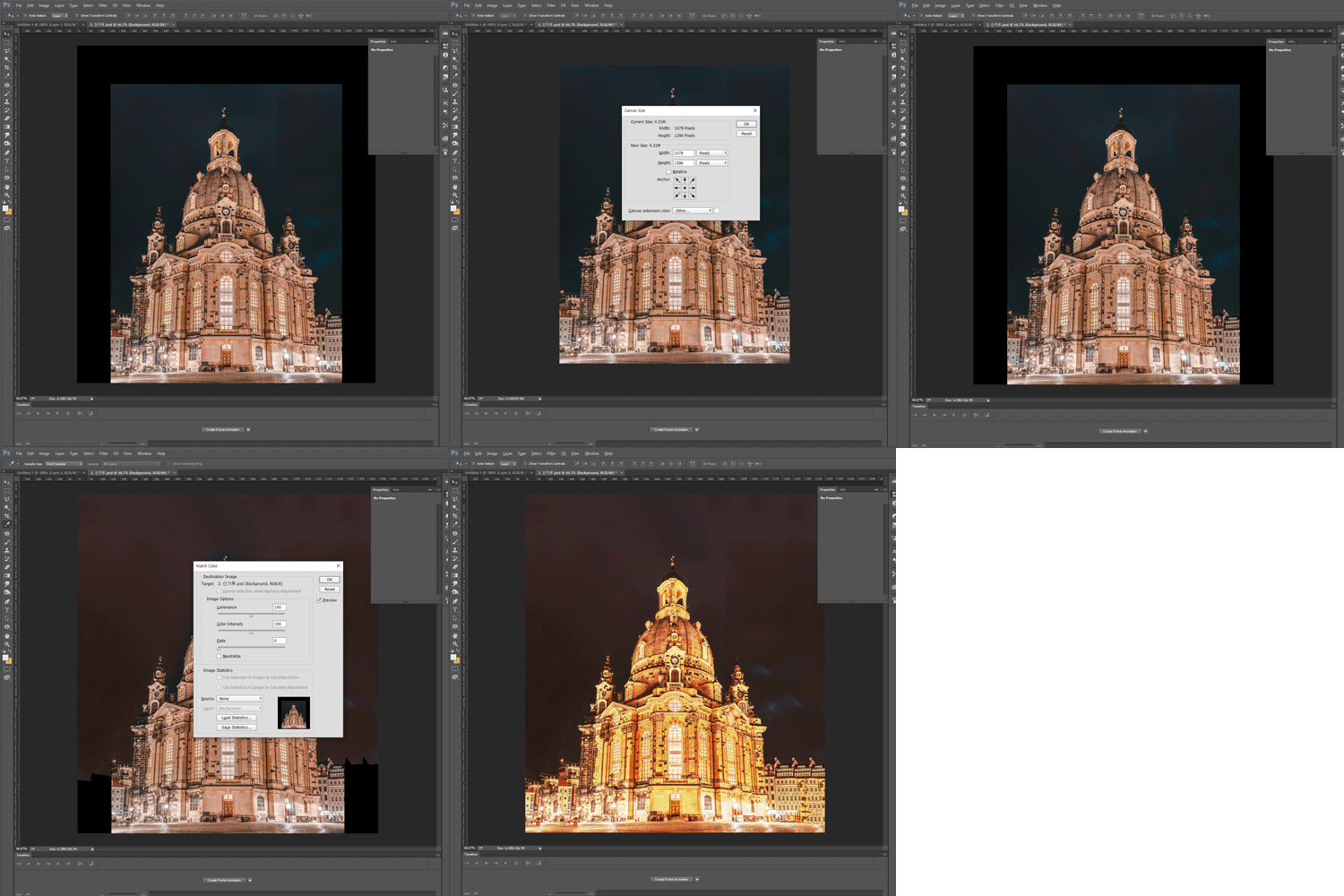
13. Correction of overall color of the work using Match Color
- Organizing image elements using quick mask mode
- Image retouching using filter effects
- Color correction using Match Color
* Example file provided
14. Distortion of building images using filters
- Background image composition and retouching
- Background composition using blending mode
- Post-processing using Camera Raw Filter
SECTION 07. Example 4: Uncheon (雲泉)
15. Natural composition of different background images
- Removing image background and combining background
- Layer mask for part of the image
* Example file provided
16. Natural cloud synthesis and cloud creation
- Create and synthesize clouds using the Brush Tool
- Particle synthesis using Blending Mode
- Dust effect and overall color correction using texture
SECTION 08. Example 5: Two sides coexist
17. Compose the screen with image elements
- Image selection, image picking
- Color correction using adjustment layer
- Grouping and toning of day and night images
* Example file provided
18. How to use brushes and layer styles for tearing effect
- Paper tearing effect using a brush
- Tear effect using Layer Style
19. Post-editing using Camera Raw Filter
- Rainbow effect using gradient
- Particle effect using brush
- Post-processing using texture synthesis and use of Camera Raw Filter
SECTION 09. Example 6: Imagination Blooms
20. Photo correction using Stamp Tool
- Editing Night Photos
- Image processing using Stamp Tool and Patch Tool
- Image retouching using filter effects
- Correcting color tone
* Example file provided
21. Hologram effect using Layer Style
- Fish hologram effect using Layer Style
- Correcting and Compositing Portrait Photos
- Overall contrast correction using Adjustment Layer
22. Blending Mode synthesis
- Blending mode synthesis for smog effect
- Post-processing of textures and images as a whole
SECTION 10. Production of artwork goods
23. Making artwork goods
- Introduction in the form of digital artwork
- Scope of use of digital artwork
- Setting up the work environment according to the scope of use
- Postcard and poster production
- Save various types of files
interview
What graphic artist Nakta wants to say

Question.01
What is the outlook for digital artwork?
What is the outlook for digital artwork?
Currently, the graphic design market is very broad, including movies, print media, various streaming services and platform businesses, and has good prospects due to its potential for sustainable development. Additionally , as the concept of NFT emerges, I think interest in digital artwork will increase further in line with the digital art market .
Question.02
What are your strengths as a graphic artist?
What are your strengths as a graphic artist?
We share all of our practical experience from developing skills in various fields to starting a freelance life and being recognized in the industry for our dreamy and fantastic colors and detailed expression skills . In addition, because we selected works that are actually being sold as examples, we can provide information so that anyone can create work of a quality that can be sold .
Question.03
What are the main points of this class?
What are the main points of this class?
When creating digital artwork, it is important to raise the quality of the work so that the theme is visible, so it is essential to have an understanding of Photoshop, which is the core of expressive ability, and the ability to apply each skill . Therefore, we focused on including basic tutorials on Photoshop, the most basic tool in the design field, as well as detailed compositing and correction know-how .
Question.04
Who do you recommend this class to?
Who do you recommend this class to?
It is recommended for those who want to learn the basic principles and use of Photoshop , those who have difficulty creating various images on their own, and those who want to improve their expressiveness in various compositing methods . Since this is an area that is fully accessible to anyone, if you learn step by step the ability to place elements and production techniques through classes, you will produce great works.
We will guide you through the program to use.
This class is conducted using the tools specified below.
– Adobe Photoshop CC 2021
* To ensure smooth course participation, please install the corresponding version of the program separately.
* You can take the course from CC 2015 to the latest version, and even when using the CS version, you can practice most of the class content except for some functions.
* Programs and materials are not provided separately.