Create Your World
with Blender
3DArtist,BBoDX_3D 아티스트 BBoDX Details
Class introduction
Class Intro
3D Artist, BBoDX
“I plan to teach you the 3D work process, from basic Blender operations to modeling and rendering, as well as various techniques for creating your own works.”
Want to turn a 2D design into 3D or bring your dream space to life? I'll teach you how to transform concepts into fully realized 3D models and environments.
Master everything in one class: from basic Blender operations and low-poly modeling of interiors and exteriors, to detailed high-poly prop modeling, vibrant lightinsterg and shading, plus camera settings and final rendering!
✔ Systematic curriculum covering everything from low-poly to high-poly ✔ 3D expert with a solid portfolio. A Blender class with all of these is available only at Coloso.
Take the class right now and create a variety of spaces with your own sensibility and personality!
✔ Systematic curriculum covering everything from low-poly to high-poly ✔ 3D expert with a solid portfolio. A Blender class with all of these is available only at Coloso.
Take the class right now and create a variety of spaces with your own sensibility and personality!
Expert 3D Artist BBoDX's Portfolio
-
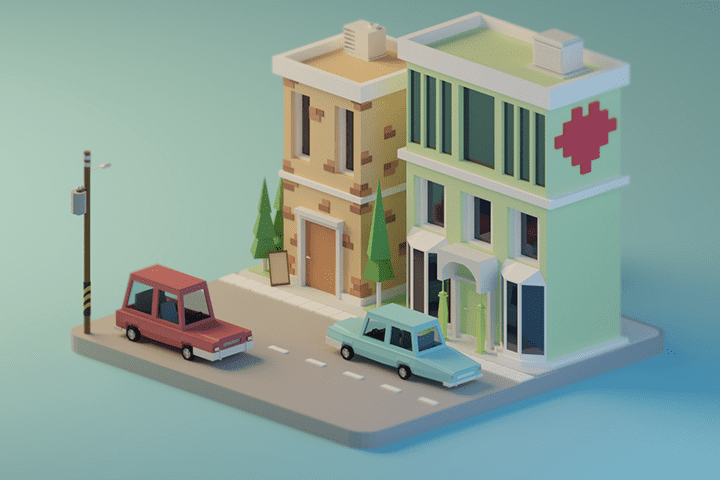 Brown green house
 -
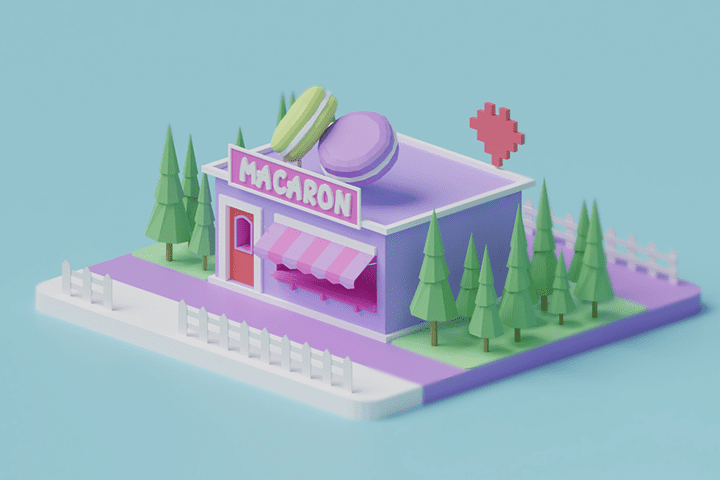 Macaron house
 -
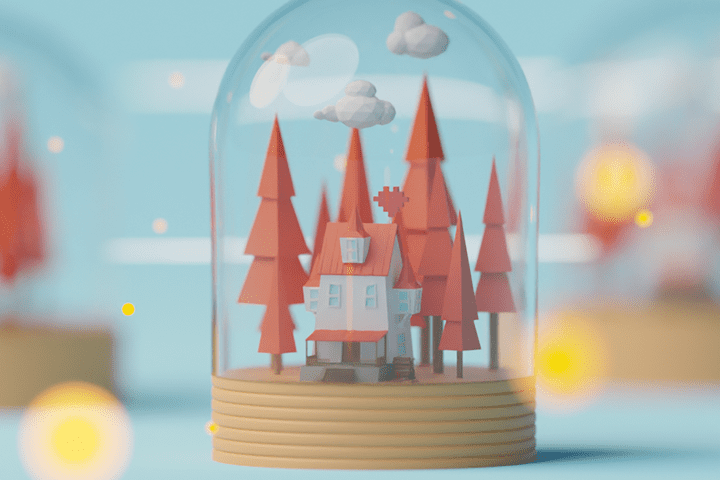 autumn house ball
 -
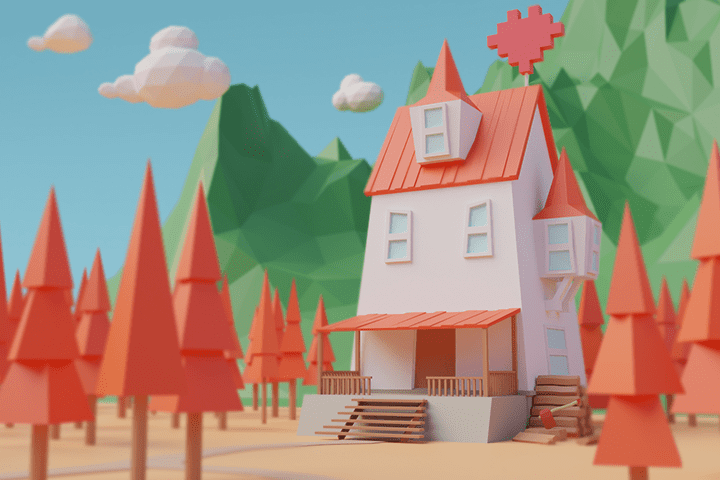 autumn house
-
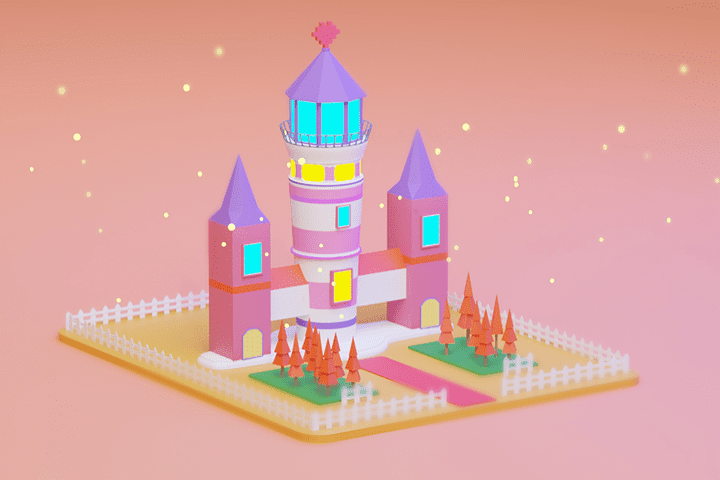 Castle
 -
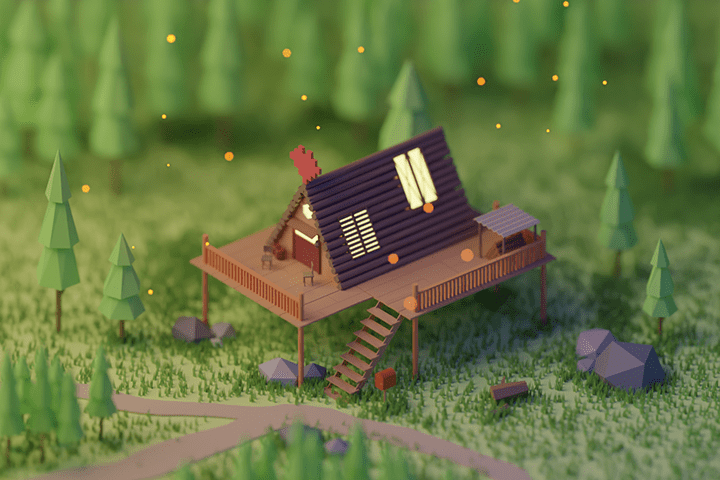 Forest wood house
 -
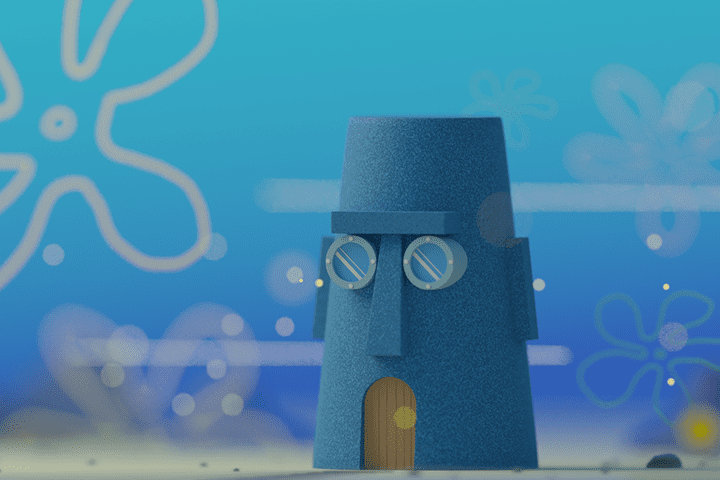 spongebob jingjing house
 -
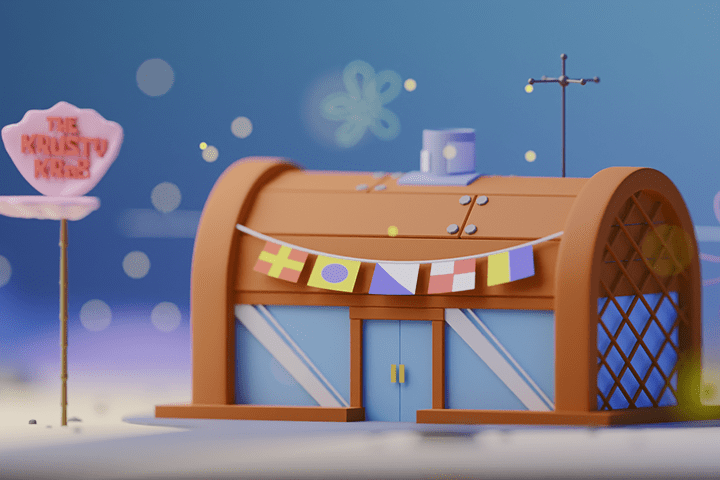 spongebob krusty krab
Why Take This Class?
In this class, I will not teach you only one path.
How to make it according to the standard How to make it quickly How to increase the details efficiently
Even if you create similar results, you can use a variety of approaches and practice with various examples to help you find the work method that suits you best.
Even though you only took one class, you have the opportunity to naturally acquire the core technologies of Blender and various 3D art production techniques, which can only be found at Coloso.
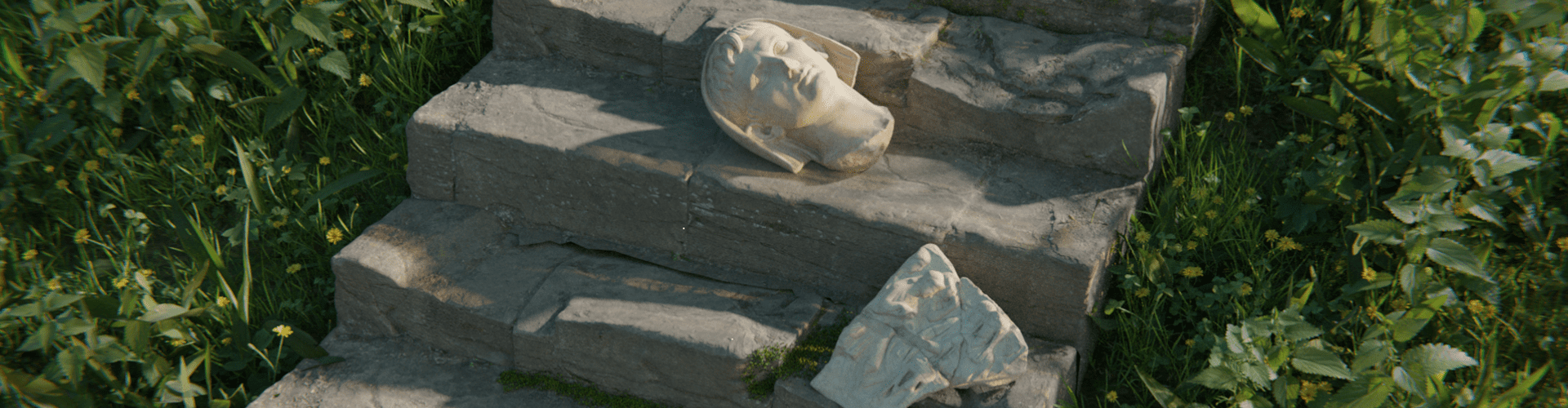
6 Class Exercises
Pool Villa
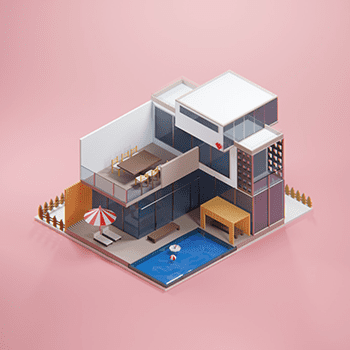
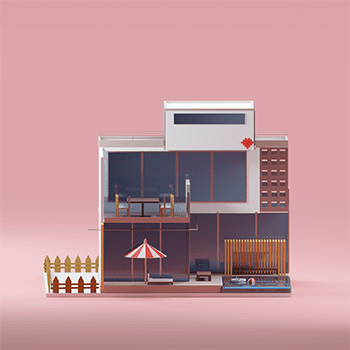
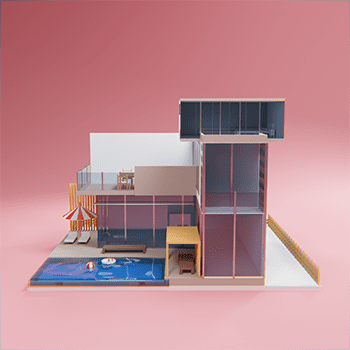
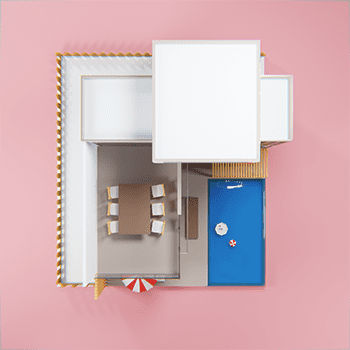
Cozy Room
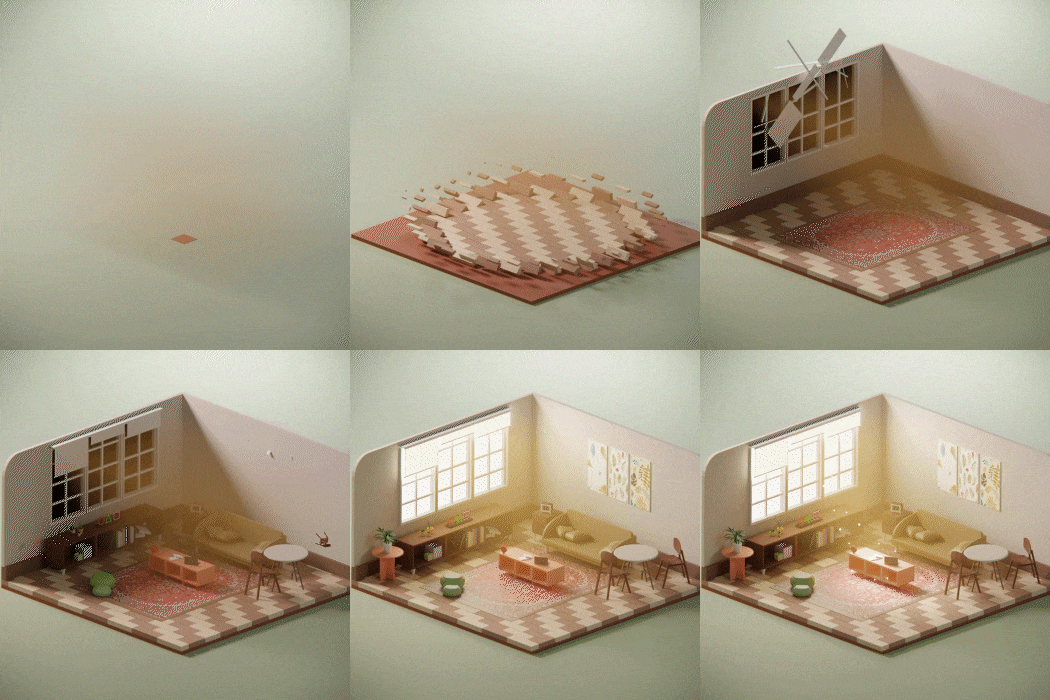
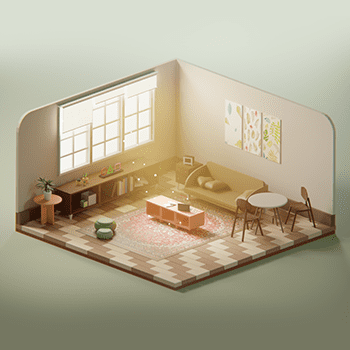
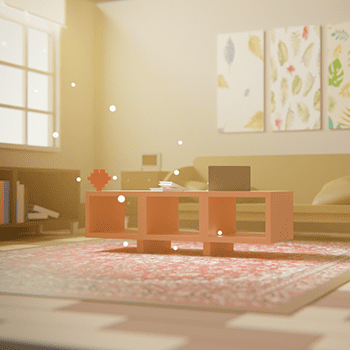
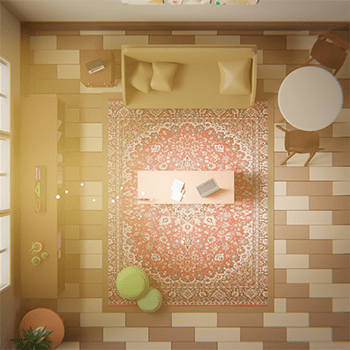
Mint colored Kitchen
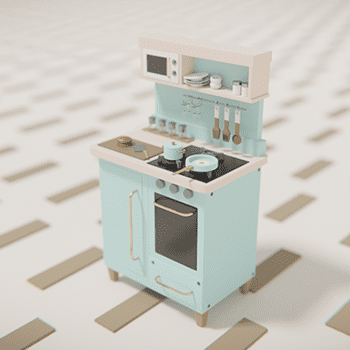
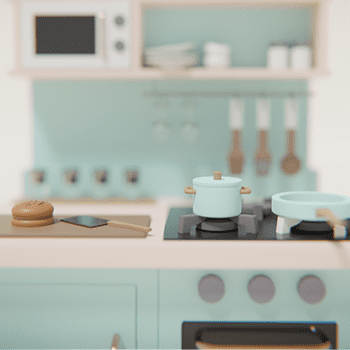
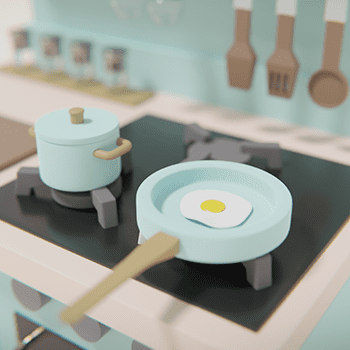
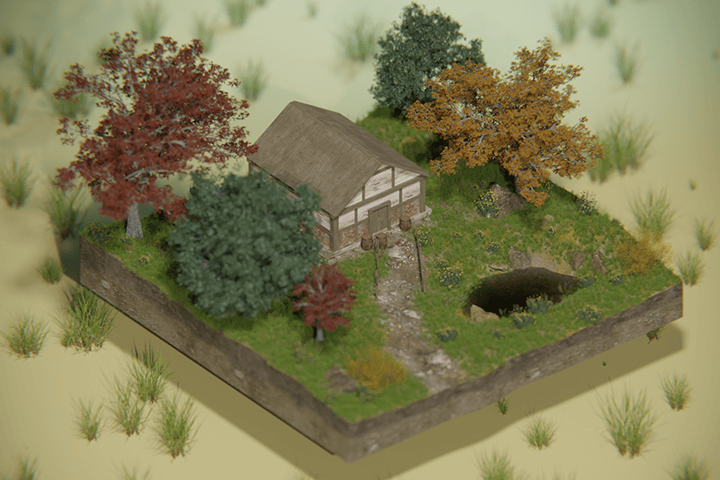
House in the Autumn forest
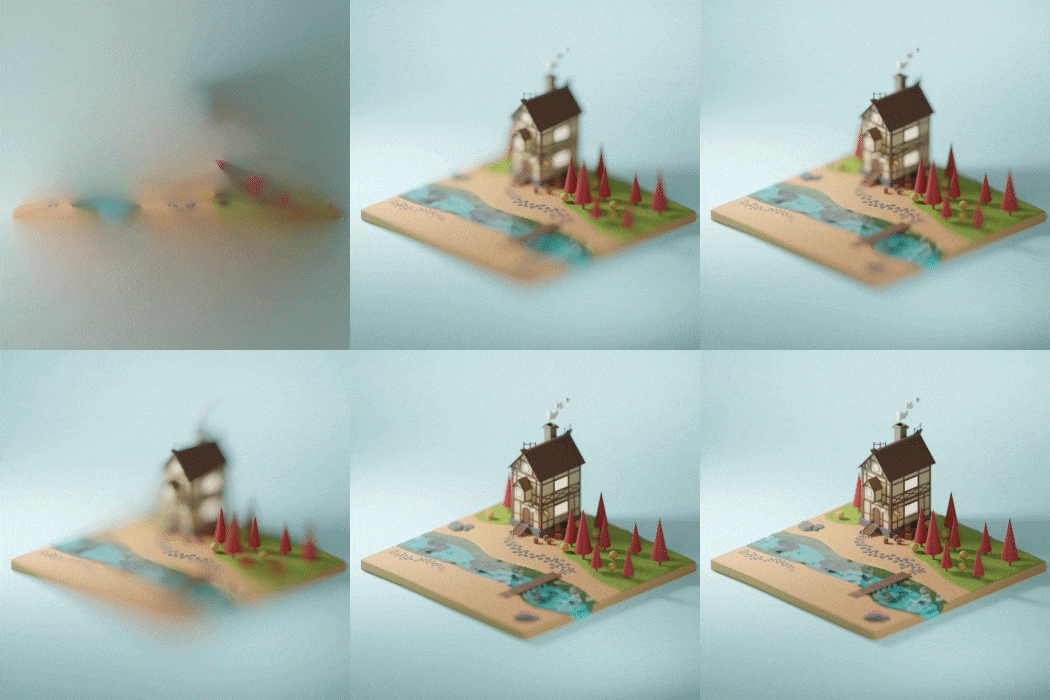
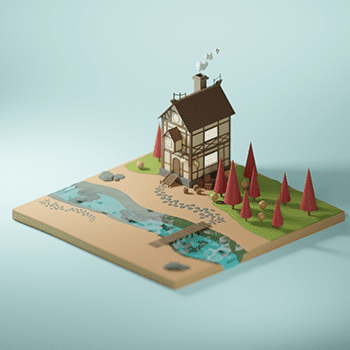
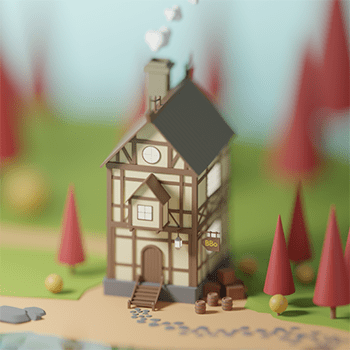
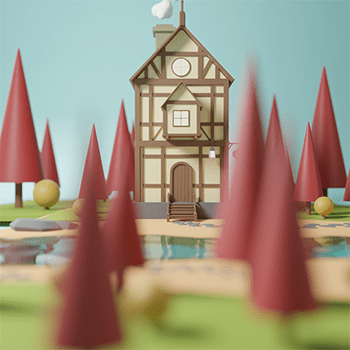
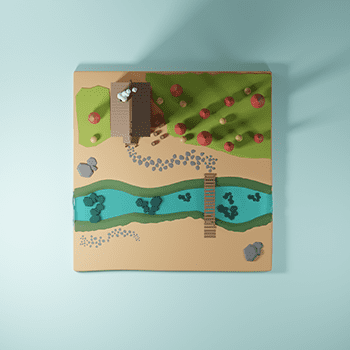
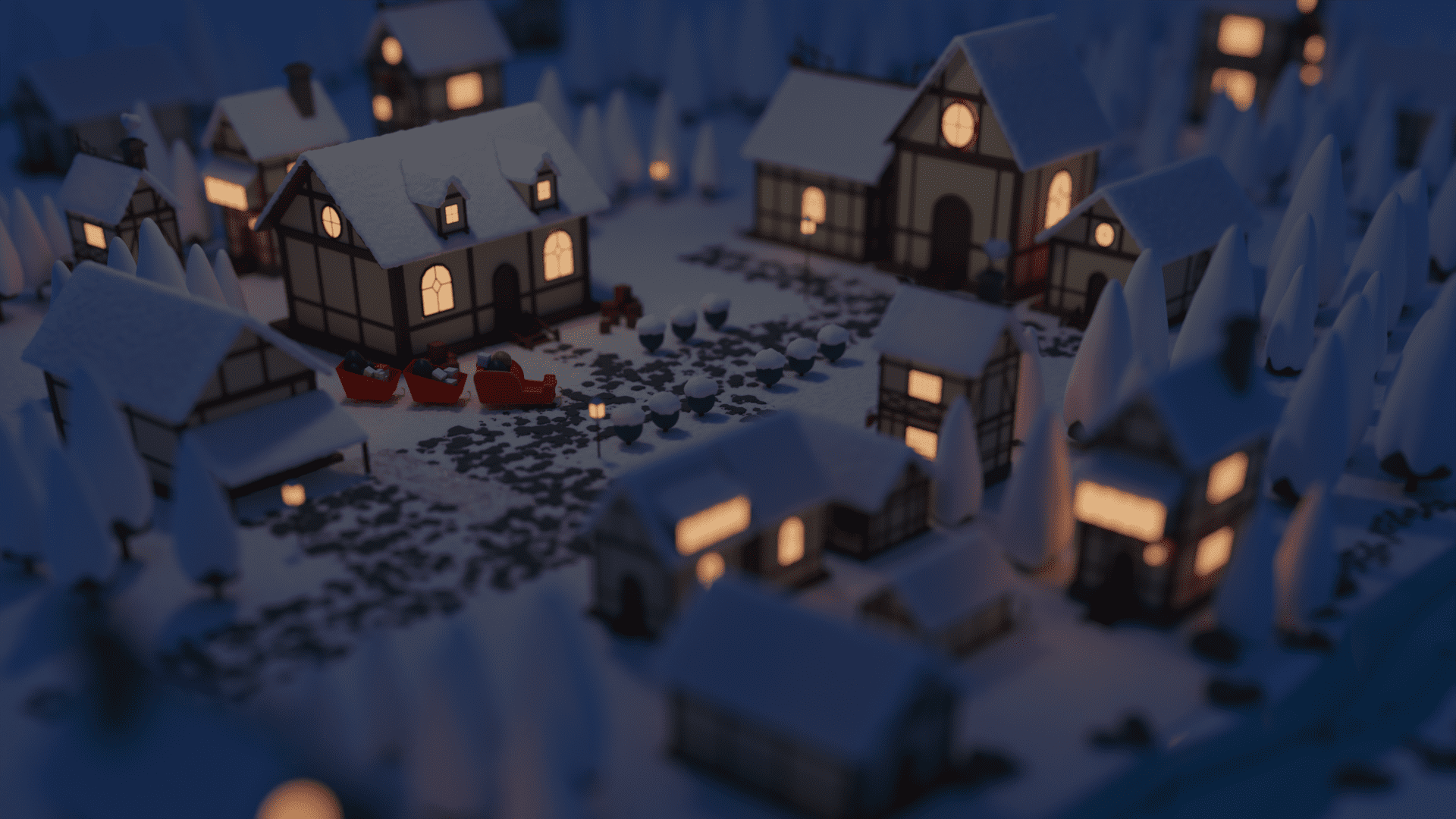
Snow Village
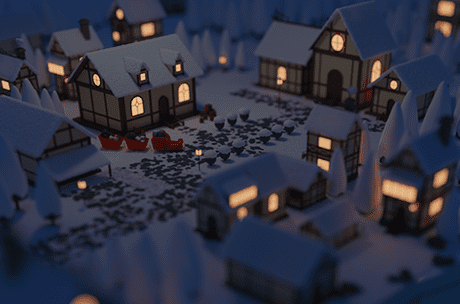
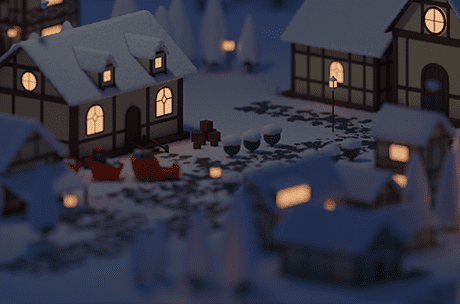
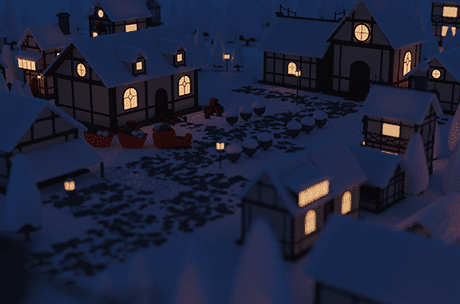
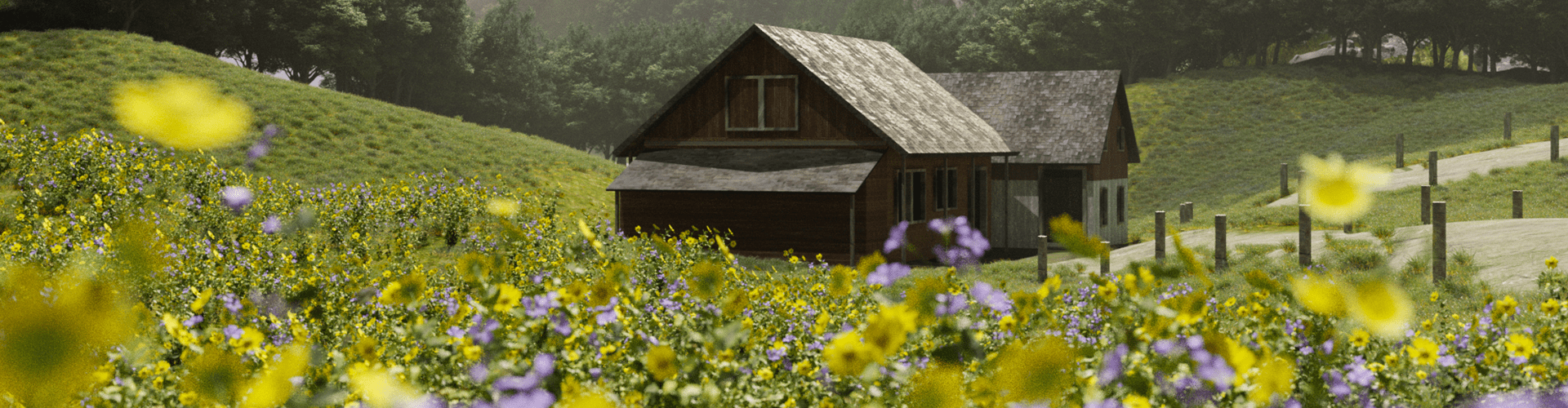
Wood House
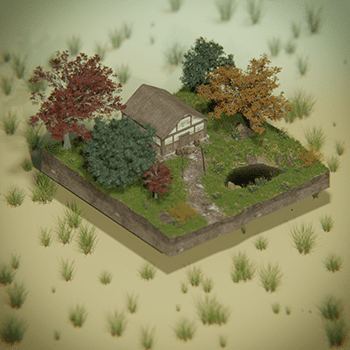
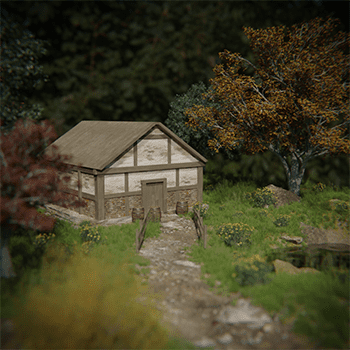
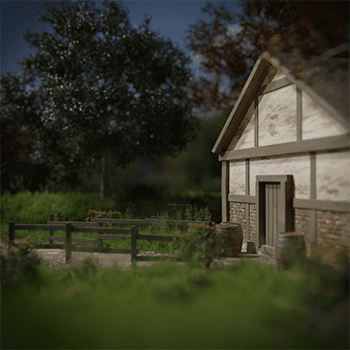
*These images are example images to help you better understand the class.
Speaker introduction
3D artist
BBoDX
Hello, this is 3D artist BBoDX.
I am working as a VFX artist in movies and dramas. I am working in various fields as a general artist in modeling, lookdev, and environment departments.
I mainly did a lot of live-action work for movies, and I also participated in game cinematics and VR videos to create a variety of works.
Additionally, for those who want to learn about 3D more easily, we run a YouTube channel called BBoDX where we share Blender-related content.
I started 3D because I wanted to create the world I imagined, and this Coloso class was prepared as easily and in detail as possible in the hope that people who want to create 'my own world' like me will learn 3D comfortably and enjoyably.
3D Artist, BBoDX
(Bogeun Kim)
[Current]
VFX Artist
BBoDX YouTube channel
Projects & Awards
2021 Sisyphus, Monthly Collection, Living Together
2020 Peninsula, Gogeom Story
2019 Mr. Woo VR, Rookies, Designated Survivor, Three Lives and Ten Ritual Paintings, Beautiful Mermaid
2018 7 Years of Night, Perfect Stranger, Blood and Soul (Cinematic), Golden Job, Myo Seong-in
2017 Okja, Jang Sanbeom, VIP, Lotte VR
2016 The Lady, Princess Deokhye, Ashura, The King, Sheriff, Scoundrel
2015 Gauntlet (anime), Assassination, Veteran, Beauty Inside, Daeho, Prosecutor Abduction, Lucky, Bigger Splash
2014 Big Match, Twenty, Shameless
class features
Class Highlights
Experience the charm of 3D art by creating six beautiful scenes from start to finish.
We will provide detailed information on the entire work process, from props to the interior and exterior of the building. Experience the fun and charm of creating cute 3D spaces like coloring a coloring book or drawing illustrations on an iPad!
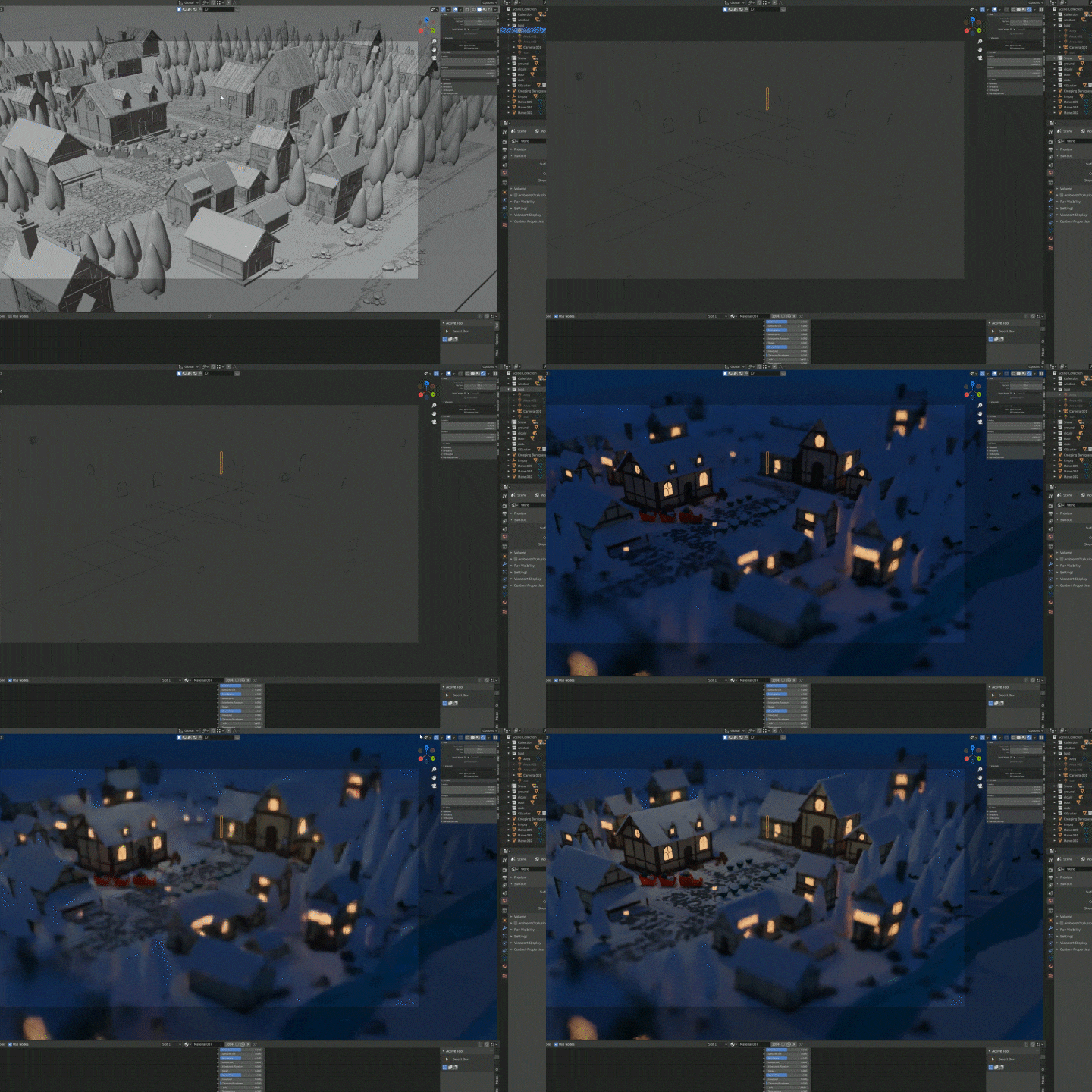
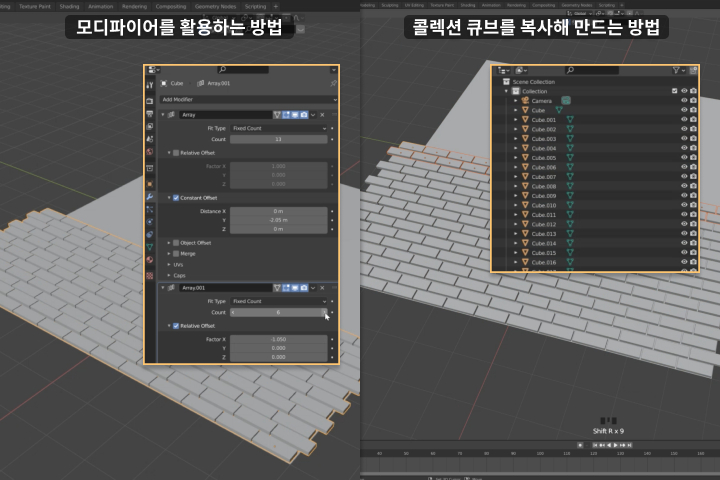
Learn various examples and methods for creating works that reflect your own sensibility and personality.
In addition to the examples covered in the class, we will teach you non-standard work methods so that you can freely create the space you imagine. You will be able to create similar results through various approaches and build solid skills.
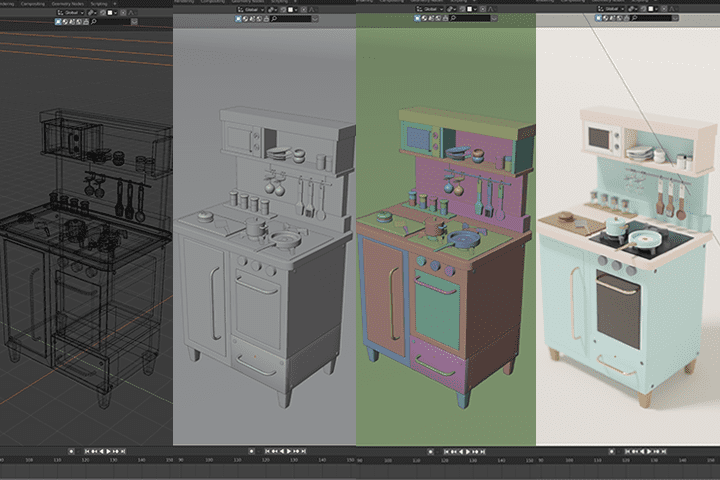
Even if it’s your first time using a blender, it’s OK
If you don't have any 3D expertise, don't worry! The curriculum has been designed from a beginner's perspective so that if you follow along slowly and step by step, you will be able to complete a piece before you know it. Get into 3D in an easier and more enjoyable way!
Class Details
You'll Learn
-
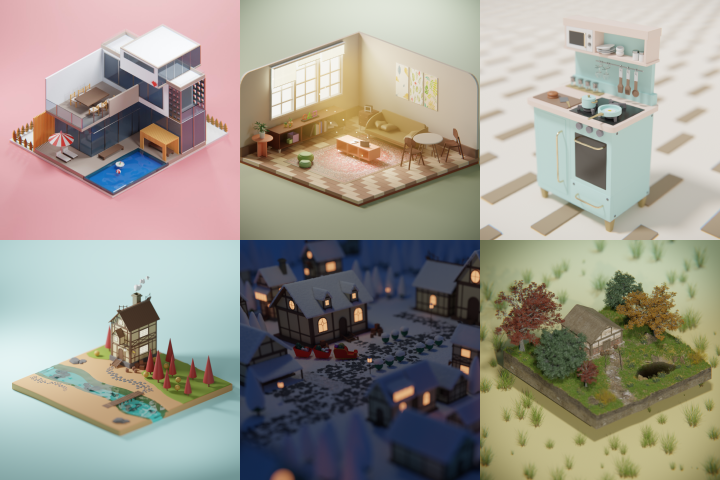 Create examples with 6 different charmsWe create a variety of examples, including cute cooking utensils, the interior and exterior of a low-poly building, a house in an autumn landscape, a village with snow, and even photo-realistic works.
 -
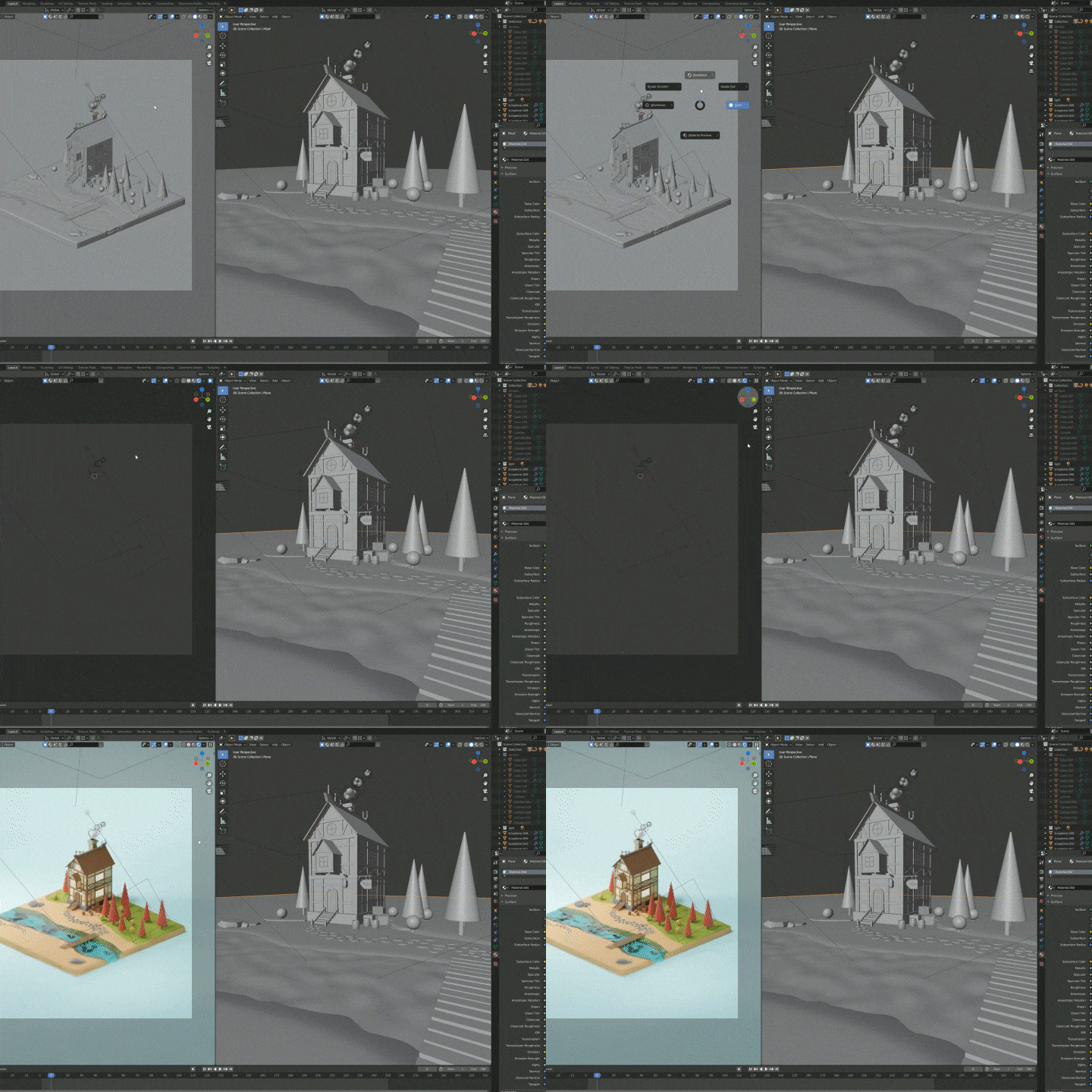 AZ of 3D work using Blender, from modeling to renderingThe entire process for creating high-quality 3D works, including modeling, texturing, lighting, shading, and rendering, is included in one lecture.
 -
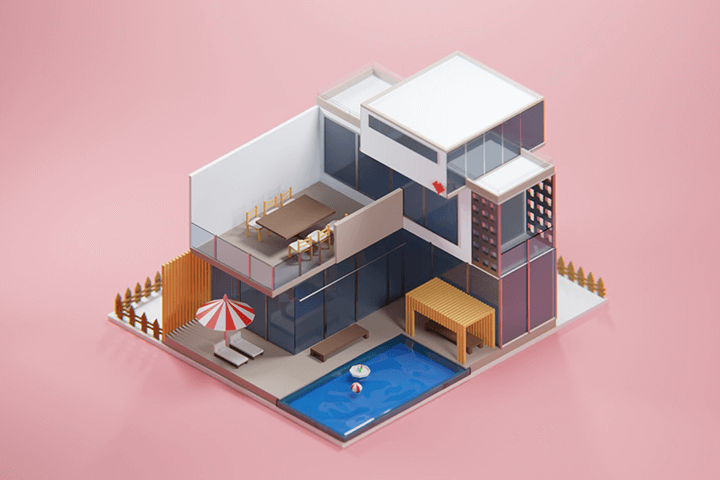 Isometric low-poly modeling with a simple yet comfortable sensibilityIsometric low-poly spatial modeling that is quick and easy, yet has a special feel. Even if you are not a 3D expert, you can create the landscape and space you want.
-
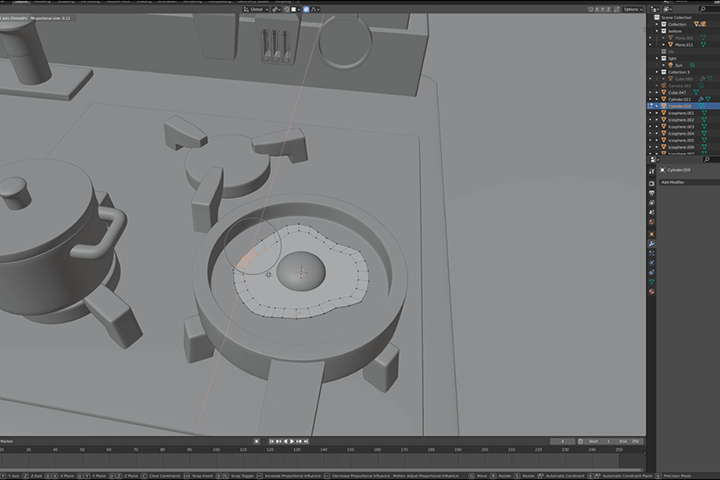 High-poly prop modeling that brings out the details of spaceThe quality of your work can be greatly improved by using props made with high poly. Let's create a detailed kitchen by making props such as frying pans and pots.
 -
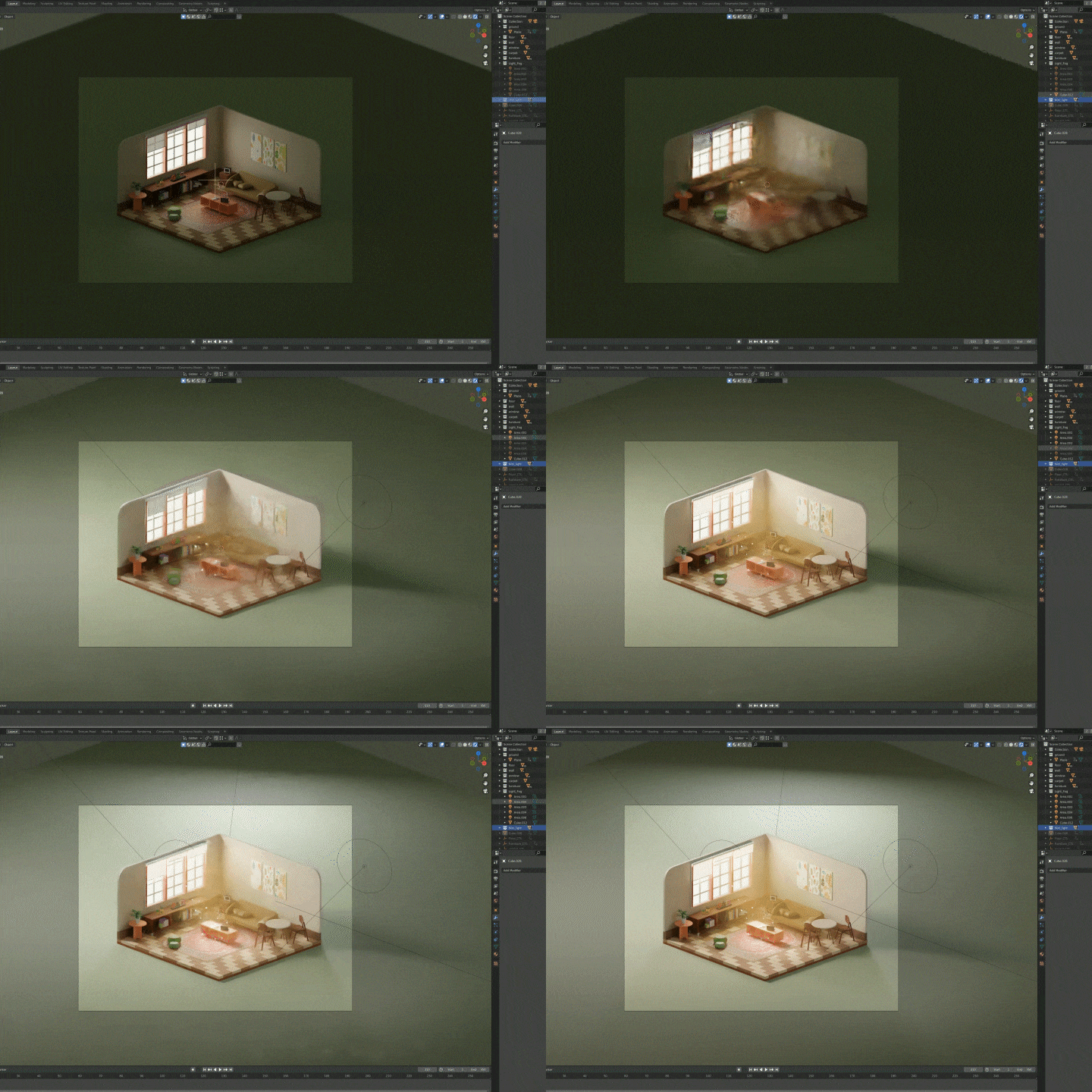 Lighting and shading that bring life to your workWe will learn step by step how to properly light and how to express the texture and color of a work of art.
 -
 Completing the final work through camera settings and renderingLearn how to set up a camera that brings out the charm of isometric design and the rendering know-how to produce high-quality final results.
curriculum
Curriculum
In-Depth Look
Section 01. Intro
01. Introduction and Installation of Blender
- Introduction to Blender
- Install Blender
- Blender settings
02. Setting the Blender Program
- Blender basic controls
- Blender Configuration
Section 02. Isometry Lowpoly Exterior
03. Pool Villa Exterior Modeling Part 1
- Building exterior modeling
- Extrude modeling basics
- Modeling using edge fur modifier
04. Pool Villa Exterior Modeling Part 2
- Building exterior modeling 2
- Array function of modifier
- Modeling using Boolean functions
5. Pool Villa Exterior Prop Modeling
- Prop modeling
- Pool and Prop Shading
06. Camera Settings and Lighting Basics
- What is the isometric genre?
- Setting up the camera
- Light Basics Explained
07. Lookdev Basics and Material Work
- Lookdev basics explanation
- Principled BSDF Material
- Adding materials to objects
08. Render Basics and Scene Rendering
- Render Settings
- Final lookdev
Section 03. Isometry LowPoly Interior
09. Interior Modeling Part 1
- Interior modeling
- Add-on BTool
- Check size with a human
10. Interior Modeling Part 2
- Furniture and prop modeling
- Modeling using the sing vert add-on
11. Interior Lookdev
- Interior Lookdev
- How to spread UV
- Add texture image
- Create a glowing object using an emission shader
12. Interior Lighting and Settings Final Rendering
- Create a light atmosphere entering the house using fog
- Spear lights decorate your home
- Image final development and final rendering
Section 04. HighPoly Modeling
13. High-Poly Modeling Part 1
- Difference between low-poly modeling and high-poly modeling
- Semi high pole modeling
- Modular bevel and subdivision options
14. High-Poly Modeling Part 2
- Prop modeling
- Merge function and snap function
15. High-Poly Modeling Part 3
- Prop modeling
16. High-Poly Lookdev and Lighting, Final Rendering
- Lookdev in progress
- Lookdev using Procedural Noise Node
- Lighting and Setup
- Final rendering
Section 05. Isometry Autumn Scene
17. Autumn Modeling Part 1
- Terrain modeling and building foundation modeling
- How to solve normal problems
- Creating clouds using metaballs
18. Autumn Modeling Part 2
- Building modeling completed
- Arch modeling method in two ways
19. Autumn Modeling Part 3
- Prop and environmental modeling
20. Autumn Lookdev and Lighting, Final Rendering
- Building and Environment Lookdev
- Lighting and Render Settings
- Final rendering
Section 06. Snow Village
21. Snow Village Modeling
- Building variation modeling
22. Snow Village Environment Set Dressing
- Building and tree set dressing
- Pile snow using add-on real snow
23. Snow Village Lighting and Final Rendering
- Stone floor setting using particle system
- Writing
- Final image rendering
- Modify the final image in the Compositing tab
Section 07. Wood House
24. Wood House Preparation Process
- Introduction to Polyhaven site
- PBR Material
- HDRI
25. Wood House Lookdev
- High poly modeling
- UV and Texture Operations
26. Wood House Environment Modeling and Lookdev
- Creating a floor using add-on Landscape
- Modify the floor in the Sculpt tab
- Using materials using mix nodes
- Creating masks using vertex colors
- Geometry node
- Creating masks using vertex groups
27. Wood House Environment Set Dressing and Final Rendering
- Planting grass with geometry nodes
- Final lighting and image development
- Final image rendering
- Modify and develop the final image in the Compositing tab
* Curriculum details may change before or after the video is released.
Interview with
3D Artist, BBoDX

Question.01
What is the outlook for 3D background modeling?
What is the outlook for 3D background modeling?
Actually, I think this part will vary a lot depending on what industry you go into. The market for VFX and games is growing, so I think there will be significant demand. I think the demand for simple 3D will also increase significantly. It's easy to learn and allows you to create simple yet fairly quick artwork. I believe that we are now in an era where we can enjoy 3D without an expensive, high-spec computer thanks to hardware advancements. With the rise of the metaverse, I think there will be a lot of change in the future, if not immediately. New teams and companies are already being formed in the industry, and it seems that it is becoming increasingly difficult to find experienced people.
Question.02
What do you think is most important when working on 3D background modeling?
What do you think is most important when working on 3D background modeling?
I think overall balance is important for background modeling, unlike single prop modeling. While items such as props need to be powerfully constructed, in the case of backgrounds, paying attention to each detail can take a long time to work on, and sometimes it is not visible even if the details are detailed. Therefore, I think that the work will be more comfortable and easier if you decide where to apply force and where to release force. And it is often called a sense of scale, and the sense of size is one of the most important aspects. If an object that should be small is large compared to another object, the overall balance may be disrupted and the image may look strange.
Question.03
What would be a unique focal pooint of this course?
What would be a unique focal pooint of this course?
Me too, but once you learn something, it seems easy to follow that method and stick to a standardized way of working. In this lecture, we will teach you how to complete your work using as many different approaches as possible so as not to have preconceived notions and to avoid uniformity . For example, I would like to teach you various ways to go to AF, such as going from A to F or going straight through AB to F to ACF. We will explain slowly and in detail so that even beginners can easily follow along.
Question.04
What are three points that you hope you take away from this course?
What are three points that you hope you take away from this course?
1. Making things in a variety of ways, not in a standardized way
The curriculum has been structured so that a single outcome can be approached in multiple ways so that it can be applied depending on the situation.
2. Being able to create various artworks on their own even after the lecture
We prepared a variety of locations and environments rather than similar locations or settings. I hope you can create various artworks you imagine based on what you learned in class.
3. Pretty image
Above all, the artwork must look pretty! We will teach you how to use the camera, image coloring, placement, etc. to make your images look as good as possible.
Question.05
Who do you recommend the course to?
Who do you recommend the course to?
This class has been prepared for those who want to start 3D as a hobby from the beginning. I think this course would be good for those who want to learn 3D but are hesitant or those who have just started using 3D or Blender . I think that if you prepare a lecture focusing on creating artwork in various ways and gain a variety of experiences, it will be helpful when you create artwork on your own in the future.
Required Programs
This course will use
- Blender
Please purchase and install the latest versions of the programs for an optimized lecture experience. .
*These programs and/or materials will not be provided with the course.