
Question.01
What is Blender’s marketability and outlook in the motion graphics industry?
3DArtist,YoungwoongKim_3D아티스트 김영웅 Details
Class introduction
introduction video
3D artist, Youngwoong Kim
“We will learn about Blender’s core functions and even reveal the secrets to producing output using its built-in Cycles renderer.”
Don’t you believe that 3D motion graphics can be completed with just one blender?
No more stress about stuttering programs or difficult techniques depending on the length of the video!
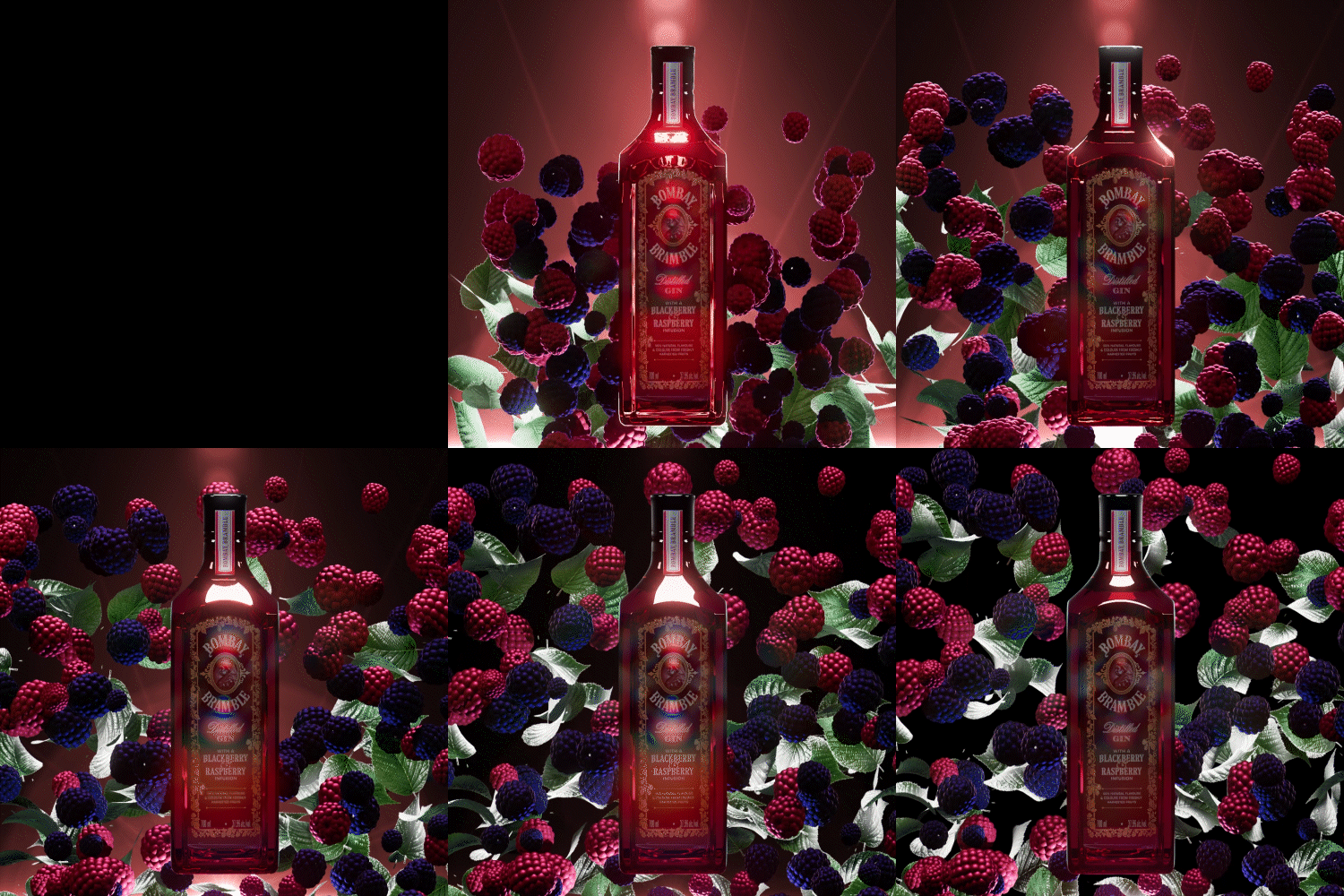
Although it is free, you can create high-quality motion graphics with Blender, which is showing great interest from famous domestic and foreign companies and industry practitioners with extensive features that go beyond paid licensed tools.
Although it is free, you can create high-quality motion graphics with Blender, which is showing great interest from famous domestic and foreign companies and industry practitioners with extensive features that go beyond paid licensed tools.
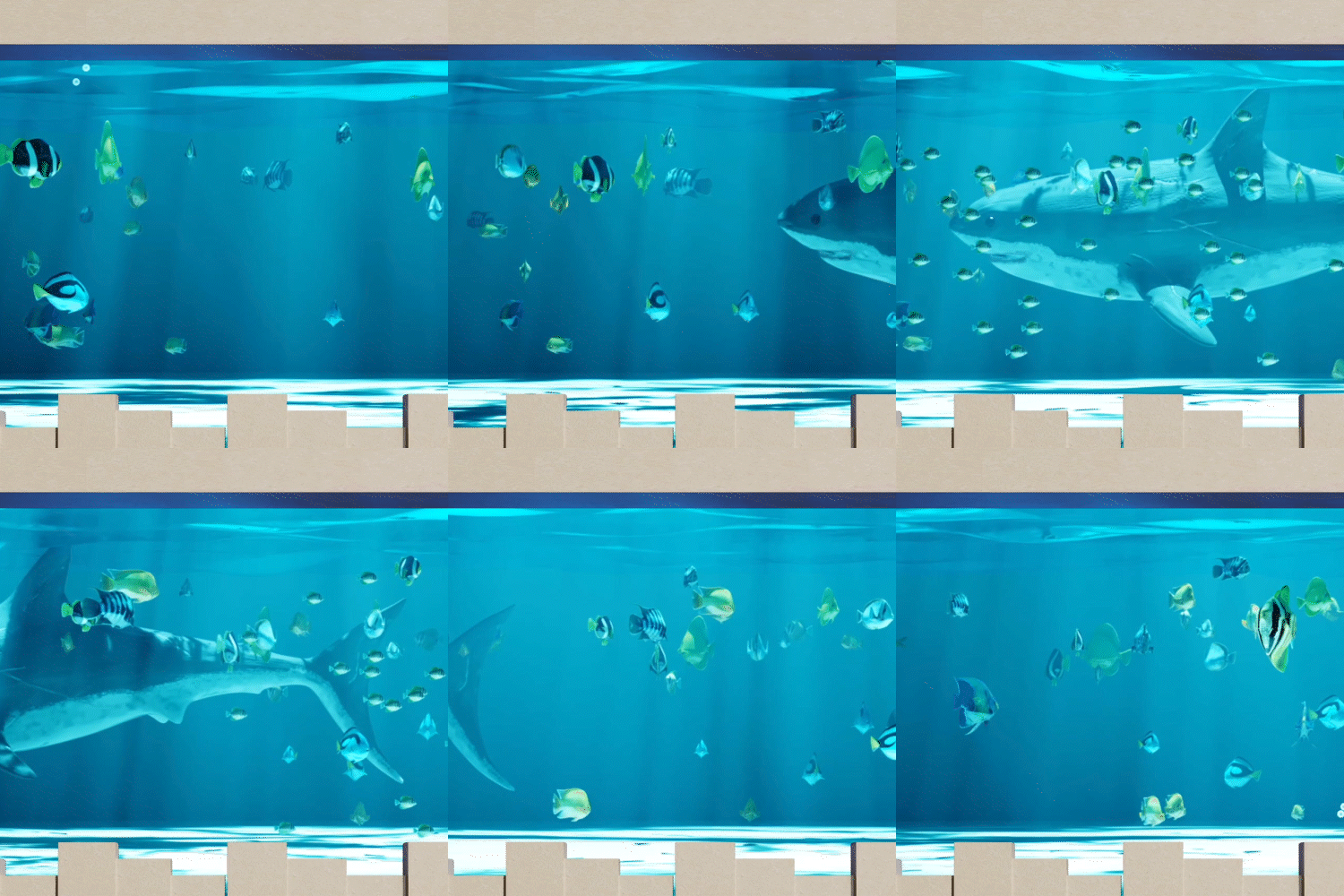
Through a total of six motion graphics scene examples, learn about Blender's particle system, volumetrics, simulation, and even geometry nodes, and learn how to use the Blender Kit's free assets and add-ons in detail.
3D artist Youngwoong Kim, who has collaborated with APRO and the ASEAN-Korea Special Summit and is in charge of producing motion graphics for various media, will tell you in an easy and systematic way.
3D artist Youngwoong Kim, who has collaborated with APRO and the ASEAN-Korea Special Summit and is in charge of producing motion graphics for various media, will tell you in an easy and systematic way.
Portfolio of 3D artist Youngwoong Kim
Why Take This Class?
When you think of 3D motion graphics, do you think of C4D or Maya? We will break the stereotypes you have had so far.
Use Blender, which specializes in long-winded or complex animations, to create high-quality motion graphics with a variety of looks that incorporate the desired movement and direction.
In this class, we will learn step-by-step from modeling to texturing, lighting, camera motion, and rendering for motion graphics scenes appropriate for each space consisting of interior, exterior, nature, and city, and help you expand the spectrum of expression through Blender. Please note.
Coloso is the only Blender class that does not focus on just a few parts, but ultimately helps you implement realistic motion graphics and animation.
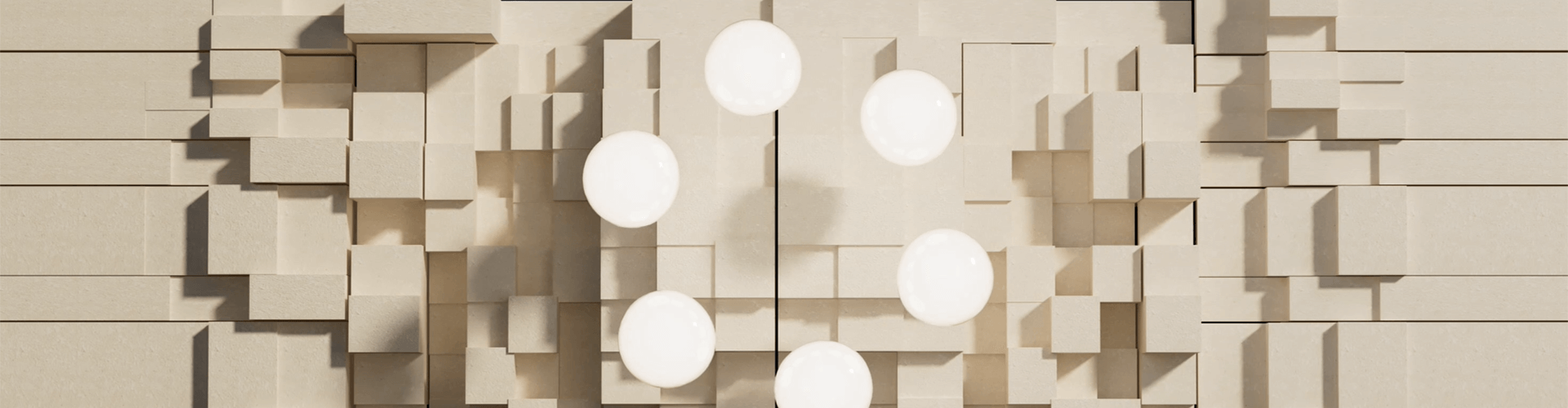
In this class, you will create more than 6 motion graphics scene examples.
Part 01. Blender Basics
Let's warm up the overall process from modeling to motion using Blender.
-
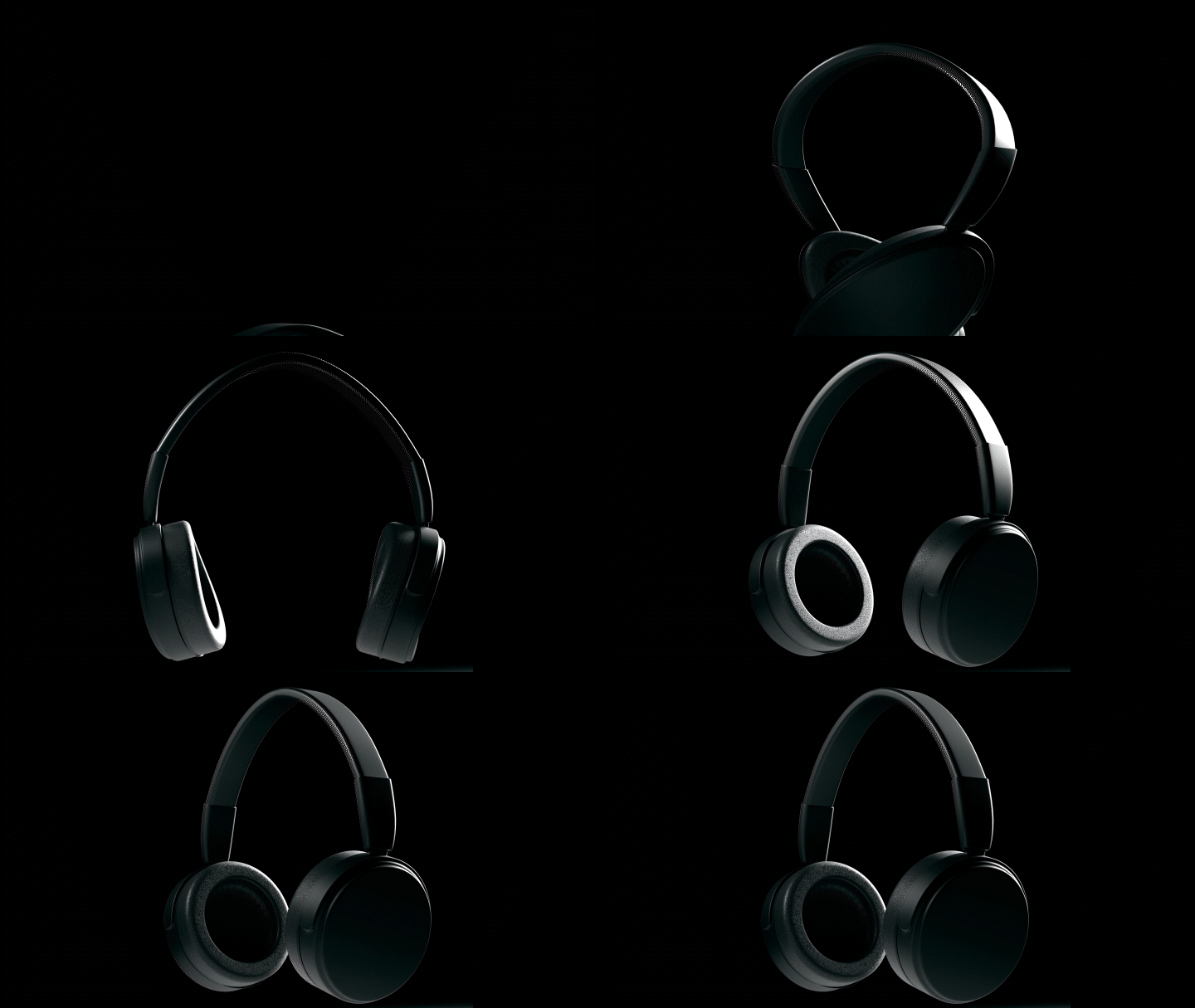 headset
Part 02. Blender application
Learn node setting methods and simulations suitable for each spatial motion graphics scene.
-
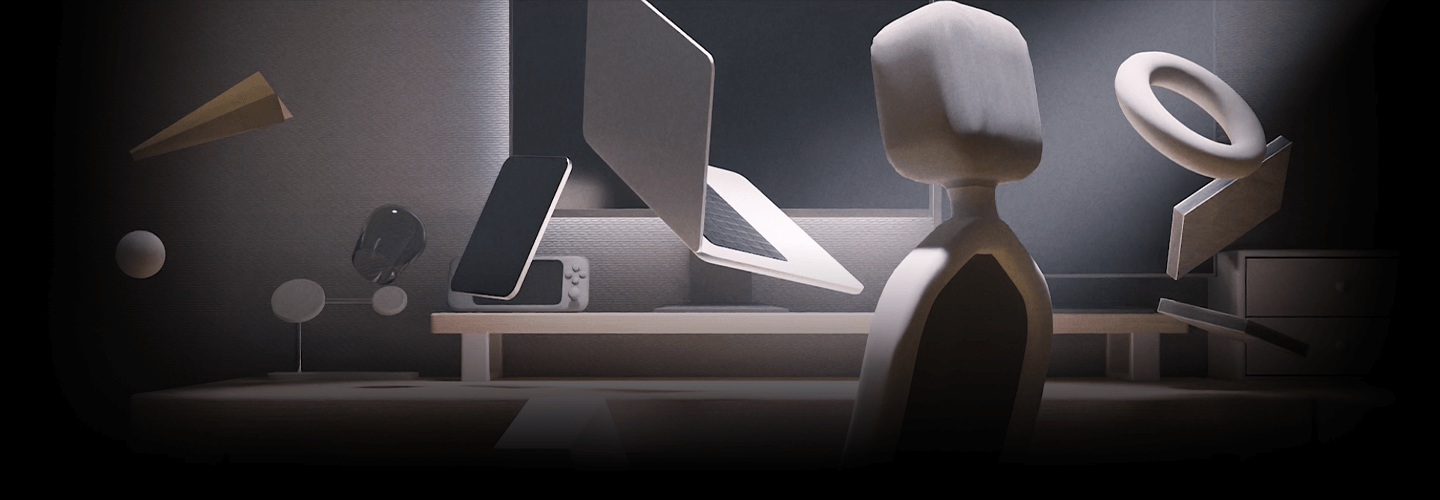
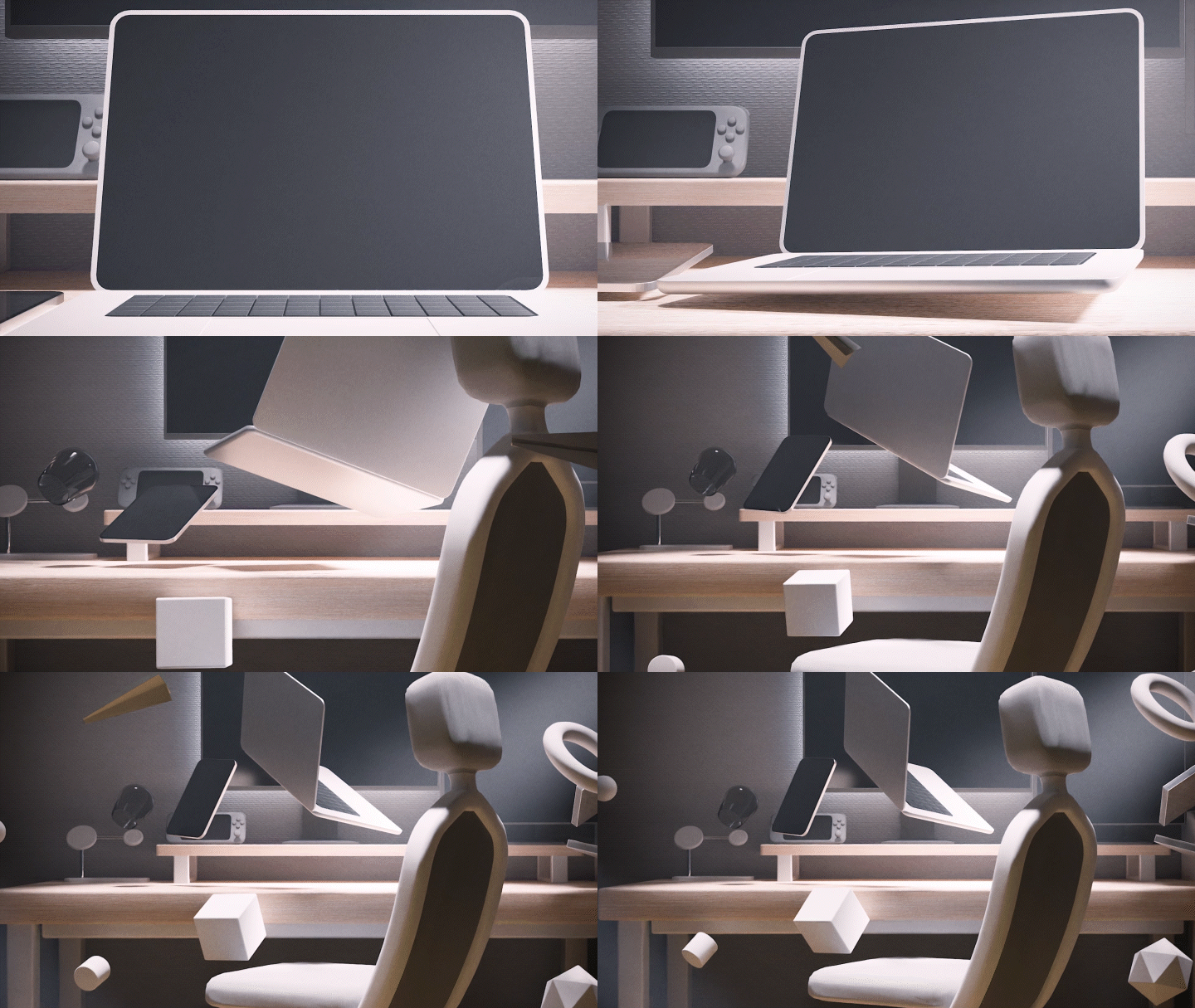 Example 01: Sunlit room
 -
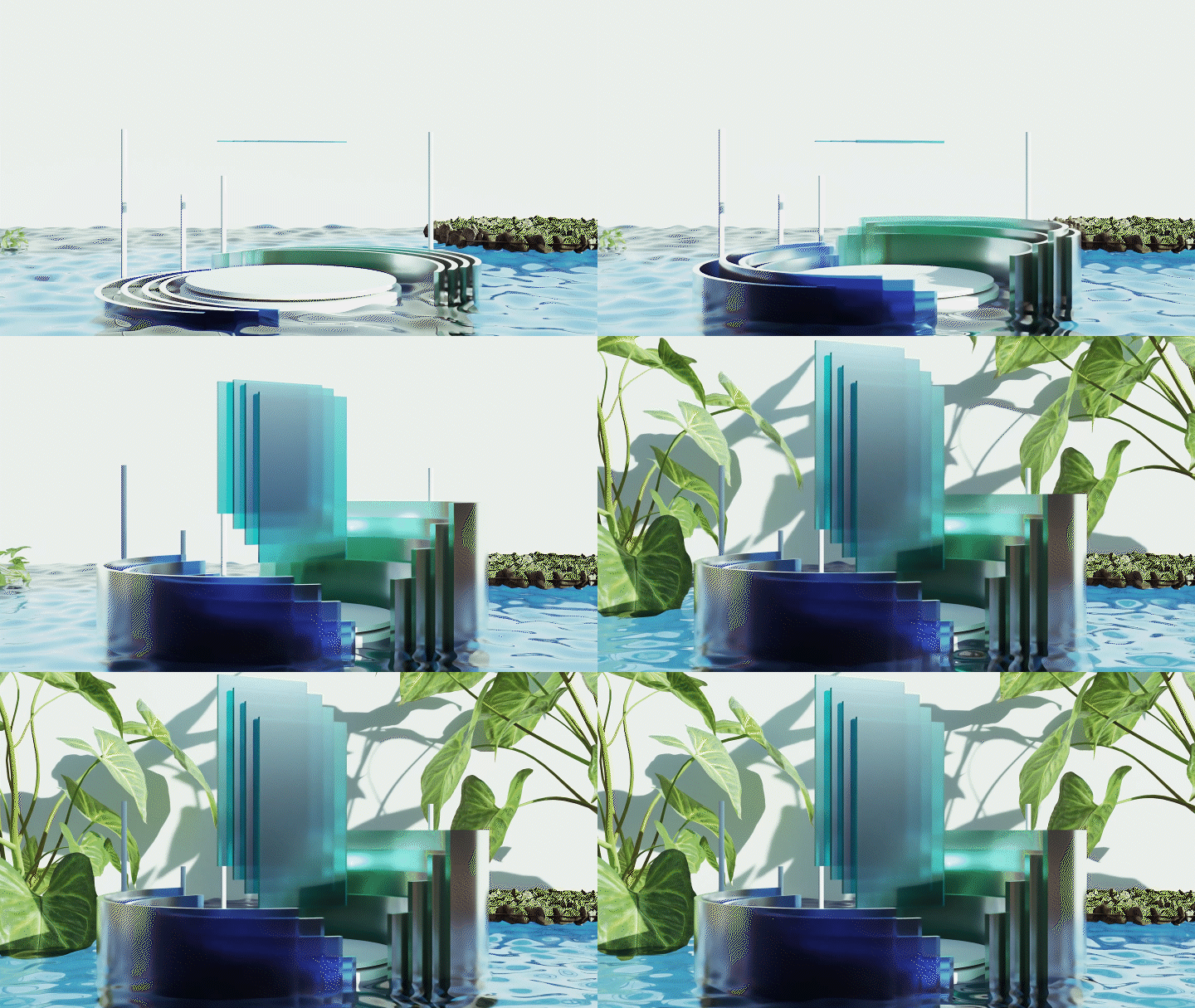
 Example 02: Nature
-
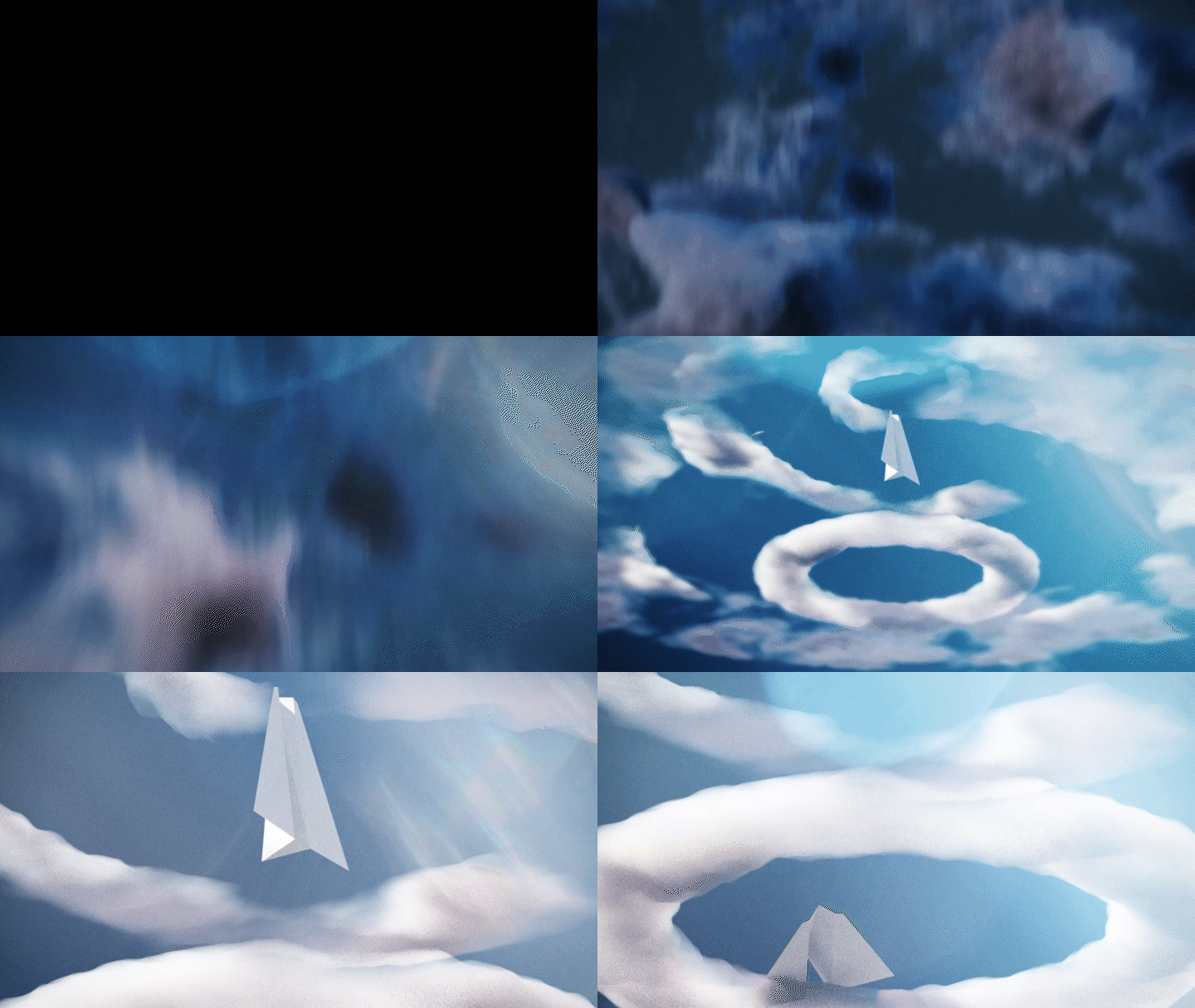 Example 03: Volumetrics
 -
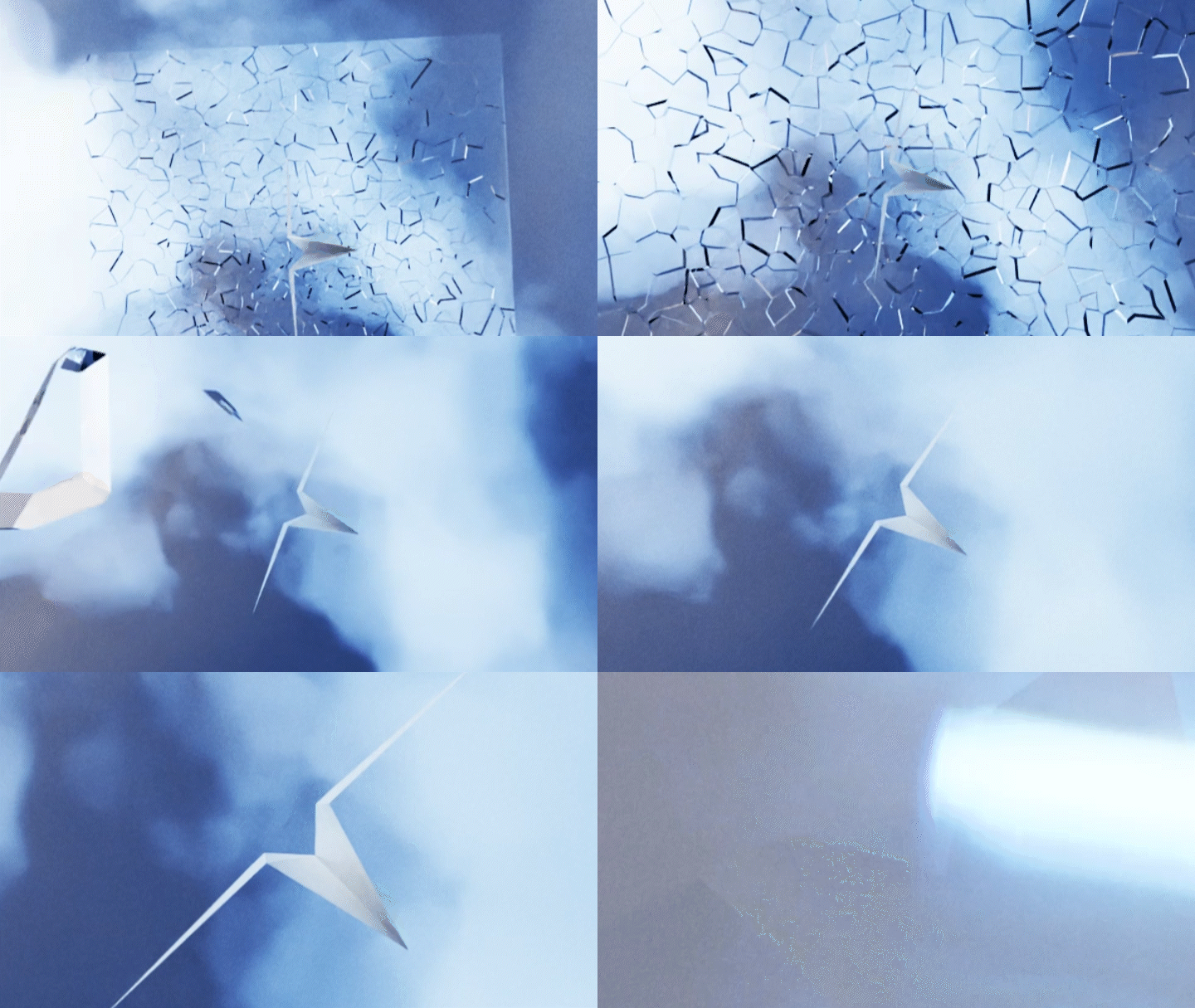 Example 04: Collision
-
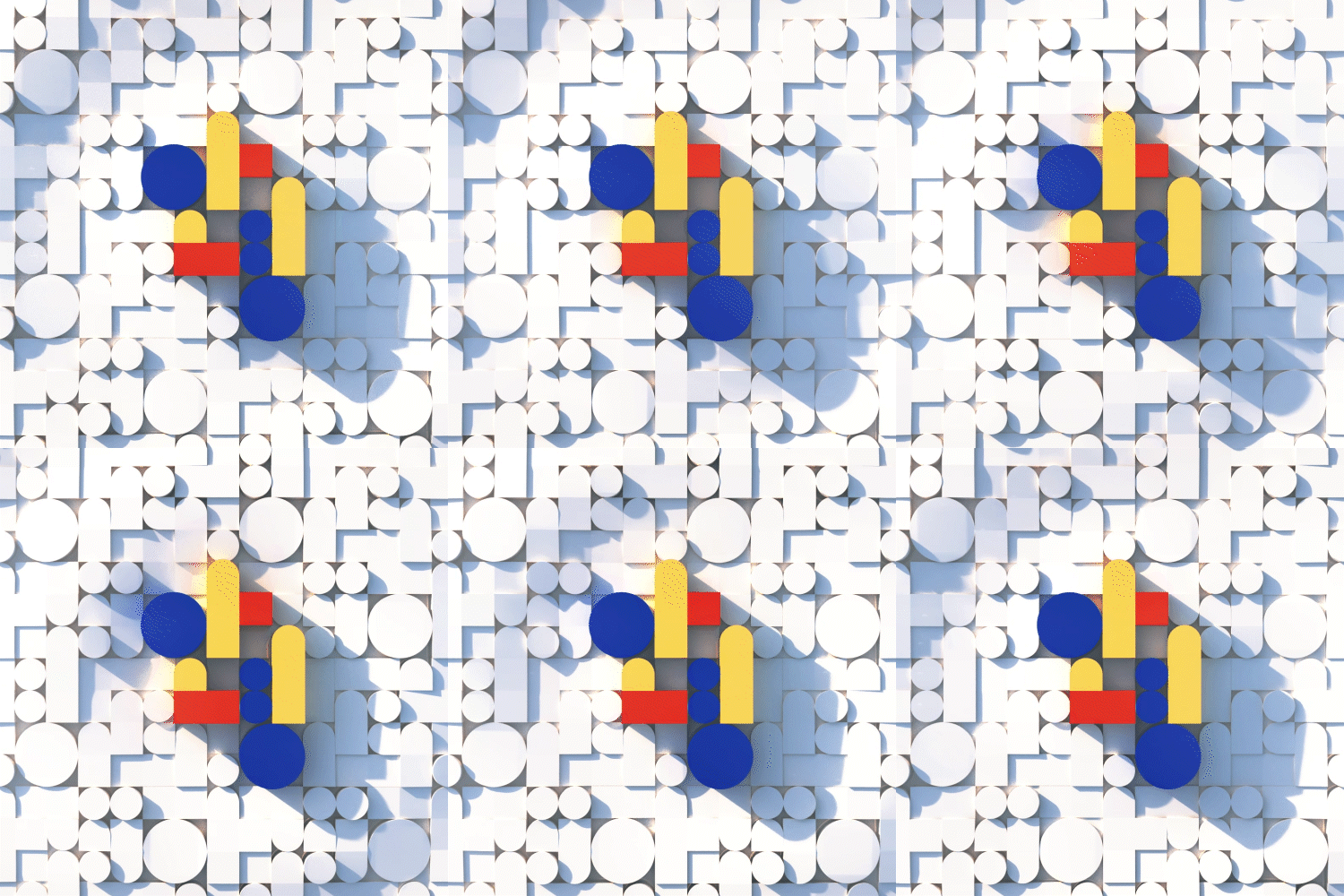
 Example 05: City
* The results above are examples that will be created directly in the class.
Speaker introduction
3D artist
Youngwoong Kim
Hello, this is 3D artist Youngwoong Kim.
I am currently working as a freelancer based on motion graphics work, producing digital signage, projection mapping graphic animation, etc. for various companies such as Hyundai Motors and Hotel Shilla.
We are also actively participating in projects in various fields, such as music video VFX and album art for famous idols.
Through this class, we will teach you how to implement high-quality motion graphics and animation using 'Blender', which is a free and easily accessible tool, and how to efficiently expand the scope of your work.
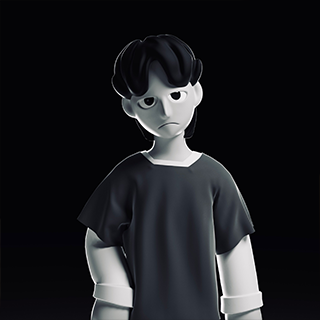
3D artist Youngwoong Kim
Current) Freelance 3D artist
Participation Project
[project]
motion graphics
Republic of Korea, ASEAN-Korea Special Summit
Formula E The Hyundai Pop-up
Hyundai Motor Show, digital signage
UNESCO, Gwangju AMT Center, digital signage
GREENPEACE x LISEOK, portraits of disappearing things
Save the Children, International Children’s Marathon Promotional Video
Seoul Metropolitan Office of Education, high school admission system introduction video
CG / 3D graphics / VFX
Apink Early Spring, Copycat MV
Shilla Monogram Gangneung Media Wall
All-star Classic, Media performance
Album Art / MV
APRO (Avenue Scene 04), Oedong (Feat. CHE)
SM Town, HOT Our Oath Orchestra Music Video
Starship Entertainment Mind You, Do whatever you want until the end MV
Media façade / projection mapping
SM town, BoA, Camo MV, projection mapping
Art Center Incheon, Media Facade
co:lab, UU Kim x Liseok, media performance
class features
class features
3D motion graphics expanded with Blender
Prepare your skills as a 3D artist by learning a wide range of general processes, including modeling, texturing, lighting, and animating, from the basics of motion graphics using Blender, a free, highly versatile tool.
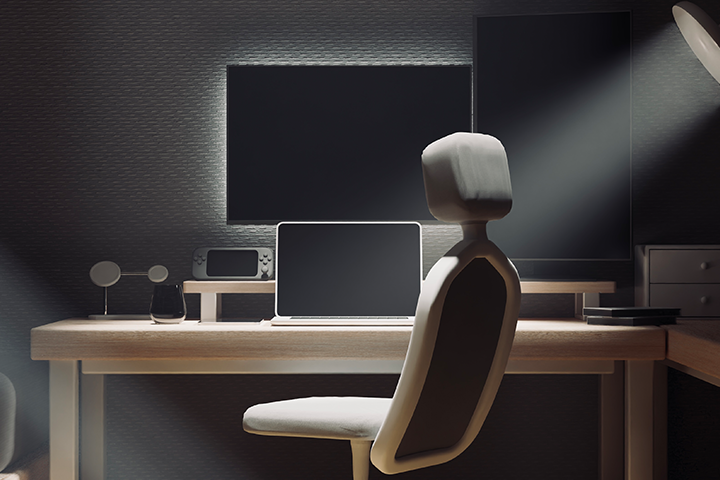
How to use Blender Kit’s free assets and add-ons
By actively utilizing the free assets and add-ons provided by Blender, you will learn the skills to create animations in the most efficient way and produce various motion graphics.
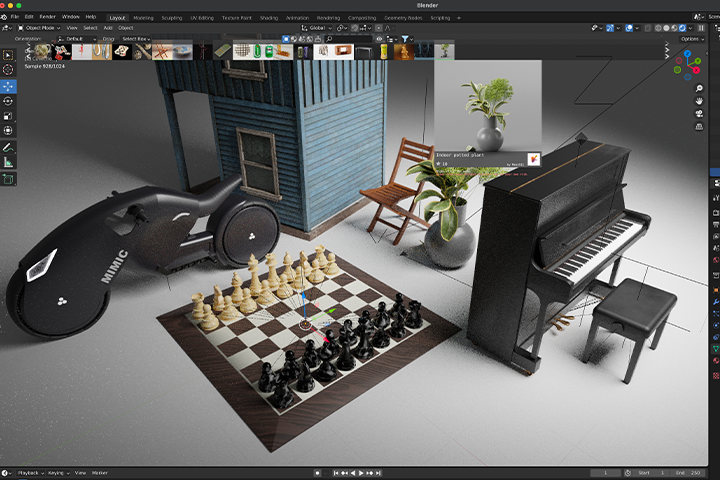
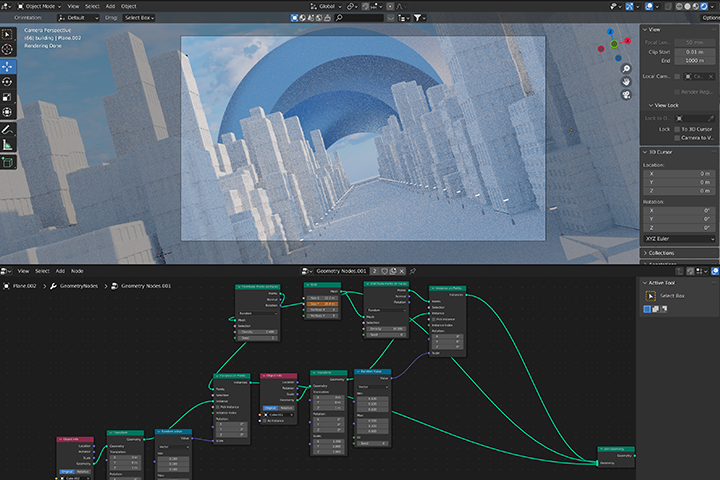
Easy to learn basics and applications of node system
After learning step-by-step the node system that is essential for motion and animation, you will freely create motion graphics with a natural and realistic look.
Class composition
learn this
-
 3D graphics basics with simple productsBy doing simple object modeling and look deb, you will understand 3D graphics and learn about ways to move and transform modeling.
 -
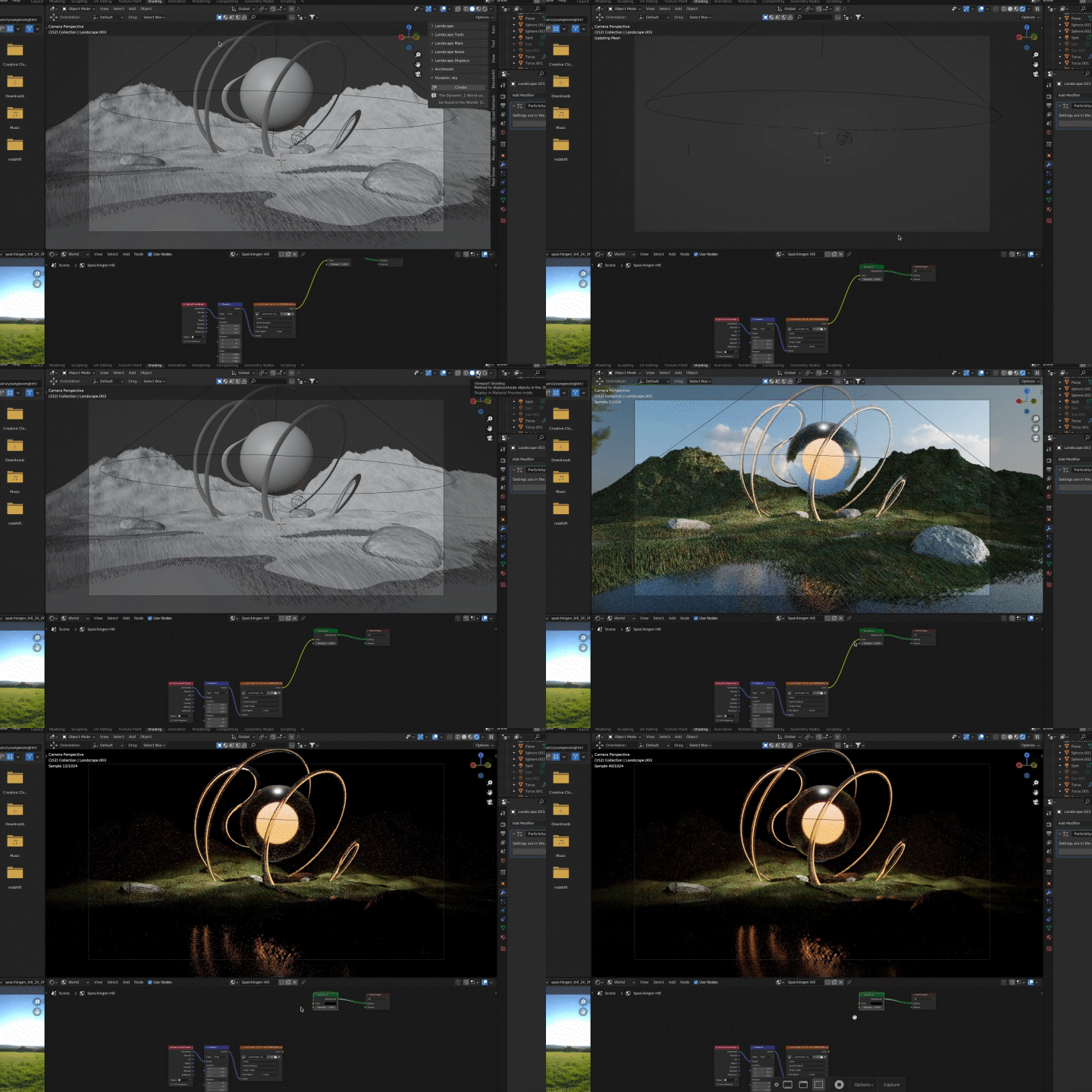 Look deb using only Blender and CycleUsing Blender's built-in open source renderers Eevee and Cycle, we create high-quality output comparable to third-party renderers.
 -
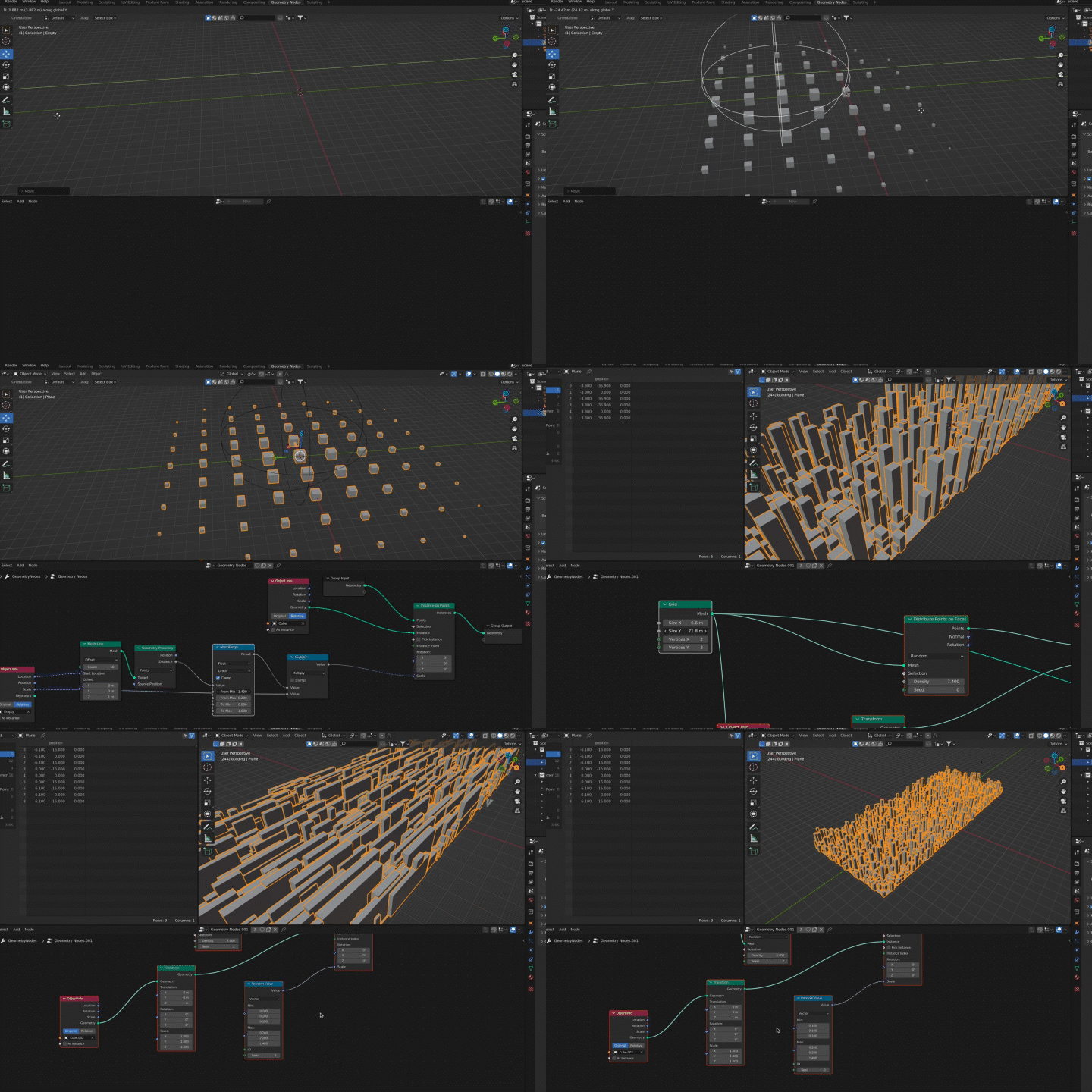 Uses of nodes specialized for motion graphicsWe will learn step-by-step about the node system, which boasts enormous utility but also has a high barrier to entry, and improve your basic understanding of nodes.
-
 Modifier and Deformer Key FeaturesLearn in detail about the modeling functions and frequently used modifiers built into the render, and even implement keyframe animation using them.
 -
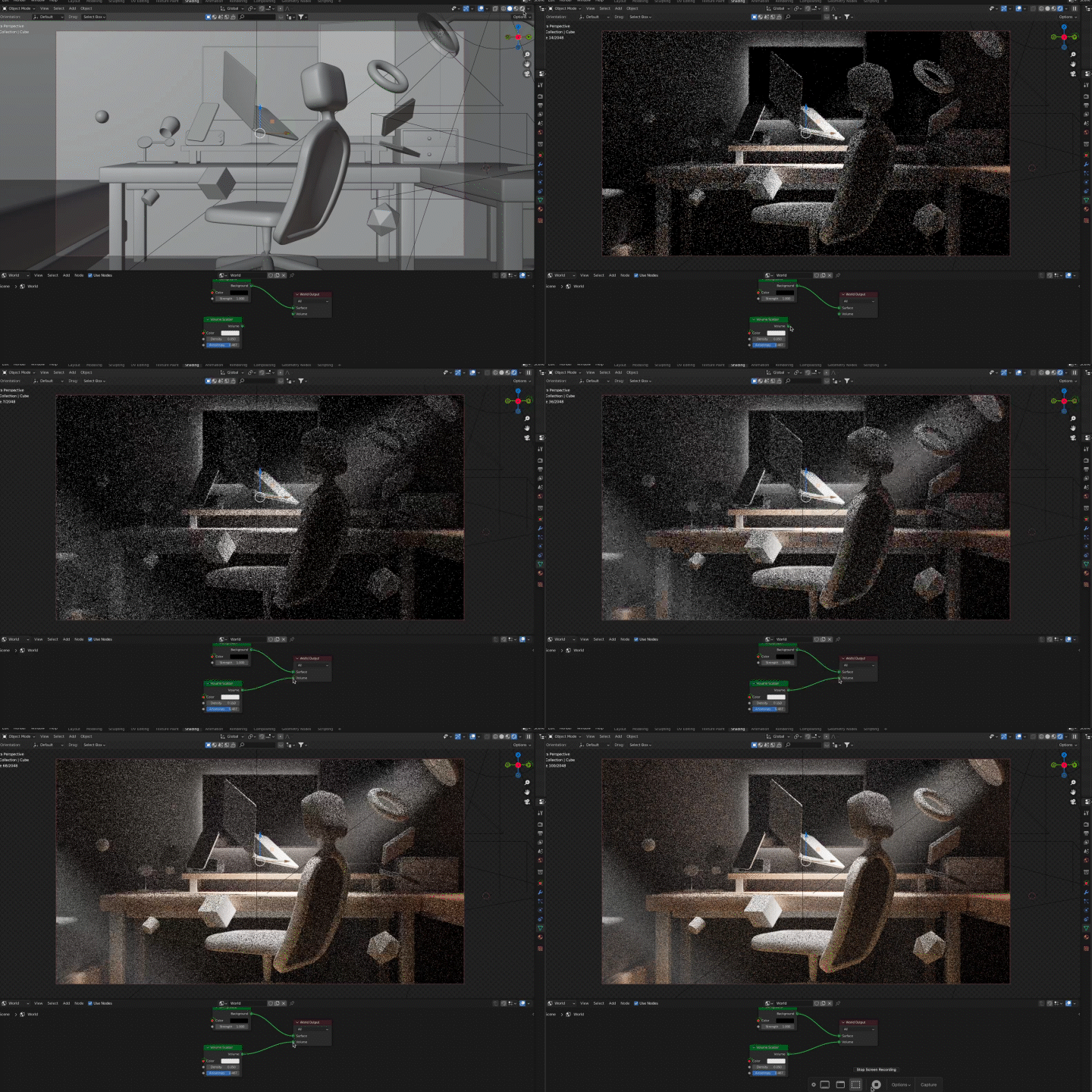 Volumetric with 360 degree stereoscopic viewYou will create realistic fog and clouds using Volume, and learn how to set lights and express movement to suit a specific look.
 -
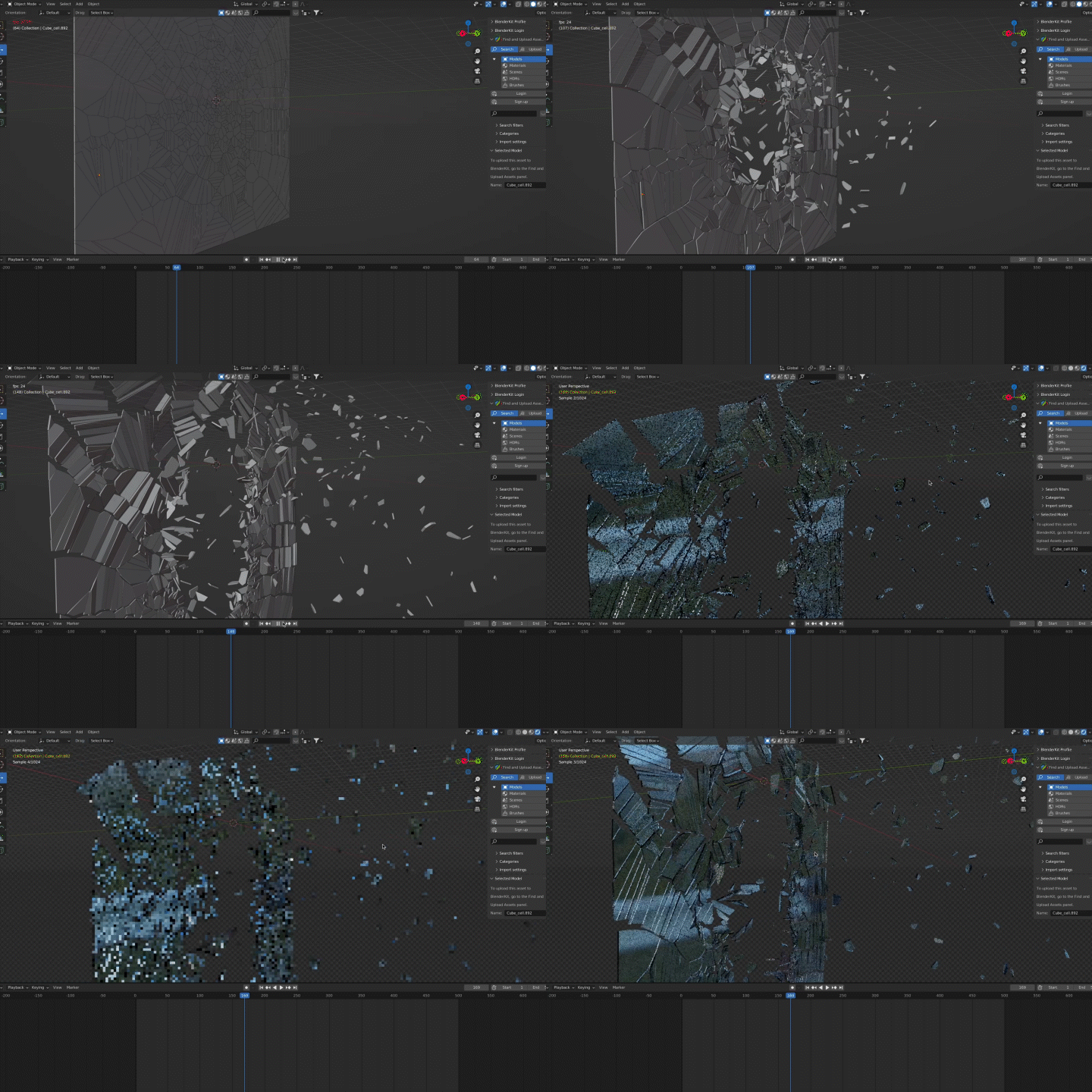 Simulation applying the laws of physicsWe will implement physical movements through simulation and create various motion graphics by applying various settings.
curriculum
curriculum
Show me the curriculum
SECTION 01. OT
01.Intro
- Instructor Introduction
- Discover the charm of 3D graphics
- Blender’s features and differences from other companies’ tools
- How to develop your eyes to see
- Archiving Websites and Searching Methods
SECTION 02. 3D graphics basic theory and Blender & Cycle basics
02. Blender Basics: UI and Shortcuts
- Blender’s interface structure and functions
- work process
- Frequently used shortcut keys
03. Modeling and Modifier
- Learn about modeling
- Introduction to modeling features and frequently used modifiers
- Create a headset
04. Materials and textures
- Shading and BSDF in Blender
- Observe the materials and characteristics of objects
- Headset Materials and Texturing
05. Lighting and Camera
- Lighting Object: Spot, Sun, Point, Area
- Learn lighting techniques
06. Animating and rendering
- Learn about keyframe animation
- Simple motion graphics using Simple Deform
07. Render settings and export
- Render process with Cycles and Eevee render
- Cycles render settings
- Video files and PNG sequences
SECTION 03. Blender Application 01: Sunlit Room
08. Example 01: Various modeling
- Introduction to examples
- Learn about Stylized
- Modeling various objects in the room
09. Example 01: Shading Node
- node system
- PBR texture image
- Creating textures using shading nodes
10. Example 01: Volume lighting
- Lighting using Volume
11. Example 01: Various object motions
- How to operate and manage the graph editor
- Harmony of various movements
- Floating object animation
12. Example 01: Camera
- Capturing camera zoom out motion
SECTION 04. Blender Application 02: Nature
13. Example 02: Particle System Basics
- Introduction to examples
- Explore Particle System
- How to install add-ons and built-in add-ons
- Landscape / Blender Kit
14. Example 02: Particle System Application
- Grass field creation and control using Particle System
- Outdoor lighting using HDRI
15. Example 02: Loop Animation
- Implementing plant shaking using Displace Modifier
- Create an infinitely looping animation
16. Example 02: Simple Deform Application
- Transformation and animation of abstract shapes using Simple Deform
- Adding details such as stones and flowers
SECTION 05. Blender Application 03: Volumetric
17. Example 03: Volume
- Introduction to examples
- Introduction to Noise Texture Nodes
- Creating clouds using Shading Node
- Creating clouds using Volume Object
18. Example 03: Sky Field
- Complete the Sky Field by locating the clouds
- Movement of clouds using Mapping Node
- Expressing clouds that split into circles by applying array
SECTION 06. Blender Application 04: Simulation
19. Example 04: Rigid Body Simulation
- Learn about physical collision using Rigid Body
- Description and results of each setting value
SECTION 07. Blender Application 05: City
20. Example 05: Geometry Node
- Introduction to Geometry Nodes
- Creating responsive objects using geometry nodes
21. Example 05: Geometry node Field
- Control step-by-step movement using fields in geometry nodes
- Create a city that is created sequentially by application
SECTION 08. Outro
22. Future direction
- How to apply the basics to suit your situation
- Speaker's Commercial Project Pipeline
- Introduction to various tools compatible with Blender
- Blender and employment
interview
What 3D artist Youngwoong Kim wants to say

As an open source program, Blender is developing very quickly with ideas and errors contributed by users from all over the world. In particular , starting with version 2.80, the company has expanded its capabilities into the 3D practical area through large-scale patches , and recently , many design studios and large corporations are actively recruiting Blender users .
Question.02
What are your strengths as a 3D artist?
What are your strengths as a 3D artist?
The point is that you can create a variety of looks with just Blender, without any other paid licensing programs . Usually, it creates a soft and calm look, but it also has the expressive capacity to encompass realistic or flashy looks when necessary, so I was able to freely experiment with various fields and types of projects without restrictions on tools or techniques.
Question.03
What are the main points of this class?
What are the main points of this class?
We will teach you all the skills and know-how to create 3D motion graphics with Blender . In addition to going over the basic parts of 3D graphics , we will cover in detail the nodes that are most important when using Blender but are difficult for many people, and share various animation and motion graphics techniques that can be implemented .
Question.04
Who do you recommend this class to?
Who do you recommend this class to?
Beginners in 3D motion graphics who want to easily and effortlessly build a solid foundation from the basics and develop application skills , beginners who want to start 3D animation work with Blender , and those who mainly use other tools but want to learn Blender, which is popular these days, to expand their motion graphics expressiveness. Recommended for 3D artists .
We will guide you through the program to use.
This class will be conducted in Blender 3.1 .
Please install the corresponding version of the program to ensure smooth course participation.
* Programs and materials are not provided separately.