3DArtist,SeungpilJang_3D아티스트 장승필 Details
Class Introduction
introduction video
3D artist, Seungpil Jang
“I reveal the concept and ideation planning method that will transform it into a truly outstanding piece of work, as well as my own know-how to naturally transform 2D art elements into 3D.”
‘3D’ isometric artwork that is cute and cute like a miniature, but dense.
Have you ever wondered about the isometric production method, which is excellent for conveying information with a clean design and is often used in fields such as infographics, posters, metaverse, and virtual spaces?
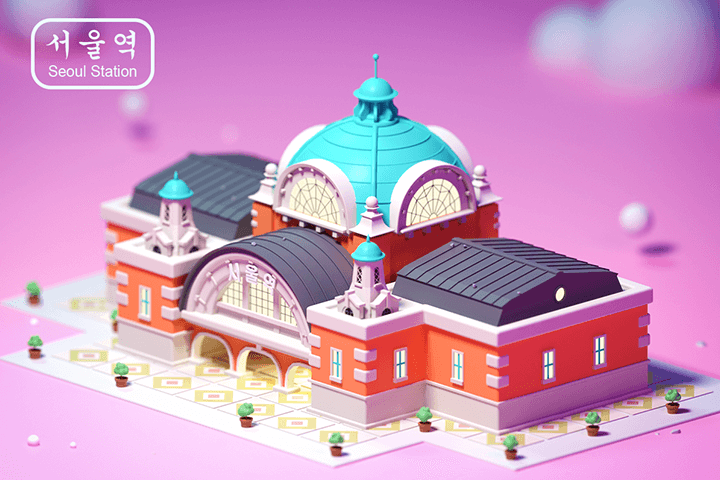
Easily create an emotional and three-dimensional virtual space using only Blender, without having to worry about expensive tool fees or difficult factors such as perspective and measurements.
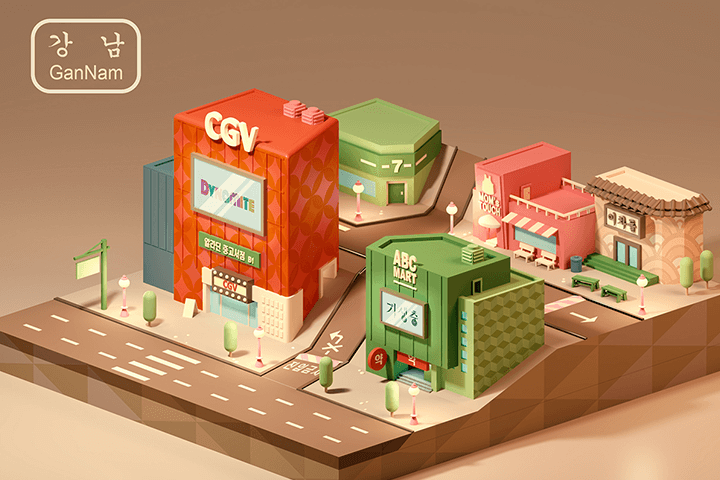
3D artist Seungpil Jang Jang provides systematic guidance so that you can recreate a richer and more atmospheric 3D work by adding illustrative 2D elements.
Complete the 3D isometric by learning the overall process from difficulty level modeling using Blender's core functions to coloring and built-in Cycles rendering, as well as how to use free add-ons and post-processing in Photoshop.
Complete the 3D isometric by learning the overall process from difficulty level modeling using Blender's core functions to coloring and built-in Cycles rendering, as well as how to use free add-ons and post-processing in Photoshop.
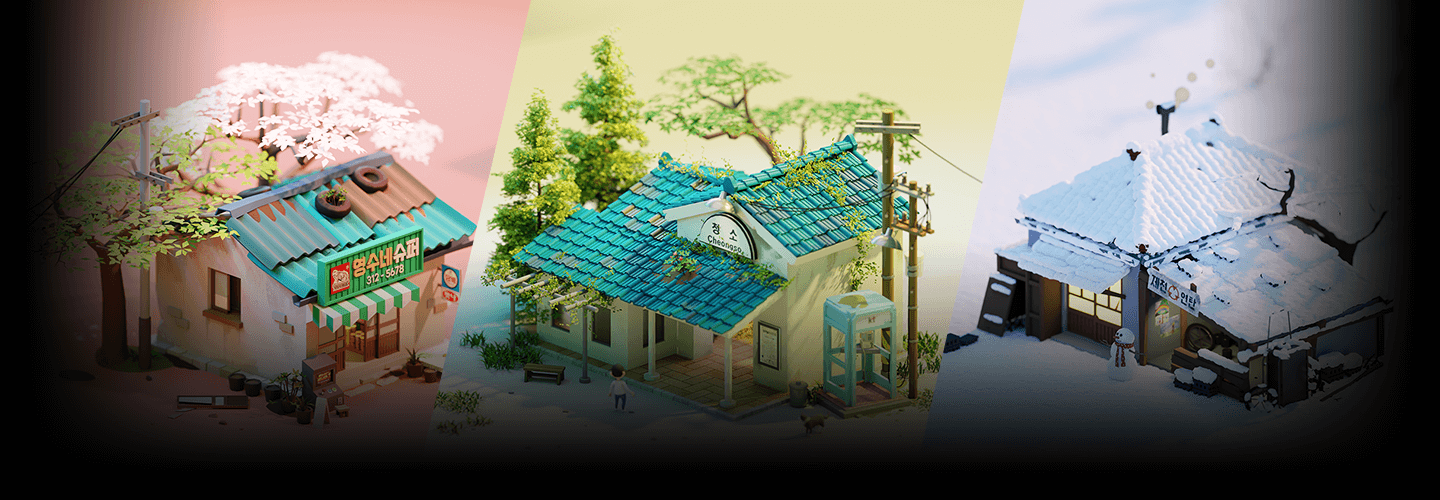
Portfolio of 3D artist Seungpil Jang
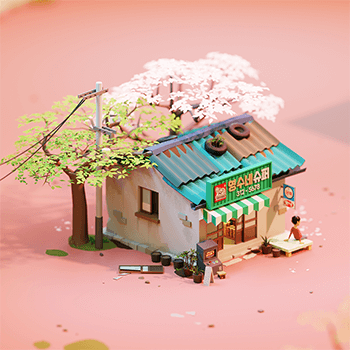
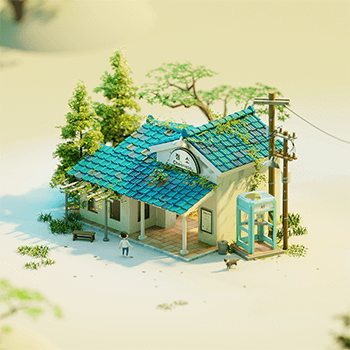
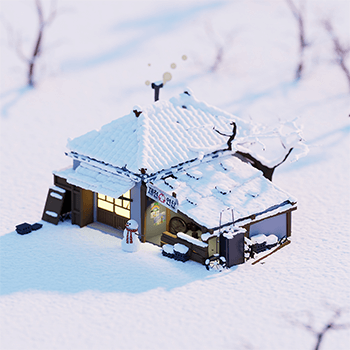
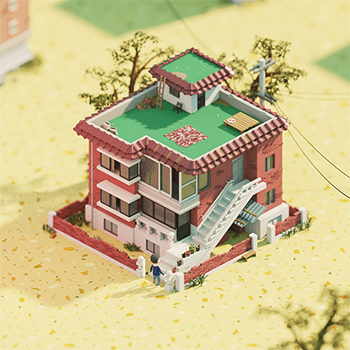
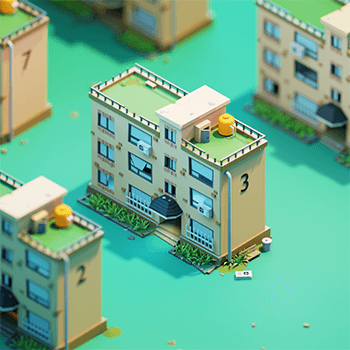
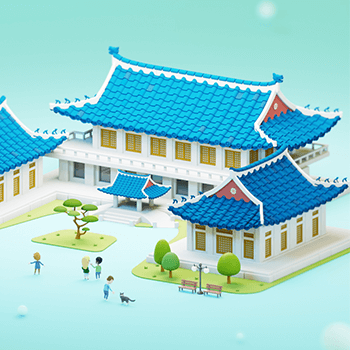
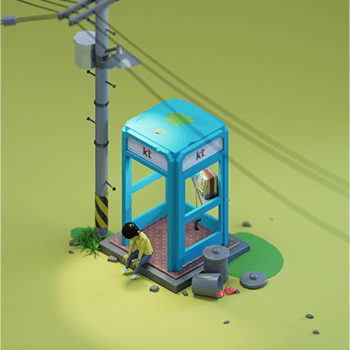
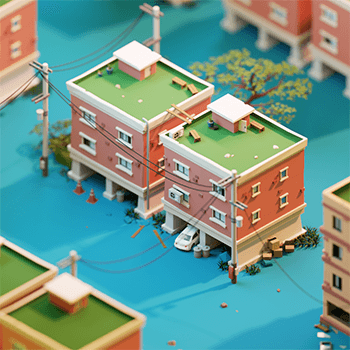
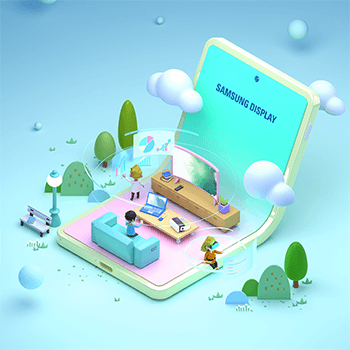
Why 3D artist Seungpil Jang’s class is special
Attractive artwork construction process that captures both style and quality
Have you ever wanted to create a sensuous 3D work that may seem simple at first glance, but upon closer inspection, its details stand out and its personality is revealed at a glance? For differentiated 3D artwork, Blender modeling techniques optimized for three-dimensional diorama expression are of course important, but the foundation must be designed with a solid concept art approach.
Through this class, you will learn from custom ideation methods for 3D isometric artwork to emotional color selection and texturing. Learn lighting skills that will further maximize your concept, as well as know-how on composing surrounding objects. You can check out the planning and production workflow of 3D artist Seungpil Jang, who collaborates with numerous large corporations and government offices and constantly presents works that captivate the public.

What is ‘isometric’?
A drawing based on three axes where the angles of length, width, and height are 120° to each other.
Feature 01
A composition as if looking down from above
Feature 02
Three-dimensional expression technique based on accurate measurements
Feature 03
High usability suitable for infographics, posters, etc.
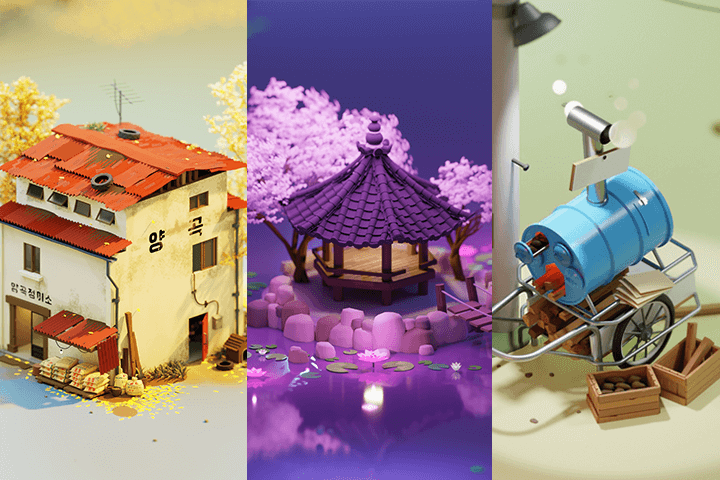
In this class, we will create examples of isometric artwork for three different moods.
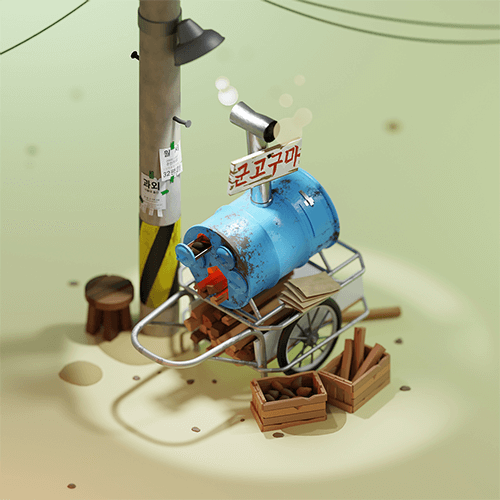

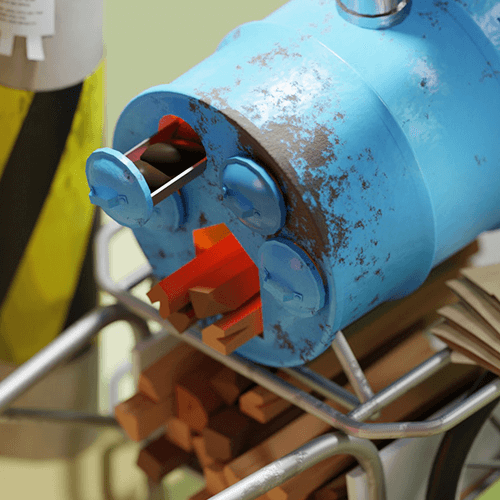
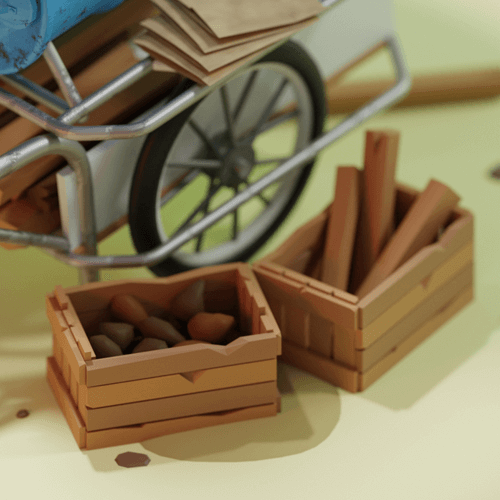
Example 01: Roasted sweet potato cart
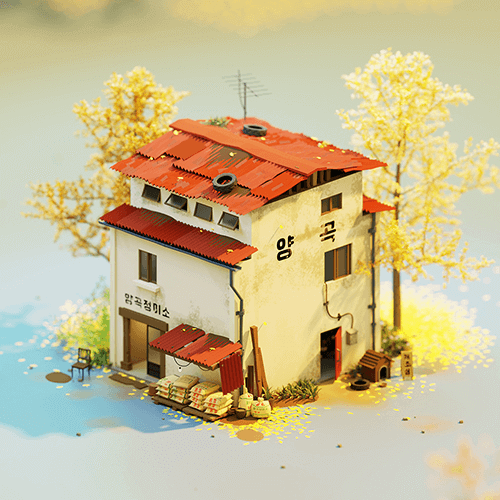
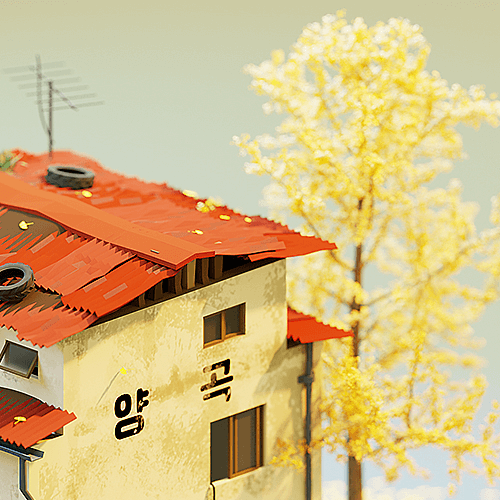
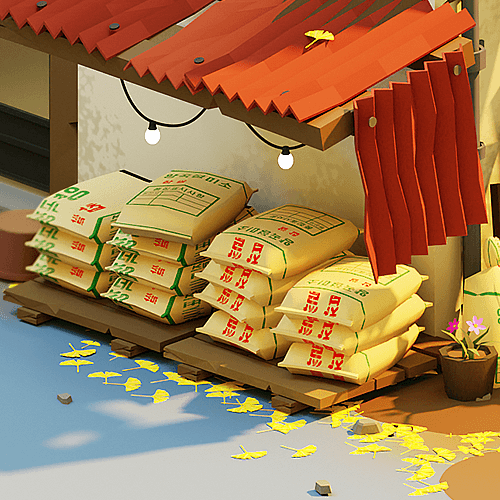
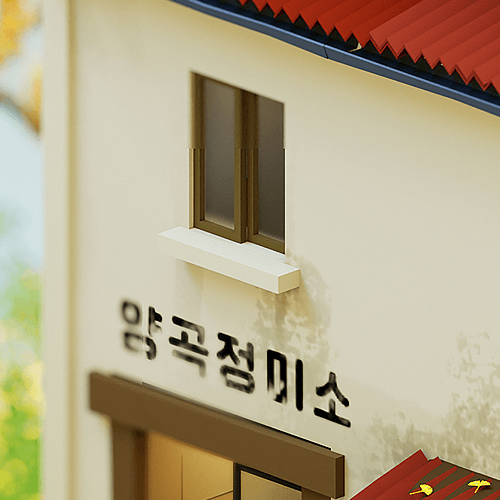
Example 02: Rice mill
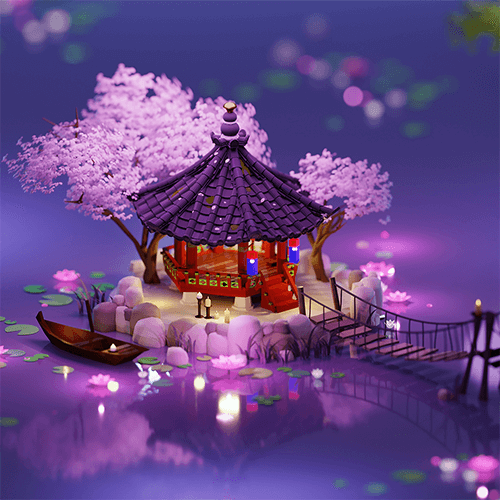
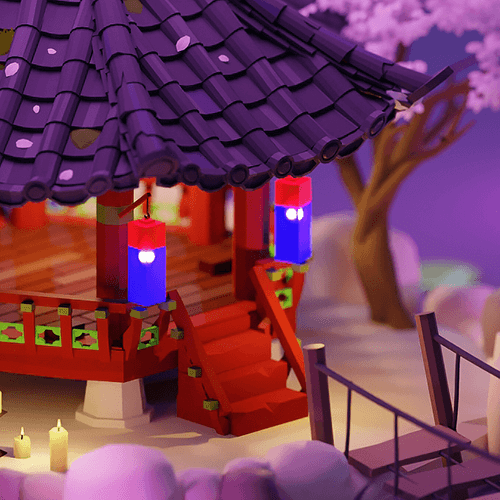
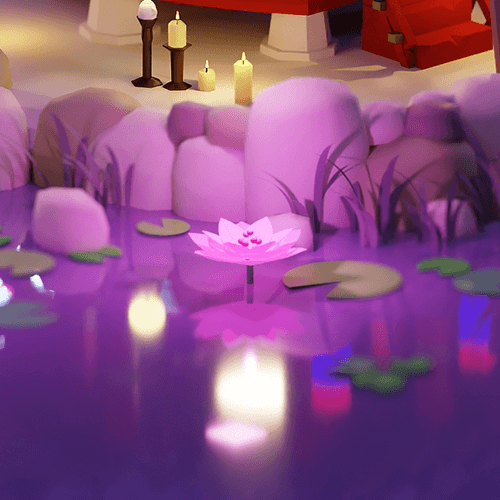
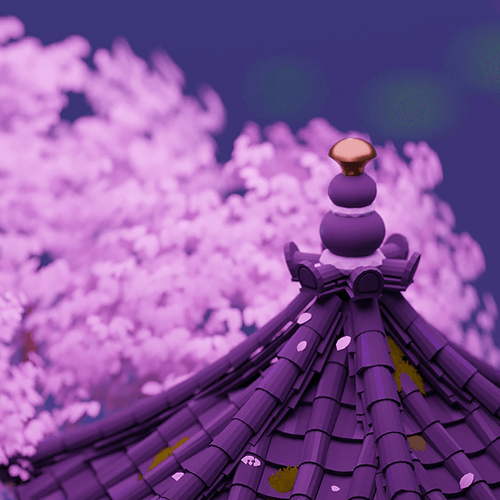
Example 03: Hexagonal well on a lake
* The results above are actual examples that will be created directly in the class.
3D artist
Seungpil Jang
Hello, this is 3D artist Seungpil Jang. I started out as a 2D character concept artist and have worked for many leading companies in the industry. I have been working in the game art field for over 13 years.
Currently, in addition to working as an isometric art artist, I am focusing on designing virtual spaces used in metaverse platforms such as Gathertown, ZEP, and oVice. Through this class, I will share my approach as a 2D artist who fell in love with 3D after accidentally encountering 'Blender' and the process of creating isometric artwork with a differentiated sensibility.

Speaker Introduction
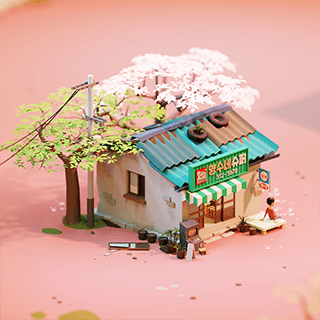
3D artist Seungpil Jang
Current) Metaverse space design freelancer
Former) 2D concept artist and art director
View more history
[project]
Metaverse space design
Samsung Finance, Samsung Heavy Industries, Xi, Incruit, Soongsil University, etc.
2D concept art & art directing
Line Games, Line Studio, Netmarble, NetEase, Neo Scion,
Dragonfly, Actoz Soft
[exhibition]
Risu Gallery Autumn Sky Exhibition 2022
Bank Art Fair 2022
Ulsan Art Fair 2022
Seoul Art Show 2022
class features
class features
Emotional artwork created with Blender
Using Blender, a free 3D tool, you will expand your expressive skills by creating works with 2D illustration elements and develop your ability to freely create artwork with your own style.
Planning and production process until completion
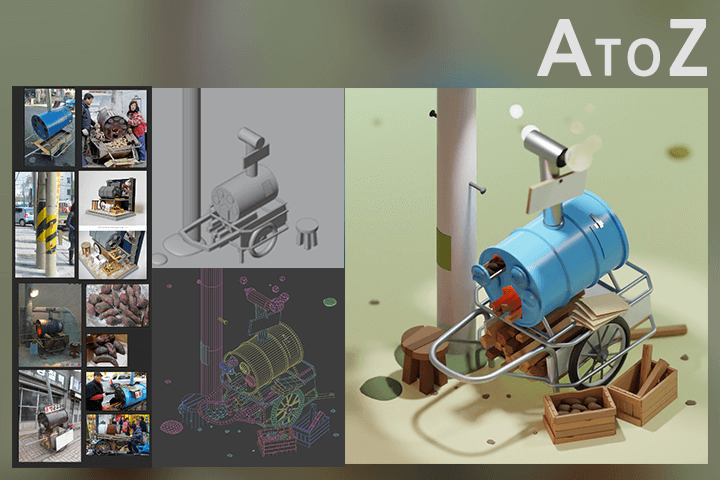
Learn how to organize and ideate the concepts that come to mind and create cool works. Not only will you learn the overall work process, but you will also learn efficient editing methods.
3D isometric according to each type of modeling
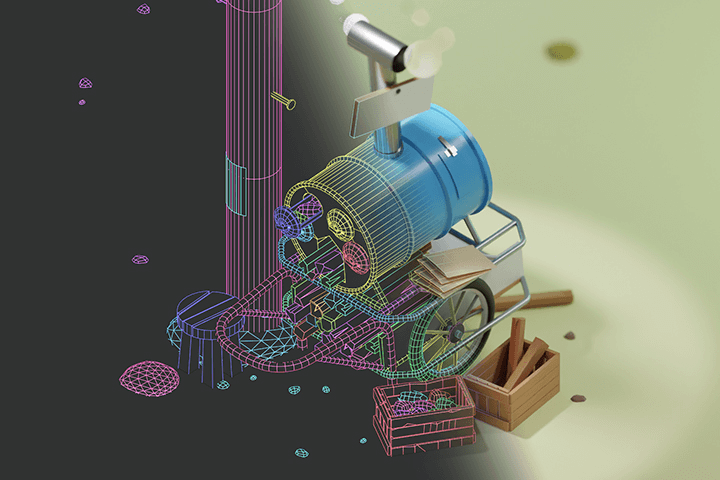
Based on an understanding of the basic concepts of isometrics, we will proceed with appropriate modeling of low and middle polygons, and create the final result of an attractive view through composition, layout, and camera settings.
Class composition
learn this
-
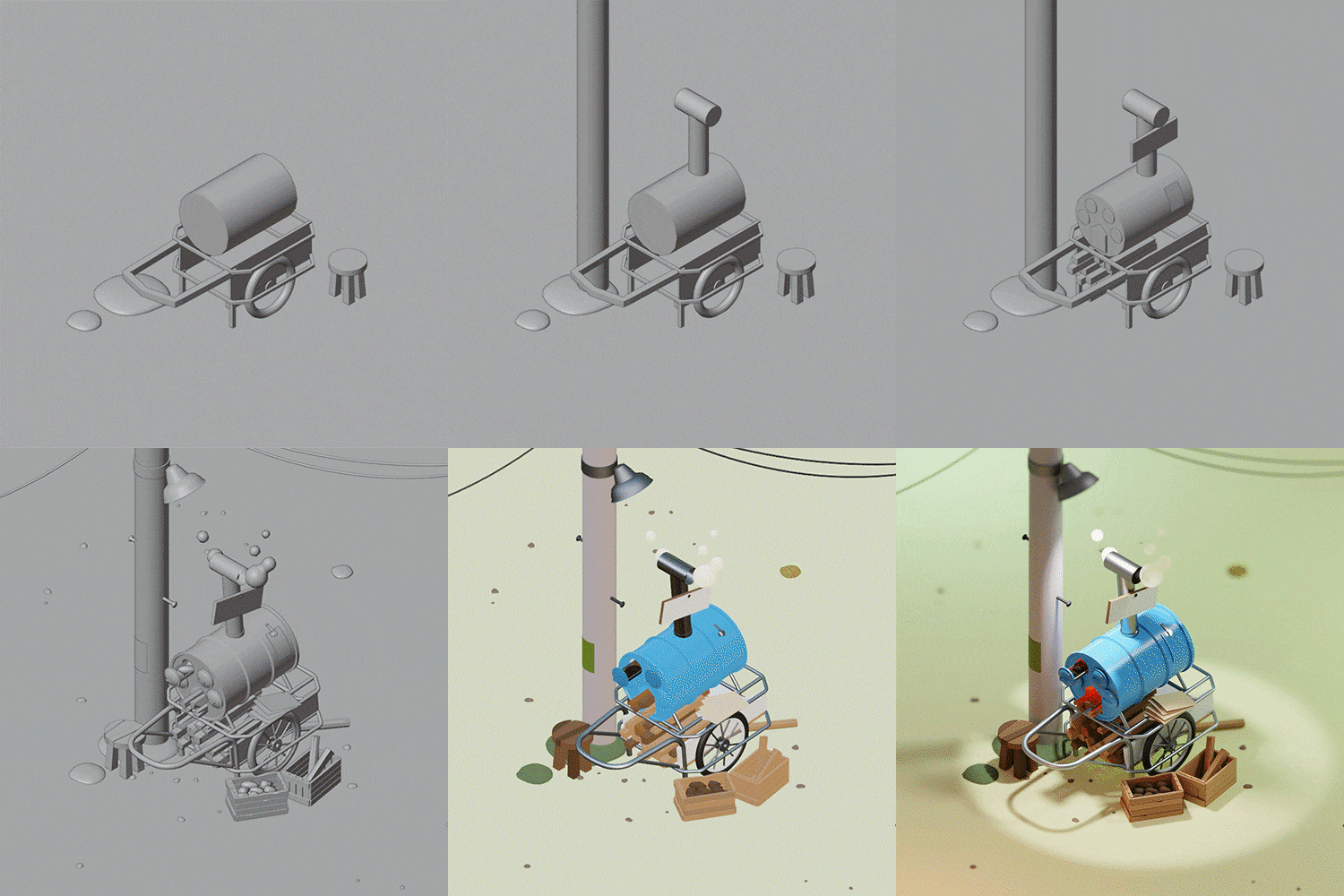 Completely conquering the isometric way of workingWe will learn the approach for isometric artwork and various expression methods using tools, based on actual workflow.
 -
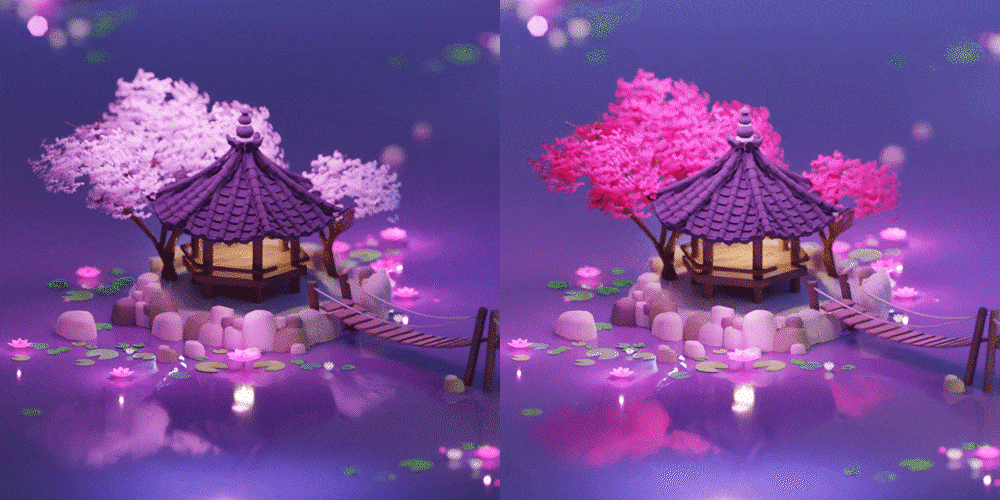 How to use atmospheric colorsYou will learn specifically about how to select a color that attracts attention among numerous works and how to design a design that changes depending on the feeling you want to express.
 -
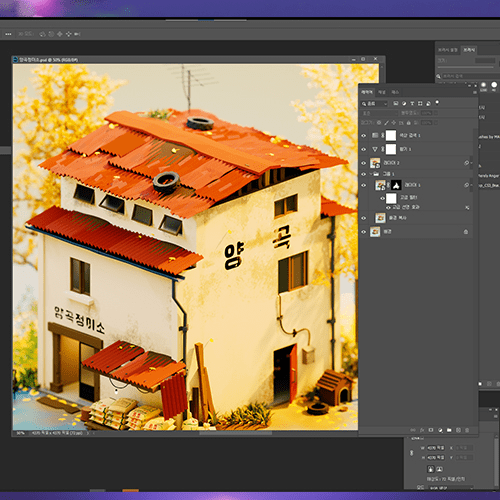 Post-processing method using PhotoshopWe will complete and improve the parts that were disappointing when implemented in Blender by complementing and developing them in Photoshop, and increase the density and completeness of the artwork.
-
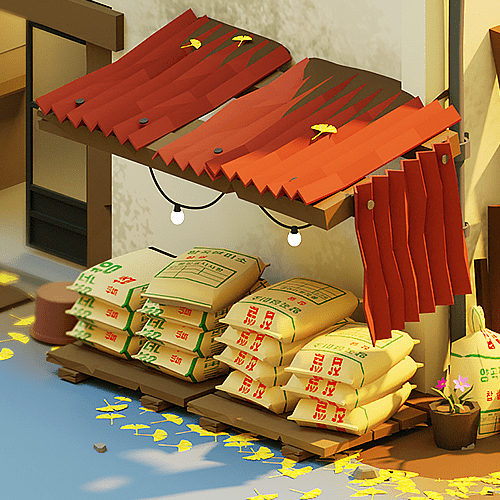 Simple but quality expressionRather than expressing everything shown in detail, we focus on the elements that make the artwork stand out and complete it through appropriate omission, simplicity, and deformation.
 -
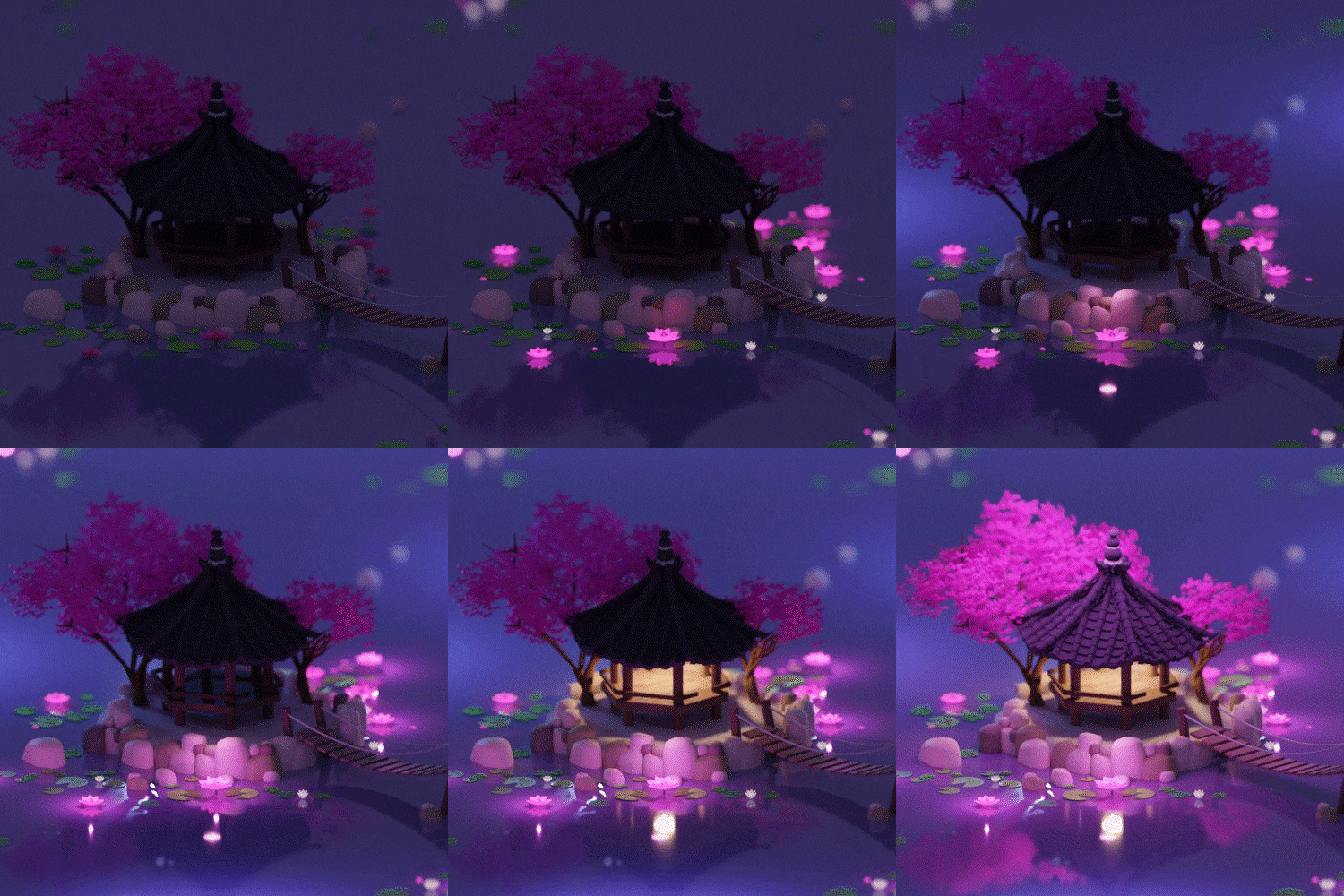 Lighting optimized for limited spaceLearn about light installation and setting methods to express colors with various emotions, and check out the various changes by adjusting the light to fit the blind space.
 -
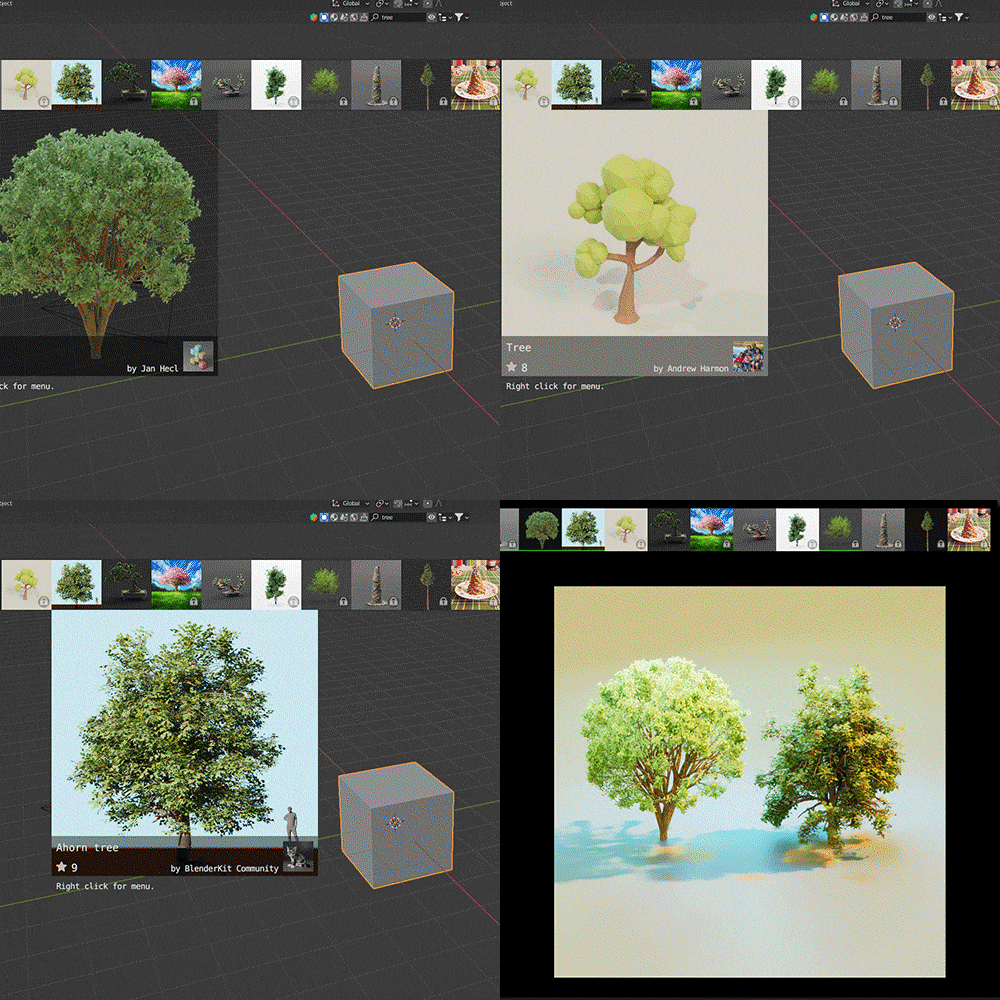 Efficient free add-on usage processLet's take a look at the objects and materials provided through the free add-on Blender Kit, and actively use them in the periphery of the artwork.
curriculum
curriculum
Show me the curriculum
SECTION 01. Intro
01. Learn about isometrics
- Orientation
- Isometric concept, characteristics, types
- Wide range of uses for isometrics
02. Blender basic settings
- Blender installation and basic interface
- How to set up the work environment, including preferences and rendering
03. Learn about Blender
- Install useful add-ons: BlenderKit
- Modifiers and tips you must know
SECTION 02. Blender Beginner: Emotional Artwork 01
04. Roasted Sweet Potato Rear Car 01: Concept Planning
- Collect ideas and data
- Setting up an isometric creation environment
05. Roasted sweet potato rear car 02: Basic modeling & lighting
- rough modeling
- Installing a basic light
06. Roasted sweet potato rear car 03: Detailed modeling and composition
- Enter detailed modeling
07. Roasted Sweet Potato Rear Car 04: Look Development 01
- Creating materials
08. Roasted Sweet Potato Rear Car 05: Look Development 02
- Texturing using Photoshop
- Finishing material production
09. Roasted sweet potato rear car 06: Rendering & post-processing
- Cycles rendering and post-processing
SECTION 03. Blender Intermediate: Emotional Artwork 02
10. Rice Mill 01: Concept planning and rough modeling
- Collect ideas and data
- Rough modeling
11. Rice Mill 02: Detailed modeling and composition
- Modeling in detail
12. Rice Mill 03: Look Development 01
- Material creation and object decoration
- Creating textures and finishing objects
13. Rice Mill 04: Look Development 02
- Finishing look development
- Cycles rendering and post-processing
SECTION 04. Blender Advanced: Emotional Artwork 03
14. Hexagonal well on the lake 01: Concept planning and rough modeling
- Collect ideas and data
15. Hexagonal pavilion on the lake 02: Coloring and lighting 01
- Setting mood light
- Expressing water and trees
16. Hexagonal well on the lake 03: Detailed modeling and composition
- Modeling in detail
17. Hexagonal Pavilion on the Lake 04: Rendering & Candidate Pavilion
- Finishing look demelopment
- Cycles rendering and post-processing
18. Winter snowfall effect
- How to express eyes using add-ons
- Snowfall effect and camera animation
SECTION 05. Outro
19. Conclusion
- finish
interview
What 3D artist Seungpil Jang wants to say

Question. 01
What are the marketability and prospects for Blender?
What are the marketability and prospects for Blender?
Blender, a free 3D tool, has advantages such as a user-friendly interface, various add-ons, and quick updates , and is gaining popularity among various artists regardless of 2D or 3D genres. In addition, due to the nature of 3D programs , detailed expressions are difficult compared to drawing-based 2D programs, so it has a vast range of functions that overcome the limitation that works look stiff .
Question. 02
What are your strengths as a 3D artist?
What are your strengths as a 3D artist?
As I have been working on 2D concept art for about 13 years , my strength is that I can create detailed and emotional works even when using 3D programs . By performing concept drawings and designs provided by existing 2D concept artists and 3D modeling simultaneously, you can build unrivaled artwork that does not separate the areas of 2D and 3D.
Question. 03
What are the main points of this class?
What are the main points of this class?
By utilizing only Blender's core functions, the curriculum was designed to efficiently create isometric artwork with illustrative elements . We will show you the process of creating emotional feelings in 3D artwork, from ideation to modeling, coloring, and editing , and teach you the essential production method.
Question. 04
Who do you recommend this class to?
Who do you recommend this class to?
Those who are new to Blender who want to improve the quality of their artwork or who are curious about the overall production process of the current worker until the work is completed , those who want to challenge themselves with unique and highly usable isometric artwork , and those who want to express the work by broadening the spectrum of expression. It is also recommended for background-related 3D modelers who want to apply subtle differences in feel .
We will guide you through the program to use.
This class will be conducted using Blender 3.2.2 and Adobe Photoshop 24.0 . Please install the corresponding version of the program to ensure smooth course participation.
* We recommend installing Blender 3.1.0 or higher.
* You can use a version prior to Adobe Photoshop 2021.
* Programs and materials are not provided separately.