3DDesigner,JoonmoePark_3D모션그래픽디자이너 박준모 Details
Class introduction
introduction video
3D motion graphic designer, Joonmoe Park
“We will teach you motion graphics know-how that includes harmonious colors, natural movement, and sensuous scene development.”
Bright colors and natural motion! 3D graphics know-how that serves as a reference for designers
No more unnatural motions that degrade the quality of your work! 3D motion graphic designer Joonmoe Park, who is an inspiration to many designers with his unique clean motion and cheerful feel , has prepared everything from dense style frames to natural scene development techniques.
For those who have difficulty with motion that requires consideration of 'movement', unlike simple style frames , we will teach you how to create smooth and dynamic motion through linear, rotation, and extended transitions as well as the basics of PSR animation.

Check out the winning method for creating natural motion at Coloso now, rather than learning and applying motion skills that rely on intuition or senses.
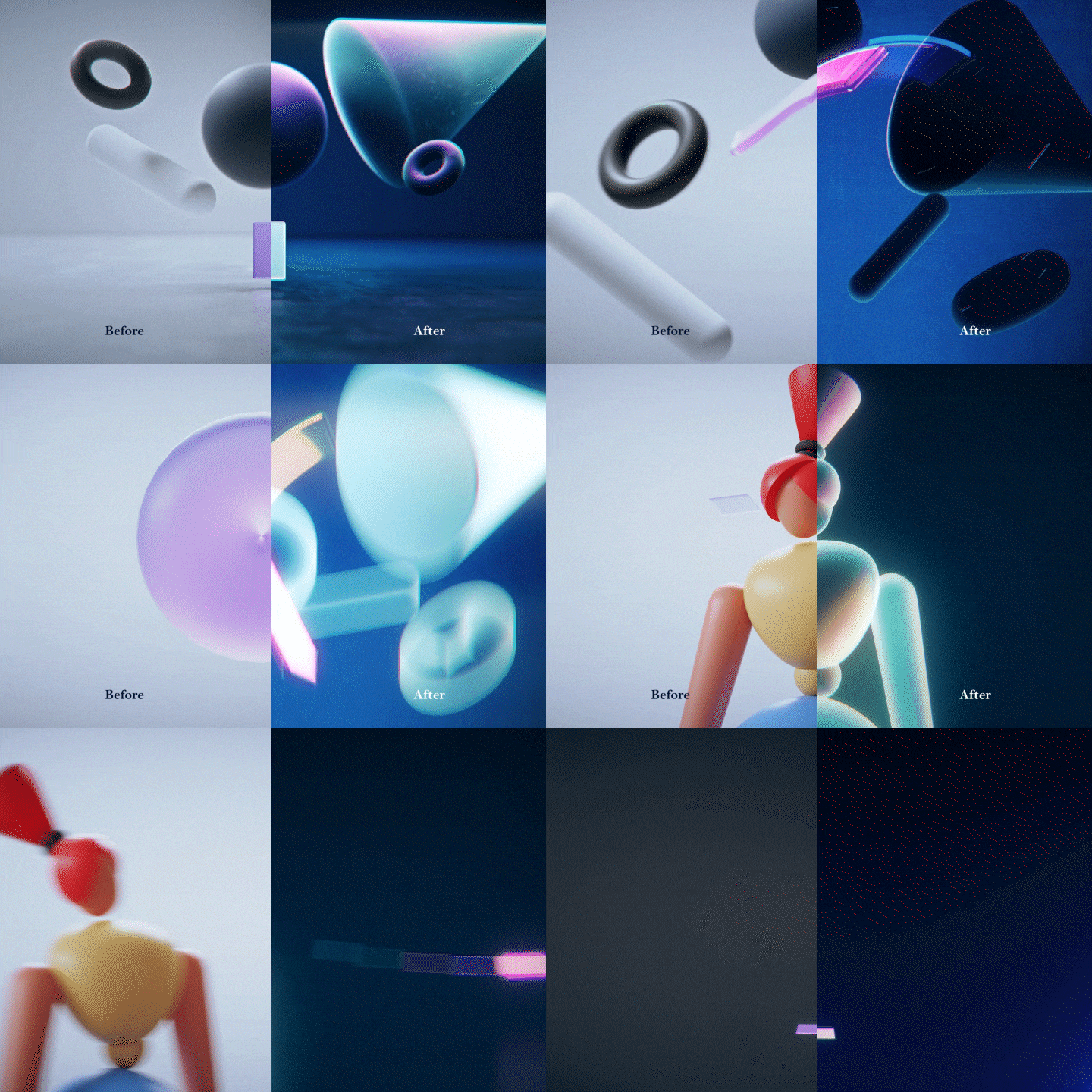
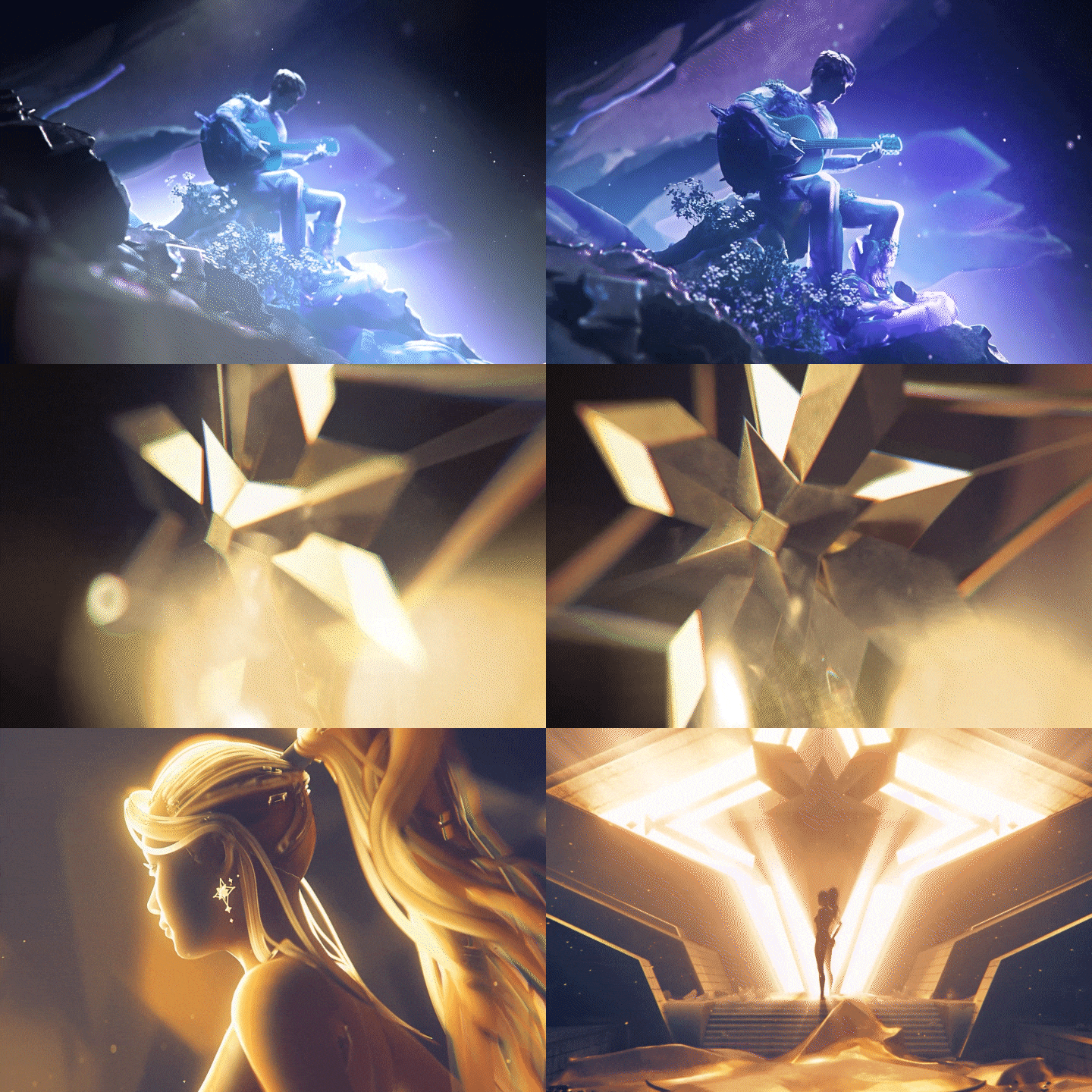
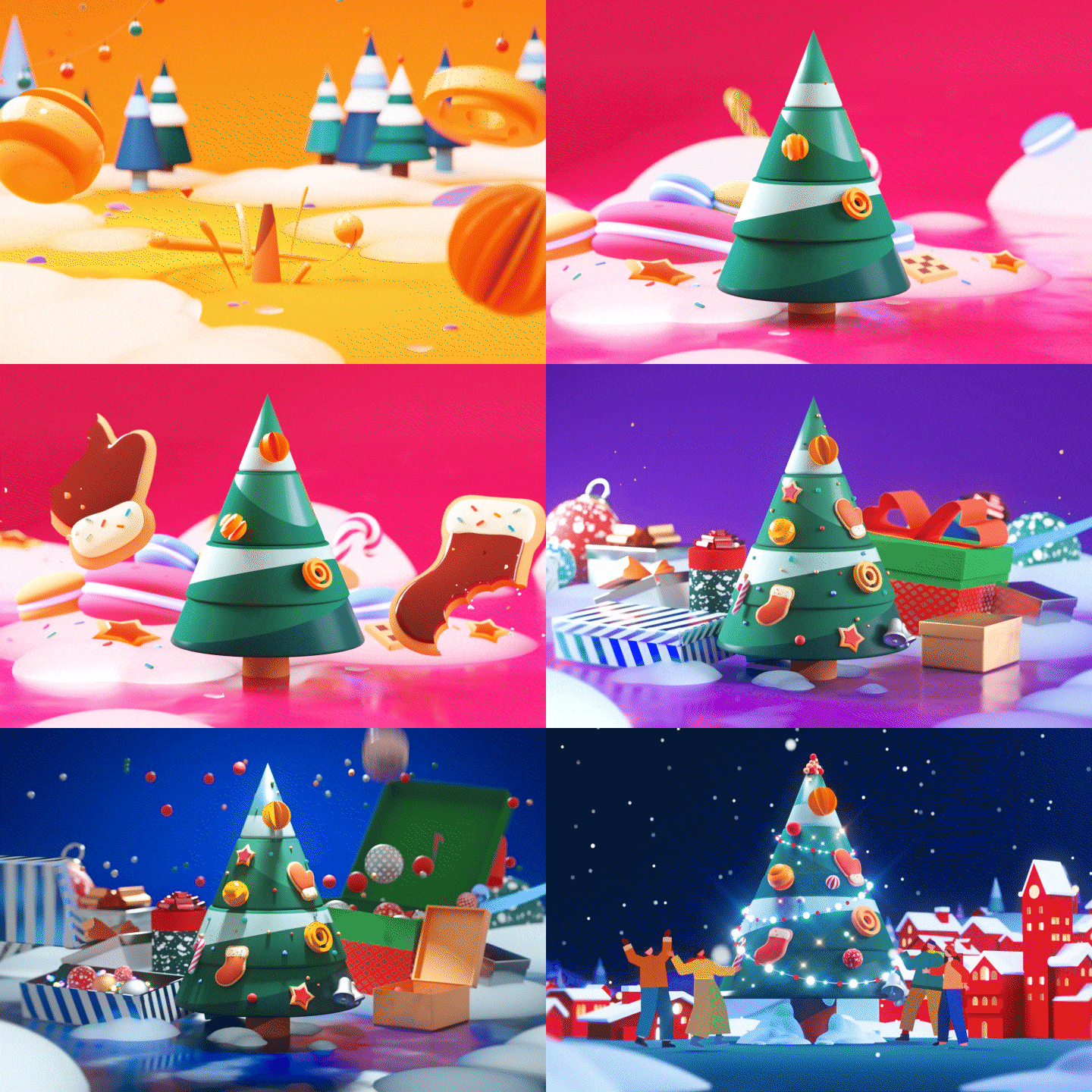
Portfolio of 3D motion graphic designer Joonmoe Park

To all students
Special benefits of Joonmoe Park’s 3D motion graphics class
-
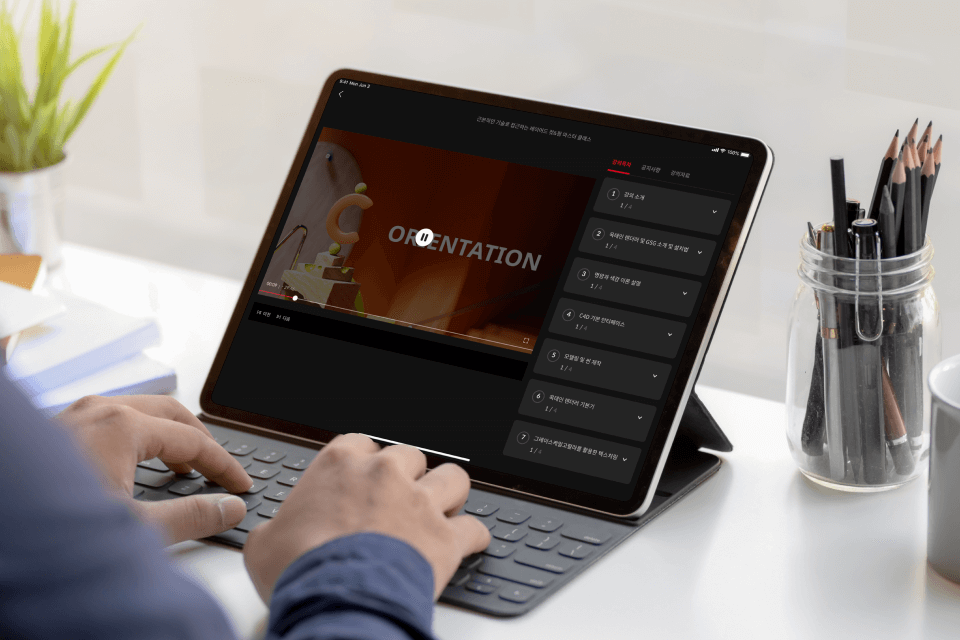 From style frames to transitionsInfinite learning with a total of 30 lectures
 -
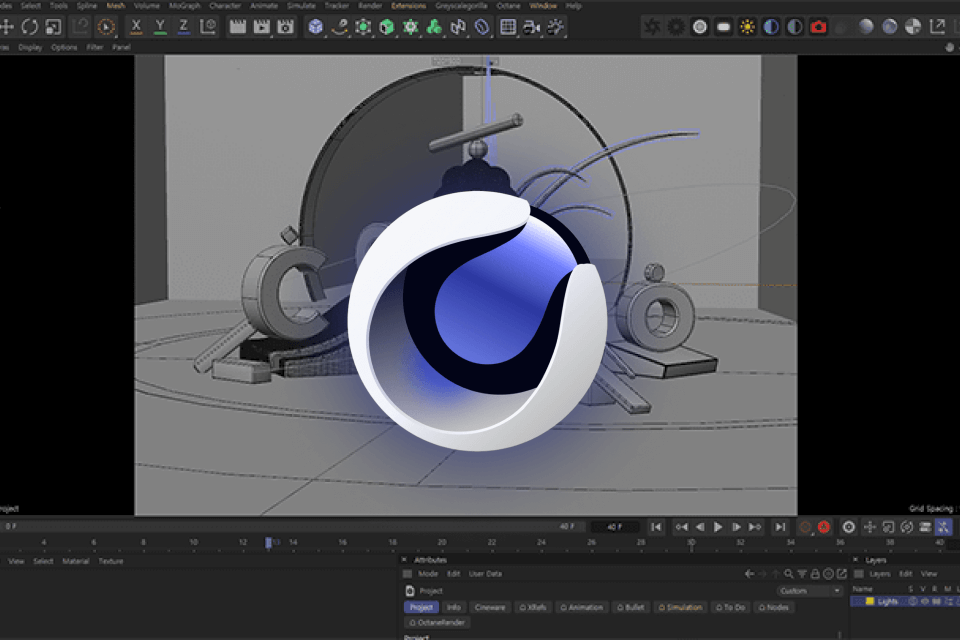 You can learn vivid work know-how7 types of asset modeling and practice files
 -
 From light and dark theory to transition referencesMotion design know-how theory book
Why Take This Class?
Transition skills are difficult to learn because each artist's style and the way they are developed vary in each situation.
Therefore, in this class, based on a systematic explanation of the process of developing a video, we focused on creating 'my own technique' by having the perspective to identify good scenes and unnatural scenes.
From the process of creating a style frame with a stable layout based on harmonious light and shade and color, to maintaining tension throughout the introduction, main, and final parts, etc.
Learn the natural sense of motion systematically and become a motion designer who creatively connects scenes.

Learn natural transition skills that enhance the perfection of motion graphics.
-
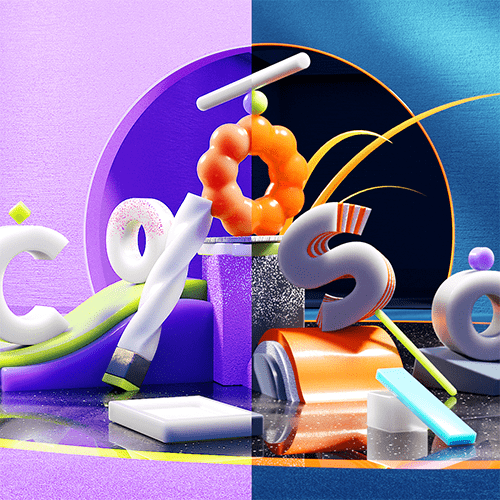
Layout: Color and Contrast Theory -

Position Rotation Scale -

Object conversion
-
switch camera -

Linear transition -

Rotation Switch -
Diffuse Motion: Transitions
Speaker Introduction
3D motion graphics designer
Joonmoe Park
Hello, this is motion graphics designer Joonmoe Park. I started my career as a motiongrapher at the famous motion graphics studio Super Barrymore and produced many broadcast titles and OAPs.
Currently, I am working as a motion photographer at Global Services, a large domestic company, and I am continuously creating creative activities through my personal SNS account.
As I reveal all of my own motion design knowledge that I have solidly accumulated through this class, learn Joonmoe Park's unique key transition skills and solve the difficulties of 3D motion production.

3D motion graphics designer
Joonmoe Park
Current) Naver Z Motion Designer
Former) Super Barrymore Motion Designer
View more history
[Participating Project]
tvN Finger Game opening title
Discovery Korea Let’s choose the opening title
Channel A Youth Star Opening Title
Participated in NQQ channel branding production
Participated in OLIFE channel branding production
Participated in tvN Stroy channel branding production
Participated in SK broadband channel branding production
Participated in the production of ZEPETO Onboarding Brand Film
ZEPETO Tech One 4F Brand Film Production
NAVER Z homepage product graphic design production
NAVER Z 3rd. Anniversary Celebration motion graphics production
Participated in the production of tvN 2018 APAN STAR AWARDS
NBST G-Tag motion graphics production
Personal Project - Wake up the Shape
Personal Project - Hanyang University ERICA 2019 Graduation Promotional Video Production
Cinema 4D User Group - Seminar Portfolio A to Z seminar held
105 Class - ‘Wake up your Shape’ style frame production lecture
[Awards]
2021 Rhythmic Cafe NFT Contest Winner
class features
class features
Natural motion graphics with vivid textures
Understand the methods needed to develop motion graphics scenes and learn the techniques to produce them. By developing the thinking and skills to predict how a scene will be solved to connect the video, you will understand the principles of motion graphics.
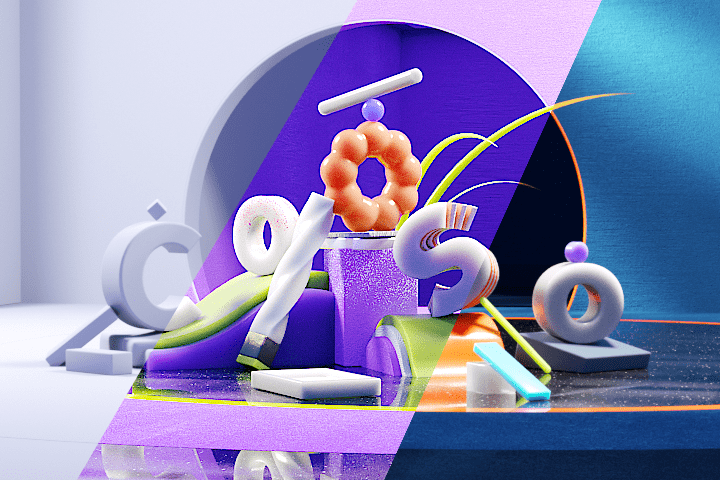
Clear and dense images Key Elements for Mastering
Understand light and dark, which are essential elements in creating high-quality images, and learn the harmony of colors. In addition, the three elements, including the layout method for a clear structure, are covered repeatedly in each example, developing the vision and production ability to see good pictures.
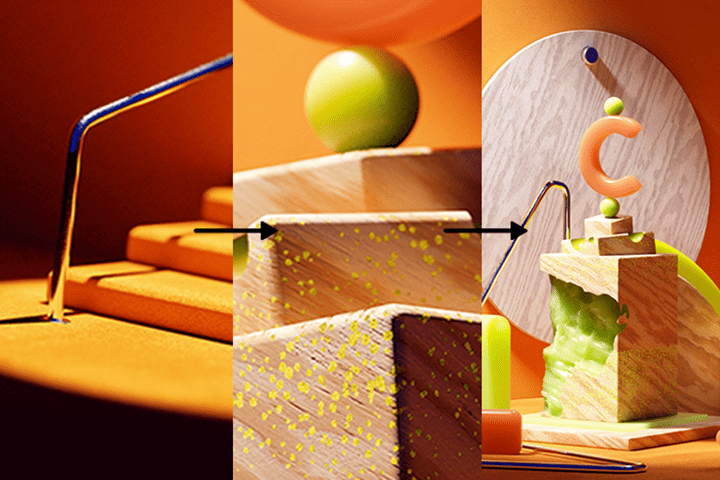
From famous studios and large companies Real practical tips from designers
Based on the experience accumulated at major companies such as 'Super Barrymore', a motion graphics studio, and 'Naver Z', a large company, learn all the practical tips necessary for motion graphic designers and the mindset that a designer should have.
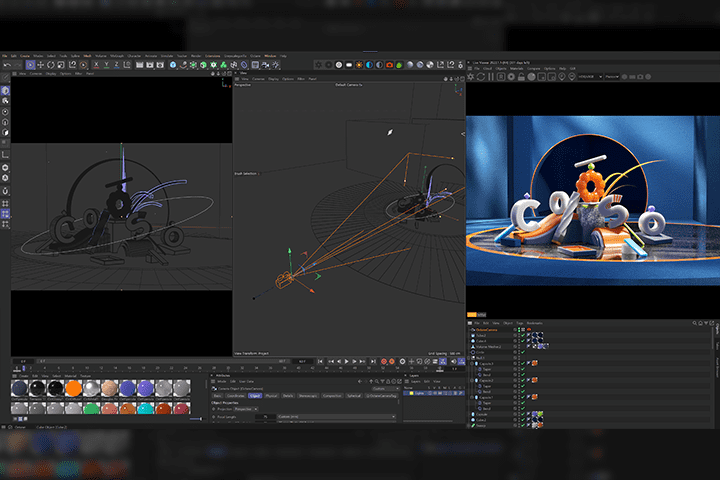
Class composition
learn this
-
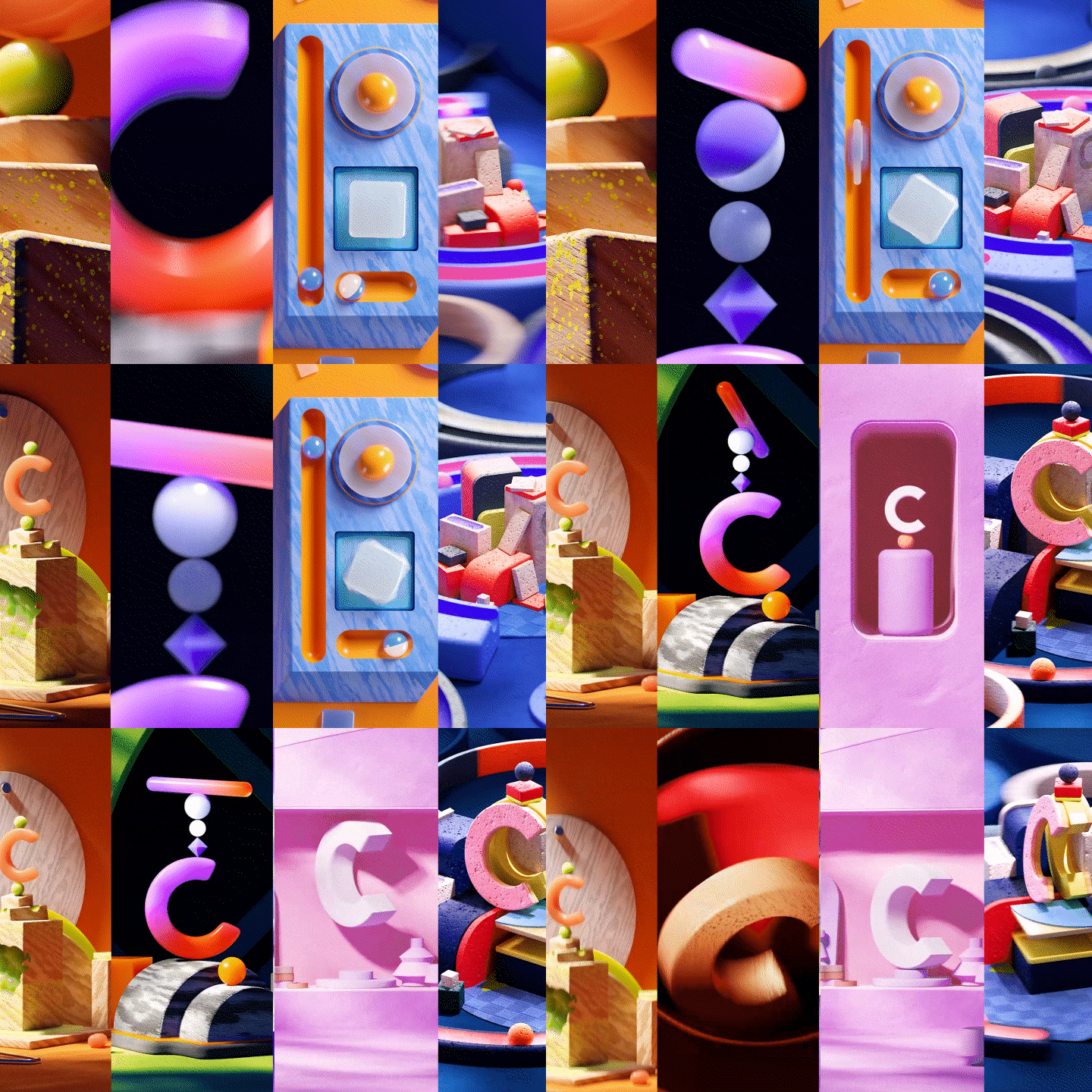 Everything about motion graphics scene developmentStarting from the most basic layout arrangement, modeling, texturing, and natural scene development with a sense of tension, we learn repeatedly for each example.
 -
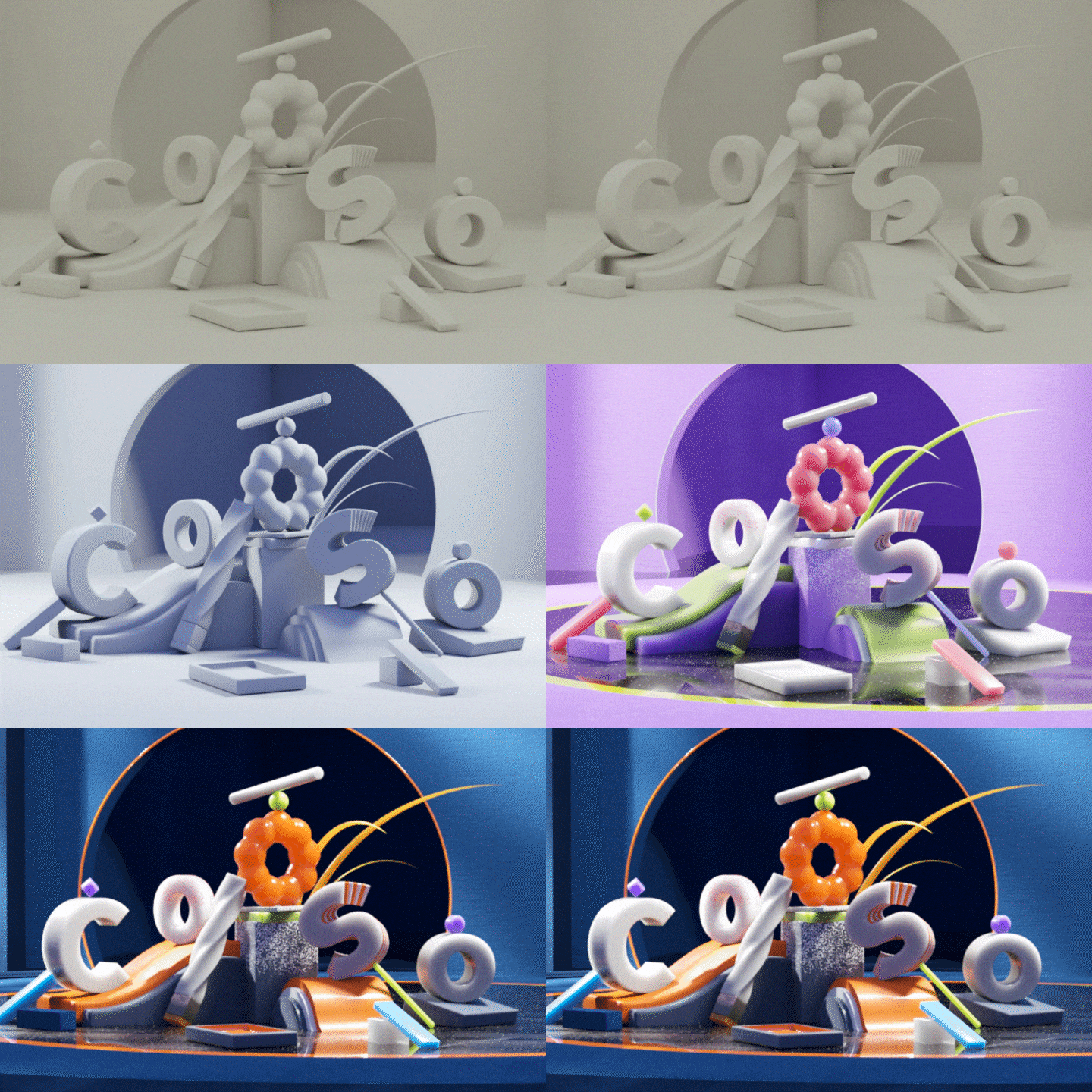 For high-density style frames Contrast and color theoryWe will delve deeper into the influence of light, dark and color on images, regardless of whether they are 2D or 3D.
 -
 Animation Basics PSRLearn the most basic animation skills, Position, Rotation, and Scale, through looping animation examples with a vibrant sense of motion.
-
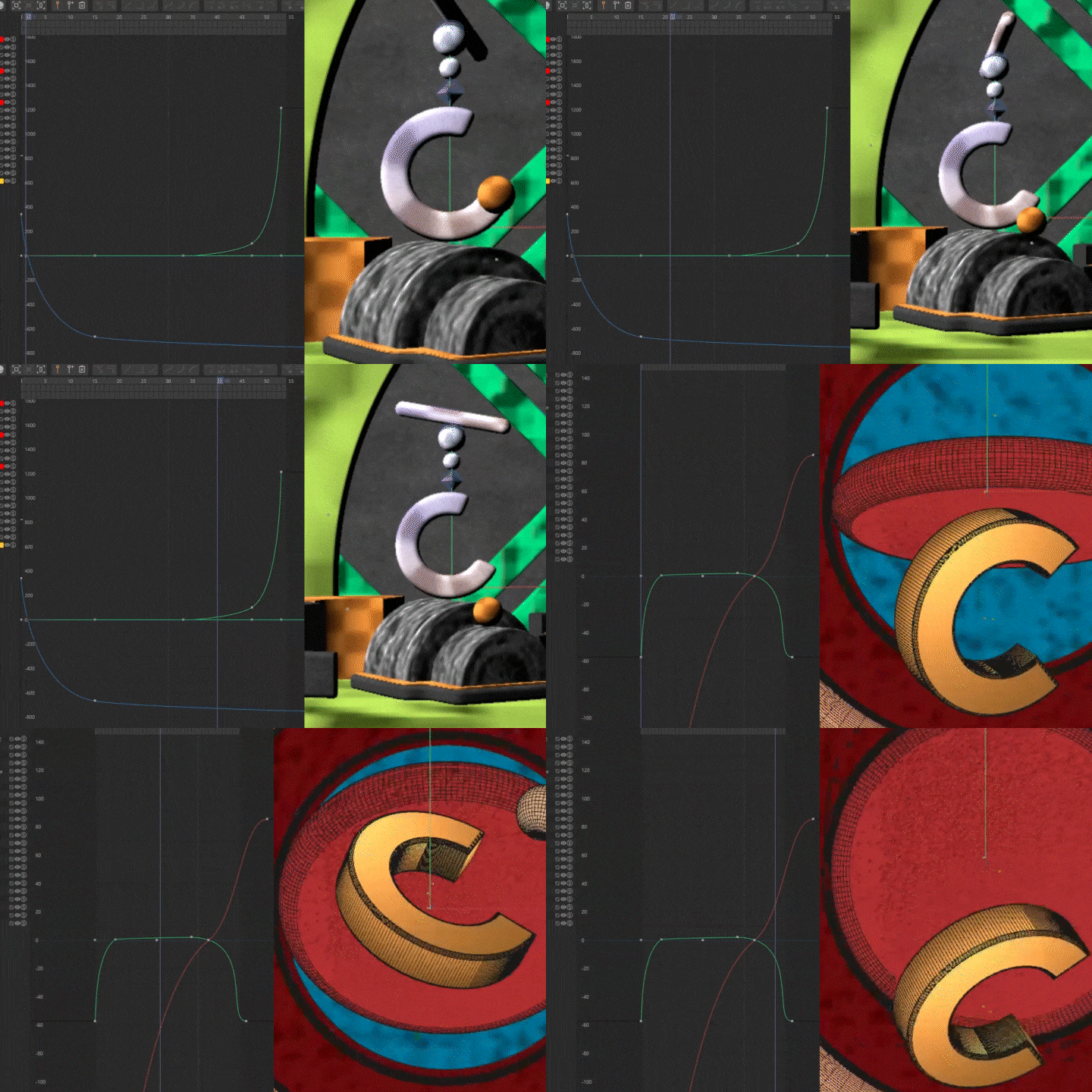 Transitions that leverage similarity in speedWe will improve our transition skills to create natural scene transitions and a sense of speed through object and camera transitions, which are the basics of motion development.
 -
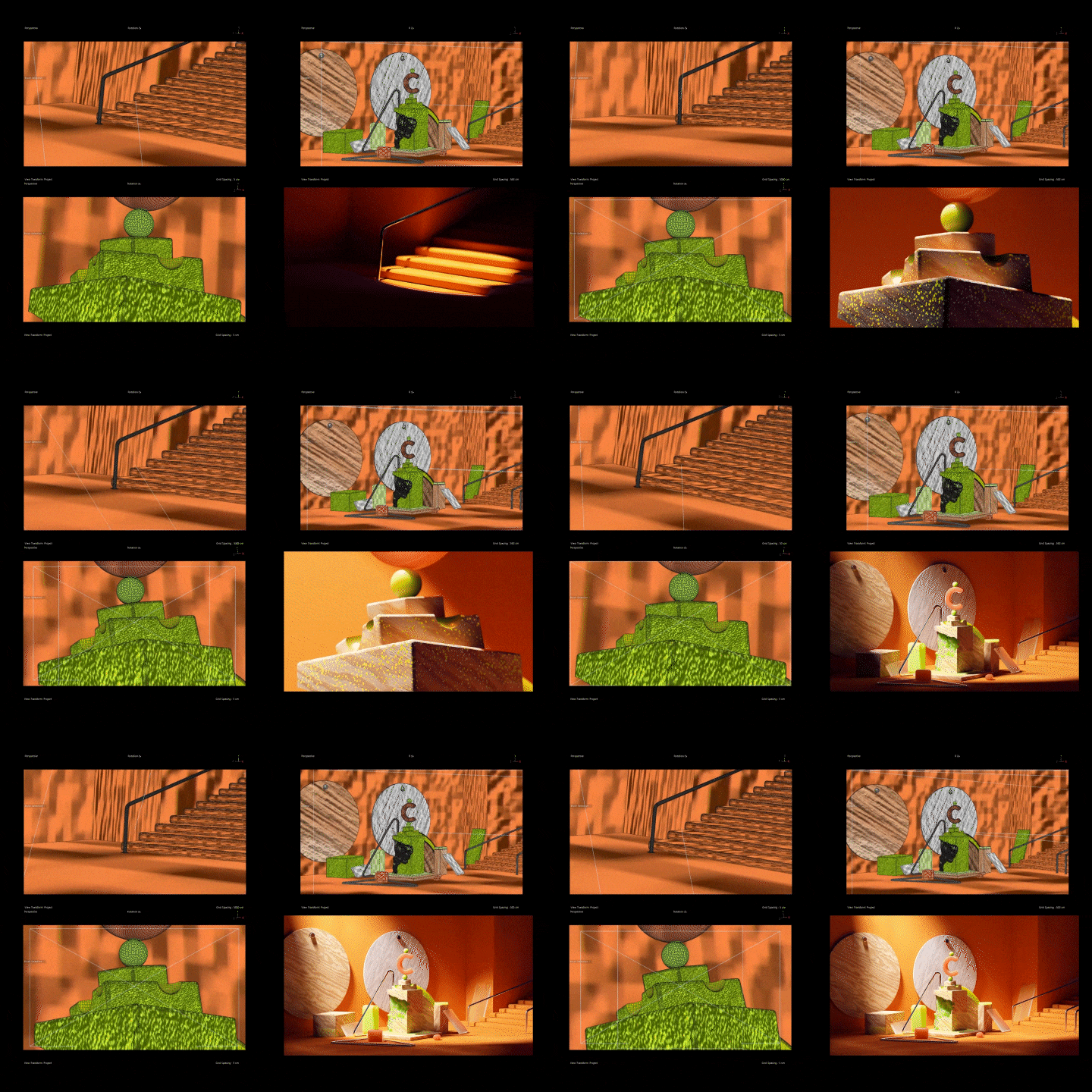 Eye-catching introductory lineage partLet's complete the introduction of motion graphics that capture people's attention through examples that reveal sensuous colors and lighting.
 -
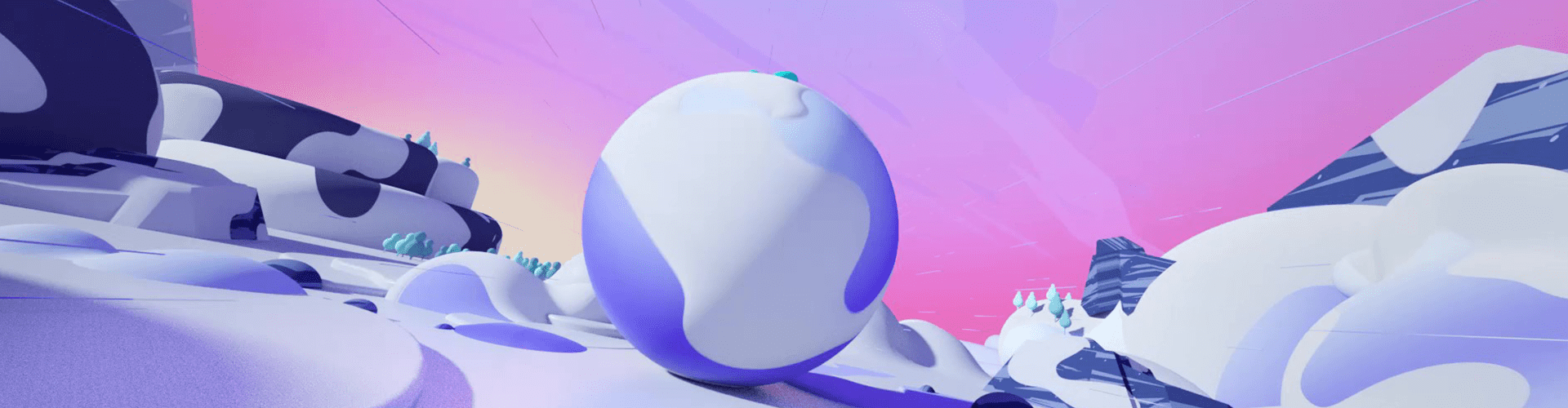
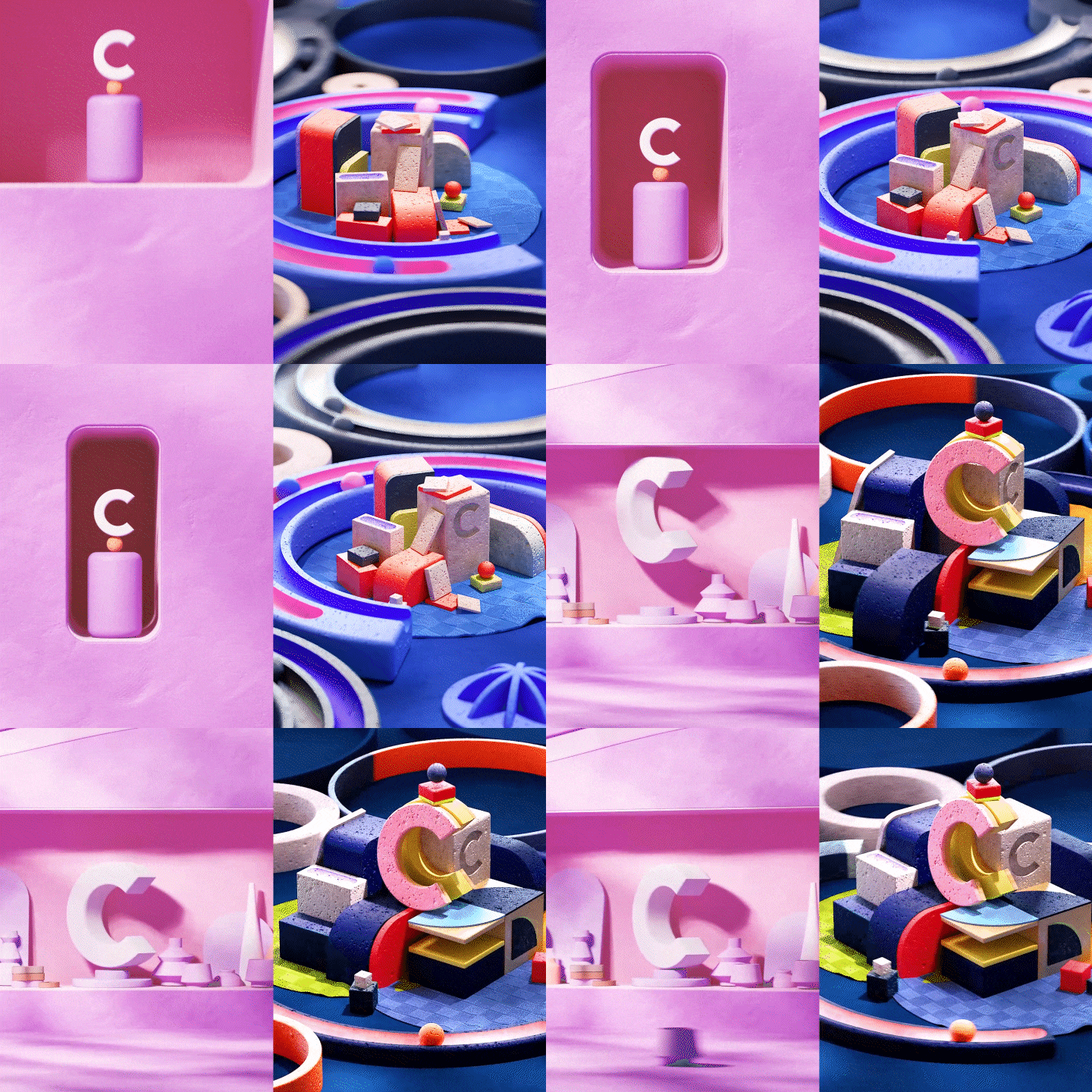 Creative applications of advanced transition skillsLearn how to apply clean and dynamic motion to your work through rotation and diffuse transitions.
* This image is an example image to help you understand the class.
curriculum
curriculum
Show me the curriculum
SECTION 01. OT
01. Lecture introduction
- Lecture Introduction
- How to use the lecture
02. Introduction and installation method of Octane Renderer and GSG
- How to install Octane Renderer
- How to install the texture plugin Grayscale Gorilla (GSG)
SECTION 02. Basic interface
03. Explanation of similarity theory of light and dark, color and speed
- Drawing: light, shade, color, and shape
- Motion: Similarities in speed and differences in scene scale
04. C4D basic interface
- Cinema 4D basic interface and features
05. Modeling and scene creation
- Stable layout design method using created modeling
SECTION 03. Octane Basics
06. Octane Renderer Basics
- Understand the main features of the Octane Renderer
07. Create a complete look using Octane and GSG textures
- Light placement method considering stable contrast
- Increase the density of the picture using GSG textures
08. AE color correction
- AE post-processing and finishing
SECTION 04. Animation Basics PRS
09. Modeling and scene creation & Octane lighting and texturing
- Creating detailed modeling shapes using Boole functions
- NULL structure considering convenience in motion production
- Complete look using Octane renderer and GSG texture
10. C4D animation graph basics
- Understanding Position, Rotation, and Scale properties
- Create tension-filled motion using animation graphs
11. PRS Example - Animation Creation
- Motion production using each PRS
- Taper awkward motion production
- Increasing speed and chewiness using the sweep function
SECTION 05. Object conversion
12. Object conversion - animation creation
- Main logo animation production
13. Object Conversion - Modeling and Scene Creation
- How to structure a scene considering motion production
- Align to Spline: Creating object motion that moves along a spline
14. Octane lighting and texturing completed
- Complete look using Octane renderer and GSG texture
- AE post-editing and example completion
SECTION 06. Camera switching
15. Camera Switching - Modeling and Scene Creation
- Camera switching example main scene creation
16. Octane lighting and texturing
- Complete look using Octane renderer and GSG texture
17. Camera motion basics
- Creating Dependent Camera Motion
18. Camera transition - animation production part 01
- Scene development & object animation production using camera motion
19. Camera transition - animation production part 02
- Scene development & object animation production using camera motion
- AE post-editing and example completion
SECTION 07. Linear conversion
20. Linear Conversion - Modeling and Scene Creation & Octane Lighting and Texturing
- Linear conversion main scene creation and look completion
21. Subscene creation and example completion
- Sub-scene production method and animation production considering the tone and manner of the main scene
- AE post-editing and example completion
SECTION 08. Rotation transition
22. Rotation conversion - modeling and scene creation & animation production
- Background design and animation production for rotation transitions
23. Octane lighting and texturing part 01
- Complete look using Octane renderer and GSG texture
24. Octane lighting and texturing part 02
- Complete look using Octane renderer and GSG texture
- AE post-editing and example completion
SECTION 09. Diffusion scene change
25. Modeling and scene creation & Octane lighting and texturing part 01
- Scene creation and look creation using Octane Renderer and GSG textures
26. Modeling and scene creation & Octane lighting and texturing part 02
- Ceramic bowl modeling production
- Complete look and create animation
27. Subscene creation and example completion
- Sub scene production
- AE post-editing and example completion
SECTION 10. Outro
28. Conclusion
- Concluding the lecture: Myself
interview
The story that 3D motion graphic designer Joonmoe Park wants to tell

Question.01
What do you think your strengths are in your daily work?
What do you think your strengths are in your daily work?
I think it is a process that produces high-quality artwork in a short period of time . This does not simply mean that you have quick hands, but that you possess the knowledge to easily overcome the obstacles you encounter while planning and producing motion graphics. If you learn design theory and expression techniques through lectures, you will be able to quickly complete high-quality works.
Question.02
How are the speaker’s unique strengths incorporated into the curriculum?
How are the speaker’s unique strengths incorporated into the curriculum?
It contains my work process as well as the way I think when I work. This my own approach is the secret and know-how to speed up the work. Since it is not limited to just one example and is covered repeatedly in each example, students can train repeatedly so as not to forget the core theory I want to convey .
Question.03
What is the planning intention of this lecture?
What is the planning intention of this lecture?
Many people find it difficult to create artwork and develop a natural and witty scene at the same time. For those people, we have conceptualized several examples of how to create a scene suitable for motion graphics and how to develop the scene, so through this lecture, you will gain the ability to learn key transition skills and apply them creatively in your own work in the future. wish.
Question.04
Lastly, please leave anything you would like to say to the students and junior creators.
Lastly, please leave anything you would like to say to the students and junior creators.
There was a time when I dreamed of becoming a motion photographer and studied , so I know very well what difficulties and concerns there are when dealing with motion graphics. As this lecture contains solutions to resolve such issues, I believe it will be a lecture that will give wings to your will to study.
We will guide you through the program to use.
This lecture covers Cinema 4D 2023, Octane Render 2022.1.1-[R4],
It will be conducted using the Adobe After Effects 2023 program.
To ensure smooth course attendance, download the latest version of the program.
Please purchase and install it separately.
*Programs and materials are not provided separately.
*'Grayscale Gorilla (GSG)' is a plug-in that provides various textures and other useful C4D features and can be paid monthly or annually through a subscription system.