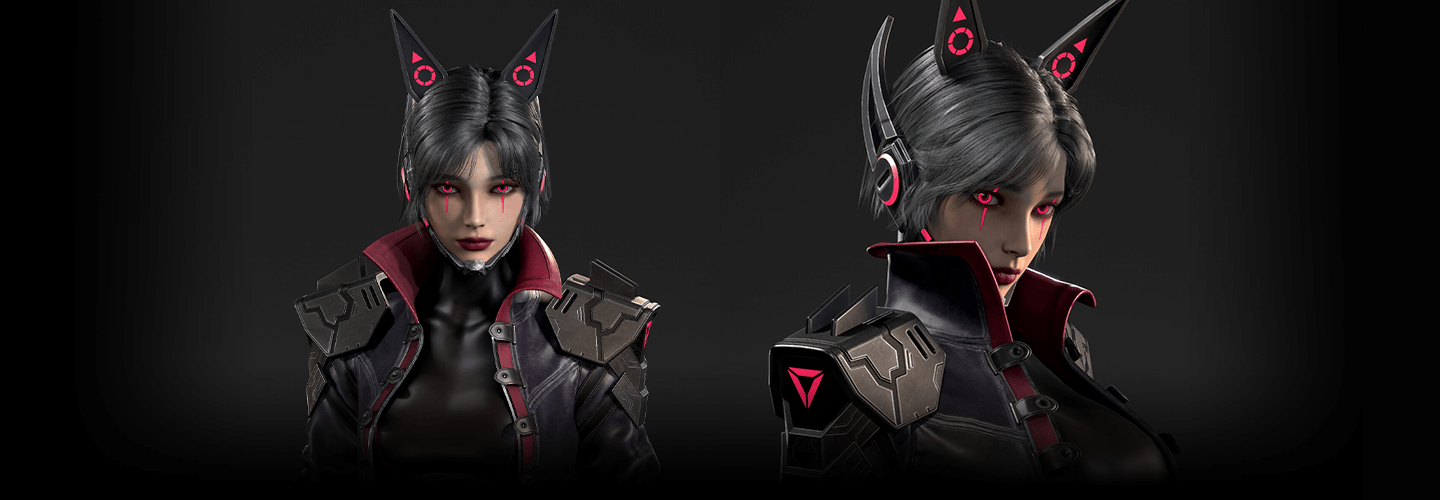
3dcharacterartist_choijiwoong_ 최지웅 Details
Intro
Class Intro
3D Character Artist Jiwoong Choi
We’ll focus on the most effective aspects you need to know at the beginner level to get started with character modeling.
Efficient Workflow: Modeling
Semi-Realistic Characters
Have you ever wondered how to model your characters in a speedier and more efficient manner? To complete a single character, you must possess the relevant knowledge and practical skills.
If you've been working hard on the fundamentals, I'll now outline everything you'll need for actual practice.
If you've been working hard on the fundamentals, I'll now outline everything you'll need for actual practice.
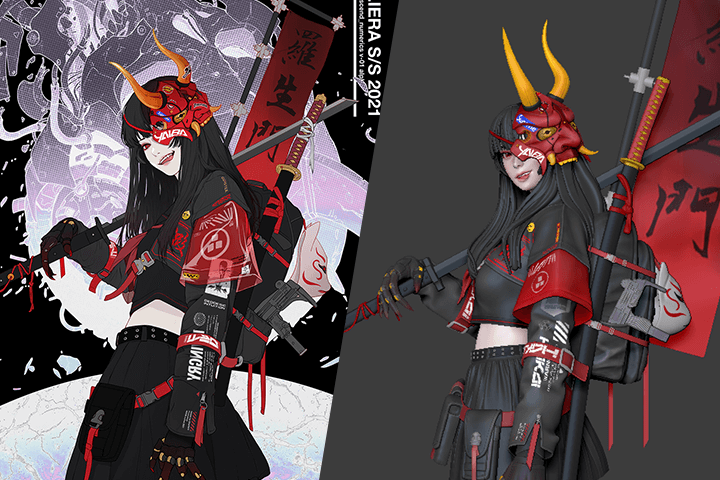
From creating a basic body from a base mesh to face sculpting with a focus on silhouette and form, to creating costumes and objects, to baking with topology and UV Unwrapping, to facial makeup and clothing texturing, and to detailed expressive work, you'll learn everything you need to know to create dense, semi-realistic characters with efficiency!
Class Perks
Get These Coloso Exclusives
-
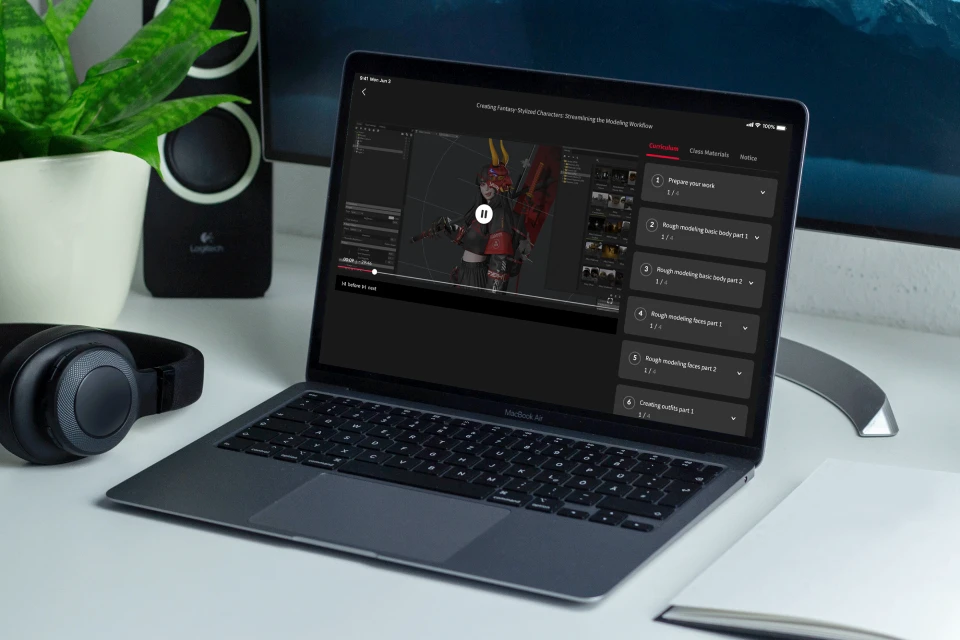
Unlimited Access to 11+ Hrs & 21 Chapters of Content -
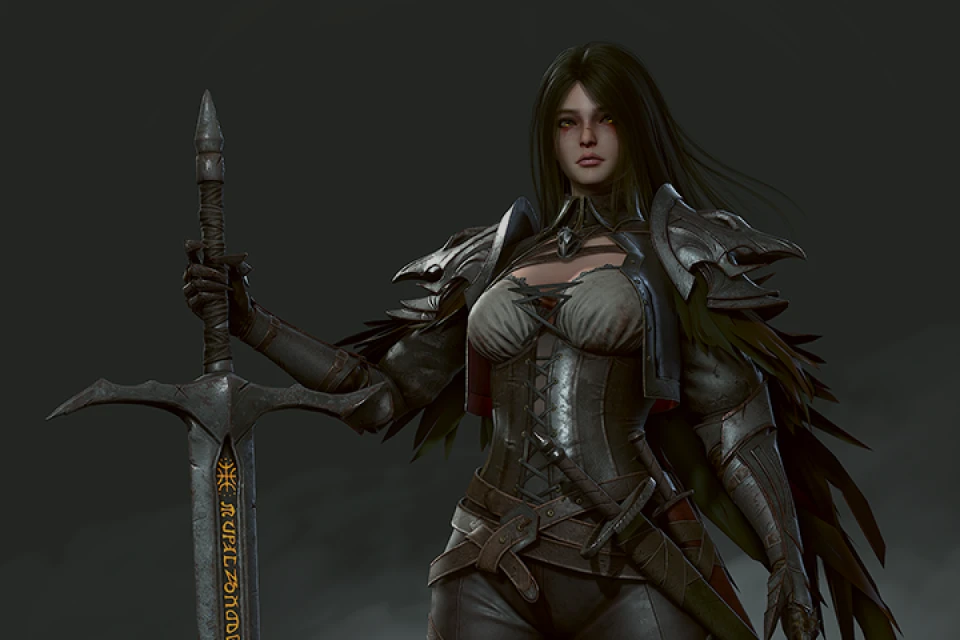
Insights from Professional 3D Character Artist Jiwoong Choi -
From the Fundamentals to Advanced Techniques
Recommendation
Who Should Take This Class?
I want to instantly learn what’s important for creating game character modeling in a reasonable timeframe, without overlapping content!
I’d love to compare myself to a working character modeler and learn what makes them different!
I hope learning the real-world character creation workflow will help me get a job in character modeling!
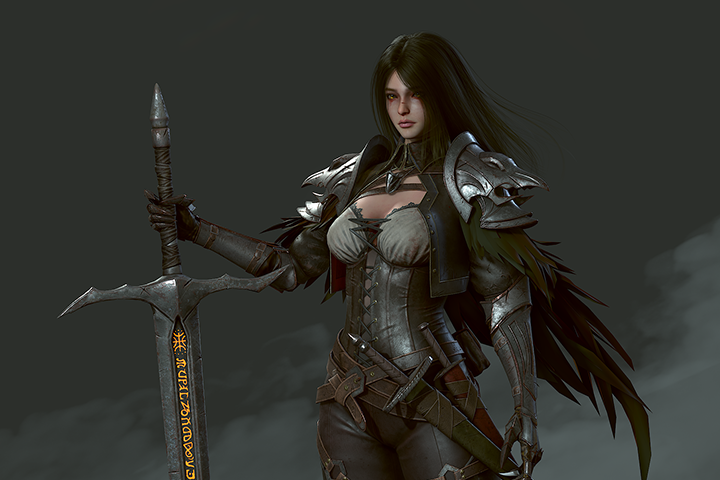
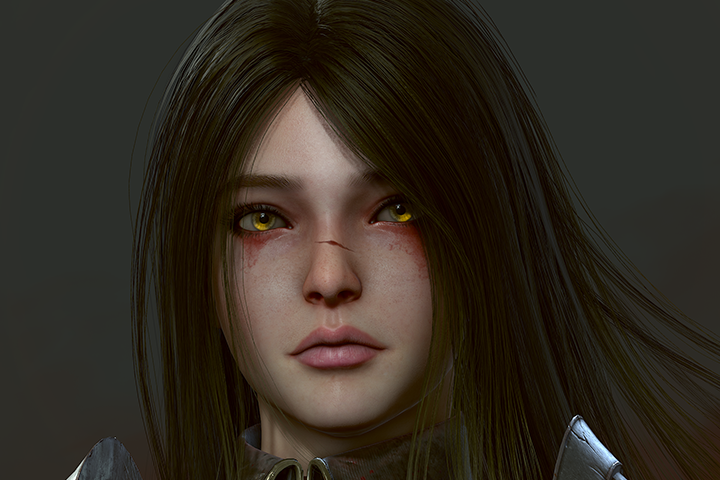
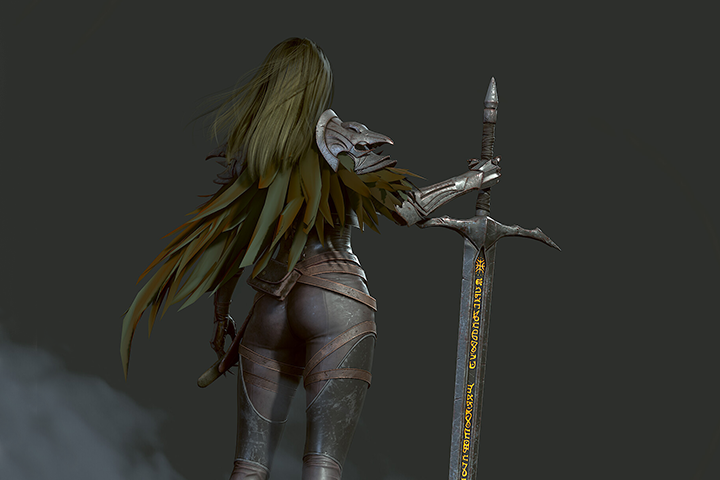
Expert 3D Character Artist Jiwoong Choi's Portfolio
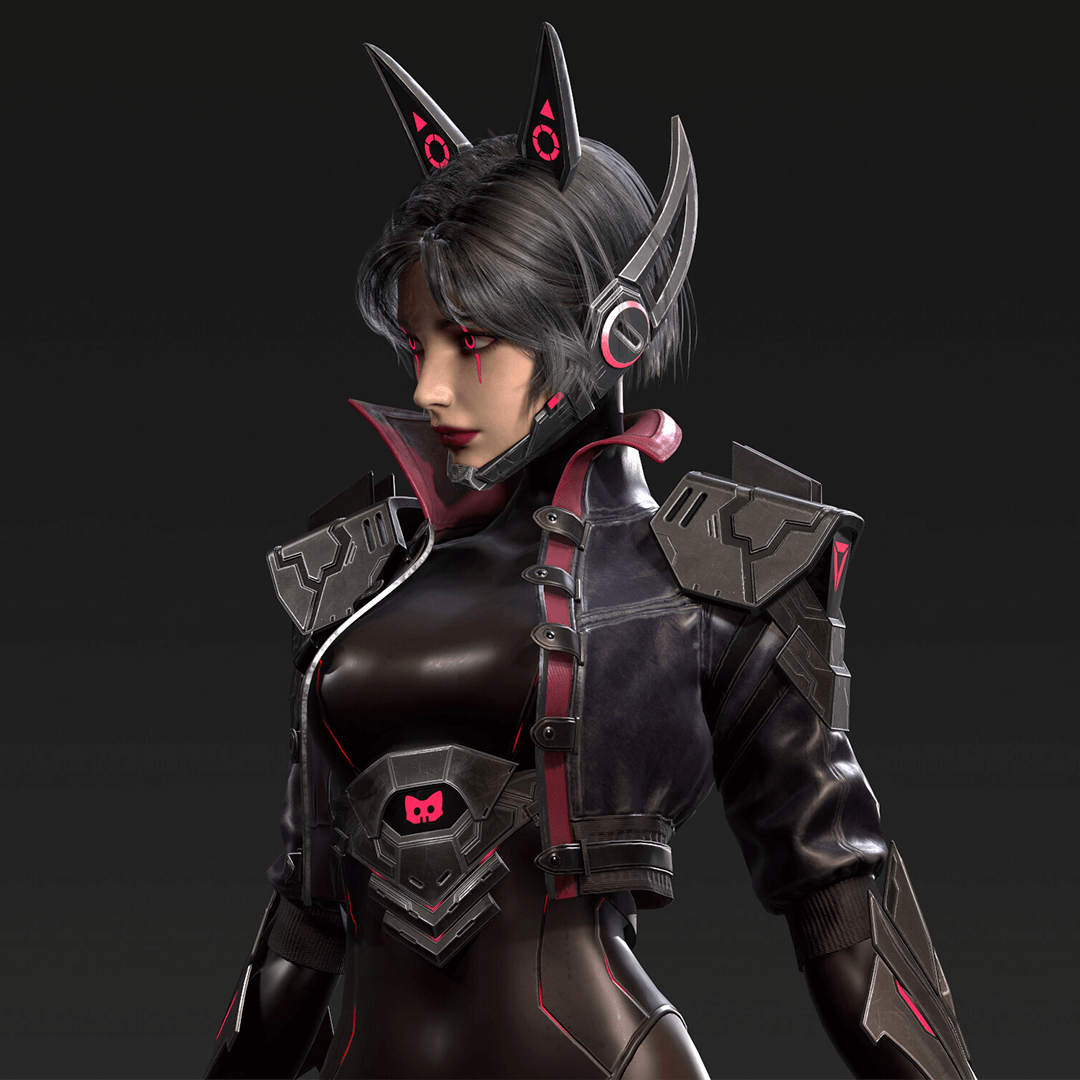
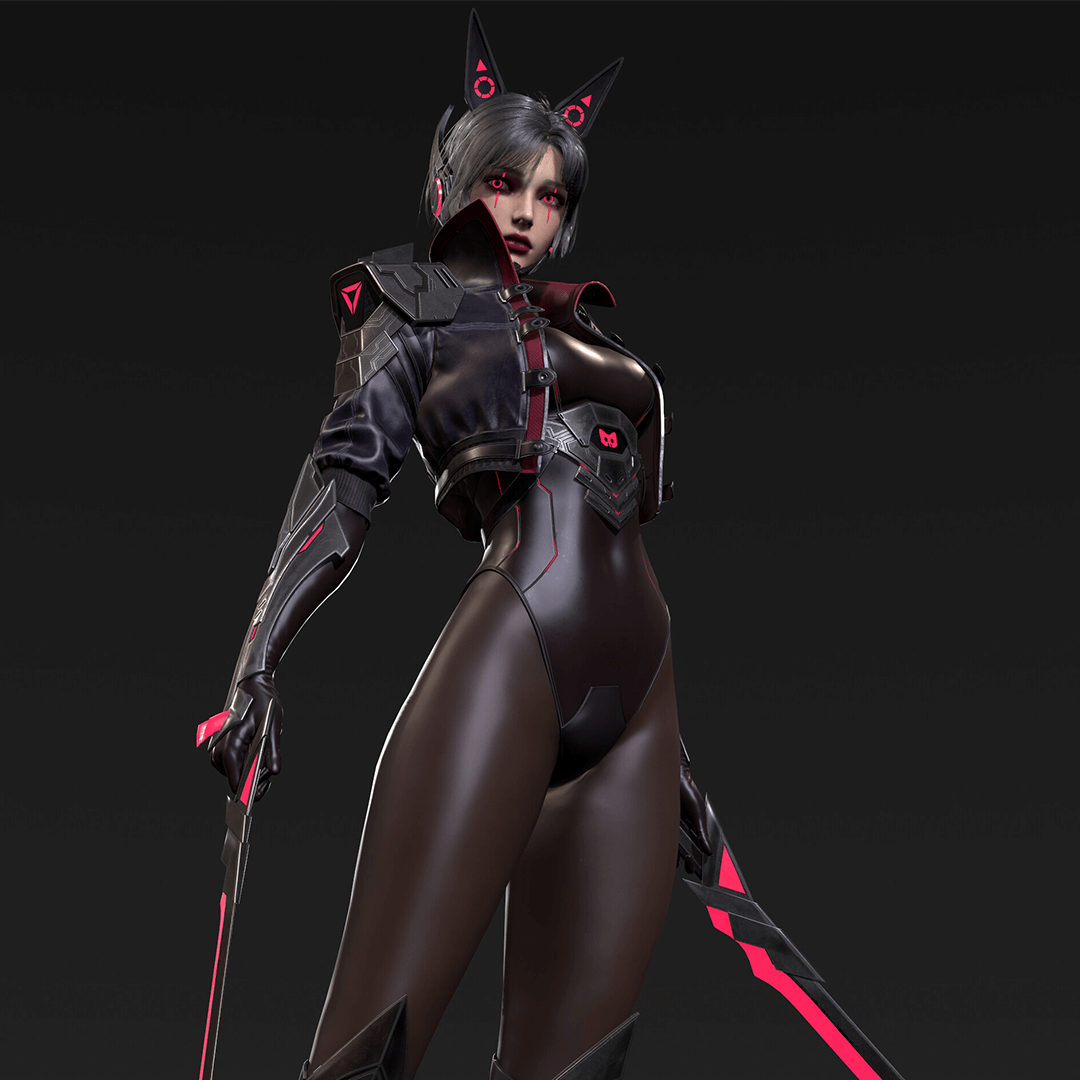
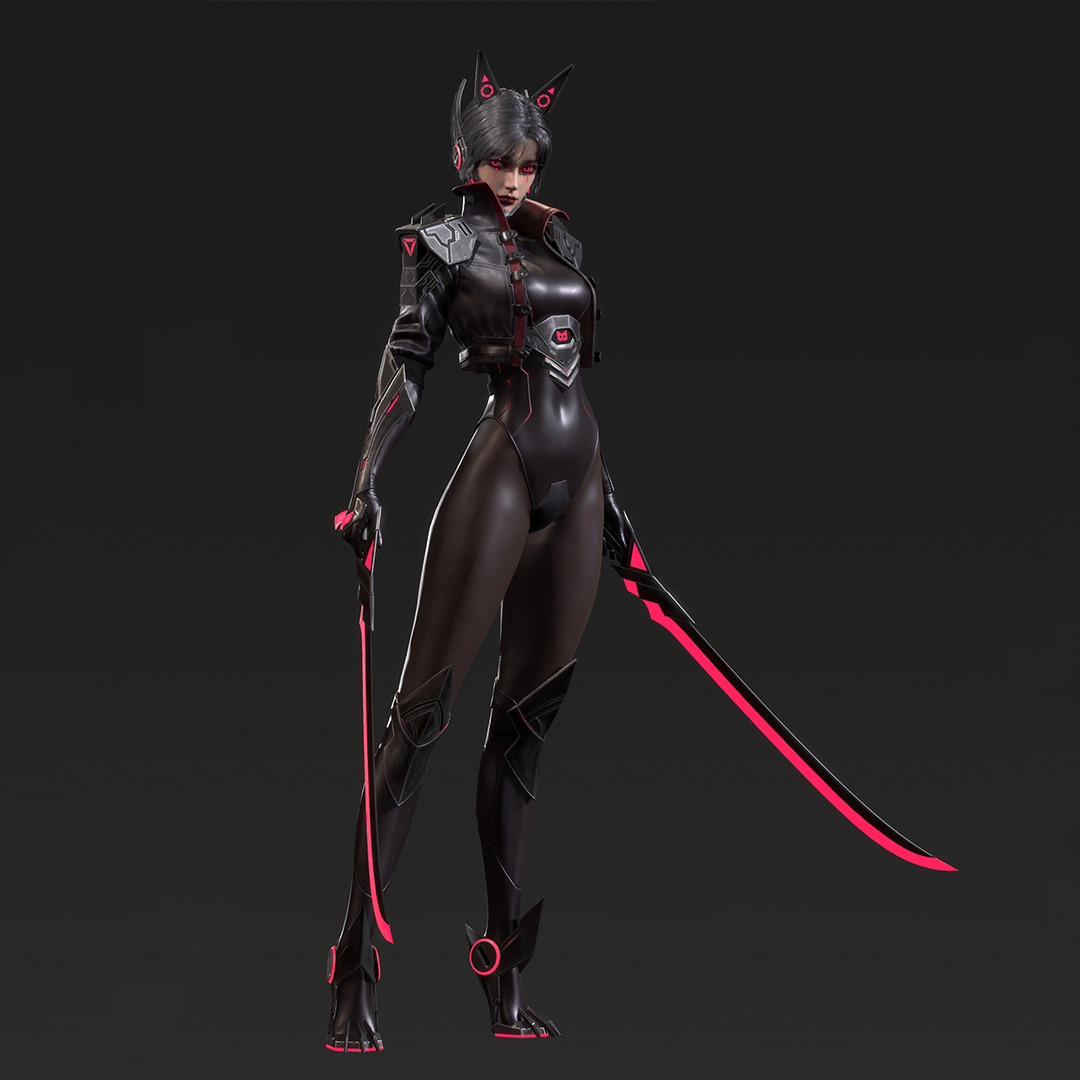
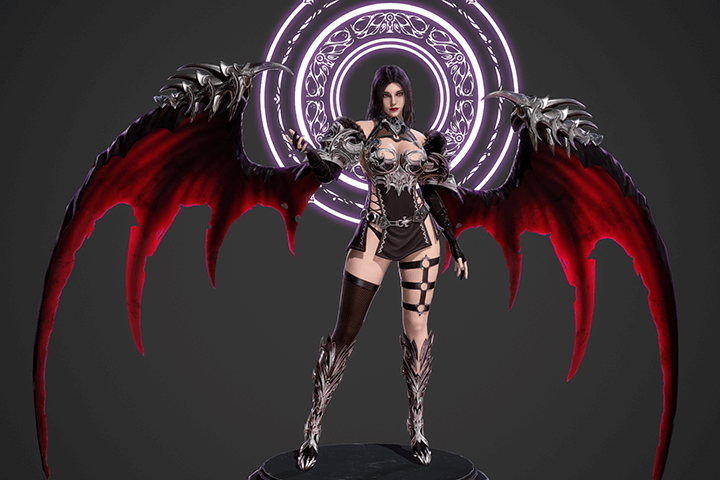
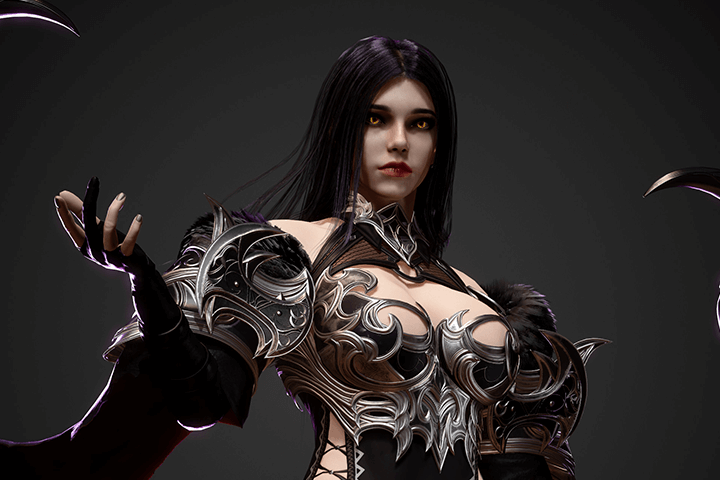
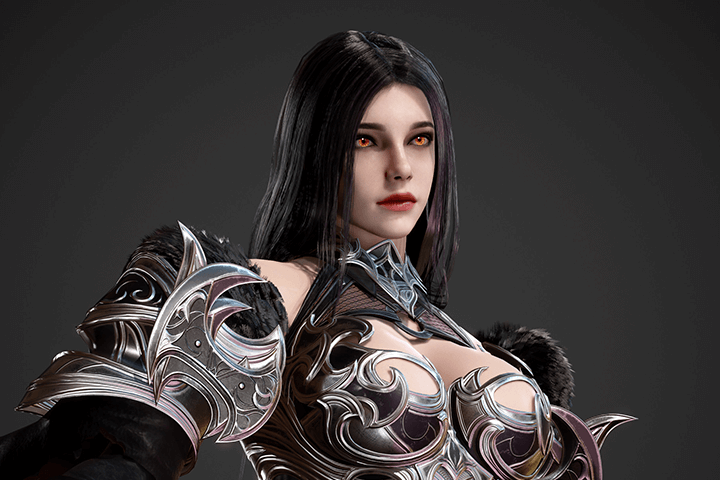
Why Take This Class?
This course will teach you all you need to know about character modeling, including modeling, sculpting, texturing, costuming, and rendering, as well as how to use the five pipeline tools that are typical in the domestic game industry: 3ds Max, Zbrush, Substance Painter, Marmoset, and Marvelous Designer.
A thoroughly optimized character modeling class that enables you to swiftly grasp the expert's vital design knowledge without wasting time.
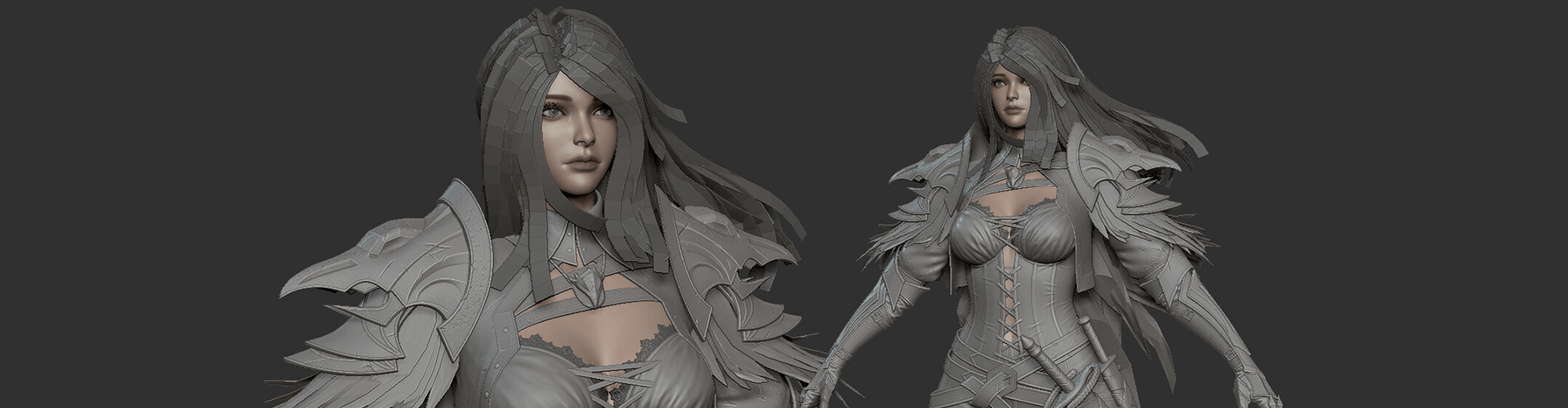
15 Class Exercises
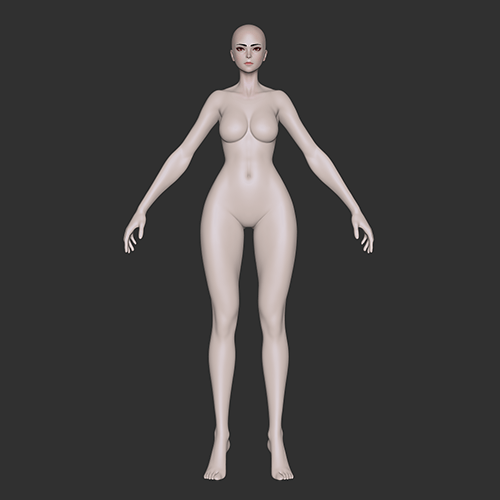
Default Body
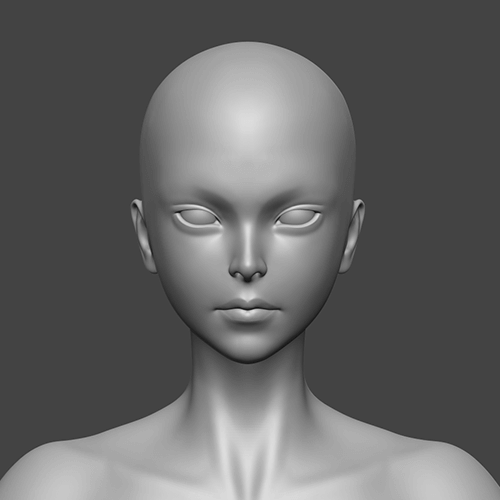
Face Sculpt
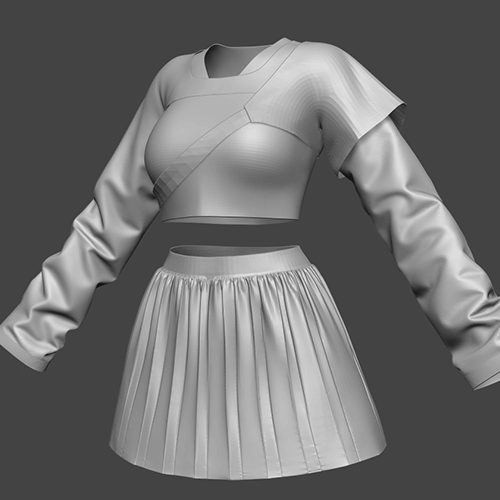
Outfits
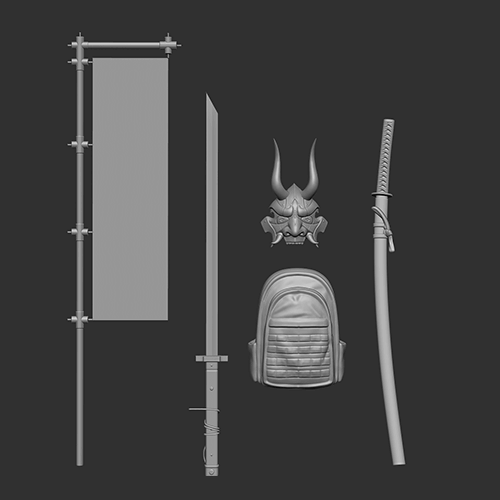
Objects
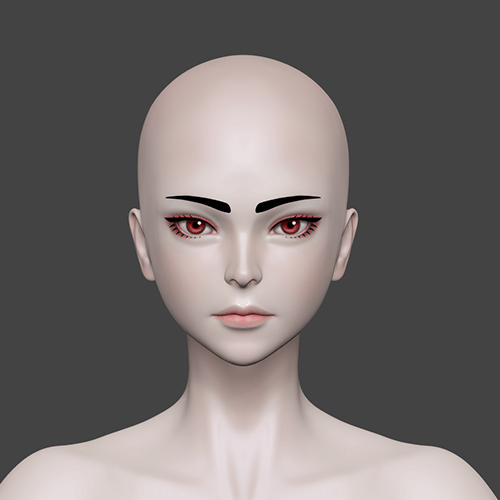
Face Details
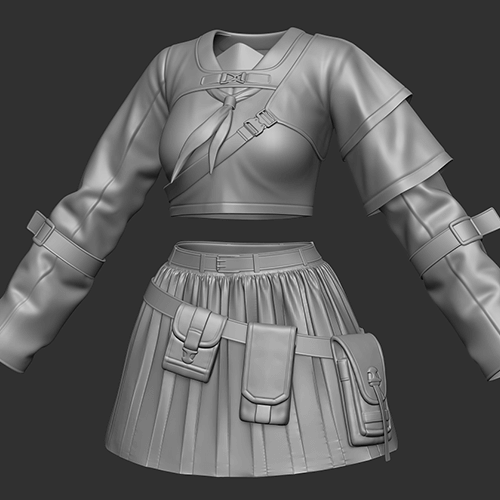
Outfit Details
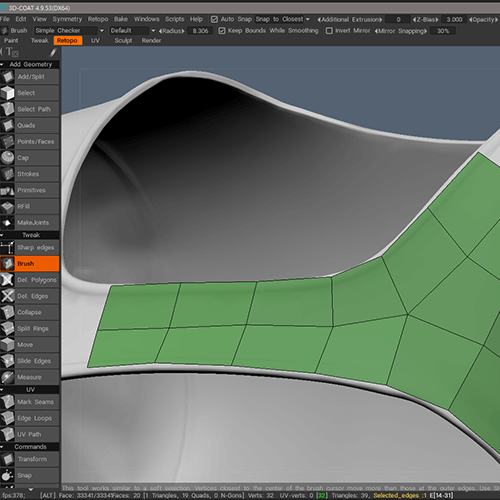
Topology
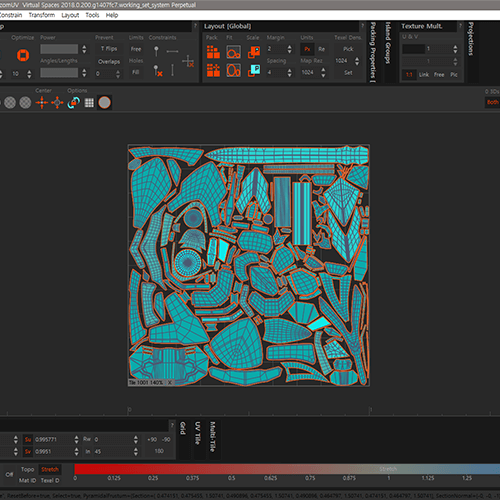
UV
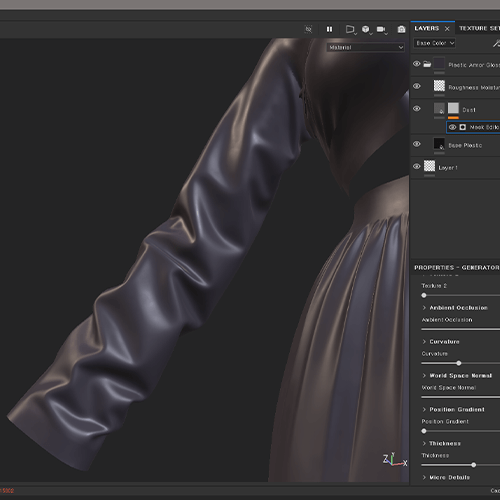
Baking and Texture
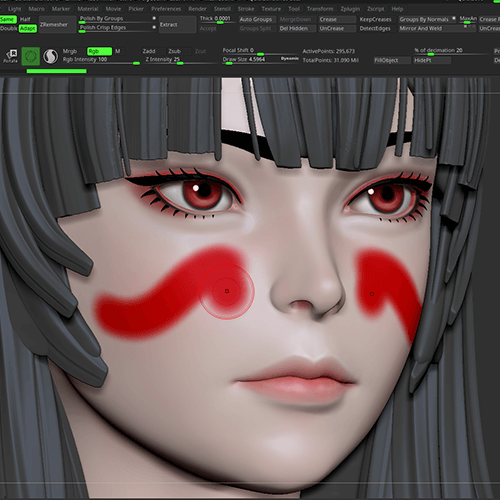
Facial Makeup
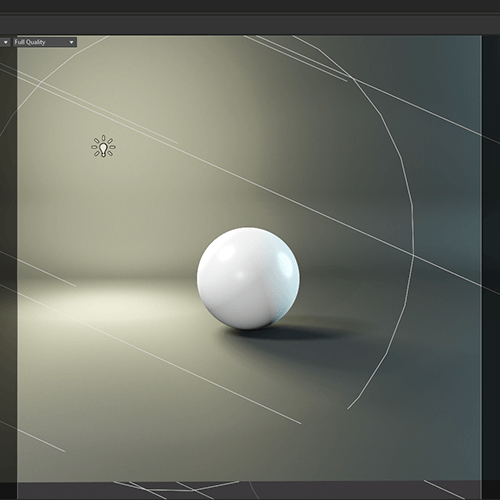
Lighting
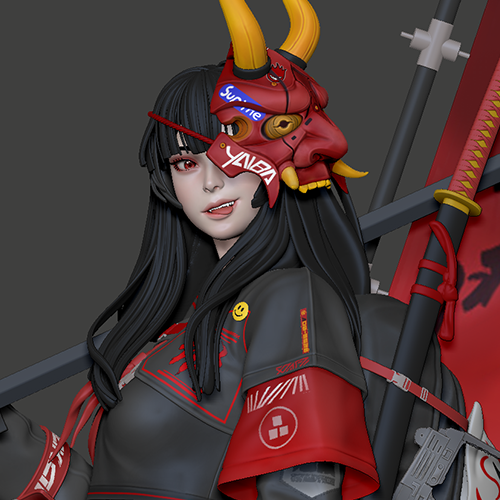
Final Character
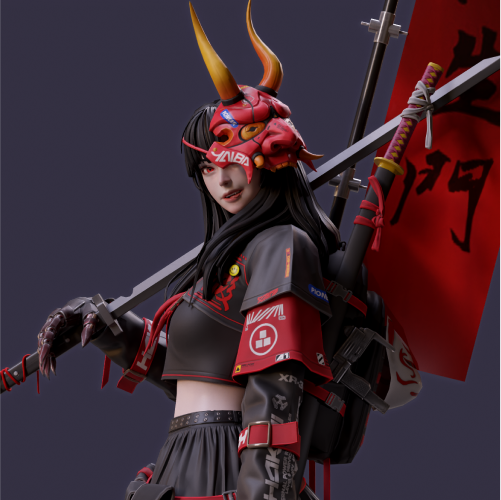
Bust shot
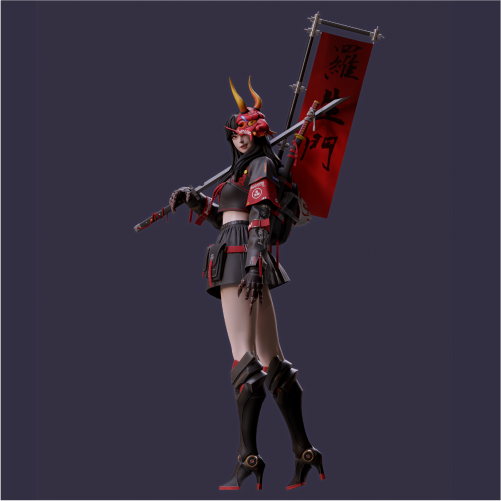
Full shot
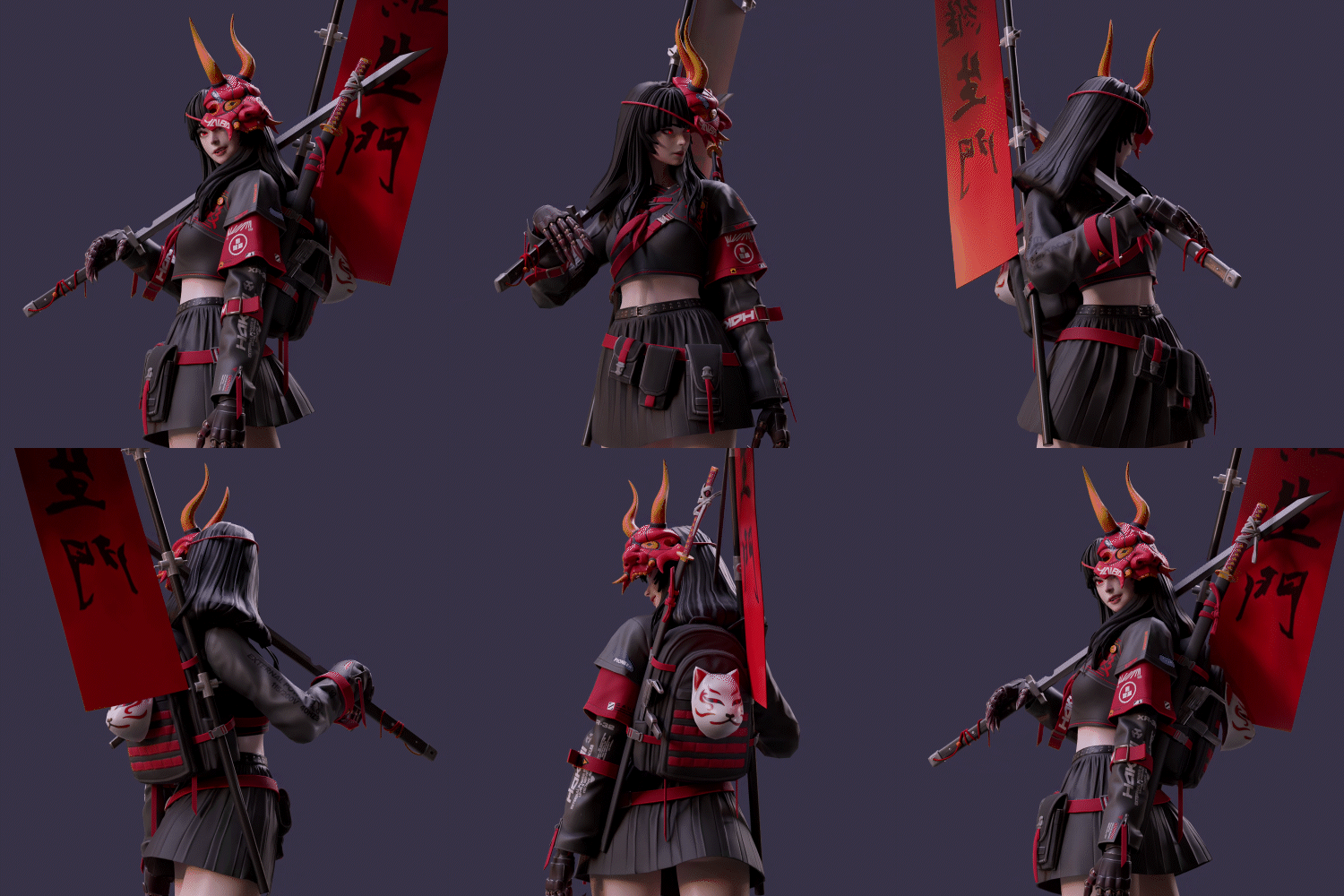
Turntable
Instructor
3D Character Artist
Jiwoong Choi
Hello.
I am Jiwoong Choi, a 3D character artist.
I am currently working as a character modeler in the Live Services team, creating various outfits and equipment.
In this class, I’ve designed an intensive curriculum to help aspiring artists with some basic knowledge and beginners learn the character modeling pipeline efficiently.
I hope you’ll leave this class with a good understanding of the key knowledge in creating a single fantasy-inspired character.


Highlights
Class Highlights
The Fundamentals of Real-World Character Modeling
Are you tired of repetitive classes? I've cut out the fluff and curated the essentials you need to learn. Get up to speed quickly on practical knowledge without getting bored.
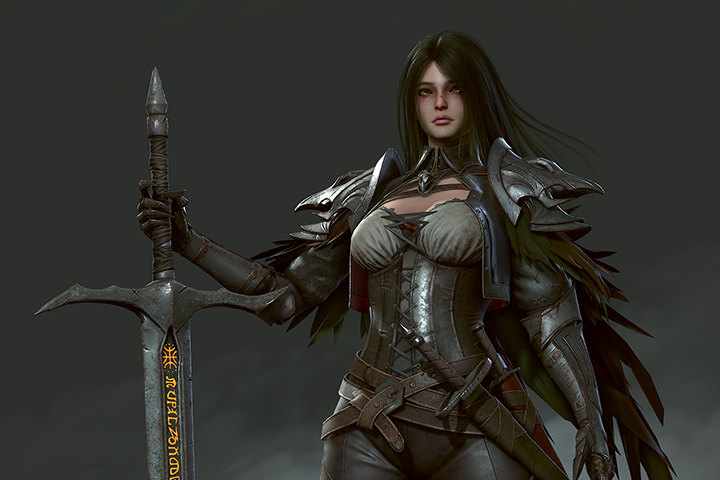
Specific Challenges That Aspiring Artists Encounter
Enough with the worries! I’ve broken down the difficult points and provided easy solutions. Focus and learn the most effective areas that are best to know at the beginner level.
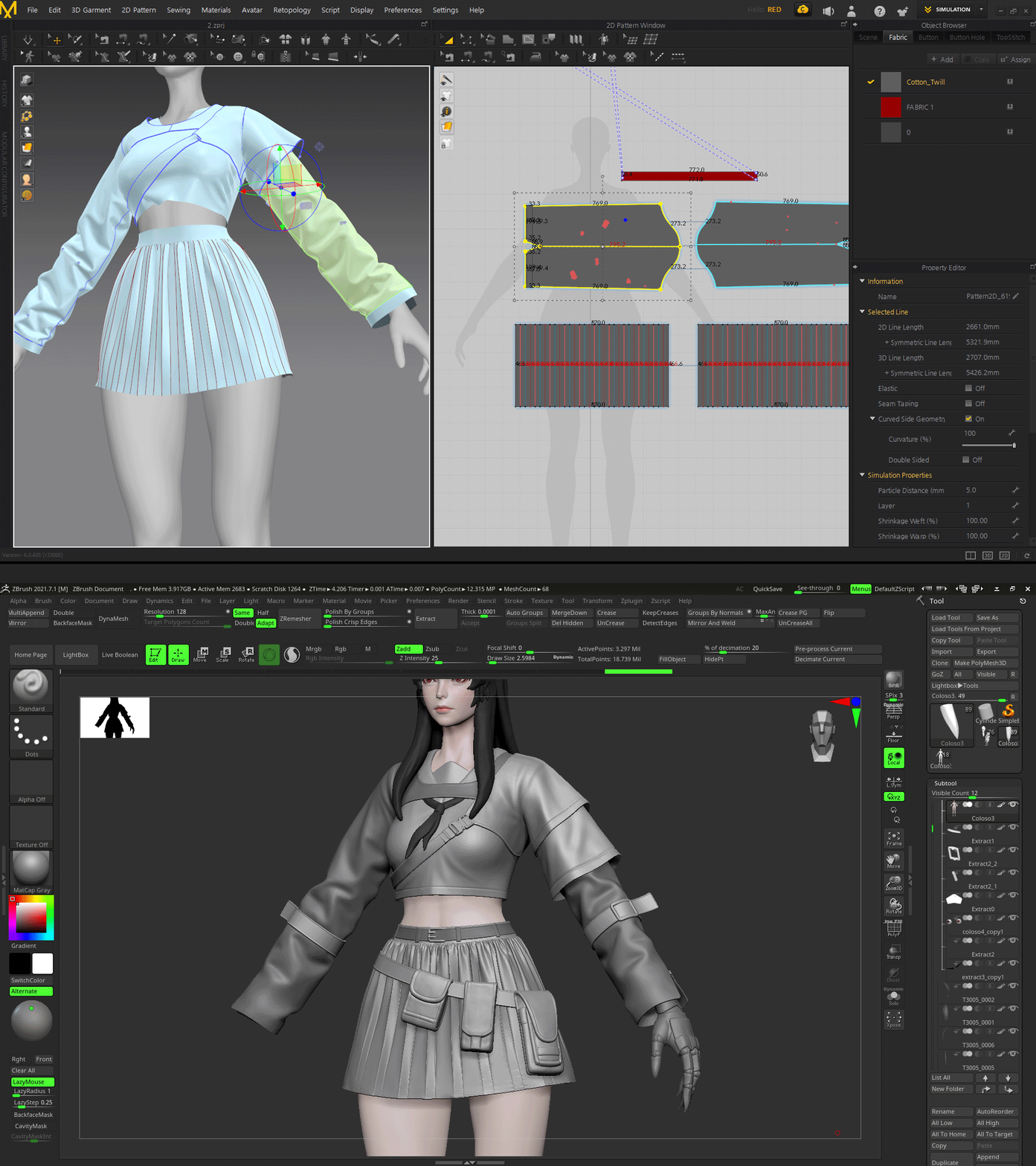
Discover the Various Processes Needed to Make a Character
Don’t just learn the theory, put it into practice! You’ll be able to apply different approaches to creating finished designs, learn the workflows and strengths of a professional character modeler and make them your own.
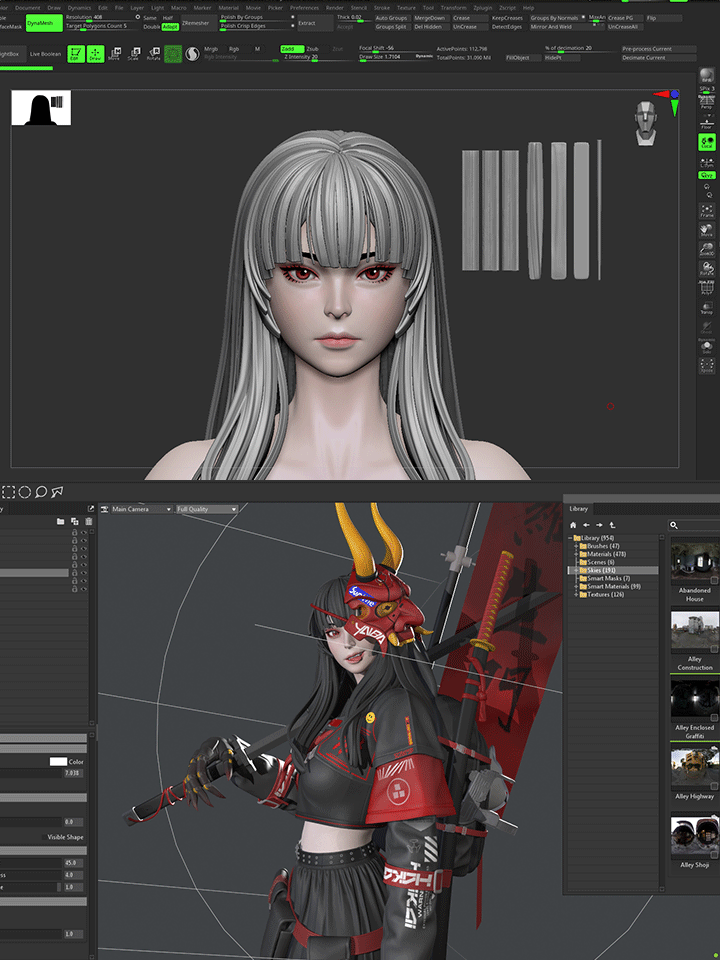
Class Details
You'll Learn
-
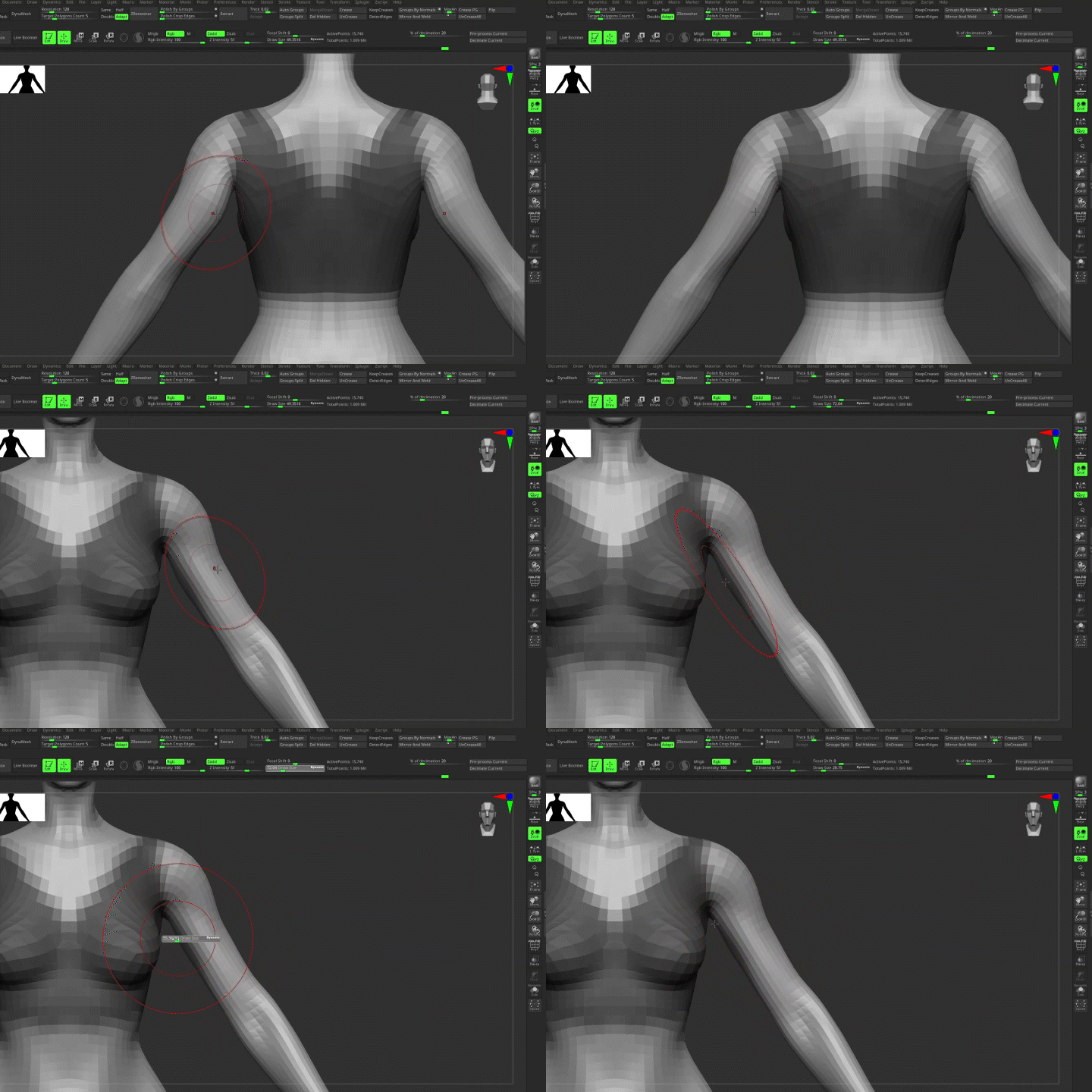 How to Quickly Learn Body Shapes with ZbrushYou will learn the process of roughing out the built-in base mesh by carefully studying the references and building up the shape of the human body.
 -
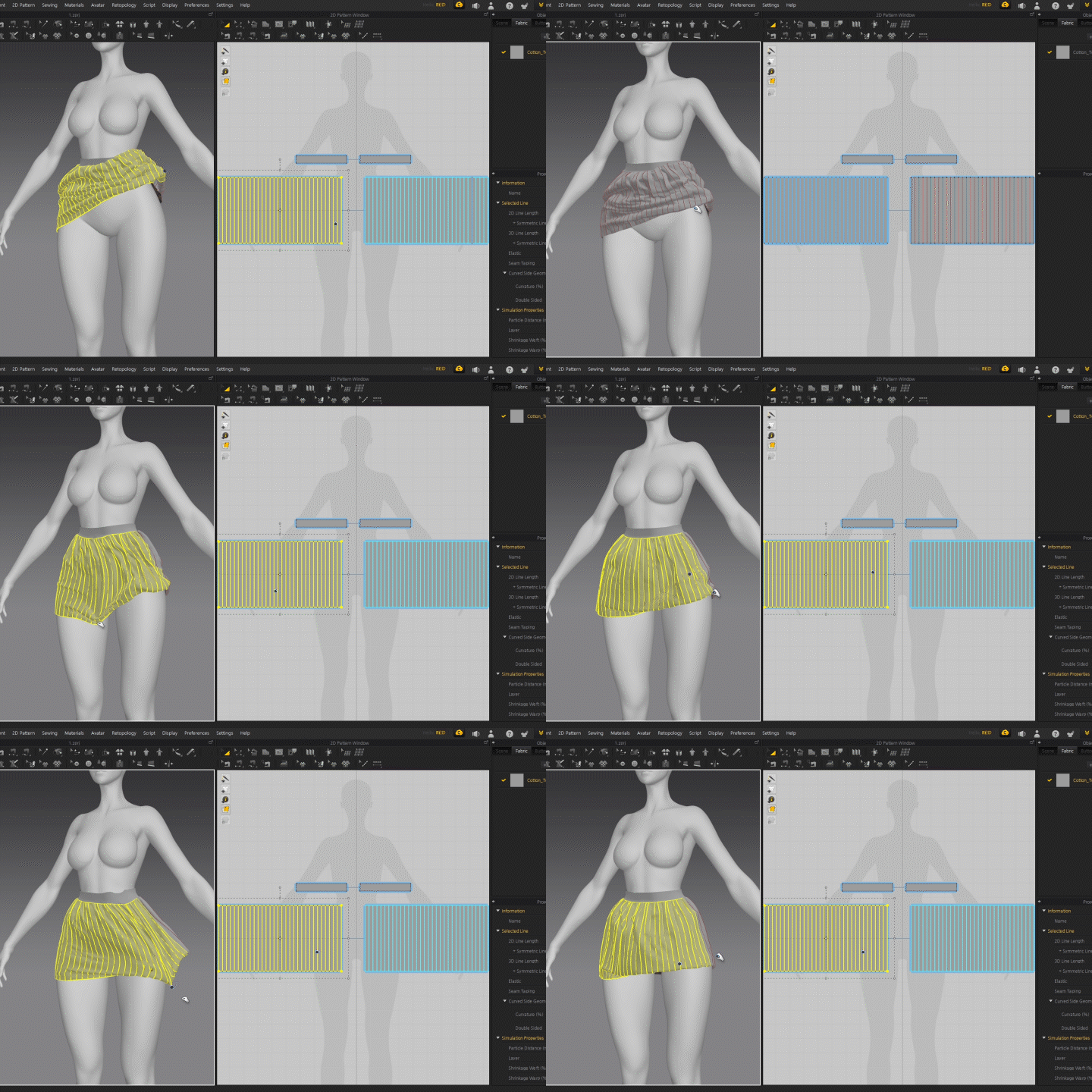 Realistic and High-Quality Costumes Made with Marvelous DesignerLearn how to use the Marvelous Designer to create a basic mesh for a character’s clothing and add details in the Zbrush.
 -
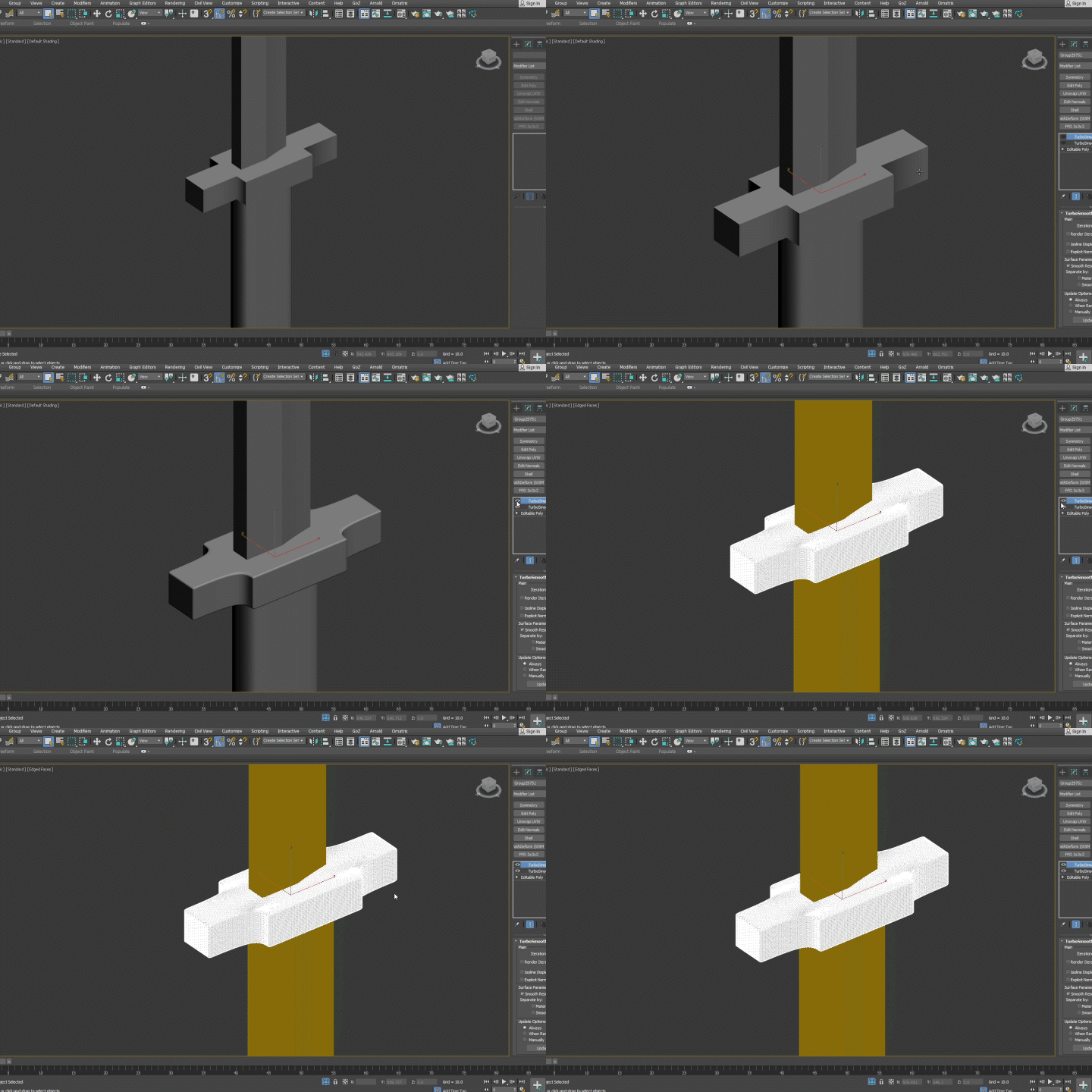 Various Objects and Detail Design That Will Give Your Character PersonalityUse 3ds Max to create dummies and various pieces of equipment for the character and modify additional details, such as hair, face, and clothing proportions in the Zbrush.
-
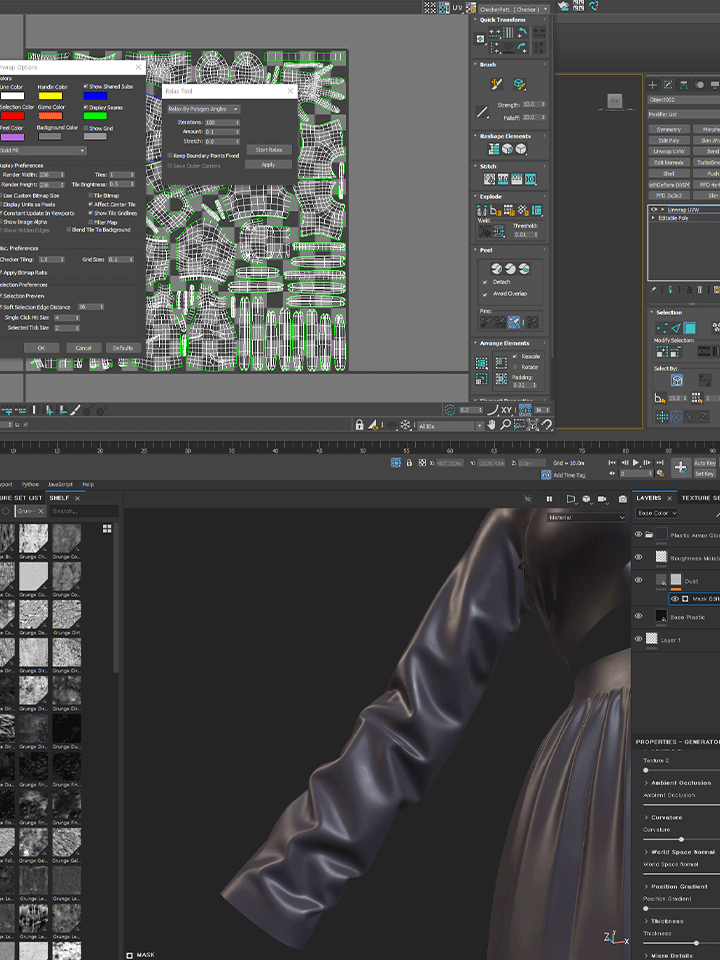 Topology for Baking And Efficient UV PlacementLearn how to organize high-poly data, manage low-poly for baking, and spread UVs efficiently from a hands-on perspective.
 -
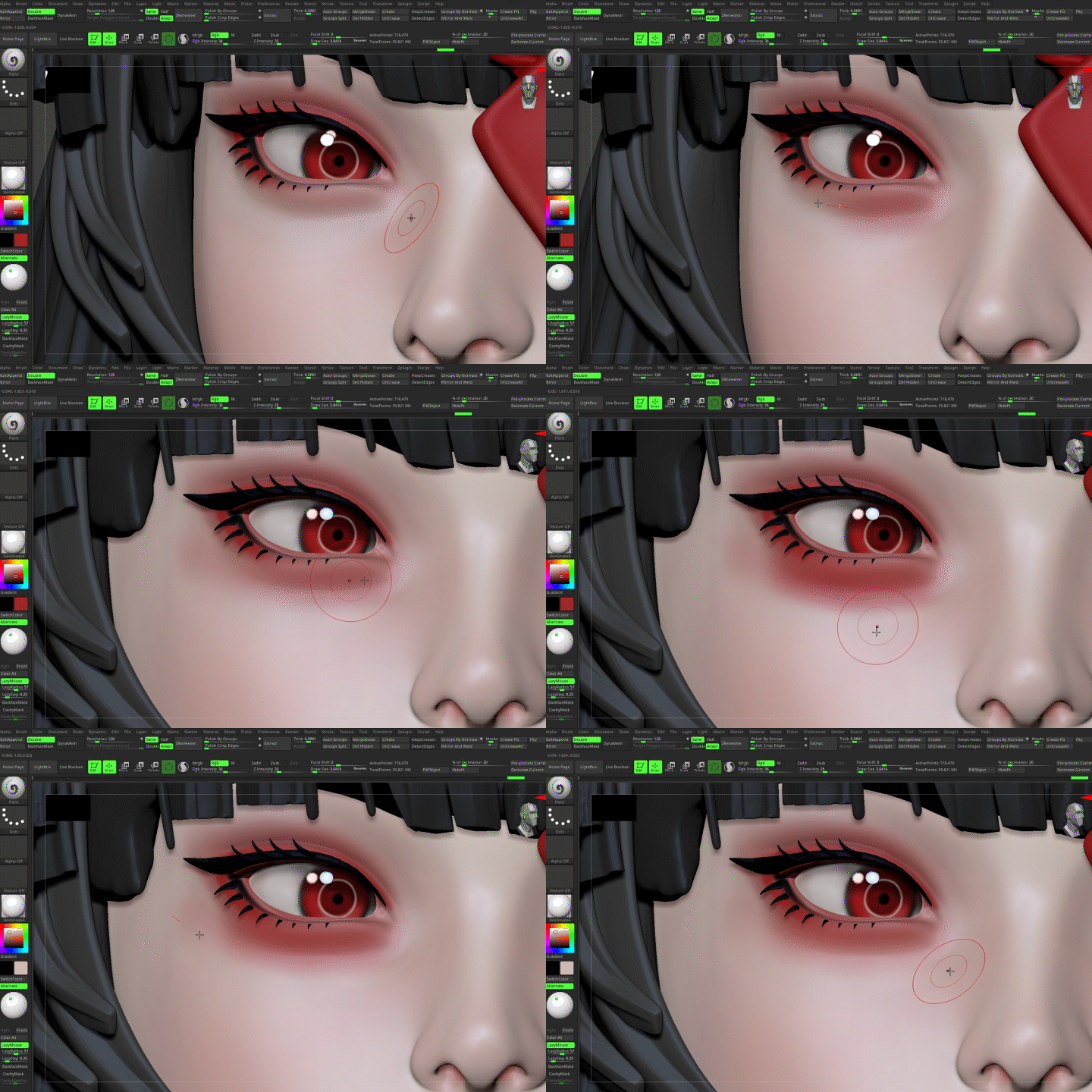 Natural Clothing Texturing And Makeup Application to Create a Vibrant FaceLearn how to use the Substance Painter to get the base color and dimension of the outfit and use Poly Paint to bring the facial makeup to life.
 -
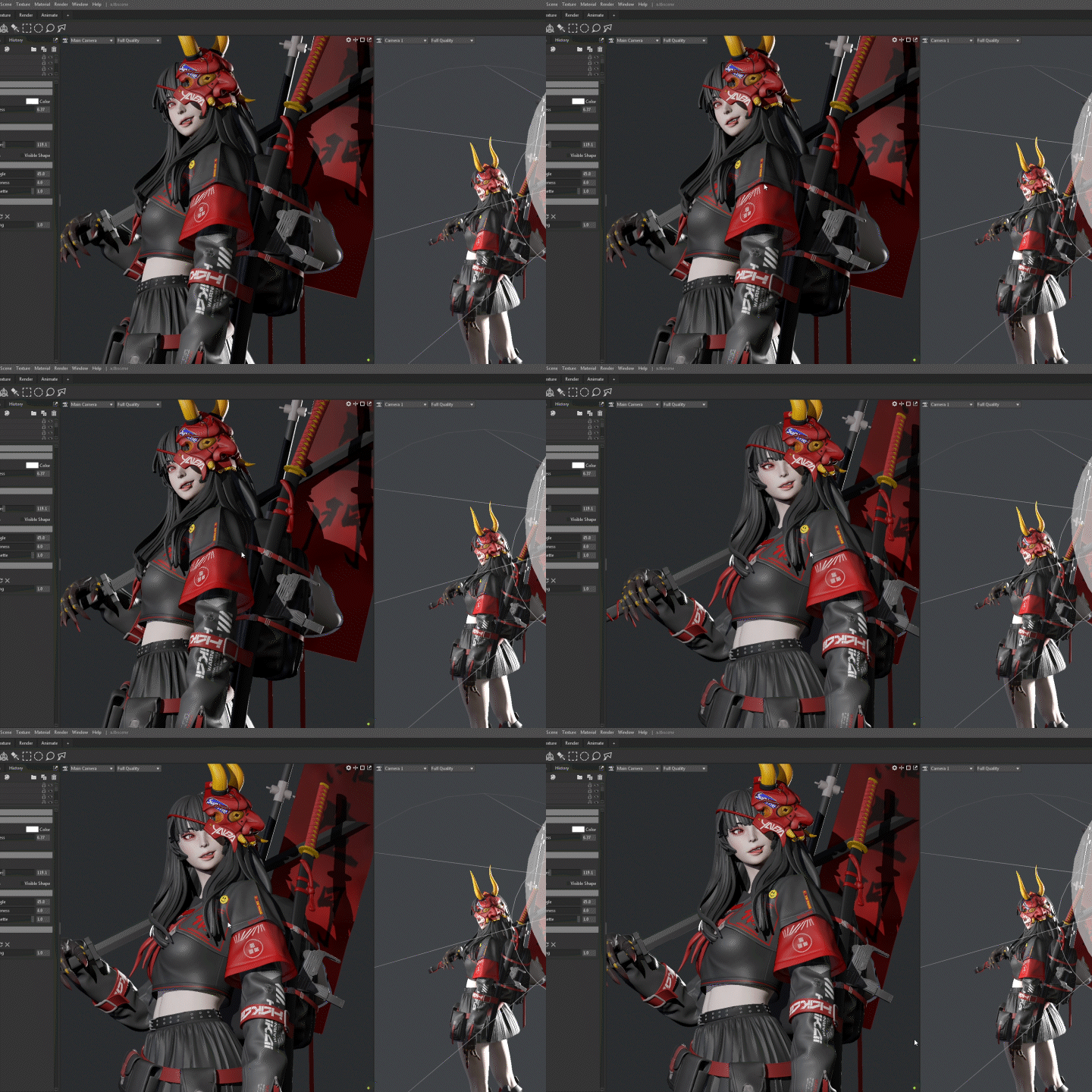 Environment Settings & Final Result Rendering That Suits the CharacterYou’ll learn how to set up materials for different parts of the body, use the Biped feature to capture simple poses, and set up environments and lighting for your character.
- Unlimited Access
- Best Price
Buy now, get unlimited access.
12/31 (Sat) (UTC-7) Special offer ends soon.
This special offer ends soon.
Buy now and save!
Curriculum
Curriculum
In-Depth Look
SECTION 01. Intro: Preparation
01. Prepare your work
- A brief introduction
- Choose your favorite artwork and get ready to create
- Overall pipeline
SECTION 02. Modeling
02. Rough modeling basic body part 1
- Utilizing the base mesh to create a default body
- Take a closer look at the reference images
03. Rough modeling basic body part 2
- Utilizing the base mesh to create a default body
- Take a closer look at the reference images
04. Rough modeling faces part 1
- Sculpting with a focus on silhouette and shape
- Scaling by reference
05. Rough modeling faces part 2
- Sculpting with a focus on silhouette and shape
- Scaling by reference
06. Creating outfits part 1
- Shaping with Marvelous Designer
- Move and design with Zbrush
07. Creating outfits part 2
- Shaping with Marvelous Designer
- Move and design with Zbrush
08. Creating objects part 1
- Utilizing 3ds Max to create dummies
- Detail designing in Zbrush
09. Creating objects part 2
- Utilizing 3ds Max to create dummies
- Detail designing in Zbrush
10. Designing face detail
- Catching additional details
- Modifying ratios
11. Mesh hair
- Creating a hair mesh in Zbrush
12. Designing outfit details
- Additional details for outfits
- Modifying ratios
SECTION 03. Baking Preparation
13. Topology
- Organizing high poly data
- Topology for baking
- Low poly management
14. UV Unwrapping
- Efficient UV placement
- Grouping objects by UV
15. Baking
- Baking in the Substance Painter
- Avoiding problems when baking
SECTION 04. Texturing
16. Outfit texturing
- Setting basic colors and dimension
- Drawing a decal
- Set additional details
17. Facial Makeup
- Utilizing poly paint
- Getting a poly paint texture map from Marmoset
- Importing and modifying with the Substance Painter
SECTION 05. Rendering
18. Setting up textures in the engine
- Setting up materials for each parts
- Modifying textures to fit the engine
19. Take a simple pose
- Utilizing Biped on Max
20. Lighting
- Setting the right environment for your character
21. Material setting
- Importing the extracted map
- Setting up for lighting
*The release date of this class, curriculum images, and associated content can be changed without prior notice.
** Class videos may be seperated for a more streamlined viewing experience
Interview with
3D Character Artist Jiwoong Choi

Question.01
Who would be the target audience for this course?
I recommend this course for beginners because it starts with the basics and quickly moves through the entire workflow. Rather than a long video with a lot of repetitive modeling, this course is designed to help you learn the workflow by progressing quickly and cutting out the unnecessary parts.
Question.02
What's the most difficult aspect of studying stylistic character modeling?
Stylization is less detailed than the actual image, but the impact of a character’s silhouette is much more important. First-time students often find it easy to create simple real-world objects, but they encounter difficulties modeling unique objects suitable for games, so I would like to teach you how to do it efficiently.
Question.03
What distinguishes this course from others?
This course is not meant to be about copying every part, but rather to show and explain the process of creating one object, so that you can create the other parts on your own. Modeling is not a cookie-cutter field like math, so it’s important to develop the ability to apply one thing in multiple ways when learning.
Required Programs
This course will use
- 3ds Max (ver. 2020 or above)
- Zbrush (ver. 2021 or above)
(Zbrush- a separate tablet for sculpting work is required)
- Substance painter (ver. 2021 or above)
- Marmoset toolbag 4
- Marvelous designer
Please purchase and install these program(s) for an optimized chapter experience.
* Class materials are not provided separately.
*These programs and/or materials will not be provided with the chapter.
Recommended
Recommended Class
Like this class?
Then check these out!